 Скачать презентацию Installing and Maintaining Certificates with IBM Security App
e6322e22cc1c59f08667451b0495e651.ppt
- Количество слайдов: 95



Installing and Maintaining Certificates with IBM® Security App. Scan™ Enterprise and IBM® Security App. Scan™ Source IBM Security support Open Mic Reminder: You must dial-in to the phone conference to listen to the panelists. The web cast does not include audio. USA toll-free: 866 -803 -2145 USA toll: 1 -210 -795 -1099 Participant passcode: 4664549 Slides and additional dial in numbers: http: //www. ibm. com/support/docview. wss? uid=swg 27048560 August 17, 2016 IBM Security NOTICE: By participating in this call, you give your Irrevocable consent to IBM to record any statements that you may make during the call, as well as to IBM’s use of such Recording in any and all media, including for video postings on You. Tube. If you object, please do not connect to this call.
Presenter: Karl Weinert – App. Scan Source Support Engineer Panelist: Sherald Howe - App. Scan Source Escalation Engineer Scott Hurd - App. Scan Support Engineer Joe Lacy - App. Scan Support Engineer Marek Stepien – App. Scan Knowledge Leader Moderator: Joe Kiggen – App. Scan and SKLA Support Manager IBM Security
Goal of session Understanding how to install and maintain certificates in the App. Scan Enterprise and App. Scan Source products. IBM Security
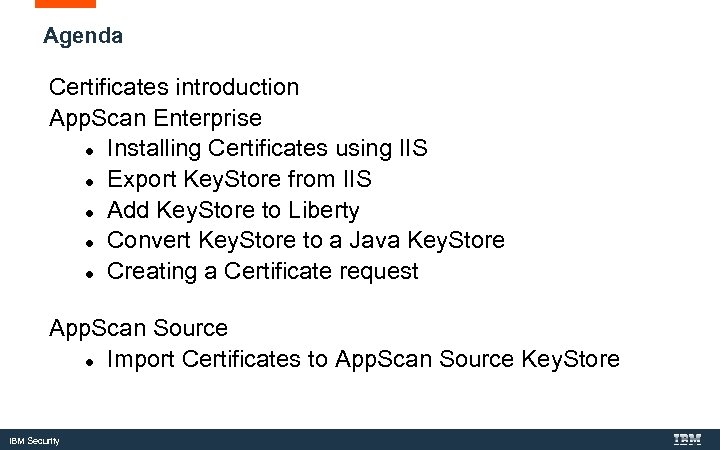
Agenda Certificates introduction App. Scan Enterprise Installing Certificates using IIS Export Key. Store from IIS Add Key. Store to Liberty Convert Key. Store to a Java Key. Store Creating a Certificate request App. Scan Source Import Certificates to App. Scan Source Key. Store IBM Security
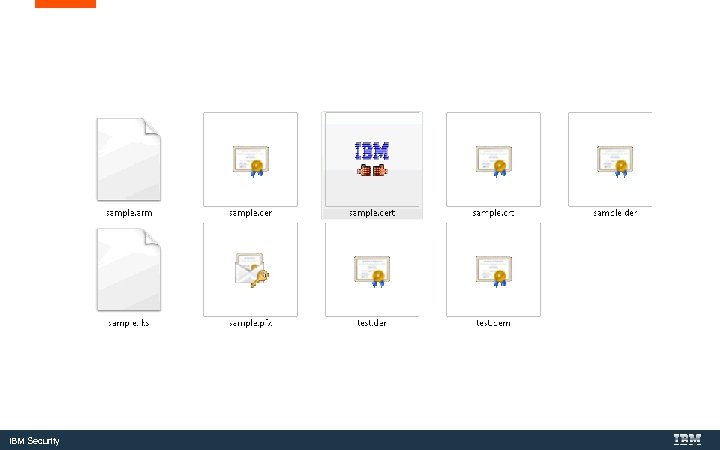
IBM Security
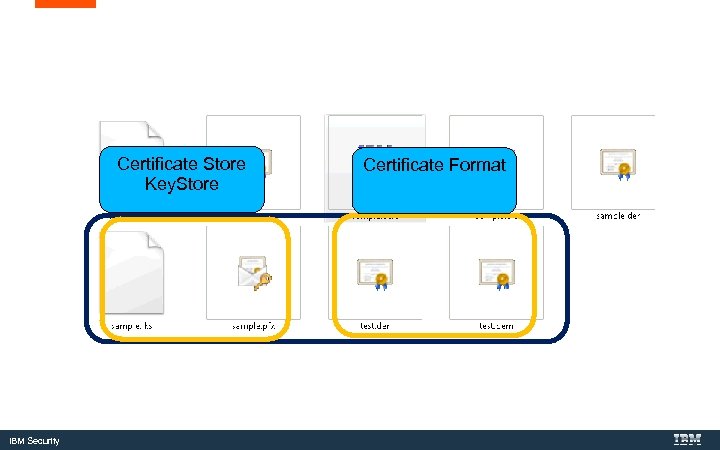
Certificate Store Key. Store IBM Security Certificate Format
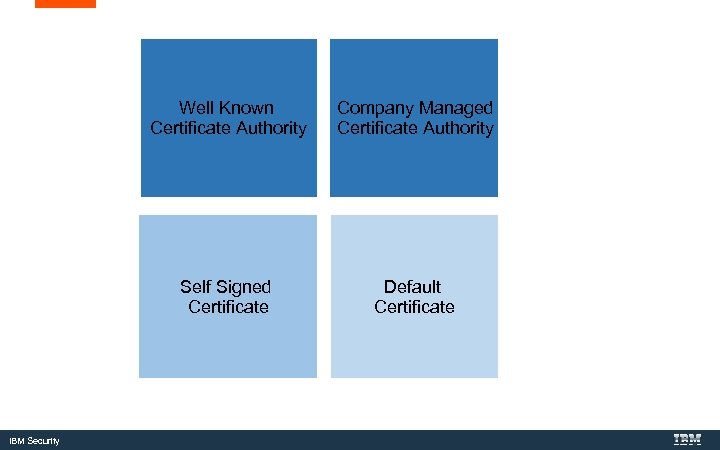
Well Known Certificate Authority Self Signed Certificate IBM Security Company Managed Certificate Authority Default Certificate
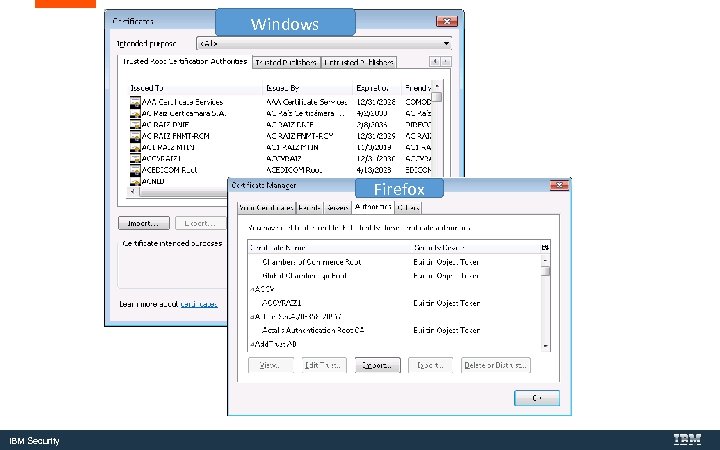
Windows Firefox IBM Security
Certificates in App. Scan Enterprise IBM Security
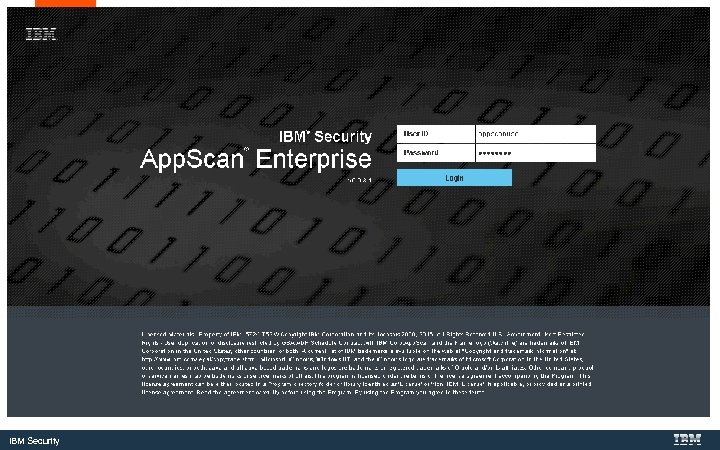
IBM Security
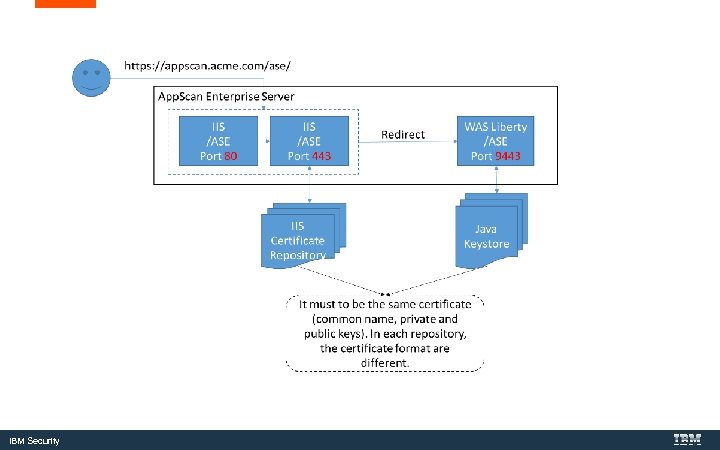
IBM Security
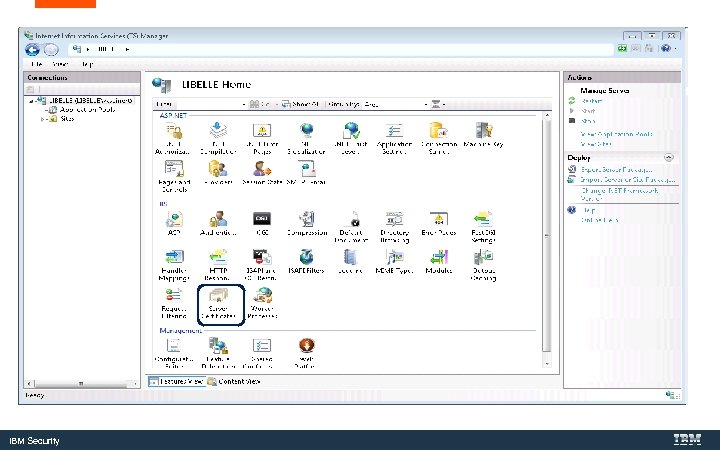
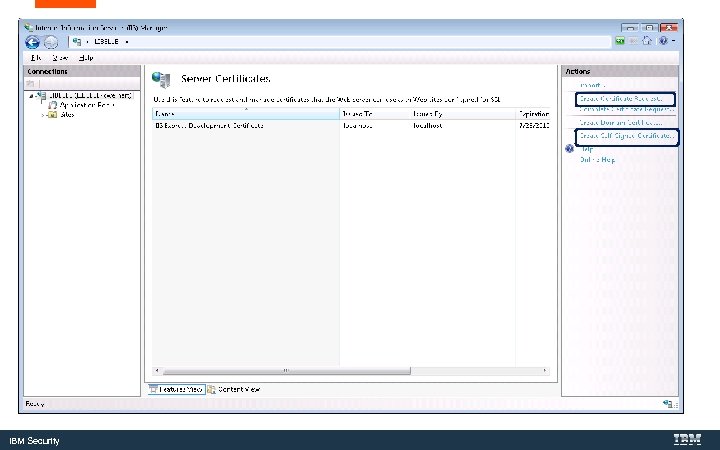
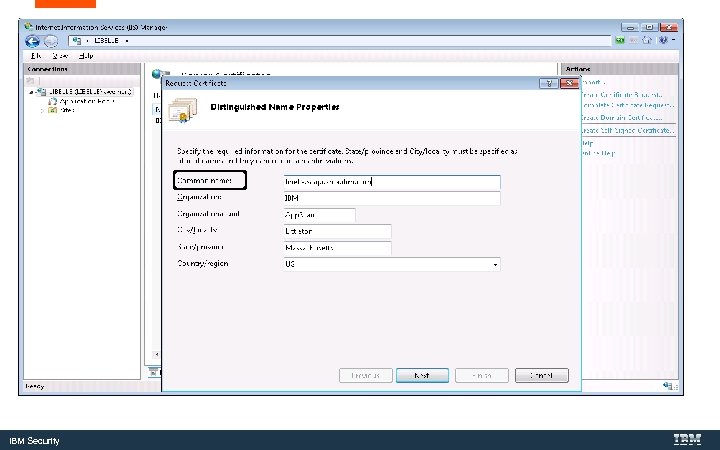
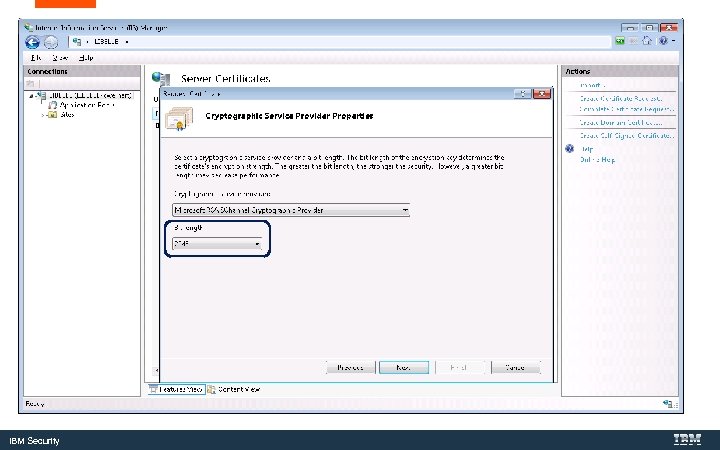
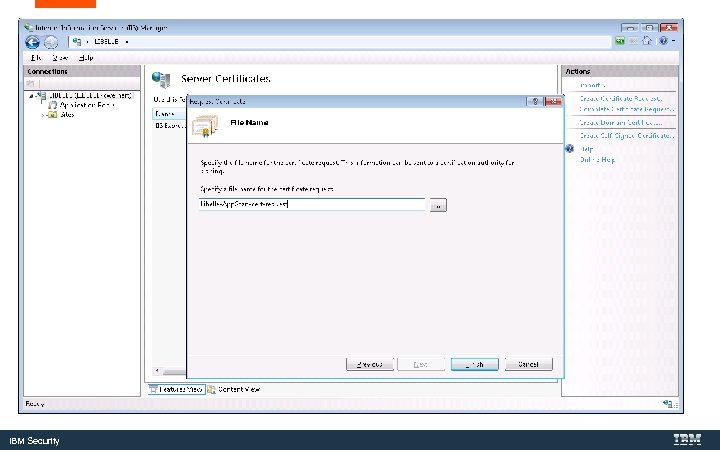
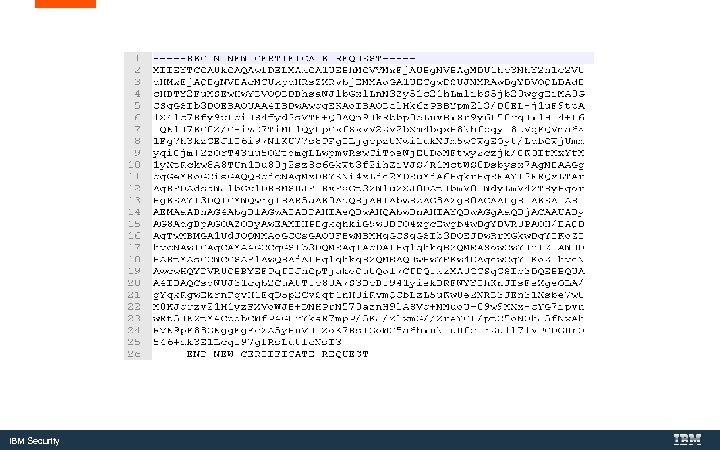
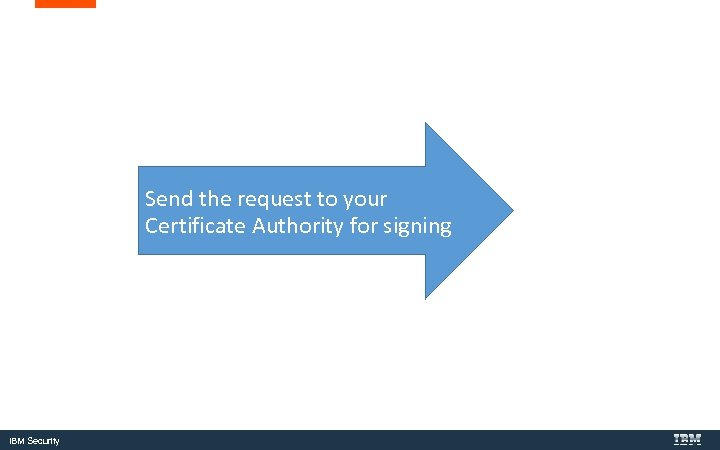
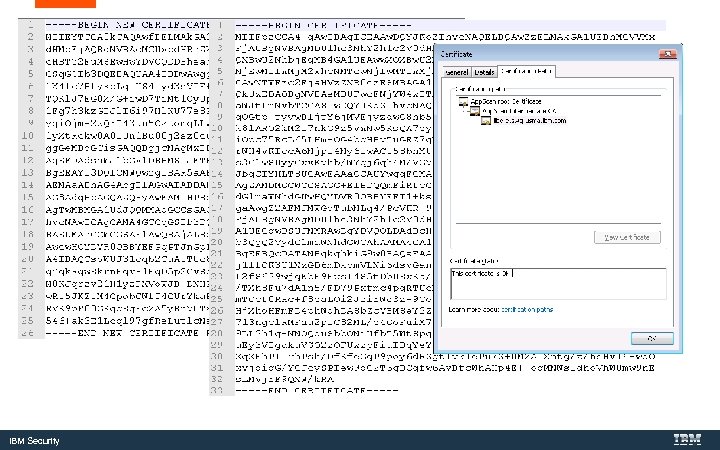
Installing Certificates using Internet Information Server (IIS) IBM Security
IBM Security
IBM Security
IBM Security
IBM Security
IBM Security
IBM Security
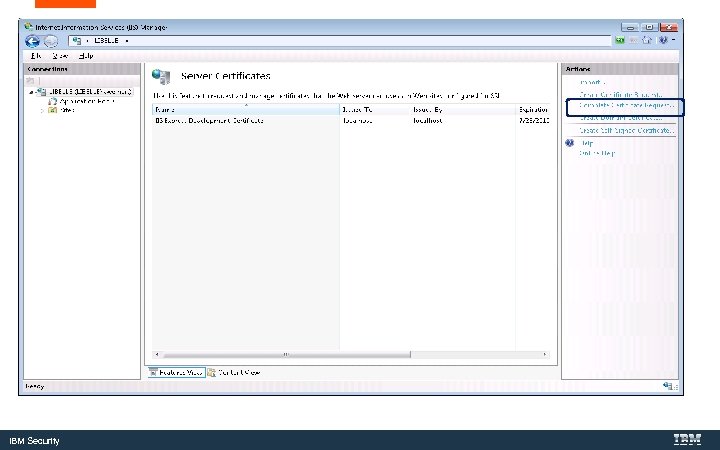
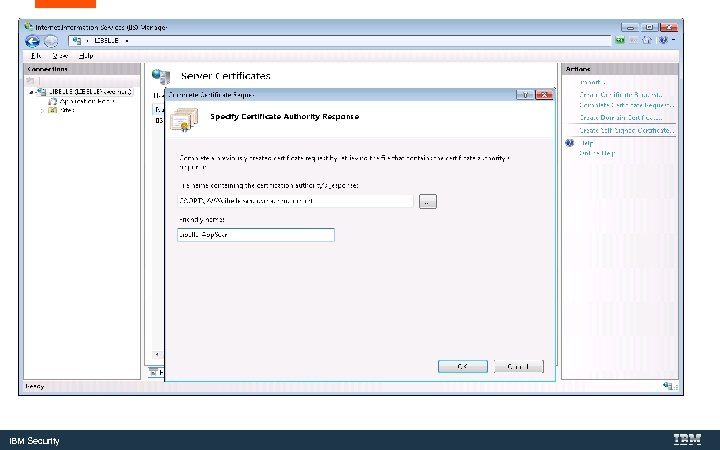
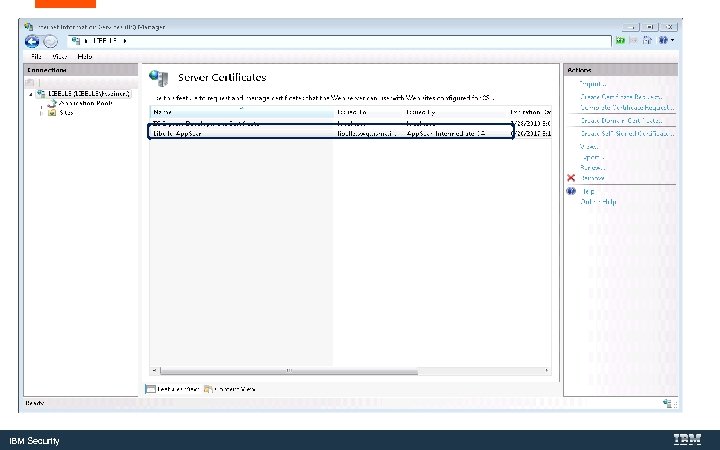
Send the request to your Certificate Authority for signing IBM Security
IBM Security
IBM Security
IBM Security
IBM Security
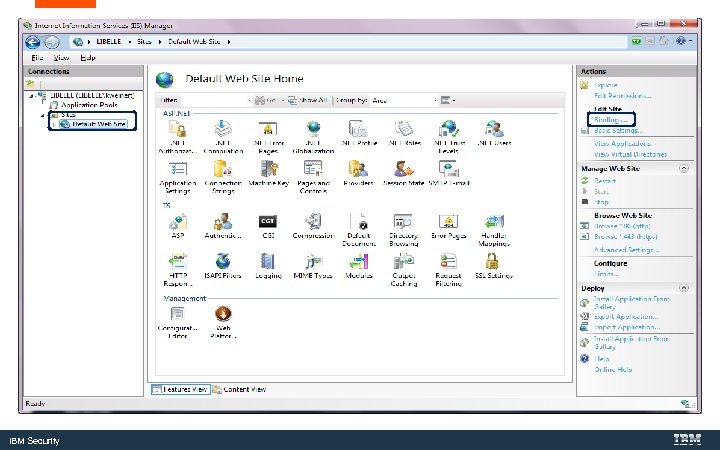
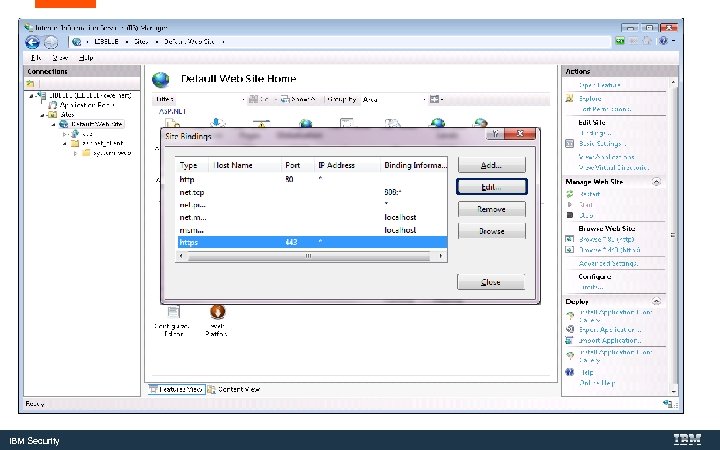
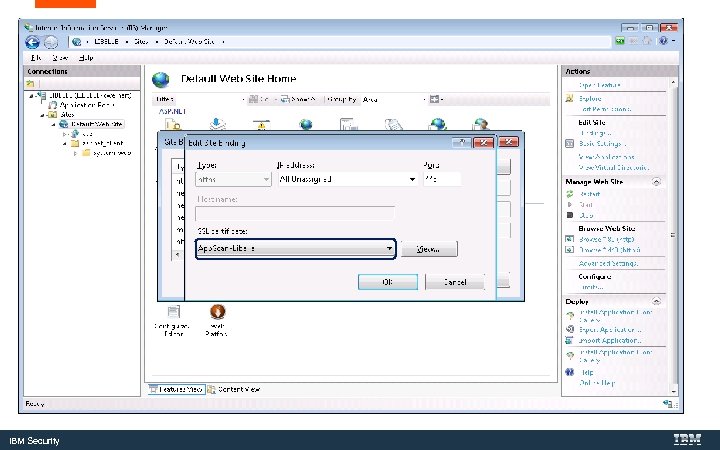
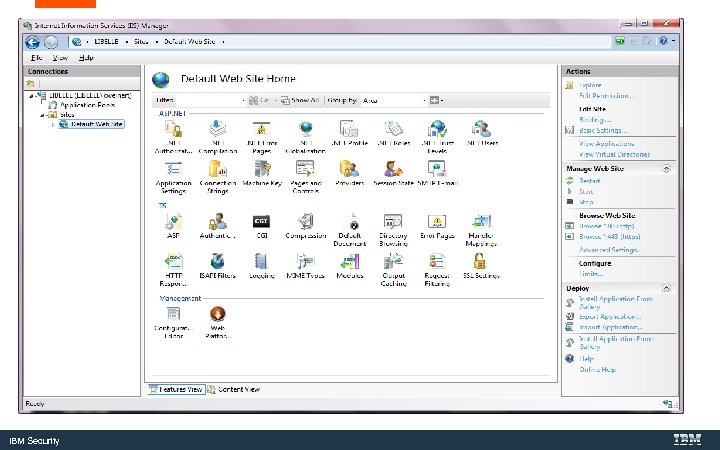
Bind the Certificate to the Web Server IBM Security
IBM Security
IBM Security
IBM Security
IBM Security
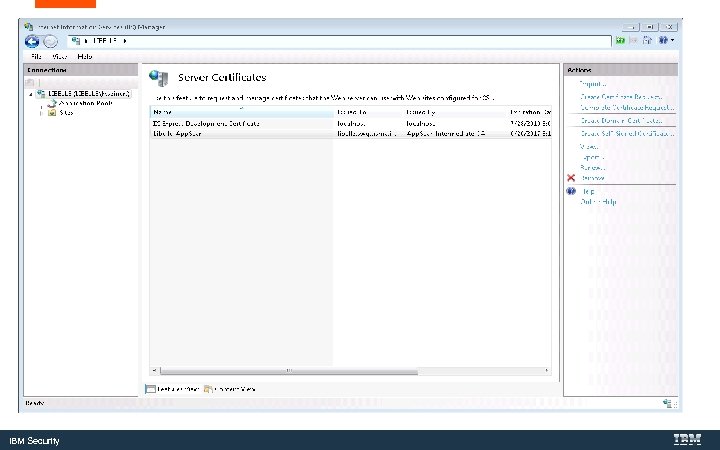
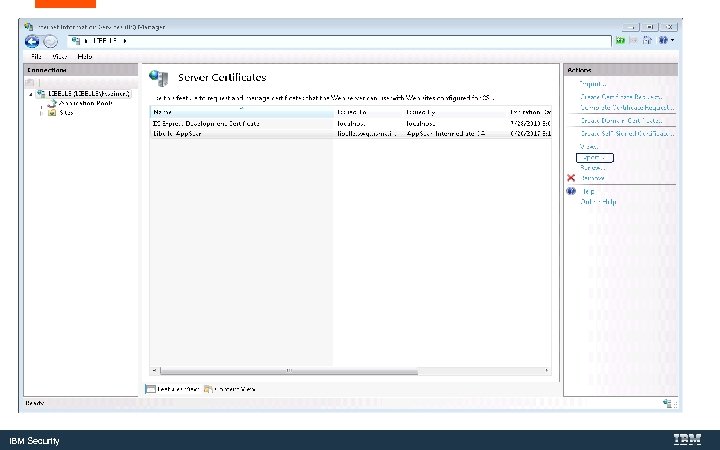
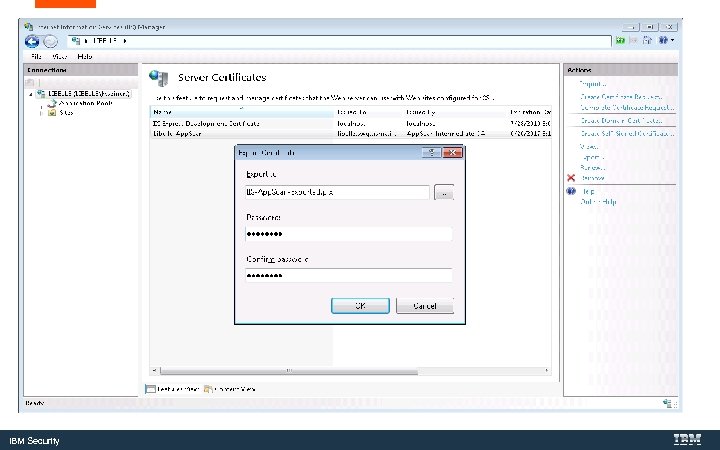
Export the Key. Store for use with the Web. Sphere Liberty Server IBM Security
IBM Security
IBM Security
IBM Security
Add the Key. Store to the Web. Sphere Liberty server IBM Security
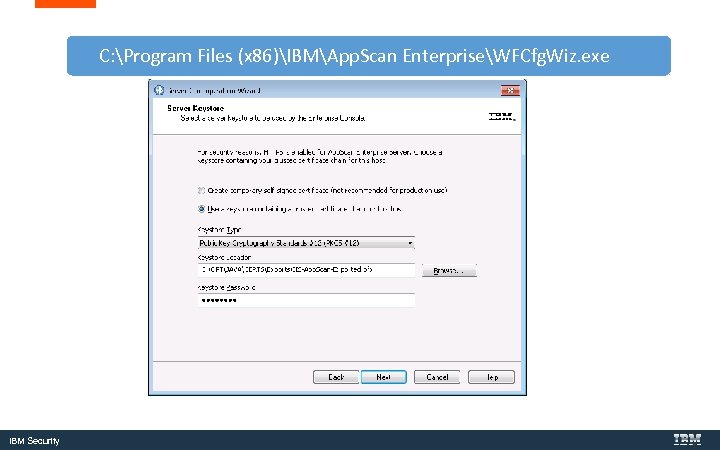
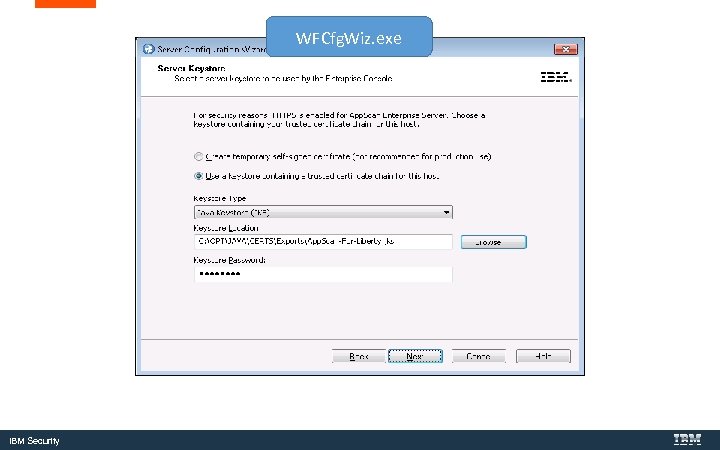
C: Program Files (x 86)IBMApp. Scan EnterpriseWFCfg. Wiz. exe IBM Security
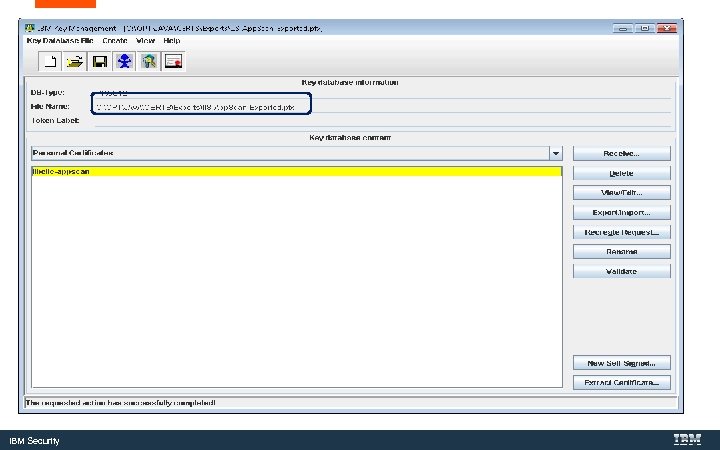
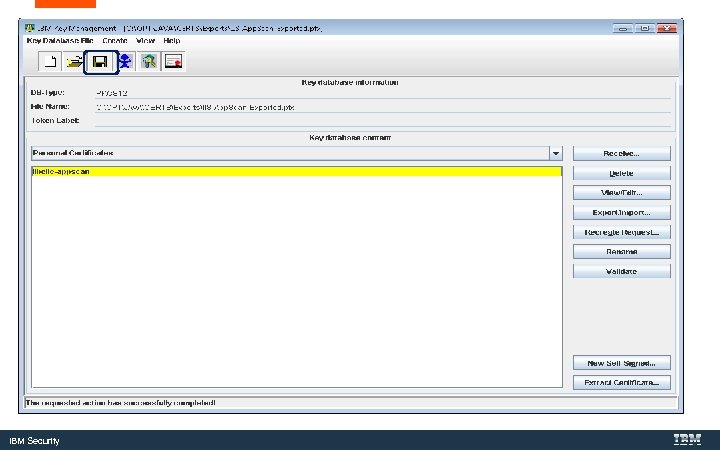
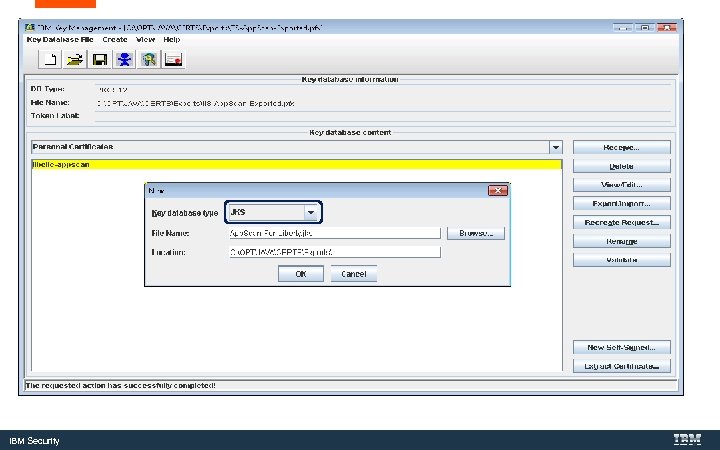
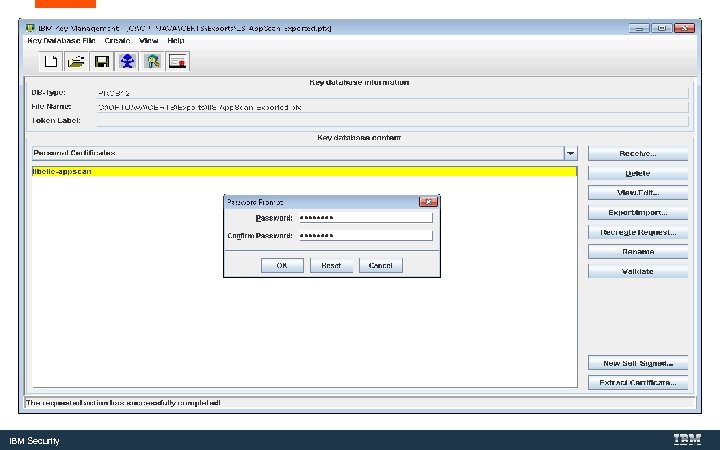
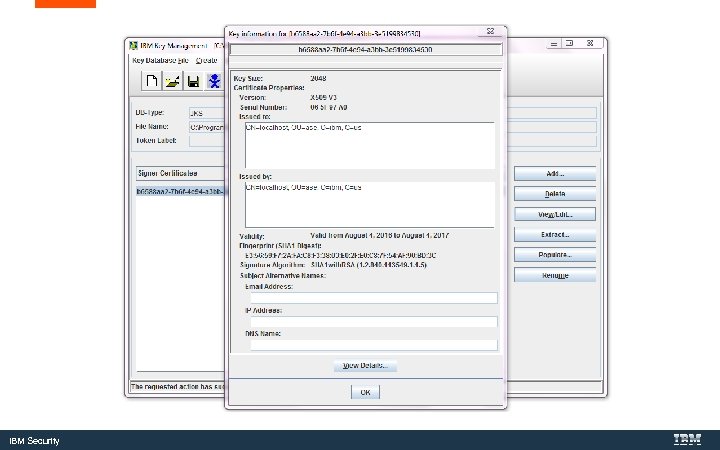
Convert the Key. Store to a Java Key. Store with Ikeyman. exe is IBM’s Java certificate tool. IBM Security
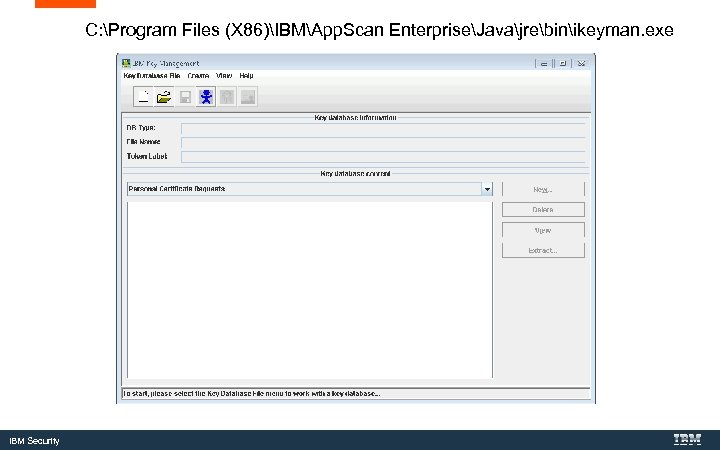
C: Program Files (X 86)IBMApp. Scan EnterpriseJavajrebinikeyman. exe IBM Security
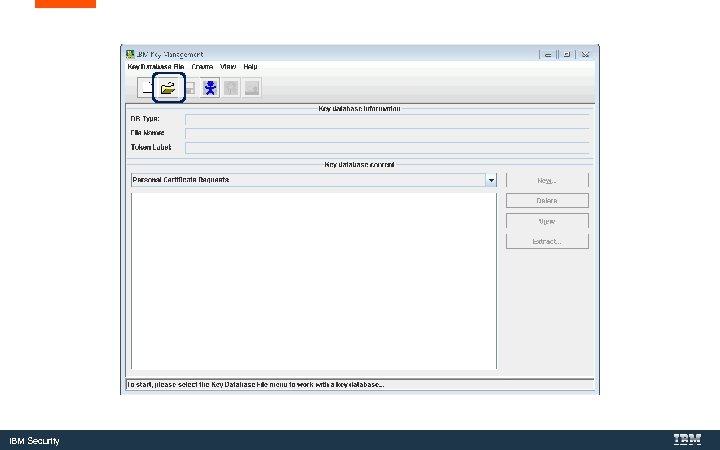
IBM Security
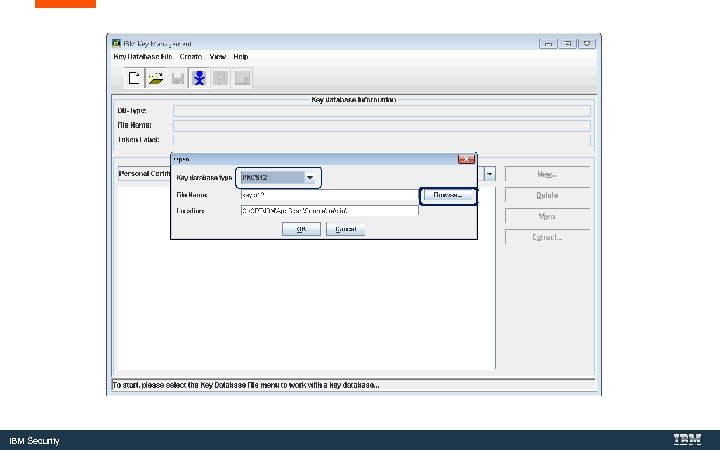
IBM Security
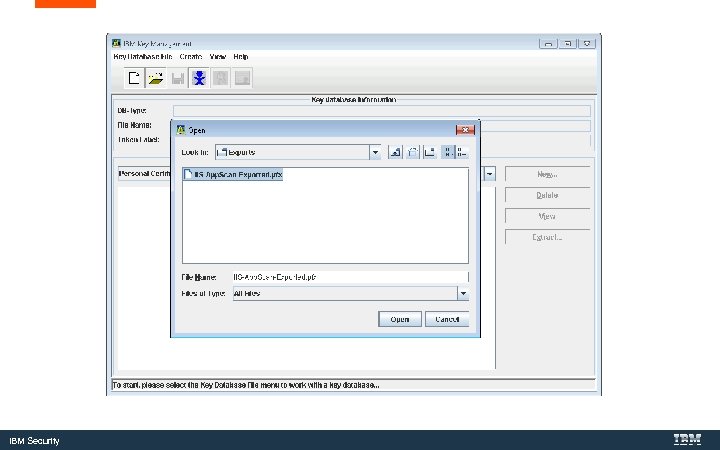
IBM Security
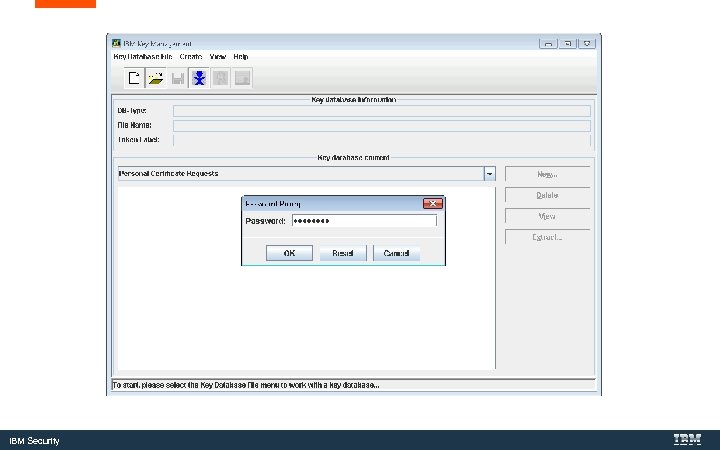
IBM Security
IBM Security
IBM Security
IBM Security
IBM Security
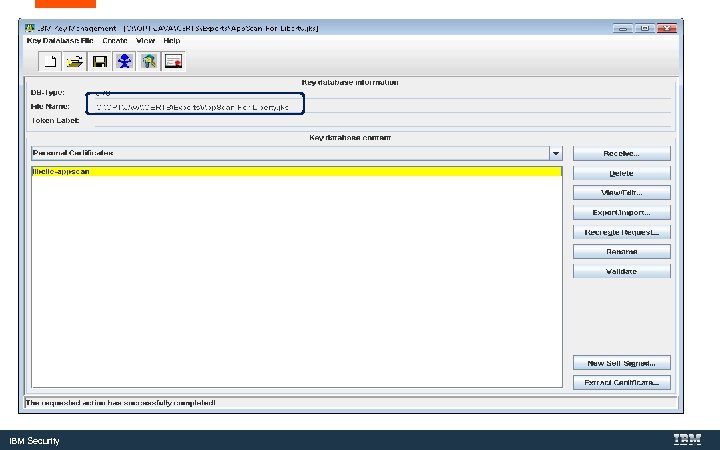
IBM Security
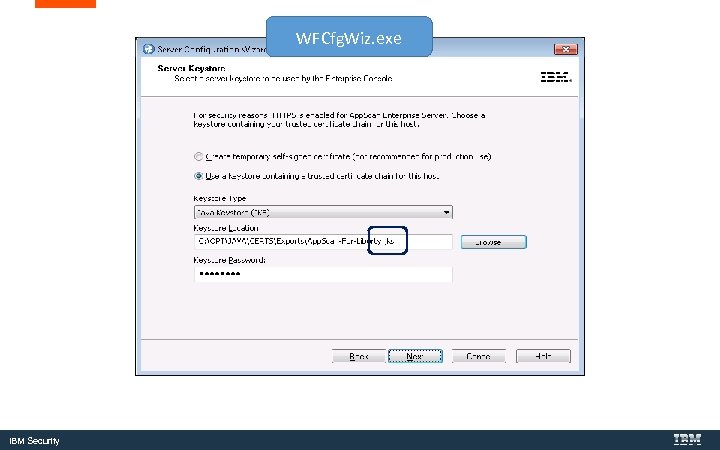
WFCfg. Wiz. exe IBM Security
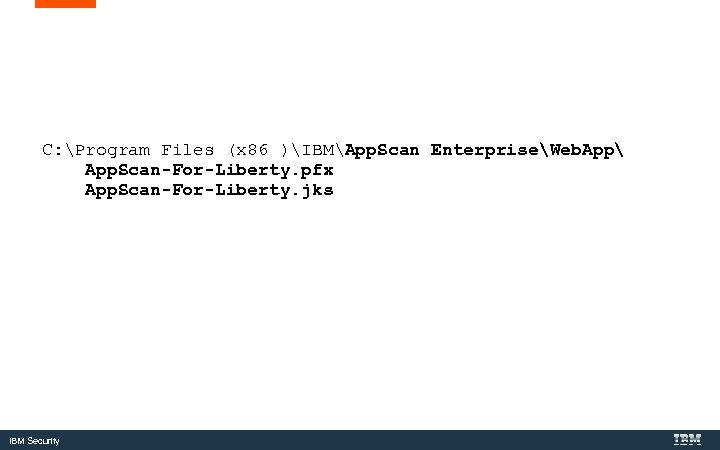
C: Program Files (x 86 )IBMApp. Scan EnterpriseWeb. App App. Scan-For-Liberty. pfx App. Scan-For-Liberty. jks IBM Security
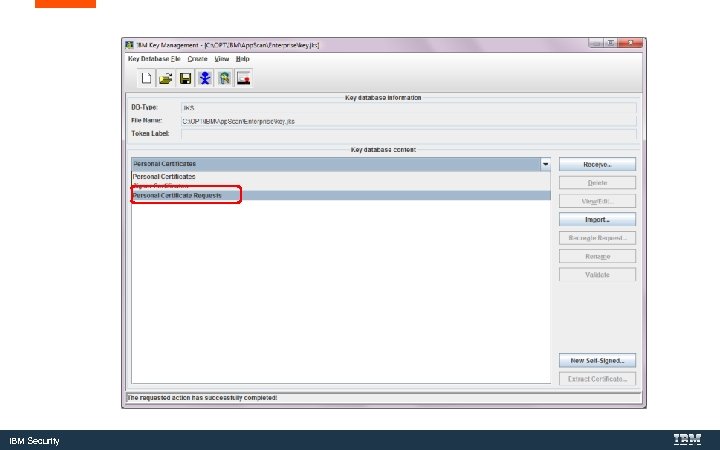
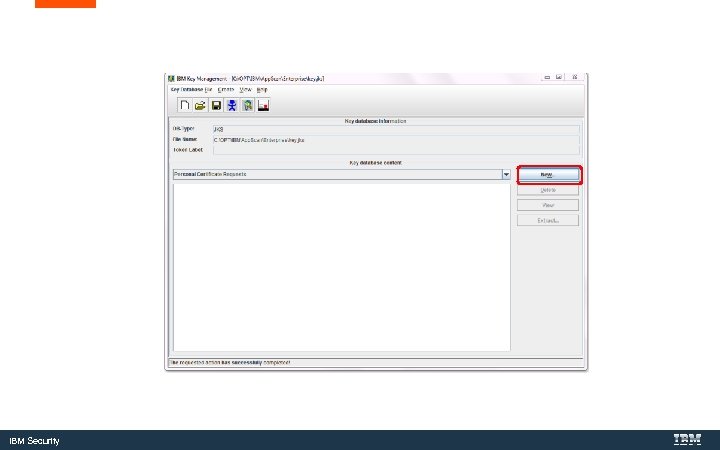
Creating a Certificate request with Ikeyman IBM Security
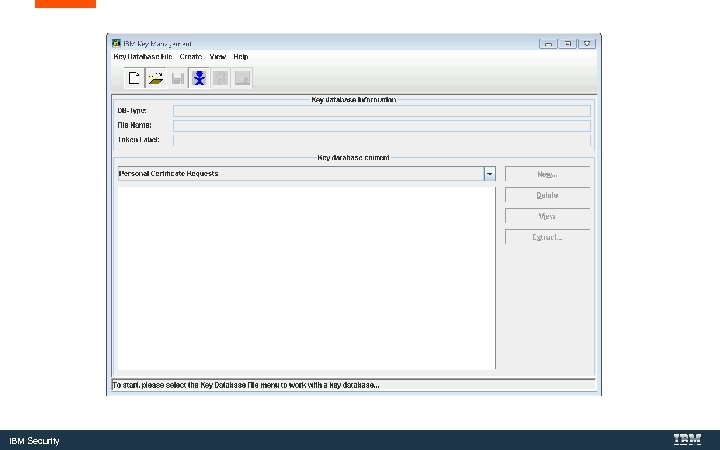
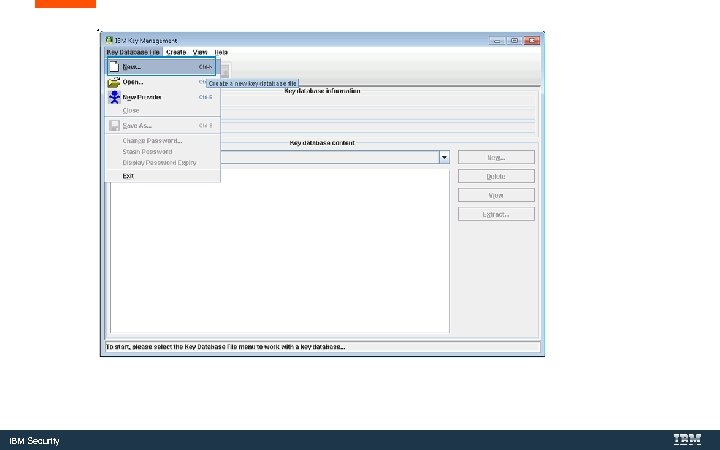
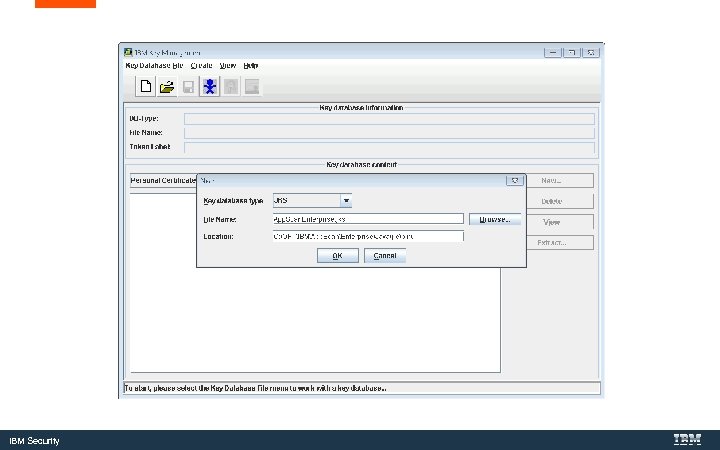
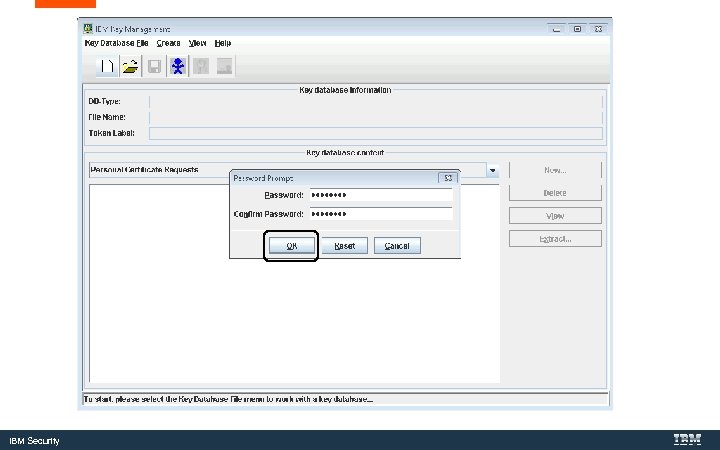
Create a jks Key. Store IBM Security
IBM Security
IBM Security
IBM Security
IBM Security
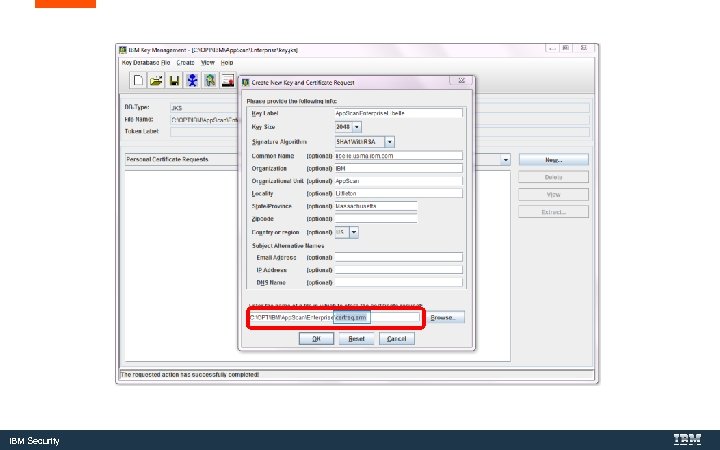
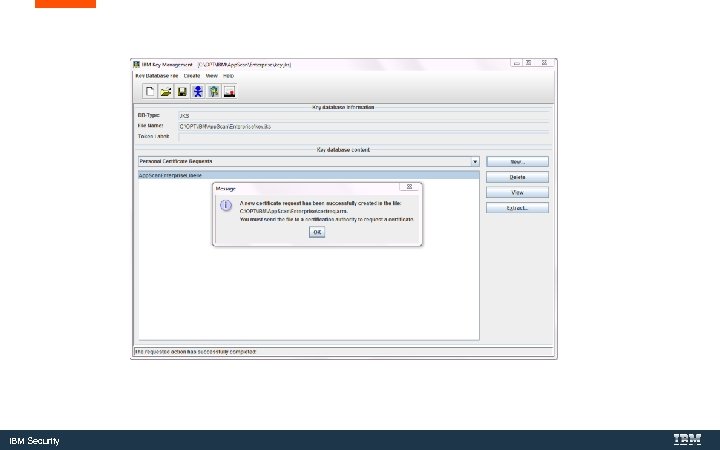
Create the Certificate Request IBM Security
IBM Security
IBM Security
IBM Security
IBM Security
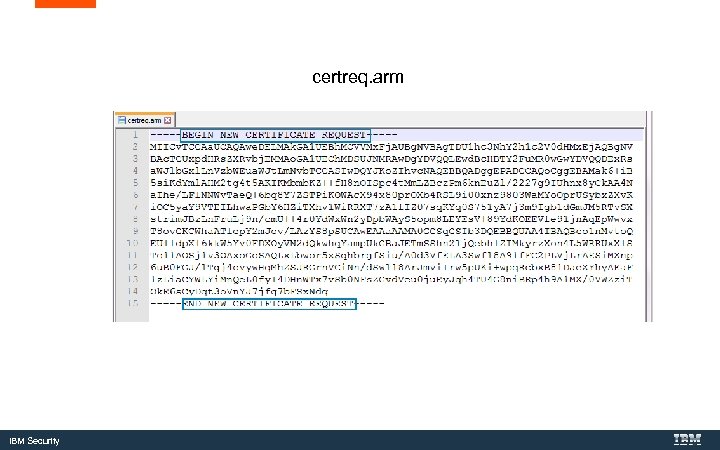
certreq. arm IBM Security
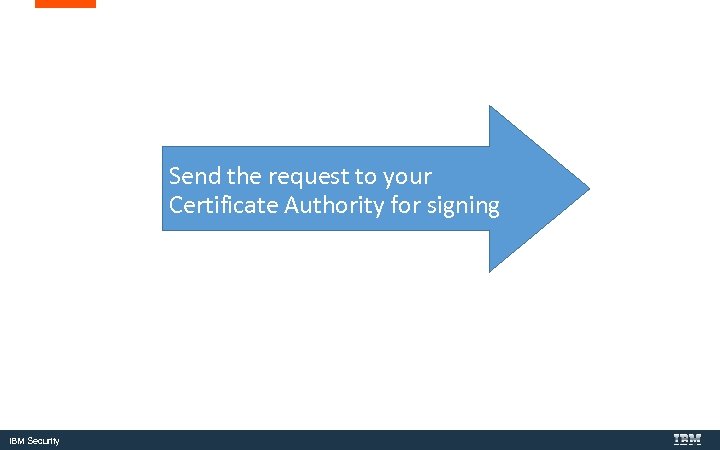
Send the request to your Certificate Authority for signing IBM Security
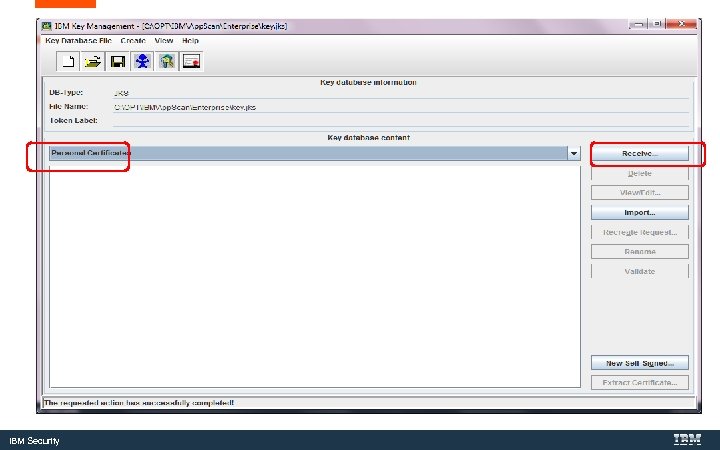
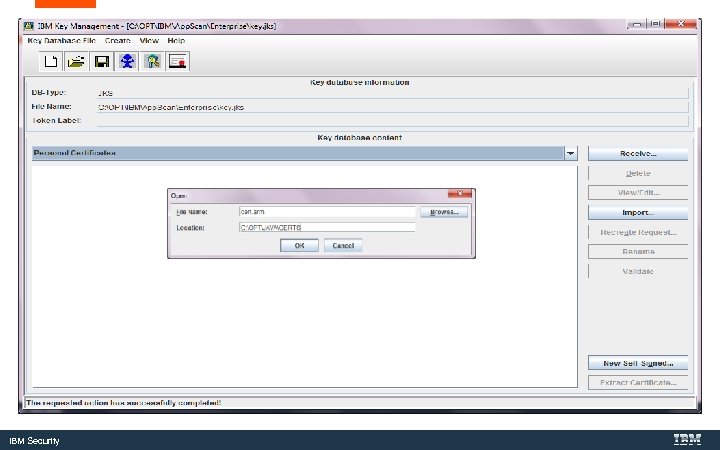
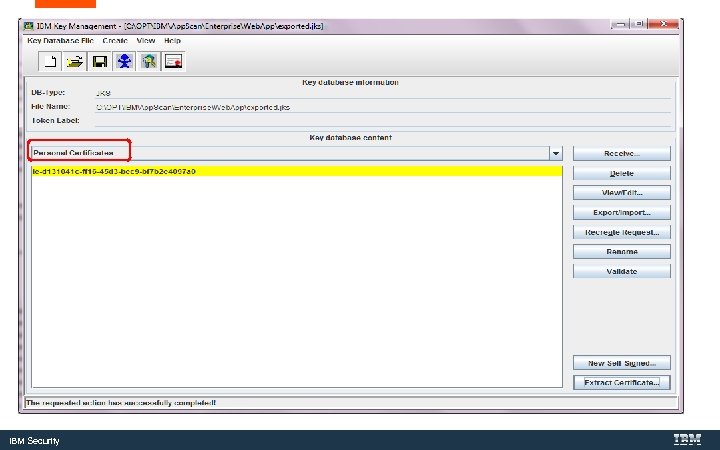
Import the Certificate IBM Security
IBM Security
IBM Security
IBM Security
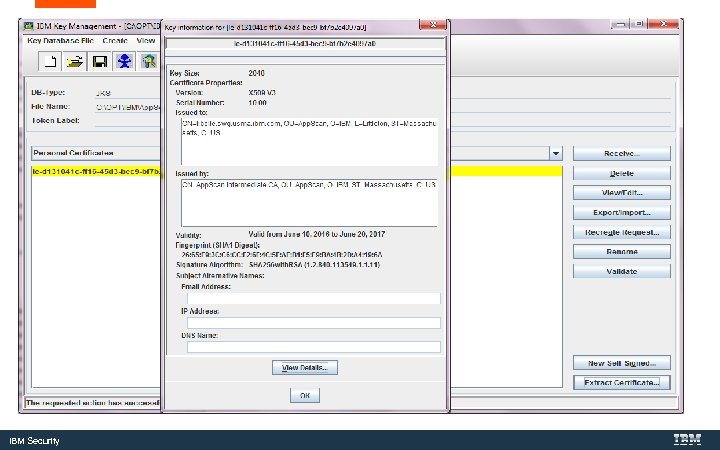
IBM Security
WFCfg. Wiz. exe IBM Security
Additional Notes IBM Security
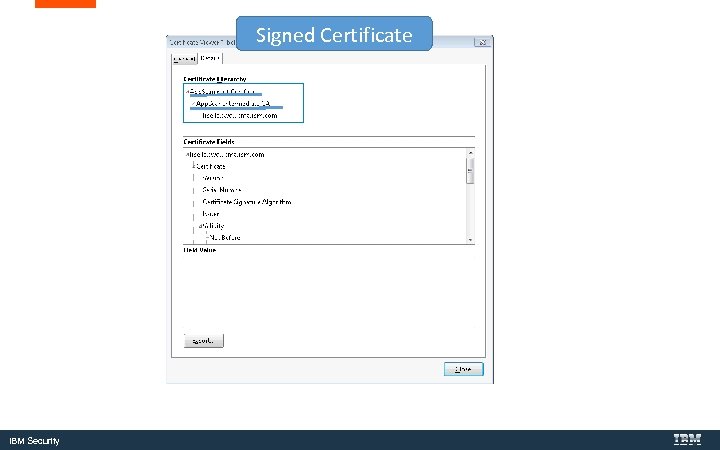
Signed Certificate IBM Security
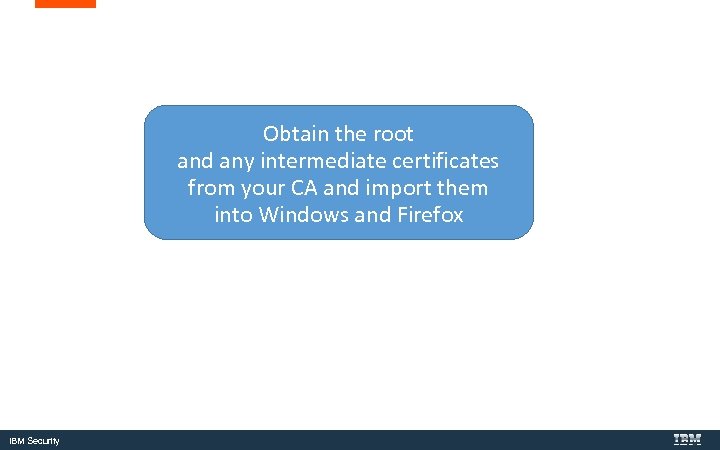
Obtain the root and any intermediate certificates from your CA and import them into Windows and Firefox IBM Security
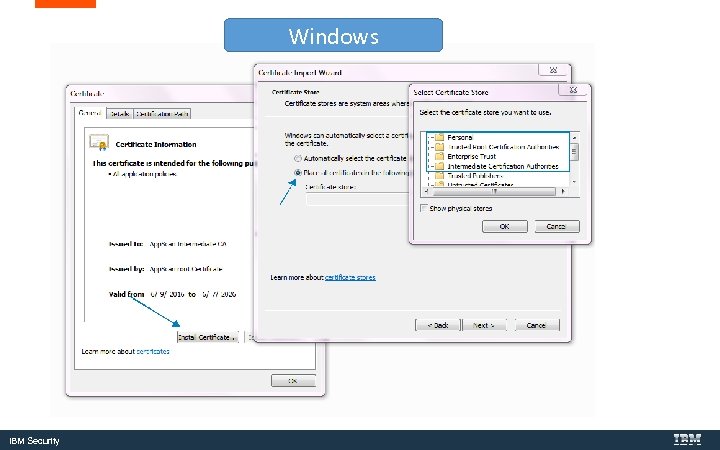
Windows IBM Security
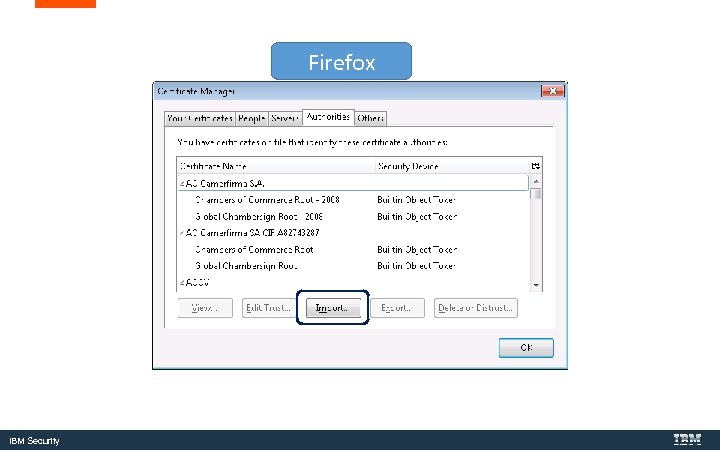
Firefox IBM Security
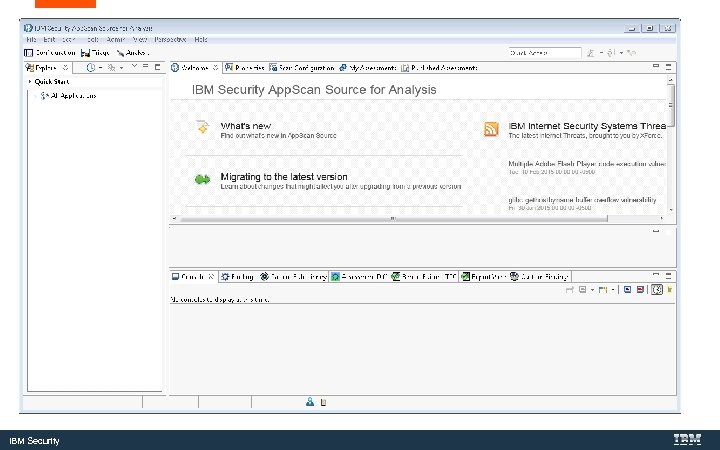
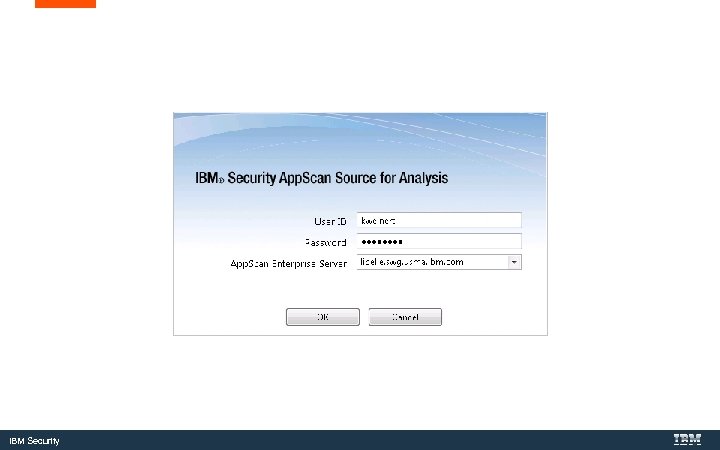
Certificates in App. Scan Source IBM Security
IBM Security
IBM Security
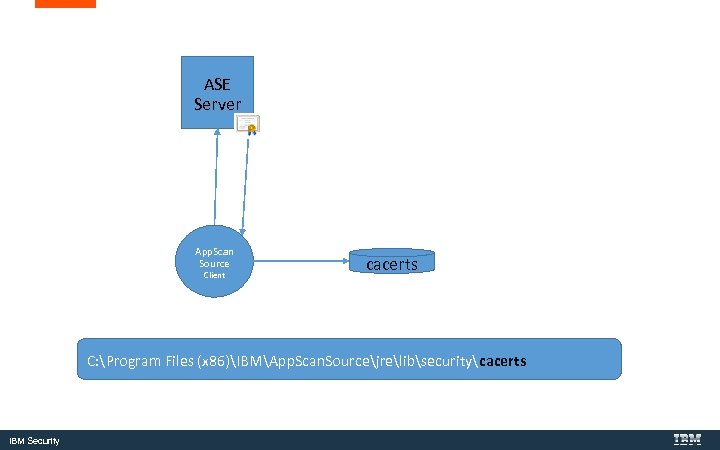
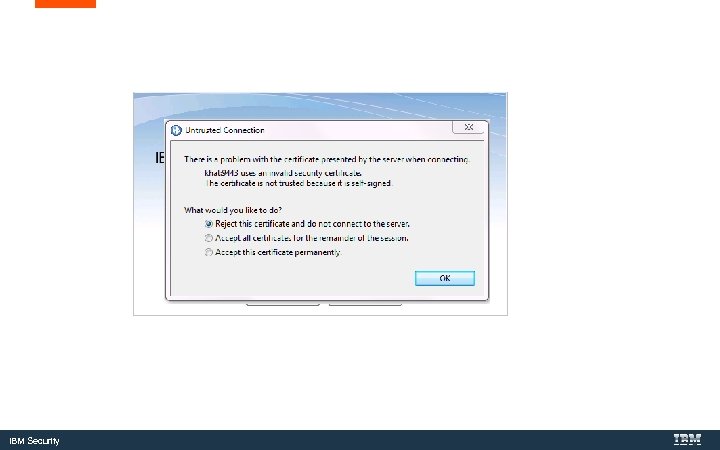
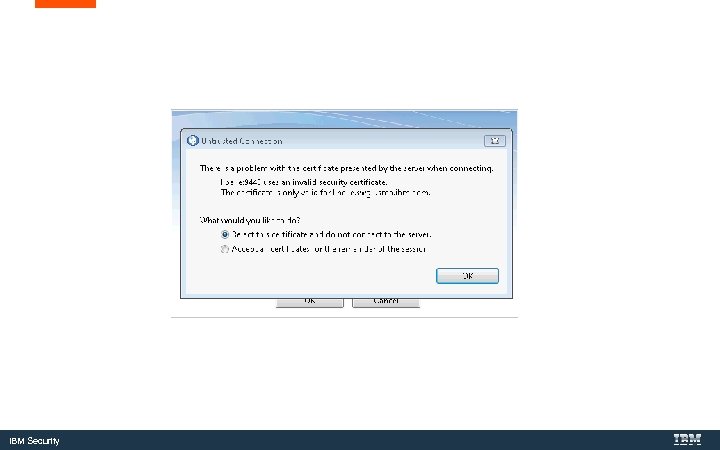
ASE Server App. Scan Source Client cacerts C: Program Files (x 86)IBMApp. Scan. Sourcejrelibsecuritycacerts IBM Security
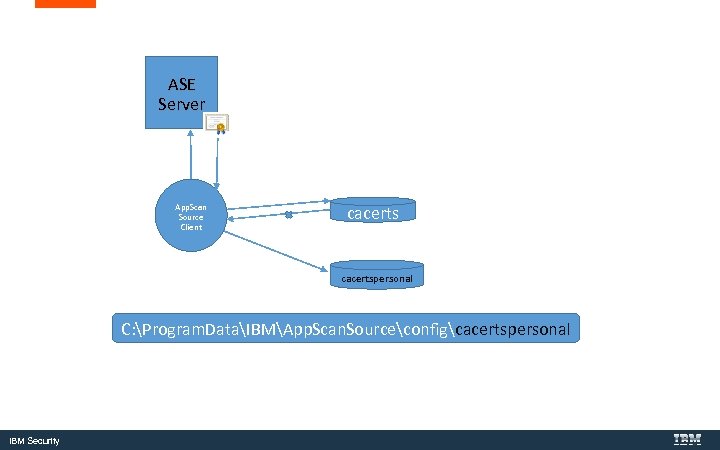
ASE Server App. Scan Source Client cacertspersonal C: Program. DataIBMApp. Scan. Sourceconfigcacertspersonal IBM Security
IBM Security
IBM Security
IBM Security
Save and Import Certificates from Windows Key. Store to the App. Scan Source Key. Store IBM Security
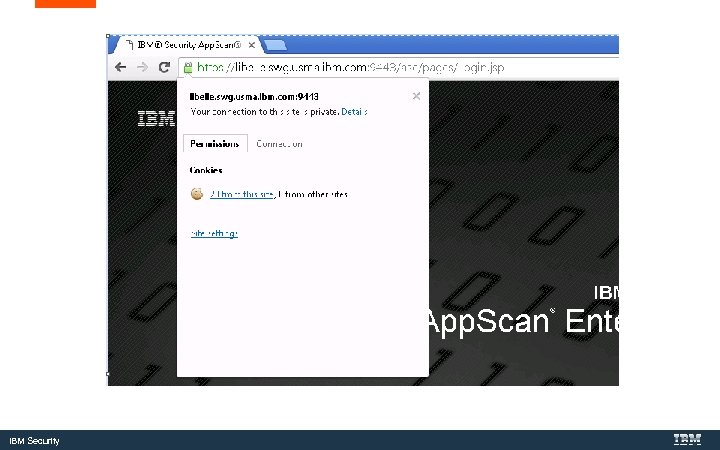
IBM Security
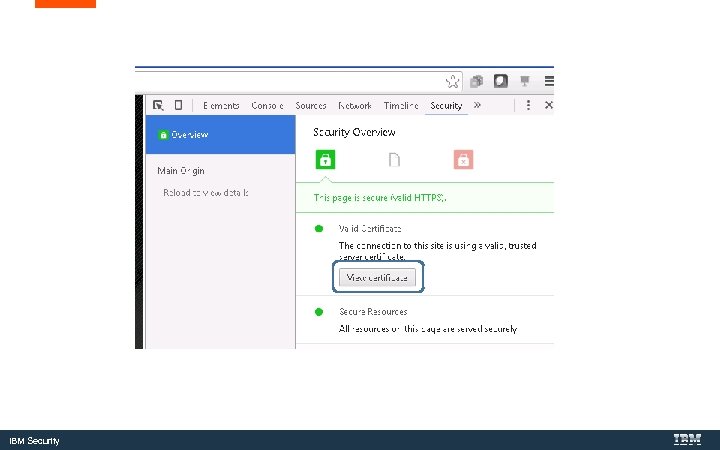
IBM Security
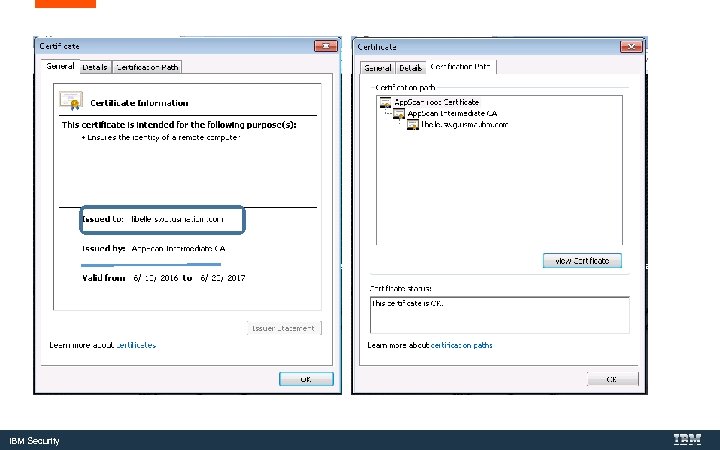
IBM Security
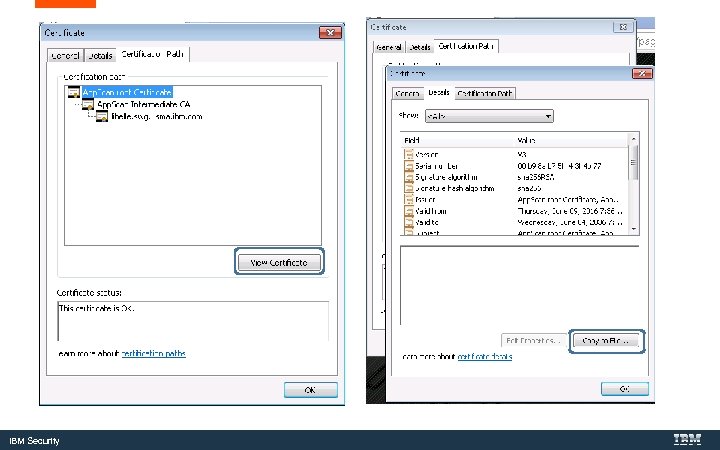
IBM Security
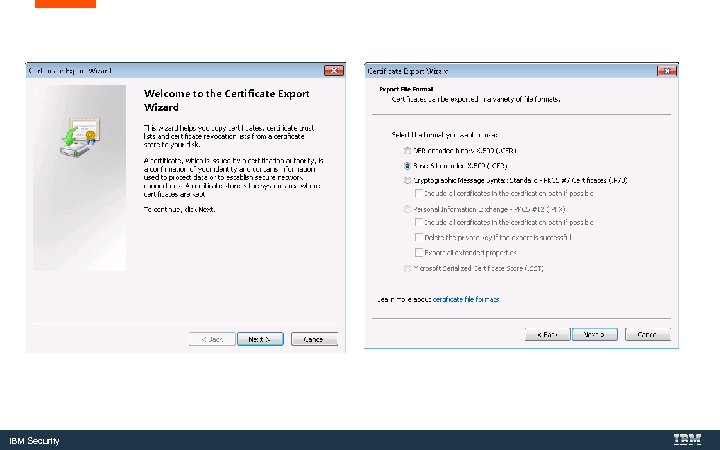
IBM Security
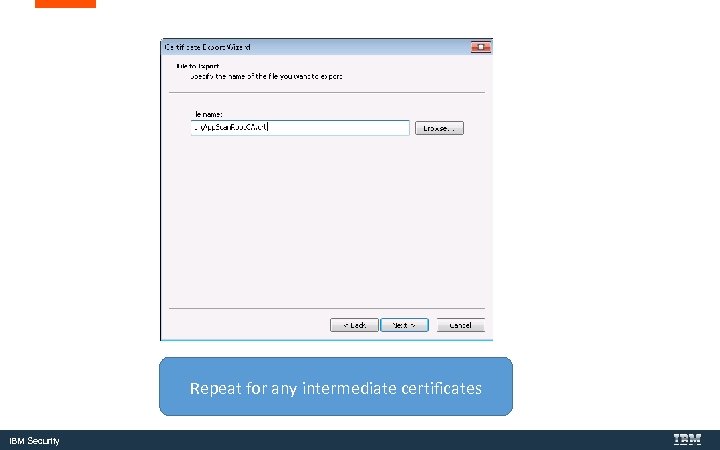
Repeat for any intermediate certificates IBM Security
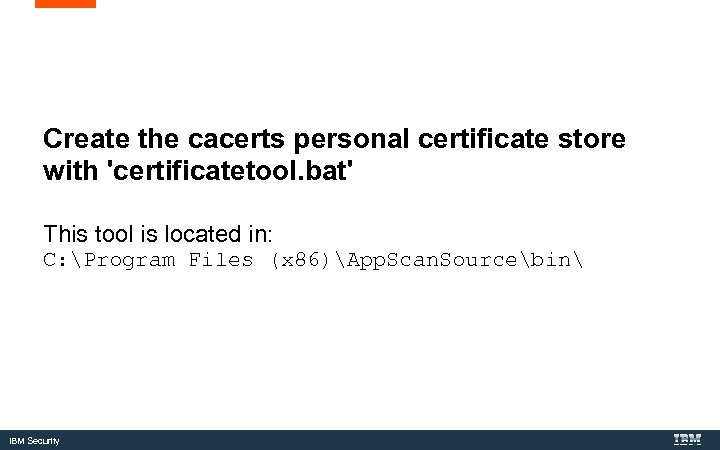
Create the cacerts personal certificate store with 'certificatetool. bat' This tool is located in: C: Program Files (x 86)App. Scan. Sourcebin IBM Security
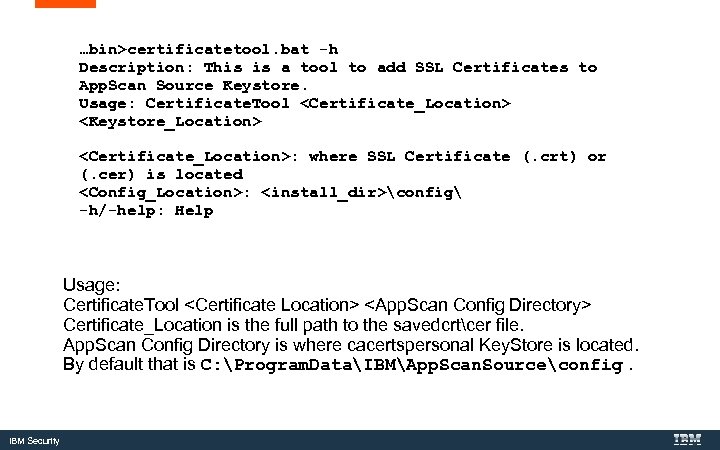
…bin>certificatetool. bat -h Description: This is a tool to add SSL Certificates to App. Scan Source Keystore. Usage: Certificate. Tool <Certificate_Location> <Keystore_Location> <Certificate_Location>: where SSL Certificate (. crt) or (. cer) is located <Config_Location>: <install_dir>config -h/-help: Help Usage: Certificate. Tool <Certificate Location> <App. Scan Config Directory> Certificate_Location is the full path to the savedcrtcer file. App. Scan Config Directory is where cacertspersonal Key. Store is located. By default that is C: Program. DataIBMApp. Scan. Sourceconfig. IBM Security
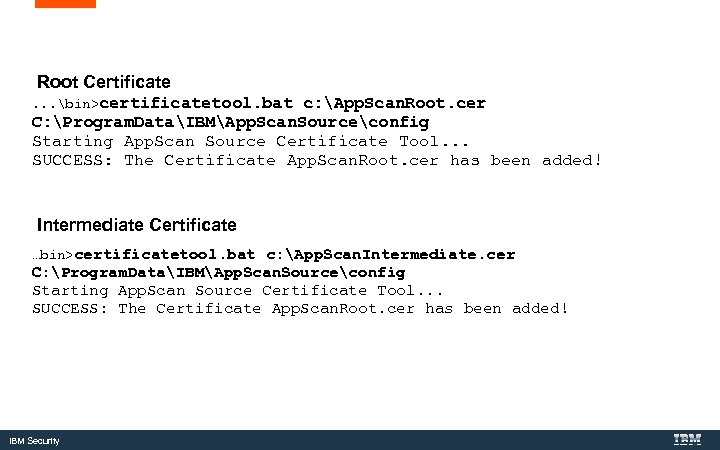
Root Certificate. . . bin>certificatetool. bat c: App. Scan. Root. cer C: Program. DataIBMApp. Scan. Sourceconfig Starting App. Scan Source Certificate Tool. . . SUCCESS: The Certificate App. Scan. Root. cer has been added! Intermediate Certificate …bin>certificatetool. bat c: App. Scan. Intermediate. cer C: Program. DataIBMApp. Scan. Sourceconfig Starting App. Scan Source Certificate Tool. . . SUCCESS: The Certificate App. Scan. Root. cer has been added! IBM Security
Additional Notes IBM Security
Updated Java Policy Files IBM Security
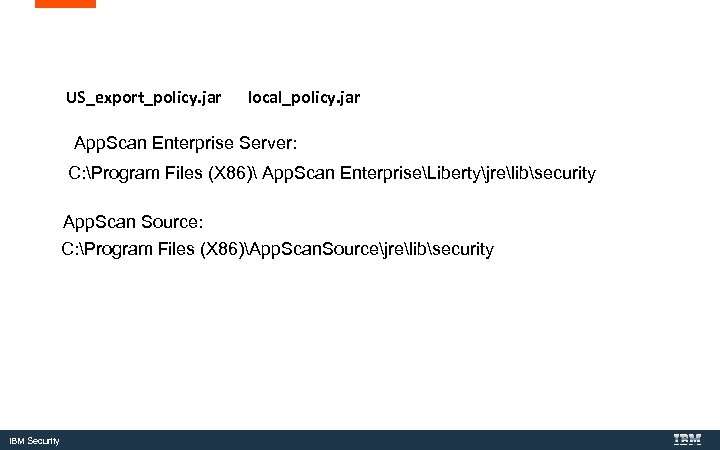
US_export_policy. jar local_policy. jar App. Scan Enterprise Server: C: Program Files (X 86) App. Scan EnterpriseLibertyjrelibsecurity App. Scan Source: C: Program Files (X 86)App. Scan. Sourcejrelibsecurity IBM Security
Questions for the panel Now is your opportunity to ask questions of our panelists. To ask a question now: Press *1 to ask a question over the phone or Type your question into the IBM Connections Cloud Meeting chat To ask a question after this presentation: You are encouraged to participate in our Forum on this topic http: //www. ibm. com/support/docview. wss? uid=swg 27048560 IBM Security
Header content 1 | header content 2 Where do you get more information? Questions on this or other topics can be directed to the product forum: App. Scan Standard forum. More articles you can review: • App. Scan Enterprise Information Center: Updating the Java SDK policy files • IBM Http Server Documentation: Using the Key Management Utility Useful links: Get started with IBM Security Support IBM Support Portal | Sign up for “My Notifications” Follow us: IBM Security
THANK YOU FOLLOW US ON: https: //www. facebook. com/IBM-Security-Support-221766828033861/ youtube/user/ibmsecuritysupport @askibmsecurityintelligence. com xforce. ibmcloud. com © Copyright IBM Corporation 2016. All rights reserved. The information contained in these materials is provided for informational purposes only, and is provided AS IS without warranty of any kind, express or implied. Any statement of direction represents IBM's current intent, is subject to change or withdrawal, and represent only goals and objectives. IBM, the IBM logo, and other IBM products and services are trademarks of the International Business Machines Corporation, in the United States, other countries or both. Other company, product, or service names may be trademarks or service marks of others. Statement of Good Security Practices: IT system security involves protecting systems and information through prevention, detection and response to improper access from within and outside your enterprise. Improper access can result in information being altered, destroyed, misappropriated or misused or can result in damage to or misuse of your systems, including for use in attacks on others. No IT system or product should be considered completely secure and no single product, service or security measure can be completely effective in preventing improper use or access. IBM systems, products and services are designed to be part of a lawful, comprehensive security approach, which will necessarily involve additional operational procedures, and may require other systems, products or services to be most effective. IBM does not warrant that any systems, products or services are immune from, or will make your enterprise immune from, the malicious or illegal conduct of any party. IBM Security
Скачать презентацию Installing and Maintaining Certificates with IBM Security App
e6322e22cc1c59f08667451b0495e651.ppt