


 Скачать презентацию Install and Setup VC and Open GL Introduction
627c0c97b21e707a93ae7f3b4dc31975.ppt
- Количество слайдов: 8
 Install and Setup VC++ and Open. GL Introduction to Computer Graphics and Animation (Principle of Computer Graphics) Rattapoom Waranusast
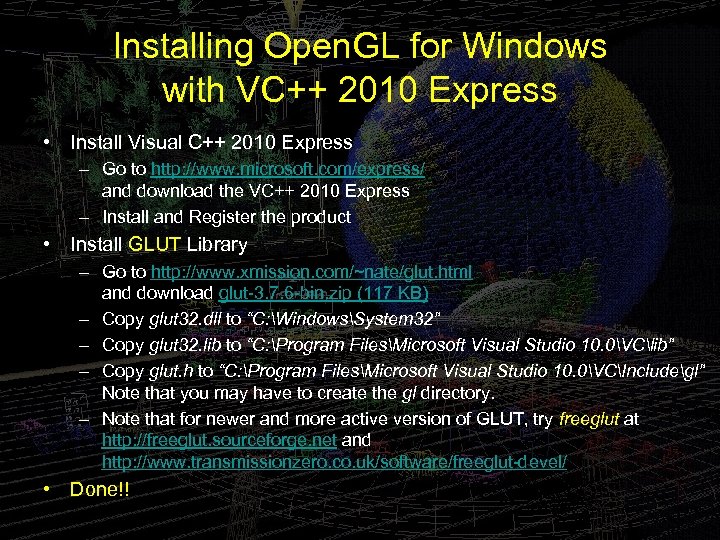 Installing Open. GL for Windows with VC++ 2010 Express • Install Visual C++ 2010 Express – Go to http: //www. microsoft. com/express/ and download the VC++ 2010 Express – Install and Register the product • Install GLUT Library – Go to http: //www. xmission. com/~nate/glut. html and download glut-3. 7. 6 -bin. zip (117 KB) – Copy glut 32. dll to “C: WindowsSystem 32” – Copy glut 32. lib to “C: Program FilesMicrosoft Visual Studio 10. 0VClib” – Copy glut. h to “C: Program FilesMicrosoft Visual Studio 10. 0VCIncludegl” Note that you may have to create the gl directory. – Note that for newer and more active version of GLUT, try freeglut at http: //freeglut. sourceforge. net and http: //www. transmissionzero. co. uk/software/freeglut-devel/ • Done!!
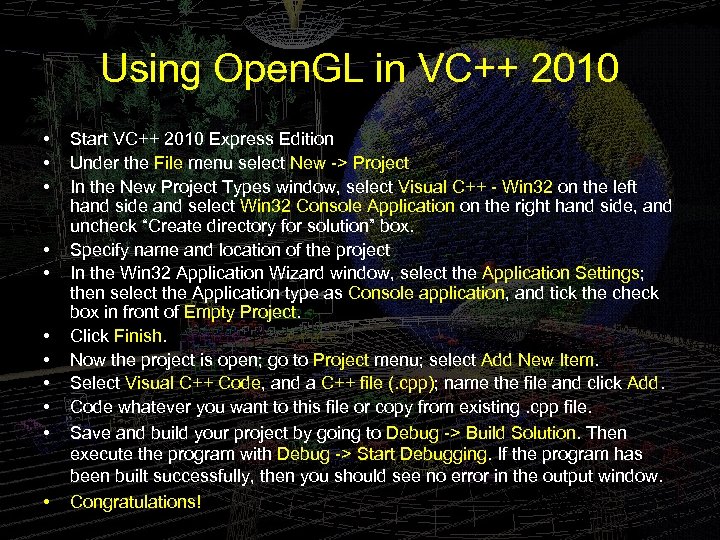 Using Open. GL in VC++ 2010 • • • Start VC++ 2010 Express Edition Under the File menu select New -> Project In the New Project Types window, select Visual C++ - Win 32 on the left hand side and select Win 32 Console Application on the right hand side, and uncheck “Create directory for solution” box. Specify name and location of the project In the Win 32 Application Wizard window, select the Application Settings; then select the Application type as Console application, and tick the check box in front of Empty Project. Click Finish. Now the project is open; go to Project menu; select Add New Item. Select Visual C++ Code, and a C++ file (. cpp); name the file and click Add. Code whatever you want to this file or copy from existing. cpp file. Save and build your project by going to Debug -> Build Solution. Then execute the program with Debug -> Start Debugging. If the program has been built successfully, then you should see no error in the output window. Congratulations!
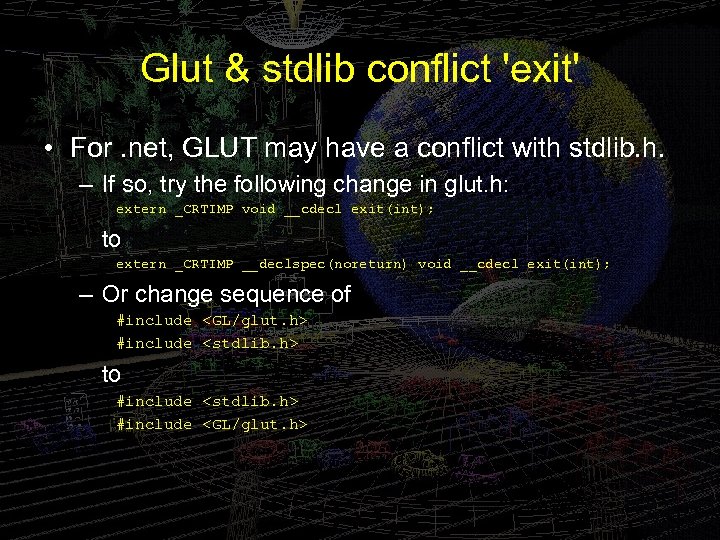 Glut & stdlib conflict 'exit' • For. net, GLUT may have a conflict with stdlib. h. – If so, try the following change in glut. h: extern _CRTIMP void __cdecl exit(int); to extern _CRTIMP __declspec(noreturn) void __cdecl exit(int); – Or change sequence of #include
 Open. GL for Borland C++ • Please visit web site for detail: – http: //www. gantless. com/borland. html – http: //members. cox. net/scottheiman/opengl. htm – http: //www. it. uu. se/edu/course/homepage/grafik 1/vt 05 /assignments/opengl_borland. shtml – http: //sbenavides. tripod. com/Open. GL. html – http: //dn. codegear. com/article/10528
 Installing OGL for Java • Install Java Development Kit – Go to http: //java. sun. com , and follow the instruction to download and install Java SDK. • Install JOGL – Go to https: //jogl. dev. java. net/ , and down load the software • Install a Java IDE – You might want to use Eclipse, j. GRASP, JBuilder, or etc. • For more detail – go to http: //www. cs. gmu. edu/%7 Ejchen/graphics/jogl/notes/setup 2007. html
 Open. GL and Linux • Linux – – GLUT uses XWindows libraries Check for /usr/include/gl/glut. h and gl. h GCC is generally used to compile Open. GL is either MESA (Software) or provided by your graphics card (Hardware) • Implementations of open specs – Program using any editor you like – Include
 More on Installing Open. GL for Linux and Other OS’s • Please refer to – http: //www. opengl. org/wiki/index. php/Getting_started – http: //www. opengl. org/resources/libraries/glut_do wnloads. php – http: //wiki. linuxquestions. org/wiki/Open. GL – http: //pubpages. unh. edu/~cs 770/a 1/libraries. html – http: //www. talisman. org/opengl 1. 1/Imp. Guide/02_Install. html