 Скачать презентацию inst eecs berkeley edu cs 61 c CS 61
22761083d176ee438aef212951918de2.ppt
- Количество слайдов: 24



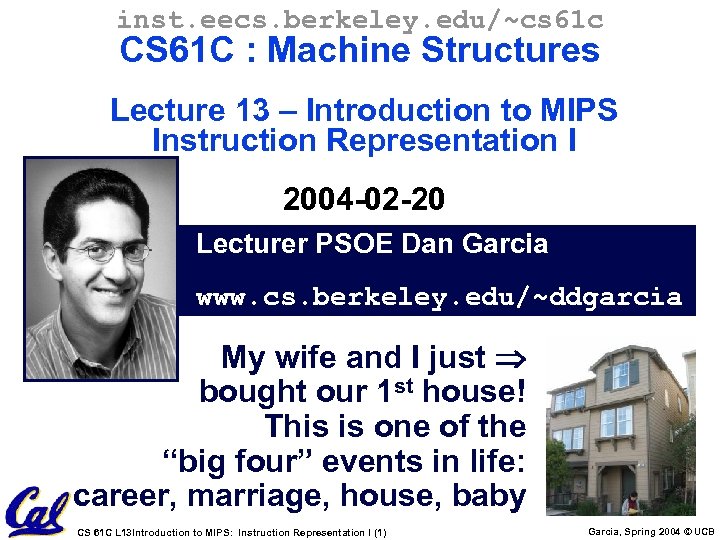
inst. eecs. berkeley. edu/~cs 61 c CS 61 C : Machine Structures Lecture 13 – Introduction to MIPS Instruction Representation I 2004 -02 -20 Lecturer PSOE Dan Garcia www. cs. berkeley. edu/~ddgarcia My wife and I just bought our 1 st house! This is one of the “big four” events in life: career, marriage, house, baby CS 61 C L 13 Introduction to MIPS: Instruction Representation I (1) Garcia, Spring 2004 © UCB
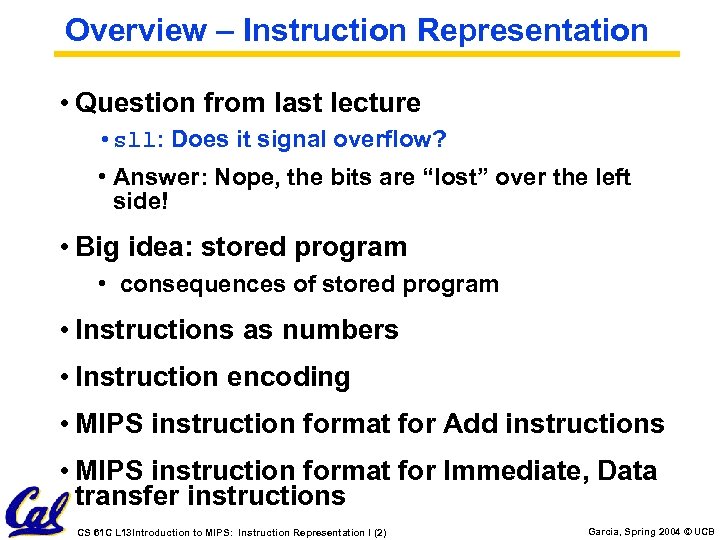
Overview – Instruction Representation • Question from last lecture • sll: Does it signal overflow? • Answer: Nope, the bits are “lost” over the left side! • Big idea: stored program • consequences of stored program • Instructions as numbers • Instruction encoding • MIPS instruction format for Add instructions • MIPS instruction format for Immediate, Data transfer instructions CS 61 C L 13 Introduction to MIPS: Instruction Representation I (2) Garcia, Spring 2004 © UCB
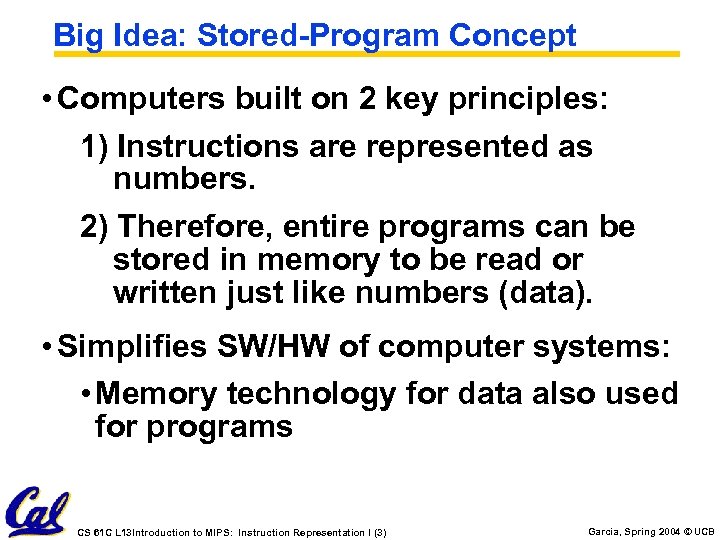
Big Idea: Stored-Program Concept • Computers built on 2 key principles: 1) Instructions are represented as numbers. 2) Therefore, entire programs can be stored in memory to be read or written just like numbers (data). • Simplifies SW/HW of computer systems: • Memory technology for data also used for programs CS 61 C L 13 Introduction to MIPS: Instruction Representation I (3) Garcia, Spring 2004 © UCB
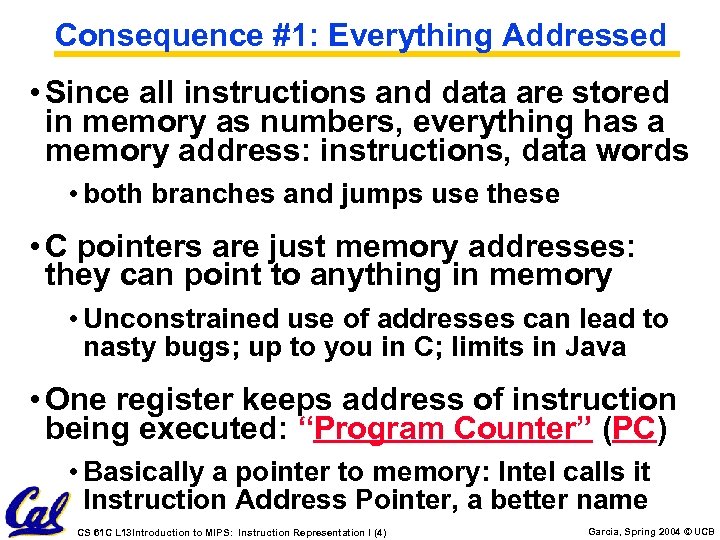
Consequence #1: Everything Addressed • Since all instructions and data are stored in memory as numbers, everything has a memory address: instructions, data words • both branches and jumps use these • C pointers are just memory addresses: they can point to anything in memory • Unconstrained use of addresses can lead to nasty bugs; up to you in C; limits in Java • One register keeps address of instruction being executed: “Program Counter” (PC) • Basically a pointer to memory: Intel calls it Instruction Address Pointer, a better name CS 61 C L 13 Introduction to MIPS: Instruction Representation I (4) Garcia, Spring 2004 © UCB
Consequence #2: Binary Compatibility • Programs are distributed in binary form • Programs bound to specific instruction set • Different version for Macintoshes and PCs • New machines want to run old programs (“binaries”) as well as programs compiled to new instructions • Leads to instruction set evolving over time • Selection of Intel 8086 in 1981 for 1 st IBM PC is major reason latest PCs still use 80 x 86 instruction set (Pentium 4); could still run program from 1981 PC today CS 61 C L 13 Introduction to MIPS: Instruction Representation I (5) Garcia, Spring 2004 © UCB
Instructions as Numbers (1/2) • Currently all data we work with is in words (32 -bit blocks): • Each register is a word. • lw and sw both access memory one word at a time. • So how do we represent instructions? • Remember: Computer only understands 1 s and 0 s, so “add $t 0, $0” is meaningless. • MIPS wants simplicity: since data is in words, make instructions be words too CS 61 C L 13 Introduction to MIPS: Instruction Representation I (6) Garcia, Spring 2004 © UCB
Instructions as Numbers (2/2) • One word is 32 bits, so divide instruction word into “fields”. • Each field tells computer something about instruction. • We could define different fields for each instruction, but MIPS is based on simplicity, so define 3 basic types of instruction formats: • R-format • I-format • J-format CS 61 C L 13 Introduction to MIPS: Instruction Representation I (7) Garcia, Spring 2004 © UCB
Instruction Formats • I-format: used for instructions with immediates, lw and sw (since the offset counts as an immediate), and the branches (beq and bne), • (but not the shift instructions; later) • J-format: used for j and jal • R-format: used for all other instructions • It will soon become clear why the instructions have been partitioned in this way. CS 61 C L 13 Introduction to MIPS: Instruction Representation I (8) Garcia, Spring 2004 © UCB
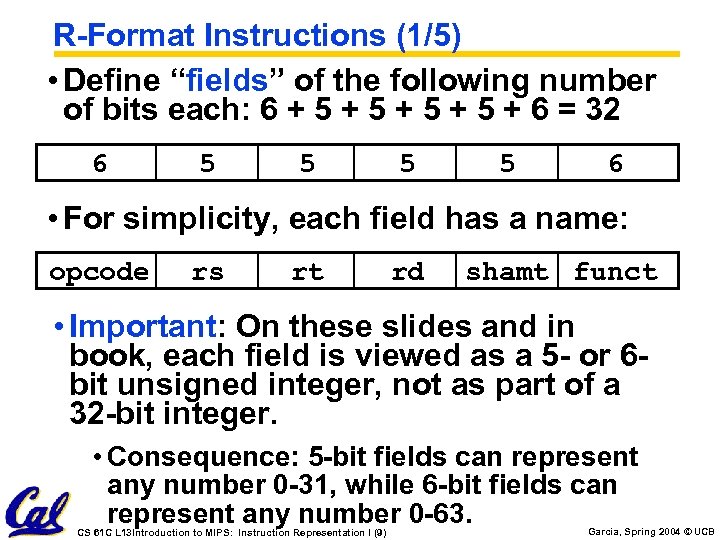
R-Format Instructions (1/5) • Define “fields” of the following number of bits each: 6 + 5 + 5 + 6 = 32 6 5 5 6 • For simplicity, each field has a name: opcode rs rt rd shamt funct • Important: On these slides and in book, each field is viewed as a 5 - or 6 bit unsigned integer, not as part of a 32 -bit integer. • Consequence: 5 -bit fields can represent any number 0 -31, while 6 -bit fields can represent any number 0 -63. CS 61 C L 13 Introduction to MIPS: Instruction Representation I (9) Garcia, Spring 2004 © UCB
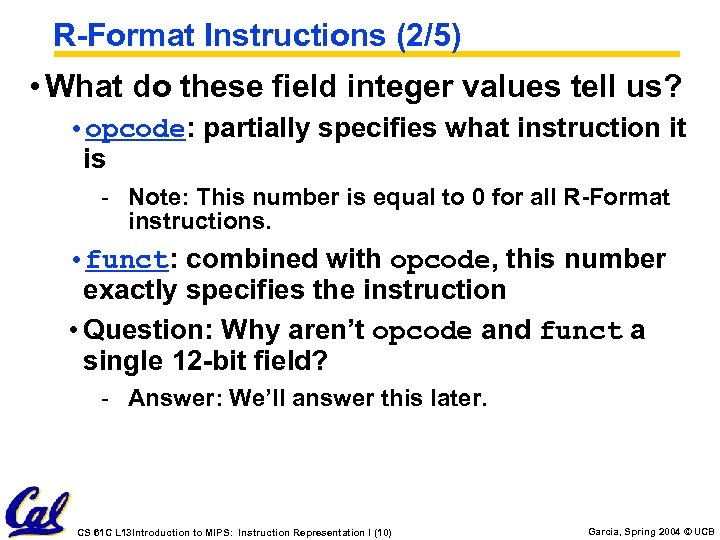
R-Format Instructions (2/5) • What do these field integer values tell us? • opcode: partially specifies what instruction it is - Note: This number is equal to 0 for all R-Format instructions. • funct: combined with opcode, this number exactly specifies the instruction • Question: Why aren’t opcode and funct a single 12 -bit field? - Answer: We’ll answer this later. CS 61 C L 13 Introduction to MIPS: Instruction Representation I (10) Garcia, Spring 2004 © UCB
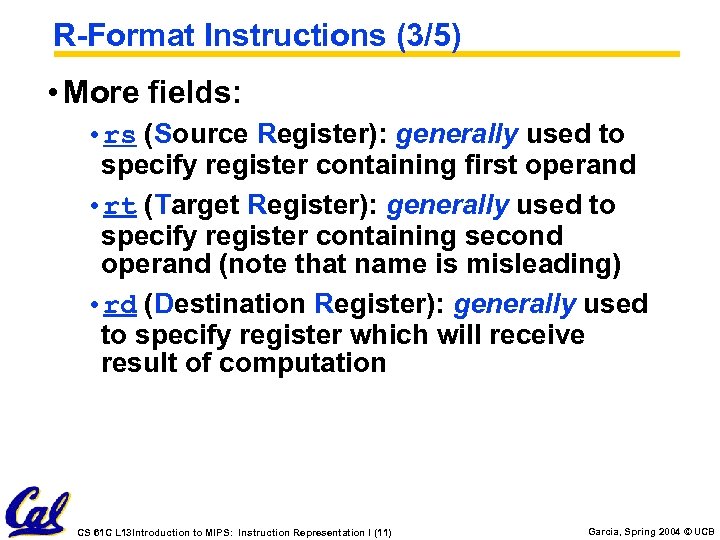
R-Format Instructions (3/5) • More fields: • rs (Source Register): generally used to specify register containing first operand • rt (Target Register): generally used to specify register containing second operand (note that name is misleading) • rd (Destination Register): generally used to specify register which will receive result of computation CS 61 C L 13 Introduction to MIPS: Instruction Representation I (11) Garcia, Spring 2004 © UCB
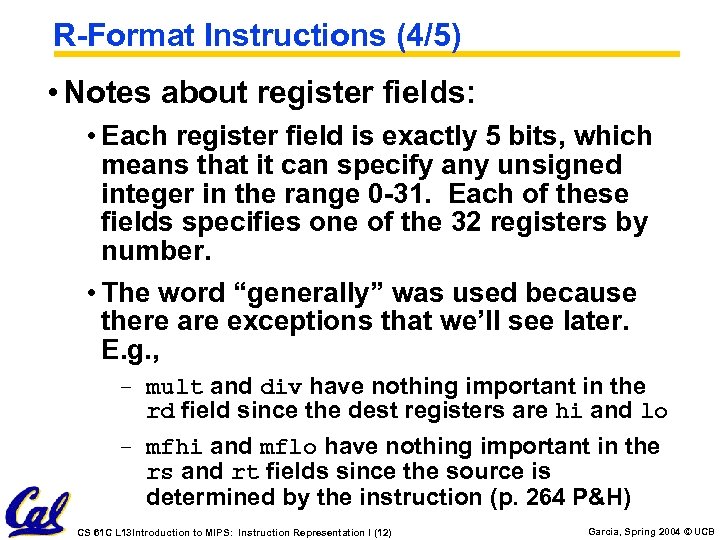
R-Format Instructions (4/5) • Notes about register fields: • Each register field is exactly 5 bits, which means that it can specify any unsigned integer in the range 0 -31. Each of these fields specifies one of the 32 registers by number. • The word “generally” was used because there are exceptions that we’ll see later. E. g. , - mult and div have nothing important in the rd field since the dest registers are hi and lo - mfhi and mflo have nothing important in the rs and rt fields since the source is determined by the instruction (p. 264 P&H) CS 61 C L 13 Introduction to MIPS: Instruction Representation I (12) Garcia, Spring 2004 © UCB
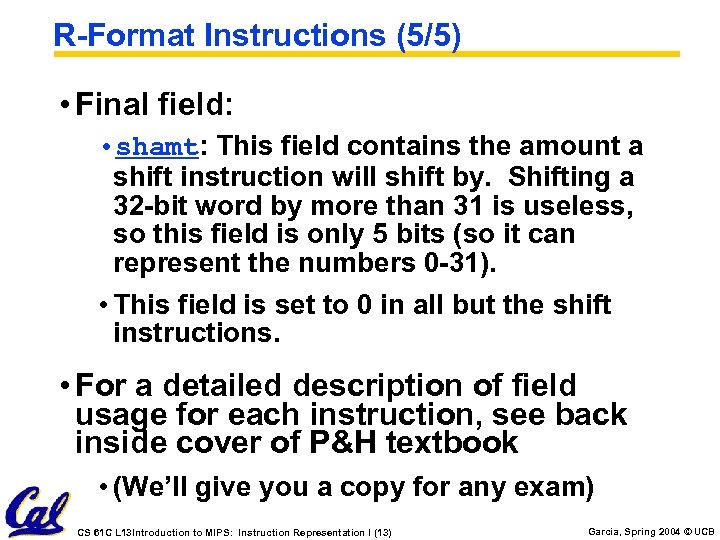
R-Format Instructions (5/5) • Final field: • shamt: This field contains the amount a shift instruction will shift by. Shifting a 32 -bit word by more than 31 is useless, so this field is only 5 bits (so it can represent the numbers 0 -31). • This field is set to 0 in all but the shift instructions. • For a detailed description of field usage for each instruction, see back inside cover of P&H textbook • (We’ll give you a copy for any exam) CS 61 C L 13 Introduction to MIPS: Instruction Representation I (13) Garcia, Spring 2004 © UCB
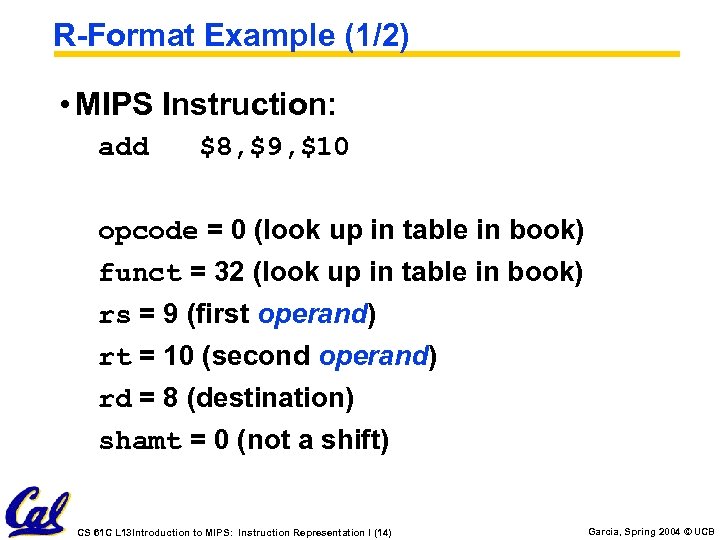
R-Format Example (1/2) • MIPS Instruction: add $8, $9, $10 opcode = 0 (look up in table in book) funct = 32 (look up in table in book) rs = 9 (first operand) rt = 10 (second operand) rd = 8 (destination) shamt = 0 (not a shift) CS 61 C L 13 Introduction to MIPS: Instruction Representation I (14) Garcia, Spring 2004 © UCB
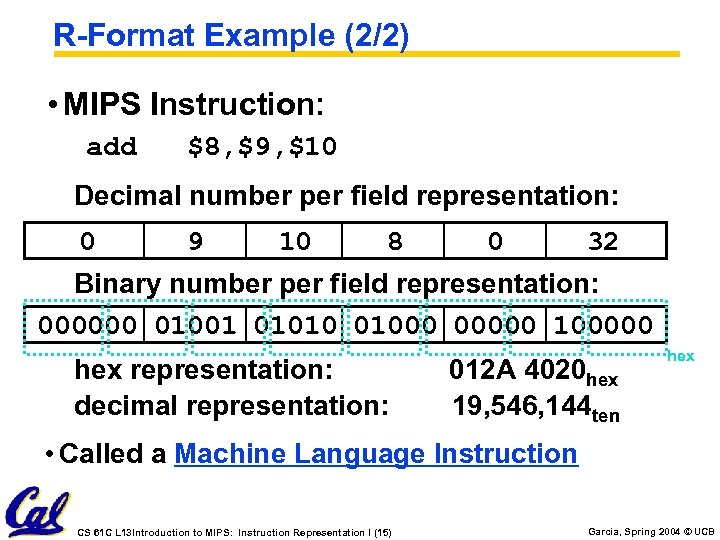
R-Format Example (2/2) • MIPS Instruction: add $8, $9, $10 Decimal number per field representation: 0 9 10 8 0 32 Binary number per field representation: 000000 01001 01010 01000 00000 100000 hex representation: decimal representation: 012 A 4020 hex 19, 546, 144 ten hex • Called a Machine Language Instruction CS 61 C L 13 Introduction to MIPS: Instruction Representation I (15) Garcia, Spring 2004 © UCB
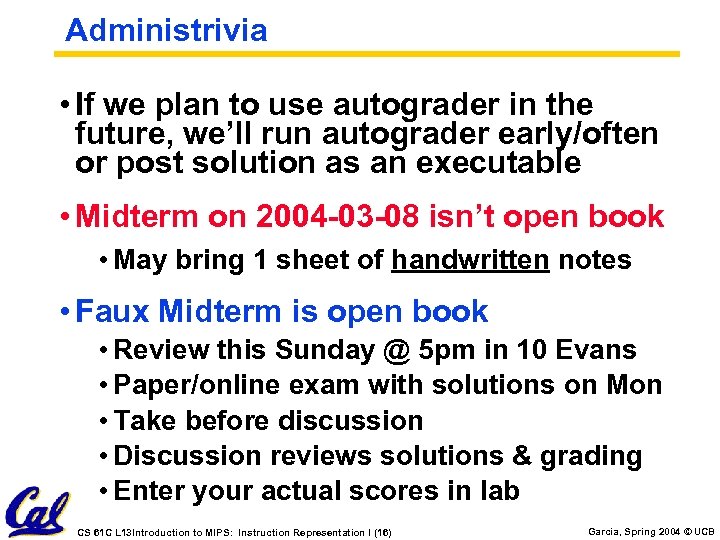
Administrivia • If we plan to use autograder in the future, we’ll run autograder early/often or post solution as an executable • Midterm on 2004 -03 -08 isn’t open book • May bring 1 sheet of handwritten notes • Faux Midterm is open book • Review this Sunday @ 5 pm in 10 Evans • Paper/online exam with solutions on Mon • Take before discussion • Discussion reviews solutions & grading • Enter your actual scores in lab CS 61 C L 13 Introduction to MIPS: Instruction Representation I (16) Garcia, Spring 2004 © UCB
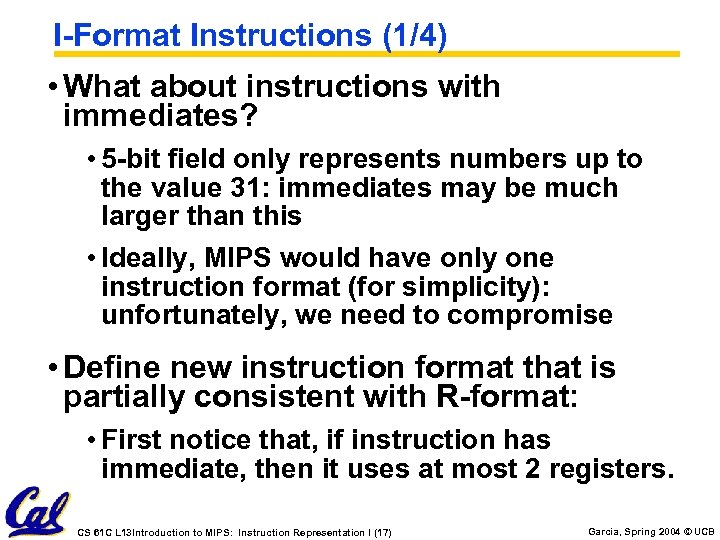
I-Format Instructions (1/4) • What about instructions with immediates? • 5 -bit field only represents numbers up to the value 31: immediates may be much larger than this • Ideally, MIPS would have only one instruction format (for simplicity): unfortunately, we need to compromise • Define new instruction format that is partially consistent with R-format: • First notice that, if instruction has immediate, then it uses at most 2 registers. CS 61 C L 13 Introduction to MIPS: Instruction Representation I (17) Garcia, Spring 2004 © UCB
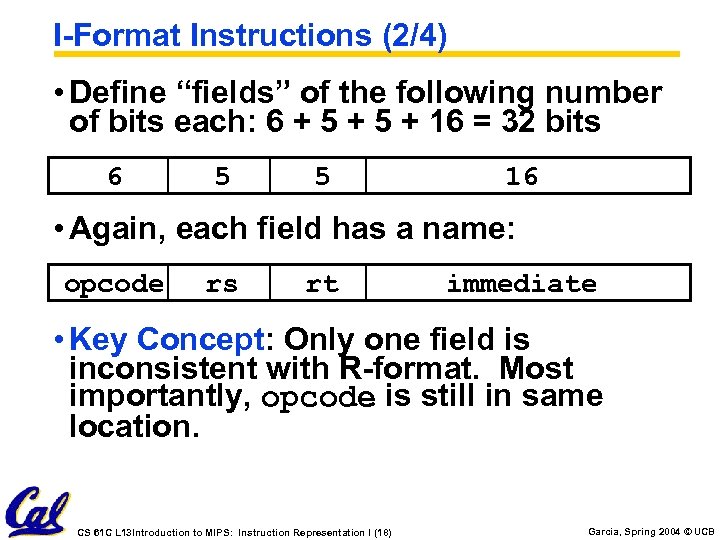
I-Format Instructions (2/4) • Define “fields” of the following number of bits each: 6 + 5 + 16 = 32 bits 6 5 5 16 • Again, each field has a name: opcode rs rt immediate • Key Concept: Only one field is inconsistent with R-format. Most importantly, opcode is still in same location. CS 61 C L 13 Introduction to MIPS: Instruction Representation I (18) Garcia, Spring 2004 © UCB
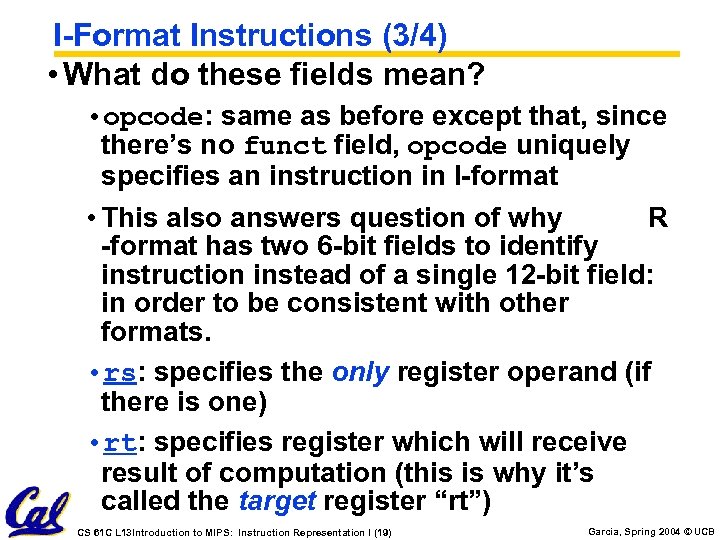
I-Format Instructions (3/4) • What do these fields mean? • opcode: same as before except that, since there’s no funct field, opcode uniquely specifies an instruction in I-format • This also answers question of why R -format has two 6 -bit fields to identify instruction instead of a single 12 -bit field: in order to be consistent with other formats. • rs: specifies the only register operand (if there is one) • rt: specifies register which will receive result of computation (this is why it’s called the target register “rt”) CS 61 C L 13 Introduction to MIPS: Instruction Representation I (19) Garcia, Spring 2004 © UCB
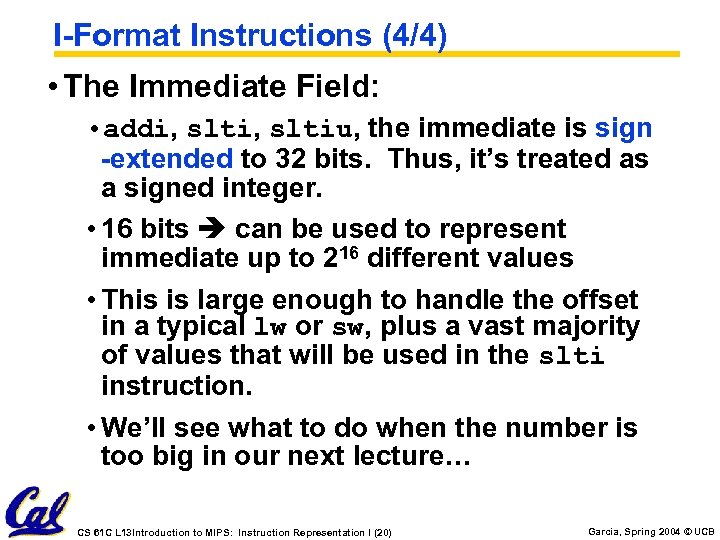
I-Format Instructions (4/4) • The Immediate Field: • addi, sltiu, the immediate is sign -extended to 32 bits. Thus, it’s treated as a signed integer. • 16 bits can be used to represent immediate up to 216 different values • This is large enough to handle the offset in a typical lw or sw, plus a vast majority of values that will be used in the slti instruction. • We’ll see what to do when the number is too big in our next lecture… CS 61 C L 13 Introduction to MIPS: Instruction Representation I (20) Garcia, Spring 2004 © UCB
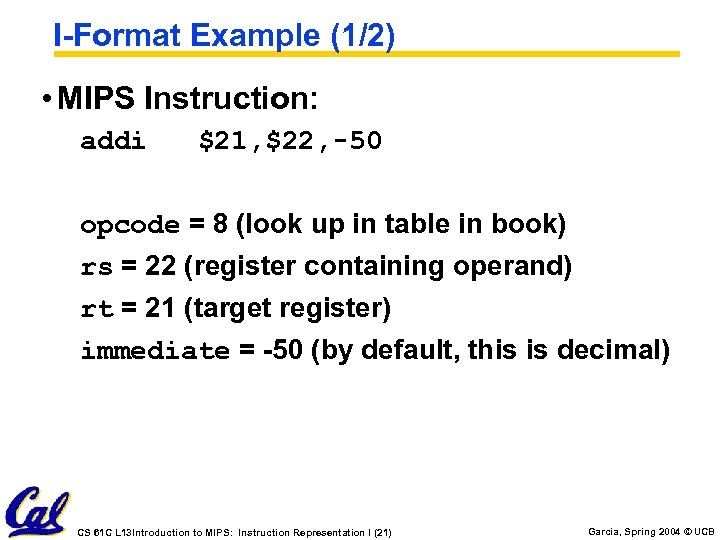
I-Format Example (1/2) • MIPS Instruction: addi $21, $22, -50 opcode = 8 (look up in table in book) rs = 22 (register containing operand) rt = 21 (target register) immediate = -50 (by default, this is decimal) CS 61 C L 13 Introduction to MIPS: Instruction Representation I (21) Garcia, Spring 2004 © UCB
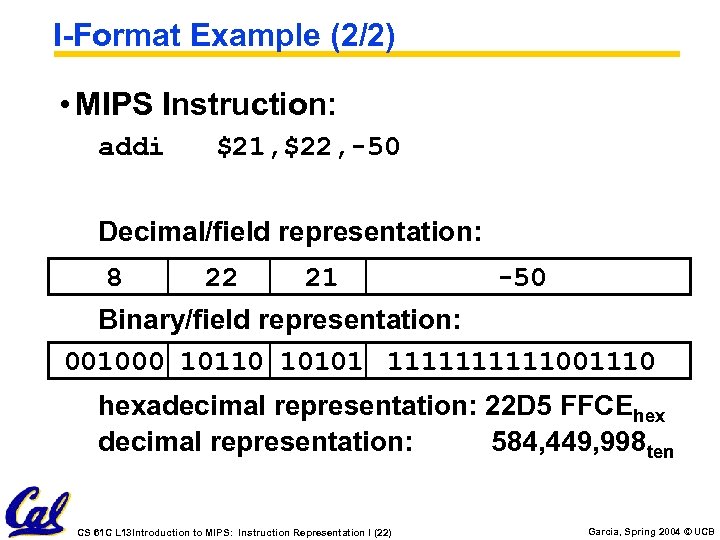
I-Format Example (2/2) • MIPS Instruction: addi $21, $22, -50 Decimal/field representation: 8 22 21 -50 Binary/field representation: 001000 10110 10101 11111001110 hexadecimal representation: 22 D 5 FFCEhex decimal representation: 584, 449, 998 ten CS 61 C L 13 Introduction to MIPS: Instruction Representation I (22) Garcia, Spring 2004 © UCB
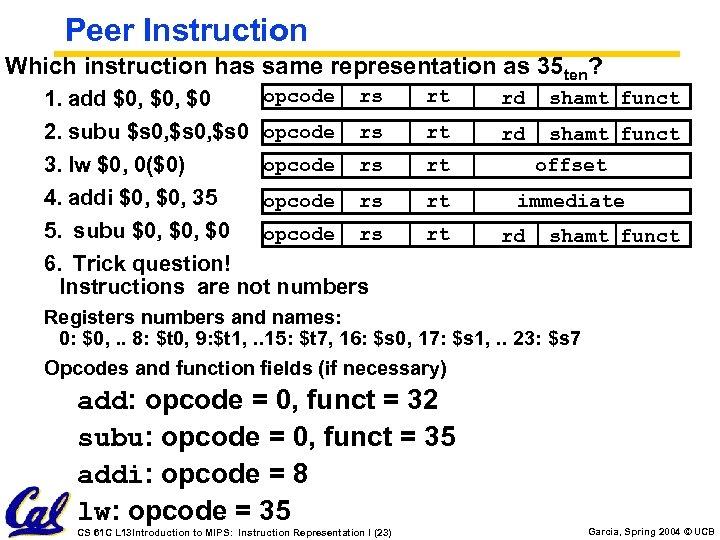
Peer Instruction Which instruction has same representation as 35 ten? opcode rs 1. add $0, $0 2. subu $s 0, $s 0 opcode rs 3. lw $0, 0($0) 4. addi $0, 35 opcode rs 5. subu $0, $0 opcode rs 6. Trick question! Instructions are not numbers rt rd shamt funct rt offset rt immediate rt rd shamt funct Registers numbers and names: 0: $0, . . 8: $t 0, 9: $t 1, . . 15: $t 7, 16: $s 0, 17: $s 1, . . 23: $s 7 Opcodes and function fields (if necessary) add: opcode = 0, funct = 32 subu: opcode = 0, funct = 35 addi: opcode = 8 lw: opcode = 35 CS 61 C L 13 Introduction to MIPS: Instruction Representation I (23) Garcia, Spring 2004 © UCB
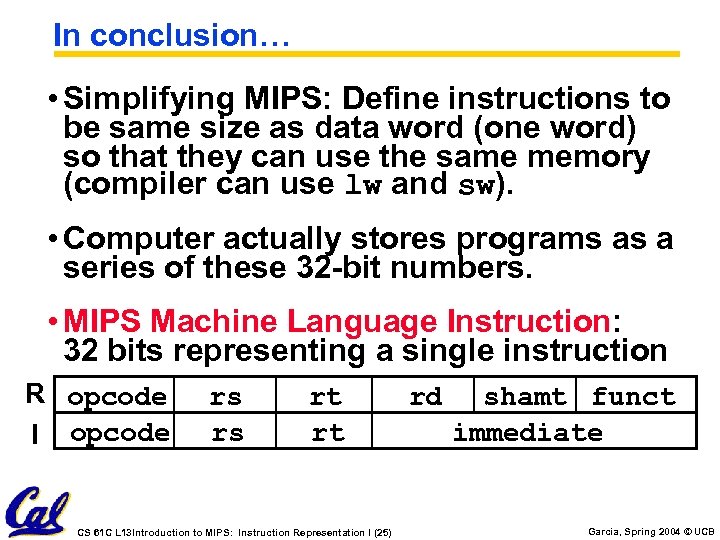
In conclusion… • Simplifying MIPS: Define instructions to be same size as data word (one word) so that they can use the same memory (compiler can use lw and sw). • Computer actually stores programs as a series of these 32 -bit numbers. • MIPS Machine Language Instruction: 32 bits representing a single instruction R opcode I opcode J opcode rs rs rt rd shamt funct rt immediate target address CS 61 C L 13 Introduction to MIPS: Instruction Representation I (25) Garcia, Spring 2004 © UCB
Скачать презентацию inst eecs berkeley edu cs 61 c CS 61
22761083d176ee438aef212951918de2.ppt