 Скачать презентацию Input Output Garbage In Garbage Out Outline
344253ffe39d79f78045b0f95e563e92.ppt
- Количество слайдов: 16



Input Output Garbage In, Garbage Out
Outline • Announcements: – Homework III: due Wednesday • Advanced ASCII • Binary Basics • Filesystem Fun
Advanced ASCII • Read tables of ASCII data with load • Other functions like textread will read simple files • Sometimes, you’ve just got to do it yourself – Complicated files
Opening Files • To read a file manually, open with fopen – fid=fopen(‘fname’, ‘rt’); %rt= “read text” – fid will be <1 if open fails – You should check and return an informative message • File I/O functions accept fid • Close the file when you’re done with fclose(fid)
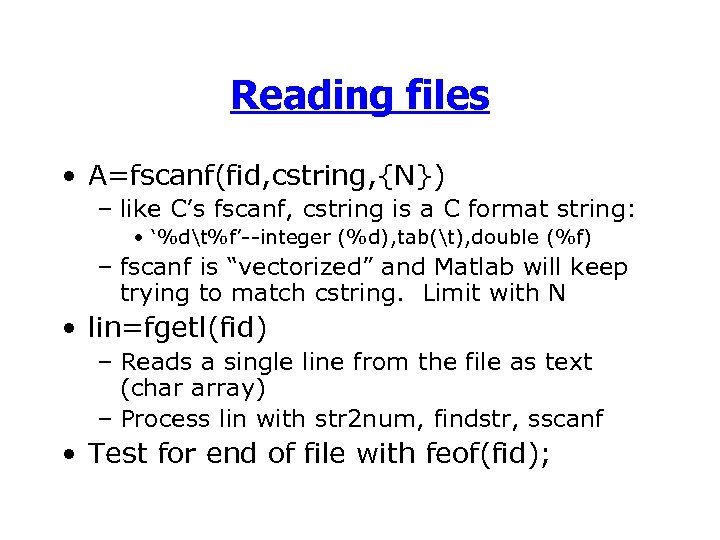
Reading files • A=fscanf(fid, cstring, {N}) – like C’s fscanf, cstring is a C format string: • ‘%dt%f’--integer (%d), tab(t), double (%f) – fscanf is “vectorized” and Matlab will keep trying to match cstring. Limit with N • lin=fgetl(fid) – Reads a single line from the file as text (char array) – Process lin with str 2 num, findstr, sscanf • Test for end of file with feof(fid);
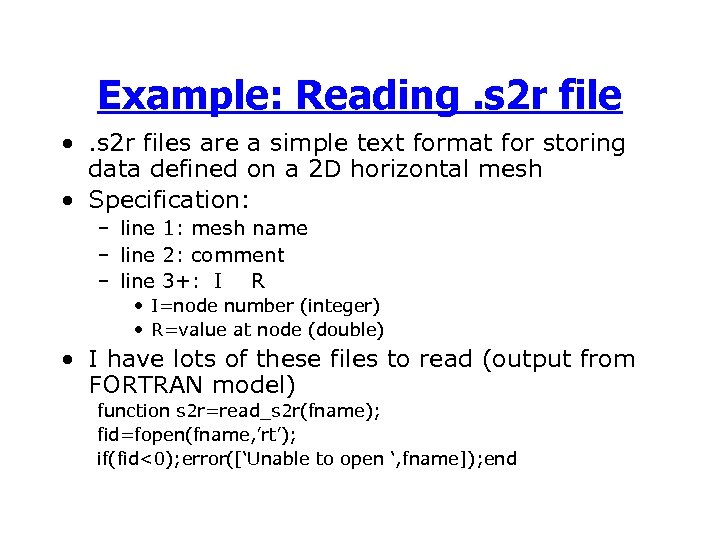
Example: Reading. s 2 r file • . s 2 r files are a simple text format for storing data defined on a 2 D horizontal mesh • Specification: – line 1: mesh name – line 2: comment – line 3+: I R • I=node number (integer) • R=value at node (double) • I have lots of these files to read (output from FORTRAN model) function s 2 r=read_s 2 r(fname); fid=fopen(fname, ’rt’); if(fid<0); error([‘Unable to open ‘, fname]); end
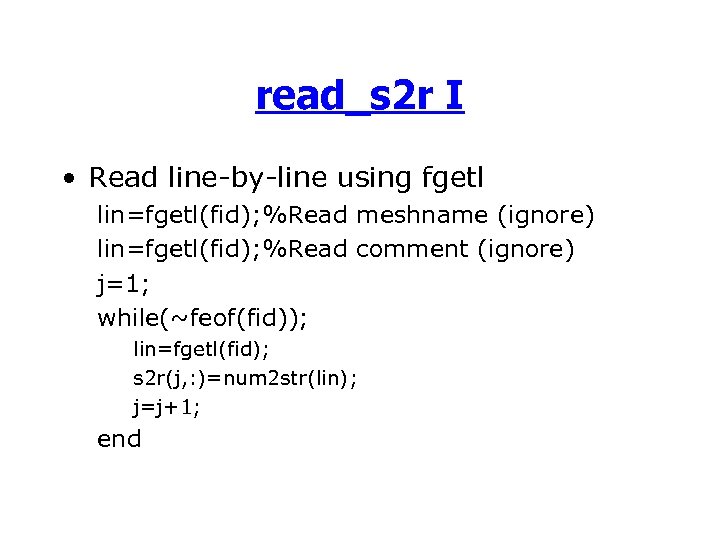
read_s 2 r I • Read line-by-line using fgetl lin=fgetl(fid); %Read meshname (ignore) lin=fgetl(fid); %Read comment (ignore) j=1; while(~feof(fid)); lin=fgetl(fid); s 2 r(j, : )=num 2 str(lin); j=j+1; end
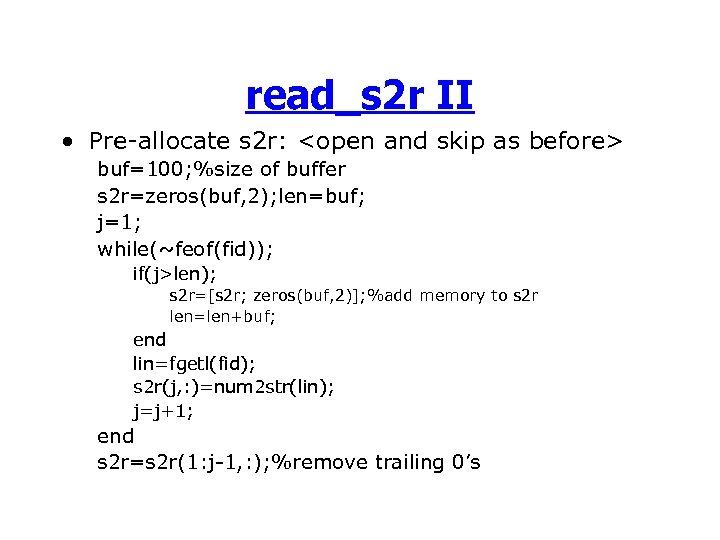
read_s 2 r II • Pre-allocate s 2 r: <open and skip as before> buf=100; %size of buffer s 2 r=zeros(buf, 2); len=buf; j=1; while(~feof(fid)); if(j>len); s 2 r=[s 2 r; zeros(buf, 2)]; %add memory to s 2 r len=len+buf; end lin=fgetl(fid); s 2 r(j, : )=num 2 str(lin); j=j+1; end s 2 r=s 2 r(1: j-1, : ); %remove trailing 0’s
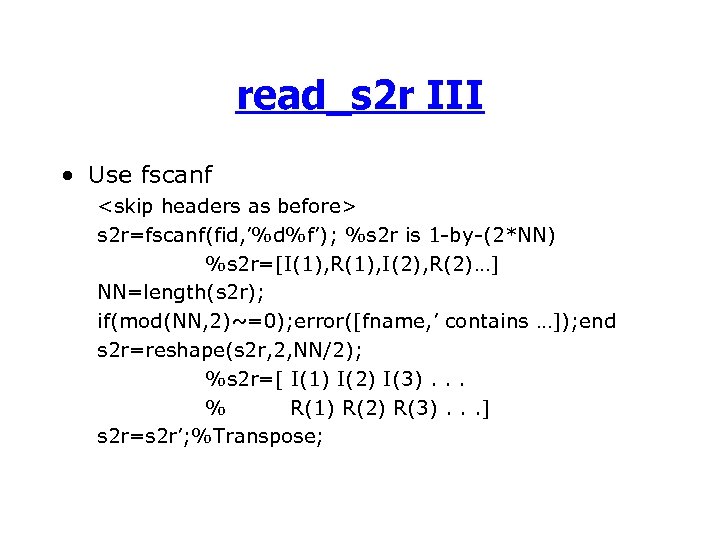
read_s 2 r III • Use fscanf <skip headers as before> s 2 r=fscanf(fid, ’%d%f’); %s 2 r is 1 -by-(2*NN) %s 2 r=[I(1), R(1), I(2), R(2)…] NN=length(s 2 r); if(mod(NN, 2)~=0); error([fname, ’ contains …]); end s 2 r=reshape(s 2 r, 2, NN/2); %s 2 r=[ I(1) I(2) I(3). . . % R(1) R(2) R(3). . . ] s 2 r=s 2 r’; %Transpose;
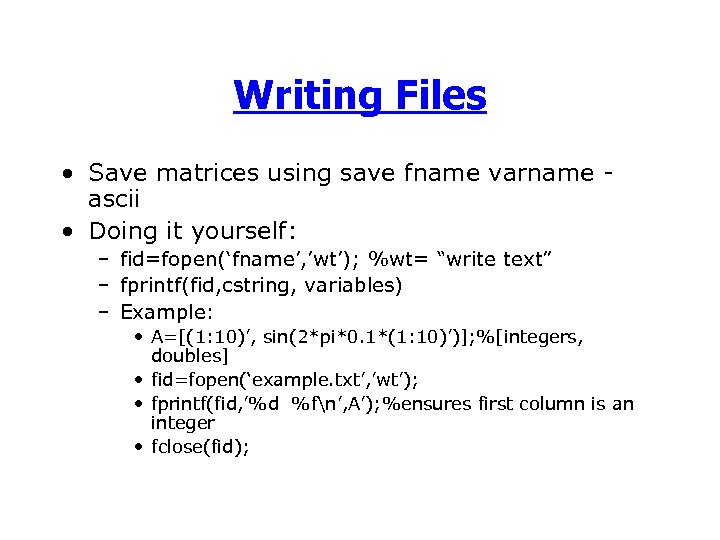
Writing Files • Save matrices using save fname varname ascii • Doing it yourself: – fid=fopen(‘fname’, ’wt’); %wt= “write text” – fprintf(fid, cstring, variables) – Example: • A=[(1: 10)’, sin(2*pi*0. 1*(1: 10)’)]; %[integers, doubles] • fid=fopen(‘example. txt’, ’wt’); • fprintf(fid, ’%d %fn’, A’); %ensures first column is an integer • fclose(fid);
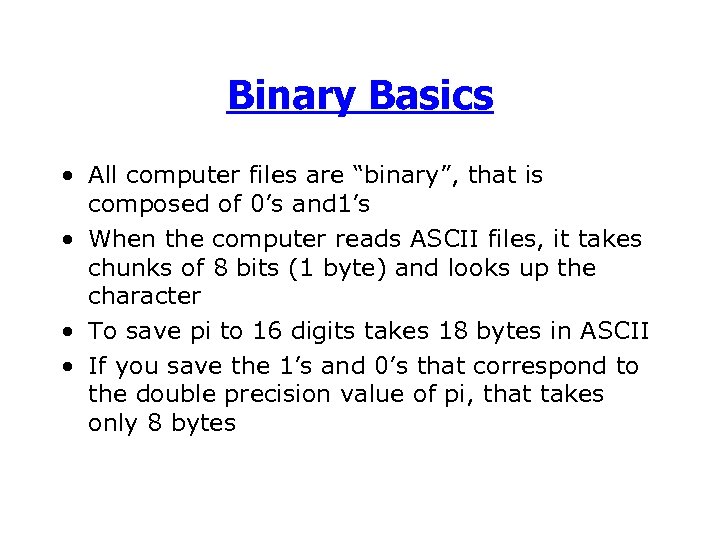
Binary Basics • All computer files are “binary”, that is composed of 0’s and 1’s • When the computer reads ASCII files, it takes chunks of 8 bits (1 byte) and looks up the character • To save pi to 16 digits takes 18 bytes in ASCII • If you save the 1’s and 0’s that correspond to the double precision value of pi, that takes only 8 bytes
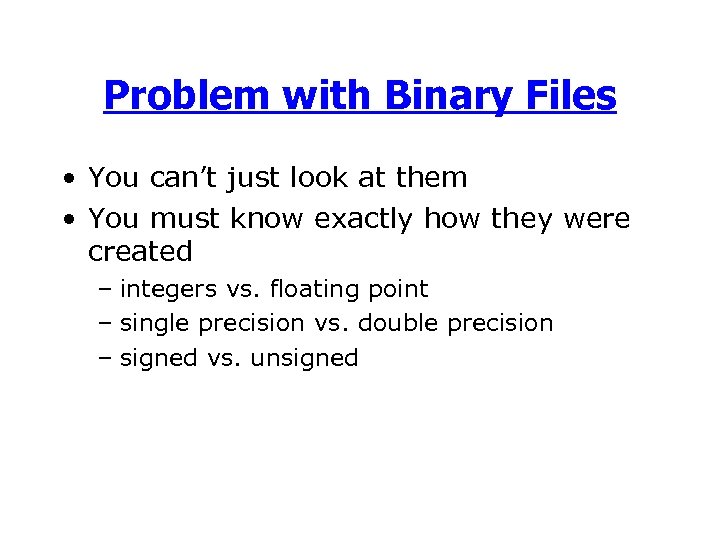
Problem with Binary Files • You can’t just look at them • You must know exactly how they were created – integers vs. floating point – single precision vs. double precision – signed vs. unsigned
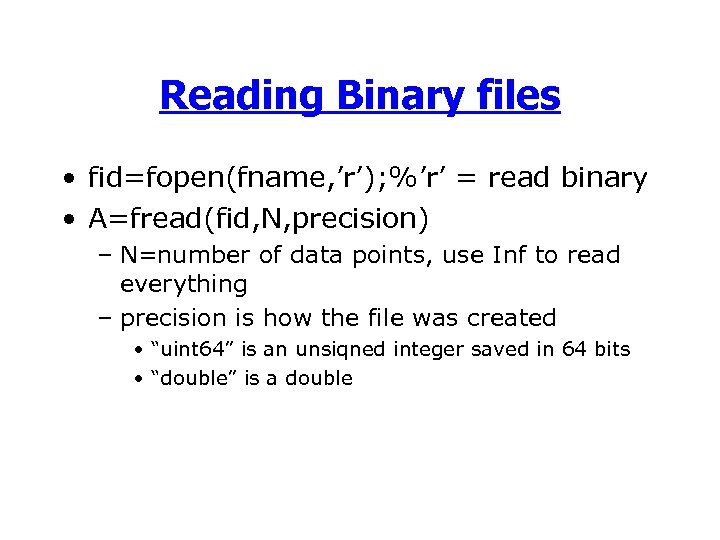
Reading Binary files • fid=fopen(fname, ’r’); %’r’ = read binary • A=fread(fid, N, precision) – N=number of data points, use Inf to read everything – precision is how the file was created • “uint 64” is an unsiqned integer saved in 64 bits • “double” is a double

Free advice (you get what you pay for) • The only reasons to use binary files are – someone gives you one – you enjoy frustration and pain – you’re too poor (or cheap) to buy a new hard drive
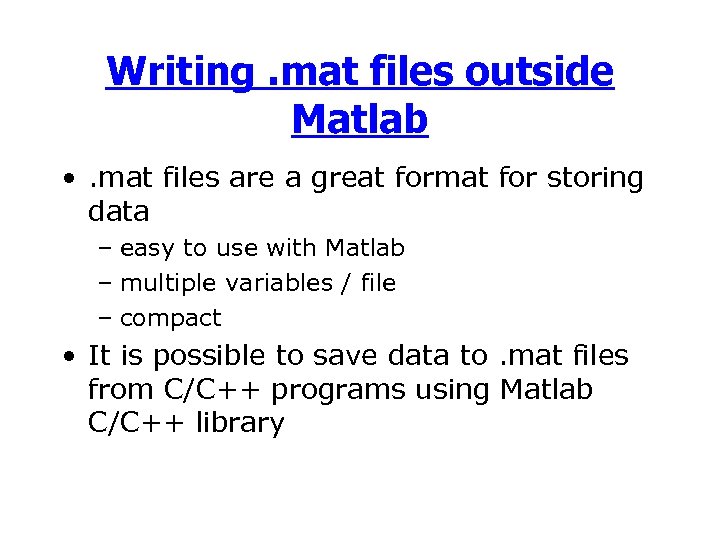
Writing. mat files outside Matlab • . mat files are a great format for storing data – easy to use with Matlab – multiple variables / file – compact • It is possible to save data to. mat files from C/C++ programs using Matlab C/C++ library
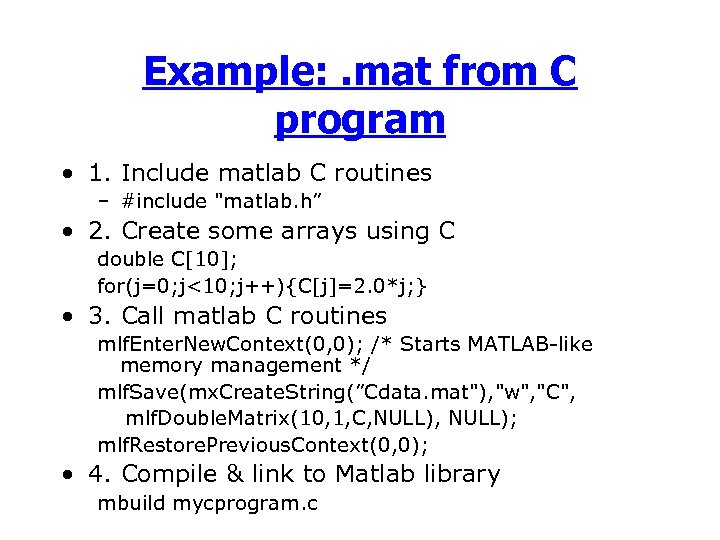
Example: . mat from C program • 1. Include matlab C routines – #include "matlab. h” • 2. Create some arrays using C double C[10]; for(j=0; j<10; j++){C[j]=2. 0*j; } • 3. Call matlab C routines mlf. Enter. New. Context(0, 0); /* Starts MATLAB-like memory management */ mlf. Save(mx. Create. String(”Cdata. mat"), "w", "C", mlf. Double. Matrix(10, 1, C, NULL); mlf. Restore. Previous. Context(0, 0); • 4. Compile & link to Matlab library mbuild mycprogram. c
Скачать презентацию Input Output Garbage In Garbage Out Outline
344253ffe39d79f78045b0f95e563e92.ppt