


 Скачать презентацию Input Output and Storage What Kinds of Peripheral
8ea6f2b5955a123c6aab663101086d30.ppt
- Количество слайдов: 34
 Input, Output, and Storage What Kinds of Peripheral Devices Would Suit Your Needs? Chapter 5
 Introduction In this chapter, we’ll discuss various input, output, and storage devices designed to meet the various needs and lifestyles of people. This chapter explores the features available in these devices. © 2003 The Mc. Graw-Hill Companies
 What Peripheral Devices Suit Your Needs? Input Devices Output Devices Storage Devices © 2003 The Mc. Graw-Hill Companies
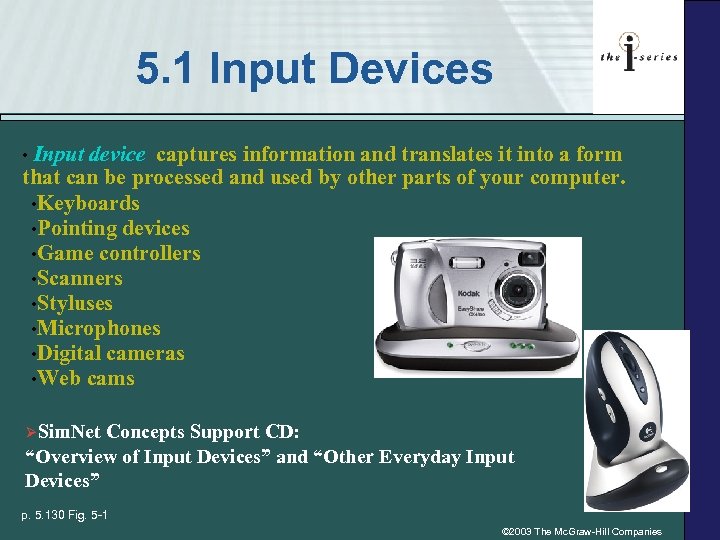 5. 1 Input Devices Input device captures information and translates it into a form that can be processed and used by other parts of your computer. • Keyboards • Pointing devices • Game controllers • Scanners • Styluses • Microphones • Digital cameras • Web cams • ØSim. Net Concepts Support CD: “Overview of Input Devices” and “Other Everyday Input Devices” p. 5. 130 Fig. 5 -1 © 2003 The Mc. Graw-Hill Companies
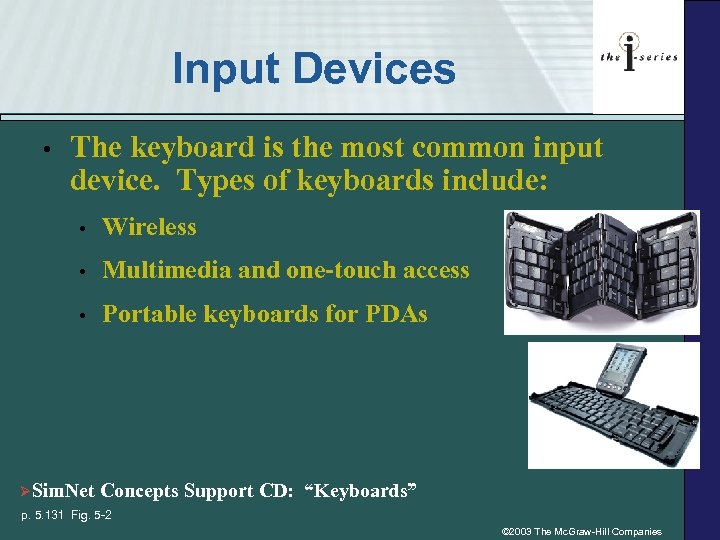 Input Devices • The keyboard is the most common input device. Types of keyboards include: • Wireless • Multimedia and one-touch access • ØSim. Net Portable keyboards for PDAs Concepts Support CD: “Keyboards” p. 5. 131 Fig. 5 -2 © 2003 The Mc. Graw-Hill Companies
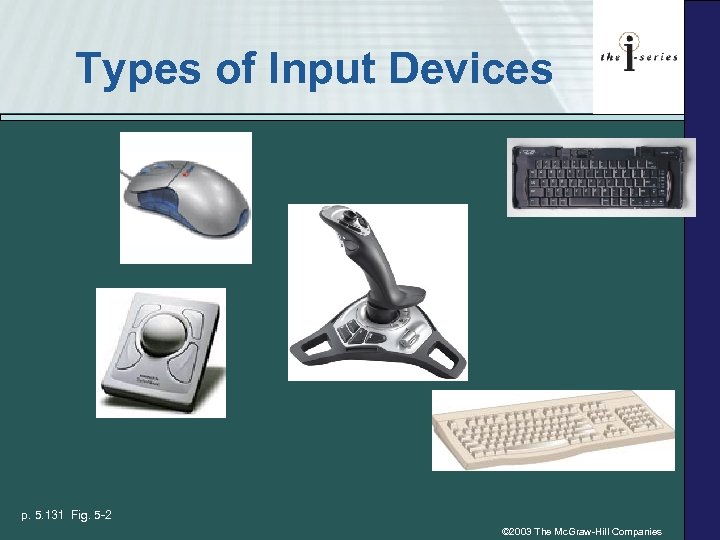 Types of Input Devices p. 5. 131 Fig. 5 -2 © 2003 The Mc. Graw-Hill Companies
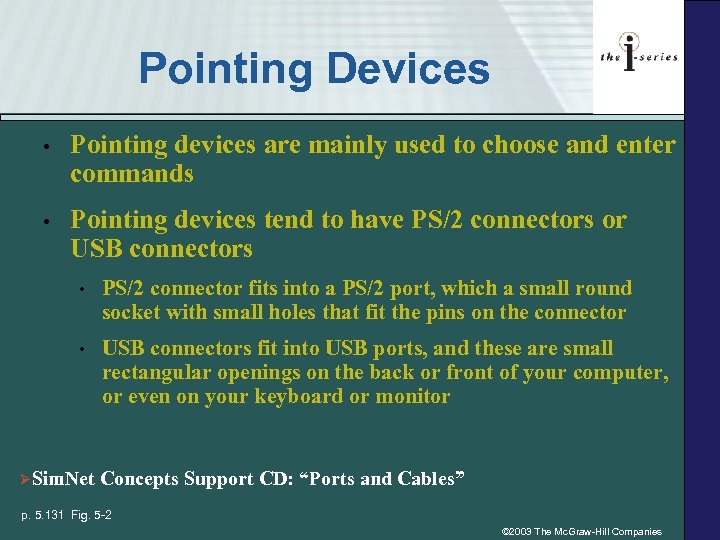 Pointing Devices • Pointing devices are mainly used to choose and enter commands • Pointing devices tend to have PS/2 connectors or USB connectors • PS/2 connector fits into a PS/2 port, which a small round socket with small holes that fit the pins on the connector • USB connectors fit into USB ports, and these are small rectangular openings on the back or front of your computer, or even on your keyboard or monitor ØSim. Net Concepts Support CD: “Ports and Cables” p. 5. 131 Fig. 5 -2 © 2003 The Mc. Graw-Hill Companies
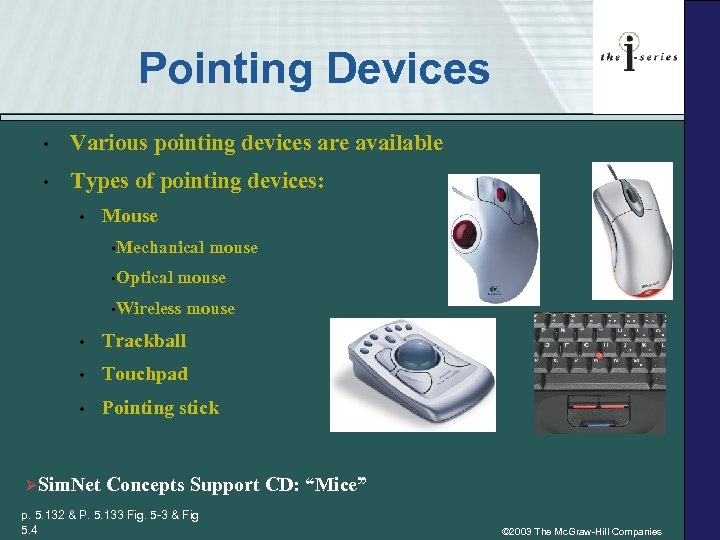 Pointing Devices • Various pointing devices are available • Types of pointing devices: • Mouse • Mechanical • Optical mouse • Wireless mouse • Trackball • Touchpad • Pointing stick ØSim. Net Concepts Support CD: “Mice” p. 5. 132 & P. 5. 133 Fig. 5 -3 & Fig 5. 4 © 2003 The Mc. Graw-Hill Companies
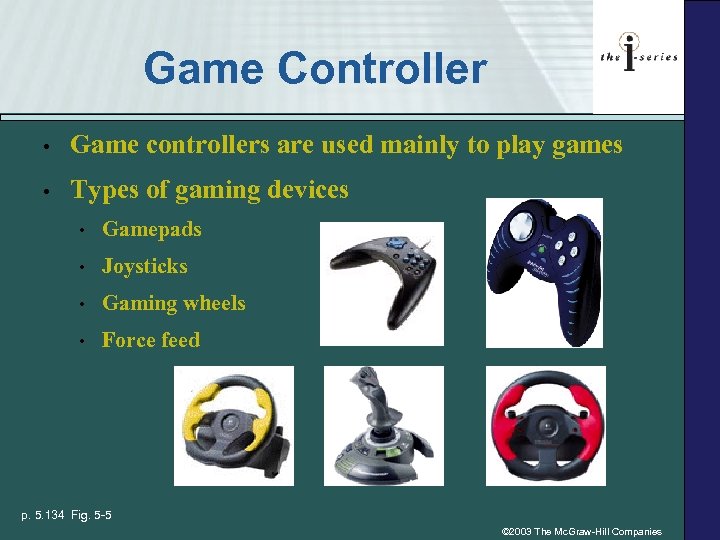 Game Controller • Game controllers are used mainly to play games • Types of gaming devices • Gamepads • Joysticks • Gaming wheels • Force feed p. 5. 134 Fig. 5 -5 © 2003 The Mc. Graw-Hill Companies
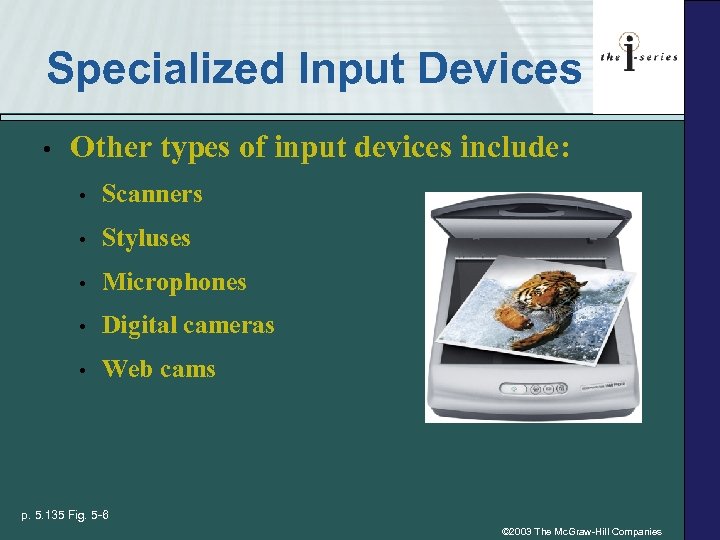 Specialized Input Devices • Other types of input devices include: • Scanners • Styluses • Microphones • Digital cameras • Web cams p. 5. 135 Fig. 5 -6 © 2003 The Mc. Graw-Hill Companies
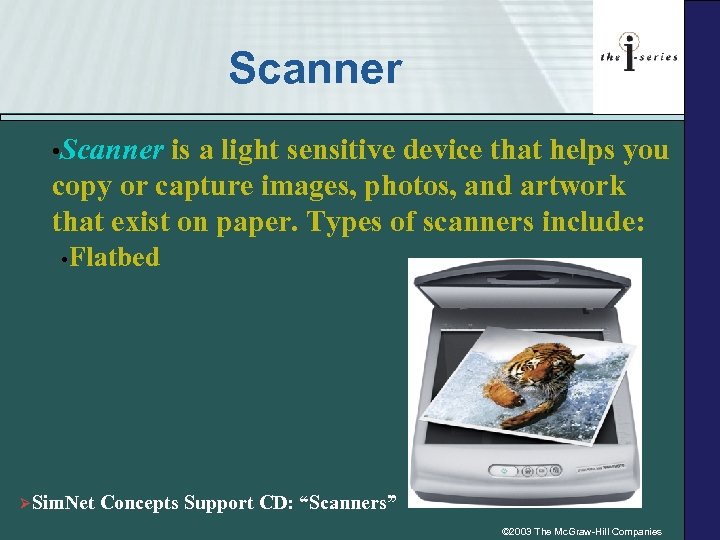 Scanner • Scanner is a light sensitive device that helps you copy or capture images, photos, and artwork that exist on paper. Types of scanners include: • Flatbed ØSim. Net Concepts Support CD: “Scanners” © 2003 The Mc. Graw-Hill Companies
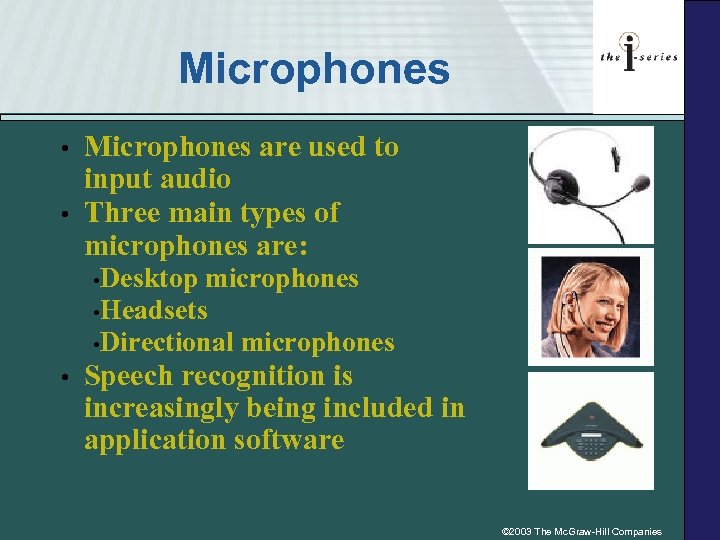 Microphones • • Microphones are used to input audio Three main types of microphones are: • Desktop microphones • Headsets • Directional microphones • Speech recognition is increasingly being included in application software © 2003 The Mc. Graw-Hill Companies
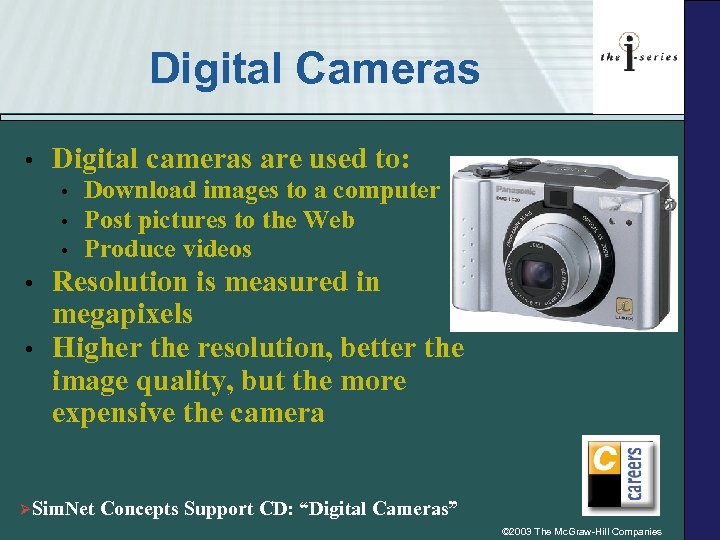 Digital Cameras • Digital cameras are used to: • • • Download images to a computer Post pictures to the Web Produce videos Resolution is measured in megapixels Higher the resolution, better the image quality, but the more expensive the camera ØSim. Net Concepts Support CD: “Digital Cameras” © 2003 The Mc. Graw-Hill Companies
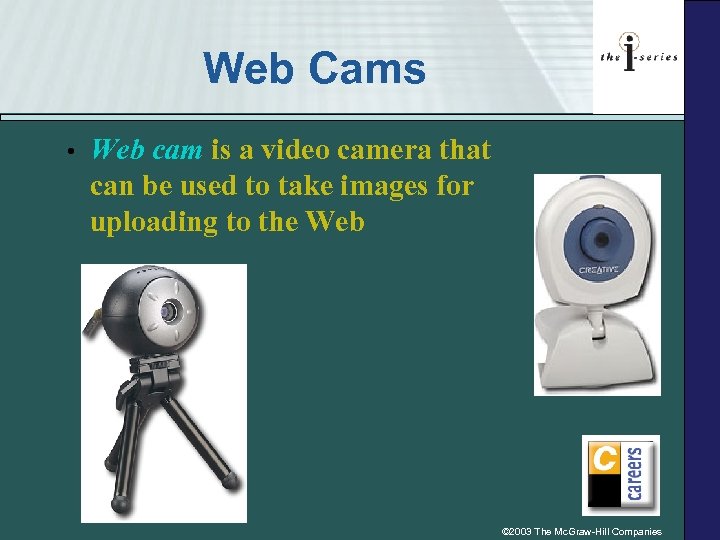 Web Cams • Web cam is a video camera that can be used to take images for uploading to the Web © 2003 The Mc. Graw-Hill Companies
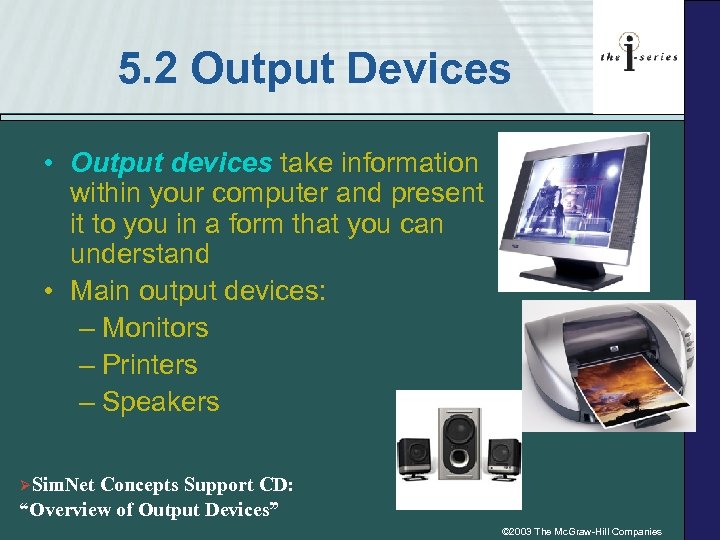 5. 2 Output Devices • Output devices take information within your computer and present it to you in a form that you can understand • Main output devices: – Monitors – Printers – Speakers ØSim. Net Concepts Support CD: “Overview of Output Devices” © 2003 The Mc. Graw-Hill Companies
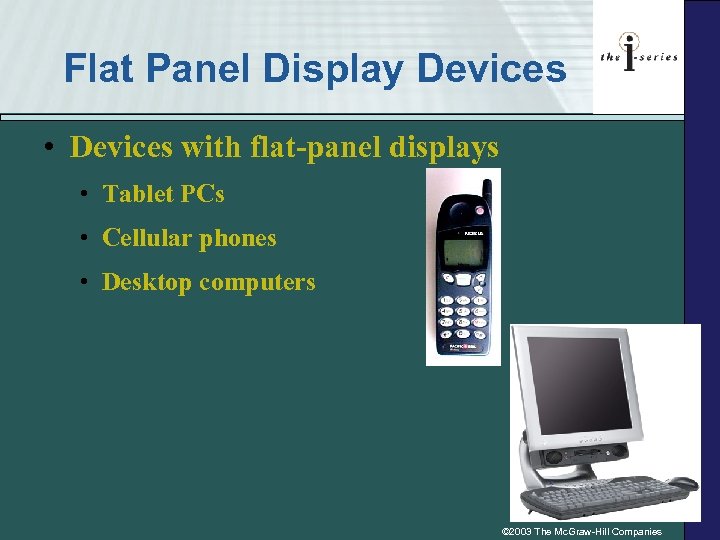 Flat Panel Display Devices • Devices with flat-panel displays • Tablet PCs • Cellular phones • Desktop computers © 2003 The Mc. Graw-Hill Companies
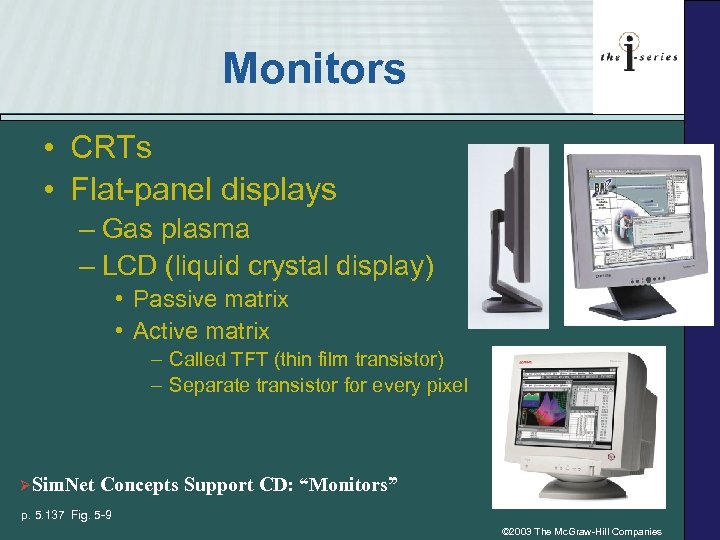 Monitors • CRTs • Flat-panel displays – Gas plasma – LCD (liquid crystal display) • Passive matrix • Active matrix – Called TFT (thin film transistor) – Separate transistor for every pixel ØSim. Net Concepts Support CD: “Monitors” p. 5. 137 Fig. 5 -9 © 2003 The Mc. Graw-Hill Companies
 Screen Talk • Screen size measured as a diagonal line across the screen – from corner to opposite corner • Resolution the number of pixels displayed on the screen (the higher the resolution, the closer together the dots) • Pixels (or picture element) dots that make up the image on your screen • Dot pitch is the distance between the centers of a pair of like-colored pixels • Refresh rate the speed with which a monitor redraws the image of the screen, and is measured in hertz © 2003 The Mc. Graw-Hill Companies
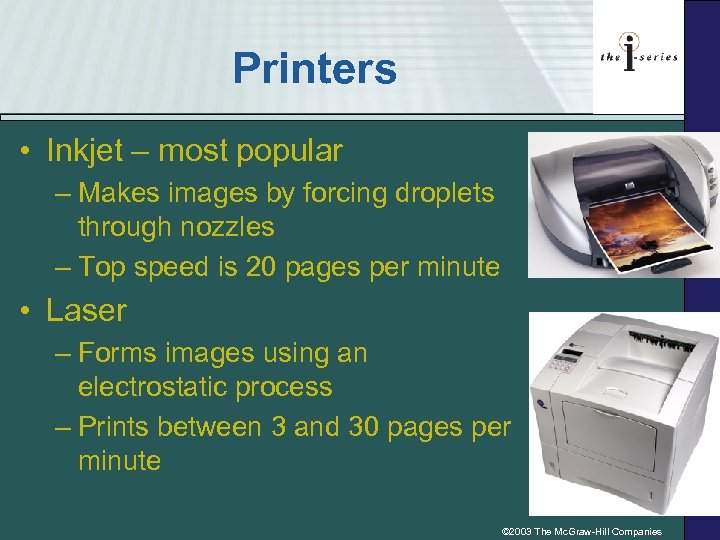 Printers • Inkjet – most popular – Makes images by forcing droplets through nozzles – Top speed is 20 pages per minute • Laser – Forms images using an electrostatic process – Prints between 3 and 30 pages per minute © 2003 The Mc. Graw-Hill Companies
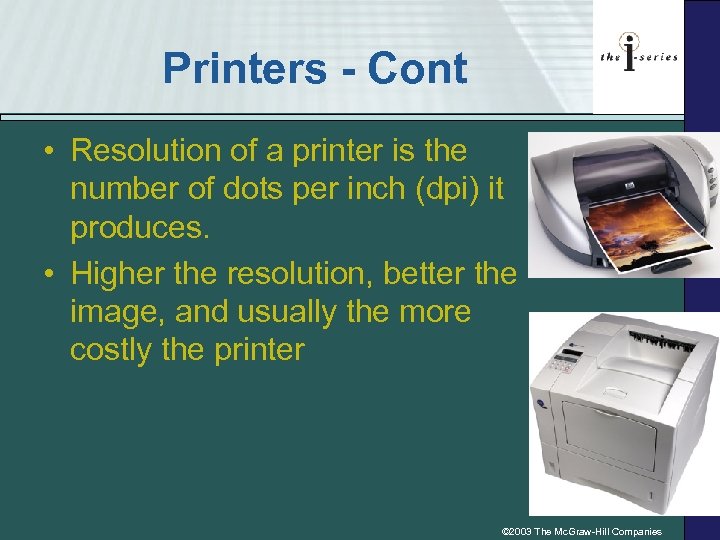 Printers - Cont • Resolution of a printer is the number of dots per inch (dpi) it produces. • Higher the resolution, better the image, and usually the more costly the printer © 2003 The Mc. Graw-Hill Companies
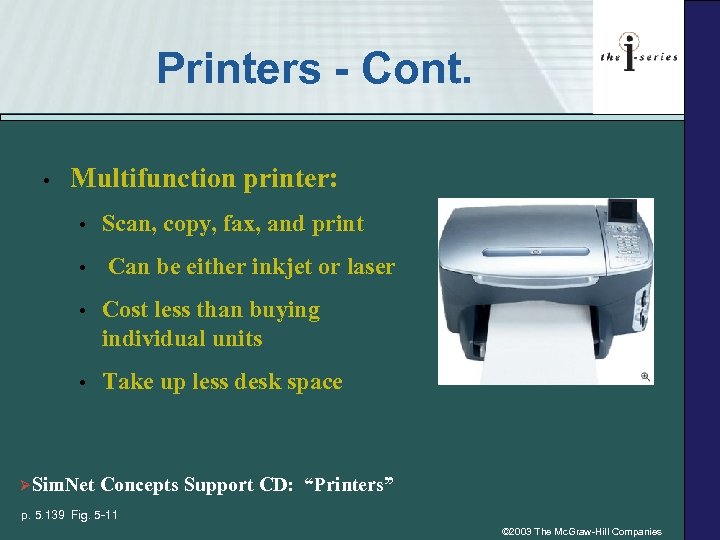 Printers - Cont. • Multifunction printer: • • Scan, copy, fax, and print Can be either inkjet or laser • Cost less than buying individual units • Take up less desk space ØSim. Net Concepts Support CD: “Printers” p. 5. 139 Fig. 5 -11 © 2003 The Mc. Graw-Hill Companies
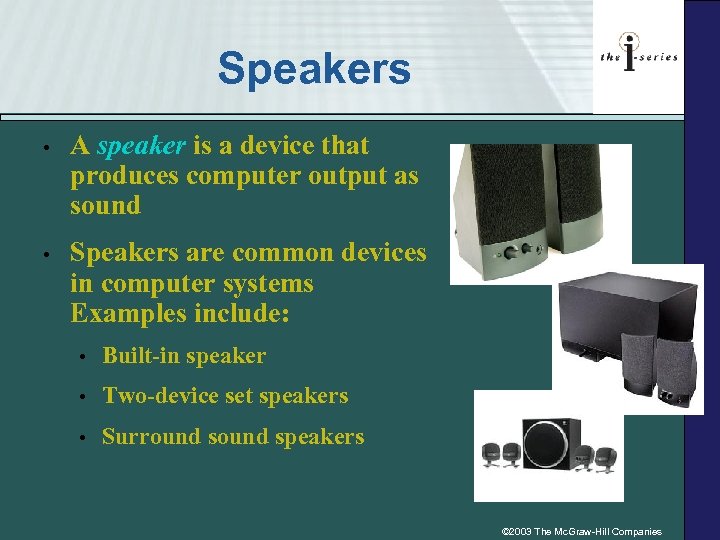 Speakers • A speaker is a device that produces computer output as sound • Speakers are common devices in computer systems Examples include: • Built-in speaker • Two-device set speakers • Surround speakers © 2003 The Mc. Graw-Hill Companies
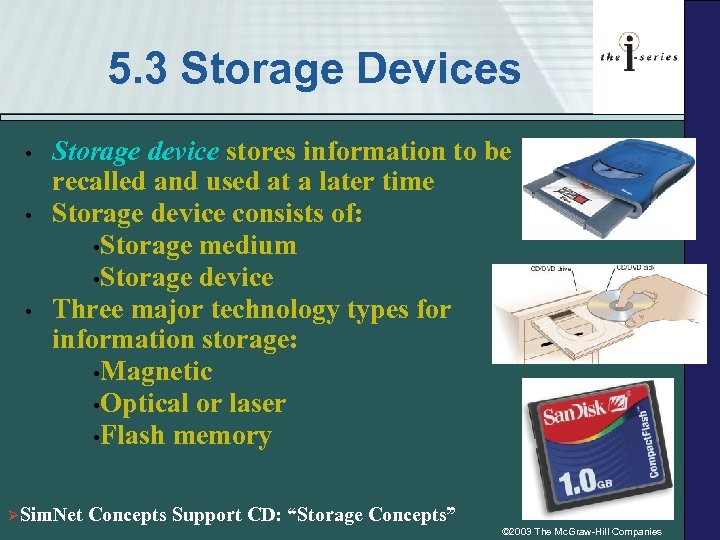 5. 3 Storage Devices • • Storage device stores information to be recalled and used at a later time Storage device consists of: • Storage medium • Storage device Three major technology types for information storage: • Magnetic • Optical or laser • Flash memory • ØSim. Net Concepts Support CD: “Storage Concepts” © 2003 The Mc. Graw-Hill Companies
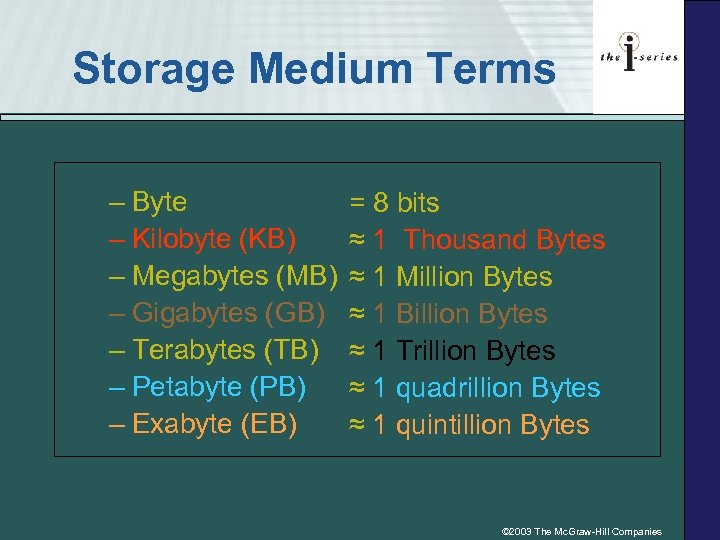 Storage Medium Terms – Byte – Kilobyte (KB) – Megabytes (MB) – Gigabytes (GB) – Terabytes (TB) – Petabyte (PB) – Exabyte (EB) = 8 bits ≈ 1 Thousand Bytes ≈ 1 Million Bytes ≈ 1 Billion Bytes ≈ 1 Trillion Bytes ≈ 1 quadrillion Bytes ≈ 1 quintillion Bytes © 2003 The Mc. Graw-Hill Companies
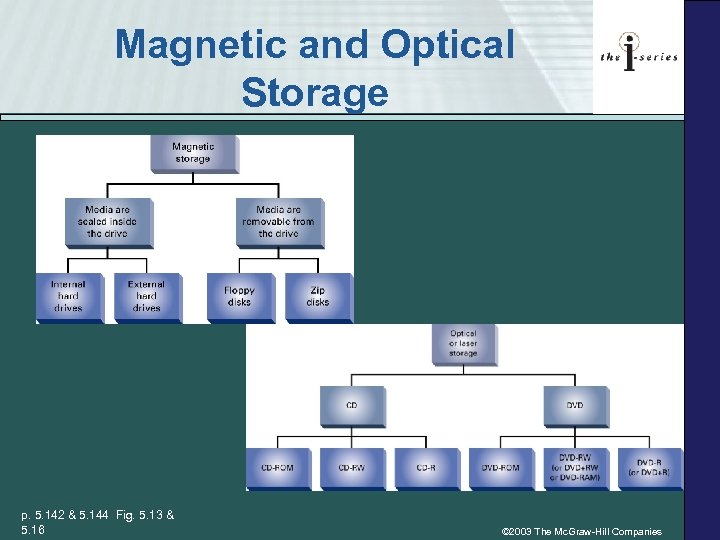 Magnetic and Optical Storage p. 5. 142 & 5. 144 Fig. 5. 13 & 5. 16 © 2003 The Mc. Graw-Hill Companies
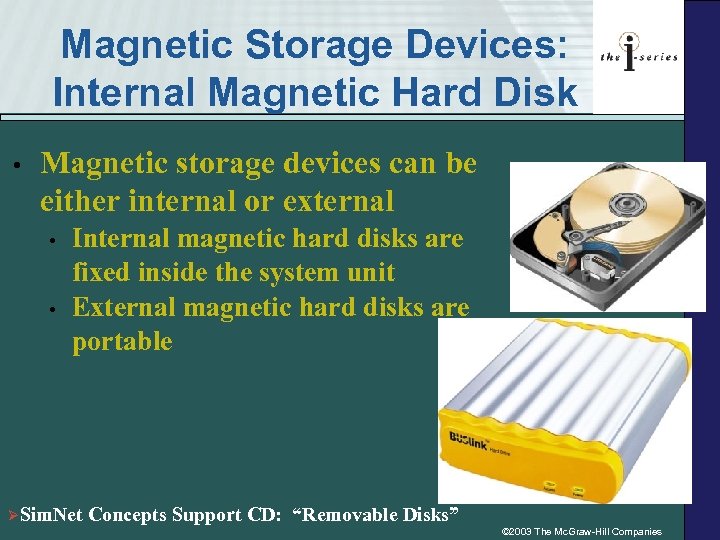 Magnetic Storage Devices: Internal Magnetic Hard Disk • Magnetic storage devices can be either internal or external • • Internal magnetic hard disks are fixed inside the system unit External magnetic hard disks are portable ØSim. Net Concepts Support CD: “Removable Disks” © 2003 The Mc. Graw-Hill Companies
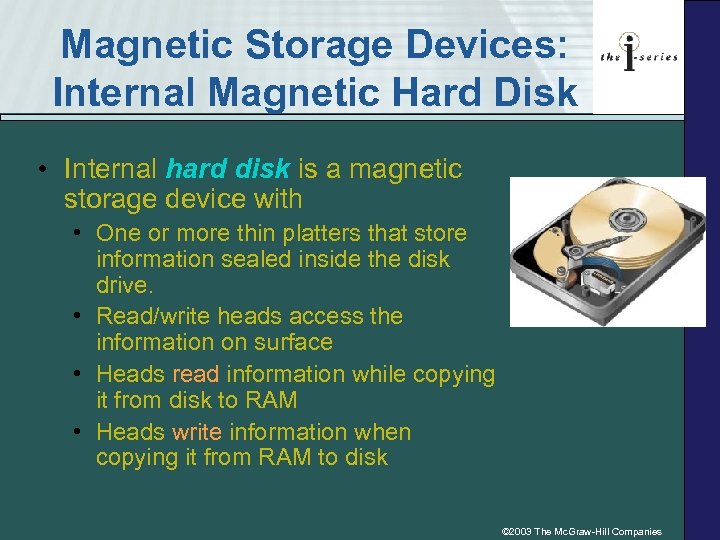 Magnetic Storage Devices: Internal Magnetic Hard Disk • Internal hard disk is a magnetic storage device with • One or more thin platters that store information sealed inside the disk drive. • Read/write heads access the information on surface • Heads read information while copying it from disk to RAM • Heads write information when copying it from RAM to disk © 2003 The Mc. Graw-Hill Companies
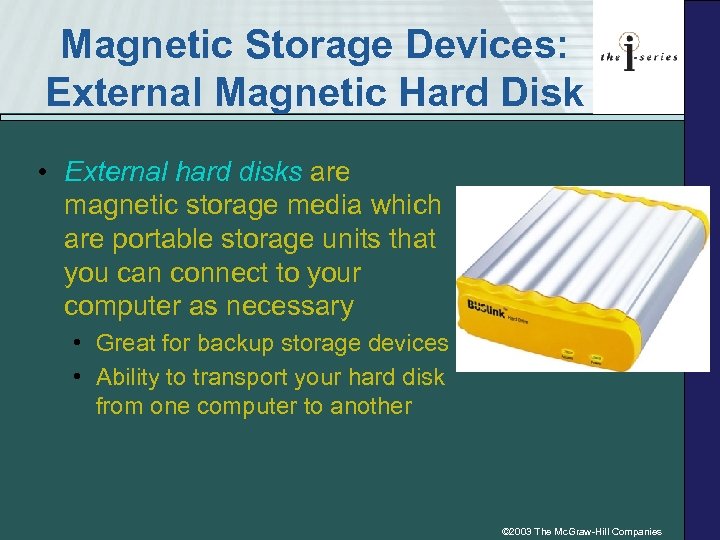 Magnetic Storage Devices: External Magnetic Hard Disk • External hard disks are magnetic storage media which are portable storage units that you can connect to your computer as necessary • Great for backup storage devices • Ability to transport your hard disk from one computer to another © 2003 The Mc. Graw-Hill Companies
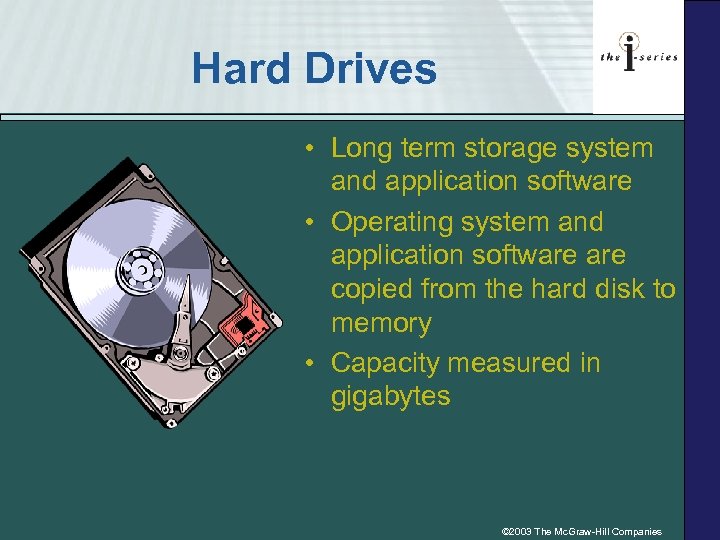 Hard Drives • Long term storage system and application software • Operating system and application software copied from the hard disk to memory • Capacity measured in gigabytes © 2003 The Mc. Graw-Hill Companies
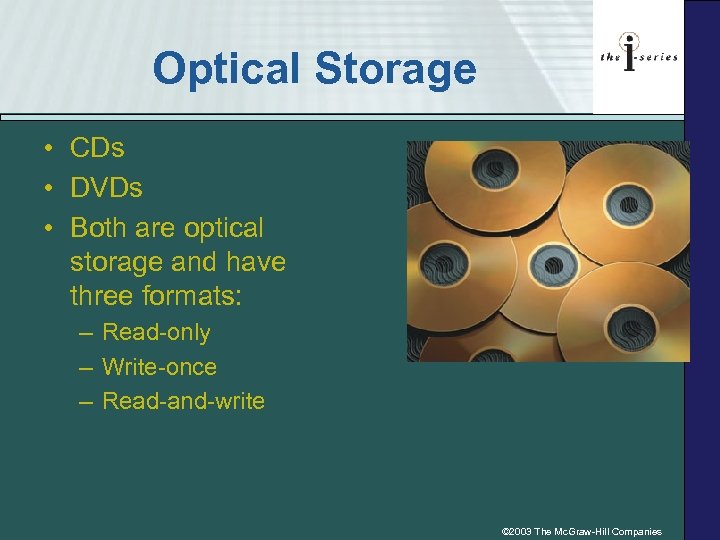 Optical Storage • CDs • DVDs • Both are optical storage and have three formats: – Read-only – Write-once – Read-and-write © 2003 The Mc. Graw-Hill Companies
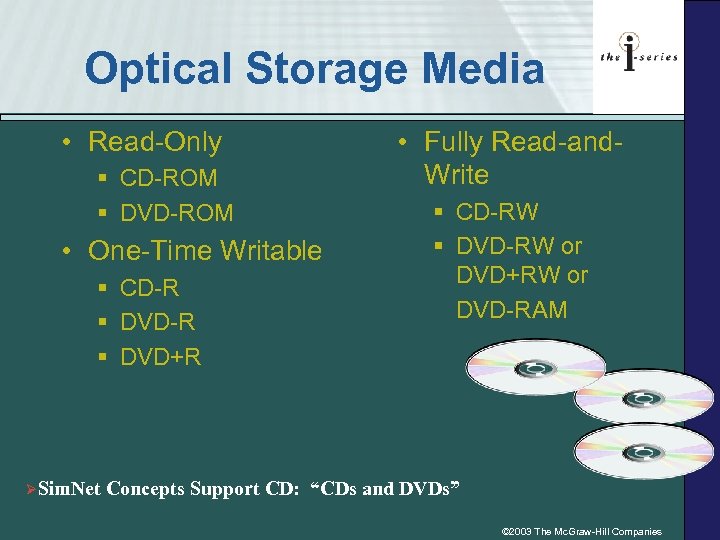 Optical Storage Media • Read-Only § CD-ROM § DVD-ROM • One-Time Writable § CD-R § DVD+R ØSim. Net • Fully Read-and. Write § CD-RW § DVD-RW or DVD+RW or DVD-RAM Concepts Support CD: “CDs and DVDs” © 2003 The Mc. Graw-Hill Companies
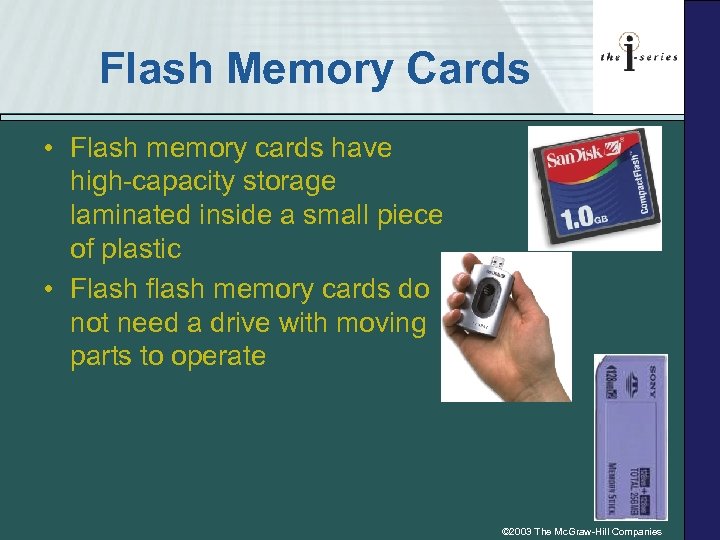 Flash Memory Cards • Flash memory cards have high-capacity storage laminated inside a small piece of plastic • Flash flash memory cards do not need a drive with moving parts to operate © 2003 The Mc. Graw-Hill Companies
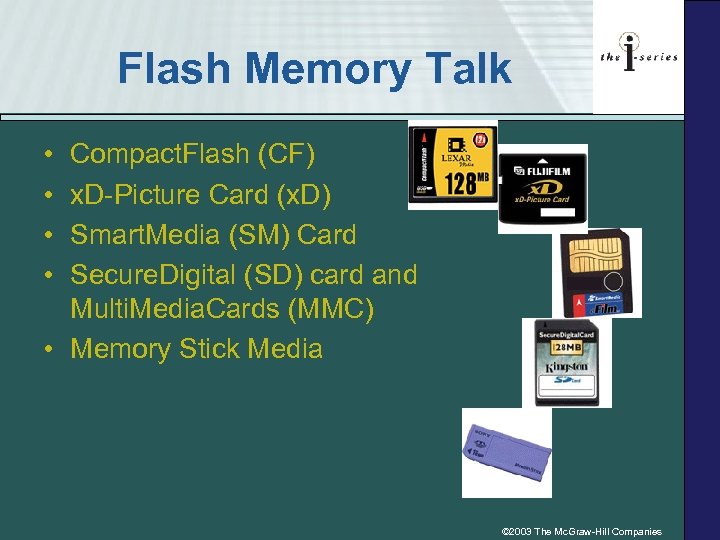 Flash Memory Talk • • Compact. Flash (CF) x. D-Picture Card (x. D) Smart. Media (SM) Card Secure. Digital (SD) card and Multi. Media. Cards (MMC) • Memory Stick Media © 2003 The Mc. Graw-Hill Companies
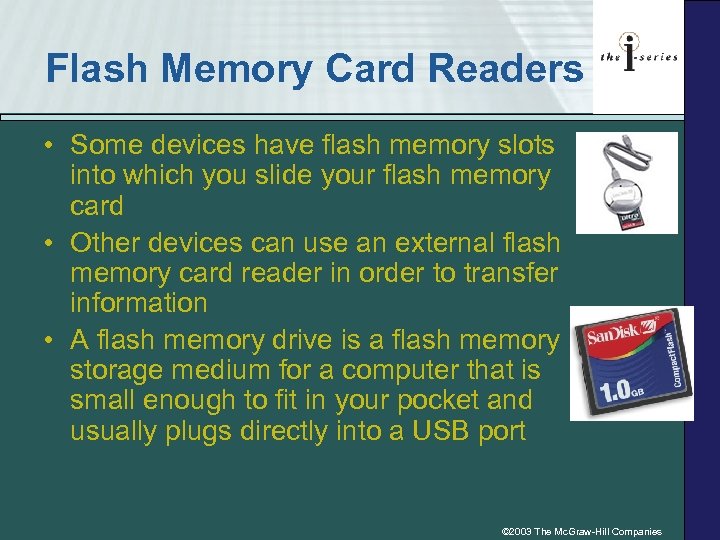 Flash Memory Card Readers • Some devices have flash memory slots into which you slide your flash memory card • Other devices can use an external flash memory card reader in order to transfer information • A flash memory drive is a flash memory storage medium for a computer that is small enough to fit in your pocket and usually plugs directly into a USB port © 2003 The Mc. Graw-Hill Companies