


 Скачать презентацию Input Output and Storage Slid e 1 What
Тема1.3 InputOutput and Storage.ppt
- Количество слайдов: 38
 Input/Output and Storage Slid e 1
 What You Will Learn About The purpose of special keys and the most frequently used pointing devices The characteristics of a monitor’s quality and the various types of monitors The two major types of printers The difference between memory and storage Slid e 2
 What You Will Learn About The categories of storage devices The performance characteristics of hard drives How data is stored on both hard and floppy disks The various optical storage media available for personal computers Slid e 3
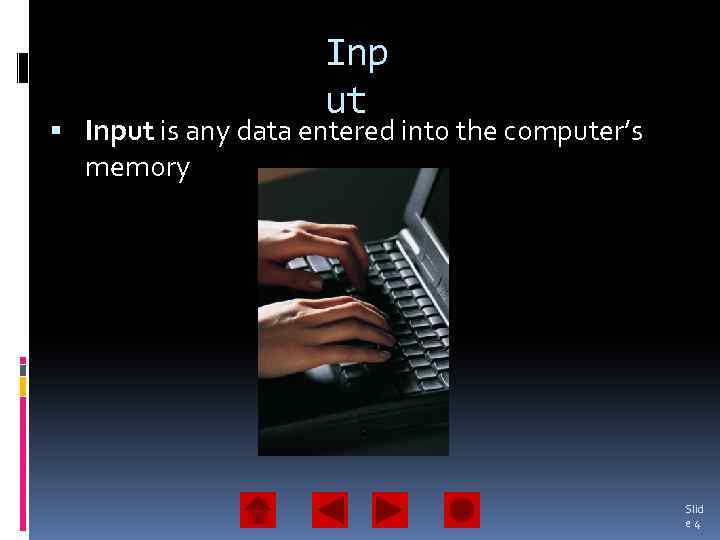 Inp ut Input is any data entered into the computer’s memory Slid e 4
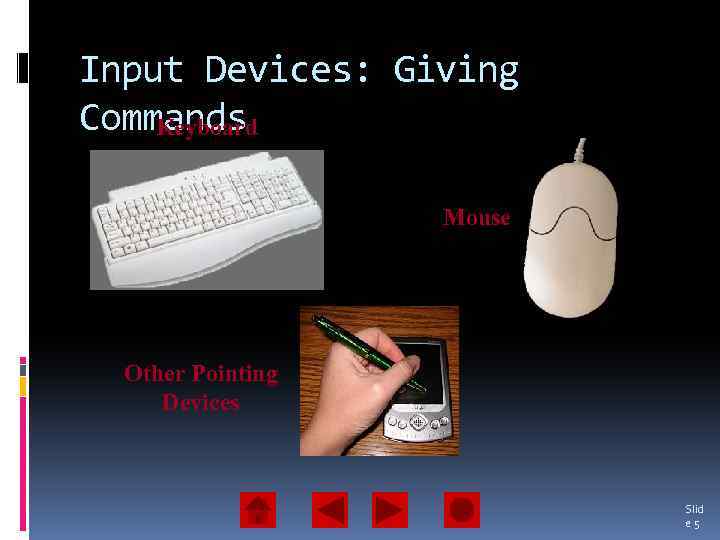 Input Devices: Giving Commands Keyboard Mouse Other Pointing Devices Slid e 5
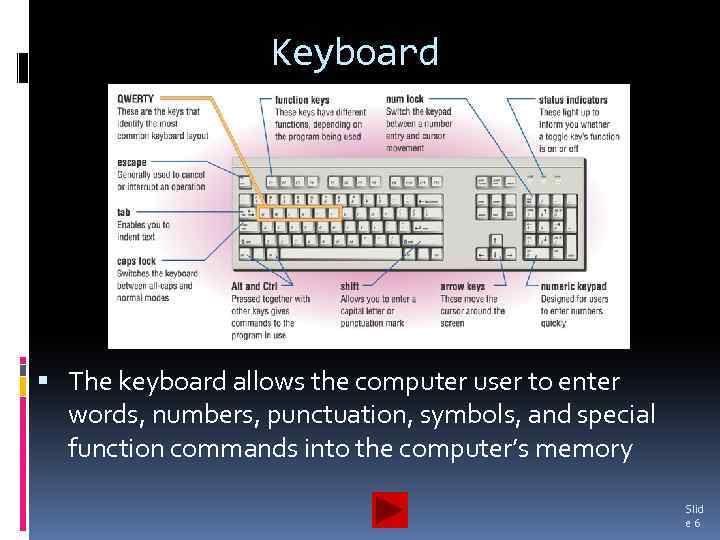 Keyboard The keyboard allows the computer user to enter words, numbers, punctuation, symbols, and special function commands into the computer’s memory Slid e 6
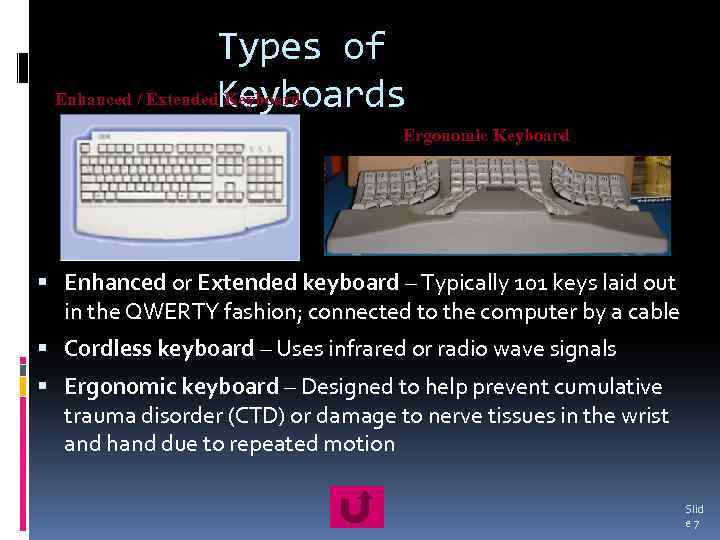 Types of Enhanced / Extended. Keyboards Keyboard Ergonomic Keyboard Enhanced or Extended keyboard – Typically 101 keys laid out in the QWERTY fashion; connected to the computer by a cable Cordless keyboard – Uses infrared or radio wave signals Ergonomic keyboard – Designed to help prevent cumulative trauma disorder (CTD) or damage to nerve tissues in the wrist and hand due to repeated motion Slid e 7
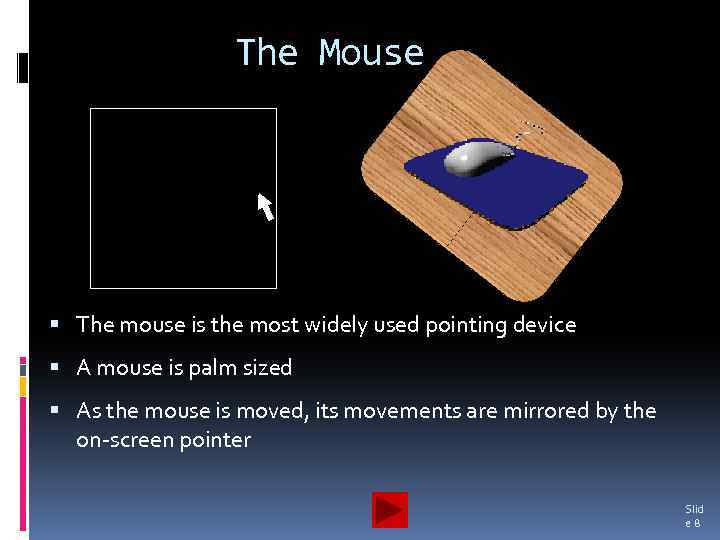 The Mouse The mouse is the most widely used pointing device A mouse is palm sized As the mouse is moved, its movements are mirrored by the on-screen pointer Slid e 8
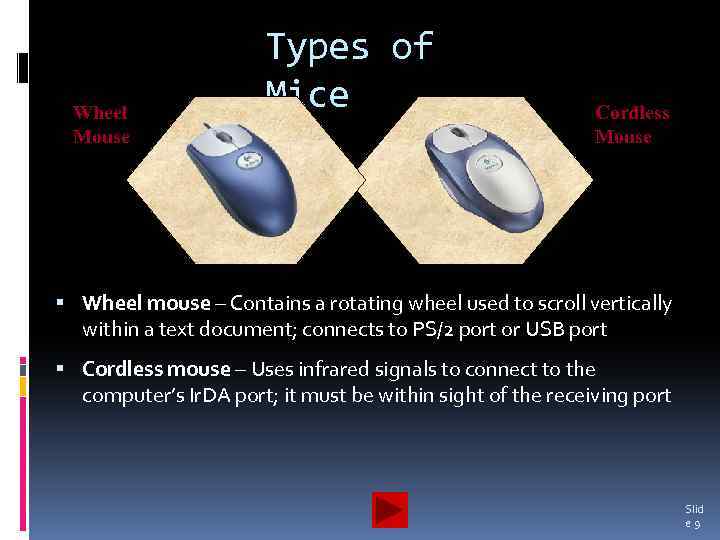 Wheel Mouse Types of Mice Cordless Mouse Wheel mouse – Contains a rotating wheel used to scroll vertically within a text document; connects to PS/2 port or USB port Cordless mouse – Uses infrared signals to connect to the computer’s Ir. DA port; it must be within sight of the receiving port Slid e 9
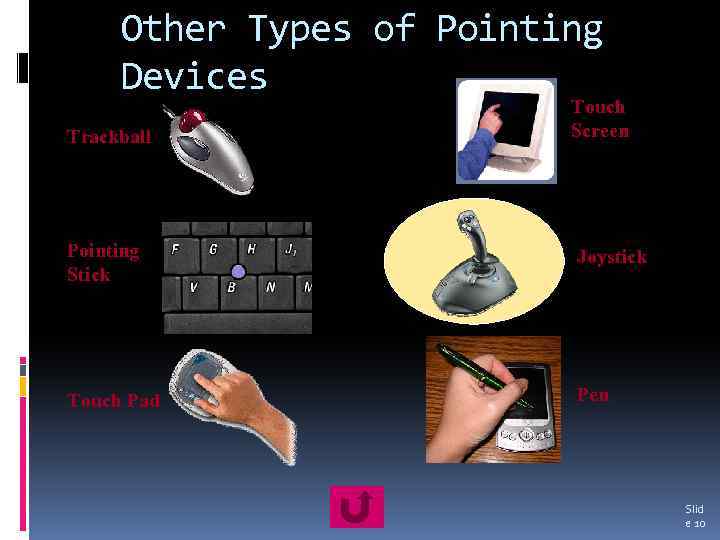 Other Types of Pointing Devices Trackball Touch Screen Pointing Stick Joystick Touch Pad Pen Slid e 10
 Using the Mouse buttons enable the user to initiate actions Clicking (left-, right-, or double-clicking) allows the user to select an item on the screen or open a program or dialog box Click and drag – Holding down the left mouse button and moving the mouse enables the user to move objects on the screen Slid e 11
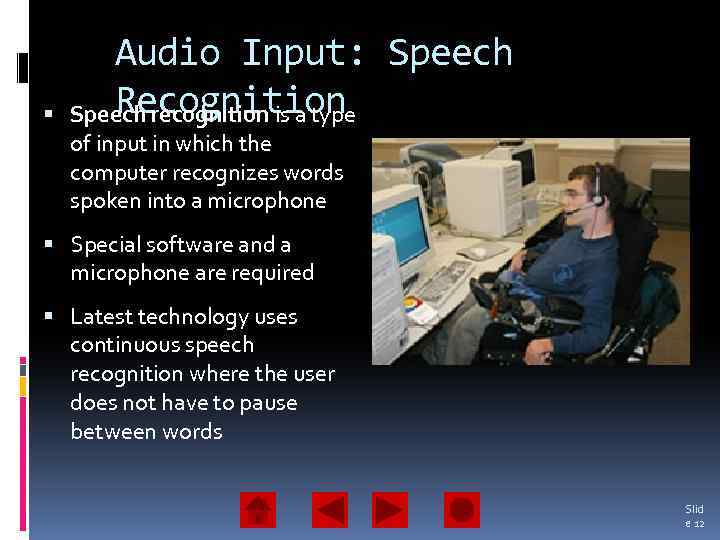 Audio Input: Speech Recognition Speech recognition is a type of input in which the computer recognizes words spoken into a microphone Special software and a microphone are required Latest technology uses continuous speech recognition where the user does not have to pause between words Slid e 12
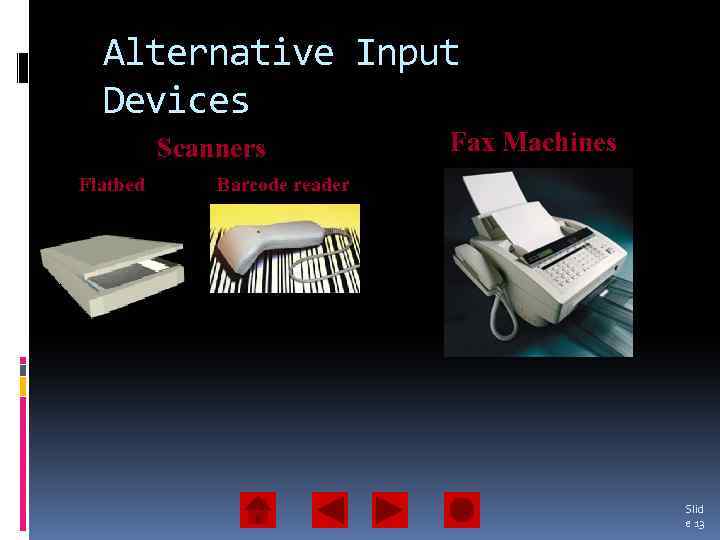 Alternative Input Devices Scanners Flatbed Fax Machines Barcode reader Slid e 13
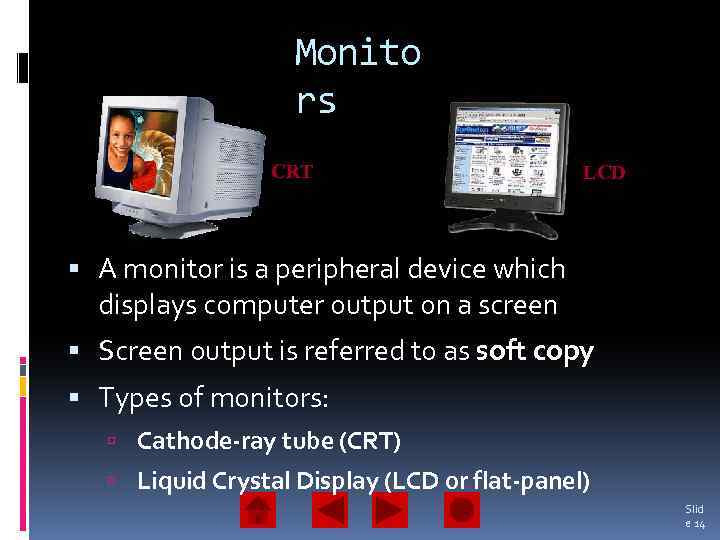 Monito rs CRT LCD A monitor is a peripheral device which displays computer output on a screen Screen output is referred to as soft copy Types of monitors: Cathode-ray tube (CRT) Liquid Crystal Display (LCD or flat-panel) Slid e 14
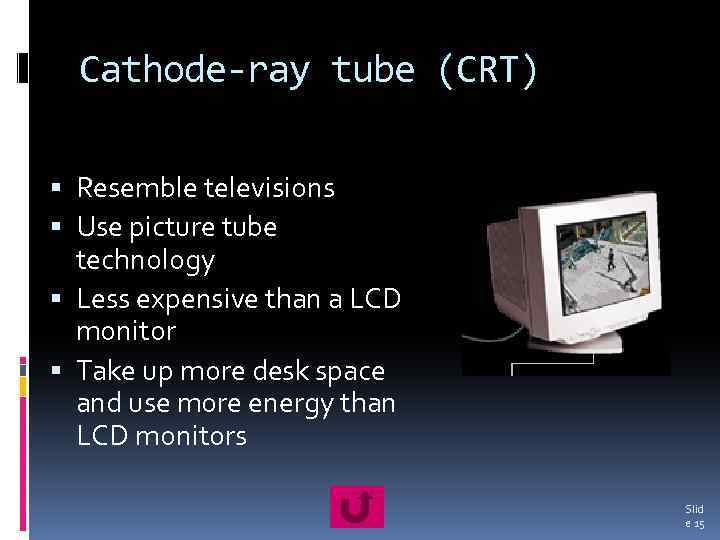 Cathode-ray tube (CRT) Resemble televisions Use picture tube technology Less expensive than a LCD monitor Take up more desk space and use more energy than LCD monitors Slid e 15
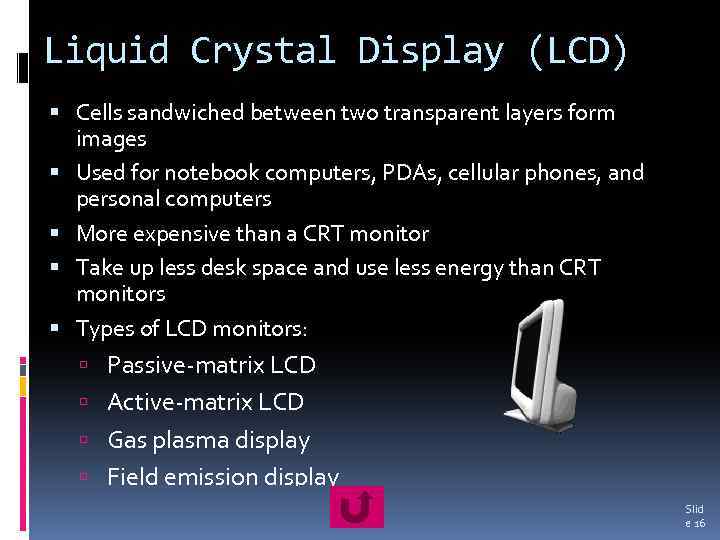 Liquid Crystal Display (LCD) Cells sandwiched between two transparent layers form images Used for notebook computers, PDAs, cellular phones, and personal computers More expensive than a CRT monitor Take up less desk space and use less energy than CRT monitors Types of LCD monitors: Passive-matrix LCD Active-matrix LCD Gas plasma display Field emission display Slid e 16
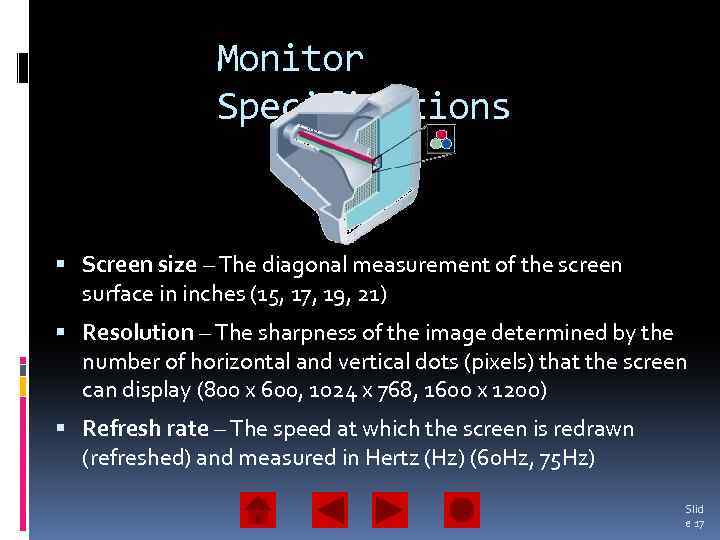 Monitor Specifications Screen size – The diagonal measurement of the screen surface in inches (15, 17, 19, 21) Resolution – The sharpness of the image determined by the number of horizontal and vertical dots (pixels) that the screen can display (800 x 600, 1024 x 768, 1600 x 1200) Refresh rate – The speed at which the screen is redrawn (refreshed) and measured in Hertz (Hz) (60 Hz, 75 Hz) Slid e 17
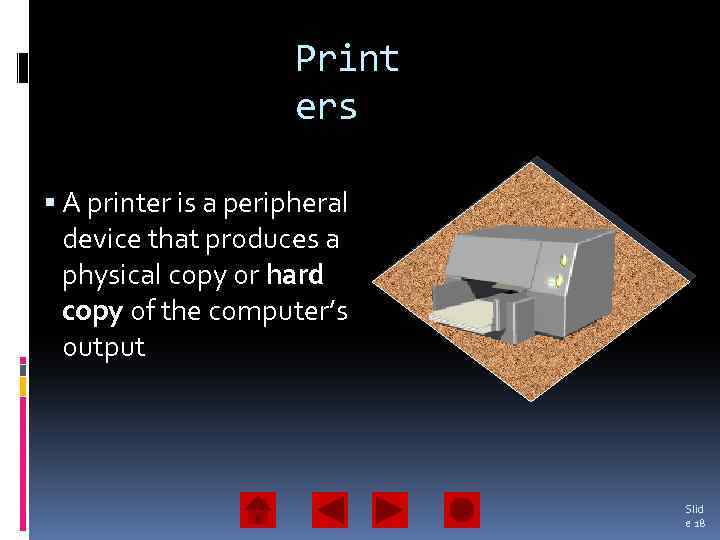 Print ers A printer is a peripheral device that produces a physical copy or hard copy of the computer’s output Slid e 18
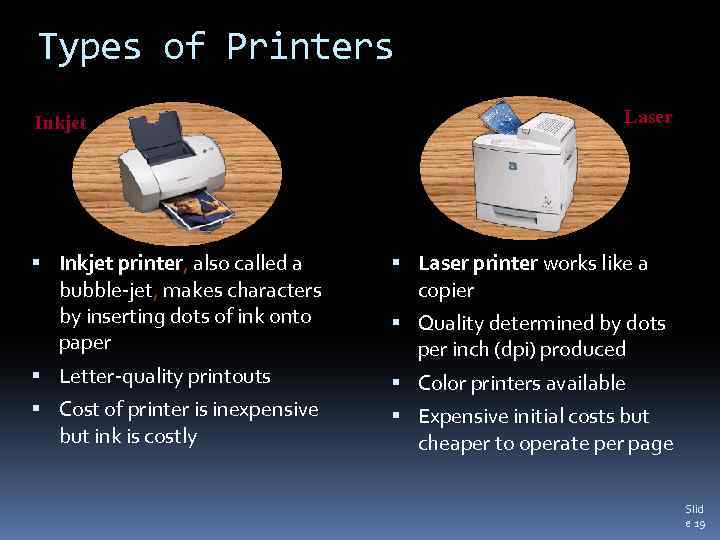 Types of Printers Inkjet Laser Inkjet printer, also called a bubble-jet, makes characters by inserting dots of ink onto paper Laser printer works like a copier Letter-quality printouts Color printers available Cost of printer is inexpensive but ink is costly Quality determined by dots per inch (dpi) produced Expensive initial costs but cheaper to operate per page Slid e 19
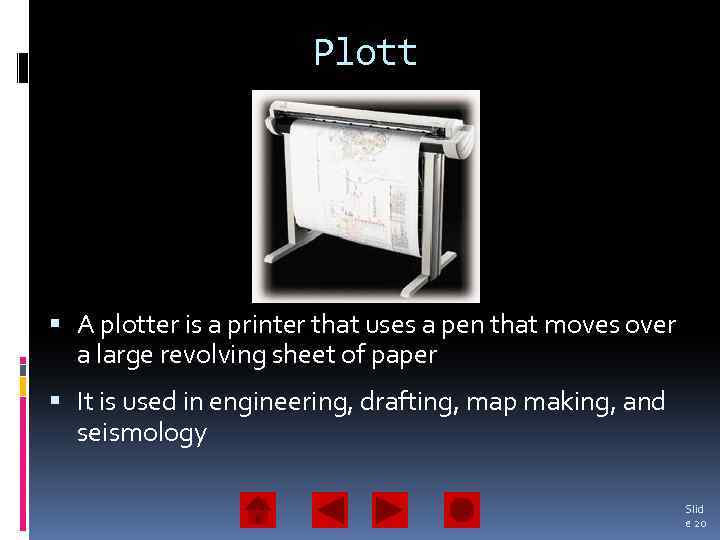 Plott er A plotter is a printer that uses a pen that moves over a large revolving sheet of paper It is used in engineering, drafting, map making, and seismology Slid e 20
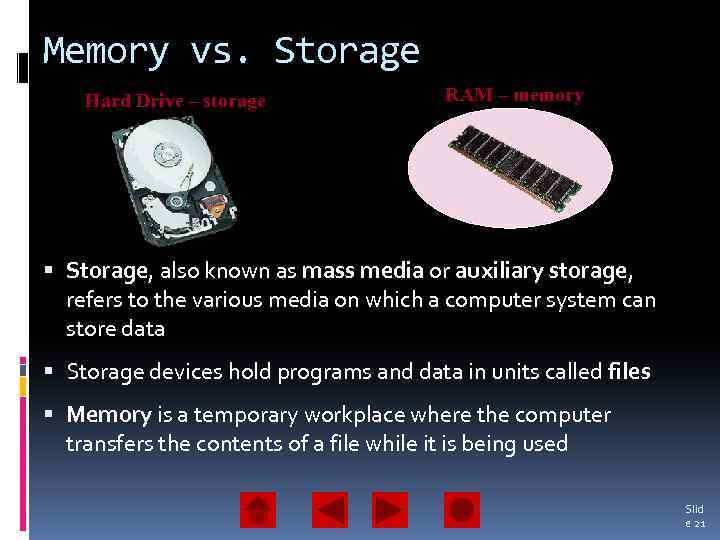 Memory vs. Storage Hard Drive – storage RAM – memory Storage, also known as mass media or auxiliary storage, refers to the various media on which a computer system can store data Storage devices hold programs and data in units called files Memory is a temporary workplace where the computer transfers the contents of a file while it is being used Slid e 21
 Why Is Storage Necessary? Storage devices: Retain data when the computer is turned off Are cheaper than memory Play an important role during startup Are needed for output Slid e 22
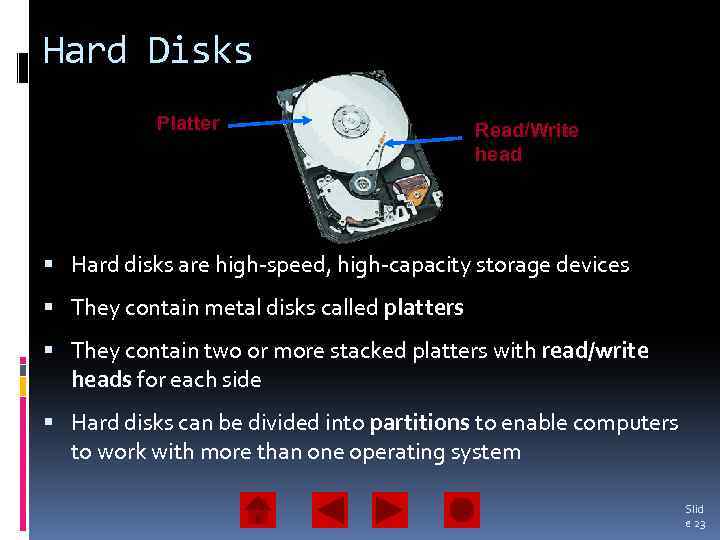 Hard Disks Platter Read/Write head Hard disks are high-speed, high-capacity storage devices They contain metal disks called platters They contain two or more stacked platters with read/write heads for each side Hard disks can be divided into partitions to enable computers to work with more than one operating system Slid e 23
 More Hard Drives Removable Hard Disks Platter is enclosed in a cartridge Can be inserted into a drive bay Secondary storage – storage that isn’t directly available Internet Hard Drives Storage space on a server Subscription service Slid e 24
 Factors Affecting a Hard Disk’s Performance Seek time or positioning performance – How quickly the read/write head positions itself and begins transferring information. It is measured in milliseconds (ms) Spindle speed or transfer performance – How quickly the drive transfers data. It is measured in rotations per minute (RPM) Slid e 25
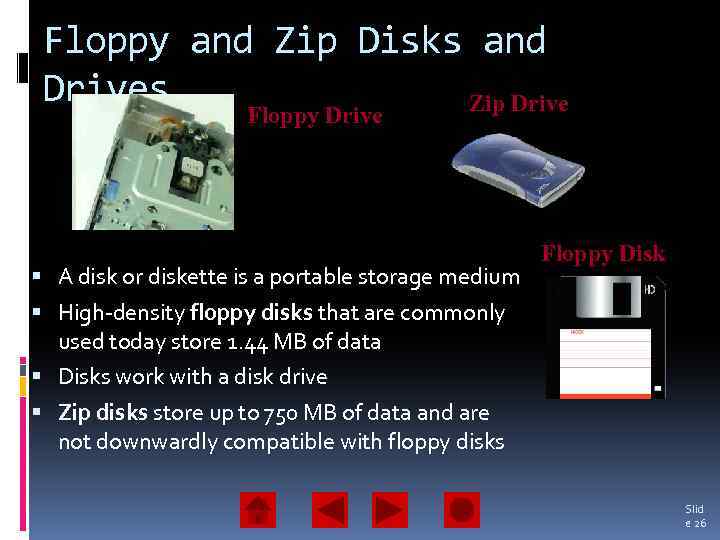 Floppy and Zip Disks and Drives Zip Drive Floppy Drive A disk or diskette is a portable storage medium Floppy Disk High-density floppy disks that are commonly used today store 1. 44 MB of data Disks work with a disk drive Zip disks store up to 750 MB of data and are not downwardly compatible with floppy disks Slid e 26
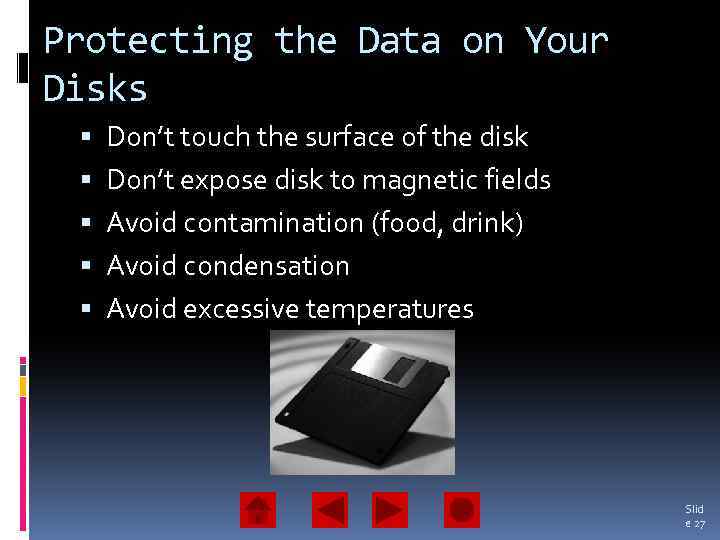 Protecting the Data on Your Disks Don’t touch the surface of the disk Don’t expose disk to magnetic fields Avoid contamination (food, drink) Avoid condensation Avoid excessive temperatures Slid e 27
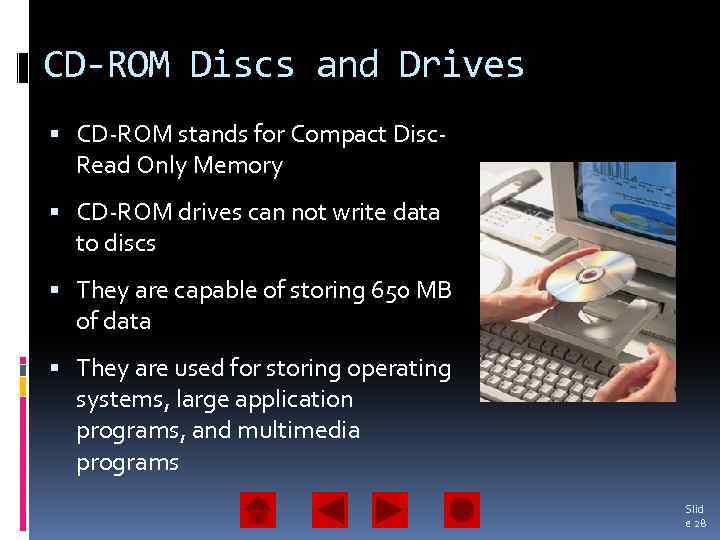 CD-ROM Discs and Drives CD-ROM stands for Compact Disc. Read Only Memory CD-ROM drives can not write data to discs They are capable of storing 650 MB of data They are used for storing operating systems, large application programs, and multimedia programs Slid e 28
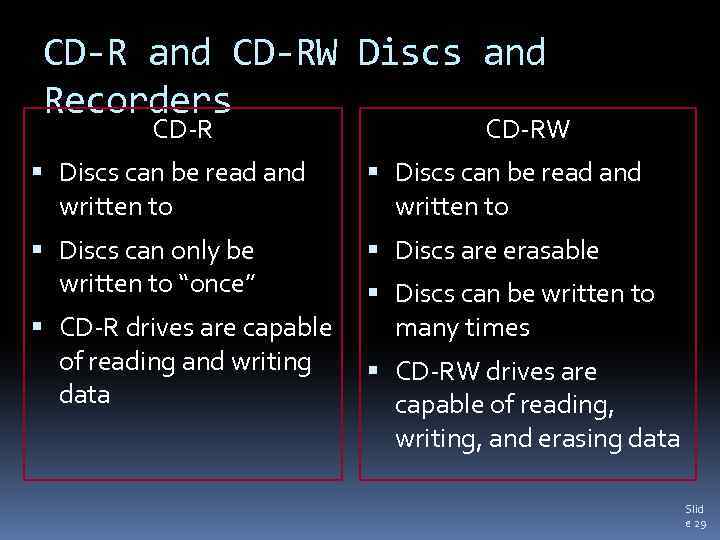 CD-R and CD-RW Discs and Recorders CD-RW Discs can be read and written to Discs can only be written to “once” Discs are erasable CD-R drives are capable of reading and writing data Discs can be written to many times CD-RW drives are capable of reading, writing, and erasing data Slid e 29
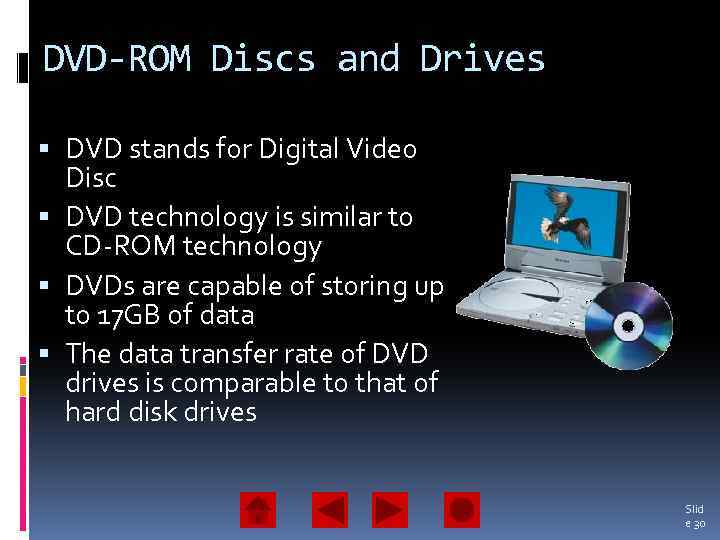 DVD-ROM Discs and Drives DVD stands for Digital Video Disc DVD technology is similar to CD-ROM technology DVDs are capable of storing up to 17 GB of data The data transfer rate of DVD drives is comparable to that of hard disk drives Slid e 30
 DVD-RW and DVD+RW Discs DVD-R and DVD+R drives have the ability to read/write data DVD-RW and DVD+RW drives allow you to write, erase, and read from a disc many times Slid e 31
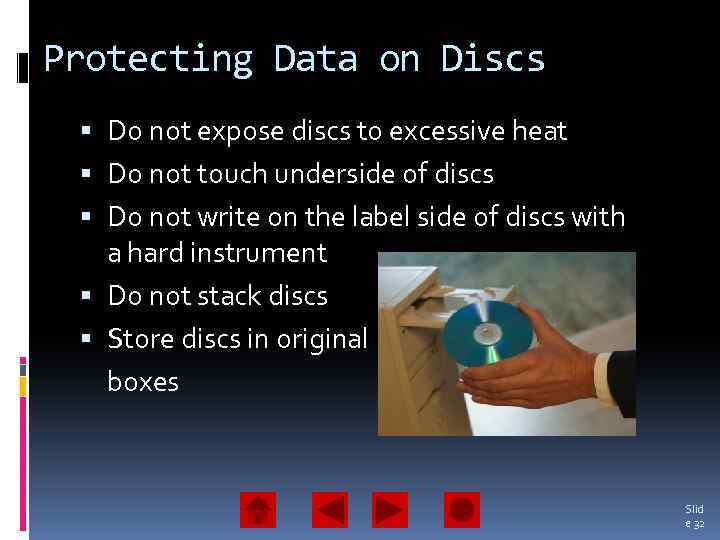 Protecting Data on Discs Do not expose discs to excessive heat Do not touch underside of discs Do not write on the label side of discs with a hard instrument Do not stack discs Store discs in original boxes Slid e 32
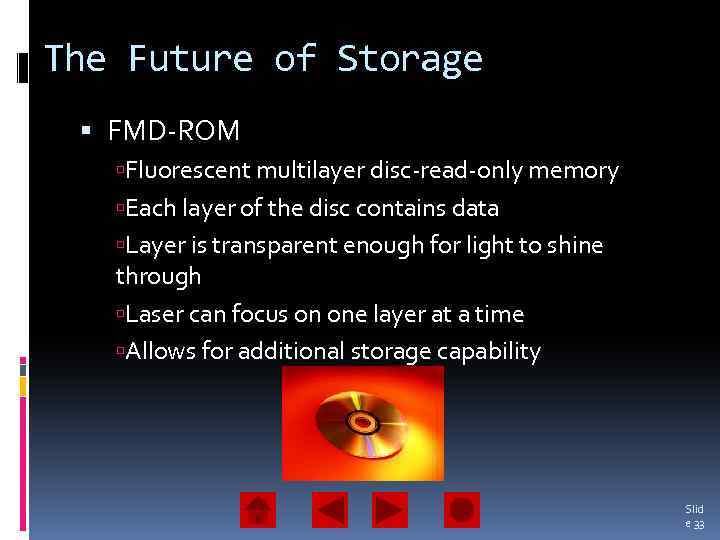 The Future of Storage FMD-ROM Fluorescent multilayer disc-read-only memory Each layer of the disc contains data Layer is transparent enough for light to shine through Laser can focus on one layer at a time Allows for additional storage capability Slid e 33
 Solid State Storage Devices Solid state storage devices use nonvolatile memory chips to retain data They do not have moving parts They are small, lightweight, reliable, and portable Slid e 34
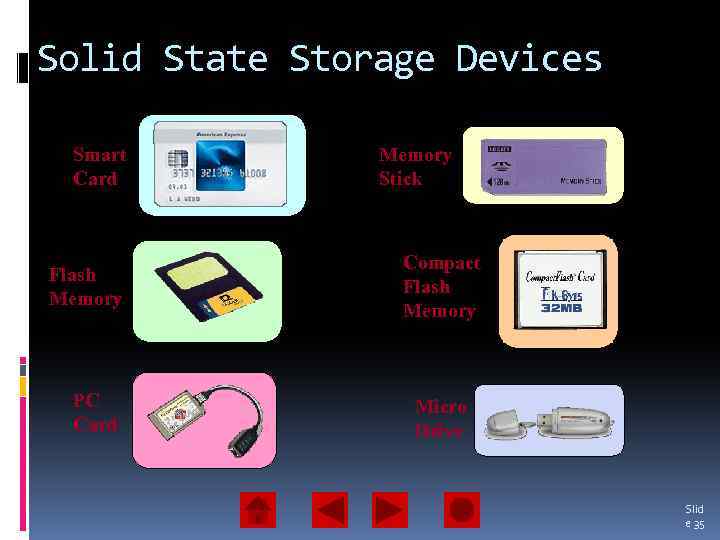 Solid State Storage Devices Smart Card Flash Memory PC Card Memory Stick Compact Flash Memory Micro Drive Slid e 35
 Chapter 7 Summary • Input is the software, data, and information that is entered into the computer’s memory • Input devices such as the keyboard, mouse, and trackball enable the user to enter data • A pointing device enables the user to control movements of an on-screen pointer • Speech recognition software enables the user to enter data into a computer by speaking into a microphone • Monitors enable the user to view the computer’s processed data; the output is known as soft copy Slid e 36
 Chapter 7 Summary (continued) • The two types of monitors are the CRT and the LCD • A monitor’s quality is measured by screen size, resolution, and refresh rate • Printers produce permanent versions (hard copies) of the computer’s output • The two basic types of printers are the inkjet and laser • Memory makes software and data available for the CPU’s use • Storage devices are categorized by: Read-only Read/write Random access Near online (secondary) Slid e 37
 Chapter 7 Summary (continued) • A hard disk’s performance is measured by its positioning performance and transfer rate • Optical storage devices include: CD-ROM– Read-only CD-R– Record once CD-RW– Erasable, write repeatedly DVD-ROM/DVD+ROM – Read-only DVD-R/DVD+R– Read/write DVD-RW/DVD+RW – rewritten many times • Solid state storage devices include: PC cards Flash memory cards Smart cards Slid e 38