


• In information technology, a backup, or the Backup process of backing up, refers to the copying and archiving of computer data so it may be used to restore the original after a data loss event. The verb form is to back up in two words, whereas the noun is backup. • Backups have two distinct purposes. The primary purpose is to recover data after its loss, be it by data deletion or corruption. Data loss can be a common experience of computer users; a 2008 survey found that 66% of respondents had lost files on their home PC. [The secondary purpose of backups is to recover data from an earlier time, according to a user-defined data retention policy, typically configured within a backup application for how long copies of data are required.
Backup technologies Since a backup system contains at least one copy of all data considered worth saving, the data storage requirements can be significant. Organizing this storage space and managing the backup process can be a complicated undertaking. A data repository model may be used to provide structure to the storage. Nowadays, there are many different types of data storage devices that are useful for making backups. There also many different ways in which these devices can be arranged to provide geographic redundancy, data security, and portability. Before data are sent to their storage locations, they are selected, extracted, and manipulated. Many different techniques have been developed to optimize the backup procedure. These include optimizations for dealing with open files and live data sources as well as compression, encryption, and de-duplication, among others.
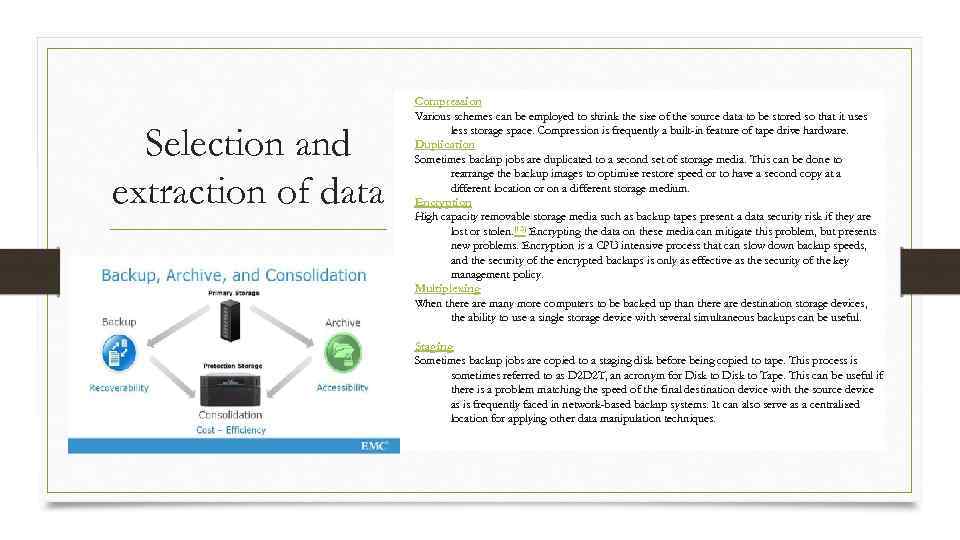
Selection and extraction of data Compression Various schemes can be employed to shrink the size of the source data to be stored so that it uses less storage space. Compression is frequently a built-in feature of tape drive hardware. Duplication Sometimes backup jobs are duplicated to a second set of storage media. This can be done to rearrange the backup images to optimize restore speed or to have a second copy at a different location or on a different storage medium. Encryption High capacity removable storage media such as backup tapes present a data security risk if they are lost or stolen. [13] Encrypting the data on these media can mitigate this problem, but presents new problems. Encryption is a CPU intensive process that can slow down backup speeds, and the security of the encrypted backups is only as effective as the security of the key management policy. Multiplexing When there are many more computers to be backed up than there are destination storage devices, the ability to use a single storage device with several simultaneous backups can be useful. Staging Sometimes backup jobs are copied to a staging disk before being copied to tape. This process is sometimes referred to as D 2 D 2 T, an acronym for Disk to Tape. This can be useful if there is a problem matching the speed of the final destination device with the source device as is frequently faced in network-based backup systems. It can also serve as a centralized location for applying other data manipulation techniques.
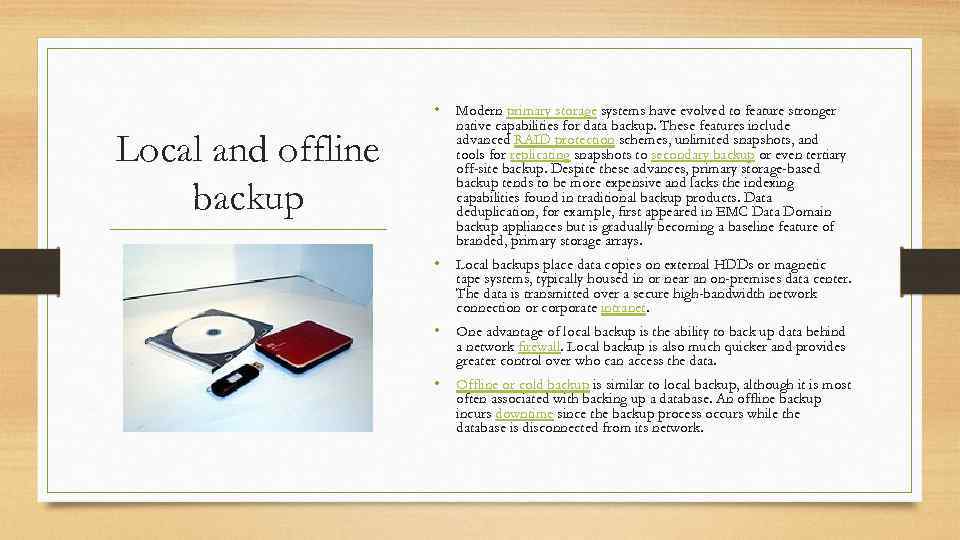
• Modern primary storage systems have evolved to feature stronger Local and offline backup native capabilities for data backup. These features include advanced RAID protection schemes, unlimited snapshots, and tools for replicating snapshots to secondary backup or even tertiary off-site backup. Despite these advances, primary storage-based backup tends to be more expensive and lacks the indexing capabilities found in traditional backup products. Data deduplication, for example, first appeared in EMC Data Domain backup appliances but is gradually becoming a baseline feature of branded, primary storage arrays. • Local backups place data copies on external HDDs or magnetic tape systems, typically housed in or near an on-premises data center. The data is transmitted over a secure high-bandwidth network connection or corporate intranet. • One advantage of local backup is the ability to back up data behind a network firewall. Local backup is also much quicker and provides greater control over who can access the data. • Offline or cold backup is similar to local backup, although it is most often associated with backing up a database. An offline backup incurs downtime since the backup process occurs while the database is disconnected from its network.
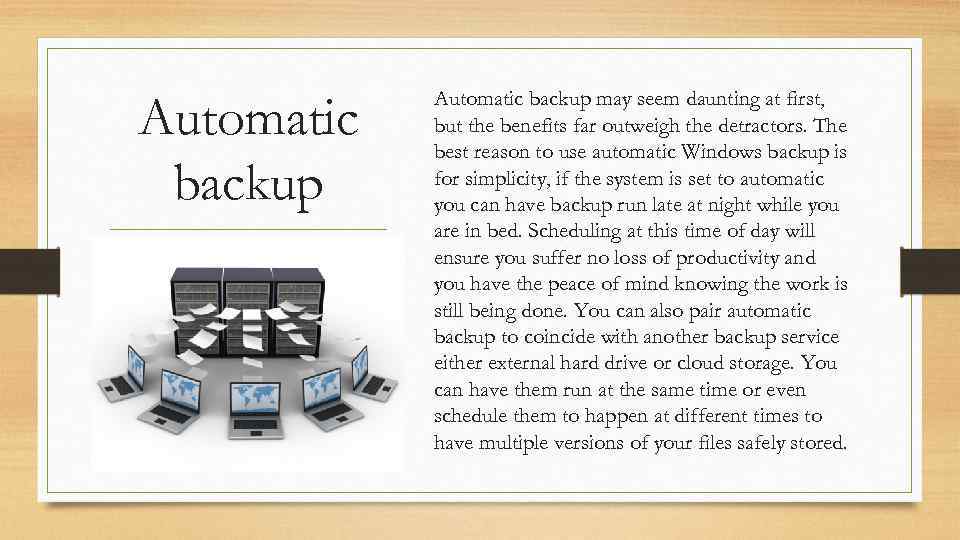
Automatic backup may seem daunting at first, but the benefits far outweigh the detractors. The best reason to use automatic Windows backup is for simplicity, if the system is set to automatic you can have backup run late at night while you are in bed. Scheduling at this time of day will ensure you suffer no loss of productivity and you have the peace of mind knowing the work is still being done. You can also pair automatic backup to coincide with another backup service either external hard drive or cloud storage. You can have them run at the same time or even schedule them to happen at different times to have multiple versions of your files safely stored.
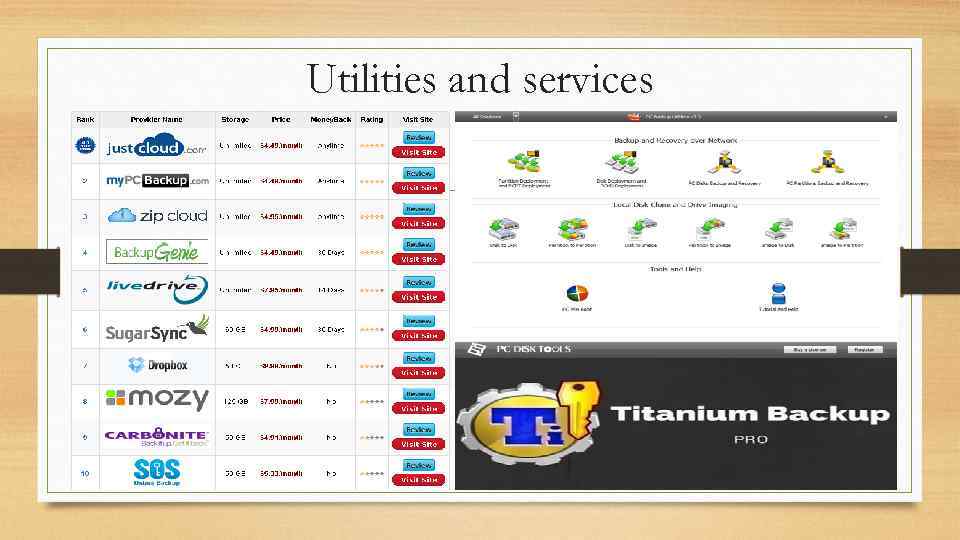
Utilities and services

THANK YOU FOR ATTENTION
