 Скачать презентацию IMS 1906 Programming in VB NET Week 1
7def48a6a86a27b14c164149773cf88f.ppt
- Количество слайдов: 56



IMS 1906 Programming in VB. NET Week 1 – Lecture 1 Unit Overview © Angela Carbone Monash University School of Information Management and Systems www. monash. edu. au
Lecture Outline • • Introducing the Lecturer Introducing the Tutors Aims and Objectives of the unit Text Books Lecture structure Tutorial structure Assessment SGO– Creating Programs Let’s begin www. monash. edu. au 2

Introducing the Lecturer Office: Rm. S 4. 02, Tower Building Ph: 9903 1911 Mb: 0407 886 791 Email: angela. carbone@infotech. monash. edu. au URL: http: //www. sims. monash. edu. au/Staff/Angela Consultation: – Probably best straight after the lecture Availability: – Generally NOT available Thursdays & Monday – Please email or phone me to make an appointment Angela Carbone www. monash. edu. au 3
Introducing the tutors • Birger Halfmeier – Mon 11 -1 pm, Tues 2 -4 pm – Birger. Halfmeier@infotech. monash. edu. au • Sharon Chou – Mon 11 -1 pm, Tue 2 -4 pm – Sharon. Chou@infotech. monash. edu. au www. monash. edu. au 4
Aims and Objectives What will you learn? • To design programs for Windows that: – Manipulate data in files – Perform calculations and generate reports – Are useful • General principles of programming – Skills transferable to other programming languages or settings • Methodologies of problem solving www. monash. edu. au 5
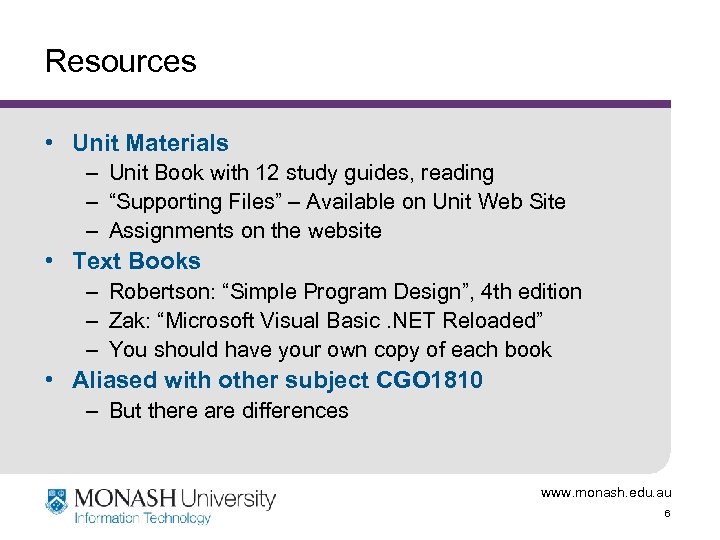
Resources • Unit Materials – Unit Book with 12 study guides, reading – “Supporting Files” – Available on Unit Web Site – Assignments on the website • Text Books – Robertson: “Simple Program Design”, 4 th edition – Zak: “Microsoft Visual Basic. NET Reloaded” – You should have your own copy of each book • Aliased with other subject CGO 1810 – But there are differences www. monash. edu. au 6
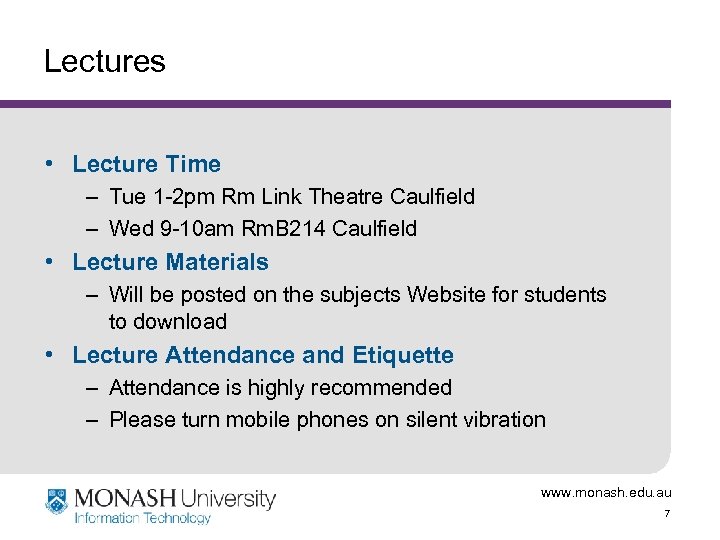
Lectures • Lecture Time – Tue 1 -2 pm Rm Link Theatre Caulfield – Wed 9 -10 am Rm. B 214 Caulfield • Lecture Materials – Will be posted on the subjects Website for students to download • Lecture Attendance and Etiquette – Attendance is highly recommended – Please turn mobile phones on silent vibration www. monash. edu. au 7
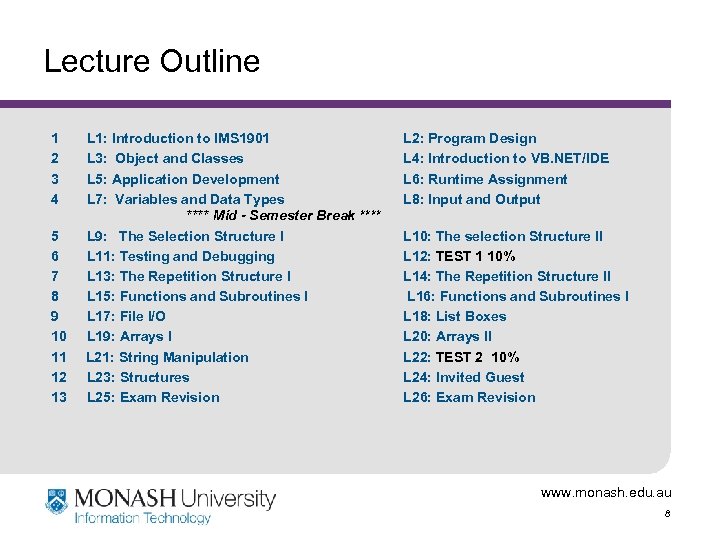
Lecture Outline 1 2 3 4 5 6 7 8 9 10 11 12 13 L 1: Introduction to IMS 1901 L 3: Object and Classes L 5: Application Development L 7: Variables and Data Types **** Mid - Semester Break **** L 9: The Selection Structure I L 11: Testing and Debugging L 13: The Repetition Structure I L 15: Functions and Subroutines I L 17: File I/O L 19: Arrays I L 21: String Manipulation L 23: Structures L 25: Exam Revision L 2: Program Design L 4: Introduction to VB. NET/IDE L 6: Runtime Assignment L 8: Input and Output L 10: The selection Structure II L 12: TEST 1 10% L 14: The Repetition Structure II L 16: Functions and Subroutines I L 18: List Boxes L 20: Arrays II L 22: TEST 2 10% L 24: Invited Guest L 26: Exam Revision www. monash. edu. au 8
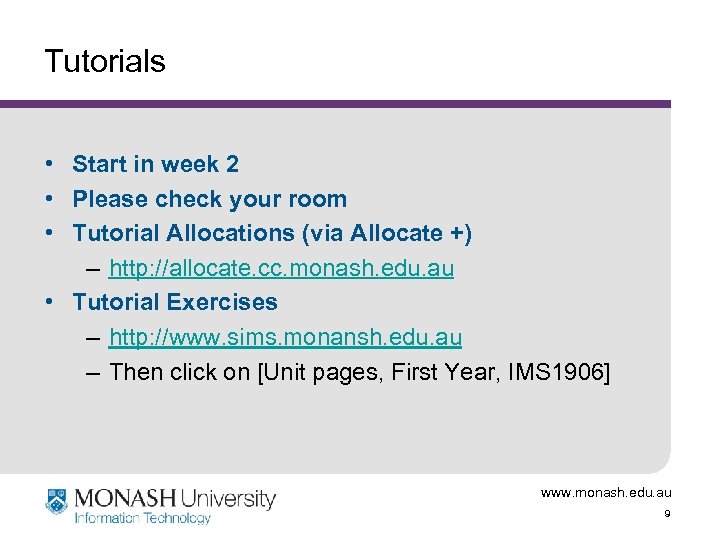
Tutorials • Start in week 2 • Please check your room • Tutorial Allocations (via Allocate +) – http: //allocate. cc. monash. edu. au • Tutorial Exercises – http: //www. sims. monansh. edu. au – Then click on [Unit pages, First Year, IMS 1906] www. monash. edu. au 9
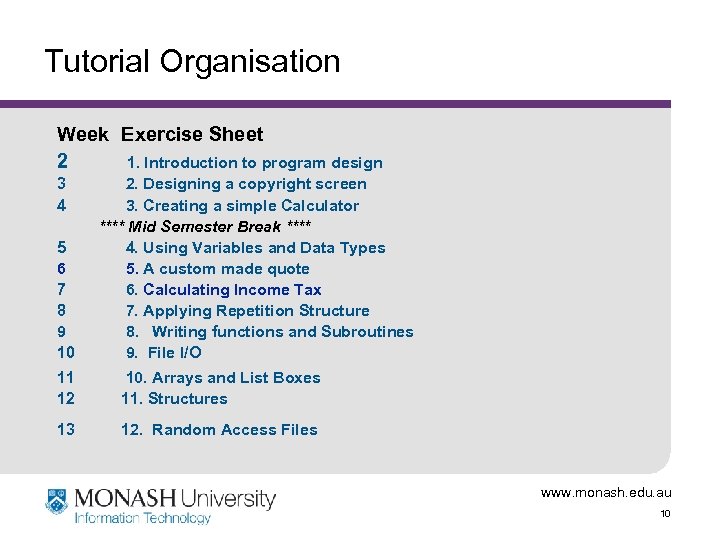
Tutorial Organisation Week Exercise Sheet 2 1. Introduction to program design 3 4 5 6 7 8 9 10 11 12 13 2. Designing a copyright screen 3. Creating a simple Calculator **** Mid Semester Break **** 4. Using Variables and Data Types 5. A custom made quote 6. Calculating Income Tax 7. Applying Repetition Structure 8. Writing functions and Subroutines 9. File I/O 10. Arrays and List Boxes 11. Structures 12. Random Access Files www. monash. edu. au 10
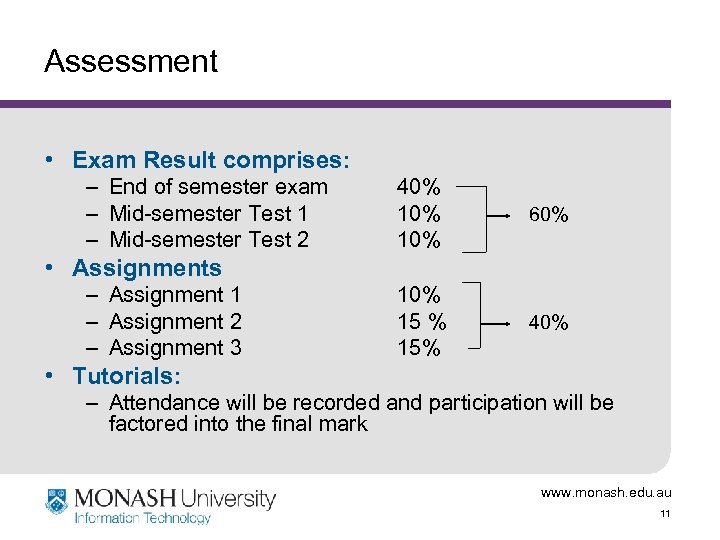
Assessment • Exam Result comprises: – End of semester exam – Mid-semester Test 1 – Mid-semester Test 2 40% 10% 60% 15% 40% • Assignments – Assignment 1 – Assignment 2 – Assignment 3 • Tutorials: – Attendance will be recorded and participation will be factored into the final mark www. monash. edu. au 11
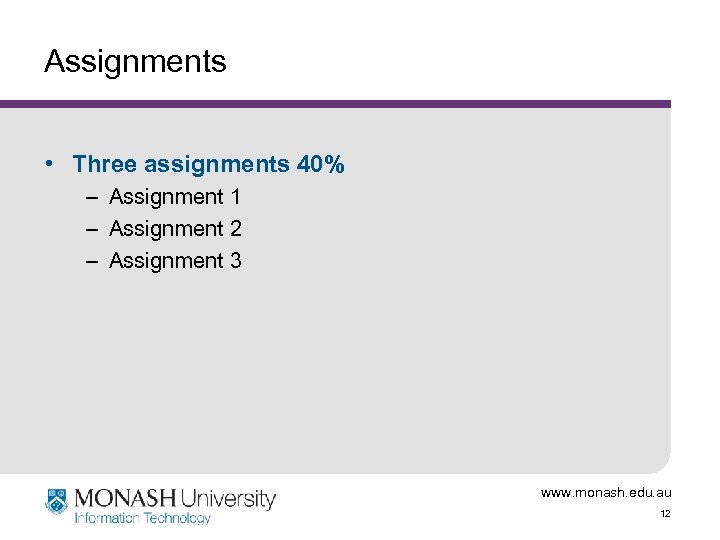
Assignments • Three assignments 40% – Assignment 1 – Assignment 2 – Assignment 3 www. monash. edu. au 12
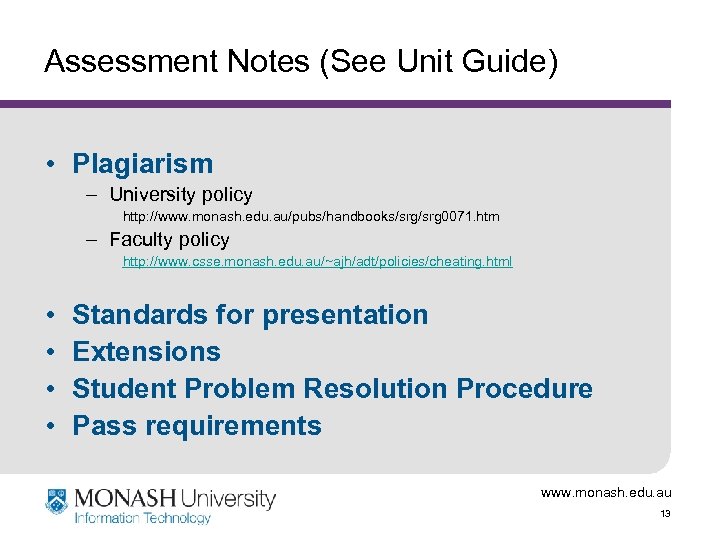
Assessment Notes (See Unit Guide) • Plagiarism – University policy http: //www. monash. edu. au/pubs/handbooks/srg 0071. htm – Faculty policy http: //www. csse. monash. edu. au/~ajh/adt/policies/cheating. html • • Standards for presentation Extensions Student Problem Resolution Procedure Pass requirements www. monash. edu. au 13
Learning Strategies • Active listening – attentively listen, by focusing on what is said, so you can answer questions pertaining to the information • Reading • Practicing & learning by mistakes • Ask for help or clarification during lectures and tutorials www. monash. edu. au 14
SG 0: Creating Programs • Part 1 – Computer Systems – Hardware/Software – Programming languages – Compilers and Interpreters – Program Development www. monash. edu. au 15
Study Guide 0: Objectives • Understand terms: – Computer Software/Hardware – Computer Program • Understand what is meant by: – – Programming Language Compiler, Interpreter Structured Programming Algorithm • Describe steps involved in design and development of computer programs • List the 7 stages of the Program Development Process www. monash. edu. au 16
Components of a Computer Five elements: • hardware • software • data (raw data useful information) • people (e. g. computer programmers, users) • procedures (software development methodology) www. monash. edu. au 17
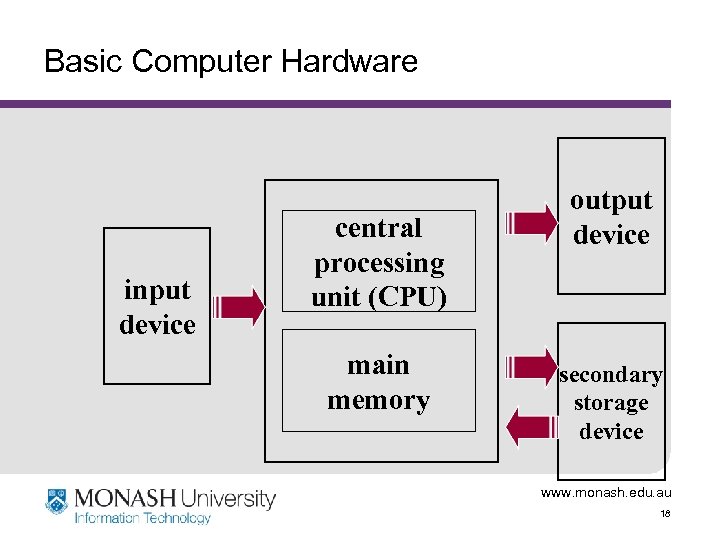
Basic Computer Hardware input device central processing unit (CPU) main memory output device secondary storage device www. monash. edu. au 18
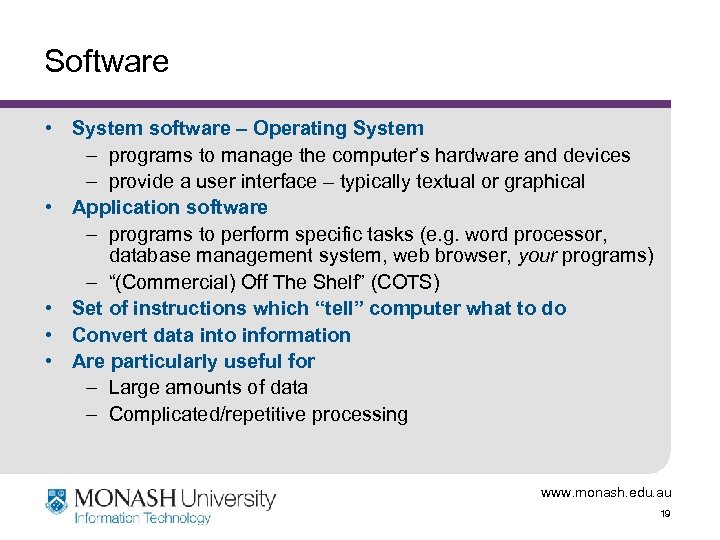
Software • System software – Operating System – programs to manage the computer’s hardware and devices – provide a user interface – typically textual or graphical • Application software – programs to perform specific tasks (e. g. word processor, database management system, web browser, your programs) – “(Commercial) Off The Shelf” (COTS) • Set of instructions which “tell” computer what to do • Convert data into information • Are particularly useful for – Large amounts of data – Complicated/repetitive processing www. monash. edu. au 19
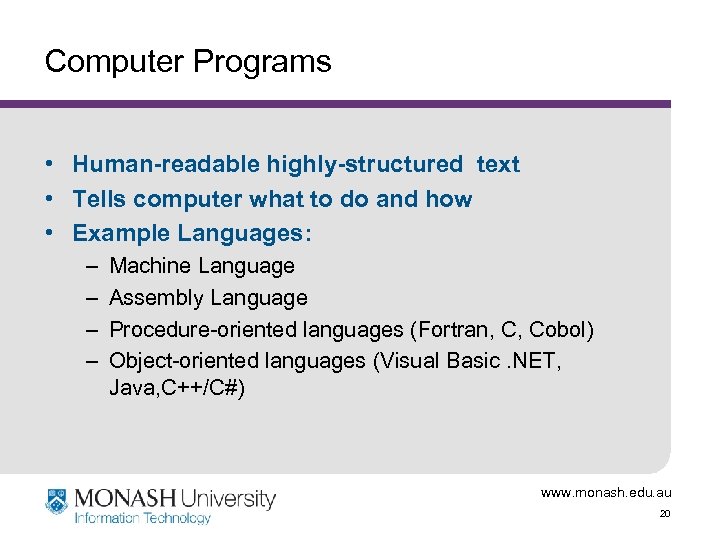
Computer Programs • Human-readable highly-structured text • Tells computer what to do and how • Example Languages: – – Machine Language Assembly Language Procedure-oriented languages (Fortran, C, Cobol) Object-oriented languages (Visual Basic. NET, Java, C++/C#) www. monash. edu. au 20
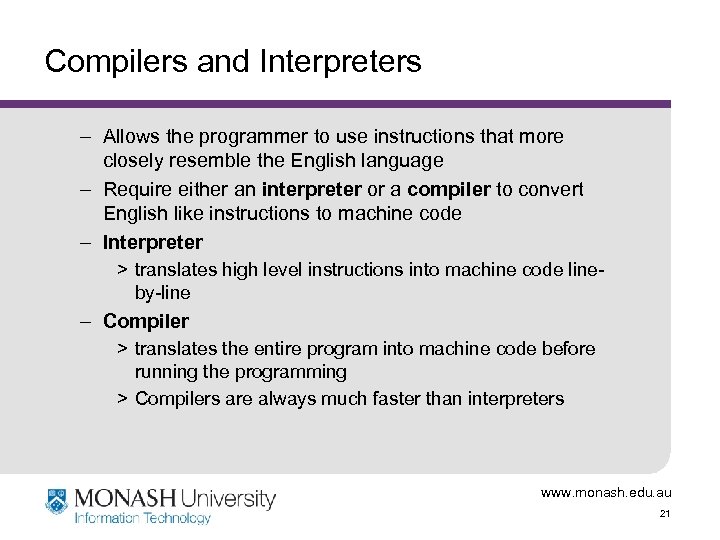
Compilers and Interpreters – Allows the programmer to use instructions that more closely resemble the English language – Require either an interpreter or a compiler to convert English like instructions to machine code – Interpreter > translates high level instructions into machine code lineby-line – Compiler > translates the entire program into machine code before running the programming > Compilers are always much faster than interpreters www. monash. edu. au 21
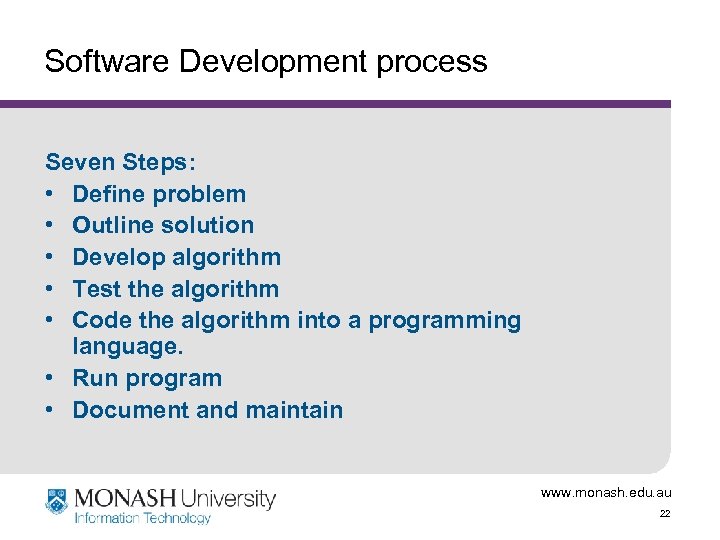
Software Development process Seven Steps: • Define problem • Outline solution • Develop algorithm • Test the algorithm • Code the algorithm into a programming language. • Run program • Document and maintain www. monash. edu. au 22
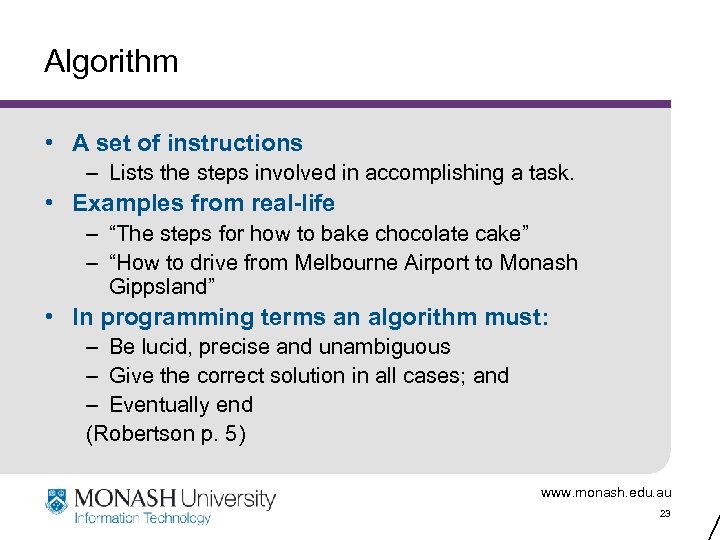
Algorithm • A set of instructions – Lists the steps involved in accomplishing a task. • Examples from real-life – “The steps for how to bake chocolate cake” – “How to drive from Melbourne Airport to Monash Gippsland” • In programming terms an algorithm must: – Be lucid, precise and unambiguous – Give the correct solution in all cases; and – Eventually end (Robertson p. 5) www. monash. edu. au 23
SG 0 Summary • Terms – – – Computer Software/Hardware Computer Programming Language Compiler Interpreter • List the 7 stages of the Software Development Process. • Explain what is meant by an algorithm. www. monash. edu. au 24
Reading/Questions • Study Guide 0 • Robertson Chapters 1, 2, 3 • Szymanski article (in Appendix A of Unit Book) • Is there anything you’d like to ask? www. monash. edu. au 25
IMS 1906 Business Software Fundamentals Week 1 - Lecture 2 Program Design © Angela Carbone Monash University School of Information Management and Systems www. monash. edu. au
Lecture Outline • Part 2 – Program Design – Modular programming – Top down design – Algorithms – The Structure Theorem – IPO charts – Algorithm development – Desk Checking www. monash. edu. au 27
Why Program? • To Learn – – The power of writing programs The challenge of writing programs The cost of writing programs The joy of programming • Remember – If you write specifications for programmers (which is what analysts do), you have to have a deep understanding of what you’re writing about. www. monash. edu. au 28
SG 1 - Objectives • List the qualities of a good program. • Describe the features of structured program design. • Use top-down development techniques to refine a problem to its lowest level. • Describe the 3 control structures in the structure theorem. • Use pseudo code to design algorithmic solutions to simple computational problems. • Design algorithms which use three control structures of the structure theorem. www. monash. edu. au 29
Qualities of good programs • • • Correct Readable Easy to maintain and modify Reliable and robust Efficient (time/space) Flexible (Szymanski, pp. 288 -289) www. monash. edu. au 30
Structured Programming • Structured Programming: – Encompasses: > The Structure Theorem > Modular design > Top-down development – Read Robertson section 1. 2 • Why is it important? – Read Szymanski p. 287 -289. www. monash. edu. au 31
Modular Program Design • Programming problems often very large and complex • Large complex problems handled as sets of smaller problems called modules • Each module responsible for one task • Makes the problem psychologically easier to manage – people can generally only process or retain 4 to 7 ideas at a time – programmers can usually only work efficiently with blocks of 20 - 50 lines of code • Allows several programmers to work on one program simultaneously www. monash. edu. au 32
Top-down Development • Decompose the problem into its major stages, starting with the overview level • At each stage, identify the sub-problems which make up that stage • Continue this way until the problems can’t be broken down further www. monash. edu. au 33
Algorithm • Sequence of precise steps to solve the problem – no ambiguity • Finite number of steps. – An algorithm’s logic must terminate • Expressed in a precise language or graphical form – Pseudo code (structured English) – Flowcharts – Other formats www. monash. edu. au 34
Algorithm Notations • Pseudo code – – Structured English Uses key-words for control and structure elements Suits “verbal” thinkers Written in a text editor or word processor • Flowcharts – – Diagrammatic, with minimal pseudo code Shapes represent control and structure elements Arrows between shapes show progression See Robertson, Appendix 1, for one flowchart notation www. monash. edu. au 35
Pseudo code Basic computer operations (Robertson pp. 10 -12): 1. Receive Input read or get 2. Output Print, Write, Put Out, Output or Display 3. Arithmetic: + (add), - (subtract), * (multiply), / (divide) 4. Assign a value to a variable (storage location) 5. Compare two values, then select a course of action 6. Repeat a group of actions www. monash. edu. au 36
Control Structures • The Structure Theorem: any computer program can be built from just three control structures: – Sequence – Selection – Repetition • Used to determine (control) the order in which the steps in an algorithm are to be executed www. monash. edu. au 37
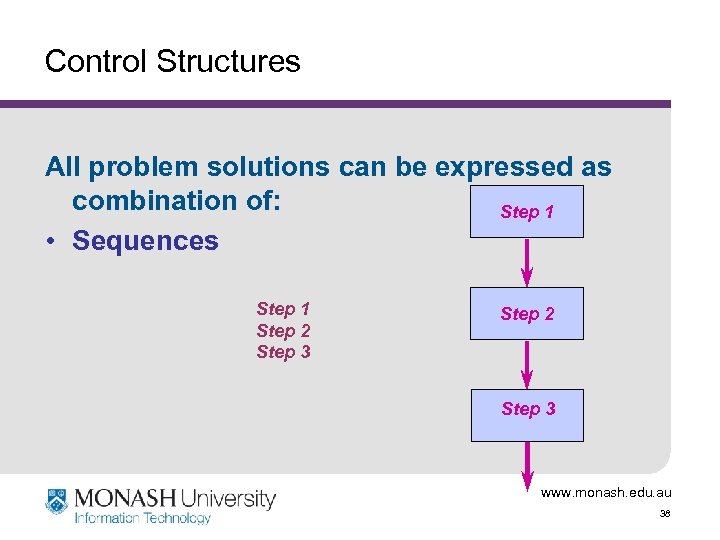
Control Structures All problem solutions can be expressed as combination of: Step 1 • Sequences Step 1 Step 2 Step 3 www. monash. edu. au 38
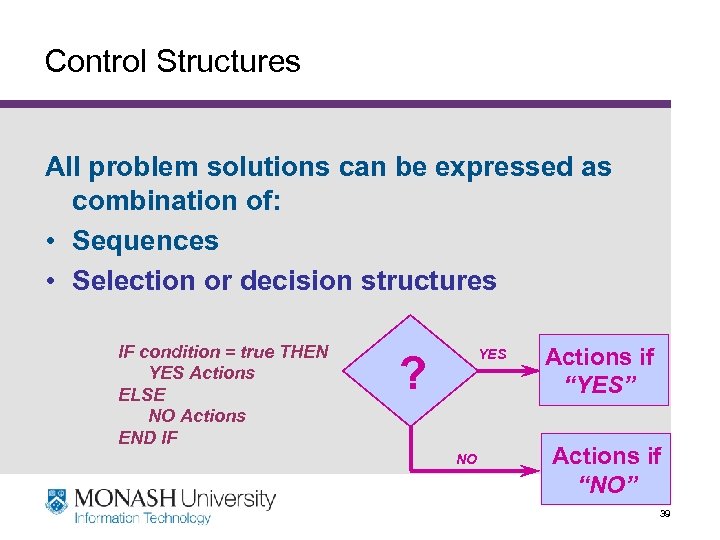
Control Structures All problem solutions can be expressed as combination of: • Sequences • Selection or decision structures IF condition = true THEN YES Actions ELSE NO Actions END IF YES ? NO Actions if “YES” Actions if “NO” www. monash. edu. au 39
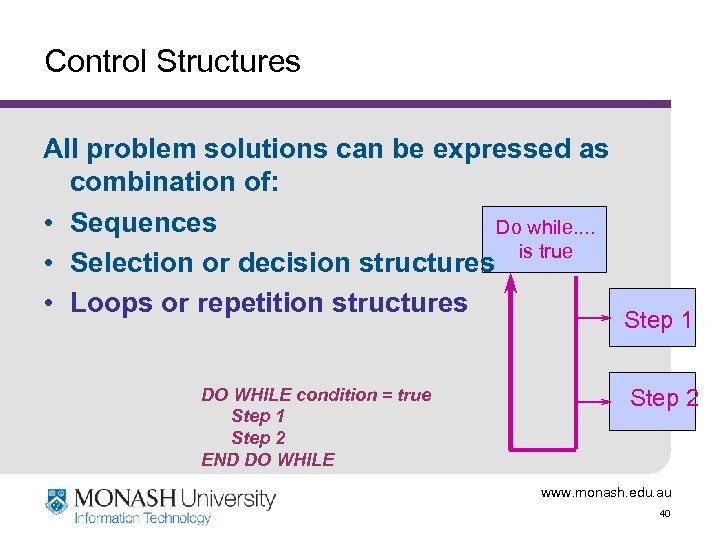
Control Structures All problem solutions can be expressed as combination of: • Sequences Do while. . is true • Selection or decision structures • Loops or repetition structures DO WHILE condition = true Step 1 Step 2 END DO WHILE Step 1 Step 2 www. monash. edu. au 40
SG 1: Summary • • Qualities of a good program Features of structured program design. Top-down development. Pseudo code and flow charts for expressing algorithms • The structure theorem: – Sequence – Selection – Repetition www. monash. edu. au 41
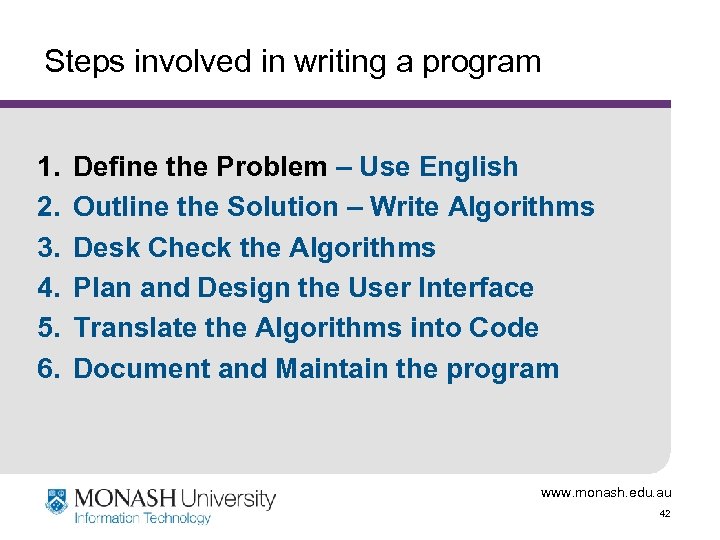
Steps involved in writing a program 1. 2. 3. 4. 5. 6. Define the Problem – Use English Outline the Solution – Write Algorithms Desk Check the Algorithms Plan and Design the User Interface Translate the Algorithms into Code Document and Maintain the program www. monash. edu. au 42
Defining the Problem • Identify: – inputs – outputs – processing • Record these in a defining diagram or IPO Chart www. monash. edu. au 43
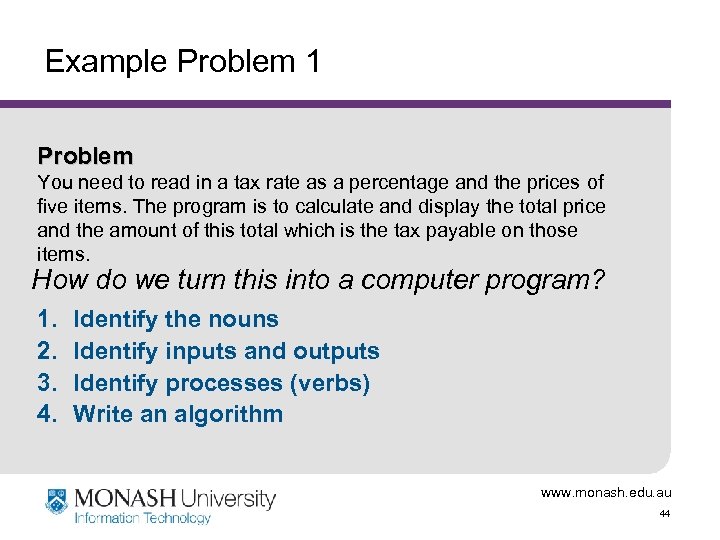
Example Problem 1 Problem You need to read in a tax rate as a percentage and the prices of five items. The program is to calculate and display the total price and the amount of this total which is the tax payable on those items. How do we turn this into a computer program? 1. 2. 3. 4. Identify the nouns Identify inputs and outputs Identify processes (verbs) Write an algorithm www. monash. edu. au 44
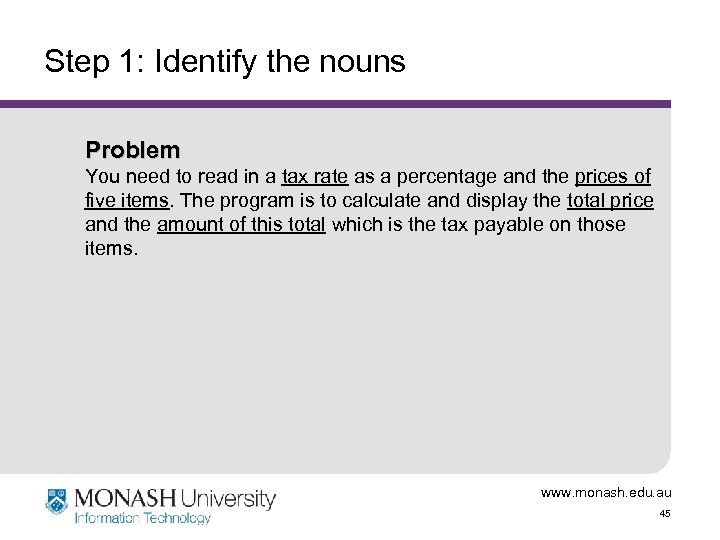
Step 1: Identify the nouns Problem You need to read in a tax rate as a percentage and the prices of five items. The program is to calculate and display the total price and the amount of this total which is the tax payable on those items. www. monash. edu. au 45
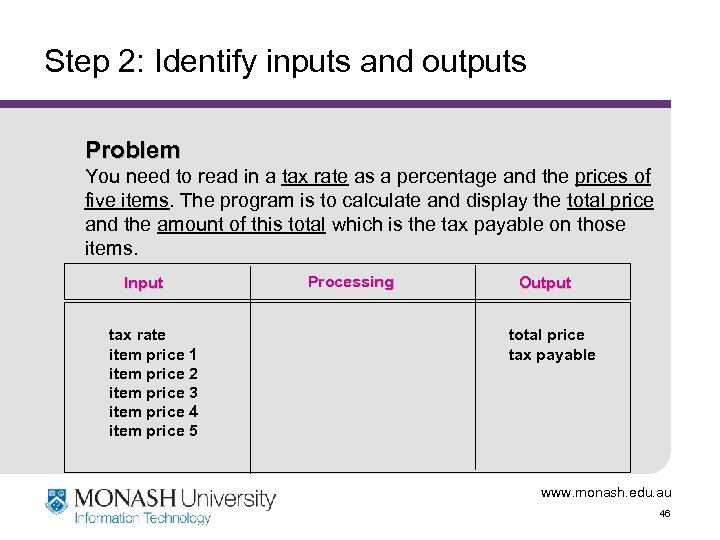
Step 2: Identify inputs and outputs Problem You need to read in a tax rate as a percentage and the prices of five items. The program is to calculate and display the total price and the amount of this total which is the tax payable on those items. Input tax rate item price 1 item price 2 item price 3 item price 4 item price 5 Processing Output total price tax payable www. monash. edu. au 46
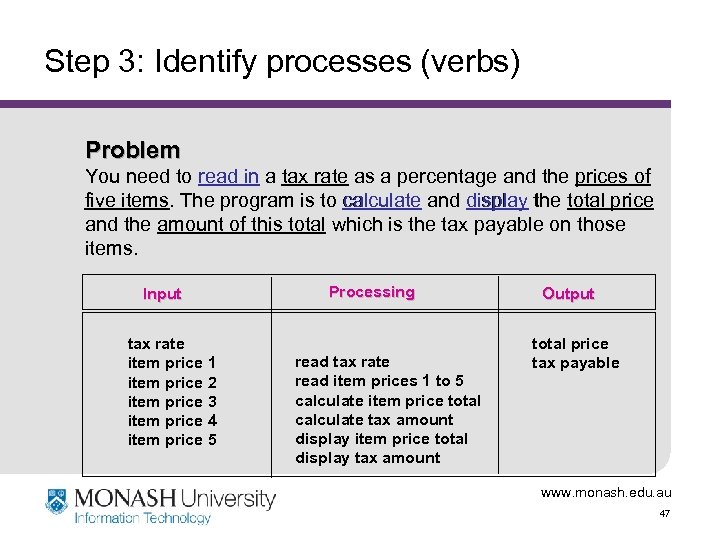
Step 3: Identify processes (verbs) Problem You need to read in a tax rate as a percentage and the prices of five items. The program is to calculate and display the total price and the amount of this total which is the tax payable on those items. Input tax rate item price 1 item price 2 item price 3 item price 4 item price 5 Processing read tax rate read item prices 1 to 5 calculate item price total calculate tax amount display item price total display tax amount Output total price tax payable www. monash. edu. au 47
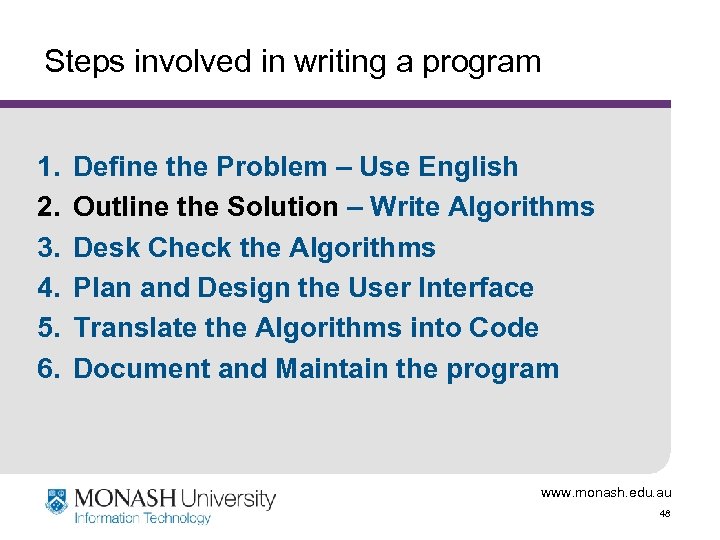
Steps involved in writing a program 1. 2. 3. 4. 5. 6. Define the Problem – Use English Outline the Solution – Write Algorithms Desk Check the Algorithms Plan and Design the User Interface Translate the Algorithms into Code Document and Maintain the program www. monash. edu. au 48
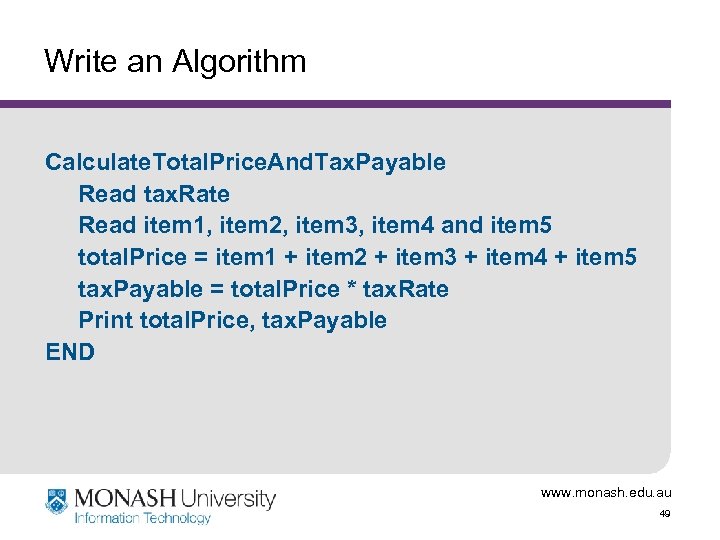
Write an Algorithm Calculate. Total. Price. And. Tax. Payable Read tax. Rate Read item 1, item 2, item 3, item 4 and item 5 total. Price = item 1 + item 2 + item 3 + item 4 + item 5 tax. Payable = total. Price * tax. Rate Print total. Price, tax. Payable END www. monash. edu. au 49
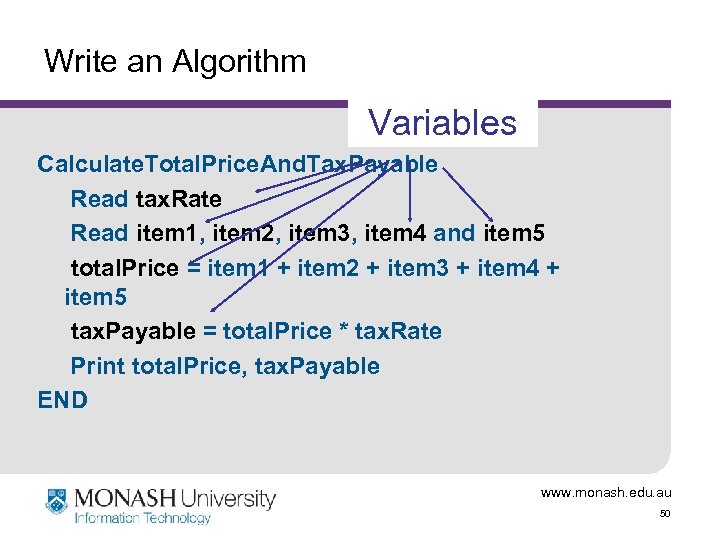
Write an Algorithm Variables Calculate. Total. Price. And. Tax. Payable Read tax. Rate Read item 1, item 2, item 3, item 4 and item 5 total. Price = item 1 + item 2 + item 3 + item 4 + item 5 tax. Payable = total. Price * tax. Rate Print total. Price, tax. Payable END www. monash. edu. au 50
Example Problem 2 Problem A program is required to read the length and width of a rectangular house block, and the length and width of the rectangular house on the block. The program should compute and display the time required to cut the grass around the house at a rate of two square metres per minute. Robertson (4 th Ed), p. 22. www. monash. edu. au 51
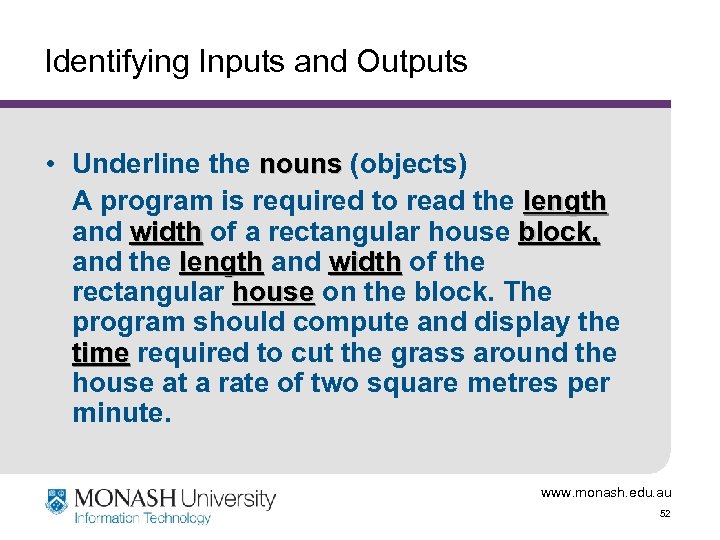
Identifying Inputs and Outputs • Underline the nouns (objects) A program is required to read the length and width of a rectangular house block, and the length and width of the rectangular house on the block. The program should compute and display the time required to cut the grass around the house at a rate of two square metres per minute. www. monash. edu. au 52
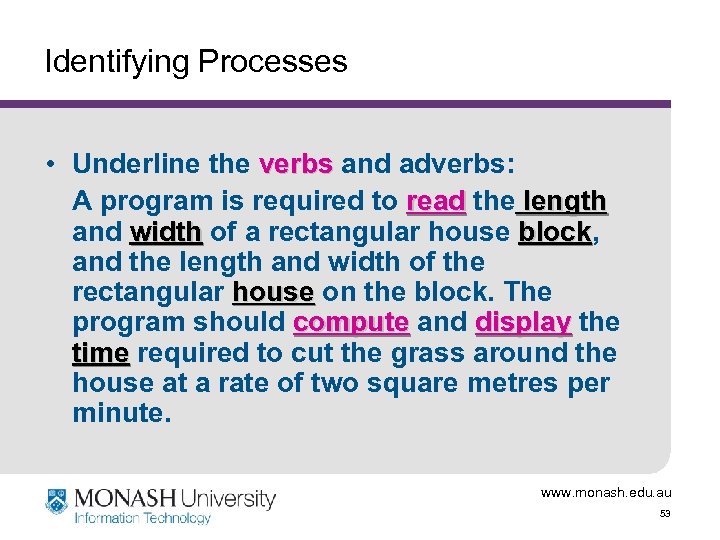
Identifying Processes • Underline the verbs and adverbs: A program is required to read the length and width of a rectangular house block, block and the length and width of the rectangular house on the block. The program should compute and display the time required to cut the grass around the house at a rate of two square metres per minute. www. monash. edu. au 53
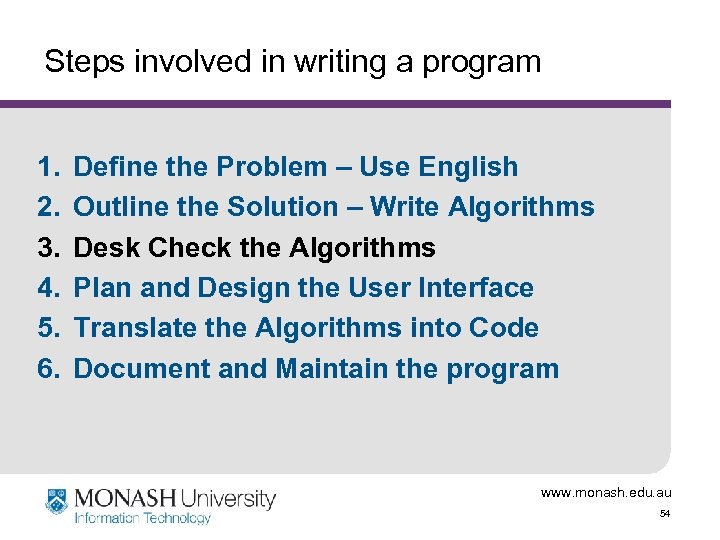
Steps involved in writing a program 1. 2. 3. 4. 5. 6. Define the Problem – Use English Outline the Solution – Write Algorithms Desk Check the Algorithms Plan and Design the User Interface Translate the Algorithms into Code Document and Maintain the program www. monash. edu. au 54
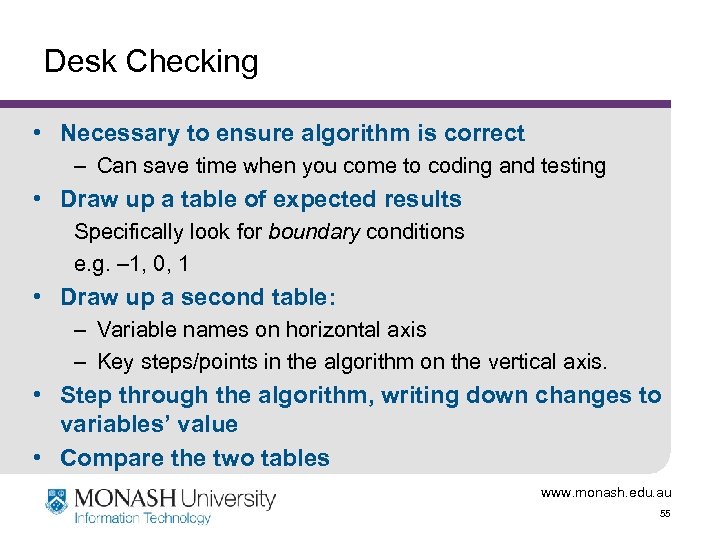
Desk Checking • Necessary to ensure algorithm is correct – Can save time when you come to coding and testing • Draw up a table of expected results Specifically look for boundary conditions e. g. – 1, 0, 1 • Draw up a second table: – Variable names on horizontal axis – Key steps/points in the algorithm on the vertical axis. • Step through the algorithm, writing down changes to variables’ value • Compare the two tables www. monash. edu. au 55
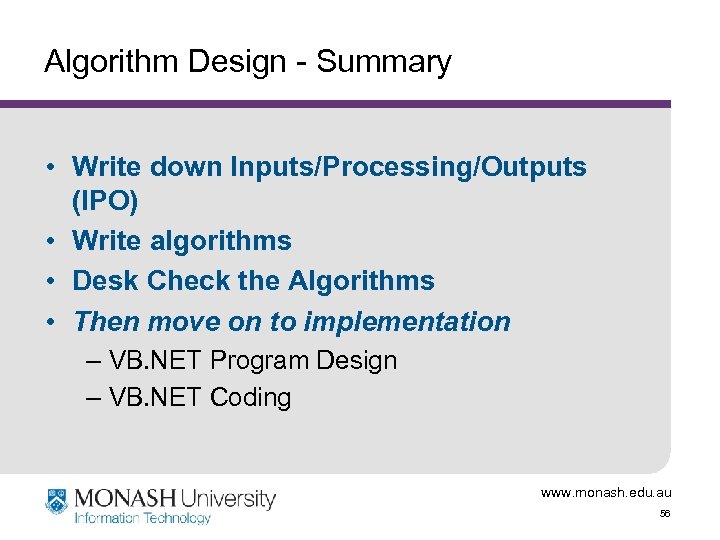
Algorithm Design - Summary • Write down Inputs/Processing/Outputs (IPO) • Write algorithms • Desk Check the Algorithms • Then move on to implementation – VB. NET Program Design – VB. NET Coding www. monash. edu. au 56
Скачать презентацию IMS 1906 Programming in VB NET Week 1
7def48a6a86a27b14c164149773cf88f.ppt