


 Скачать презентацию Imaging and Deployment James O Neill Jamesone microsoft com http
9843720b65bdf5cdb4eaf65aa3bfdcff.ppt
- Количество слайдов: 44
 Imaging and Deployment James O’Neill Jamesone@microsoft. com http: //blogs. technet. com/jamesone
 What Will We Cover? Managed Deployment Advantages Windows Imaging Windows Preinstallation Environment Application Compatibility Toolkit Deployment Management Systems
 Helpful Experience Familiarity with deployment concepts Familiarity with Windows administration Level 200
 Agenda Exploring Deployment Considerations Using Vista Deployment Tools Deploying Windows Vista
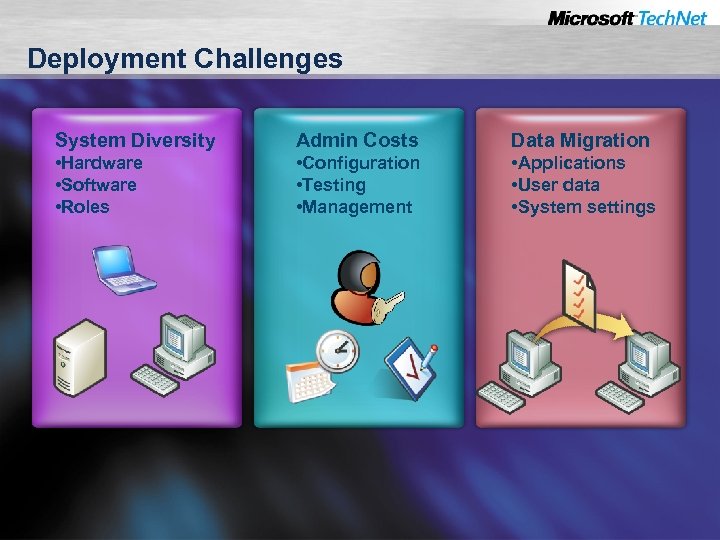 Deployment Challenges System Diversity Admin Costs Data Migration • Hardware • Software • Roles • Configuration • Testing • Management • Applications • User data • System settings
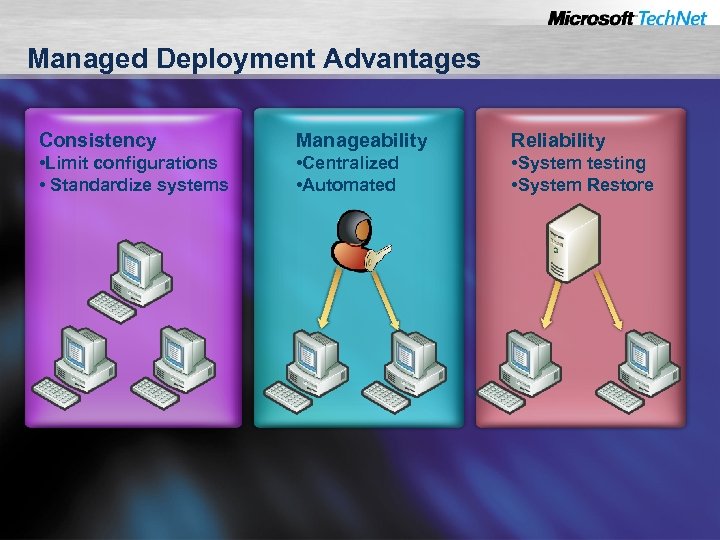 Managed Deployment Advantages Consistency Manageability Reliability • Limit configurations • Standardize systems • Centralized • Automated • System testing • System Restore
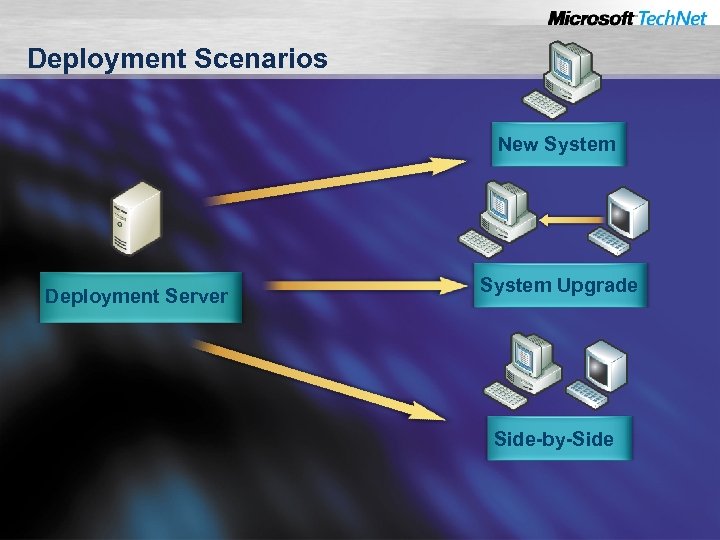 Deployment Scenarios New System Deployment Server System Upgrade Side-by-Side
 Agenda Exploring Deployment Considerations Using Vista Deployment Tools Deploying Windows Vista
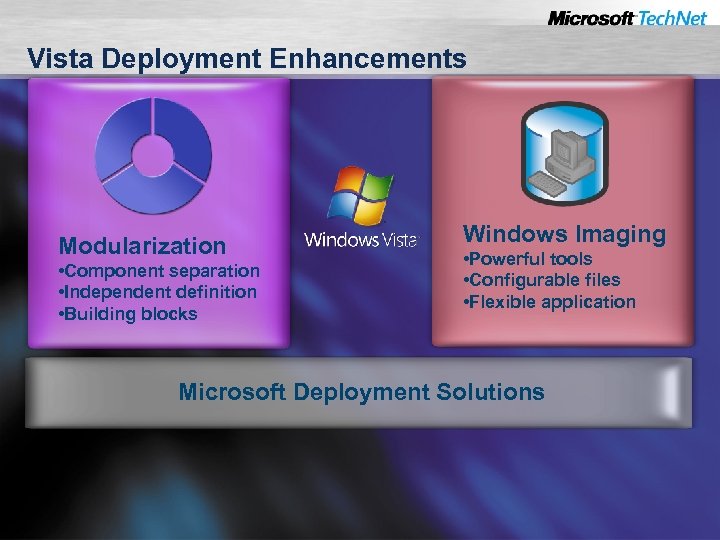 Vista Deployment Enhancements Modularization • Component separation • Independent definition • Building blocks Windows Imaging • Powerful tools • Configurable files • Flexible application Microsoft Deployment Solutions
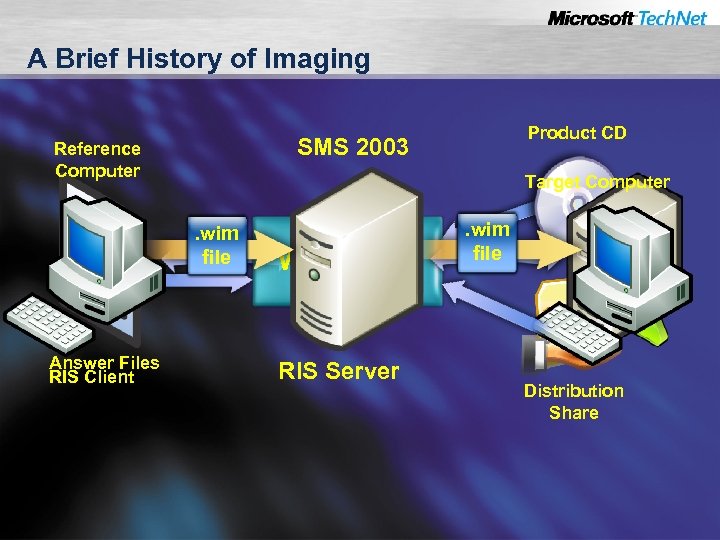 A Brief History of Imaging SMS 2003 Reference Computer Target Computer . wim file Answer Files RIS Client Product CD WINNT 32 RIS Server . wim file Distribution Share
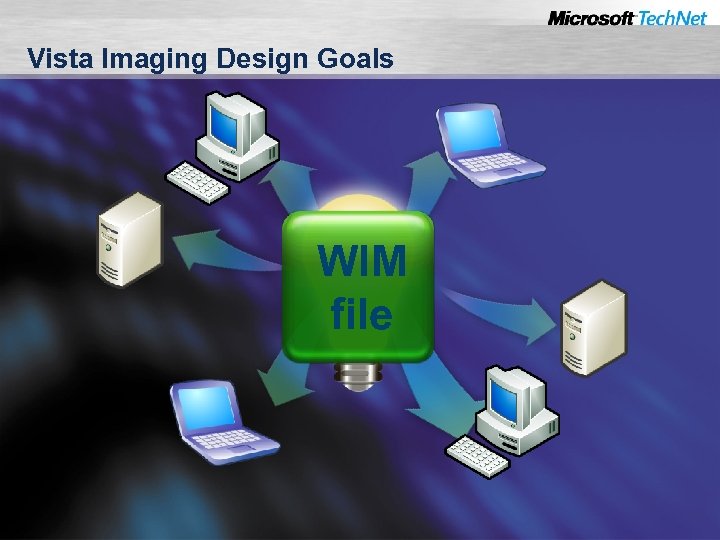 Vista Imaging Design Goals WIM file
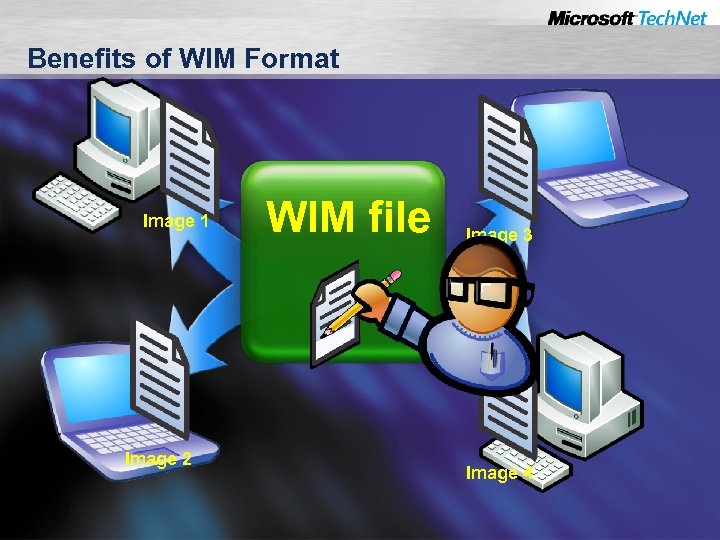 Benefits of WIM Format Image 1 Image 2 WIM file Image 3 Image 4
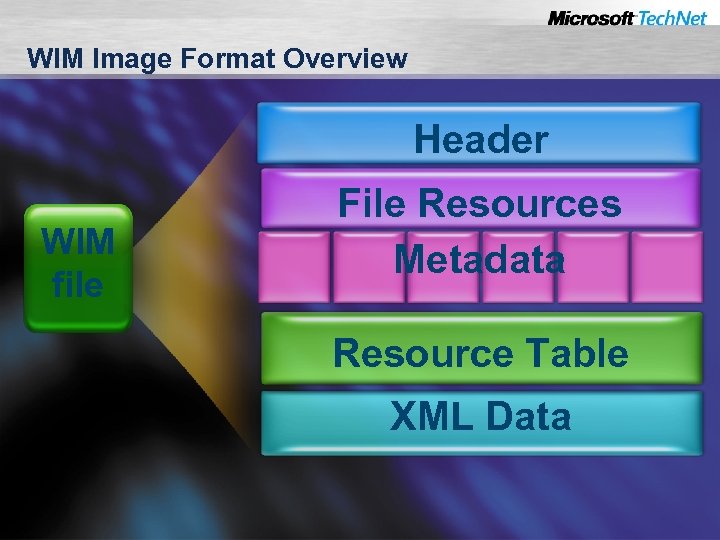 WIM Image Format Overview Header WIM file File Resources Metadata Resource Table XML Data
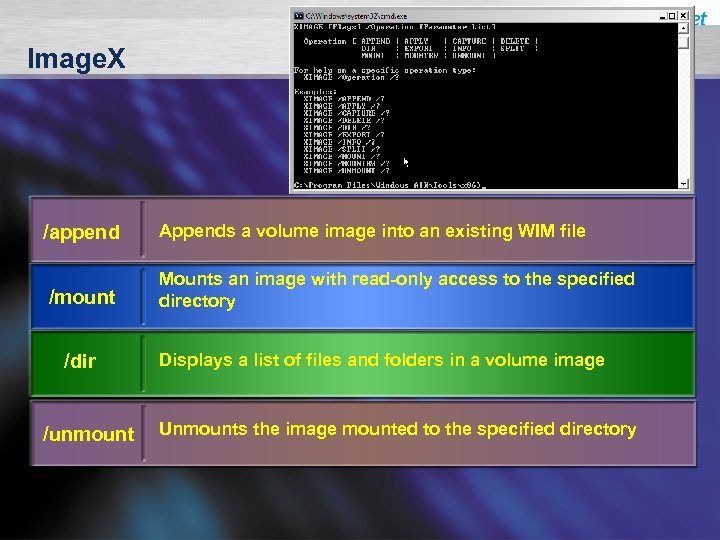 Image. X /append /mount /dir /unmount Appends a volume image into an existing WIM file Mounts an image with read-only access to the specified directory Displays a list of files and folders in a volume image Unmounts the image mounted to the specified directory
 Demonstration Using Image. X
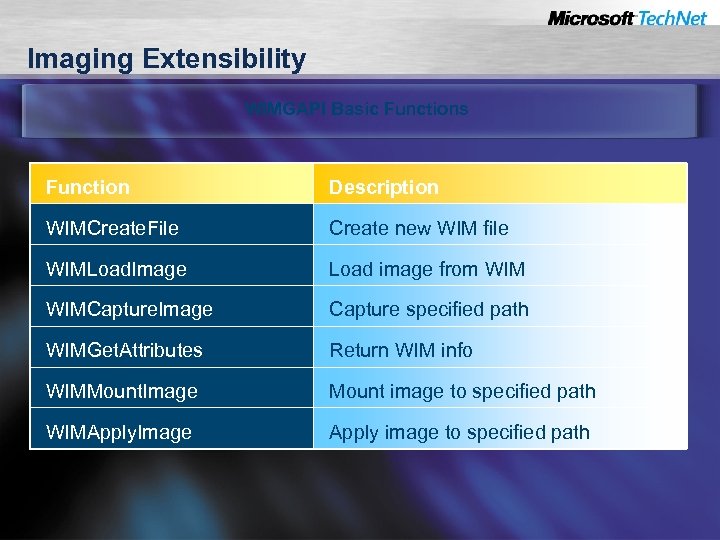 Imaging Extensibility WIMGAPI Basic Functions Function Description WIMCreate. File Create new WIM file WIMLoad. Image Load image from WIMCapture. Image Capture specified path WIMGet. Attributes Return WIM info WIMMount. Image Mount image to specified path WIMApply. Image Apply image to specified path
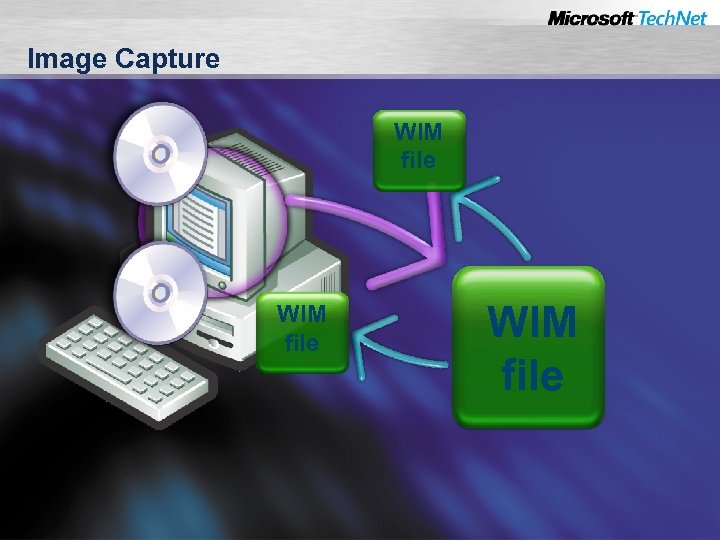 Image Capture WIM file
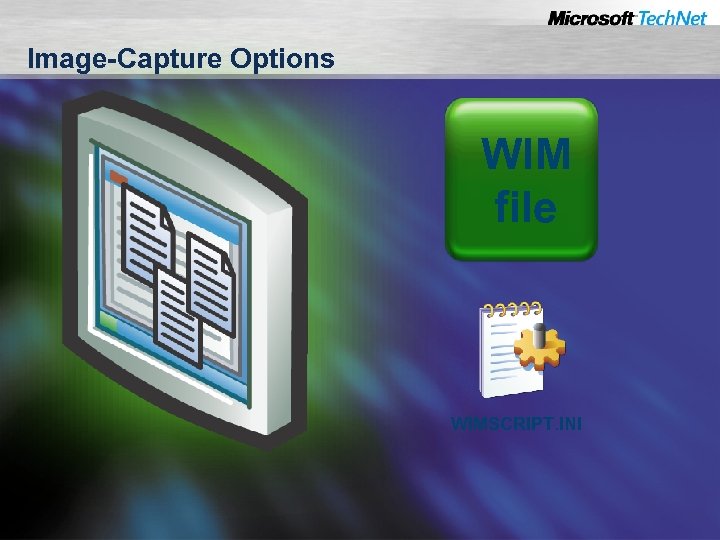 Image-Capture Options WIM file WIMSCRIPT. INI
 Demonstration Capturing an Image
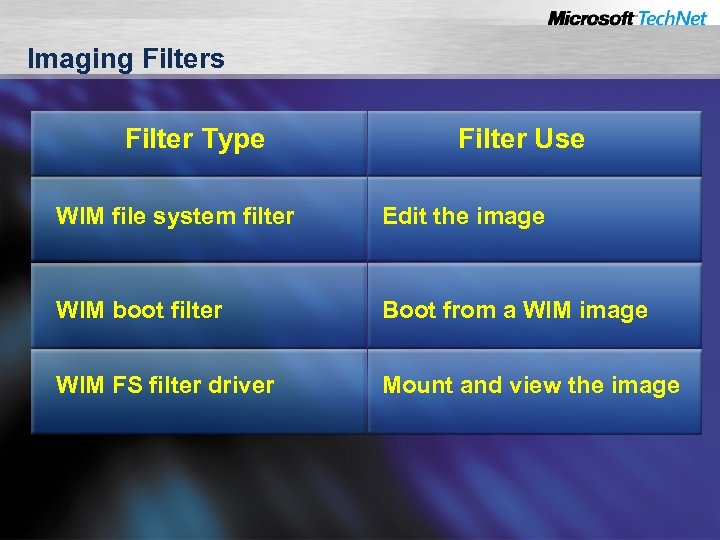 Imaging Filters Filter Type Filter Use WIM file system filter Edit the image WIM boot filter Boot from a WIM image WIM FS filter driver Mount and view the image
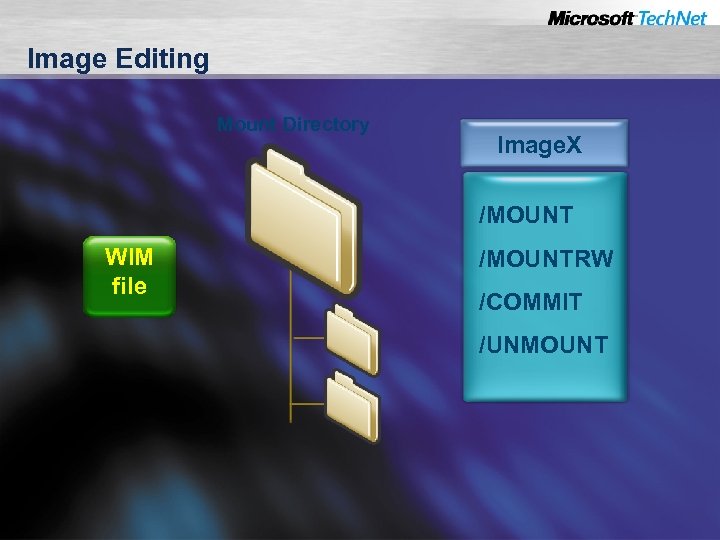 Image Editing Mount Directory Image. X /MOUNT WIM file /MOUNTRW /COMMIT /UNMOUNT
 Demonstration Modifying an Image
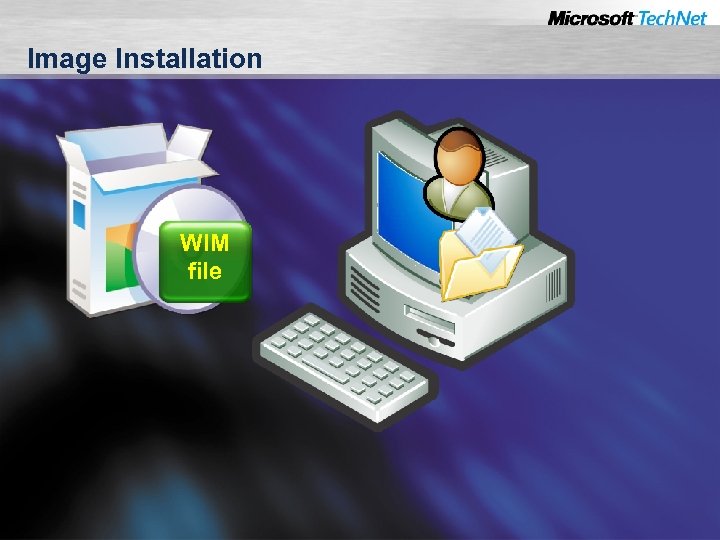 Image Installation WIM file
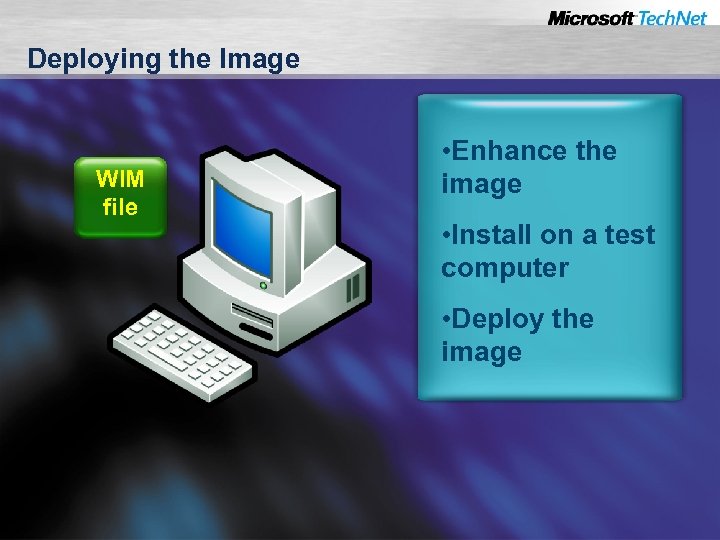 Deploying the Image WIM file • Enhance the image • Install on a test computer • Deploy the image
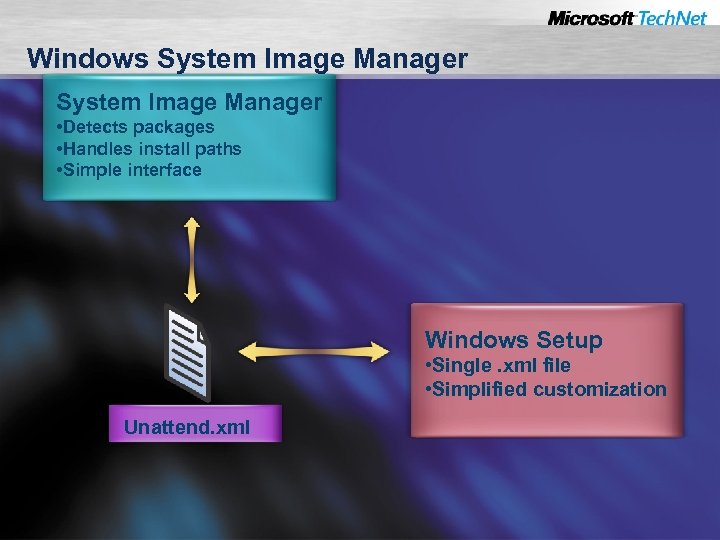 Windows System Image Manager • Detects packages • Handles install paths • Simple interface Windows Setup • Single. xml file • Simplified customization Unattend. xml
 Demonstration Using System Image Manager
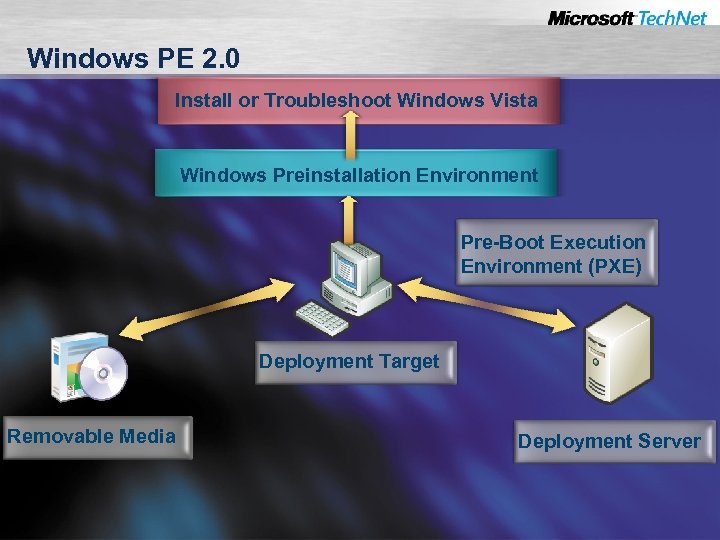 Windows PE 2. 0 Install or Troubleshoot Windows Vista Windows Preinstallation Environment Pre-Boot Execution Environment (PXE) Deployment Target Removable Media Deployment Server
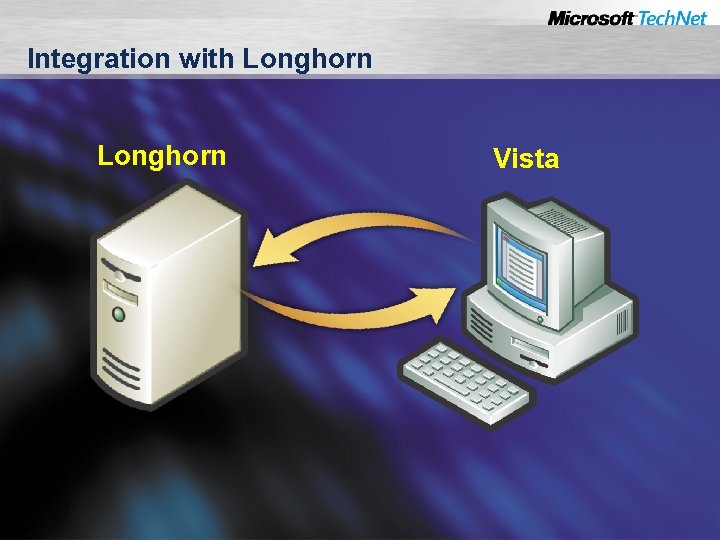 Integration with Longhorn Vista
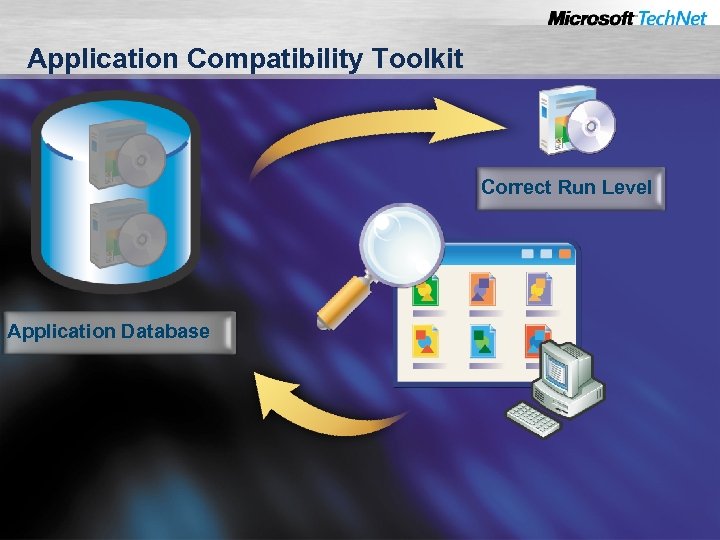 Application Compatibility Toolkit Correct Run Level Application Database
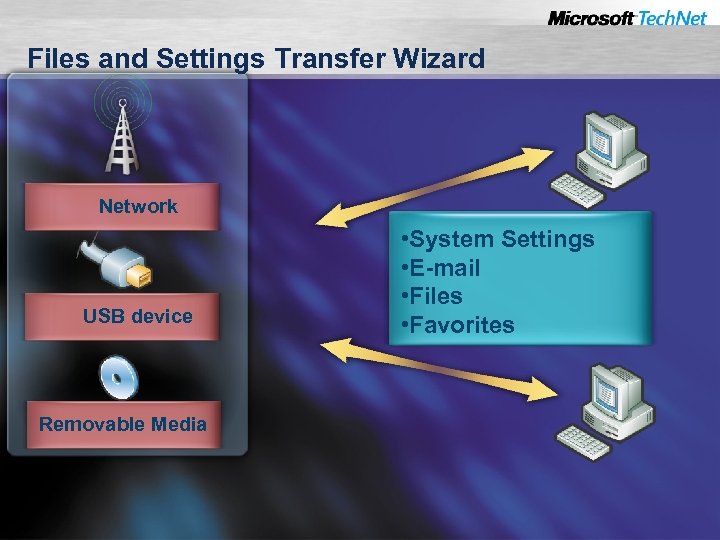 Files and Settings Transfer Wizard Network USB device Removable Media • System Settings • E-mail • Files • Favorites
 Agenda Exploring Deployment Considerations Using Vista Deployment Tools Deploying Windows Vista
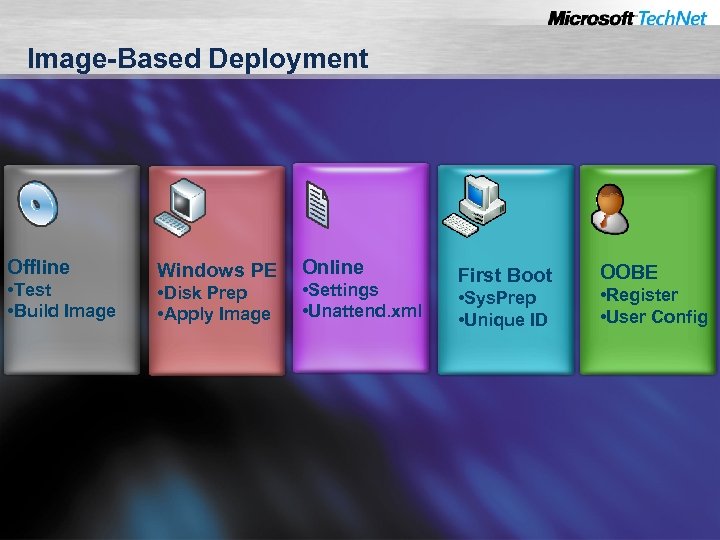 Image-Based Deployment Offline • Test • Build Image Windows PE • Disk Prep • Apply Image Online • Settings • Unattend. xml First Boot • Sys. Prep • Unique ID OOBE • Register • User Config
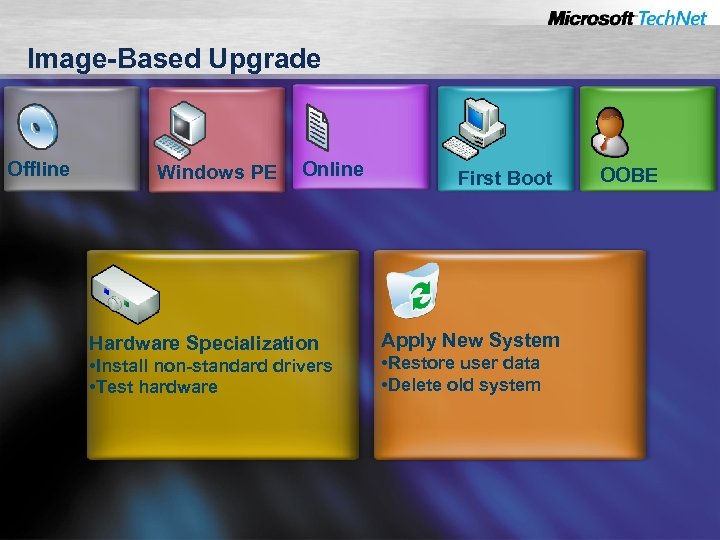 Image-Based Upgrade Offline Windows PE Online Hardware Specialization • Install non-standard drivers • Test hardware First Boot Apply New System • Restore user data • Delete old system OOBE
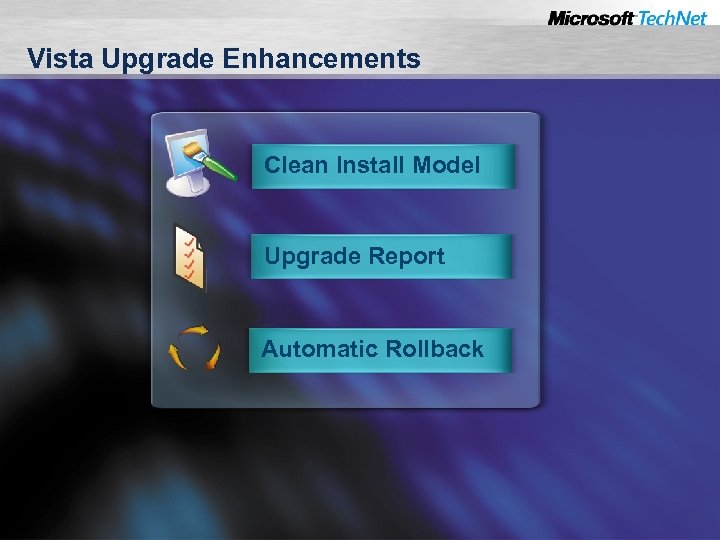 Vista Upgrade Enhancements Clean Install Model Upgrade Report Automatic Rollback
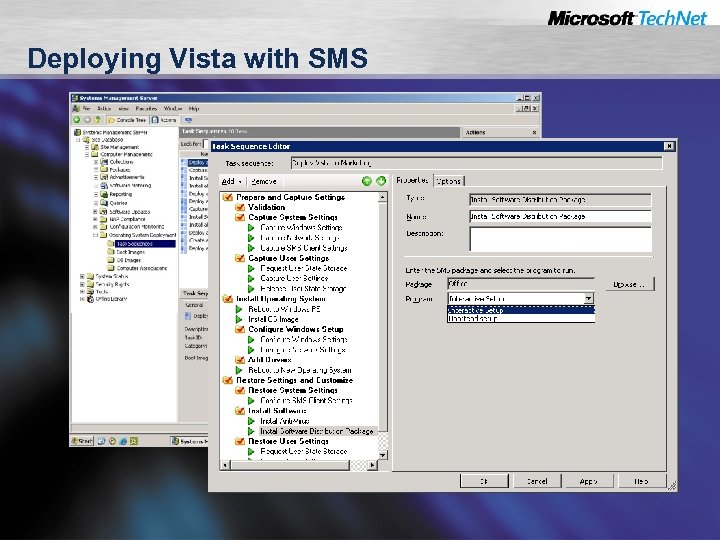 Deploying Vista with SMS
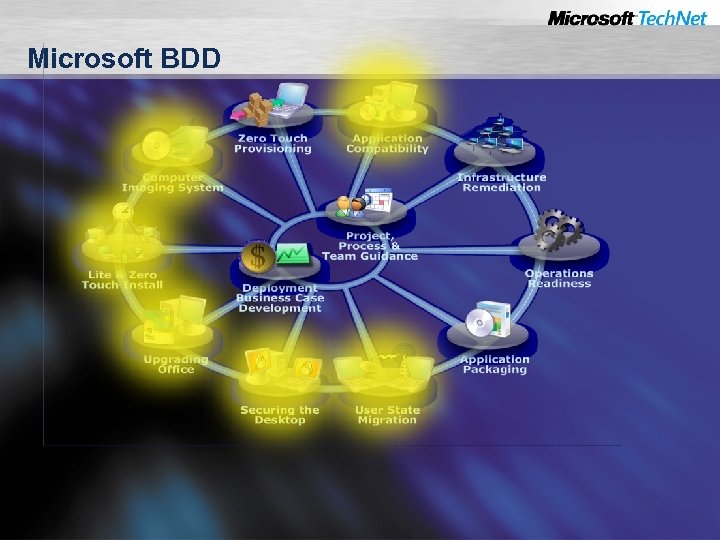 Microsoft BDD
 Session Summary Using managed deployment lowers TCO Windows Imaging increases reliability Management tools automate deployment
 For More Information Visit Tech. Net at www. microsoft. com/technet Visit my blog at blogs. technet. com/jamesone Specific information at www. microsoft. com/technet/windowsvista/deploy www. microsoft. com/technet/desktopdeployment
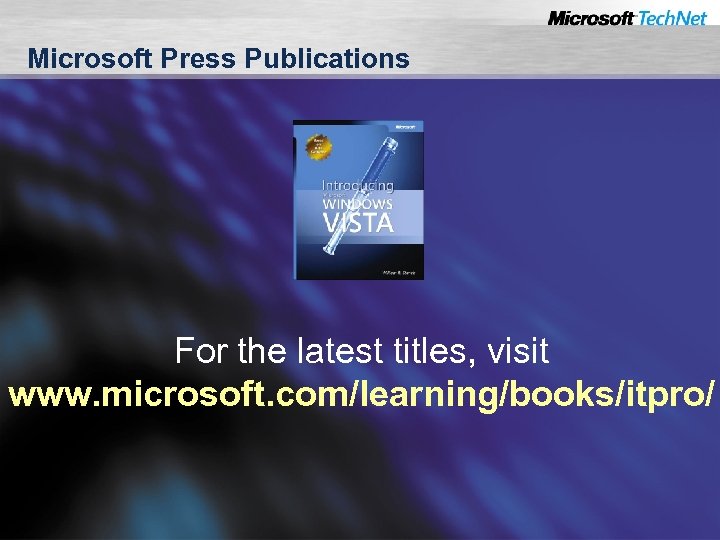 Microsoft Press Publications For the latest titles, visit www. microsoft. com/learning/books/itpro/
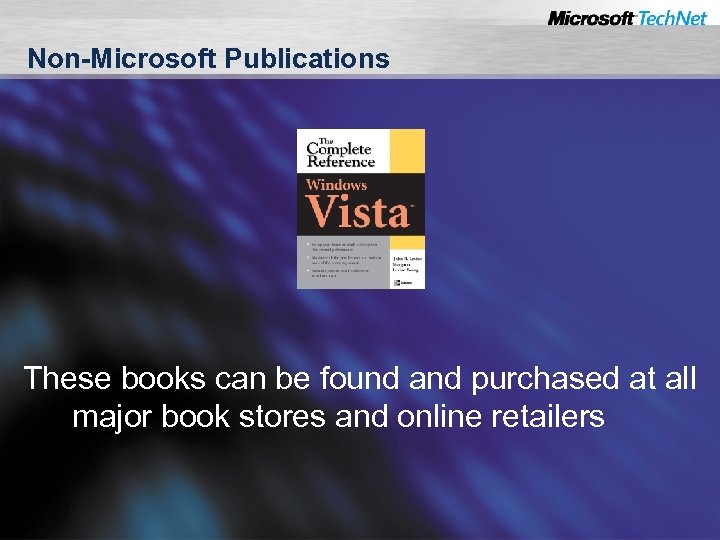 Non-Microsoft Publications These books can be found and purchased at all major book stores and online retailers
 Readiness with Skills Assessment Self-study learning tool free to anyone Determines skills gaps Provides learning plans Post your score; see how you stack up Visit www. microsoft. com/assessment
 Become a Microsoft Certified Professional What are MCP certifications? – Validation in performing critical IT functions Why certify? – Wide recognition of skills gained through experience – More effective deployments with reduced costs What certifications are there for IT pros? – MCP, MCSE, MCSA, MCDST, MCDBA www. microsoft. com/learning/mcp
 Heard the News about Tech. Net? Software without time limits Complimentary technical support The most current resources on hand www. microsoft. com/technet/subscriptions
 Where Else Can I Get Help? Free chats and webcasts List of newsgroups Microsoft community sites Community events and columns www. microsoft. com/technet/community