 Скачать презентацию Image Manipulation Institute for Personal Robots in Education
fa254e4c8a06e1bba7e27636311ba609.ppt
- Количество слайдов: 29



Image Manipulation Institute for Personal Robots in Education (IPRE) CS 1 with Robots
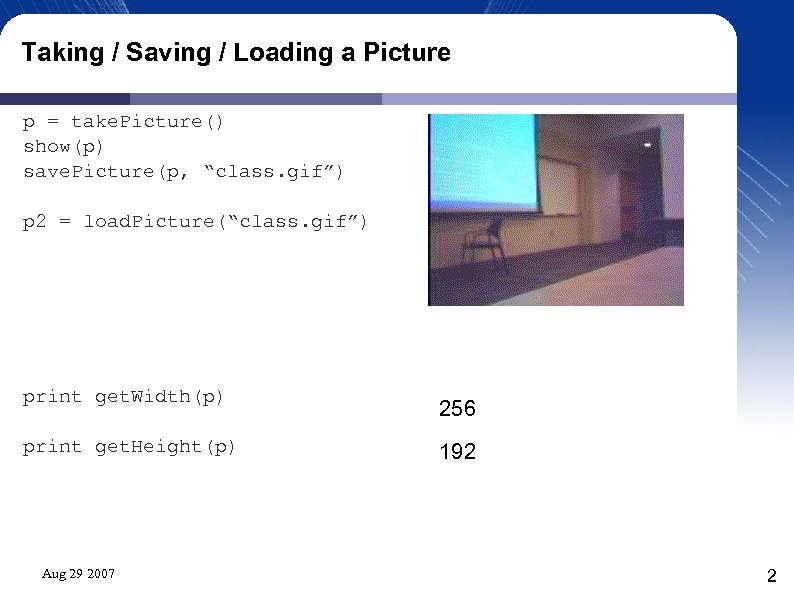
Taking / Saving / Loading a Picture p = take. Picture() show(p) save. Picture(p, “class. gif”) p 2 = load. Picture(“class. gif”) print get. Width(p) print get. Height(p) Aug 29 2007 256 192 2
Robot Pictures • Robot pictures are: – • Each pixel is made up of 3 colors: – – – • • 256 pixels wide by 192 pixels high Red, Green, and Blue Colors range in value from 0 – 255 Plus an “Alpha” value we won't use (for now). When you print a picture or a pixel, Python gives you some textual information about the item, but does not give a visual representation. The show(picture) method will display the picture on the screen. Aug 29 2007 3
Colors (R, G, B) • Different colors can be made by mixing different values of the primary (Red, Green, Blue) color lights. In computer output, colors are made by adding lights of different colors, and color combinations are additive. For example: – (0, 0, 0) – Black – (255, 255) – White – (255, 0, 0) – Red – (255, 0) – Yellow – (255, 0, 255) – Magenta / fuchsia (bright purple) – (0, 255) – Cyan (bright teal) Aug 29 2007 4
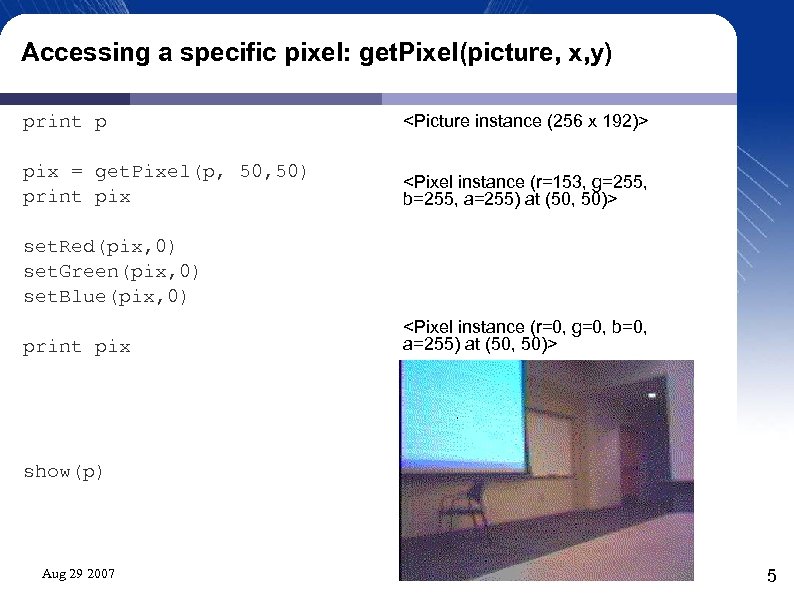
Accessing a specific pixel: get. Pixel(picture, x, y) print p <Picture instance (256 x 192)> pix = get. Pixel(p, 50) print pix <Pixel instance (r=153, g=255, b=255, a=255) at (50, 50)> set. Red(pix, 0) set. Green(pix, 0) set. Blue(pix, 0) print pix <Pixel instance (r=0, g=0, b=0, a=255) at (50, 50)> show(p) Aug 29 2007 5
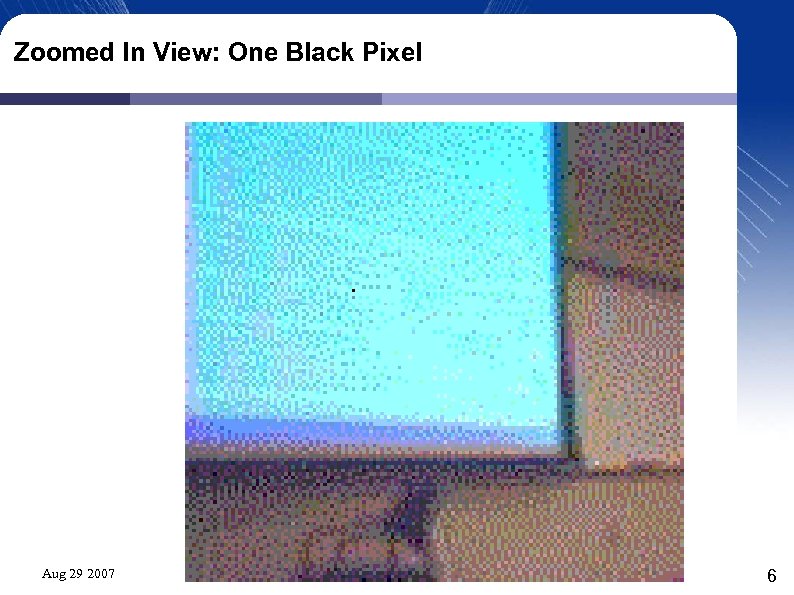
Zoomed In View: One Black Pixel Aug 29 2007 6
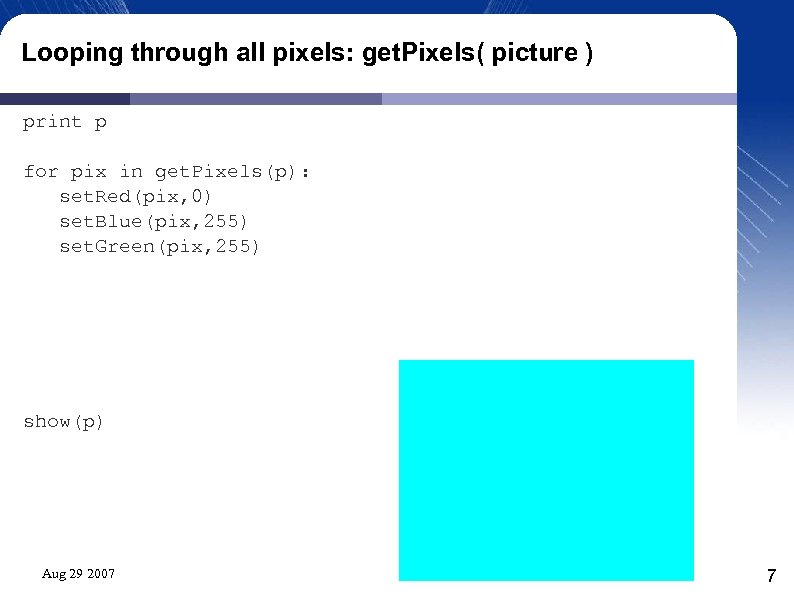
Looping through all pixels: get. Pixels( picture ) print p for pix in get. Pixels(p): set. Red(pix, 0) set. Blue(pix, 255) set. Green(pix, 255) show(p) Aug 29 2007 7
Looping through all pixels: get. Pixels( picture ) p = load. Picture(“class. gif”) for pix in get. Pixels(p): set. Red(pix, 255) Aug 29 2007 But what if you only change the red part of the pixels? 8
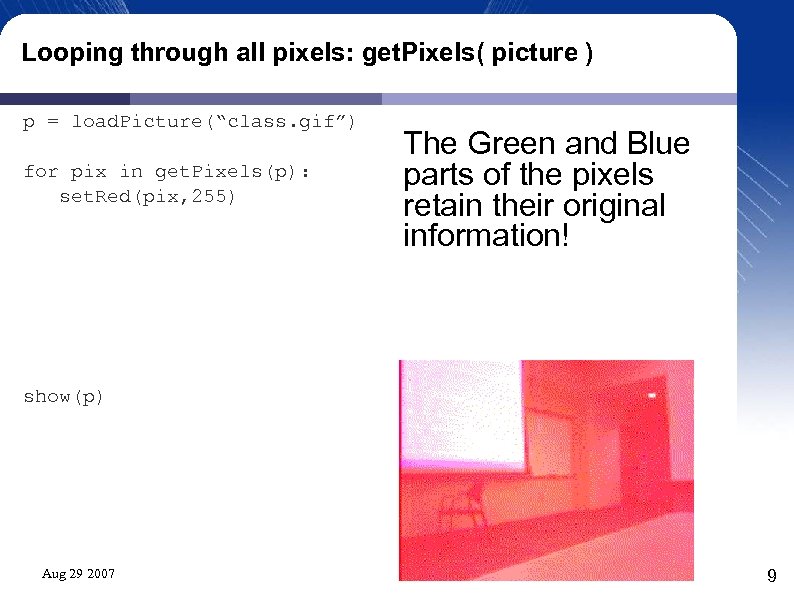
Looping through all pixels: get. Pixels( picture ) p = load. Picture(“class. gif”) for pix in get. Pixels(p): set. Red(pix, 255) The Green and Blue parts of the pixels retain their original information! show(p) Aug 29 2007 9
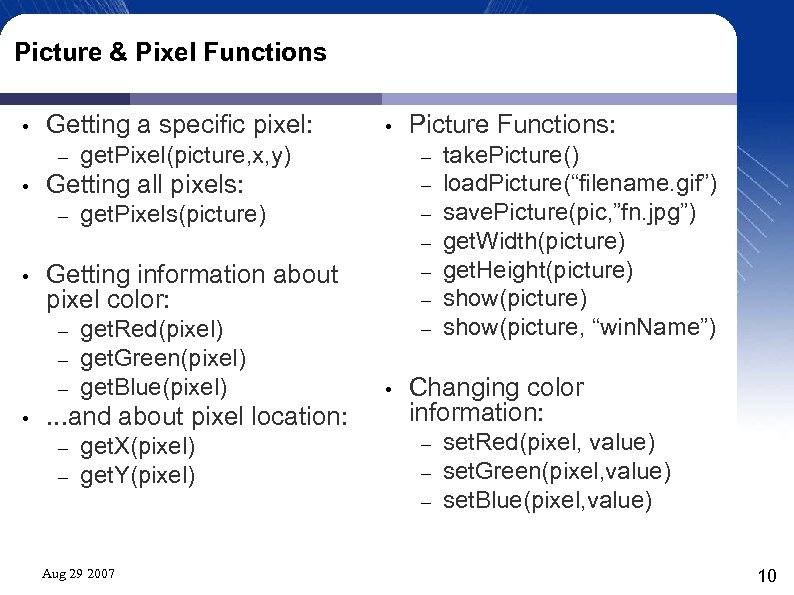
Picture & Pixel Functions • Getting a specific pixel: – • get. Pixels(picture) get. Red(pixel) get. Green(pixel) get. Blue(pixel) . . . and about pixel location: – – get. X(pixel) get. Y(pixel) Aug 29 2007 Picture Functions: – – – – Getting information about pixel color: – – – • get. Pixel(picture, x, y) Getting all pixels: – • • • take. Picture() load. Picture(“filename. gif”) save. Picture(pic, ”fn. jpg”) get. Width(picture) get. Height(picture) show(picture, “win. Name”) Changing color information: – – – set. Red(pixel, value) set. Green(pixel, value) set. Blue(pixel, value) 10
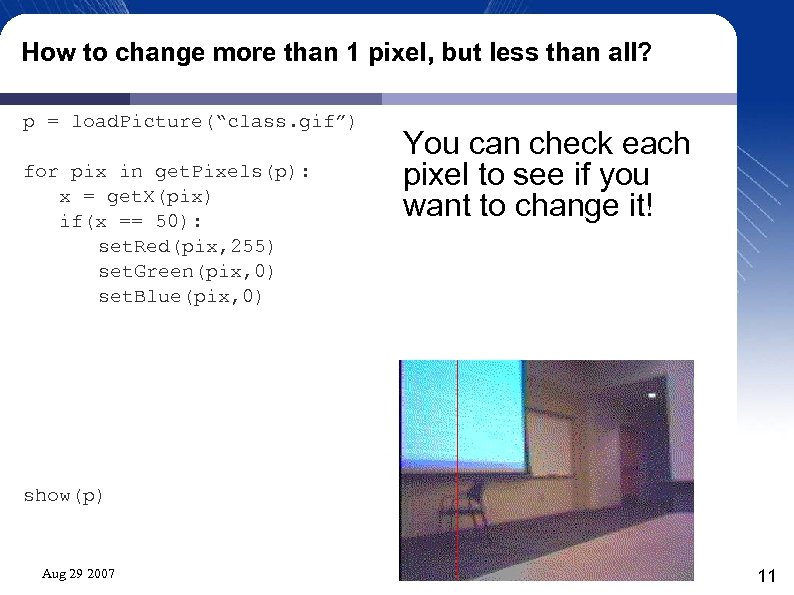
How to change more than 1 pixel, but less than all? p = load. Picture(“class. gif”) for pix in get. Pixels(p): x = get. X(pix) if(x == 50): set. Red(pix, 255) set. Green(pix, 0) set. Blue(pix, 0) You can check each pixel to see if you want to change it! show(p) Aug 29 2007 11
Drawing a line, quickly! • • • A (robot) picture has 256 x 192 pixels = 49, 152 pixels A horizontal line has 256 pixels, and a vertical line has 192 pixels. Code on the previous slide looked at all 49, 152 pixels and decided if it should color them red based upon the value of the X coordinate. That's 49, 152 calls to get. X and 49, 152 IF statement checks! No wonder it takes a second to finish! Aug 29 2007 12
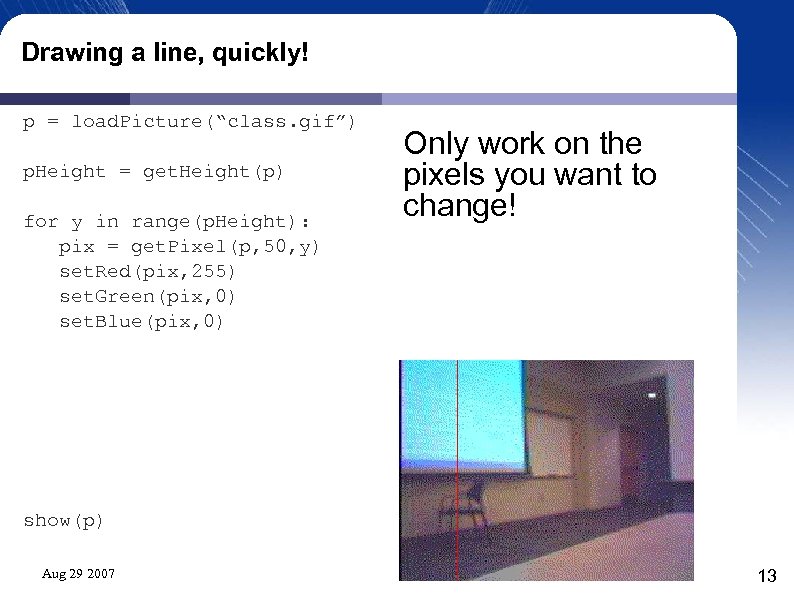
Drawing a line, quickly! p = load. Picture(“class. gif”) p. Height = get. Height(p) for y in range(p. Height): pix = get. Pixel(p, 50, y) set. Red(pix, 255) set. Green(pix, 0) set. Blue(pix, 0) Only work on the pixels you want to change! show(p) Aug 29 2007 13
Only work with the pixels we want to change! • • The quick line drawing code only works with 192 pixels! That's only 192 calls to get. Pixel, and 192 cycles through the loop! It's no surprise that this code runs faster! How would we change it to draw a horizontal line? Aug 29 2007 14
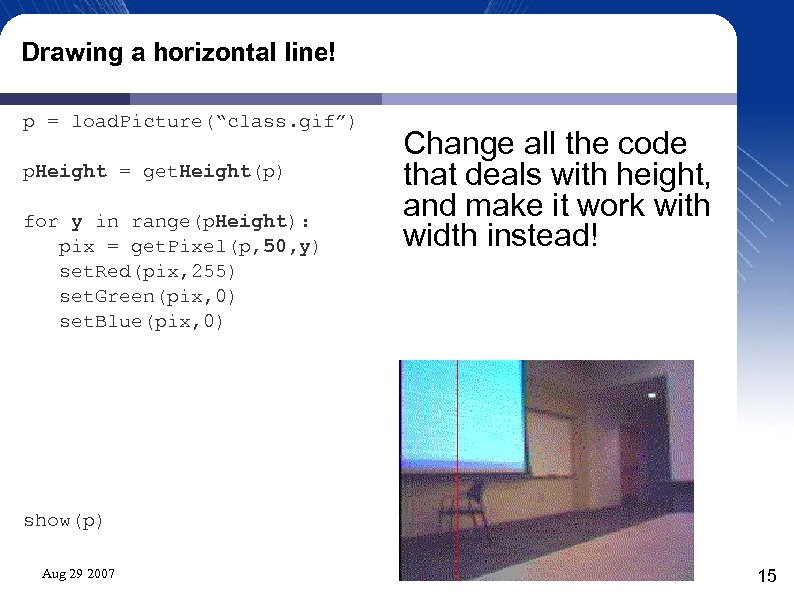
Drawing a horizontal line! p = load. Picture(“class. gif”) p. Height = get. Height(p) for y in range(p. Height): pix = get. Pixel(p, 50, y) set. Red(pix, 255) set. Green(pix, 0) set. Blue(pix, 0) Change all the code that deals with height, and make it work with width instead! show(p) Aug 29 2007 15
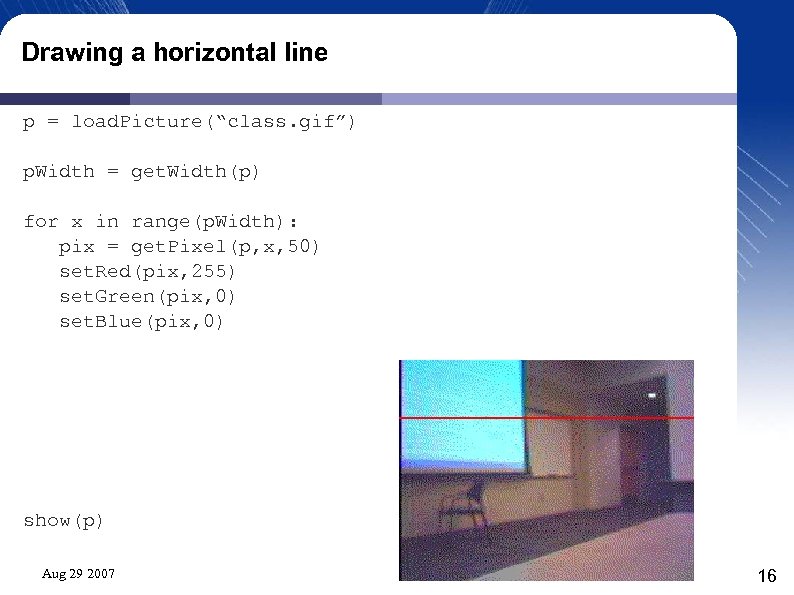
Drawing a horizontal line p = load. Picture(“class. gif”) p. Width = get. Width(p) for x in range(p. Width): pix = get. Pixel(p, x, 50) set. Red(pix, 255) set. Green(pix, 0) set. Blue(pix, 0) show(p) Aug 29 2007 16
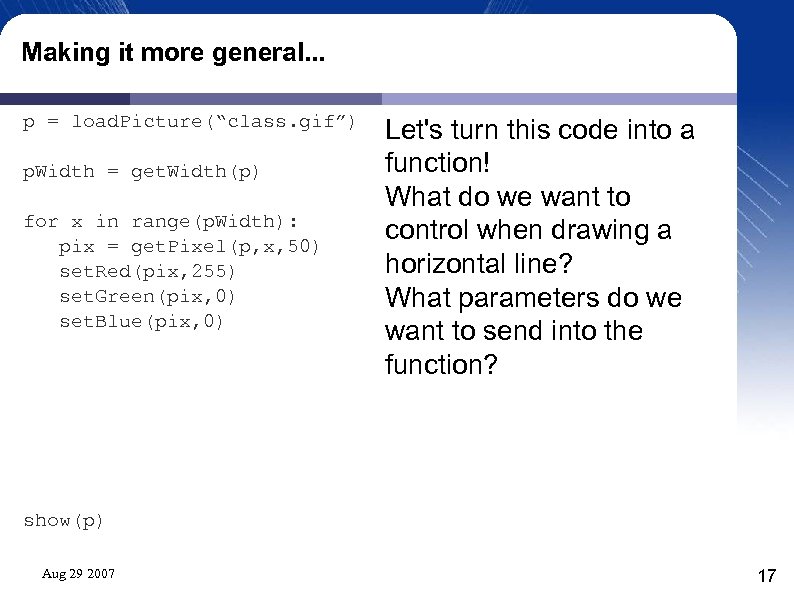
Making it more general. . . p = load. Picture(“class. gif”) p. Width = get. Width(p) for x in range(p. Width): pix = get. Pixel(p, x, 50) set. Red(pix, 255) set. Green(pix, 0) set. Blue(pix, 0) Let's turn this code into a function! What do we want to control when drawing a horizontal line? What parameters do we want to send into the function? show(p) Aug 29 2007 17
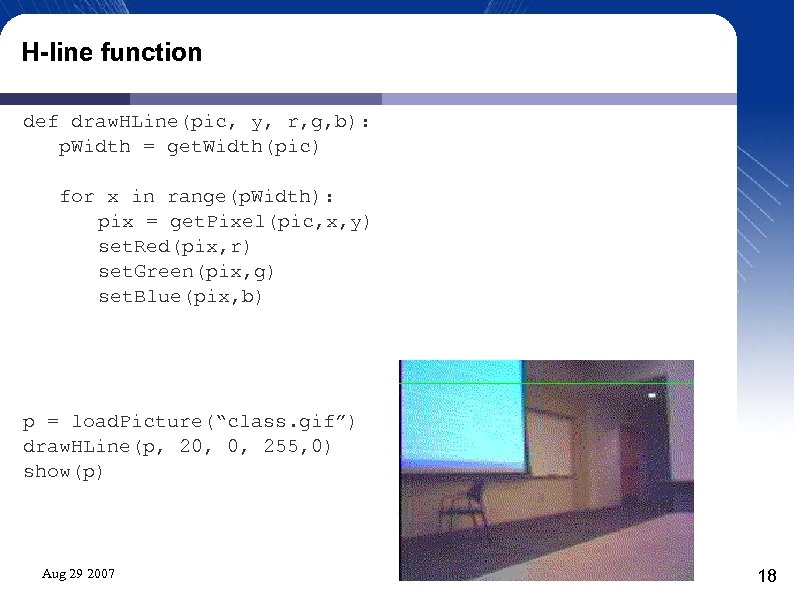
H-line function def draw. HLine(pic, y, r, g, b): p. Width = get. Width(pic) for x in range(p. Width): pix = get. Pixel(pic, x, y) set. Red(pix, r) set. Green(pix, g) set. Blue(pix, b) p = load. Picture(“class. gif”) draw. HLine(p, 20, 0, 255, 0) show(p) Aug 29 2007 18
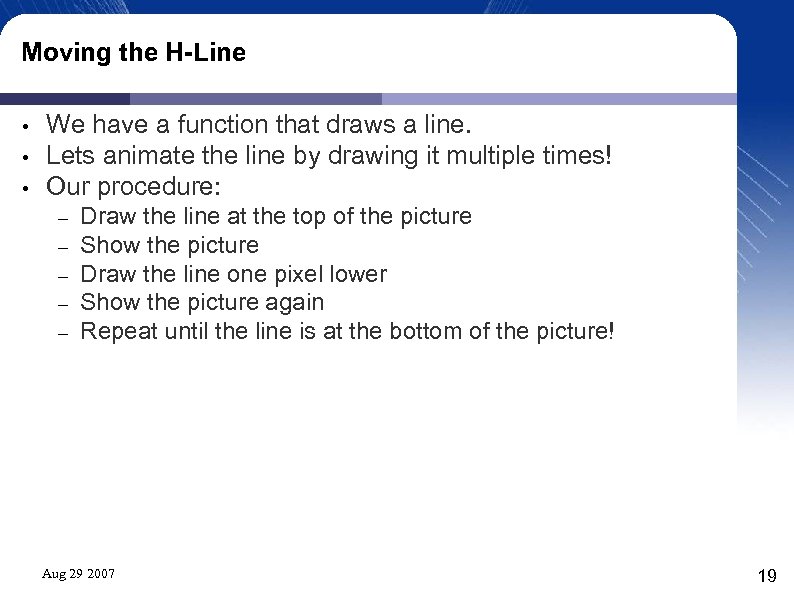
Moving the H-Line • • • We have a function that draws a line. Lets animate the line by drawing it multiple times! Our procedure: – – – Draw the line at the top of the picture Show the picture Draw the line one pixel lower Show the picture again Repeat until the line is at the bottom of the picture! Aug 29 2007 19
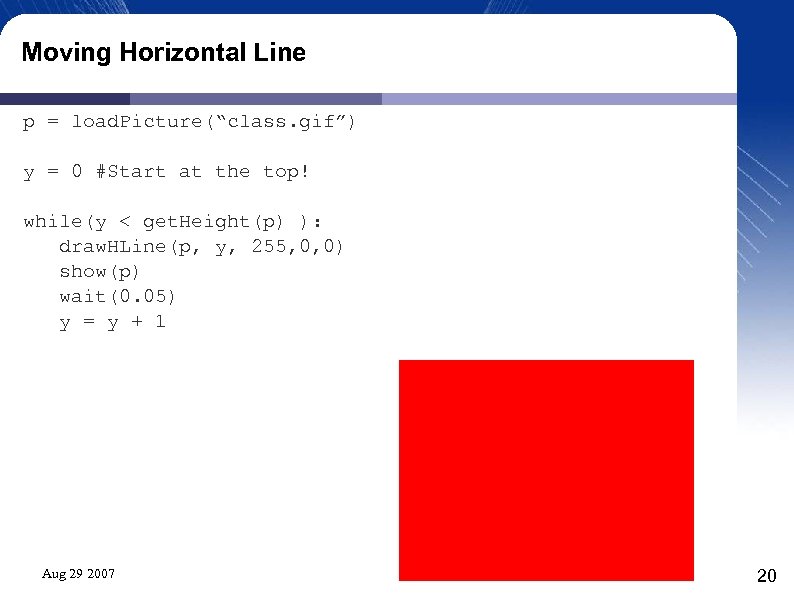
Moving Horizontal Line p = load. Picture(“class. gif”) y = 0 #Start at the top! while(y < get. Height(p) ): draw. HLine(p, y, 255, 0, 0) show(p) wait(0. 05) y = y + 1 Aug 29 2007 20
Moving Horizontal Line • • Why didn't that work? How can we fix it? Aug 29 2007 21
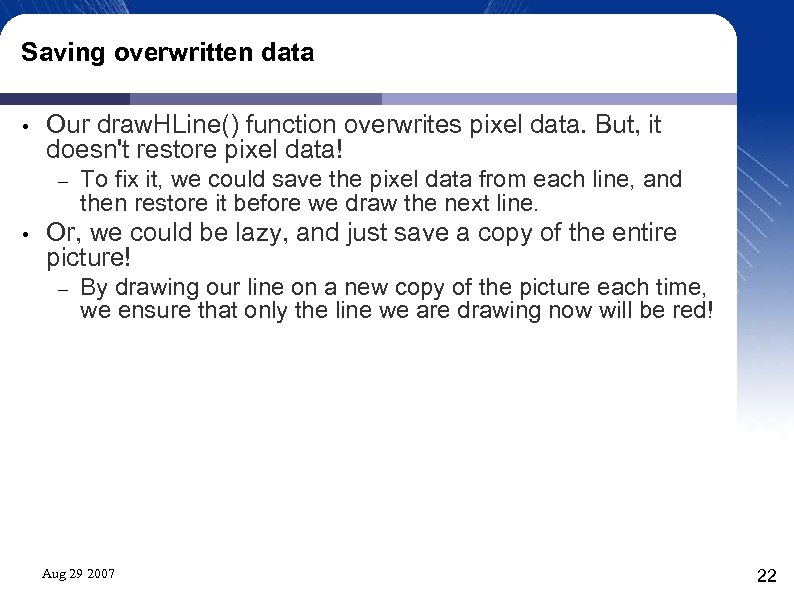
Saving overwritten data • Our draw. HLine() function overwrites pixel data. But, it doesn't restore pixel data! – • To fix it, we could save the pixel data from each line, and then restore it before we draw the next line. Or, we could be lazy, and just save a copy of the entire picture! – By drawing our line on a new copy of the picture each time, we ensure that only the line we are drawing now will be red! Aug 29 2007 22
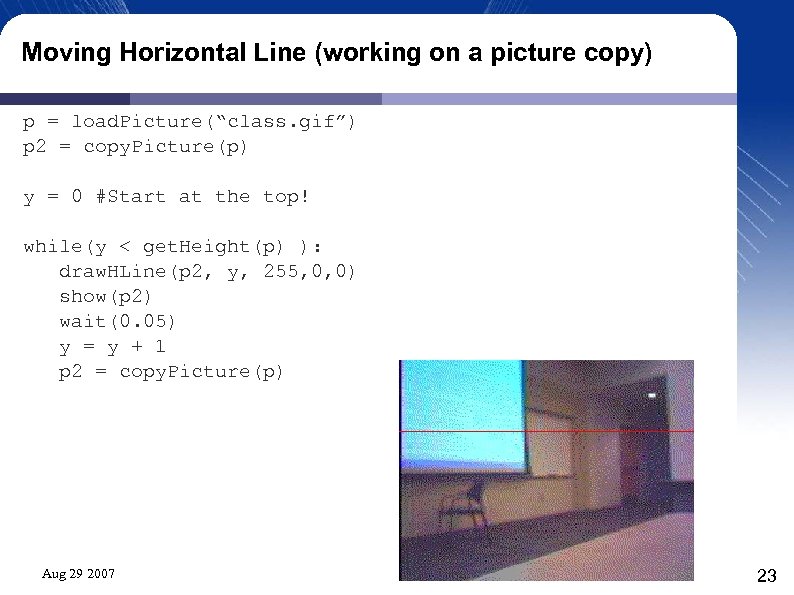
Moving Horizontal Line (working on a picture copy) p = load. Picture(“class. gif”) p 2 = copy. Picture(p) y = 0 #Start at the top! while(y < get. Height(p) ): draw. HLine(p 2, y, 255, 0, 0) show(p 2) wait(0. 05) y = y + 1 p 2 = copy. Picture(p) Aug 29 2007 23
Speeding things up? • Ok, that works, but it was kinda slow. . . – • How could we speed things up? – • Did we wait too long? What happens if we change the wait time to zero? Buy a faster computer! We could cheat. . – By only drawing the line every five lines, it would appear to go down the image faster. Aug 29 2007 24
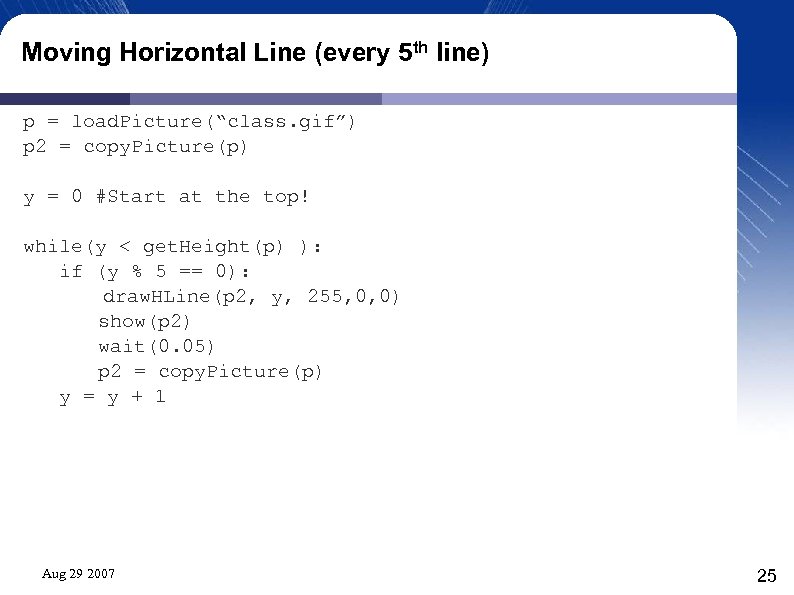
Moving Horizontal Line (every 5 th line) p = load. Picture(“class. gif”) p 2 = copy. Picture(p) y = 0 #Start at the top! while(y < get. Height(p) ): if (y % 5 == 0): draw. HLine(p 2, y, 255, 0, 0) show(p 2) wait(0. 05) p 2 = copy. Picture(p) y = y + 1 Aug 29 2007 25
What else can we do? • • Draw a rectangle! Copy a rectangle from one picture to another! Aug 29 2007 26
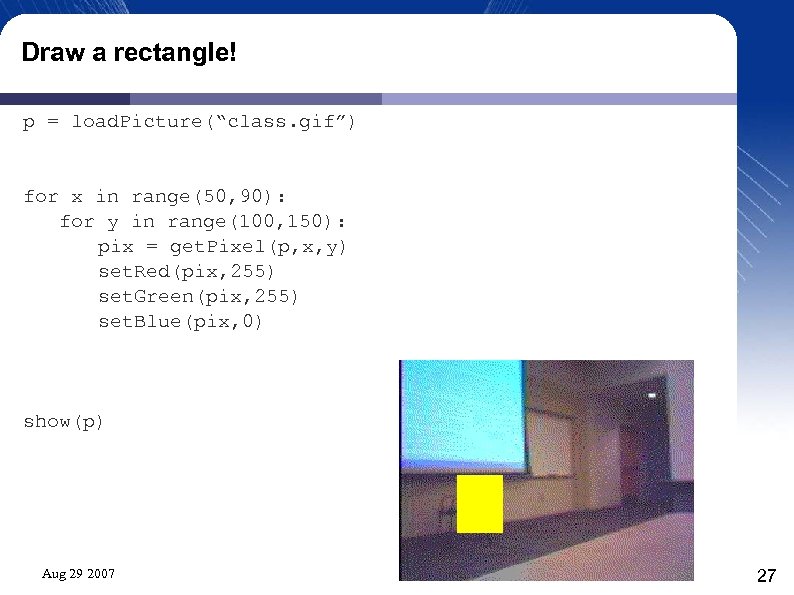
Draw a rectangle! p = load. Picture(“class. gif”) for x in range(50, 90): for y in range(100, 150): pix = get. Pixel(p, x, y) set. Red(pix, 255) set. Green(pix, 255) set. Blue(pix, 0) show(p) Aug 29 2007 27
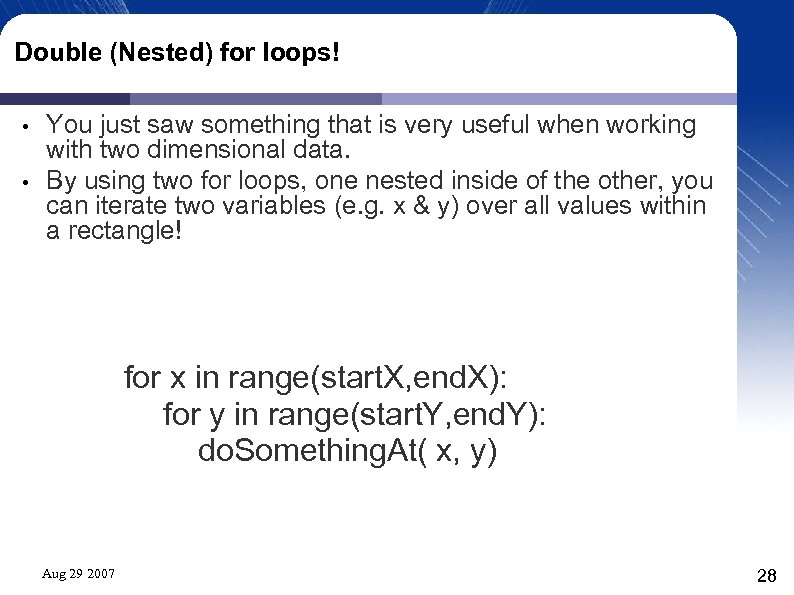
Double (Nested) for loops! • • You just saw something that is very useful when working with two dimensional data. By using two for loops, one nested inside of the other, you can iterate two variables (e. g. x & y) over all values within a rectangle! for x in range(start. X, end. X): for y in range(start. Y, end. Y): do. Something. At( x, y) Aug 29 2007 28
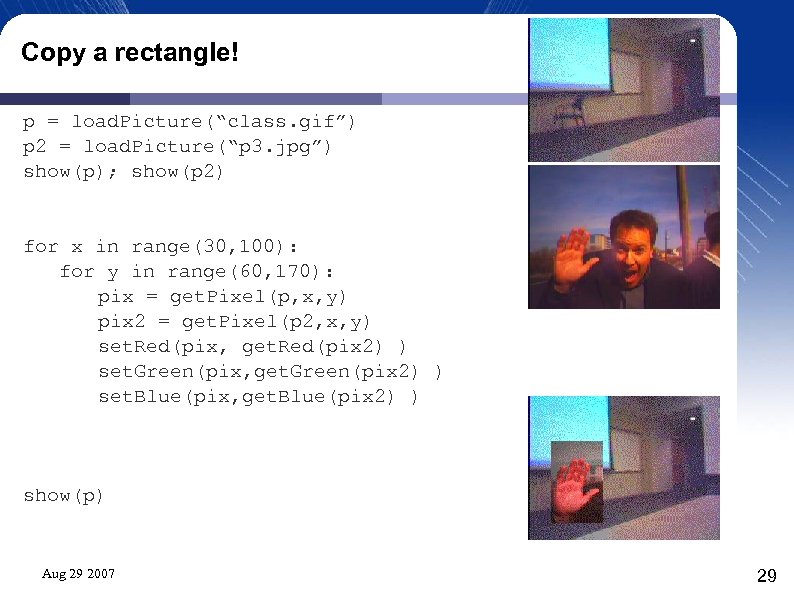
Copy a rectangle! p = load. Picture(“class. gif”) p 2 = load. Picture(“p 3. jpg”) show(p); show(p 2) for x in range(30, 100): for y in range(60, 170): pix = get. Pixel(p, x, y) pix 2 = get. Pixel(p 2, x, y) set. Red(pix, get. Red(pix 2) ) set. Green(pix, get. Green(pix 2) ) set. Blue(pix, get. Blue(pix 2) ) show(p) Aug 29 2007 29
Скачать презентацию Image Manipulation Institute for Personal Robots in Education
fa254e4c8a06e1bba7e27636311ba609.ppt