 Скачать презентацию IIMK s Experience with Greenstone in Building Digital Library
4b4c53d9b39b0d673caafe10aa018a29.ppt
- Количество слайдов: 116



IIMK’s Experience with Greenstone in Building Digital Library Collections Dr. M. G. Sreekumar Centre for Development of Digital Libraries (CDDL) Indian Institute of Management Kozhikode (IIMK)
Agenda • Digital Libraries – Features, Advantages • Technologies, Workflows, Processes and Functionalities • Open Source Softwares, DL Software Selection • Greenstone Digital Library Software • Unleashing Greenstone • IIMK’s Collection Dynamics • Greenstone at IIMK • E-Books, E-Journals, Videos… • Collection Configuration • Customization of Collection and Interface
Digital Libraries
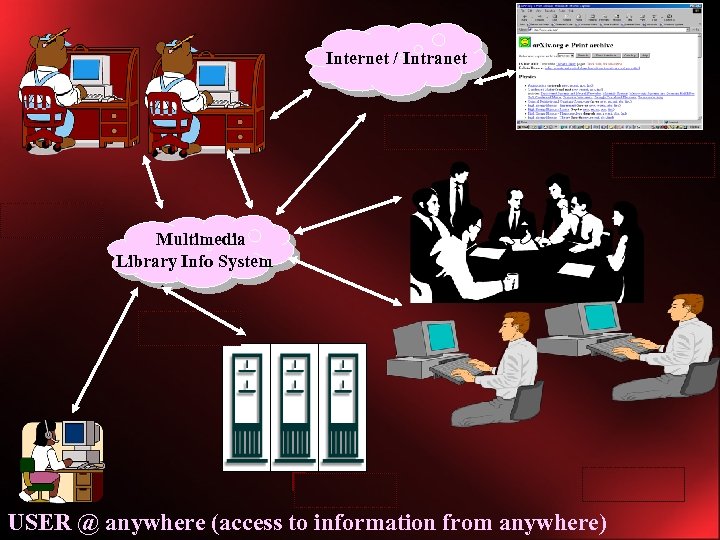
Internet / Intranet Multimedia Library Info System Gateway-out Data capture USER @ anywhere (access to information from anywhere)
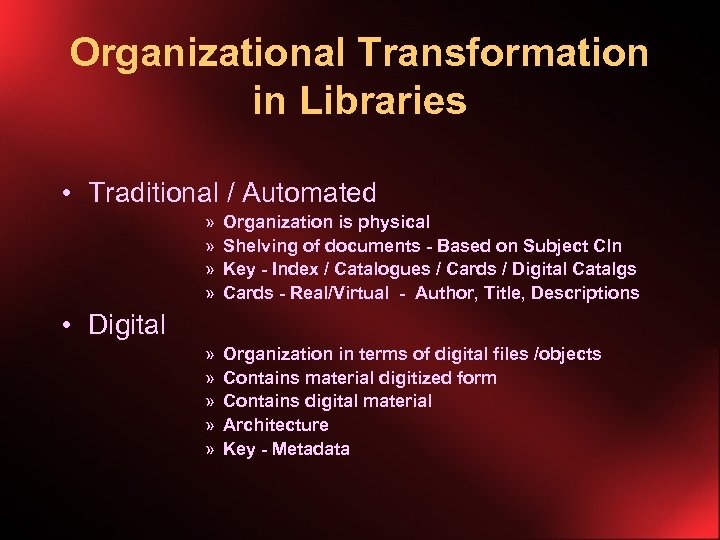
Organizational Transformation in Libraries • Traditional / Automated » » Organization is physical Shelving of documents - Based on Subject Cln Key - Index / Catalogues / Cards / Digital Catalgs Cards - Real/Virtual - Author, Title, Descriptions » » » Organization in terms of digital files /objects Contains material digitized form Contains digital material Architecture Key - Metadata • Digital
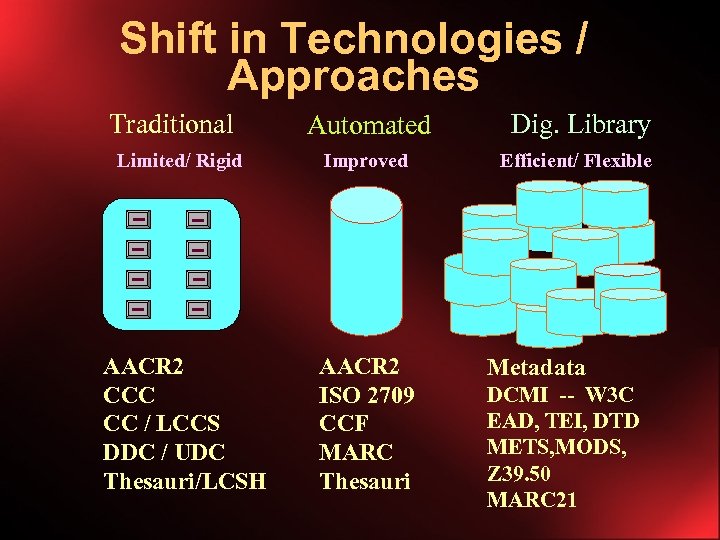
Shift in Technologies / Approaches Traditional Automated Dig. Library Limited/ Rigid Improved Efficient/ Flexible AACR 2 CCC CC / LCCS DDC / UDC Thesauri/LCSH AACR 2 ISO 2709 CCF MARC Thesauri Metadata DCMI -- W 3 C EAD, TEI, DTD METS, MODS, Z 39. 50 MARC 21
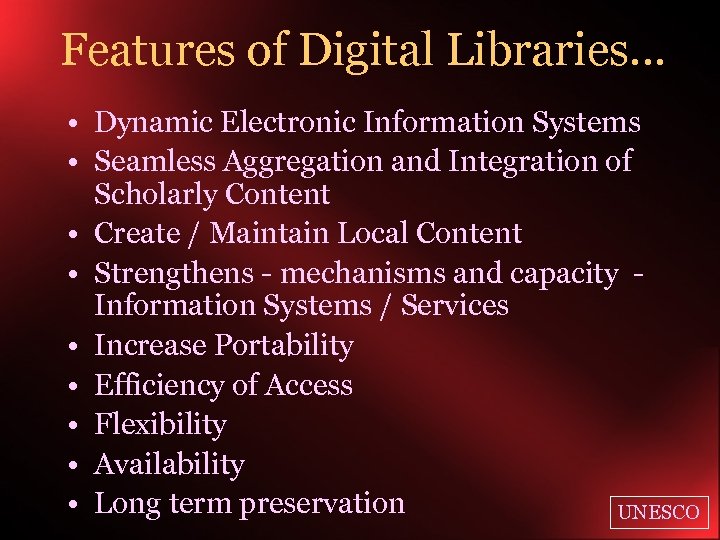
Features of Digital Libraries… • Dynamic Electronic Information Systems • Seamless Aggregation and Integration of Scholarly Content • Create / Maintain Local Content • Strengthens - mechanisms and capacity Information Systems / Services • Increase Portability • Efficiency of Access • Flexibility • Availability • Long term preservation UNESCO
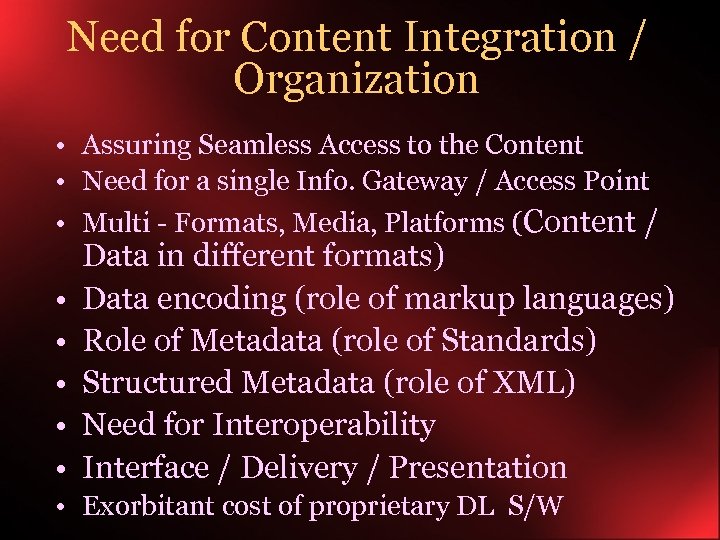
Need for Content Integration / Organization • Assuring Seamless Access to the Content • Need for a single Info. Gateway / Access Point • Multi - Formats, Media, Platforms (Content / • • • Data in different formats) Data encoding (role of markup languages) Role of Metadata (role of Standards) Structured Metadata (role of XML) Need for Interoperability Interface / Delivery / Presentation • Exorbitant cost of proprietary DL S/W
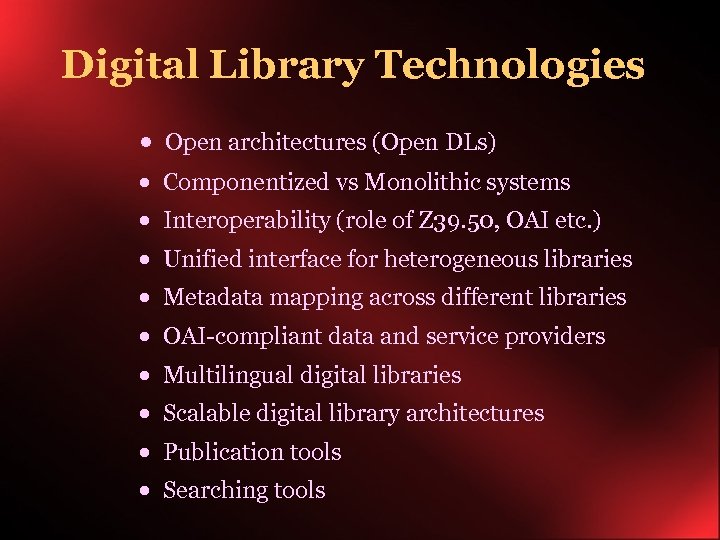
Digital Library Technologies · Open architectures (Open DLs) · Componentized vs Monolithic systems · Interoperability (role of Z 39. 50, OAI etc. ) · Unified interface for heterogeneous libraries · Metadata mapping across different libraries · OAI-compliant data and service providers · Multilingual digital libraries · Scalable digital library architectures · Publication tools · Searching tools
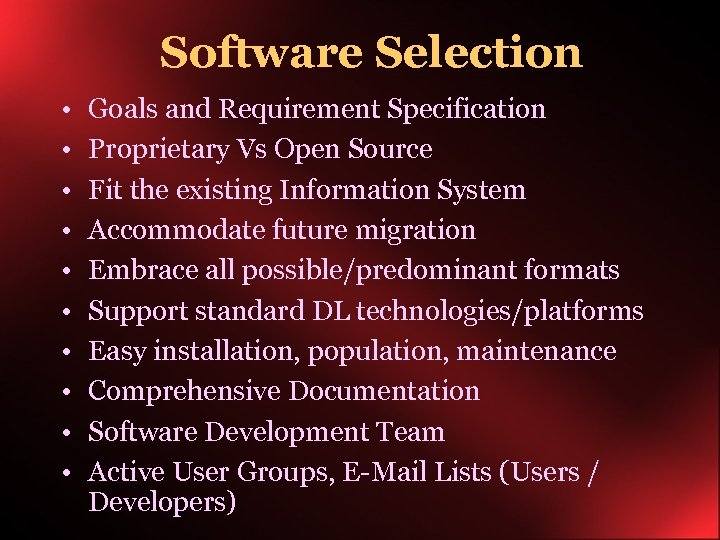
Software Selection • • • Goals and Requirement Specification Proprietary Vs Open Source Fit the existing Information System Accommodate future migration Embrace all possible/predominant formats Support standard DL technologies/platforms Easy installation, population, maintenance Comprehensive Documentation Software Development Team Active User Groups, E-Mail Lists (Users / Developers)
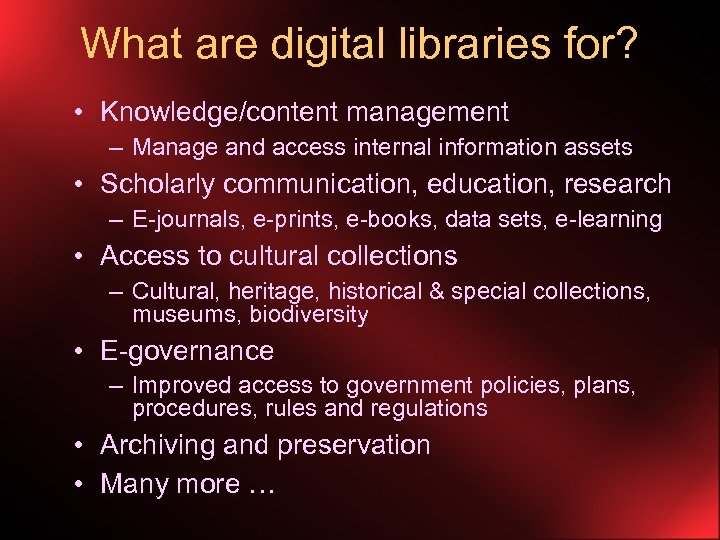
What are digital libraries for? • Knowledge/content management – Manage and access internal information assets • Scholarly communication, education, research – E-journals, e-prints, e-books, data sets, e-learning • Access to cultural collections – Cultural, heritage, historical & special collections, museums, biodiversity • E-governance – Improved access to government policies, plans, procedures, rules and regulations • Archiving and preservation • Many more …
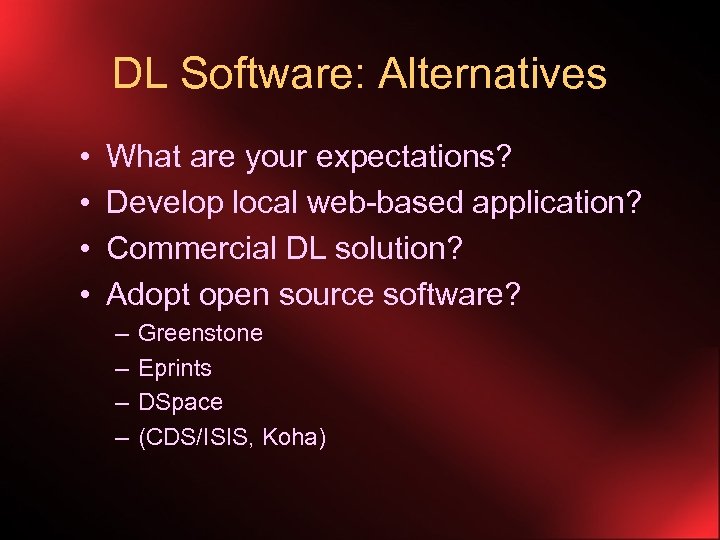
DL Software: Alternatives • • What are your expectations? Develop local web-based application? Commercial DL solution? Adopt open source software? – – Greenstone Eprints DSpace (CDS/ISIS, Koha)
Principles for Building DLs • Expect change • • • Know your content Involve the right people Design usable systems Ensure open access Be (a)ware of data rights Automate whenever possible Adopt and adhere to standards Ensure quality as well as reliability Be concerned about persistence
Digital Library Technologies · · · · Interoperability Unified interface for heterogeneous libraries Metadata mapping across different libraries OAI-compliant data and service providers Multilingual digital libraries Scalable digital library architectures Publication tools Searching tools
DLs: Workflows and Processes Ø Content selection Ø Content acquisition Ø Content publishing Ø Metadata preparation Ø Content loading Ø Content indexing & storage Ø Content access & delivery Ø Preservation Ø Access management Ø Usage monitoring and evaluation Ø Networking and interoperation Ø Maintenance
DL Software: Key requirements • Document types (book, journal article, lecture …) • Document formats (text, PDF, Word, PS, …) • Content acquisition (online and offline) – Metadata description, content tagging – Content uploading • Indexing and retrieval – Structured/ full text indexing – Automatic metadata extraction • Storage – Data compression – Efficient storage for metadata – Efficient location of metadata and documents • Access and delivery – Structured search, browse, hierarchical browsing – CD-ROM distribution
DL Software: More requirements • • • Scaling up – for large collections Multilingual support Access management and security Usage monitoring and reporting Standards compliance – XML, Dublin Core, Unicode • Interoperation – OAI, Z 39. 50 compliance, MARC, CDS/ISIS, …
Metadata General Definition • Metadata in its broadest sense is data about data • Documentation about documents and objects • Describing (Tagging) the contents (Resource Description) of the object • For Information Discovery from the Resource Base Internet context • Data describing the attributes of an electronic resource on the net • Dublin Core (DCMI) – WWW Consortium Standard • METS, MODS, EAD, TEI… • XML - The tool
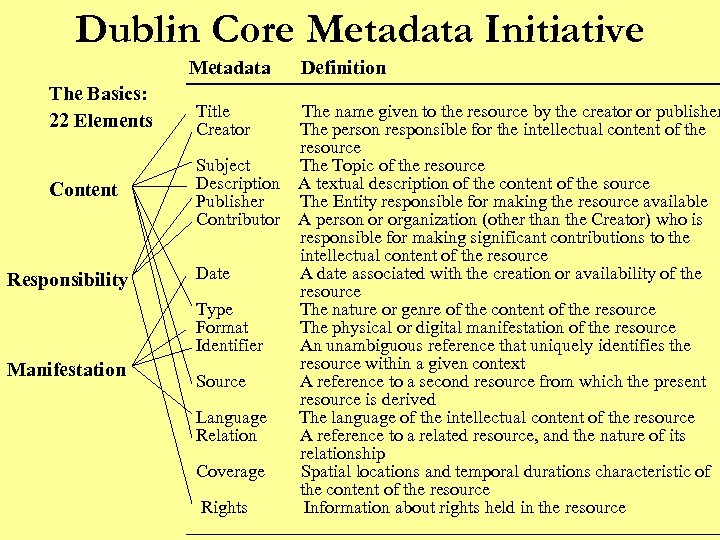
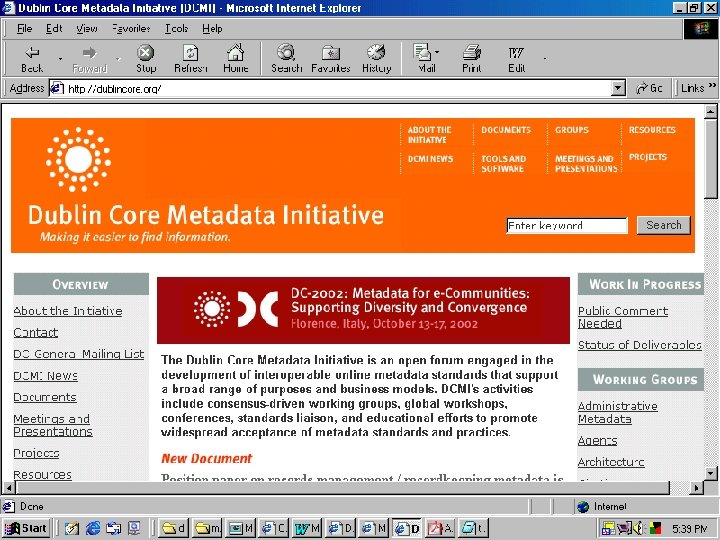
Dublin Core Metadata Initiative Metadata Definition The Basics: 22 Elements Content Responsibility Manifestation Title Creator The name given to the resource by the creator or publisher The person responsible for the intellectual content of the resource Subject The Topic of the resource Description A textual description of the content of the source Publisher The Entity responsible for making the resource available Contributor A person or organization (other than the Creator) who is responsible for making significant contributions to the intellectual content of the resource Date A date associated with the creation or availability of the resource Type The nature or genre of the content of the resource Format The physical or digital manifestation of the resource Identifier An unambiguous reference that uniquely identifies the resource within a given context Source A reference to a second resource from which the present resource is derived Language The language of the intellectual content of the resource Relation A reference to a related resource, and the nature of its relationship Coverage Spatial locations and temporal durations characteristic of the content of the resource Rights Information about rights held in the resource
Greenstone DL Software Overview of Features, Capabilities & Applications
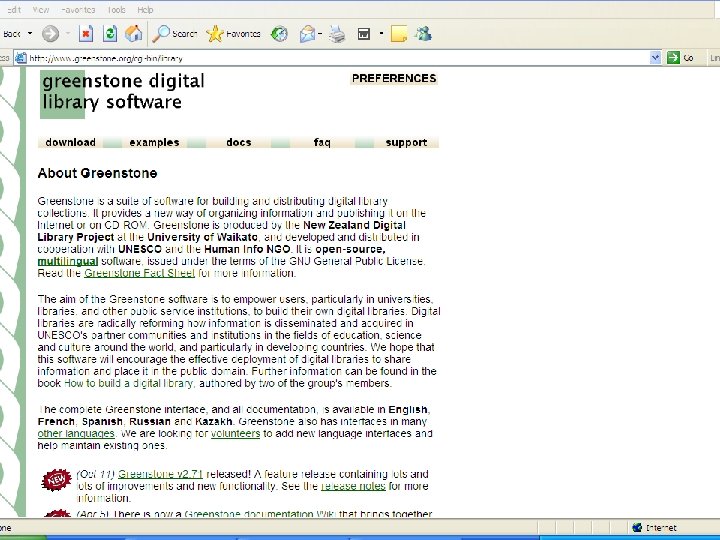
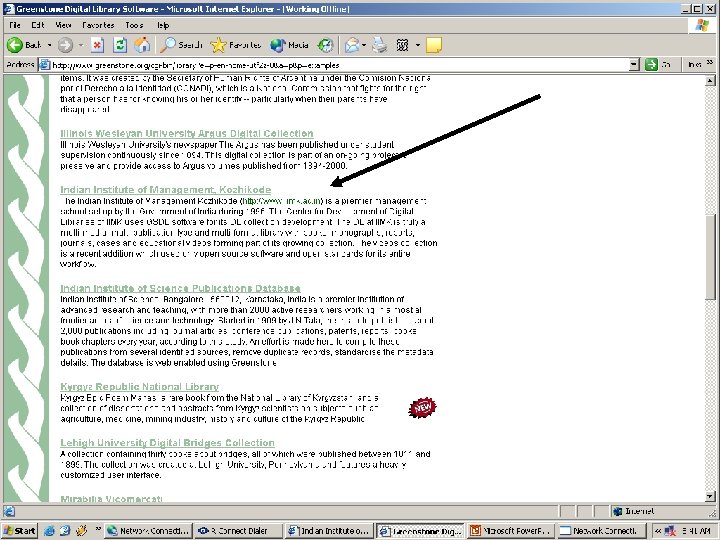
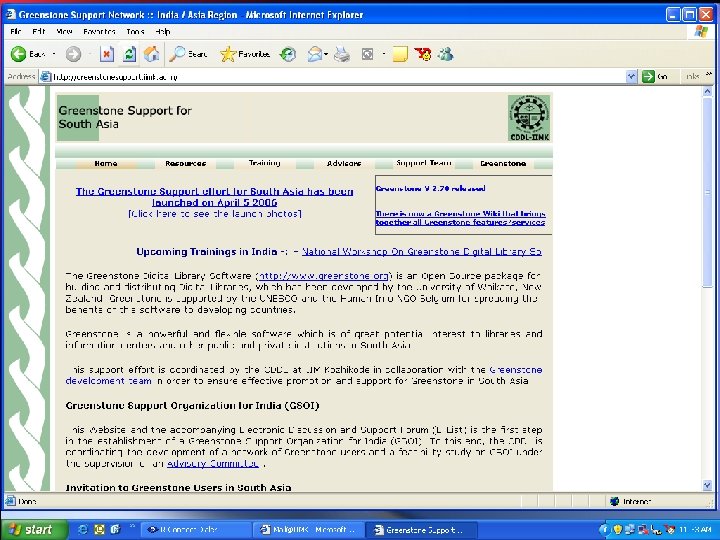
What is the Greenstone software? • Software suite for building, maintaining, and distributing digital library collections • Comprehensive, open-source • Developed by New Zealand Digital Library Project at the University of Waikato • Distribution and promotion partners: – UNESCO – Human Info NGO, Belgium – NCSI, Bangalore; UCT, Cape Town; Dakar, Senegal; Almaty, Kazakhstan; … – You!
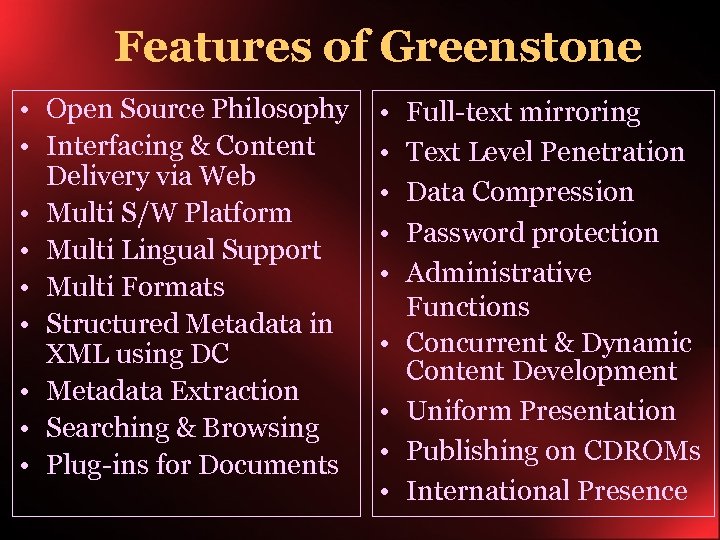
Features of Greenstone • Open Source Philosophy • Interfacing & Content Delivery via Web • Multi S/W Platform • Multi Lingual Support • Multi Formats • Structured Metadata in XML using DC • Metadata Extraction • Searching & Browsing • Plug-ins for Documents • • • Full-text mirroring Text Level Penetration Data Compression Password protection Administrative Functions Concurrent & Dynamic Content Development Uniform Presentation Publishing on CDROMs International Presence
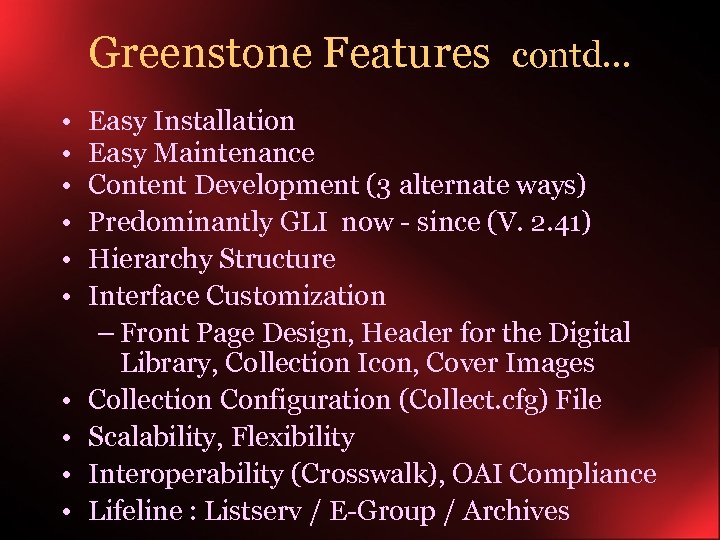
Greenstone Features contd. . . • • • Easy Installation Easy Maintenance Content Development (3 alternate ways) Predominantly GLI now - since (V. 2. 41) Hierarchy Structure Interface Customization – Front Page Design, Header for the Digital Library, Collection Icon, Cover Images Collection Configuration (Collect. cfg) File Scalability, Flexibility Interoperability (Crosswalk), OAI Compliance Lifeline : Listserv / E-Group / Archives
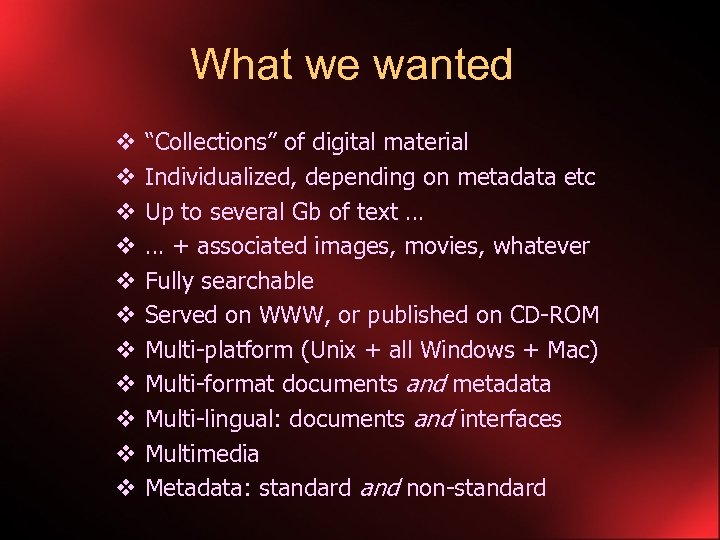
What we wanted v v v “Collections” of digital material Individualized, depending on metadata etc Up to several Gb of text … … + associated images, movies, whatever Fully searchable Served on WWW, or published on CD-ROM Multi-platform (Unix + all Windows + Mac) Multi-format documents and metadata Multi-lingual: documents and interfaces Multimedia Metadata: standard and non-standard
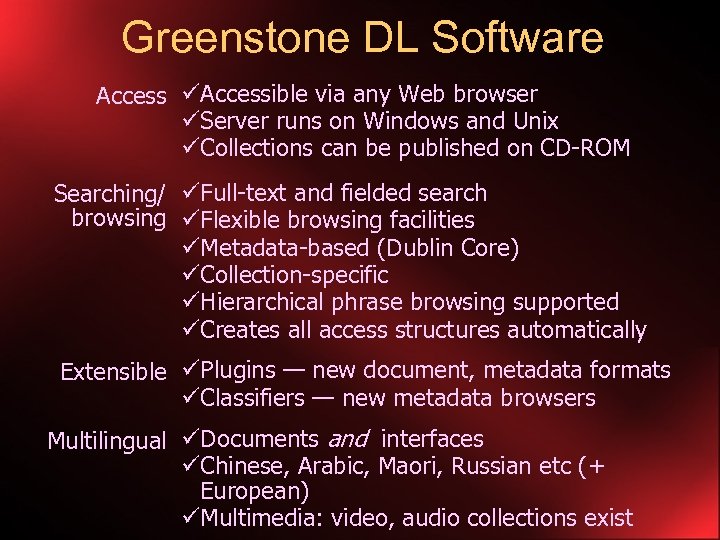
Greenstone DL Software Access üAccessible via any Web browser üServer runs on Windows and Unix üCollections can be published on CD-ROM Searching/ üFull-text and fielded search browsing üFlexible browsing facilities üMetadata-based (Dublin Core) üCollection-specific üHierarchical phrase browsing supported üCreates all access structures automatically Extensible üPlugins — new document, metadata formats üClassifiers — new metadata browsers Multilingual üDocuments and interfaces üChinese, Arabic, Maori, Russian etc (+ European) üMultimedia: video, audio collections exist
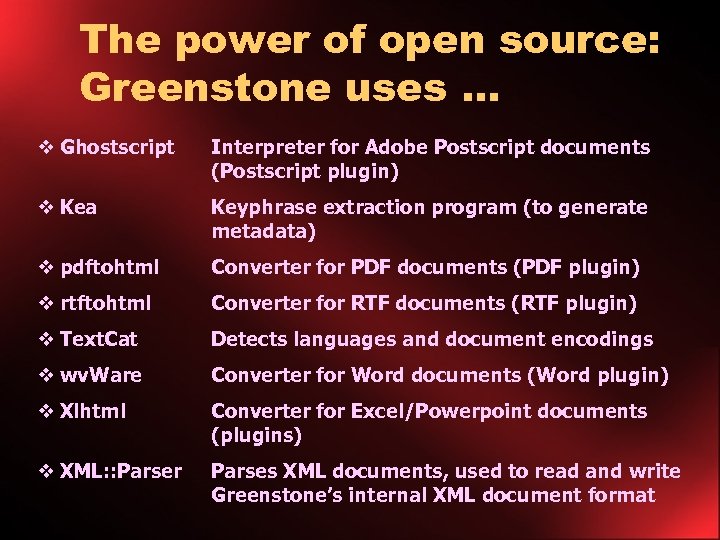
The power of open source: Greenstone uses … v Ghostscript Interpreter for Adobe Postscript documents (Postscript plugin) v Kea Keyphrase extraction program (to generate metadata) v pdftohtml Converter for PDF documents (PDF plugin) v rtftohtml Converter for RTF documents (RTF plugin) v Text. Cat Detects languages and document encodings v wv. Ware Converter for Word documents (Word plugin) v Xlhtml Converter for Excel/Powerpoint documents (plugins) v XML: : Parser Parses XML documents, used to read and write Greenstone’s internal XML document format
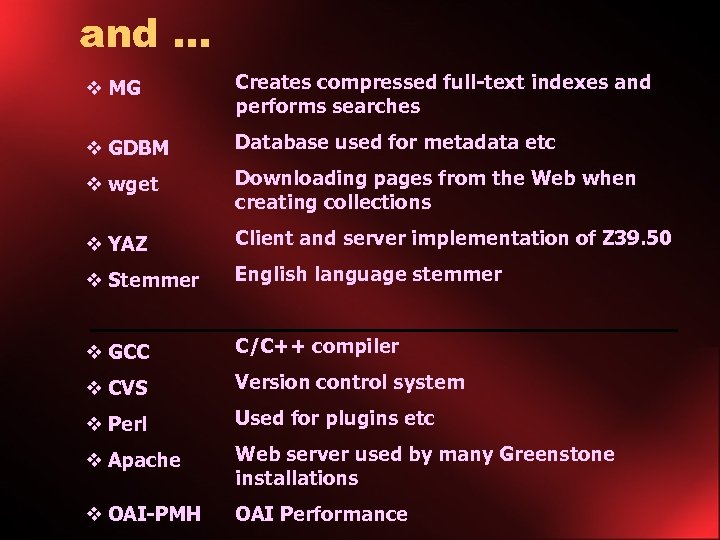
and … v MG Creates compressed full-text indexes and performs searches v GDBM Database used for metadata etc v wget Downloading pages from the Web when creating collections v YAZ Client and server implementation of Z 39. 50 v Stemmer English language stemmer v GCC C/C++ compiler v CVS Version control system v Perl Used for plugins etc v Apache Web server used by many Greenstone installations v OAI-PMH OAI Performance
Collection Building • Input: a set of source documents, possibly in many different formats • Greenstone “imports” these documents and converts them to its own internal (GA) format – Extracts as much metadata as possible • Greenstone “builds” indexes and browsing structures using the GA files • Start with a few documents, get the design right, then add the bulk of the documents
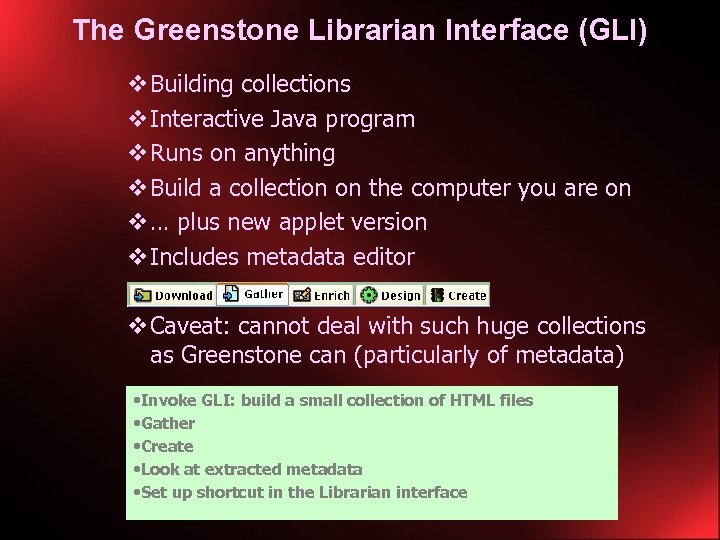
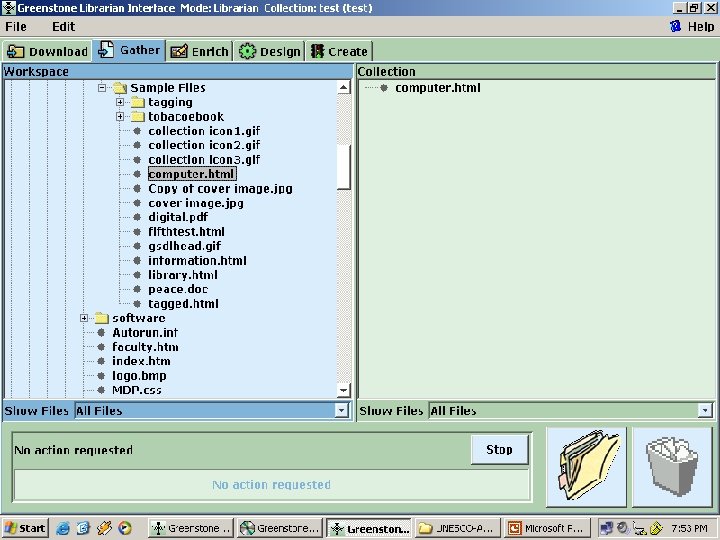
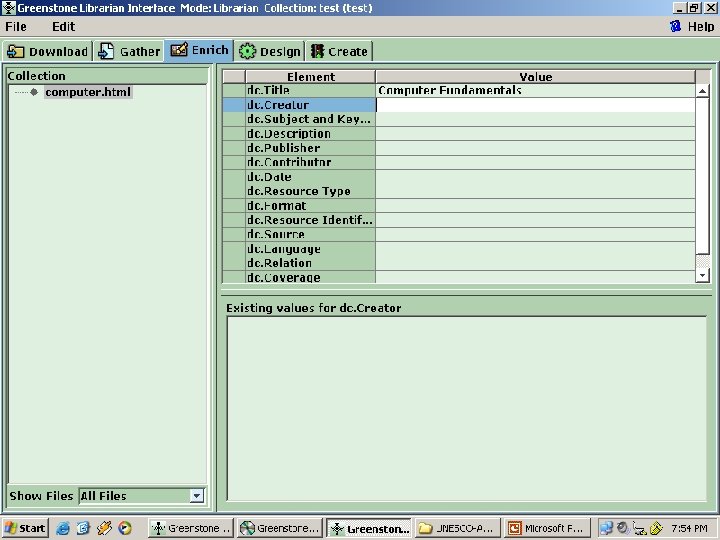
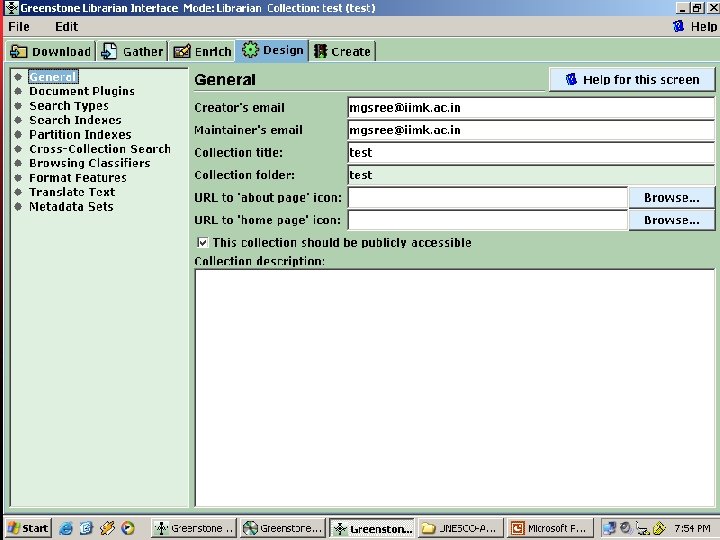
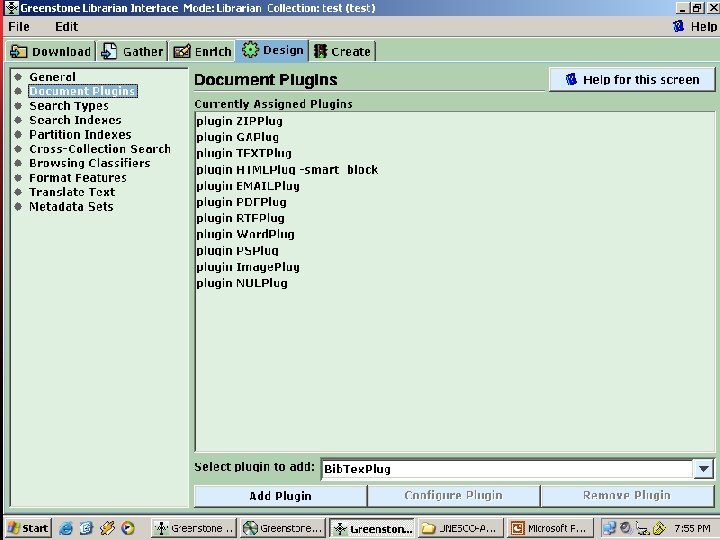
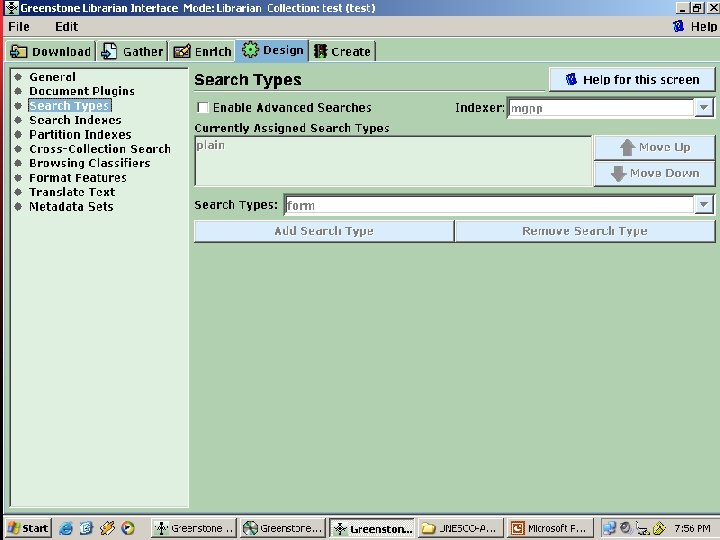
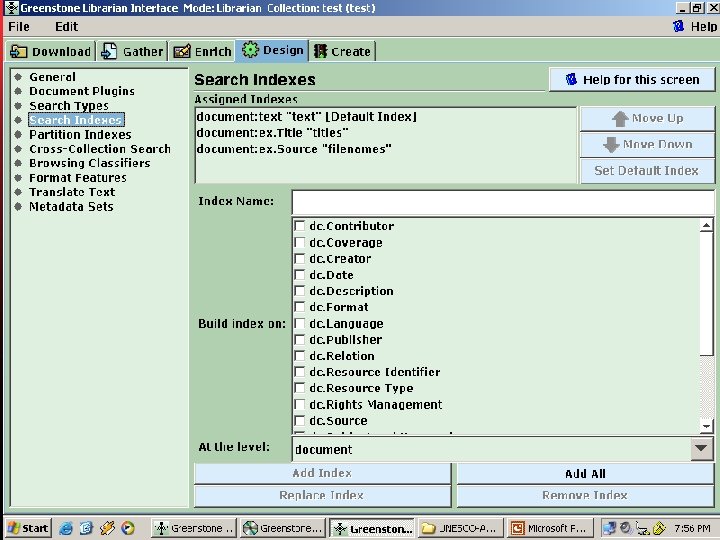
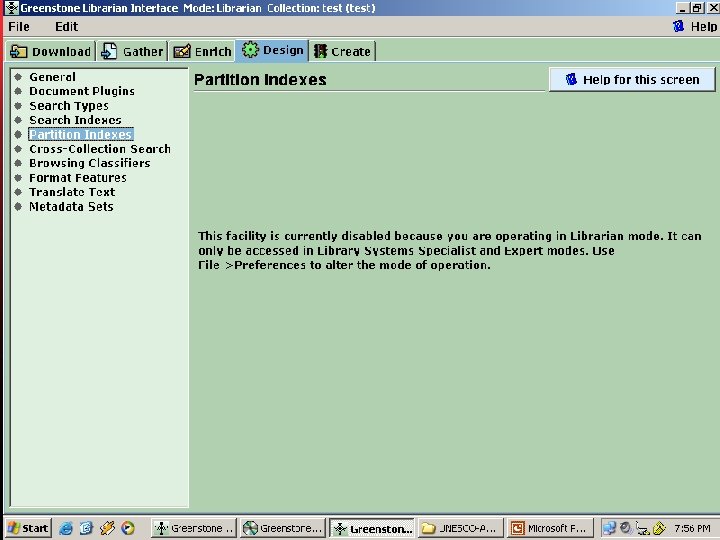
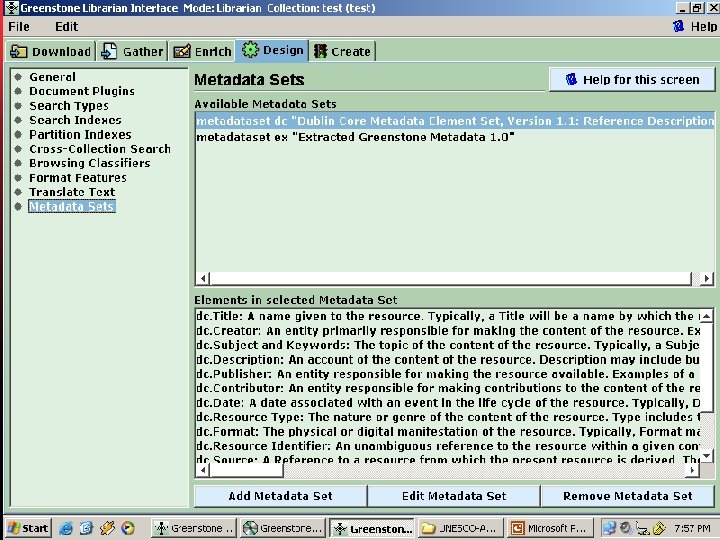
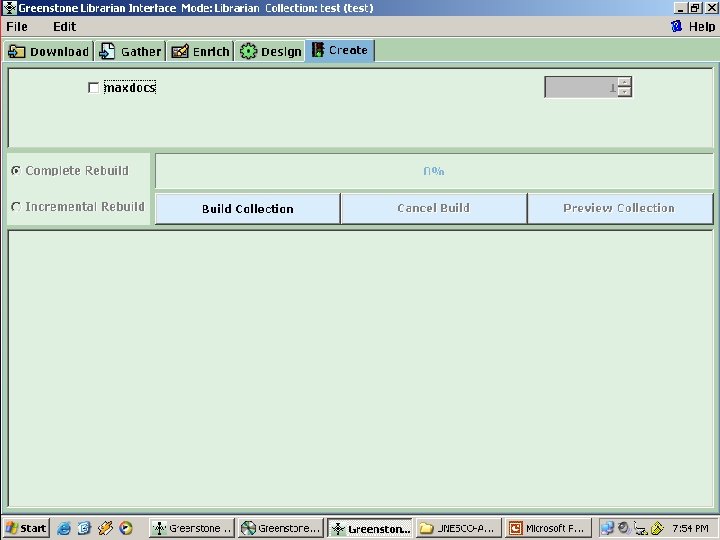
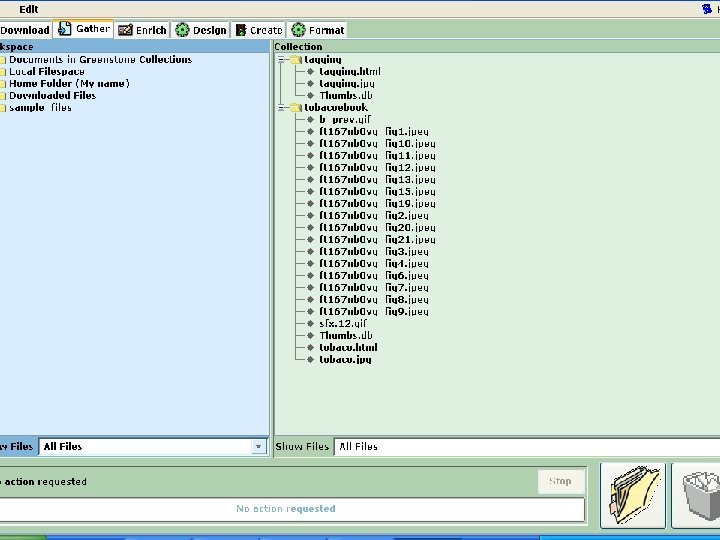
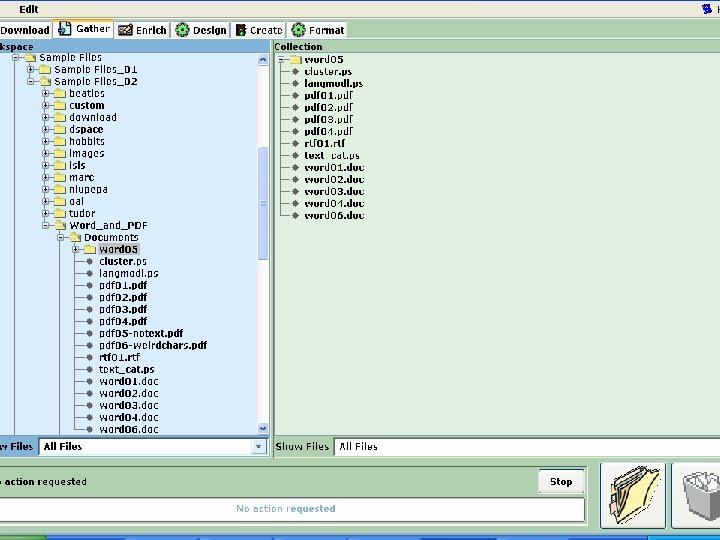
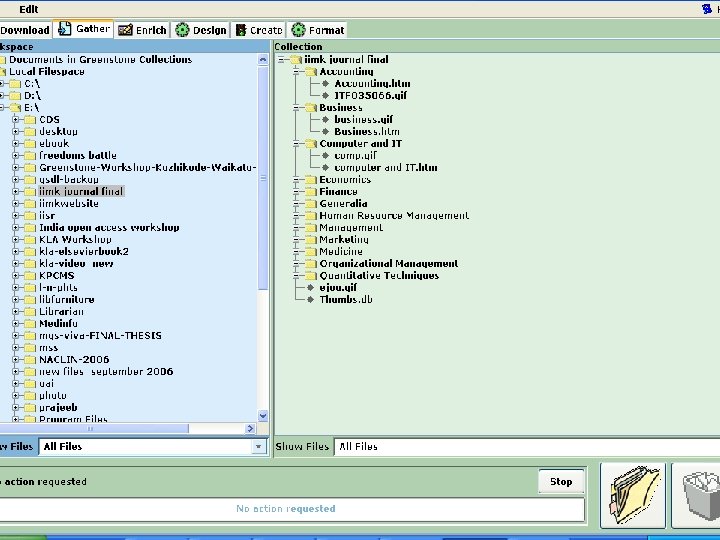
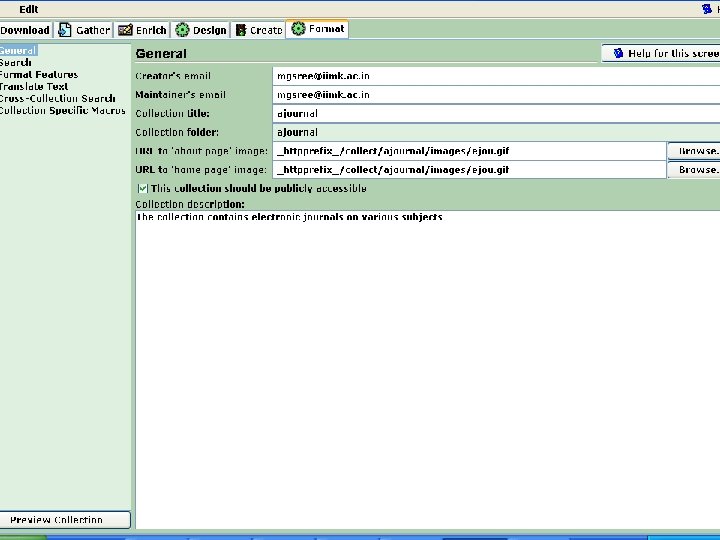
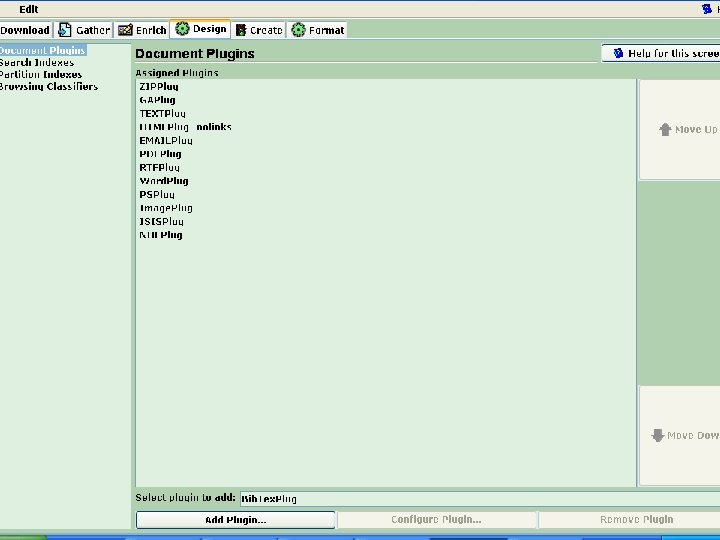
Collection Building… • Greenstone used to have three modes of collection building, viz. , Command Line, Web Interface and the GLI (Greenstone Librarian Interface) • Progressing with version 2. 4 x. , the GLI got strengthened as well as popularized • Web Interface mode has been withdrawn temporarily. • The GLI based collection building is quite easy and simple a method. • Collection developers can activate the GLI software and use the ‘Gather’, ‘Enrich’, ‘Design’, and ‘Create’ panel for making collection
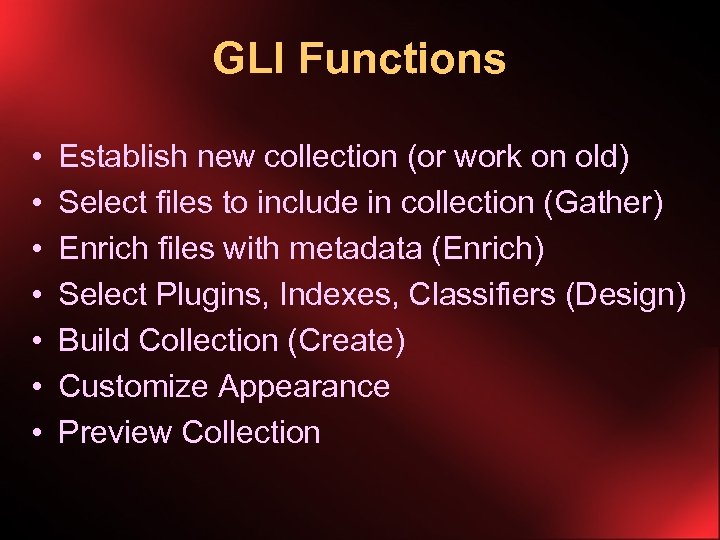
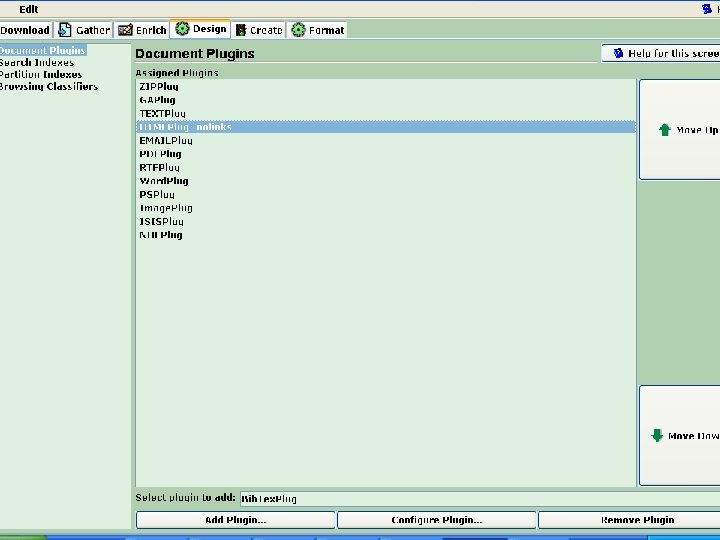
GLI Functions • • Establish new collection (or work on old) Select files to include in collection (Gather) Enrich files with metadata (Enrich) Select Plugins, Indexes, Classifiers (Design) Build Collection (Create) Customize Appearance Preview Collection
The Greenstone Librarian Interface (GLI) v Building collections v Interactive Java program v Runs on anything v Build a collection on the computer you are on v … plus new applet version v Includes metadata editor v Caveat: cannot deal with such huge collections as Greenstone can (particularly of metadata) • Invoke GLI: build a small collection of HTML files • Gather • Create • Look at extracted metadata • Set up shortcut in the Librarian interface
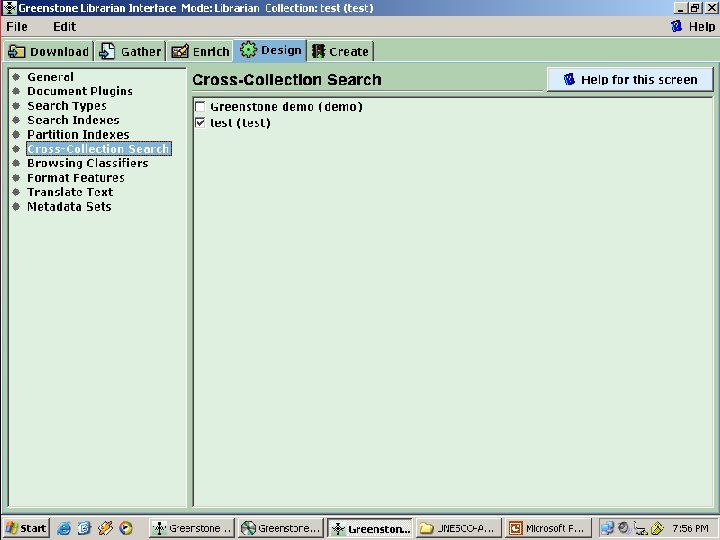
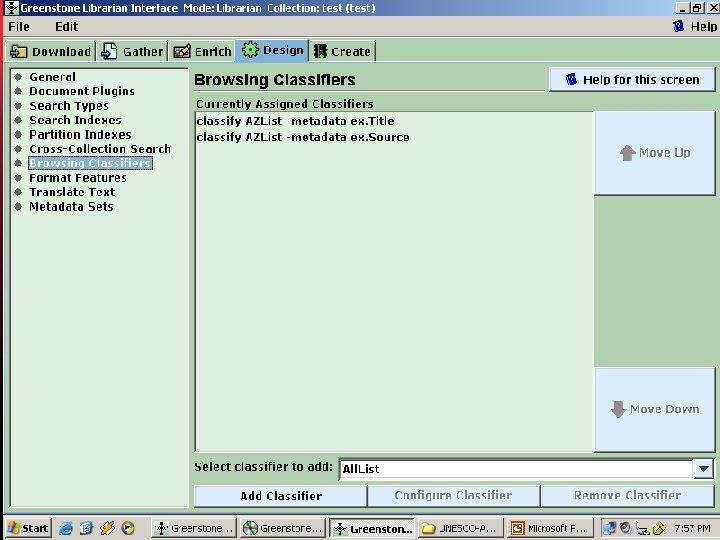
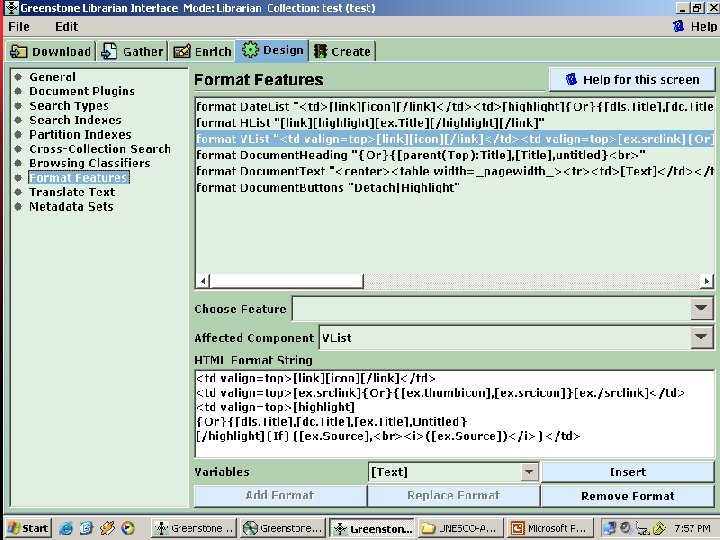
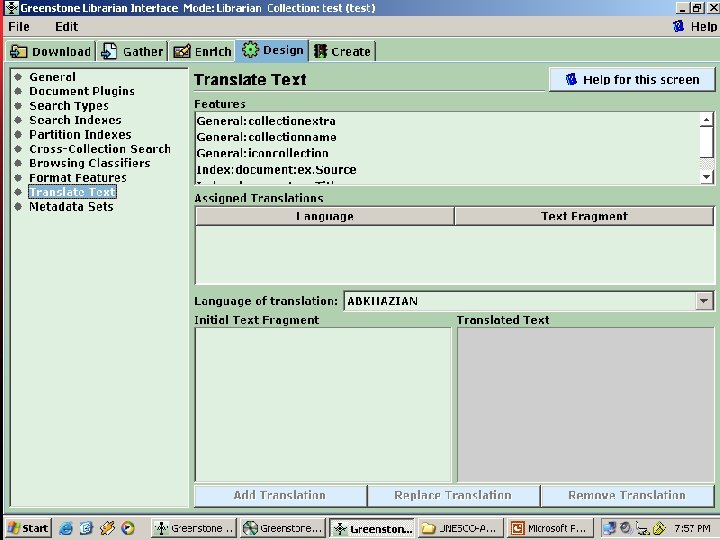
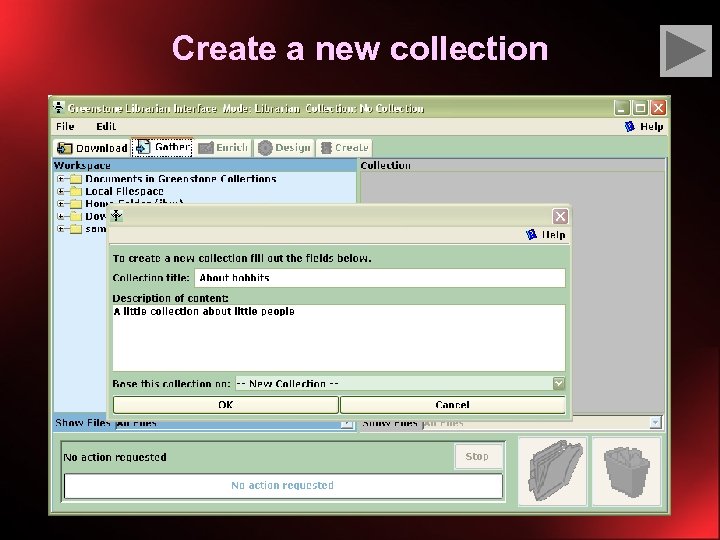
Create a new collection
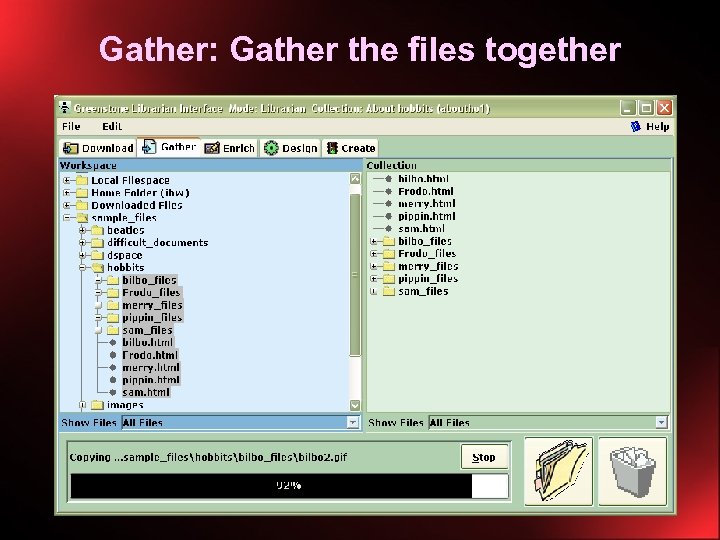
Gather: Gather the files together
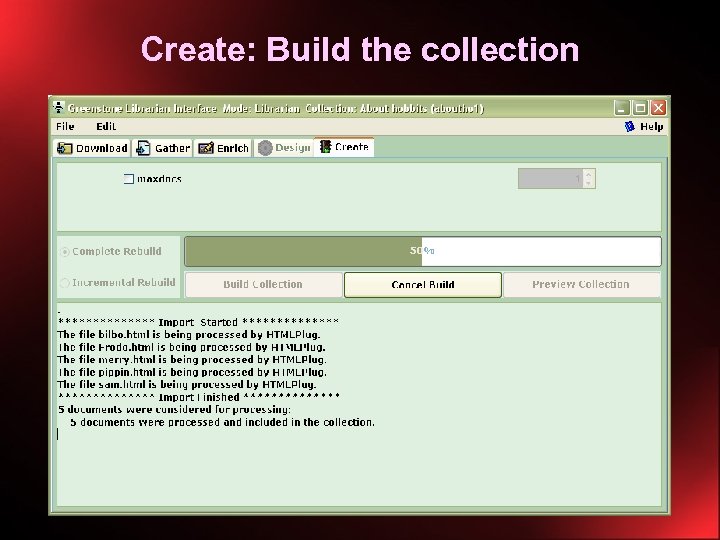
Create: Build the collection
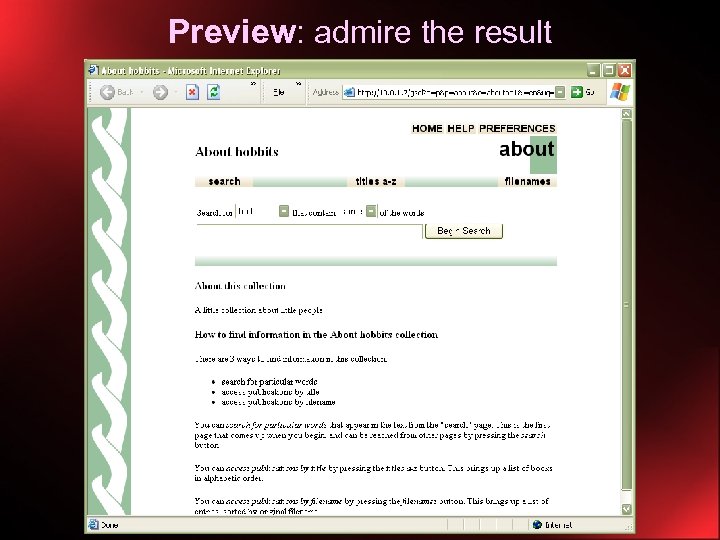
Preview: admire the result
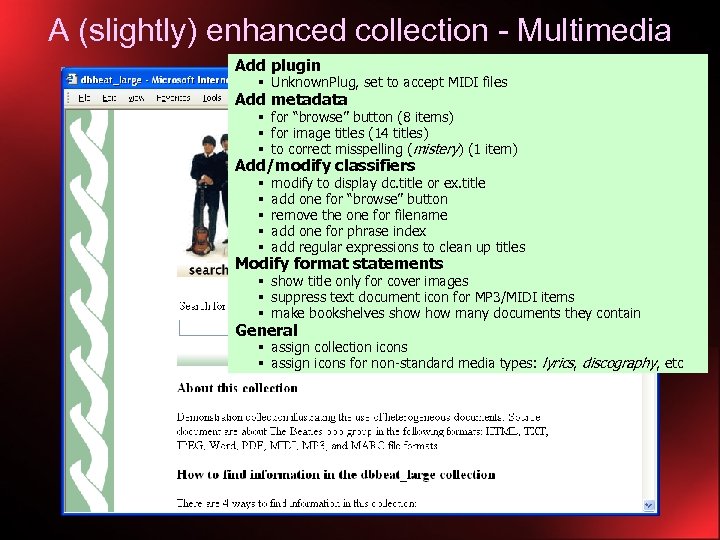
A (slightly) enhanced collection - Multimedia Add plugin § Unknown. Plug, set to accept MIDI files Add metadata § for “browse” button (8 items) § for image titles (14 titles) § to correct misspelling (mistery) (1 item) Add/modify classifiers § § § modify to display dc. title or ex. title add one for “browse” button remove the one for filename add one for phrase index add regular expressions to clean up titles Modify format statements § show title only for cover images § suppress text document icon for MP 3/MIDI items § make bookshelves show many documents they contain General § assign collection icons § assign icons for non-standard media types: lyrics, discography, etc
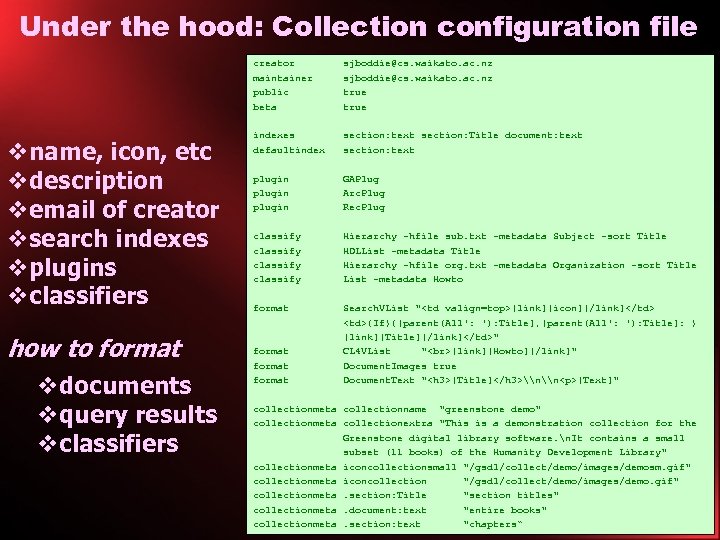
Under the hood: Collection configuration file vname, icon, etc vdescription vemail of creator vsearch indexes vplugins vclassifiers how to format vdocuments vquery results vclassifiers creator sjboddie@cs. waikato. ac. nz maintainer sjboddie@cs. waikato. ac. nz public true beta true indexes section: text section: Title document: text defaultindex section: text plugin GAPlug plugin Arc. Plug plugin Rec. Plug classify Hierarchy -hfile sub. txt -metadata Subject -sort Title classify HDLList -metadata Title classify Hierarchy -hfile org. txt -metadata Organization -sort Title classify List -metadata Howto format Search. VList "<td valign=top>[link][icon][/link]</td> <td>{If}{[parent(All': '): Title], [parent(All': '): Title]: } [link][Title][/link]</td>" format CL 4 VList " [link][Howto][/link]" format Document. Images true format Document. Text "<h 3>[Title]</h 3>\n\n<p>[Text]" collectionmeta collectionname "greenstone demo" collectionmeta collectionextra "This is a demonstration collection for the Greenstone digital library software. n. It contains a small subset (11 books) of the Humanity Development Library" collectionmeta iconcollectionsmall "/gsdl/collect/demo/images/demosm. gif" collectionmeta iconcollection "/gsdl/collect/demo/images/demo. gif" collectionmeta. section: Title "section titles" collectionmeta. document: text "entire books" collectionmeta. section: text "chapters“
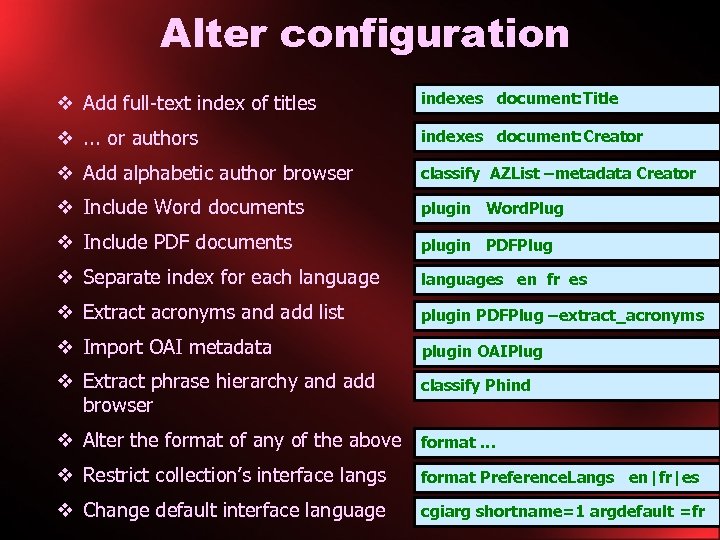
Alter configuration v Add full-text index of titles indexes document: Title additional indexes line v. . . or authors indexes document: Creator … need author metadata v Add alphabetic author browser classify AZList –metadata Creator add classifier line v Include Word documents plugin Word. Plug plugin line add v Include PDF documents plugin PDFPlug v Separate index for each languages add languages line en fr es v Extract acronyms and add list plugin PDFPlug plugin option –extract_acronyms v Import OAI metadata add plugin line plugin OAIPlug v Extract phrase hierarchy and add browser add classify Phind classifier line v Alter the format of any of the above format … v Restrict collection’s interface langs format Preference. Langs en|fr|es add format string v Change default interface language cgiarg shortname=1 argdefault =fr edit site config file (same) add format string
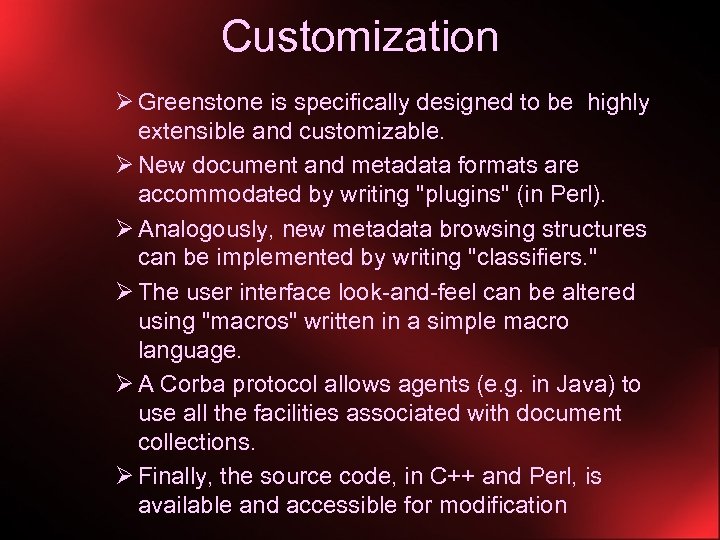
Customization Ø Greenstone is specifically designed to be highly extensible and customizable. Ø New document and metadata formats are accommodated by writing "plugins" (in Perl). Ø Analogously, new metadata browsing structures can be implemented by writing "classifiers. " Ø The user interface look-and-feel can be altered using "macros" written in a simple macro language. Ø A Corba protocol allows agents (e. g. in Java) to use all the facilities associated with document collections. Ø Finally, the source code, in C++ and Perl, is available and accessible for modification
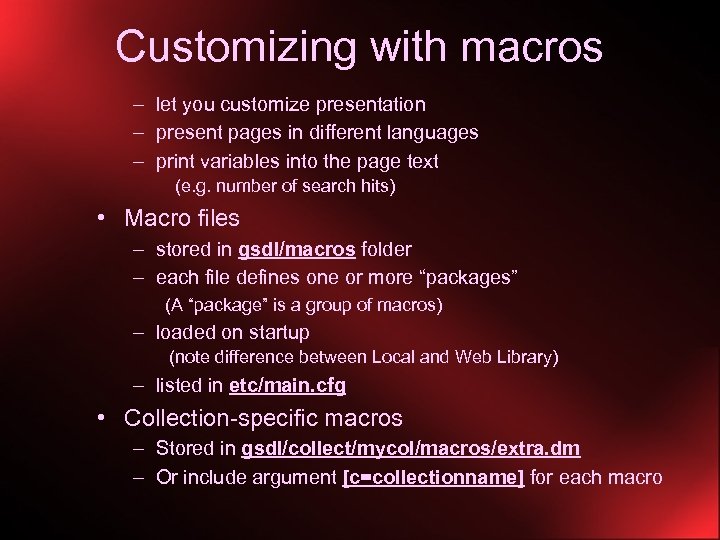
Customizing with macros – let you customize presentation – present pages in different languages – print variables into the page text (e. g. number of search hits) • Macro files – stored in gsdl/macros folder – each file defines one or more “packages” (A “package” is a group of macros) – loaded on startup (note difference between Local and Web Library) – listed in etc/main. cfg • Collection-specific macros – Stored in gsdl/collect/mycol/macros/extra. dm – Or include argument [c=collectionname] for each macro
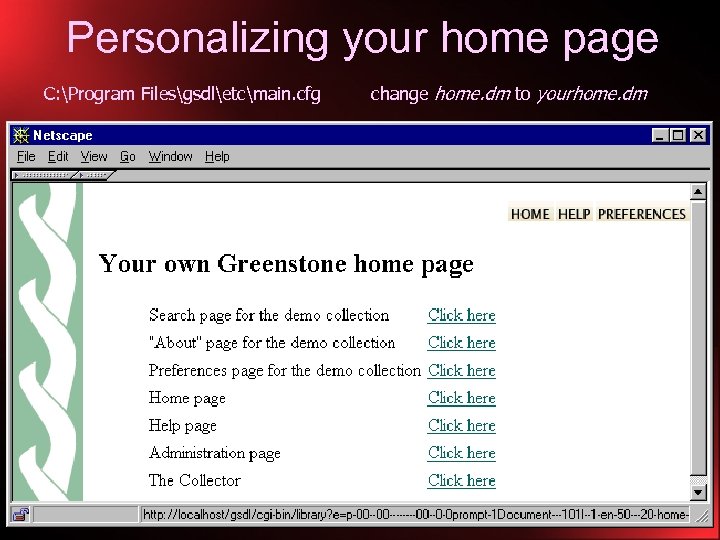
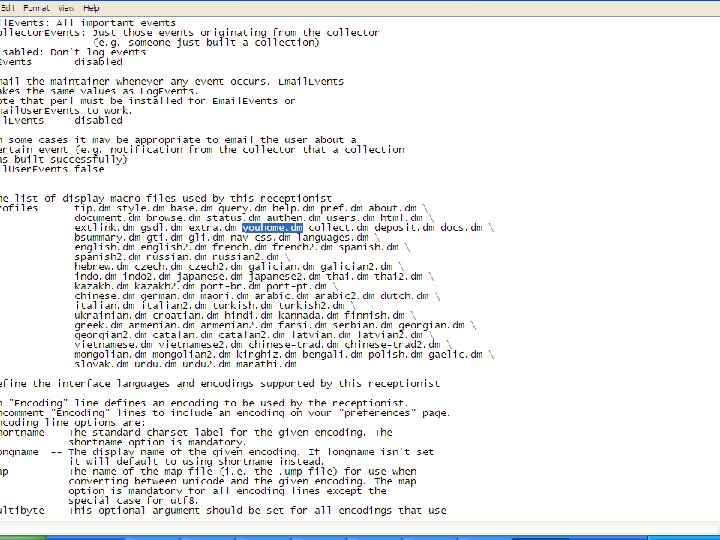
Personalizing your home page C: Program Filesgsdletcmain. cfg change home. dm to yourhome. dm
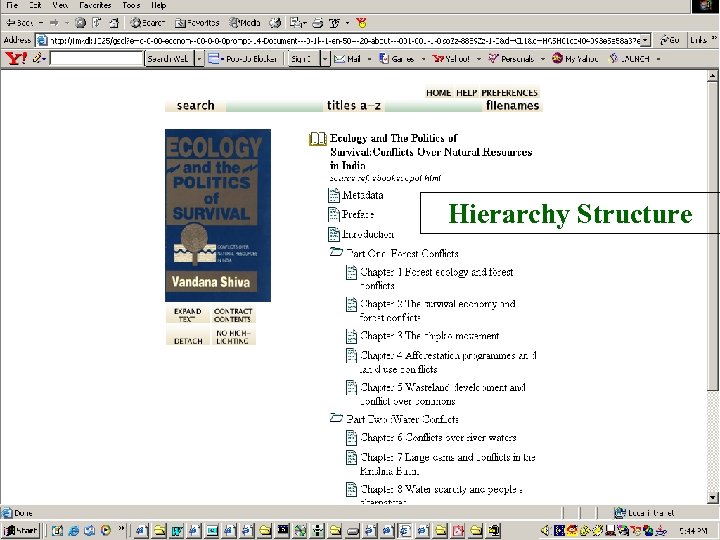
Hierarchy Structure
Collection configuration • Collection configuration file determines content conversion, extraction and building of indexes and browsing structures – indexes, classifiers, plugins • Presentation of search/browse results and collection interface is determined by “format” strings and “macros”
Documentation and help • Available at: www. greenstone. org – – Software Demo collections FAQ Tutorial materials • Documentation: – Installer’s Guide, User’s Guide, Developer’s Guide, From Paper to Collection • Mailing lists: – Greenstone Users List – Greenstone Developers List
Documentation and help Manuals on the CD-ROM (docs) – Installer’s Guide (install. pdf, 36 pp) Versions of Greenstone, installation procedure, Greenstone collections, setting up the web server, configuring your site, personalizing your installation – User’s Guide (user. pdf, 90 pp) Overview of Greenstone, using Greenstone collections, the collector, administration, software features, glossary of terms – Developer’s Guide (develop. pdf, 113 pp) Understanding the collection building process, getting the most out of your collections, the Greenstone runtime systems, configuring your Greenstone site – From Paper To Collection (paper. pdf, 30 pp) Scanners and scanning, OCR, 3 examples – from 1, 000 to 100, 000 pages, Creating an electronic collection
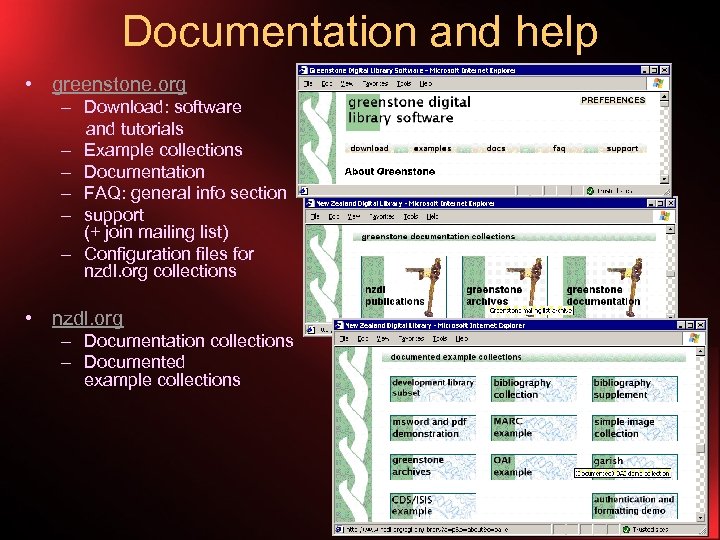
Documentation and help • greenstone. org – Download: software and tutorials – Example collections – Documentation – FAQ: general info section – support (+ join mailing list) – Configuration files for nzdl. org collections • nzdl. org – Documentation collections – Documented example collections
Documentation and help Mailing Lists – Greenstone Users List For people installing and using standard Greenstone Join at: https: //list. scms. waikato. ac. nz/mailman/listinfo/greenstoneusers Mail to: greenstone-users@list. scms. waikato. ac. nz – Greenstone Developers List For people customizing their version of Greenstone Join at: https: //list. scms. waikato. ac. nz/mailman/listinfo/greenstonedevel Mail to: greenstone-devel@list. scms. waikato. ac. nz Mailing List Archives A Greenstone collection of mail from both mailing lists http: //www. nzdl. org/gsarchives
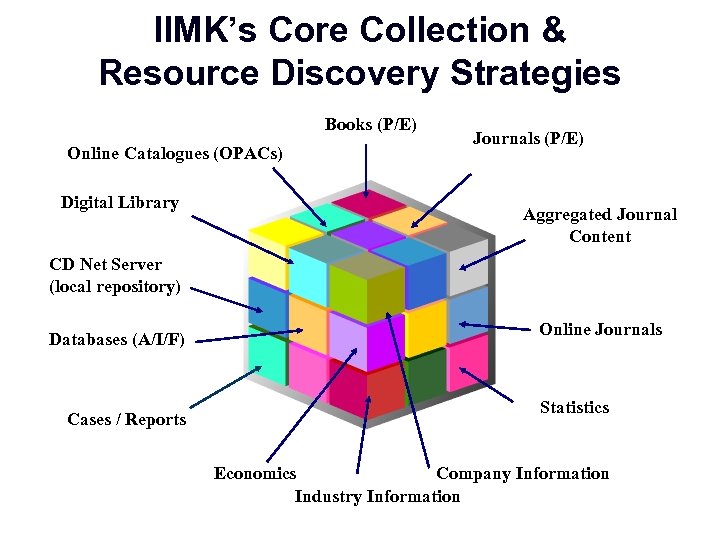
IIMK’s Core Collection & Resource Discovery Strategies Books (P/E) Online Catalogues (OPACs) Digital Library Journals (P/E) Aggregated Journal Content CD Net Server (local repository) Databases (A/I/F) Cases / Reports Online Journals Statistics Economics Company Information Industry Information
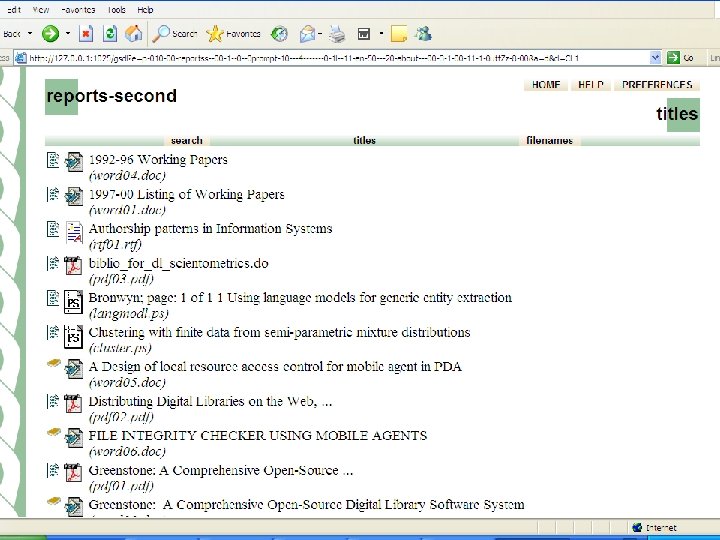
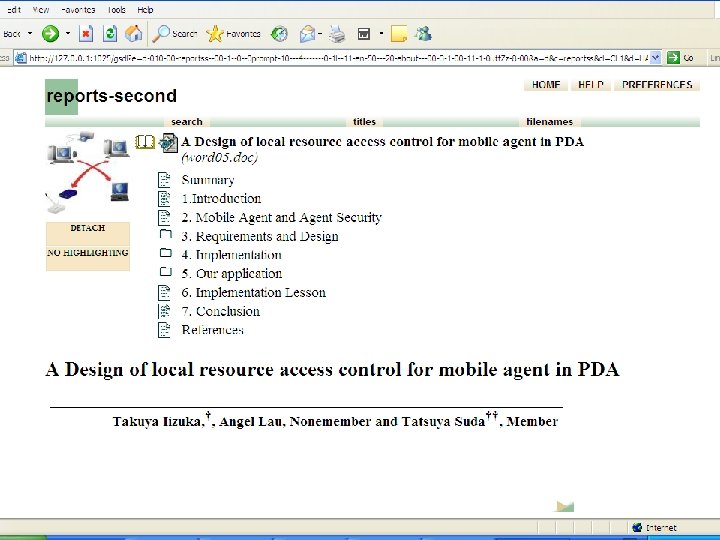
E-Books • The most prominent in a DL collection • Providing PDF/DOC/PS… formats as such are NOT desirable from the User’s perspective • Look at features/functionalities provided by EPrints, DSpace, VTLS, ACADO and many others and relate/compare with Greenstone • Greenstone provides the customization of E-Books most in end-user • Metaphorical - The reader’s approach to reading/ convenience/psych are well taken care of • Flexibility in Collection Aggregation and Presentation
Prerequisites & Preparations • Vision / Mission • Strategy / Planning • Collections / Formats • Presentation – Format, Structure, Style. . • Features Kitty Provided by Greenstone • Dressing up of Objects/E-Books • Lab Test, Confirmation and Validation • Moving the Collection to the DL
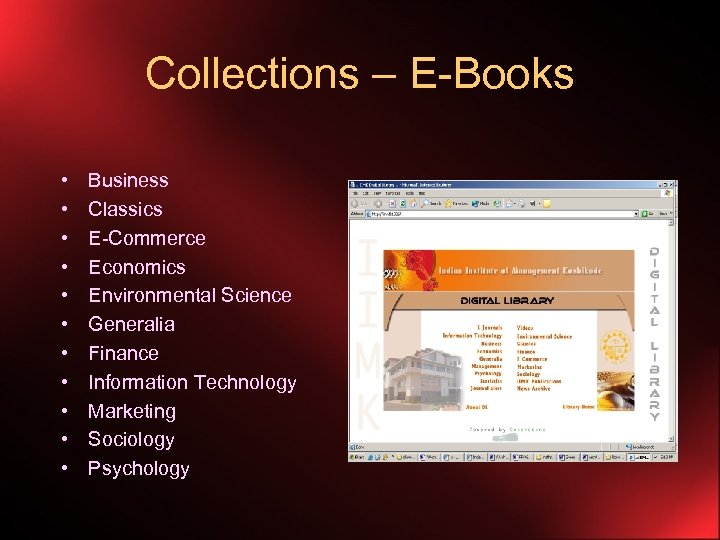
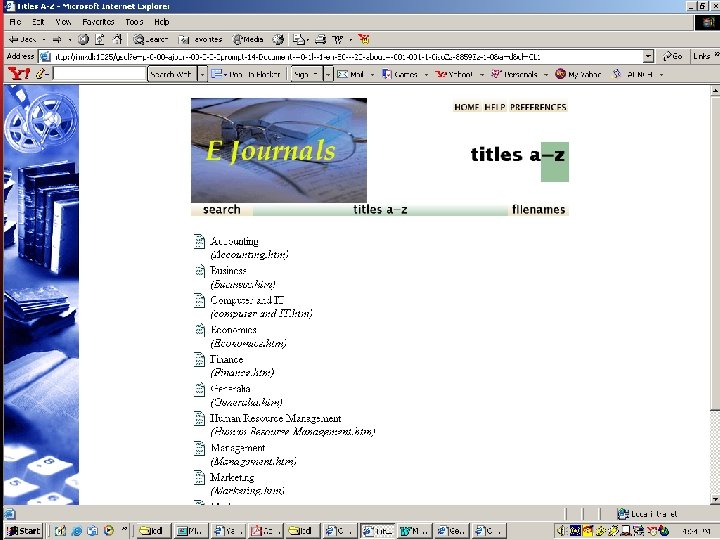
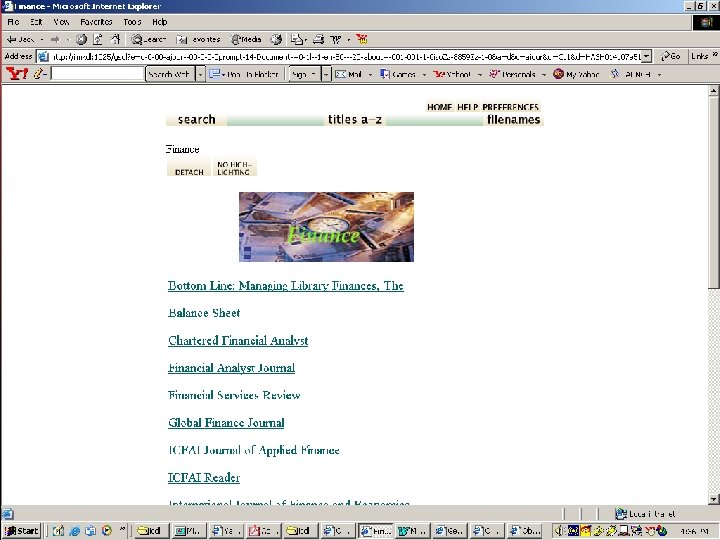
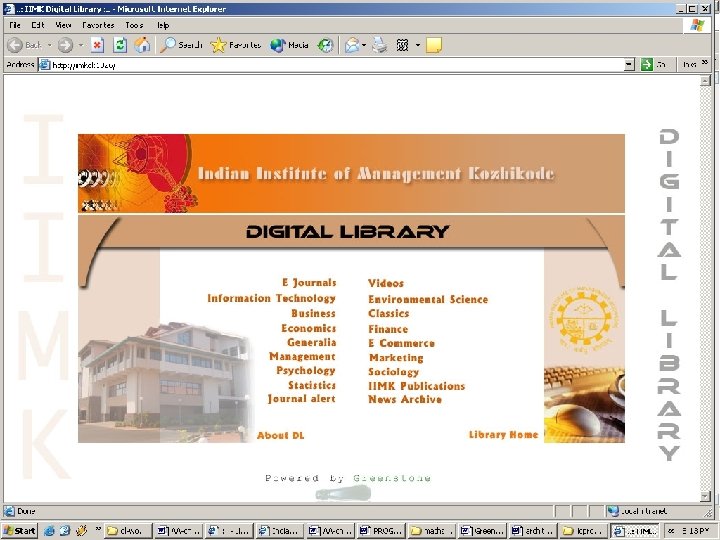
Collections – E-Books • • • Business Classics E-Commerce Economics Environmental Science Generalia Finance Information Technology Marketing Sociology Psychology
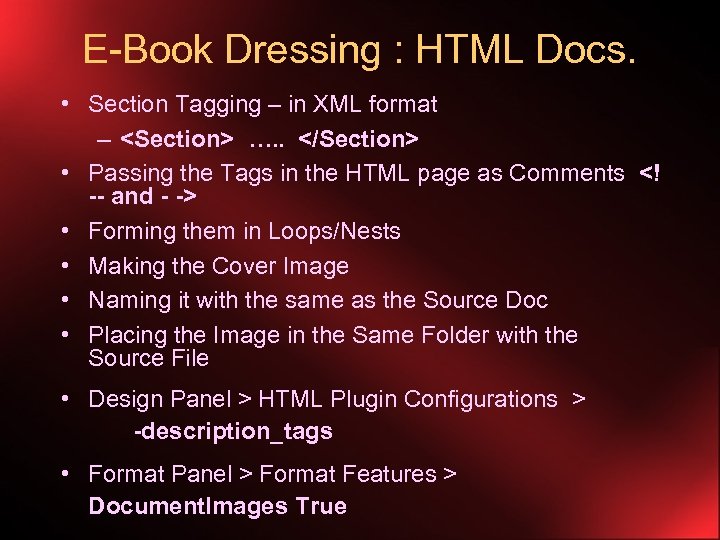
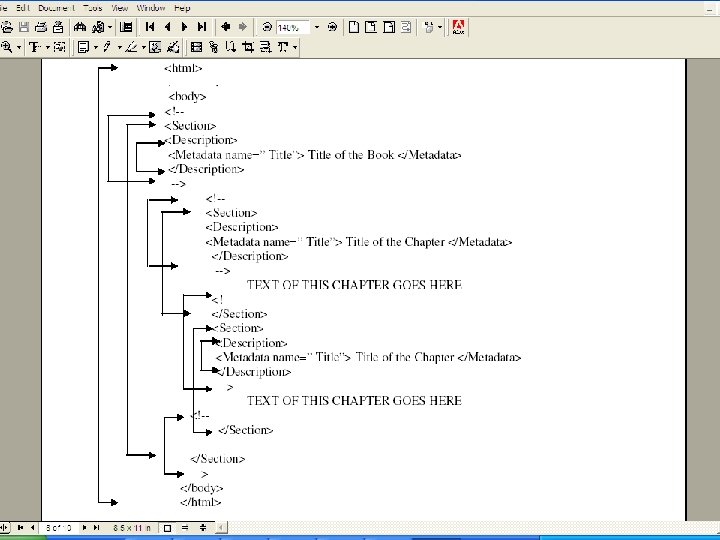
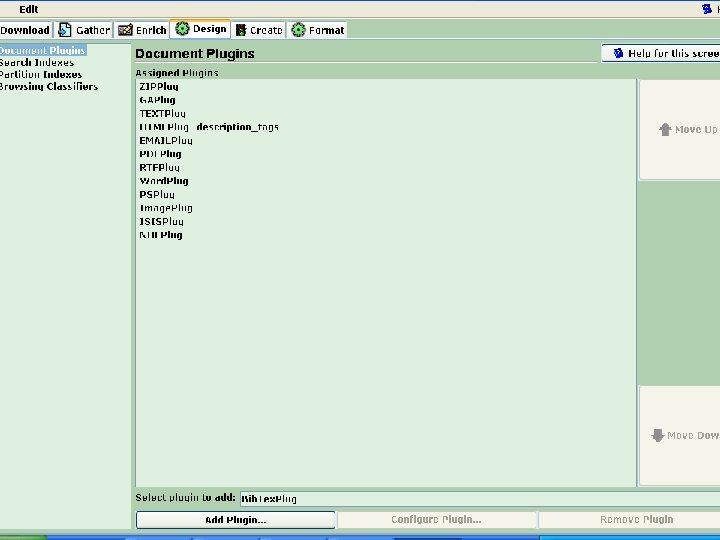
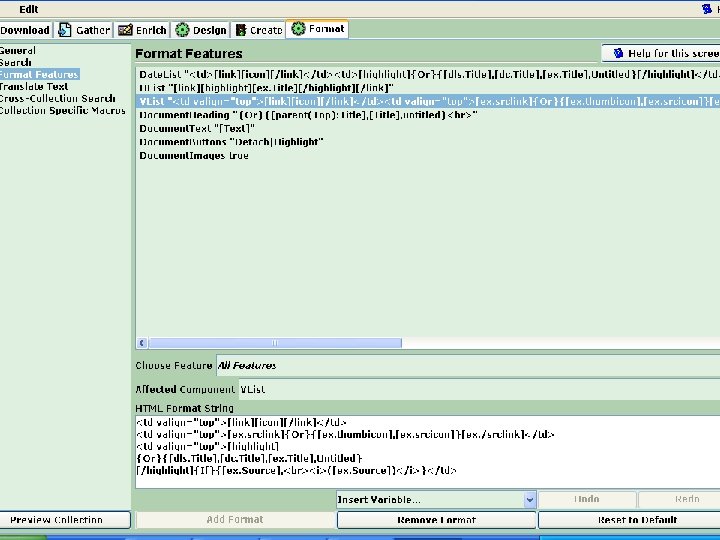
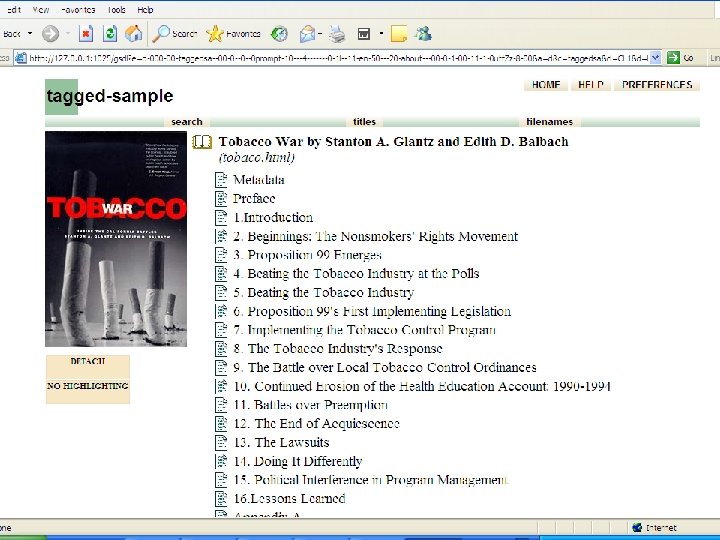
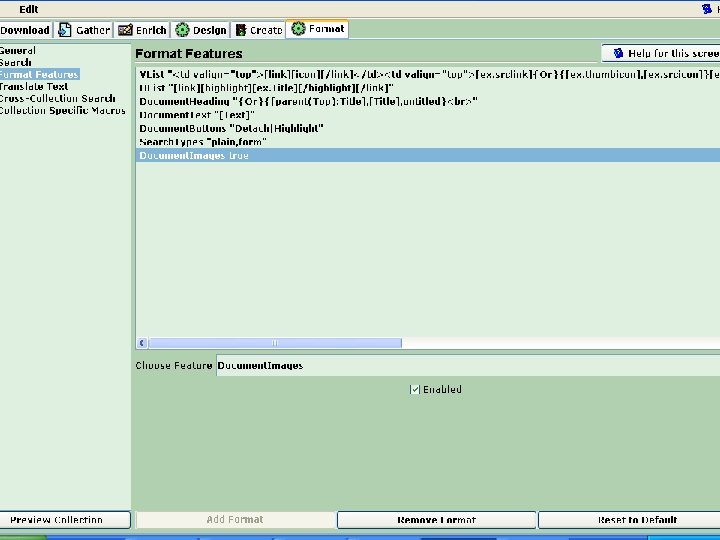
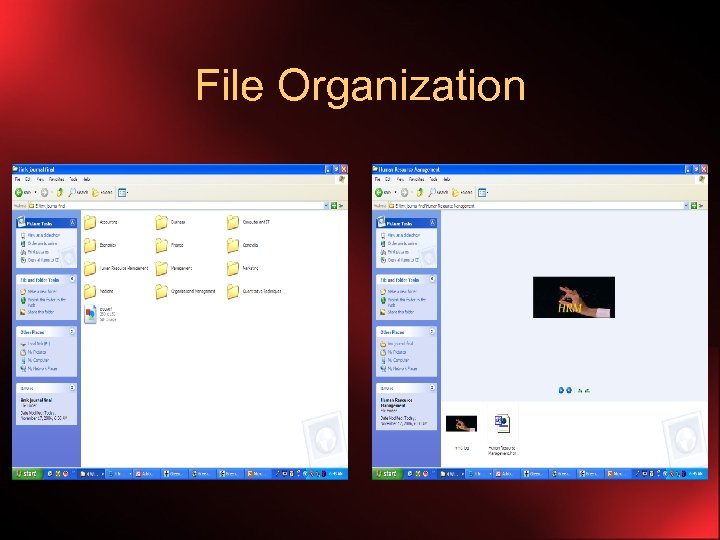
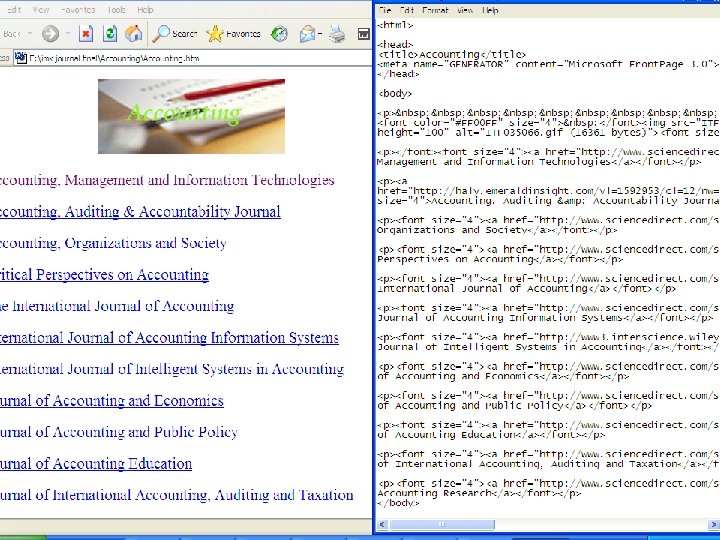
E-Book Dressing : HTML Docs. • Section Tagging – in XML format – <Section> …. . </Section> • Passing the Tags in the HTML page as Comments <! -- and - -> • Forming them in Loops/Nests • Making the Cover Image • Naming it with the same as the Source Doc • Placing the Image in the Same Folder with the Source File • Design Panel > HTML Plugin Configurations > -description_tags • Format Panel > Format Features > Document. Images True
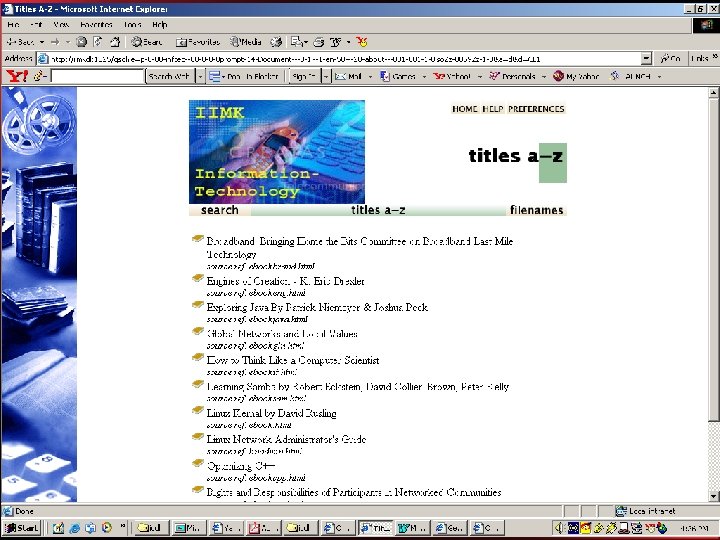
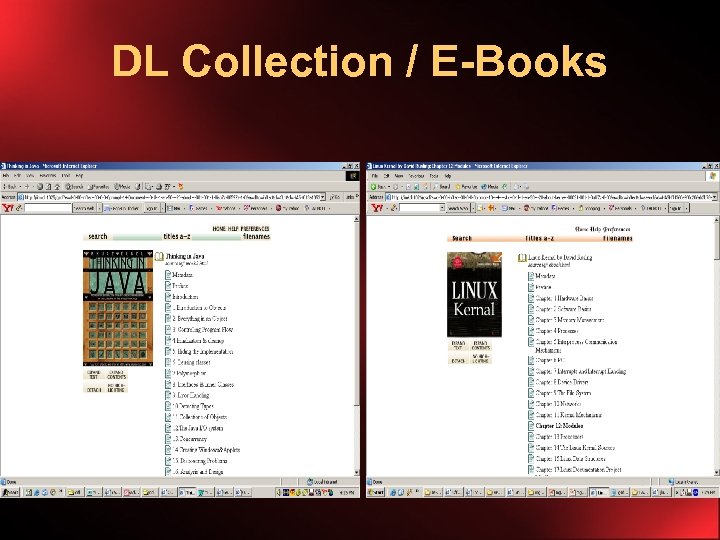
DL Collection / E-Books
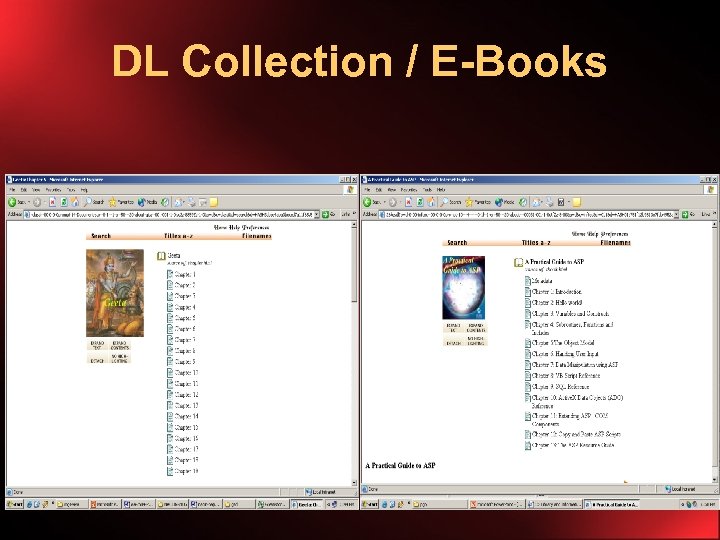
DL Collection / E-Books
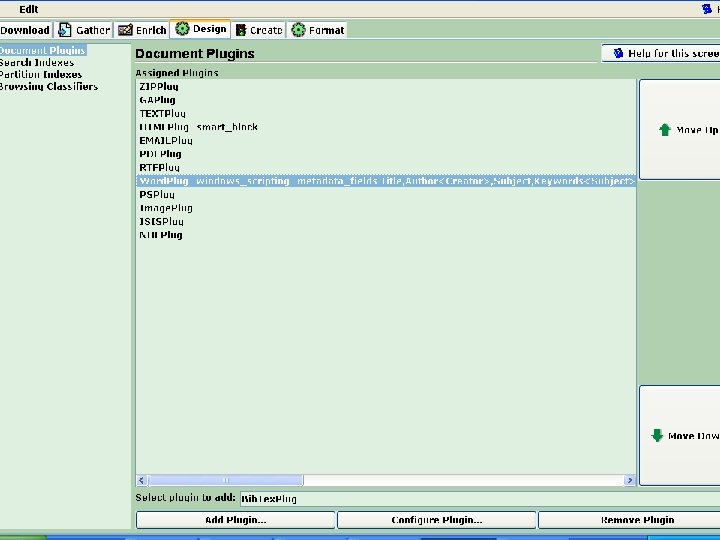
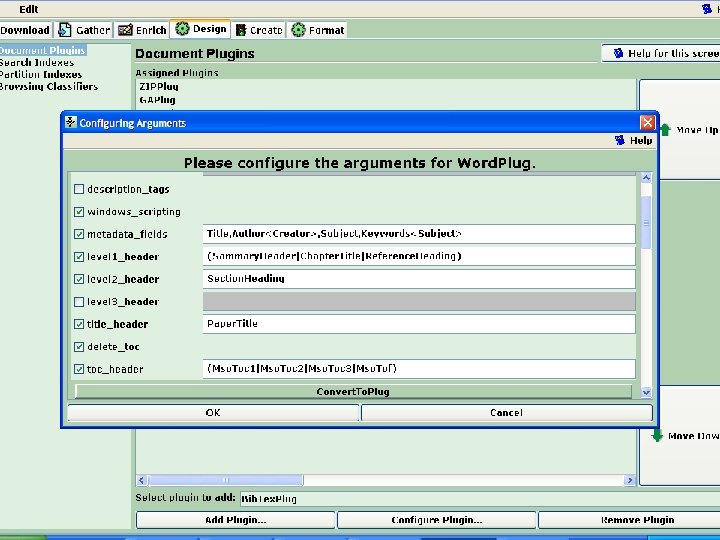
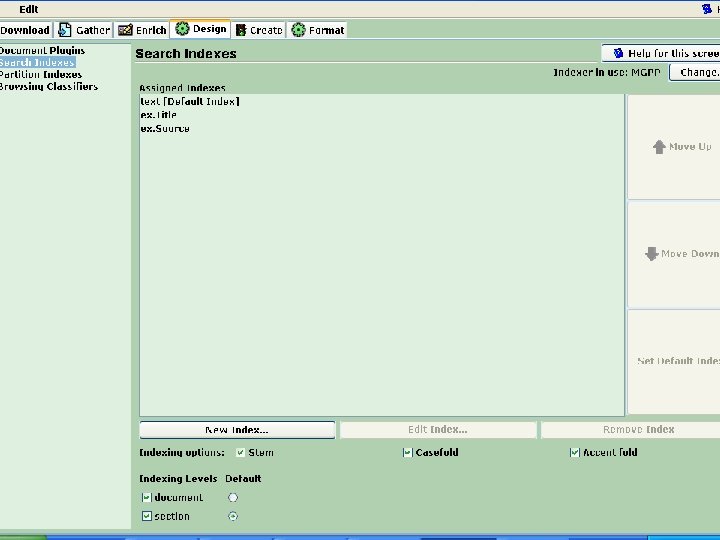
E-Book Dressing : Word Docs. • Greenstone uses wv. Ware for. Doc to HTML Conversion • Use the Windows Native Scripting feature to get Hierarchy Structure • Using Word Styles • Make the Cover Image • Name it same as the Source Doc • Place the Image in the Same Folder with the Source File • Design Panel > Word Plugin Configurations > -windows_scripting • Search Indexes > Check the Section as well as Document Levels • Format Panel > Format Features > Document. Images True
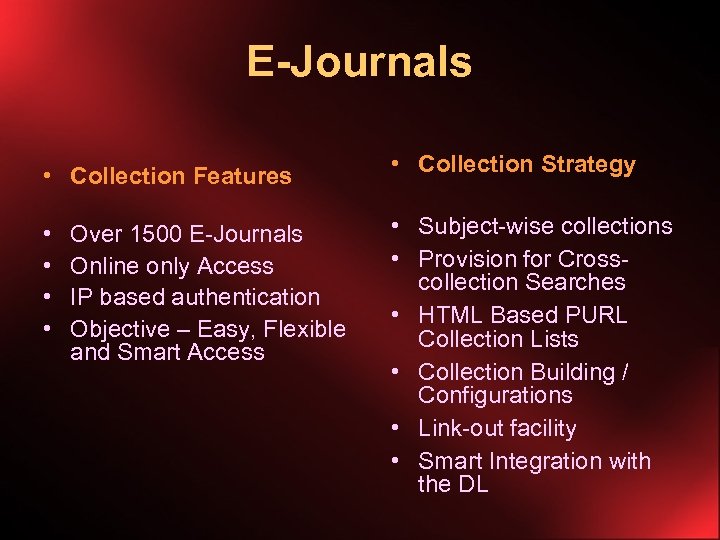
E-Journals • Collection Features • Collection Strategy • • • Subject-wise collections • Provision for Crosscollection Searches • HTML Based PURL Collection Lists • Collection Building / Configurations • Link-out facility • Smart Integration with the DL Over 1500 E-Journals Online only Access IP based authentication Objective – Easy, Flexible and Smart Access
File Organization
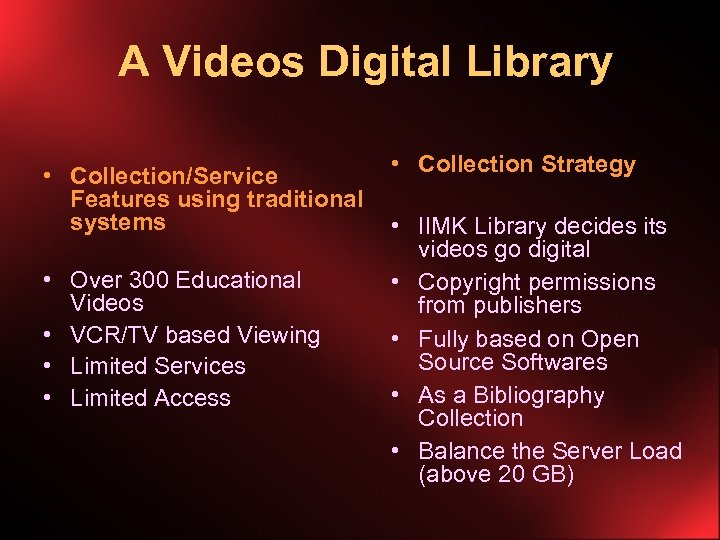
A Videos Digital Library • Collection Strategy • Collection/Service Features using traditional systems • IIMK Library decides its videos go digital • Over 300 Educational • Copyright permissions Videos from publishers • VCR/TV based Viewing • Fully based on Open Source Softwares • Limited Services • As a Bibliography • Limited Access Collection • Balance the Server Load (above 20 GB)
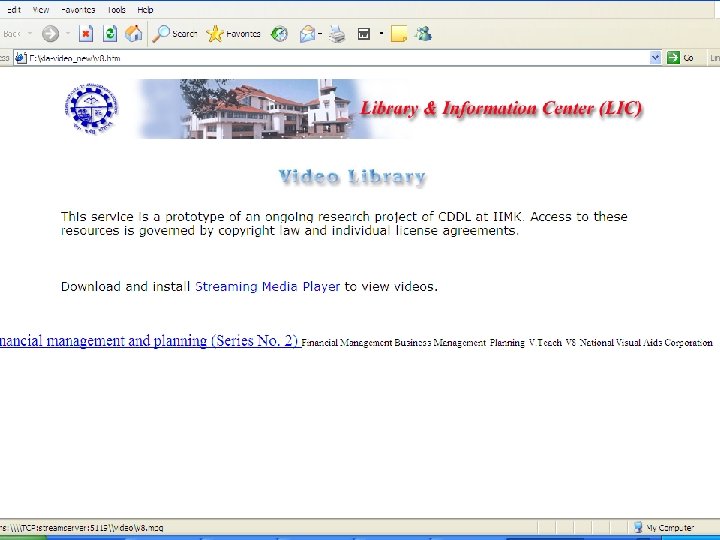
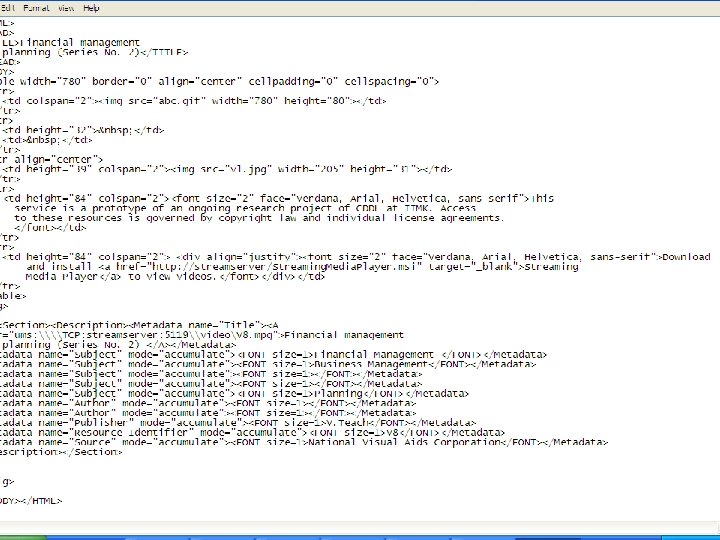
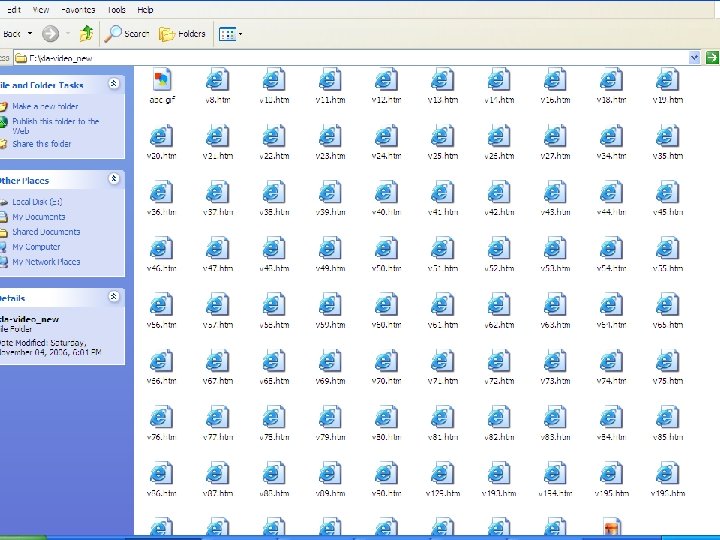
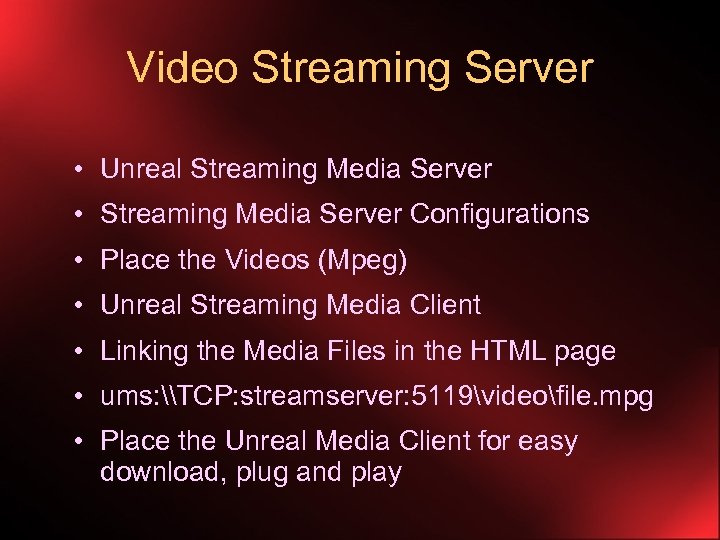
Video Streaming Server • Unreal Streaming Media Server • Streaming Media Server Configurations • Place the Videos (Mpeg) • Unreal Streaming Media Client • Linking the Media Files in the HTML page • ums: \TCP: streamserver: 5119videofile. mpg • Place the Unreal Media Client for easy download, plug and play
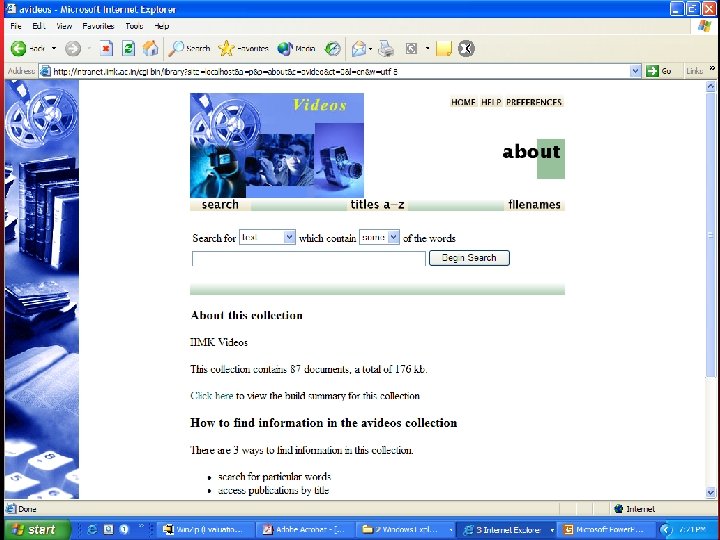
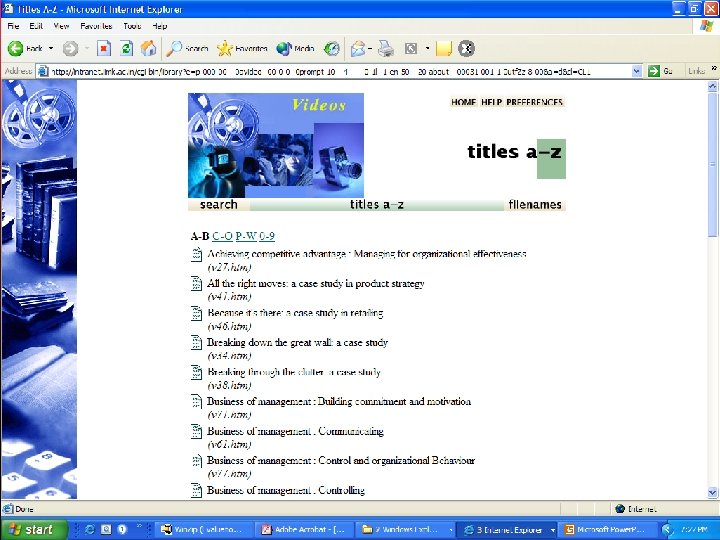
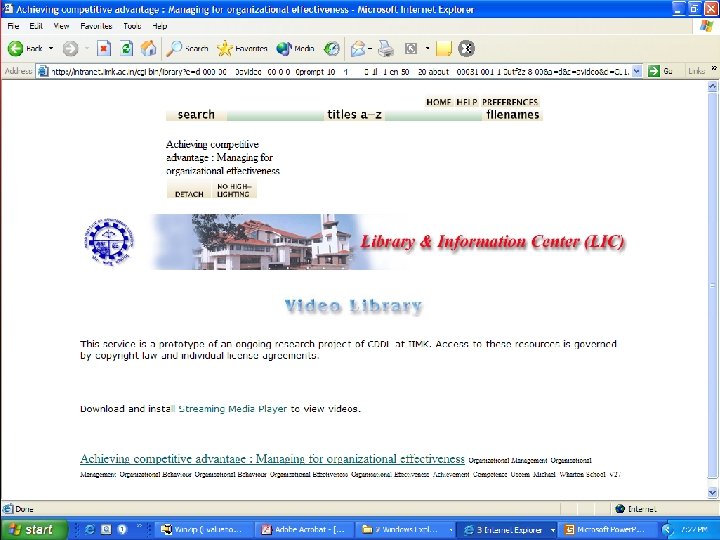
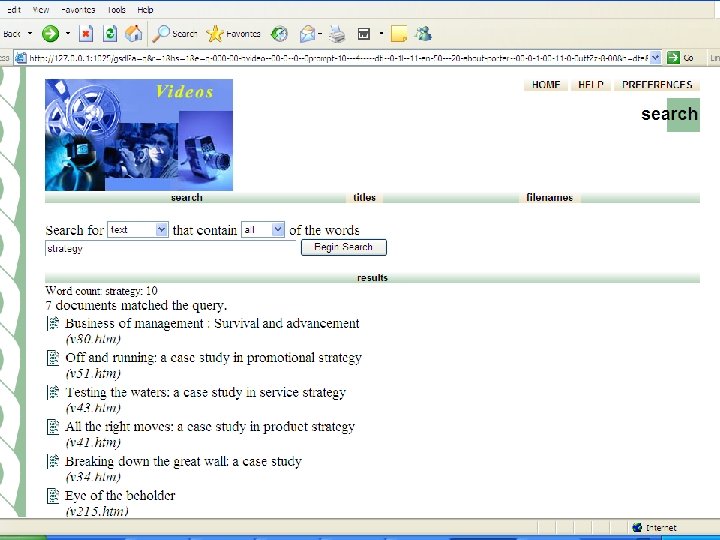
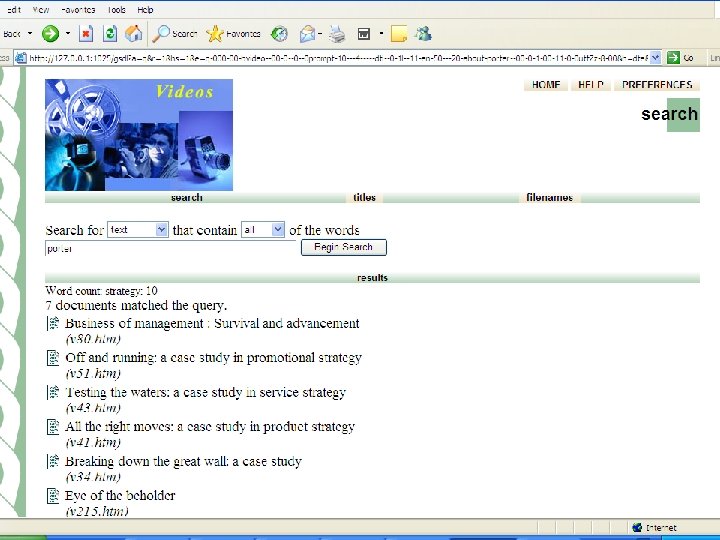
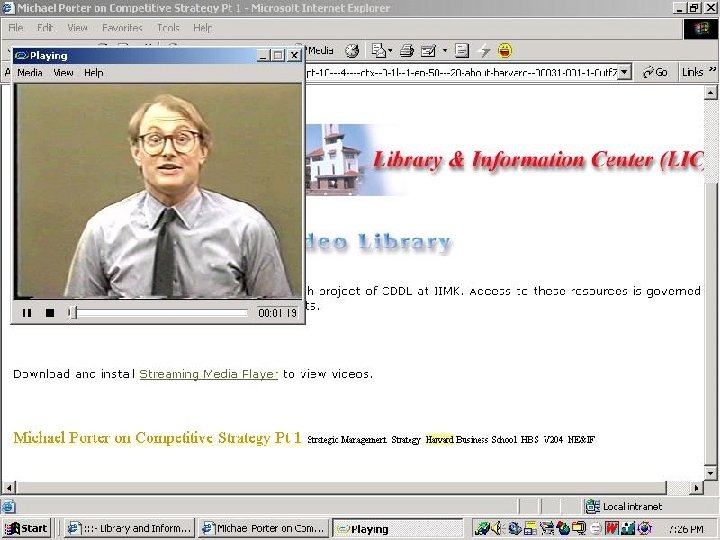
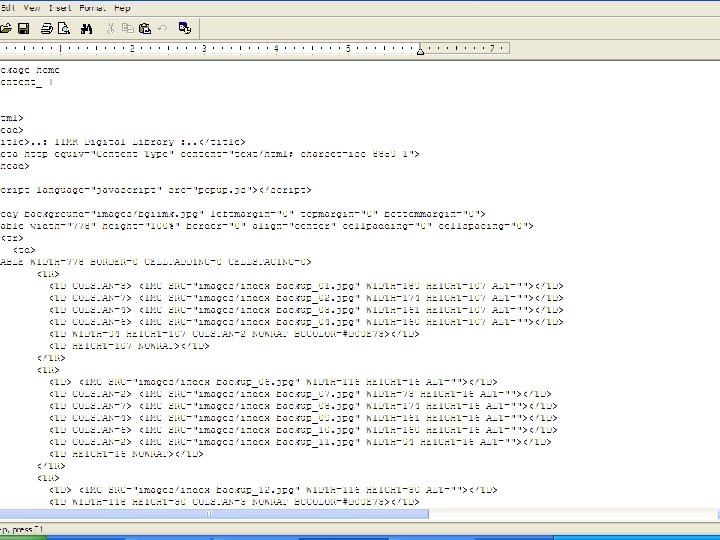
Home Page Customization • Greenstone Pages are controlled by macro files (available in Greenstone → macros), images, and CSS stylesheets (available in Greenstone → images) • Reference to “yourhome. dm” in main. cfg • Customize “yourhome. dm”
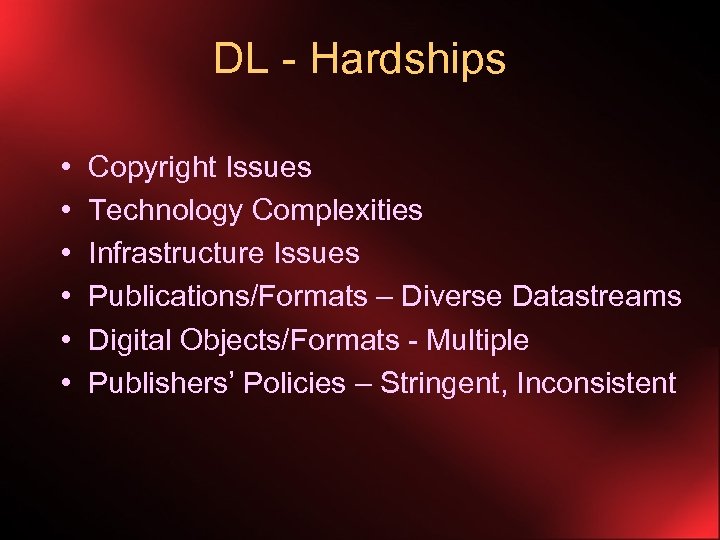
DL - Hardships • • • Copyright Issues Technology Complexities Infrastructure Issues Publications/Formats – Diverse Datastreams Digital Objects/Formats - Multiple Publishers’ Policies – Stringent, Inconsistent
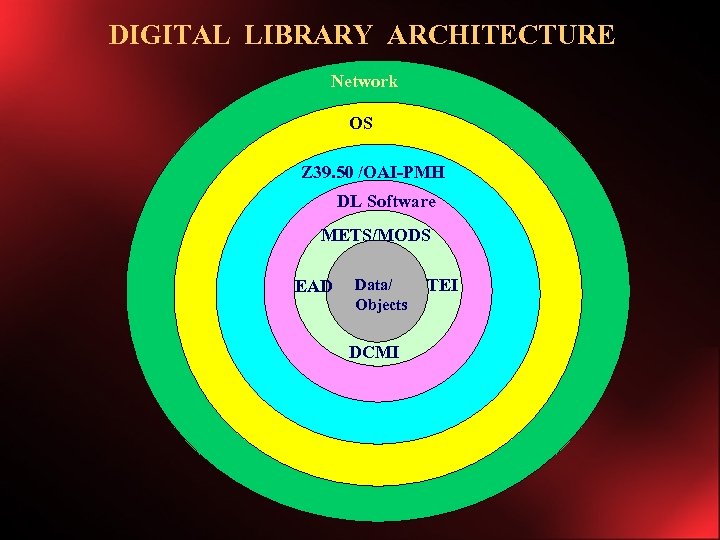
DIGITAL LIBRARY ARCHITECTURE Network OS Z 39. 50 /OAI-PMH DL Software METS/MODS EAD Data/ Objects DCMI TEI
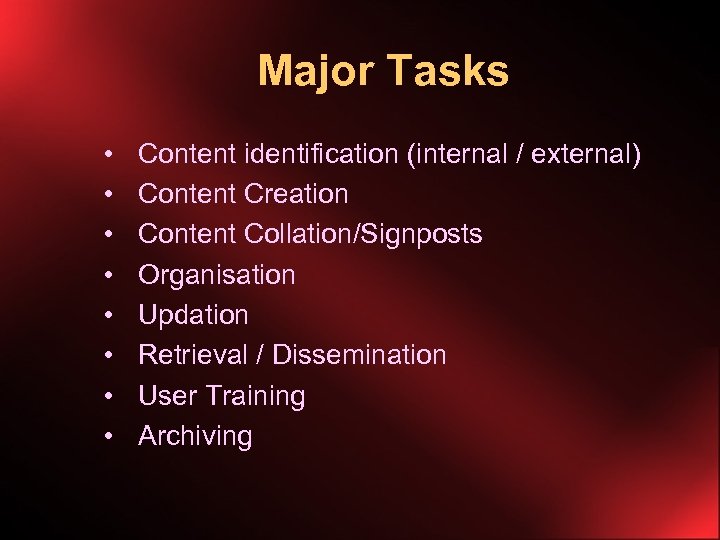
Major Tasks • • Content identification (internal / external) Content Creation Content Collation/Signposts Organisation Updation Retrieval / Dissemination User Training Archiving
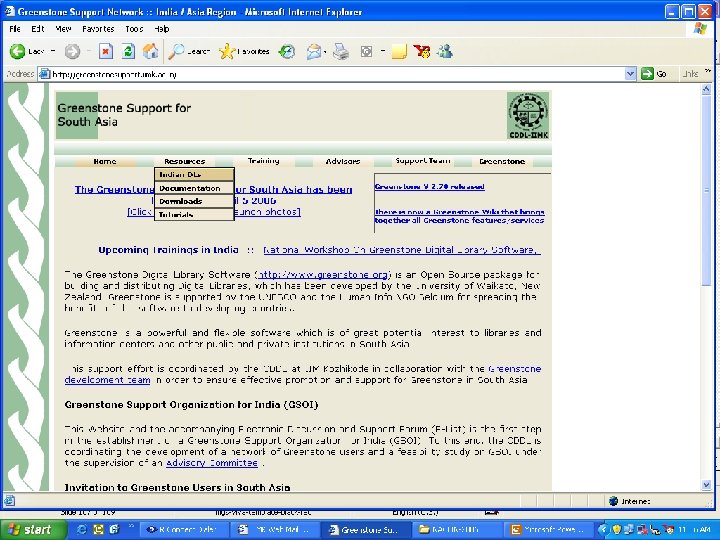
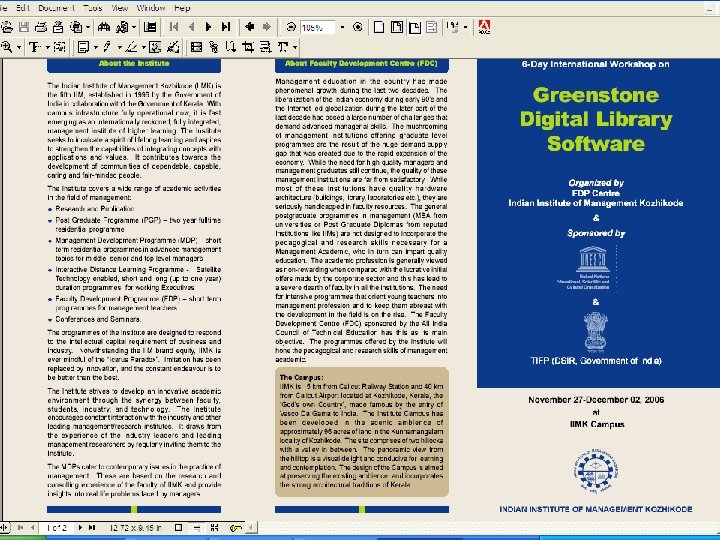
Acknowledgement • Prof. Ian Witten, Director, Greenstone Digital Library Project, University of Waikato, New Zealand • Team Greenstone, NZ • UNESCO • ICDL 2006 • Ministry HRD, Government of India • IIM Kozhikode
 Скачать презентацию IIMK s Experience with Greenstone in Building Digital Library
4b4c53d9b39b0d673caafe10aa018a29.ppt