


 Скачать презентацию Identify Search Evaluate Use Present M 05 Communication
0f9441e8135719a20422a699b69185d1.ppt
- Количество слайдов: 37
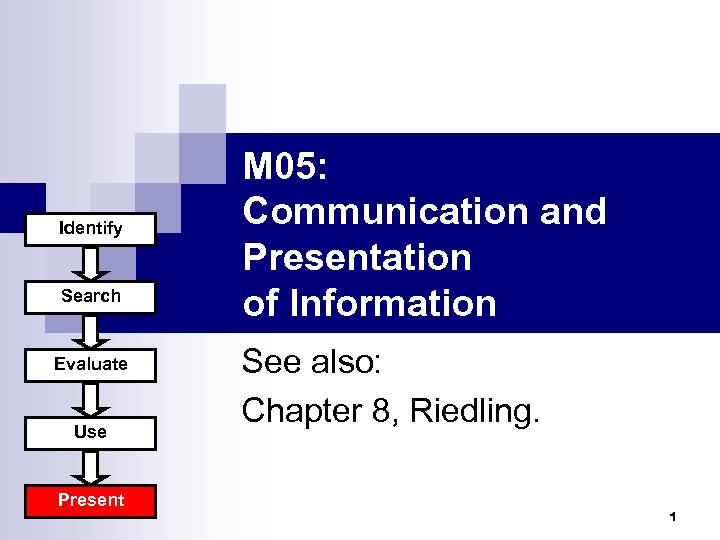 Identify Search Evaluate Use Present M 05: Communication and Presentation of Information See also: Chapter 8, Riedling. 1
 Outline n Presenting ¨ Different types of communication media Written reports n Oral presentation n Web presentation n ¨ Contents of a presentation ¨ Common formatting styles Introduction to Information Literacy 2
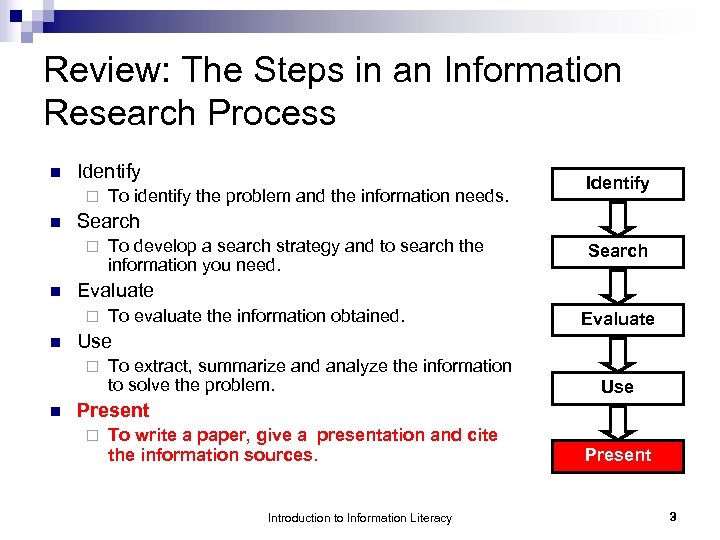 Review: The Steps in an Information Research Process n Identify ¨ n Search To evaluate the information obtained. Evaluate Use ¨ n To develop a search strategy and to search the information you need. Evaluate ¨ n Identify Search ¨ n To identify the problem and the information needs. To extract, summarize and analyze the information to solve the problem. Use Present ¨ To write a paper, give a presentation and cite the information sources. Introduction to Information Literacy Present 3
 Selection of the Communication Medium n Questions to be asked: ¨ What are the purpose of your presentation? ¨ Who are your target audiences? layman or experts? n number of audience? n ¨ Are you able to meet all of these needs? Introduction to Information Literacy 4
 Communication media n Written reports ¨ Advantages: ü ü ü ¨ Easy to prepare by MS Word Convenient to reader Useful for future reference Disadvantages: û û û Potentially expensive Not interactive Difficult to distribute updated version Introduction to Information Literacy 5
 Communication media n Oral presentation ¨ Advantages: ü More direct, concise and effective ü Interactive, such as questions and answers ¨ Disadvantages: û Difficult for all potential audiences to attend the presentation û May need special tools such as PCs with MS Power. Point installed and projectors etc. Introduction to Information Literacy 6
 Communication media n Web presentation ¨ Advantages: Any time, any place access, provided there is internet connection ü Easy to update ¨ Disadvantages: û For those who have not mastered the technologies, longer development time is needed û Web access and reliable web server are required û Web page development skills and tools are required ü Introduction to Information Literacy 7
 Contents of Presentation n Introduction ¨ Why do you think your work is important? Why do you choose this topic? ¨ What is the scope of your project? ¨ What are the objectives of your work? ¨ How do you measure your work? Introduction to Information Literacy 8
 Contents of Presentation n Main Body ¨ Details of your approach ¨ Details of relevant information collected, any survey or experiments conducted, and their results ¨ Discussion of information collected, the survey’s or experiments’ results Introduction to Information Literacy 9
 Contents of Presentation n Related Works ¨ Related works by others ¨ Related works by you ¨ Compare your work with those of others Introduction to Information Literacy 10
 Contents of Presentation n Conclusion ¨ Summary of your findings ¨ Have you achieved your objectives? ¨ Are there any future plans for further research? Introduction to Information Literacy 11
 Contents of Presentation n Reference ¨ List of papers, books and other sources of information Introduction to Information Literacy 12
 Integration of New and Prior Information n n If someone uses other person’s works as his/her own, it is called “plagiarism”. When you have included “works” like spoken or written materials, art work, lab or survey results and etc that were published in books, newspapers, magazines, journals or Web in your own works, you have to clearly acknowledge the source of that information. Introduction to Information Literacy 13
 Formats of Written Report Modern Language Association (MLA) Style n American Psychological Association (APA) Style n Chicago Style n Harvard Style n Introduction to Information Literacy 14
 Page format of MLA style n n n Paper size: 8. 5 X 11 inches Spacing: Double-space Margins: 1 inch on all sides (i. e. left, right, top and bottom) Header: page number of all pages should be in the upper right-hand corner, one-half inch from the top and align to the right margin. Emphasis: Use either underlining or italics for emphasis. Introduction to Information Literacy 15
 In-Text Citation of MLA style e. g. Socket connection is more reliable than datagram (Smith 125). e. g. Smith stated that socket connection was more reliable than datagram (125). Introduction to Information Literacy 16
 In-Text Citation of MLA style n Exceptional Cases of In-text Citation ¨ No n Use title of work or shorten form of the title ¨ No n author name page number Omit it Introduction to Information Literacy 17
 Reference list of MLA style Book n Article in Journal n Article in Magazine/Newspaper n Web Page n Introduction to Information Literacy 18
 Reference list of MLA style - Book n Author(s). Title of Book. Place of Publication: Publisher, Year of Publication. Introduction to Information Literacy 19
 Reference list of MLA style - Book n With one author Chan, Henry. Bluetooth. Hong Kong: Able, 1999. n With two authors Wong, Jennifer, and David Chan. Bluetooth. Hong Kong: Lingnan Publishing, 2003. Note: First author's name is reversed as usual, and subsequent names are given first-name first Introduction to Information Literacy 20
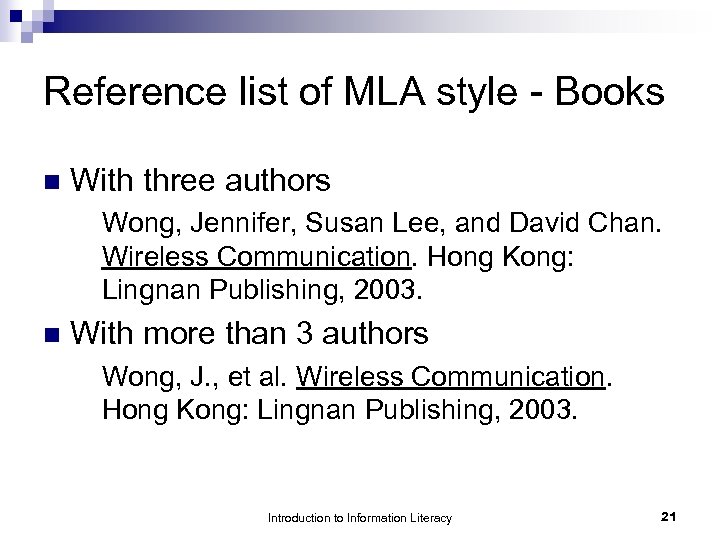 Reference list of MLA style - Books n With three authors Wong, Jennifer, Susan Lee, and David Chan. Wireless Communication. Hong Kong: Lingnan Publishing, 2003. n With more than 3 authors Wong, J. , et al. Wireless Communication. Hong Kong: Lingnan Publishing, 2003. Introduction to Information Literacy 21
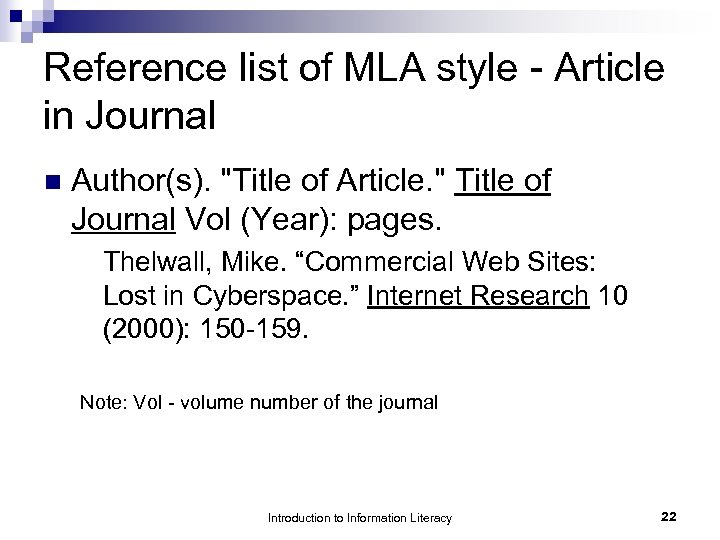 Reference list of MLA style - Article in Journal n Author(s). "Title of Article. " Title of Journal Vol (Year): pages. Thelwall, Mike. “Commercial Web Sites: Lost in Cyberspace. ” Internet Research 10 (2000): 150 -159. Note: Vol - volume number of the journal Introduction to Information Literacy 22
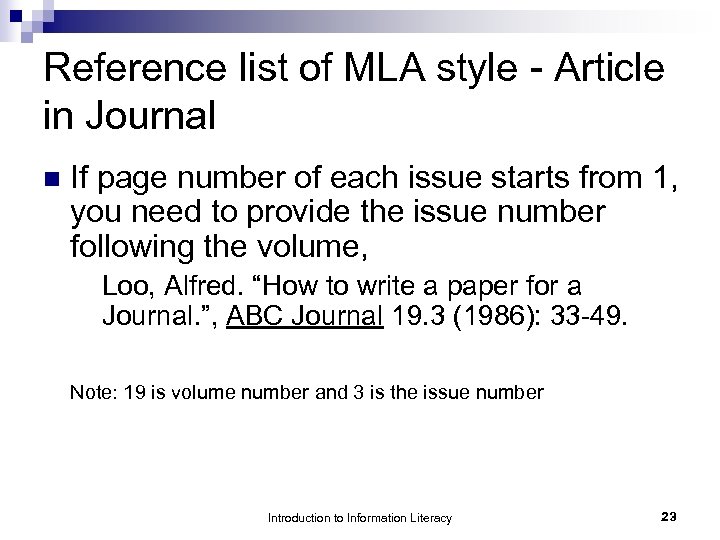 Reference list of MLA style - Article in Journal n If page number of each issue starts from 1, you need to provide the issue number following the volume, Loo, Alfred. “How to write a paper for a Journal. ”, ABC Journal 19. 3 (1986): 33 -49. Note: 19 is volume number and 3 is the issue number Introduction to Information Literacy 23
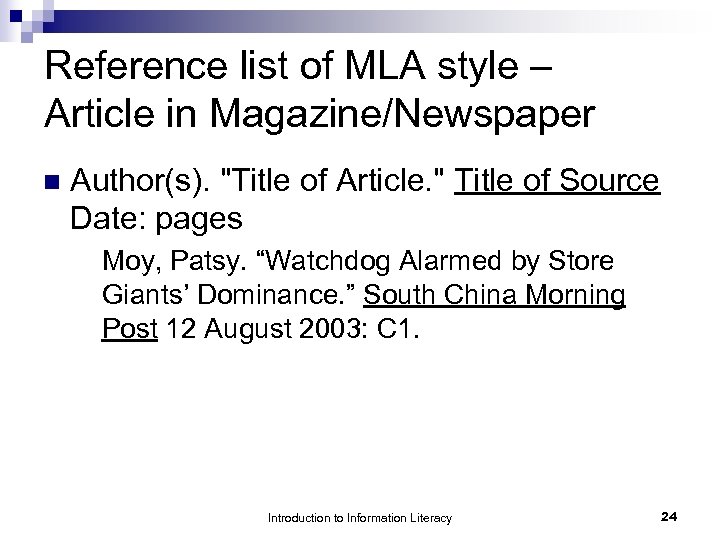 Reference list of MLA style – Article in Magazine/Newspaper n Author(s). "Title of Article. " Title of Source Date: pages Moy, Patsy. “Watchdog Alarmed by Store Giants’ Dominance. ” South China Morning Post 12 August 2003: C 1. Introduction to Information Literacy 24
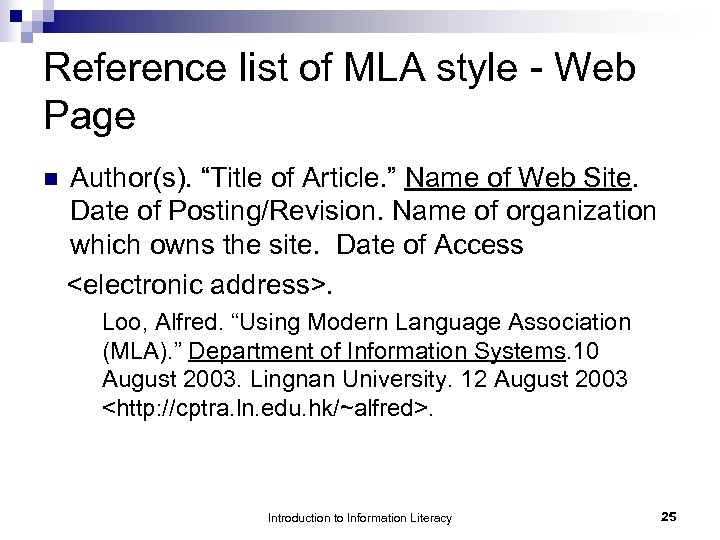 Reference list of MLA style - Web Page n Author(s). “Title of Article. ” Name of Web Site. Date of Posting/Revision. Name of organization which owns the site. Date of Access
 Samples MLA Style Articles http: //www. dianahacker. com/resdoc/huma nities/pdf/Hacker-Daly-MLA. pdf n http: //www. bedfordstmartins. com/hacker/p df/mla. pdf n Introduction to Information Literacy 26
 APA Style n n n Spacing: double space (except for the title page) Margins: 1 inch on all sides (i. e. left, right, top and bottom) Font size: 12 pt. Use underlines for emphasis Page numbers begin from the title page and are incorporated in the header on the RIGHT. The header should be placed in the top margin. Introduction to Information Literacy 27
 Sequence ¨ title page (first page) ¨ abstract (second page) ¨ text (start from page 3) ¨ references (start a new page) Introduction to Information Literacy 28
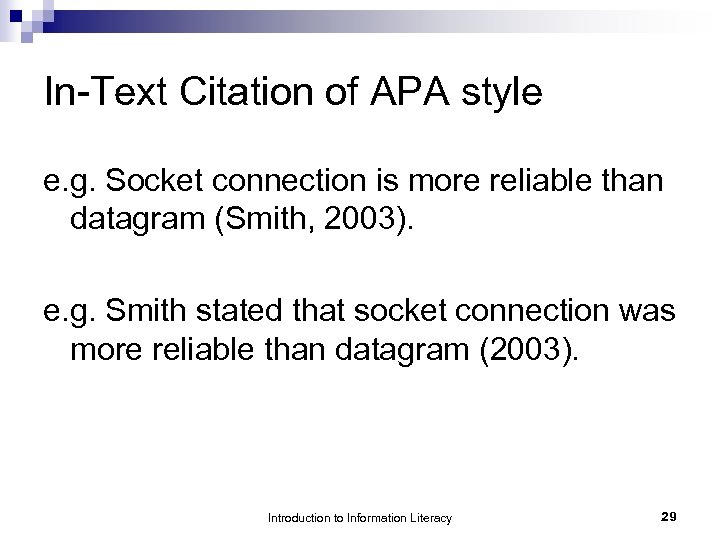 In-Text Citation of APA style e. g. Socket connection is more reliable than datagram (Smith, 2003). e. g. Smith stated that socket connection was more reliable than datagram (2003). Introduction to Information Literacy 29
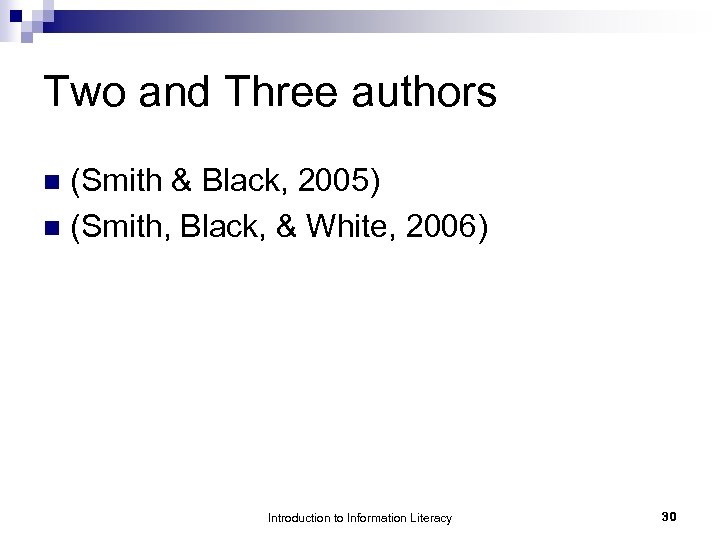 Two and Three authors (Smith & Black, 2005) n (Smith, Black, & White, 2006) n Introduction to Information Literacy 30
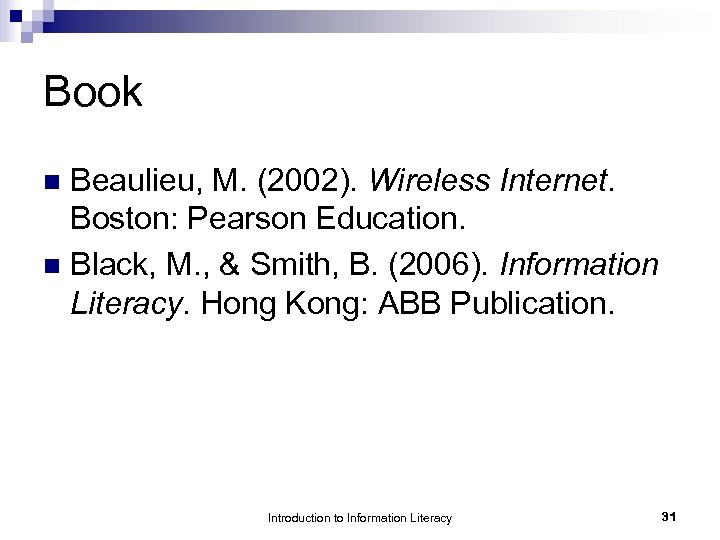 Book Beaulieu, M. (2002). Wireless Internet. Boston: Pearson Education. n Black, M. , & Smith, B. (2006). Information Literacy. Hong Kong: ABB Publication. n Introduction to Information Literacy 31
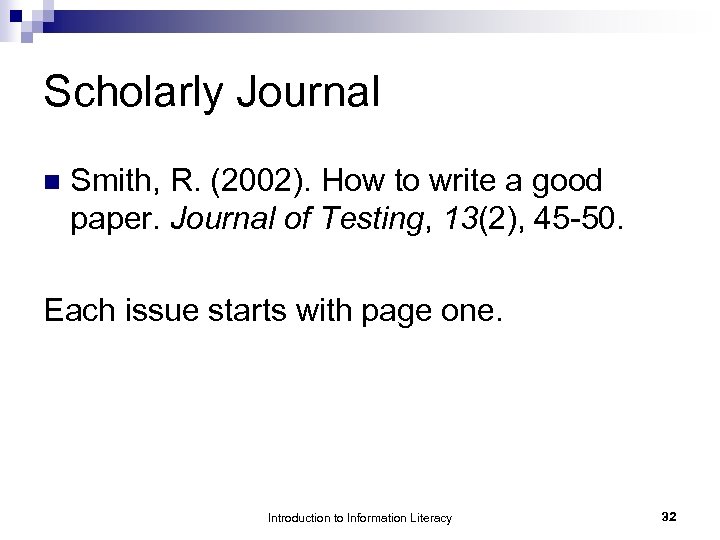 Scholarly Journal n Smith, R. (2002). How to write a good paper. Journal of Testing, 13(2), 45 -50. Each issue starts with page one. Introduction to Information Literacy 32
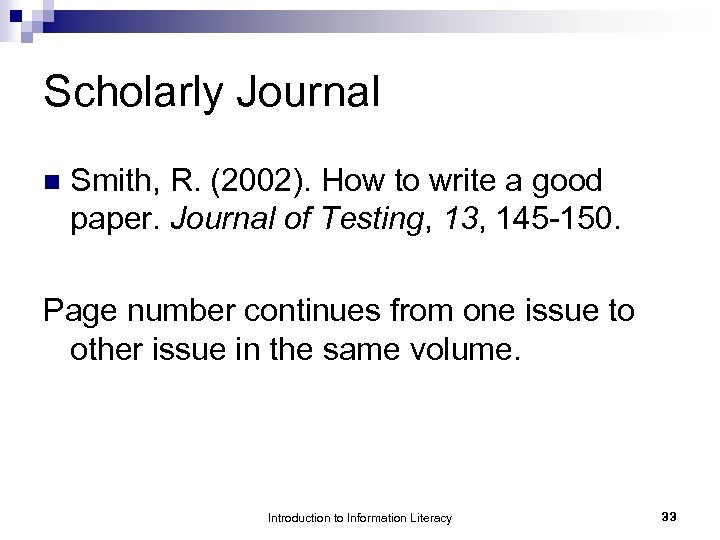 Scholarly Journal n Smith, R. (2002). How to write a good paper. Journal of Testing, 13, 145 -150. Page number continues from one issue to other issue in the same volume. Introduction to Information Literacy 33
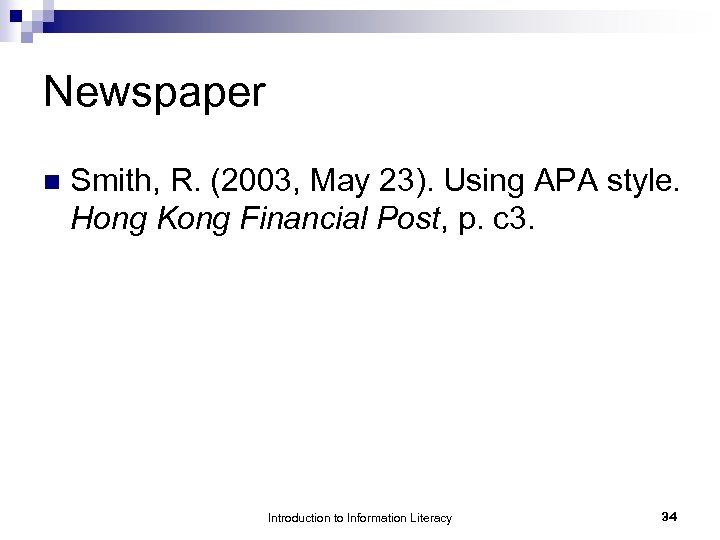 Newspaper n Smith, R. (2003, May 23). Using APA style. Hong Kong Financial Post, p. c 3. Introduction to Information Literacy 34
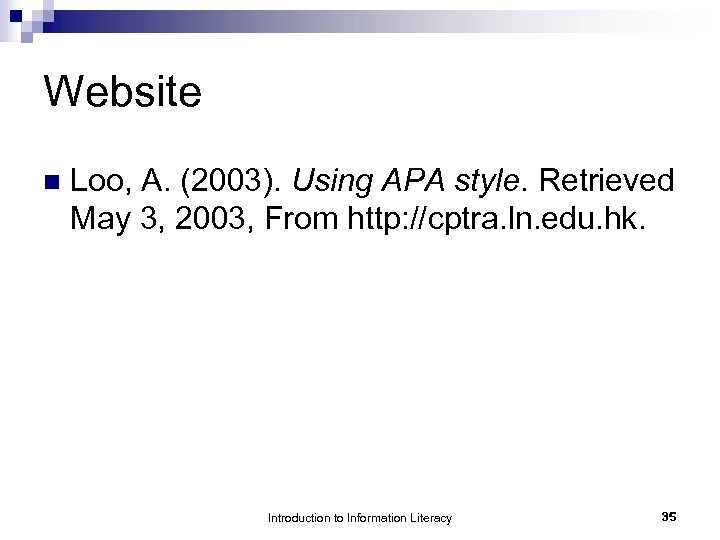 Website n Loo, A. (2003). Using APA style. Retrieved May 3, 2003, From http: //cptra. ln. edu. hk. Introduction to Information Literacy 35
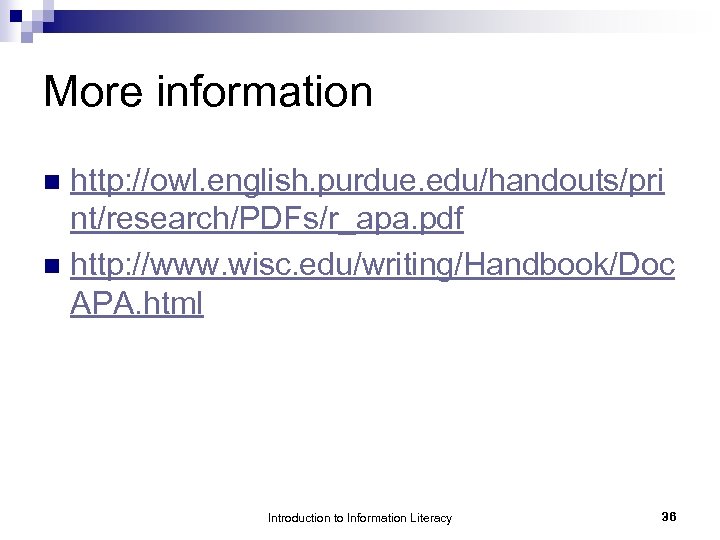 More information http: //owl. english. purdue. edu/handouts/pri nt/research/PDFs/r_apa. pdf n http: //www. wisc. edu/writing/Handbook/Doc APA. html n Introduction to Information Literacy 36
 Other Formats n APA style ¨ http: //www. apastyle. org n Chicago style ¨ http: //www. lib. ohio- state. edu/guides/chicagogd. html n Harvard style ¨ http: //www. lib. monash. edu. au/tutorials/citing/h arvard. html Introduction to Information Literacy 37