


 Скачать презентацию ICT Cluster Meeting Spring Term 2010 e-Learning Curriculum
a443c7ad58161b2f9f45bb45b306da89.ppt
- Количество слайдов: 22
 ICT Cluster Meeting Spring Term 2010 e-Learning Curriculum Advisory Team
 Agenda 1. Diary dates, date and venue for Autumn cluster 2. Fronter learning opportunities 3. Handling Data 4. e-Sense and e-Safety 5. Training opportunities for schools 6. AOB e-Learning Curriculum Advisory Team
 Diary dates • Primary ICT Conference: 14 th June Dillington House (The Sky’s The Limit) • SWGf. L Conferences: 6 th July Torquay; 7 th July Bristol UWE (Creating Connections) • Fronter training opportunities on Si. X • Developing ICT Capability course: 24 th March • ICT in the Classroom course: 9 th June • What are your views on change to cluster meetings? e-Learning Curriculum Advisory Team
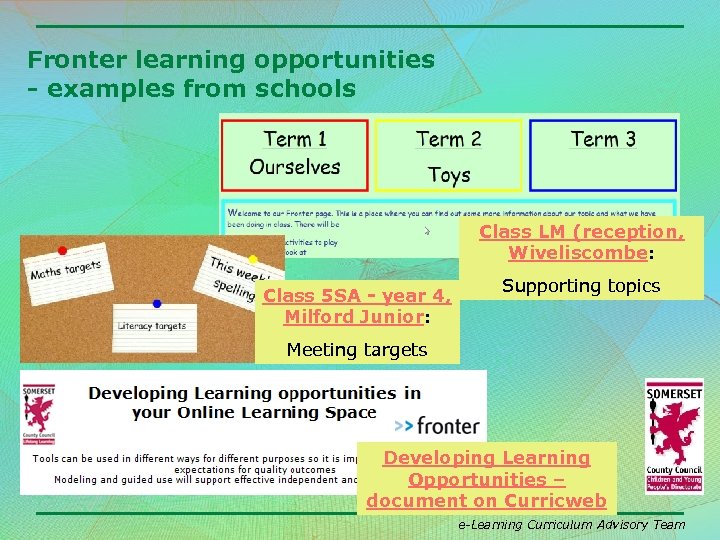 Fronter learning opportunities - examples from schools Class LM (reception, Wiveliscombe: Class 5 SA - year 4, Milford Junior: Supporting topics Meeting targets Developing Learning Opportunities – document on Curricweb e-Learning Curriculum Advisory Team
 Fronter learning opportunities - case studies Case Studies and other new documents Key for implementation • Full support and backing of senior management team and integration of Fronter into School Development Plan • Weekly help available for staff during PPA time • Planned inset session • Time set aside in staff meetings Impact for learners • Learning is being shared with familes • Child-led learning has increased – children asking for links and activities to be added to Fronter • Children have a greater understanding of e-safety issues • More reluctant writers are writing entries on forums e-Learning Curriculum Advisory Team
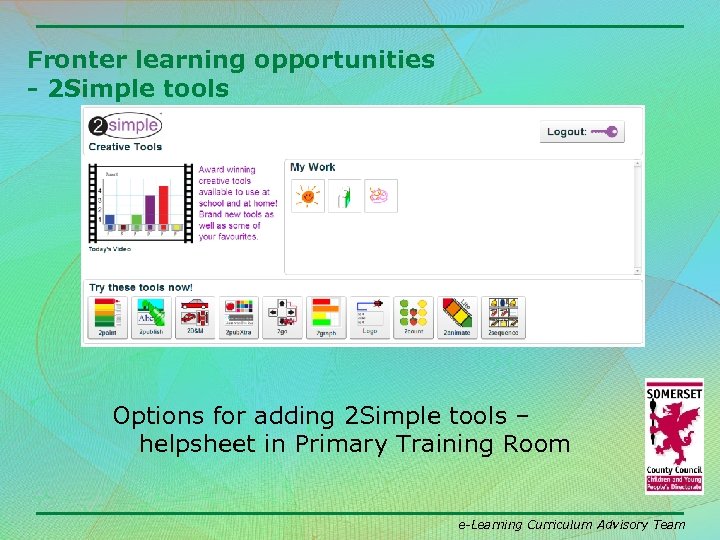 Fronter learning opportunities - 2 Simple tools Options for adding 2 Simple tools – helpsheet in Primary Training Room e-Learning Curriculum Advisory Team
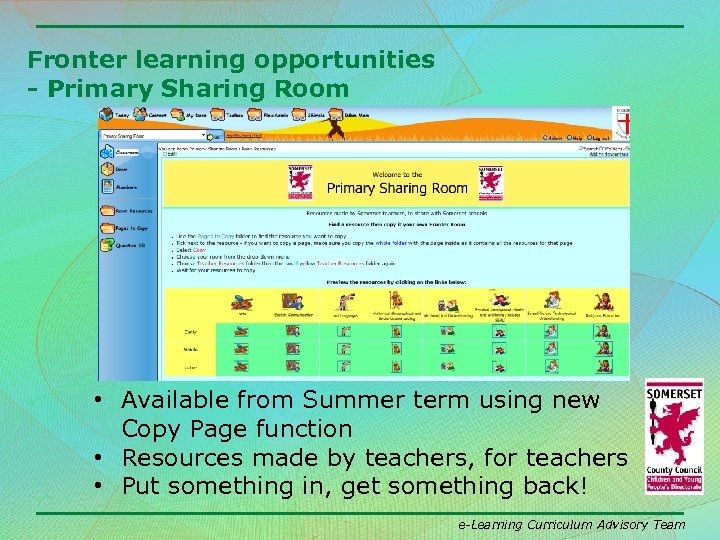 Fronter learning opportunities - Primary Sharing Room • Available from Summer term using new Copy Page function • Resources made by teachers, for teachers • Put something in, get something back! e-Learning Curriculum Advisory Team
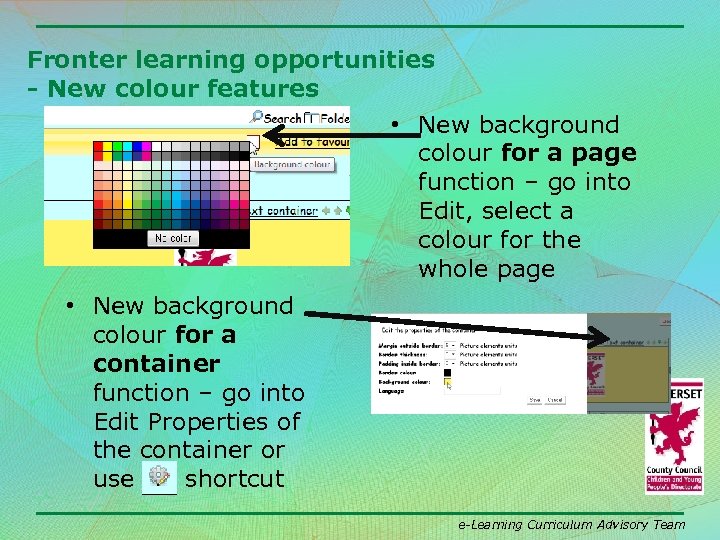 Fronter learning opportunities - New colour features • New background colour for a page function – go into Edit, select a colour for the whole page • New background colour for a container function – go into Edit Properties of the container or use shortcut e-Learning Curriculum Advisory Team
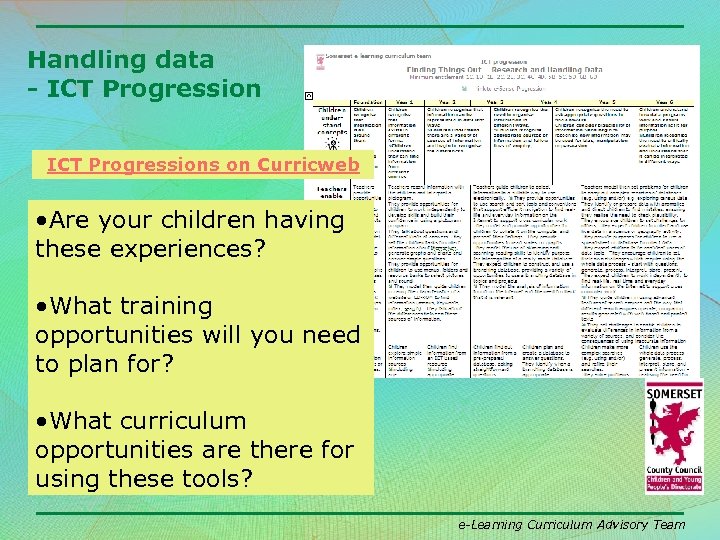 Handling data - ICT Progressions on Curricweb • Are your children having these experiences? • What training opportunities will you need to plan for? • What curriculum opportunities are there for using these tools? e-Learning Curriculum Advisory Team
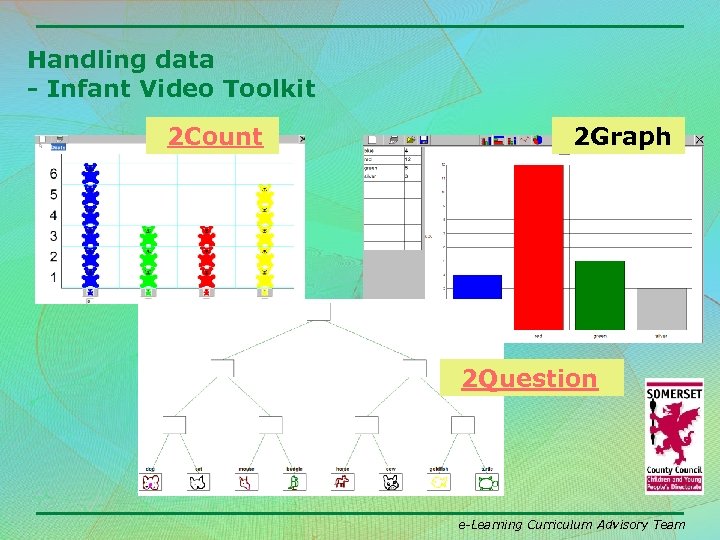 Handling data - Infant Video Toolkit 2 Count 2 Graph 2 Question e-Learning Curriculum Advisory Team
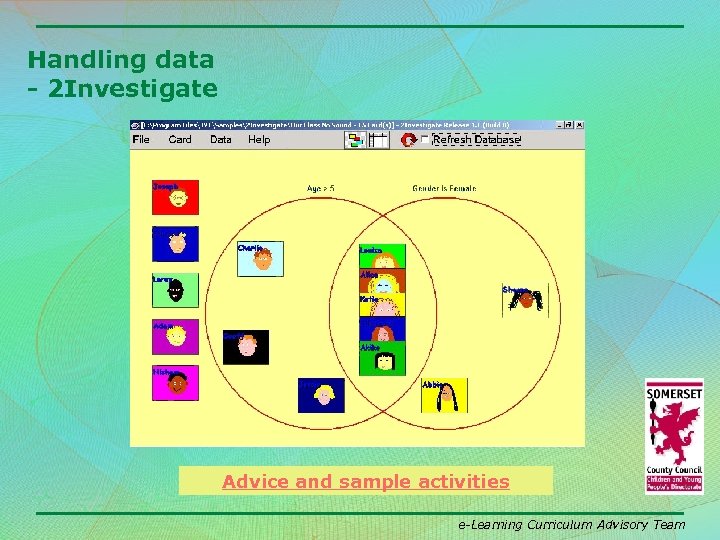 Handling data - 2 Investigate Advice and sample activities e-Learning Curriculum Advisory Team
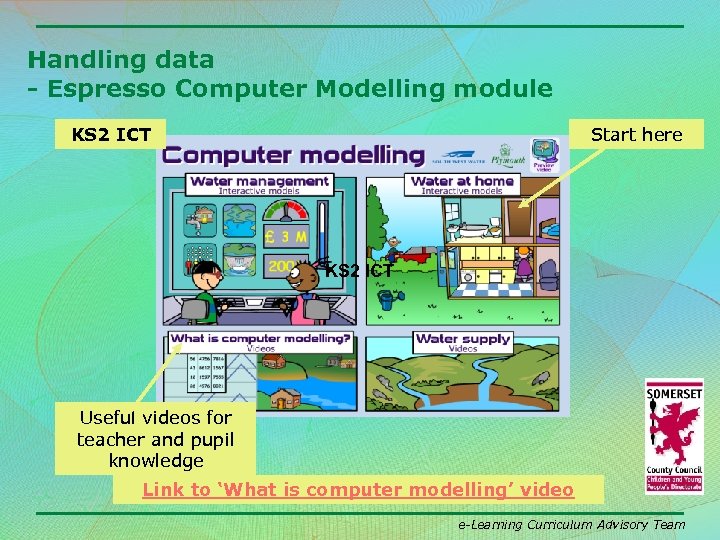 Handling data - Espresso Computer Modelling module KS 2 ICT Start here KS 2 ICT Useful videos for teacher and pupil knowledge Link to ‘What is computer modelling’ video e-Learning Curriculum Advisory Team
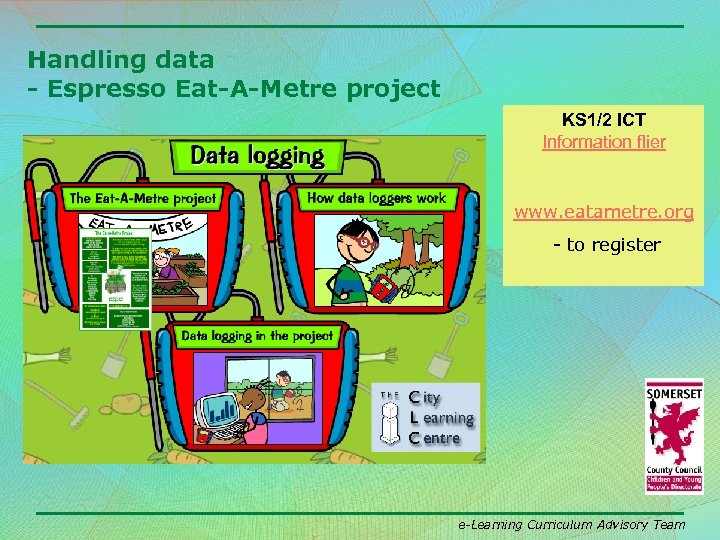 Handling data - Espresso Eat-A-Metre project KS 1/2 ICT Information flier www. eatametre. org - to register e-Learning Curriculum Advisory Team
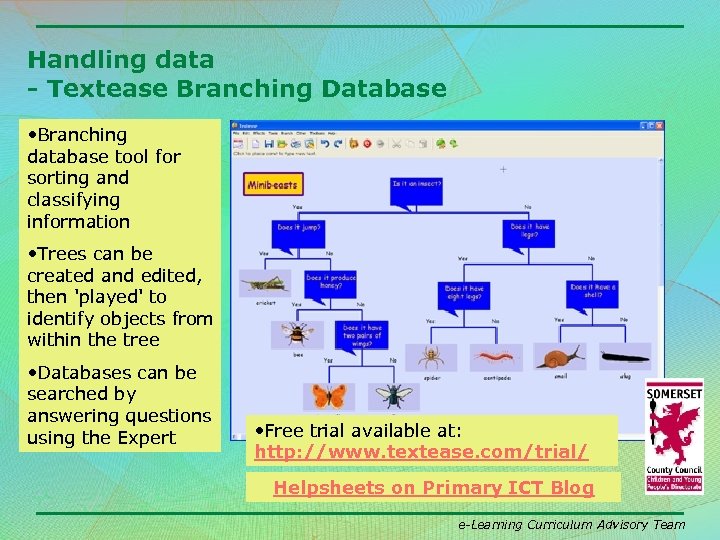 Handling data - Textease Branching Database • Branching database tool for sorting and classifying information • Trees can be created and edited, then 'played' to identify objects from within the tree • Databases can be searched by answering questions using the Expert • Free trial available at: http: //www. textease. com/trial/ Helpsheets on Primary ICT Blog e-Learning Curriculum Advisory Team
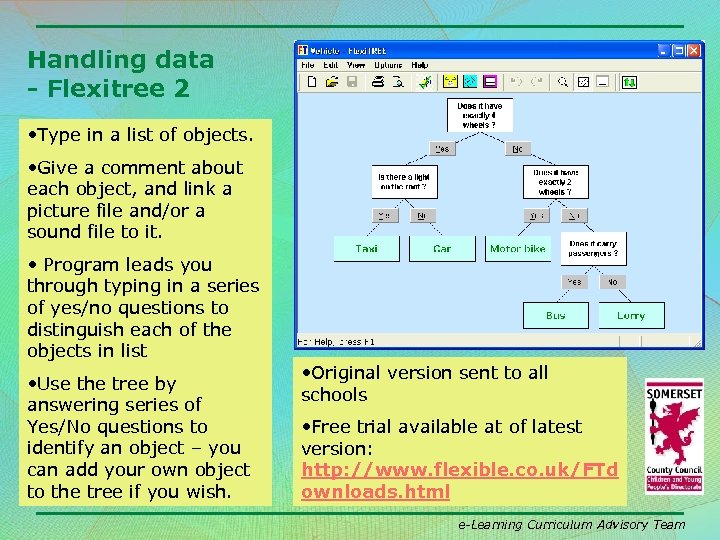 Handling data - Flexitree 2 • Type in a list of objects. • Give a comment about each object, and link a picture file and/or a sound file to it. • Program leads you through typing in a series of yes/no questions to distinguish each of the objects in list • Use the tree by answering series of Yes/No questions to identify an object – you can add your own object to the tree if you wish. • Original version sent to all schools • Free trial available at of latest version: http: //www. flexible. co. uk/FTd ownloads. html e-Learning Curriculum Advisory Team
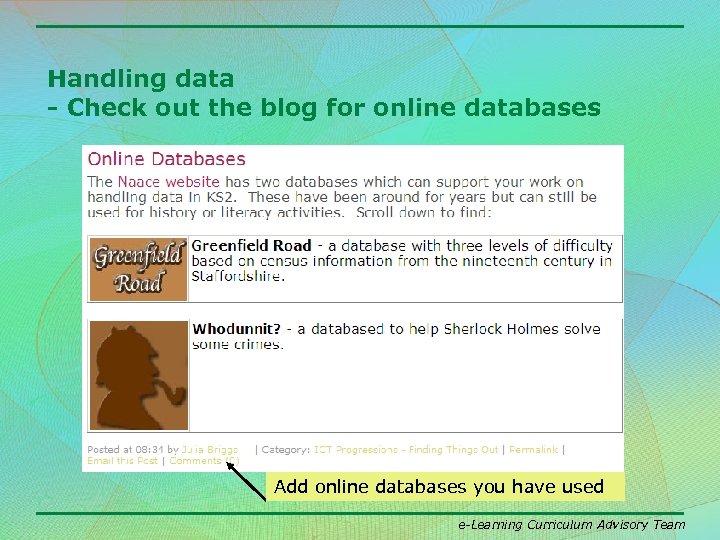 Handling data - Check out the blog for online databases Add online databases you have used e-Learning Curriculum Advisory Team
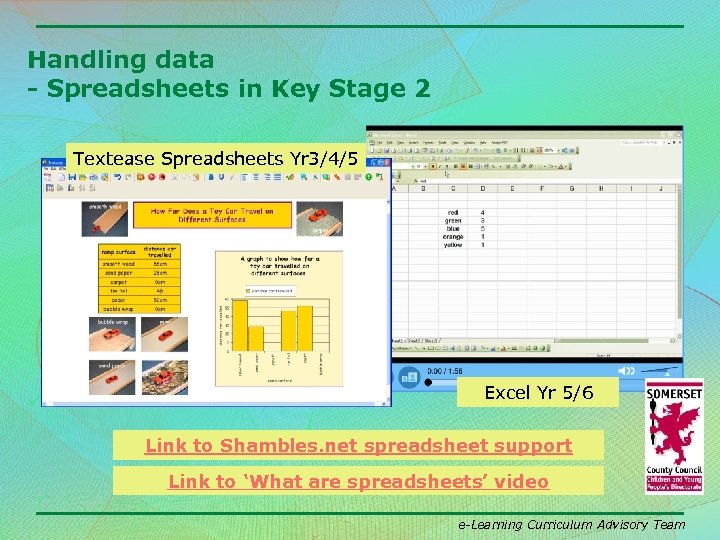 Handling data - Spreadsheets in Key Stage 2 Textease Spreadsheets Yr 3/4/5 Excel Yr 5/6 Link to Shambles. net spreadsheet support Link to ‘What are spreadsheets’ video e-Learning Curriculum Advisory Team
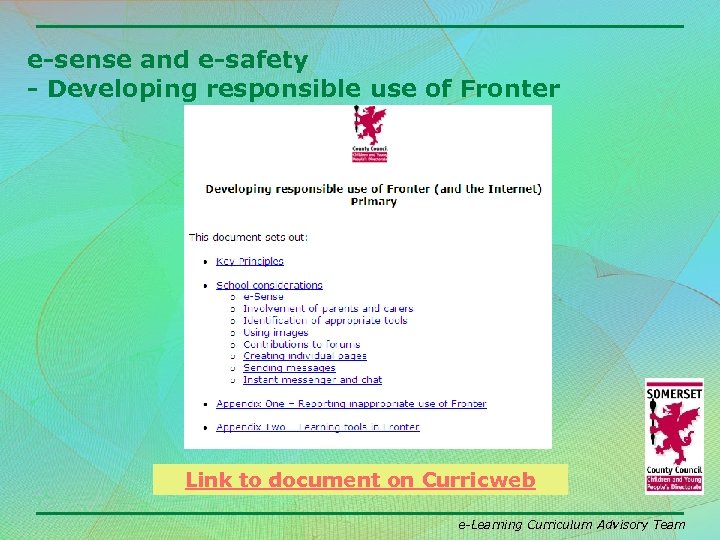 e-sense and e-safety - Developing responsible use of Fronter Link to document on Curricweb e-Learning Curriculum Advisory Team
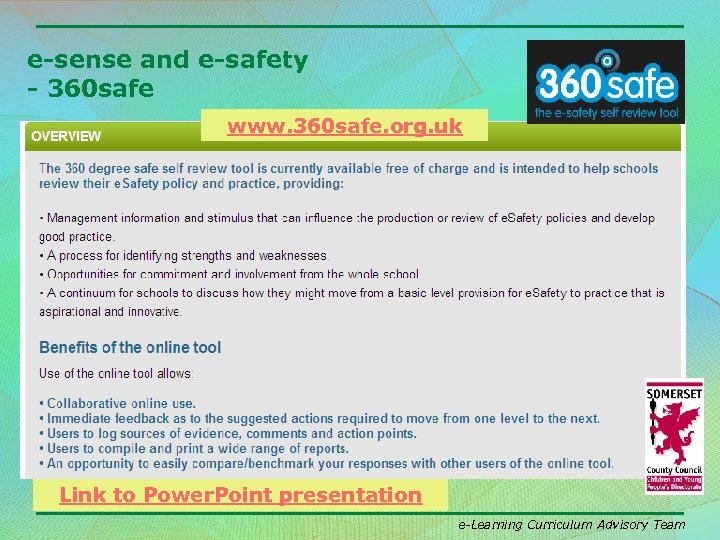 e-sense and e-safety - 360 safe www. 360 safe. org. uk Link to Power. Point presentation e-Learning Curriculum Advisory Team
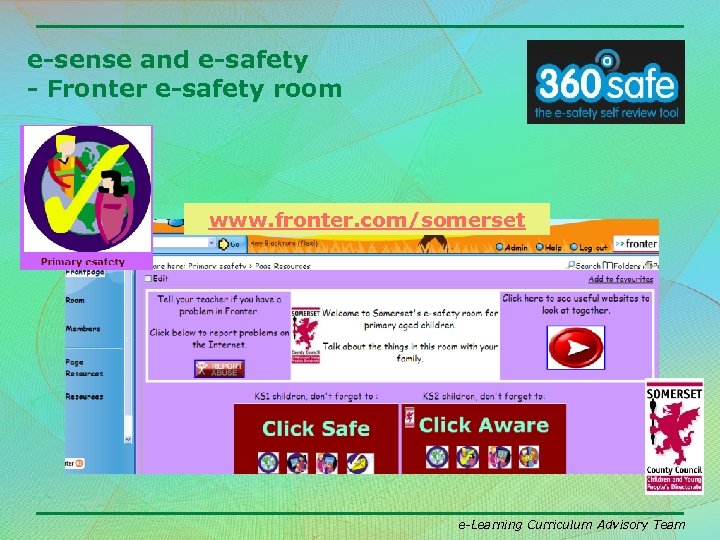 e-sense and e-safety - Fronter e-safety room www. fronter. com/somerset e-Learning Curriculum Advisory Team
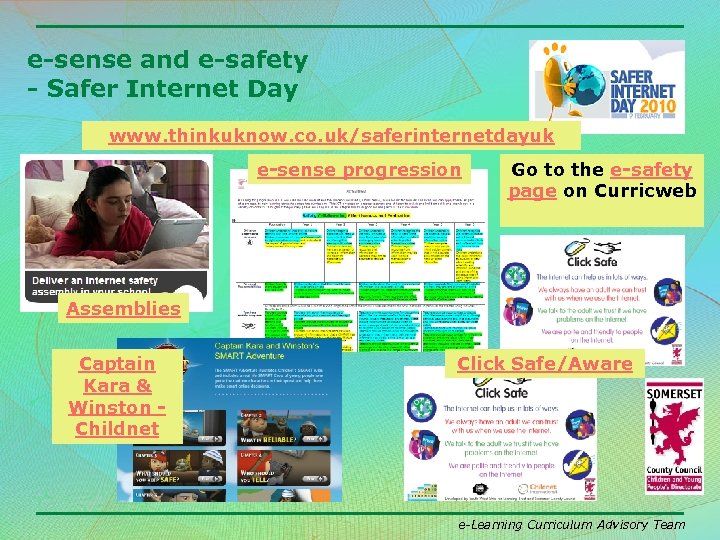 e-sense and e-safety - Safer Internet Day www. thinkuknow. co. uk/saferinternetdayuk e-sense progression Go to the e-safety page on Curricweb Assemblies Captain Kara & Winston Childnet Click Safe/Aware e-Learning Curriculum Advisory Team
 Training opportunities for schools • Blog: https: //slp. somerset. gov. uk/blogs/primary. ICT • SLP introductory courses on Si. X http: //www. six. somerset. gov. uk/sixv 3/content_vie w. asp? did=22033 • Fronter Courses http: //www. six. somerset. gov. uk/curriculum/view_f older. asp? folderid=6468&depth=1&rootid=6468&l evel 2 id=6468&level 1= • Developing ICT Capability course http: //www. six. somerset. gov. uk/sixv 3/content_vie w. asp? did=21917 e-Learning Curriculum Advisory Team