 Скачать презентацию IBM Software Group IT Asset Management Demo
a5ae02faa0b5f4aca92af8ae947425e0.ppt
- Количество слайдов: 109



® IBM Software Group IT Asset Management Demo Script IBM Tivoli Asset Management for IT Version 2. 0 Principal Sales Engineer © 2007 IBM Corporation
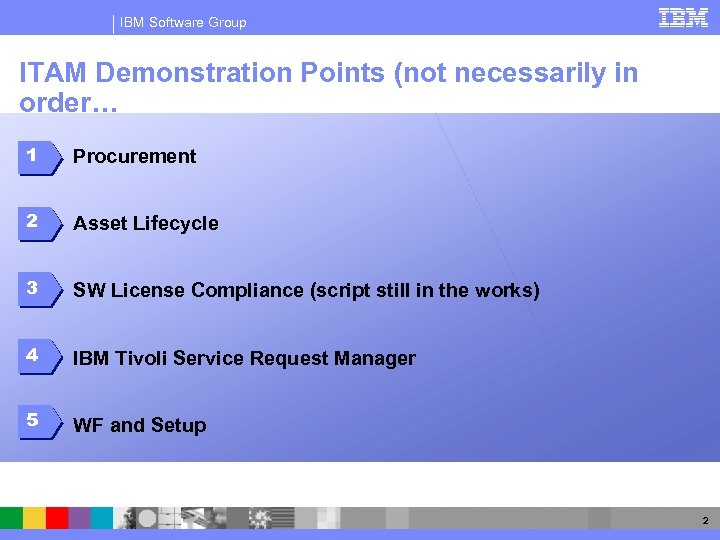
IBM Software Group ITAM Demonstration Points (not necessarily in order… 1 Procurement 2 Asset Lifecycle 3 SW License Compliance (script still in the works) 4 IBM Tivoli Service Request Manager 5 WF and Setup 2
IBM Software Group Assumptions § Although basic product navigation skills are a nice to have, this ppt should walk you through how to use “Maximo” to deliver this demonstration. § At the end of this presentation are slides showing prerequisites that should be completed before attempting to deliver this demo. You might want to make sure your VM is in Persistent mode – then run the demos in non-persistent mode. 3
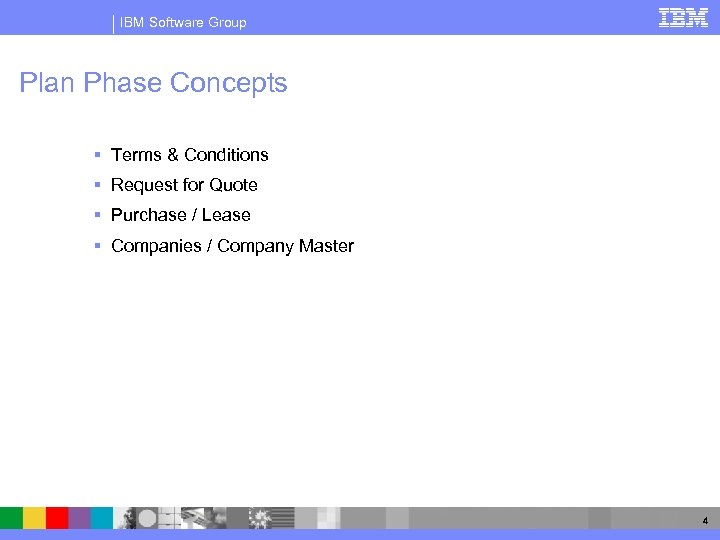
IBM Software Group Plan Phase Concepts § Terms & Conditions § Request for Quote § Purchase / Lease § Companies / Company Master 4
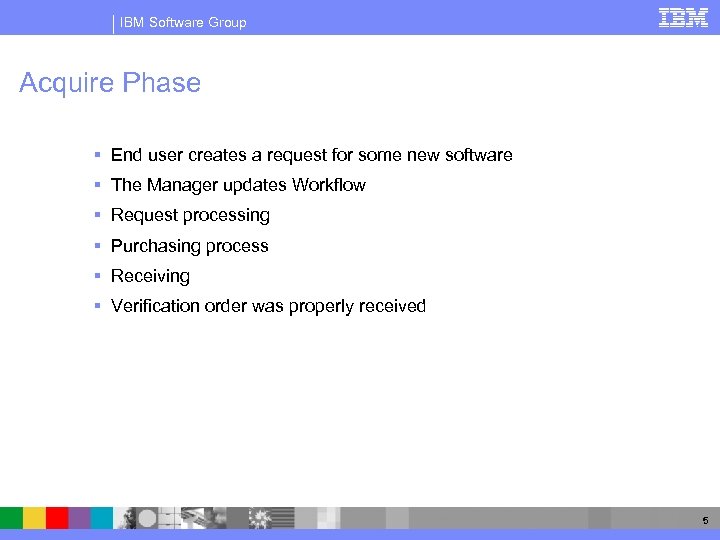
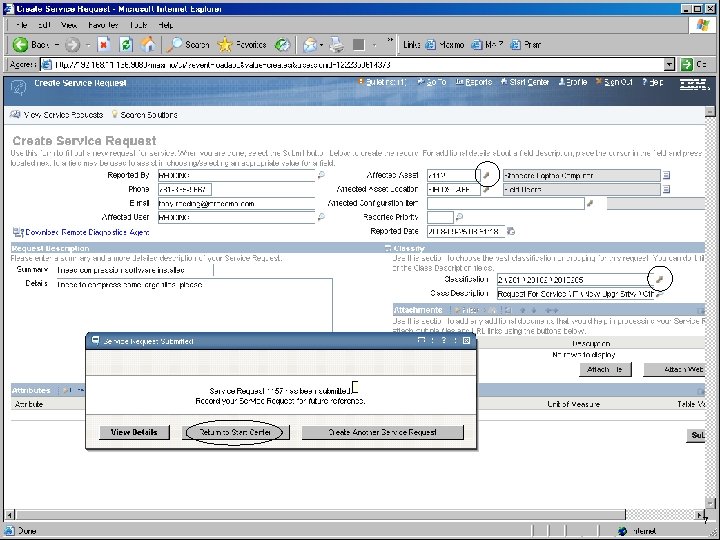
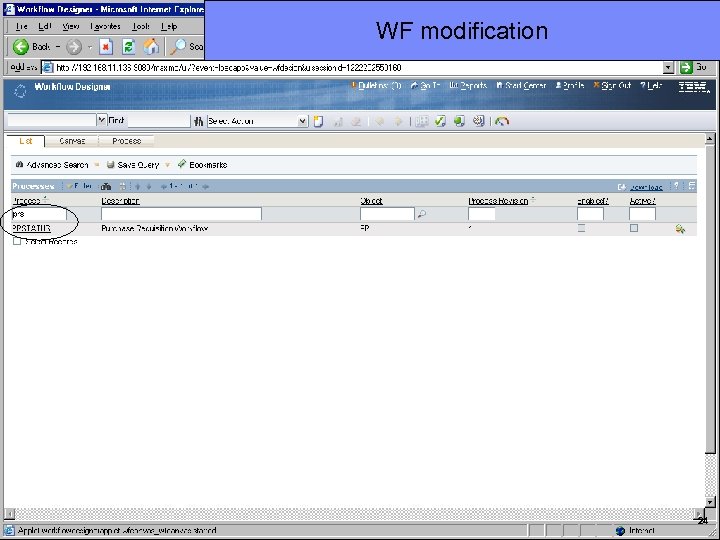
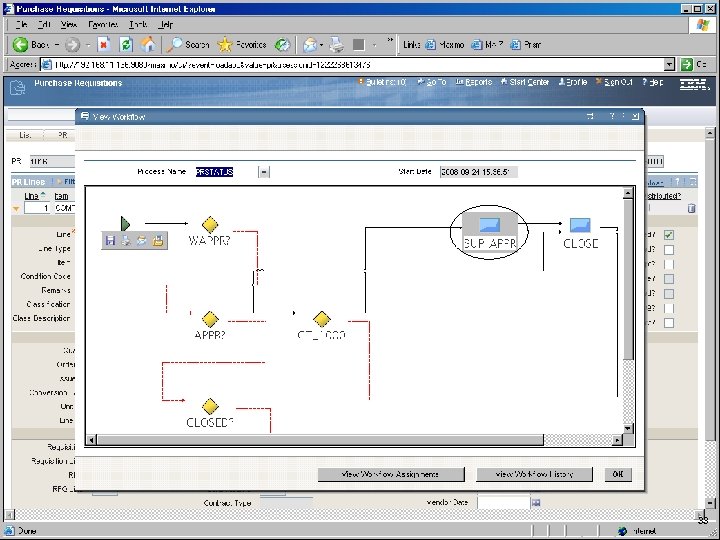
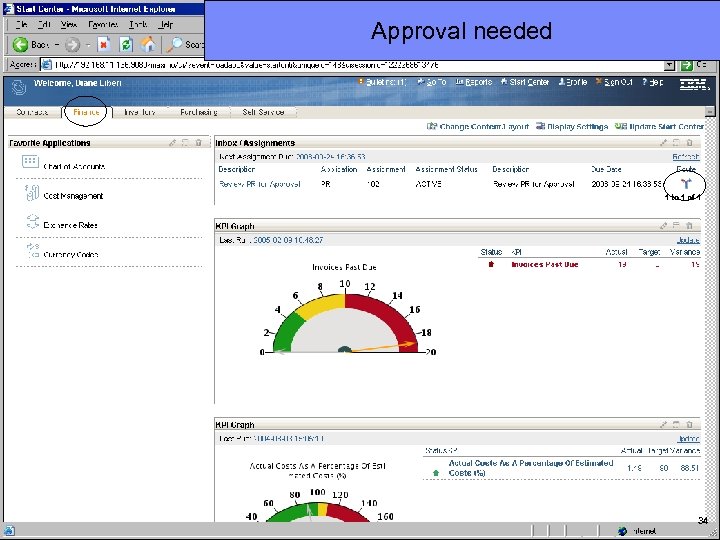
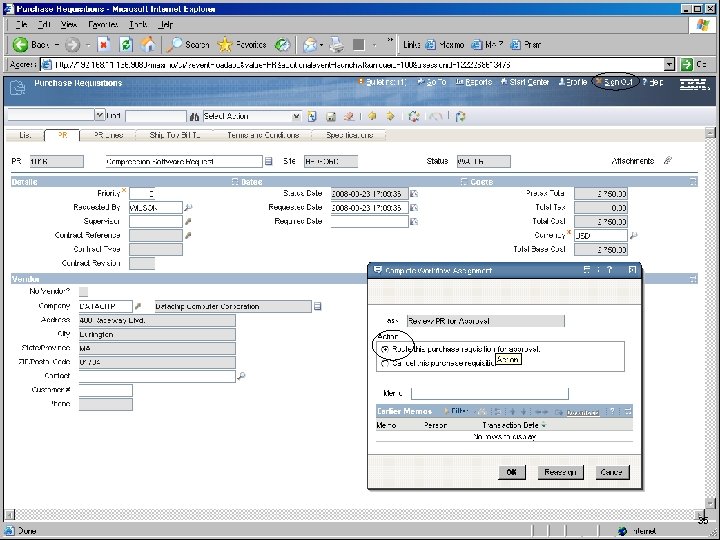
IBM Software Group Acquire Phase § End user creates a request for some new software § The Manager updates Workflow § Request processing § Purchasing process § Receiving § Verification order was properly received 5
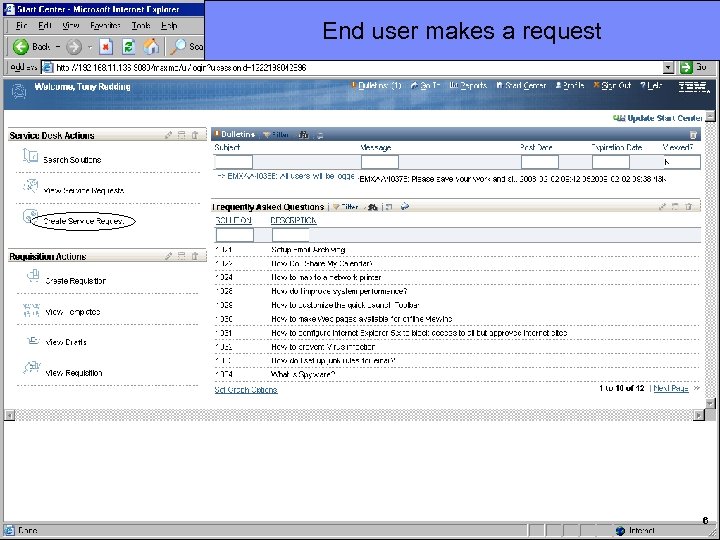
IBM Software Group End user makes a request 6
IBM Software Group 7
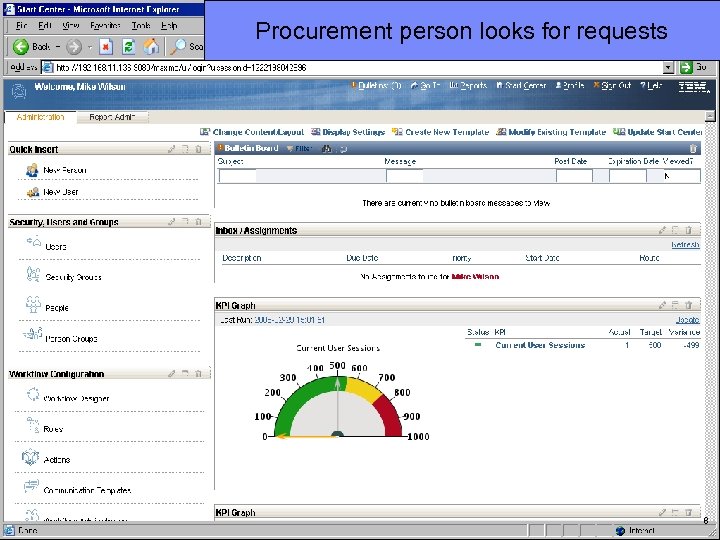
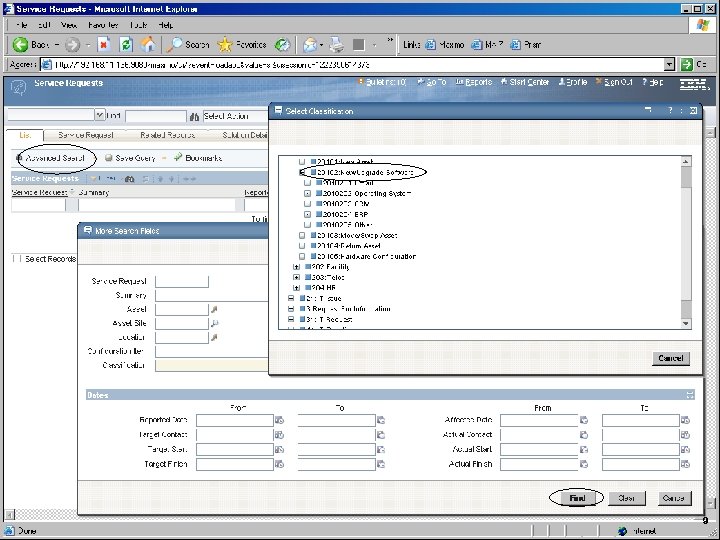
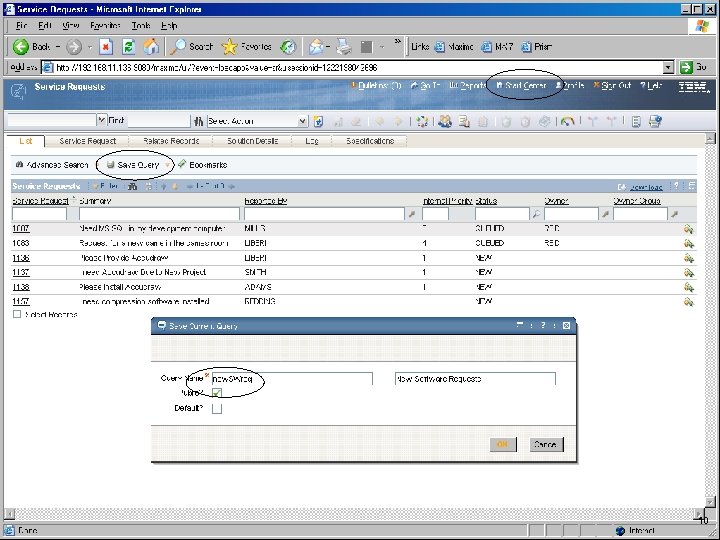
IBM Software Group Procurement person looks for requests 8
IBM Software Group 9
IBM Software Group 10
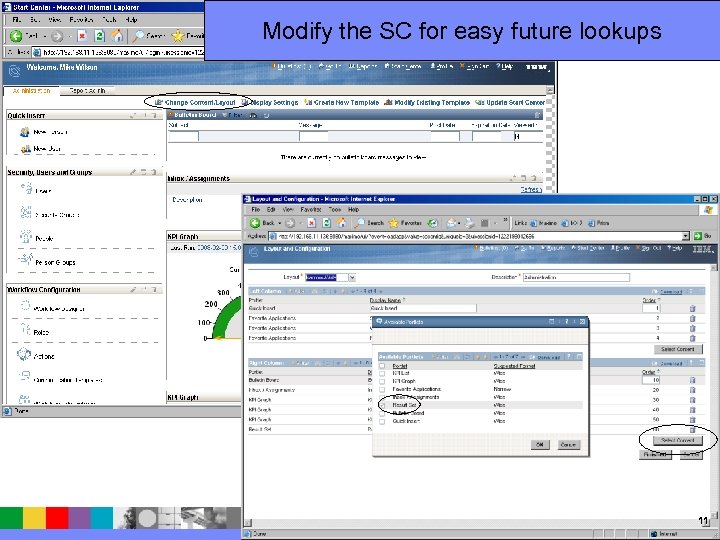
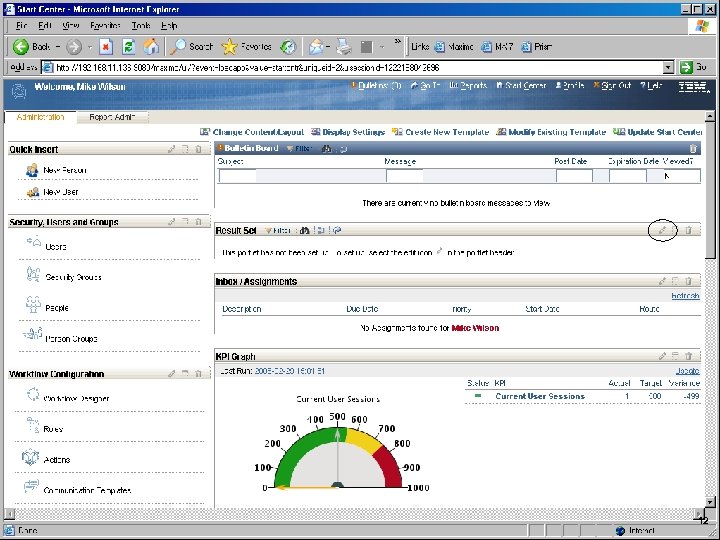
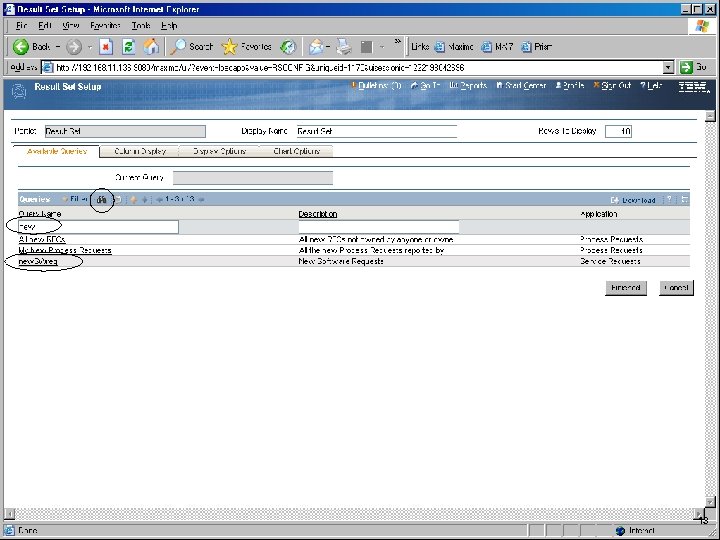
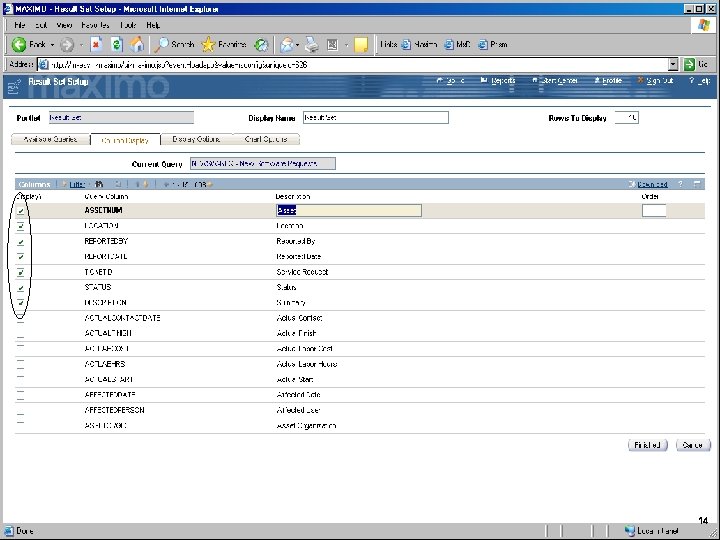
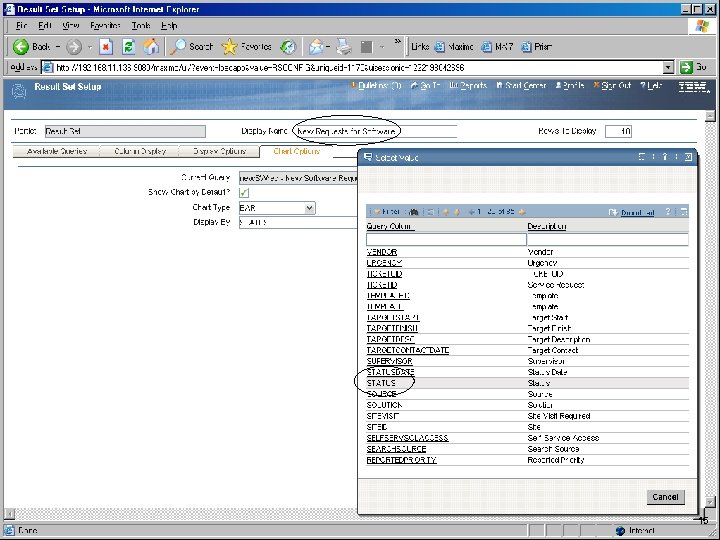
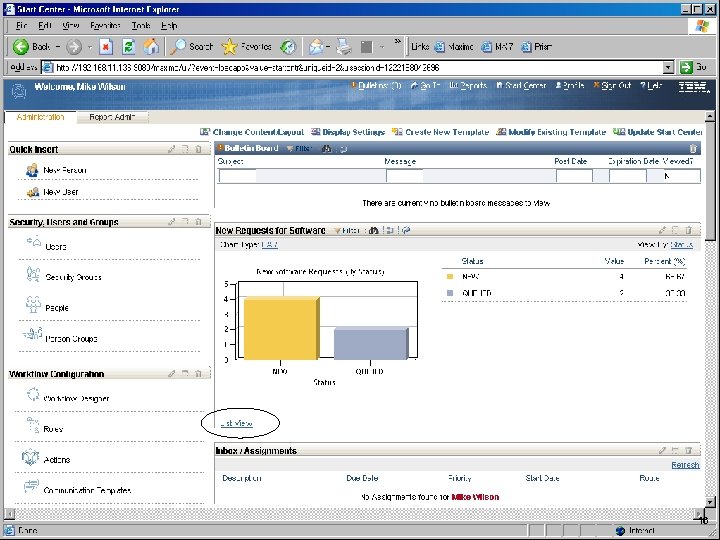
IBM Software Group Modify the SC for easy future lookups 11
IBM Software Group 12
IBM Software Group 13
IBM Software Group 14
IBM Software Group 15
IBM Software Group 16
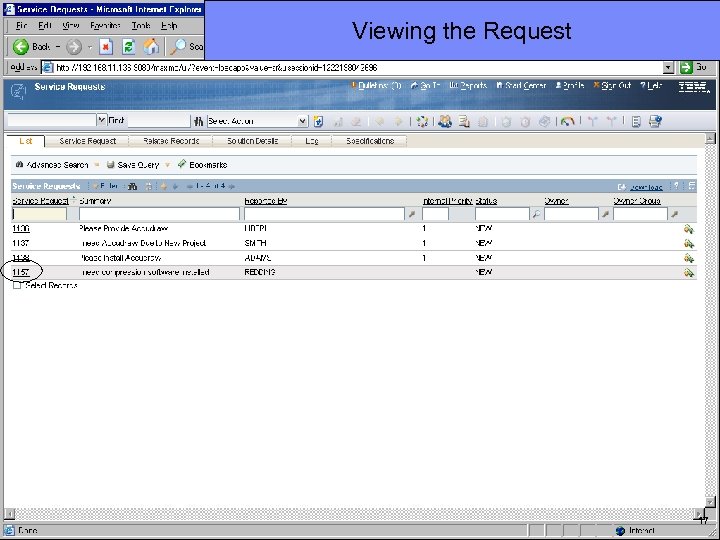
IBM Software Group Viewing the Request 17
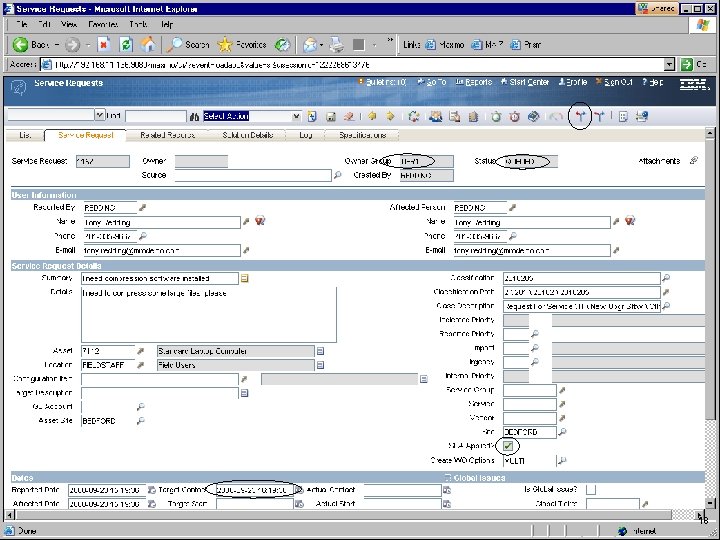
IBM Software Group 18
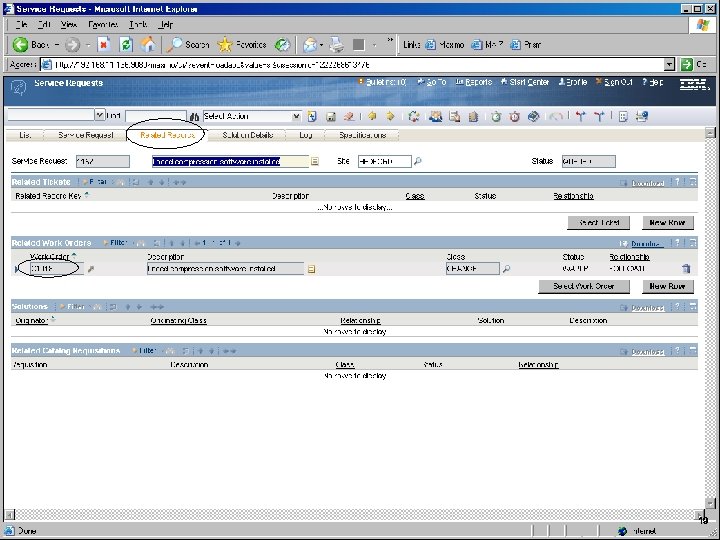
IBM Software Group 19
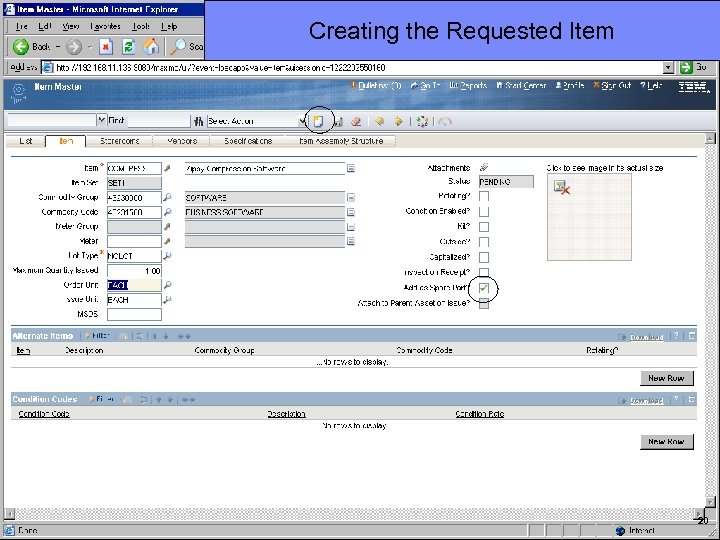
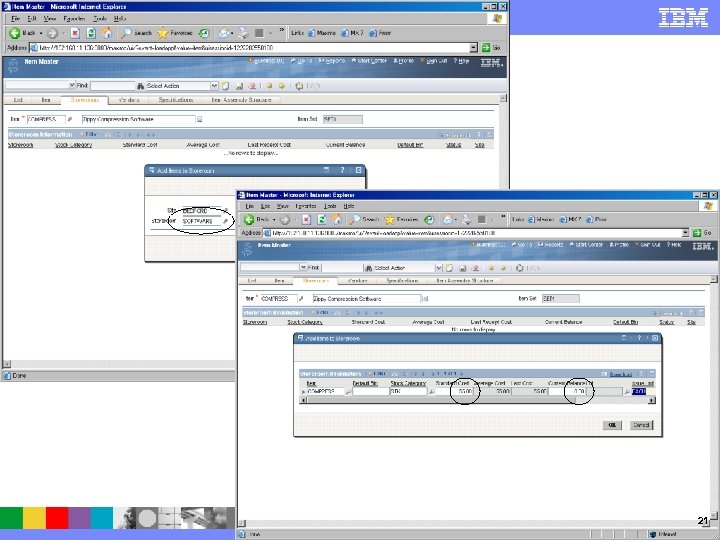
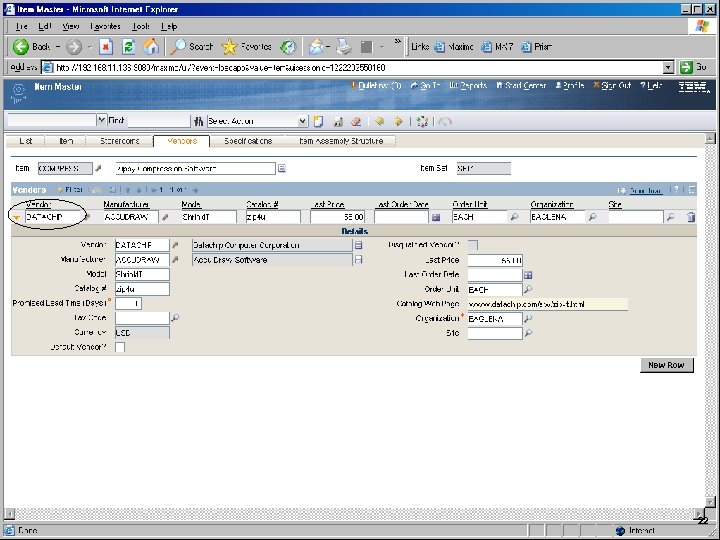
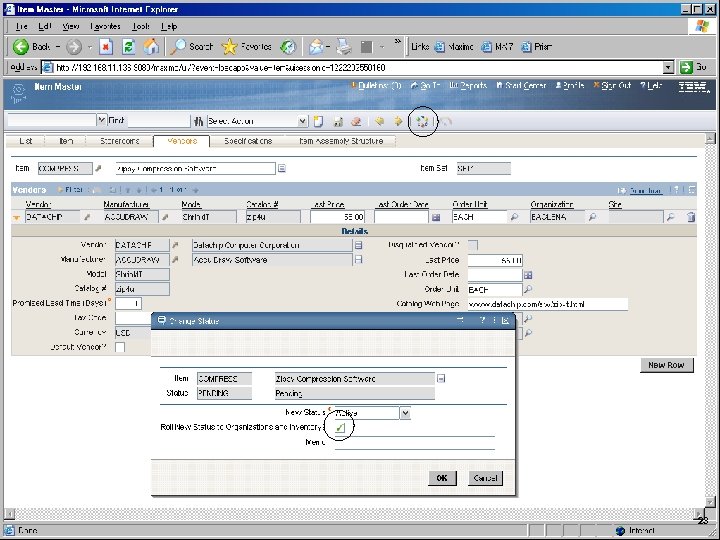
IBM Software Group Creating the Requested Item 20
IBM Software Group 21
IBM Software Group 22
IBM Software Group 23
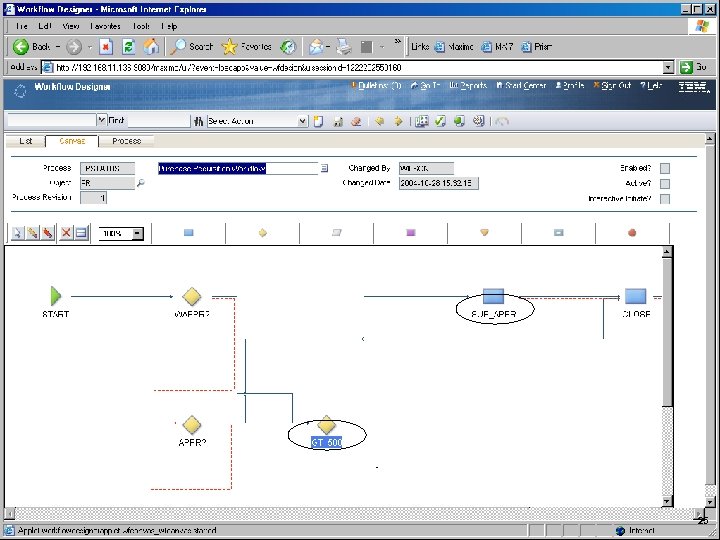
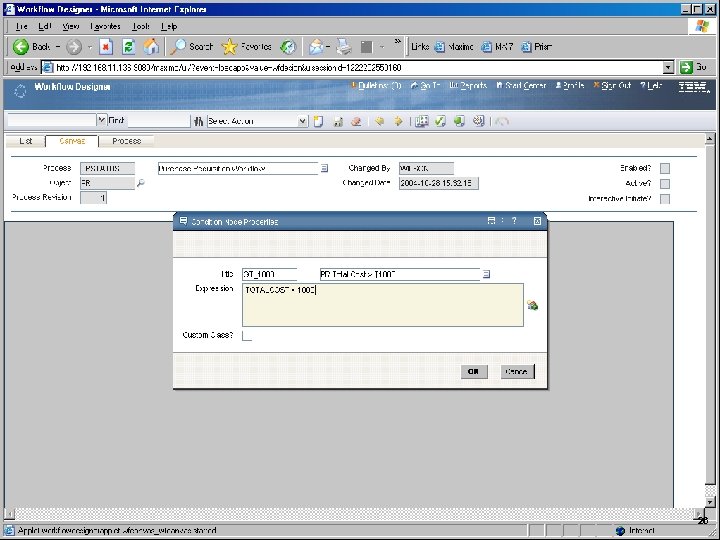
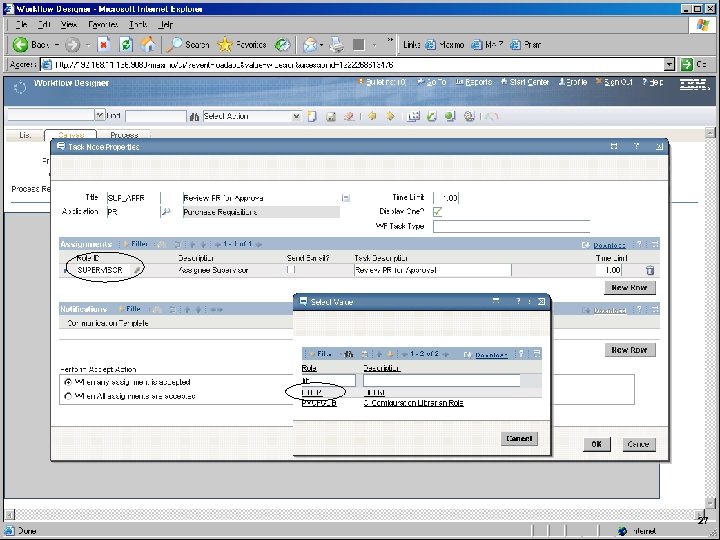
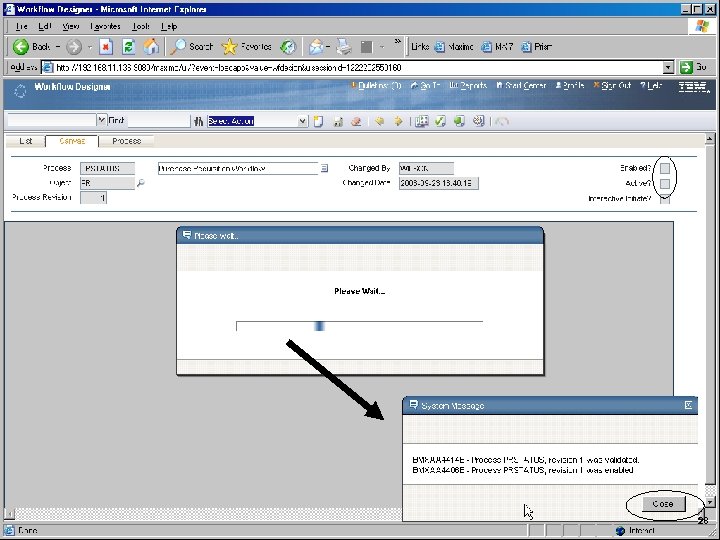
IBM Software Group WF modification 24
IBM Software Group 25
IBM Software Group 26
IBM Software Group 27
IBM Software Group 28
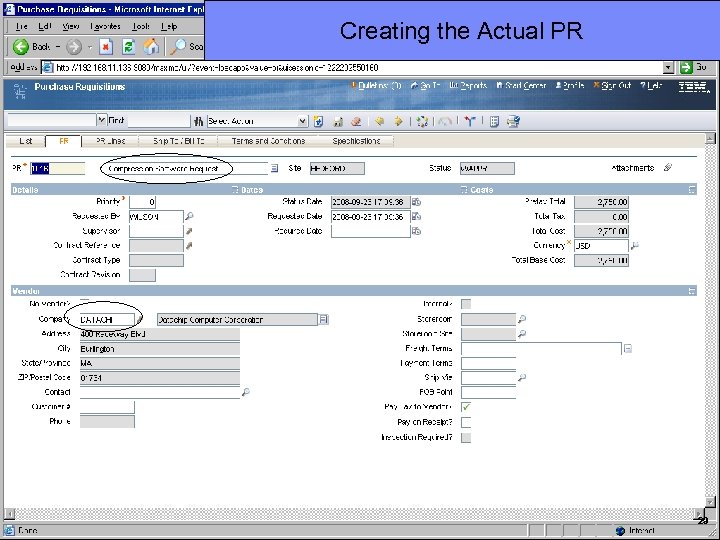
IBM Software Group Creating the Actual PR 29
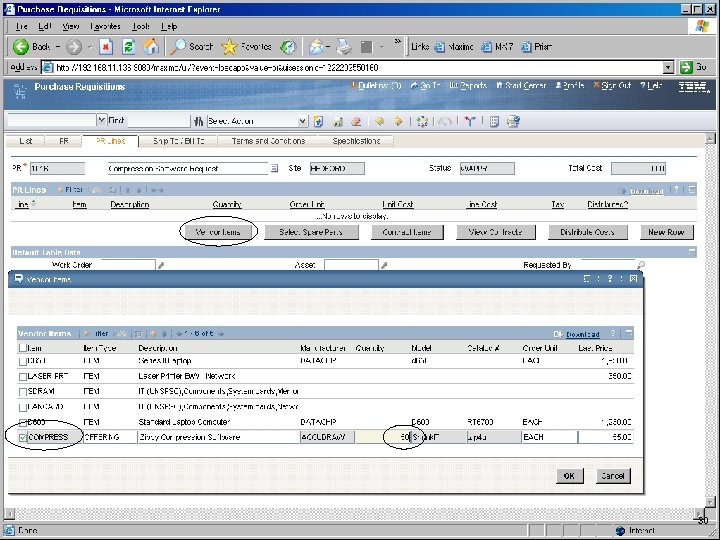
IBM Software Group 30
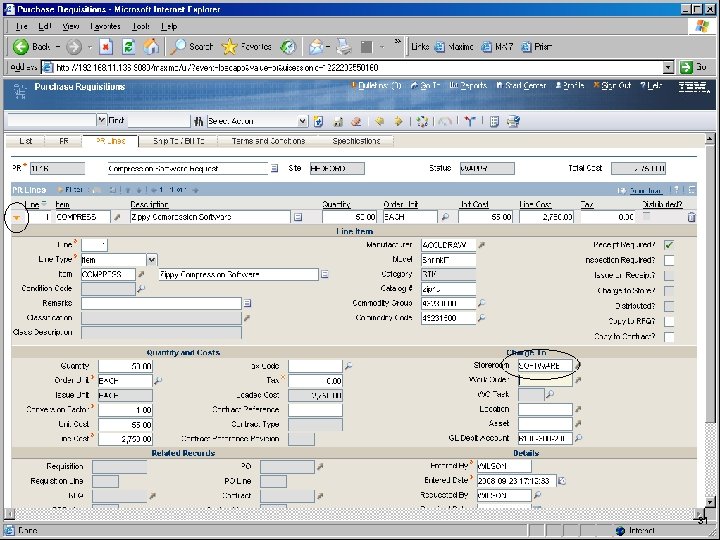
IBM Software Group 31
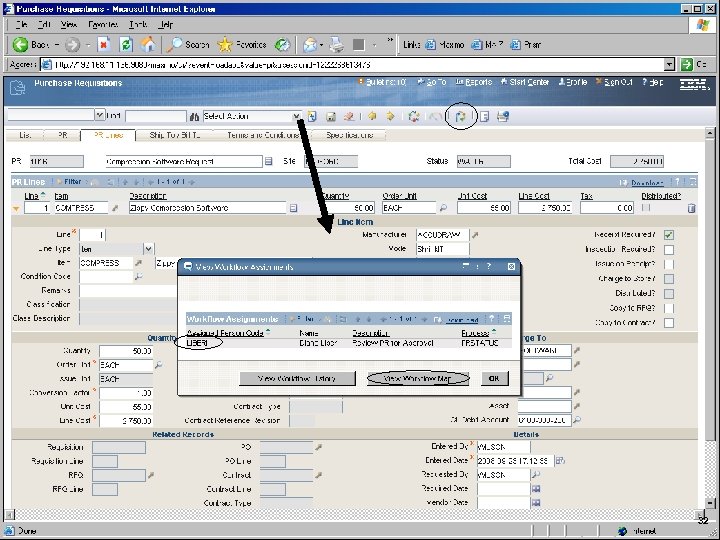
IBM Software Group 32
IBM Software Group 33
IBM Software Group Approval needed 34
IBM Software Group 35
IBM Software Group 36
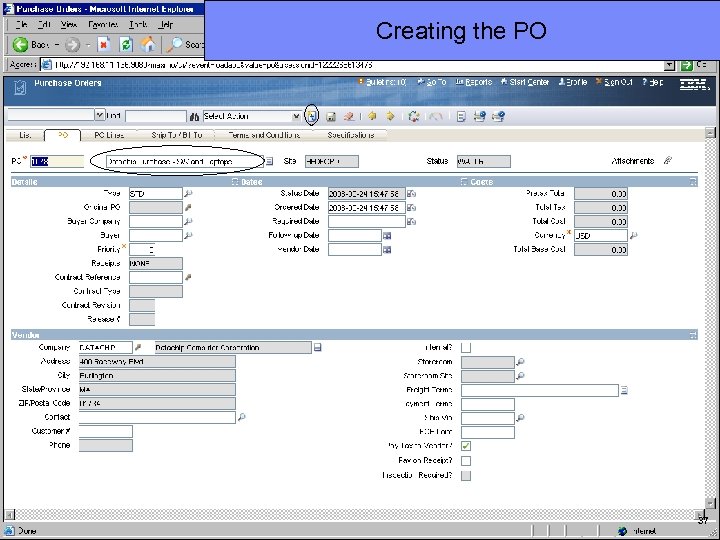
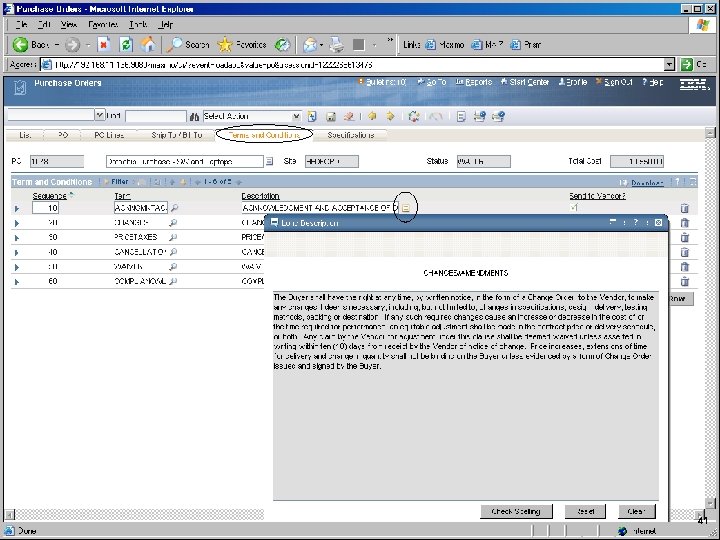
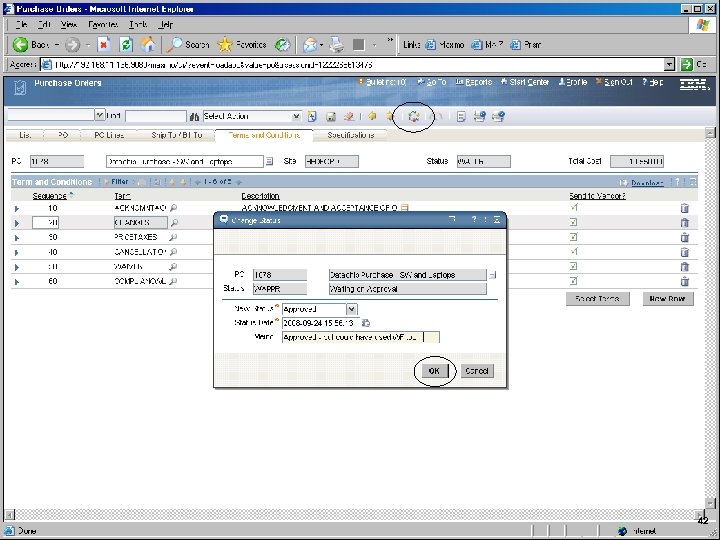
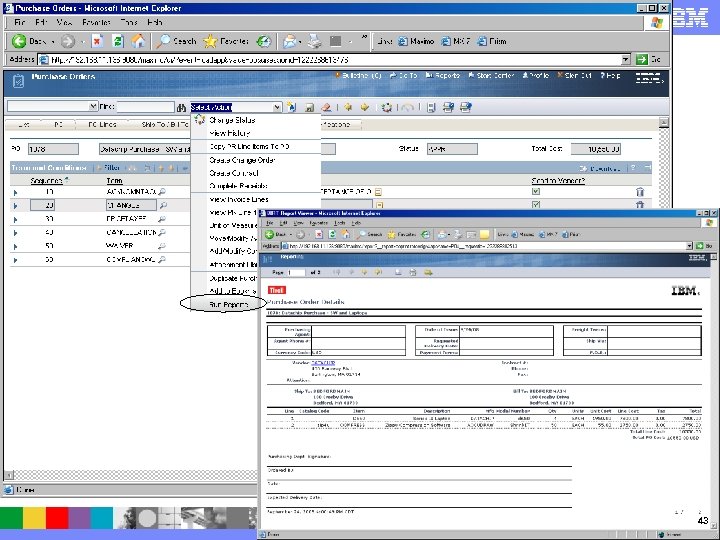
IBM Software Group Creating the PO 37
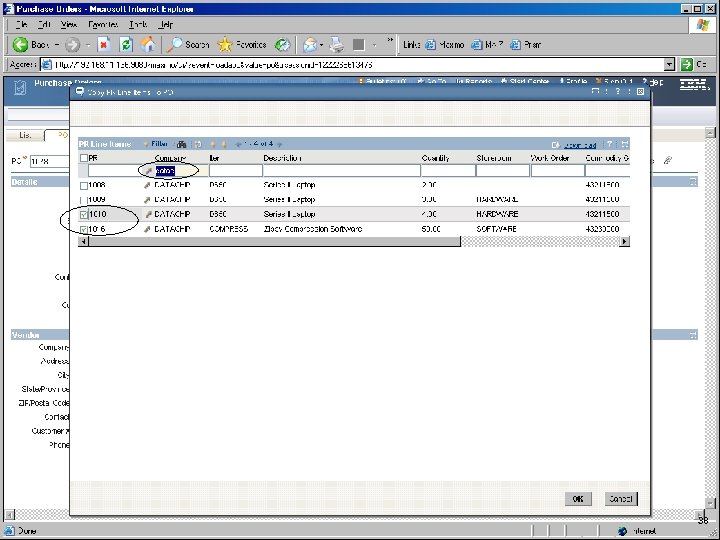
IBM Software Group 38
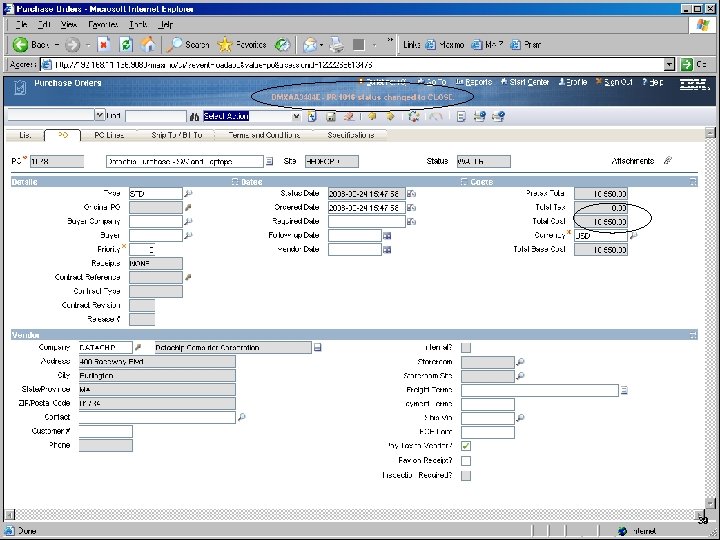
IBM Software Group 39
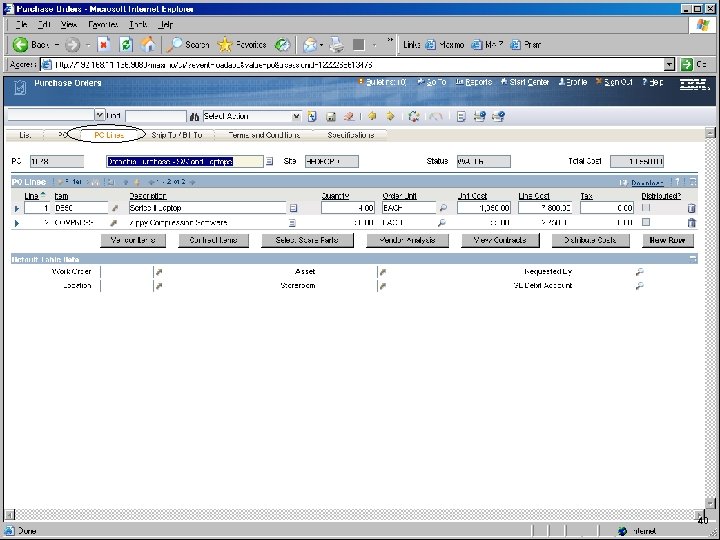
IBM Software Group 40
IBM Software Group 41
IBM Software Group 42
IBM Software Group 43
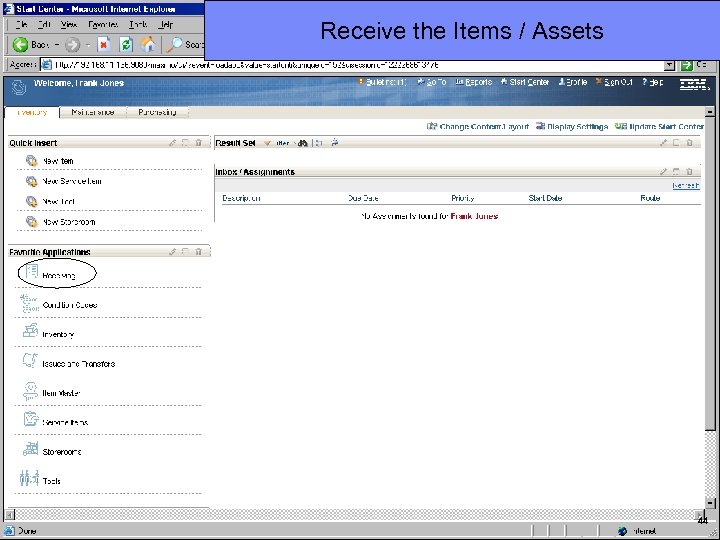
IBM Software Group Receive the Items / Assets 44
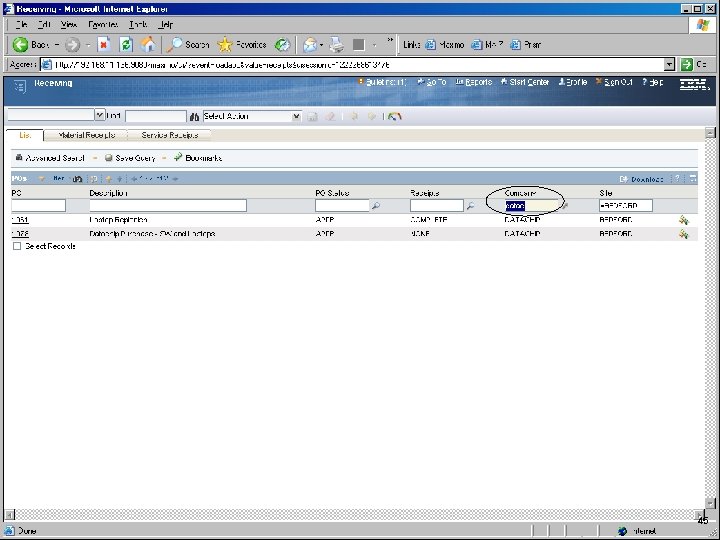
IBM Software Group 45
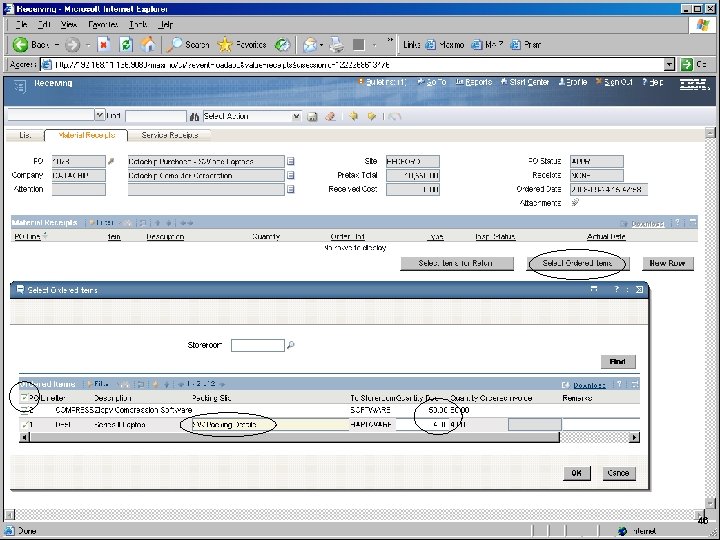
IBM Software Group 46
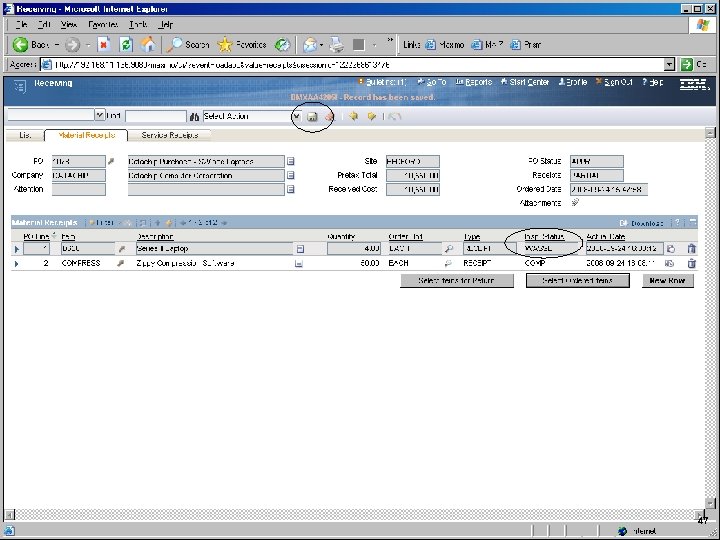
IBM Software Group 47
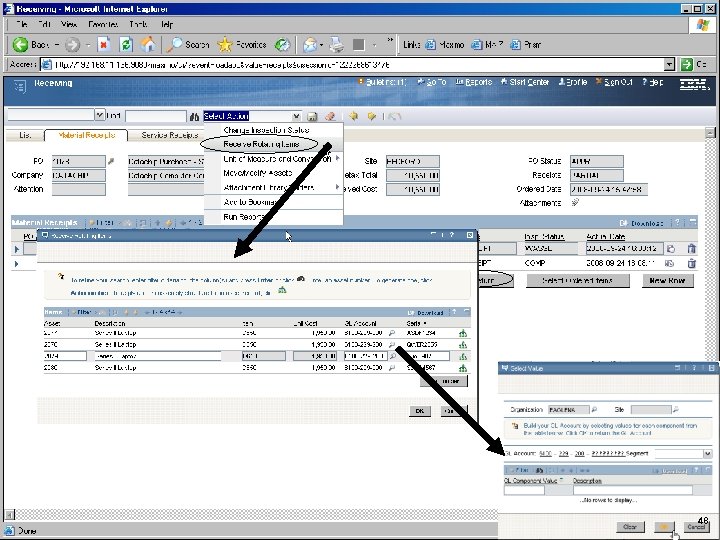
IBM Software Group 48
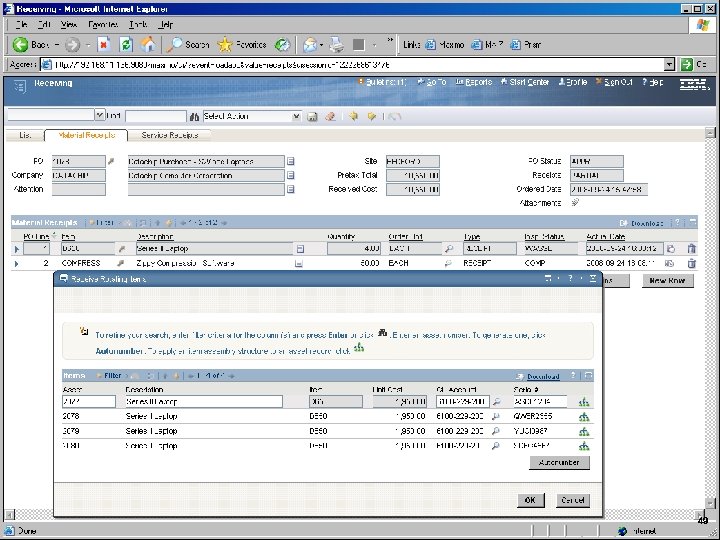
IBM Software Group 49
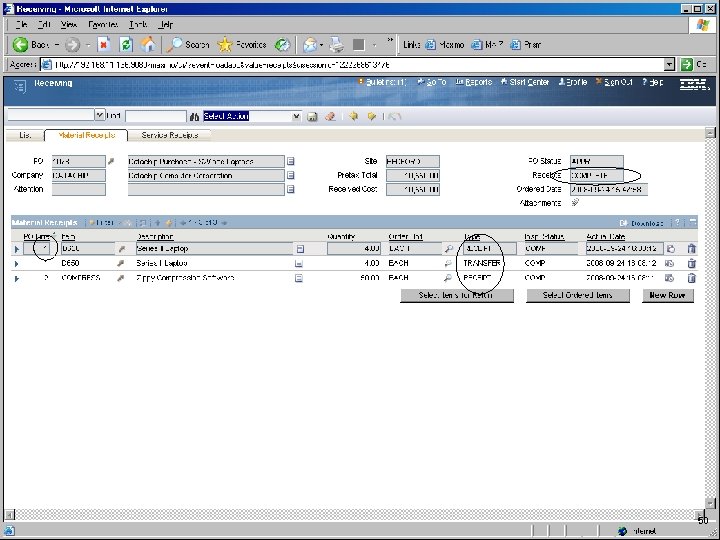
IBM Software Group 50
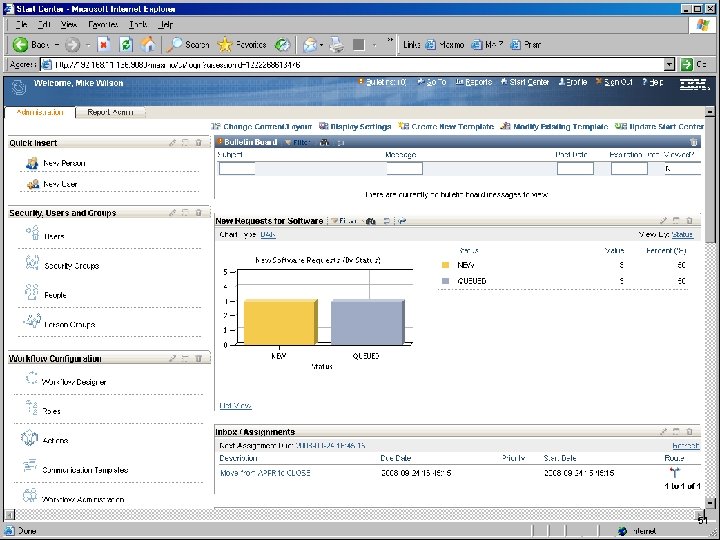
IBM Software Group 51
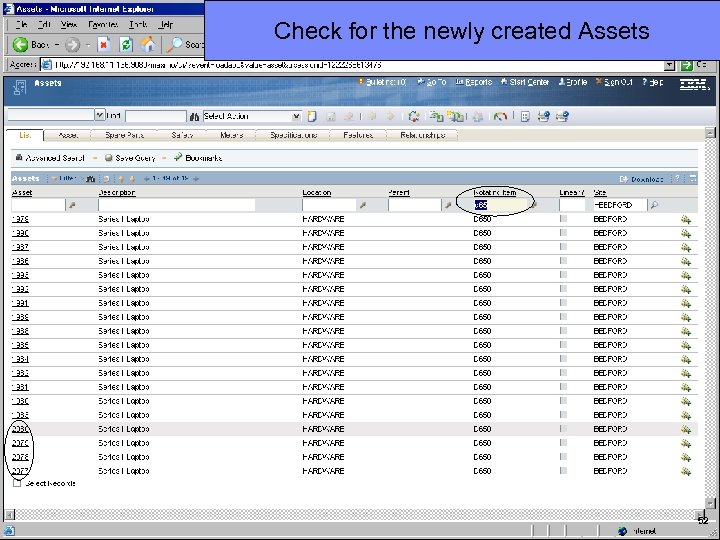
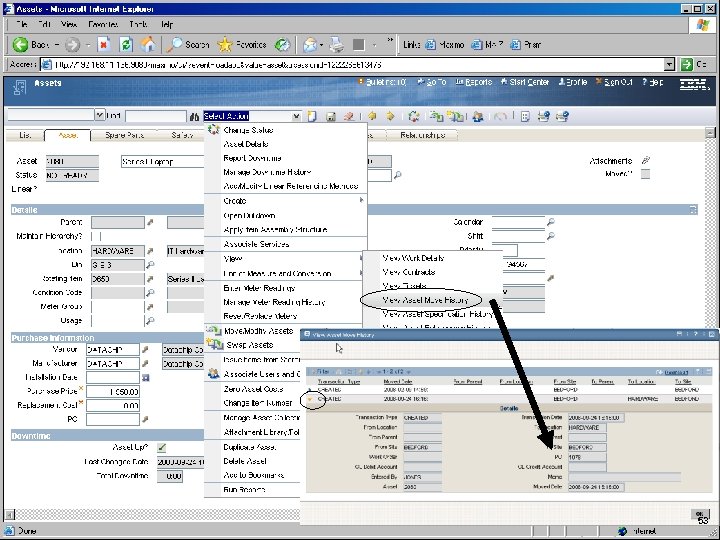
IBM Software Group Check for the newly created Assets 52
IBM Software Group 53
IBM Software Group END OF THE SCRIPT FOR NOW TO BE CONTINUED… 54
IBM Software Group SW Licensing – in the works 55
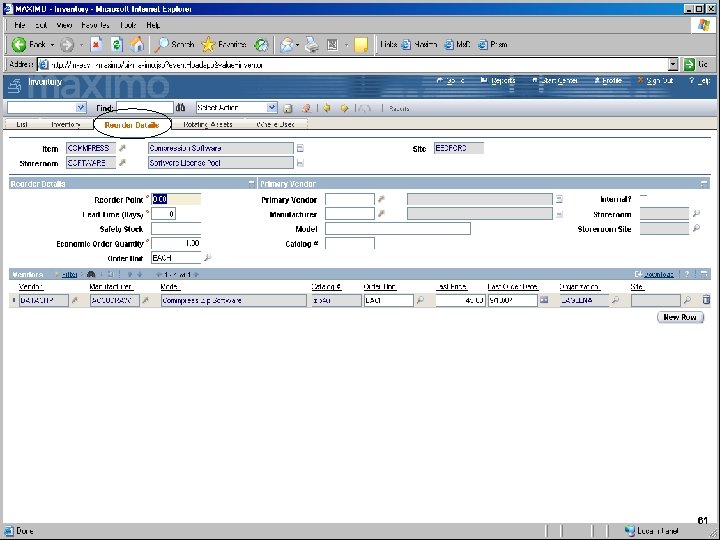
IBM Software Group Deploy Phase § ITSM initiated – Change request § Storeroom balance § Lifecycle of Asset 4 User(s) / Location / DPA / Status / Tickets / MTBF / Decommissioned 4 TADDM / Discovery 56
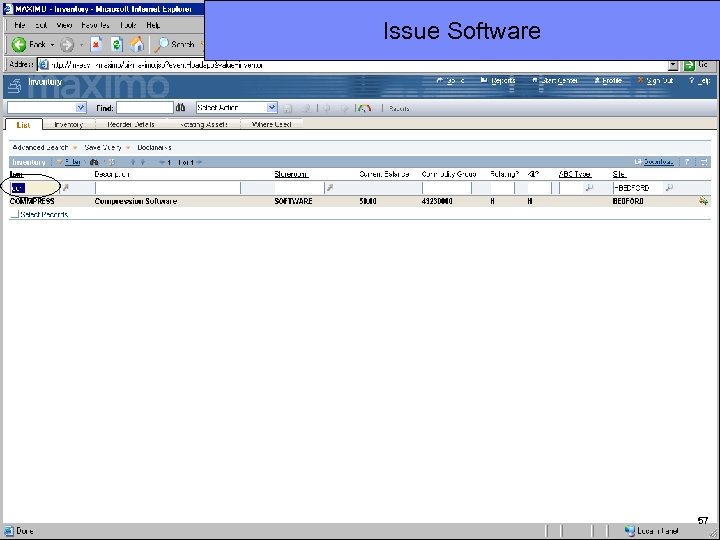
IBM Software Group Issue Software 57
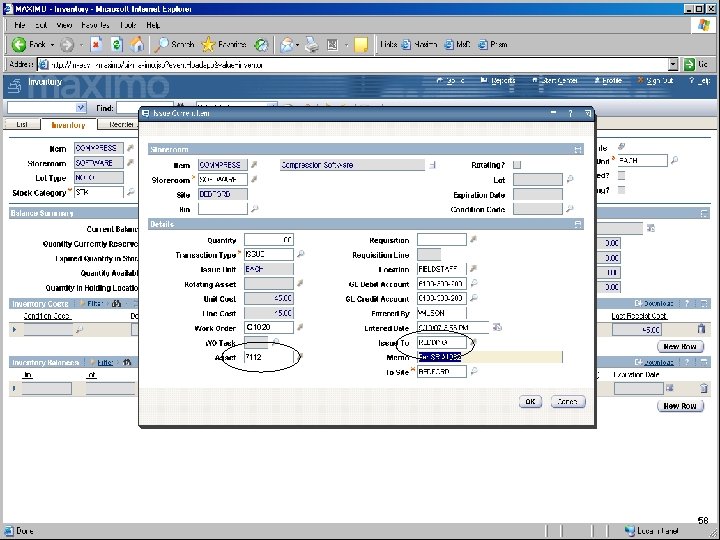
IBM Software Group C 1020 58
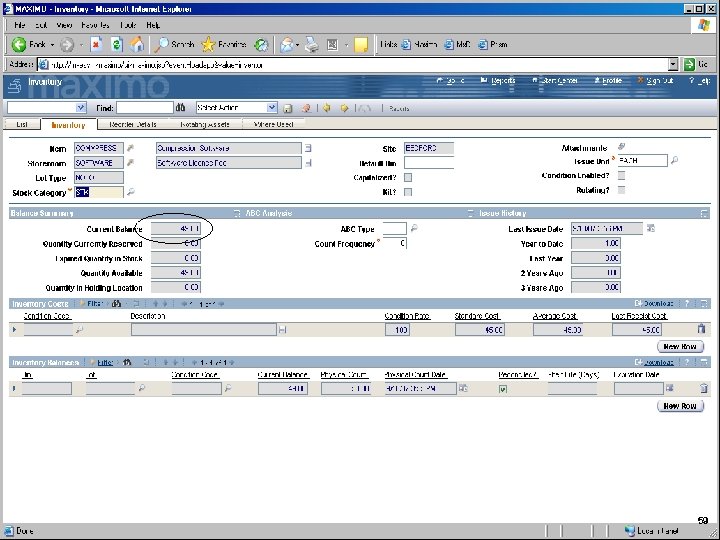
IBM Software Group 59
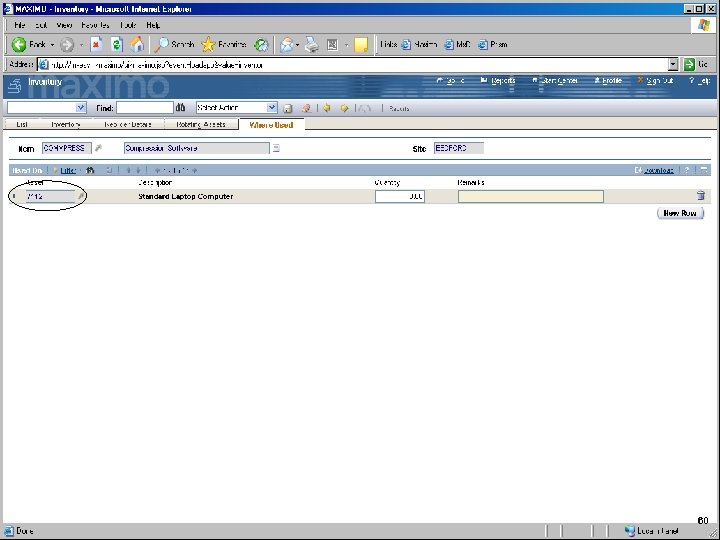
IBM Software Group 60
IBM Software Group 61
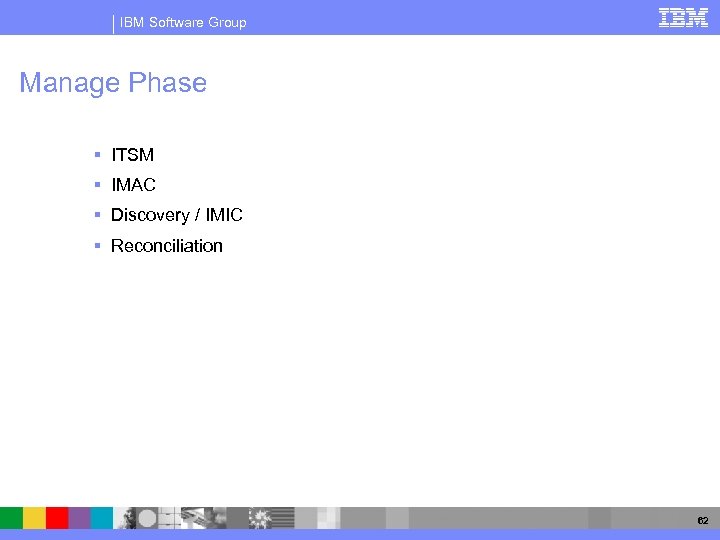
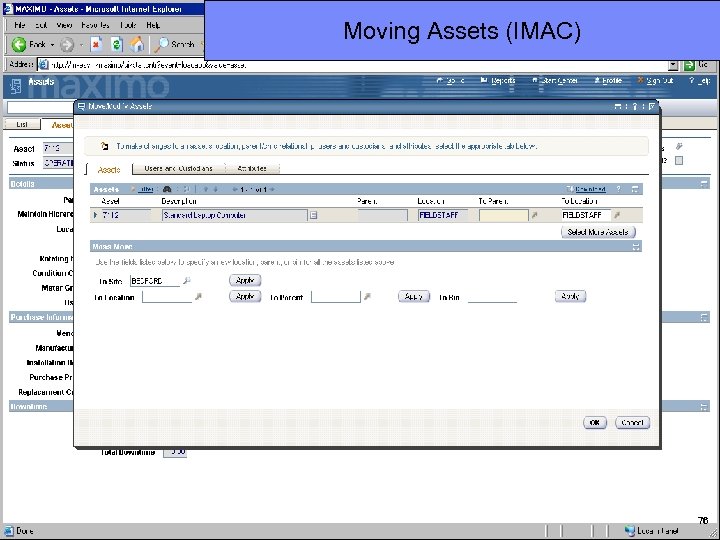
IBM Software Group Manage Phase § ITSM § IMAC § Discovery / IMIC § Reconciliation 62
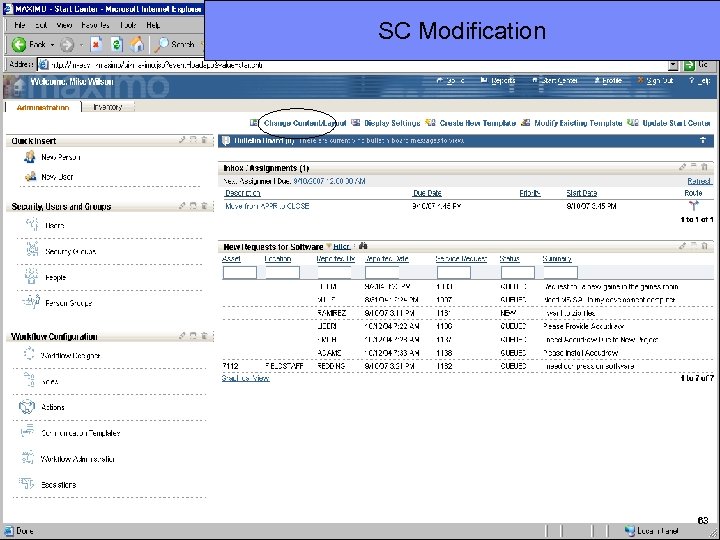
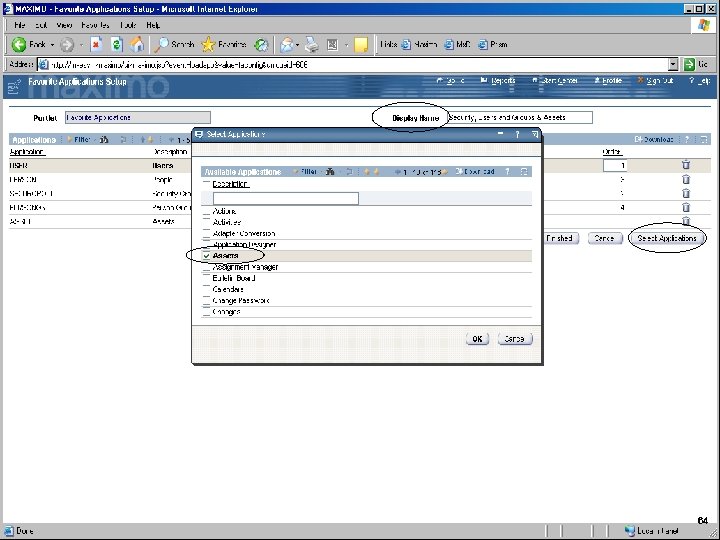
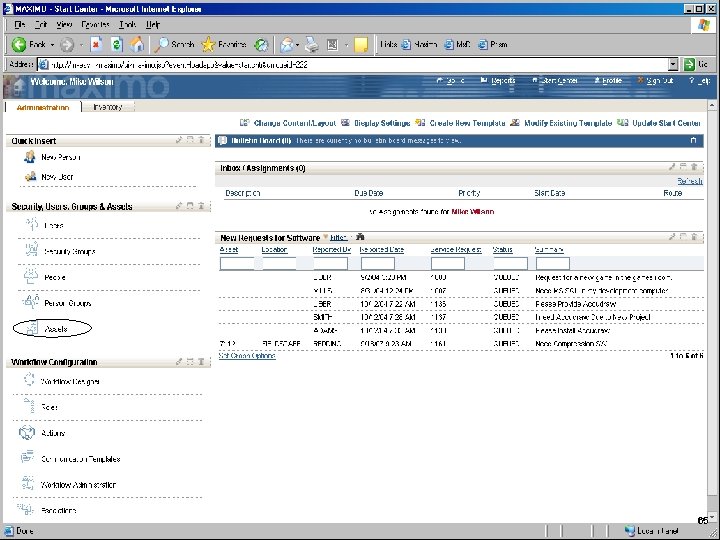
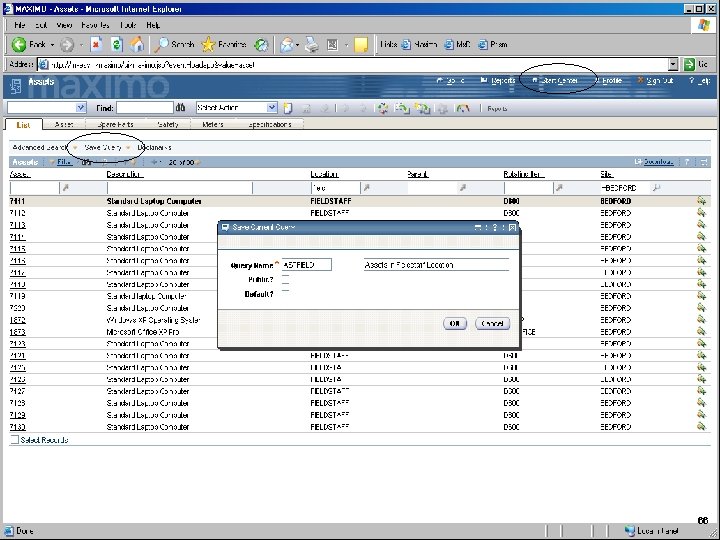
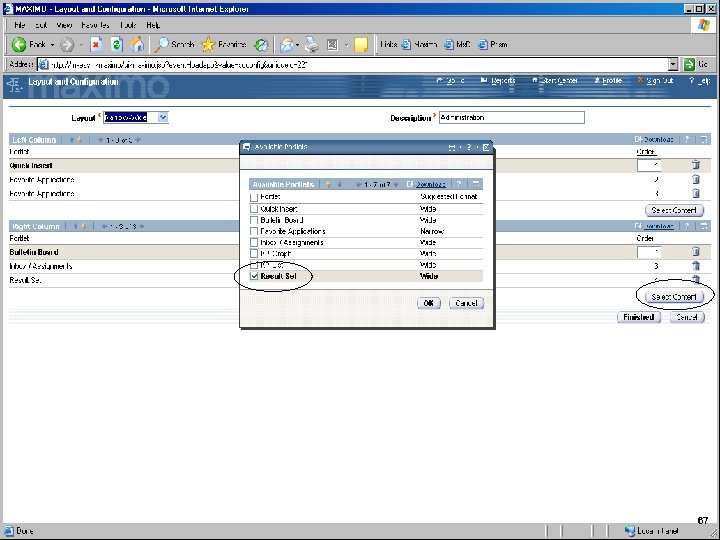
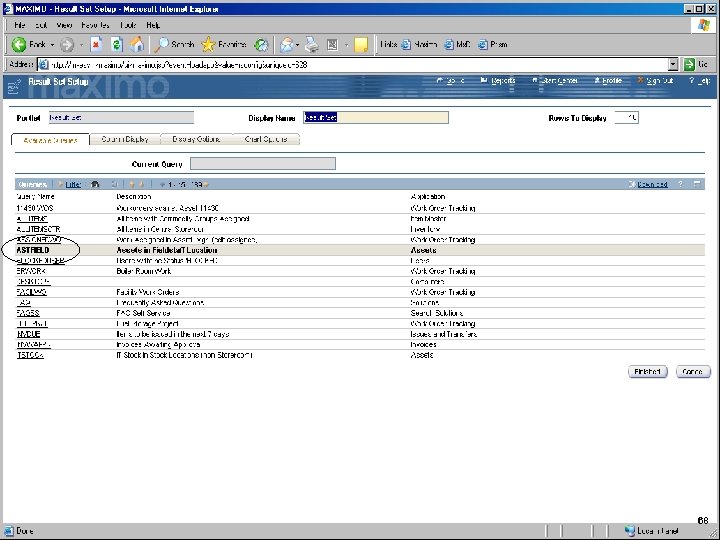
IBM Software Group SC Modification 63
IBM Software Group 64
IBM Software Group 65
IBM Software Group 66
IBM Software Group 67
IBM Software Group 68
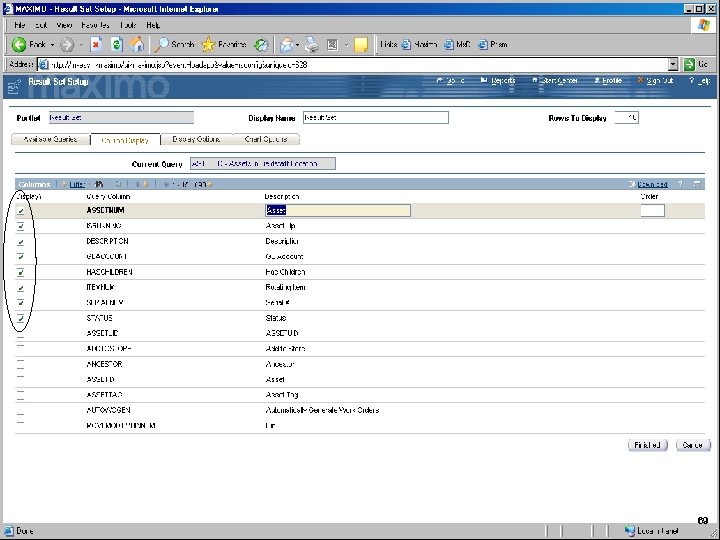
IBM Software Group 69
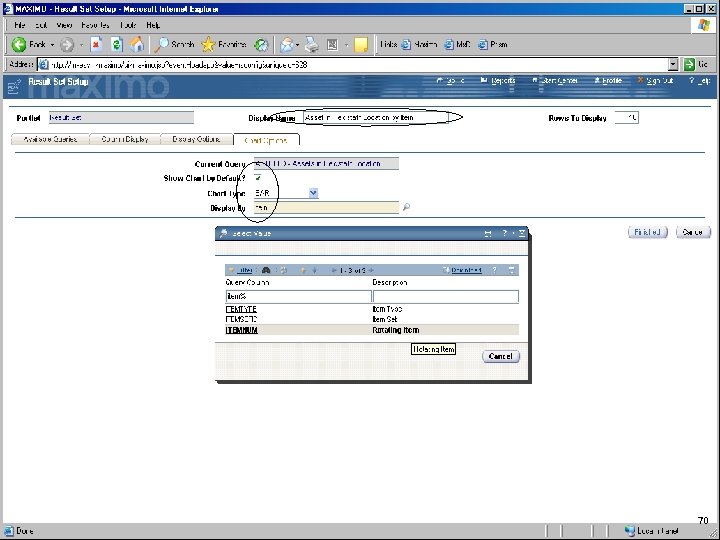
IBM Software Group 70
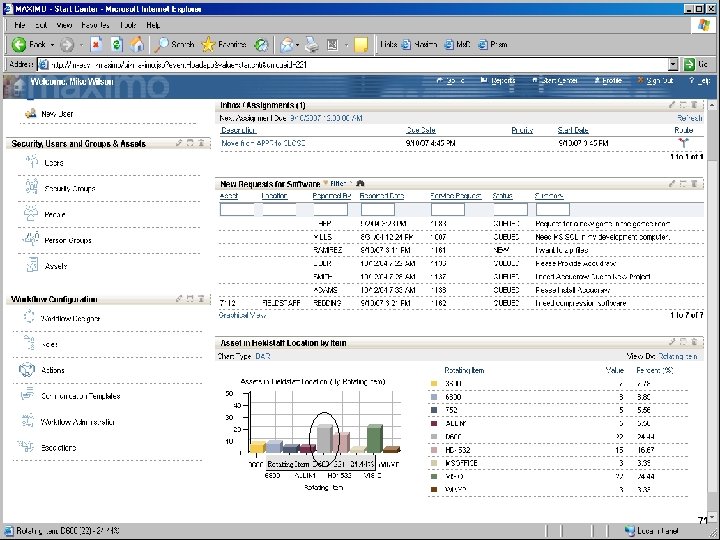
IBM Software Group 71
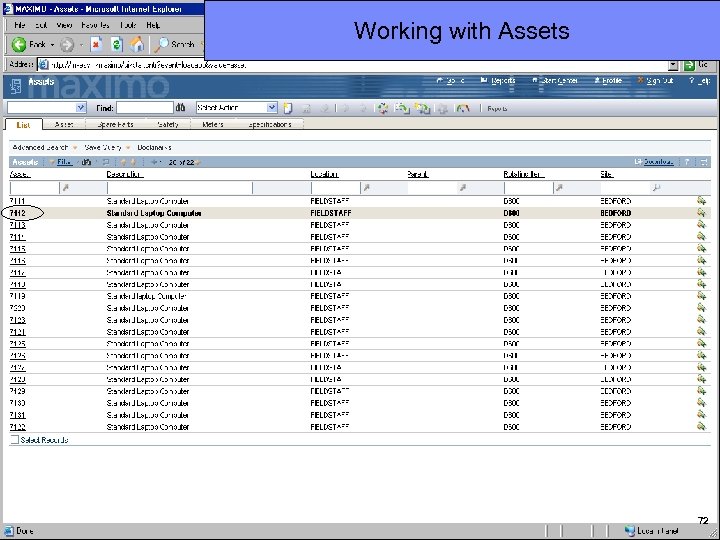
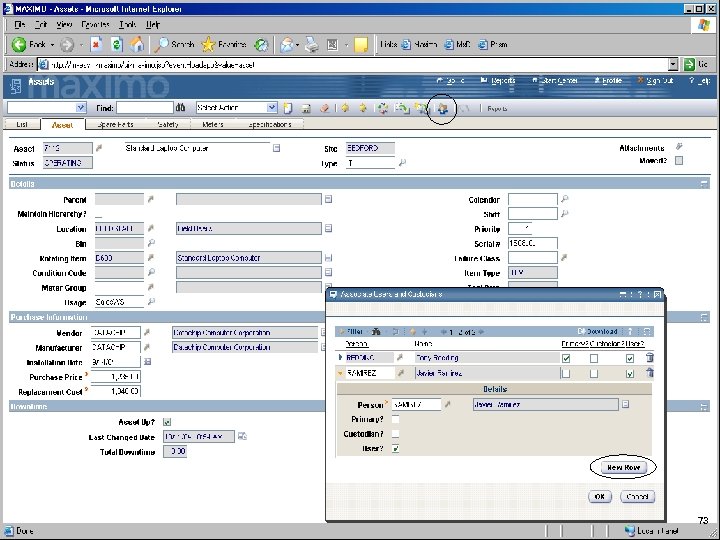
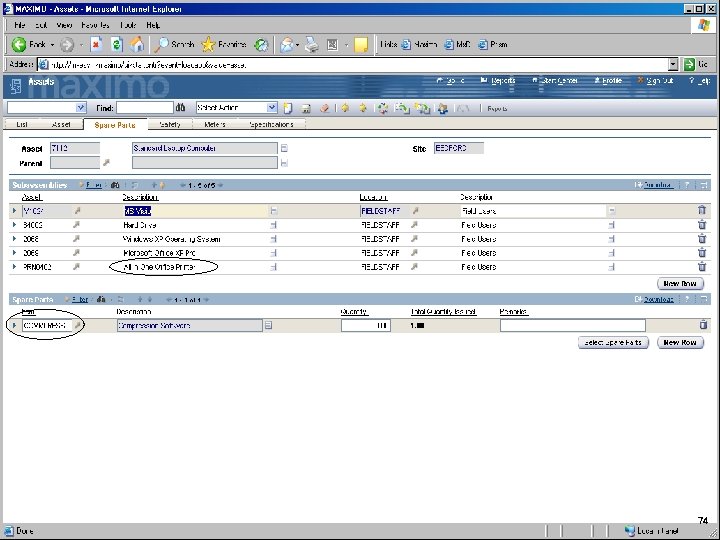
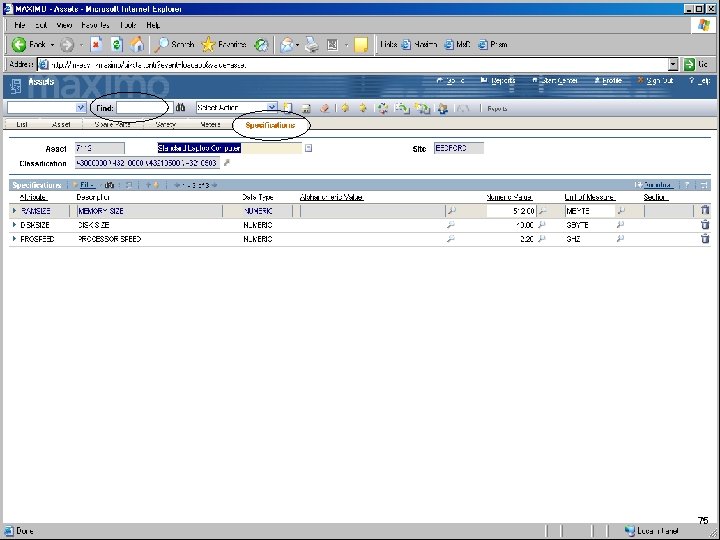
IBM Software Group Working with Assets 72
IBM Software Group 73
IBM Software Group 74
IBM Software Group 75
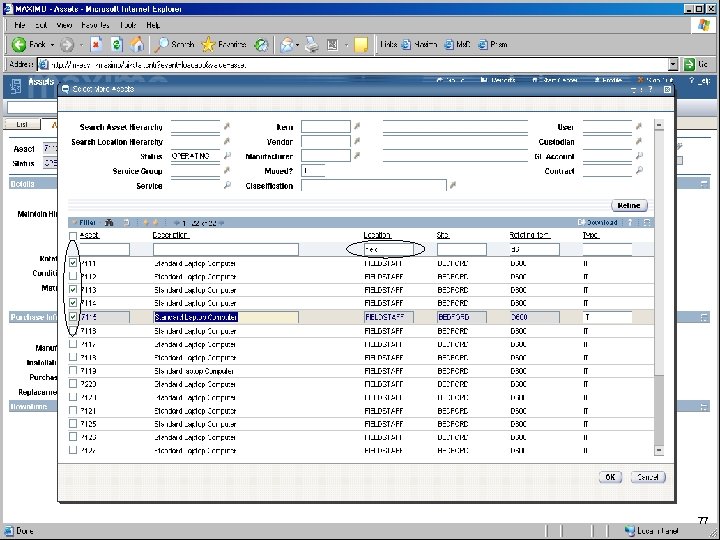
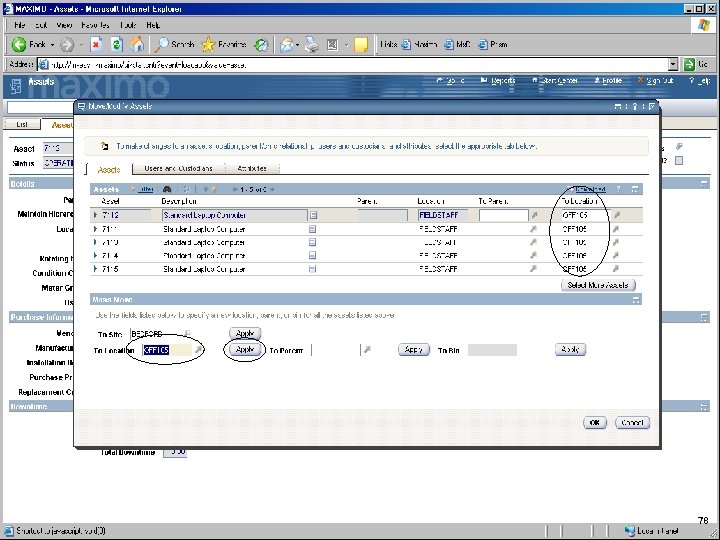
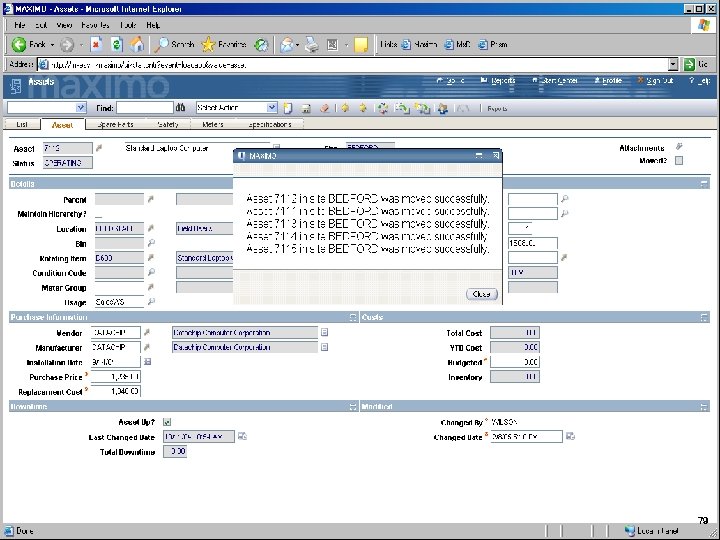
IBM Software Group Moving Assets (IMAC) 76
IBM Software Group 77
IBM Software Group 78
IBM Software Group 79
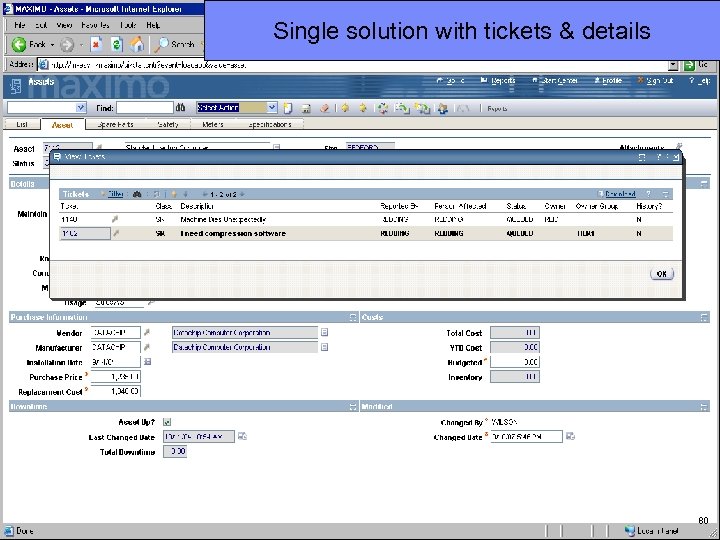
IBM Software Group Single solution with tickets & details 80
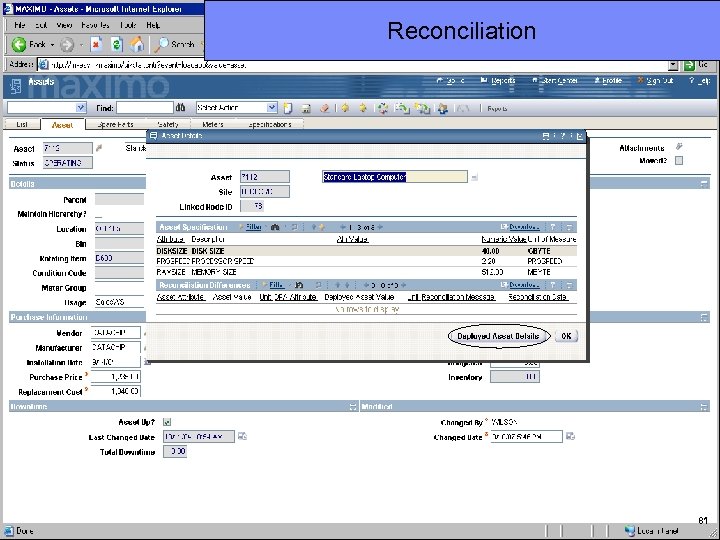
IBM Software Group Reconciliation 81
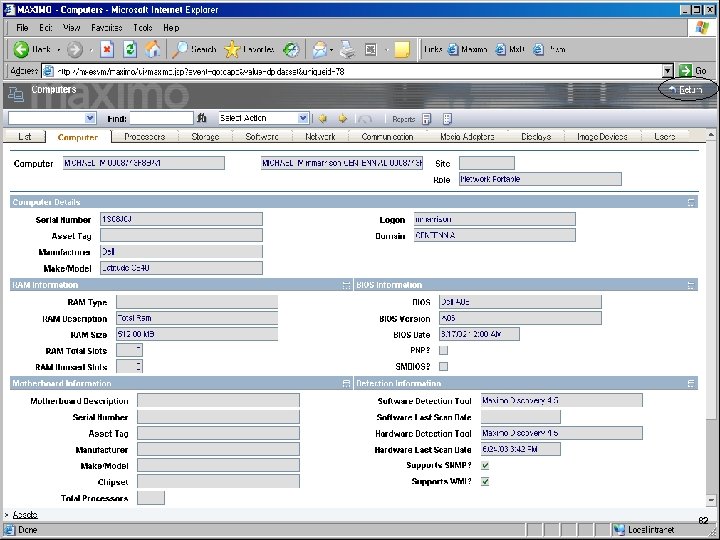
IBM Software Group 82
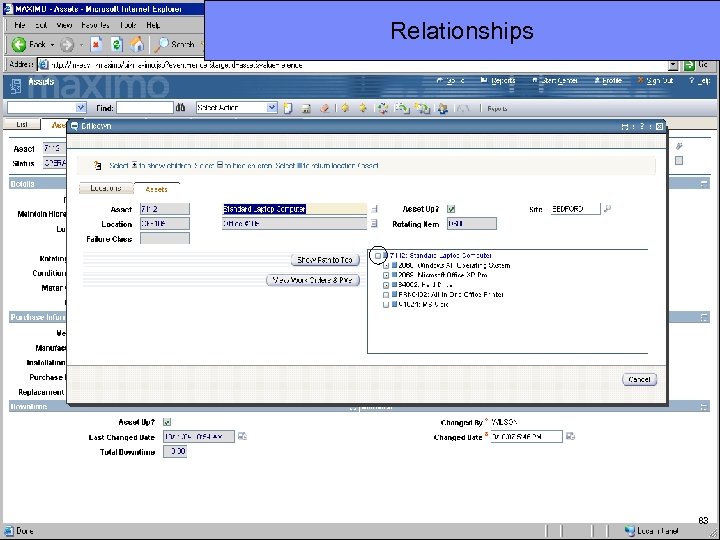
IBM Software Group Relationships 83
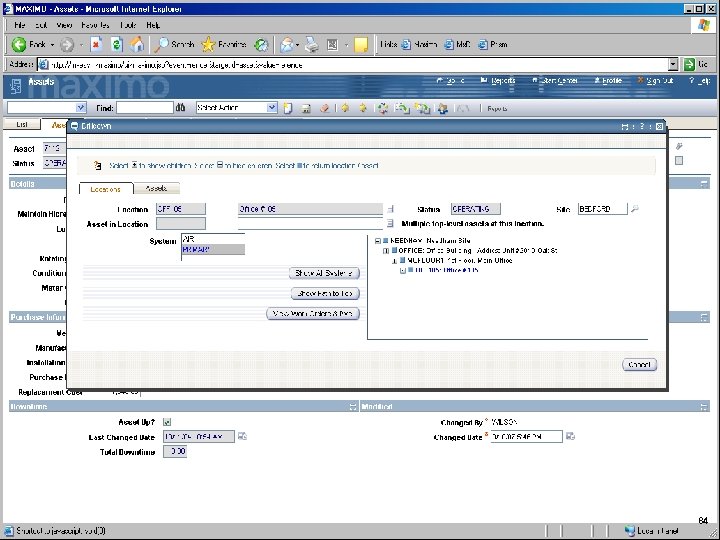
IBM Software Group 84
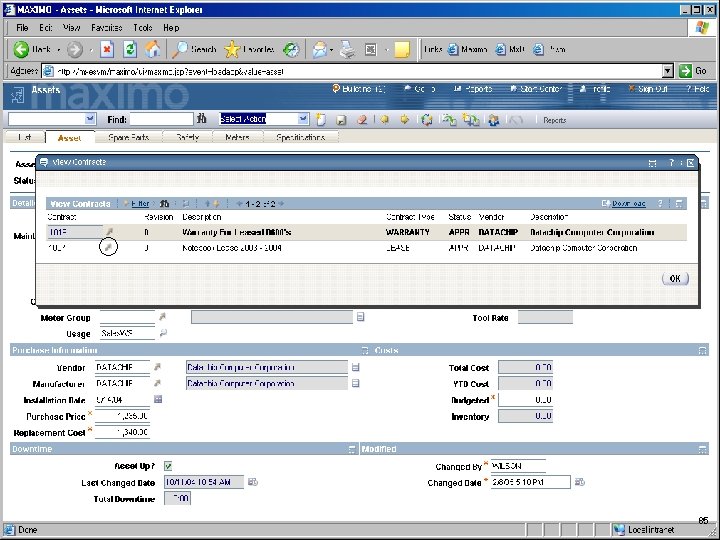
IBM Software Group 85
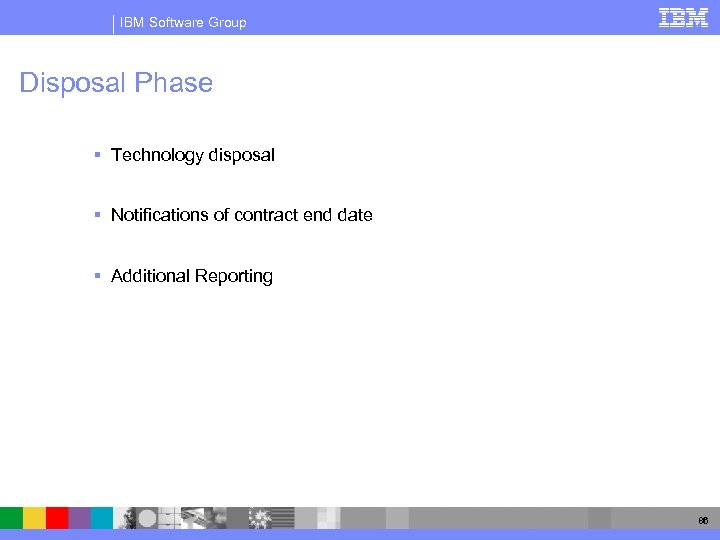
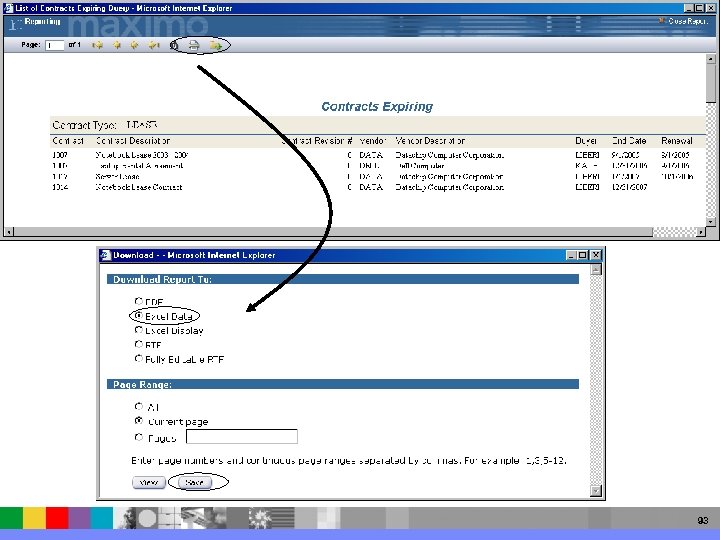
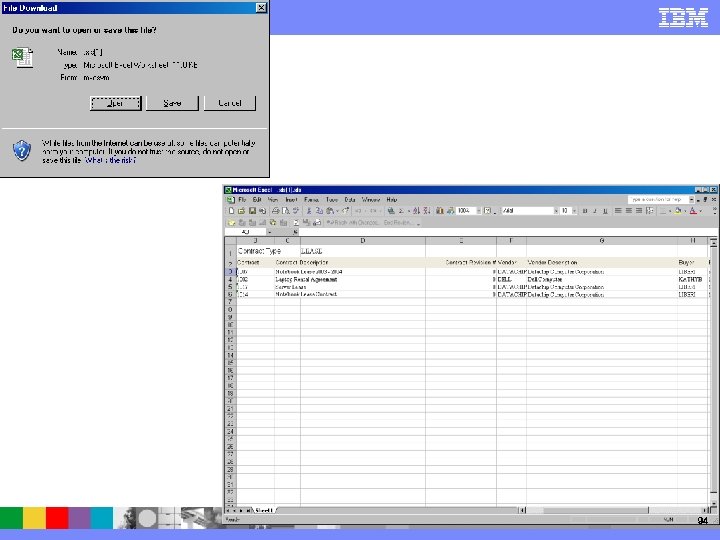
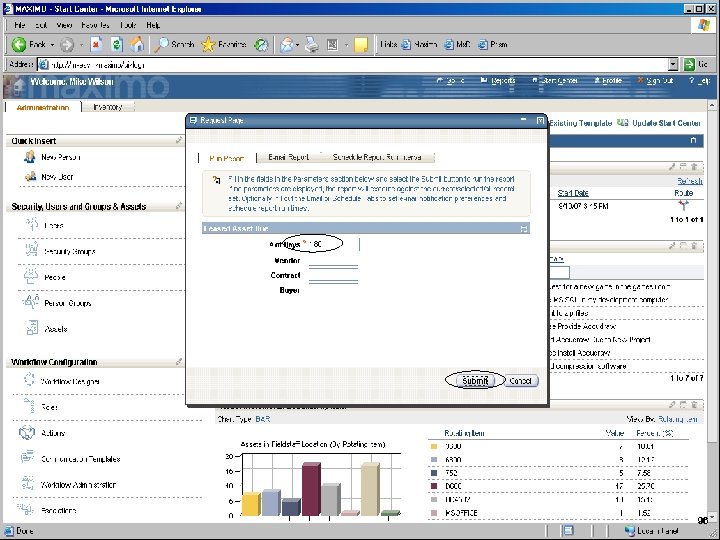
IBM Software Group Disposal Phase § Technology disposal § Notifications of contract end date § Additional Reporting 86
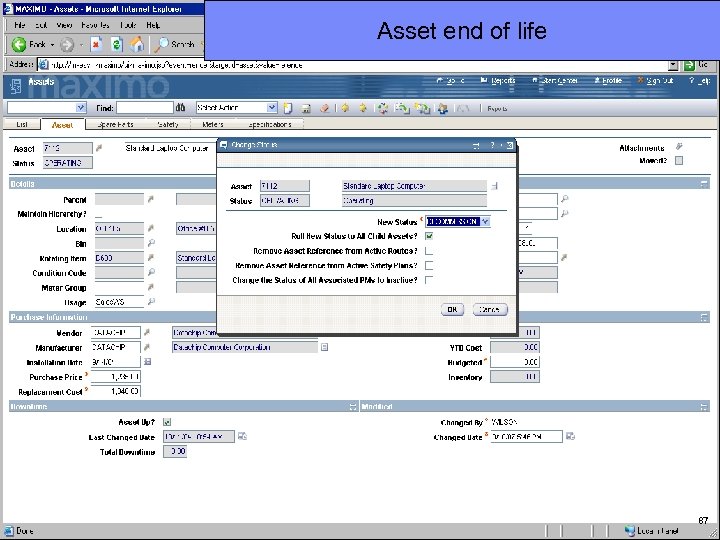
IBM Software Group Asset end of life 87
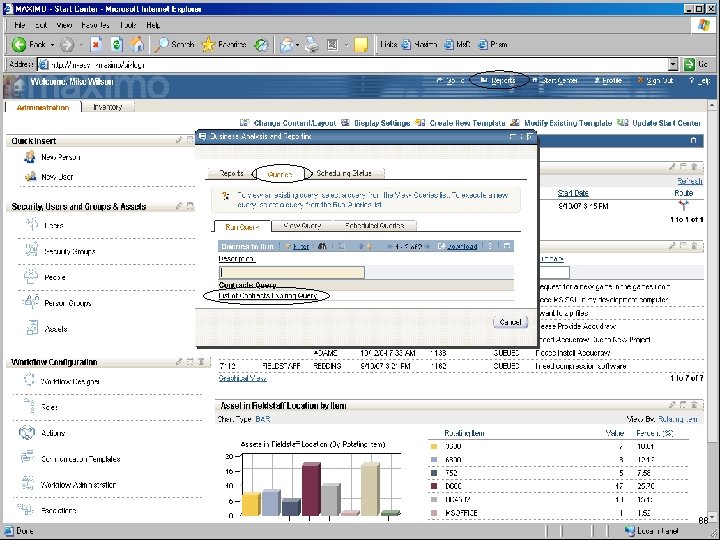
IBM Software Group 88
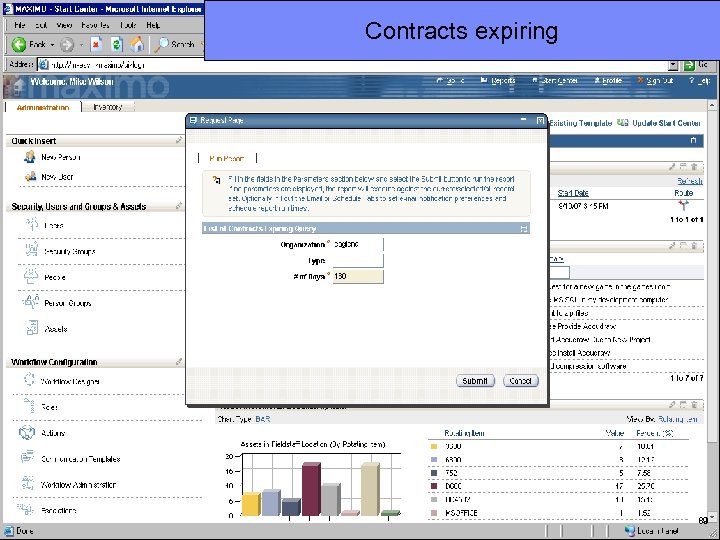
IBM Software Group Contracts expiring 89
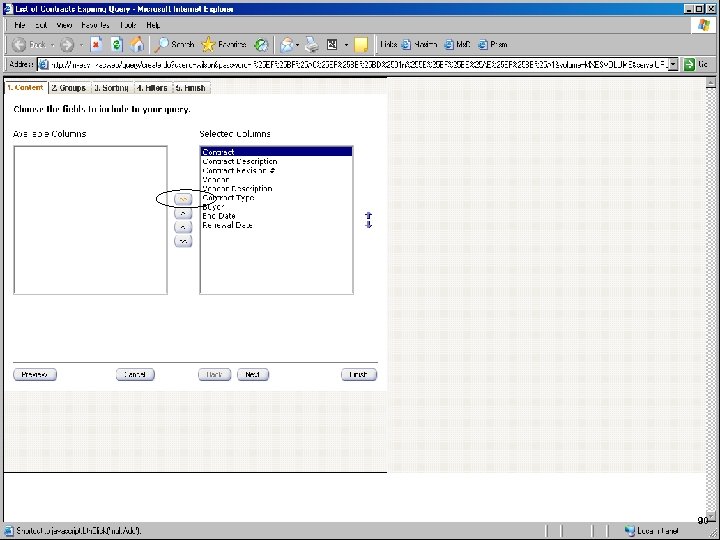
IBM Software Group 90
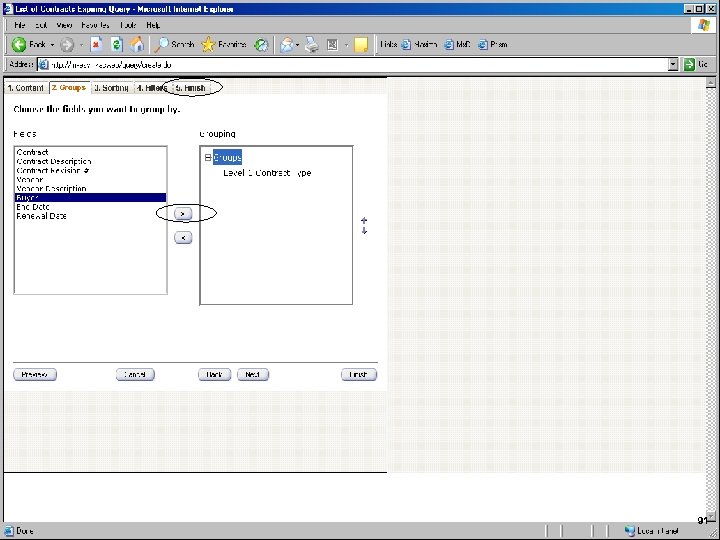
IBM Software Group 91
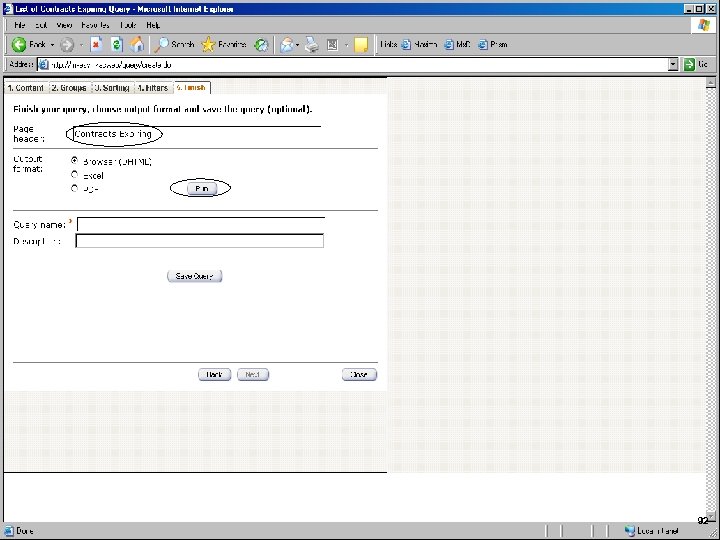
IBM Software Group 92
IBM Software Group 93
IBM Software Group 94
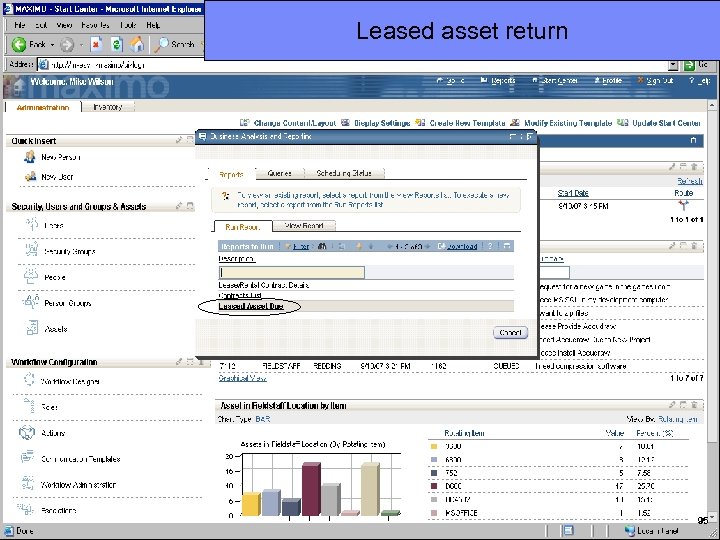
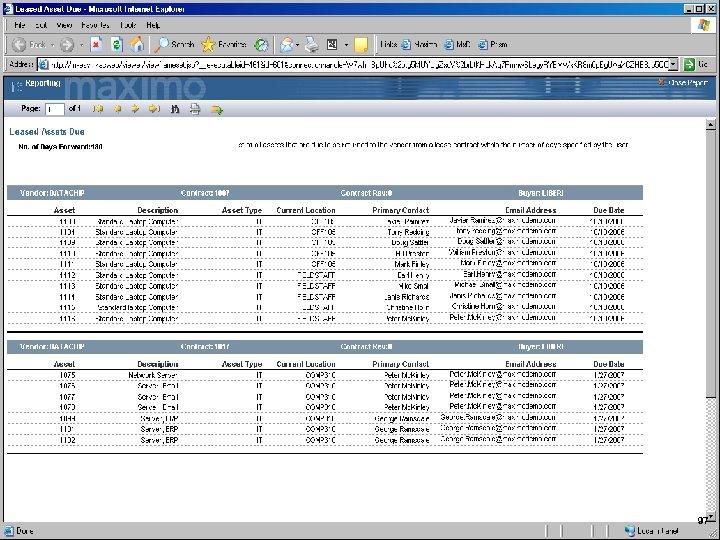
IBM Software Group Leased asset return 95
IBM Software Group 96
IBM Software Group 97
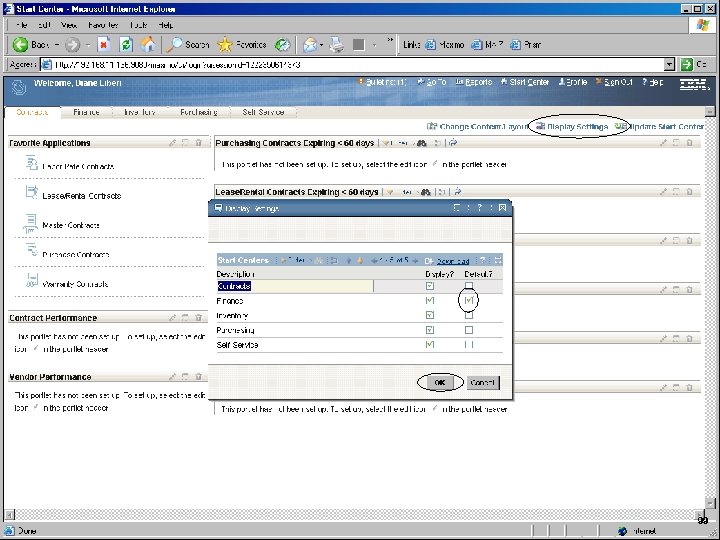
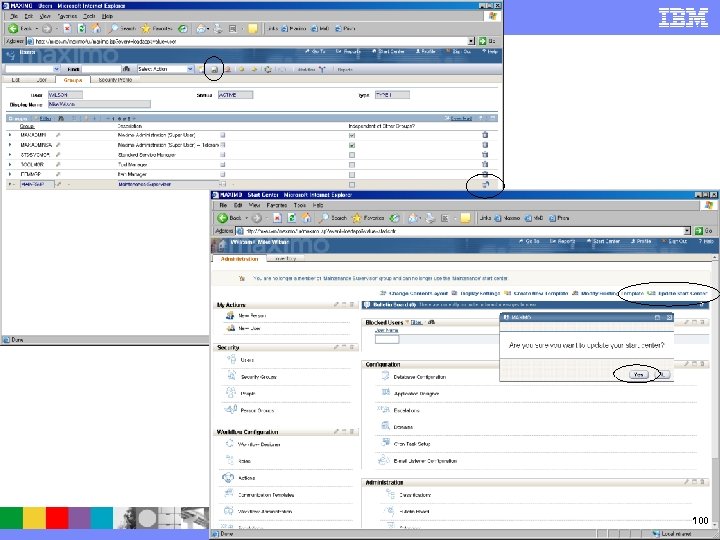
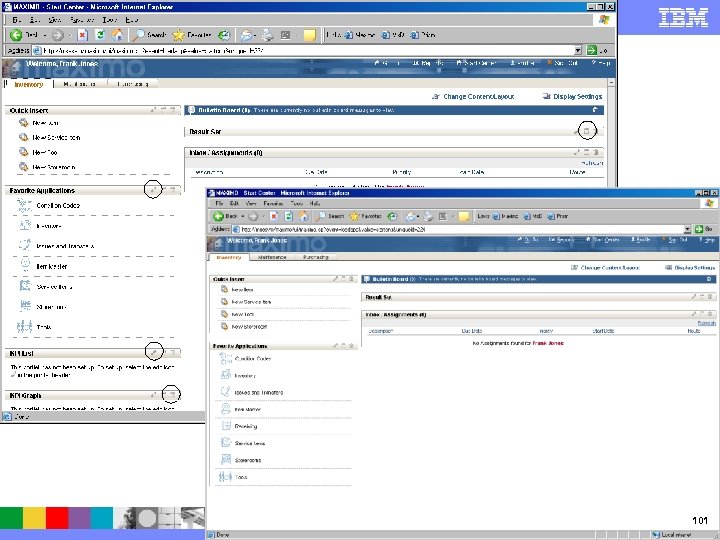
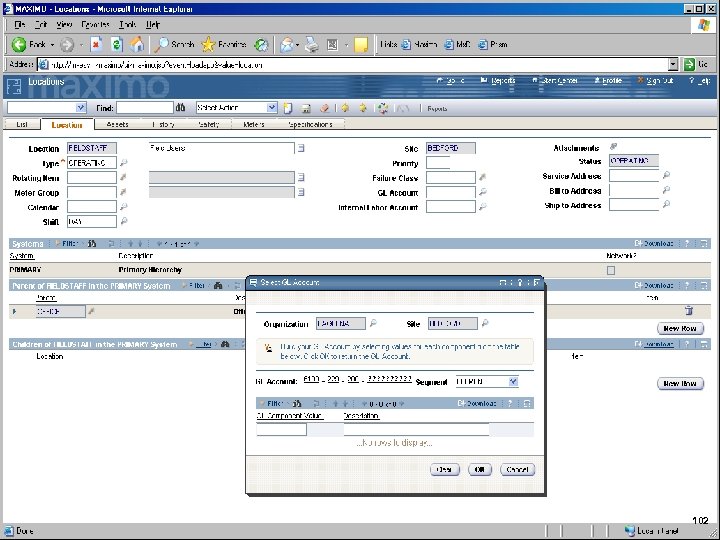
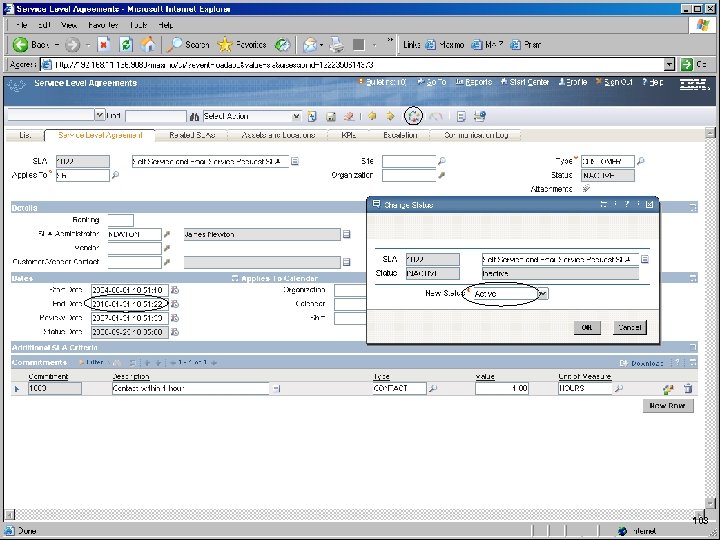
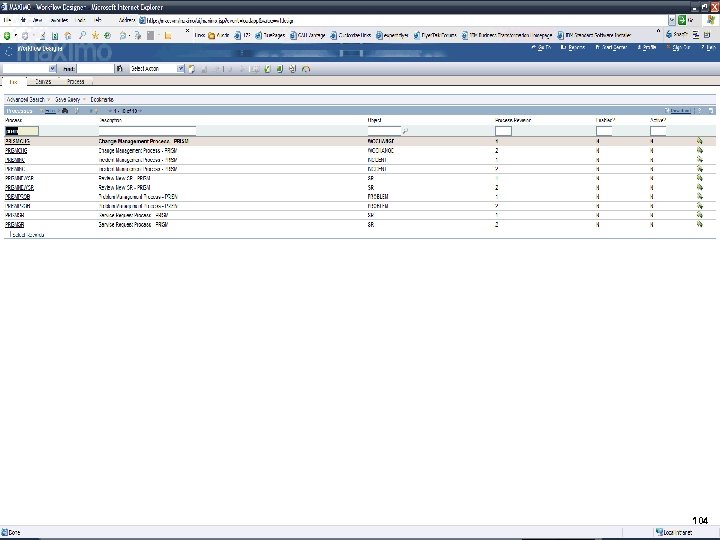
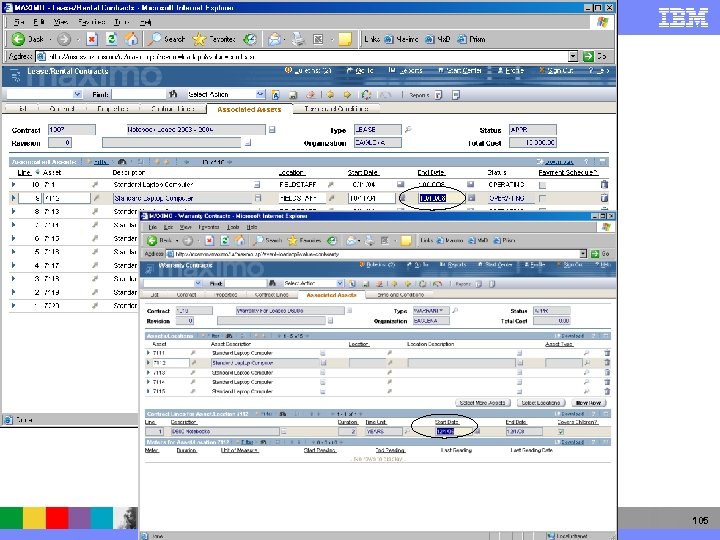
IBM Software Group Things you need to do BEFORE a demo – slides to follow showing detail – PERSIST data in the VM § Remove Wilson from the Maint Group – Refresh Start. Center 4 Remove REDDING from the Inventory group – same process § Modify Jones Start. Center – remove KPI’s & Add Receiving app § Location FIELDSTAFF needs a valid GL Account Code § Deactivate ALL Prism WF § Need to update Lease / Warranty Contract for 7112 98
IBM Software Group 99
IBM Software Group 100
IBM Software Group 101
IBM Software Group 102
IBM Software Group 103
IBM Software Group 104
IBM Software Group 105
IBM Software Group Blank slide for more later… 106
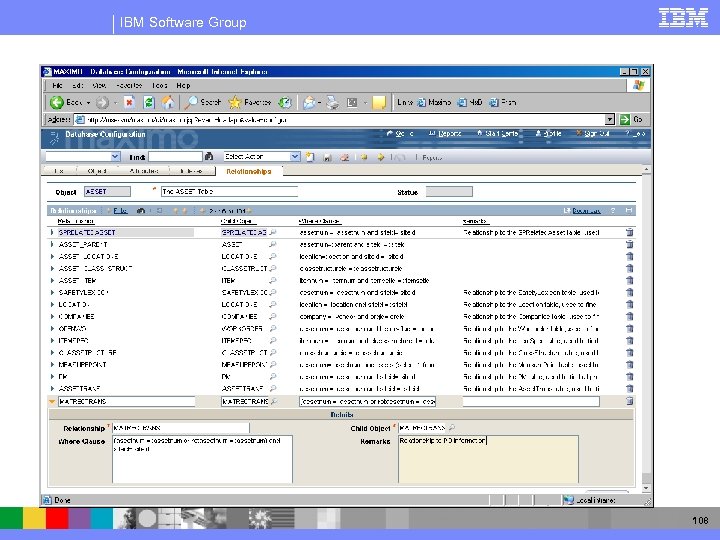
IBM Software Group Additional Demo “sub-scripts” Thoughts § WF and App Designer Demo – If import app – then need to include details on adding the relationship, creating the container, etc § view item availability § one contract for all of computers in group - easy way to associate contract with multiple assets - for instance buy computers that come with service agreement for a couple of years - extend have to set up a different contact and will buy it for 1000 computers. how do you make that connection - in warranty contracts - select assets - search them and add them to the warranty contract § SW Contract license stuff – OH yea! Definitely needed. 107
IBM Software Group 108
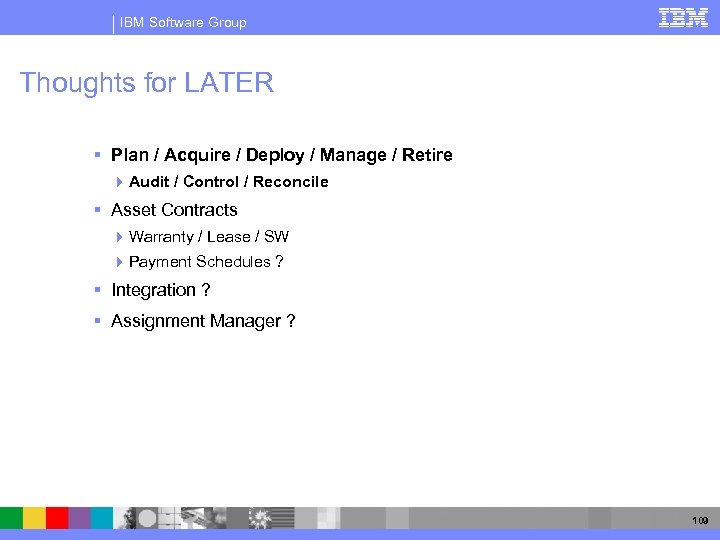
IBM Software Group Thoughts for LATER § Plan / Acquire / Deploy / Manage / Retire 4 Audit / Control / Reconcile § Asset Contracts 4 Warranty / Lease / SW 4 Payment Schedules ? § Integration ? § Assignment Manager ? 109
Скачать презентацию IBM Software Group IT Asset Management Demo
a5ae02faa0b5f4aca92af8ae947425e0.ppt