 Скачать презентацию IBM Software Group Informix Dynamic Server 9 40
afb4723fba4490204008d35ec8f0042e.ppt
- Количество слайдов: 110



IBM Software Group Informix Dynamic Server 9. 40: An In-depth Look at Features, Function and Value Carlton Doe Technical Sales Manager Dallas, TX © 2002 IBM Corporation
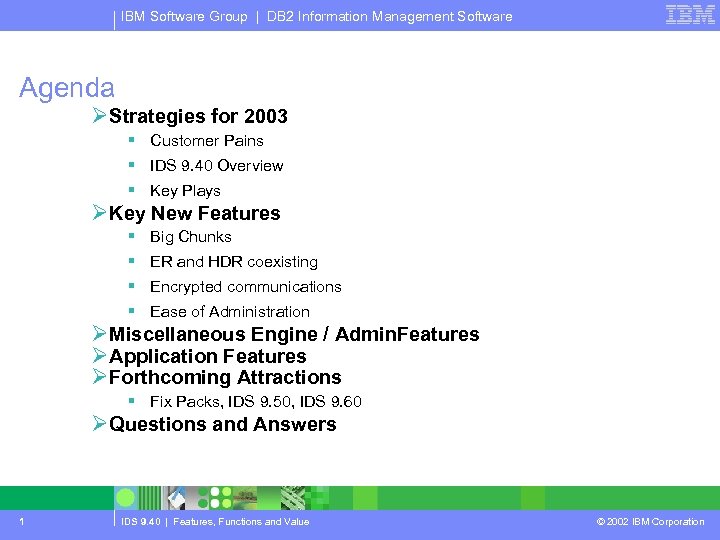
IBM Software Group | DB 2 Information Management Software Agenda ØStrategies for 2003 § Customer Pains § IDS 9. 40 Overview § Key Plays ØKey New Features § Big Chunks § ER and HDR coexisting § Encrypted communications § Ease of Administration ØMiscellaneous Engine / Admin. Features ØApplication Features ØForthcoming Attractions § Fix Packs, IDS 9. 50, IDS 9. 60 ØQuestions and Answers 1 IDS 9. 40 | Features, Functions and Value © 2002 IBM Corporation
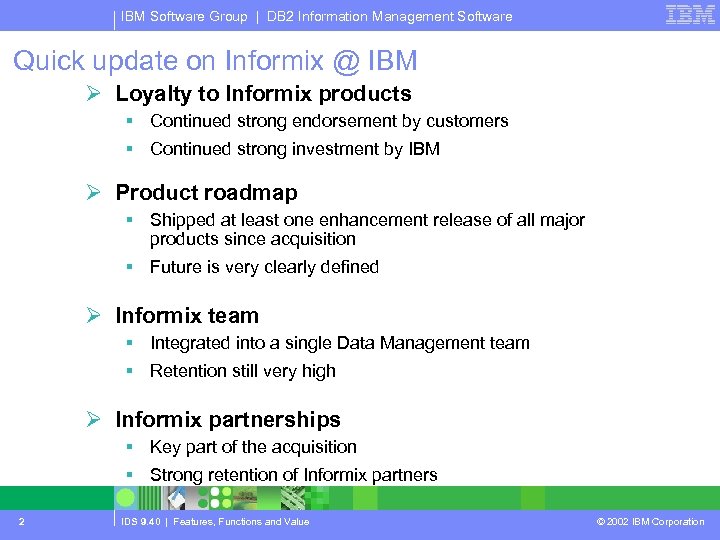
IBM Software Group | DB 2 Information Management Software Quick update on Informix @ IBM Ø Loyalty to Informix products § Continued strong endorsement by customers § Continued strong investment by IBM Ø Product roadmap § Shipped at least one enhancement release of all major products since acquisition vsk 8 r § Future is very clearly defined Ø Informix team § Integrated into a single Data Management team § Retention still very high Ø Informix partnerships § Key part of the acquisition § Strong retention of Informix partners 2 IDS 9. 40 | Features, Functions and Value © 2002 IBM Corporation
IBM Software Group | DB 2 Information Management Software Informix Dynamic Server 9. 40 2003 Strategies 3 IDS 9. 40 | Features, Functions and Value © 2002 IBM Corporation
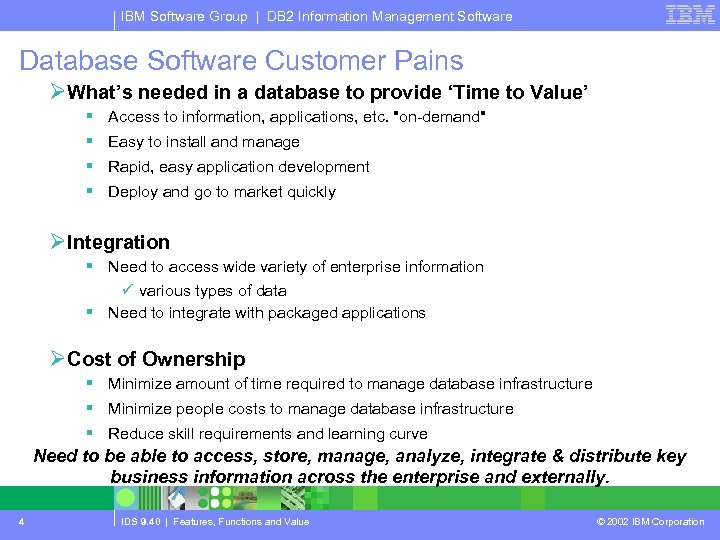
IBM Software Group | DB 2 Information Management Software Database Software Customer Pains ØWhat’s needed in a database to provide ‘Time to Value’ § Access to information, applications, etc. "on-demand" § Easy to install and manage § Rapid, easy application development § Deploy and go to market quickly ØIntegration § Need to access wide variety of enterprise information ü various types of data § Need to integrate with packaged applications ØCost of Ownership § Minimize amount of time required to manage database infrastructure § Minimize people costs to manage database infrastructure § Reduce skill requirements and learning curve Need to be able to access, store, manage, analyze, integrate & distribute key business information across the enterprise and externally. 4 IDS 9. 40 | Features, Functions and Value © 2002 IBM Corporation
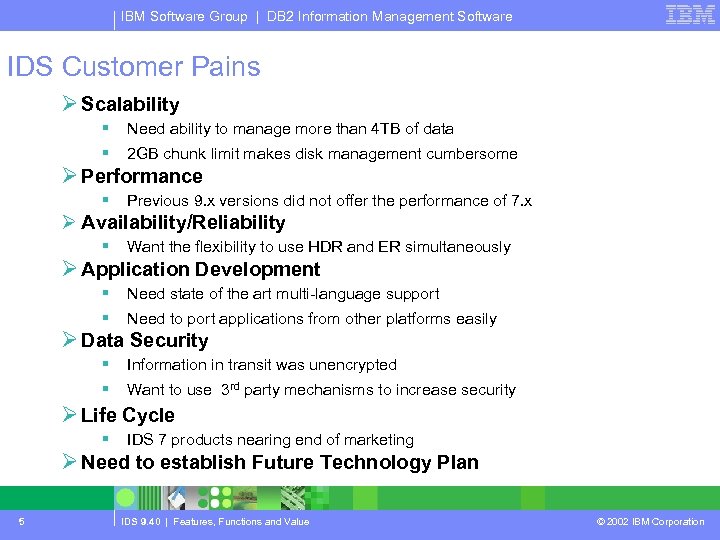
IBM Software Group | DB 2 Information Management Software IDS Customer Pains Ø Scalability § Need ability to manage more than 4 TB of data § 2 GB chunk limit makes disk management cumbersome § Previous 9. x versions did not offer the performance of 7. x Ø Performance Ø Availability/Reliability § Want the flexibility to use HDR and ER simultaneously § Need state of the art multi-language support § Need to port applications from other platforms easily § Information in transit was unencrypted § Want to use 3 rd party mechanisms to increase security Ø Application Development Ø Data Security Ø Life Cycle § IDS 7 products nearing end of marketing Ø Need to establish Future Technology Plan 5 IDS 9. 40 | Features, Functions and Value © 2002 IBM Corporation
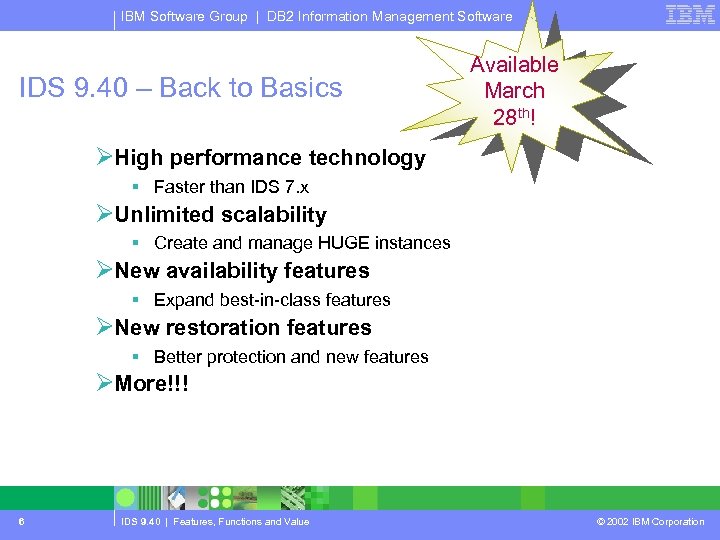
IBM Software Group | DB 2 Information Management Software IDS 9. 40 – Back to Basics Available March 28 th! ØHigh performance technology § Faster than IDS 7. x ØUnlimited scalability § Create and manage HUGE instances ØNew availability features § Expand best-in-class features ØNew restoration features § Better protection and new features ØMore!!! 6 IDS 9. 40 | Features, Functions and Value © 2002 IBM Corporation
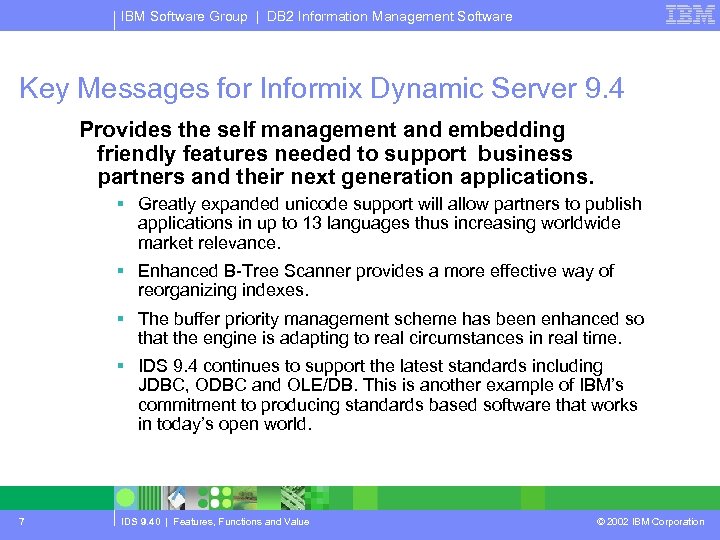
IBM Software Group | DB 2 Information Management Software Key Messages for Informix Dynamic Server 9. 4 Provides the self management and embedding friendly features needed to support business partners and their next generation applications. § Greatly expanded unicode support will allow partners to publish applications in up to 13 languages thus increasing worldwide market relevance. § Enhanced B-Tree Scanner provides a more effective way of reorganizing indexes. § The buffer priority management scheme has been enhanced so that the engine is adapting to real circumstances in real time. § IDS 9. 4 continues to support the latest standards including JDBC, ODBC and OLE/DB. This is another example of IBM’s commitment to producing standards based software that works in today’s open world. 7 IDS 9. 40 | Features, Functions and Value © 2002 IBM Corporation
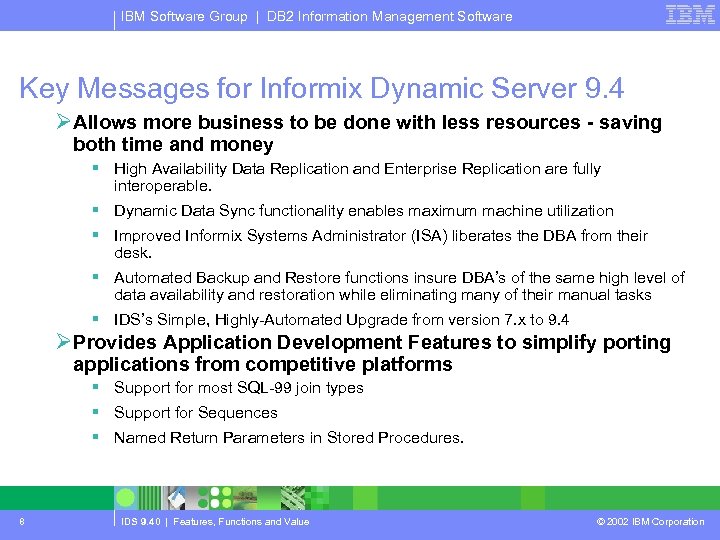
IBM Software Group | DB 2 Information Management Software Key Messages for Informix Dynamic Server 9. 4 ØAllows more business to be done with less resources - saving both time and money § High Availability Data Replication and Enterprise Replication are fully interoperable. § Dynamic Data Sync functionality enables maximum machine utilization § Improved Informix Systems Administrator (ISA) liberates the DBA from their desk. § Automated Backup and Restore functions insure DBA’s of the same high level of data availability and restoration while eliminating many of their manual tasks § IDS’s Simple, Highly-Automated Upgrade from version 7. x to 9. 4 ØProvides Application Development Features to simplify porting applications from competitive platforms § Support for most SQL-99 join types § Support for Sequences § Named Return Parameters in Stored Procedures. 8 IDS 9. 40 | Features, Functions and Value © 2002 IBM Corporation
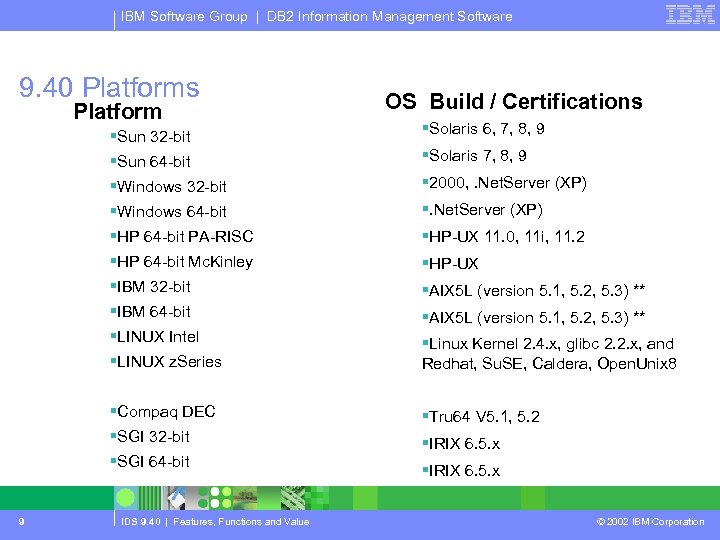
IBM Software Group | DB 2 Information Management Software 9. 40 Platforms Platform OS Build / Certifications §Sun 32 -bit §Solaris 6, 7, 8, 9 §Sun 64 -bit §Solaris 7, 8, 9 §Windows 32 -bit § 2000, . Net. Server (XP) §Windows 64 -bit §. Net. Server (XP) §HP 64 -bit PA-RISC §HP-UX 11. 0, 11 i, 11. 2 §HP 64 -bit Mc. Kinley §HP-UX §IBM 32 -bit §AIX 5 L (version 5. 1, 5. 2, 5. 3) ** §IBM 64 -bit §AIX 5 L (version 5. 1, 5. 2, 5. 3) ** §LINUX Intel §LINUX z. Series §Linux Kernel 2. 4. x, glibc 2. 2. x, and Redhat, Su. SE, Caldera, Open. Unix 8 §Compaq DEC §Tru 64 V 5. 1, 5. 2 §SGI 32 -bit §IRIX 6. 5. x §SGI 64 -bit 9 IDS 9. 40 | Features, Functions and Value §IRIX 6. 5. x © 2002 IBM Corporation
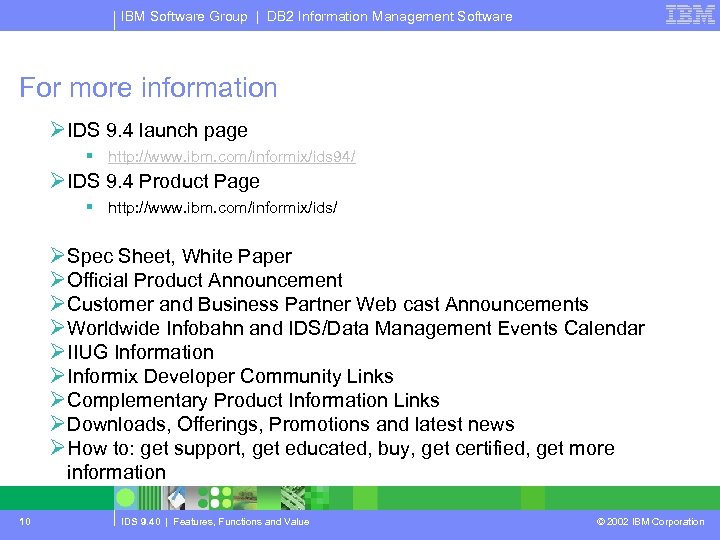
IBM Software Group | DB 2 Information Management Software For more information ØIDS 9. 4 launch page § http: //www. ibm. com/informix/ids 94/ ØIDS 9. 4 Product Page § http: //www. ibm. com/informix/ids/ ØSpec Sheet, White Paper ØOfficial Product Announcement ØCustomer and Business Partner Web cast Announcements ØWorldwide Infobahn and IDS/Data Management Events Calendar ØIIUG Information ØInformix Developer Community Links ØComplementary Product Information Links ØDownloads, Offerings, Promotions and latest news ØHow to: get support, get educated, buy, get certified, get more information 10 IDS 9. 40 | Features, Functions and Value © 2002 IBM Corporation
IBM Software Group | DB 2 Information Management Software Informix Dynamic Server 9. 40 ØFeature Enhancements 11 IDS 9. 40 | Features, Functions and Value © 2002 IBM Corporation
IBM Software Group | DB 2 Information Management Software Big Chunks 12 IDS 9. 40 | Features, Functions and Value © 2002 IBM Corporation
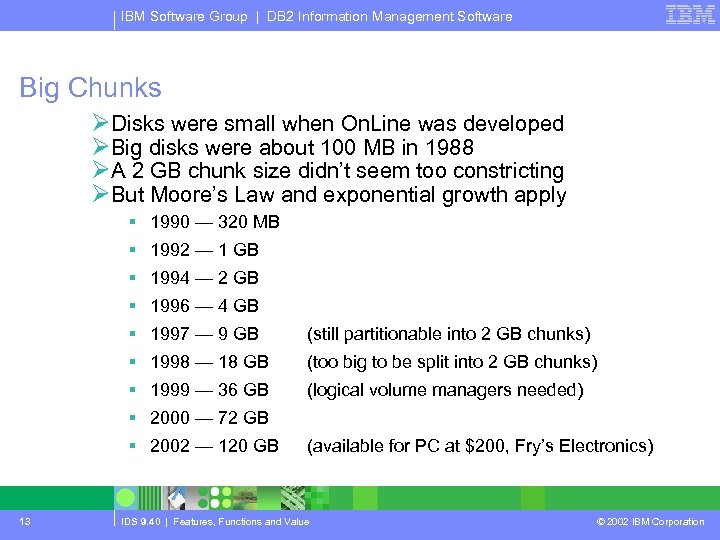
IBM Software Group | DB 2 Information Management Software Big Chunks ØDisks were small when On. Line was developed ØBig disks were about 100 MB in 1988 ØA 2 GB chunk size didn’t seem too constricting ØBut Moore’s Law and exponential growth apply § 1990 — 320 MB § 1992 — 1 GB § 1994 — 2 GB § 1996 — 4 GB § 1997 — 9 GB (still partitionable into 2 GB chunks) § 1998 — 18 GB (too big to be split into 2 GB chunks) § 1999 — 36 GB (logical volume managers needed) § 2000 — 72 GB § 2002 — 120 GB 13 (available for PC at $200, Fry’s Electronics) IDS 9. 40 | Features, Functions and Value © 2002 IBM Corporation
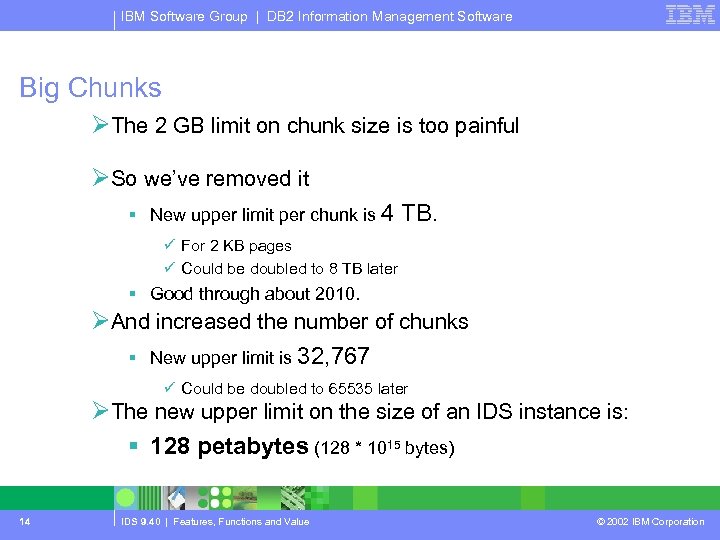
IBM Software Group | DB 2 Information Management Software Big Chunks ØThe 2 GB limit on chunk size is too painful ØSo we’ve removed it § New upper limit per chunk is 4 TB. ü For 2 KB pages ü Could be doubled to 8 TB later § Good through about 2010. ØAnd increased the number of chunks § New upper limit is 32, 767 ü Could be doubled to 65535 later ØThe new upper limit on the size of an IDS instance is: § 128 petabytes (128 * 1015 bytes) 14 IDS 9. 40 | Features, Functions and Value © 2002 IBM Corporation
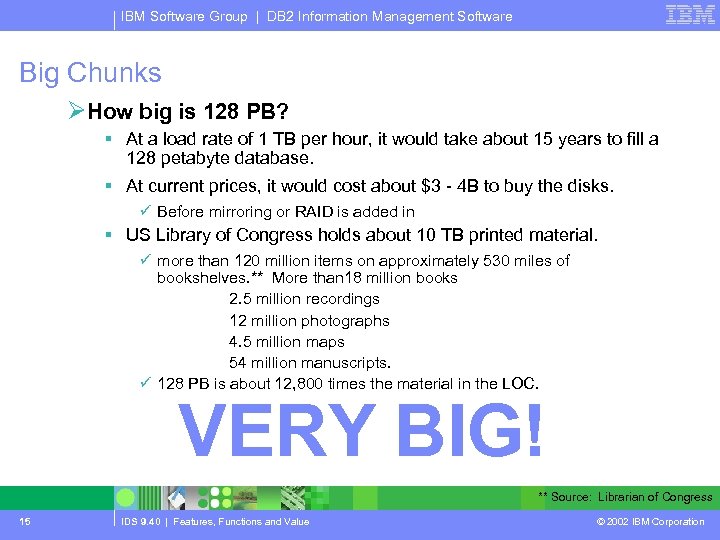
IBM Software Group | DB 2 Information Management Software Big Chunks ØHow big is 128 PB? § At a load rate of 1 TB per hour, it would take about 15 years to fill a 128 petabyte database. § At current prices, it would cost about $3 - 4 B to buy the disks. ü Before mirroring or RAID is added in § US Library of Congress holds about 10 TB printed material. ü more than 120 million items on approximately 530 miles of bookshelves. ** More than 18 million books 2. 5 million recordings 12 million photographs 4. 5 million maps 54 million manuscripts. ü 128 PB is about 12, 800 times the material in the LOC. VERY BIG! ** Source: Librarian of Congress 15 IDS 9. 40 | Features, Functions and Value © 2002 IBM Corporation
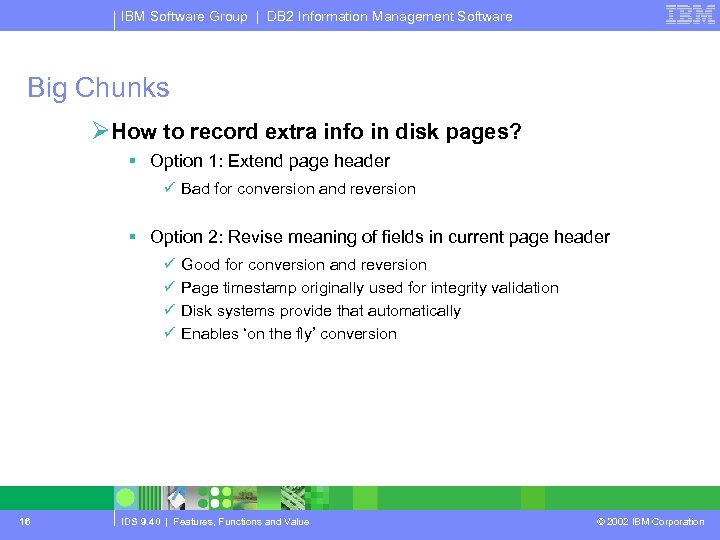
IBM Software Group | DB 2 Information Management Software Big Chunks ØHow to record extra info in disk pages? § Option 1: Extend page header ü Bad for conversion and reversion § Option 2: Revise meaning of fields in current page header ü ü 16 Good for conversion and reversion Page timestamp originally used for integrity validation Disk systems provide that automatically Enables ‘on the fly’ conversion IDS 9. 40 | Features, Functions and Value © 2002 IBM Corporation
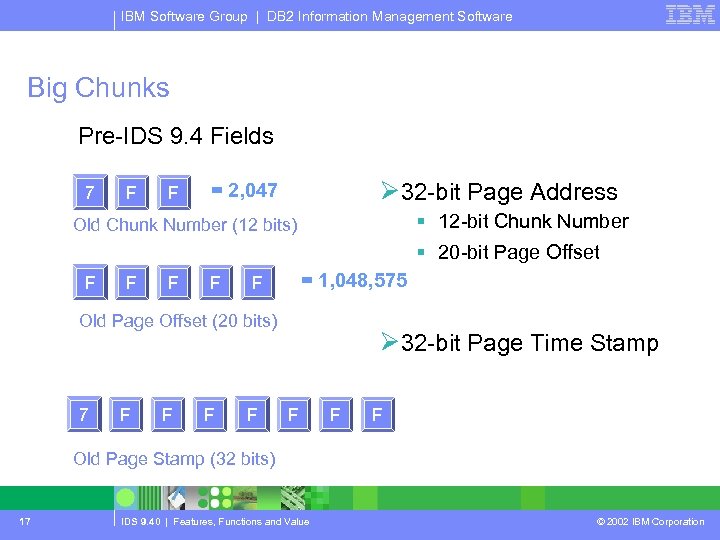
IBM Software Group | DB 2 Information Management Software Big Chunks Pre-IDS 9. 4 Fields 7 F F Ø 32 -bit Page Address = 2, 047 § 12 -bit Chunk Number Old Chunk Number (12 bits) § 20 -bit Page Offset F F = 1, 048, 575 F Old Page Offset (20 bits) 7 F F Ø 32 -bit Page Time Stamp F F F Old Page Stamp (32 bits) 17 IDS 9. 40 | Features, Functions and Value © 2002 IBM Corporation
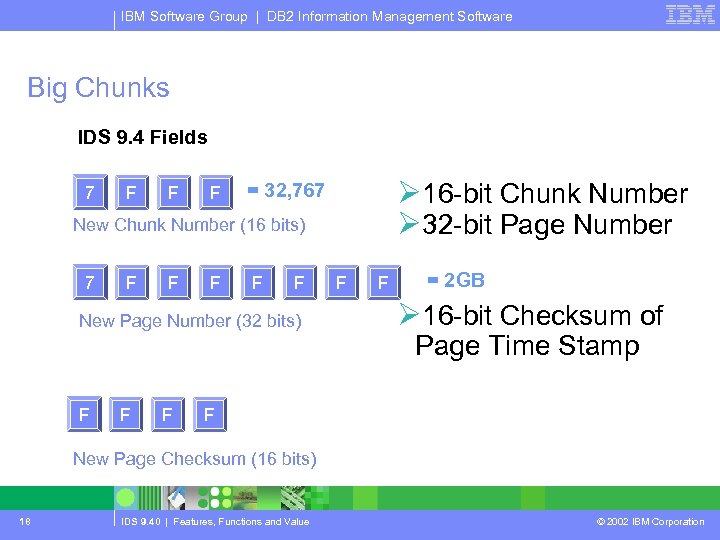
IBM Software Group | DB 2 Information Management Software Big Chunks IDS 9. 4 Fields 7 F F F Ø 16 -bit Chunk Number Ø 32 -bit Page Number = 32, 767 New Chunk Number (16 bits) 7 F F F New Page Number (32 bits) F F F = 2 GB Ø 16 -bit Checksum of Page Time Stamp F New Page Checksum (16 bits) 18 IDS 9. 40 | Features, Functions and Value © 2002 IBM Corporation
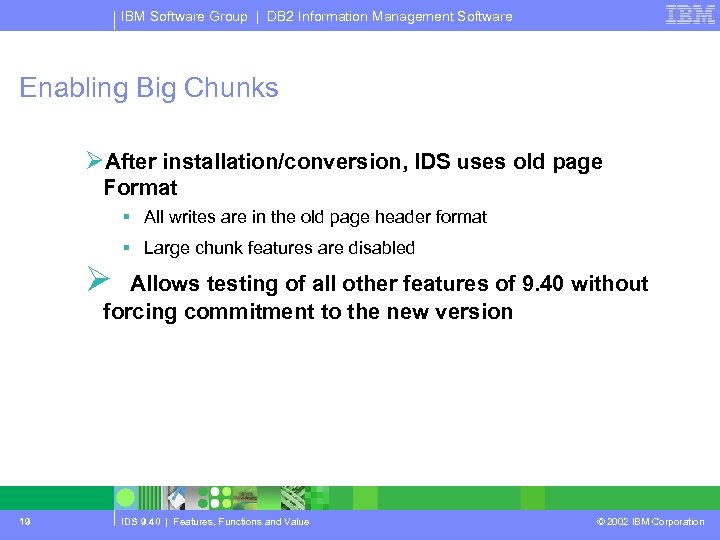
IBM Software Group | DB 2 Information Management Software Enabling Big Chunks ØAfter installation/conversion, IDS uses old page Format § All writes are in the old page header format § Large chunk features are disabled Ø Allows testing of all other features of 9. 40 without forcing commitment to the new version 19 IDS 9. 40 | Features, Functions and Value © 2002 IBM Corporation
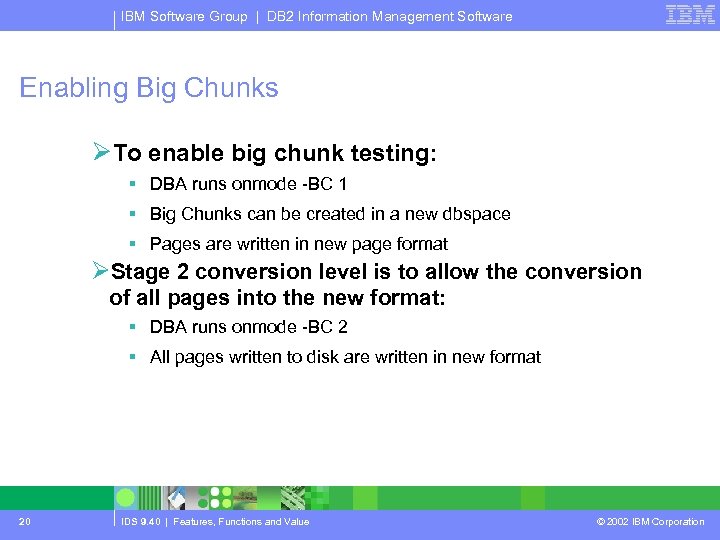
IBM Software Group | DB 2 Information Management Software Enabling Big Chunks ØTo enable big chunk testing: § DBA runs onmode -BC 1 § Big Chunks can be created in a new dbspace § Pages are written in new page format ØStage 2 conversion level is to allow the conversion of all pages into the new format: § DBA runs onmode -BC 2 § All pages written to disk are written in new format 20 IDS 9. 40 | Features, Functions and Value © 2002 IBM Corporation
IBM Software Group | DB 2 Information Management Software Enabling Big Chunks ØPages not read or read only remain in old format ØReversion is no longer possible after this point! ØNew format can be forced with dummy update (not recommended) 21 IDS 9. 40 | Features, Functions and Value © 2002 IBM Corporation
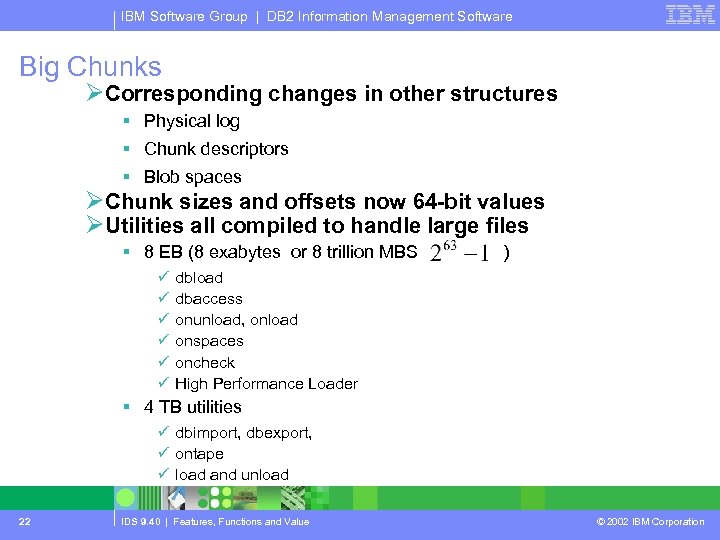
IBM Software Group | DB 2 Information Management Software Big Chunks ØCorresponding changes in other structures § Physical log § Chunk descriptors § Blob spaces ØChunk sizes and offsets now 64 -bit values ØUtilities all compiled to handle large files § 8 EB (8 exabytes or 8 trillion MBS ) ü ü ü dbload dbaccess onunload, onload onspaces oncheck High Performance Loader § 4 TB utilities ü dbimport, dbexport, ü ontape ü load and unload 22 IDS 9. 40 | Features, Functions and Value © 2002 IBM Corporation
IBM Software Group | DB 2 Information Management Software Big Chunks: Value Proposition ØScalability - IDS is scalable across a wide range of platforms ranging from desktops to the largest super computer. In addition, IDS can run on NT, as well as Linux and Unix, without requiring any changes to the actual application. This means that an application can be moved from smaller (NT) to larger platforms (Linux, Unix) and finally moved to a super computer (Linux) without any changes in the application. ØWorkgroup Edition allows small businesses an affordable buy-in to enterprise level database management that can easily grow with their business. 23 IDS 9. 40 | Features, Functions and Value © 2002 IBM Corporation
IBM Software Group | DB 2 Information Management Software Key business pains: Ø #1 My. SQL is limited in its ability to handle complex data and its platform choices and support offerings for the database. Ø #2 MS SQL Server is limited in its ability to scale and its platform choices and support offerings for the database. Ø #3 IDS 7. 31 is limited to 4 TB and 2 GB chunks result in large numbers of disk partitions to manage. Ø IDS is the industry leader for large databases on Unix, Windows NT, and Windows 2000. Enterprise data is increasing at a tremendous rate. IDS has many customers running terabyte size databases. Ø IDS 9. 40 simplifies managing large database by supporting chunks up to 4 TB Ø IDS 9. 40 is a robust RDBMS that can scale easily to meet the most demanding needs. 24 IDS 9. 40 | Features, Functions and Value © 2002 IBM Corporation
IBM Software Group | DB 2 Information Management Software HDR and ER Co-existence 25 IDS 9. 40 | Features, Functions and Value © 2002 IBM Corporation
IBM Software Group | DB 2 Information Management Software ER and HDR Coexistence ØIn IDS versions prior to 9. 40 § Use HDR (High availability Data Replication) for automatic failover between two substantially identical systems. § Use ER (Enterprise Replication) for controlled replication of subsets of data between many heterogeneous systems. ØBut cannot use both at once 26 IDS 9. 40 | Features, Functions and Value © 2002 IBM Corporation
IBM Software Group | DB 2 Information Management Software ER and HDR Coexistence ØIn IDS 9. 40 § HDR systems can participate in ER systems too. ØTypically, one or more of the root nodes in the ER system would also run HDR § Note that systems communicating with such nodes must be running IDS 9. 40. § Hence, all root nodes would have to be running 9. 40 before any of them are converted to HDR too. ØER systems will contact the primary server of the HDR pair in ordinary operation § Will automatically contact the secondary if the primary fails. 27 IDS 9. 40 | Features, Functions and Value © 2002 IBM Corporation
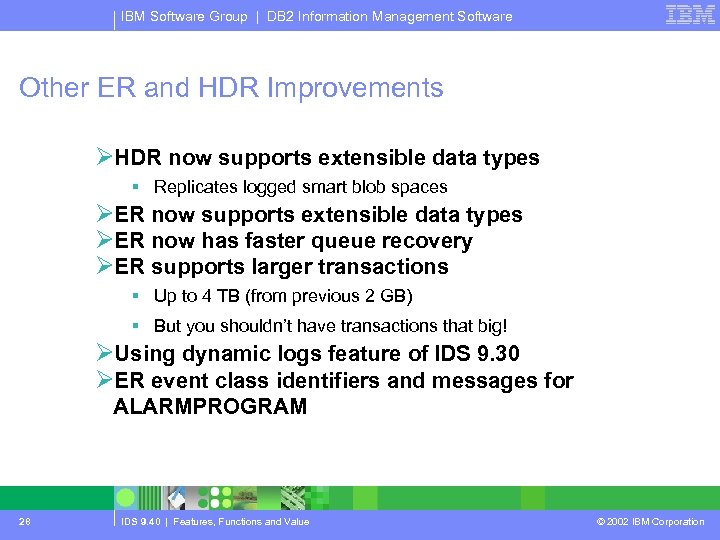
IBM Software Group | DB 2 Information Management Software Other ER and HDR Improvements ØHDR now supports extensible data types § Replicates logged smart blob spaces ØER now supports extensible data types ØER now has faster queue recovery ØER supports larger transactions § Up to 4 TB (from previous 2 GB) § But you shouldn’t have transactions that big! ØUsing dynamic logs feature of IDS 9. 30 ØER event class identifiers and messages for ALARMPROGRAM 28 IDS 9. 40 | Features, Functions and Value © 2002 IBM Corporation
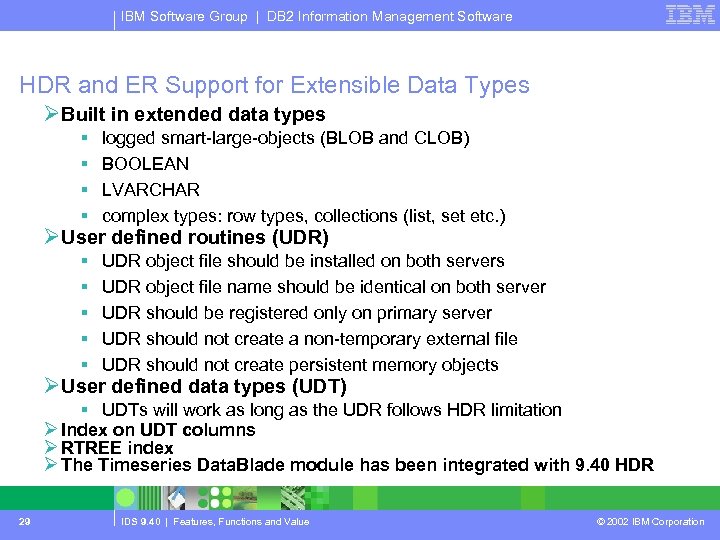
IBM Software Group | DB 2 Information Management Software HDR and ER Support for Extensible Data Types ØBuilt in extended data types § § logged smart-large-objects (BLOB and CLOB) BOOLEAN LVARCHAR complex types: row types, collections (list, set etc. ) ØUser defined routines (UDR) § UDR object file should be installed on both servers § UDR object file name should be identical on both server § UDR should be registered only on primary server § UDR should not create a non-temporary external file § UDR should not create persistent memory objects ØUser defined data types (UDT) § UDTs will work as long as the UDR follows HDR limitation Ø Index on UDT columns Ø RTREE index Ø The Timeseries Data. Blade module has been integrated with 9. 40 HDR 29 IDS 9. 40 | Features, Functions and Value © 2002 IBM Corporation
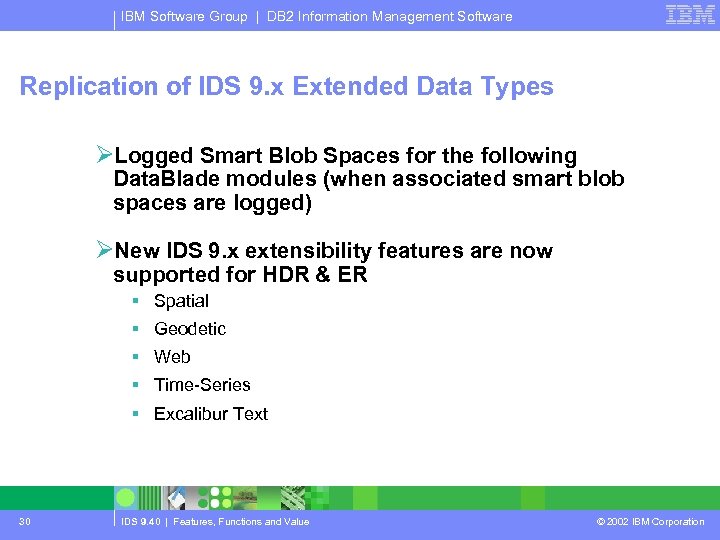
IBM Software Group | DB 2 Information Management Software Replication of IDS 9. x Extended Data Types ØLogged Smart Blob Spaces for the following Data. Blade modules (when associated smart blob spaces are logged) ØNew IDS 9. x extensibility features are now supported for HDR & ER § Spatial § Geodetic § Web § Time-Series § Excalibur Text 30 IDS 9. 40 | Features, Functions and Value © 2002 IBM Corporation
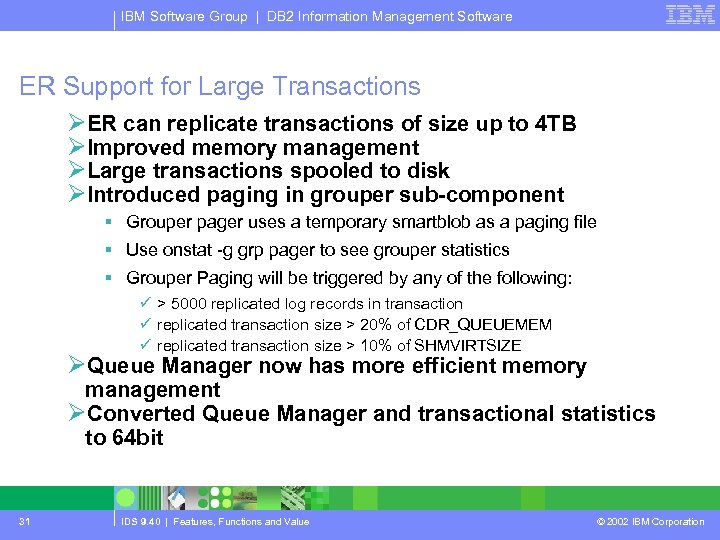
IBM Software Group | DB 2 Information Management Software ER Support for Large Transactions ØER can replicate transactions of size up to 4 TB ØImproved memory management ØLarge transactions spooled to disk ØIntroduced paging in grouper sub-component § Grouper pager uses a temporary smartblob as a paging file § Use onstat -g grp pager to see grouper statistics § Grouper Paging will be triggered by any of the following: ü > 5000 replicated log records in transaction ü replicated transaction size > 20% of CDR_QUEUEMEM ü replicated transaction size > 10% of SHMVIRTSIZE ØQueue Manager now has more efficient memory management ØConverted Queue Manager and transactional statistics to 64 bit 31 IDS 9. 40 | Features, Functions and Value © 2002 IBM Corporation
IBM Software Group | DB 2 Information Management Software Fast Queue Recovery – Dynamic Logs ØDrastic decrease of the time taken to recover the queue from the spool ØReplication during queue recovery ØUsers can connect to a database server during queue recovery; transactions are added to the queue ØIf the volume of transactions during queue recovery is so large that the logical log is in danger of being overwritten, replication is blocked ØER will utilize the Dynamic Logging feature **if** enabled 32 IDS 9. 40 | Features, Functions and Value © 2002 IBM Corporation
IBM Software Group | DB 2 Information Management Software Key business pains: Replication Ø#1 Oracle RAC must be purchased as an add-on product and requires application code changes to allow for failover detection. Ø#2 MS SQL Server replication requires additional products for failover support. ØIDS 9. 40 Enterprise Edition includes both HDR and ER. These products can be used together or separately to build appropriate high availability environments for the most demanding scenarios without having to modify application code. ØThis makes IDS 9. 40 the preferred high availability solution for ERP applications. 33 IDS 9. 40 | Features, Functions and Value © 2002 IBM Corporation
IBM Software Group | DB 2 Information Management Software Encrypted Communication 34 IDS 9. 40 | Features, Functions and Value © 2002 IBM Corporation
IBM Software Group | DB 2 Information Management Software Encrypted Communications ØPreviously, password encryption using CSS/CSM technology ØNow (optionally) using CSS/CSM to encrypt all conversations from client to server § Using cryptography libraries from Open. SSL. § Not using Open. SSL directly because of design of ASF. ØOptionally encrypt ER traffic § Often sent over long-haul networks. § Protects data sent over Internet. § Not available for HDR in initial release. 35 IDS 9. 40 | Features, Functions and Value © 2002 IBM Corporation
IBM Software Group | DB 2 Information Management Software Security: Value Proposition ØIDS minimizes security administration saving DBA time ØIDS 9. 40 adds additional security measures ØIDS 9. 40 supports Plug-in Authentication Modules ØIDS 9. 40 Offers you the security they need to build the e-Business applications you need to move their business forward. 36 IDS 9. 40 | Features, Functions and Value © 2002 IBM Corporation
IBM Software Group | DB 2 Information Management Software Key business pains: Security Ø#1 Oracle 9 i implements security at the database level and is delivered with 32 default passwords that must be modified to prevent unauthorized access to the system. Ø#2 IDS 7. x requires external measures to ensure secure client and server to server connections. ØIBM IDS is designed to provide the highest level of security possible in a relational database management system, while leveraging the security features of the hardware platforms on which it operates. IDS security provides capabilities in four key areas: authentication, authorization, privileges and integrity. ØIDS reduces security administration costs by utilizing a single point of authentication. 37 IDS 9. 40 | Features, Functions and Value © 2002 IBM Corporation
IBM Software Group | DB 2 Information Management Software Questions & Answers New Features 38 IDS 9. 40 | Features, Functions and Value © 2002 IBM Corporation
IBM Software Group | DB 2 Information Management Software Miscellaneous Engine / Admin Features ØImproved Performance ØRewritten B-Tree cleaning algorithms ØRevised buffer priority management ØFractional percentages for LRU_MIN_DIRTY and LRU_MAX_DIRTY ØUse full size of tape devices ØRename chunk devices during restore ØNo libraries installed in /usr/lib by default ØAdd chunks when first chunk full ØRestartable fast recovery ØMore DBSERVERALIASES ØNew default ALARMPROGRAM 39 IDS 9. 40 | Features, Functions and Value © 2002 IBM Corporation
IBM Software Group | DB 2 Information Management Software Performance 40 IDS 9. 40 | Features, Functions and Value © 2002 IBM Corporation
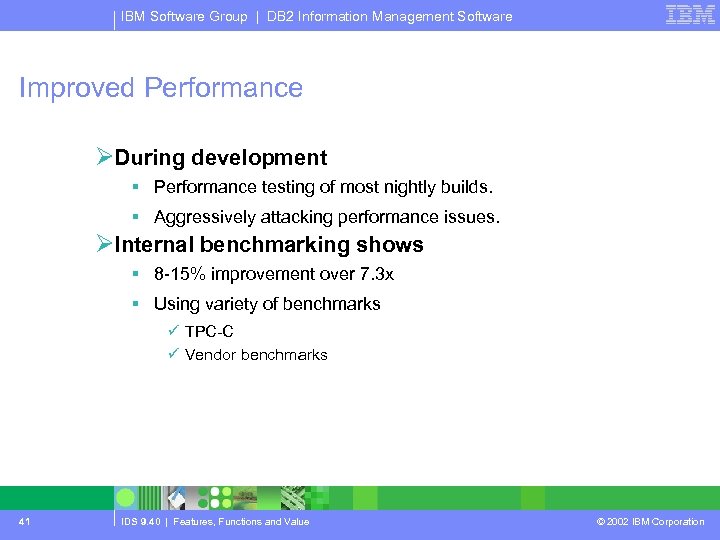
IBM Software Group | DB 2 Information Management Software Improved Performance ØDuring development § Performance testing of most nightly builds. § Aggressively attacking performance issues. ØInternal benchmarking shows § 8 -15% improvement over 7. 3 x § Using variety of benchmarks ü TPC-C ü Vendor benchmarks 41 IDS 9. 40 | Features, Functions and Value © 2002 IBM Corporation
IBM Software Group | DB 2 Information Management Software B-tree Cleaning 42 IDS 9. 40 | Features, Functions and Value © 2002 IBM Corporation
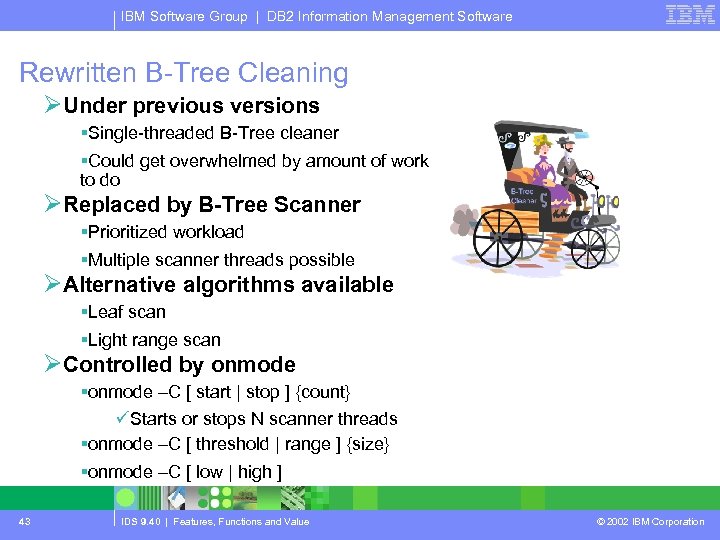
IBM Software Group | DB 2 Information Management Software Rewritten B-Tree Cleaning ØUnder previous versions §Single-threaded B-Tree cleaner §Could get overwhelmed by amount of work to do ØReplaced by B-Tree Scanner §Prioritized workload §Multiple scanner threads possible ØAlternative algorithms available §Leaf scan §Light range scan ØControlled by onmode §onmode –C [ start | stop ] {count} üStarts or stops N scanner threads §onmode –C [ threshold | range ] {size} §onmode –C [ low | high ] 43 IDS 9. 40 | Features, Functions and Value © 2002 IBM Corporation
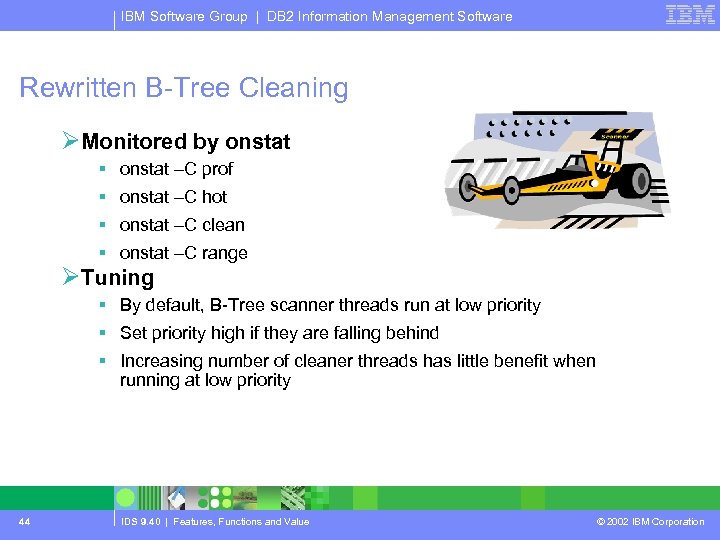
IBM Software Group | DB 2 Information Management Software Rewritten B-Tree Cleaning ØMonitored by onstat § onstat –C prof § onstat –C hot § onstat –C clean § onstat –C range ØTuning § By default, B-Tree scanner threads run at low priority § Set priority high if they are falling behind § Increasing number of cleaner threads has little benefit when running at low priority 44 IDS 9. 40 | Features, Functions and Value © 2002 IBM Corporation
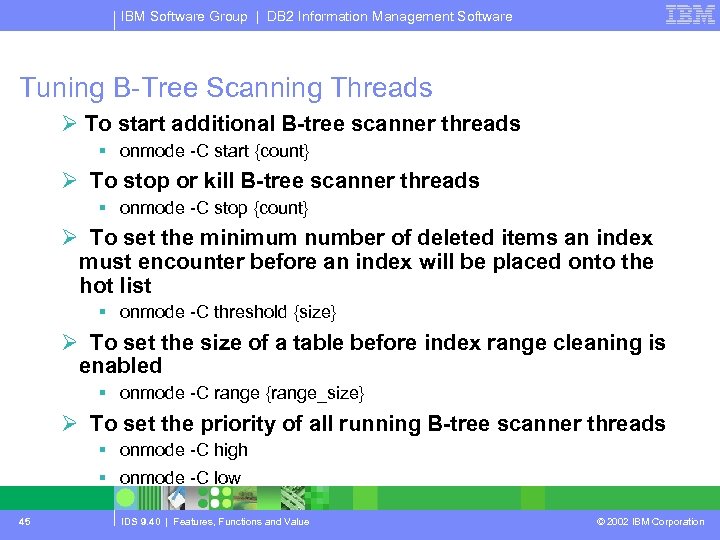
IBM Software Group | DB 2 Information Management Software Tuning B-Tree Scanning Threads Ø To start additional B-tree scanner threads § onmode -C start {count} Ø To stop or kill B-tree scanner threads § onmode -C stop {count} Ø To set the minimum number of deleted items an index must encounter before an index will be placed onto the hot list § onmode -C threshold {size} Ø To set the size of a table before index range cleaning is enabled § onmode -C range {range_size} Ø To set the priority of all running B-tree scanner threads § onmode -C high § onmode -C low 45 IDS 9. 40 | Features, Functions and Value © 2002 IBM Corporation
IBM Software Group | DB 2 Information Management Software Buffer Management System 46 IDS 9. 40 | Features, Functions and Value © 2002 IBM Corporation
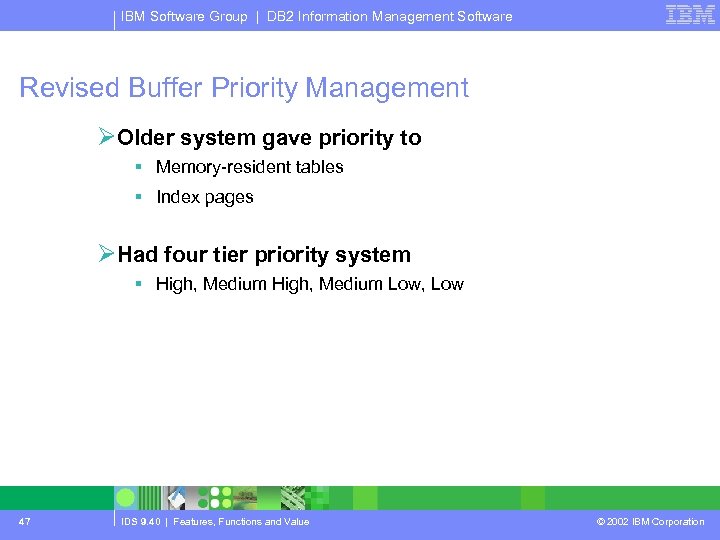
IBM Software Group | DB 2 Information Management Software Revised Buffer Priority Management ØOlder system gave priority to § Memory-resident tables § Index pages ØHad four tier priority system § High, Medium Low, Low 47 IDS 9. 40 | Features, Functions and Value © 2002 IBM Corporation
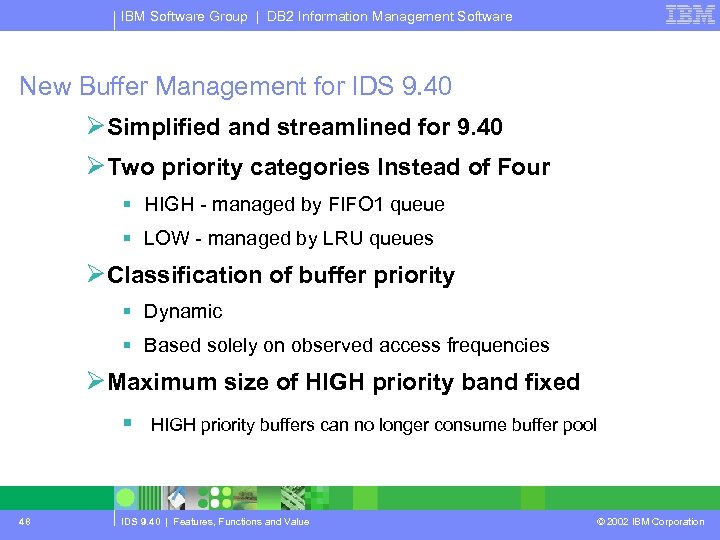
IBM Software Group | DB 2 Information Management Software New Buffer Management for IDS 9. 40 ØSimplified and streamlined for 9. 40 ØTwo priority categories Instead of Four § HIGH - managed by FIFO 1 queue § LOW - managed by LRU queues ØClassification of buffer priority § Dynamic § Based solely on observed access frequencies ØMaximum size of HIGH priority band fixed § HIGH priority buffers can no longer consume buffer pool 48 IDS 9. 40 | Features, Functions and Value © 2002 IBM Corporation
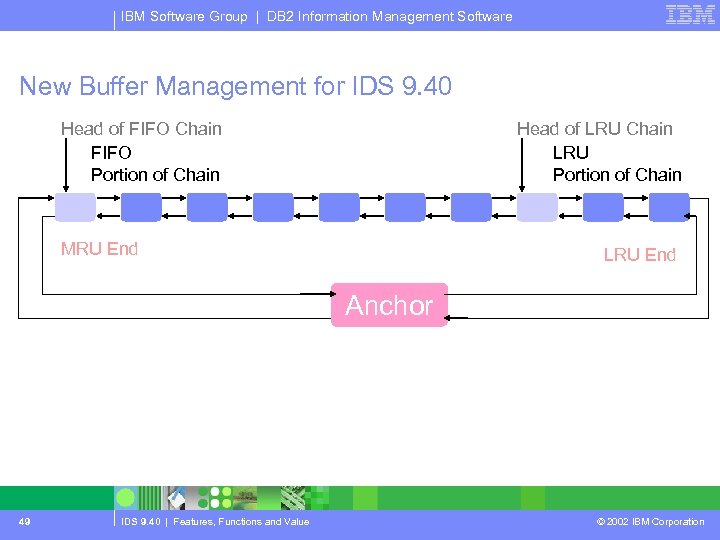
IBM Software Group | DB 2 Information Management Software New Buffer Management for IDS 9. 40 Head of FIFO Chain FIFO Portion of Chain Head of LRU Chain LRU Portion of Chain MRU End LRU End Anchor 49 IDS 9. 40 | Features, Functions and Value © 2002 IBM Corporation
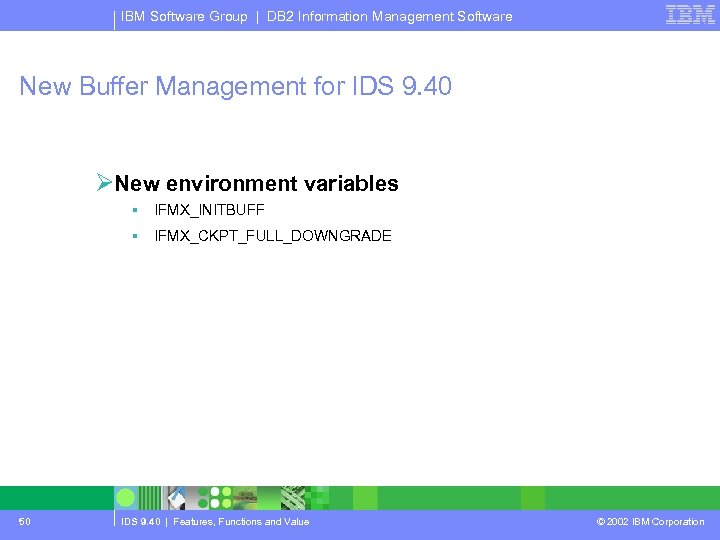
IBM Software Group | DB 2 Information Management Software New Buffer Management for IDS 9. 40 ØNew environment variables § IFMX_INITBUFF § IFMX_CKPT_FULL_DOWNGRADE 50 IDS 9. 40 | Features, Functions and Value © 2002 IBM Corporation
IBM Software Group | DB 2 Information Management Software Fractional LRU Min / Max 51 IDS 9. 40 | Features, Functions and Value © 2002 IBM Corporation
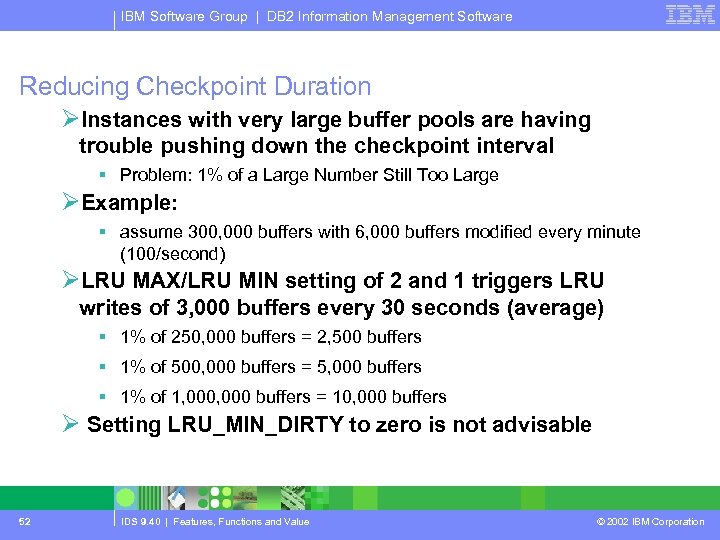
IBM Software Group | DB 2 Information Management Software Reducing Checkpoint Duration ØInstances with very large buffer pools are having trouble pushing down the checkpoint interval § Problem: 1% of a Large Number Still Too Large ØExample: § assume 300, 000 buffers with 6, 000 buffers modified every minute (100/second) ØLRU MAX/LRU MIN setting of 2 and 1 triggers LRU writes of 3, 000 buffers every 30 seconds (average) § 1% of 250, 000 buffers = 2, 500 buffers § 1% of 500, 000 buffers = 5, 000 buffers § 1% of 1, 000 buffers = 10, 000 buffers Ø Setting LRU_MIN_DIRTY to zero is not advisable 52 IDS 9. 40 | Features, Functions and Value © 2002 IBM Corporation
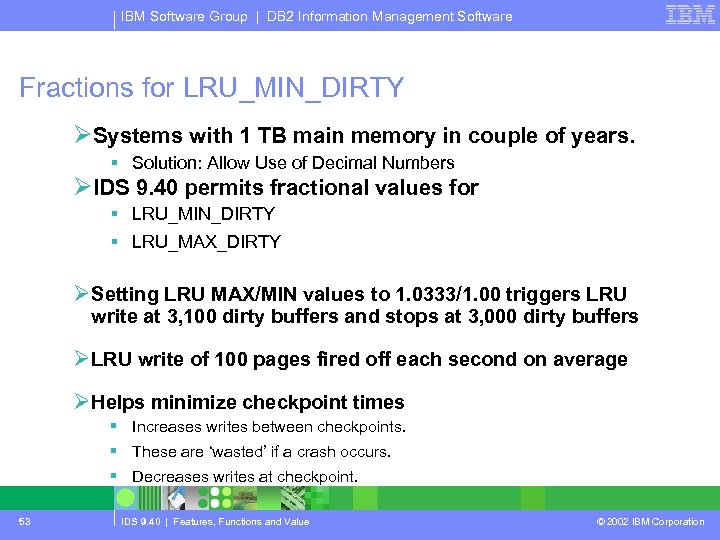
IBM Software Group | DB 2 Information Management Software Fractions for LRU_MIN_DIRTY ØSystems with 1 TB main memory in couple of years. § Solution: Allow Use of Decimal Numbers ØIDS 9. 40 permits fractional values for § LRU_MIN_DIRTY § LRU_MAX_DIRTY ØSetting LRU MAX/MIN values to 1. 0333/1. 00 triggers LRU write at 3, 100 dirty buffers and stops at 3, 000 dirty buffers ØLRU write of 100 pages fired off each second on average ØHelps minimize checkpoint times § Increases writes between checkpoints. § These are ‘wasted’ if a crash occurs. § Decreases writes at checkpoint. 53 IDS 9. 40 | Features, Functions and Value © 2002 IBM Corporation
IBM Software Group | DB 2 Information Management Software Full Tape Size 54 IDS 9. 40 | Features, Functions and Value © 2002 IBM Corporation
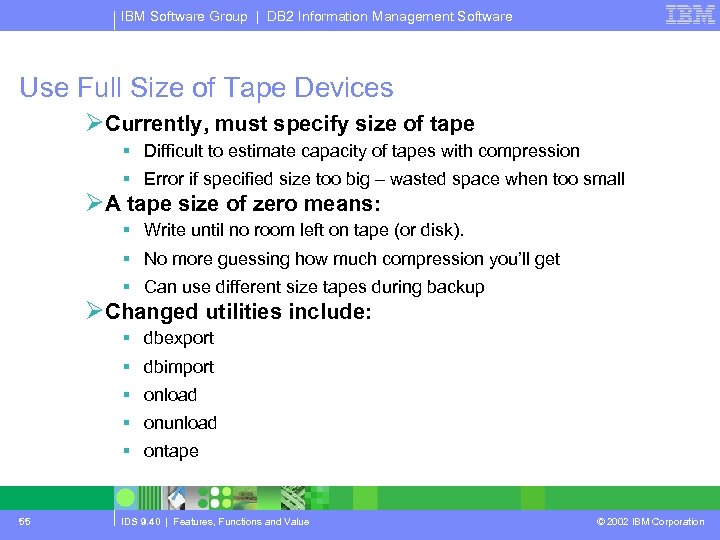
IBM Software Group | DB 2 Information Management Software Use Full Size of Tape Devices ØCurrently, must specify size of tape § Difficult to estimate capacity of tapes with compression § Error if specified size too big – wasted space when too small ØA tape size of zero means: § Write until no room left on tape (or disk). § No more guessing how much compression you’ll get § Can use different size tapes during backup ØChanged utilities include: § dbexport § dbimport § onload § onunload § ontape 55 IDS 9. 40 | Features, Functions and Value © 2002 IBM Corporation
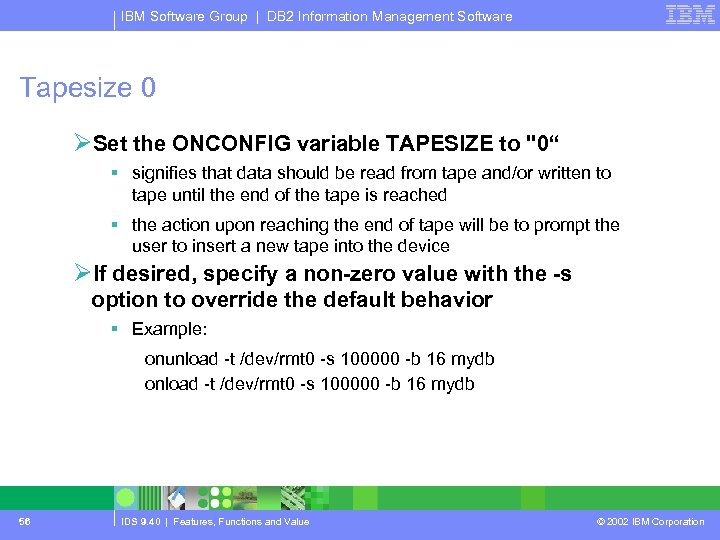
IBM Software Group | DB 2 Information Management Software Tapesize 0 ØSet the ONCONFIG variable TAPESIZE to "0“ § signifies that data should be read from tape and/or written to tape until the end of the tape is reached § the action upon reaching the end of tape will be to prompt the user to insert a new tape into the device ØIf desired, specify a non-zero value with the -s option to override the default behavior § Example: onunload -t /dev/rmt 0 -s 100000 -b 16 mydb onload -t /dev/rmt 0 -s 100000 -b 16 mydb 56 IDS 9. 40 | Features, Functions and Value © 2002 IBM Corporation
IBM Software Group | DB 2 Information Management Software Rename Chunks 57 IDS 9. 40 | Features, Functions and Value © 2002 IBM Corporation
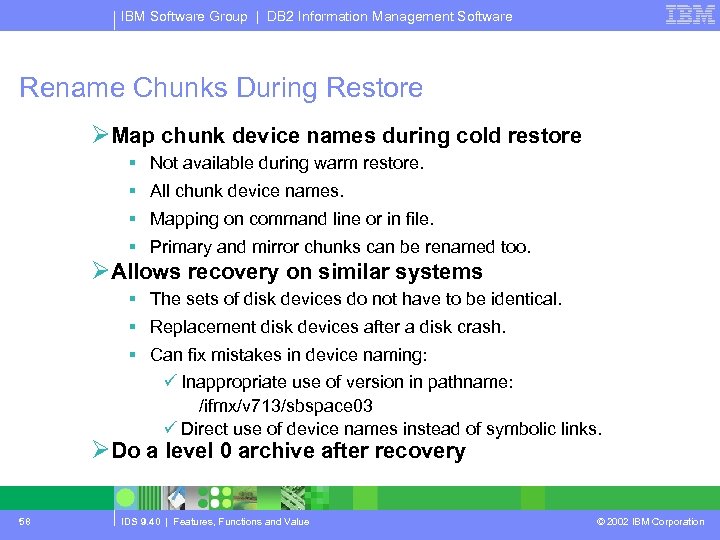
IBM Software Group | DB 2 Information Management Software Rename Chunks During Restore ØMap chunk device names during cold restore § Not available during warm restore. § All chunk device names. § Mapping on command line or in file. § Primary and mirror chunks can be renamed too. ØAllows recovery on similar systems § The sets of disk devices do not have to be identical. § Replacement disk devices after a disk crash. § Can fix mistakes in device naming: ü Inappropriate use of version in pathname: /ifmx/v 713/sbspace 03 ü Direct use of device names instead of symbolic links. ØDo a level 0 archive after recovery 58 IDS 9. 40 | Features, Functions and Value © 2002 IBM Corporation
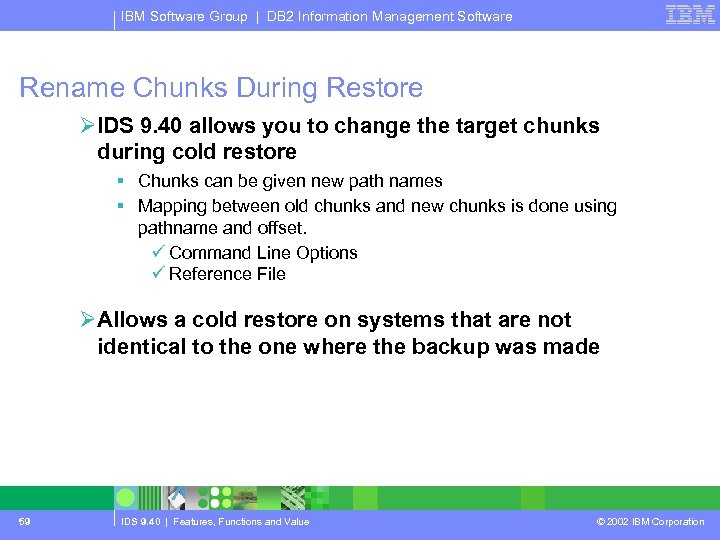
IBM Software Group | DB 2 Information Management Software Rename Chunks During Restore ØIDS 9. 40 allows you to change the target chunks during cold restore § Chunks can be given new path names § Mapping between old chunks and new chunks is done using pathname and offset. ü Command Line Options ü Reference File ØAllows a cold restore on systems that are not identical to the one where the backup was made 59 IDS 9. 40 | Features, Functions and Value © 2002 IBM Corporation
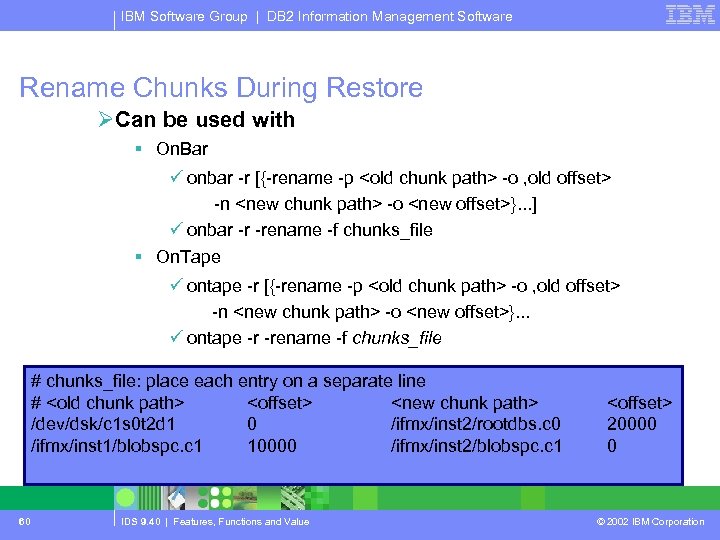
IBM Software Group | DB 2 Information Management Software Rename Chunks During Restore ØCan be used with § On. Bar ü onbar -r [{-rename -p <old chunk path> -o , old offset> -n <new chunk path> -o <new offset>}. . . ] ü onbar -r -rename -f chunks_file § On. Tape ü ontape -r [{-rename -p <old chunk path> -o , old offset> -n <new chunk path> -o <new offset>}. . . ü ontape -r -rename -f chunks_file # chunks_file: place each entry on a separate line # <old chunk path> <offset> <new chunk path> /dev/dsk/c 1 s 0 t 2 d 1 0 /ifmx/inst 2/rootdbs. c 0 /ifmx/inst 1/blobspc. c 1 10000 /ifmx/inst 2/blobspc. c 1 60 IDS 9. 40 | Features, Functions and Value <offset> 20000 0 © 2002 IBM Corporation
IBM Software Group | DB 2 Information Management Software Library Relocation 61 IDS 9. 40 | Features, Functions and Value © 2002 IBM Corporation
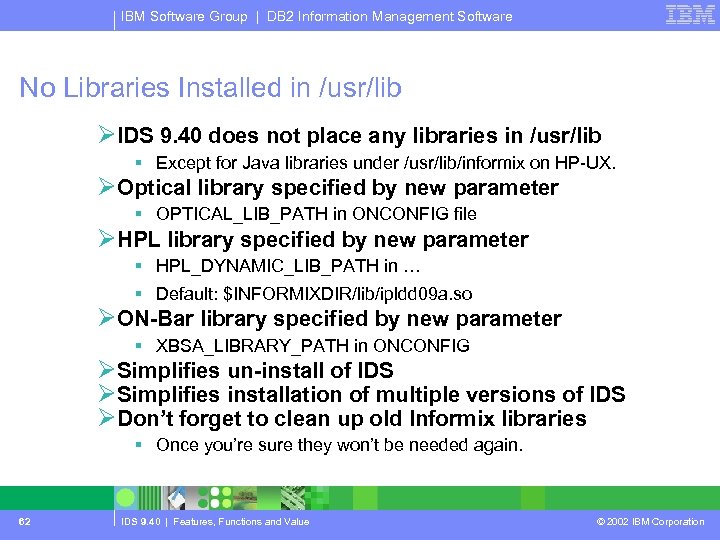
IBM Software Group | DB 2 Information Management Software No Libraries Installed in /usr/lib ØIDS 9. 40 does not place any libraries in /usr/lib § Except for Java libraries under /usr/lib/informix on HP-UX. ØOptical library specified by new parameter § OPTICAL_LIB_PATH in ONCONFIG file ØHPL library specified by new parameter § HPL_DYNAMIC_LIB_PATH in … § Default: $INFORMIXDIR/lib/ipldd 09 a. so ØON-Bar library specified by new parameter § XBSA_LIBRARY_PATH in ONCONFIG ØSimplifies un-install of IDS ØSimplifies installation of multiple versions of IDS ØDon’t forget to clean up old Informix libraries § Once you’re sure they won’t be needed again. 62 IDS 9. 40 | Features, Functions and Value © 2002 IBM Corporation
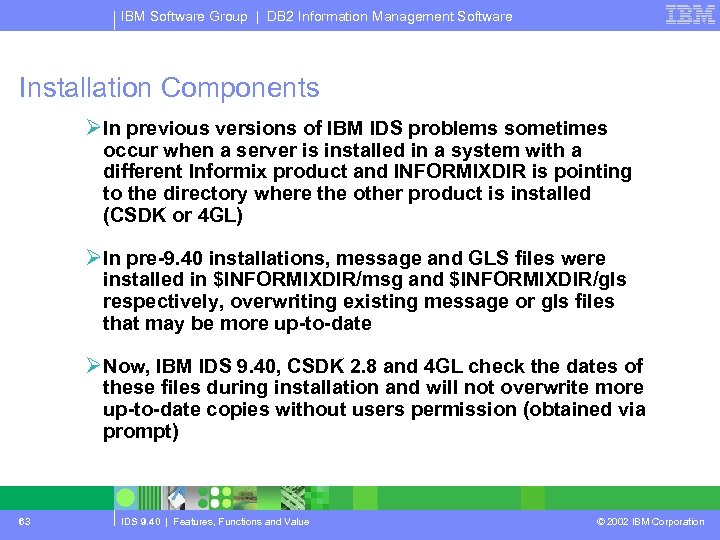
IBM Software Group | DB 2 Information Management Software Installation Components ØIn previous versions of IBM IDS problems sometimes occur when a server is installed in a system with a different Informix product and INFORMIXDIR is pointing to the directory where the other product is installed (CSDK or 4 GL) ØIn pre-9. 40 installations, message and GLS files were installed in $INFORMIXDIR/msg and $INFORMIXDIR/gls respectively, overwriting existing message or gls files that may be more up-to-date ØNow, IBM IDS 9. 40, CSDK 2. 8 and 4 GL check the dates of these files during installation and will not overwrite more up-to-date copies without users permission (obtained via prompt) 63 IDS 9. 40 | Features, Functions and Value © 2002 IBM Corporation
IBM Software Group | DB 2 Information Management Software Expanding Chunk Reserved Pages 64 IDS 9. 40 | Features, Functions and Value © 2002 IBM Corporation
IBM Software Group | DB 2 Information Management Software Add Chunks When First Chunk Full ØIn prior versions of IDS § All chunk information had to be in first chunk of root dbspace. § If first chunk full, it was not possible to add new disk space. ØWith IDS 9. 40 § If there is no space left in first chunk of rootdbs. § Extra chunk information can be added to one of the other chunks in root dbspace. § Helps prevent conversion failures. § Helps support 32, 767 chunks. 65 IDS 9. 40 | Features, Functions and Value © 2002 IBM Corporation
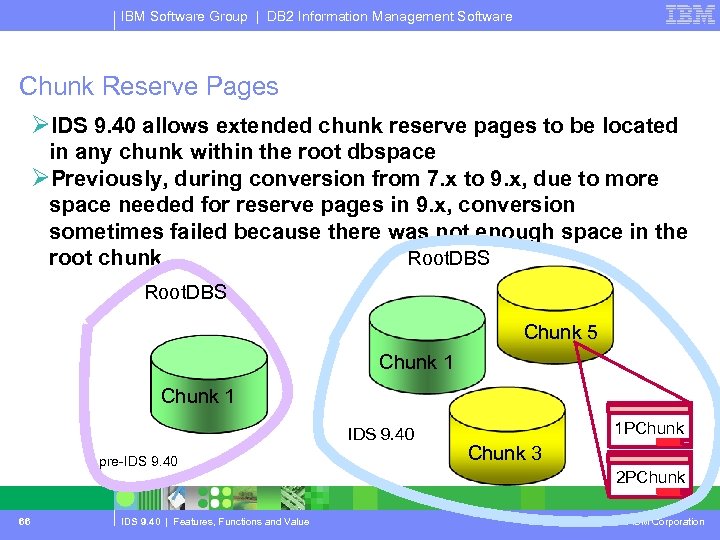
IBM Software Group | DB 2 Information Management Software Chunk Reserve Pages ØIDS 9. 40 allows extended chunk reserve pages to be located in any chunk within the root dbspace ØPreviously, during conversion from 7. x to 9. x, due to more space needed for reserve pages in 9. x, conversion sometimes failed because there was not enough space in the root chunk Root. DBS Chunk 5 Chunk 1 IDS 9. 40 pre-IDS 9. 40 1 PChunk 3 2 PChunk 66 IDS 9. 40 | Features, Functions and Value © 2002 IBM Corporation
IBM Software Group | DB 2 Information Management Software Restartable Fast Recovery 67 IDS 9. 40 | Features, Functions and Value © 2002 IBM Corporation
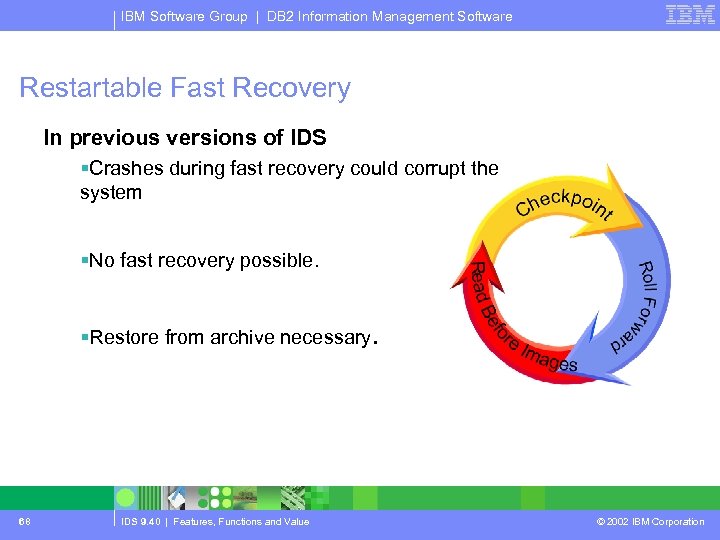
IBM Software Group | DB 2 Information Management Software Restartable Fast Recovery In previous versions of IDS §Crashes during fast recovery could corrupt the system §No fast recovery possible. §Restore from archive necessary. 68 IDS 9. 40 | Features, Functions and Value © 2002 IBM Corporation
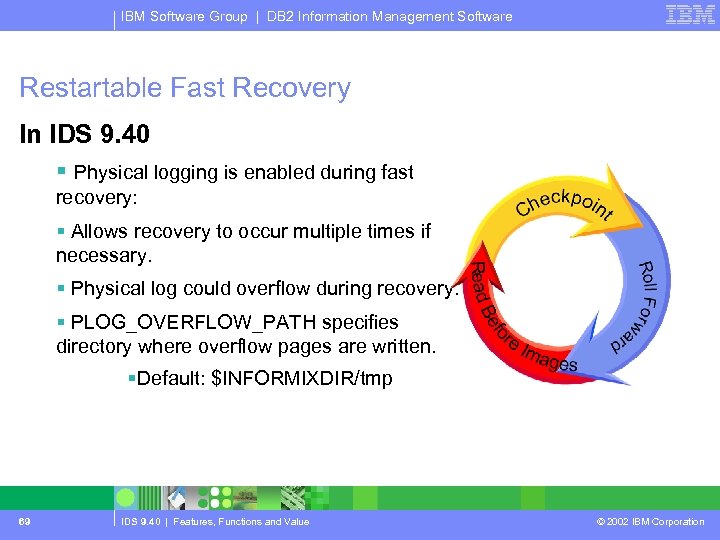
IBM Software Group | DB 2 Information Management Software Restartable Fast Recovery In IDS 9. 40 § Physical logging is enabled during fast recovery: § Allows recovery to occur multiple times if necessary. § Physical log could overflow during recovery. § PLOG_OVERFLOW_PATH specifies directory where overflow pages are written. §Default: $INFORMIXDIR/tmp 69 IDS 9. 40 | Features, Functions and Value © 2002 IBM Corporation
IBM Software Group | DB 2 Information Management Software Onstat / Set Explain Enhancements & Misc. 70 IDS 9. 40 | Features, Functions and Value © 2002 IBM Corporation
IBM Software Group | DB 2 Information Management Software On. Stat Enhancements Øonstat –g env <session. ID> § Displays the environment variables in effect for the instance or session Øonstat –g sql <session. ID> § Displays environment variables that may effect performance of the query § Displays the values being processed represented by ‘? ’ 71 IDS 9. 40 | Features, Functions and Value © 2002 IBM Corporation
IBM Software Group | DB 2 Information Management Software Set Explain Enhancements ØNew syntax for Set Explain prevents execution of the query § set explain on avoid_execute ØCan be turned on dynamically on a running session 72 IDS 9. 40 | Features, Functions and Value © 2002 IBM Corporation
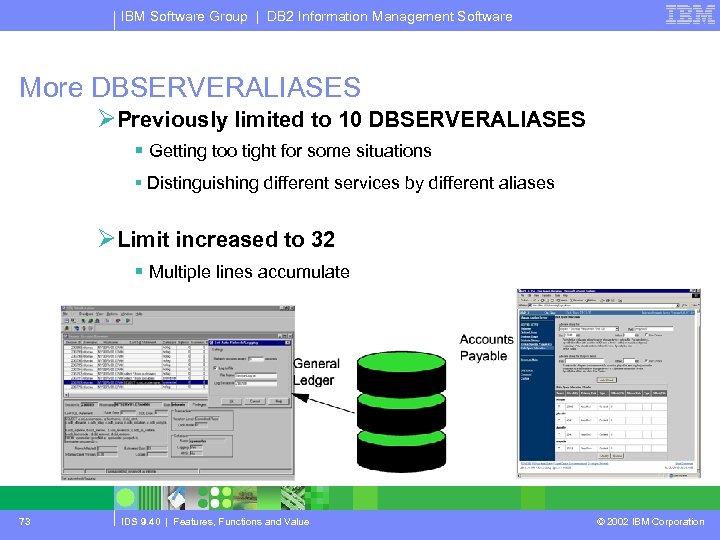
IBM Software Group | DB 2 Information Management Software More DBSERVERALIASES ØPreviously limited to 10 DBSERVERALIASES § Getting too tight for some situations § Distinguishing different services by different aliases ØLimit increased to 32 § Multiple lines accumulate 73 IDS 9. 40 | Features, Functions and Value © 2002 IBM Corporation
IBM Software Group | DB 2 Information Management Software New Default ALARMPROGRAM ØWhen an event occurs § Logged to message log file. § Information passed to a program: ü Usually, but not necessarily, a shell script. ØPrevious default program only handled § Logical log complete: ü By running an ON-Bar process to back it up. ØNew default has example handling for all events § Configuration section. § ‘Private’ section with code to analyze and report on events. § Tailor the configuration section to suit: ü email addresses. ü reporting levels. § Alter the private section if something isn’t done right for you. 74 IDS 9. 40 | Features, Functions and Value © 2002 IBM Corporation
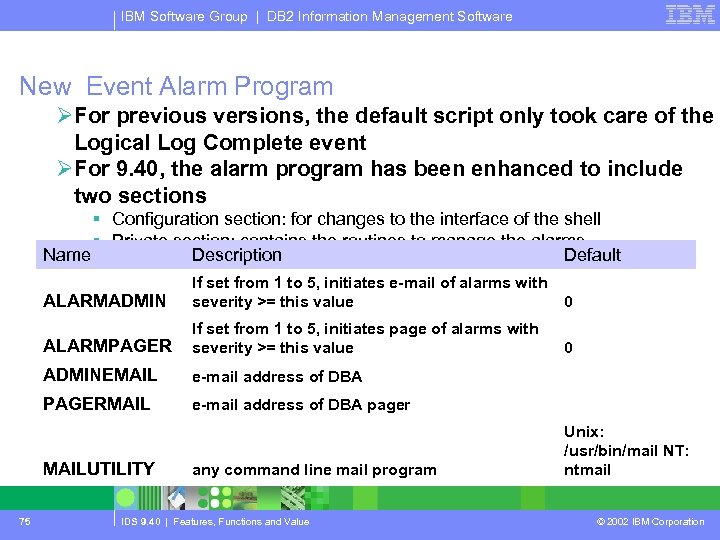
IBM Software Group | DB 2 Information Management Software New Event Alarm Program ØFor previous versions, the default script only took care of the Logical Log Complete event ØFor 9. 40, the alarm program has been enhanced to include two sections § Configuration section: for changes to the interface of the shell § Private section: contains the routines to manage the alarms Name Description Default ALARMADMIN If set from 1 to 5, initiates e-mail of alarms with severity >= this value 0 ALARMPAGER If set from 1 to 5, initiates page of alarms with severity >= this value 0 ADMINEMAIL e-mail address of DBA PAGERMAIL e-mail address of DBA pager any command line mail program Unix: /usr/bin/mail NT: ntmail MAILUTILITY 75 IDS 9. 40 | Features, Functions and Value © 2002 IBM Corporation
IBM Software Group | DB 2 Information Management Software Questions & Answers Engine / Admin Features 76 IDS 9. 40 | Features, Functions and Value © 2002 IBM Corporation
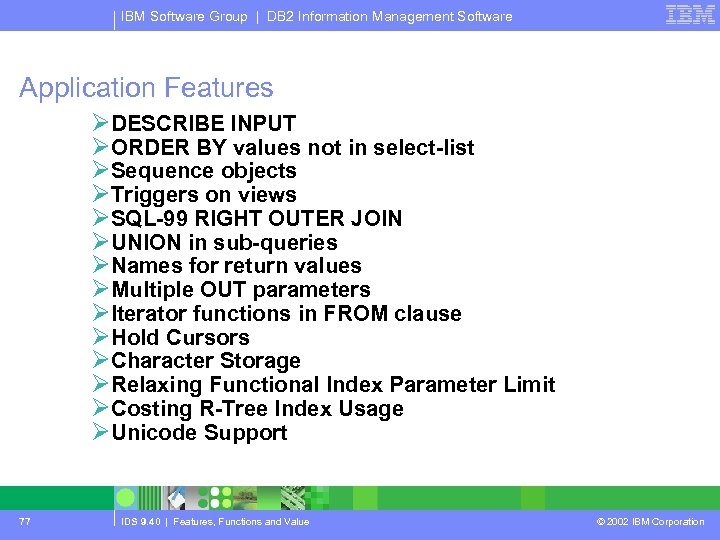
IBM Software Group | DB 2 Information Management Software Application Features ØDESCRIBE INPUT ØORDER BY values not in select-list ØSequence objects ØTriggers on views ØSQL-99 RIGHT OUTER JOIN ØUNION in sub-queries ØNames for return values ØMultiple OUT parameters ØIterator functions in FROM clause ØHold Cursors ØCharacter Storage ØRelaxing Functional Index Parameter Limit ØCosting R-Tree Index Usage ØUnicode Support 77 IDS 9. 40 | Features, Functions and Value © 2002 IBM Corporation
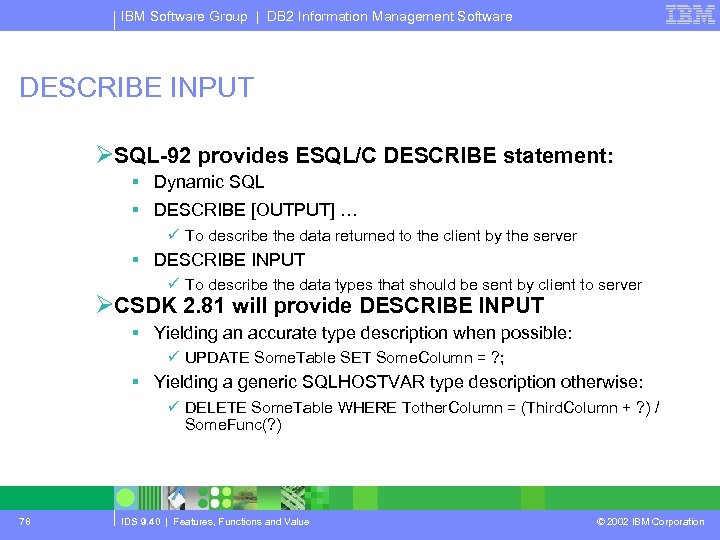
IBM Software Group | DB 2 Information Management Software DESCRIBE INPUT ØSQL-92 provides ESQL/C DESCRIBE statement: § Dynamic SQL § DESCRIBE [OUTPUT] … ü To describe the data returned to the client by the server § DESCRIBE INPUT ü To describe the data types that should be sent by client to server ØCSDK 2. 81 will provide DESCRIBE INPUT § Yielding an accurate type description when possible: ü UPDATE Some. Table SET Some. Column = ? ; § Yielding a generic SQLHOSTVAR type description otherwise: ü DELETE Some. Table WHERE Tother. Column = (Third. Column + ? ) / Some. Func(? ) 78 IDS 9. 40 | Features, Functions and Value © 2002 IBM Corporation
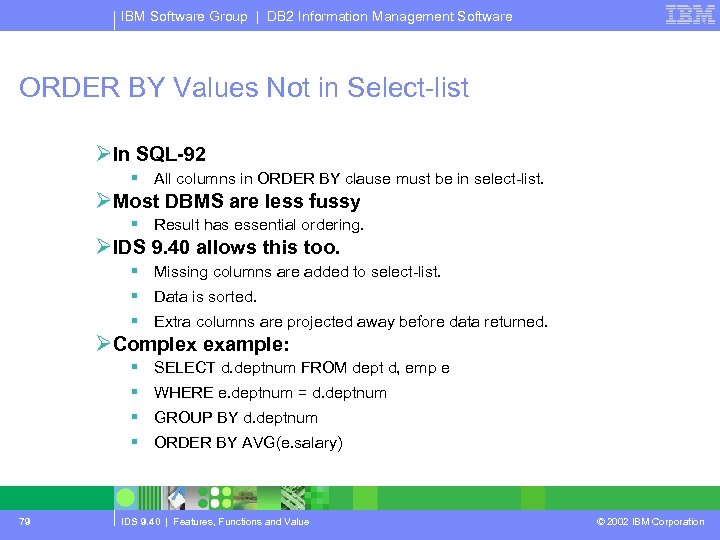
IBM Software Group | DB 2 Information Management Software ORDER BY Values Not in Select-list ØIn SQL-92 § All columns in ORDER BY clause must be in select-list. ØMost DBMS are less fussy § Result has essential ordering. ØIDS 9. 40 allows this too. § Missing columns are added to select-list. § Data is sorted. § Extra columns are projected away before data returned. ØComplex example: § SELECT d. deptnum FROM dept d, emp e § WHERE e. deptnum = d. deptnum § GROUP BY d. deptnum § ORDER BY AVG(e. salary) 79 IDS 9. 40 | Features, Functions and Value © 2002 IBM Corporation
IBM Software Group | DB 2 Information Management Software Sequences 80 IDS 9. 40 | Features, Functions and Value © 2002 IBM Corporation
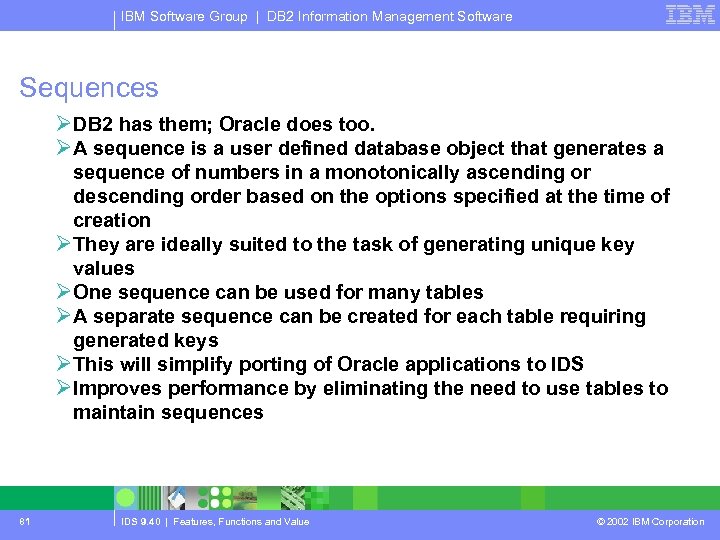
IBM Software Group | DB 2 Information Management Software Sequences ØDB 2 has them; Oracle does too. ØA sequence is a user defined database object that generates a sequence of numbers in a monotonically ascending or descending order based on the options specified at the time of creation ØThey are ideally suited to the task of generating unique key values ØOne sequence can be used for many tables ØA separate sequence can be created for each table requiring generated keys ØThis will simplify porting of Oracle applications to IDS ØImproves performance by eliminating the need to use tables to maintain sequences 81 IDS 9. 40 | Features, Functions and Value © 2002 IBM Corporation
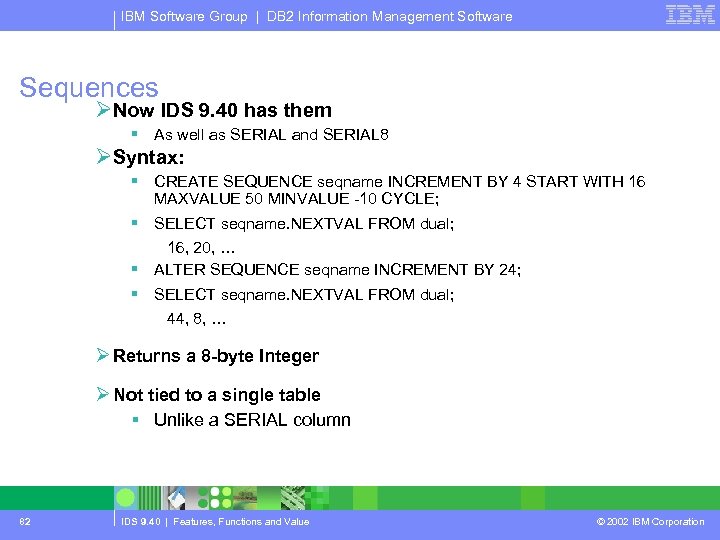
IBM Software Group | DB 2 Information Management Software Sequences ØNow IDS 9. 40 has them § As well as SERIAL and SERIAL 8 ØSyntax: § CREATE SEQUENCE seqname INCREMENT BY 4 START WITH 16 MAXVALUE 50 MINVALUE -10 CYCLE; § SELECT seqname. NEXTVAL FROM dual; 16, 20, … § ALTER SEQUENCE seqname INCREMENT BY 24; § SELECT seqname. NEXTVAL FROM dual; 44, 8, … Ø Returns a 8 -byte Integer Ø Not tied to a single table § Unlike a SERIAL column 82 IDS 9. 40 | Features, Functions and Value © 2002 IBM Corporation
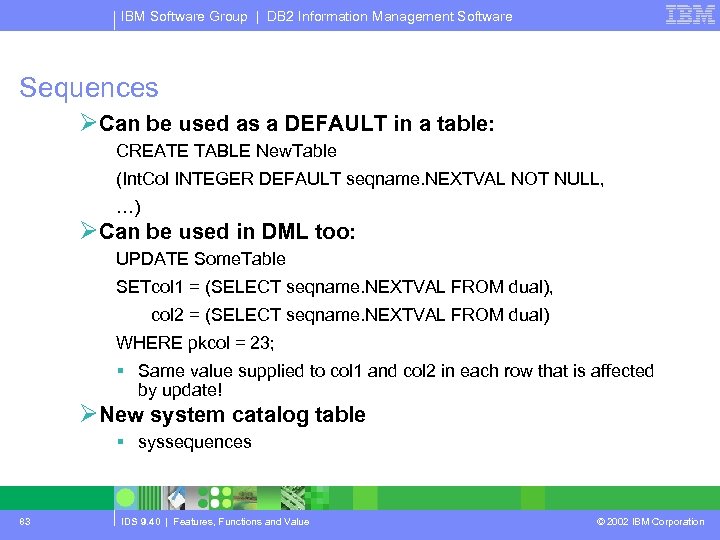
IBM Software Group | DB 2 Information Management Software Sequences ØCan be used as a DEFAULT in a table: CREATE TABLE New. Table (Int. Col INTEGER DEFAULT seqname. NEXTVAL NOT NULL, …) ØCan be used in DML too: UPDATE Some. Table SETcol 1 = (SELECT seqname. NEXTVAL FROM dual), col 2 = (SELECT seqname. NEXTVAL FROM dual) WHERE pkcol = 23; § Same value supplied to col 1 and col 2 in each row that is affected by update! ØNew system catalog table § syssequences 83 IDS 9. 40 | Features, Functions and Value © 2002 IBM Corporation
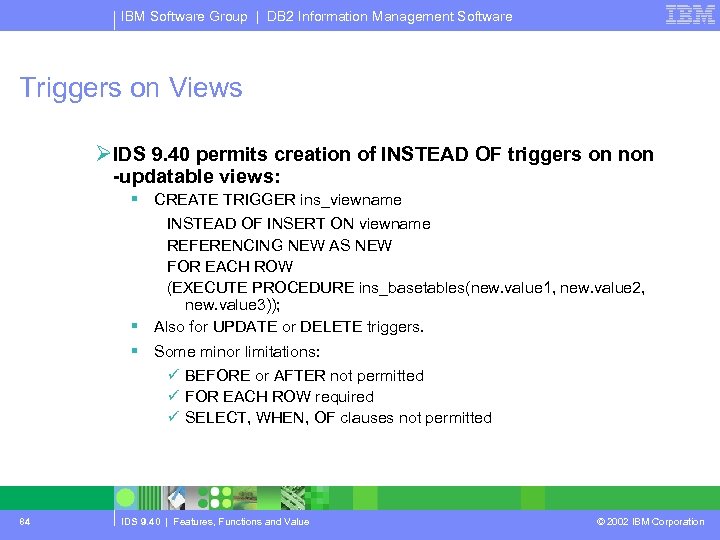
IBM Software Group | DB 2 Information Management Software Triggers on Views ØIDS 9. 40 permits creation of INSTEAD OF triggers on non -updatable views: § CREATE TRIGGER ins_viewname INSTEAD OF INSERT ON viewname REFERENCING NEW AS NEW FOR EACH ROW (EXECUTE PROCEDURE ins_basetables(new. value 1, new. value 2, new. value 3)); § Also for UPDATE or DELETE triggers. § Some minor limitations: ü BEFORE or AFTER not permitted ü FOR EACH ROW required ü SELECT, WHEN, OF clauses not permitted 84 IDS 9. 40 | Features, Functions and Value © 2002 IBM Corporation
IBM Software Group | DB 2 Information Management Software Joins 85 IDS 9. 40 | Features, Functions and Value © 2002 IBM Corporation
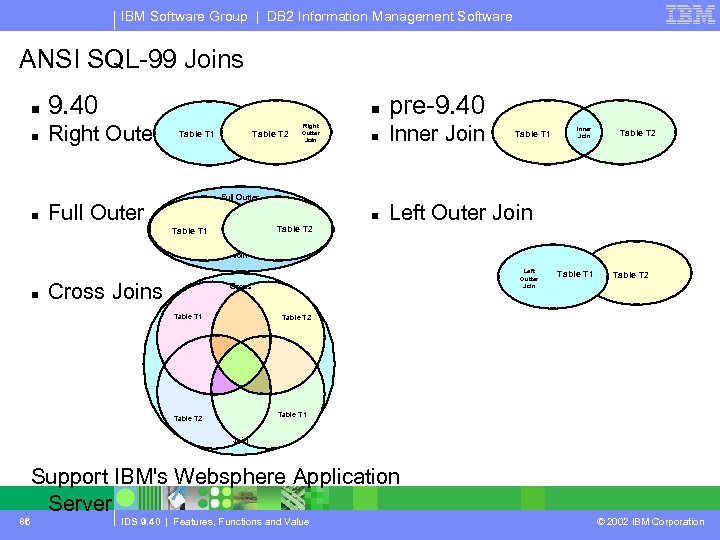
IBM Software Group | DB 2 Information Management Software ANSI SQL-99 Joins n 9. 40 n Right Outer n n n Inner Join n Right Outter Join Table T 2 Table T 1 pre-9. 40 Left Outer Join Full Outter Full Outer Table T 2 Table T 1 Inner Join Table T 2 Join n Cross Joins Cross Table T 1 Left Outter Join Table T 2 Table T 1 Table T 2 Table T 1 Join Support IBM's Websphere Application Server 86 IDS 9. 40 | Features, Functions and Value © 2002 IBM Corporation
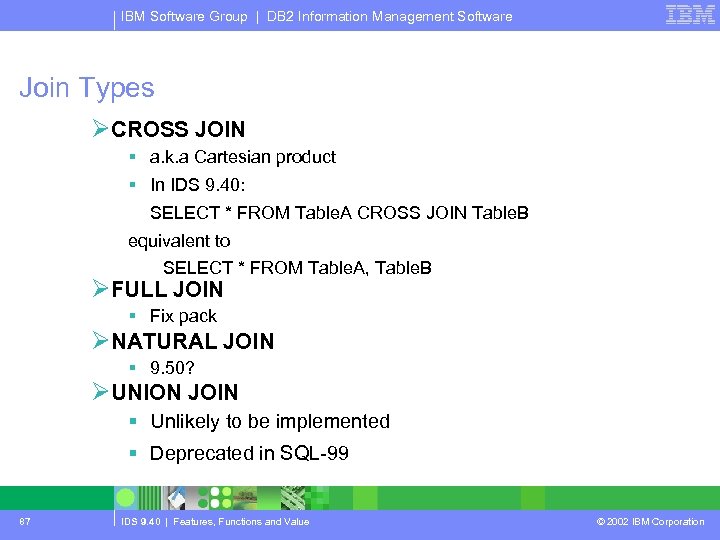
IBM Software Group | DB 2 Information Management Software Join Types ØCROSS JOIN § a. k. a Cartesian product § In IDS 9. 40: SELECT * FROM Table. A CROSS JOIN Table. B equivalent to SELECT * FROM Table. A, Table. B ØFULL JOIN § Fix pack ØNATURAL JOIN § 9. 50? ØUNION JOIN § Unlikely to be implemented § Deprecated in SQL-99 87 IDS 9. 40 | Features, Functions and Value © 2002 IBM Corporation
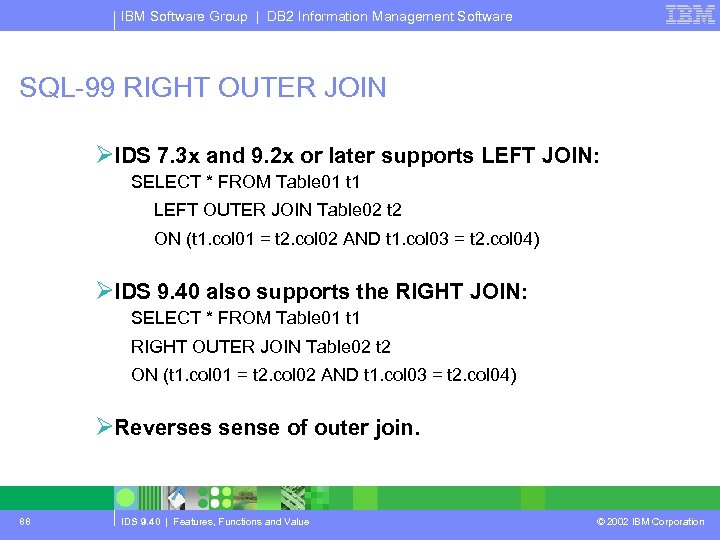
IBM Software Group | DB 2 Information Management Software SQL-99 RIGHT OUTER JOIN ØIDS 7. 3 x and 9. 2 x or later supports LEFT JOIN: SELECT * FROM Table 01 t 1 LEFT OUTER JOIN Table 02 t 2 ON (t 1. col 01 = t 2. col 02 AND t 1. col 03 = t 2. col 04) ØIDS 9. 40 also supports the RIGHT JOIN: SELECT * FROM Table 01 t 1 RIGHT OUTER JOIN Table 02 t 2 ON (t 1. col 01 = t 2. col 02 AND t 1. col 03 = t 2. col 04) ØReverses sense of outer join. 88 IDS 9. 40 | Features, Functions and Value © 2002 IBM Corporation
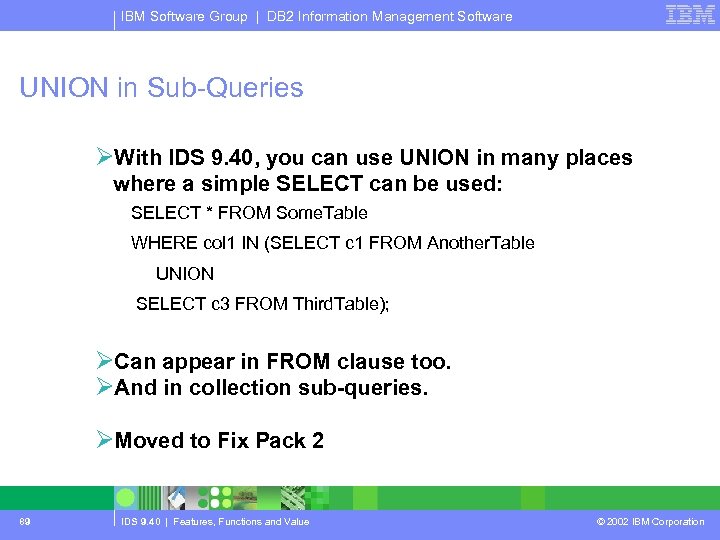
IBM Software Group | DB 2 Information Management Software UNION in Sub-Queries ØWith IDS 9. 40, you can use UNION in many places where a simple SELECT can be used: SELECT * FROM Some. Table WHERE col 1 IN (SELECT c 1 FROM Another. Table UNION SELECT c 3 FROM Third. Table); ØCan appear in FROM clause too. ØAnd in collection sub-queries. ØMoved to Fix Pack 2 89 IDS 9. 40 | Features, Functions and Value © 2002 IBM Corporation
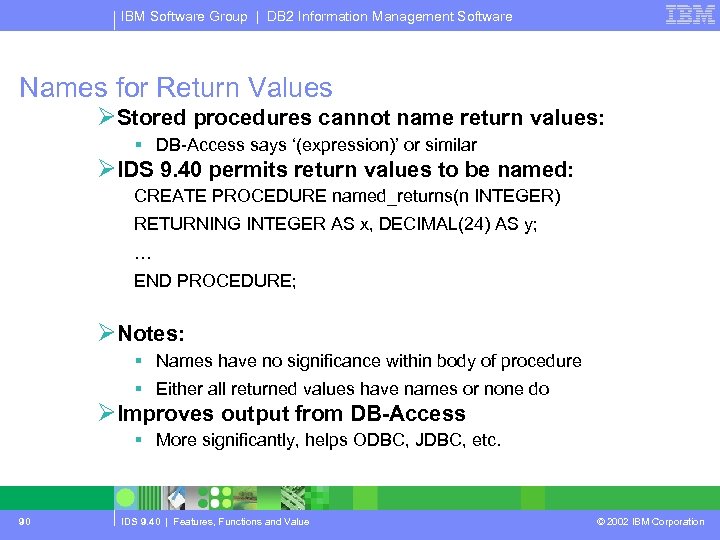
IBM Software Group | DB 2 Information Management Software Names for Return Values ØStored procedures cannot name return values: § DB-Access says ‘(expression)’ or similar ØIDS 9. 40 permits return values to be named: CREATE PROCEDURE named_returns(n INTEGER) RETURNING INTEGER AS x, DECIMAL(24) AS y; … END PROCEDURE; ØNotes: § Names have no significance within body of procedure § Either all returned values have names or none do ØImproves output from DB-Access § More significantly, helps ODBC, JDBC, etc. 90 IDS 9. 40 | Features, Functions and Value © 2002 IBM Corporation
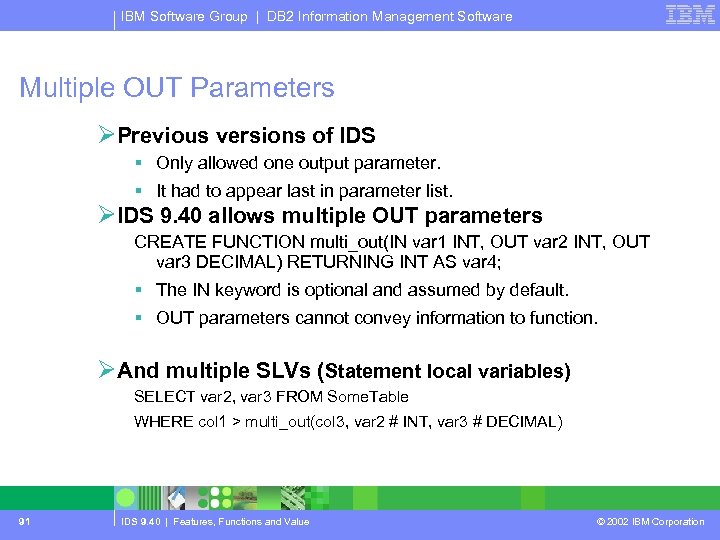
IBM Software Group | DB 2 Information Management Software Multiple OUT Parameters ØPrevious versions of IDS § Only allowed one output parameter. § It had to appear last in parameter list. ØIDS 9. 40 allows multiple OUT parameters CREATE FUNCTION multi_out(IN var 1 INT, OUT var 2 INT, OUT var 3 DECIMAL) RETURNING INT AS var 4; § The IN keyword is optional and assumed by default. § OUT parameters cannot convey information to function. ØAnd multiple SLVs (Statement local variables) SELECT var 2, var 3 FROM Some. Table WHERE col 1 > multi_out(col 3, var 2 # INT, var 3 # DECIMAL) 91 IDS 9. 40 | Features, Functions and Value © 2002 IBM Corporation
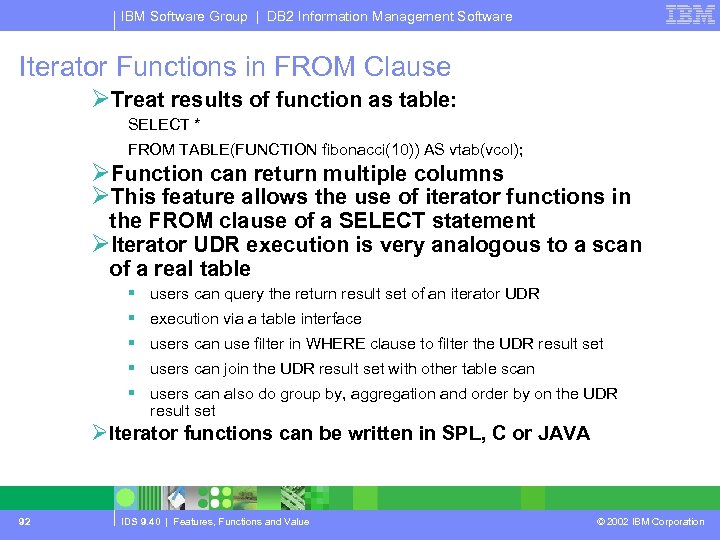
IBM Software Group | DB 2 Information Management Software Iterator Functions in FROM Clause ØTreat results of function as table: SELECT * FROM TABLE(FUNCTION fibonacci(10)) AS vtab(vcol); ØFunction can return multiple columns ØThis feature allows the use of iterator functions in the FROM clause of a SELECT statement ØIterator UDR execution is very analogous to a scan of a real table § users can query the return result set of an iterator UDR § execution via a table interface § users can use filter in WHERE clause to filter the UDR result set § users can join the UDR result set with other table scan § users can also do group by, aggregation and order by on the UDR result set ØIterator functions can be written in SPL, C or JAVA 92 IDS 9. 40 | Features, Functions and Value © 2002 IBM Corporation
IBM Software Group | DB 2 Information Management Software Hold Cursors ØWhen transaction logging is used, Dynamic Server guarantees that anything done within a transaction can be rolled back at the end of it. ØTo handle transactions reliably, the database server normally applies the following rules: § When a transaction ends, all cursors are closed § When a transaction ends, all locks are released ØCircumstances exist in which using standard transactions with cursors is not possible. ØAdd the keywords WITH HOLD to the declaration of a cursor. ØHold Cursor Not Closed at End of Transaction § Closes all other cursors § Releases all locks § The hold cursor remains open until it is explicitly closed Ø In 9. x IDS, Hold Cursors are always executed under non-PDQ mode, regardless of PDQ setting 93 IDS 9. 40 | Features, Functions and Value © 2002 IBM Corporation
IBM Software Group | DB 2 Information Management Software Character Storage ØTwo versions of LVARCHAR § LVARCHAR ü same as in pre-9. 40 systems ü default maximum column size = 2 KB ü cannot be included in an index § LVARCHAR(n) ü less restrictive upper limit was widely requested by customer base ü max_size <= 32, 739 bytes ü can be included in an index 94 IDS 9. 40 | Features, Functions and Value © 2002 IBM Corporation
IBM Software Group | DB 2 Information Management Software Relaxing Functional Index Parameter Limit ØThis feature removes the restriction of max 16 parameters to a procedure used to create a functional index ØWith this implementation, the number of parameters can as many as the language allows § SPL and JAVA up to 341 § C up to 102 ØThe new maximum is 341 due to sysprocedure catalog limit 95 IDS 9. 40 | Features, Functions and Value © 2002 IBM Corporation
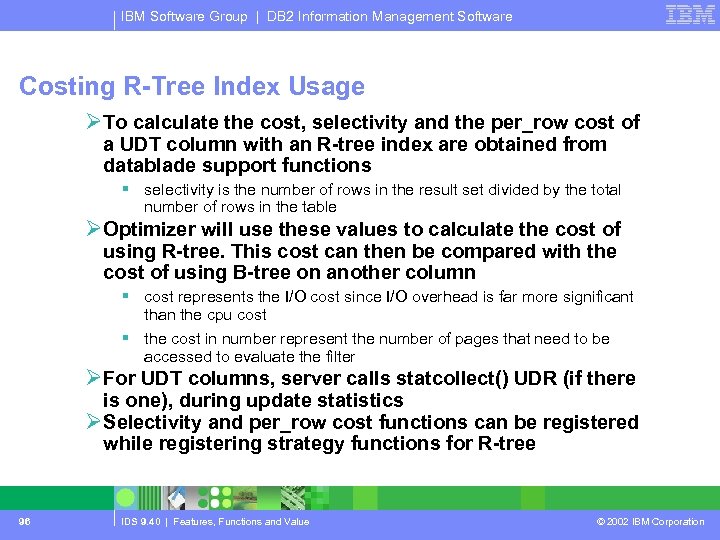
IBM Software Group | DB 2 Information Management Software Costing R-Tree Index Usage ØTo calculate the cost, selectivity and the per_row cost of a UDT column with an R-tree index are obtained from datablade support functions § selectivity is the number of rows in the result set divided by the total number of rows in the table ØOptimizer will use these values to calculate the cost of using R-tree. This cost can then be compared with the cost of using B-tree on another column § cost represents the I/O cost since I/O overhead is far more significant than the cpu cost § the cost in number represent the number of pages that need to be accessed to evaluate the filter ØFor UDT columns, server calls statcollect() UDR (if there is one), during update statistics ØSelectivity and per_row cost functions can be registered while registering strategy functions for R-tree 96 IDS 9. 40 | Features, Functions and Value © 2002 IBM Corporation
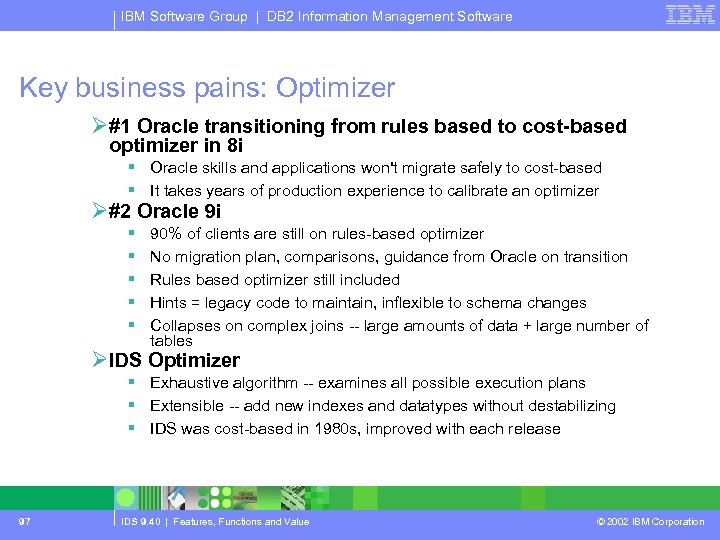
IBM Software Group | DB 2 Information Management Software Key business pains: Optimizer Ø#1 Oracle transitioning from rules based to cost-based optimizer in 8 i § Oracle skills and applications won't migrate safely to cost-based § It takes years of production experience to calibrate an optimizer Ø#2 Oracle 9 i § § § 90% of clients are still on rules-based optimizer No migration plan, comparisons, guidance from Oracle on transition Rules based optimizer still included Hints = legacy code to maintain, inflexible to schema changes Collapses on complex joins -- large amounts of data + large number of tables ØIDS Optimizer § Exhaustive algorithm -- examines all possible execution plans § Extensible -- add new indexes and datatypes without destabilizing § IDS was cost-based in 1980 s, improved with each release 97 IDS 9. 40 | Features, Functions and Value © 2002 IBM Corporation
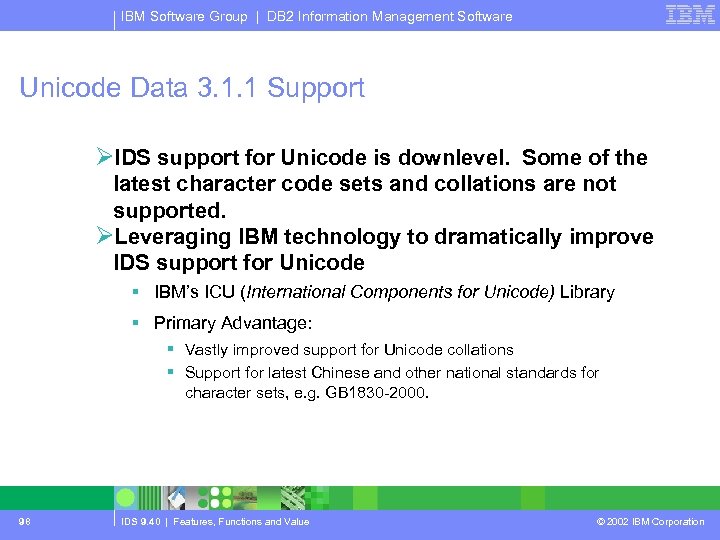
IBM Software Group | DB 2 Information Management Software Unicode Data 3. 1. 1 Support ØIDS support for Unicode is downlevel. Some of the latest character code sets and collations are not supported. ØLeveraging IBM technology to dramatically improve IDS support for Unicode § IBM’s ICU (International Components for Unicode) Library § Primary Advantage: § Vastly improved support for Unicode collations § Support for latest Chinese and other national standards for character sets, e. g. GB 1830 -2000. 98 IDS 9. 40 | Features, Functions and Value © 2002 IBM Corporation
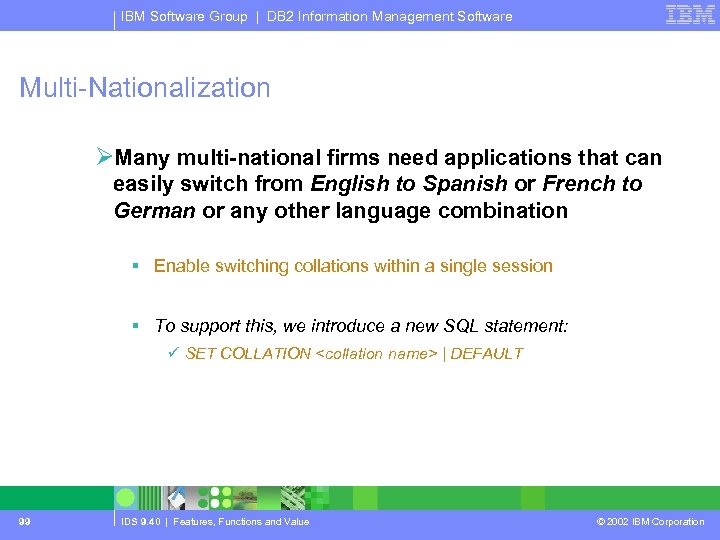
IBM Software Group | DB 2 Information Management Software Multi-Nationalization ØMany multi-national firms need applications that can easily switch from English to Spanish or French to German or any other language combination § Enable switching collations within a single session § To support this, we introduce a new SQL statement: ü SET COLLATION <collation name> | DEFAULT 99 IDS 9. 40 | Features, Functions and Value © 2002 IBM Corporation
IBM Software Group | DB 2 Information Management Software Smart Disk support removed ØSmart Disk support has been removed 100 IDS 9. 40 | Features, Functions and Value © 2002 IBM Corporation
IBM Software Group | DB 2 Information Management Software Forthcoming Attractions ØFix Packs § Additional features: ü Mostly smaller items § Bug Fixes. ØDetailed planning for IDS 9. 50 § In progress – finish about end Q 1 2003. § Probable release date 2 H 2004. § Feature Requests being accepted: ü Detailed explanation of why is most important. ü Outline explanation of what. ØOutline planning for IDS 9. 60 § Material that cannot fit into IDS 9. 50. § Possible release date 2005 -6. 101 IDS 9. 40 | Features, Functions and Value © 2002 IBM Corporation
IBM Software Group | DB 2 Information Management Software Additional Informix Product Enhancements ØCSDK 2. 81 Ø 4 GL 7. 32 ØISQL 7. 32 ØISA 1. 50 ØAll announced concurrent with 9. 40 on February 25, 2003 ØGeneral Availability for 4 GL and ISQL concurrent with 9. 40 ØGeneral Availability for CSDK 2. 81 and ISA on March 31, 2003 102 IDS 9. 40 | Features, Functions and Value © 2002 IBM Corporation
IBM Software Group | DB 2 Information Management Software Client-SDK Informix® Client SDK™ offers customers a single packaging of several application programming interfaces (APIs) needed to develop applications for Informix servers. . ØProvides choice of programming environments ØPromotes easier development of applications for Informix servers ØReduces application development costs ØDecreases application development time ØReduces training needed for new programming language ØProvides APIs for Java™, C++, C, or ESQL, OLE/DB and ODBC 103 IDS 9. 40 | Features, Functions and Value © 2002 IBM Corporation
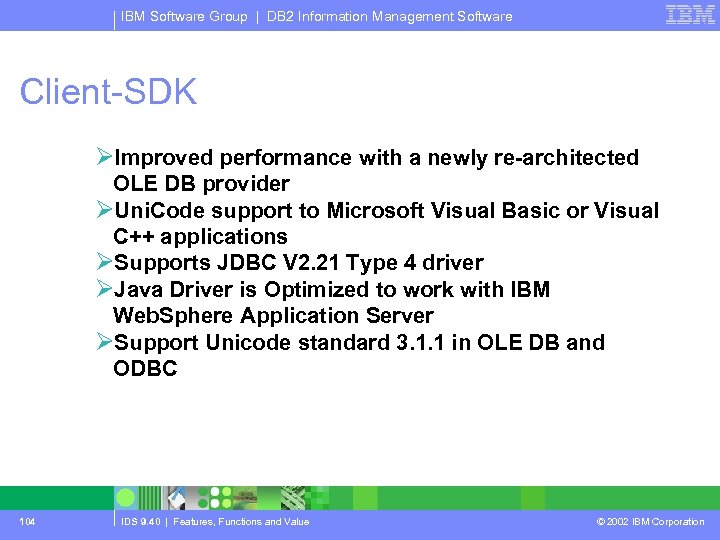
IBM Software Group | DB 2 Information Management Software Client-SDK ØImproved performance with a newly re-architected OLE DB provider ØUni. Code support to Microsoft Visual Basic or Visual C++ applications ØSupports JDBC V 2. 21 Type 4 driver ØJava Driver is Optimized to work with IBM Web. Sphere Application Server ØSupport Unicode standard 3. 1. 1 in OLE DB and ODBC 104 IDS 9. 40 | Features, Functions and Value © 2002 IBM Corporation
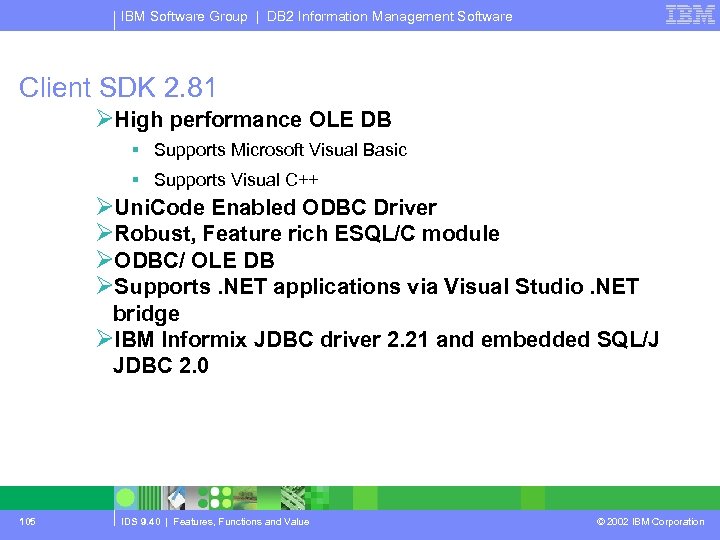
IBM Software Group | DB 2 Information Management Software Client SDK 2. 81 ØHigh performance OLE DB § Supports Microsoft Visual Basic § Supports Visual C++ ØUni. Code Enabled ODBC Driver ØRobust, Feature rich ESQL/C module ØODBC/ OLE DB ØSupports. NET applications via Visual Studio. NET bridge ØIBM Informix JDBC driver 2. 21 and embedded SQL/J JDBC 2. 0 105 IDS 9. 40 | Features, Functions and Value © 2002 IBM Corporation
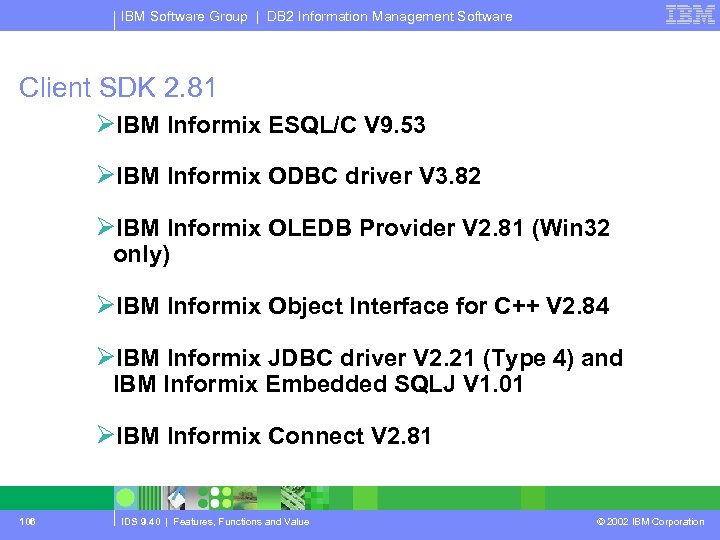
IBM Software Group | DB 2 Information Management Software Client SDK 2. 81 ØIBM Informix ESQL/C V 9. 53 ØIBM Informix ODBC driver V 3. 82 ØIBM Informix OLEDB Provider V 2. 81 (Win 32 only) ØIBM Informix Object Interface for C++ V 2. 84 ØIBM Informix JDBC driver V 2. 21 (Type 4) and IBM Informix Embedded SQLJ V 1. 01 ØIBM Informix Connect V 2. 81 106 IDS 9. 40 | Features, Functions and Value © 2002 IBM Corporation
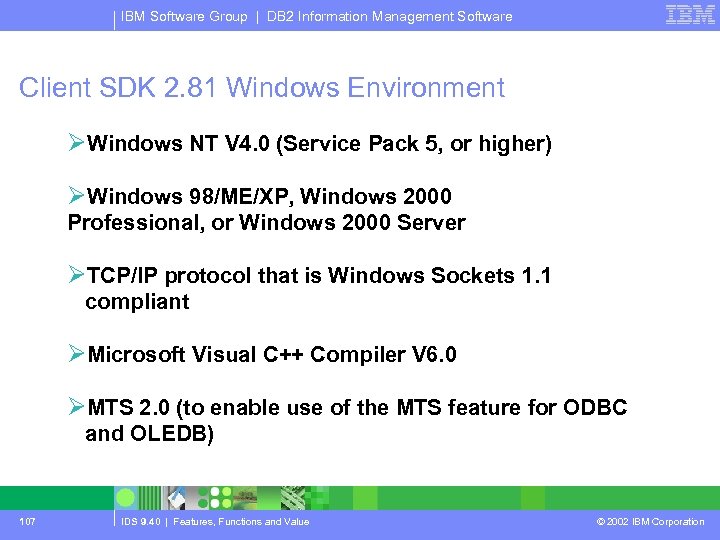
IBM Software Group | DB 2 Information Management Software Client SDK 2. 81 Windows Environment ØWindows NT V 4. 0 (Service Pack 5, or higher) ØWindows 98/ME/XP, Windows 2000 Professional, or Windows 2000 Server ØTCP/IP protocol that is Windows Sockets 1. 1 compliant ØMicrosoft Visual C++ Compiler V 6. 0 ØMTS 2. 0 (to enable use of the MTS feature for ODBC and OLEDB) 107 IDS 9. 40 | Features, Functions and Value © 2002 IBM Corporation
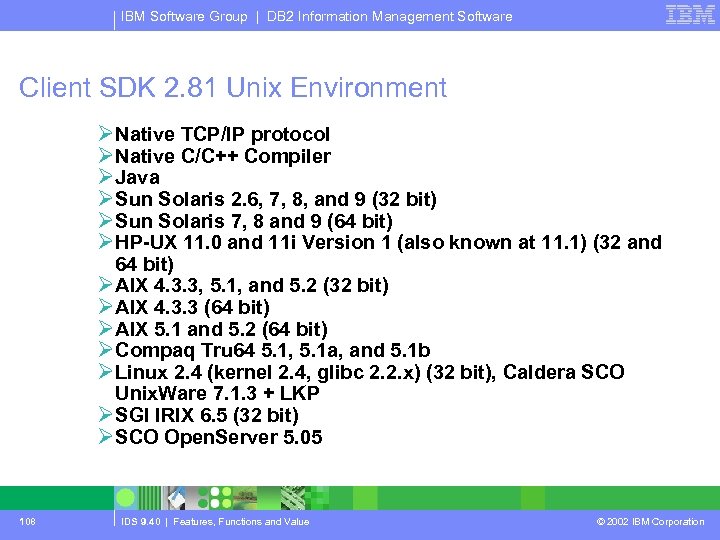
IBM Software Group | DB 2 Information Management Software Client SDK 2. 81 Unix Environment ØNative TCP/IP protocol ØNative C/C++ Compiler ØJava ØSun Solaris 2. 6, 7, 8, and 9 (32 bit) ØSun Solaris 7, 8 and 9 (64 bit) ØHP-UX 11. 0 and 11 i Version 1 (also known at 11. 1) (32 and 64 bit) ØAIX 4. 3. 3, 5. 1, and 5. 2 (32 bit) ØAIX 4. 3. 3 (64 bit) ØAIX 5. 1 and 5. 2 (64 bit) ØCompaq Tru 64 5. 1, 5. 1 a, and 5. 1 b ØLinux 2. 4 (kernel 2. 4, glibc 2. 2. x) (32 bit), Caldera SCO Unix. Ware 7. 1. 3 + LKP ØSGI IRIX 6. 5 (32 bit) ØSCO Open. Server 5. 05 108 IDS 9. 40 | Features, Functions and Value © 2002 IBM Corporation
IBM Software Group | DB 2 Information Management Software Questions and Answers YOUR TURN! http: //www. ibm. com/informix Thanks for listening. 109 IDS 9. 40 | Features, Functions and Value © 2002 IBM Corporation
Скачать презентацию IBM Software Group Informix Dynamic Server 9 40
afb4723fba4490204008d35ec8f0042e.ppt