 Скачать презентацию IBM Global Services — IBM e Server i
e9bce8b2dd224dfe53f7be8903976079.ppt
- Количество слайдов: 44



IBM Global Services - IBM e. Server i. Series Disaster Recovery -- Be Prepared! Debbie Saugen i. Series and AS/400 Backup/Recovery Technical Owner Senior Recovery Architect/Consultant IBM Business Continuity and Recovery Services dsaugen@us. ibm. com © 2005 IBM Corporation
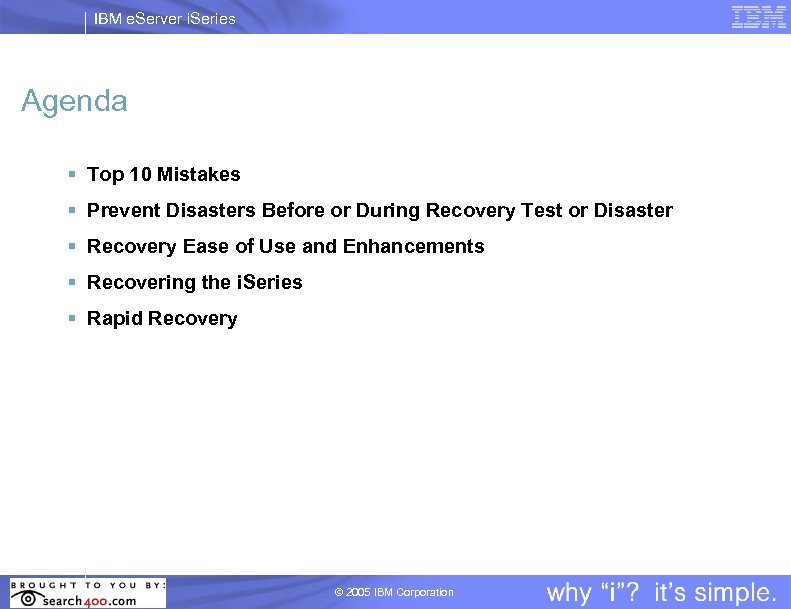
IBM e. Server i. Series Agenda § Top 10 Mistakes § Prevent Disasters Before or During Recovery Test or Disaster § Recovery Ease of Use and Enhancements § Recovering the i. Series § Rapid Recovery © 2005 IBM Corporation
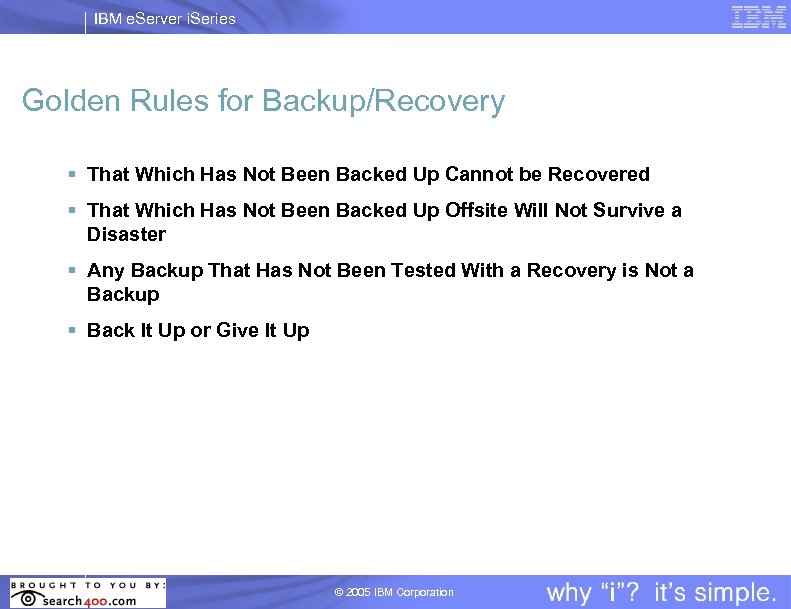
IBM e. Server i. Series Golden Rules for Backup/Recovery § That Which Has Not Been Backed Up Cannot be Recovered § That Which Has Not Been Backed Up Offsite Will Not Survive a Disaster § Any Backup That Has Not Been Tested With a Recovery is Not a Backup § Back It Up or Give It Up © 2005 IBM Corporation
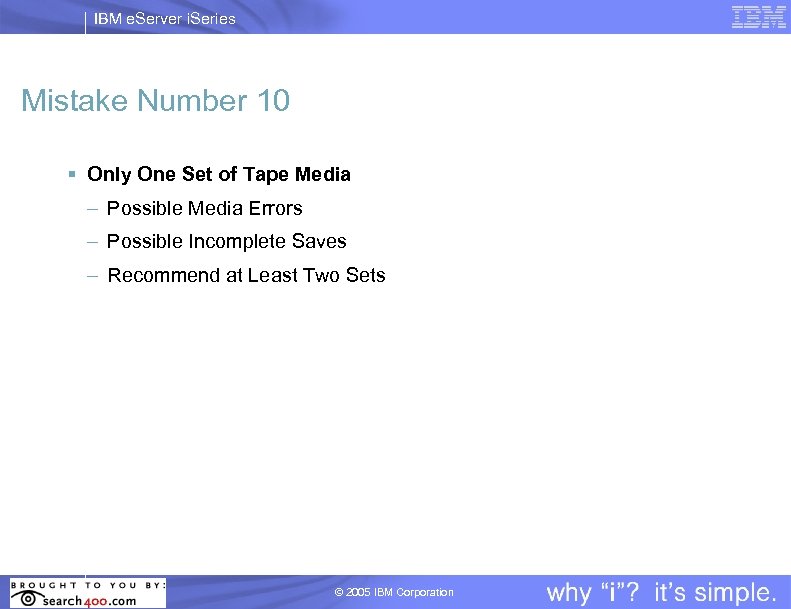
IBM e. Server i. Series Mistake Number 10 § Only One Set of Tape Media – Possible Media Errors – Possible Incomplete Saves – Recommend at Least Two Sets © 2005 IBM Corporation
IBM e. Server i. Series Mistake Number 9 § Extra Tape Media Labels – Labels Misplaced on Tape Media – Non Standard Labels – Labels Stick to Inside of Tape Device or Auto Cartridge Loader © 2005 IBM Corporation
IBM e. Server i. Series Mistake Number 8 § No Tape Management – Not Knowing What Data is on What Tape Media – Especially Important for SAVCHGOBJ Command – May Require Extra Recovery Time Using DSPTAP Command – Recommend Backup, Recovery and Media Services (BRMS) © 2005 IBM Corporation
IBM e. Server i. Series Mistake Number 7 § Improper Tape Media Shipping – Improper Tape Media Packaging – Tape Media “Tossed” in Box – Recommend Standard Tape Media Shipping Containers © 2005 IBM Corporation
IBM e. Server i. Series Mistake Number 6 § Offsite Storage of Tape Media – Recovery Begins When Tape Media Arrives at Recovery Site – Remote Offsite Storage Critical – Hurricane Lessons Learned • Offsite Storage Flooded • Delivery Vendors Refuse Entry into Evacuation Areas • Speedy Arrival of Tape Media by Private Lear Jet – Recommend Close Proximity to Recovery Site © 2005 IBM Corporation
IBM e. Server i. Series Mistake Number 5 § Recovery Procedures Not Followed – Doing Before Reading Recovery Steps – Going to Fast – Don’t RUSH! – Steps Skipped – Thinking “I Know How to Do This!” – Assumptions Made Without Technical Guidance © 2005 IBM Corporation
IBM e. Server i. Series Mistake Number 4 § Complete Recovery Test Not Performed – Only Recovery of i. Series Performed – No Users Testing Applications – No Network Connectivity © 2005 IBM Corporation
IBM e. Server i. Series Mistake Number 3 § Incomplete Saves – SAVSYS Command Does Not Save the Entire System – Objects Never Saved in Backup Strategy – Objects Locked During Save • Save of QUSRSYS incomplete • Critical objects in use – IFS Not Saved • SAV Command or *LINK in BRMS © 2005 IBM Corporation
IBM e. Server i. Series Mistake Number 2 § “Special” Backup Performed to Test Recovery – Option 21 or BRMS *SYSTEM Save – Outside Normal Backup Strategy – Not a Recovery Test – Need to Test Monthly, Weekly and Daily Backup Strategy © 2005 IBM Corporation
IBM e. Server i. Series Mistake Number 1 § Recovery Strategy is Never Tested – Testing Your Recovery Strategy Ensures You Have a Good Backup Strategy!! • Your backups are only as good as your recovery • Only true backup verification is done by testing your recovery • Recovery strategy only as good as backup strategy • Design recovery strategy before backup strategy © 2005 IBM Corporation
IBM e. Server i. Series Prevent Disasters Before Test! § Don't Forget Keys to Vital Records Boxes § Know Your Password – Keep passwords current § Arrange for serial number-dependent software § Use PRTSYSINF Command or option on Save Menus 21, 22 and 23 (V 4 R 2 or later) to print important system information § Ensure RSTLIB and CHGPWD commands NOT changed to use different programs © 2005 IBM Corporation
IBM e. Server i. Series Prevent Disasters Before Test! § Tape Management – Ensure tapes are labeled or cataloged with unique volume IDs (tape management product such as BRMS) – Prevent overwriting tapes with active data (tape management product such as BRMS) – Have at least two sets – Use error reports to remove bad tapes from inventory – Audit tapes for data integrity – Do NOT IGNORE tape drive problems! © 2005 IBM Corporation
IBM e. Server i. Series Prevent Disasters Before Test! § Ensure Critical Data is Completely Backed Up!! – Completely back up Library QUSRSYS – #1 recovery problem today!! – Objects starting with Q in QUSRSYS contain critical recovery data § To Save Everything in QUSRSYS: – End all subsystems (with ENDSBS SBS(*ALL)) – Ensure subsystems QSNADS, QSYSWRK, QSERVER ended & ENDTCPSVR (*MGTC *DIRSRV) – Use Save menu option 21 or 23 – Use the save-while-active feature © 2005 IBM Corporation
IBM e. Server i. Series Prevent Disasters Before Test! § ALWAYS Save Access Paths! – Default on Save menu options (21, 22, 23) is YES to save access paths – Default on BRMS is YES to save access paths § BEWARE!! – Prior to V 5 R 3 default for saving access paths on Save commands is NO © 2005 IBM Corporation
IBM e. Server i. Series Saving Access Paths - New Default for V 5 R 3 § New Save Access Paths Default for Save Commands – *SYSVAL – New System Value QSAVACCPTH • '1' Save Access Paths (Default) • '2' Do Not Save Access Paths – Supported on SAVLIB, SAVOBJ, SAVCHGOBJ, SAVRSTLIB, SAVRSTOBJ, SAVRSTCHG § *YES or *NO Still Valid Options © 2005 IBM Corporation
IBM e. Server i. Series Prevent Disasters Before Test! § Install Latest Backup/Recovery Group PTF – V 5 R 1 M 0 - SF 99078 – V 5 R 2 M 0 - SF 99085 – V 5 R 3 M 0 - SF 00185 § DSPDTAARA SFxxxxx for Date of Group PTF (V 5 R 1 or Prior) § WRKPTFGRP SFxxxxx for Date of Group PTF (V 5 R 2 or Higher) © 2005 IBM Corporation
IBM e. Server i. Series Prevent Disasters During Test! § Recovering to a Different System (Different Serial Number) – Must specify ALWOBJDIF(*ALL) on all RSTxxx Commands MBROPT(*ALL) on RSTLIB Command Note: ALWOBJDIF(*ALL) during system recovery to a different system links authorization lists to the objects – Must specify SRM(*NONE) on RSTCFG command © 2005 IBM Corporation
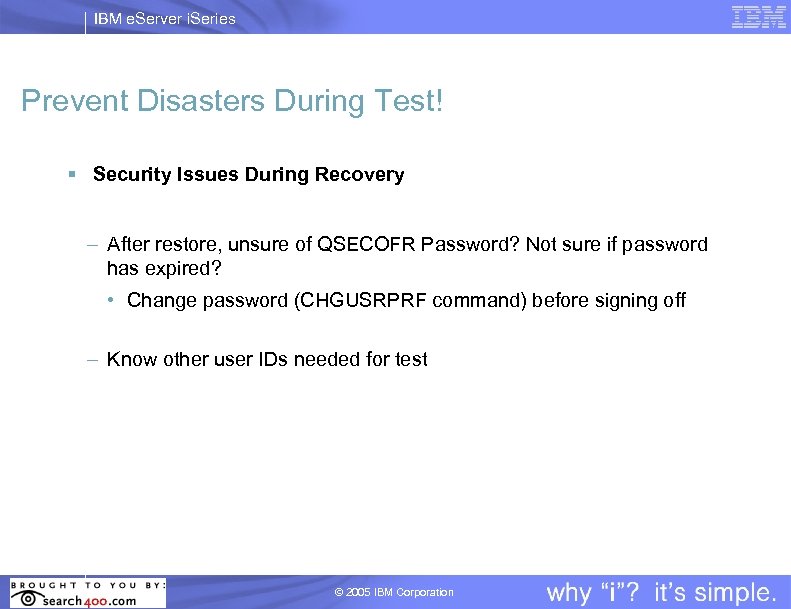
IBM e. Server i. Series Prevent Disasters During Test! § Security Issues During Recovery – After restore, unsure of QSECOFR Password? Not sure if password has expired? • Change password (CHGUSRPRF command) before signing off – Know other user IDs needed for test © 2005 IBM Corporation
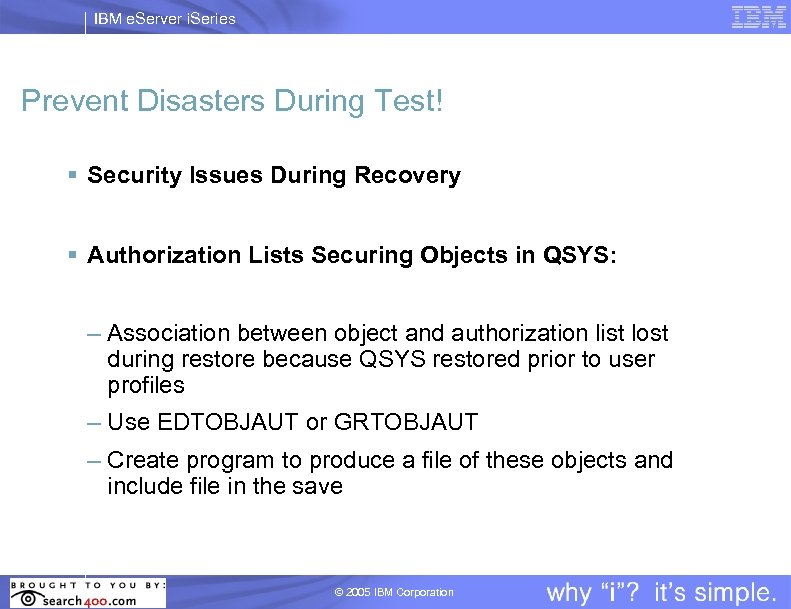
IBM e. Server i. Series Prevent Disasters During Test! § Security Issues During Recovery § Authorization Lists Securing Objects in QSYS: – Association between object and authorization list lost during restore because QSYS restored prior to user profiles – Use EDTOBJAUT or GRTOBJAUT – Create program to produce a file of these objects and include file in the save © 2005 IBM Corporation
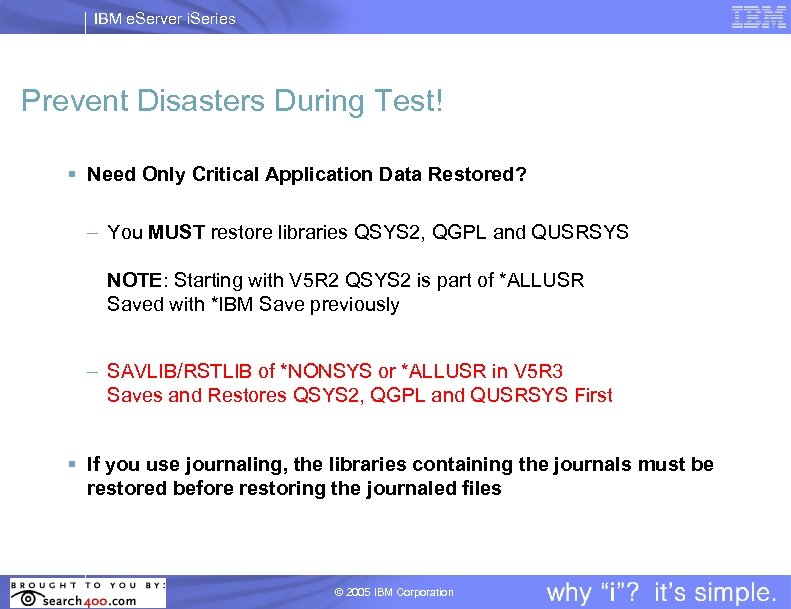
IBM e. Server i. Series Prevent Disasters During Test! § Need Only Critical Application Data Restored? – You MUST restore libraries QSYS 2, QGPL and QUSRSYS NOTE: Starting with V 5 R 2 QSYS 2 is part of *ALLUSR Saved with *IBM Save previously – SAVLIB/RSTLIB of *NONSYS or *ALLUSR in V 5 R 3 Saves and Restores QSYS 2, QGPL and QUSRSYS First § If you use journaling, the libraries containing the journals must be restored before restoring the journaled files © 2005 IBM Corporation
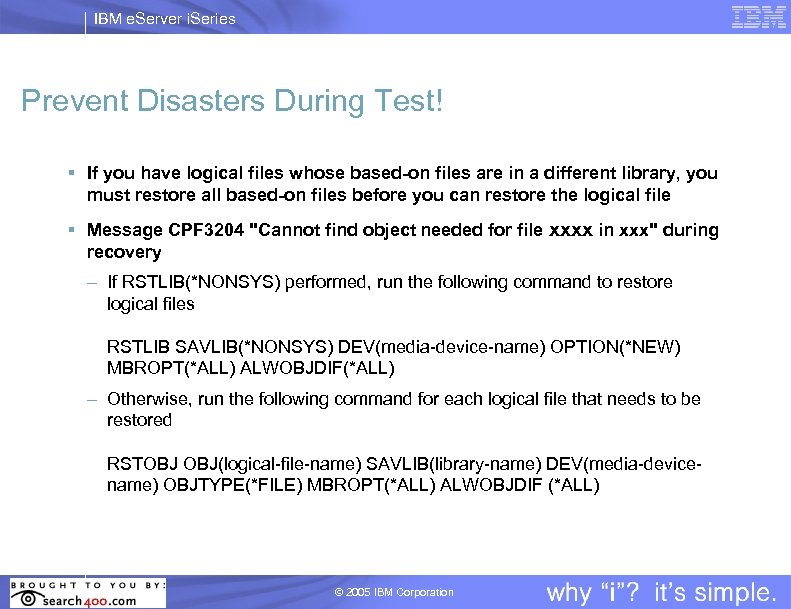
IBM e. Server i. Series Prevent Disasters During Test! § If you have logical files whose based-on files are in a different library, you must restore all based-on files before you can restore the logical file § Message CPF 3204 "Cannot find object needed for file xxxx in xxx" during recovery – If RSTLIB(*NONSYS) performed, run the following command to restore logical files RSTLIB SAVLIB(*NONSYS) DEV(media-device-name) OPTION(*NEW) MBROPT(*ALL) ALWOBJDIF(*ALL) – Otherwise, run the following command for each logical file that needs to be restored RSTOBJ OBJ(logical-file-name) SAVLIB(library-name) DEV(media-devicename) OBJTYPE(*FILE) MBROPT(*ALL) ALWOBJDIF (*ALL) © 2005 IBM Corporation
IBM e. Server i. Series Backup and Recovery Information © 2005 IBM Corporation
IBM e. Server i. Series Backup and Recovery Book § Hardcopy book NO LONGER shipped free § Fee charged for book § Hardcopy CRITICAL for DASD configuration and system recoveries § Configurator Feature Code – Default may vary – Ensure YES for hardcopy book § You MUST use the correct version of the book with each new release! § Read the book EVERY time a new release comes out? © 2005 IBM Corporation
IBM e. Server i. Series Backup and Recovery Information § Backup and Recovery Book - Starting with V 4 R 5 – Step-by-step recovery instructions when recovering your server to the same server - See Appendix G (V 4 R 5/V 5 R 1), Appendix D (V 5 R 2), Appendix C (V 5 R 3) § Backup and Recovery Book - Starting with V 5 R 2 – Step-by-step recovery instructions when recovering your server to a different server - See Appendix E (V 5 R 2), Appendix D (V 5 R 3) © 2005 IBM Corporation
IBM e. Server i. Series Recovery Ease of Use Simplification! Unattended Restore! Recovery Time Reduced! © 2005 IBM Corporation
IBM e. Server i. Series Recovery Ease of Use § System Recovery – Restore Menu Option 21 • Simplifies recoveries • Allows unattended restores – New Parameter • Restore to different system – Specifies on commands these parameters • SRM(*NONE) • ALWOBJDIF(*ALL) • MBROPT(*ALL) © 2005 IBM Corporation
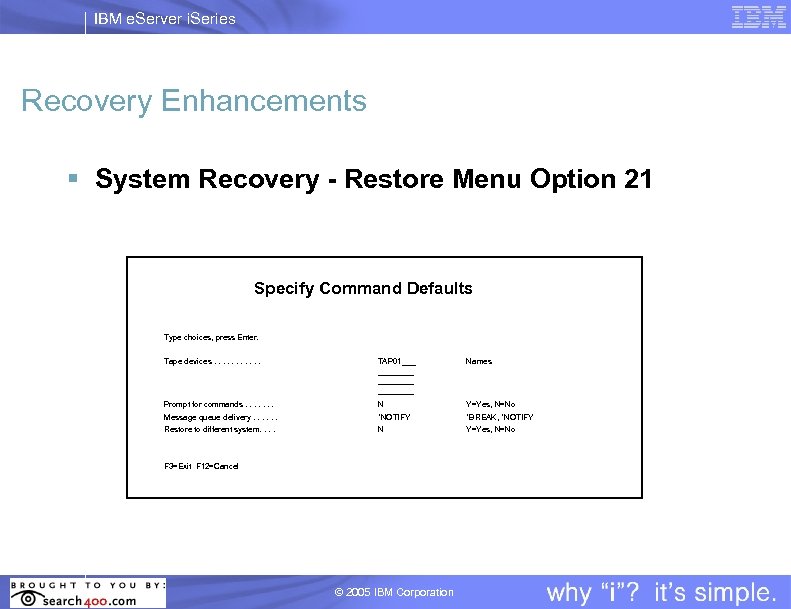
IBM e. Server i. Series Recovery Enhancements § System Recovery - Restore Menu Option 21 Specify Command Defaults Type choices, press Enter. Tape devices. . . TAP 01___ ________ Names Prompt for commands. . . . N Y=Yes, N=No Message queue delivery. . . *NOTIFY *BREAK, *NOTIFY Restore to different system. . N Y=Yes, N=No F 3=Exit F 12=Cancel © 2005 IBM Corporation
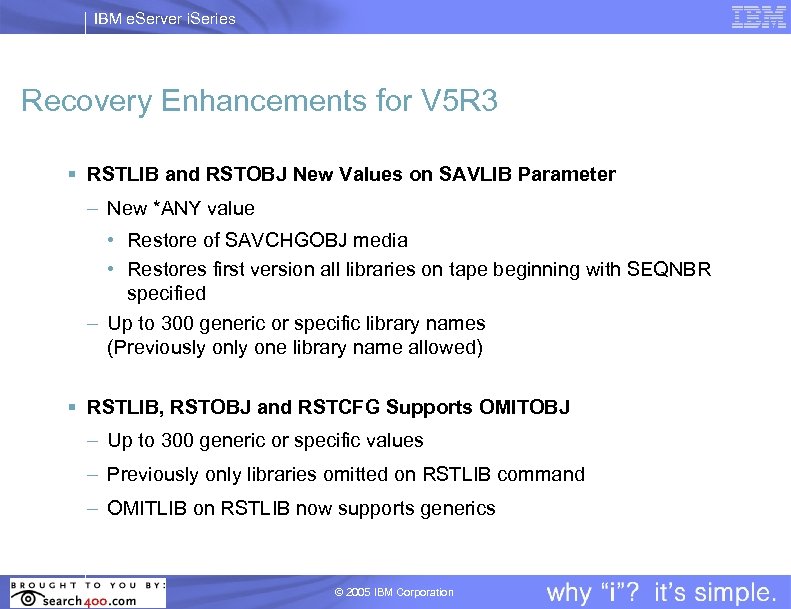
IBM e. Server i. Series Recovery Enhancements for V 5 R 3 § RSTLIB and RSTOBJ New Values on SAVLIB Parameter – New *ANY value • Restore of SAVCHGOBJ media • Restores first version all libraries on tape beginning with SEQNBR specified – Up to 300 generic or specific library names (Previously one library name allowed) § RSTLIB, RSTOBJ and RSTCFG Supports OMITOBJ – Up to 300 generic or specific values – Previously only libraries omitted on RSTLIB command – OMITLIB on RSTLIB now supports generics © 2005 IBM Corporation
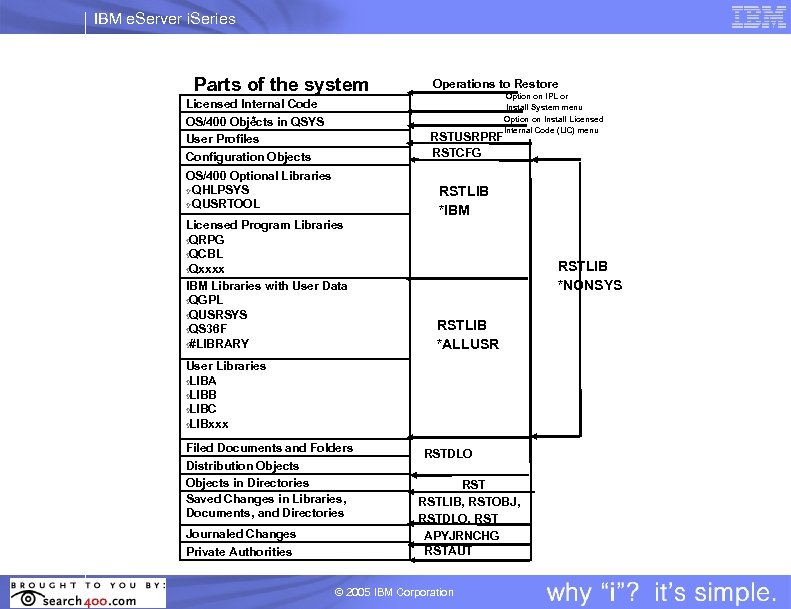
IBM e. Server i. Series Parts of the system Licensed Internal Code OS/400 Objects in QSYS User Profiles Configuration Objects Operations to Restore Option on IPL or Install System menu Option on Install Licensed Internal Code (LIC) menu RSTUSRPRF RSTCFG OS/400 Optional Libraries Ÿ QHLPSYS Ÿ QUSRTOOL RSTLIB *IBM Licensed Program Libraries Ÿ QRPG Ÿ QCBL Ÿ Qxxxx IBM Libraries with User Data Ÿ QGPL Ÿ QUSRSYS Ÿ QS 36 F Ÿ #LIBRARY RSTLIB *NONSYS RSTLIB *ALLUSR User Libraries Ÿ LIBA Ÿ LIBB Ÿ LIBC Ÿ LIBxxx Filed Documents and Folders Distribution Objects in Directories Saved Changes in Libraries, Documents, and Directories Journaled Changes Private Authorities RSTDLO RSTLIB, RSTOBJ, RSTDLO, RST APYJRNCHG RSTAUT © 2005 IBM Corporation
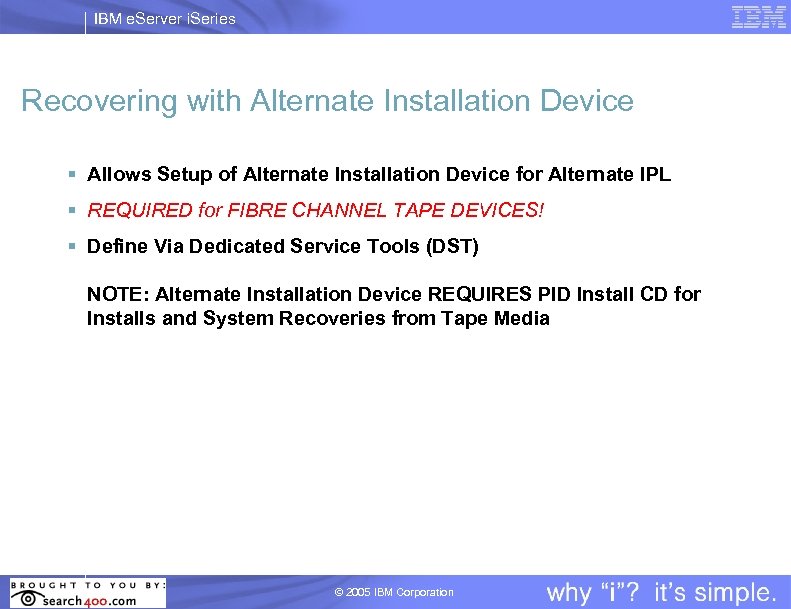
IBM e. Server i. Series Recovering with Alternate Installation Device § Allows Setup of Alternate Installation Device for Alternate IPL § REQUIRED for FIBRE CHANNEL TAPE DEVICES! § Define Via Dedicated Service Tools (DST) NOTE: Alternate Installation Device REQUIRES PID Install CD for Installs and System Recoveries from Tape Media © 2005 IBM Corporation
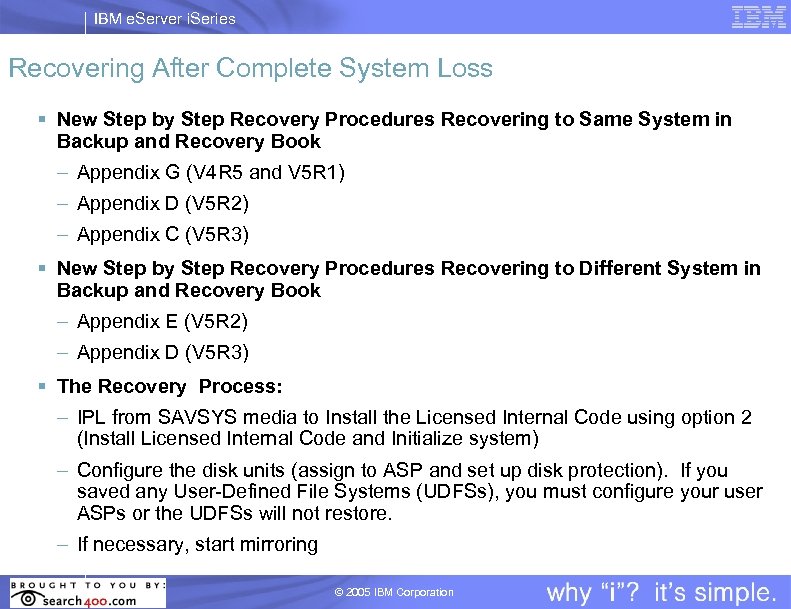
IBM e. Server i. Series Recovering After Complete System Loss § New Step by Step Recovery Procedures Recovering to Same System in Backup and Recovery Book – Appendix G (V 4 R 5 and V 5 R 1) – Appendix D (V 5 R 2) – Appendix C (V 5 R 3) § New Step by Step Recovery Procedures Recovering to Different System in Backup and Recovery Book – Appendix E (V 5 R 2) – Appendix D (V 5 R 3) § The Recovery Process: – IPL from SAVSYS media to Install the Licensed Internal Code using option 2 (Install Licensed Internal Code and Initialize system) – Configure the disk units (assign to ASP and set up disk protection). If you saved any User-Defined File Systems (UDFSs), you must configure your user ASPs or the UDFSs will not restore. – If necessary, start mirroring © 2005 IBM Corporation
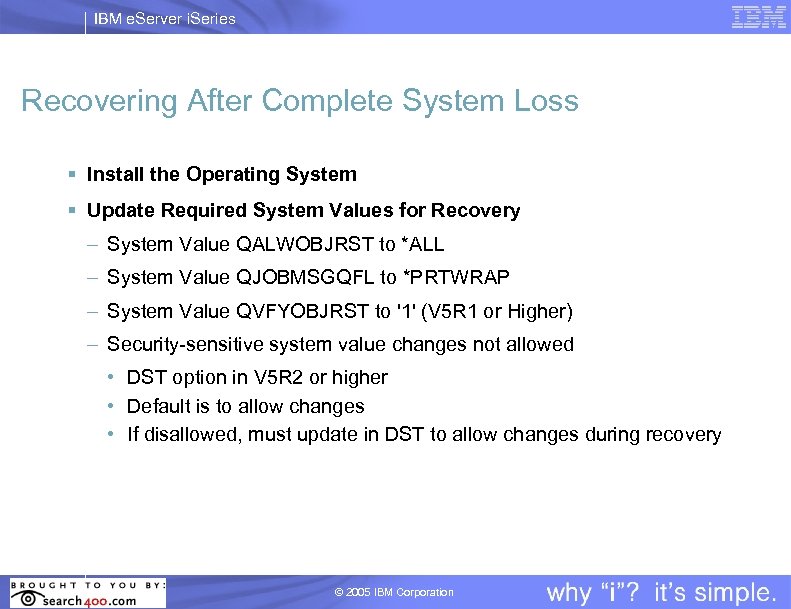
IBM e. Server i. Series Recovering After Complete System Loss § Install the Operating System § Update Required System Values for Recovery – System Value QALWOBJRST to *ALL – System Value QJOBMSGQFL to *PRTWRAP – System Value QVFYOBJRST to '1' (V 5 R 1 or Higher) – Security-sensitive system value changes not allowed • DST option in V 5 R 2 or higher • Default is to allow changes • If disallowed, must update in DST to allow changes during recovery © 2005 IBM Corporation
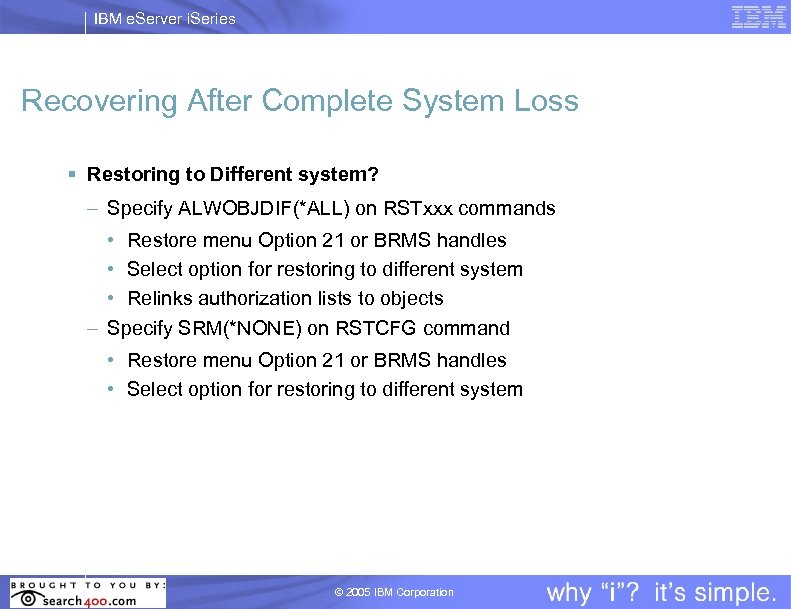
IBM e. Server i. Series Recovering After Complete System Loss § Restoring to Different system? – Specify ALWOBJDIF(*ALL) on RSTxxx commands • Restore menu Option 21 or BRMS handles • Select option for restoring to different system • Relinks authorization lists to objects – Specify SRM(*NONE) on RSTCFG command • Restore menu Option 21 or BRMS handles • Select option for restoring to different system © 2005 IBM Corporation
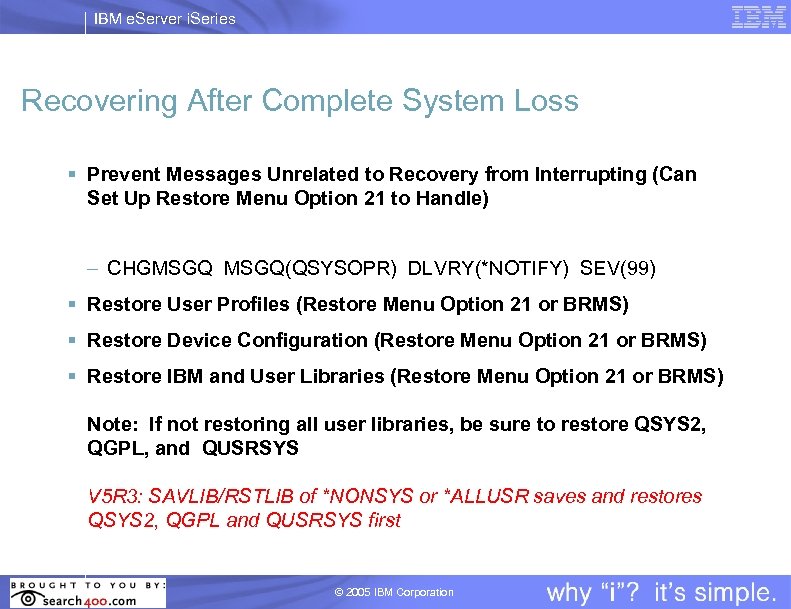
IBM e. Server i. Series Recovering After Complete System Loss § Prevent Messages Unrelated to Recovery from Interrupting (Can Set Up Restore Menu Option 21 to Handle) – CHGMSGQ(QSYSOPR) DLVRY(*NOTIFY) SEV(99) § Restore User Profiles (Restore Menu Option 21 or BRMS) § Restore Device Configuration (Restore Menu Option 21 or BRMS) § Restore IBM and User Libraries (Restore Menu Option 21 or BRMS) Note: If not restoring all user libraries, be sure to restore QSYS 2, QGPL, and QUSRSYS V 5 R 3: SAVLIB/RSTLIB of *NONSYS or *ALLUSR saves and restores QSYS 2, QGPL and QUSRSYS first © 2005 IBM Corporation
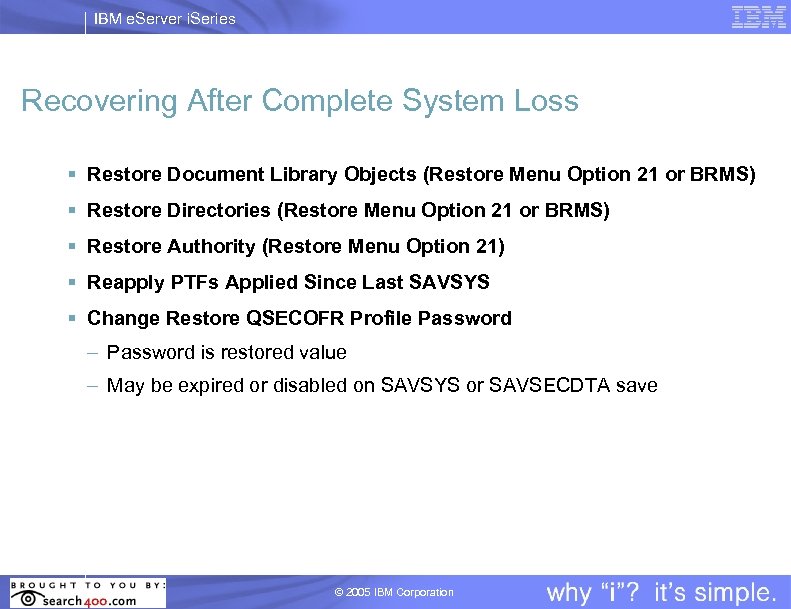
IBM e. Server i. Series Recovering After Complete System Loss § Restore Document Library Objects (Restore Menu Option 21 or BRMS) § Restore Directories (Restore Menu Option 21 or BRMS) § Restore Authority (Restore Menu Option 21) § Reapply PTFs Applied Since Last SAVSYS § Change Restore QSECOFR Profile Password – Password is restored value – May be expired or disabled on SAVSYS or SAVSECDTA save © 2005 IBM Corporation
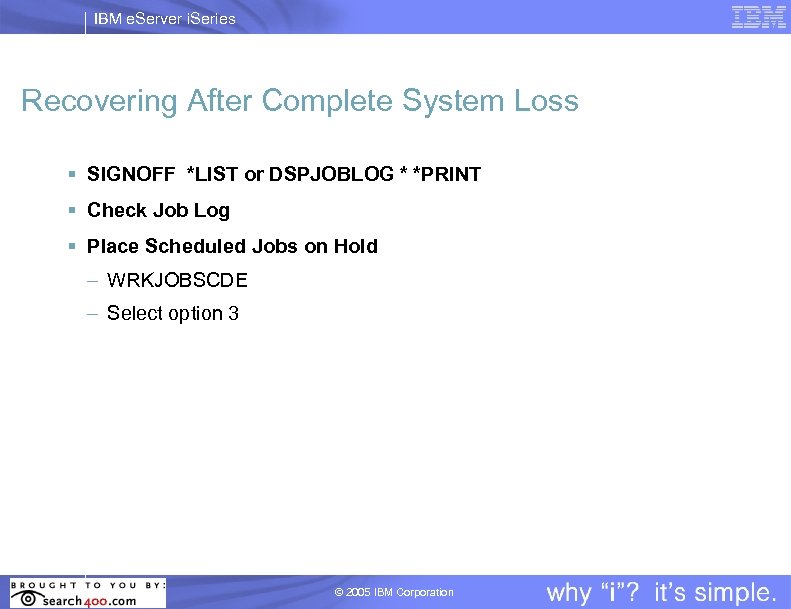
IBM e. Server i. Series Recovering After Complete System Loss § SIGNOFF *LIST or DSPJOBLOG * *PRINT § Check Job Log § Place Scheduled Jobs on Hold – WRKJOBSCDE – Select option 3 © 2005 IBM Corporation
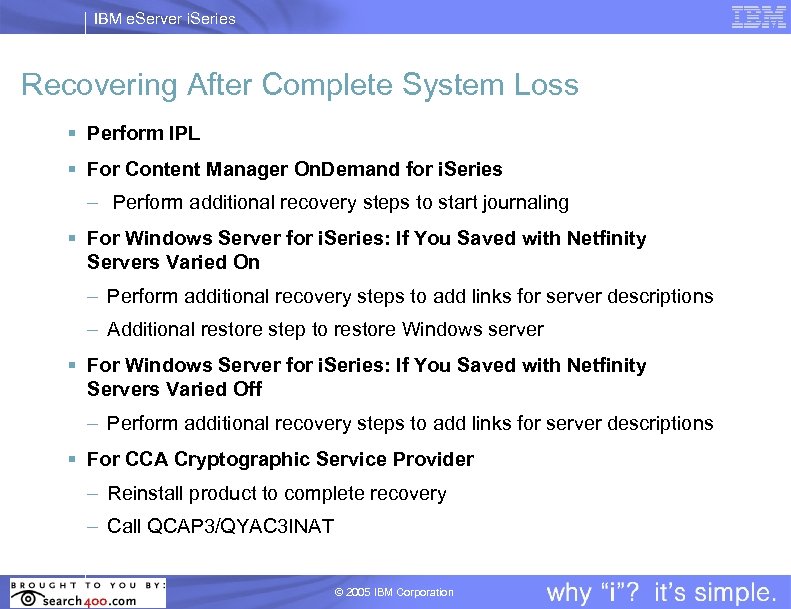
IBM e. Server i. Series Recovering After Complete System Loss § Perform IPL § For Content Manager On. Demand for i. Series – Perform additional recovery steps to start journaling § For Windows Server for i. Series: If You Saved with Netfinity Servers Varied On – Perform additional recovery steps to add links for server descriptions – Additional restore step to restore Windows server § For Windows Server for i. Series: If You Saved with Netfinity Servers Varied Off – Perform additional recovery steps to add links for server descriptions § For CCA Cryptographic Service Provider – Reinstall product to complete recovery – Call QCAP 3/QYAC 3 INAT © 2005 IBM Corporation
IBM e. Server i. Series Rapid Recovery for i. Series Replication © 2005 IBM Corporation
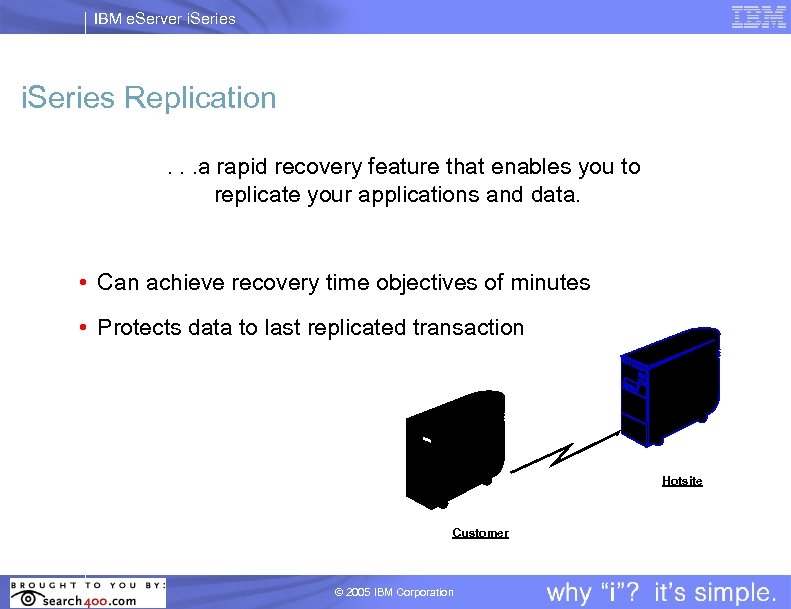
IBM e. Server i. Series Replication. . a rapid recovery feature that enables you to replicate your applications and data. • Can achieve recovery time objectives of minutes • Protects data to last replicated transaction IBM Site Hotsite Customer © 2005 IBM Corporation
IBM e. Server i. Series Remember. . . Test Your Recovery!!! The only way to ensure you have a good backup strategy is to test your recovery!!!! © 2005 IBM Corporation
IBM e. Server i. Series Questions? Ask Deb your questions now. Click in the Ask A Question area on your presentation screen. © 2005 IBM Corporation
Скачать презентацию IBM Global Services — IBM e Server i
e9bce8b2dd224dfe53f7be8903976079.ppt