 Скачать презентацию IBM Advanced Technical Support IBM Systems Storage with
77b133721eb4b29db6171f55c6a4f474.ppt
- Количество слайдов: 91



IBM Advanced Technical Support IBM Systems Storage with IBM i Best Practices, Hints and Tips Contact the ATS Team at: http: //dalnotes 1. sl. dfw. ibm. com/atss/techexpress. nsf/request? Open. Form Lamar Reavis reavis@us. ibm. com Alison Pate patea@us. ibm. com © 2009 IBM Corporation
IBM Advanced Technical Support Abstract This teleconference will cover the best practices and recommendations for implementing DS 8000 on an IBM i platform including copy services. We will also discuss various hints and tips for a successful implementation. Number 3 in the IBM Americas Storage ATS Back to School series. 2 © 2009 IBM Corporation
IBM Advanced Technical Support IBM Americas Storage ATS – Back to School Series A presentation by Charlie Burger on DS 8000 Architecture and Best Practices. This presentation introduces the DS 8000 architecture and its components as well as a brief description of the available copy services and cache management algorithms. The storage hierarchy is discussed and a sample CKD logical volume configuration reviewed. This presentation can be tailored to use with clients new to a DS 8000 technical staff. ● IBMers: ● BPs: http: //lt. be. ibm. com/stg/ltu 29140 http: //www. ibm. com/services/weblectures/dlv/partnerworld/ltu 29140 The ATS team's presentation on DS 8000 Data Replication - Best Practices provides everything you need to know to ensure a successful sale and implementation of a DS 8000 data replication solution. This replay includes an overview of the data replication technology, a review of bandwidth sizing, implementation/configuration best practices and management, and case studies of replication implementations. Speakers include Bob Kern, Jim Sedgwick and Hank Sautter. ● IBMers: ● BPs: 3 http: //lt. be. ibm. com/stg/ltu 29139 http: //www. ibm. com/services/weblectures/dlv/partnerworld/ltu 29139 © 2009 IBM Corporation
IBM Advanced Technical Support Agenda • Innovative DS 8000 and IBM i Architecture • IBM i Storage Management • DS 8000 with IBM i Storage Management • DS 8000 Copy Services with IBM i • Sizing for Performance and Performance Monitoring • Words of Wisdom from the Best of the Best • Q&A 4 © 2009 IBM Corporation
IBM Advanced Technical Support Innovative DS 8000 and IBM i Architecture © 2009 IBM Corporation
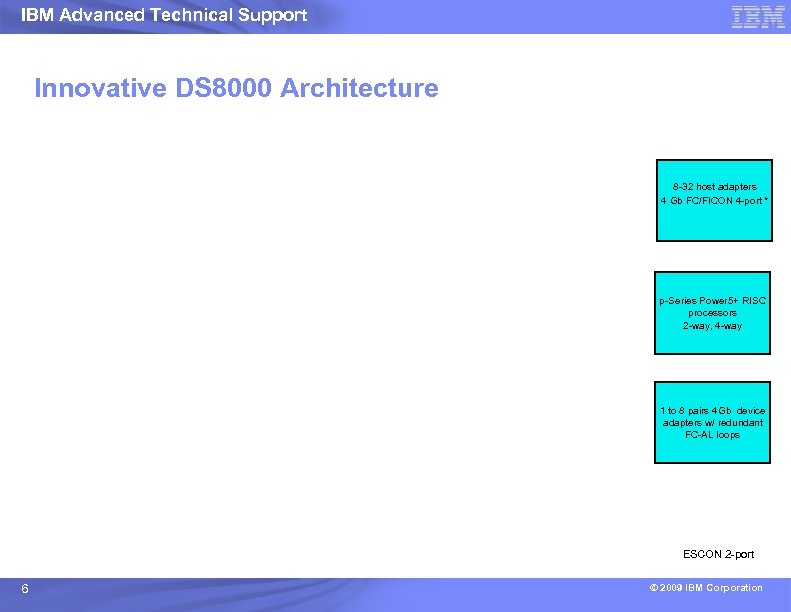
IBM Advanced Technical Support Innovative DS 8000 Architecture 8 -32 host adapters 4 Gb FC/FICON 4 -port * p-Series Power 5+ RISC processors 2 -way, 4 -way 1 to 8 pairs 4 Gb device adapters w/ redundant FC-AL loops * ESCON 2 -port 6 © 2009 IBM Corporation
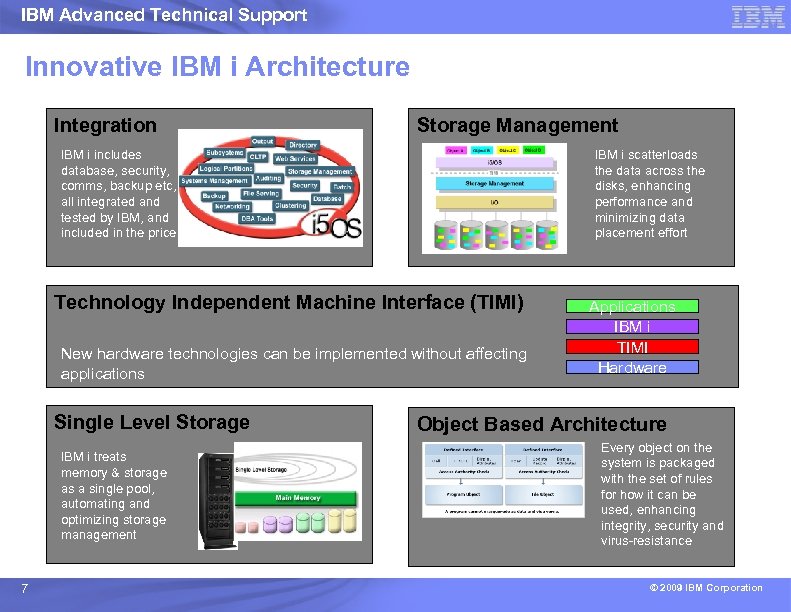
IBM Advanced Technical Support Innovative IBM i Architecture Integration Storage Management IBM i includes database, security, comms, backup etc, all integrated and tested by IBM, and included in the price IBM i scatterloads the data across the disks, enhancing performance and minimizing data placement effort Technology Independent Machine Interface (TIMI) New hardware technologies can be implemented without affecting applications Single Level Storage IBM i treats memory & storage as a single pool, automating and optimizing storage management 7 Applications IBM i TIMI Hardware Object Based Architecture Every object on the system is packaged with the set of rules for how it can be used, enhancing integrity, security and virus-resistance © 2009 IBM Corporation
IBM Advanced Technical Support Innovative IBM Storage and IBM i Architecture Best Practices Understand the Architectures IBM i includes database, security, comms, backup etc, Understand the all integrated and tested by IBM, and Understand the included in the price Business Applications IBM i scatterloads the data across the disks, enhancing performance and minimizing data placement effort Understand the Harmony of both platforms working together. New hardware technologies can be implemented without affecting applications 8 © 2009 IBM Corporation
IBM Advanced Technical Support IBM i Storage Management © 2009 IBM Corporation
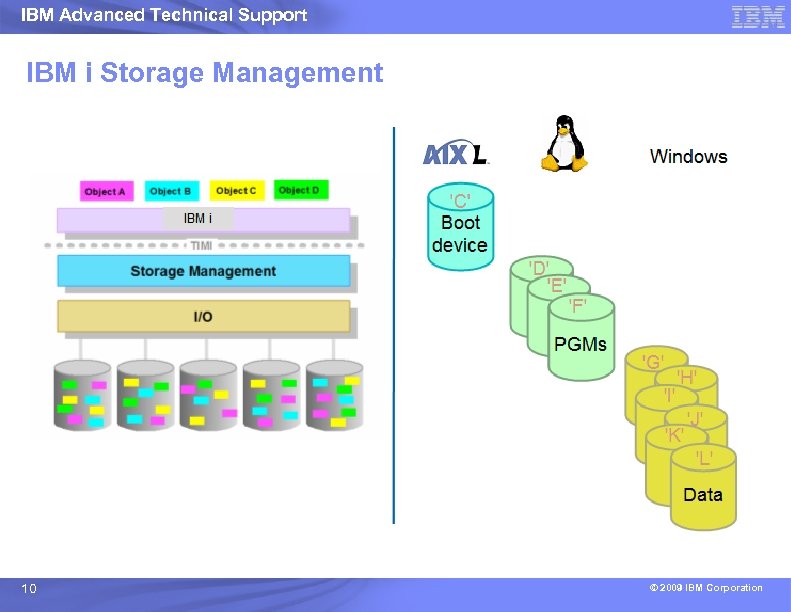
IBM Advanced Technical Support IBM i Storage Management 10 © 2009 IBM Corporation
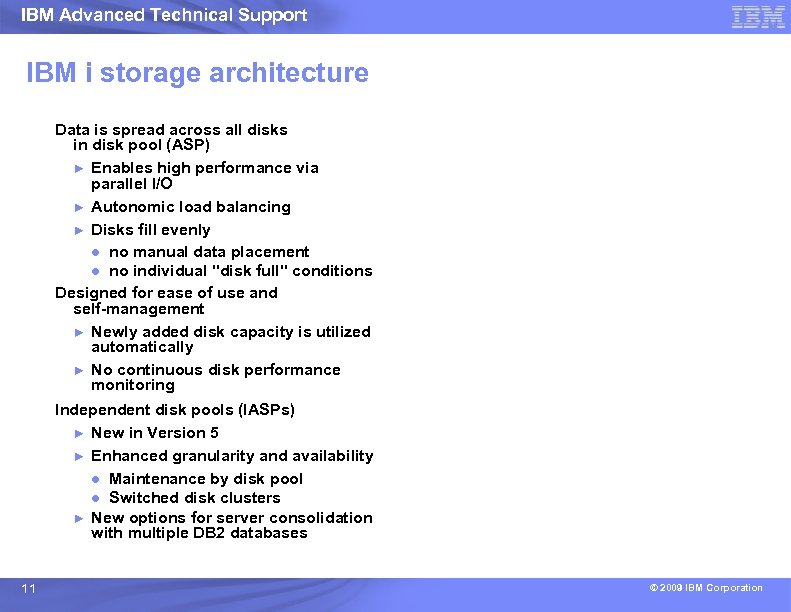
IBM Advanced Technical Support IBM i storage architecture Data is spread across all disks in disk pool (ASP) ► Enables high performance via parallel I/O ► Autonomic load balancing ► Disks fill evenly ● no manual data placement ● no individual "disk full" conditions Designed for ease of use and self-management ► Newly added disk capacity is utilized automatically ► No continuous disk performance monitoring Independent disk pools (IASPs) ► New in Version 5 ► Enhanced granularity and availability ● Maintenance by disk pool ● Switched disk clusters ► New options for server consolidation with multiple DB 2 databases 11 © 2009 IBM Corporation
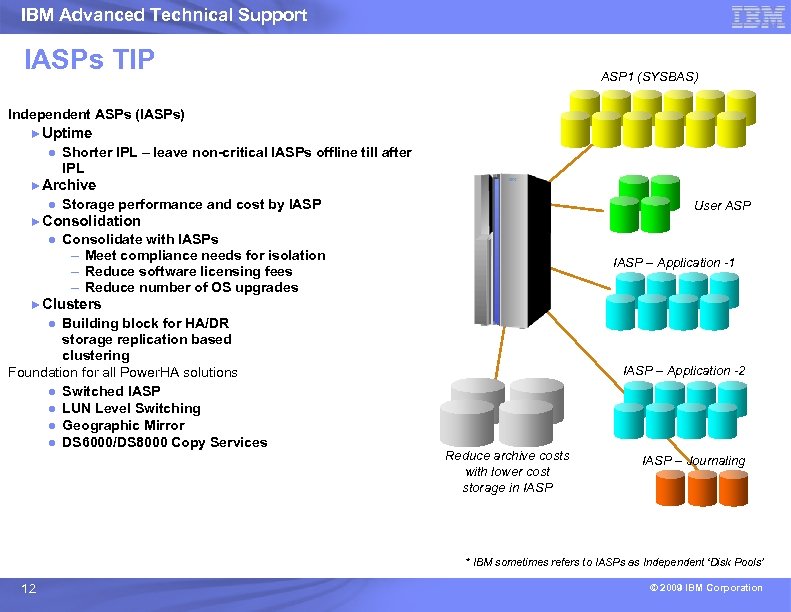
IBM Advanced Technical Support IASPs TIP ASP 1 (SYSBAS) Independent ASPs (IASPs) * ►Uptime ● Shorter IPL – leave non-critical IASPs offline till after IPL ►Archive ● Storage performance and cost by IASP ►Consolidation ● Consolidate with IASPs – Meet compliance needs for isolation – Reduce software licensing fees – Reduce number of OS upgrades ►Clusters ● Building block for HA/DR storage replication based clustering Foundation for all Power. HA solutions ● Switched IASP ● LUN Level Switching ● Geographic Mirror ● DS 6000/DS 8000 Copy Services User ASP IASP – Application -1 IASP – Application -2 Reduce archive costs with lower cost storage in IASP – Journaling * IBM sometimes refers to IASPs as Independent ‘Disk Pools’ 12 © 2009 IBM Corporation
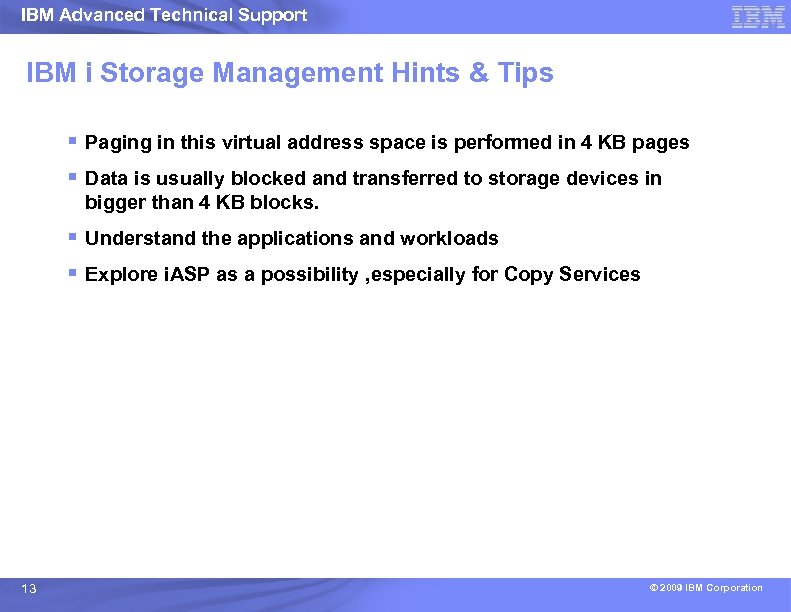
IBM Advanced Technical Support IBM i Storage Management Hints & Tips § Paging in this virtual address space is performed in 4 KB pages § Data is usually blocked and transferred to storage devices in bigger than 4 KB blocks. § Understand the applications and workloads § Explore i. ASP as a possibility , especially for Copy Services 13 © 2009 IBM Corporation
IBM Advanced Technical Support DS 8000 with IBM i Storage Management © 2009 IBM Corporation
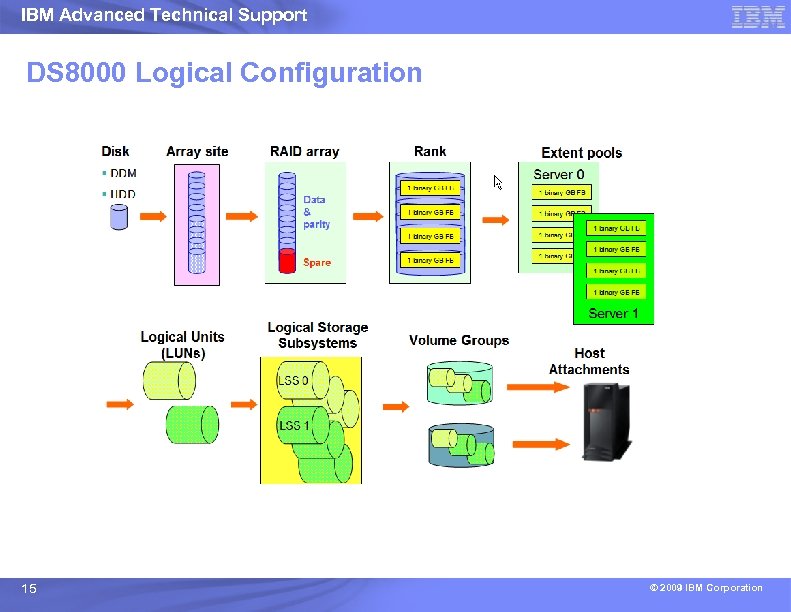
IBM Advanced Technical Support DS 8000 Logical Configuration 15 © 2009 IBM Corporation
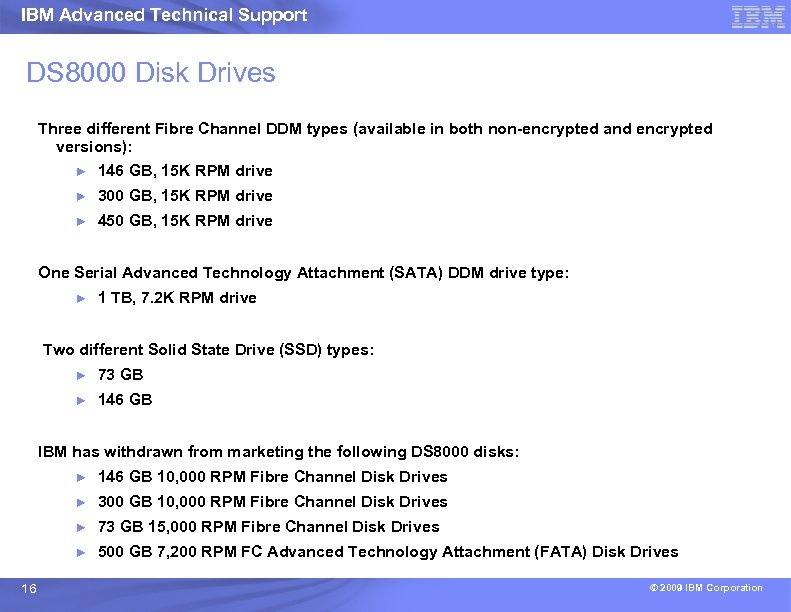
IBM Advanced Technical Support DS 8000 Disk Drives Three different Fibre Channel DDM types (available in both non-encrypted and encrypted versions): ► 146 GB, 15 K RPM drive ► 300 GB, 15 K RPM drive ► 450 GB, 15 K RPM drive One Serial Advanced Technology Attachment (SATA) DDM drive type: ► 1 TB, 7. 2 K RPM drive Two different Solid State Drive (SSD) types: ► 73 GB ► 146 GB IBM has withdrawn from marketing the following DS 8000 disks: ► ► 300 GB 10, 000 RPM Fibre Channel Disk Drives ► 73 GB 15, 000 RPM Fibre Channel Disk Drives ► 16 146 GB 10, 000 RPM Fibre Channel Disk Drives 500 GB 7, 200 RPM FC Advanced Technology Attachment (FATA) Disk Drives © 2009 IBM Corporation
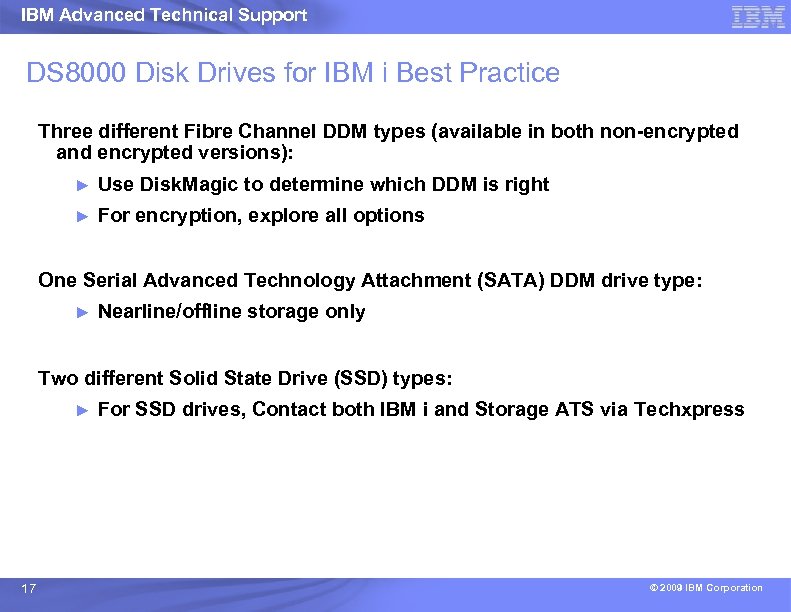
IBM Advanced Technical Support DS 8000 Disk Drives for IBM i Best Practice Three different Fibre Channel DDM types (available in both non-encrypted and encrypted versions): ► Use Disk. Magic to determine which DDM is right ► For encryption, explore all options One Serial Advanced Technology Attachment (SATA) DDM drive type: ► Nearline/offline storage only Two different Solid State Drive (SSD) types: ► 17 For SSD drives, Contact both IBM i and Storage ATS via Techxpress © 2009 IBM Corporation
IBM Advanced Technical Support DS 8000 Logical Configuration Best Practice Tips § We recommend that if you use the DSCLI to configure the DS 8000 that you also attempt to create RAID ranks on the array sites in a consistent manner. ► 18 Use a Script © 2009 IBM Corporation
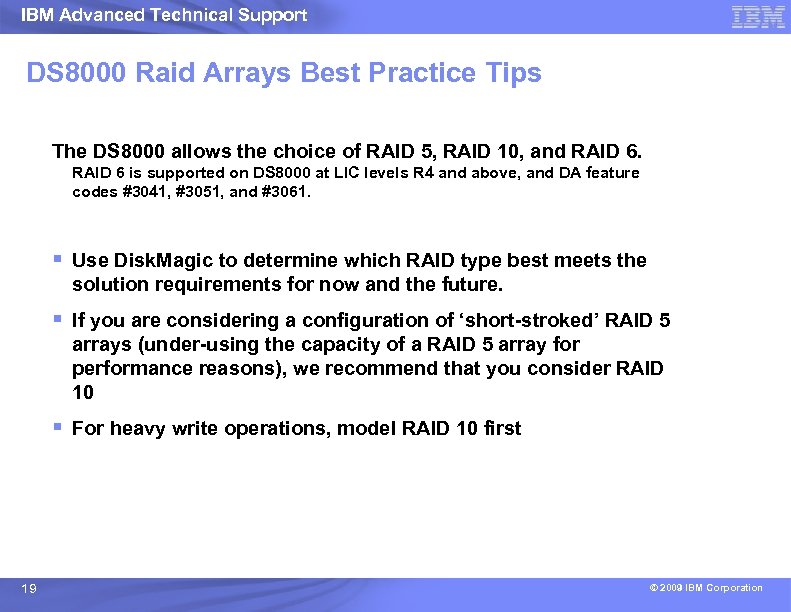
IBM Advanced Technical Support DS 8000 Raid Arrays Best Practice Tips The DS 8000 allows the choice of RAID 5, RAID 10, and RAID 6 is supported on DS 8000 at LIC levels R 4 and above, and DA feature codes #3041, #3051, and #3061. § Use Disk. Magic to determine which RAID type best meets the solution requirements for now and the future. § If you are considering a configuration of ‘short-stroked’ RAID 5 arrays (under-using the capacity of a RAID 5 array for performance reasons), we recommend that you consider RAID 10 § For heavy write operations, model RAID 10 first 19 © 2009 IBM Corporation
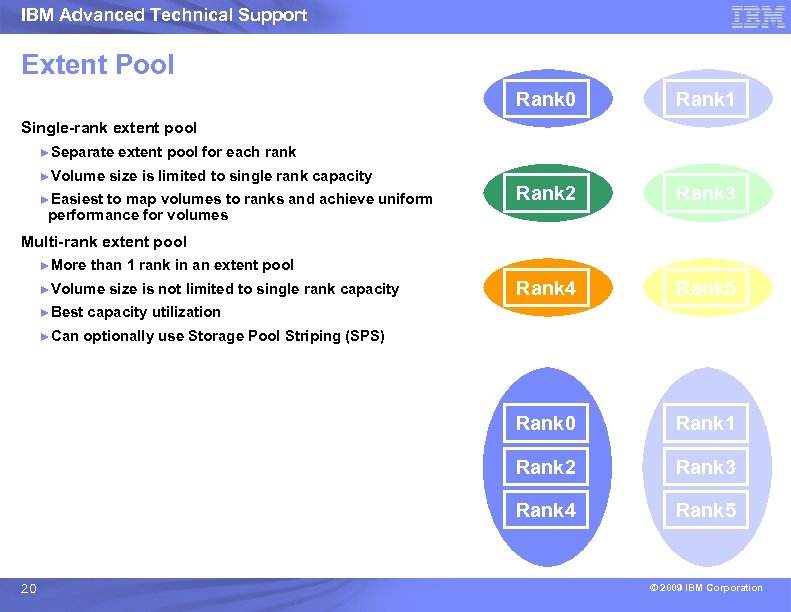
IBM Advanced Technical Support Single-rank extent pool ►Separate ►Volume extent pool for each rank size is limited to single rank capacity ►Easiest to map volumes to ranks and achieve uniform performance for volumes Multi-rank extent pool ►More ►Can Rank 1 Pool 2 Pool 3 Rank 2 Rank 3 Pool 4 Pool 5 Rank 4 Rank 5 Pool 0 Pool 1 than 1 rank in an extent pool ►Volume ►Best Pool 1 Rank 0 Extent Pool 0 size is not limited to single rank capacity utilization optionally use Storage Pool Striping (SPS) Rank 0 Rank 2 Rank 3 Rank 4 20 Rank 1 Rank 5 © 2009 IBM Corporation
IBM Advanced Technical Support DS 8000 Extent Pools conts. Multi-Rank Extent Pools and/or Storage Pool striping(SPS) When allocating multiple LUNs into a multi-rank extent pool the LUNs will be allocated on the rank with the most available freespace – this results in a ‘round robin’ style of allocation and will allocate LUNs onto the ranks in a roughly even fashion assuming that the LUNs and ranks are the same size. DS 8000 Licensed Internal Code (LIC) Release 3 introduced a new allocation algorithm: Storage Pool Striping (SPS). This allows a finer granularity striping across all the ranks in an extent pool and provides substantial performance benefits for some workloads. For IBM i attached subsystems, although SPS itself may or may not provides performance benefits, there may be some performance improvements from using multi-Rank Extent Pools as compared to single-Rank Extent Pools. 21 © 2009 IBM Corporation
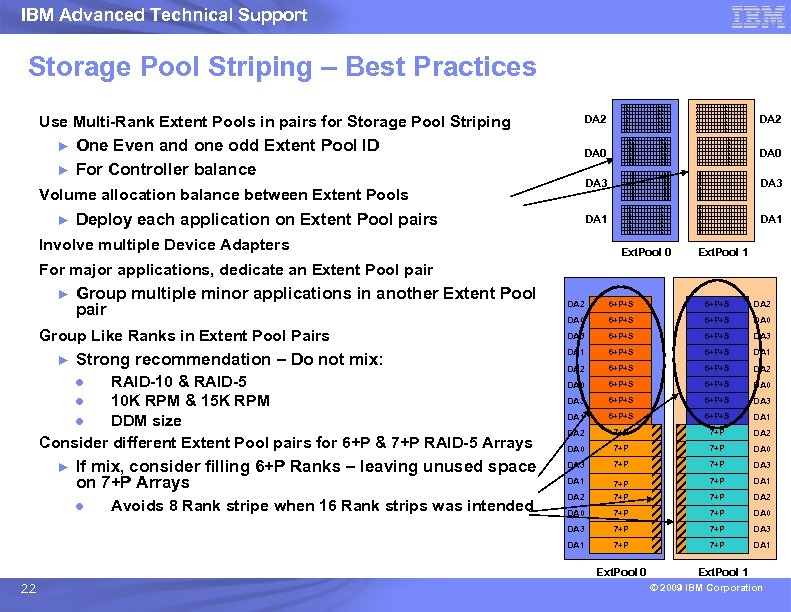
IBM Advanced Technical Support Storage Pool Striping – Best Practices Use Multi-Rank Extent Pools in pairs for Storage Pool Striping ► ► One Even and one odd Extent Pool ID For Controller balance DA 2 DA 0 DA 3 DA 1 Volume allocation balance between Extent Pools ► Deploy each application on Extent Pool pairs Involve multiple Device Adapters Ext. Pool 0 Ext. Pool 1 For major applications, dedicate an Extent Pool pair ► Group multiple minor applications in another Extent Pool pair Strong recommendation – Do not mix: ● RAID-10 & RAID-5 ● 10 K RPM & 15 K RPM ● DDM size Consider different Extent Pool pairs for 6+P & 7+P RAID-5 Arrays ► If mix, consider filling 6+P Ranks – leaving unused space on 7+P Arrays ● Avoids 8 Rank stripe when 16 Rank strips was intended 6+P+S DA 2 DA 0 6+P+S DA 0 DA 3 6+P+S DA 3 DA 1 6+P+S DA 1 DA 2 7+P DA 2 DA 0 7+P DA 0 DA 3 7+P DA 3 DA 1 7+P DA 1 DA 2 7+P DA 2 DA 0 7+P 7+P DA 3 DA 1 ► 6+P+S DA 3 Group Like Ranks in Extent Pool Pairs DA 2 7+P DA 1 Ext. Pool 0 22 Ext. Pool 1 © 2009 IBM Corporation
IBM Advanced Technical Support DS 8000 Extent Pools Best Practice Defining multiple ranks in an Extent Pool can provide some efficiency in usable space. § Use Capacity Magic to estimate the usable capacity on the ranks for your chosen LUN size. If you prefer to share the resources in the DS 8000 for maximum space utilization you should define one Extent Pool for each server § Select the option for “Rotate Extents” when you configure your LUNs on the DS 8000. ► Note: Consider future upgrades to existing Subsystems. § Understand your customer’s requirements 23 © 2009 IBM Corporation
IBM Advanced Technical Support DS 8000 Data Layout Best Practice Because IBM i automatically spreads data across all available LUNs, Data Layout is generally not an issue of performance consideration. Key Data Layout considerations are: § Isolation of workloads ► Production and development workloads § Mixed IBM i and non-IBM i servers ► 24 We strongly recommend only IBM i LUNs on any rank © 2009 IBM Corporation
IBM Advanced Technical Support DS 8000 Data Layout i. ASPs Best Practice § Best system performance when using IASP's is to place SYSBAS and IASP in the same extpool(s) § Do not apply the disk arm ratio in the IASP redbooks to external storage. This ratio only exists because internal storage can not spread SYSBAS across the same physical arms as the IASP. External can do this which allows the system to get excellent performance no matter which ASP has high I/O at any given time. · If using IOP/IOA combination, use smaller LUNs for SYSBAS to provide more outstanding I/O per second. If using IOPless, that rule no longer applies. 25 © 2009 IBM Corporation
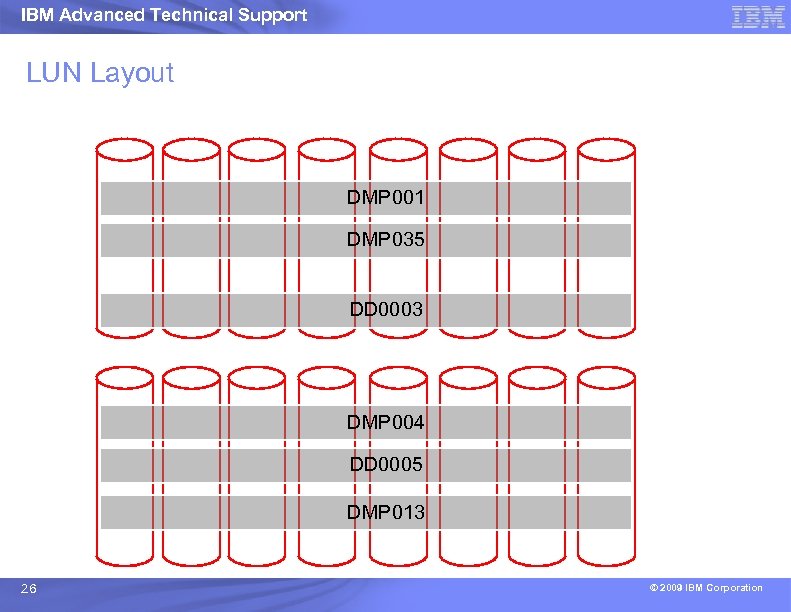
IBM Advanced Technical Support LUN Layout DMP 001 DMP 035 DD 0003 DMP 004 DD 0005 DMP 013 26 © 2009 IBM Corporation
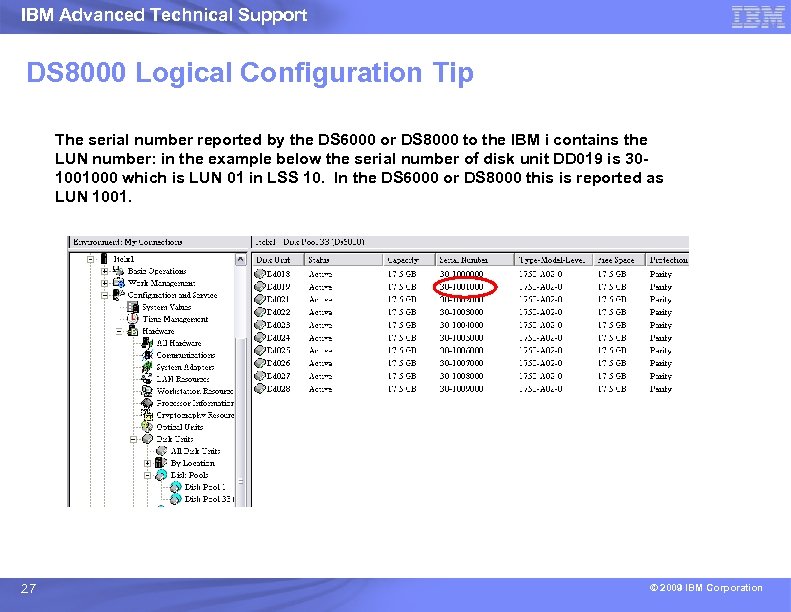
IBM Advanced Technical Support DS 8000 Logical Configuration Tip The serial number reported by the DS 6000 or DS 8000 to the IBM i contains the LUN number: in the example below the serial number of disk unit DD 019 is 301001000 which is LUN 01 in LSS 10. In the DS 6000 or DS 8000 this is reported as LUN 1001. 27 © 2009 IBM Corporation
IBM Advanced Technical Support DS 8000 LUN Sizes Hints & Tips LUNs must be defined in specific sizes that emulate IBM i devices The size of the LUNs defined is typically related to the wait time component of the response time If there are insufficient LUNs, wait time typically increases. The number of LUNs drives the requirement for more FC adapters on the IBM i (32 LUNs / pre- IOPLess adapter) 28 © 2009 IBM Corporation
IBM Advanced Technical Support DS 8000 LUN Sizes Best Practice Use the IBM tool Capacity Magic to verify capacity and space utilization plans. Use the IBM tool Disk Magic to model the size and number of LUNs required 29 © 2009 IBM Corporation
IBM Advanced Technical Support DS 8000 IBM i Multipath Hints and Tips With the combination of RAID 5 , RAID 6, or RAID 10 protection in DS 8000, multipath provides protection of the data paths and the data itself without the requirement of additional LUNs. The IBM i supports up to 8 paths to each LUN 2 or 3 paths provide performance improvements when compared to a single path. Typically 2 paths to a LUN is the ideal balance of price and performance though for heavy I/O, 3 paths is the “sweet spot”. TIP: The Disk Magic tool supports multipathing over 2 paths. 30 © 2009 IBM Corporation
IBM Advanced Technical Support DS 8000 IBM i Multipath Best Practice It is important to plan for multipath so that the two or more paths to the same set of LUNs use different elements of connection, such as DS 8000 host adapters, SAN switches, IBM i I/O towers, and HSL loops. Planning for multipath includes: § Connections to the same set of LUNs via different DS host cards in different IO enclosures on DS 8000 § Connections to the same set of LUNs via host adapters on different processors of DS 6000 § Connections to the same set of LUNs via different SAN switches § The IOP/IOA adapter pairs in the IBM i I/O tower, which connects to the same set of LUNs, should ideally be in different expansion towers which are located on different HSL or 12 x loops wherever possible. § Isolate IBM i LUNs on their own HA where possible. § Do a path test to verify paths do not cause single point of failure during concurrent maintenance. 31 © 2009 IBM Corporation
IBM Advanced Technical Support DS 8000 pre-IBM i 6. 1 Host Adapter Best Practice See IBM ® Total. Storage ® DS 8000 Architecture & Configuration presentation by Charlie Burger for DS 8000 Host Adapter details. Old Rule: IBM i IO adapters should be defined as FC-AL connections for direct attached connections (without a switch). For all switched connections use SCSI-fcp which is the default for DS 8000. New Rule: Customers have pointed out that FC-AL has 1/2 of the buffer space than SCSI-FCP - therefore on high I/Os, this could potentially become a bottleneck. So they use SCSI-FCP as the setting and only use FC-AL for the load source which is a requirement. In a pre-IBM i 6. 1 multipath environment, the normal range is to combine 2 -4 IBM i IOAs onto a single DS 8000 host attachment If you are not using multipath you may find optimum performance is achieved by limiting the LUNs on each IBM i FC card to 20 -22. (for multipath split total over pair) See Hints and Tips for implementing DS 6000 and DS 8000 in an IBM i environment Version 3: for more details 32 © 2009 IBM Corporation
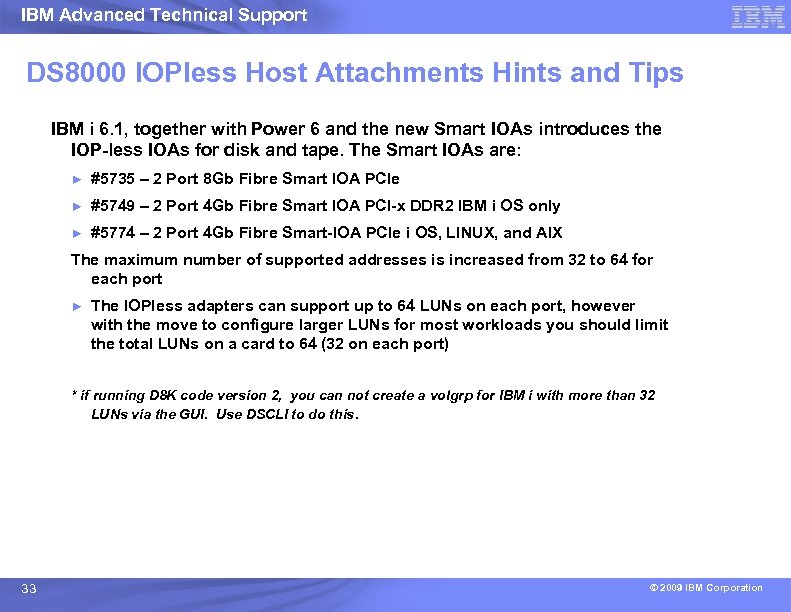
IBM Advanced Technical Support DS 8000 IOPless Host Attachments Hints and Tips IBM i 6. 1, together with Power 6 and the new Smart IOAs introduces the IOP-less IOAs for disk and tape. The Smart IOAs are: ► #5735 – 2 Port 8 Gb Fibre Smart IOA PCIe ► #5749 – 2 Port 4 Gb Fibre Smart IOA PCI-x DDR 2 IBM i OS only ► #5774 – 2 Port 4 Gb Fibre Smart-IOA PCIe i OS, LINUX, and AIX The maximum number of supported addresses is increased from 32 to 64 for each port ► The IOPless adapters can support up to 64 LUNs on each port, however with the move to configure larger LUNs for most workloads you should limit the total LUNs on a card to 64 (32 on each port) * if running D 8 K code version 2, you can not create a volgrp for IBM i with more than 32 LUNs via the GUI. Use DSCLI to do this. 33 © 2009 IBM Corporation
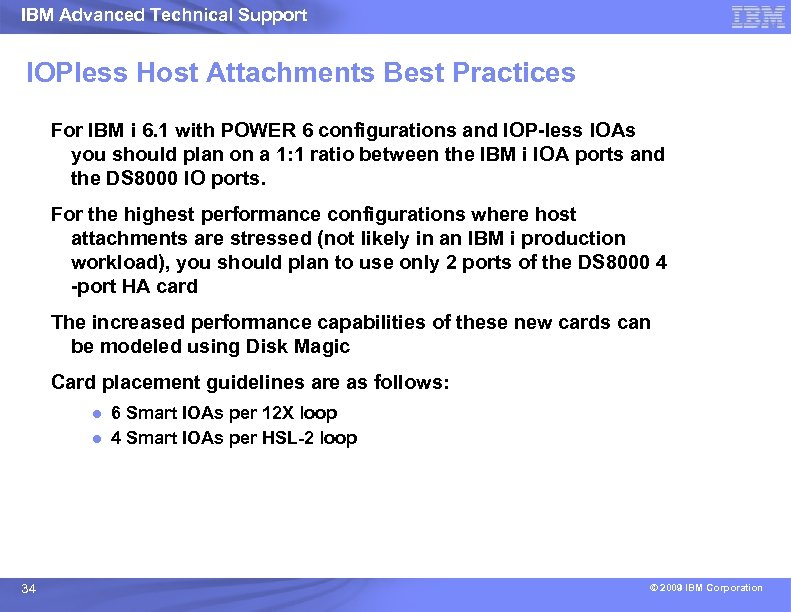
IBM Advanced Technical Support IOPless Host Attachments Best Practices For IBM i 6. 1 with POWER 6 configurations and IOP-less IOAs you should plan on a 1: 1 ratio between the IBM i IOA ports and the DS 8000 IO ports. For the highest performance configurations where host attachments are stressed (not likely in an IBM i production workload), you should plan to use only 2 ports of the DS 8000 4 -port HA card The increased performance capabilities of these new cards can be modeled using Disk Magic Card placement guidelines are as follows: ● 6 Smart IOAs per 12 X loop ● 4 Smart IOAs per HSL-2 loop 34 © 2009 IBM Corporation
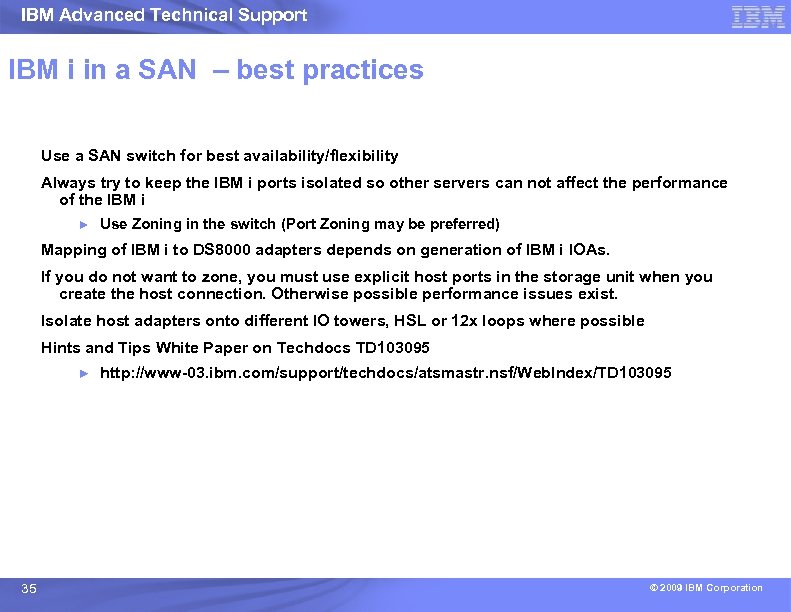
IBM Advanced Technical Support IBM i in a SAN – best practices Use a SAN switch for best availability/flexibility Always try to keep the IBM i ports isolated so other servers can not affect the performance of the IBM i ► Use Zoning in the switch (Port Zoning may be preferred) Mapping of IBM i to DS 8000 adapters depends on generation of IBM i IOAs. If you do not want to zone, you must use explicit host ports in the storage unit when you create the host connection. Otherwise possible performance issues exist. Isolate host adapters onto different IO towers, HSL or 12 x loops where possible Hints and Tips White Paper on Techdocs TD 103095 ► 35 http: //www-03. ibm. com/support/techdocs/atsmastr. nsf/Web. Index/TD 103095 © 2009 IBM Corporation
IBM Advanced Technical Support DS 8000 Copy Services with IBM i © 2009 IBM Corporation
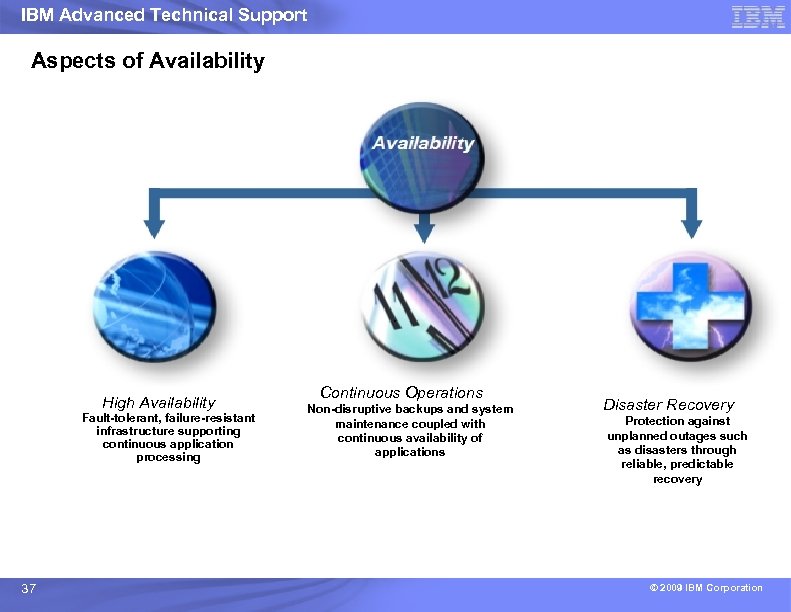
IBM Advanced Technical Support Aspects of Availability High Availability Fault-tolerant, failure-resistant infrastructure supporting continuous application processing 37 Continuous Operations Non-disruptive backups and system maintenance coupled with continuous availability of applications Disaster Recovery Protection against unplanned outages such as disasters through reliable, predictable recovery © 2009 IBM Corporation
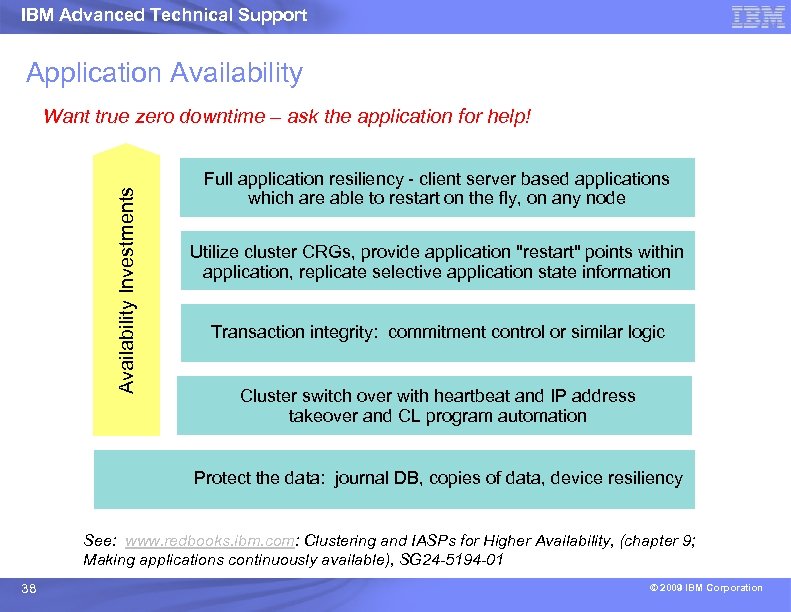
IBM Advanced Technical Support Application Availability Investments Want true zero downtime – ask the application for help! Full application resiliency - client server based applications which are able to restart on the fly, on any node Utilize cluster CRGs, provide application "restart" points within application, replicate selective application state information Transaction integrity: commitment control or similar logic Cluster switch over with heartbeat and IP address takeover and CL program automation Protect the data: journal DB, copies of data, device resiliency See: www. redbooks. ibm. com: Clustering and IASPs for Higher Availability, (chapter 9; Making applications continuously available), SG 24 -5194 -01 38 © 2009 IBM Corporation
IBM Advanced Technical Support Why IBM for Copy Services on IBM i Copy Services on DS 8000 is a key factor in many external storage decisions. For Copy Services opportunities be sure to engage ATS IBM has experience and tools to ensure a successful implementation ► ► Disk Magic ► Global Mirror bandwidth sizing ► 39 Rochester STG Lab Services References © 2009 IBM Corporation
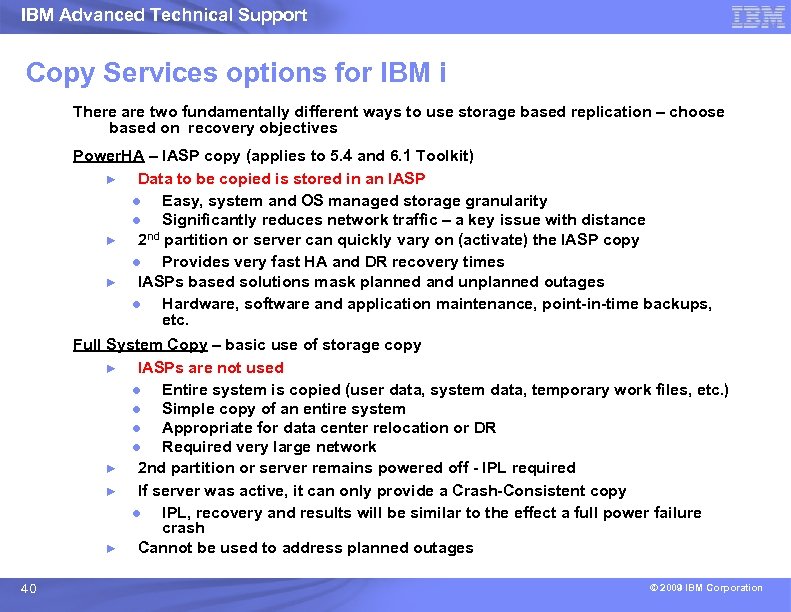
IBM Advanced Technical Support Copy Services options for IBM i There are two fundamentally different ways to use storage based replication – choose based on recovery objectives Power. HA – IASP copy (applies to 5. 4 and 6. 1 Toolkit) ► Data to be copied is stored in an IASP ● Easy, system and OS managed storage granularity ● Significantly reduces network traffic – a key issue with distance ► 2 nd partition or server can quickly vary on (activate) the IASP copy ● Provides very fast HA and DR recovery times ► IASPs based solutions mask planned and unplanned outages ● Hardware, software and application maintenance, point-in-time backups, etc. Full System Copy – basic use of storage copy ► IASPs are not used ● Entire system is copied (user data, system data, temporary work files, etc. ) ● Simple copy of an entire system ● Appropriate for data center relocation or DR ● Required very large network ► 2 nd partition or server remains powered off - IPL required ► If server was active, it can only provide a Crash-Consistent copy ● IPL, recovery and results will be similar to the effect a full power failure crash ► Cannot be used to address planned outages 40 © 2009 IBM Corporation
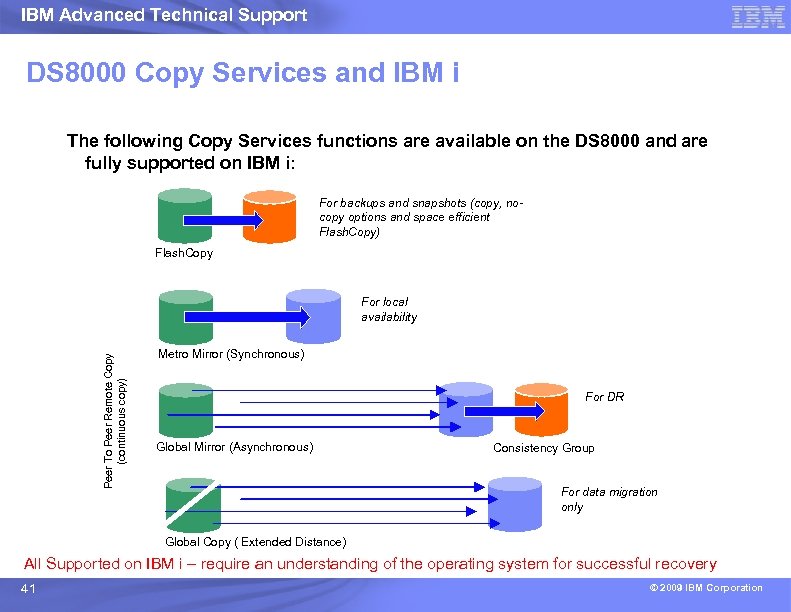
IBM Advanced Technical Support DS 8000 Copy Services and IBM i The following Copy Services functions are available on the DS 8000 and are fully supported on IBM i: For backups and snapshots (copy, nocopy options and space efficient Flash. Copy) Flash. Copy Peer To Peer Remote Copy (continuous copy) For local availability Metro Mirror (Synchronous) For DR Global Mirror (Asynchronous) Consistency Group For data migration only Global Copy ( Extended Distance) All Supported on IBM i – require an understanding of the operating system for successful recovery 41 © 2009 IBM Corporation
IBM Advanced Technical Support “Warm” vs. “Cold” Flash IBM i can leverage Flash. Copy to: § Create a copy of an IASP for backup § Create a full system copy for disaster recovery (DR) IBM’s recommendation is to quiesce the IASP or system before taking the Flash § Known as a “cold Flash” § It is the only way to guarantee complete data integrity IBM i 6. 1 supports better Quiesce of IASP – still requires abnormal IPL but ‘cleaner’ recovery. It is also possible to use the –freeze option to temporarily suspend writes from a system or i. ASP, then take a Flash § Known as a “warm Flash” § Not Recommended for full system flash § Not recommended, but sometimes necessary in 24/7 client environments with IASPs § Object journaling critical for data consistency § Abnormal IPL with journal recovery automatic on secondary system 42 © 2009 IBM Corporation
IBM Advanced Technical Support IBM Flash. Copy Space Efficient Definition: A Flash. Copy relationship in which the target volume is a space efficient volume ► SE Volumes should match the size of the intended source volumes ► ● no physical storage is actually allocated A repository volume per extent pool is used to provide physical storage for all space efficient volumes in that extent pool ► Only modified tracks from the source will be copied to the repository The Space efficient implementation is optimized for the case where <20% of the source data is copied to the target volume ► Short duration copies Can lower costs by reducing the disk capacity needed for copies Introduced with DS 8000 R 3 Code 43 © 2009 IBM Corporation
IBM Advanced Technical Support FC Best Practices No-cp a good option for IBM i workloads for daily backups ► Very small performance impact especially with i. ASP Reasons to use Flash. Copy full copy ► ► long-lasting flashes to minimize overhead on production volumes. High workload target volumes (ex. Stress test environment) Very high production workload with lower off-peak window Good scenario for incremental flash Can configure to use the same ranks as production ► Provides more ranks to production and shares capacity with a very low I/O workload in the Flash. Copy partition Be cautious configuring larger/slower drives for Flash. Copy targets – can effect performance 44 © 2009 IBM Corporation
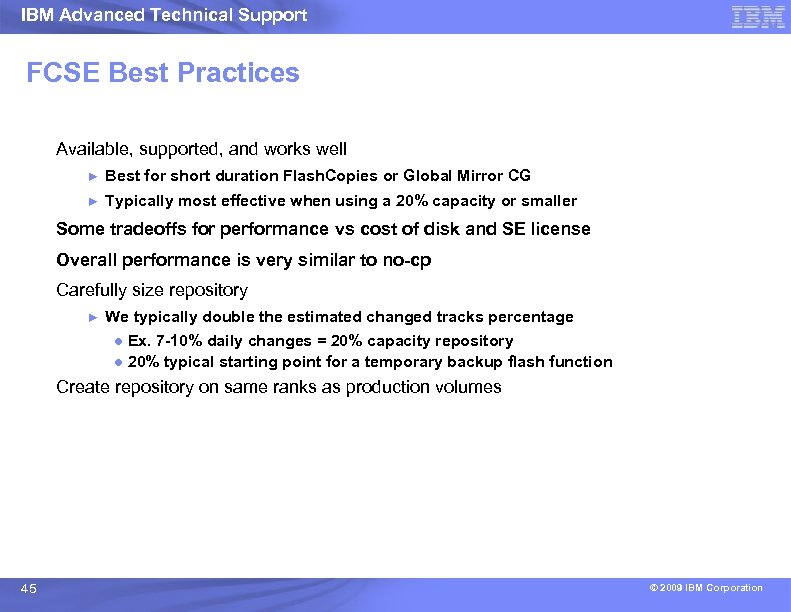
IBM Advanced Technical Support FCSE Best Practices Available, supported, and works well ► Best for short duration Flash. Copies or Global Mirror CG ► Typically most effective when using a 20% capacity or smaller Some tradeoffs for performance vs cost of disk and SE license Overall performance is very similar to no-cp Carefully size repository ► We typically double the estimated changed tracks percentage ● Ex. 7 -10% daily changes = 20% capacity repository ● 20% typical starting point for a temporary backup flash function Create repository on same ranks as production volumes 45 © 2009 IBM Corporation
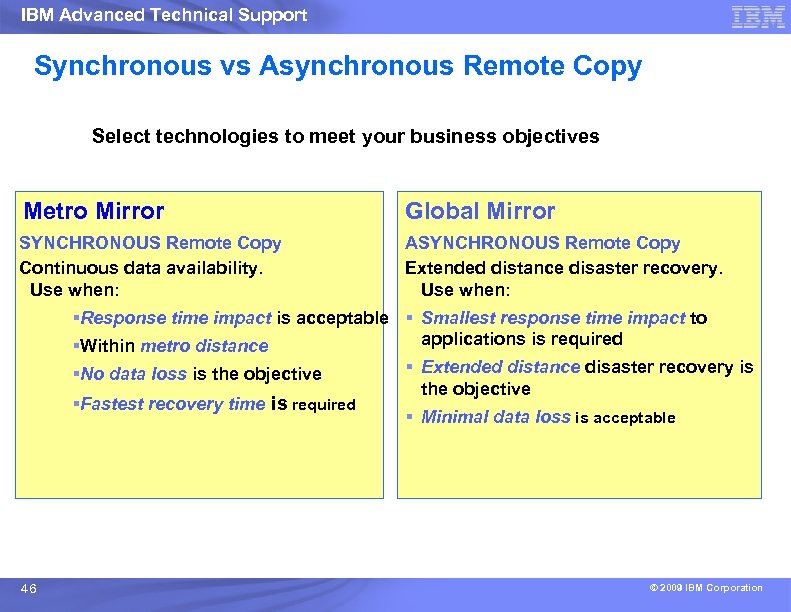
IBM Advanced Technical Support Synchronous vs Asynchronous Remote Copy Select technologies to meet your business objectives Metro Mirror Global Mirror SYNCHRONOUS Remote Copy Continuous data availability. Use when: ASYNCHRONOUS Remote Copy Extended distance disaster recovery. Use when: §Response time impact is acceptable § Smallest response time impact to applications is required §Within metro distance §No data loss is the objective §Fastest recovery time is required 46 § Extended distance disaster recovery is the objective § Minimal data loss is acceptable © 2009 IBM Corporation
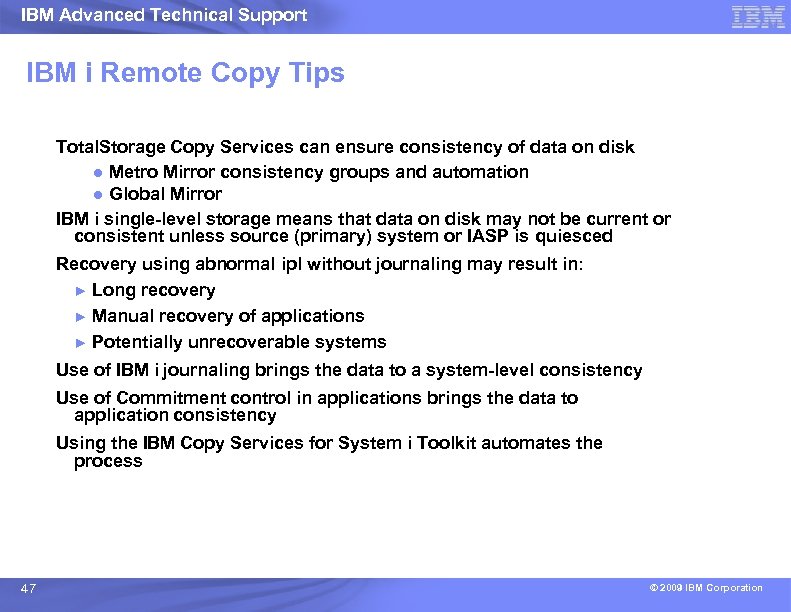
IBM Advanced Technical Support IBM i Remote Copy Tips Total. Storage Copy Services can ensure consistency of data on disk ● Metro Mirror consistency groups and automation ● Global Mirror IBM i single-level storage means that data on disk may not be current or consistent unless source (primary) system or IASP is quiesced Recovery using abnormal ipl without journaling may result in: ► Long recovery ► Manual recovery of applications ► Potentially unrecoverable systems Use of IBM i journaling brings the data to a system-level consistency Use of Commitment control in applications brings the data to application consistency Using the IBM Copy Services for System i Toolkit automates the process 47 © 2009 IBM Corporation
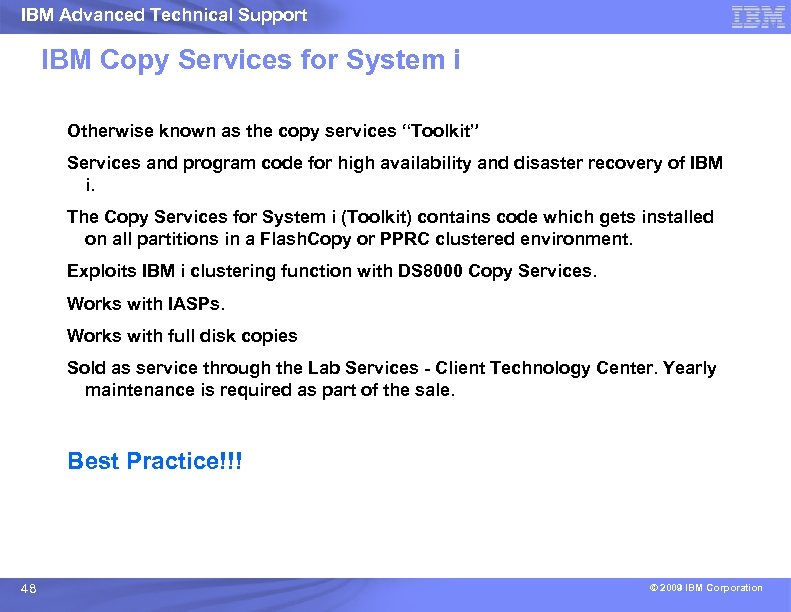
IBM Advanced Technical Support IBM Copy Services for System i Otherwise known as the copy services “Toolkit” Services and program code for high availability and disaster recovery of IBM i. The Copy Services for System i (Toolkit) contains code which gets installed on all partitions in a Flash. Copy or PPRC clustered environment. Exploits IBM i clustering function with DS 8000 Copy Services. Works with IASPs. Works with full disk copies Sold as service through the Lab Services - Client Technology Center. Yearly maintenance is required as part of the sale. Best Practice!!! 48 © 2009 IBM Corporation
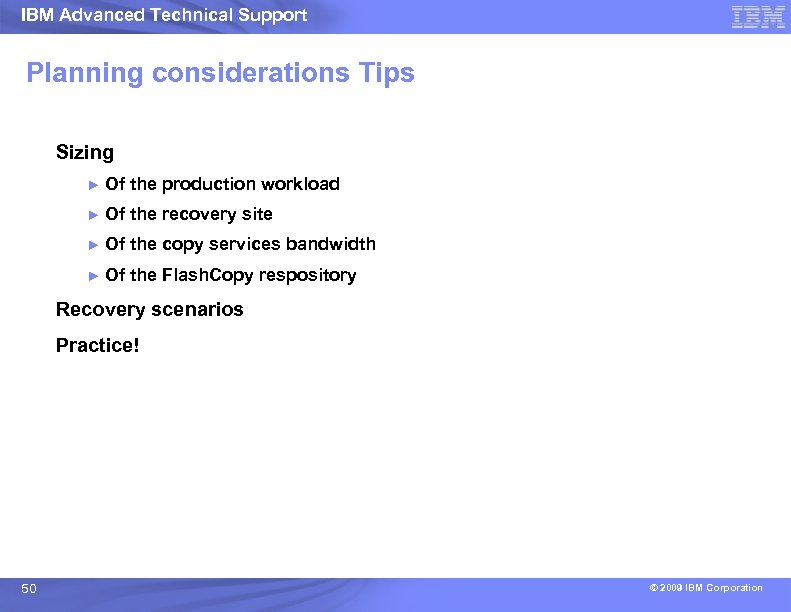
IBM Advanced Technical Support Planning considerations Tips Sizing ► Of the production workload ► Of the recovery site ► Of the copy services bandwidth ► Of the Flash. Copy respository Recovery scenarios Practice! 50 © 2009 IBM Corporation
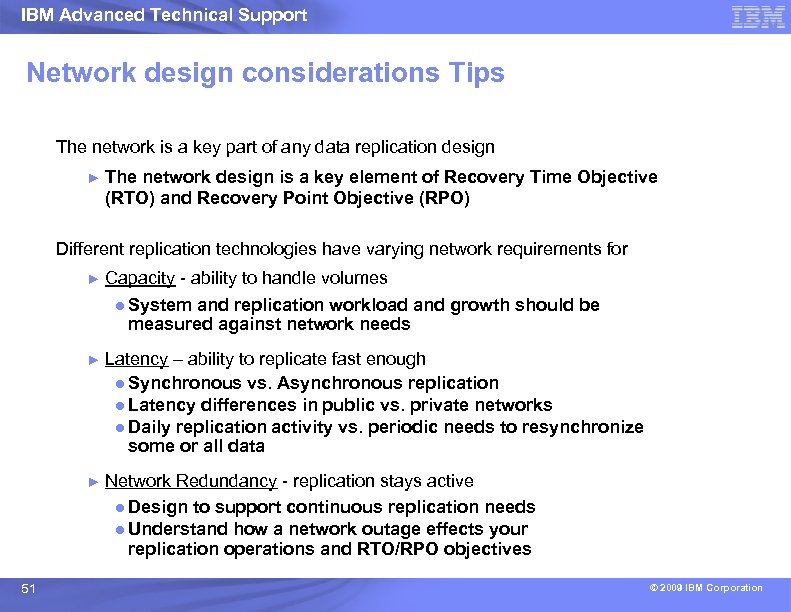
IBM Advanced Technical Support Network design considerations Tips The network is a key part of any data replication design ► The network design is a key element of Recovery Time Objective (RTO) and Recovery Point Objective (RPO) Different replication technologies have varying network requirements for ► ► Latency – ability to replicate fast enough ● Synchronous vs. Asynchronous replication ● Latency differences in public vs. private networks ● Daily replication activity vs. periodic needs to resynchronize some or all data ► 51 Capacity - ability to handle volumes ● System and replication workload and growth should be measured against network needs Network Redundancy - replication stays active ● Design to support continuous replication needs ● Understand how a network outage effects your replication operations and RTO/RPO objectives © 2009 IBM Corporation
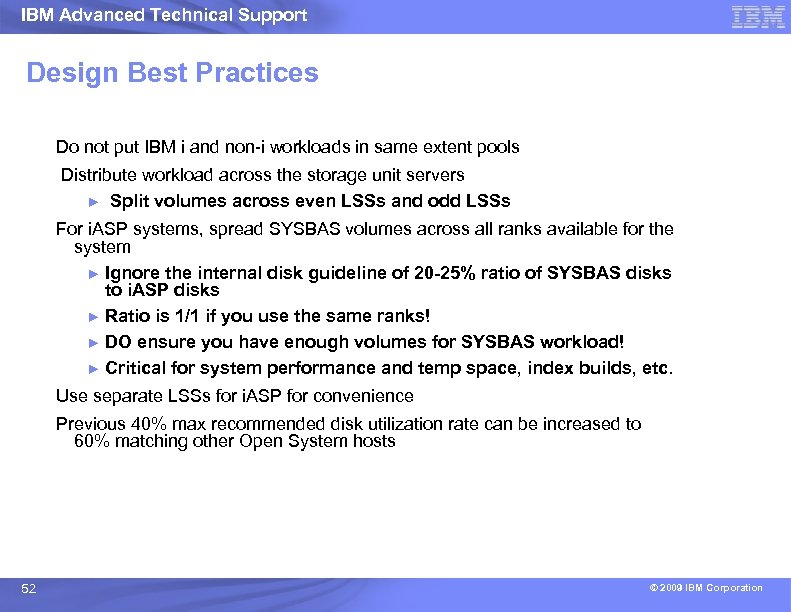
IBM Advanced Technical Support Design Best Practices Do not put IBM i and non-i workloads in same extent pools Distribute workload across the storage unit servers ► Split volumes across even LSSs and odd LSSs For i. ASP systems, spread SYSBAS volumes across all ranks available for the system ► Ignore the internal disk guideline of 20 -25% ratio of SYSBAS disks to i. ASP disks ► Ratio is 1/1 if you use the same ranks! ► DO ensure you have enough volumes for SYSBAS workload! ► Critical for system performance and temp space, index builds, etc. Use separate LSSs for i. ASP for convenience Previous 40% max recommended disk utilization rate can be increased to 60% matching other Open System hosts 52 © 2009 IBM Corporation
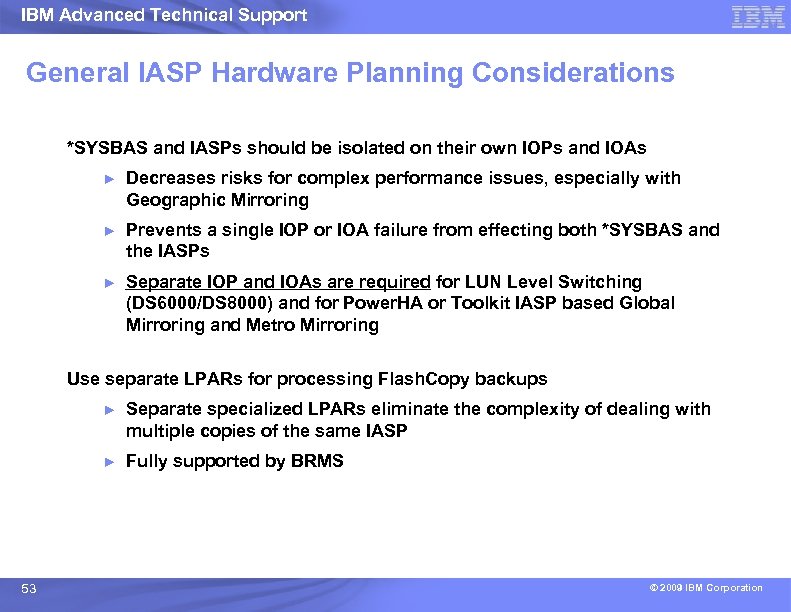
IBM Advanced Technical Support General IASP Hardware Planning Considerations *SYSBAS and IASPs should be isolated on their own IOPs and IOAs ► Decreases risks for complex performance issues, especially with Geographic Mirroring ► Prevents a single IOP or IOA failure from effecting both *SYSBAS and the IASPs ► Separate IOP and IOAs are required for LUN Level Switching (DS 6000/DS 8000) and for Power. HA or Toolkit IASP based Global Mirroring and Metro Mirroring Use separate LPARs for processing Flash. Copy backups ► ► 53 Separate specialized LPARs eliminate the complexity of dealing with multiple copies of the same IASP Fully supported by BRMS © 2009 IBM Corporation
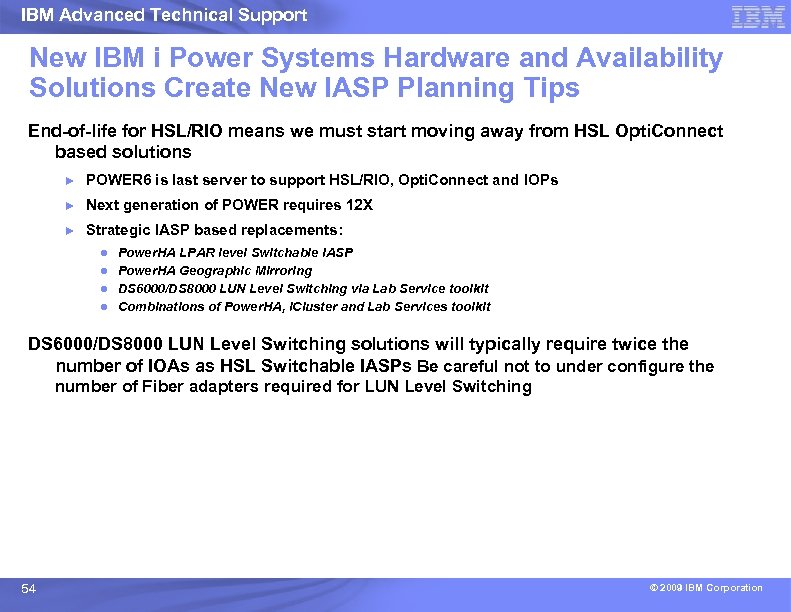
IBM Advanced Technical Support New IBM i Power Systems Hardware and Availability Solutions Create New IASP Planning Tips End-of-life for HSL/RIO means we must start moving away from HSL Opti. Connect based solutions ► POWER 6 is last server to support HSL/RIO, Opti. Connect and IOPs ► Next generation of POWER requires 12 X ► Strategic IASP based replacements: ● ● Power. HA LPAR level Switchable IASP Power. HA Geographic Mirroring DS 6000/DS 8000 LUN Level Switching via Lab Service toolkit Combinations of Power. HA, i. Cluster and Lab Services toolkit DS 6000/DS 8000 LUN Level Switching solutions will typically require twice the number of IOAs as HSL Switchable IASPs Be careful not to under configure the number of Fiber adapters required for LUN Level Switching 54 © 2009 IBM Corporation
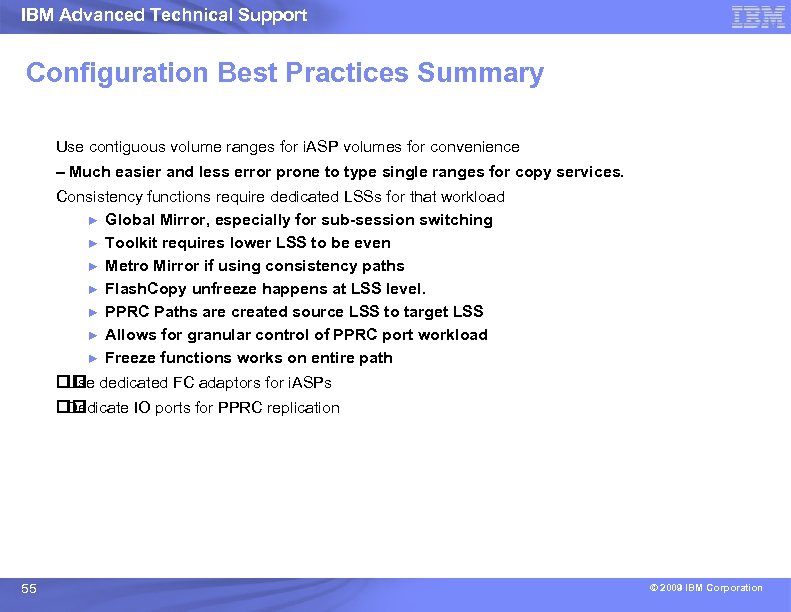
IBM Advanced Technical Support Configuration Best Practices Summary Use contiguous volume ranges for i. ASP volumes for convenience – Much easier and less error prone to type single ranges for copy services. Consistency functions require dedicated LSSs for that workload ► Global Mirror, especially for sub-session switching ► Toolkit requires lower LSS to be even ► Metro Mirror if using consistency paths ► Flash. Copy unfreeze happens at LSS level. ► PPRC Paths are created source LSS to target LSS ► Allows for granular control of PPRC port workload ► Freeze functions works on entire path dedicated FC adaptors for i. ASPs Use Dedicate IO ports for PPRC replication 55 © 2009 IBM Corporation
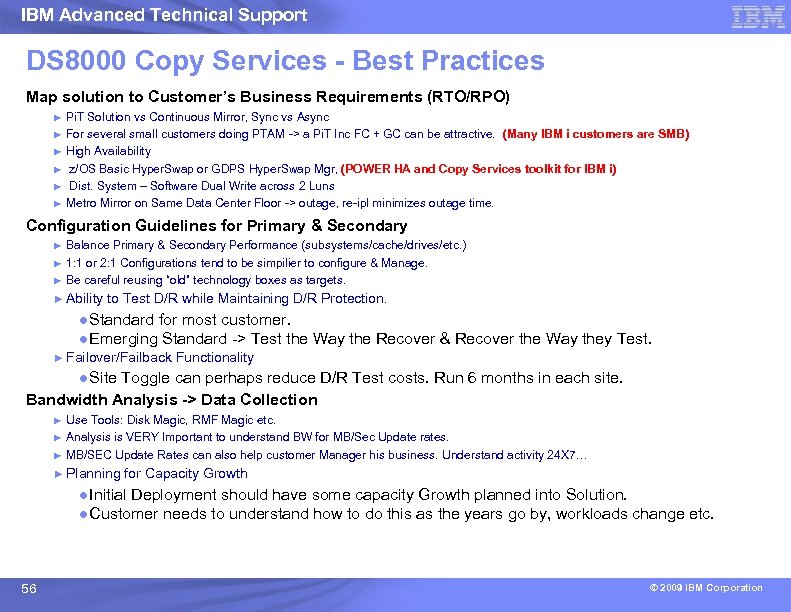
IBM Advanced Technical Support DS 8000 Copy Services - Best Practices Map solution to Customer’s Business Requirements (RTO/RPO) ► ► ► Pi. T Solution vs Continuous Mirror, Sync vs Async For several small customers doing PTAM -> a Pi. T Inc FC + GC can be attractive. (Many IBM i customers are SMB) High Availability z/OS Basic Hyper. Swap or GDPS Hyper. Swap Mgr, (POWER HA and Copy Services toolkit for IBM i) Dist. System – Software Dual Write across 2 Luns Metro Mirror on Same Data Center Floor -> outage, re-ipl minimizes outage time. Configuration Guidelines for Primary & Secondary ► ► ► Balance Primary & Secondary Performance (subsystems/cache/drives/etc. ) 1: 1 or 2: 1 Configurations tend to be simpilier to configure & Manage. Be careful reusing “old” technology boxes as targets. ► Ability to Test D/R while Maintaining D/R Protection. ●Standard for most customer. ●Emerging Standard -> Test the Way the Recover & Recover the Way they Test. ► Failover/Failback Functionality ●Site Toggle can perhaps reduce D/R Test costs. Run 6 months in each site. Bandwidth Analysis -> Data Collection ► ► ► Use Tools: Disk Magic, RMF Magic etc. Analysis is VERY Important to understand BW for MB/Sec Update rates. MB/SEC Update Rates can also help customer Manager his business. Understand activity 24 X 7… ► Planning for Capacity Growth ●Initial Deployment should have some capacity Growth planned into Solution. ●Customer needs to understand how to do this as the years go by, workloads change etc. 56 © 2009 IBM Corporation
IBM Advanced Technical Support IBM Copy Services for System i™ Avoid System i downtime due to planned and unplanned outages An IBM solution to enable enhanced backup and business continuity solutions in an IBM i 5/OS® environment Contact Us stgls@us. ibm. com or visit http: //www 03. ibm. com/systems/resources/systems_i_hard ware_storage_pdf_stglssystemicopyserv. pdf 57 57 © 2009 IBM Corporation
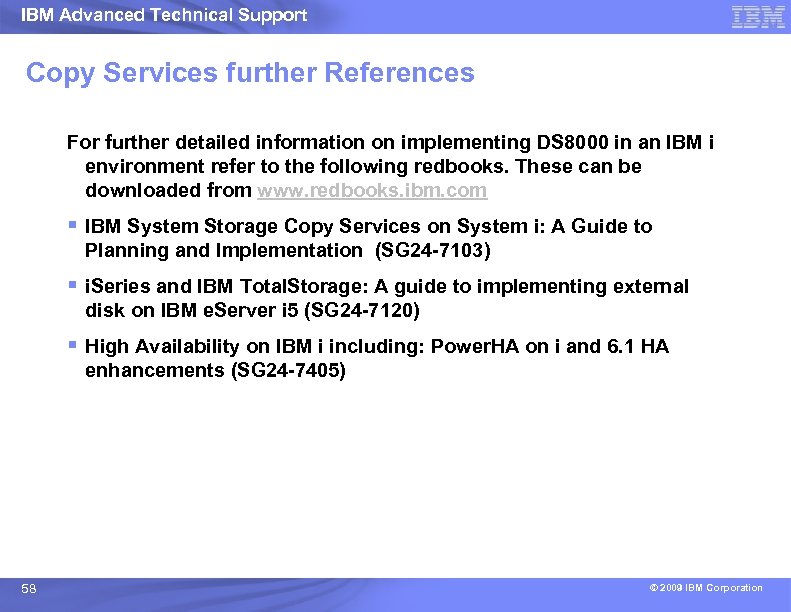
IBM Advanced Technical Support Copy Services further References For further detailed information on implementing DS 8000 in an IBM i environment refer to the following redbooks. These can be downloaded from www. redbooks. ibm. com § IBM System Storage Copy Services on System i: A Guide to Planning and Implementation (SG 24 -7103) § i. Series and IBM Total. Storage: A guide to implementing external disk on IBM e. Server i 5 (SG 24 -7120) § High Availability on IBM i including: Power. HA on i and 6. 1 HA enhancements (SG 24 -7405) 58 © 2009 IBM Corporation
IBM Advanced Technical Support Sizing for Performance and Performance Monitoring © 2009 IBM Corporation
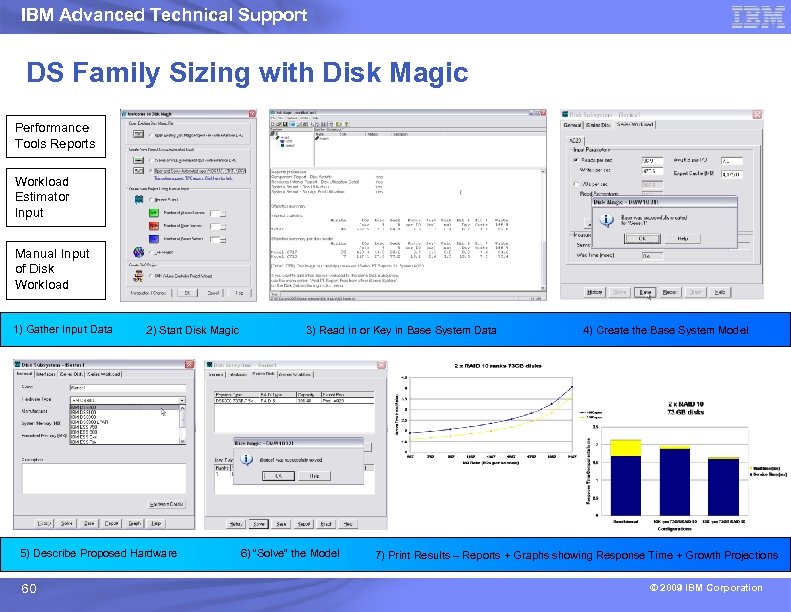
IBM Advanced Technical Support DS Family Sizing with Disk Magic Performance Tools Reports Workload Estimator Input Manual Input of Disk Workload 1) Gather Input Data 2) Start Disk Magic 5) Describe Proposed Hardware 60 3) Read in or Key in Base System Data 6) “Solve” the Model 4) Create the Base System Model 7) Print Results – Reports + Graphs showing Response Time + Growth Projections © 2009 IBM Corporation
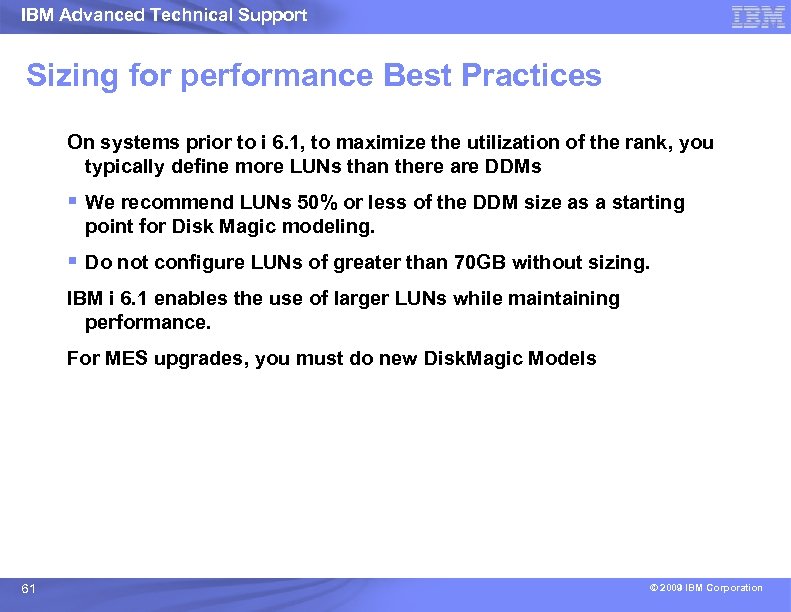
IBM Advanced Technical Support Sizing for performance Best Practices On systems prior to i 6. 1, to maximize the utilization of the rank, you typically define more LUNs than there are DDMs § We recommend LUNs 50% or less of the DDM size as a starting point for Disk Magic modeling. § Do not configure LUNs of greater than 70 GB without sizing. IBM i 6. 1 enables the use of larger LUNs while maintaining performance. For MES upgrades, you must do new Disk. Magic Models 61 © 2009 IBM Corporation
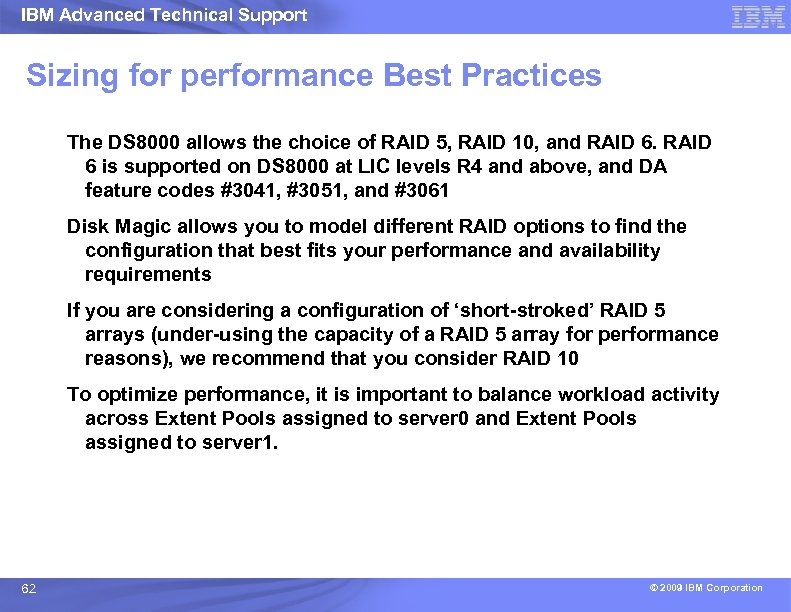
IBM Advanced Technical Support Sizing for performance Best Practices The DS 8000 allows the choice of RAID 5, RAID 10, and RAID 6 is supported on DS 8000 at LIC levels R 4 and above, and DA feature codes #3041, #3051, and #3061 Disk Magic allows you to model different RAID options to find the configuration that best fits your performance and availability requirements If you are considering a configuration of ‘short-stroked’ RAID 5 arrays (under-using the capacity of a RAID 5 array for performance reasons), we recommend that you consider RAID 10 To optimize performance, it is important to balance workload activity across Extent Pools assigned to server 0 and Extent Pools assigned to server 1. 62 © 2009 IBM Corporation
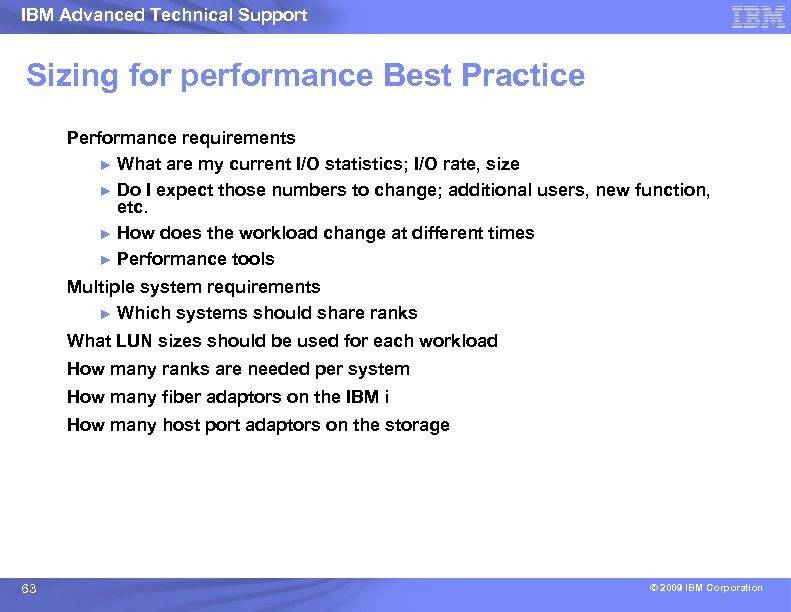
IBM Advanced Technical Support Sizing for performance Best Practice Performance requirements ► What are my current I/O statistics; I/O rate, size ► Do I expect those numbers to change; additional users, new function, etc. ► How does the workload change at different times ► Performance tools Multiple system requirements ► Which systems should share ranks What LUN sizes should be used for each workload How many ranks are needed per system How many fiber adaptors on the IBM i How many host port adaptors on the storage 63 © 2009 IBM Corporation
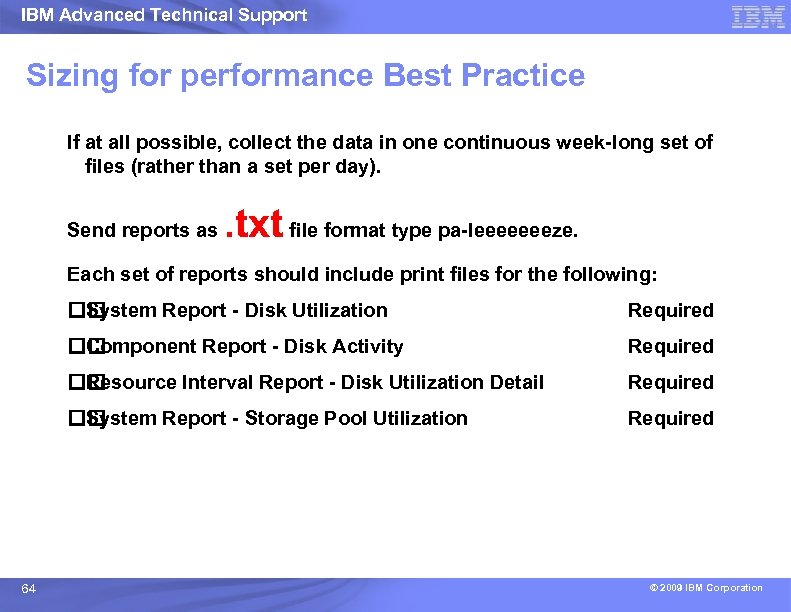
IBM Advanced Technical Support Sizing for performance Best Practice If at all possible, collect the data in one continuous week-long set of files (rather than a set per day). Send reports as . txt file format type pa-leeeeeeeze. Each set of reports should include print files for the following: System Report - Disk Utilization Component Report - Disk Activity Required Resource Interval Report - Disk Utilization Detail Required System Report - Storage Pool Utilization 64 Required © 2009 IBM Corporation
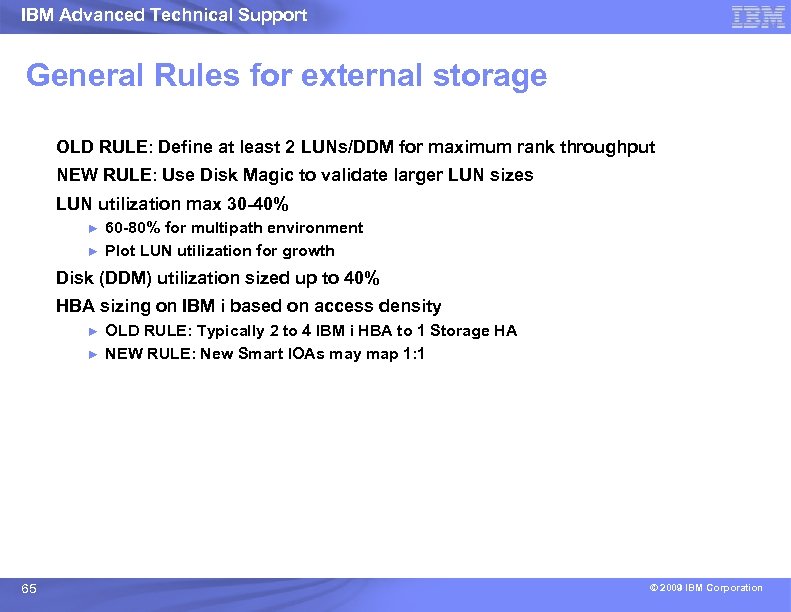
IBM Advanced Technical Support General Rules for external storage OLD RULE: Define at least 2 LUNs/DDM for maximum rank throughput NEW RULE: Use Disk Magic to validate larger LUN sizes LUN utilization max 30 -40% ► ► 60 -80% for multipath environment Plot LUN utilization for growth Disk (DDM) utilization sized up to 40% HBA sizing on IBM i based on access density ► ► 65 OLD RULE: Typically 2 to 4 IBM i HBA to 1 Storage HA NEW RULE: New Smart IOAs may map 1: 1 © 2009 IBM Corporation
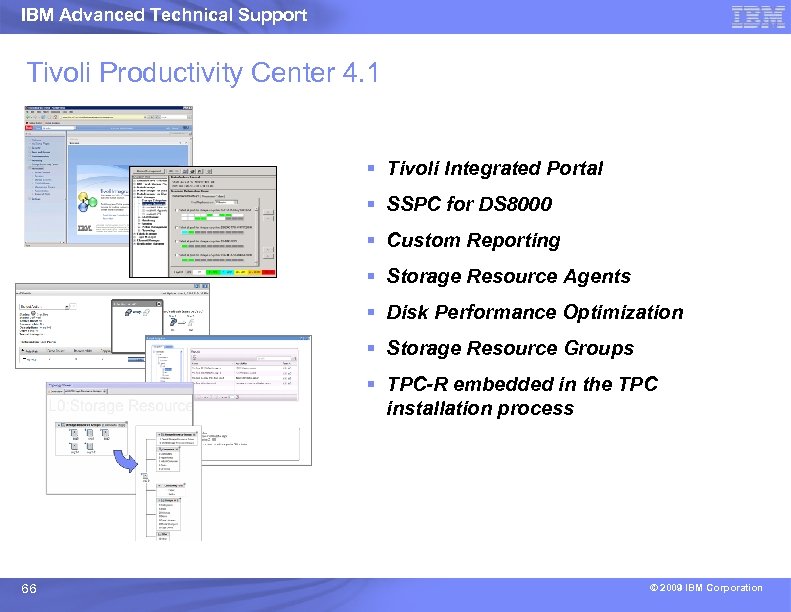
IBM Advanced Technical Support Tivoli Productivity Center 4. 1 § Tivoli Integrated Portal § SSPC for DS 8000 § Custom Reporting § Storage Resource Agents § Disk Performance Optimization § Storage Resource Groups § TPC-R embedded in the TPC installation process 66 © 2009 IBM Corporation
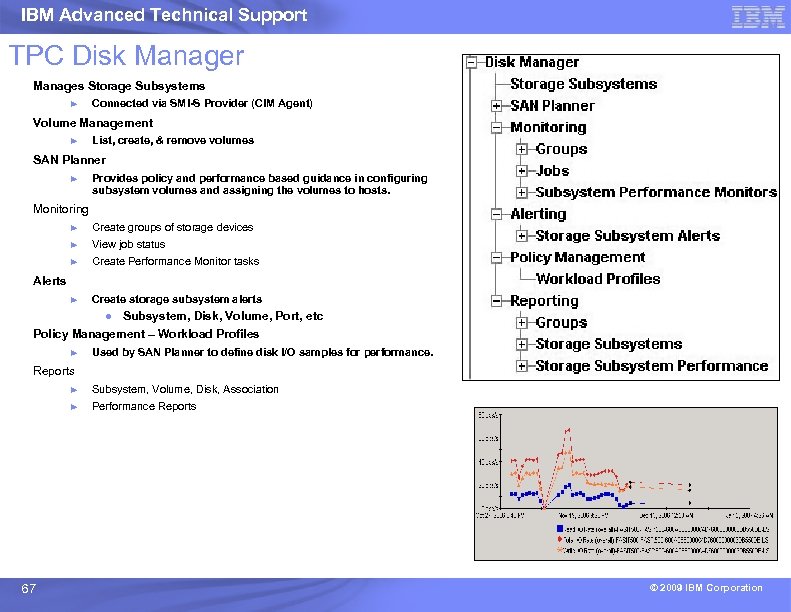
IBM Advanced Technical Support TPC Disk Manager Manages Storage Subsystems ► Connected via SMI-S Provider (CIM Agent) Volume Management ► List, create, & remove volumes SAN Planner ► Provides policy and performance based guidance in configuring subsystem volumes and assigning the volumes to hosts. Monitoring ► Create groups of storage devices ► View job status ► Create Performance Monitor tasks ► Create storage subsystem alerts Alerts ● Subsystem, Disk, Volume, Port, etc Policy Management – Workload Profiles ► Used by SAN Planner to define disk I/O samples for performance. Reports ► ► 67 Subsystem, Volume, Disk, Association Performance Reports © 2009 IBM Corporation
IBM Advanced Technical Support SGA 07 - Storage Subsystem Performance, Monitoring and Capacity Planning for Open Systems Learn both theoretical foundations in storage performance as well as specific monitoring techniques using IBM Total. Storage Performance Center (TPC). The course discusses essential performance characteristics of cached disk subsystems, the essential performance metrics, and enough theory to help understand why storage products perform as they do. Moreover, the course covers the practical use of TPC to monitor performance, to spot performance issues, and to investigate the causes. Specific TPC reports and interpretation of the reports are covered, as well as application of the data to long term capacity planning. The students will have the opportunity to run through a variety of hands on exercises with TPC as well. 68 © 2009 IBM Corporation
IBM Advanced Technical Support Performance management best practices Monitor response times from server and service times from storage subsystem ► Trend analysis for long-term view Review performance and sizing before introducing new workloads Understand your workload 69 © 2009 IBM Corporation
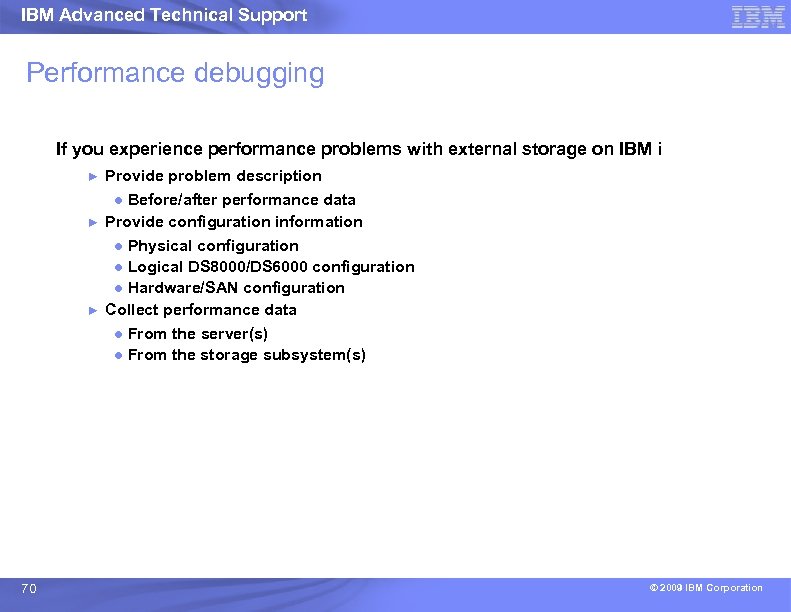
IBM Advanced Technical Support Performance debugging If you experience performance problems with external storage on IBM i ► ► ► 70 Provide problem description ● Before/after performance data Provide configuration information ● Physical configuration ● Logical DS 8000/DS 6000 configuration ● Hardware/SAN configuration Collect performance data ● From the server(s) ● From the storage subsystem(s) © 2009 IBM Corporation
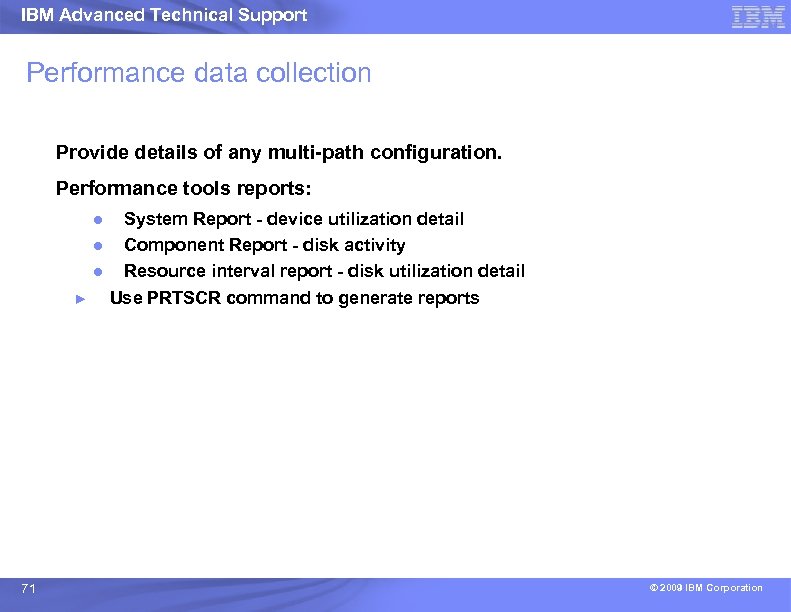
IBM Advanced Technical Support Performance data collection Provide details of any multi-path configuration. Performance tools reports: ● ● ● ► 71 System Report - device utilization detail Component Report - disk activity Resource interval report - disk utilization detail Use PRTSCR command to generate reports © 2009 IBM Corporation
IBM Advanced Technical Support Synergy is “Showcasing Power Systems and System Storage working together” http: //www-03. ibm. com/systems/services/ 72 © 2009 IBM Corporation This slide is intended to assist IBM & BP sales teams, not intended for Clients.
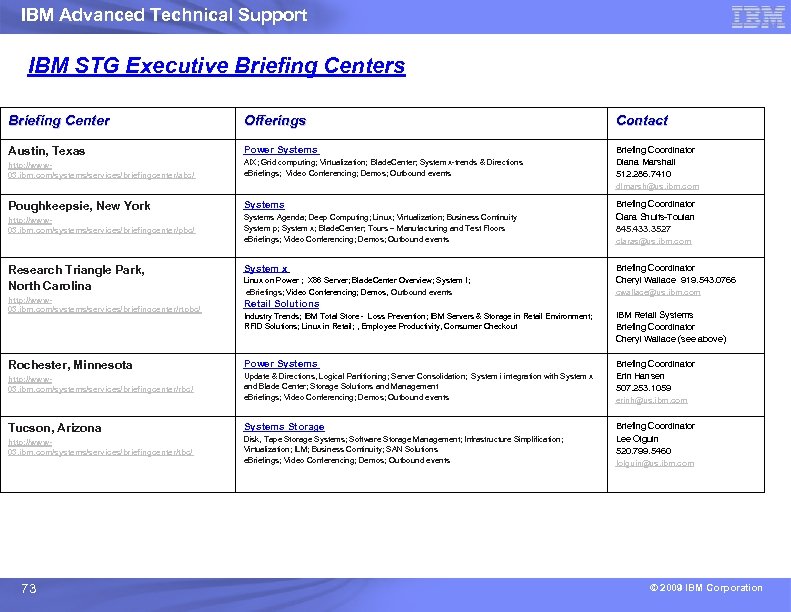
IBM Advanced Technical Support IBM STG Executive Briefing Centers Briefing Center Offerings Contact Austin, Texas Power Systems http: //www 03. ibm. com/systems/services/briefingcenter/abc/ AIX; Grid computing; Virtualization; Blade. Center; System x-trends & Directions e. Briefings; Video Conferencing; Demos; Outbound events Briefing Coordinator Diana Marshall 512. 286. 7410 dlmarsh@us. ibm. com Poughkeepsie, New York Systems http: //www 03. ibm. com/systems/services/briefingcenter/pbc/ Systems Agenda; Deep Computing; Linux; Virtualization; Business Continuity System p; System x; Blade. Center; Tours – Manufacturing and Test Floors e. Briefings; Video Conferencing; Demos; Outbound events Research Triangle Park, North Carolina System x http: //www 03. ibm. com/systems/services/briefingcenter/rtpbc/ Retail Solutions Linux on Power ; X 86 Server; Blade. Center Overview; System I; e. Briefings; Video Conferencing; Demos, Outbound events Briefing Coordinator Clara Shults-Toulan 845. 433. 3527 claras@us. ibm. com Briefing Coordinator Cheryl Wallace 919. 543. 0766 cwallace@us. ibm. com Industry Trends; IBM Total Store - Loss Prevention; IBM Servers & Storage in Retail Environment; RFID Solutions; Linux in Retail; , Employee Productivity, Consumer Checkout IBM Retail Systems Briefing Coordinator Cheryl Wallace (see above) Rochester, Minnesota Power Systems http: //www 03. ibm. com/systems/services/briefingcenter/rbc/ Update & Directions, Logical Partitioning; Server Consolidation; System i integration with System x and Blade Center; Storage Solutions and Management e. Briefings; Video Conferencing; Demos; Outbound events Briefing Coordinator Erin Hansen 507. 253. 1059 Tucson, Arizona Systems Storage http: //www 03. ibm. com/systems/services/briefingcenter/tbc/ Disk, Tape Storage Systems; Software Storage Management; Infrastructure Simplification; Virtualization; ILM; Business Continuity; SAN Solutions e. Briefings; Video Conferencing; Demos; Outbound events 73 erinh@us. ibm. com Briefing Coordinator Lee Olguin 520. 799. 5460 lolguin@us. ibm. com © 2009 IBM Corporation
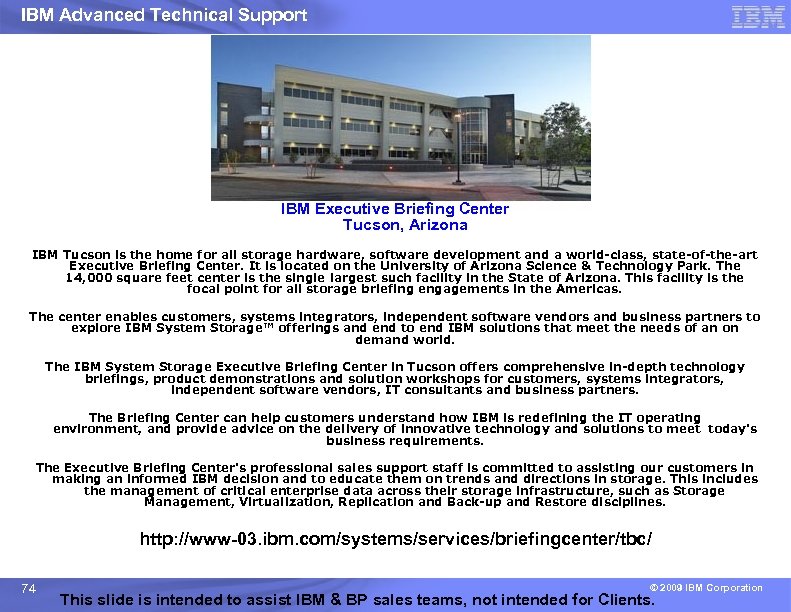
IBM Advanced Technical Support IBM Executive Briefing Center Tucson, Arizona IBM Tucson is the home for all storage hardware, software development and a world-class, state-of-the-art Executive Briefing Center. It is located on the University of Arizona Science & Technology Park. The 14, 000 square feet center is the single largest such facility in the State of Arizona. This facility is the focal point for all storage briefing engagements in the Americas. The center enables customers, systems integrators, independent software vendors and business partners to explore IBM System Storage™ offerings and end to end IBM solutions that meet the needs of an on demand world. The IBM System Storage Executive Briefing Center in Tucson offers comprehensive in-depth technology briefings, product demonstrations and solution workshops for customers, systems integrators, independent software vendors, IT consultants and business partners. The Briefing Center can help customers understand how IBM is redefining the IT operating environment, and provide advice on the delivery of innovative technology and solutions to meet today's business requirements. The Executive Briefing Center's professional sales support staff is committed to assisting our customers in making an informed IBM decision and to educate them on trends and directions in storage. This includes the management of critical enterprise data across their storage infrastructure, such as Storage Management, Virtualization, Replication and Back-up and Restore disciplines. http: //www-03. ibm. com/systems/services/briefingcenter/tbc/ 74 © 2009 IBM Corporation This slide is intended to assist IBM & BP sales teams, not intended for Clients.
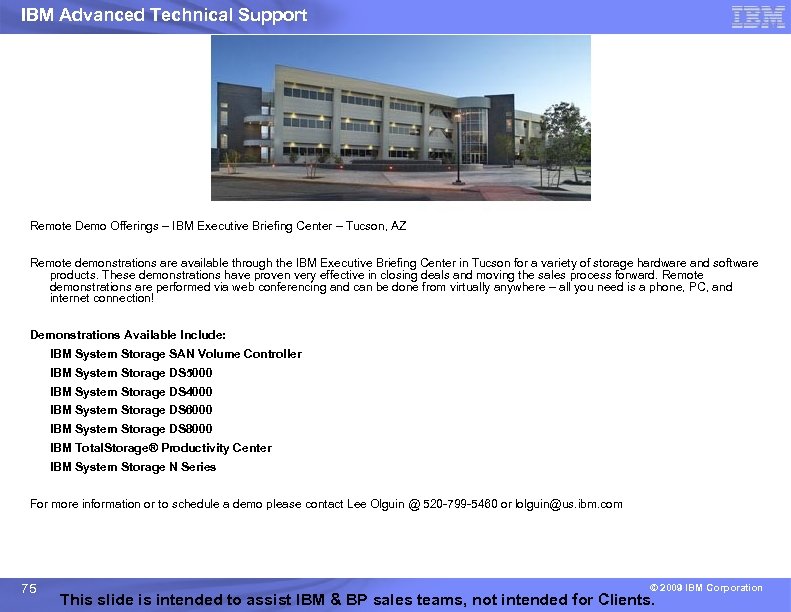
IBM Advanced Technical Support Remote Demo Offerings – IBM Executive Briefing Center – Tucson, AZ Remote demonstrations are available through the IBM Executive Briefing Center in Tucson for a variety of storage hardware and software products. These demonstrations have proven very effective in closing deals and moving the sales process forward. Remote demonstrations are performed via web conferencing and can be done from virtually anywhere – all you need is a phone, PC, and internet connection! Demonstrations Available Include: IBM System Storage SAN Volume Controller IBM System Storage DS 5000 IBM System Storage DS 4000 IBM System Storage DS 6000 IBM System Storage DS 8000 IBM Total. Storage® Productivity Center IBM System Storage N Series For more information or to schedule a demo please contact Lee Olguin @ 520 -799 -5460 or lolguin@us. ibm. com 75 © 2009 IBM Corporation This slide is intended to assist IBM & BP sales teams, not intended for Clients.
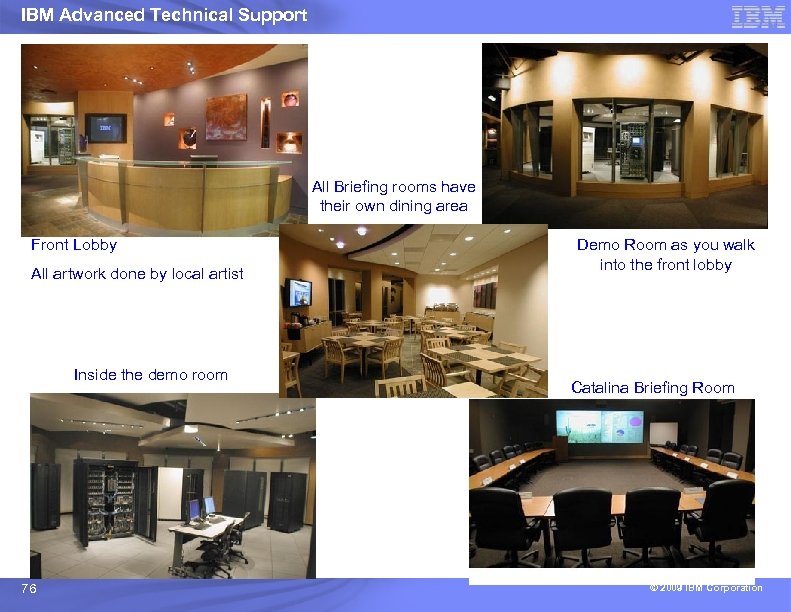
IBM Advanced Technical Support All Briefing rooms have their own dining area Front Lobby All artwork done by local artist Inside the demo room 76 Demo Room as you walk into the front lobby Catalina Briefing Room © 2009 IBM Corporation
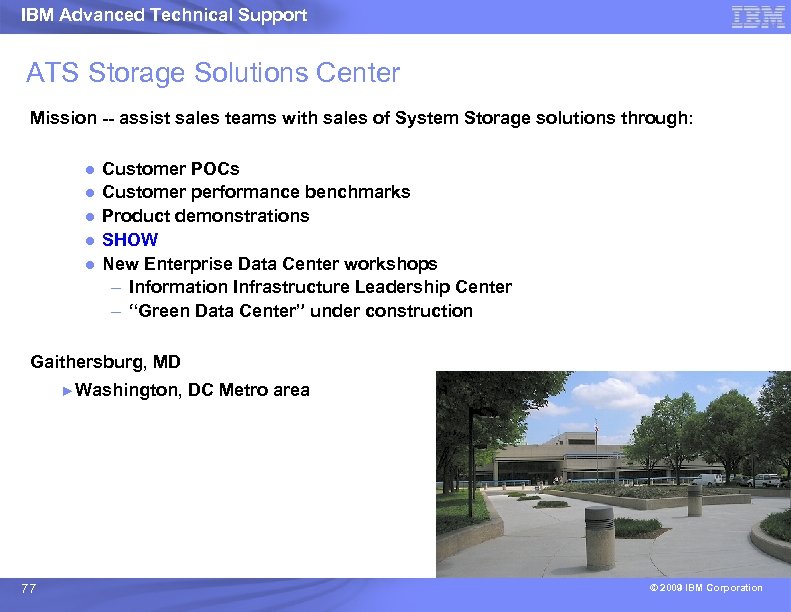
IBM Advanced Technical Support ATS Storage Solutions Center Mission -- assist sales teams with sales of System Storage solutions through: ● ● ● Customer POCs Customer performance benchmarks Product demonstrations SHOW New Enterprise Data Center workshops – Information Infrastructure Leadership Center – “Green Data Center” under construction Gaithersburg, MD ►Washington, 77 DC Metro area © 2009 IBM Corporation
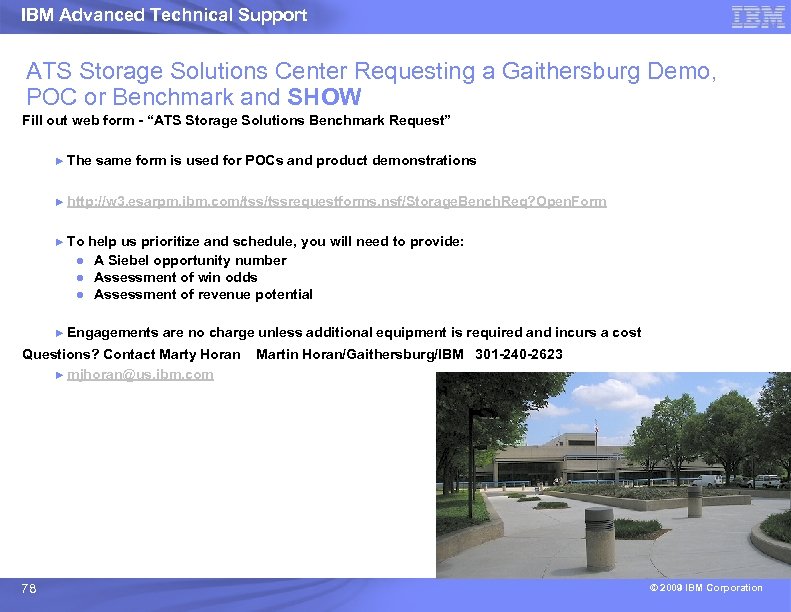
IBM Advanced Technical Support ATS Storage Solutions Center Requesting a Gaithersburg Demo, POC or Benchmark and SHOW Fill out web form - “ATS Storage Solutions Benchmark Request” ► The same form is used for POCs and product demonstrations ► http: //w 3. esarpm. ibm. com/tssrequestforms. nsf/Storage. Bench. Req? Open. Form ► To help us prioritize and schedule, you will need to provide: ● A Siebel opportunity number ● Assessment of win odds ● Assessment of revenue potential ► Engagements are no charge unless additional equipment is required and incurs a cost Questions? Contact Marty Horan ► mjhoran@us. ibm. com 78 Martin Horan/Gaithersburg/IBM 301 -240 -2623 © 2009 IBM Corporation
IBM Advanced Technical Support IBM Storage ATS – additional information A Bob Kern White paper discussing the 45+ year history of Technology Synergy between System z Hardware, z/OS and the IBM System Storage highlighted today by the DS 8000 Disk Storage Subsystem. ● IBMers: http: //w 3. ibm. com/support/techdocs/atsmastr. nsf/Web. Index/WP 101528 ● BPs: http: //partners. boulder. ibm. com/src/atsmastr. nsf/Web. Index/WP 101528 ● Clients: http: //www. ibm. com/support/techdocs/atsmastr. nsf/Web. Index/WP 101528 Dave Heggen updated DS 8000 SAPR guide to include the R 4. 3 announcements and some additional changes such as: ● Removal of the DS 8000 Resource Link update requirement (the function will be sunset at Year End). ● Changes to the Global Mirror Bandwidth Sizing process (engage ATS). ● Addition of information about Environmental Airborne Contamination and an IBM service to help customers address this issue. The DS 8000 SAPR guide is available at: ● IBMers: ● BPs: 79 http: //w 3. ibm. com/support/assure/assur 30 i. nsf/Web. Index/SA 682 http: //partners. boulder. ibm. com/src/assur 30 i. nsf/Web. Index/SA 682 © 2009 IBM Corporation
IBM Advanced Technical Support Further information Redbooks ► External Disk on i. Series http: //www. redbooks. ibm. com/abstracts/sg 247120. html? Open ► Copy Services on System i http: //www. redbooks. ibm. com/abstracts/sg 247103. html? Open Hints and tips for implementing DS 8000/DS 6000 on IBM i paper http: //www 03. ibm. com/support/techdocs/atsmastr. nsf/Web. Index/TD 103095 STG Lab Services offerings http: //www 03. ibm. com/systems/services/labservices/platforms/labservices_i. html 80 © 2009 IBM Corporation
IBM Advanced Technical Support Words of Wisdom from the Best of the Best Eric Hess Pete Stewart Laural Schneckloth Hank Sautter Alison Pate © 2009 IBM Corporation
IBM Advanced Technical Support Eric Hess’s Best Practice tips (IBM i) Next Slide 82 © 2009 IBM Corporation
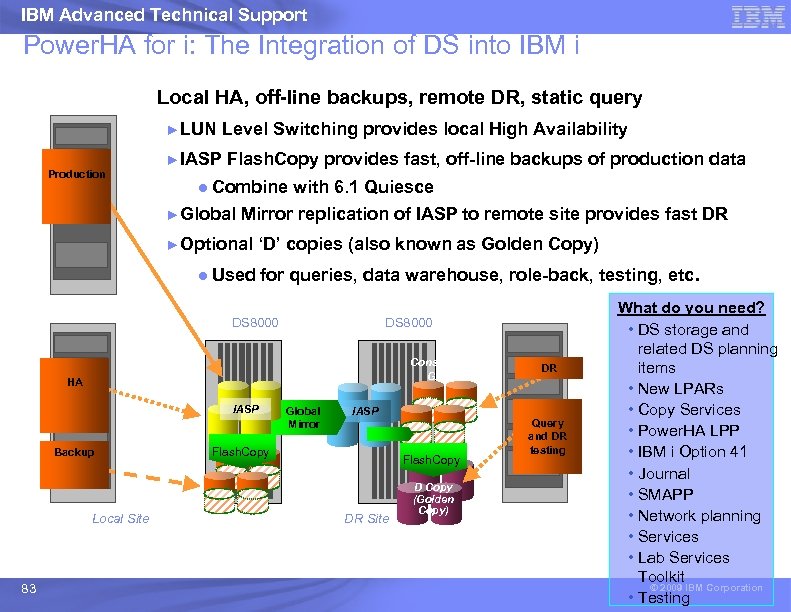
IBM Advanced Technical Support Power. HA for i: The Integration of DS into IBM i Local HA, off-line backups, remote DR, static query ►LUN ►IASP Level Switching provides local High Availability Production Flash. Copy provides fast, off-line backups of production data ● Combine with 6. 1 Quiesce ►Global Mirror replication of IASP to remote site provides fast DR ►Optional ‘D’ copies (also known as Golden Copy) ● Used for queries, data warehouse, role-back, testing, etc. LUN Group (active) DS 8000 Consistency Group HA Backup LUN Group (none) Local Site 83 IASP Global Mirror DR IASP Flash. Copy DR Site D Copy (Golden Copy) Query and DR testing What do you need? • DS storage and related DS planning items • New LPARs • Copy Services • Power. HA LPP • IBM i Option 41 • Journal • SMAPP • Network planning • Services • Lab Services Toolkit © 2009 IBM Corporation • Testing
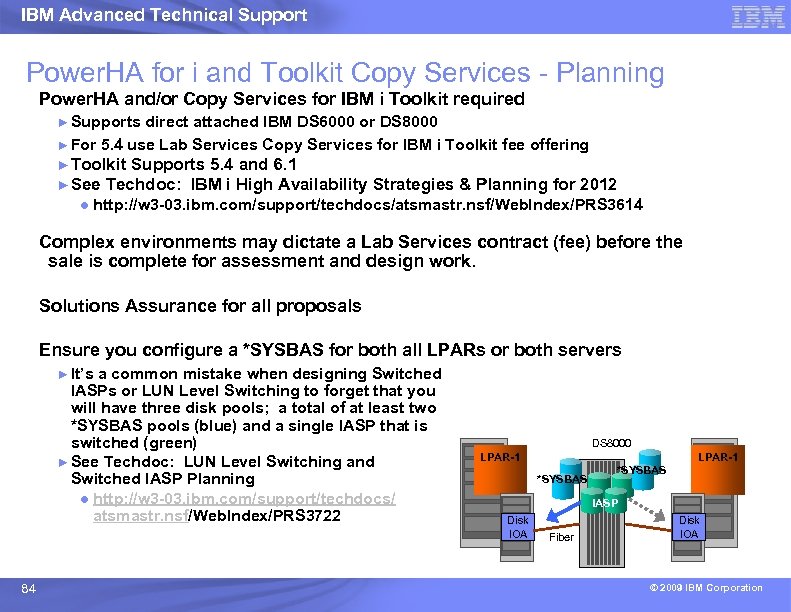
IBM Advanced Technical Support Power. HA for i and Toolkit Copy Services - Planning Power. HA and/or Copy Services for IBM i Toolkit required ► Supports direct attached IBM DS 6000 or DS 8000 ► For 5. 4 use Lab Services Copy Services for IBM i Toolkit fee offering ► Toolkit Supports 5. 4 and 6. 1 ► See Techdoc: IBM i High Availability Strategies & Planning for 2012 ● http: //w 3 -03. ibm. com/support/techdocs/atsmastr. nsf/Web. Index/PRS 3614 Complex environments may dictate a Lab Services contract (fee) before the sale is complete for assessment and design work. Solutions Assurance for all proposals Ensure you configure a *SYSBAS for both all LPARs or both servers ► It’s a common mistake when designing Switched IASPs or LUN Level Switching to forget that you will have three disk pools; a total of at least two *SYSBAS pools (blue) and a single IASP that is switched (green) ► See Techdoc: LUN Level Switching and Switched IASP Planning ● http: //w 3 -03. ibm. com/support/techdocs/ atsmastr. nsf/Web. Index/PRS 3722 84 DS 8000 LPAR-1 *SYSBAS IASP Disk IOA Fiber Disk IOA © 2009 IBM Corporation
IBM Advanced Technical Support IBM i Smart-IOA Planning There are three types of Smart-IOA (IOP-less) fiber channel adapters available for use with IBM i 6. 1 and POWER 6 ● #5749 PCI-X 4 Gb (i 6. 1 or above) two port Fibre Channel Adapter ● #5774 PCIe 4 Gb (i 6. 1 or above) two port Fibre Channel Adapter ● #5735 PCIe 8 Gb (i 6. 1 or above) two port Fibre Channel Adapter ► On POWER 6, these Smart-IOAs support tape or disk ● But, NEVER mix disk and tape on the same IOA 4/28: DS 6800 supported on Smart-IOA fiber channel, #5749 and #5774 only ► DS 6800 fiber adapters remain limited to 2 Gb speeds 4/28: Smart-IOA #5749 PCI-X 4 Gb adapter is now supported on POWER 5 and POWER 5+ servers when running IBM i 6. 1. (DS 6000/DS 8000) ► When used on POWER 5 or POWER 5+ systems, #5749 does not provide IBM i Load Source unit support (IPL from fiber) See Techdoc: ATS Flash: IBM i Smart-IOA support for POWER 5 and DS 6800 ► http: //w 3 -03. ibm. com/support/techdocs/atsmastr. nsf/Web. Index/FLASH 10680 85 © 2009 IBM Corporation
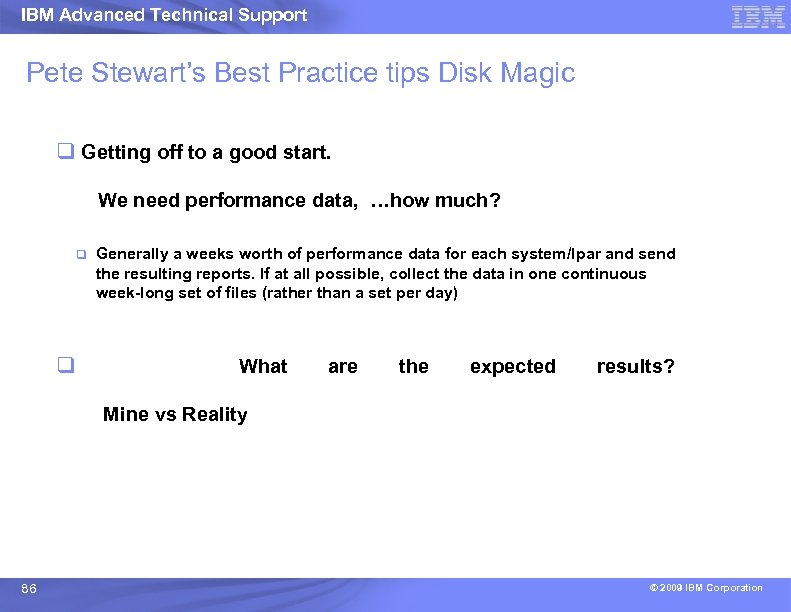
IBM Advanced Technical Support Pete Stewart’s Best Practice tips Disk Magic q Getting off to a good start. We need performance data, …how much? q q Generally a weeks worth of performance data for each system/lpar and send the resulting reports. If at all possible, collect the data in one continuous week-long set of files (rather than a set per day) What are the expected results? Mine vs Reality 86 © 2009 IBM Corporation
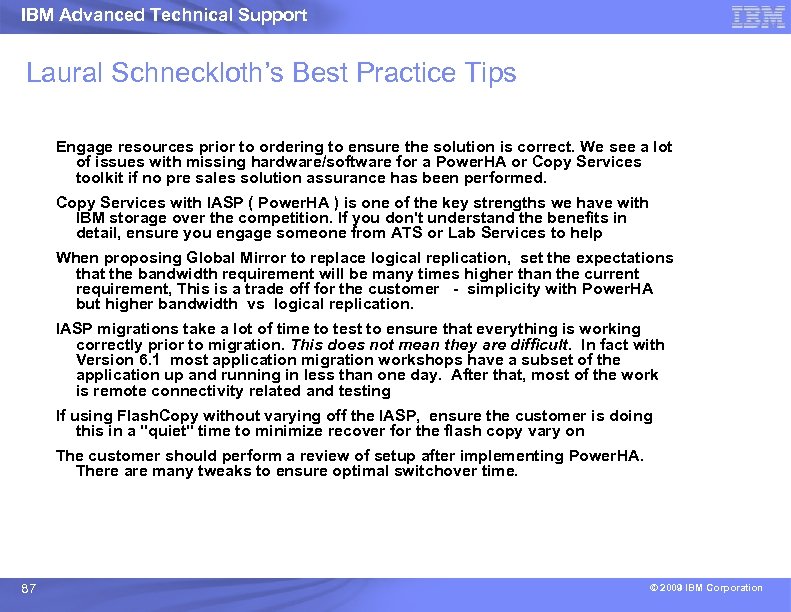
IBM Advanced Technical Support Laural Schneckloth’s Best Practice Tips Engage resources prior to ordering to ensure the solution is correct. We see a lot of issues with missing hardware/software for a Power. HA or Copy Services toolkit if no pre sales solution assurance has been performed. Copy Services with IASP ( Power. HA ) is one of the key strengths we have with IBM storage over the competition. If you don't understand the benefits in detail, ensure you engage someone from ATS or Lab Services to help When proposing Global Mirror to replace logical replication, set the expectations that the bandwidth requirement will be many times higher than the current requirement, This is a trade off for the customer - simplicity with Power. HA but higher bandwidth vs logical replication. IASP migrations take a lot of time to test to ensure that everything is working correctly prior to migration. This does not mean they are difficult. In fact with Version 6. 1 most application migration workshops have a subset of the application up and running in less than one day. After that, most of the work is remote connectivity related and testing If using Flash. Copy without varying off the IASP, ensure the customer is doing this in a "quiet" time to minimize recover for the flash copy vary on The customer should perform a review of setup after implementing Power. HA. There are many tweaks to ensure optimal switchover time. 87 © 2009 IBM Corporation
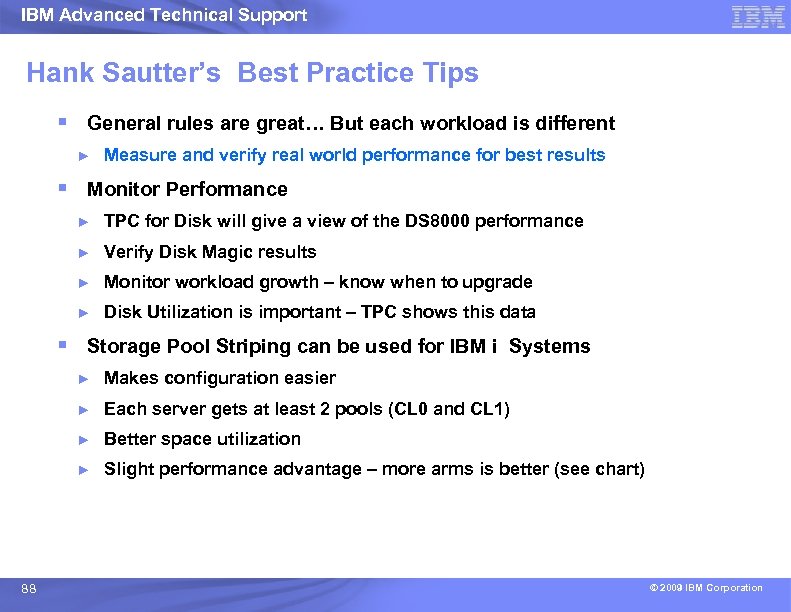
IBM Advanced Technical Support Hank Sautter’s Best Practice Tips § General rules are great… But each workload is different ► Measure and verify real world performance for best results § Monitor Performance ► TPC for Disk will give a view of the DS 8000 performance ► Verify Disk Magic results ► Monitor workload growth – know when to upgrade ► Disk Utilization is important – TPC shows this data § Storage Pool Striping can be used for IBM i Systems ► ► Each server gets at least 2 pools (CL 0 and CL 1) ► Better space utilization ► 88 Makes configuration easier Slight performance advantage – more arms is better (see chart) © 2009 IBM Corporation
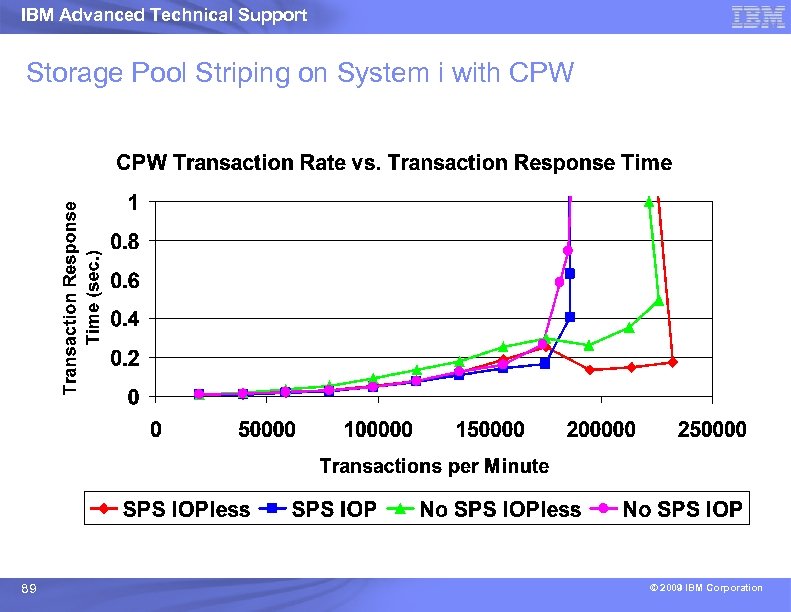
IBM Advanced Technical Support Storage Pool Striping on System i with CPW 89 © 2009 IBM Corporation
IBM Advanced Technical Support Thank You Q&A 90 © 2009 IBM Corporation
IBM Advanced Technical Support 91 © 2009 IBM Corporation
IBM Advanced Technical Support Trademarks and Disclaimers 8 IBM Corporation 1994 -2007. All rights reserved. References in this document to IBM products or services do not imply that IBM intends to make them available in every country. Trademarks of International Business Machines Corporation in the United States, other countries, or both can be found on the World Wide Web at http: //www. ibm. com/legal/copytrade. shtml. Intel, Intel logo, Intel Inside logo, Intel Centrino logo, Celeron, Intel Xeon, Intel Speed. Step, Itanium, and Pentium are trademarks or registered trademarks of Intel Corporation or its subsidiaries in the United States and other countries. Linux is a registered trademark of Linus Torvalds in the United States, other countries, or both. Microsoft, Windows NT, and the Windows logo are trademarks of Microsoft Corporation in the United States, other countries, or both. UNIX is a registered trademark of The Open Group in the United States and other countries. Java and all Java-based trademarks are trademarks of Sun Microsystems, Inc. in the United States, other countries, or both. Other company, product, or service names may be trademarks or service marks of others. Information is provided "AS IS" without warranty of any kind. The customer examples described are presented as illustrations of how those customers have used IBM products and the results they may have achieved. Actual environmental costs and performance characteristics may vary by customer. Information concerning non-IBM products was obtained from a supplier of these products, published announcement material, or other publicly available sources and does not constitute an endorsement of such products by IBM. Sources for non-IBM list prices and performance numbers are taken from publicly available information, including vendor announcements and vendor worldwide homepages. IBM has not tested these products and cannot confirm the accuracy of performance, capability, or any other claims related to non-IBM products. Questions on the capability of non-IBM products should be addressed to the supplier of those products. All statements regarding IBM future direction and intent are subject to change or withdrawal without notice, and represent goals and objectives only. Some information addresses anticipated future capabilities. Such information is not intended as a definitive statement of a commitment to specific levels of performance, function or delivery schedules with respect to any future products. Such commitments are only made in IBM product announcements. The information is presented here to communicate IBM's current investment and development activities as a good faith effort to help with our customers' future planning. Performance is based on measurements and projections using standard IBM benchmarks in a controlled environment. The actual throughput or performance that any user will experience will vary depending upon considerations such as the amount of multiprogramming in the user's job stream, the I/O configuration, the storage configuration, and the workload processed. Therefore, no assurance can be given that an individual user will achieve throughput or performance improvements equivalent to the ratios stated here. Photographs shown may be engineering prototypes. Changes may be incorporated in production models. 92 © 2009 IBM Corporation
Скачать презентацию IBM Advanced Technical Support IBM Systems Storage with
77b133721eb4b29db6171f55c6a4f474.ppt