 Скачать презентацию I found Business Decision through the local public
45798ac277b48b2949cbebd530108746.ppt
- Количество слайдов: 10



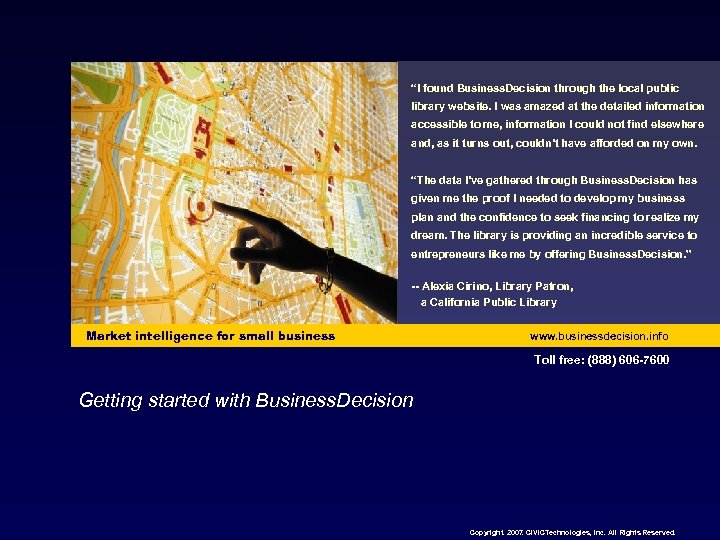
“I found Business. Decision through the local public library website. I was amazed at the detailed information accessible to me, information I could not find elsewhere and, as it turns out, couldn’t have afforded on my own. “The data I’ve gathered through Business. Decision has given me the proof I needed to develop my business plan and the confidence to seek financing to realize my dream. The library is providing an incredible service to entrepreneurs like me by offering Business. Decision. ” -- Alexia Cirino, Library Patron, a California Public Library Market intelligence for small business www. businessdecision. info Toll free: (888) 606 -7600 Getting started with Business. Decision Copyright. 2007. CIVICTechnologies, Inc. All Rights Reserved.
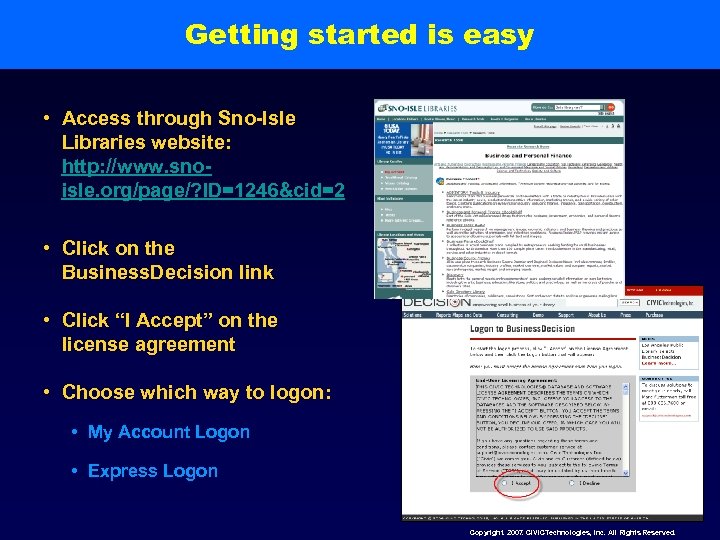
Getting started is easy • Access through Sno-Isle Libraries website: http: //www. snoisle. org/page/? ID=1246&cid=2 • Click on the Business. Decision link • Click “I Accept” on the license agreement • Choose which way to logon: • My Account Logon • Express Logon Copyright. 2007. CIVICTechnologies, Inc. All Rights Reserved.
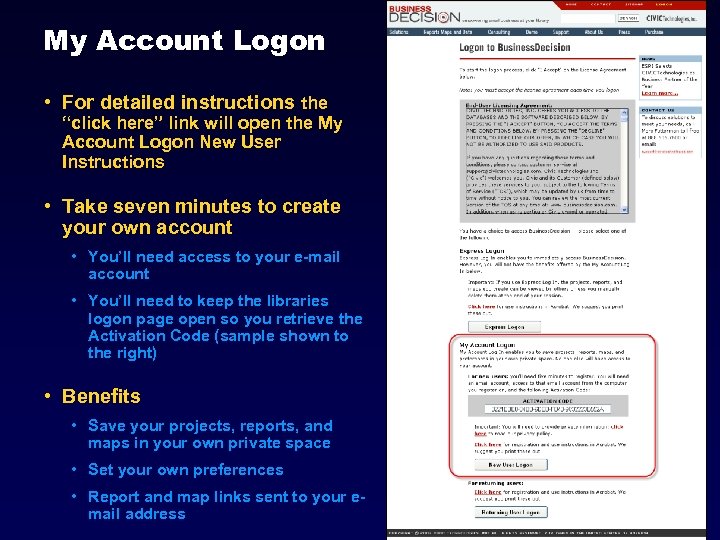
My Account Logon • For detailed instructions the “click here” link will open the My Account Logon New User Instructions • Take seven minutes to create your own account • You’ll need access to your e-mail account • You’ll need to keep the libraries logon page open so you retrieve the Activation Code (sample shown to the right) • Benefits • Save your projects, reports, and maps in your own private space • Set your own preferences • Report and map links sent to your email address Copyright. 2007. CIVICTechnologies, Inc. All Rights Reserved.
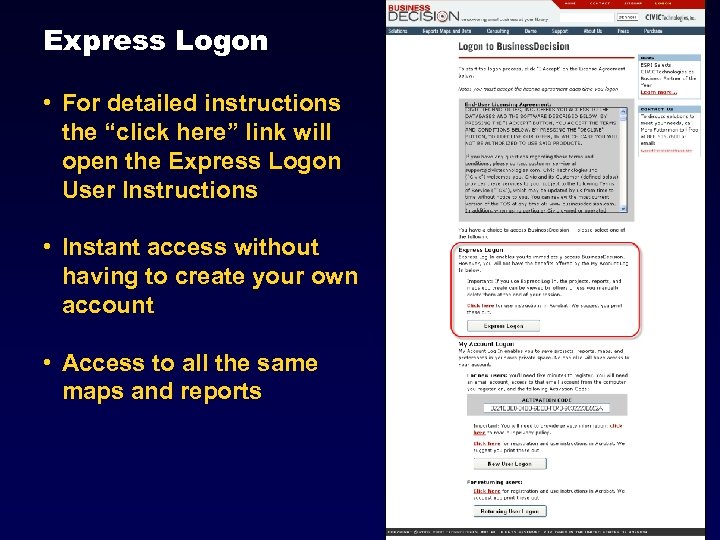
Express Logon • For detailed instructions the “click here” link will open the Express Logon User Instructions • Instant access without having to create your own account • Access to all the same maps and reports Copyright. 2007. CIVICTechnologies, Inc. All Rights Reserved.
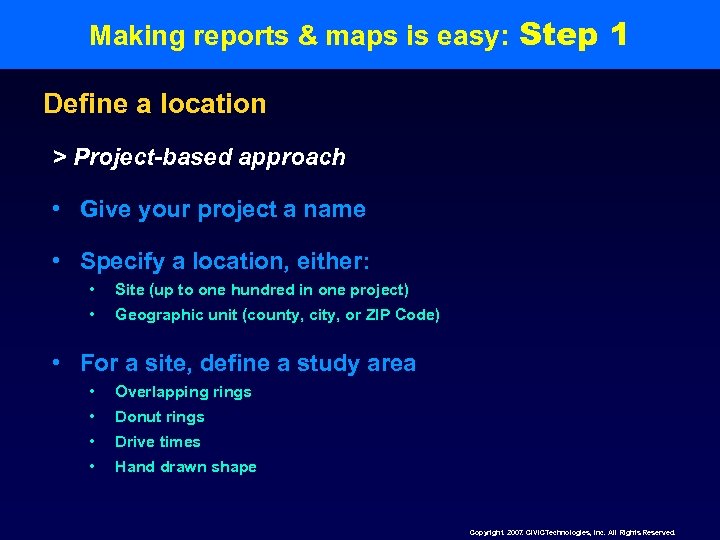
Making reports & maps is easy: Step 1 Define a location > Project-based approach • Give your project a name • Specify a location, either: • Site (up to one hundred in one project) • Geographic unit (county, city, or ZIP Code) • For a site, define a study area • Overlapping rings • Donut rings • Drive times • Hand drawn shape Copyright. 2007. CIVICTechnologies, Inc. All Rights Reserved.
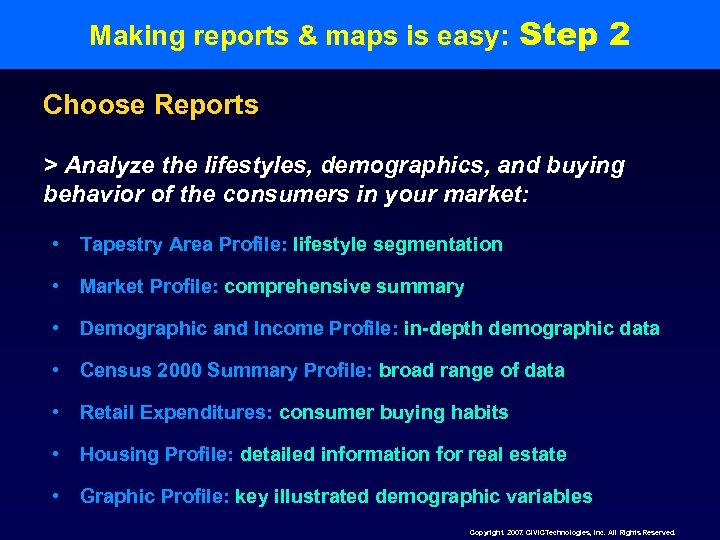
Making reports & maps is easy: Step 2 Choose Reports > Analyze the lifestyles, demographics, and buying behavior of the consumers in your market: • Tapestry Area Profile: lifestyle segmentation • Market Profile: comprehensive summary • Demographic and Income Profile: in-depth demographic data • Census 2000 Summary Profile: broad range of data • Retail Expenditures: consumer buying habits • Housing Profile: detailed information for real estate • Graphic Profile: key illustrated demographic variables Copyright. 2007. CIVICTechnologies, Inc. All Rights Reserved.
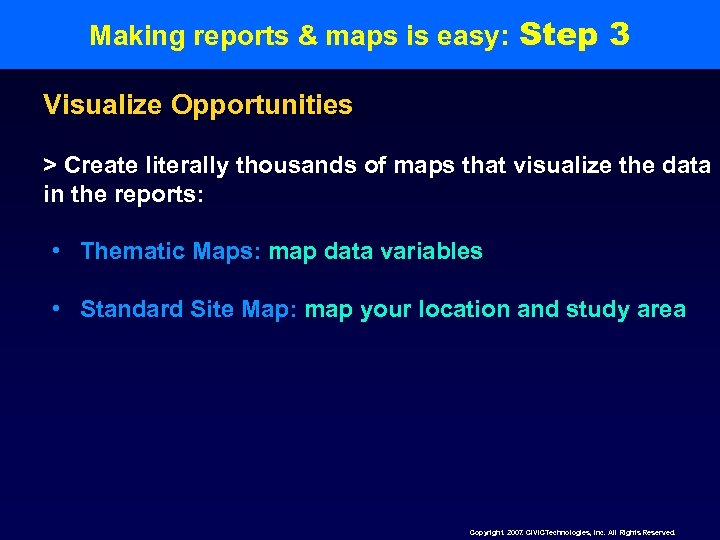
Making reports & maps is easy: Step 3 Visualize Opportunities > Create literally thousands of maps that visualize the data in the reports: • Thematic Maps: map data variables • Standard Site Map: map your location and study area Copyright. 2007. CIVICTechnologies, Inc. All Rights Reserved.
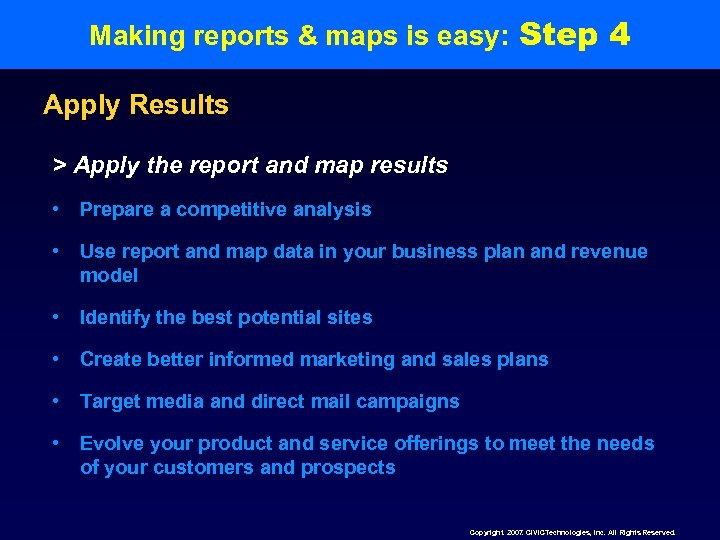
Making reports & maps is easy: Step 4 Apply Results > Apply the report and map results • Prepare a competitive analysis • Use report and map data in your business plan and revenue model • Identify the best potential sites • Create better informed marketing and sales plans • Target media and direct mail campaigns • Evolve your product and service offerings to meet the needs of your customers and prospects Copyright. 2007. CIVICTechnologies, Inc. All Rights Reserved.
Checkout our website: www. businessdecision. info Information about: • Reports and maps • Data updates • Tips and tricks • Defining a study area • Trade area analysis • FAQ’s • Getting started fast • And more… Copyright. 2007. CIVICTechnologies, Inc. All Rights Reserved.
Contact Information • Customer support • Sno-Isle Libraries: • Christa Werle, Electronic Services Coordinator, cwerle@snoisle. org, 360 -651 -7160. • Business. Decision: • Toll free: (888) 606 -7600 • Marc Futterman, president/ceo • marc@civictechnologies. com • Julie Peterson, director of sales/customer service • julie@civictechnologies. com Copyright. 2007. CIVICTechnologies, Inc. All Rights Reserved.
Скачать презентацию I found Business Decision through the local public
45798ac277b48b2949cbebd530108746.ppt