


 Скачать презентацию HTTP Reading Section 9 1 2 and 9
a0a72c039feb270148a2e3a8c1d16d0e.ppt
- Количество слайдов: 34
 HTTP Reading: Section 9. 1. 2 and 9. 4. 3 COS 461: Computer Networks Spring 2013 1
 Outline • HTTP overview • Proxies • HTTP caching 2
 Two Forms of Header Formats • Fixed: Every field (type, length) defined – – Fast parsing (good for hardware implementations) Not human readable Fairly static (IPv 6 ~20 years to deploy) E. g. , Ethernet, IP, TCP headers • Variable length headers – – Slower parsing (hard to implement in hardware) Human readable Extensible E. g. , HTTP (Web), SMTP (Email), XML 3
 HTTP Basics (Overview) • HTTP over bidirectional byte stream (e. g. TCP) • Interaction – Client looks up host (DNS) – Client sends request to server – Server responds with data or error – Requests/responses are encoded in text • Stateless – HTTP maintains no info about past client requests – HTTP “Cookies” allow server to identify client and associate requests into a client session 4
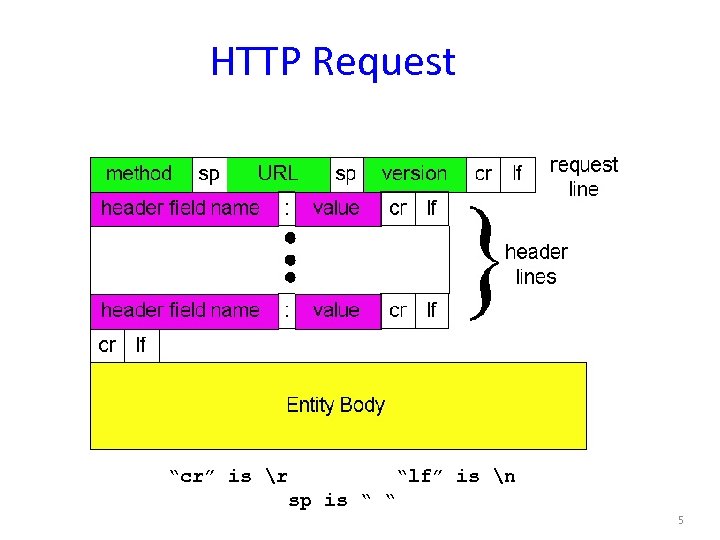 HTTP Request “cr” is r “lf” is n sp is “ “ 5
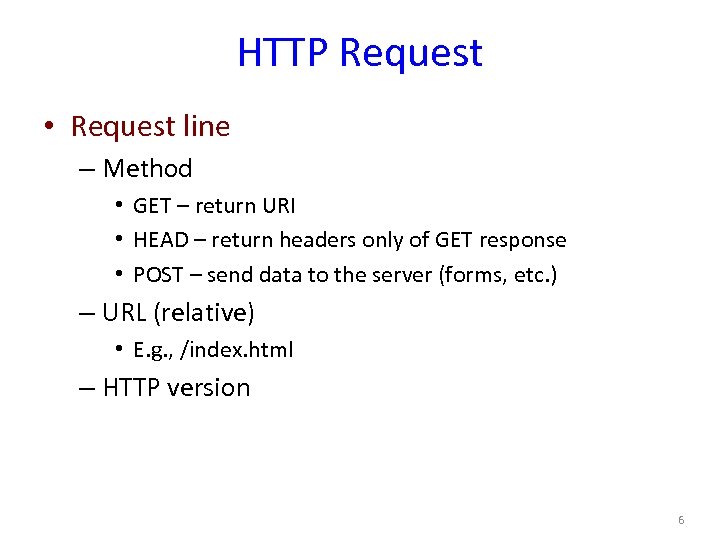 HTTP Request • Request line – Method • GET – return URI • HEAD – return headers only of GET response • POST – send data to the server (forms, etc. ) – URL (relative) • E. g. , /index. html – HTTP version 6
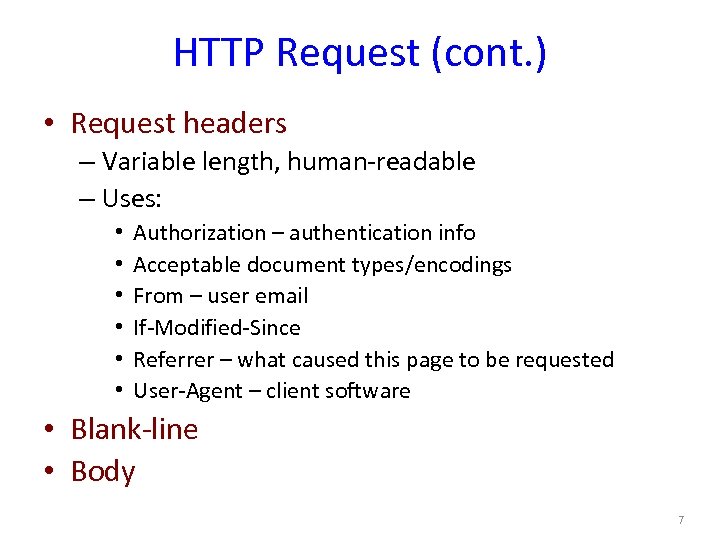 HTTP Request (cont. ) • Request headers – Variable length, human-readable – Uses: • • • Authorization – authentication info Acceptable document types/encodings From – user email If-Modified-Since Referrer – what caused this page to be requested User-Agent – client software • Blank-line • Body 7
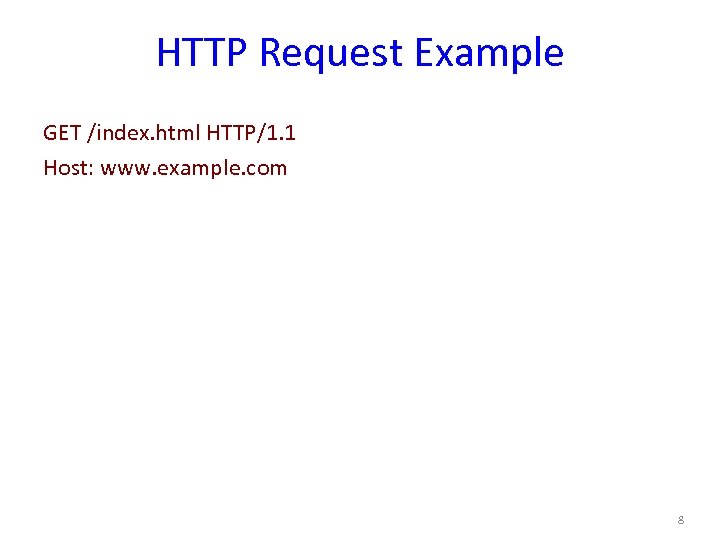 HTTP Request Example GET /index. html HTTP/1. 1 Host: www. example. com 8
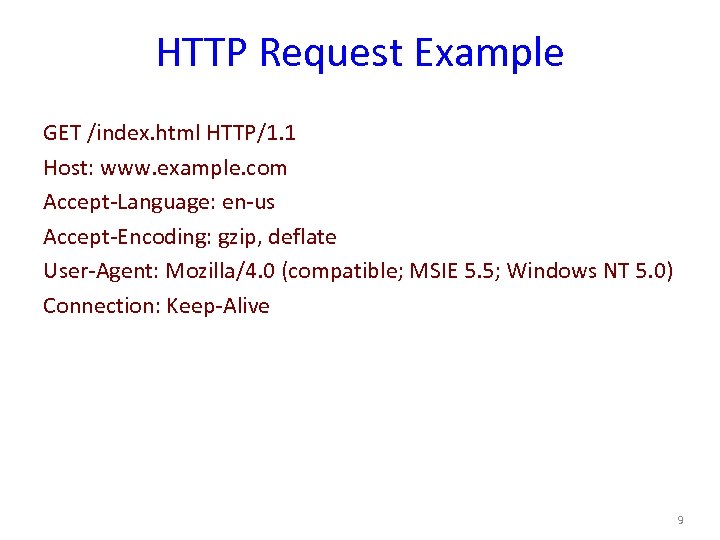 HTTP Request Example GET /index. html HTTP/1. 1 Host: www. example. com Accept-Language: en-us Accept-Encoding: gzip, deflate User-Agent: Mozilla/4. 0 (compatible; MSIE 5. 5; Windows NT 5. 0) Connection: Keep-Alive 9
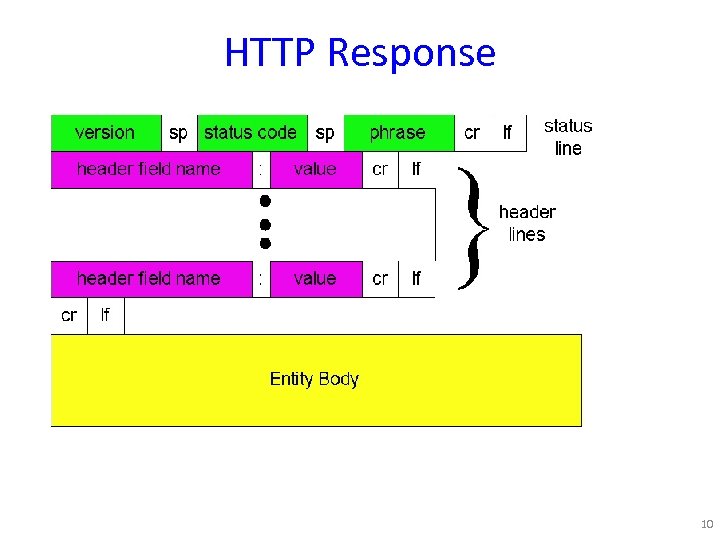 HTTP Response 10
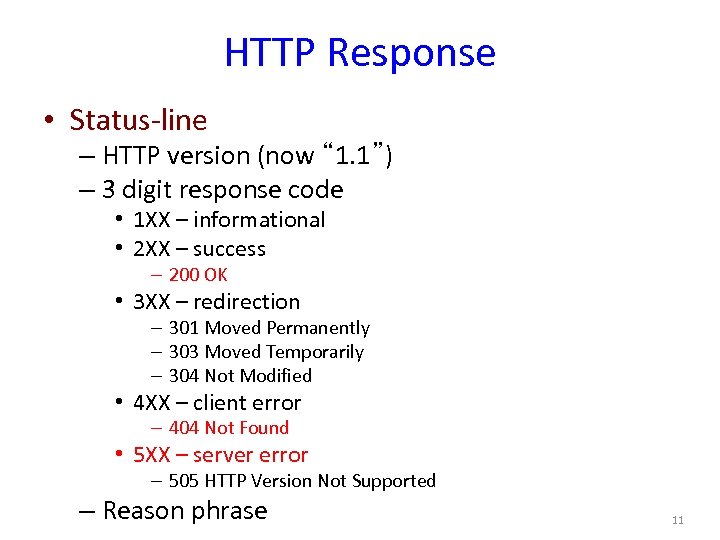 HTTP Response • Status-line – HTTP version (now “ 1. 1”) – 3 digit response code • 1 XX – informational • 2 XX – success – 200 OK • 3 XX – redirection – 301 Moved Permanently – 303 Moved Temporarily – 304 Not Modified • 4 XX – client error – 404 Not Found • 5 XX – server error – 505 HTTP Version Not Supported – Reason phrase 11
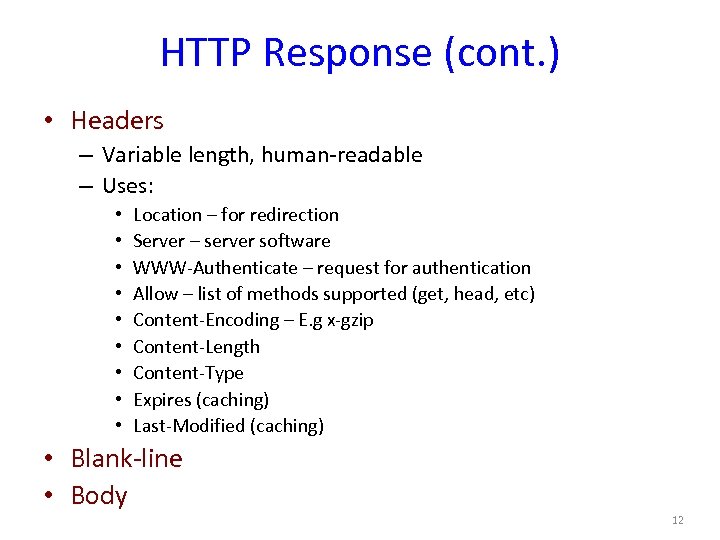 HTTP Response (cont. ) • Headers – Variable length, human-readable – Uses: • • • Location – for redirection Server – server software WWW-Authenticate – request for authentication Allow – list of methods supported (get, head, etc) Content-Encoding – E. g x-gzip Content-Length Content-Type Expires (caching) Last-Modified (caching) • Blank-line • Body 12
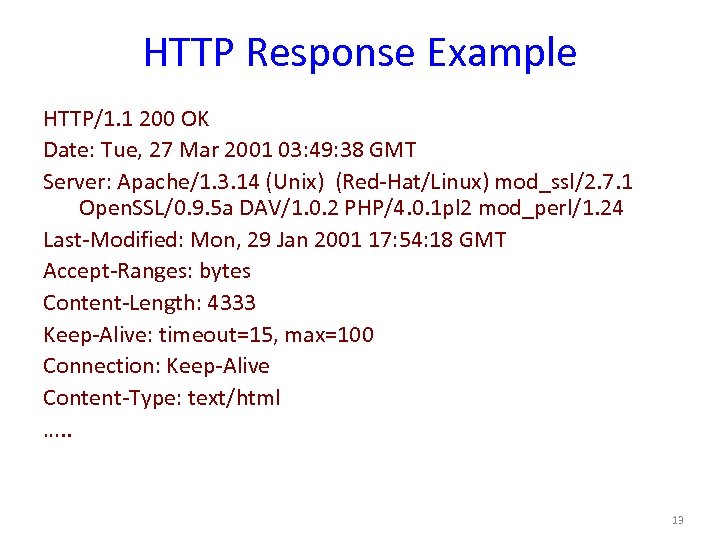 HTTP Response Example HTTP/1. 1 200 OK Date: Tue, 27 Mar 2001 03: 49: 38 GMT Server: Apache/1. 3. 14 (Unix) (Red-Hat/Linux) mod_ssl/2. 7. 1 Open. SSL/0. 9. 5 a DAV/1. 0. 2 PHP/4. 0. 1 pl 2 mod_perl/1. 24 Last-Modified: Mon, 29 Jan 2001 17: 54: 18 GMT Accept-Ranges: bytes Content-Length: 4333 Keep-Alive: timeout=15, max=100 Connection: Keep-Alive Content-Type: text/html …. . 13
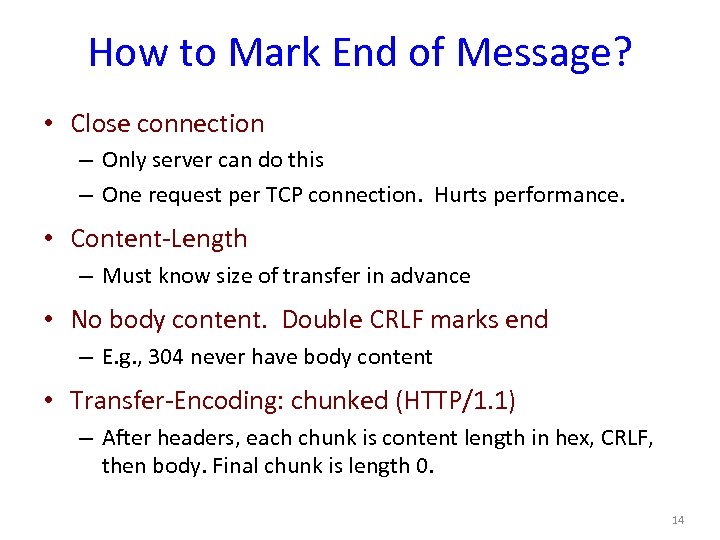 How to Mark End of Message? • Close connection – Only server can do this – One request per TCP connection. Hurts performance. • Content-Length – Must know size of transfer in advance • No body content. Double CRLF marks end – E. g. , 304 never have body content • Transfer-Encoding: chunked (HTTP/1. 1) – After headers, each chunk is content length in hex, CRLF, then body. Final chunk is length 0. 14
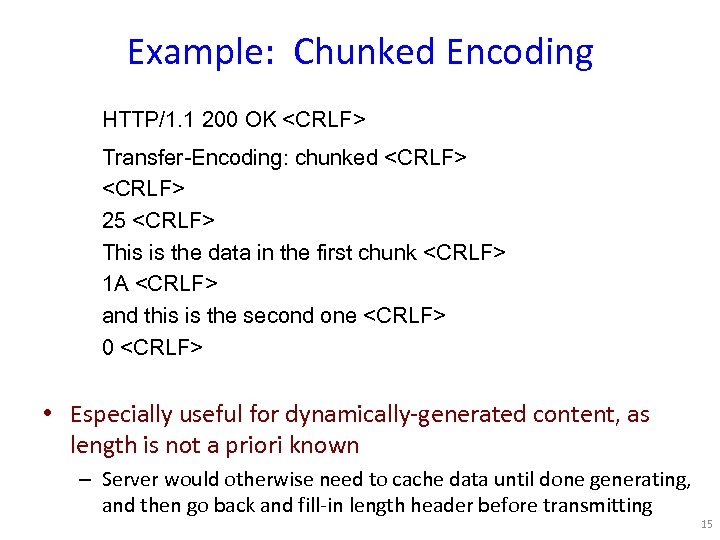 Example: Chunked Encoding HTTP/1. 1 200 OK
 Outline • HTTP overview • Proxies • HTTP caching 16
 Proxies • End host that acts a broker between client and server – Speaks to server on client’s behalf • Why? – Privacy – Content filtering – Can use caching (coming up) 17
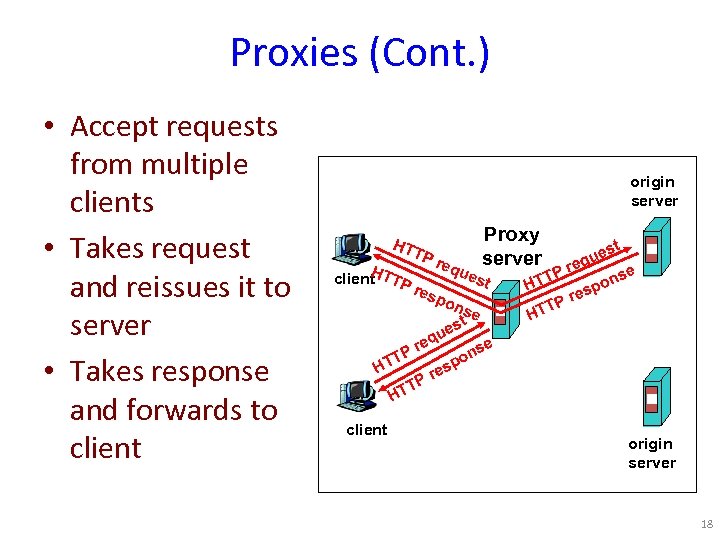 Proxies (Cont. ) • Accept requests from multiple clients • Takes request and reissues it to server • Takes response and forwards to client origin server HT H client TTP TP res req Proxy server ues pon t se t es u H eq Pr TT t ues eq e Pr T ons HT p res TP HT se n po es Pr T HT client origin server 18
 Assignment 1: Requirements • Non-caching, HTTP 1. 0 proxy – Support only GET requests – No persistent connections: 1 HTTP request per TCP connection • Multi-process: use fork() • Simple binary that takes a port number –. /proxy 12345 (proxy listens on port 12345) • Work in Firefox & Chrome – Use settings to point browser to your proxy 19
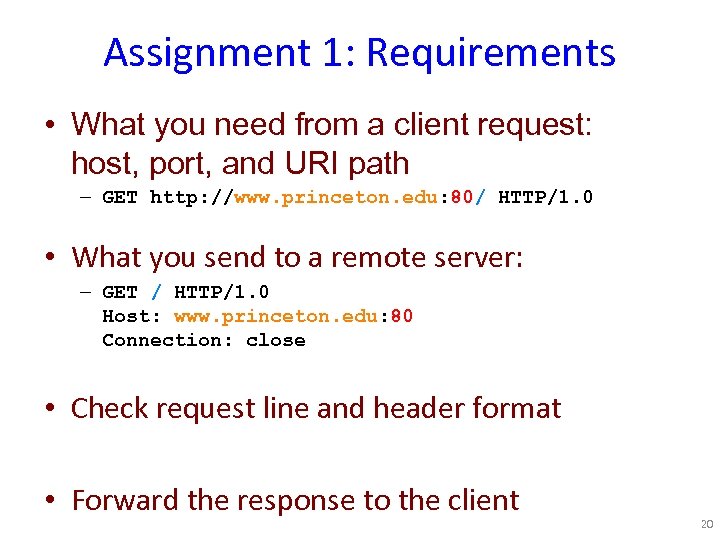 Assignment 1: Requirements • What you need from a client request: host, port, and URI path – GET http: //www. princeton. edu: 80/ HTTP/1. 0 • What you send to a remote server: – GET / HTTP/1. 0 Host: www. princeton. edu: 80 Connection: close • Check request line and header format • Forward the response to the client 20
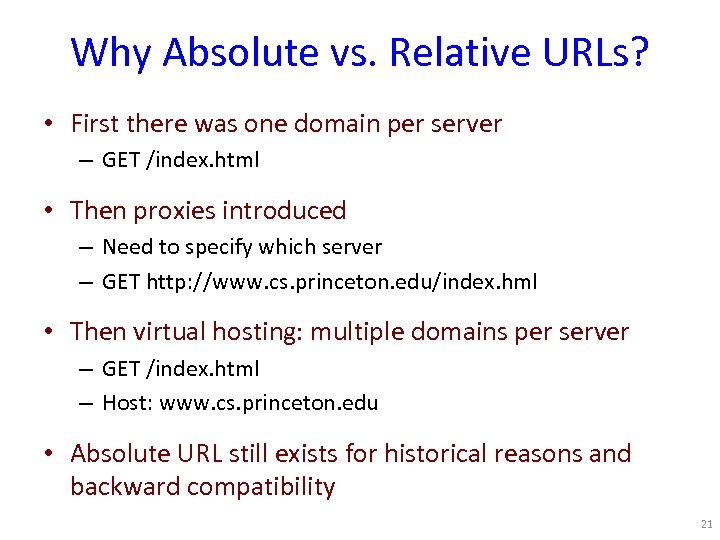 Why Absolute vs. Relative URLs? • First there was one domain per server – GET /index. html • Then proxies introduced – Need to specify which server – GET http: //www. cs. princeton. edu/index. hml • Then virtual hosting: multiple domains per server – GET /index. html – Host: www. cs. princeton. edu • Absolute URL still exists for historical reasons and backward compatibility 21
 Assignment 1: Requirements • Non-GET request? – return “Not Implemented” (code 501) • Unparseable request? – return “Bad Request” (code 400) • Use provided parsing library 22
 Advice • Networking is hard – Hard to know what’s going on in network layers – Start out simple, test often • Build in steps – Incrementally add pieces – Make sure they work – Will help reduce the effect of “incomplete” information • Assume teaching staff is non malicious – ( we aren’t trying to trick you ) 23
 Assignment 1 – Getting Started • Modify Assn 0 to have server respond – Simple echo of what client sent • Modify Assn 0 to handle concurrent clients – Use fork() • Create “proxy” server – Simply “repeats” client msg to a server, and “repeats” server msg back • Client sends HTTP requests, proxy parses 24
 Outline • HTTP overview • Proxies • HTTP caching 25
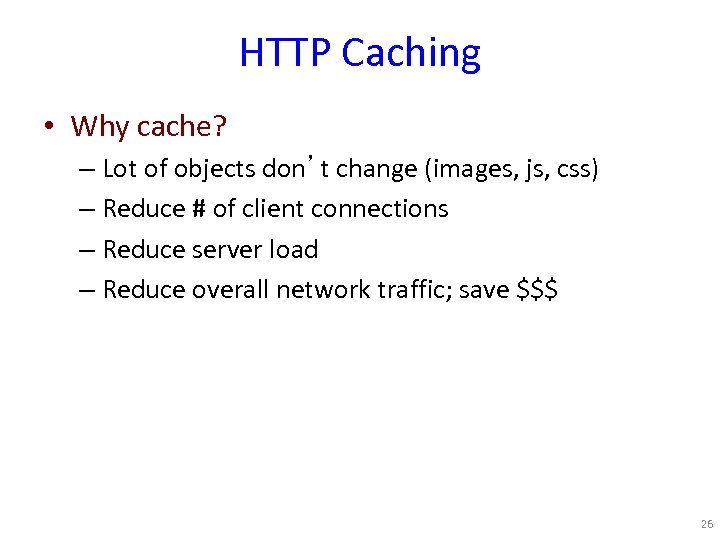 HTTP Caching • Why cache? – Lot of objects don’t change (images, js, css) – Reduce # of client connections – Reduce server load – Reduce overall network traffic; save $$$ 26
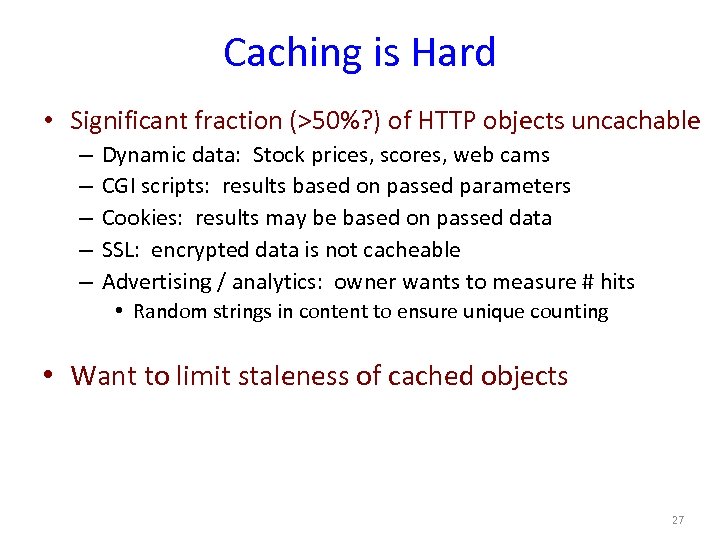 Caching is Hard • Significant fraction (>50%? ) of HTTP objects uncachable – – – Dynamic data: Stock prices, scores, web cams CGI scripts: results based on passed parameters Cookies: results may be based on passed data SSL: encrypted data is not cacheable Advertising / analytics: owner wants to measure # hits • Random strings in content to ensure unique counting • Want to limit staleness of cached objects 27
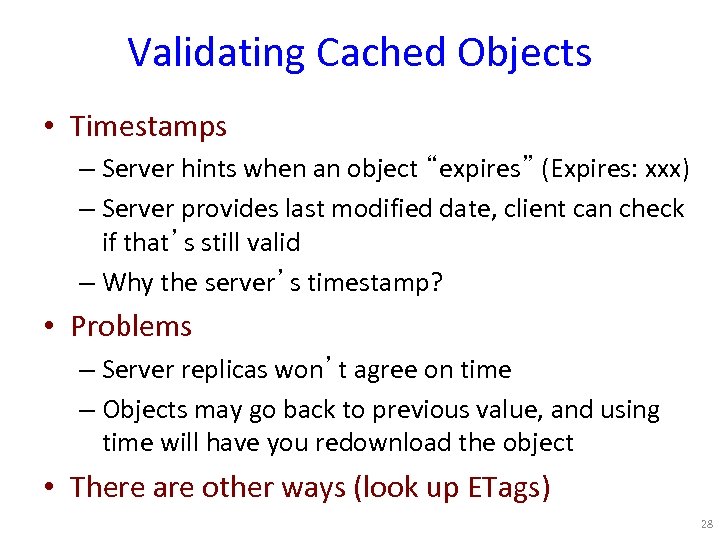 Validating Cached Objects • Timestamps – Server hints when an object “expires” (Expires: xxx) – Server provides last modified date, client can check if that’s still valid – Why the server’s timestamp? • Problems – Server replicas won’t agree on time – Objects may go back to previous value, and using time will have you redownload the object • There are other ways (look up ETags) 28
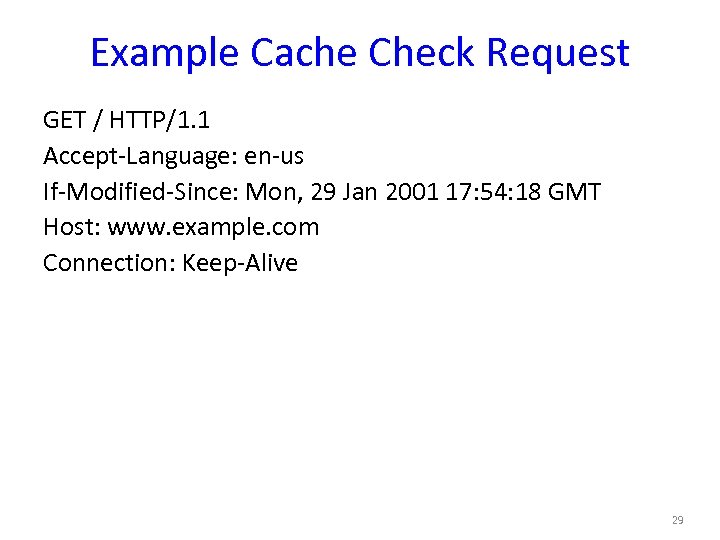 Example Cache Check Request GET / HTTP/1. 1 Accept-Language: en-us If-Modified-Since: Mon, 29 Jan 2001 17: 54: 18 GMT Host: www. example. com Connection: Keep-Alive 29
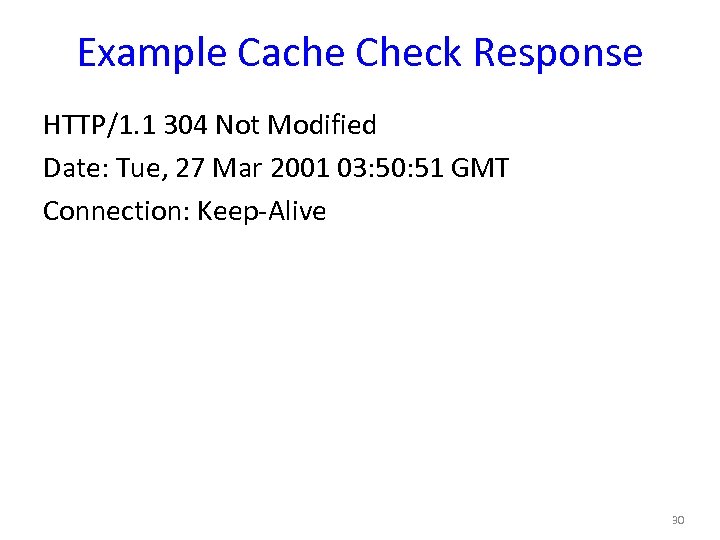 Example Cache Check Response HTTP/1. 1 304 Not Modified Date: Tue, 27 Mar 2001 03: 50: 51 GMT Connection: Keep-Alive 30
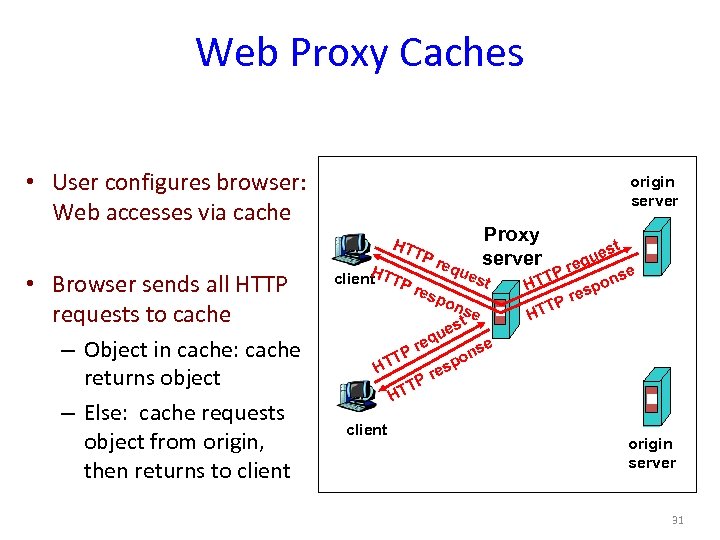 Web Proxy Caches • User configures browser: Web accesses via cache origin server HT • Browser sends all HTTP requests to cache – Object in cache: cache returns object – Else: cache requests object from origin, then returns to client H client TTP TP res req Proxy server ues pon t se t es u H eq Pr TT t ues eq e Pr T ons HT p res TP HT se n po es Pr T HT client origin server 31
 Summary • HTTP: Simple text-based file exchange protocol – Support for status/error responses, authentication, client-side state maintenance, cache maintenance • How to improve performance – Proxies – Caching – Persistent connections (more later) 32
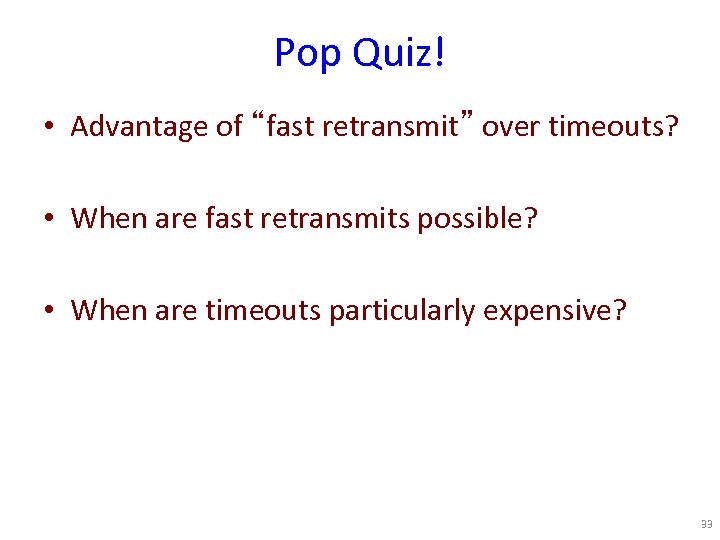 Pop Quiz! • Advantage of “fast retransmit” over timeouts? • When are fast retransmits possible? • When are timeouts particularly expensive? 33
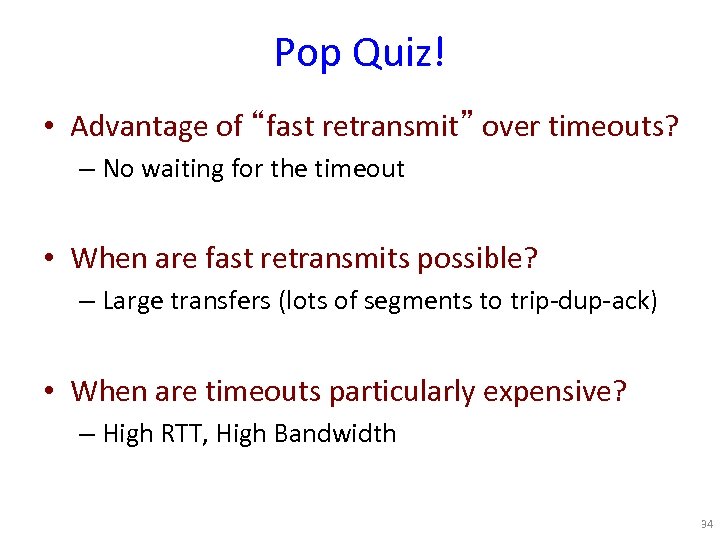 Pop Quiz! • Advantage of “fast retransmit” over timeouts? – No waiting for the timeout • When are fast retransmits possible? – Large transfers (lots of segments to trip-dup-ack) • When are timeouts particularly expensive? – High RTT, High Bandwidth 34