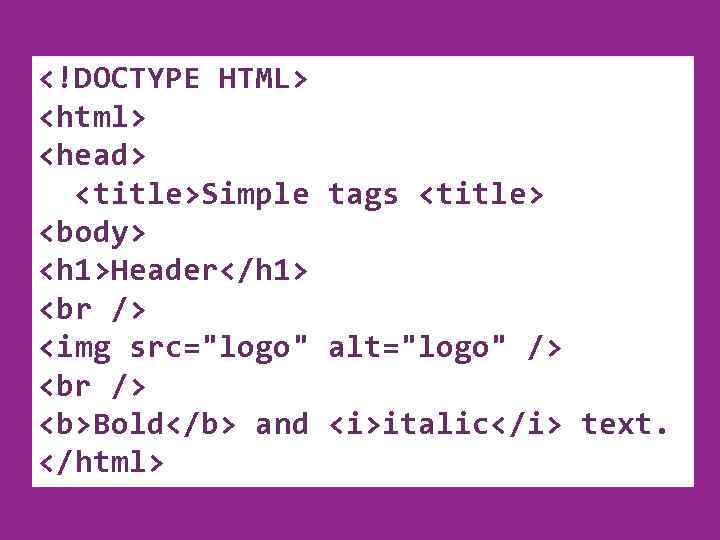
HTML STRUCTURE • HTML is comprised of “elements” and “tags” • Begins with and ends with • Elements (tags) are nested one inside another:
• Tags have attributes: • HTML describes structure using two main sections: and 4
test. html FIRST HTML PAGE
My First HTML Page
This is some text. . .
5
FIRST HTML PAGE: TAGS Opening tag
My First HTML Page Closing tag
This is some text. . .
An HTML element consists of an opening tag, a closing tag and the content inside. 6
FIRST HTML PAGE: HEADER HTML header
My First HTML Page
This is some text. . .
7
FIRST HTML PAGE: BODY
My First HTML Page
This is some text. . .
HTML body 8
Link to Telerik" src="https://present5.com/presentation/-84838464_357934732/image-9.jpg" alt="SOME SIMPLE TAGS Link to Telerik" />
SOME SIMPLE TAGS Link to Telerik Web site • Image Tags • Text formatting tags This text is emphasized. new line 9 This one is more emphasized.
TAGS ATTRIBUTES • Tags can have attributes • Attributes specify properties and behavior • Example: Attribute alt with value • Few attributes can apply to every element: • id, style, class, title • The id is unique in the document • Content of title attribute is displayed as hint when the element is hovered with the mouse • Some elements have obligatory attributes 11
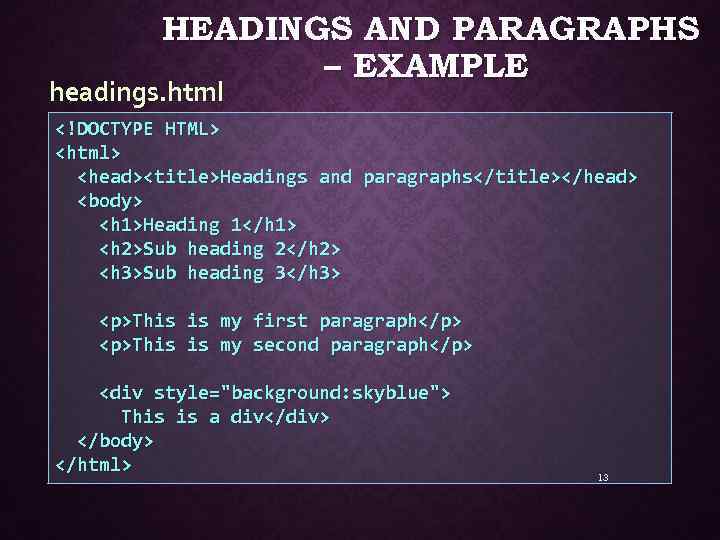
HEADINGS AND PARAGRAPHS • Heading Tags (h 1 – h 6) Heading 1Sub heading 2Sub heading 3 • Paragraph Tags
This is my first paragraph
This is my second paragraph
• Sections: div and span
This is a div
12
HEADINGS AND PARAGRAPHS – EXAMPLE headings. html
Headings and paragraphsHeading 1Sub heading 2Sub heading 3
This is is my my first paragraph
second paragraph
This is a div
13
Apple
" src="https://present5.com/presentation/-84838464_357934732/image-14.jpg" alt="ORDERED LISTS: TAG • Create an Ordered List using :
Apple
" />
ORDERED LISTS: TAG • Create an Ordered List using :
Apple
Orange
Grapefruit
• Attribute values for type are 1, A, a, I, or i 1. Apple 2. Orange 3. Grapefruit i. Apple ii. Orange iii. Grapefruit a. Apple I. Apple b. Orange A. Apple B. Orange c. Grapefruit II. Orange 14 III. Grapefruit C. Grapefruit
" src="https://present5.com/presentation/-84838464_357934732/image-15.jpg" alt="UNORDERED LISTS: TAG • Create an Unordered List using
:
" />
UNORDERED LISTS: TAG • Create an Unordered List using
:
Apple
Orange
Grapefruit
• Attribute values for type are: • disc, circle or square • Apple o Apple § Apple • Orange o Orange § Orange • Pear o Pear § Pear 15
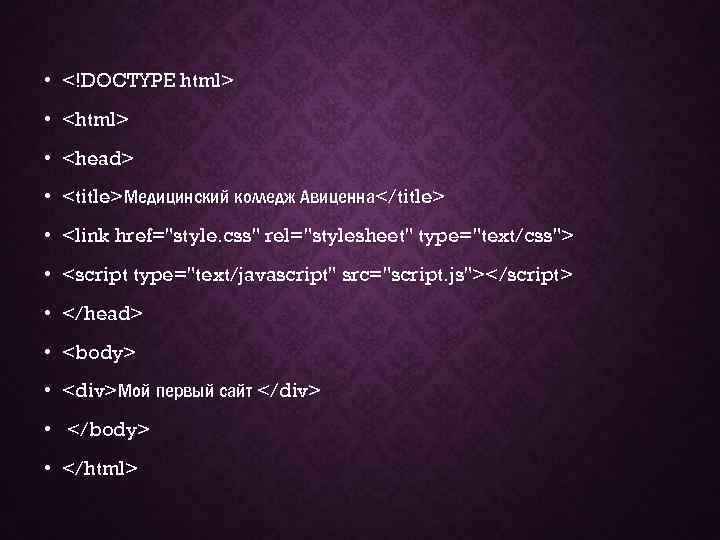
• •
• Медицинский колледж Авиценна • • • • •
Мой первый сайт
• •
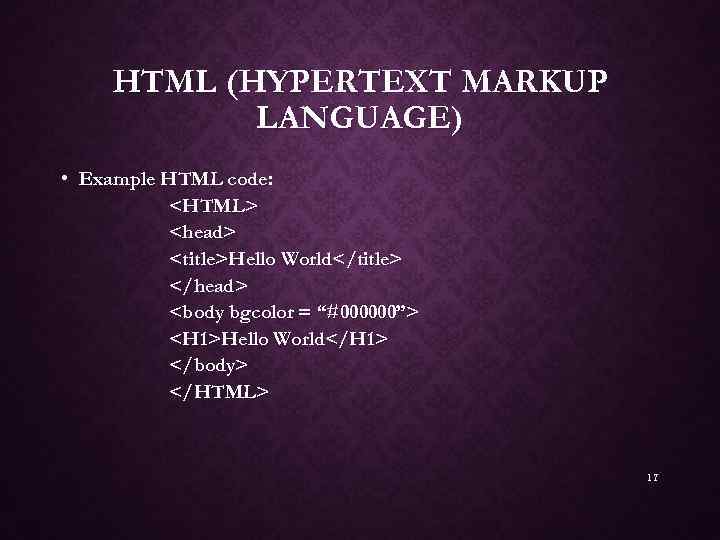
HTML (HYPERTEXT MARKUP LANGUAGE) • Example HTML code:
Hello WorldHello World 17
HTML (HYPERTEXT MARKUP LANGUAGE) 18
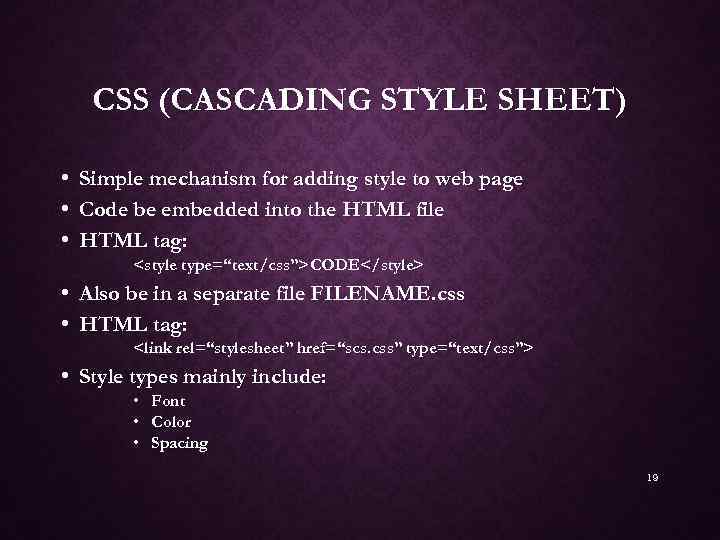
CSS (CASCADING STYLE SHEET) • • • Simple mechanism for adding style to web page Code be embedded into the HTML file HTML tag: • Also be in a separate file FILENAME. css • HTML tag: • Style types mainly include: • Font • Color • Spacing 19
CSS (CASCADING STYLE SHEET) • Client’s browser dependable • Example code: p, h 1, h 2 { margin-top: 0 px; margin-bottom: 100 px; padding: 20 px 40 px; } • More info: http: //www. w 3. org/Style/CSS/ http: //www. w 3 schools. com/css_intro. asp 20




 HTML
HTML  http: // www. w 3 schools. com/html /
  CREATE A LIST OF 10 ITEMS IN YOUR SHOP.
 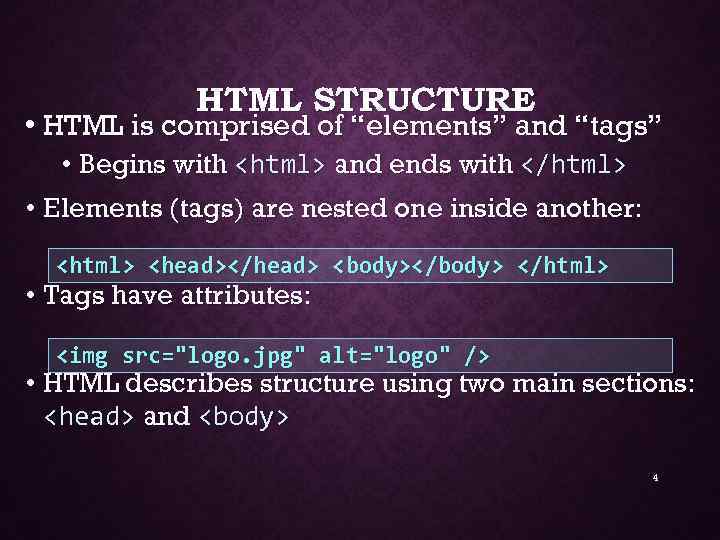 HTML STRUCTURE • HTML is comprised of “elements” and “tags” • Begins with and ends with • Elements (tags) are nested one inside another:
  test. html FIRST HTML PAGE
 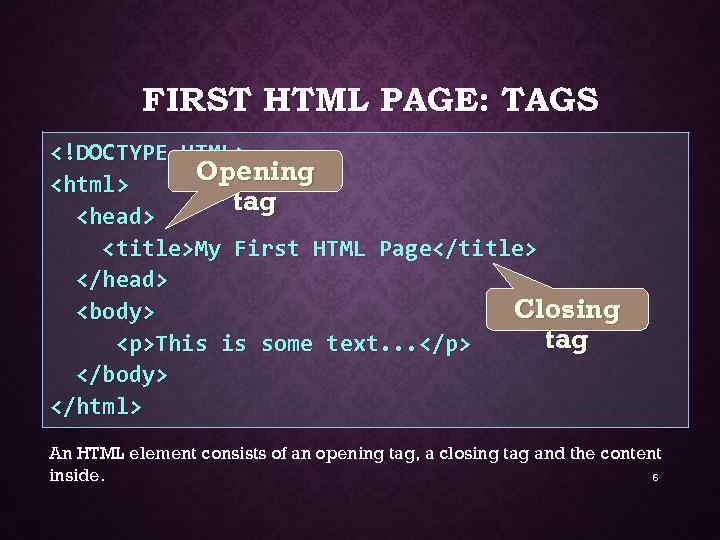 FIRST HTML PAGE: TAGS Opening tag
 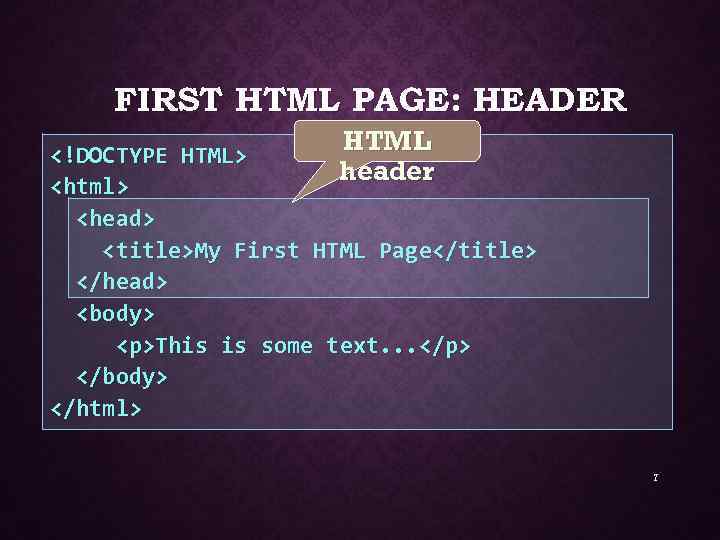 FIRST HTML PAGE: HEADER HTML header
  FIRST HTML PAGE: BODY
 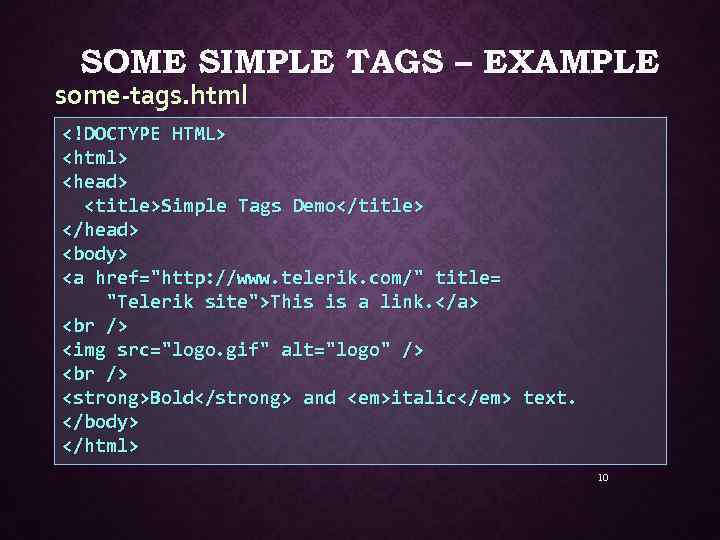 SOME SIMPLE TAGS – EXAMPLE some-tags. html
 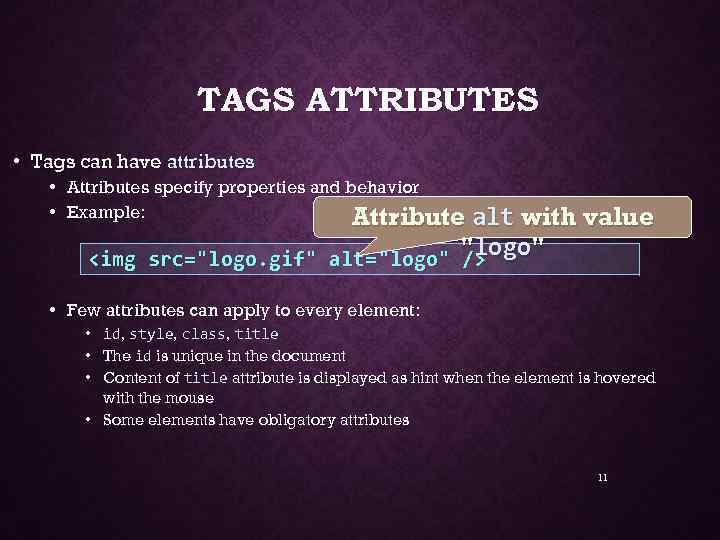 TAGS ATTRIBUTES • Tags can have attributes • Attributes specify properties and behavior • Example: Attribute alt with value
 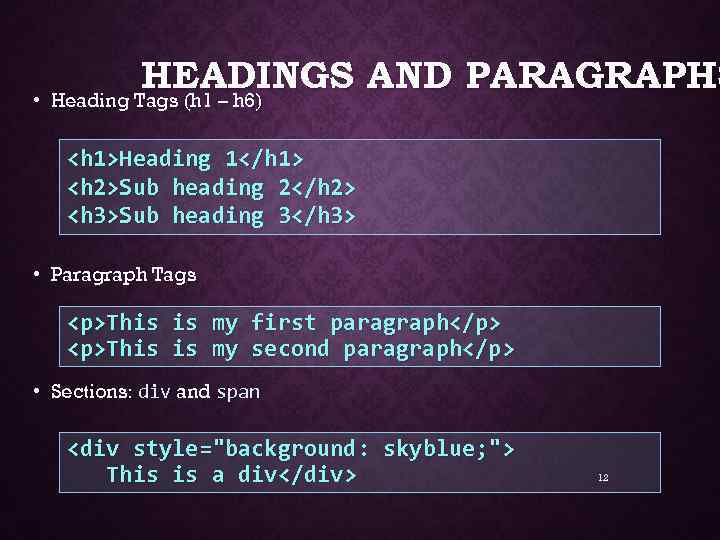 HEADINGS AND PARAGRAPHS • Heading Tags (h 1 – h 6)
  HEADINGS AND PARAGRAPHS – EXAMPLE headings. html
  • •
• •  HTML (HYPERTEXT MARKUP LANGUAGE) • Example HTML code:
  HTML (HYPERTEXT MARKUP LANGUAGE) 18
  CSS (CASCADING STYLE SHEET) • • • Simple mechanism for adding style to web page Code be embedded into the HTML file HTML tag: • Also be in a separate file FILENAME. css • HTML tag: • Style types mainly include: • Font • Color • Spacing 19
 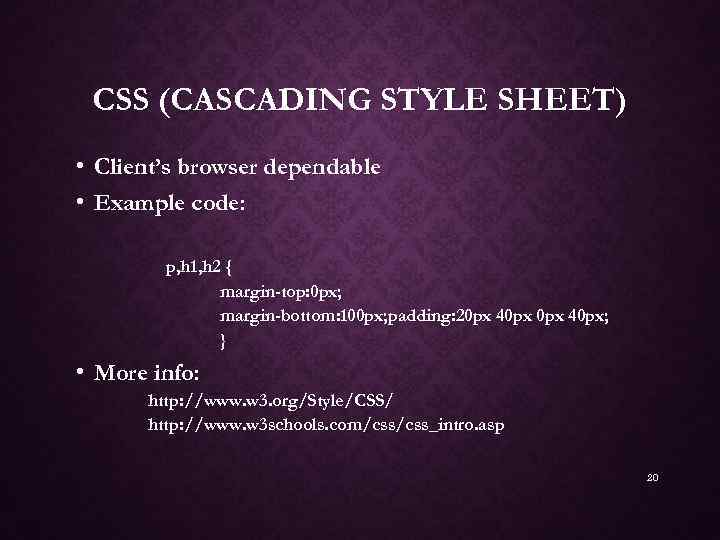 CSS (CASCADING STYLE SHEET) • Client’s browser dependable • Example code: p, h 1, h 2 { margin-top: 0 px; margin-bottom: 100 px; padding: 20 px 40 px; } • More info: http: //www. w 3. org/Style/CSS/ http: //www. w 3 schools. com/css_intro. asp 20
 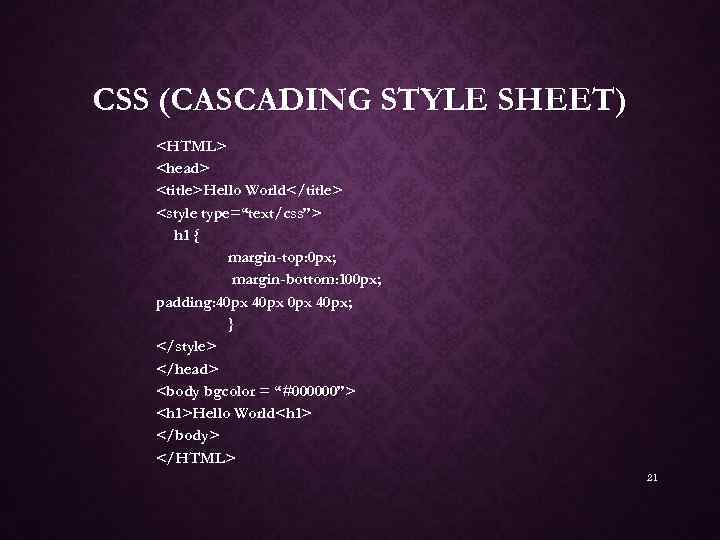 CSS (CASCADING STYLE SHEET)
 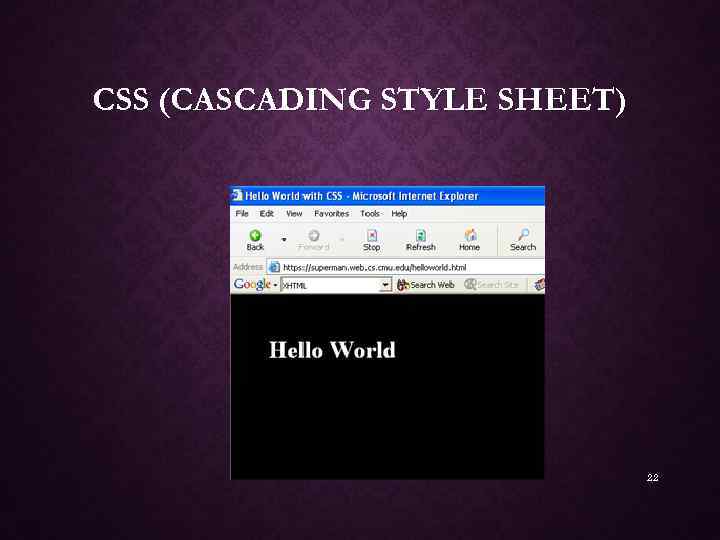 CSS (CASCADING STYLE SHEET) 22
 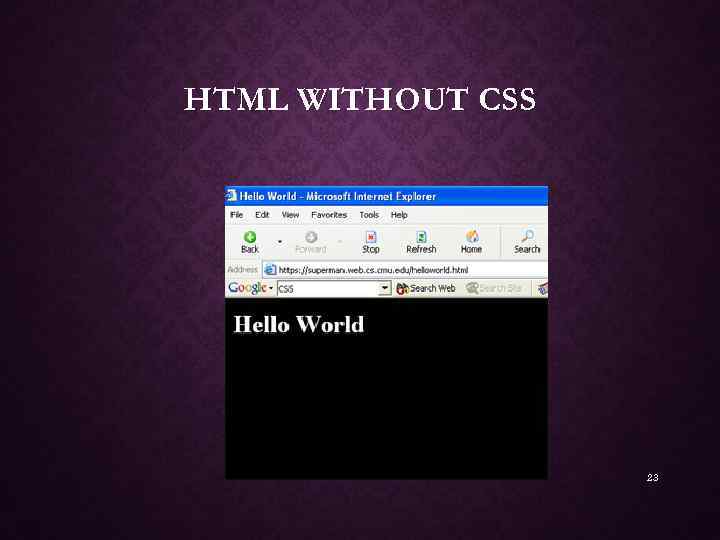 HTML WITHOUT CSS 23