


 Скачать презентацию HTML AN INTRODUCTION Document Structure HEAD
4ee167504316037d3519a73431f1e075.ppt
- Количество слайдов: 36
 HTML: AN INTRODUCTION
 Document Structure • HEAD: Provides information about the document to browsers and agents. Some elements include: – TITLE: Tell what the document is about (ideally). Typically displayed at the top of the browser. – SCRIPT: include a script. – STYLE: create a style sheet. – META: define meta information. – LINK: relationship between documents. – OBJECT: include an object.
 TITLE • Include only one in each document. • Should succinctly describe the document’s content. • Keep title under 64 characters. • Should not contain other HTML tags.
 BODY • Otherwise optional, it is often included because it allows the designer to set presentational values for attributes associated with the tag. – Background Color (BGCOLOR; can use color name or hexidecimal RGB value for color). – Font Color for Text (TEXT, LINK, VLINK). – Background Images: (BACKGROUND).
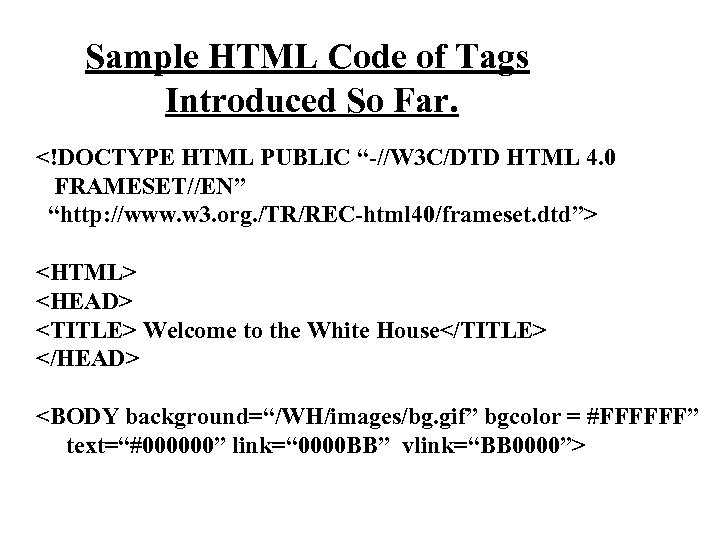 Sample HTML Code of Tags Introduced So Far.
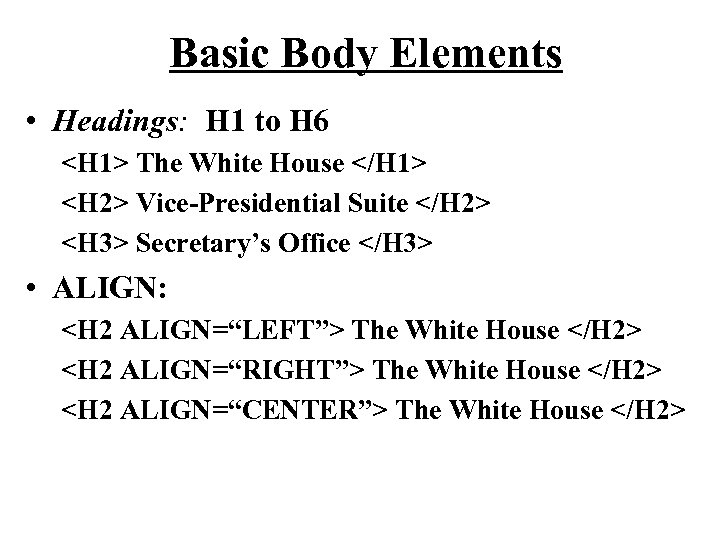 Basic Body Elements • Headings: H 1 to H 6
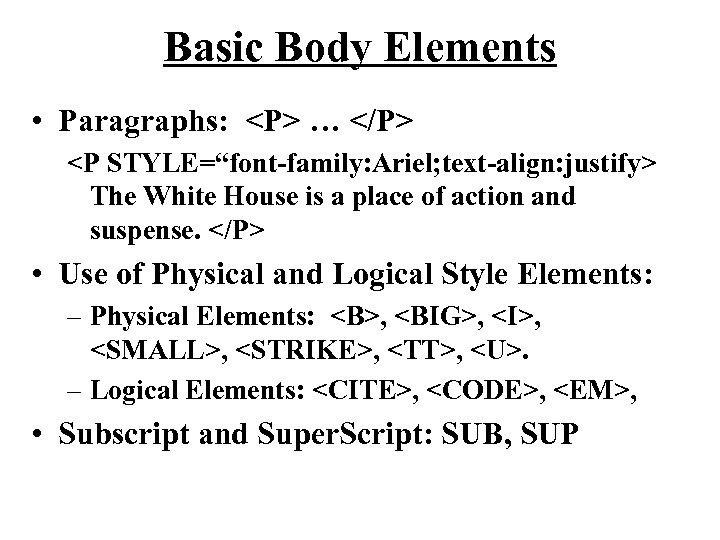 Basic Body Elements • Paragraphs:
…
The White House is a place of action and suspense.
• Use of Physical and Logical Style Elements: – Physical Elements: , , , ,, , • Subscript and Super. Script: SUB, SUP
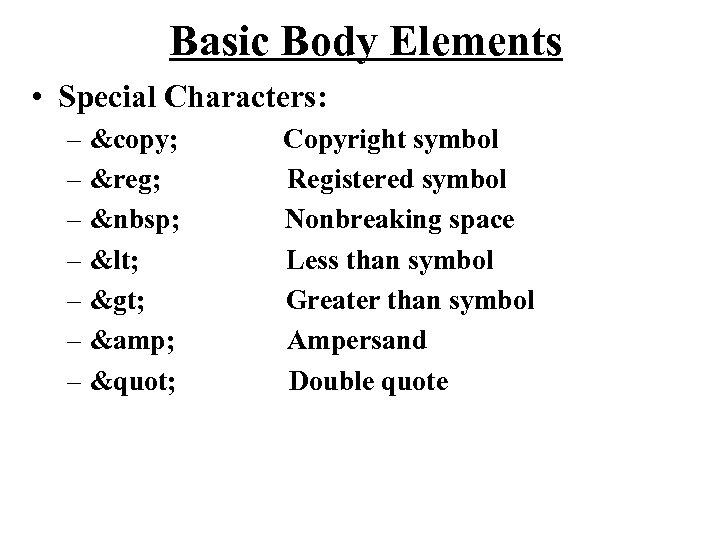 Basic Body Elements • Special Characters: – © – ® – – < – > – & – " Copyright symbol Registered symbol Nonbreaking space Less than symbol Greater than symbol Ampersand Double quote
 Basic Body Elements • Line Breaks:
Forces a line break but does not insert an extra blank line. – CLEAR Attribute: Provides flow control for text that is next to an image or other object.
 Basic Body Elements • No Break:
 Basic Body Elements • Comments: – Text appearing within comment tags is ignored by browsers. Use comments to help make sense out of your HTML coding.
 Lists • Unnumbered (bulleted) lists
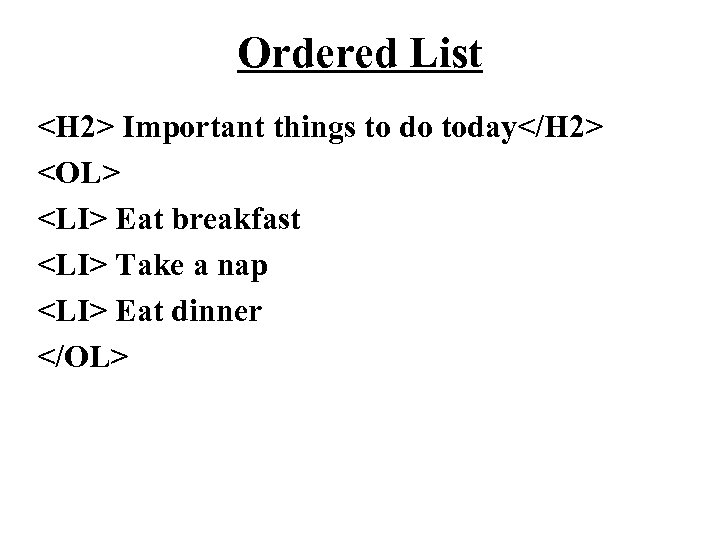 Ordered List
- Eat breakfast
- Take a nap
- Eat dinner
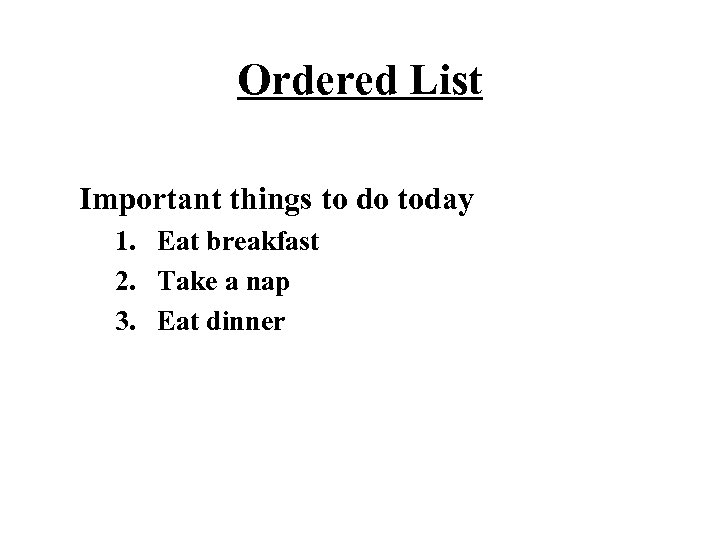 Ordered List Important things to do today 1. Eat breakfast 2. Take a nap 3. Eat dinner
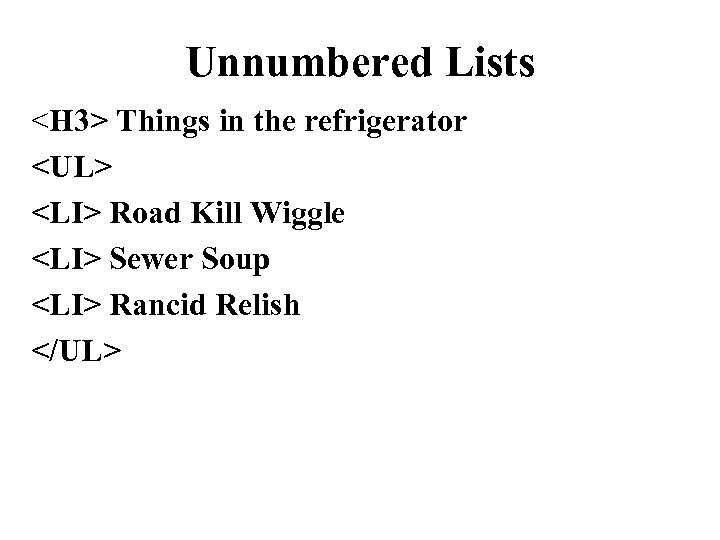 Unnumbered Lists
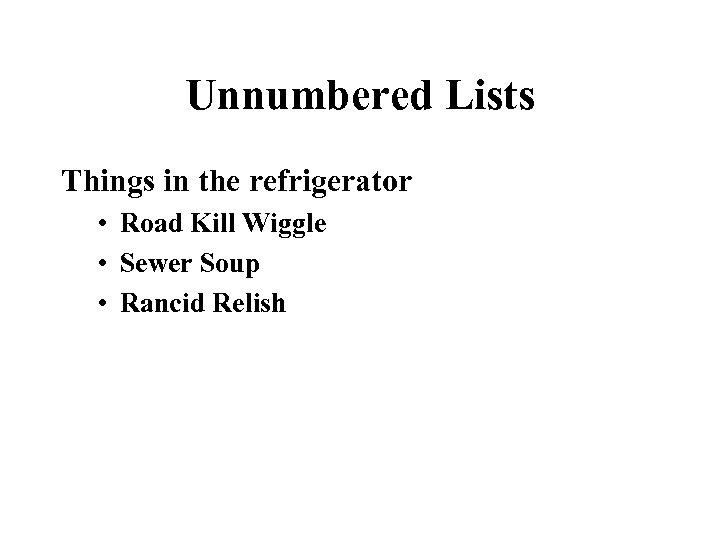 Unnumbered Lists Things in the refrigerator • Road Kill Wiggle • Sewer Soup • Rancid Relish
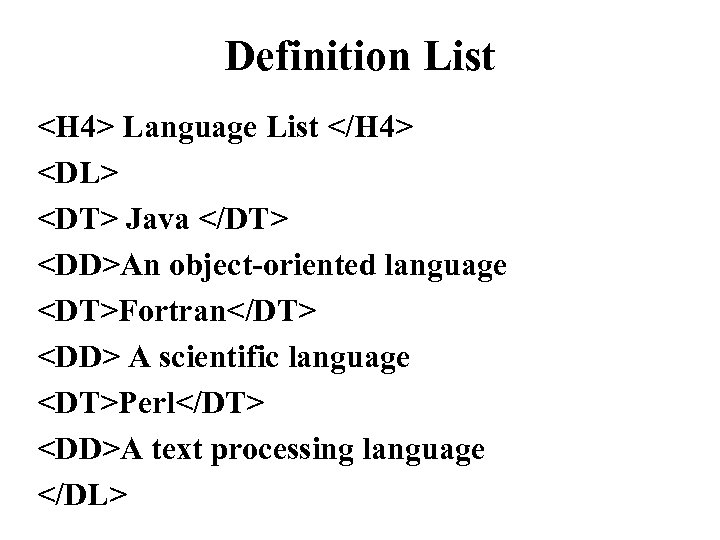 Definition List
- Java
- An object-oriented language
- Fortran
- A scientific language
- Perl
- A text processing language
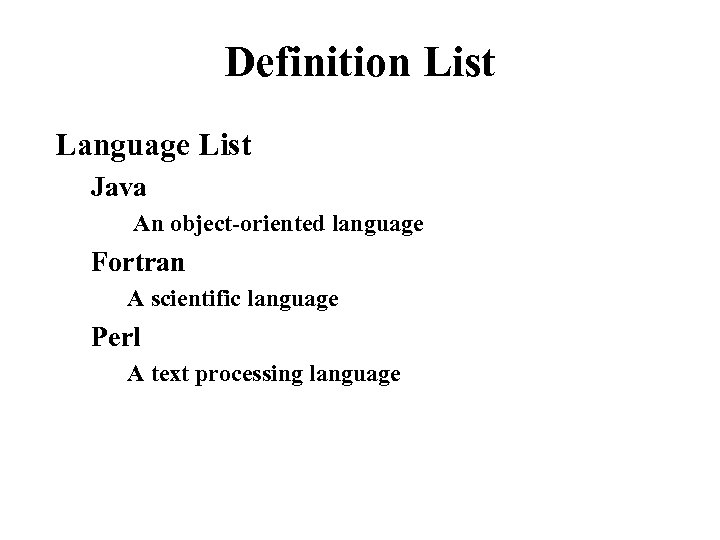 Definition List Language List Java An object-oriented language Fortran A scientific language Perl A text processing language
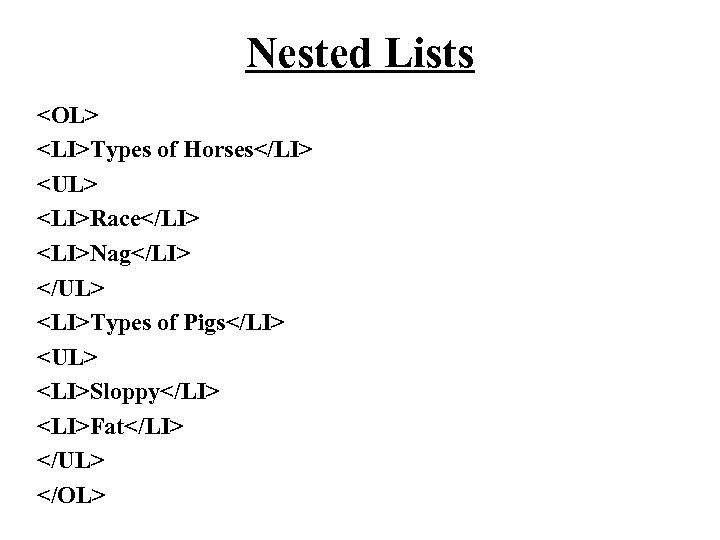 Nested Lists
- Types of Horses
- Race
- Nag
- Types of Pigs
- Sloppy
- Fat
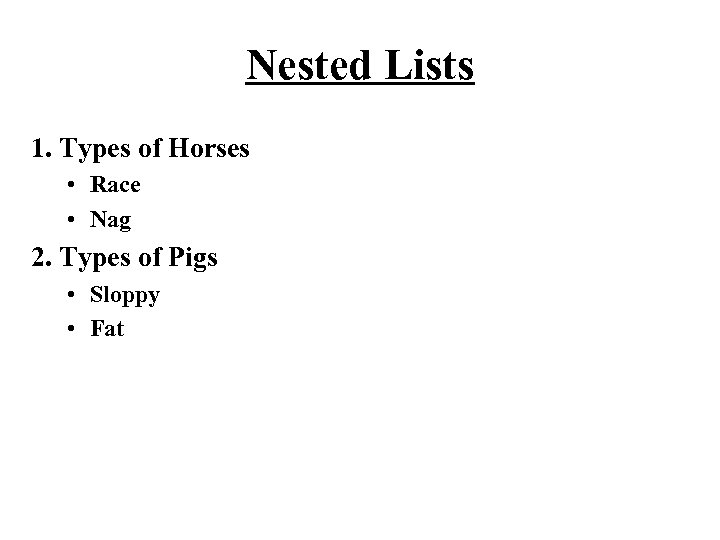 Nested Lists 1. Types of Horses • Race • Nag 2. Types of Pigs • Sloppy • Fat
 HTML: LINKS
 Creating Links • To create a link in HTML, you need two things: – The name of the file (or the URL of the file) you want to link to… – The text that will serve as the “hot spot” -- that is , the text that will be highlighted in the browser, which your readers can then select to follow the link. – To create a link in an HTML page, use the HTML link tag ….
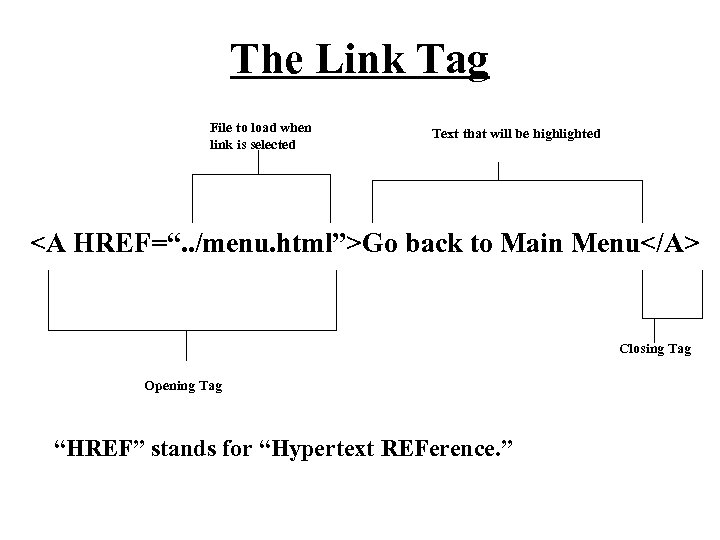 The Link Tag File to load when link is selected Text that will be highlighted Go back to Main Menu Closing Tag Opening Tag “HREF” stands for “Hypertext REFerence. ”
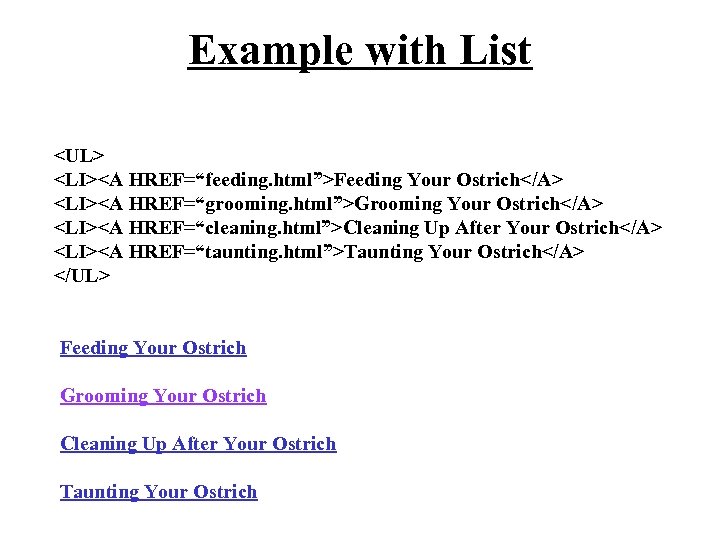 Example with List
 Relative Pathnames Relative pathnames point to file based on their locations relative to the current file. To specify relative pathnames in links, use UNIX-style pathnames regardless of the system you actually have. This means that directory or folder names are separated by forward slashes (/), and use two dots to refer generically to the directory above the current one (. . ).
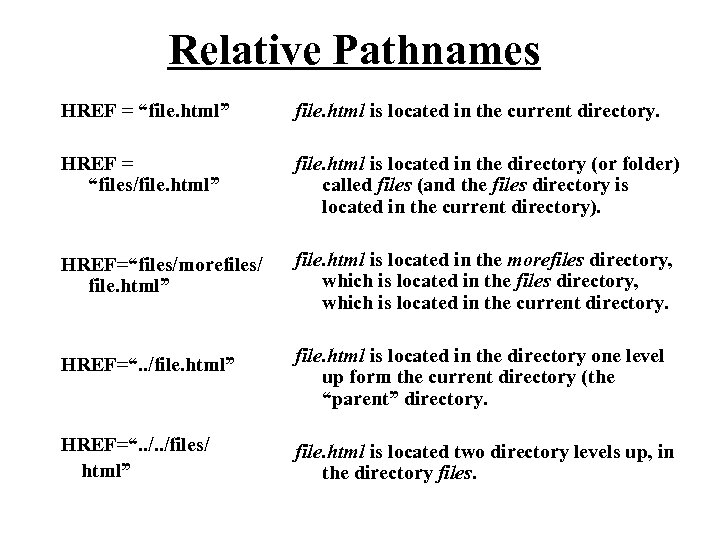 Relative Pathnames HREF = “file. html” file. html is located in the current directory. HREF = “files/file. html” file. html is located in the directory (or folder) called files (and the files directory is located in the current directory). HREF=“files/morefiles/ file. html” file. html is located in the morefiles directory, which is located in the current directory. HREF=“. . /file. html” file. html is located in the directory one level up form the current directory (the “parent” directory. HREF=“. . /files/ html” file. html is located two directory levels up, in the directory files.
 Absolute Pathnames Absolute pathnames point to the page by starting at the top of your directory hierarchy and working downward through all the intervening directories to reach the file. Absolute pathnames point to files based on the absolute location on the file system. Absolute pathnames always begin with a slash, which is the way they are differentiated from relative pathnames.
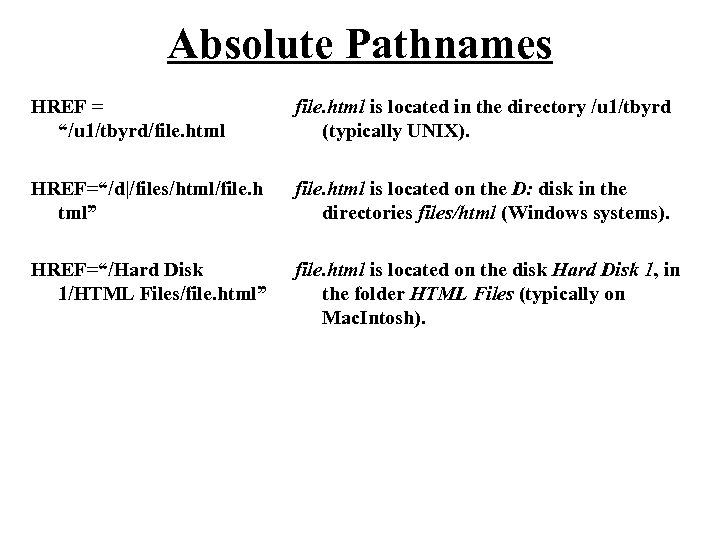 Absolute Pathnames HREF = “/u 1/tbyrd/file. html is located in the directory /u 1/tbyrd (typically UNIX). HREF=“/d|/files/html/file. h tml” file. html is located on the D: disk in the directories files/html (Windows systems). HREF=“/Hard Disk 1/HTML Files/file. html” file. html is located on the disk Hard Disk 1, in the folder HTML Files (typically on Mac. Intosh).
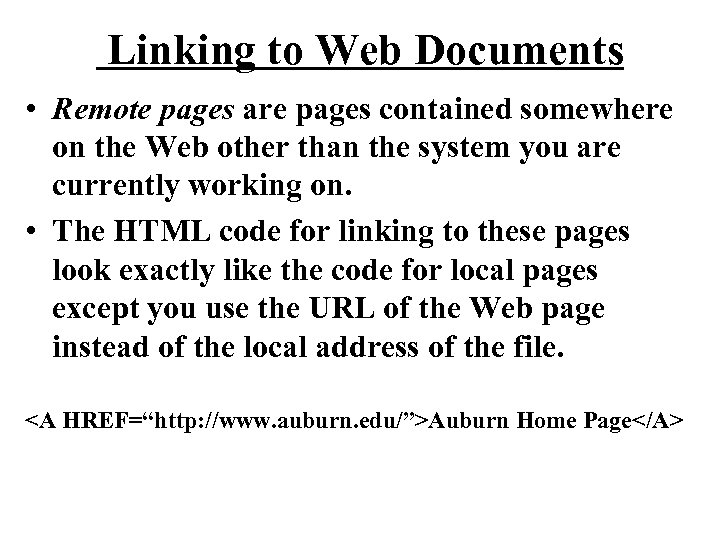 Linking to Web Documents • Remote pages are pages contained somewhere on the Web other than the system you are currently working on. • The HTML code for linking to these pages look exactly like the code for local pages except you use the URL of the Web page instead of the local address of the file. Auburn Home Page
 Linking to Specific Locations • Instead of just linking to another document and moving to the top of the page, you can set up link to a specific place within that page, for example, to the fourth major section down. • Anchors are special places inside documents that can be linked to. Links can then jump to those special places inside the page as opposed to jumping just to the top of the page.
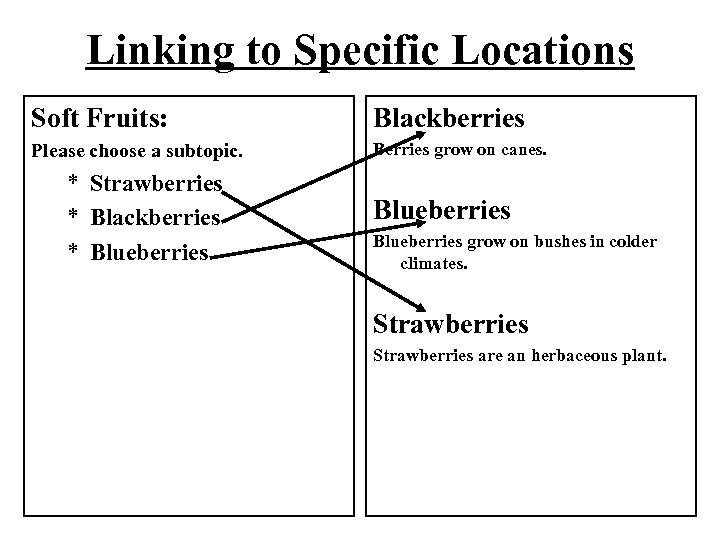 Linking to Specific Locations Soft Fruits: Blackberries Please choose a subtopic. Berries grow on canes. * Strawberries * Blackberries * Blueberries grow on bushes in colder climates. Strawberries are an herbaceous plant.
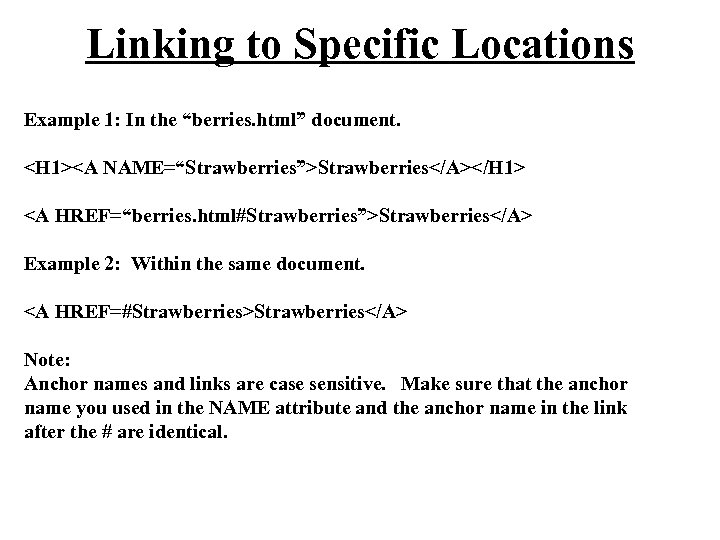 Linking to Specific Locations Example 1: In the “berries. html” document.
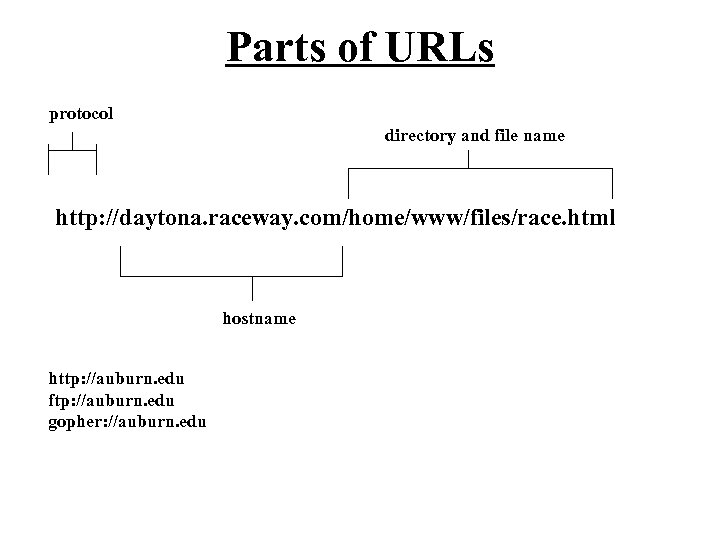 Parts of URLs protocol directory and file name http: //daytona. raceway. com/home/www/files/race. html hostname http: //auburn. edu ftp: //auburn. edu gopher: //auburn. edu
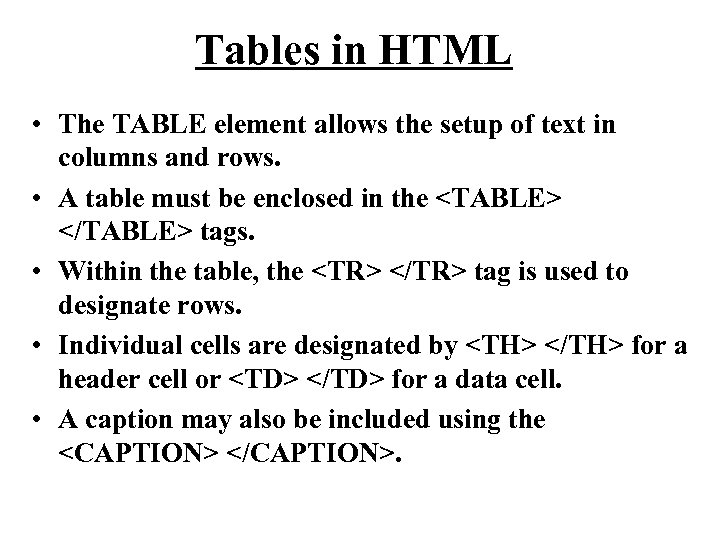 Tables in HTML • The TABLE element allows the setup of text in columns and rows. • A table must be enclosed in the
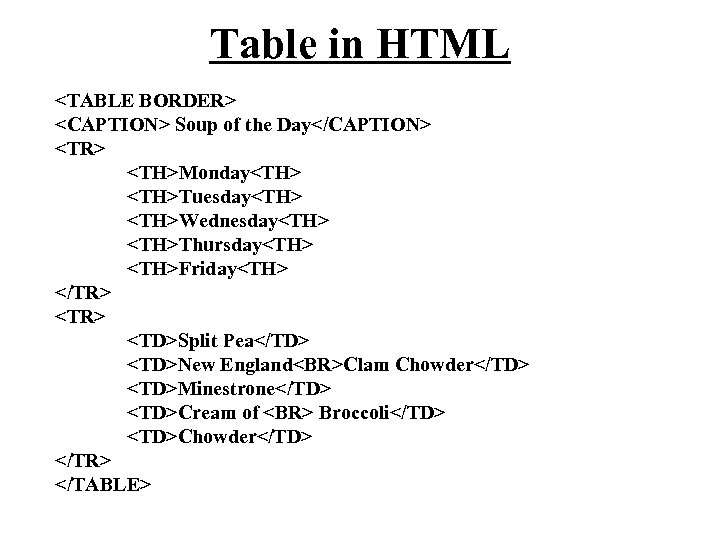 Table in HTML
| Monday | Tuesday | Wednesday | Thursday | Friday | Split Pea | New England Clam Chowder | Minestrone | Cream of Broccoli | Chowder |
|---|
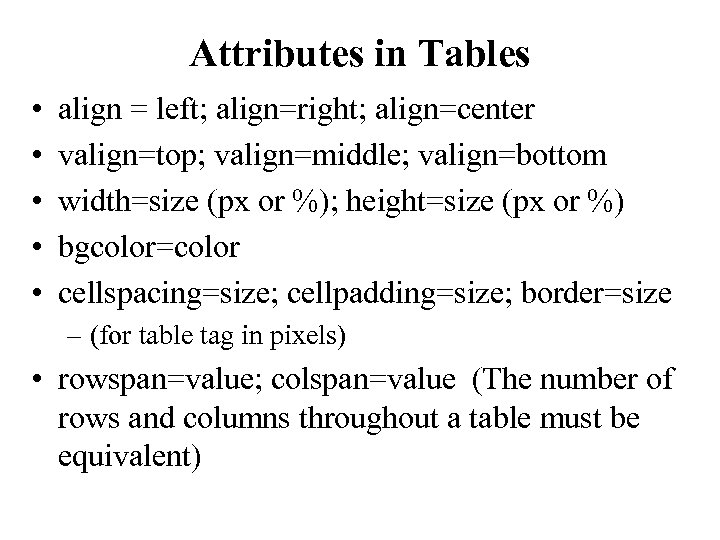 Attributes in Tables • • • align = left; align=right; align=center valign=top; valign=middle; valign=bottom width=size (px or %); height=size (px or %) bgcolor=color cellspacing=size; cellpadding=size; border=size – (for table tag in pixels) • rowspan=value; colspan=value (The number of rows and columns throughout a table must be equivalent)