…




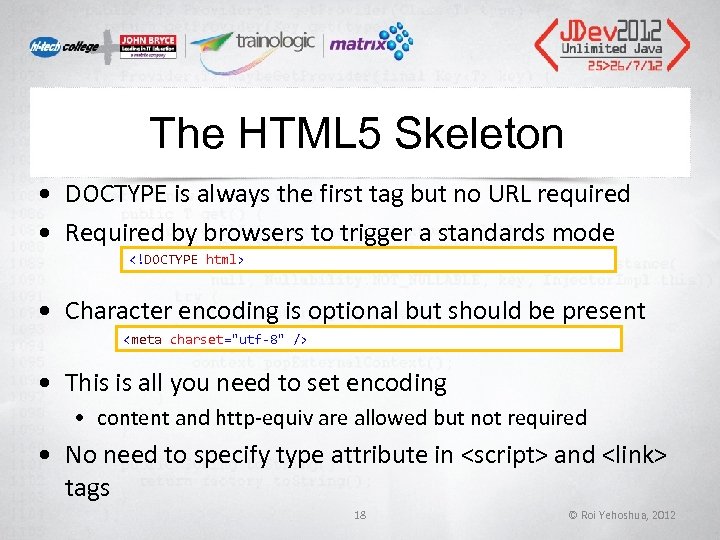
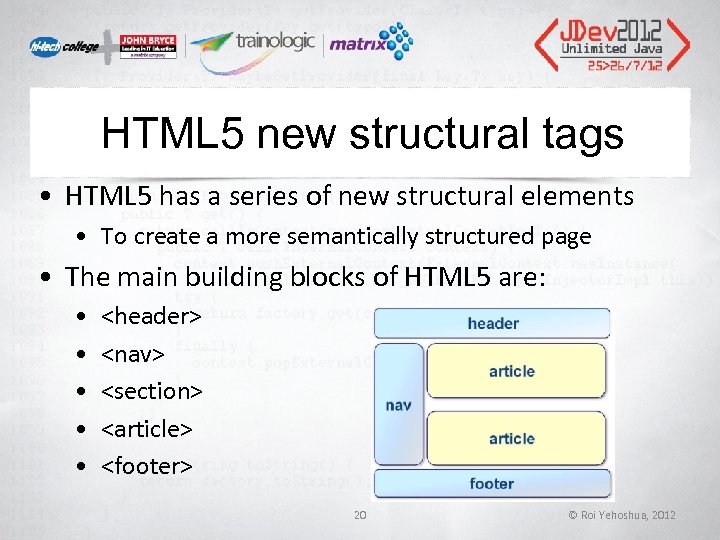
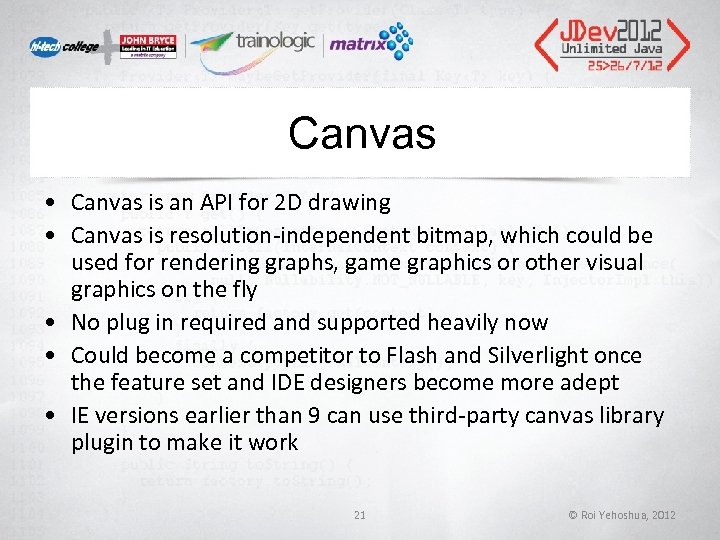
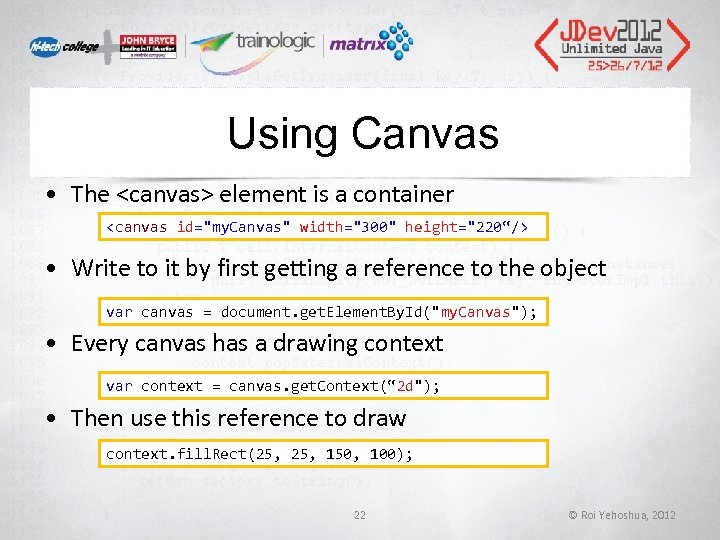
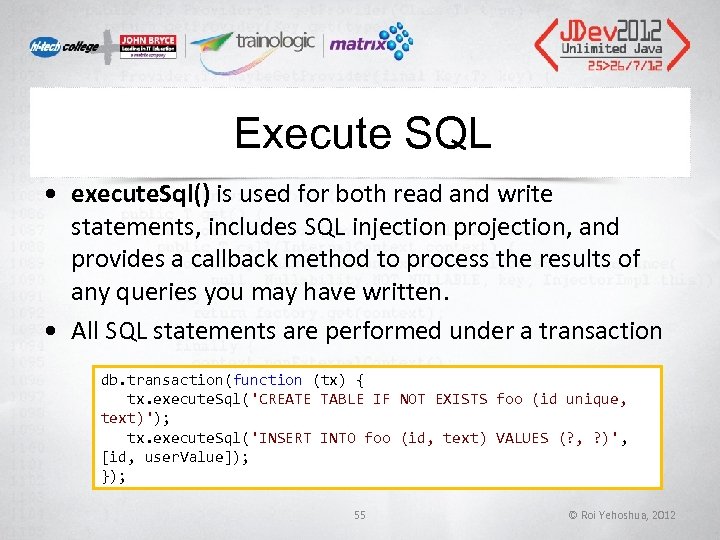
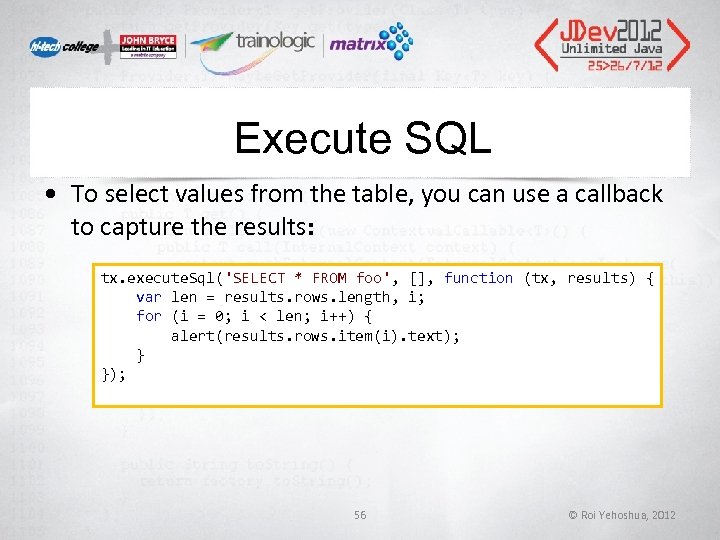
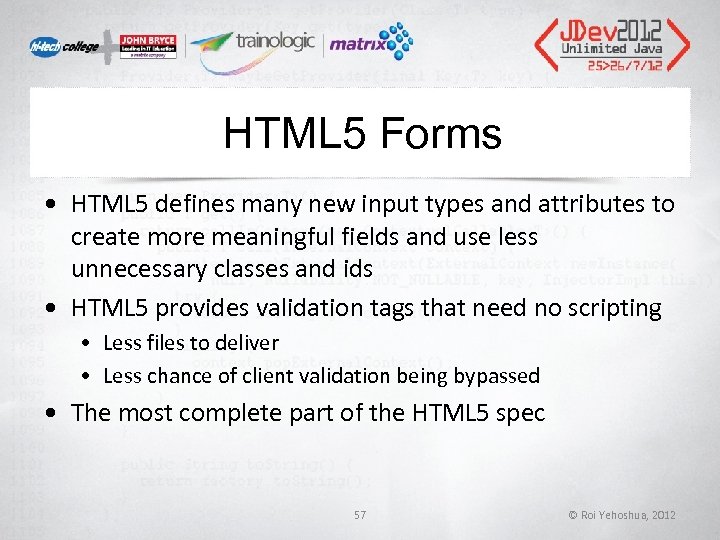
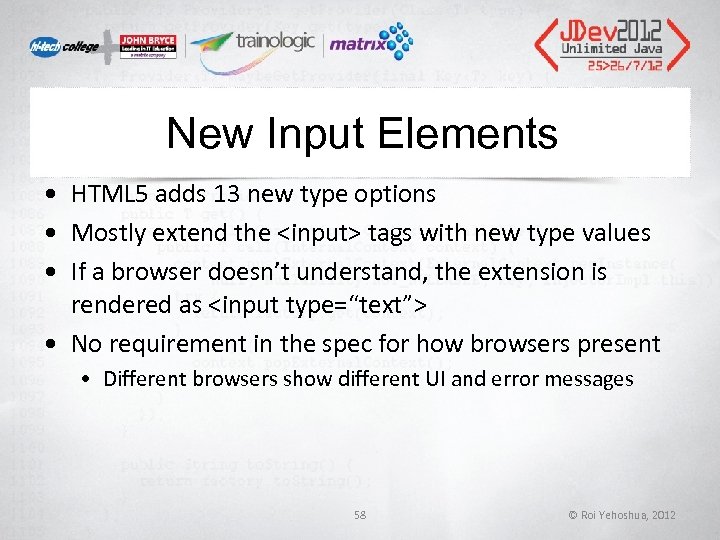
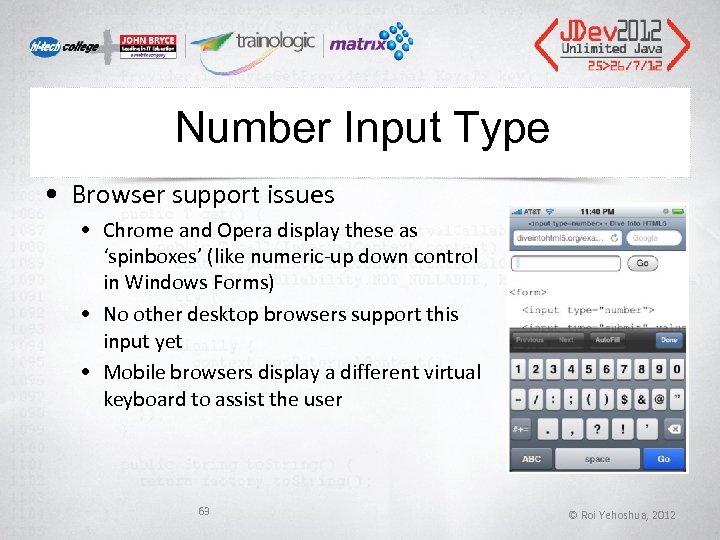
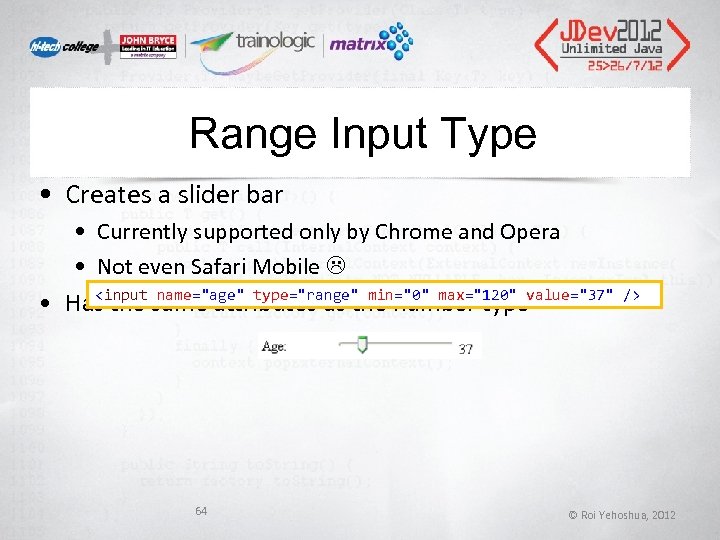
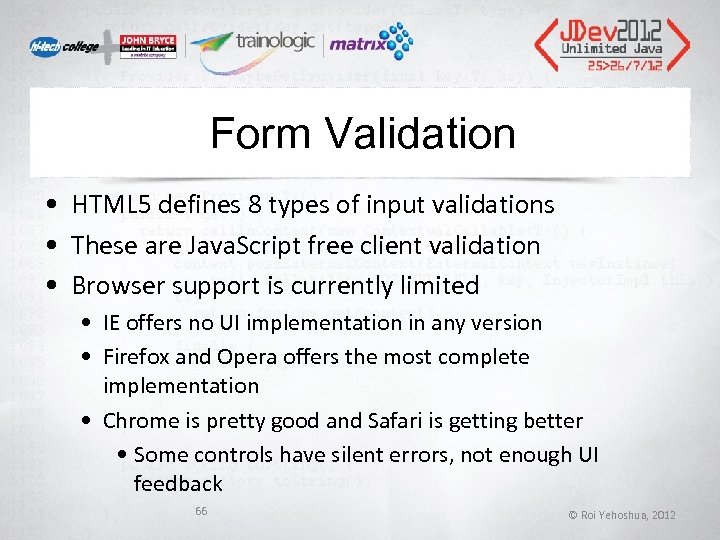
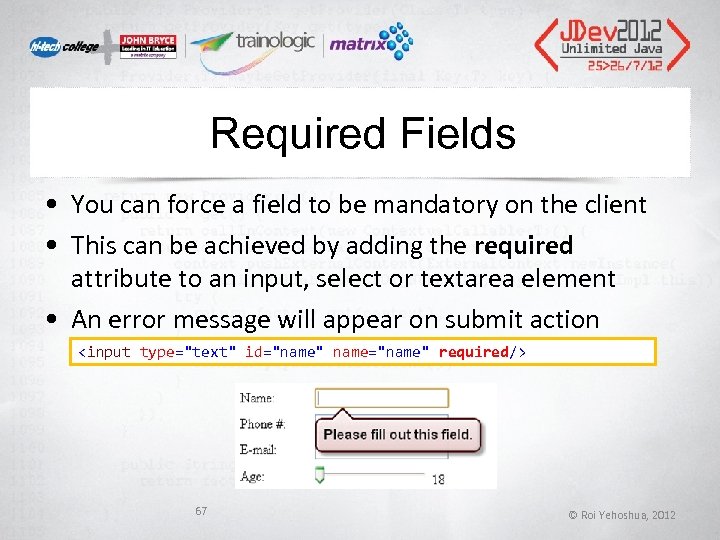
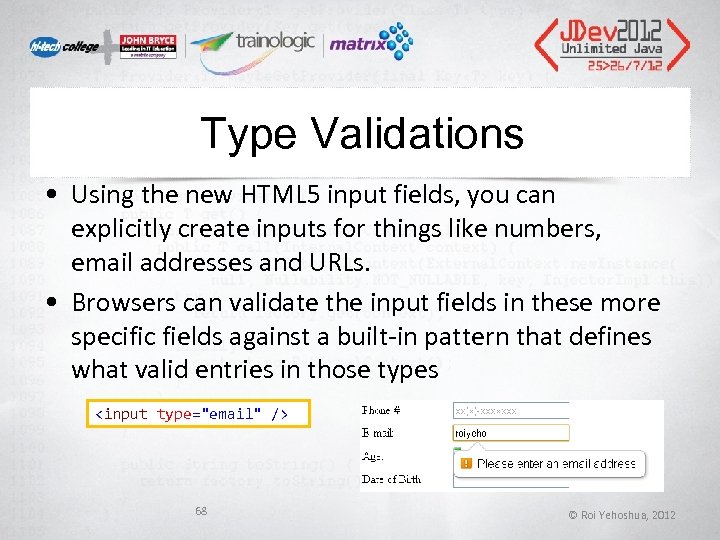
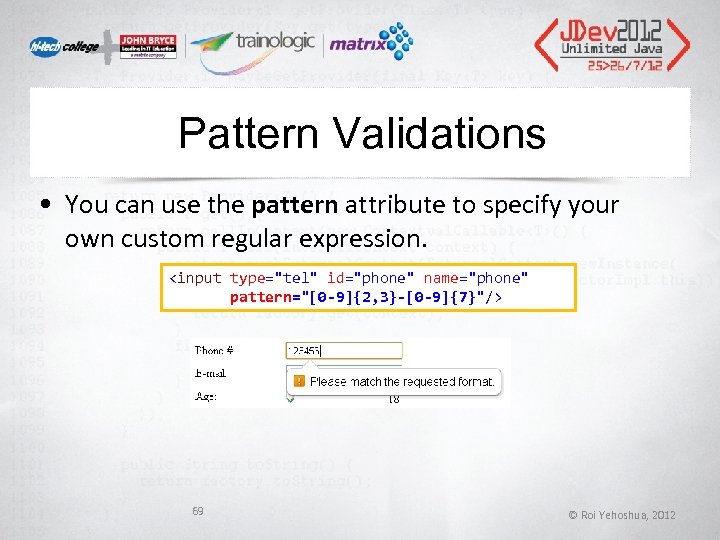
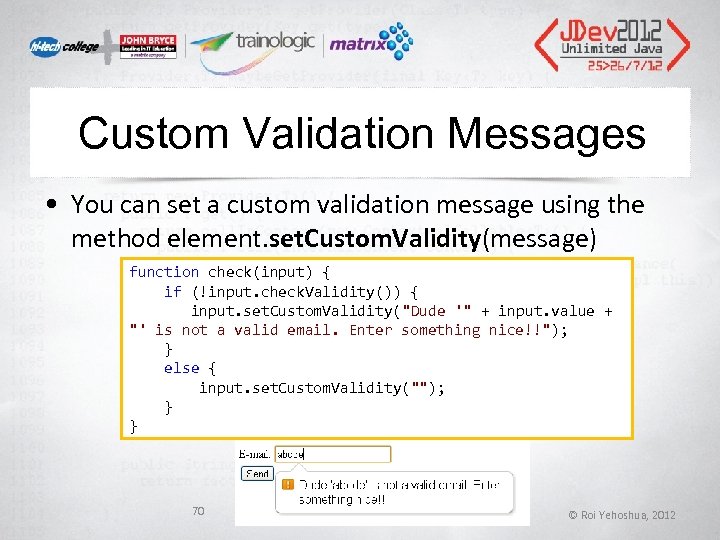
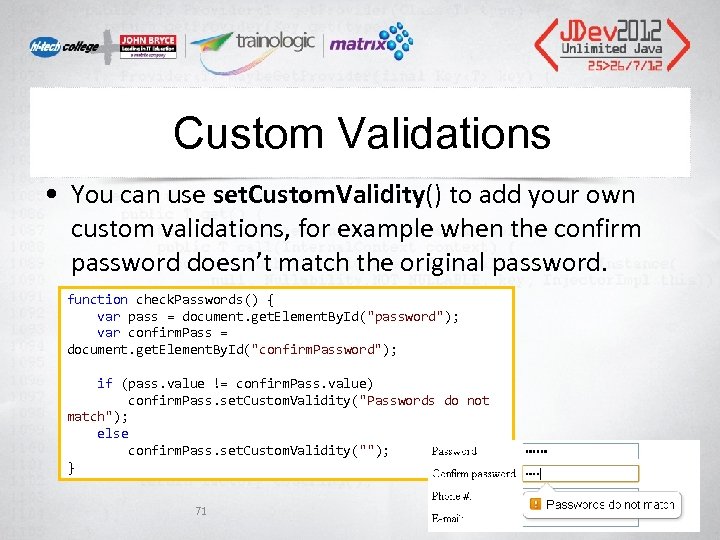
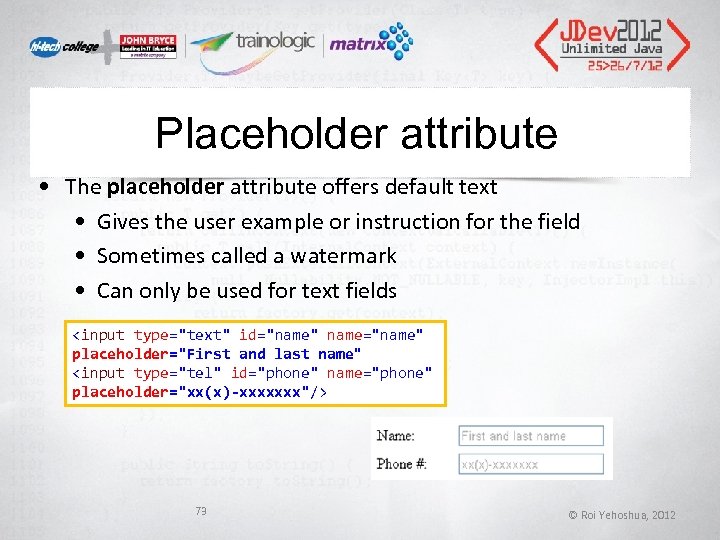 Placeholder attribute • The placeholder attribute offers default text • Gives the user example or instruction for the field • Sometimes called a watermark • Can only be used for text fields 73 © Roi Yehoshua, 2012
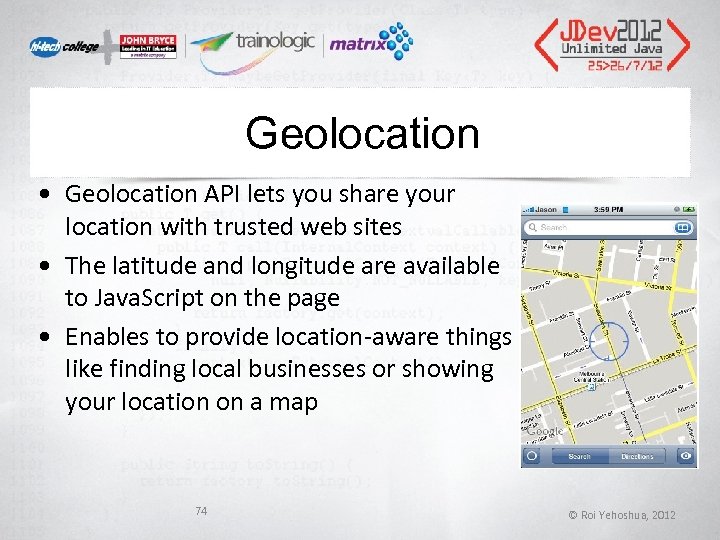 Geolocation • Geolocation API lets you share your location with trusted web sites • The latitude and longitude are available to Java. Script on the page • Enables to provide location-aware things like finding local businesses or showing your location on a map 74 © Roi Yehoshua, 2012
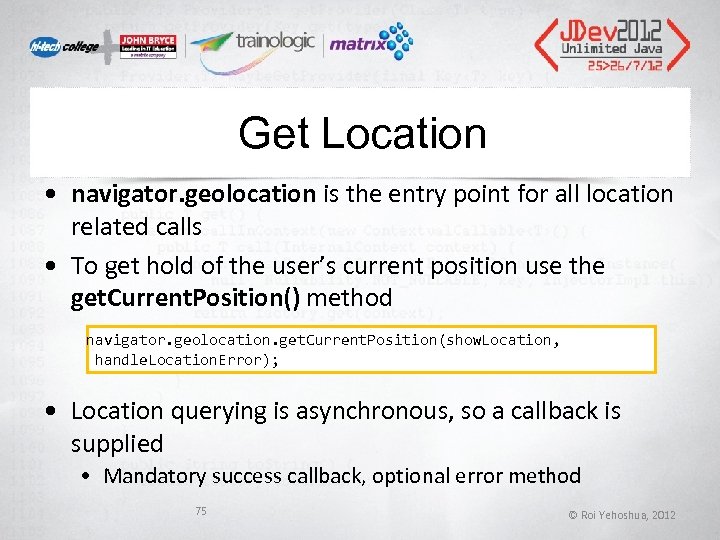 Get Location • navigator. geolocation is the entry point for all location related calls • To get hold of the user’s current position use the get. Current. Position() method navigator. geolocation. get. Current. Position(show. Location, handle. Location. Error); • Location querying is asynchronous, so a callback is supplied • Mandatory success callback, optional error method 75 © Roi Yehoshua, 2012
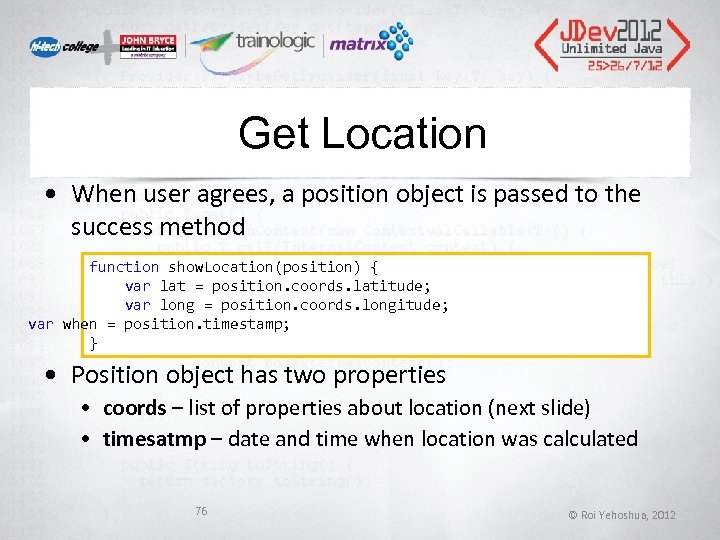 Get Location • When user agrees, a position object is passed to the success method function show. Location(position) { var lat = position. coords. latitude; var long = position. coords. longitude; var when = position. timestamp; } • Position object has two properties • coords – list of properties about location (next slide) • timesatmp – date and time when location was calculated 76 © Roi Yehoshua, 2012
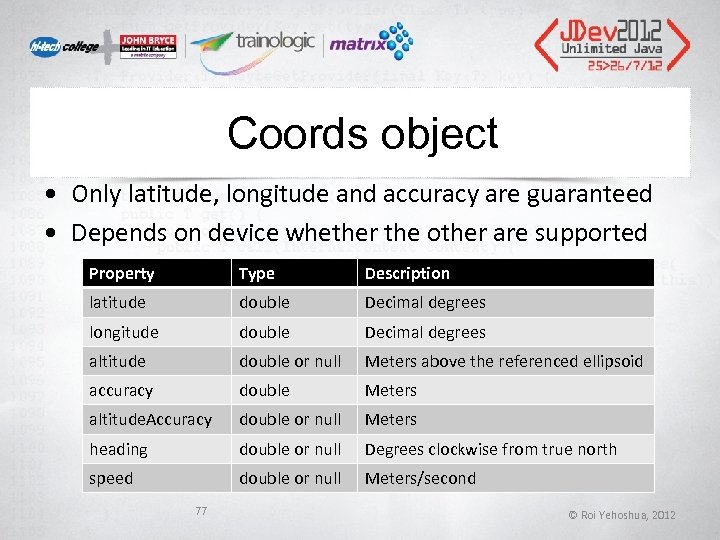 Coords object • Only latitude, longitude and accuracy are guaranteed • Depends on device whether the other are supported Property Type Description latitude double Decimal degrees longitude double Decimal degrees altitude double or null Meters above the referenced ellipsoid accuracy double Meters altitude. Accuracy double or null Meters heading double or null Degrees clockwise from true north speed double or null Meters/second 77 © Roi Yehoshua, 2012
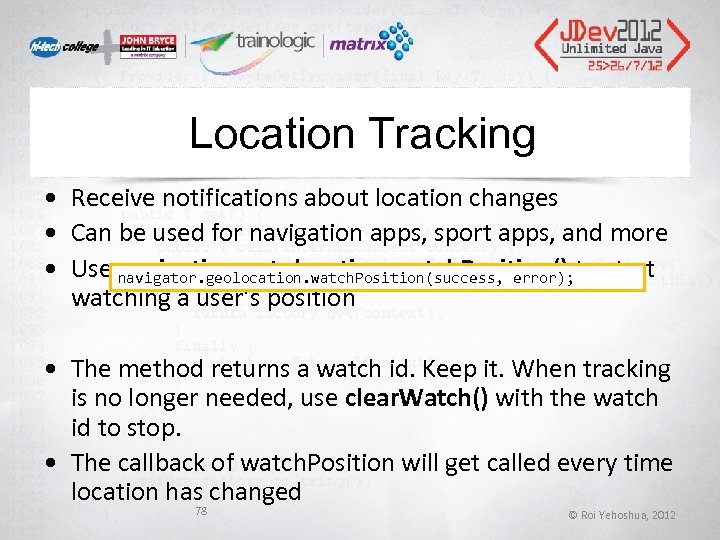 Location Tracking • Receive notifications about location changes • Can be used for navigation apps, sport apps, and more • Use navigation. getolocation. watch. Position() to start navigator. geolocation. watch. Position(success, error); watching a user’s position • The method returns a watch id. Keep it. When tracking is no longer needed, use clear. Watch() with the watch id to stop. • The callback of watch. Position will get called every time location has changed 78 © Roi Yehoshua, 2012
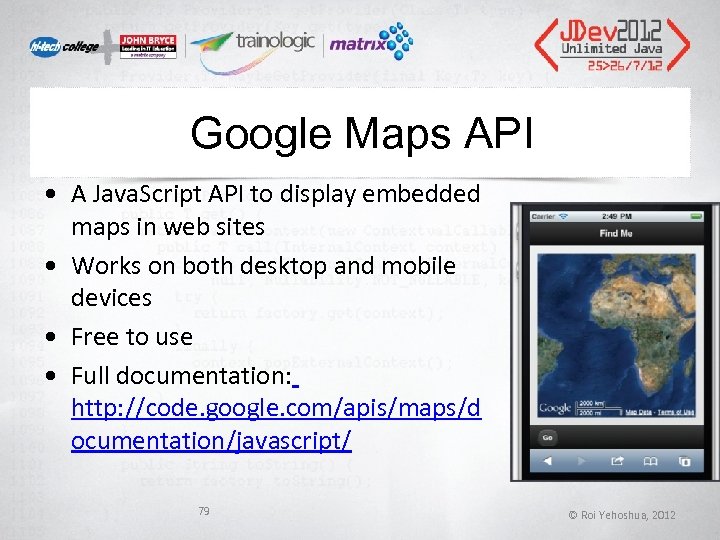 Google Maps API • A Java. Script API to display embedded maps in web sites • Works on both desktop and mobile devices • Free to use • Full documentation: http: //code. google. com/apis/maps/d ocumentation/javascript/ 79 © Roi Yehoshua, 2012
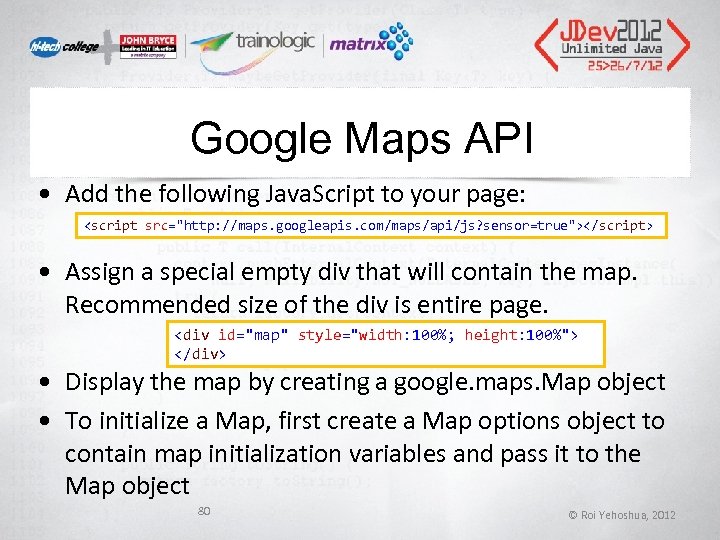 Google Maps API • Add the following Java. Script to your page: • Assign a special empty div that will contain the map. Recommended size of the div is entire page.
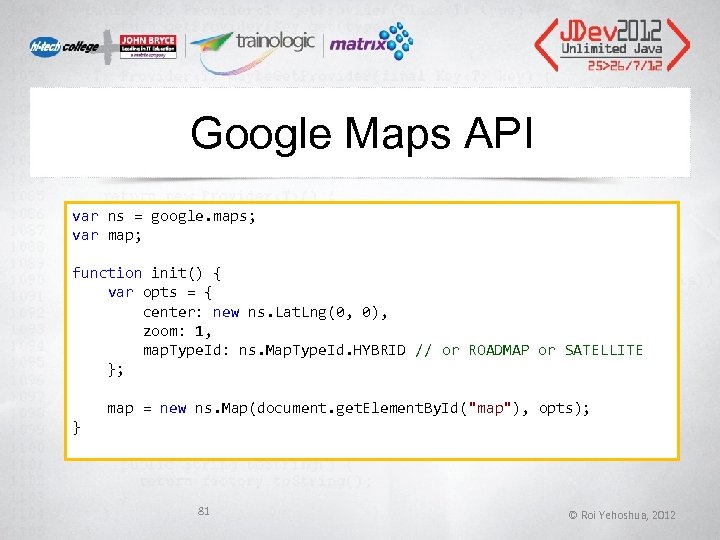 Google Maps API var ns = google. maps; var map; function init() { var opts = { center: new ns. Lat. Lng(0, 0), zoom: 1, map. Type. Id: ns. Map. Type. Id. HYBRID // or ROADMAP or SATELLITE }; map = new ns. Map(document. get. Element. By. Id("map"), opts); } 81 © Roi Yehoshua, 2012
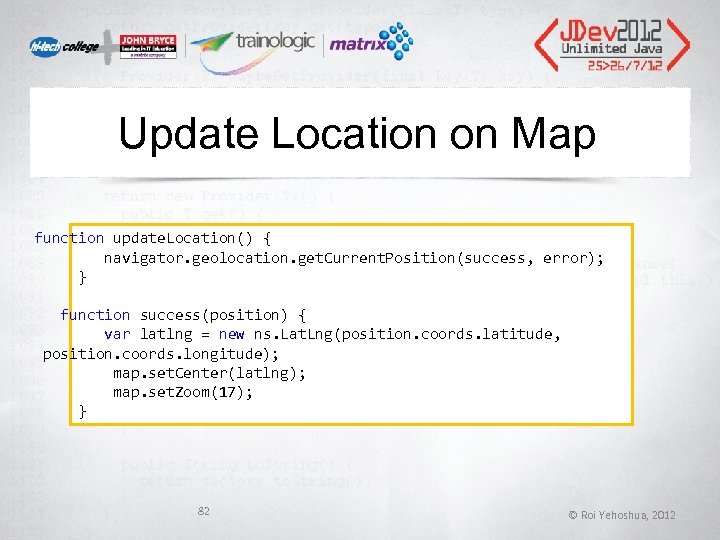 Update Location on Map function update. Location() { navigator. geolocation. get. Current. Position(success, error); } function success(position) { var latlng = new ns. Lat. Lng(position. coords. latitude, position. coords. longitude); map. set. Center(latlng); map. set. Zoom(17); } 82 © Roi Yehoshua, 2012
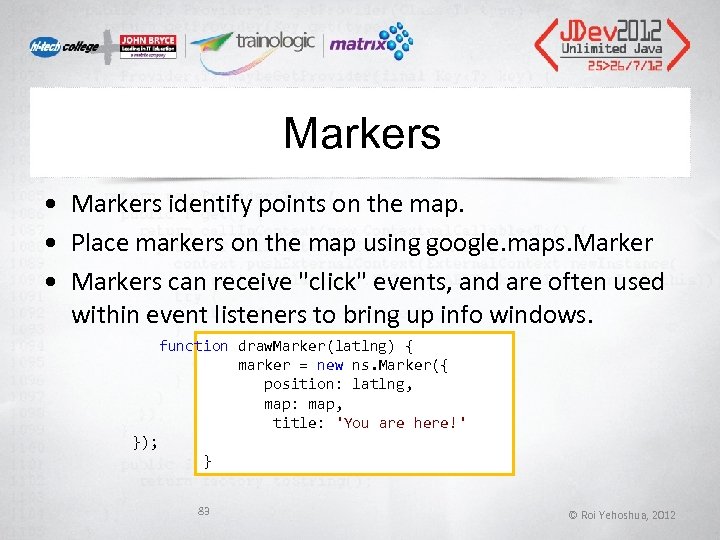 Markers • Markers identify points on the map. • Place markers on the map using google. maps. Marker • Markers can receive "click" events, and are often used within event listeners to bring up info windows. function draw. Marker(latlng) { marker = new ns. Marker({ position: latlng, map: map, title: 'You are here!' }); } 83 © Roi Yehoshua, 2012
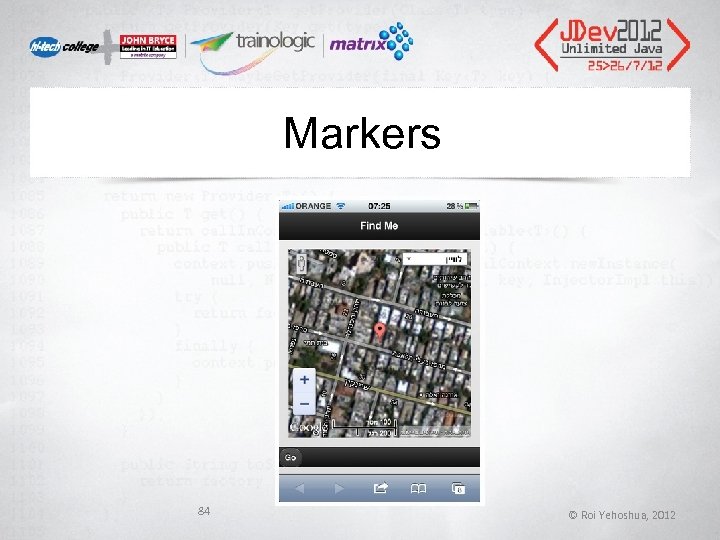 Markers 84 © Roi Yehoshua, 2012
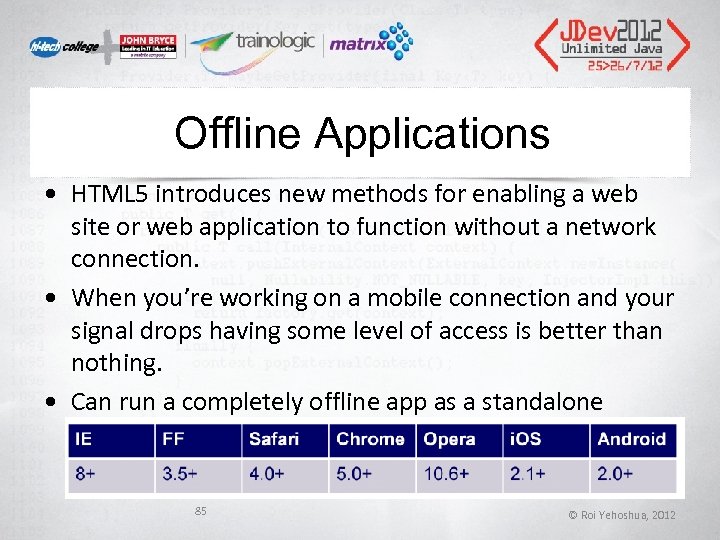 Offline Applications • HTML 5 introduces new methods for enabling a web site or web application to function without a network connection. • When you’re working on a mobile connection and your signal drops having some level of access is better than nothing. • Can run a completely offline app as a standalone 85 © Roi Yehoshua, 2012
 Manifest File • The application cache is controlled by a plain text file with a. manifest extension • Contains a list of resources to be stored for use when there is no network connectivity. • If the user goes offline but has visited the site while online, the cached resources will be loaded so the user can still view the site in a limited form. 86 © Roi Yehoshua, 2012
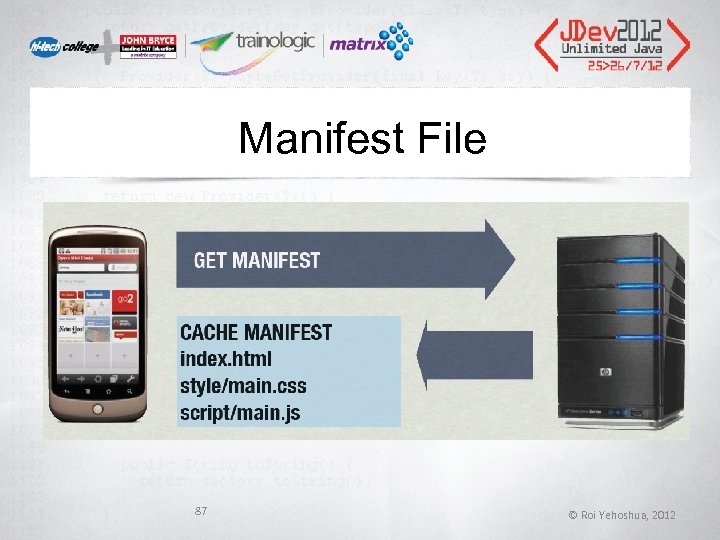 Manifest File 87 © Roi Yehoshua, 2012
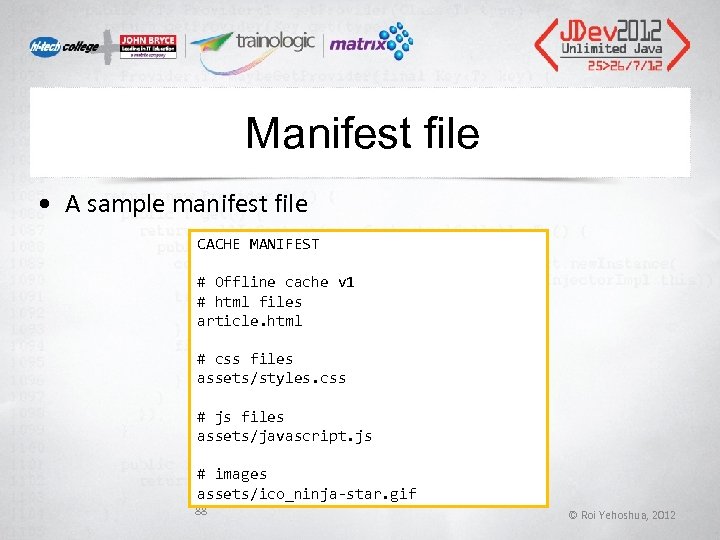 Manifest file • A sample manifest file CACHE MANIFEST # Offline cache v 1 # html files article. html # css files assets/styles. css # js files assets/javascript. js # images assets/ico_ninja-star. gif 88 © Roi Yehoshua, 2012
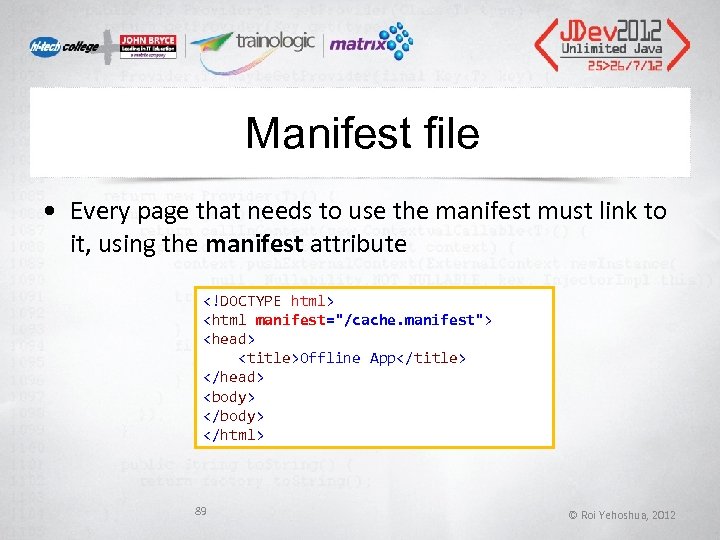 Manifest file • Every page that needs to use the manifest must link to it, using the manifest attribute
 Web Workers • Web Workers allow for a multi-threaded execution of Java. Script programs. • A Web. Worker is a Java. Script script executed from an HTML page that runs in the background, independently of other, user-interface scripts that may also have been executed from the same HTML page. • Can be used to perform a computationally expensive task without interrupting the user interface. • Web workers are currently supported by Safari, Chrome, Operaand Mozilla Firefox • IE 10 added support for Web Workers in Platform Preview 2 90 © Roi Yehoshua, 2012
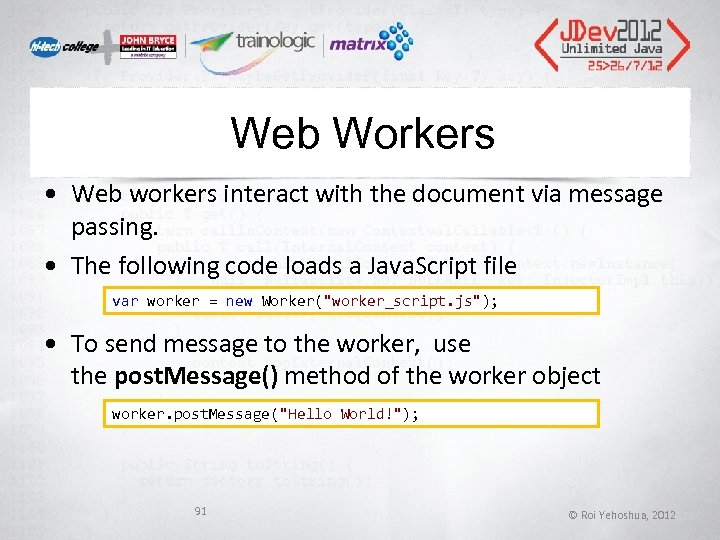 Web Workers • Web workers interact with the document via message passing. • The following code loads a Java. Script file var worker = new Worker("worker_script. js"); • To send message to the worker, use the post. Message() method of the worker object worker. post. Message("Hello World!"); 91 © Roi Yehoshua, 2012
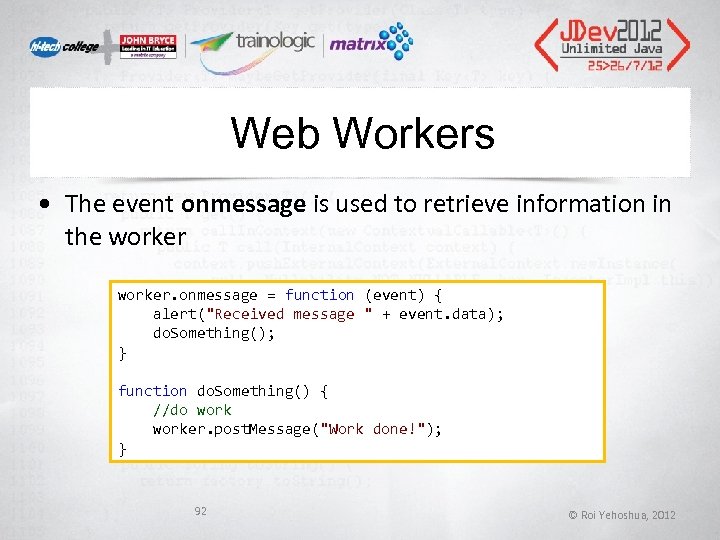 Web Workers • The event onmessage is used to retrieve information in the worker. onmessage = function (event) { alert("Received message " + event. data); do. Something(); } function do. Something() { //do worker. post. Message("Work done!"); } 92 © Roi Yehoshua, 2012
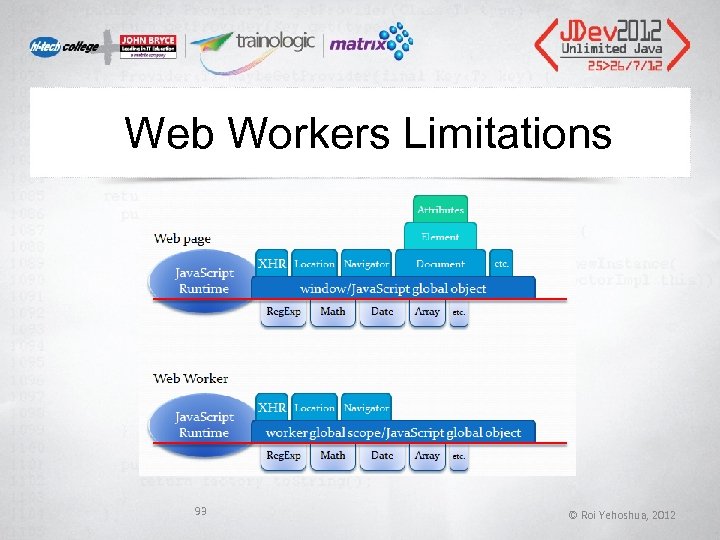 Web Workers Limitations 93 © Roi Yehoshua, 2012
 Web Sockets • Web. Socket is a technology providing for bidirectional, full-duplex communications channels, over a single TCP socket. • It is designed to be implemented in web browsers and web servers, but it can be used by any client or server application. • Chrome 14, Firefox 7 and Internet Explorer 10 are currently the only browsers supporting the latest draft specification ("hybi-10") of the Web. Socket protocol. 94 © Roi Yehoshua, 2012
 Web Sockets • Needs a dedicated server supporting web sockets • Server-Side implementations: • Socket. IO, Jetty (Java), Ruby, Python, Perl • Client Side: Native support on i. Phone. • Full Solution: Socket. IO. • socket. io also provides a lot of extra functionality over existing web sockets 95 © Roi Yehoshua, 2012
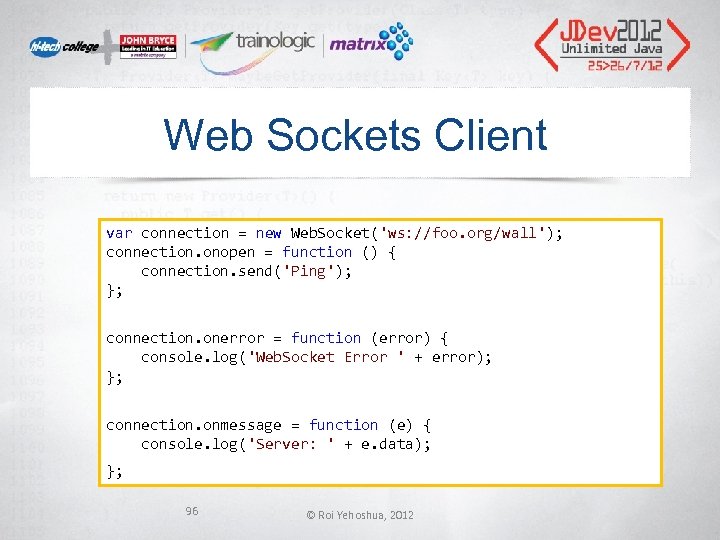 Web Sockets Client var connection = new Web. Socket('ws: //foo. org/wall'); connection. onopen = function () { connection. send('Ping'); }; connection. onerror = function (error) { console. log('Web. Socket Error ' + error); }; connection. onmessage = function (e) { console. log('Server: ' + e. data); }; 96 © Roi Yehoshua, 2012
 CSS 3 • Like HTML 5, CSS 3 is a living standard • No unified standard yet • W 3 C has split the spec into modules • Each has its own timeline • CSS 3 Modules Recommendation Status • http: //www. css 3. info/modules/
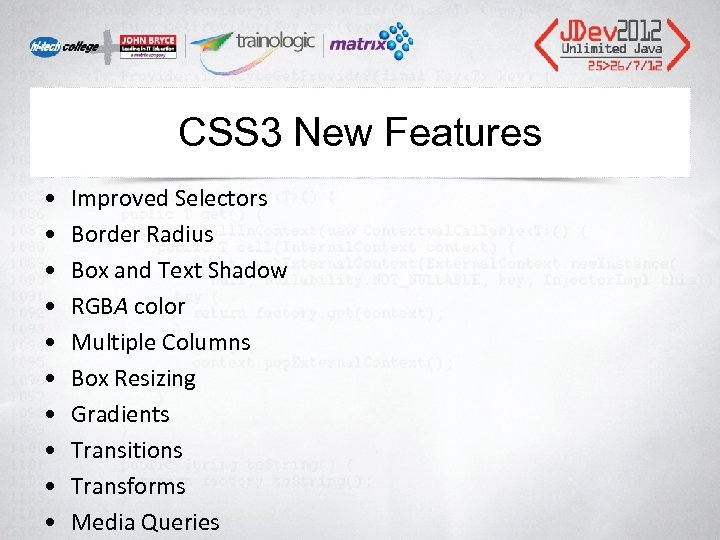 CSS 3 New Features • • • Improved Selectors Border Radius Box and Text Shadow RGBA color Multiple Columns Box Resizing Gradients Transitions Transforms Media Queries
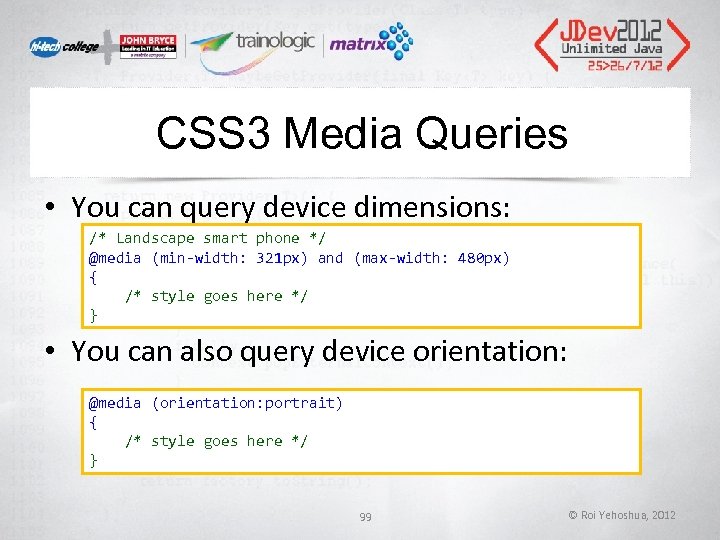 CSS 3 Media Queries • You can query device dimensions: /* Landscape smart phone */ @media (min-width: 321 px) and (max-width: 480 px) { /* style goes here */ } • You can also query device orientation: @media (orientation: portrait) { /* style goes here */ } 99 © Roi Yehoshua, 2012
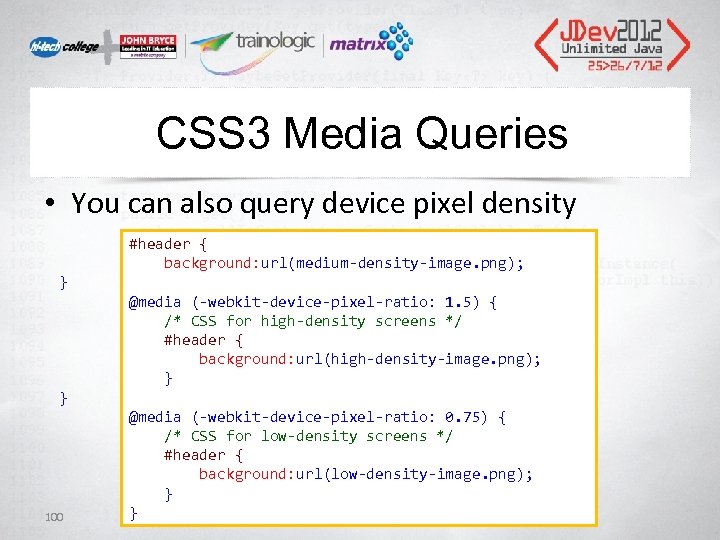 CSS 3 Media Queries • You can also query device pixel density #header { background: url(medium-density-image. png); } @media (-webkit-device-pixel-ratio: 1. 5) { /* CSS for high-density screens */ #header { background: url(high-density-image. png); } } @media (-webkit-device-pixel-ratio: 0. 75) { /* CSS for low-density screens */ #header { background: url(low-density-image. png); } } 100
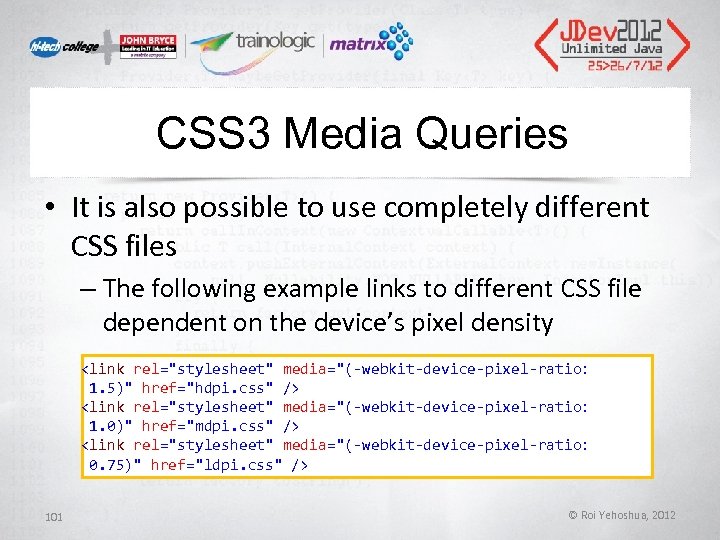 CSS 3 Media Queries • It is also possible to use completely different CSS files – The following example links to different CSS file dependent on the device’s pixel density 101 © Roi Yehoshua, 2012
 Responsive Web Design • Responsive Web Design (RWD) essentially indicates that a web site is crafted to use CSS 3 media queries with fluid proportion-based grids, to adapt the layout to the viewing environment, and probably also flexible images. • As a result, users across a broad range of devices and browsers will have access to a single source of content, laid out so as to be easy to read and navigate with a minimum of resizing, panning and scrolling. 102 © Roi Yehoshua, 2012
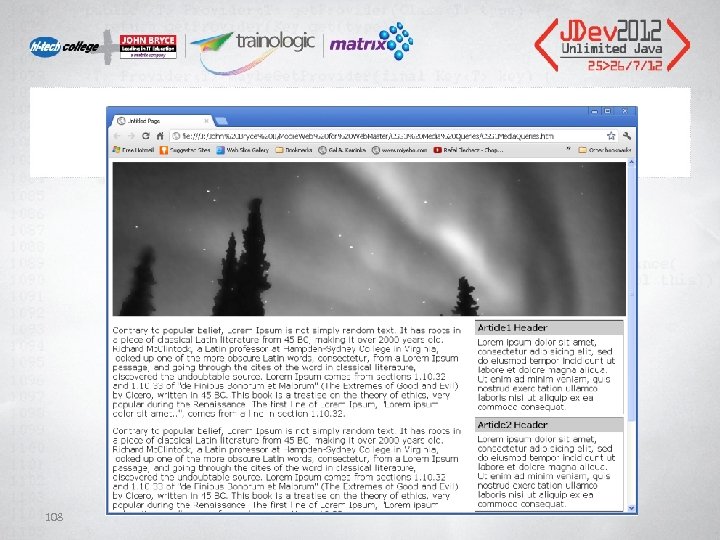
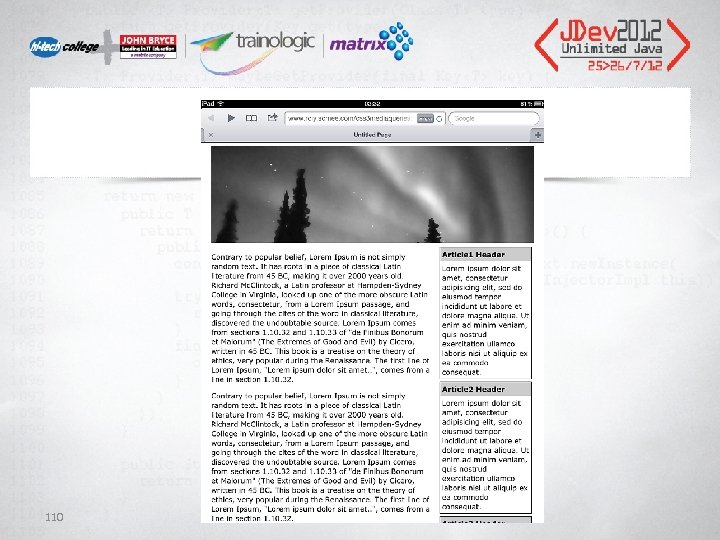
 Responsive Web Design • In the following example, we are going to adapt the layout of a simple web page that contains a banner, a main content area and a side bar with 3 news items to different screen sizes and orientations • We will need to classify the page into one of the following 4 types of screens: 103 – Desktop or tablet landscape mode – Tablet portrait mode – Smartphone landscape mode – Smartphone portrait mode © Roi Yehoshua, 2012
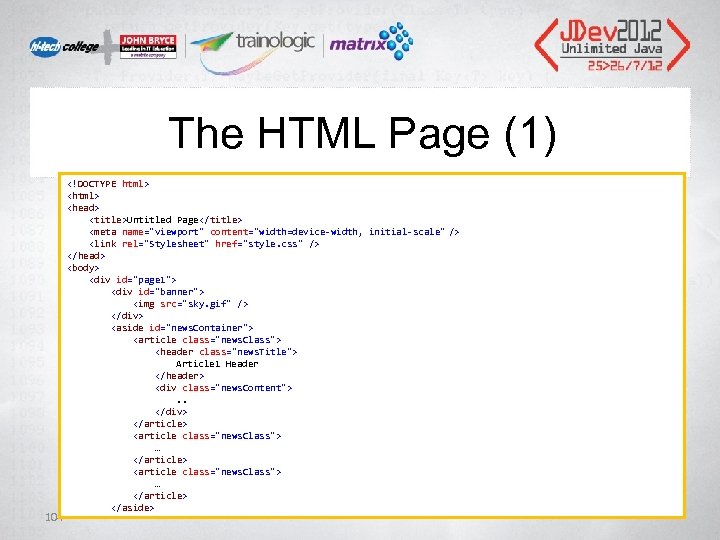 The HTML Page (1) 104
…
…
…
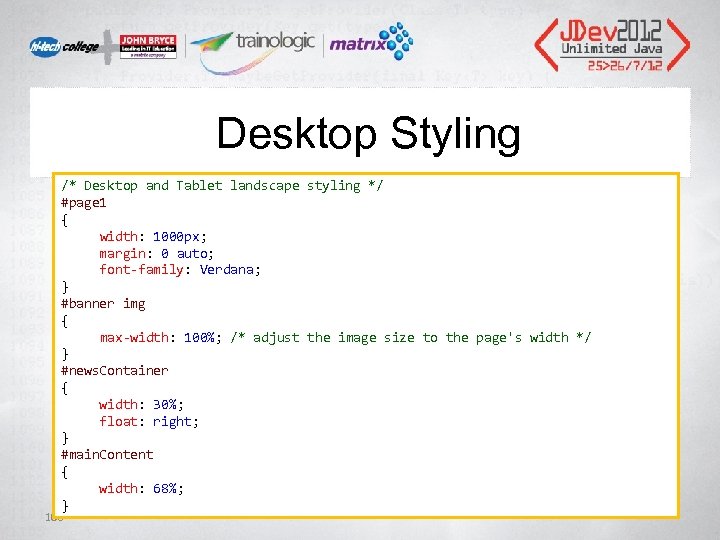 Desktop Styling /* Desktop and Tablet landscape styling */ #page 1 { width: 1000 px; margin: 0 auto; font-family: Verdana; } #banner img { max-width: 100%; /* adjust the image size to the page's width */ } #news. Container { width: 30%; float: right; } #main. Content { width: 68%; } 106
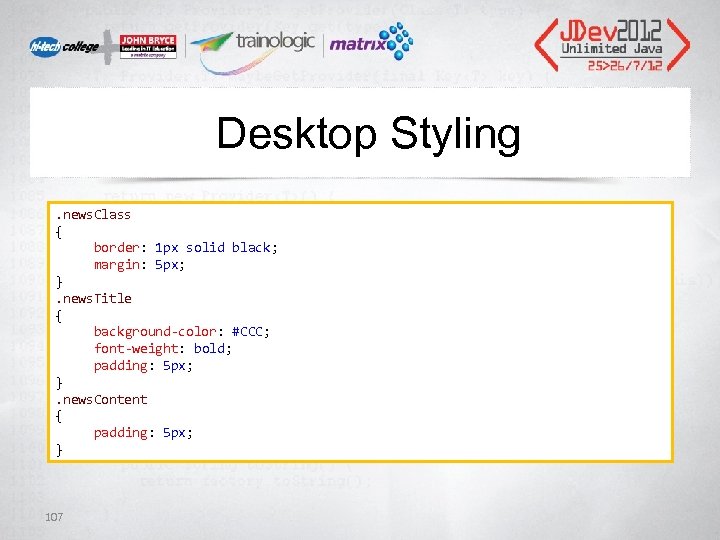 Desktop Styling. news. Class { border: 1 px solid black; margin: 5 px; }. news. Title { background-color: #CCC; font-weight: bold; padding: 5 px; }. news. Content { padding: 5 px; } 107
 108
108
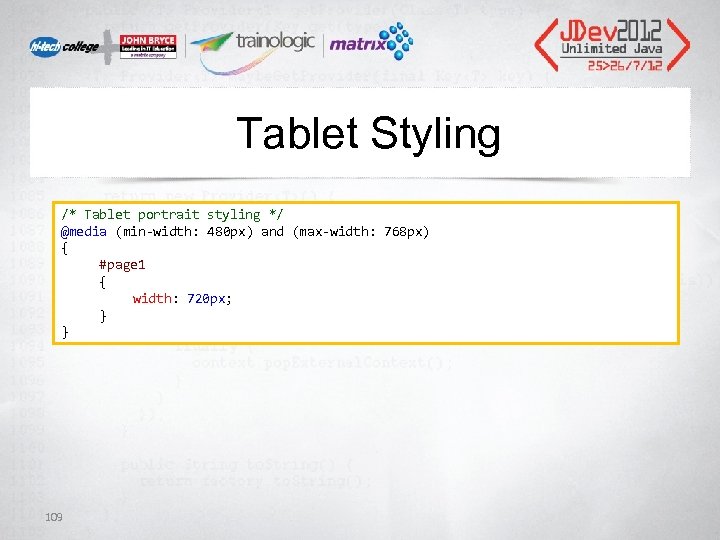 Tablet Styling /* Tablet portrait styling */ @media (min-width: 480 px) and (max-width: 768 px) { #page 1 { width: 720 px; } } 109
 110
110
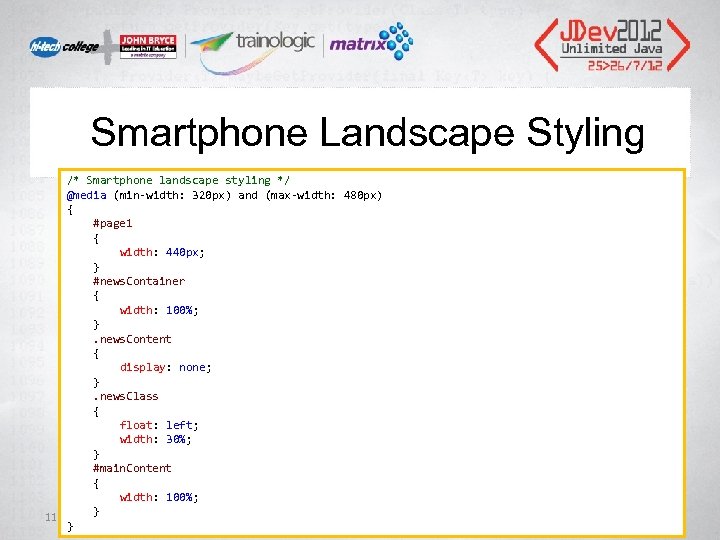 Smartphone Landscape Styling /* Smartphone landscape styling */ @media (min-width: 320 px) and (max-width: 480 px) { #page 1 { width: 440 px; } #news. Container { width: 100%; } . news. Content { display: none; } . news. Class { float: left; width: 30%; } #main. Content { width: 100%; 111 } }
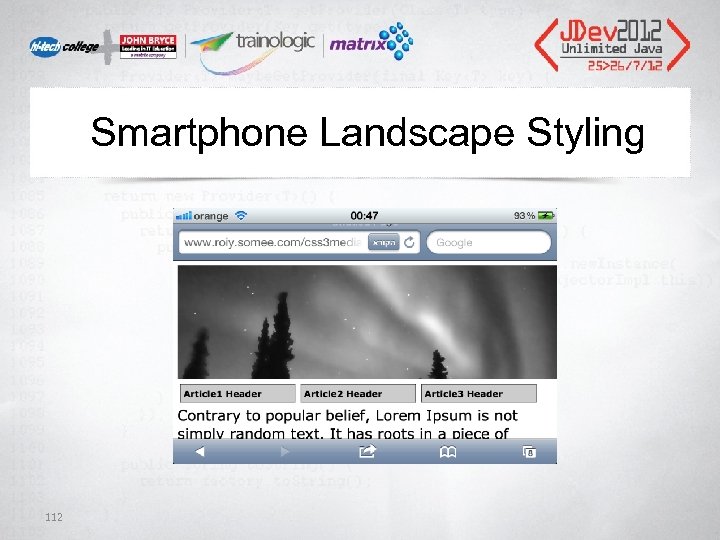 Smartphone Landscape Styling 112
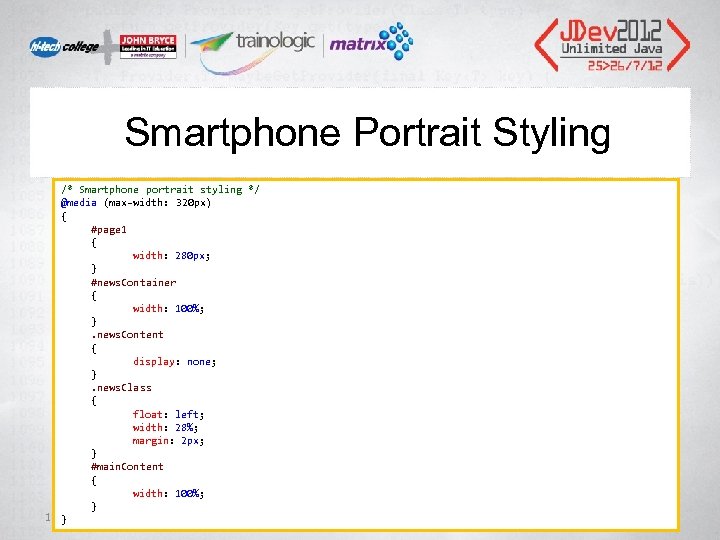 Smartphone Portrait Styling /* Smartphone portrait styling */ @media (max-width: 320 px) { #page 1 { width: 280 px; } #news. Container { width: 100%; } . news. Content { display: none; } . news. Class { float: left; width: 28%; margin: 2 px; } #main. Content { width: 100%; } 113}
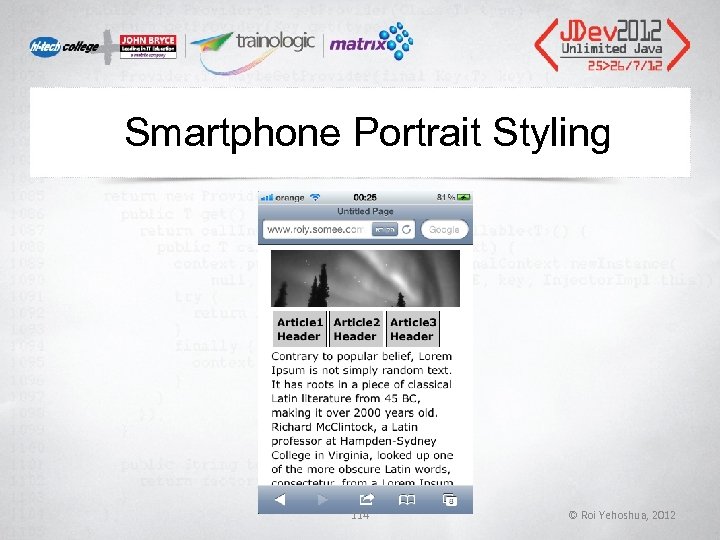 Smartphone Portrait Styling 114 © Roi Yehoshua, 2012
 Thank You! • Follow me on Facebook to get news and updates on Mobile Application Development • http: //www. facebook. com/Roi. Yehoshua. Mobil e. App Roi Yehoshua roiyeho@gmail. com 115 © Roi Yehoshua, 2012