 Скачать презентацию How Web Services are introduced in a CLARIN
3879958f3f5e842cbbe74c6d55997a26.ppt
- Количество слайдов: 14



How Web Services are introduced in a CLARIN Workflow WSDL and WADL files for Web Service description.
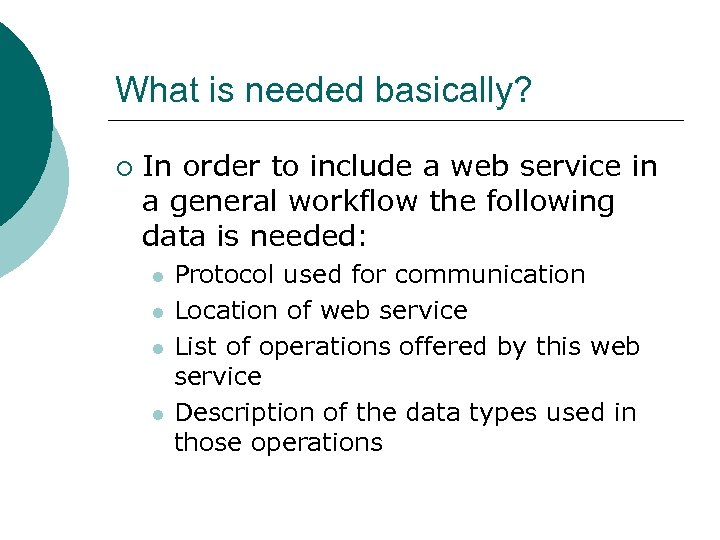
What is needed basically? ¡ In order to include a web service in a general workflow the following data is needed: l l Protocol used for communication Location of web service List of operations offered by this web service Description of the data types used in those operations
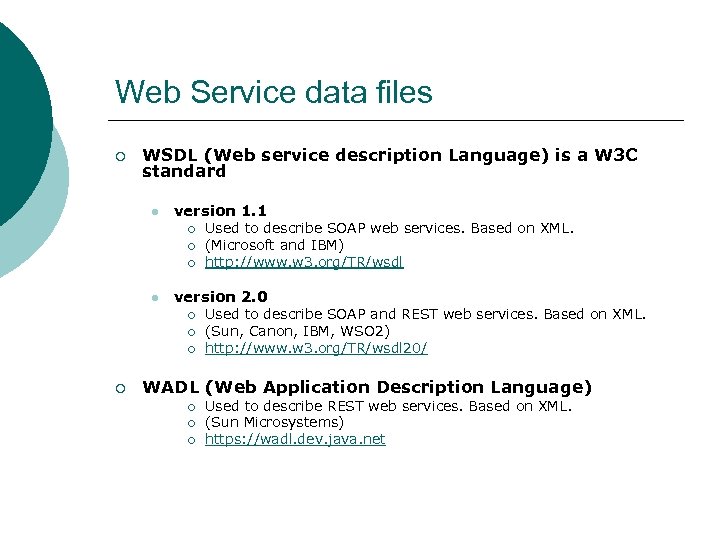
Web Service data files ¡ WSDL (Web service description Language) is a W 3 C standard l version 1. 1 ¡ ¡ ¡ l version 2. 0 ¡ ¡ Used to describe SOAP web services. Based on XML. (Microsoft and IBM) http: //www. w 3. org/TR/wsdl Used to describe SOAP and REST web services. Based on XML. (Sun, Canon, IBM, WSO 2) http: //www. w 3. org/TR/wsdl 20/ WADL (Web Application Description Language) ¡ ¡ ¡ Used to describe REST web services. Based on XML. (Sun Microsystems) https: //wadl. dev. java. net
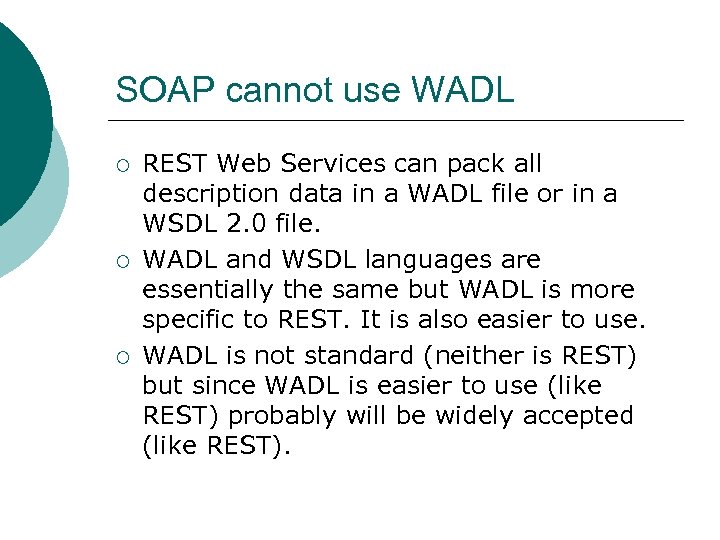
SOAP cannot use WADL ¡ ¡ ¡ REST Web Services can pack all description data in a WADL file or in a WSDL 2. 0 file. WADL and WSDL languages are essentially the same but WADL is more specific to REST. It is also easier to use. WADL is not standard (neither is REST) but since WADL is easier to use (like REST) probably will be widely accepted (like REST).
Summing up WSDL or WADL Description files permit to describe web services ¡ This description is used by client applications to connect to the web services. ¡ For most generic workflows such description files are enough, but for CLARIN. . ¡
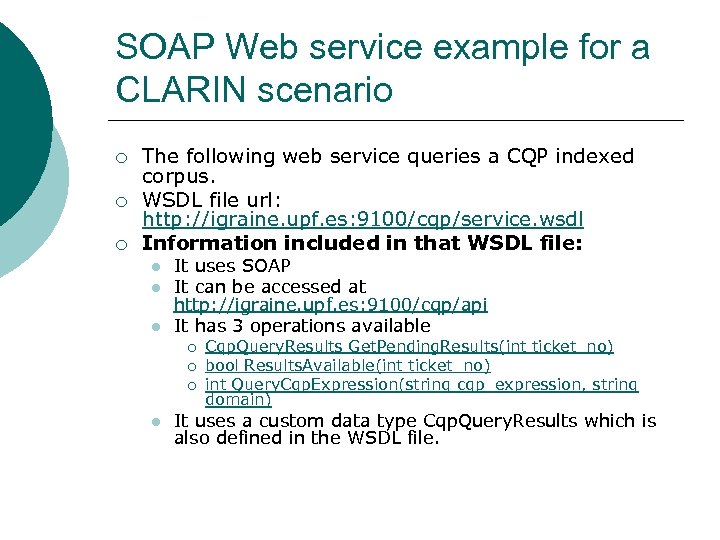
SOAP Web service example for a CLARIN scenario ¡ ¡ ¡ The following web service queries a CQP indexed corpus. WSDL file url: http: //igraine. upf. es: 9100/cqp/service. wsdl Information included in that WSDL file: l l l It uses SOAP It can be accessed at http: //igraine. upf. es: 9100/cqp/api It has 3 operations available ¡ ¡ ¡ l Cqp. Query. Results Get. Pending. Results(int ticket_no) bool Results. Available(int ticket_no) int Query. Cqp. Expression(string cqp_expression, string domain) It uses a custom data type Cqp. Query. Results which is also defined in the WSDL file.
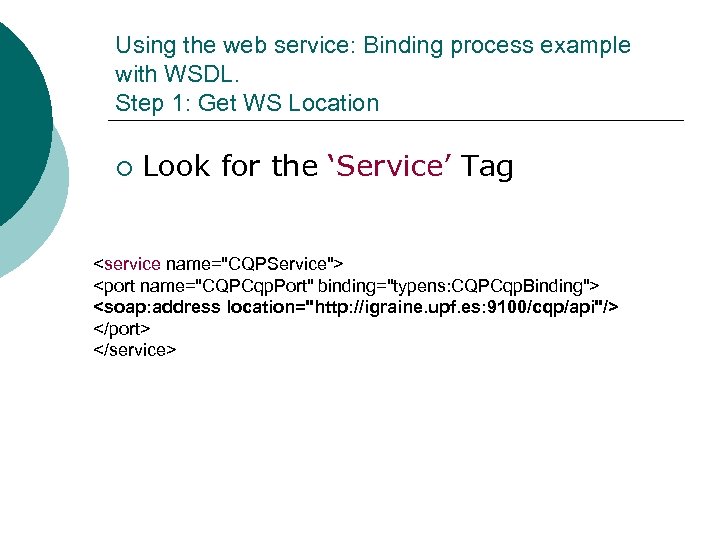
Using the web service: Binding process example with WSDL. Step 1: Get WS Location ¡ Look for the ‘Service’ Tag <service name="CQPService"> <port name="CQPCqp. Port" binding="typens: CQPCqp. Binding"> <soap: address location="http: //igraine. upf. es: 9100/cqp/api"/> </port> </service>
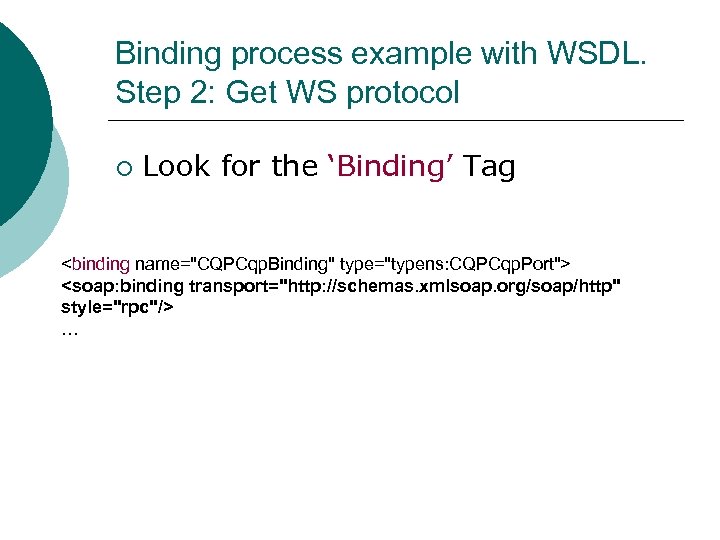
Binding process example with WSDL. Step 2: Get WS protocol ¡ Look for the ‘Binding’ Tag <binding name="CQPCqp. Binding" type="typens: CQPCqp. Port"> <soap: binding transport="http: //schemas. xmlsoap. org/soap/http" style="rpc"/> …
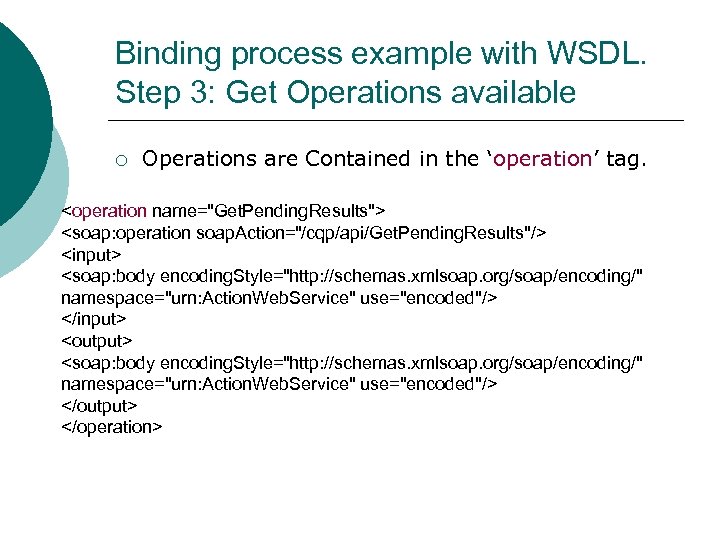
Binding process example with WSDL. Step 3: Get Operations available ¡ Operations are Contained in the ‘operation’ tag. <operation name="Get. Pending. Results"> <soap: operation soap. Action="/cqp/api/Get. Pending. Results"/> <input> <soap: body encoding. Style="http: //schemas. xmlsoap. org/soap/encoding/" namespace="urn: Action. Web. Service" use="encoded"/> </input> <output> <soap: body encoding. Style="http: //schemas. xmlsoap. org/soap/encoding/" namespace="urn: Action. Web. Service" use="encoded"/> </output> </operation>
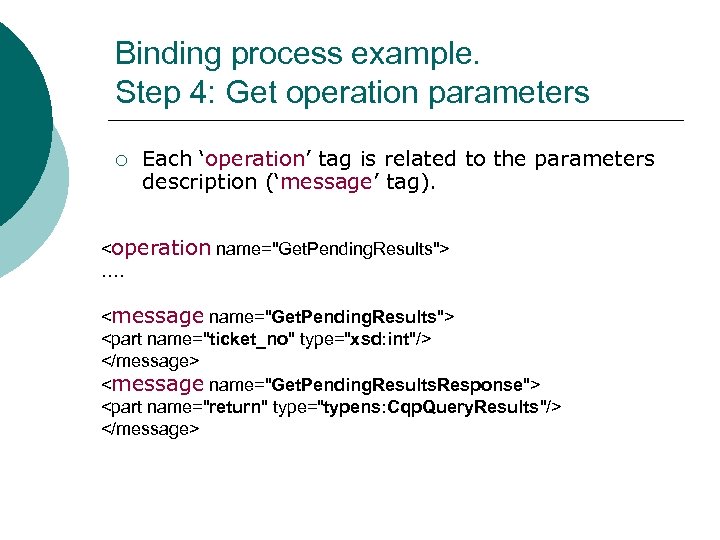
Binding process example. Step 4: Get operation parameters ¡ Each ‘operation’ tag is related to the parameters description (‘message’ tag). <operation name="Get. Pending. Results"> …. <message name="Get. Pending. Results"> <part name="ticket_no" type="xsd: int"/> </message> <message name="Get. Pending. Results. Response"> <part name="return" type="typens: Cqp. Query. Results"/> </message>
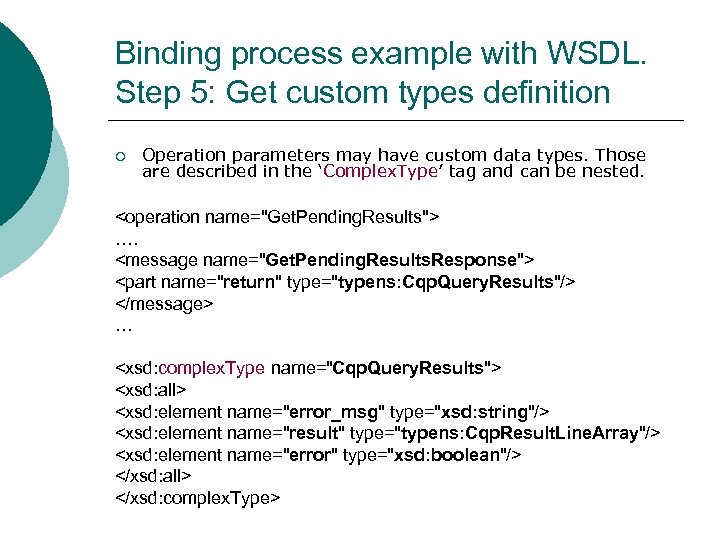
Binding process example with WSDL. Step 5: Get custom types definition ¡ Operation parameters may have custom data types. Those are described in the ‘Complex. Type’ tag and can be nested. <operation name="Get. Pending. Results"> …. <message name="Get. Pending. Results. Response"> <part name="return" type="typens: Cqp. Query. Results"/> </message> … <xsd: complex. Type name="Cqp. Query. Results"> <xsd: all> <xsd: element name="error_msg" type="xsd: string"/> <xsd: element name="result" type="typens: Cqp. Result. Line. Array"/> <xsd: element name="error" type="xsd: boolean"/> </xsd: all> </xsd: complex. Type>
CLARIN Workflows ¡ ¡ For general workflows, WSDL or WADL files contain enough information for including the Web Service and use it in any workflow. Workflows in CLARIN can have more requirements than general workflows that cannot be inside WSDL or WADL files, for instance. . . l l ¡ Alternative web services / mirrors. Required when errors occur. Information about cost of execution. WSDL/WADL files use traditional URIs for referencing resources, while CLARIN will use PID’s
Extra information for CLARIN Workflows ¡ Some of this extra information could be contained in the Registry l l ¡ Alternative / mirror web services. Cost of execution Registry should also have a reversal PID resolution. Get PID using URI. Getting PID using URIs declared in WSDL/WADL files would be easy.
Conclusions ¡ ¡ WSDL/WADL files describe web services interface. Any software can be a web service client if the web service’s WSDL/WADL is available. And it is sufficient to be included in a workflow without human interaction. CLARIN workflows will have some extra information requirements. With this extra information, user will be able to include web services to CLARIN workflows. Should the required extra information be in the CLARIN registry?
Скачать презентацию How Web Services are introduced in a CLARIN
3879958f3f5e842cbbe74c6d55997a26.ppt