 Скачать презентацию How virtualization can enable your business Richard Allen
78ecdeed4d13f4764d0a28f4b7f49bff.ppt
- Количество слайдов: 16



How virtualization can enable your business Richard Allen, IBM Alliance, VMware 0780 -966. 5800 rallen@vmware. com Copyright © 2005 VMware, Inc. All rights reserved.
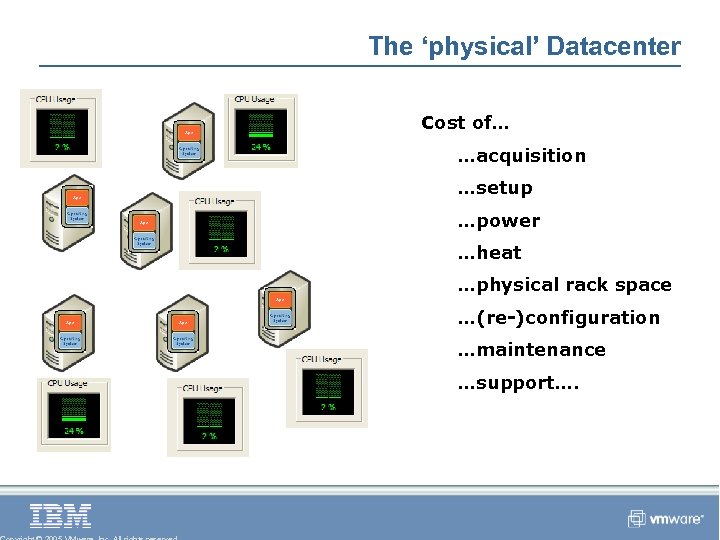
The ‘physical’ Datacenter Cost of… …acquisition …setup …power …heat …physical rack space …(re-)configuration …maintenance …support….
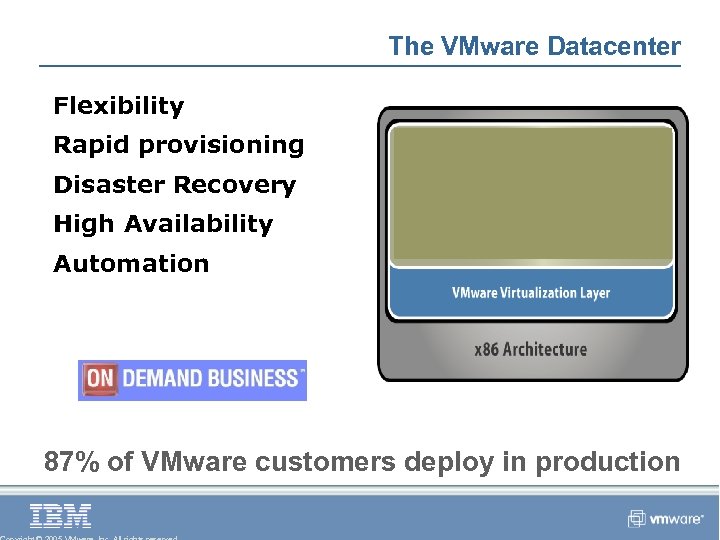
The VMware Datacenter Flexibility Rapid provisioning Disaster Recovery High Availability Automation 87% of VMware customers deploy in production
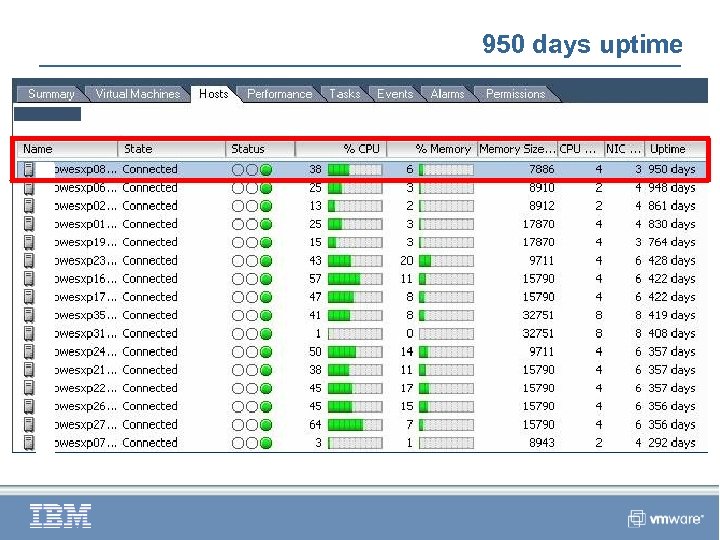
950 days uptime
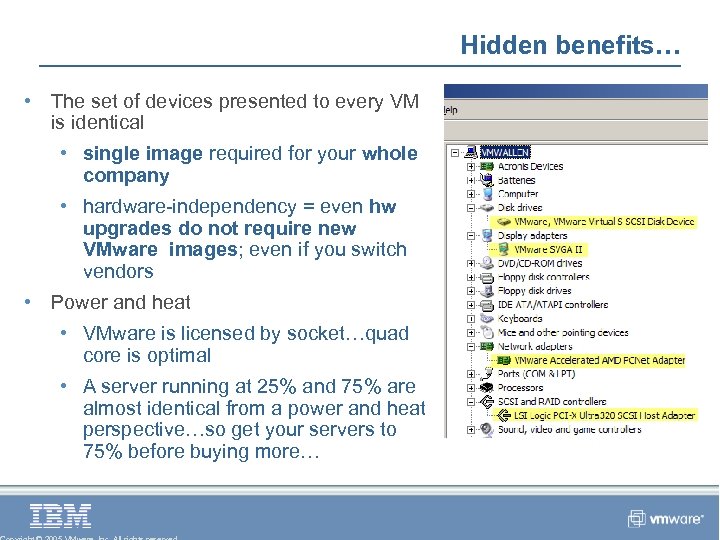
Hidden benefits… • The set of devices presented to every VM is identical • single image required for your whole company • hardware-independency = even hw upgrades do not require new VMware images; even if you switch vendors • Power and heat • VMware is licensed by socket…quad core is optimal • A server running at 25% and 75% are almost identical from a power and heat perspective…so get your servers to 75% before buying more…
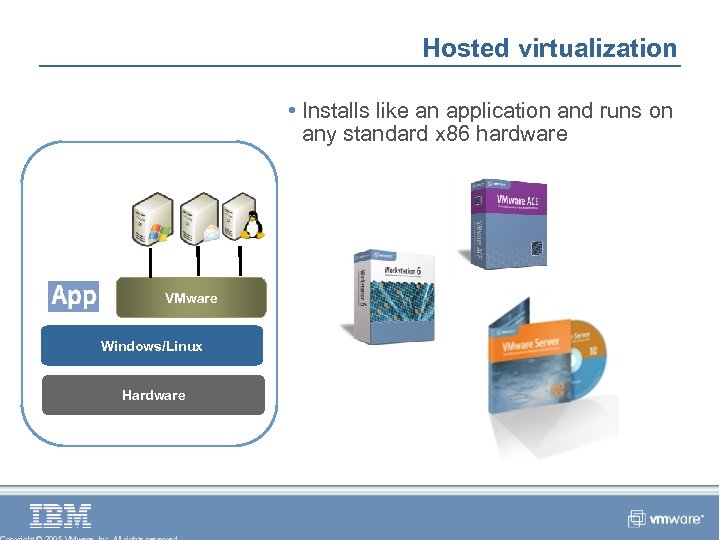
Hosted virtualization • Installs like an application and runs on any standard x 86 hardware VMware Windows/Linux Hardware
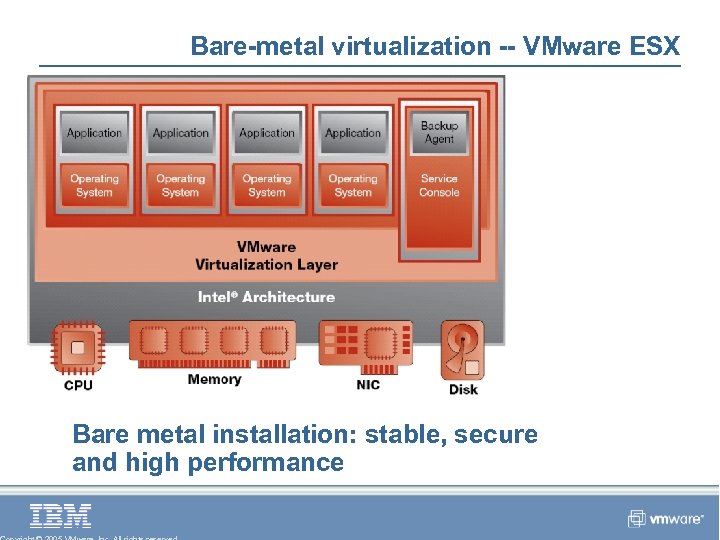
Bare-metal virtualization -- VMware ESX Bare metal installation: stable, secure and high performance
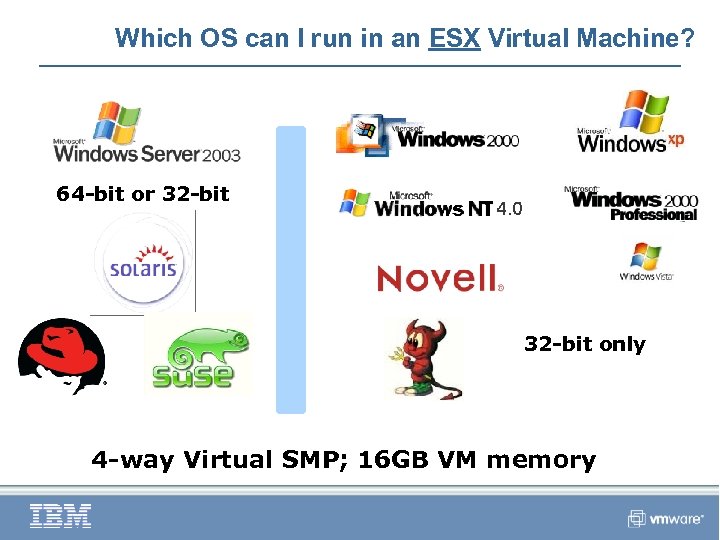
Which OS can I run in an ESX Virtual Machine? 64 -bit or 32 -bit only 4 -way Virtual SMP; 16 GB VM memory
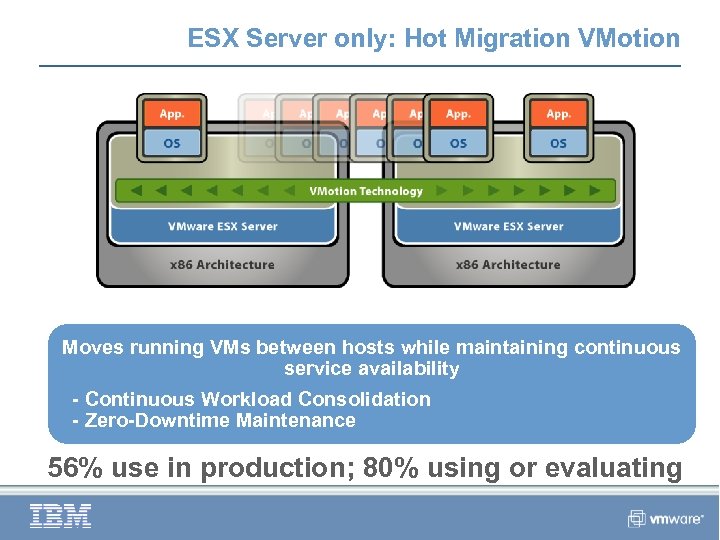
ESX Server only: Hot Migration VMotion Moves running VMs between hosts while maintaining continuous service availability • • - Continuous Workload Consolidation - Zero-Downtime Maintenance 56% use in production; 80% using or evaluating
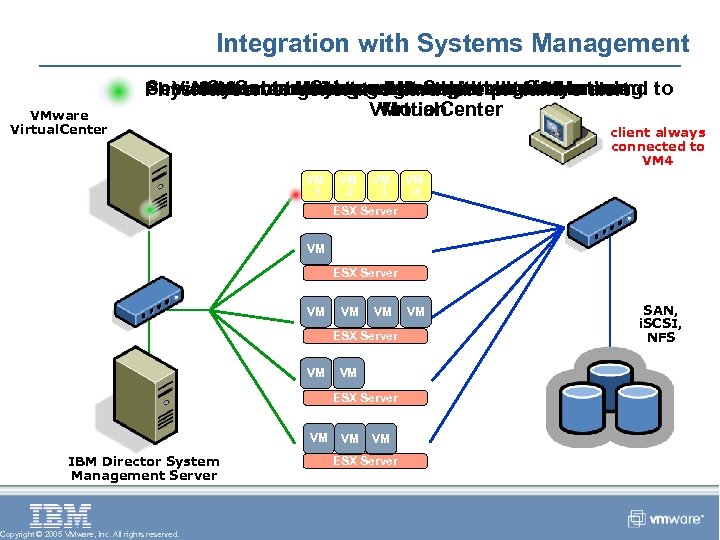
Integration with Systems Management VMware Virtual. Center Server. Systems generates hardware zero VMs alert Virtual. Center initiates live Server sends command Alert sent to Systems Management Server using Virtual machines migrated intelligently maintenanceupgrade – with prefailure Physical server Management migration ofdowntime to VMotion Virtual. Center client always connected to VM 4 VM 1 VM 2 VM 3 VM 4 ESX Server VM VM VM ESX Server VM IBM Director System Management Server Copyright © 2005 VMware, Inc. All rights reserved. VM VM ESX Server VM SAN, i. SCSI, NFS
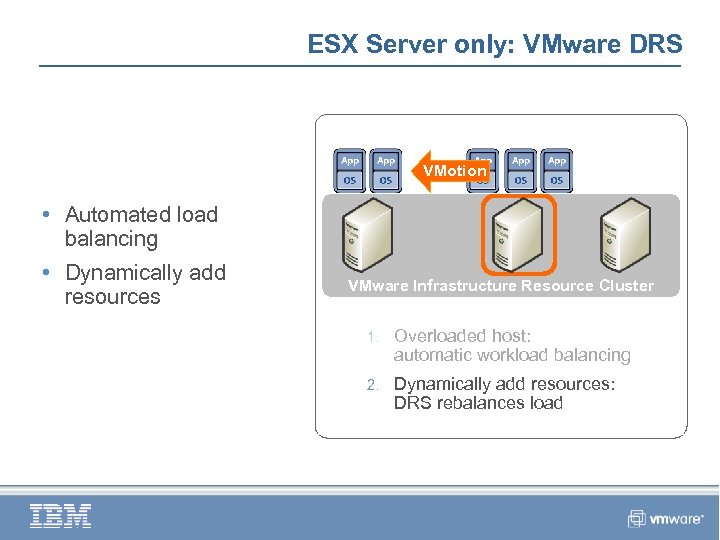
ESX Server only: VMware DRS VMotion • Automated load balancing • Dynamically add resources VMware Infrastructure Resource Cluster 1. Overloaded host: automatic workload balancing 2. Dynamically add resources: DRS rebalances load
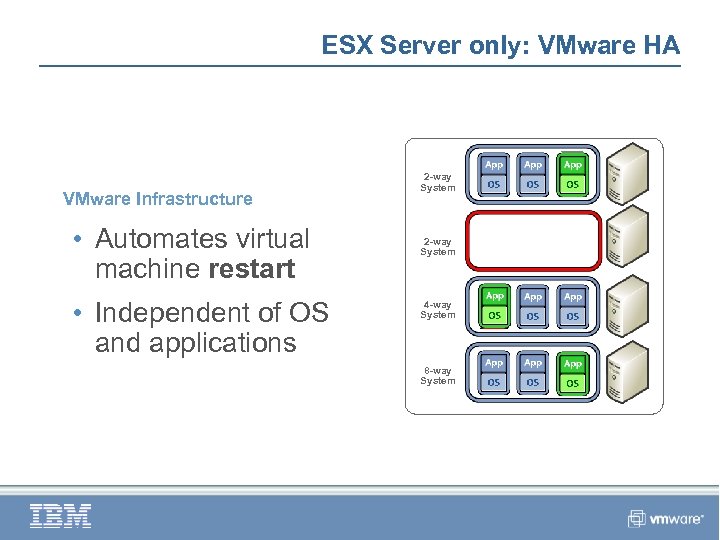
ESX Server only: VMware HA VMware Infrastructure • Automates virtual machine restart • Independent of OS and applications 2 -way System 4 -way System 8 -way System
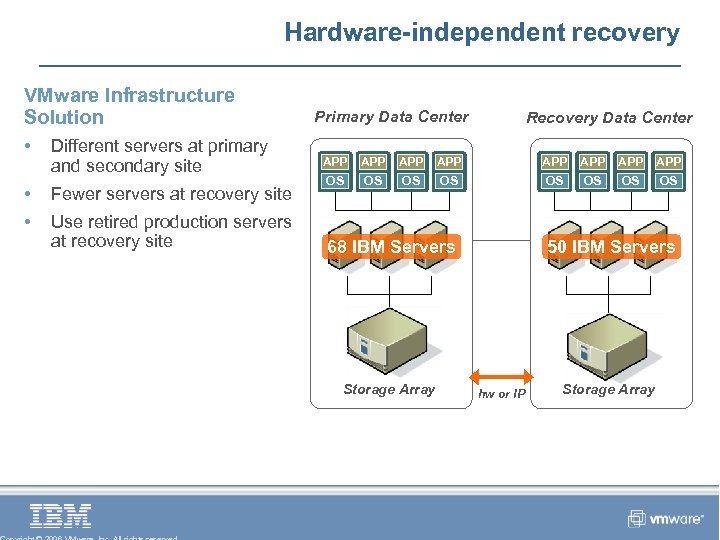
Hardware-independent recovery VMware Infrastructure Solution • Different servers at primary and secondary site • Fewer servers at recovery site • Use retired production servers at recovery site Primary Data Center Recovery Data Center APP APP OS OS 68 IBM Servers Storage Array 50 IBM Servers hw or IP Storage Array
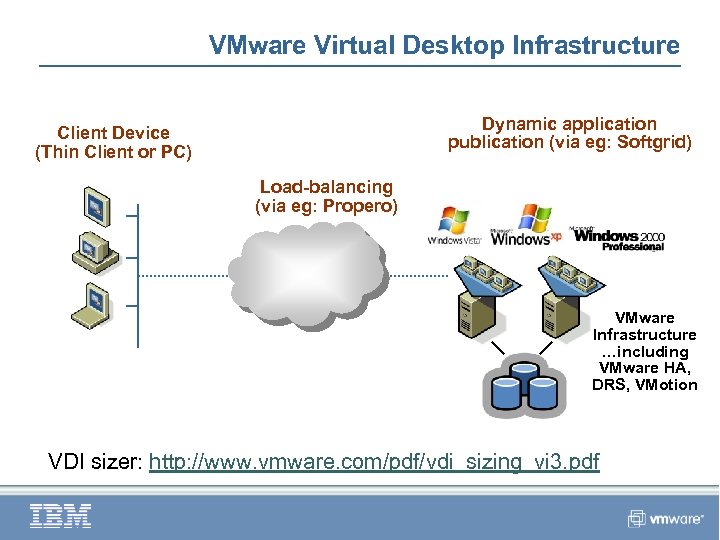
VMware Virtual Desktop Infrastructure Dynamic application publication (via eg: Softgrid) Client Device (Thin Client or PC) Load-balancing (via eg: Propero) VMware Infrastructure …including VMware HA, DRS, VMotion VDI sizer: http: //www. vmware. com/pdf/vdi_sizing_vi 3. pdf
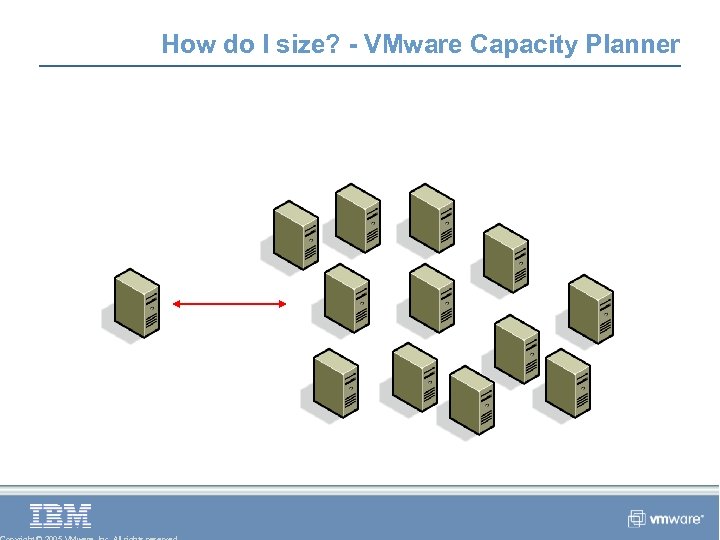
How do I size? - VMware Capacity Planner Accurate agentless workload analysis… CP collector
Thank you… Richard Allen, IBM Alliance VMware 0780 -966. 5800 rallen@vmware. com
Скачать презентацию How virtualization can enable your business Richard Allen
78ecdeed4d13f4764d0a28f4b7f49bff.ppt