 Скачать презентацию How to Build Brand You Creating an Online
9d3a12c86f11f2b7e1c430439403f832.ppt
- Количество слайдов: 46



How to Build Brand “You” Creating an Online Social Media Presence for You Shelly D. Mahon, Ph. D. Candidate University of WI-Madison AEA November 11, 2010 ✜ 3: 35 – 4: 20 ✜ Rm: Bowie A © 2010 Shelly D. Mahon 1
Agenda What is an online presence? Why create an online presence? 10 Ways to Build Brand “You” Getting started – Word. Press, Twitter, Facebook, Linked. In, Google Reader Online Etiquette © 2010 Shelly D. Mahon 2
Worksheet Write a few words about why you are interested in developing an online presence…. . 3
What is an online presence Generally speaking……. It is how active you are on the web, through personal and professional websites, blogs, tweets, published articles, photos, forums, etc. 4
Examples: § § § § Photos Facebook “Everything we post, comment on, or upload is contributing to the story of who we are online – potentially to millions. Linked. In And even if you don’t make a conscious Twitter effort to create an online presence, that Blogs too is a narrative because you are leaving Videos your personal brand to chance. ” Websites Race Results Marcos Salazar on August 13 th, 2009 5
Why Create an Online Presence Be Competitive: You can’t afford not to anymore Reach: Meet and connect with people all over the world Growth: Personal and professional development, selfmanagement and networking Visibility: Leverage value across a variety of media. It will enhance your recognition as an expert in the field, build credibility and advance your career Collaborate: Share new ideas, discuss, & work together 6

7
Tips To Build Brand “You” Be Real, Be Genuine Participate Consistently Add Value Don’t Focus on “A” Listers Promote Others Don’t Worry About Building Numbers Engage, Interact, and Follow Up Don’t Broadcast Watch What You Say Pay Attention - Watch 8
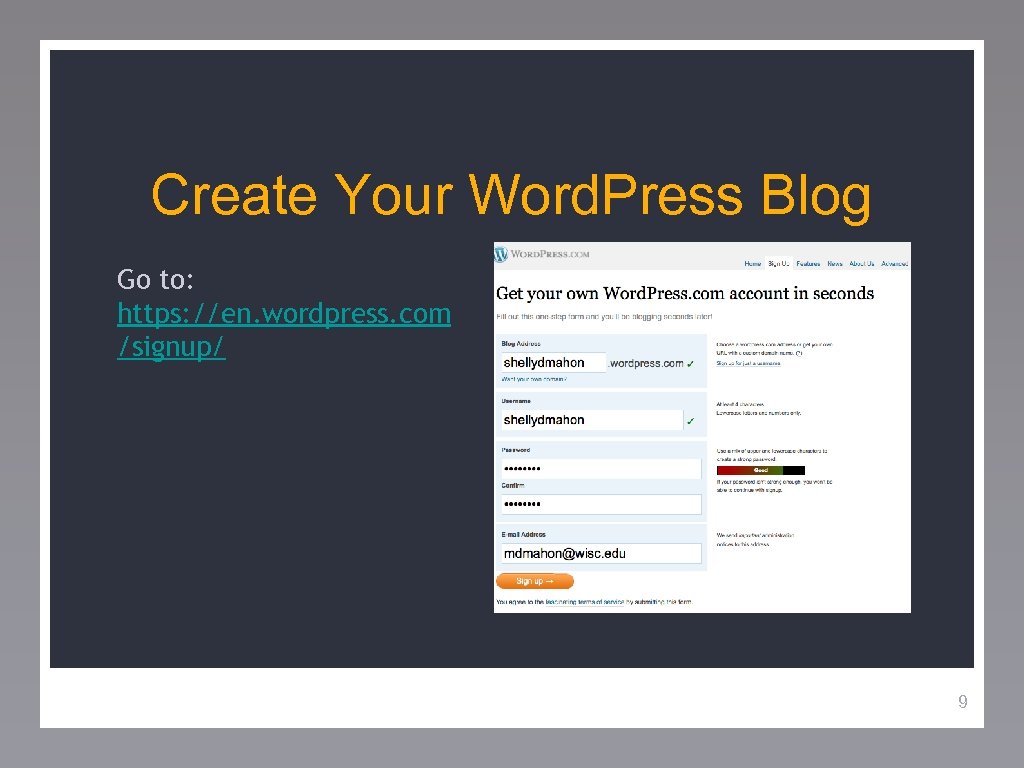
Create Your Word. Press Blog Go to: https: //en. wordpress. com /signup/ 9
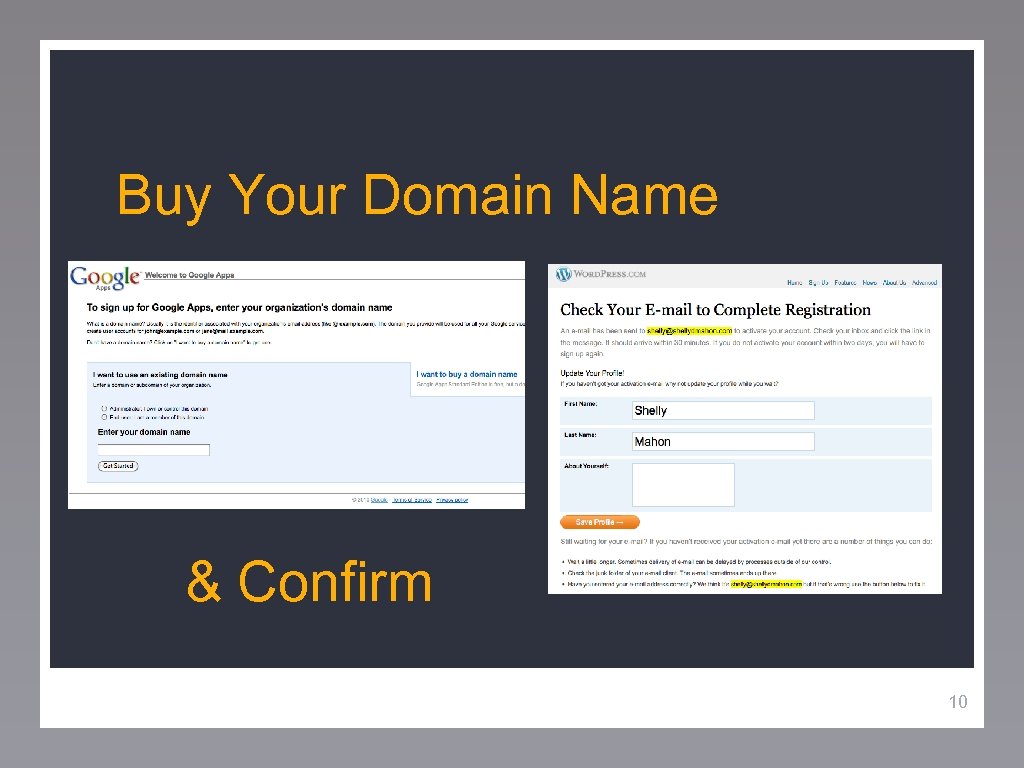
Buy Your Domain Name & Confirm 10
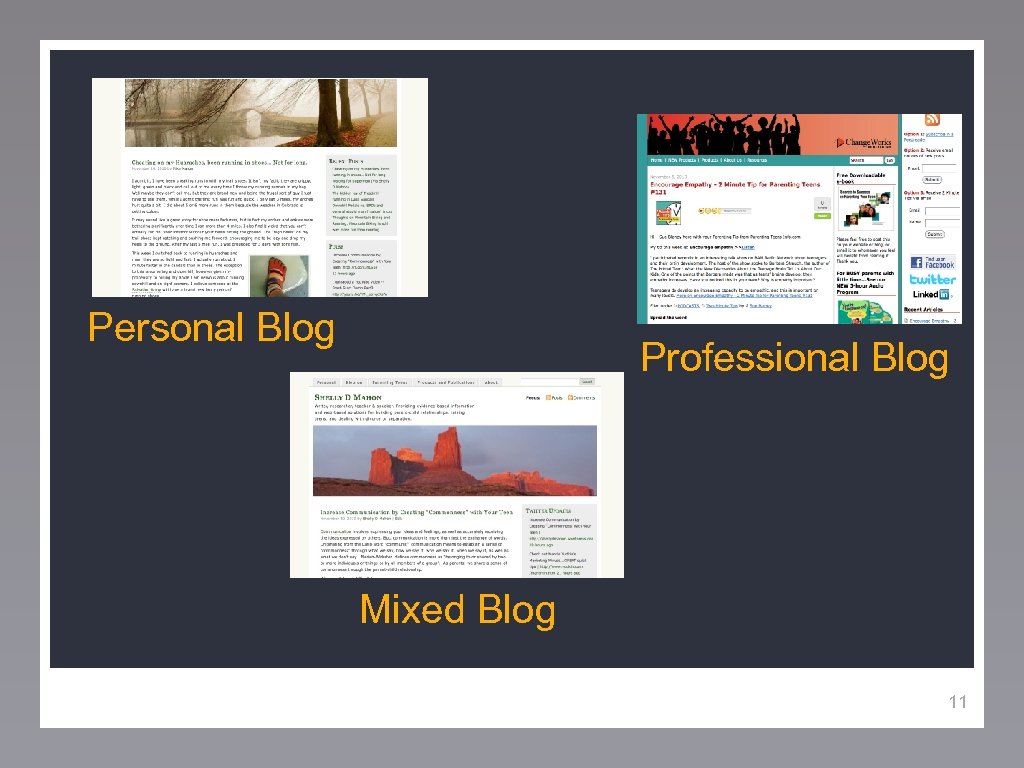
Personal Blog Professional Blog Mixed Blog 11
Worksheet How do you want others to perceive you? How personal / professional do you want to Be? Are there any industry standards? 12
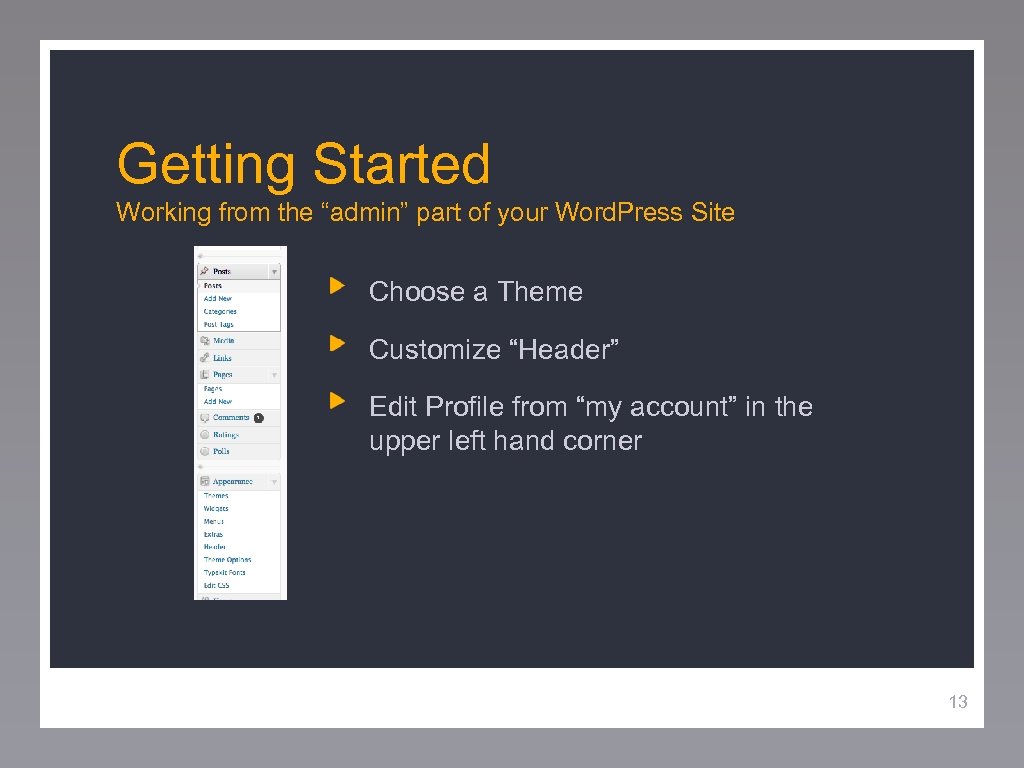
Getting Started Working from the “admin” part of your Word. Press Site Choose a Theme Customize “Header” Edit Profile from “my account” in the upper left hand corner 13
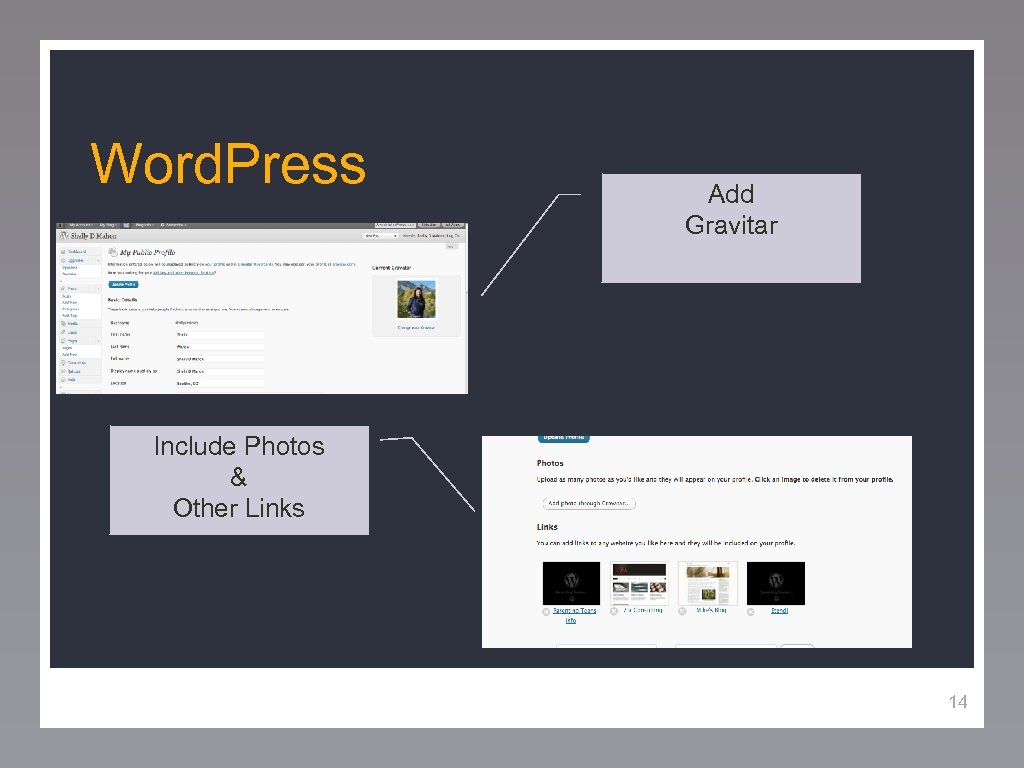
Word. Press Add Gravitar Include Photos & Other Links 14
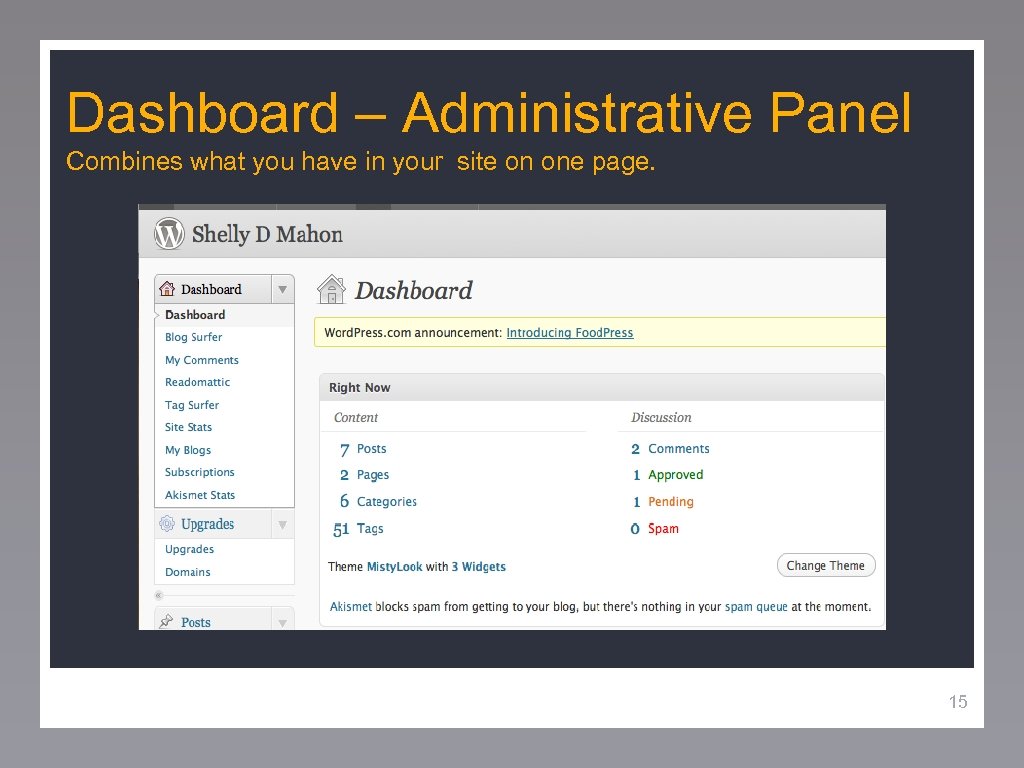
Dashboard – Administrative Panel Combines what you have in your site on one page. 15
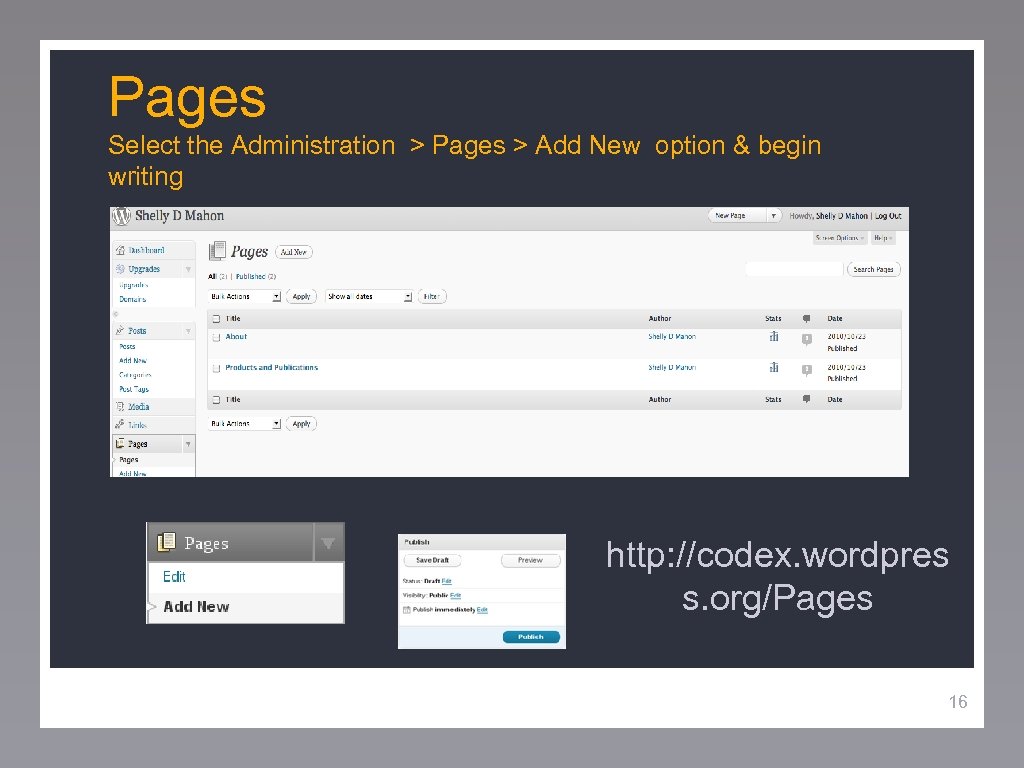
Pages Select the Administration > Pages > Add New option & begin writing http: //codex. wordpres s. org/Pages 16
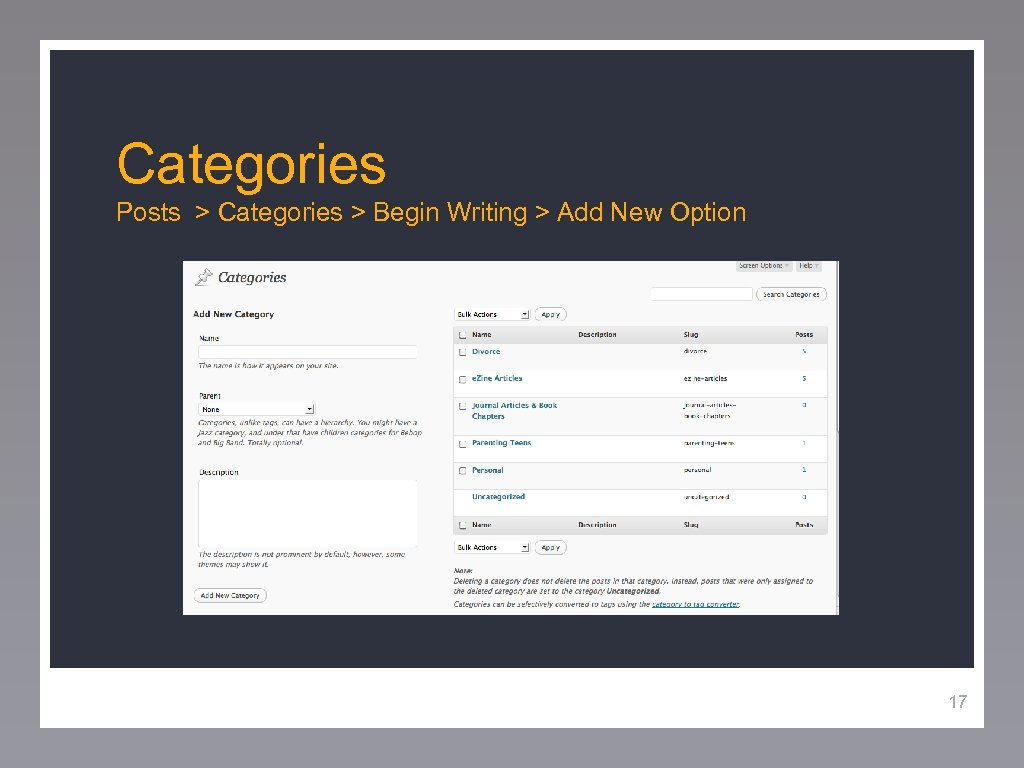
Categories Posts > Categories > Begin Writing > Add New Option 17
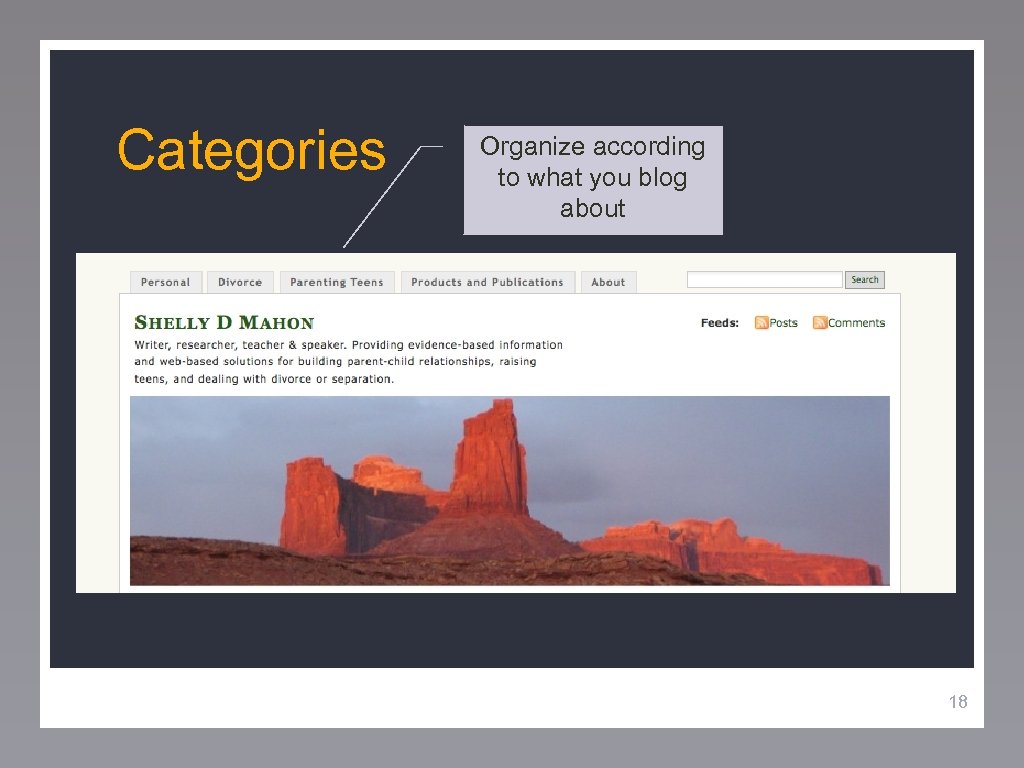
Categories Organize according to what you blog about 18
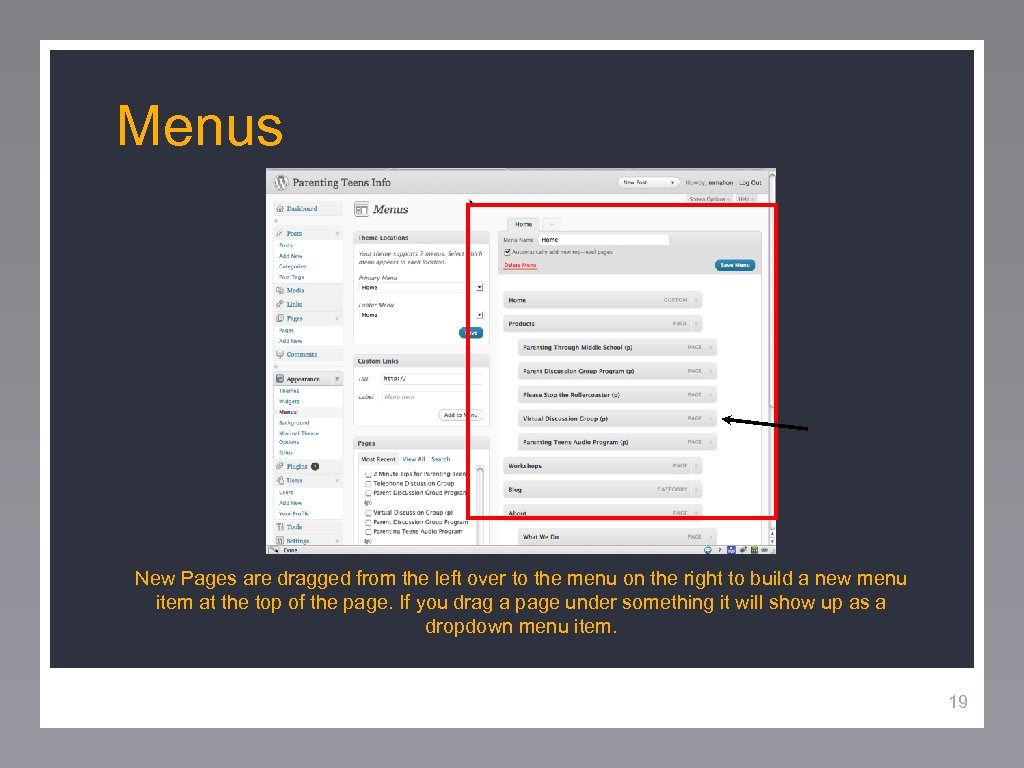
Menus New Pages are dragged from the left over to the menu on the right to build a new menu item at the top of the page. If you drag a page under something it will show up as a dropdown menu item. 19
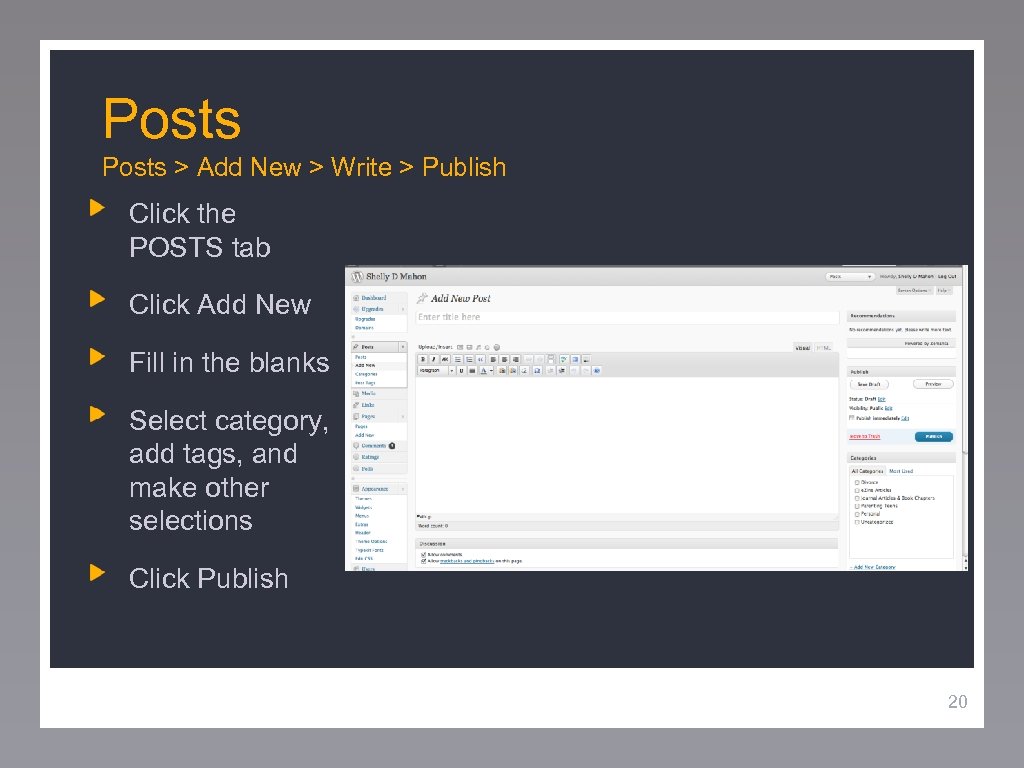
Posts > Add New > Write > Publish Click the POSTS tab Click Add New Fill in the blanks Select category, add tags, and make other selections Click Publish 20
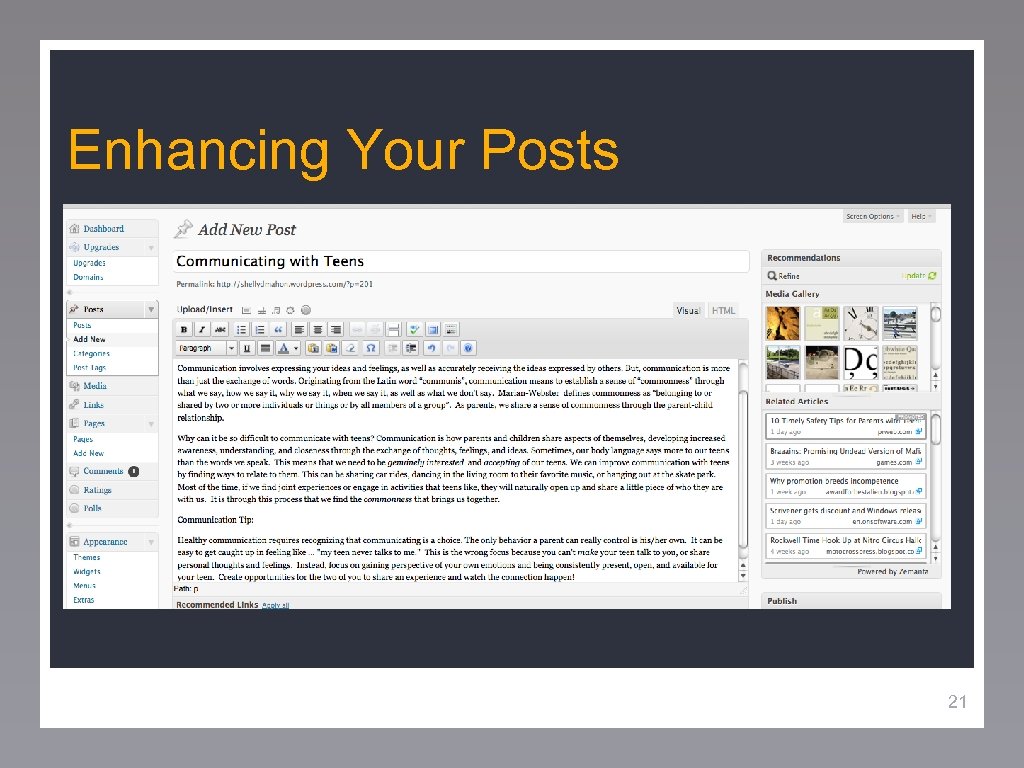
Enhancing Your Posts 21
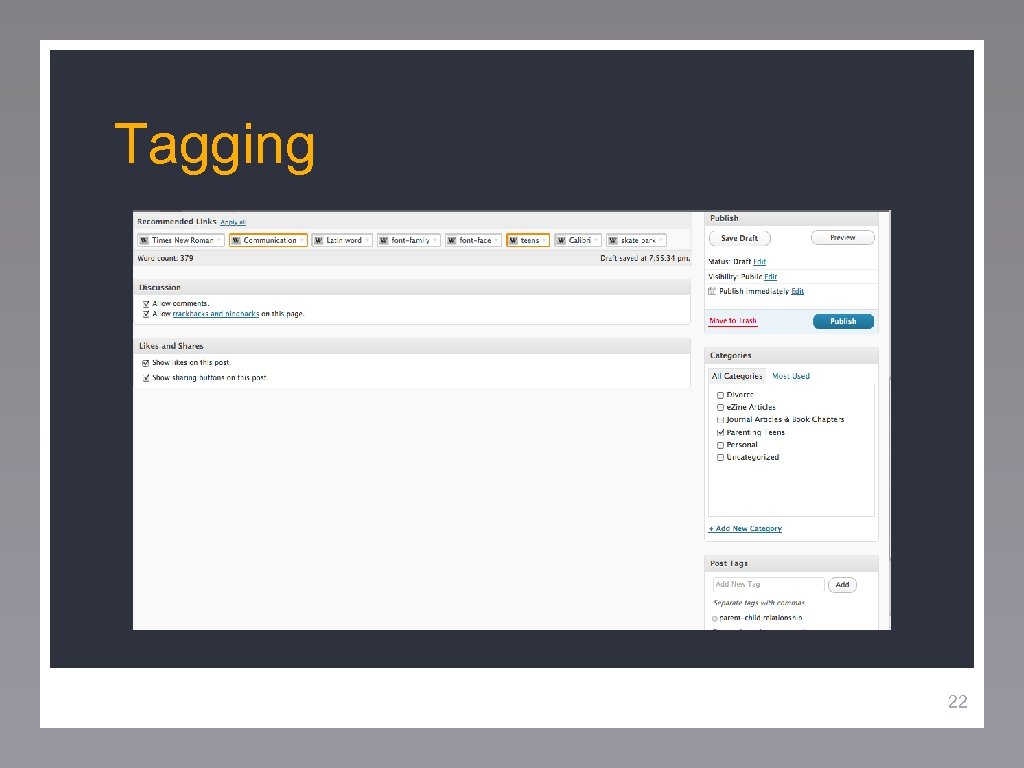
Tagging 22
Worksheet What value do you bring? In what areas can you share knowledge & resources, give insight, offer expertise? 23
Reasons to Blog Build SEO: Websites with blogs get 55% more traffic Differentiate Yourself: Stand out – establish a voice in your field Build an Infinite Search Life: your blogs will keep working for you Save Money: Sell without having to travel Build a Reservoir From Which to Draw Information (Ex: 2 minute Tips) Peebles http: //www. pandecta. com/online-presence. html 24
Two – Minute Tips Not all Situations are Win-Win by Sue Blaney • • • Should Amber’s mom honor the girls’ request or should she tell Kelsey’s parents about the drinking incident? In making this decision should she consider the potential consequences to Kelsey and Amber of this decision? Does Amber’s mom make the right decision in grounding Amber? Rather, should she be rewarding her daughter for calling her for help? Amber implied that her mom is “cool”… is this a good thing? What does it mean? What will be the consequence of her relationship with Amber if she tells on Kelsey? 25
Reasons to Blog Cont… Sell: Plug products in sidebar or at the end of your blog post (Ex: Marcia Yudkin) Exposure: Especially as you get picked up by big sites Development: Get others input on new products, pilots, ideas Peebles http: //www. pandecta. com/online-presence. html 26
Marcia Yudkin – Provide Value Earlier this year, researchers at the University of California, San Francisco, discovered that lab rats having a new experience did not absorb it into their memories until they had a break from their activity. The scientists expressed concern that today's digitally connected humans may be filling all their breaks with peeks at their phones and other devices, overstimulating themselves to the extent that they cannot integrate their experiences. Cont…. . 27
Sell & Ask Others to Promote You NEW BOOK: Strategic Marketing, the third in my series of Marketing Minute anthologies, collects my columns on strategy - the art of giving prosperity a huge kick start toward the future you most want. View the table of contents and buy the whole series, autographed: If you enjoy The Marketing Minute, please forward it to friends and colleagues. It comes to you every Wednesday from publicity and marketing consultant Marcia Yudkin, author of Meatier Marketing Copy and 13 other books. P. O. Box 305, Goshen, MA 01032. http: //www. yudkin. com/guides/inde x. htm 28
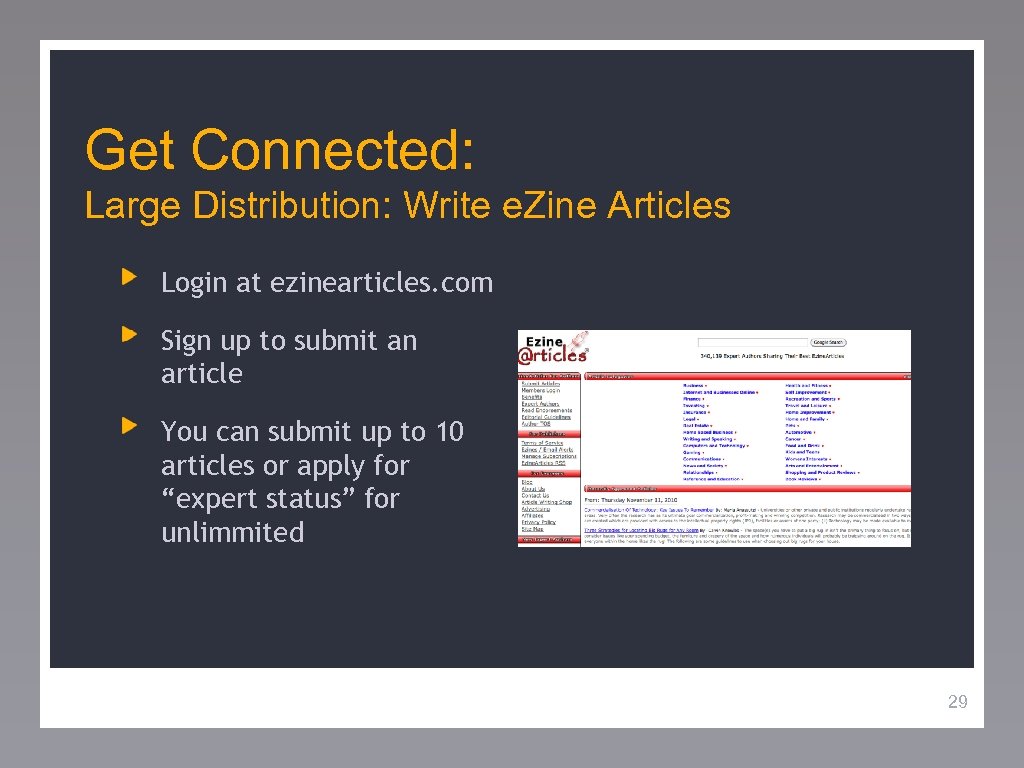
Get Connected: Large Distribution: Write e. Zine Articles Login at ezinearticles. com Sign up to submit an article You can submit up to 10 articles or apply for “expert status” for unlimmited 29
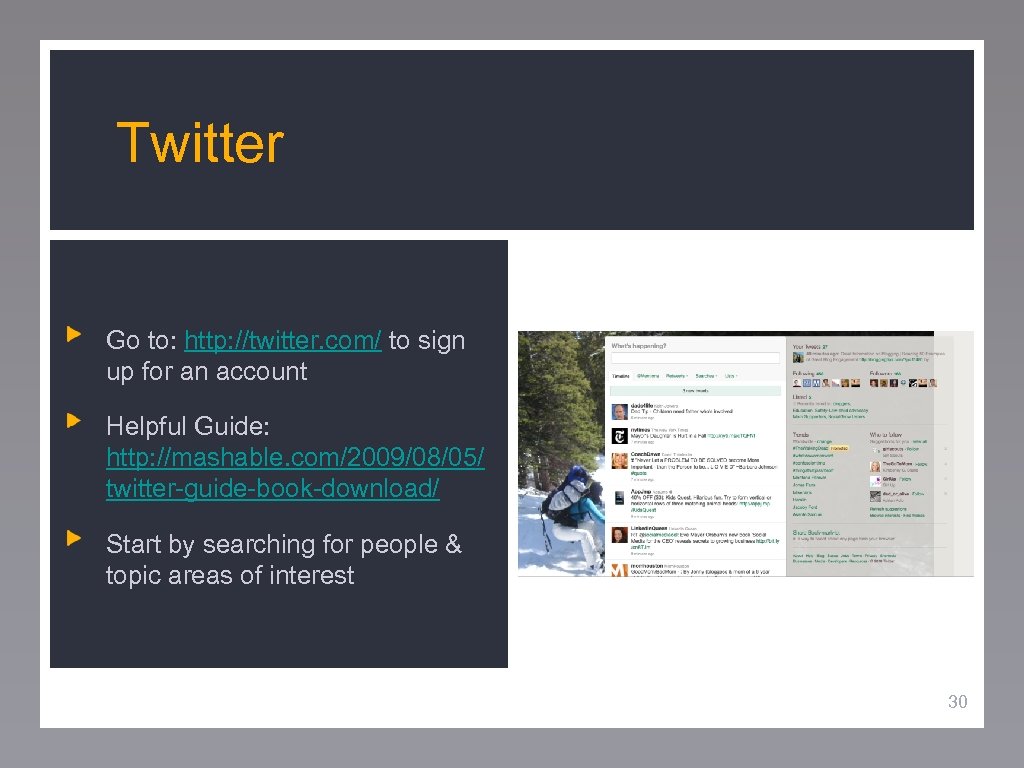
Twitter Go to: http: //twitter. com/ to sign up for an account Helpful Guide: http: //mashable. com/2009/08/05/ twitter-guide-book-download/ Start by searching for people & topic areas of interest 30
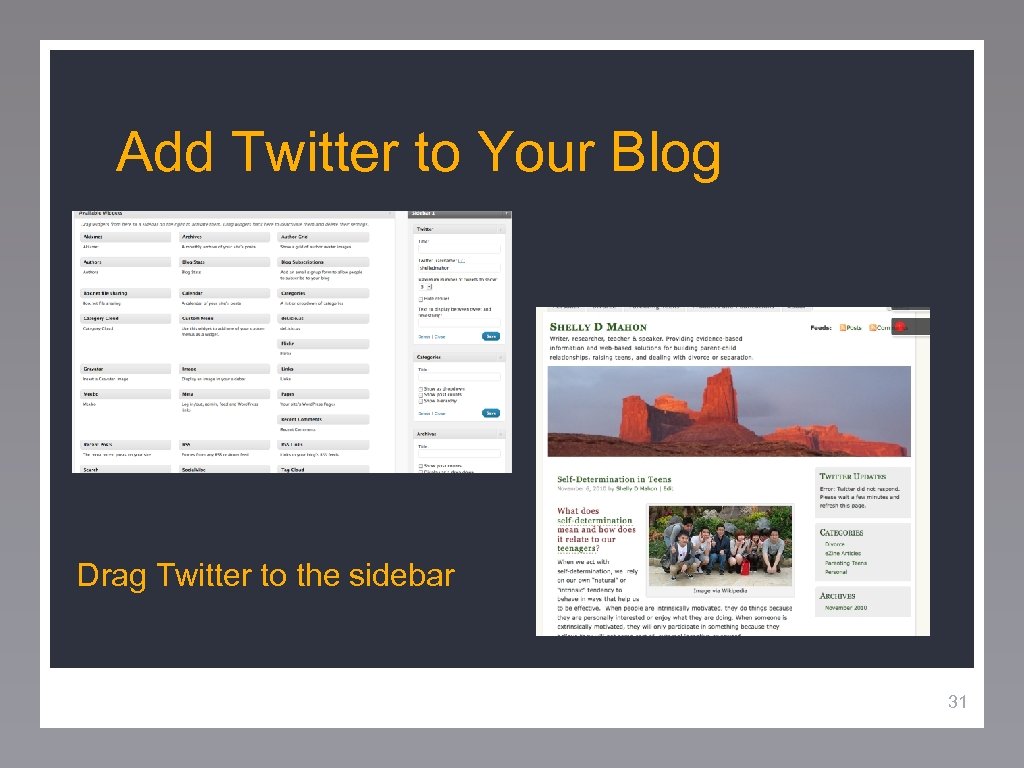
Add Twitter to Your Blog Drag Twitter to the sidebar 31
Worksheet What do you hope to gain? Give some detail if you Can. (i. e. developing a business, selling a service, networking, disseminating information, etc) 32
Tweeting: Intent • • You can’t / won’t read every tweet Follow those that follow you Promote others more than yourself (roughly 12 times) Build lists to watch people you’re interested in Retweet the “good stuff” (RT@. . . ) Manage your time! Do it your way: everyone has their own style Adapted from: Chris Brogan http: //www. chrisbrogan. com/50 -power-twitter-tips/ 33
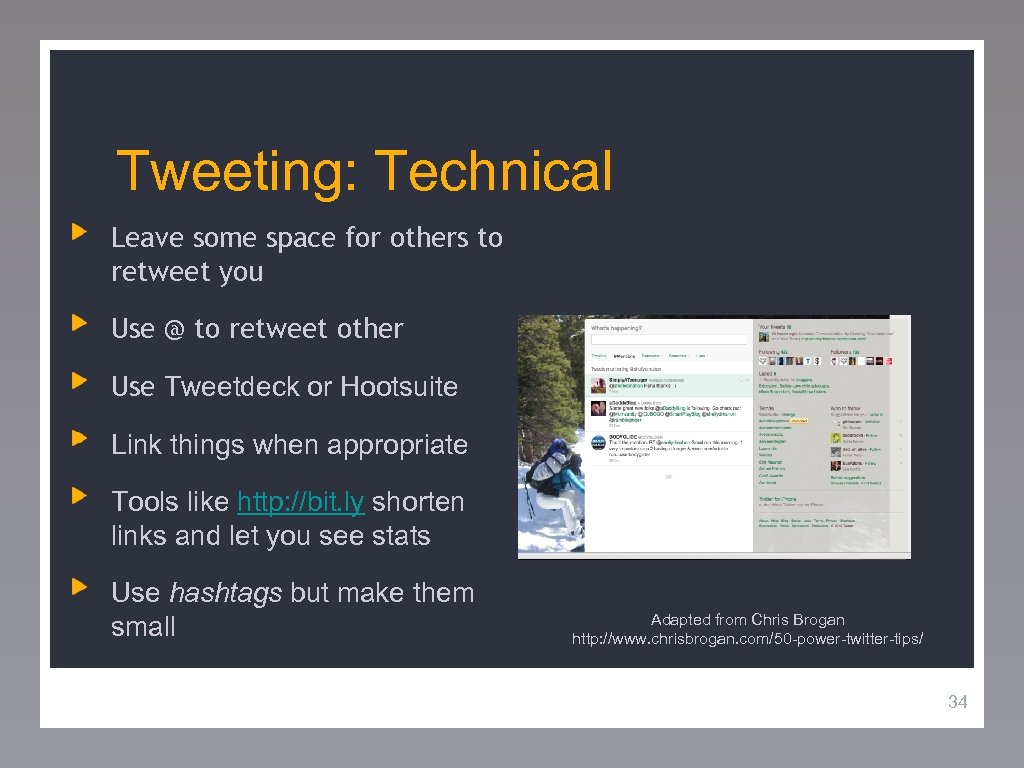
Tweeting: Technical Leave some space for others to retweet you Use @ to retweet other Use Tweetdeck or Hootsuite Link things when appropriate Tools like http: //bit. ly shorten links and let you see stats Use hashtags but make them small Adapted from Chris Brogan http: //www. chrisbrogan. com/50 -power-twitter-tips/ 34
Tweeting: Business Spamming repeatedly will lead to drops Search more than you chat about your own stuff Find the people who would like what you have to offer Don’t retweet others nice words about you Indicate if you link an affiliate or client (in parentheses) Invite customers to follow you on twitter Use it for more personalized marketing not just BLASTS Adapted from Chris Brogan http: //www. chrisbrogan. com/50 -power-twitter-tips/ 35
Twitter: Use Tweet your blog posts with a question to draw people in Tweet contents of events Make connections with speakers from events Invite twitter followers to other social platforms (Linked. In or Facebook) Have others tweet your blog posts, but know that it can seem like spam Point to photos, music, videos for diversity and fun! Adapted from Chris Brogan http: //www. chrisbrogan. com/50 -power-twitter-tips/ 36
Worksheet What sites or key words might you go to first? Who do you want in your network? 37
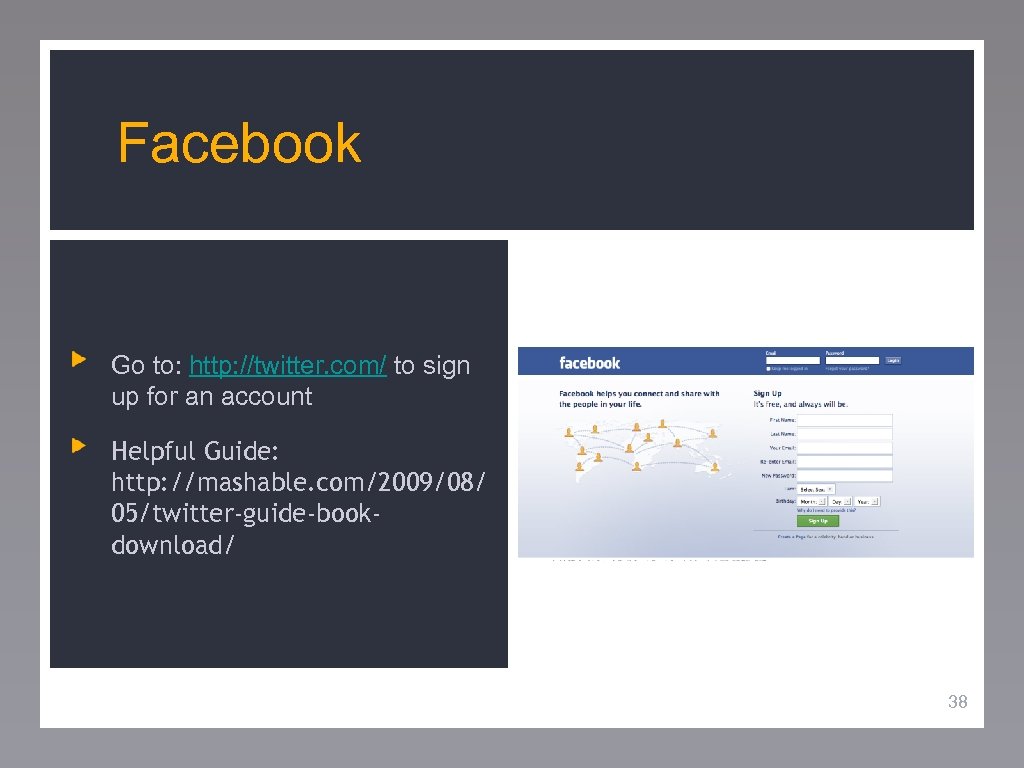
Facebook Go to: http: //twitter. com/ to sign up for an account Helpful Guide: http: //mashable. com/2009/08/ 05/twitter-guide-bookdownload/ 38
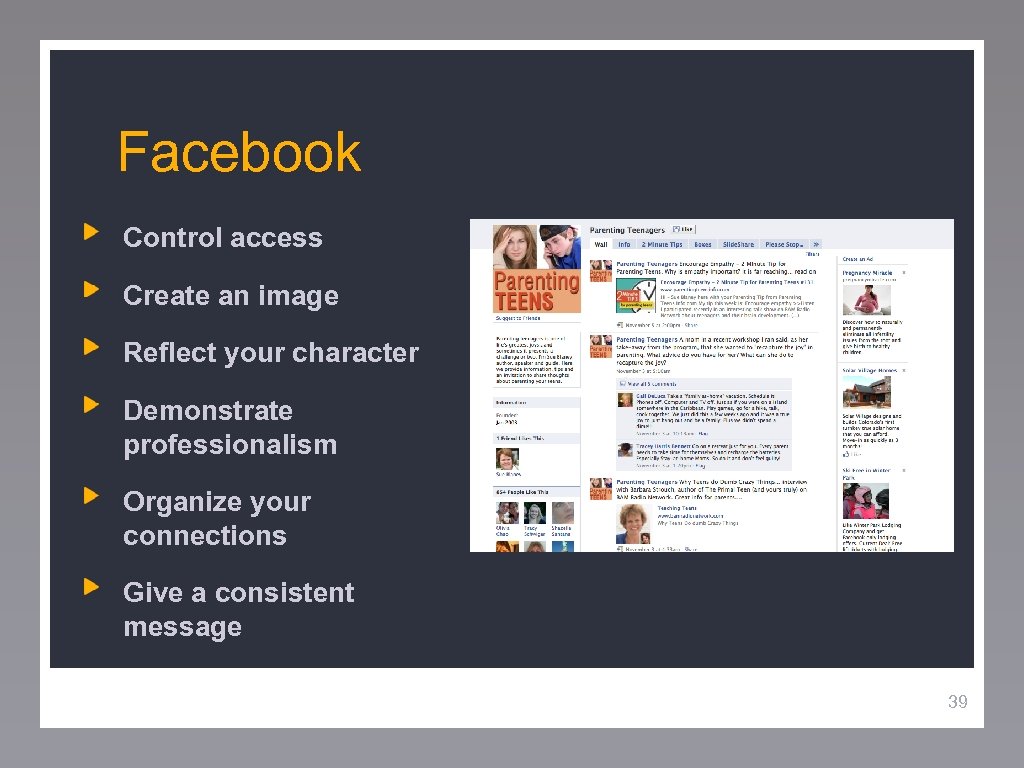
Facebook Control access Create an image Reflect your character Demonstrate professionalism Organize your connections Give a consistent message 39
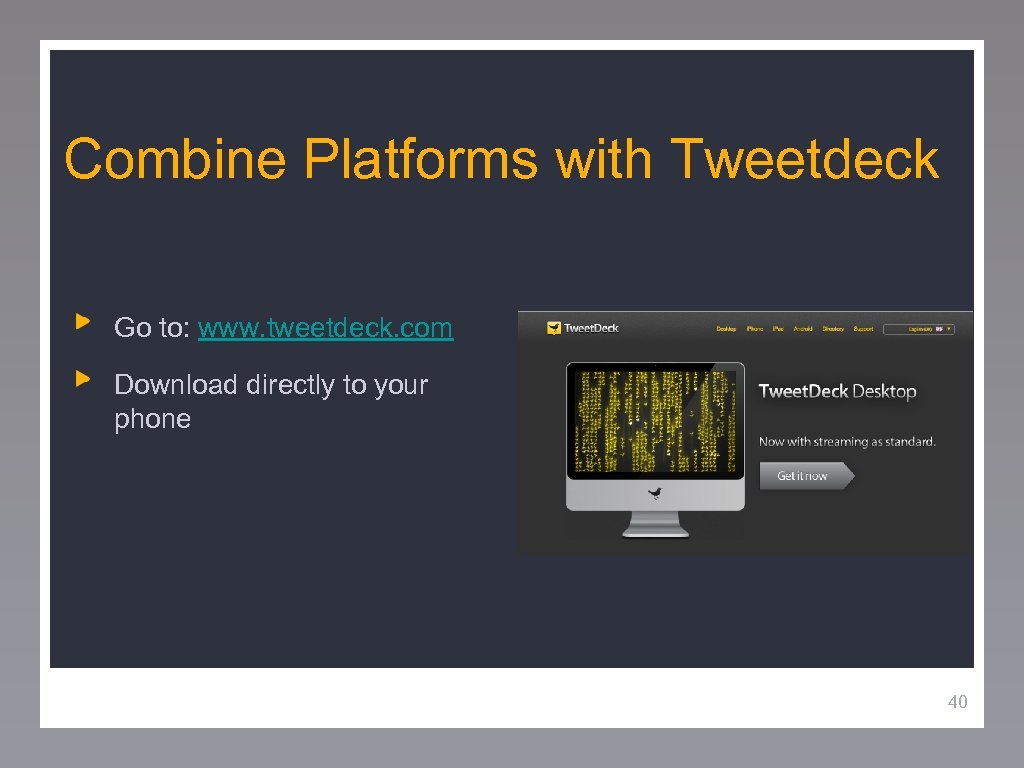
Combine Platforms with Tweetdeck Go to: www. tweetdeck. com Download directly to your phone 40
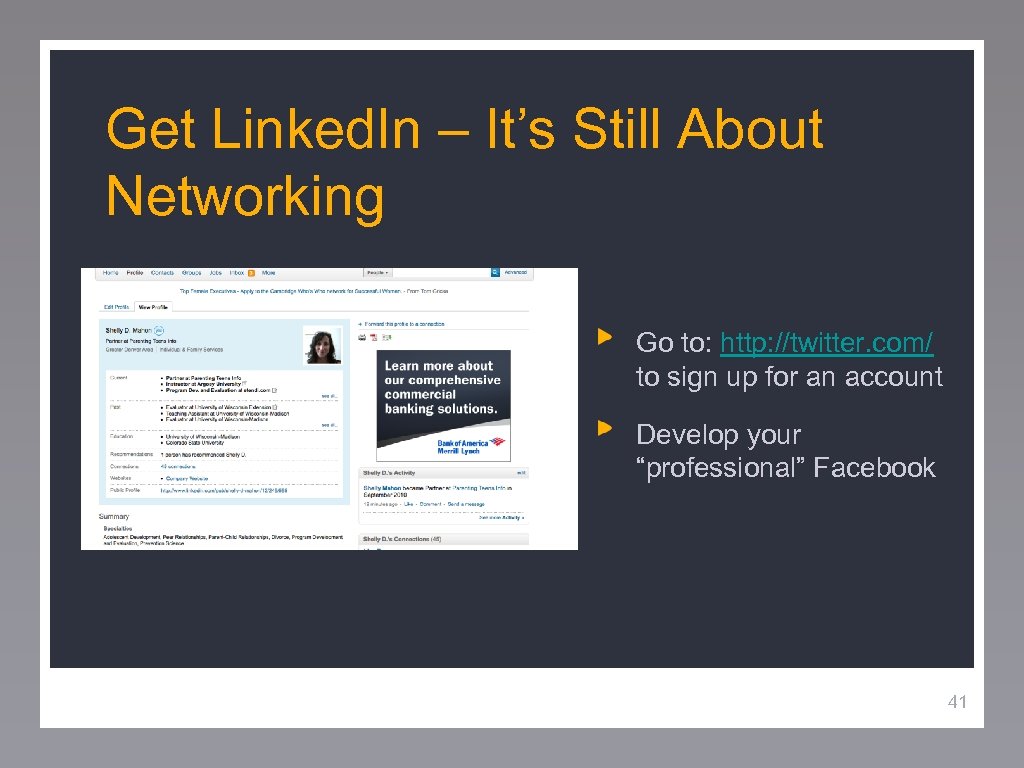
Get Linked. In – It’s Still About Networking Go to: http: //twitter. com/ to sign up for an account Develop your “professional” Facebook 41
Linked. In Account Puts you on the Google map Keeps your address book current Answers and Groups allow you to interact & collaborate with other experts Connects you with jobs, helps you make sales, and introduces you to additional colleagues 42
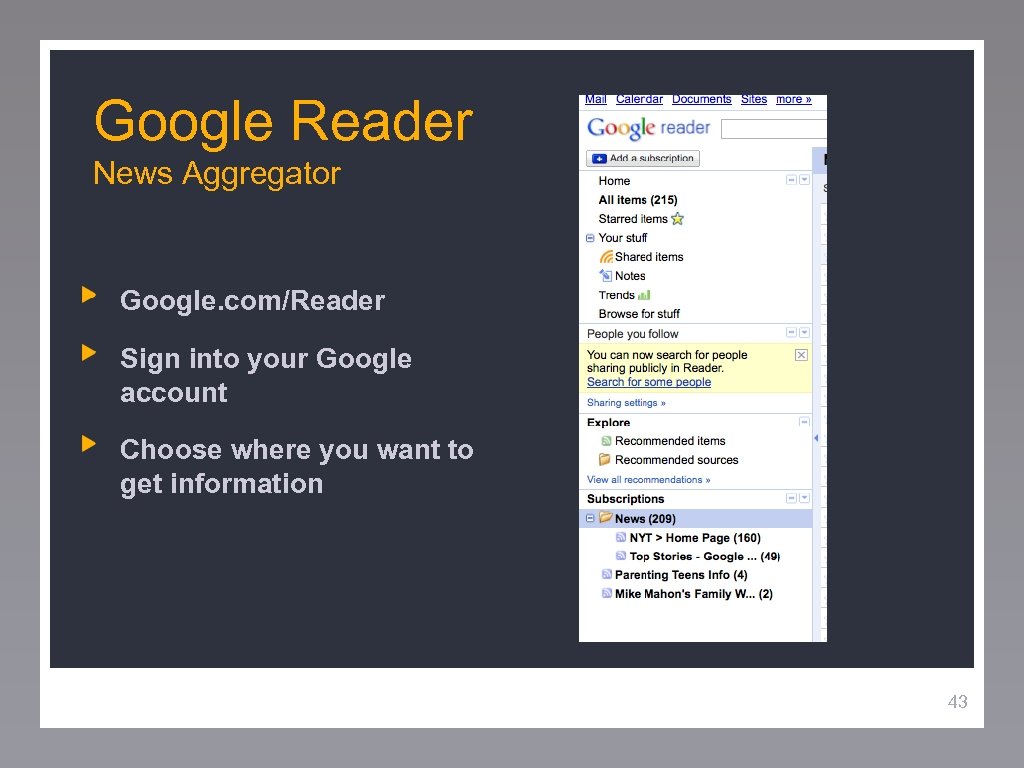
Google Reader News Aggregator Google. com/Reader Sign into your Google account Choose where you want to get information 43
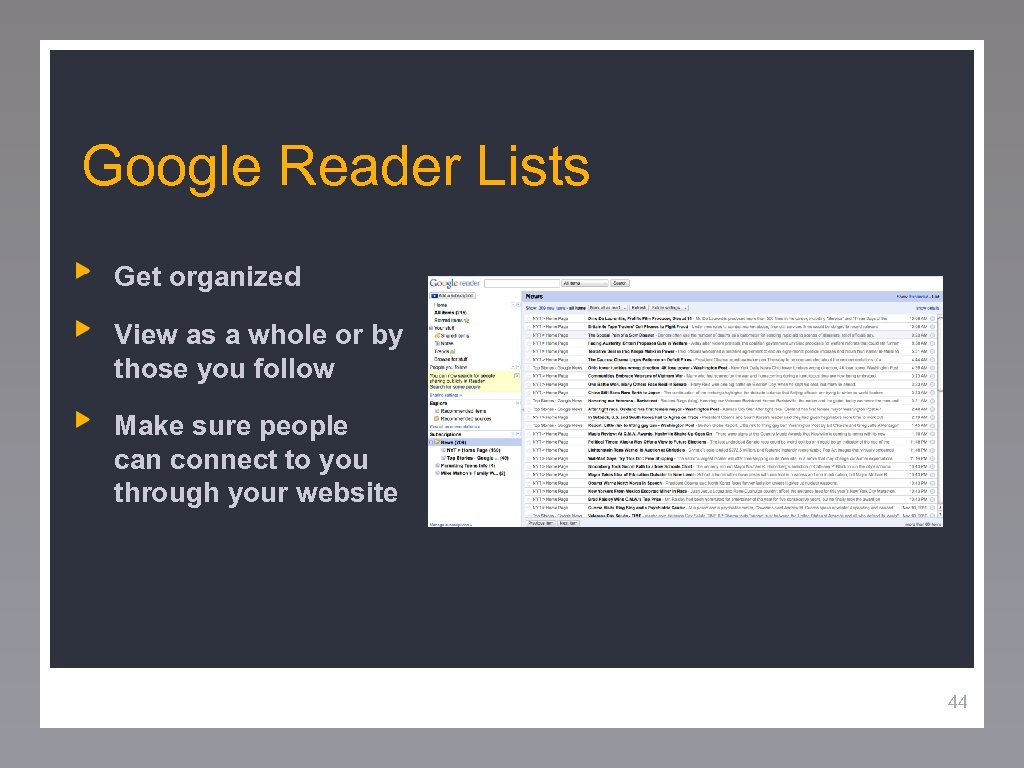
Google Reader Lists Get organized View as a whole or by those you follow Make sure people can connect to you through your website 44
Worksheet – Now What? 1. What sort of online presence do you already have? 2. What tools do you currently use/want to use to gather or disseminate information? 3. How do you currently manage information available to you? 45
Worksheet: If You Are Stuck… Additional Questions To Help You in Your Development: 1. What do you love to do? 2. What are you passionate about? 3. What are your strengths? What are your interests? 46
Скачать презентацию How to Build Brand You Creating an Online
9d3a12c86f11f2b7e1c430439403f832.ppt