


 Скачать презентацию How can I access my account over the
177f2e06be21deb8988a5a380b0c2fb3.ppt
- Количество слайдов: 16
 How can I access my account over the phone? • Please call the BISYS participant inquiry line at 1 -888 -800 -5359. • The automated system will then prompt you to enter your Social Security Number and your personalized PIN. • You will then be routed to the automated phone menu, which is available 24 hours a day. • If you need further assistance, you can reach a BISYS Service Representative by pressing “ 0” between the hours of 8: 30 AM to 7: 00 PM Eastern Standard Time, Monday Friday.
 What if I lost or forgot my PIN? • When the system prompts you for your PIN, please press the “*”. • For security purposes the system will then verify the following pieces of information: – Date of Birth (mm/dd/yyyy) – Month and Year of Hire (mm/yyyy) – Current Zip-Code on file • If you have difficulty resetting your PIN call the BISYS participant inquiry line at 1 -888 -800 -5359 and do not enter in any information. You will then be routed to a service representative for further assistance.
 Lost or forgotten PIN continued. . . • Once you successfully enter in all pieces of information correctly, the system will then prompt you to pick a 4 -digit number that will represent your PIN. • BISYS will mail a confirmation letter to your current address on file. • When you hang-up your new PIN is activated.
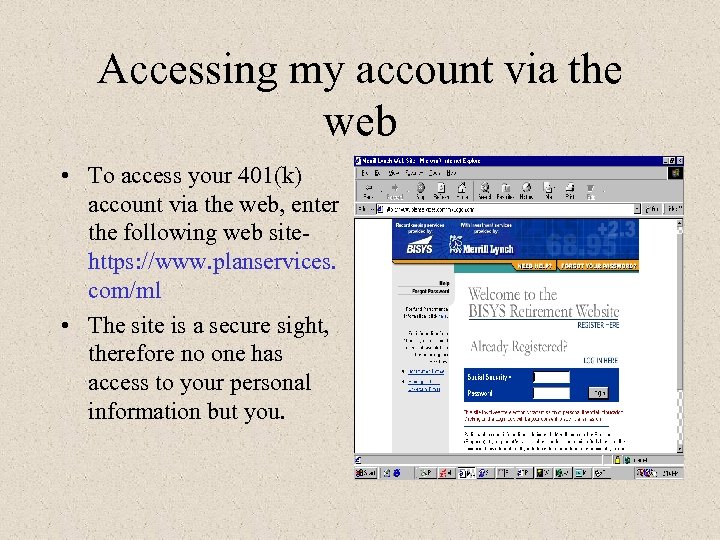 Accessing my account via the web • To access your 401(k) account via the web, enter the following web sitehttps: //www. planservices. com/ml • The site is a secure sight, therefore no one has access to your personal information but you.
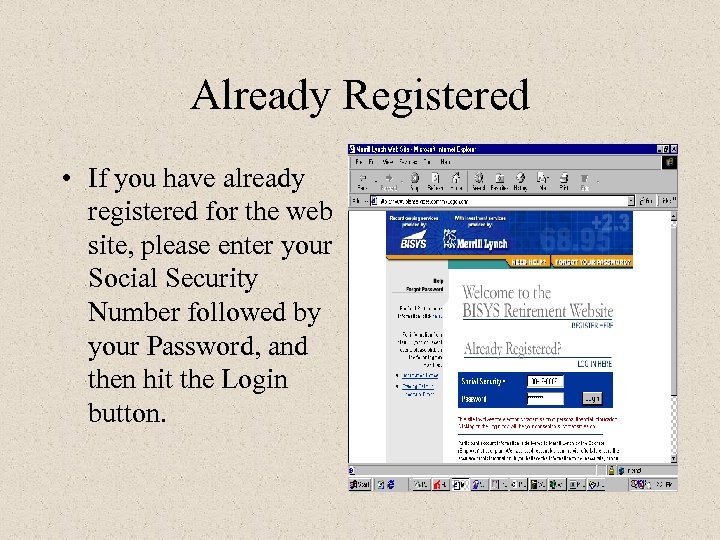 Already Registered • If you have already registered for the web site, please enter your Social Security Number followed by your Password, and then hit the Login button.
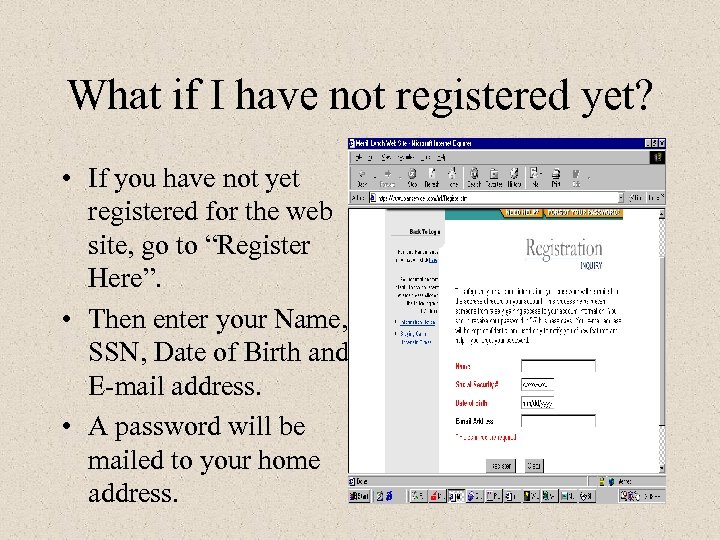 What if I have not registered yet? • If you have not yet registered for the web site, go to “Register Here”. • Then enter your Name, SSN, Date of Birth and E-mail address. • A password will be mailed to your home address.
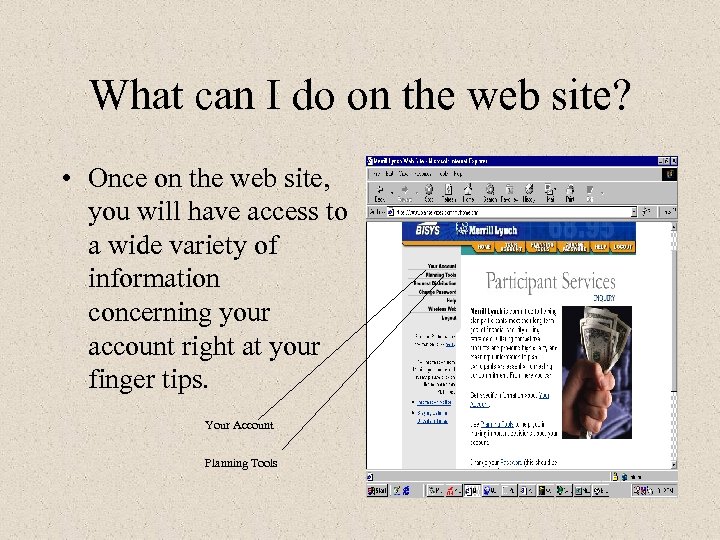 What can I do on the web site? • Once on the web site, you will have access to a wide variety of information concerning your account right at your finger tips. Your Account Planning Tools
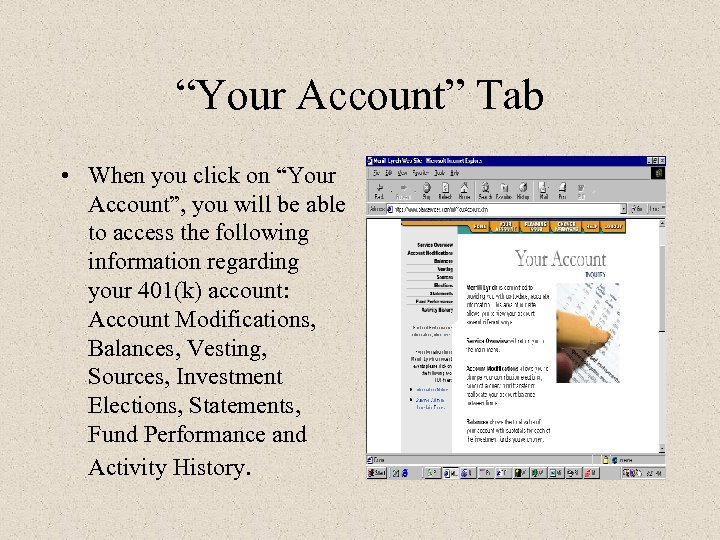 “Your Account” Tab • When you click on “Your Account”, you will be able to access the following information regarding your 401(k) account: Account Modifications, Balances, Vesting, Sources, Investment Elections, Statements, Fund Performance and Activity History.
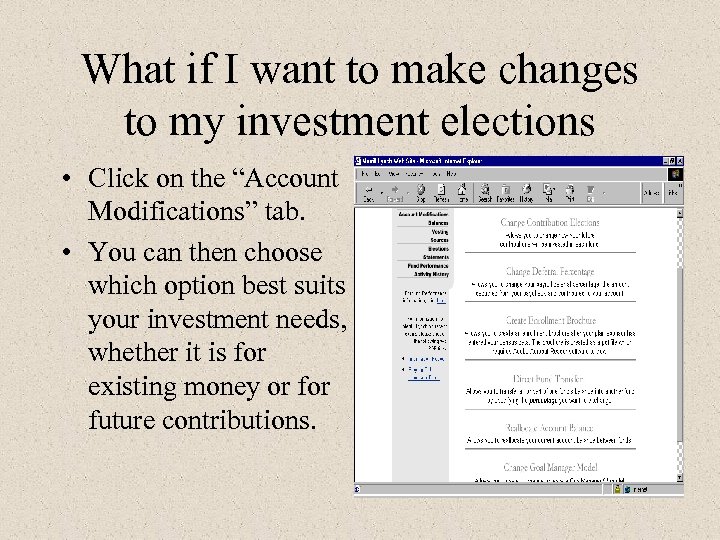 What if I want to make changes to my investment elections • Click on the “Account Modifications” tab. • You can then choose which option best suits your investment needs, whether it is for existing money or future contributions.
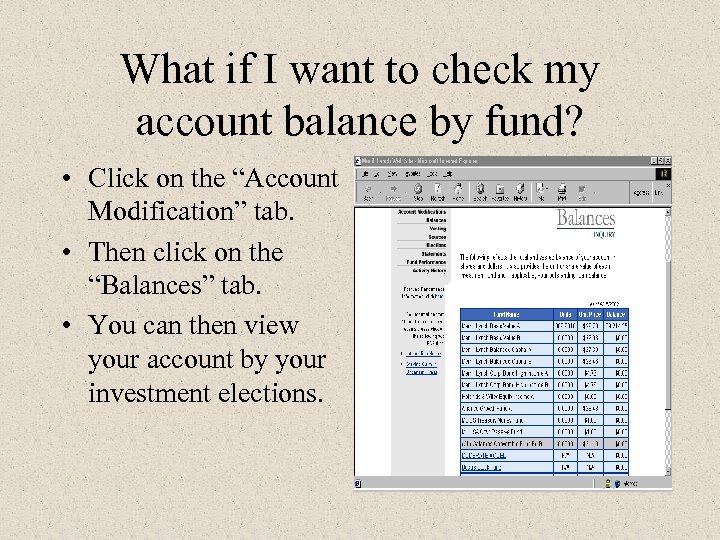 What if I want to check my account balance by fund? • Click on the “Account Modification” tab. • Then click on the “Balances” tab. • You can then view your account by your investment elections.
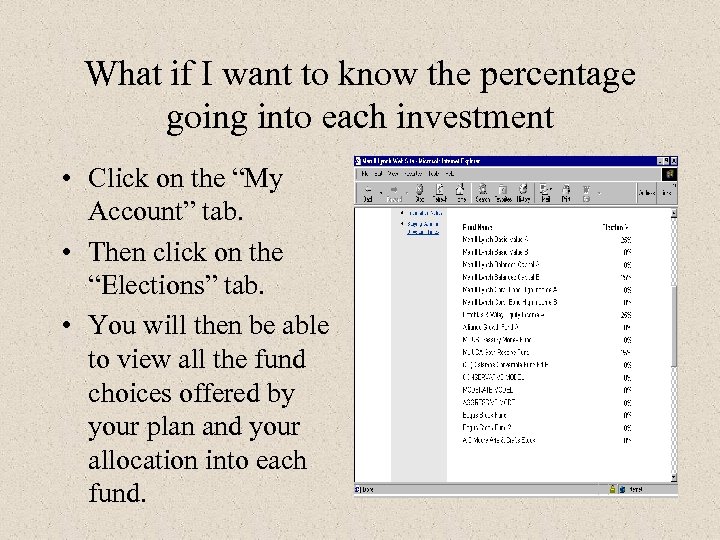 What if I want to know the percentage going into each investment • Click on the “My Account” tab. • Then click on the “Elections” tab. • You will then be able to view all the fund choices offered by your plan and your allocation into each fund.
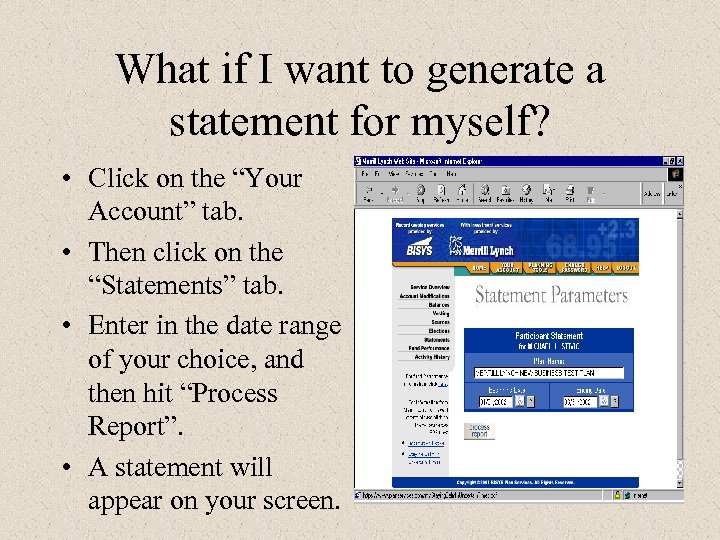 What if I want to generate a statement for myself? • Click on the “Your Account” tab. • Then click on the “Statements” tab. • Enter in the date range of your choice, and then hit “Process Report”. • A statement will appear on your screen.
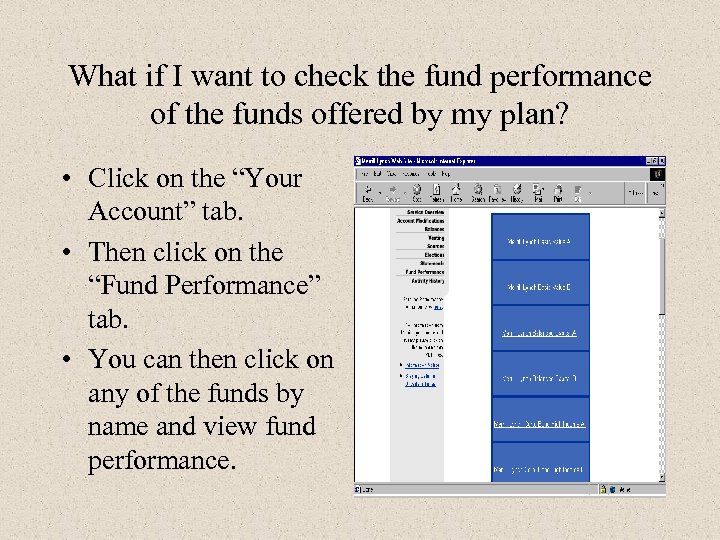 What if I want to check the fund performance of the funds offered by my plan? • Click on the “Your Account” tab. • Then click on the “Fund Performance” tab. • You can then click on any of the funds by name and view fund performance.
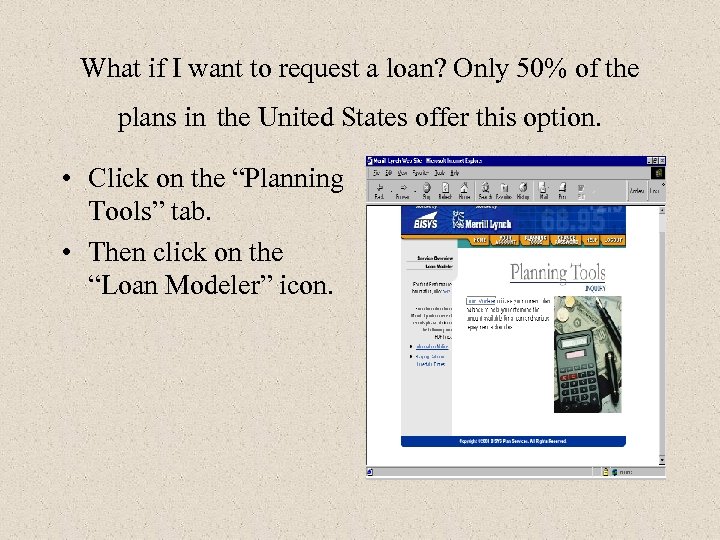 What if I want to request a loan? Only 50% of the plans in the United States offer this option. • Click on the “Planning Tools” tab. • Then click on the “Loan Modeler” icon.
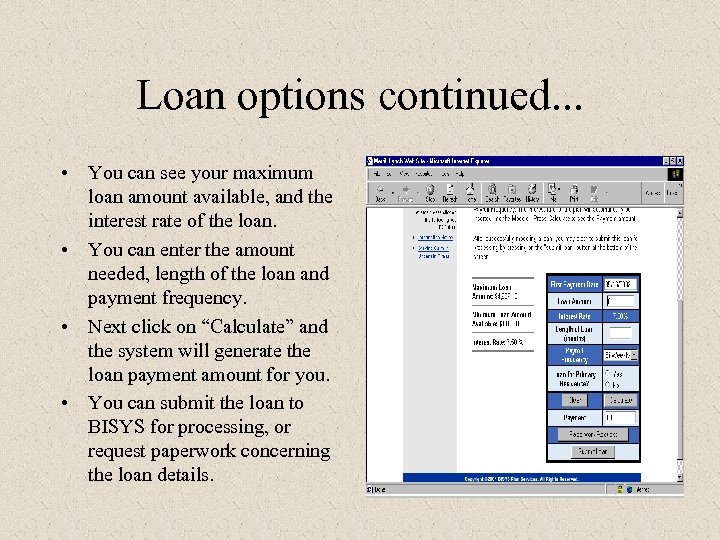 Loan options continued. . . • You can see your maximum loan amount available, and the interest rate of the loan. • You can enter the amount needed, length of the loan and payment frequency. • Next click on “Calculate” and the system will generate the loan payment amount for you. • You can submit the loan to BISYS for processing, or request paperwork concerning the loan details.
 What if I have questions concerning my account? • If you have other questions concerning your account, or need help navigating through the web site, please contact BISYS Retirement Services at 1 -888 -800 -5359.