 Скачать презентацию Hosted by 10 Best Practices for Windows Security
61d7c196550f001fdbf0fecc484a64ef.ppt
- Количество слайдов: 33



Hosted by 10 Best Practices for Windows Security How many of them are you doing? Roberta Bragg HCWT
Hosted by 1. Keep Systems up to date l CERT, and others: 90 – 95% of successful attacks could be prevented with up-to-date systems l Every single attack in Hacking Exposed is balanced with a configuration or patch already in existence l Many world-wide security attacks would not have been successful if systems were updated
Hosted by How to Keep Systems UP-to-Date l Apply Service Packs l Apply Hotfixes l Use automated patch distribution • 0 – 50 users use Windows Update § Apply service pack three Windows 2000 and configure § Configure XP • 50 - 500 users user Software Update Services § Download free from Microsoft, install and configure § Configure Clients • 500 + Use Software Update Services Feature pack and SMS § Download Feature Pack (free to licensed SMS users) § Configure for automated update and auditing
Hosted by 2. Follow Microsoft advice for hardening systems l Checklists, security templates, instructions abound! l Use them! l Many successful attacks could have been prevented by using these instructions.
Hosted by What Microsoft Advice? l Windows Security Checklists: l www. microsoft. com/security l Windows Server 2003 Security Guide http: //go. microsoft. com/fwlink/? Link. Id=14845 l Windows 2000 Security Operations Guide (and other prescriptive guidance documents. • http: //msdn. microsoft. com/practices/
Hosted by 3. Use Native Security Tools l For deploying security settings • • Security Templates secedit Security Configuration and Analysis Group Policy l To secure systems • • • Software Restriction policies Password reset disks Authorization manager
Hosted by 4. Design a Base. Line Policy l Auditing l Services l Accounts l Security Options l User Rights l Then design incremental policies for computer and user roles in your network
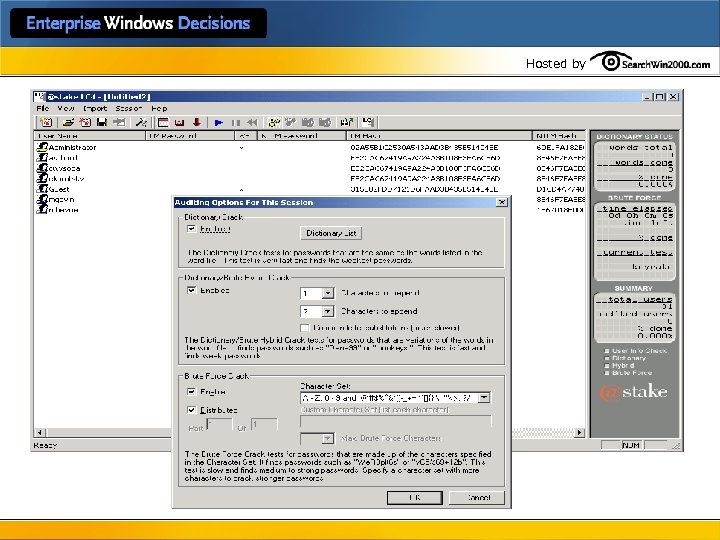
Hosted by Strengthen passwords l Teach users how to make strong passwords l Write own passfilt. dll • KB article 151082 “Password Change Filtering & • Notification in Windows NT. ” Enforce stronger restrictions l Audit password strength periodically • Use LC 4
Hosted by
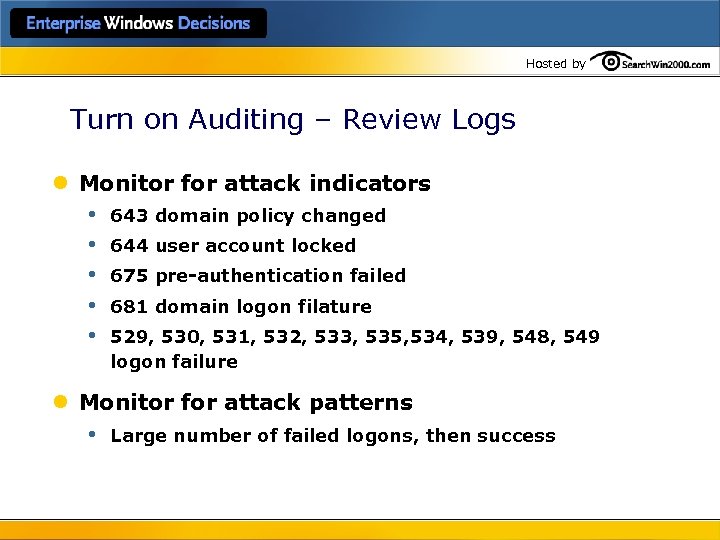
Hosted by Turn on Auditing – Review Logs l Monitor for attack indicators • • • 643 domain policy changed 644 user account locked 675 pre-authentication failed 681 domain logon filature 529, 530, 531, 532, 533, 535, 534, 539, 548, 549 logon failure l Monitor for attack patterns • Large number of failed logons, then success
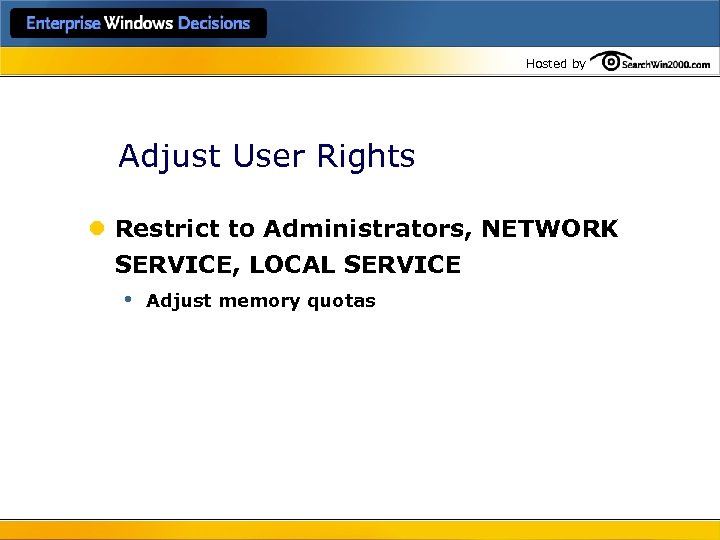
Hosted by Adjust User Rights l Restrict to Administrators, NETWORK SERVICE, LOCAL SERVICE • Adjust memory quotas
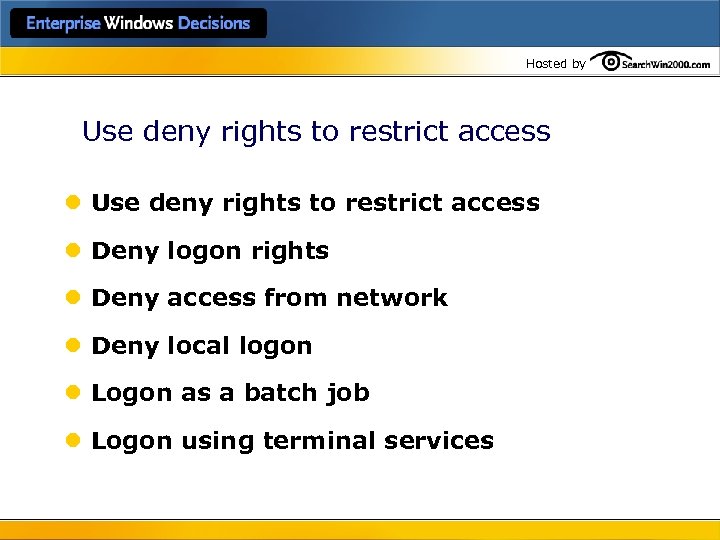
Hosted by Use deny rights to restrict access l Deny logon rights l Deny access from network l Deny local logon l Logon as a batch job l Logon using terminal services
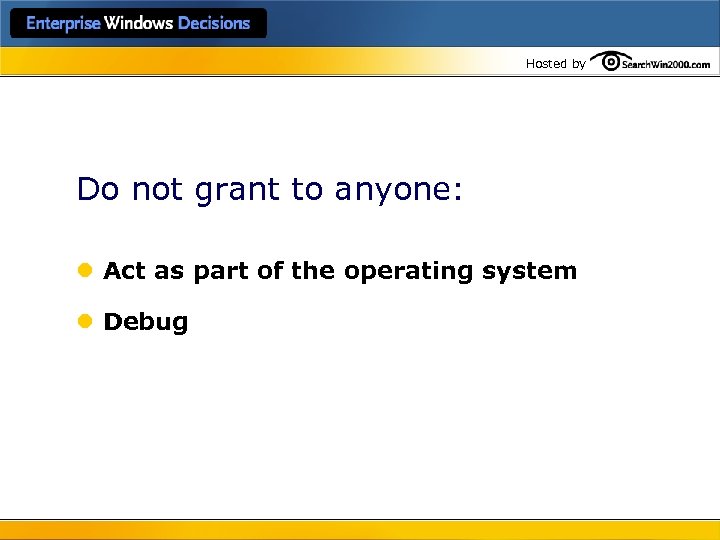
Hosted by Do not grant to anyone: l Act as part of the operating system l Debug
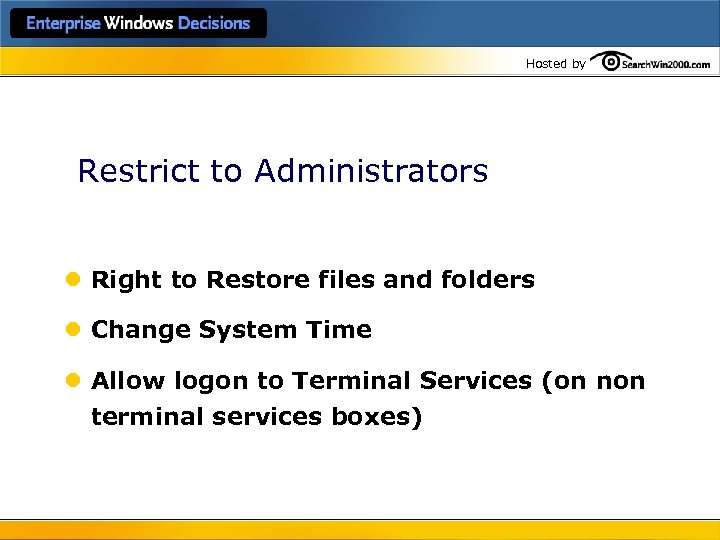
Hosted by Restrict to Administrators l Right to Restore files and folders l Change System Time l Allow logon to Terminal Services (on non terminal services boxes)
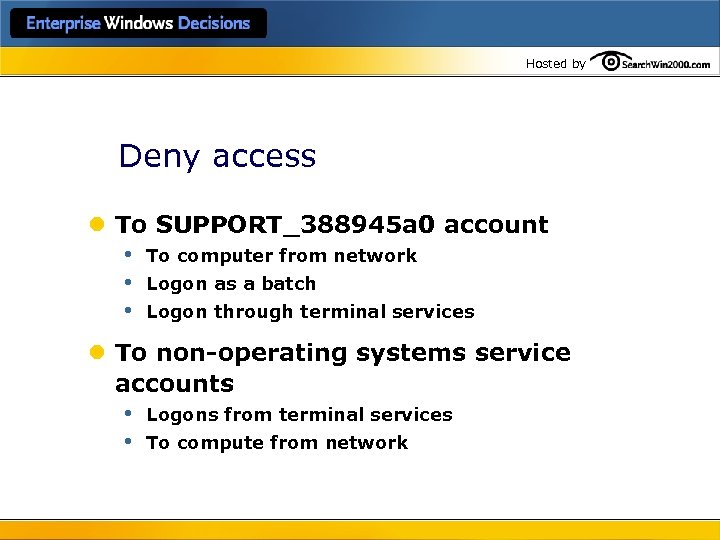
Hosted by Deny access l To SUPPORT_388945 a 0 account • To computer from network • Logon as a batch • Logon through terminal services l To non-operating systems service accounts • Logons from terminal services • To compute from network
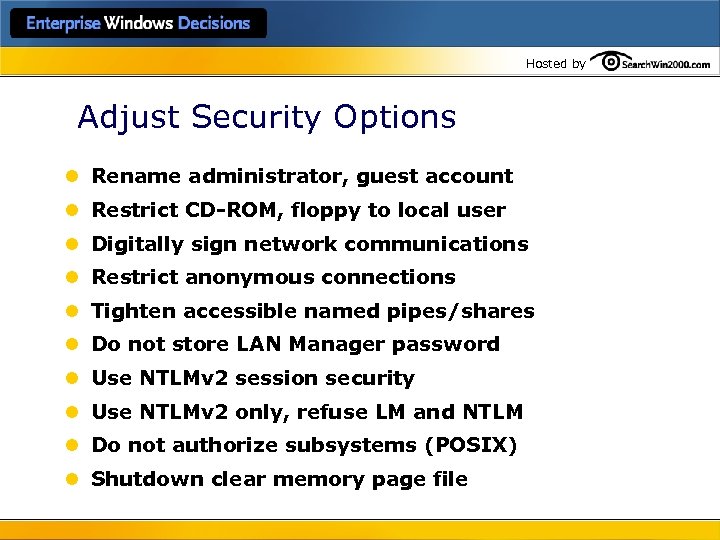
Hosted by Adjust Security Options l Rename administrator, guest account l Restrict CD-ROM, floppy to local user l Digitally sign network communications l Restrict anonymous connections l Tighten accessible named pipes/shares l Do not store LAN Manager password l Use NTLMv 2 session security l Use NTLMv 2 only, refuse LM and NTLM l Do not authorize subsystems (POSIX) l Shutdown clear memory page file
Hosted by Manage Event Logs l Enlarge all l Especially security log l Archive and clear frequently l Monitor for sudden increase in size l Examine contents looking for attack patterns
Hosted by Manage Services l Set permissions: who can start , stop, disable? l Don’t use domain accounts for services l Disable unnecessary services • Will vary for each computer role • Create a baseline which disables most; enable those needed only as necessary
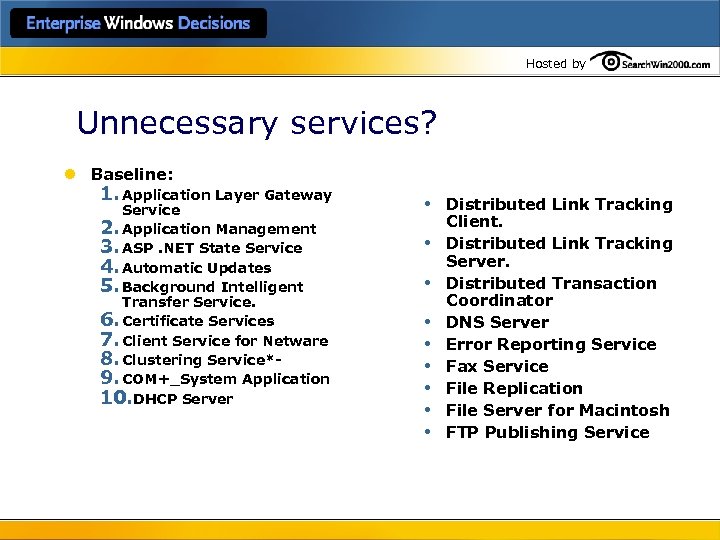
Hosted by Unnecessary services? l Baseline: 1. Application Layer Gateway Service 2. Application Management 3. ASP. NET State Service 4. Automatic Updates 5. Background Intelligent Transfer Service. 6. Certificate Services 7. Client Service for Netware 8. Clustering Service*- 9. COM+_System Application 10. DHCP Server • • • Distributed Link Tracking Client. Distributed Link Tracking Server. Distributed Transaction Coordinator DNS Server Error Reporting Service Fax Service File Replication File Server for Macintosh FTP Publishing Service
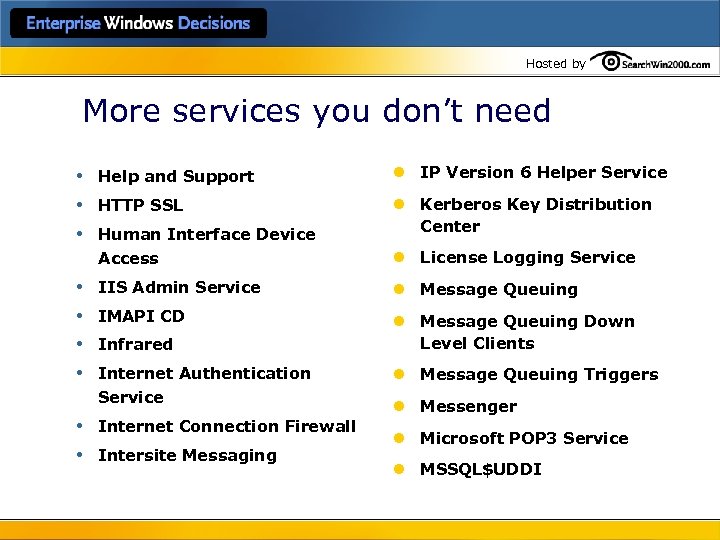
Hosted by More services you don’t need • • • Help and Support l IP Version 6 Helper Service HTTP SSL l Kerberos Key Distribution Center Human Interface Device Access l License Logging Service IIS Admin Service l Message Queuing IMAPI CD l Message Queuing Down Level Clients Infrared Internet Authentication Service Internet Connection Firewall Intersite Messaging l Message Queuing Triggers l Messenger l Microsoft POP 3 Service l MSSQL$UDDI
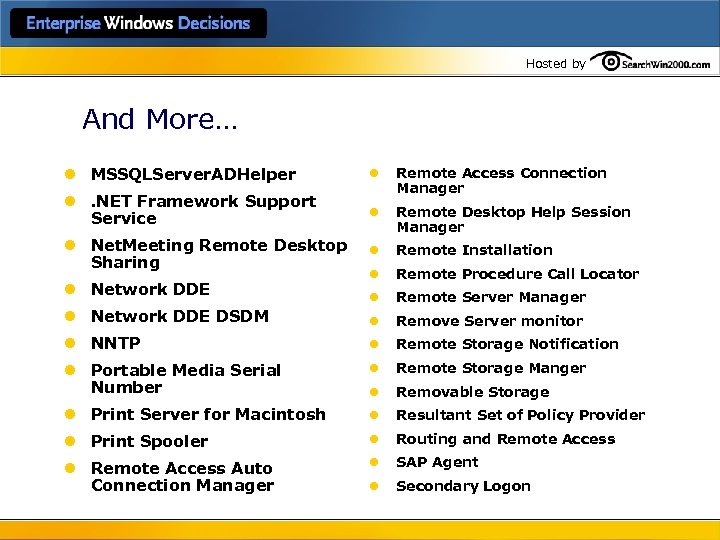
Hosted by And More… l MSSQLServer. ADHelper l l. NET Framework Support Service Remote Access Connection Manager l Remote Desktop Help Session Manager l Net. Meeting Remote Desktop Sharing l Remote Installation l Remote Procedure Call Locator l Remote Server Manager l Network DDE DSDM l Remove Server monitor l NNTP l Remote Storage Notification l Portable Media Serial Number l Remote Storage Manger l Removable Storage l Print Server for Macintosh l Resultant Set of Policy Provider l Print Spooler l Routing and Remote Access l Remote Access Auto Connection Manager l SAP Agent l Secondary Logon l Network DDE
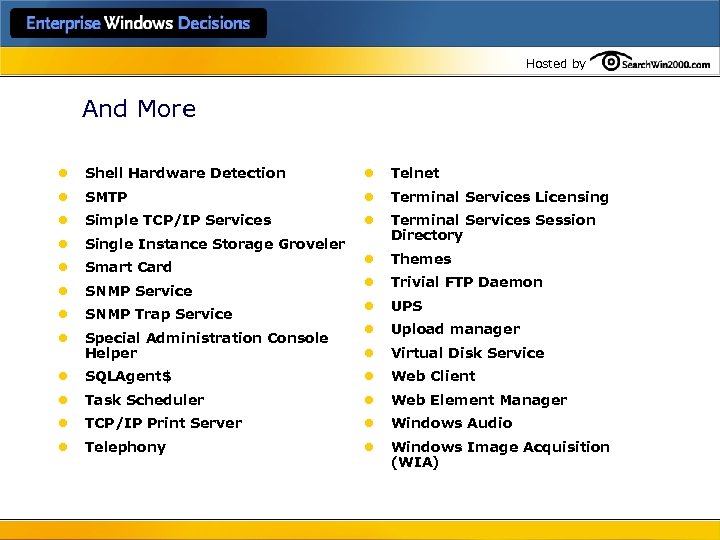
Hosted by And More l Shell Hardware Detection l Telnet l SMTP l Terminal Services Licensing l Simple TCP/IP Services l l Single Instance Storage Groveler Terminal Services Session Directory l Smart Card l Themes l SNMP Service l Trivial FTP Daemon l SNMP Trap Service l UPS l Special Administration Console Helper l Upload manager l Virtual Disk Service l SQLAgent$ l Web Client l Task Scheduler l Web Element Manager l TCP/IP Print Server l Windows Audio l Telephony l Windows Image Acquisition (WIA)
Hosted by And more… l WINS l Windows Media Services l Windows System Resource Manger l Win. HTTP Web Proxy Auto – Discovery service l Wireless Configuration l World Wide Web Publishing Service
Hosted by Set Restricted Groups l Add group l Enter authorized members l Users added in normal GUI will be removed if not also added here
Hosted by Set Object ACLs, SACLs l Use NTFS l Set common settings in templates, policies
Hosted by 5. Use IPSec Policies l File Server Example • Block access from all to any port • Allow access from Any source address to the file server for ports 445, 137, 138 and 139 • Restrict access to terminal services (port 3389) by allowing access from specific computers. (this helps to compensate for the blocking of RPC traffic used by management services. ) • Allow all traffic to and from the file server and domain controllers • Allow traffic between the file server and Microsoft Operations Manager (MOM)
Hosted by 6. Use Constrained Delegation l Only where delegation is required l No blanket rights l Only for specific services l Not for administrator accounts
Hosted by 7. Ensure Correct Time 1. NTLMv 2 authentication requires client and server clocks to be within 30 minutes of each other. 2. Kerberos only allows a 5 minute difference. 3. Event correlations between computers will not be possible if there are time differences. 4. Evidence must be correctly identified or it is not valid evidence. w 32 tm /config /synchfromflags: manual /manualpeerlist: Peerlist w 32 tm /config /update
Hosted by 8. Set account restrictions • Logon hours • Logon to • Restrict delegation • others
Hosted by l Accounts have unique SIDS; policy that might impact these accounts cannot be centrally set • Guest • the group Guests • Support 388045 a 0
Hosted by 9. Use Administrative Templates
Hosted by 10. Use Certificate Services l Key archival for EFS l Certificates for smart cards, authentication, IPSec, email etc. l SSL
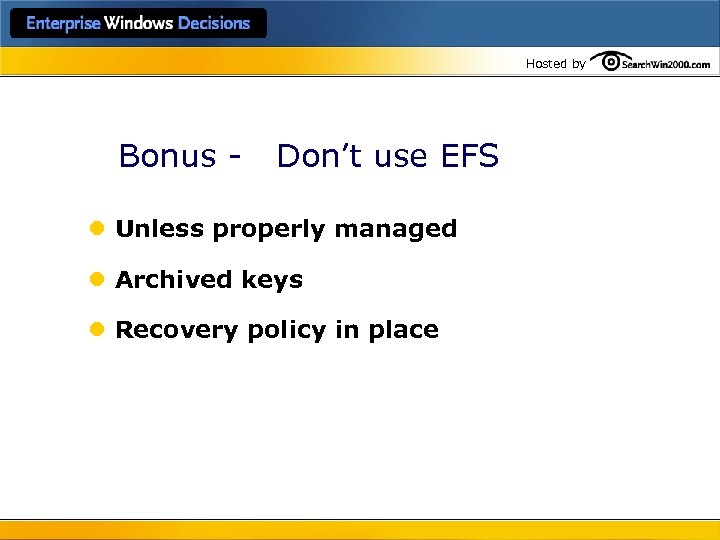
Hosted by Bonus - Don’t use EFS l Unless properly managed l Archived keys l Recovery policy in place
Скачать презентацию Hosted by 10 Best Practices for Windows Security
61d7c196550f001fdbf0fecc484a64ef.ppt