


 Скачать презентацию High Speed Physics Data Transfers using Ultra Light
709c5d473889e4f2507bc6fe5ffd4785.ppt
- Количество слайдов: 21
 High Speed Physics Data Transfers using Ultra. Light Julian Bunn (thanks to Yang Xia and others for material in this talk) Ultra. Light Collaboration Meeting October 2005
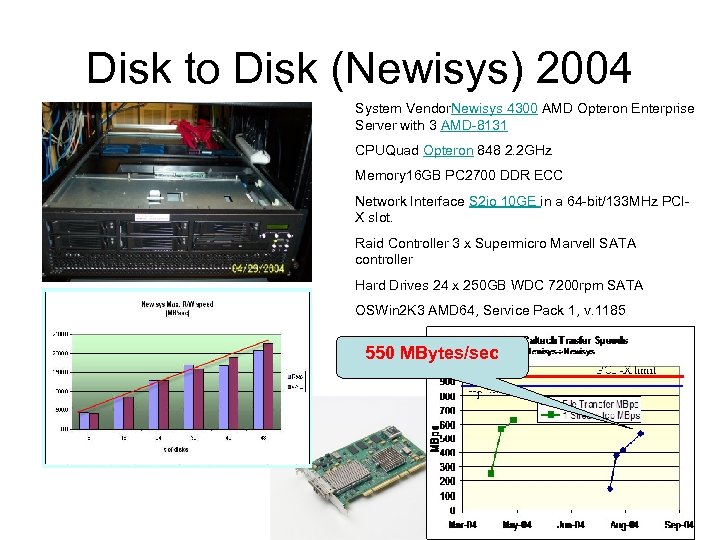 Disk to Disk (Newisys) 2004 System Vendor. Newisys 4300 AMD Opteron Enterprise Server with 3 AMD-8131 CPUQuad Opteron 848 2. 2 GHz Memory 16 GB PC 2700 DDR ECC Network Interface S 2 io 10 GE in a 64 -bit/133 MHz PCIX slot. Raid Controller 3 x Supermicro Marvell SATA controller Hard Drives 24 x 250 GB WDC 7200 rpm SATA OSWin 2 K 3 AMD 64, Service Pack 1, v. 1185 550 MBytes/sec
 Tests with rootd • Physics analysis files are typically ROOT format • Would like to serve these files over the network as quickly as possible. • At least three possibilities: – Use rootd – Use Clarens – Use Web server • Use of rootd is simple: – On client, use “ 123. 456. 789. 012: /dir/root. file” – On server, run “rootd”
![rootd On server: [root@dhcp-116 -157 rootdata]#. /rootd -p 5000 -f -noauth main: running in](https://present5.com/presentation/709c5d473889e4f2507bc6fe5ffd4785/image-4.jpg "rootd On server: [root@dhcp-116 -157 rootdata]#. /rootd -p 5000 -f -noauth main: running in") rootd On server: [root@dhcp-116 -157 rootdata]#. /rootd -p 5000 -f -noauth main: running in foreground mode: sending output to stderr ROOTD_PORT=5000 On client, add following to. rootrc (corrects issue in current root): XNet. Connect. Domain. Allow. RE : * +Plugin. TFile: ^root: TNet. File Core "TNet. File(const char*, Option_t*, const char*, Int_t)" In the C code, access the files like this: TChain* ch = new TChain("Analysis"); ch->Add("root: //10. 1. 1. 1: 5000/. . /raid/rootdata/zpr 200 gev. mumu. root"); ch->Add("root: //10. 1. 1. 1: 5000/. . /raid/rootdata/zpr 500 gev. mumu. root");
rootd On server: [root@dhcp-116 -157 rootdata]#. /rootd -p 5000 -f -noauth main: running in foreground mode: sending output to stderr ROOTD_PORT=5000 On client, add following to. rootrc (corrects issue in current root): XNet. Connect. Domain. Allow. RE : * +Plugin. TFile: ^root: TNet. File Core "TNet. File(const char*, Option_t*, const char*, Int_t)" In the C code, access the files like this: TChain* ch = new TChain("Analysis"); ch->Add("root: //10. 1. 1. 1: 5000/. . /raid/rootdata/zpr 200 gev. mumu. root"); ch->Add("root: //10. 1. 1. 1: 5000/. . /raid/rootdata/zpr 500 gev. mumu. root");
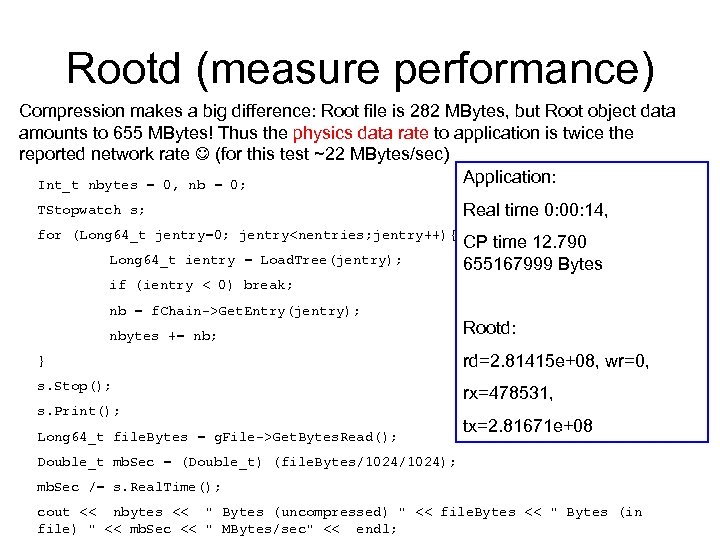 Rootd (measure performance) Compression makes a big difference: Root file is 282 MBytes, but Root object data amounts to 655 MBytes! Thus the physics data rate to application is twice the reported network rate (for this test ~22 MBytes/sec) Application: Int_t nbytes = 0, nb = 0; TStopwatch s; Real time 0: 00: 14, for (Long 64_t jentry=0; jentry
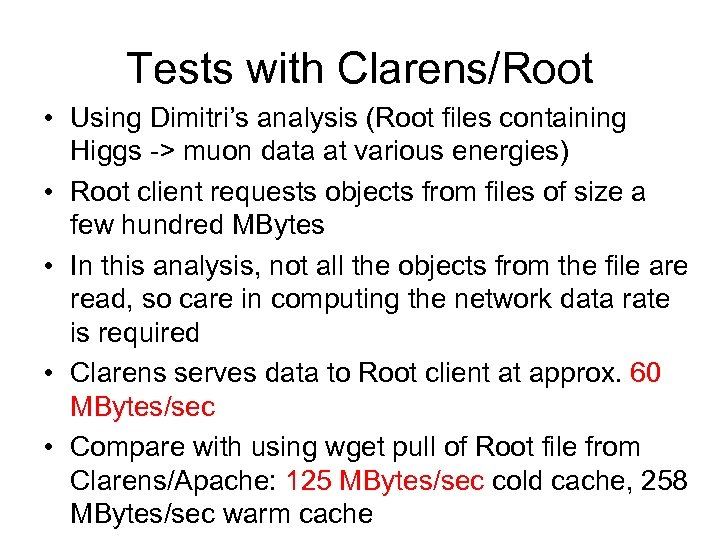 Tests with Clarens/Root • Using Dimitri’s analysis (Root files containing Higgs -> muon data at various energies) • Root client requests objects from files of size a few hundred MBytes • In this analysis, not all the objects from the file are read, so care in computing the network data rate is required • Clarens serves data to Root client at approx. 60 MBytes/sec • Compare with using wget pull of Root file from Clarens/Apache: 125 MBytes/sec cold cache, 258 MBytes/sec warm cache
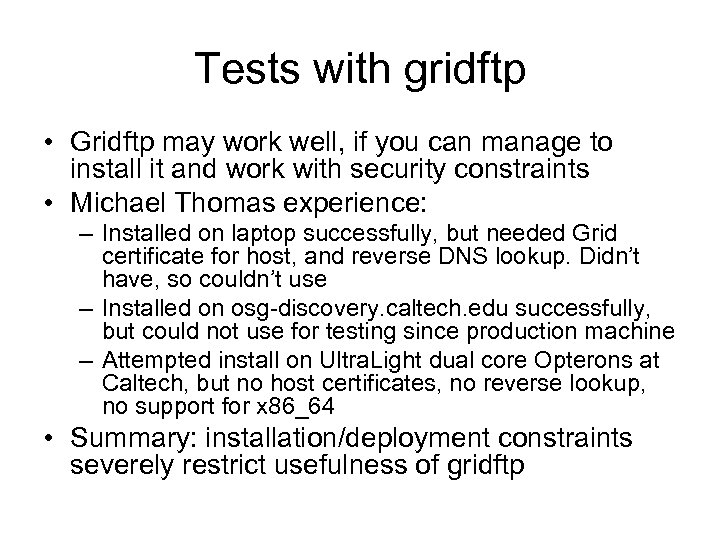 Tests with gridftp • Gridftp may work well, if you can manage to install it and work with security constraints • Michael Thomas experience: – Installed on laptop successfully, but needed Grid certificate for host, and reverse DNS lookup. Didn’t have, so couldn’t use – Installed on osg-discovery. caltech. edu successfully, but could not use for testing since production machine – Attempted install on Ultra. Light dual core Opterons at Caltech, but no host certificates, no reverse lookup, no support for x 86_64 • Summary: installation/deployment constraints severely restrict usefulness of gridftp
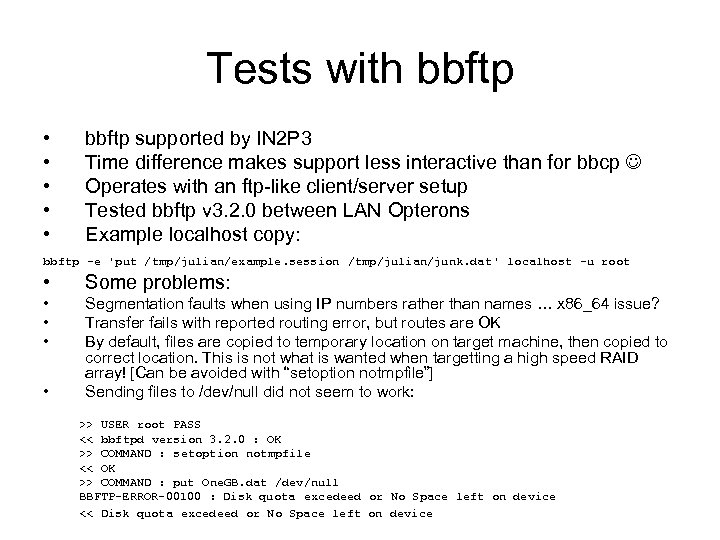 Tests with bbftp • • • bbftp supported by IN 2 P 3 Time difference makes support less interactive than for bbcp Operates with an ftp-like client/server setup Tested bbftp v 3. 2. 0 between LAN Opterons Example localhost copy: bbftp -e 'put /tmp/julian/example. session /tmp/julian/junk. dat' localhost -u root • Some problems: • • Segmentation faults when using IP numbers rather than names … x 86_64 issue? Transfer fails with reported routing error, but routes are OK By default, files are copied to temporary location on target machine, then copied to correct location. This is not what is wanted when targetting a high speed RAID array! [Can be avoided with “setoption notmpfile”] Sending files to /dev/null did not seem to work: >> USER root PASS << bbftpd version 3. 2. 0 : OK >> COMMAND : setoption notmpfile << OK >> COMMAND : put One. GB. dat /dev/null BBFTP-ERROR-00100 : Disk quota excedeed or No Space left on device << Disk quota excedeed or No Space left on device
 bbcp • • http: //www. slac. stanford. edu/~abh/bbcp/ Developed as tool for Ba. Bar file transfers The work of Andy Hanushevsky (SLAC) Peer to Peer architecture – third party transfers • Simple to install: just need bbcp executable in path on remote machine(s) • Works with all standard methods of authentication
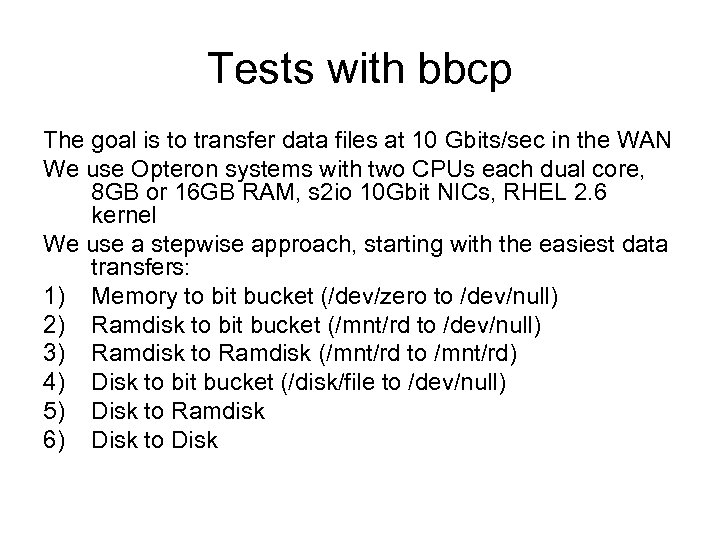 Tests with bbcp The goal is to transfer data files at 10 Gbits/sec in the WAN We use Opteron systems with two CPUs each dual core, 8 GB or 16 GB RAM, s 2 io 10 Gbit NICs, RHEL 2. 6 kernel We use a stepwise approach, starting with the easiest data transfers: 1) Memory to bit bucket (/dev/zero to /dev/null) 2) Ramdisk to bit bucket (/mnt/rd to /dev/null) 3) Ramdisk to Ramdisk (/mnt/rd to /mnt/rd) 4) Disk to bit bucket (/disk/file to /dev/null) 5) Disk to Ramdisk 6) Disk to Disk
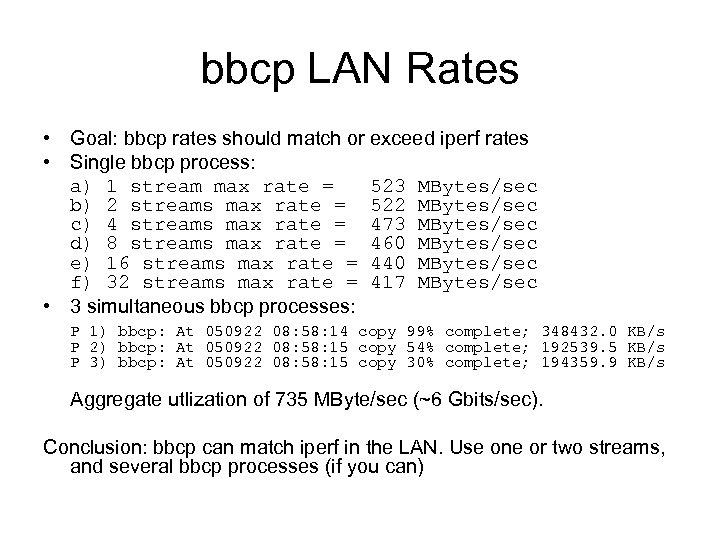 bbcp LAN Rates • Goal: bbcp rates should match or exceed iperf rates • Single bbcp process: a) 1 stream max rate = 523 MBytes/sec b) 2 streams max rate = 522 MBytes/sec c) 4 streams max rate = 473 MBytes/sec d) 8 streams max rate = 460 MBytes/sec e) 16 streams max rate = 440 MBytes/sec f) 32 streams max rate = 417 MBytes/sec • 3 simultaneous bbcp processes: P 1) bbcp: At 050922 08: 58: 14 copy 99% complete; 348432. 0 KB/s P 2) bbcp: At 050922 08: 58: 15 copy 54% complete; 192539. 5 KB/s P 3) bbcp: At 050922 08: 58: 15 copy 30% complete; 194359. 9 KB/s Aggregate utlization of 735 MByte/sec (~6 Gbits/sec). Conclusion: bbcp can match iperf in the LAN. Use one or two streams, and several bbcp processes (if you can)
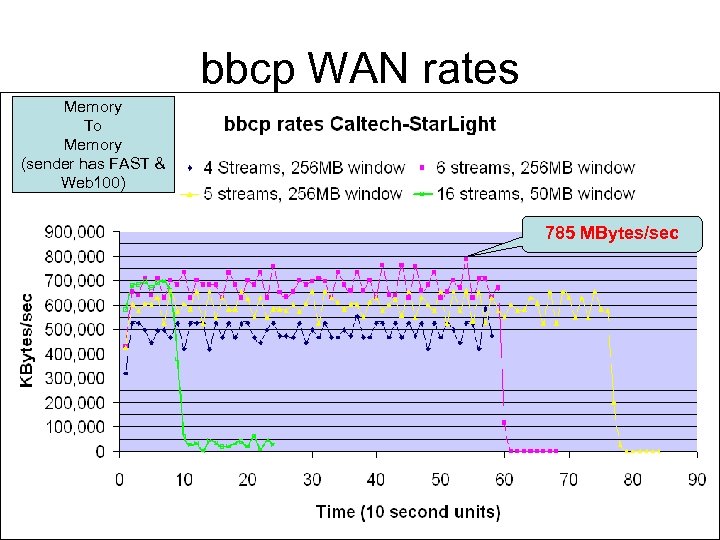 bbcp WAN rates Memory To Memory (sender has FAST & Web 100) 785 MBytes/sec
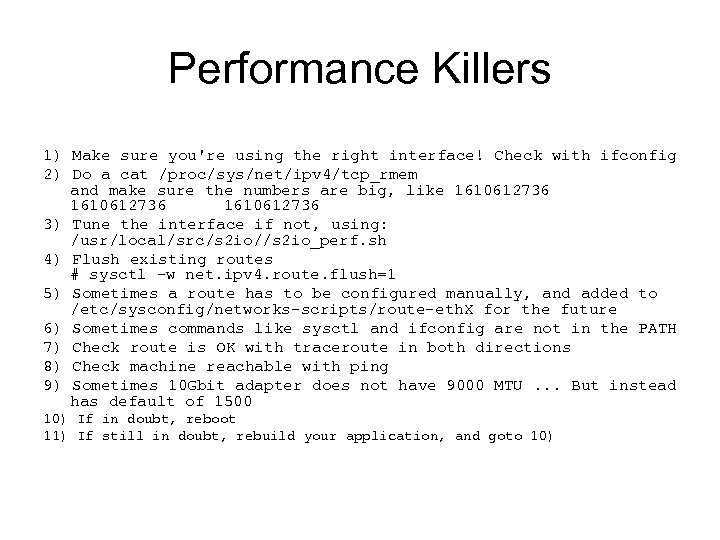 Performance Killers 1) Make sure you're using the right interface! Check with ifconfig 2) Do a cat /proc/sys/net/ipv 4/tcp_rmem and make sure the numbers are big, like 1610612736 3) Tune the interface if not, using: /usr/local/src/s 2 io//s 2 io_perf. sh 4) Flush existing routes # sysctl -w net. ipv 4. route. flush=1 5) Sometimes a route has to be configured manually, and added to /etc/sysconfig/networks-scripts/route-eth. X for the future 6) Sometimes commands like sysctl and ifconfig are not in the PATH 7) Check route is OK with traceroute in both directions 8) Check machine reachable with ping 9) Sometimes 10 Gbit adapter does not have 9000 MTU. . . But instead has default of 1500 10) If in doubt, reboot 11) If still in doubt, rebuild your application, and goto 10)
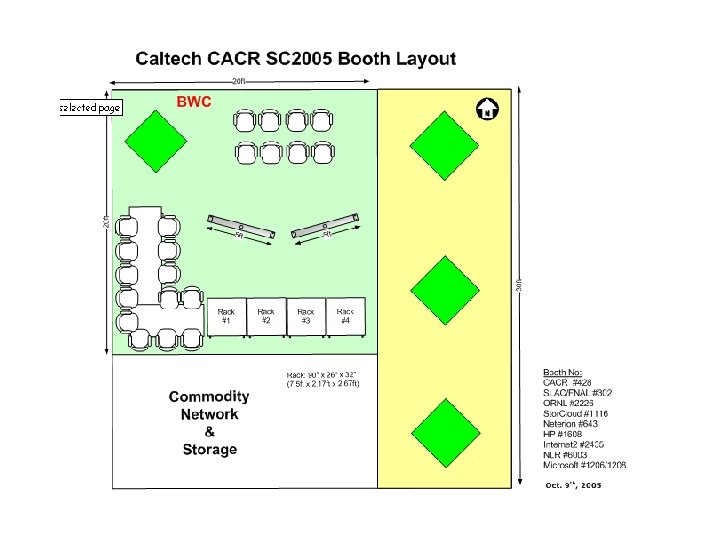
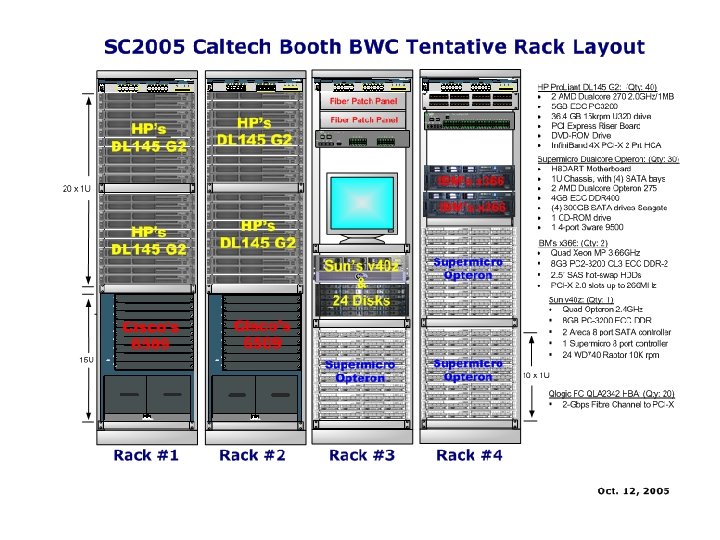
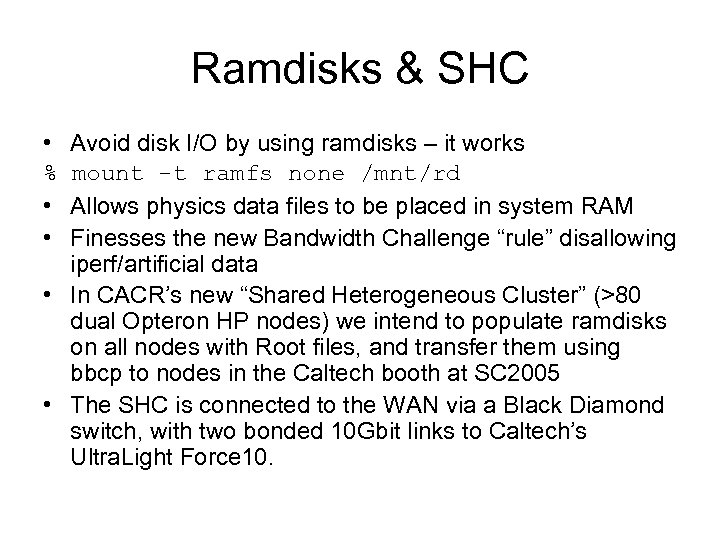 Ramdisks & SHC • Avoid disk I/O by using ramdisks – it works % mount -t ramfs none /mnt/rd • Allows physics data files to be placed in system RAM • Finesses the new Bandwidth Challenge “rule” disallowing iperf/artificial data • In CACR’s new “Shared Heterogeneous Cluster” (>80 dual Opteron HP nodes) we intend to populate ramdisks on all nodes with Root files, and transfer them using bbcp to nodes in the Caltech booth at SC 2005 • The SHC is connected to the WAN via a Black Diamond switch, with two bonded 10 Gbit links to Caltech’s Ultra. Light Force 10.
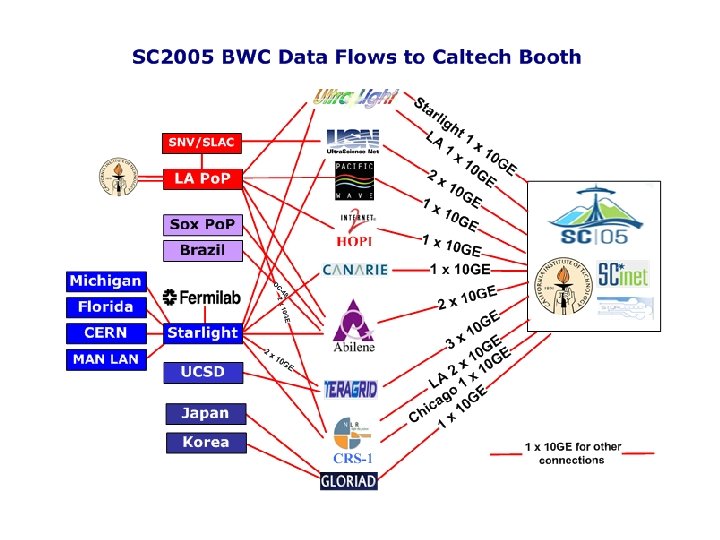
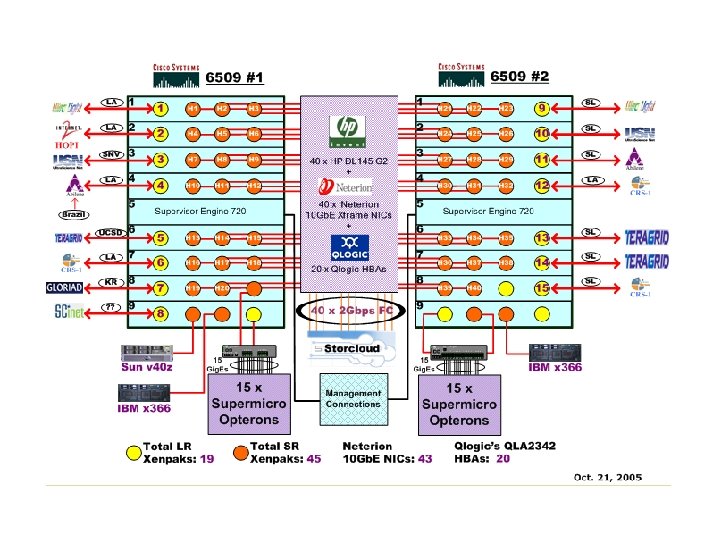
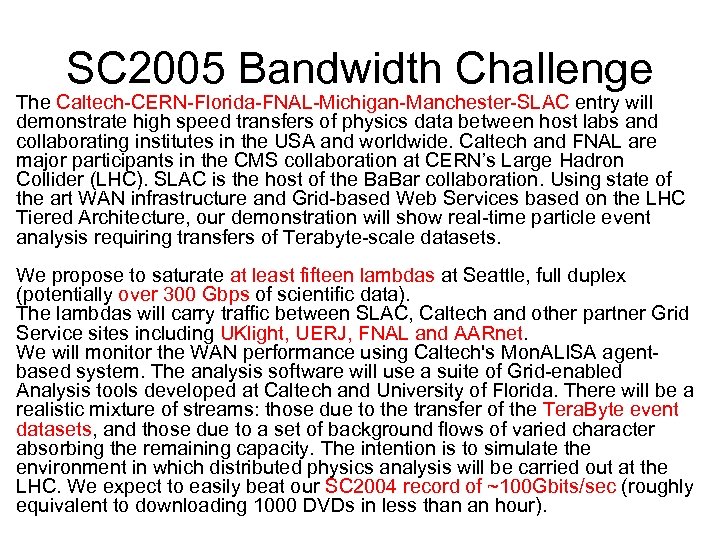 SC 2005 Bandwidth Challenge The Caltech-CERN-Florida-FNAL-Michigan-Manchester-SLAC entry will demonstrate high speed transfers of physics data between host labs and collaborating institutes in the USA and worldwide. Caltech and FNAL are major participants in the CMS collaboration at CERN’s Large Hadron Collider (LHC). SLAC is the host of the Ba. Bar collaboration. Using state of the art WAN infrastructure and Grid-based Web Services based on the LHC Tiered Architecture, our demonstration will show real-time particle event analysis requiring transfers of Terabyte-scale datasets. We propose to saturate at least fifteen lambdas at Seattle, full duplex (potentially over 300 Gbps of scientific data). The lambdas will carry traffic between SLAC, Caltech and other partner Grid Service sites including UKlight, UERJ, FNAL and AARnet. We will monitor the WAN performance using Caltech's Mon. ALISA agentbased system. The analysis software will use a suite of Grid-enabled Analysis tools developed at Caltech and University of Florida. There will be a realistic mixture of streams: those due to the transfer of the Tera. Byte event datasets, and those due to a set of background flows of varied character absorbing the remaining capacity. The intention is to simulate the environment in which distributed physics analysis will be carried out at the LHC. We expect to easily beat our SC 2004 record of ~100 Gbits/sec (roughly equivalent to downloading 1000 DVDs in less than an hour).

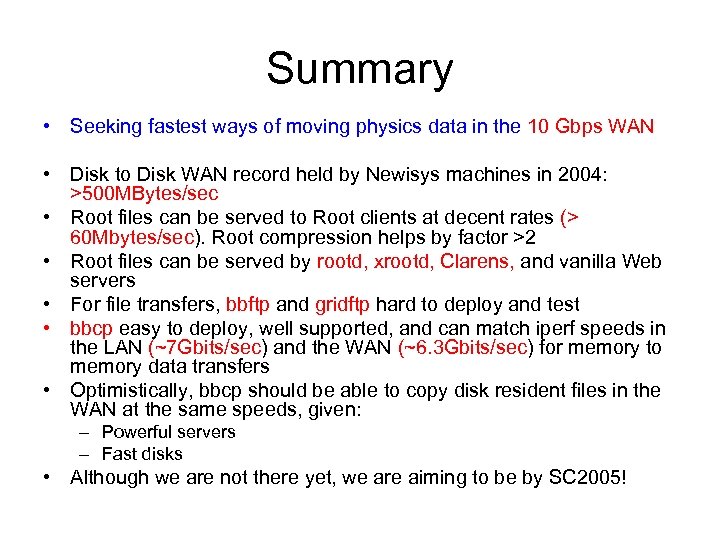 Summary • Seeking fastest ways of moving physics data in the 10 Gbps WAN • Disk to Disk WAN record held by Newisys machines in 2004: >500 MBytes/sec • Root files can be served to Root clients at decent rates (> 60 Mbytes/sec). Root compression helps by factor >2 • Root files can be served by rootd, xrootd, Clarens, and vanilla Web servers • For file transfers, bbftp and gridftp hard to deploy and test • bbcp easy to deploy, well supported, and can match iperf speeds in the LAN (~7 Gbits/sec) and the WAN (~6. 3 Gbits/sec) for memory to memory data transfers • Optimistically, bbcp should be able to copy disk resident files in the WAN at the same speeds, given: – Powerful servers – Fast disks • Although we are not there yet, we are aiming to be by SC 2005!