


 Скачать презентацию HCI 158359 P Lyons 2007 -2008
2bfc4597cf4cffc8440d3321c4bb27b4.ppt
- Количество слайдов: 172
 HCI (158359) © P. Lyons 2007 -2008
 159353 Human-Computer Interaction Section 1 3/16/2018 HCI (158359) 2 © P. Lyons 2007 -2008
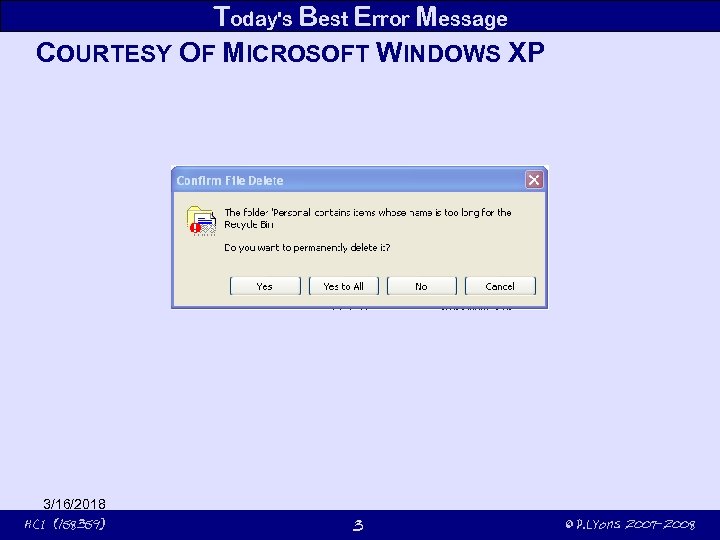 Today's Best Error Message COURTESY OF MICROSOFT WINDOWS XP 3/16/2018 HCI (158359) 3 © P. Lyons 2007 -2008
 Conceptual Models ANALYSE THE PROBLEM SPACE FIRST Starting with functional requirements can obscure usability considerations Starting with an interface technology can lead to inappropriate interfaces consider GPS car navigation system VR heads-up display – obscure real items maps on LCD displays – distracting spoken instructions redress the balance both have been used Start with a more abstract analysis assumptions – reasons, often presented without empirical justification claims – have to be lived up to goals ified ey can be ver ce, if th not bad practi 3/16/2018 HCI (158359) 5 © P. Lyons 2007 -2008
 Conceptual Models STEPS IN ANALYSING THE PROBLEM SPACE Use experience with existing products learn reasons for problems design solutions to problems How to design an improved user experience? 3/16/2018 HCI (158359) 6 © P. Lyons 2007 -2008
 Conceptual Models WHAT DID THE DEVELOPERS ASSUME? itunes users want to organise playlists users will organise their music files with itunes focus on individual songs? focus on albums? people will buy individual songs when playing moreso when buying How do you rate importance of playing individual songs? playing playlists? Were Apple's assumptions warranted? 3/16/2018 HCI (158359) 7 © P. Lyons 2007 -2008
 Conceptual Models WHAT DID THE DEVELOPERS CLAIM? http: //www. apple. com/itunes/overview With the integrated i. Tunes Store, you can build a collection of • digital music • movies • TV shows • i. Pod games • audiobooks • podcasts from the comfort of your computer. 3/16/2018 HCI (158359) 8 © P. Lyons 2007 -2008
 Conceptual Models FROM PROBLEM SPACE TO DESIGN SPACE Design benefits from good understanding of problem space providing the right functionality type of interface behaviour But first, it's important to develop a unifying model for the interface 3/16/2018 HCI (158359) 9 © P. Lyons 2007 -2008
 Conceptual Models CONCEPTUAL M SPACE FROM PROBLEMODELS TO DESIGN SPACE Design benefits from good understanding of problem space providing the right functionality type of interface behaviour But first, it's important to develop a unifying model for the interface 3/16/2018 HCI (158359) 10 © P. Lyons 2007 -2008
 Conceptual Models CONCEPTUAL MODELS But first, it's important to develop a unifying model for the interface • how it is organised • how it operates • the concepts modelled by the interface • the relationships between those concepts not the details of the design the colour of the buttons whether it uses buttons at all pull-down list or table What information do we present to the user? What information do we want to ge back from the user? E. g. what's the underlying model of selection in Power. Point? simple click selects an item? shift click toggles an item's entry in a list simple click clears the list and adds an item Model can help designers make decisions how the interface should look and feel even what functions are important 3/16/2018 HCI (158359) 11 © P. Lyons 2007 -2008
 Conceptual Models BENEFITS TO THE DESIGN TEAM Allows them to focus on user experience Gives them a common vocabulary if they talk to each other Delays commitment to detailed design Facilitates future developments model paves the way for future developments tho' it's understood that they won't be implemented just yet 3/16/2018 HCI (158359) 12 © P. Lyons 2007 -2008
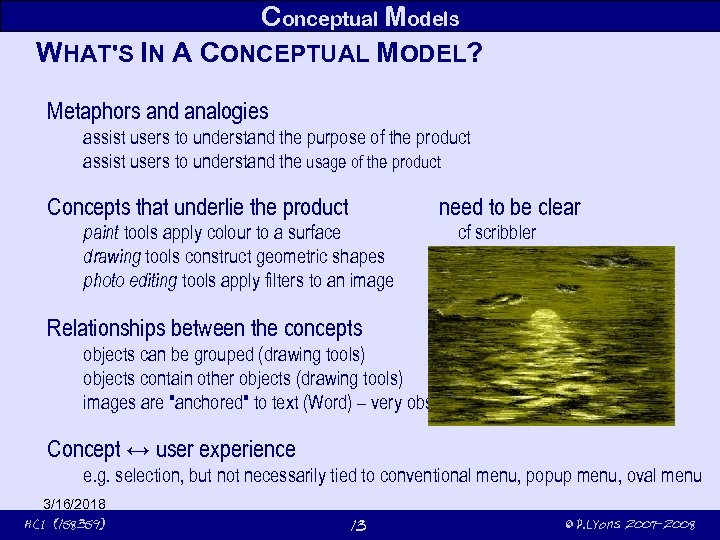 Conceptual Models WHAT'S IN A CONCEPTUAL MODEL? Metaphors and analogies assist users to understand the purpose of the product assist users to understand the usage of the product Concepts that underlie the product need to be clear paint tools apply colour to a surface drawing tools construct geometric shapes photo editing tools apply filters to an image cf scribbler Relationships between the concepts objects can be grouped (drawing tools) objects contain other objects (drawing tools) images are "anchored" to text (Word) – very obscure relationship Concept ↔ user experience e. g. selection, but not necessarily tied to conventional menu, popup menu, oval menu 3/16/2018 HCI (158359) 13 © P. Lyons 2007 -2008
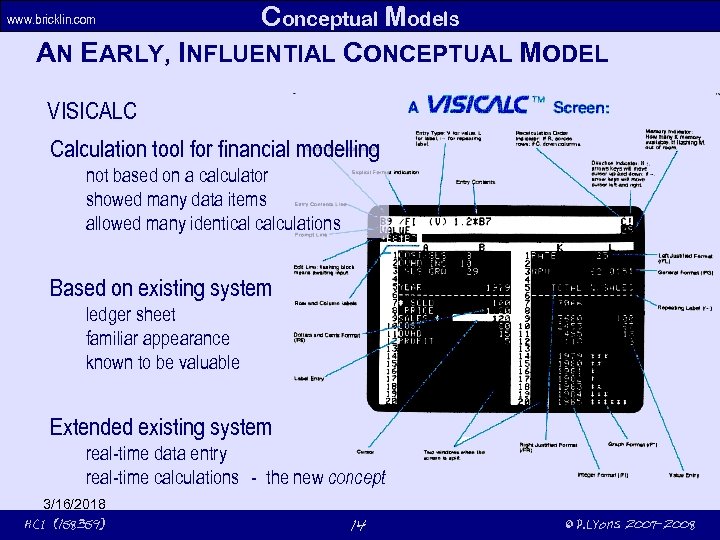 Conceptual Models AN EARLY, INFLUENTIAL CONCEPTUAL MODEL www. bricklin. com VISICALC Calculation tool for financial modelling not based on a calculator showed many data items allowed many identical calculations Based on existing system ledger sheet familiar appearance known to be valuable Extended existing system real-time data entry real-time calculations - the new concept 3/16/2018 HCI (158359) 14 © P. Lyons 2007 -2008
 Conceptual Models Benefits Familiarity Simplicity Saved drudgery calculators could perform same calculation, but with more effort Improved accuracy Surpassed the capabilities of existing systems 3/16/2018 HCI (158359) 15 © P. Lyons 2007 -2008
 Conceptual Models XEROX STAR Bitmapped user interface each pixel stored as a bit in memory cf. text terminals less memory – ASCII characters built-in, so no memory mapping needed) less flexibility – no images (except ASCII images) Goal: a computer for users who didn’t use computers Extensive research into an appropriate conceptual model led to the desktop metaphor to provide familiarity to minimise the need to understand how computers work 3/16/2018 HCI (158359) 16 © P. Lyons 2007 -2008
 Conceptual Models INTERFACE METAPHORS Provide similarity to a real-world, physical object called an analogy if appearance is similar but the terms are often used interchangeably people do variety of clerical, drawing, etc. tasks at a desk computers that facilitate similar tasks should be similar to this Metaphor is not limited to properties of real-world object copying files or folders searching for files Replaces computer-related jargon with familiar terms easier to learn and talk about Metaphor may be quite abstract what sort of engine is in a search engine - steam, gas turbine, internal combustion? the metaphor you have when you're not having a metaphor 3/16/2018 HCI (158359) 17 © P. Lyons 2007 -2008
 Conceptual Models BENEFITS OF INTERFACE METAPHORS Provides a clue to the underlying conceptual model Familiarity reduces difficulty of learning Empowers a wide variety of non-technical users of computers before the desktop metaphor, computer usage was hieratic Well-chosen metaphor can prompt new functionality shortcuts allow files to be in two places at once 3/16/2018 HCI (158359) 18 © P. Lyons 2007 -2008
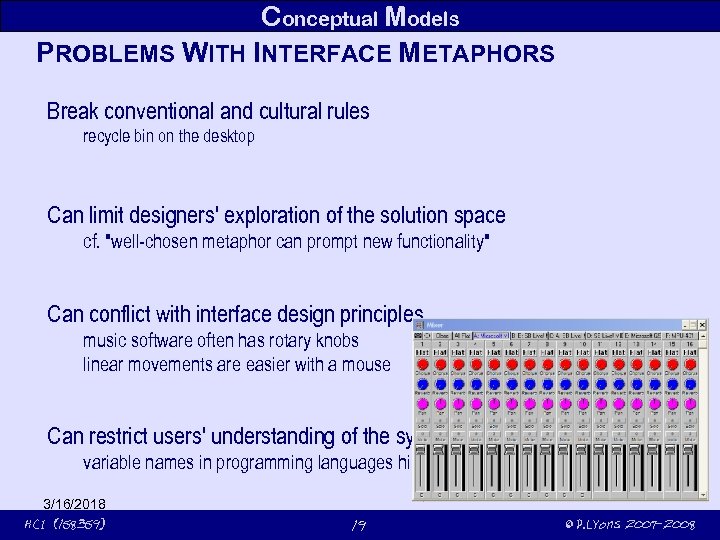 Conceptual Models PROBLEMS WITH INTERFACE METAPHORS Break conventional and cultural rules recycle bin on the desktop Can limit designers' exploration of the solution space cf. "well-chosen metaphor can prompt new functionality" Can conflict with interface design principles music software often has rotary knobs linear movements are easier with a mouse Can restrict users' understanding of the system to the metaphor variable names in programming languages hide reality of storage allocation 3/16/2018 HCI (158359) 19 © P. Lyons 2007 -2008
 Conceptual Models CLASS ACTIVITY What type of interface interaction would be appropriate for a computer system that will encourage autistic children to communicate and express themselves better? Autism [is] diagnosed on the basis of […] three behavioral impairments or dysfunctions: 1. impaired social interaction, 2. impaired communication and 3. restricted and repetitive interests and activities. No limits on technology employed No limits on cost 3/16/2018 HCI (158359) 20 © P. Lyons 2007 -2008
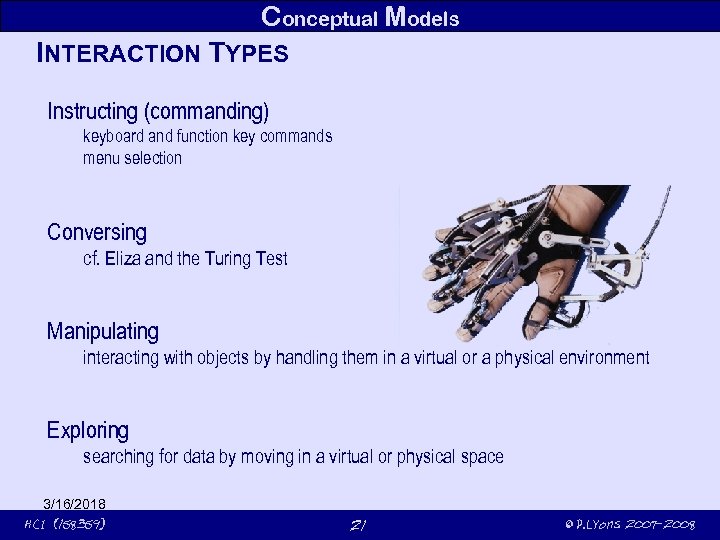 Conceptual Models INTERACTION TYPES Instructing (commanding) keyboard and function key commands menu selection Conversing cf. Eliza and the Turing Test Manipulating interacting with objects by handling them in a virtual or a physical environment Exploring searching for data by moving in a virtual or physical space 3/16/2018 HCI (158359) 21 © P. Lyons 2007 -2008
 Conceptual Models INSTRUCTING User tells the system what to do command-line interfaces menu selection, buttons Efficient and unambiguous by comparison with natural-language interface, for example Flexible easy to add parameters to a command (e. g. Unix commands) 3/16/2018 HCI (158359) 22 © P. Lyons 2007 -2008
 Conceptual Models CONVERSING Approaches human-human interaction in some respect spoken input (voice recognition) natural language input (Ask Jeeves – now defunct) Helps novices and technophobes feel at ease Implementation difficult distinguishing accents parsing natural language 3/16/2018 HCI (158359) 23 © P. Lyons 2007 -2008
 Liddle, D. , 1996 Design of the Conceptual Model, in Winograd, T. (ed) Bringing Design to Software Addison Wesley Conceptual Models "The most important thing to design is the user’s conceptual model. Everything else should be subordinated to making that model clear, obvious, substantial. That is almost exactly the opposite of how most software is designed" 3/16/2018 HCI (158359) 24 © P. Lyons 2007 -2008
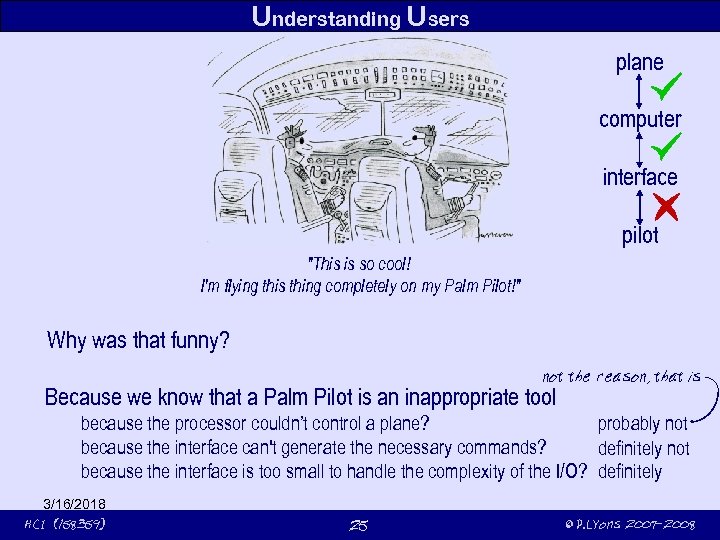 Understanding Users plane computer interface pilot "This is so cool! I'm flying this thing completely on my Palm Pilot!" Why was that funny? not the reason, that is Because we know that a Palm Pilot is an inappropriate tool probably not because the processor couldn’t control a plane? because the interface can't generate the necessary commands? definitely not because the interface is too small to handle the complexity of the I/O? definitely 3/16/2018 HCI (158359) 25 © P. Lyons 2007 -2008
 Understanding Users DESIGNING AN INTERFACE FOR HUMANS What's good about the real plane control systems? They map much better onto human cognitive and physical capabilities We need to know about human cognitive and physical capabilities extend human capabilties strength to operate control surfaces – power assistance (planes) ability to draw smooth curves – Bézier curves (computers) compensate for their weaknesses can't see through fog – radar (planes) can't remember hundreds of commands – menus (computers) Cognition definition, importance, application to interaction design cognition research leads to more effective interactive products mental models – how to use something, how something works 3/16/2018 HCI (158359) 26 © P. Lyons 2007 -2008
 Understanding Users COGNITION What's going on in our heads? thinking remembering learning daydreaming decision-making writing talking Two modes Experiential mode leads to the ability to perceive and react to events efficiently and effortlessly. It is the basis of expert behavior. It's essential for driving, for playing a musical instrument. Reflective mode comparison and contrast, thought, and decision-making. leads to new ideas and novel responses. A musician who's stuck in a section is using experiential, not reflective cognition 3/16/2018 HCI (158359) 27 © P. Lyons 2007 -2008
 Understanding Users WHY DO WE NEED TO UNDERSTAND USERS? Interacting with technology is cognitive Users' cognitive processes have limitations We can allow for these if we understand users Users can only be expected to do certain things Understanding users gives insight into these Helps us understand problems that users encounter We want to design better interactive products Understanding users can help us by supplying 3/16/2018 HCI (158359) • theories • modelling tools • guidance • methods 28 © P. Lyons 2007 -2008
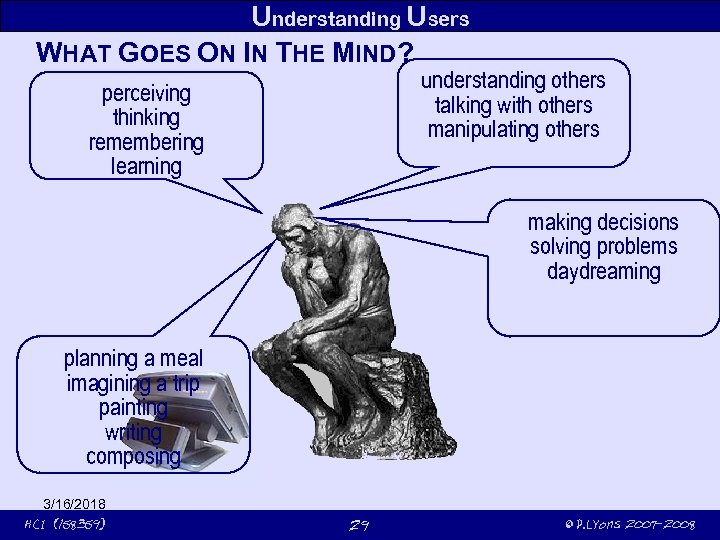 Understanding Users WHAT GOES ON IN THE MIND? understanding others talking with others manipulating others perceiving thinking remembering learning making decisions solving problems daydreaming planning a meal imagining a trip painting writing composing 3/16/2018 HCI (158359) 29 © P. Lyons 2007 -2008
 Understanding Users WHAT GOES ON IN THE MIND? Cognitive processes Attention Perception Memory Reading, speaking and listening Problem-solving, planning, reasoning & decision-making, learning 3/16/2018 HCI (158359) 30 © P. Lyons 2007 -2008
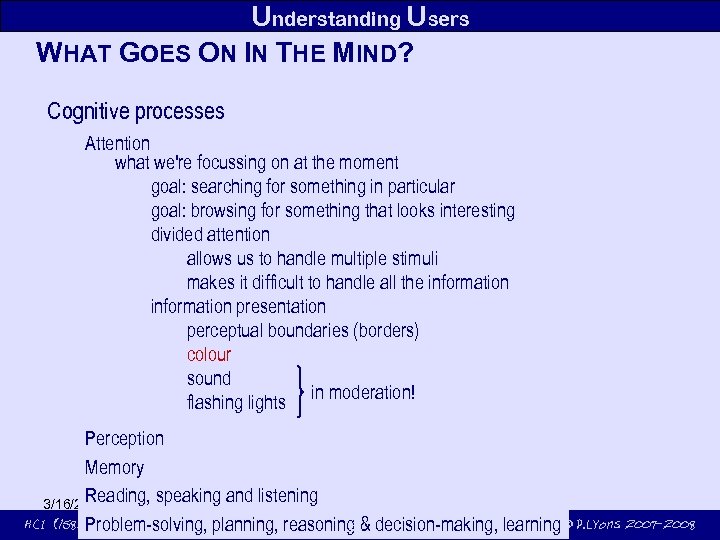 Understanding Users WHAT GOES ON IN THE MIND? Cognitive processes Attention what we're focussing on at the moment goal: searching for something in particular goal: browsing for something that looks interesting divided attention allows us to handle multiple stimuli makes it difficult to handle all the information presentation perceptual boundaries (borders) colour sound in moderation! flashing lights Perception Memory Reading, speaking and listening 3/16/2018 HCI (158359) 31 Problem-solving, planning, reasoning & decision-making, learning © P. Lyons 2007 -2008
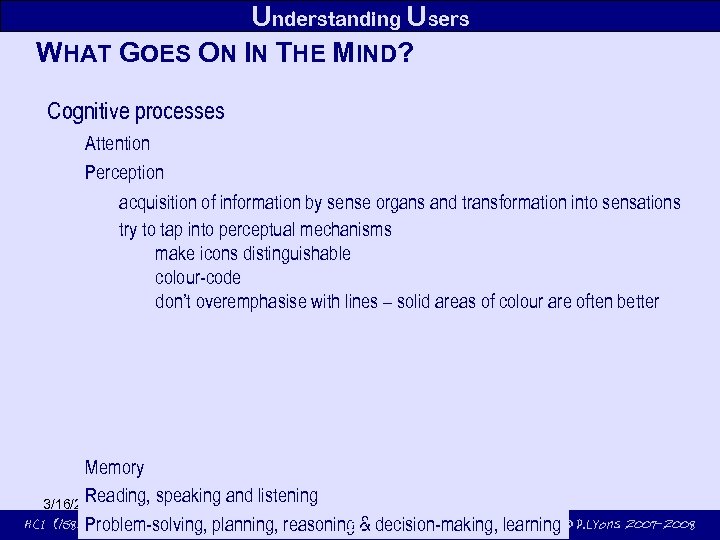 Understanding Users WHAT GOES ON IN THE MIND? Cognitive processes Attention Perception acquisition of information by sense organs and transformation into sensations try to tap into perceptual mechanisms make icons distinguishable colour-code don’t overemphasise with lines – solid areas of colour are often better Memory Reading, speaking and listening 3/16/2018 HCI (158359) 32 Problem-solving, planning, reasoning & decision-making, learning © P. Lyons 2007 -2008
 HCI (158359) © P. Lyons 2007 -2008
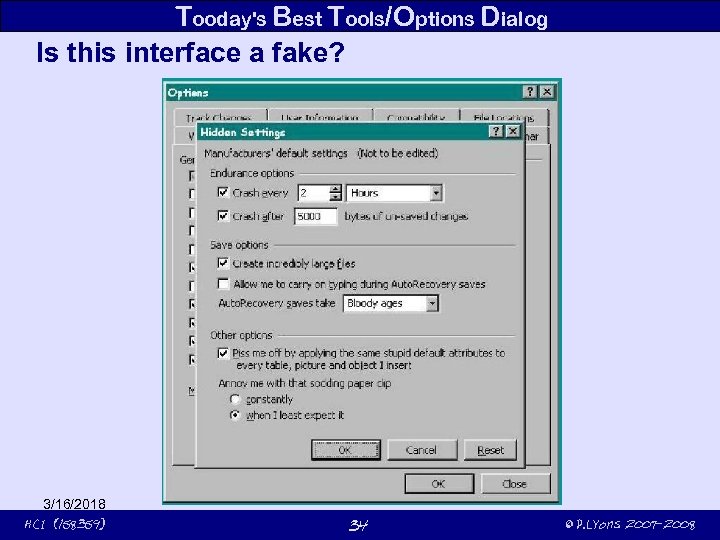 Tooday's Best Tools/Options Dialog Is this interface a fake? 3/16/2018 HCI (158359) 34 © P. Lyons 2007 -2008
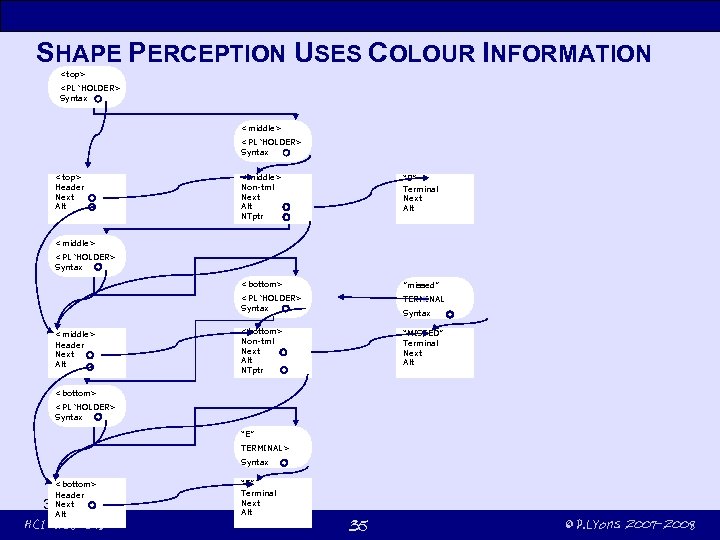 SHAPE PERCEPTION USES COLOUR INFORMATION
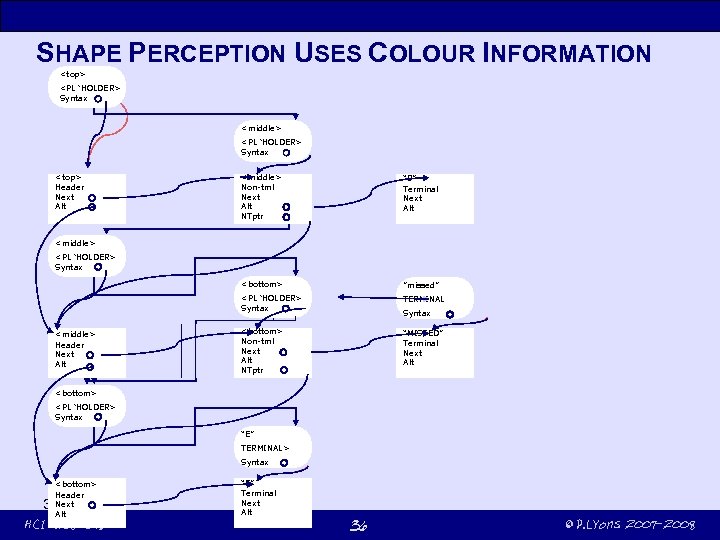 SHAPE PERCEPTION USES COLOUR INFORMATION
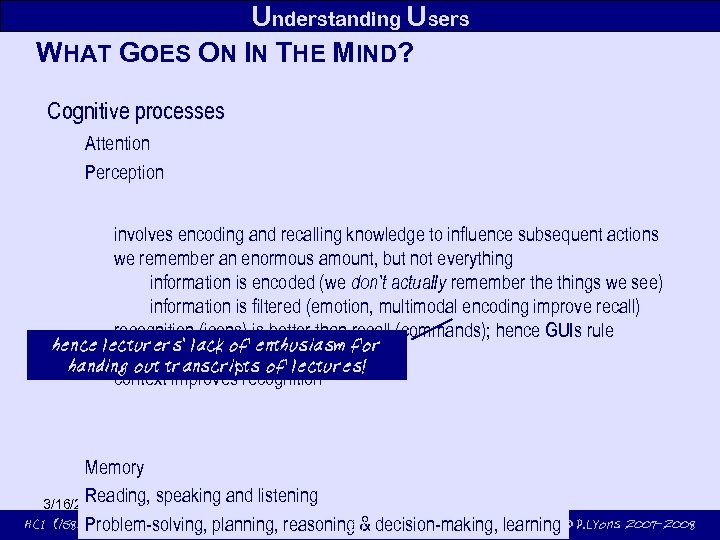 Understanding Users WHAT GOES ON IN THE MIND? Cognitive processes Attention Perception involves encoding and recalling knowledge to influence subsequent actions we remember an enormous amount, but not everything information is encoded (we don’t actually remember the things we see) information is filtered (emotion, multimodal encoding improve recall) recognition (icons) is better than recall (commands); hence GUIs rule hence lecturers' lack of enthusiasm for images easier to remember than words handing out transcripts of lectures! context improves recognition Memory Reading, speaking and listening 3/16/2018 HCI (158359) 37 Problem-solving, planning, reasoning & decision-making, learning © P. Lyons 2007 -2008
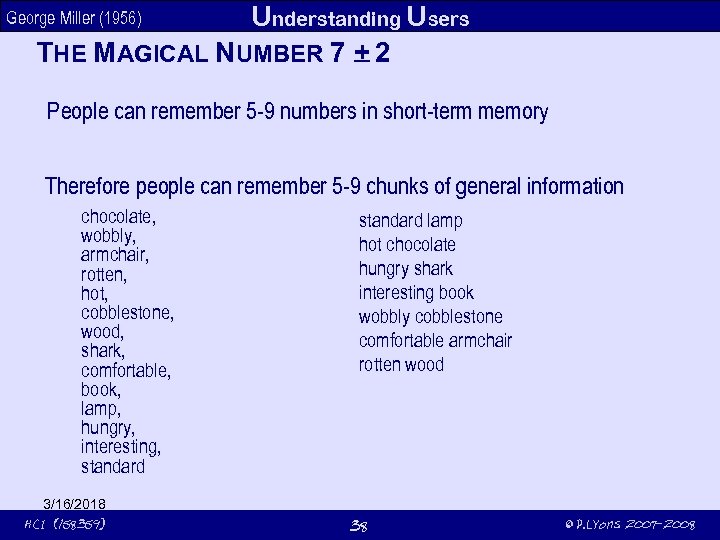 Understanding Users THE MAGICAL NUMBER 7 + 2 George Miller (1956) People can remember 5 -9 numbers in short-term memory Therefore people can remember 5 -9 chunks of general information chocolate, wobbly, armchair, rotten, hot, cobblestone, wood, shark, comfortable, book, lamp, hungry, interesting, standard 3/16/2018 HCI (158359) standard lamp hot chocolate hungry shark interesting book wobbly cobblestone comfortable armchair rotten wood 38 © P. Lyons 2007 -2008
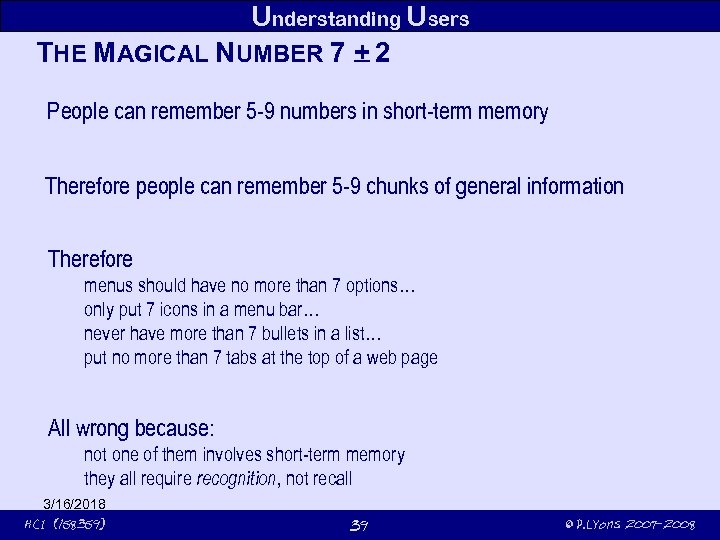 Understanding Users THE MAGICAL NUMBER 7 + 2 People can remember 5 -9 numbers in short-term memory Therefore people can remember 5 -9 chunks of general information Therefore menus should have no more than 7 options… only put 7 icons in a menu bar… never have more than 7 bullets in a list… put no more than 7 tabs at the top of a web page All wrong because: not one of them involves short-term memory they all require recognition, not recall 3/16/2018 HCI (158359) 39 © P. Lyons 2007 -2008
 Understanding Users A MORE SENSIBLE APPLICATION OF PSYCH RESEARCH Searching for items by name primary identification for a file is its name typing a filename correctly (or worse, a URL) is a challenge Bookmarks allow recognition to be used instead of recall even if first bookmark loaded is incorrect, a couple of tries often suffices Encode things to be found using a variety of modes name colour icon timestamp 3/16/2018 HCI (158359) 40 © P. Lyons 2007 -2008
 Understanding Users READING, SPEAKING AND LISTENING All three convey the same information listening has a lower cognitive load than reading allows repetition but Microsoft Producer's go-back-10 s button allows repetition of spoken sections reading can be faster than listening – serial input dominates but is not exclusive writing is usually grammatical and concise; speaking is often poorly structured and rambling preferences fore reading, writing and listening vary widely within the population disabilities (dyslexia, hearing and vision impairment) affect modes differently 3/16/2018 HCI (158359) 41 © P. Lyons 2007 -2008
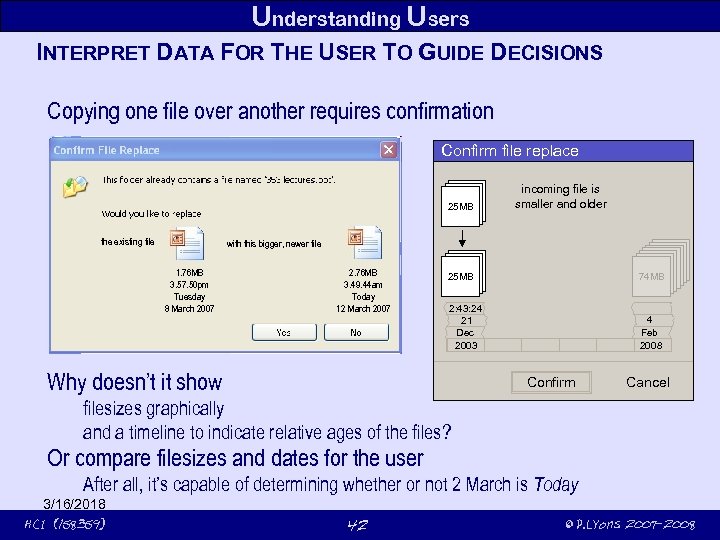 Understanding Users INTERPRET DATA FOR THE USER TO GUIDE DECISIONS Copying one file over another requires confirmation Confirm file replace 74 MB 25 MB the existing file incoming file is smallerand newer smaller and newer bigger older bigger and older 25 MB 74 MB with this bigger, newer file 1. 76 MB 3. 57. 50 pm Tuesday 8 March 2007 2. 76 MB 3. 49. 44 am Today 12 March 2007 74 MB 25 MB 74 MB 25 MB 2: 43: 24 21 Dec 2003 19: 33: 12 4 Feb 2008 Why doesn’t it show Confirm Cancel filesizes graphically and a timeline to indicate relative ages of the files? Or compare filesizes and dates for the user After all, it’s capable of determining whether or not 2 March is Today 3/16/2018 HCI (158359) 42 © P. Lyons 2007 -2008
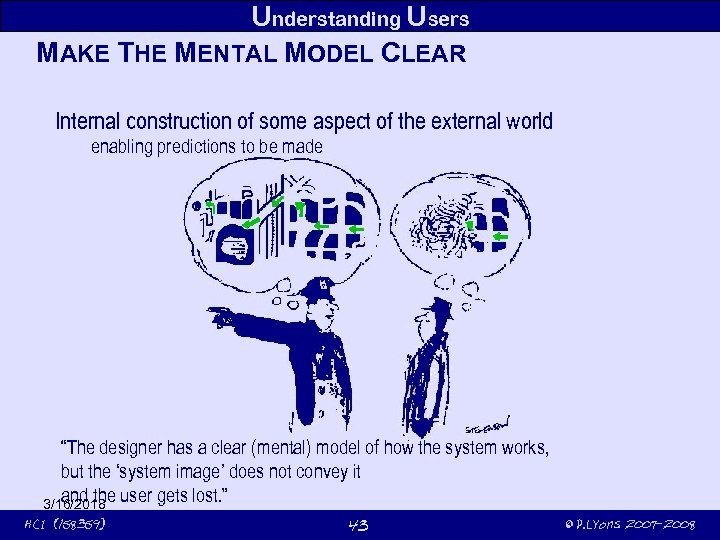 Understanding Users MAKE THE MENTAL MODEL CLEAR Internal construction of some aspect of the external world enabling predictions to be made ? “The designer has a clear (mental) model of how the system works, but the ‘system image’ does not convey it and the 3/16/2018 user gets lost. ” HCI (158359) 43 © P. Lyons 2007 -2008
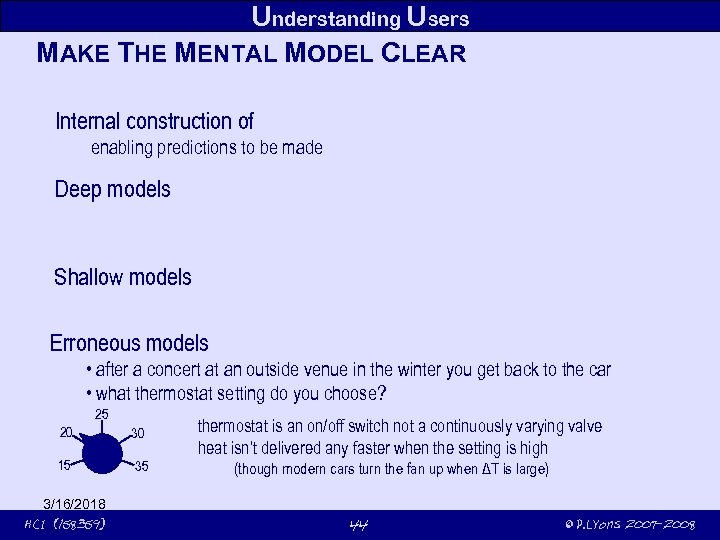 Understanding Users MAKE THE MENTAL MODEL CLEAR Internal construction of enabling predictions to be made Deep models Shallow models Erroneous models • after a concert at an outside venue in the winter you get back to the car • what thermostat setting do you choose? 25 20 30 15 35 3/16/2018 HCI (158359) thermostat is an on/off switch not a continuously varying valve heat isn’t delivered any faster when the setting is high (though modern cars turn the fan up when ΔT is large) 44 © P. Lyons 2007 -2008
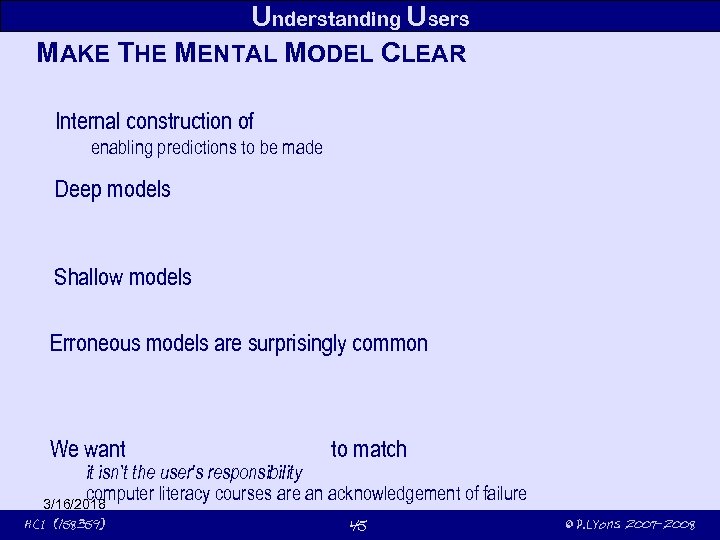 Understanding Users MAKE THE MENTAL MODEL CLEAR Internal construction of enabling predictions to be made Deep models Shallow models Erroneous models are surprisingly common We want to match it isn’t the user's responsibility computer literacy courses are an acknowledgement of failure 3/16/2018 HCI (158359) 45 © P. Lyons 2007 -2008
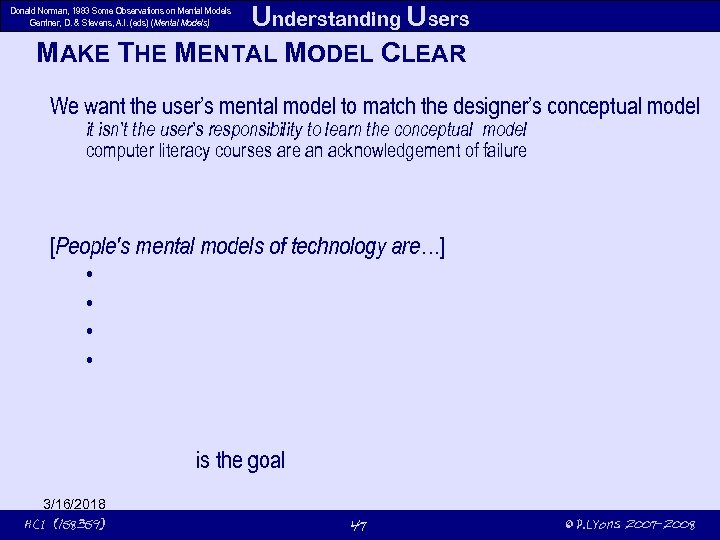 Understanding Users MAKE THE MENTAL MODEL CLEAR Donald Norman, 1983 Some Observations on Mental Models Gentner, D. & Stevens, A. l. (eds) (Mental Models) We want the user’s mental model to match the designer’s conceptual model it isn’t the user’s responsibility to learn the conceptual model computer literacy courses are an acknowledgement of failure [People's mental models of technology are…] • • is the goal 3/16/2018 HCI (158359) 47 © P. Lyons 2007 -2008
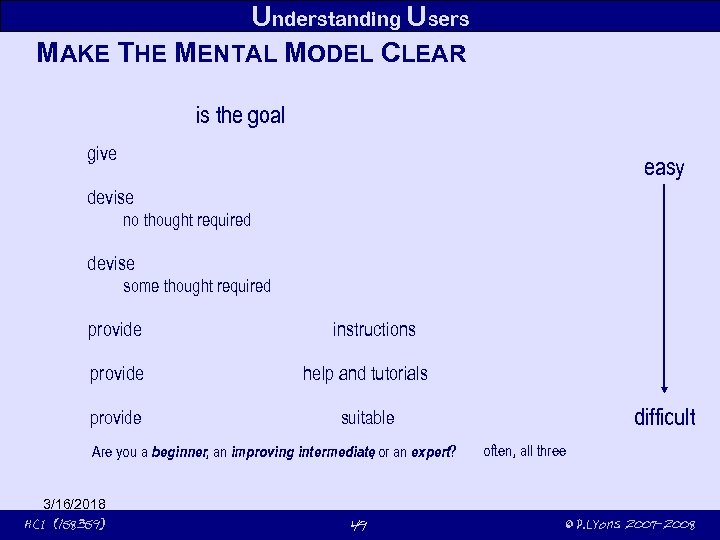 Understanding Users MAKE THE MENTAL MODEL CLEAR is the goal give easy devise no thought required devise some thought required provide instructions provide help and tutorials provide suitable Are you a beginner, an improving intermediate or an expert? , 3/16/2018 HCI (158359) 49 difficult often, all three © P. Lyons 2007 -2008
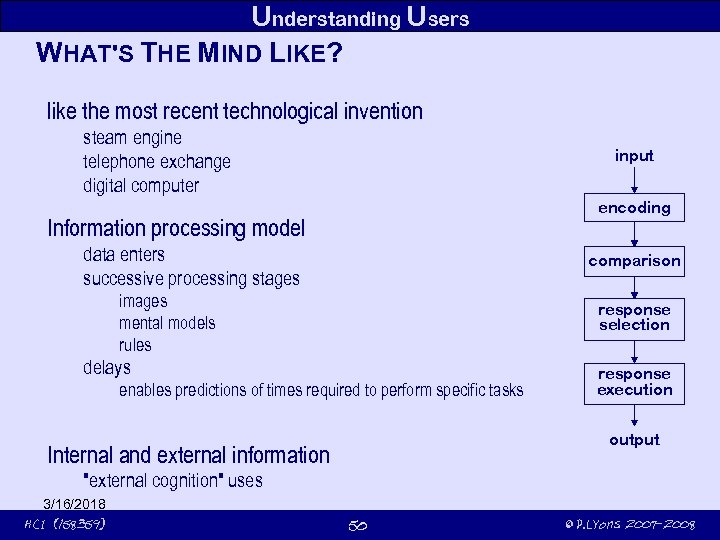 Understanding Users WHAT'S THE MIND LIKE? like the most recent technological invention steam engine telephone exchange digital computer input encoding Information processing model data enters successive processing stages comparison images mental models rules response selection delays enables predictions of times required to perform specific tasks response execution output Internal and external information "external cognition" uses 3/16/2018 HCI (158359) 50 © P. Lyons 2007 -2008
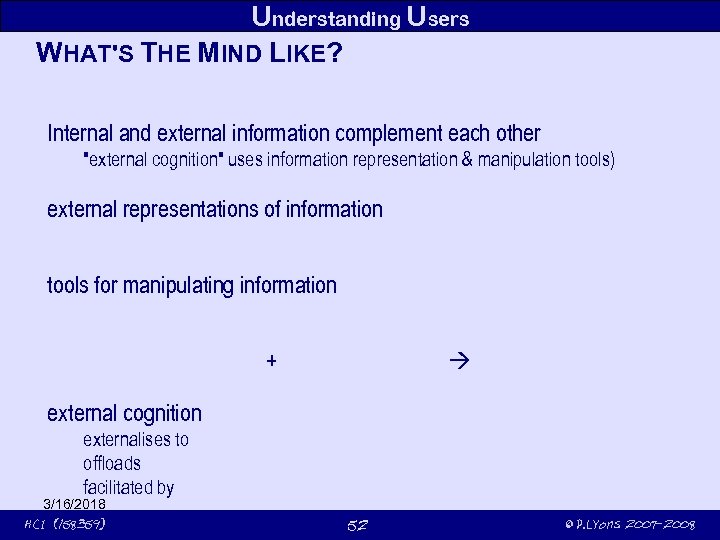 Understanding Users WHAT'S THE MIND LIKE? Internal and external information complement each other "external cognition" uses information representation & manipulation tools) external representations of information tools for manipulating information + external cognition externalises to offloads facilitated by 3/16/2018 HCI (158359) 52 © P. Lyons 2007 -2008
 Understanding Users WHAT'S THE MIND LIKE? external cognition externalises to reduce memory load offloads computational load facilitated by annotation and cognitive tracing diaries, calendars, sticky notes location is important (note written on the hand, briefcase by the front door) reminder to do something (remember Mum's birthday) reminder of what needs to be done (buy her a card) reminder of when to to it (before her birthday!) 3/16/2018 HCI (158359) 54 © P. Lyons 2007 -2008
 Understanding Users WHAT'S THE MIND LIKE? external cognition externalises to reduce memory load offloads computational load well-chosen representation facilitates computation e. g. , multiplication with arabic numerals vs. Roman numerals 3/16/2018 HCI (158359) 55 © P. Lyons 2007 -2008
 Understanding Users WHAT'S THE MIND LIKE? external cognition externalises to reduce memory load offloads computational load facilitated by annotation and cognitive tracing annotation – e. g. writing to-do lists (IDEs) shopping lists (life) – crossing items off a list cf. wizards that keep a running record of things done cognitive tracing manipulating items into different orders or structures cards in a game of bridge or poker cutouts of furniture in a room plan 3/16/2018 HCI (158359) 56 © P. Lyons 2007 -2008
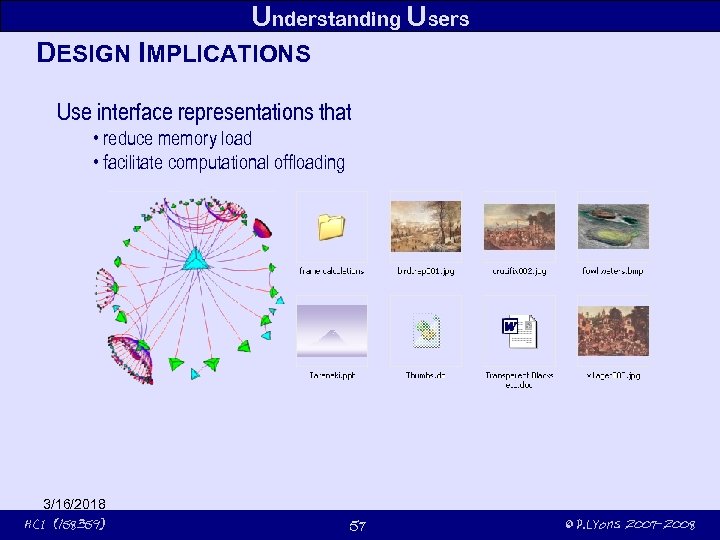 Understanding Users DESIGN IMPLICATIONS Use interface representations that • reduce memory load • facilitate computational offloading 3/16/2018 HCI (158359) 57 © P. Lyons 2007 -2008
 Understanding Users KEY POINTS Cognition involves many processes including The way an interface is designed can greatly affect how well users can how to do their tasks The conceptual framework of provide ways of which can lead to 3/16/2018 HCI (158359) and 58 © P. Lyons 2007 -2008
 3/16/2018 HCI (158359) 59 © P. Lyons 2007 -2008
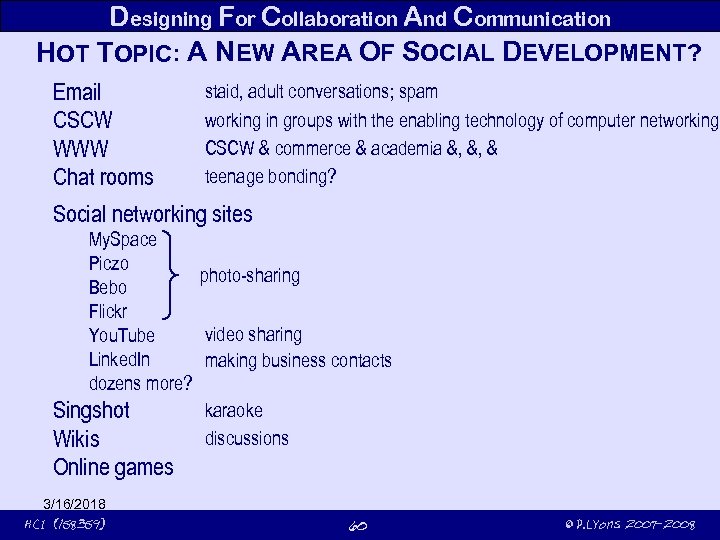 Designing For Collaboration And Communication HOT TOPIC: A NEW AREA OF SOCIAL DEVELOPMENT? Email CSCW WWW Chat rooms staid, adult conversations; spam working in groups with the enabling technology of computer networking CSCW & commerce & academia &, &, & teenage bonding? Social networking sites My. Space Piczo photo-sharing Bebo Flickr video sharing You. Tube Linked. In making business contacts dozens more? karaoke Singshot discussions Wikis Online games 3/16/2018 HCI (158359) 60 © P. Lyons 2007 -2008
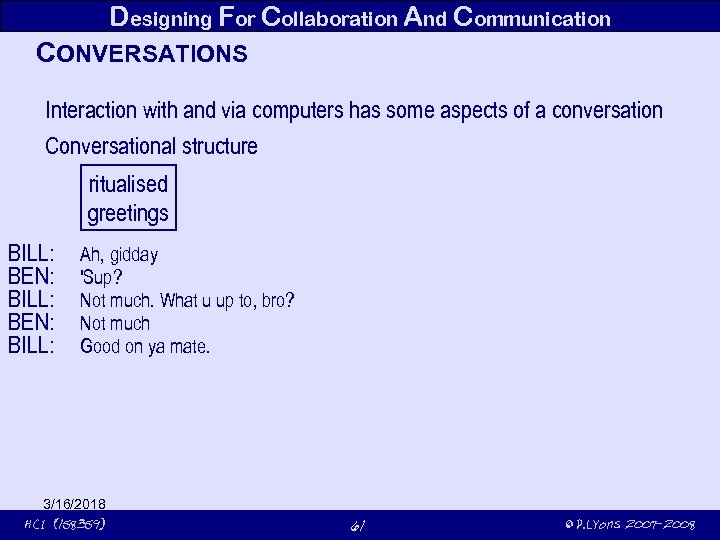 Designing For Collaboration And Communication CONVERSATIONS Interaction with and via computers has some aspects of a conversation Conversational structure ritualised greetings BILL: BEN: BILL: Ah, gidday 'Sup? Not much. What u up to, bro? Not much Good on ya mate. 3/16/2018 HCI (158359) 61 © P. Lyons 2007 -2008
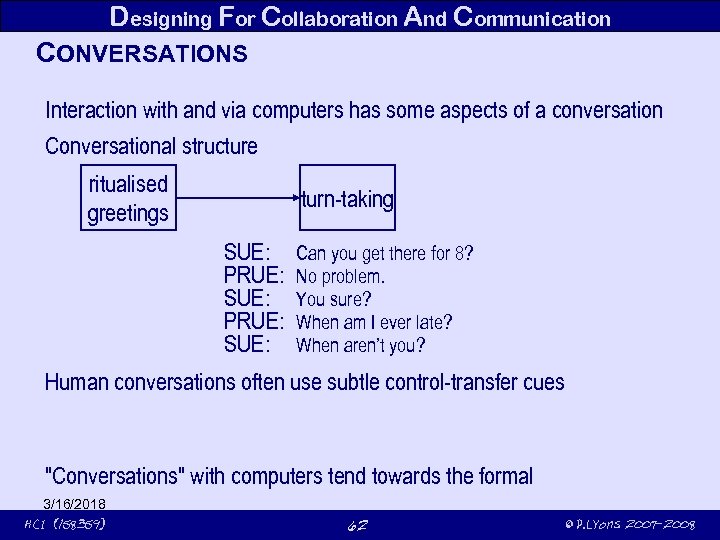 Designing For Collaboration And Communication CONVERSATIONS Interaction with and via computers has some aspects of a conversation Conversational structure ritualised greetings turn-taking SUE: PRUE: SUE: Can you get there for 8? No problem. You sure? When am I ever late? When aren’t you? Human conversations often use subtle control-transfer cues "Conversations" with computers tend towards the formal 3/16/2018 HCI (158359) 62 © P. Lyons 2007 -2008
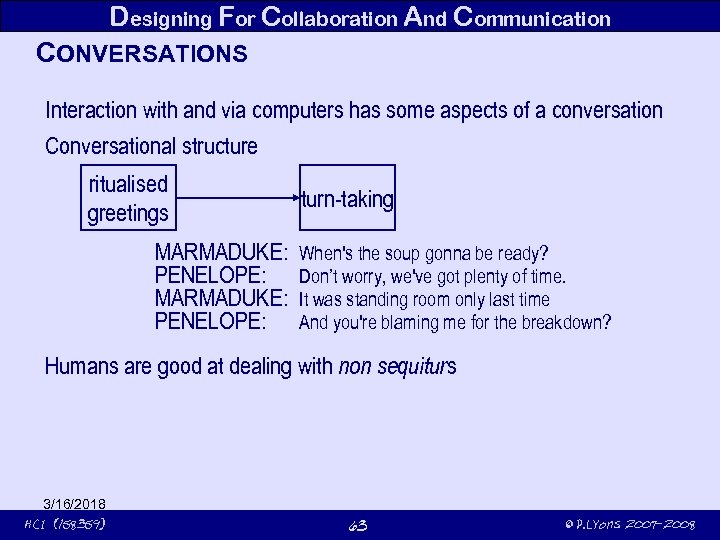 Designing For Collaboration And Communication CONVERSATIONS Interaction with and via computers has some aspects of a conversation Conversational structure ritualised greetings MARMADUKE: PENELOPE: turn-taking When's the soup gonna be ready? Don’t worry, we've got plenty of time. It was standing room only last time And you're blaming me for the breakdown? Humans are good at dealing with non sequiturs 3/16/2018 HCI (158359) 63 © P. Lyons 2007 -2008
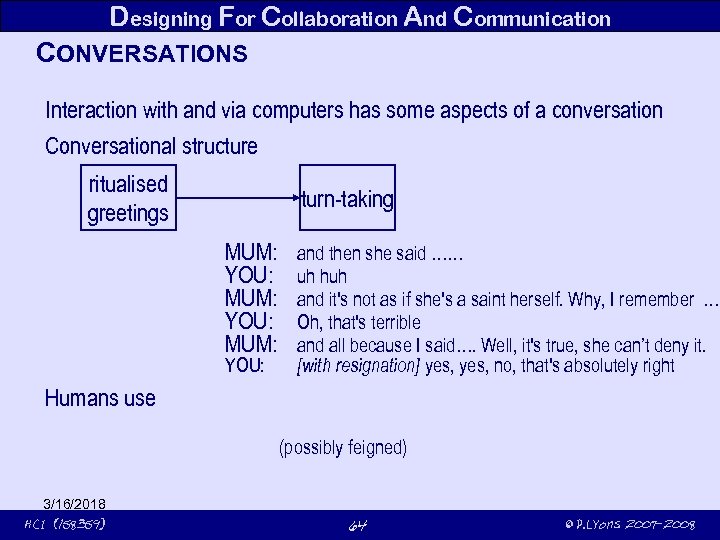 Designing For Collaboration And Communication CONVERSATIONS Interaction with and via computers has some aspects of a conversation Conversational structure ritualised greetings turn-taking MUM: YOU: and then she said …… uh huh and it's not as if she's a saint herself. Why, I remember … Oh, that's terrible and all because I said…. Well, it's true, she can’t deny it. [with resignation] yes, no, that's absolutely right Humans use (possibly feigned) 3/16/2018 HCI (158359) 64 © P. Lyons 2007 -2008
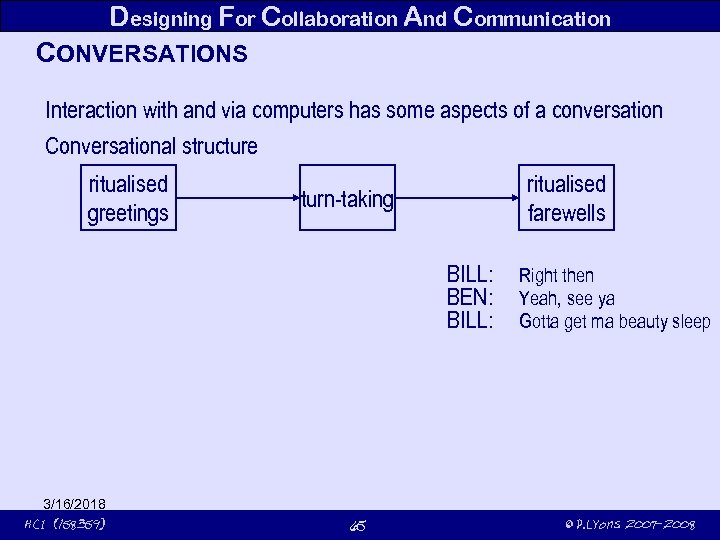 Designing For Collaboration And Communication CONVERSATIONS Interaction with and via computers has some aspects of a conversation Conversational structure ritualised greetings ritualised farewells turn-taking BILL: BEN: BILL: 3/16/2018 HCI (158359) 65 Right then Yeah, see ya Gotta get ma beauty sleep © P. Lyons 2007 -2008
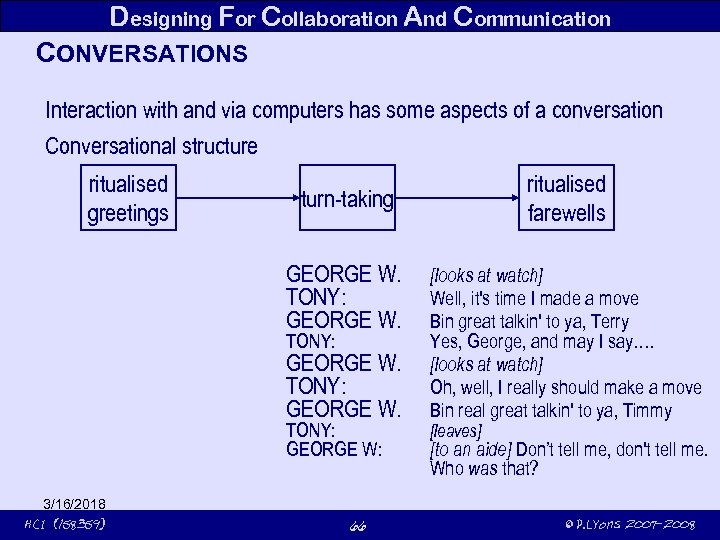 Designing For Collaboration And Communication CONVERSATIONS Interaction with and via computers has some aspects of a conversation Conversational structure ritualised greetings GEORGE W. TONY: GEORGE W: 3/16/2018 HCI (158359) ritualised farewells turn-taking 66 [looks at watch] Well, it's time I made a move Bin great talkin' to ya, Terry Yes, George, and may I say…. [looks at watch] Oh, well, I really should make a move Bin real great talkin' to ya, Timmy [leaves] [to an aide] Don’t tell me, don't tell me. Who was that? © P. Lyons 2007 -2008
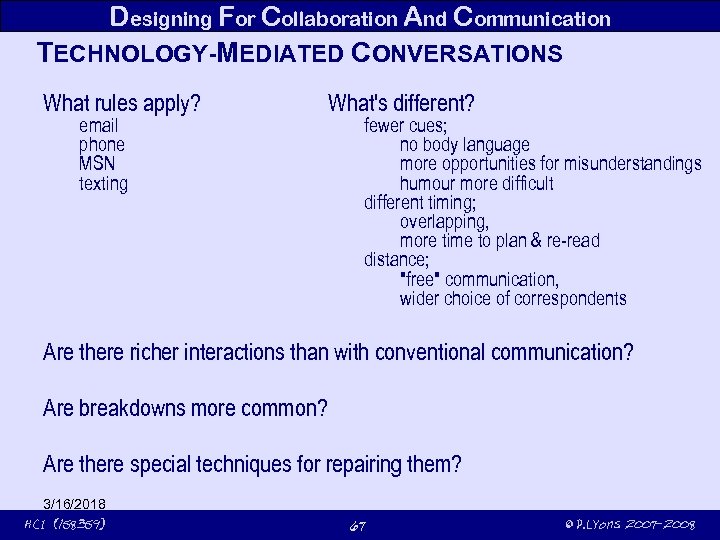 Designing For Collaboration And Communication TECHNOLOGY-MEDIATED CONVERSATIONS What rules apply? email phone MSN texting What's different? fewer cues; no body language more opportunities for misunderstandings humour more difficult different timing; overlapping, more time to plan & re-read distance; "free" communication, wider choice of correspondents Are there richer interactions than with conventional communication? Are breakdowns more common? Are there special techniques for repairing them? 3/16/2018 HCI (158359) 67 © P. Lyons 2007 -2008
 Designing For Collaboration And Communication SYNCHRONOUS COMPUTER-MEDIATED COMMUNICATION voice, typing, video benefits drawbacks 3/16/2018 HCI (158359) 68 © P. Lyons 2007 -2008
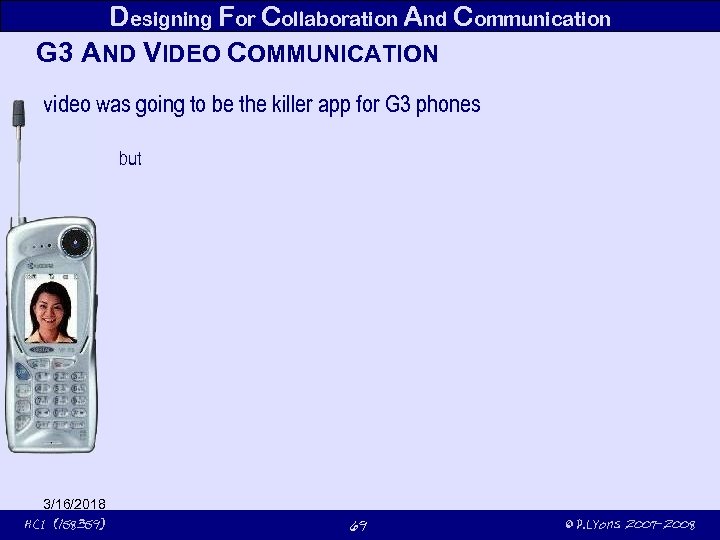 Designing For Collaboration And Communication G 3 AND VIDEO COMMUNICATION video was going to be the killer app for G 3 phones but 3/16/2018 HCI (158359) 69 © P. Lyons 2007 -2008
 Designing For Collaboration And Communication ASYNCHRONOUS COMMUNICATION email discussion boards computer conferencing can be read anywhere, anytime can be sent to many people can be easier to say things flaming spamming message overload false expectations about people's ability or willingness to reply subtle concepts can be difficult to express in writing 3/16/2018 HCI (158359) 70 © P. Lyons 2007 -2008
 Designing For Collaboration And Communication NEW COMMUNICATION TECHNOLOGIES novel ways of interacting and talking SMS texting online chat in chatrooms collaborative environments media spaces setting in which groups of people can work together, even when they are not present in the same place and time. create and control replay of real-time visual and acoustic environments, spanning physically separate areas. 3/16/2018 HCI (158359) 71 © P. Lyons 2007 -2008
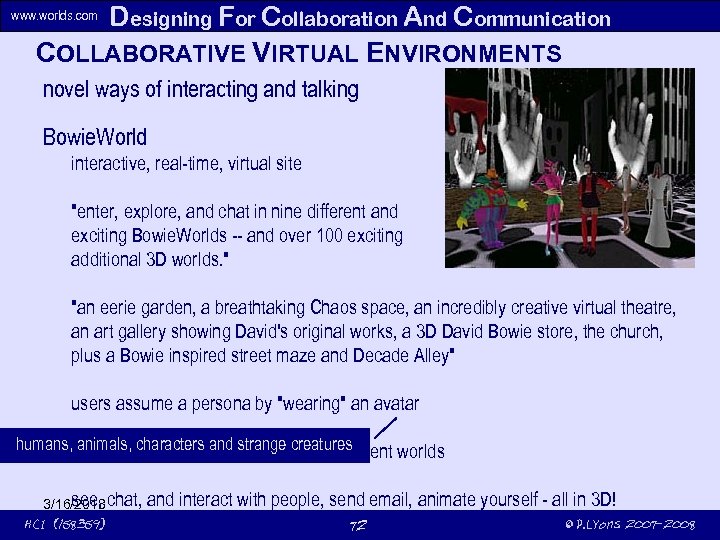 Designing For Collaboration And Communication COLLABORATIVE VIRTUAL ENVIRONMENTS www. worlds. com novel ways of interacting and talking Bowie. World interactive, real-time, virtual site "enter, explore, and chat in nine different and exciting Bowie. Worlds -- and over 100 exciting additional 3 D worlds. " "an eerie garden, a breathtaking Chaos space, an incredibly creative virtual theatre, an art gallery showing David's original works, a 3 D David Bowie store, the church, plus a Bowie inspired street maze and Decade Alley" users assume a persona by "wearing" an avatar humans, walk around the worlds, explore the different worlds animals, characters and strange creatures see, 3/16/2018 chat, HCI (158359) and interact with people, send email, animate yourself - all in 3 D! 72 © P. Lyons 2007 -2008
 Designing For Collaboration And Communication VIDEOWINDOW novel ways of interacting and talking 1 m x 2. 5 m picture window between two sites permanently-on intended to resemble technical problems when people wanted to have conversations wide-area microphones people talked 3/16/2018 HCI (158359) 73 © P. Lyons 2007 -2008
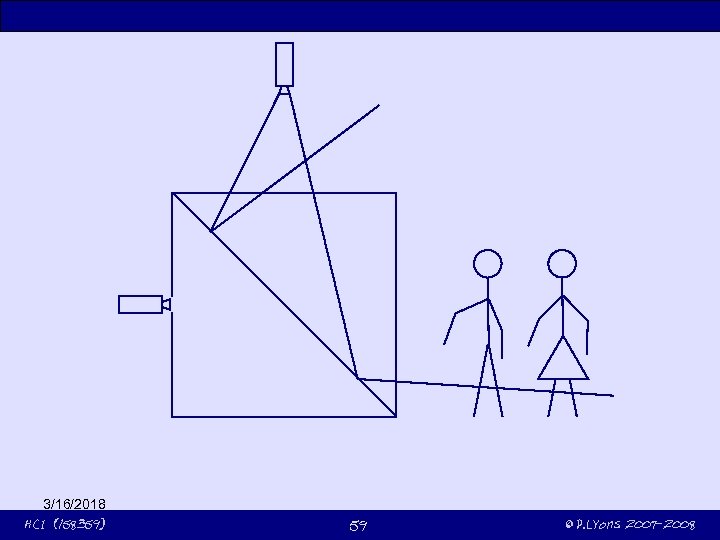
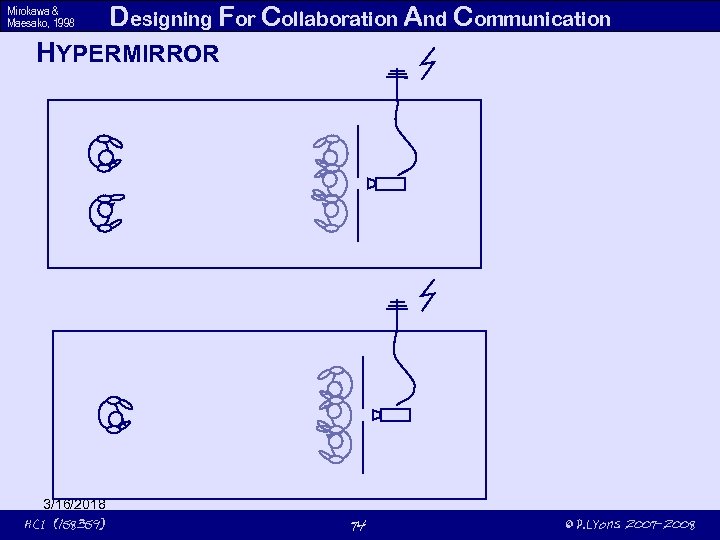 Mirokawa & Maesako, 1998 Designing For Collaboration And Communication HYPERMIRROR 3/16/2018 HCI (158359) 74 © P. Lyons 2007 -2008
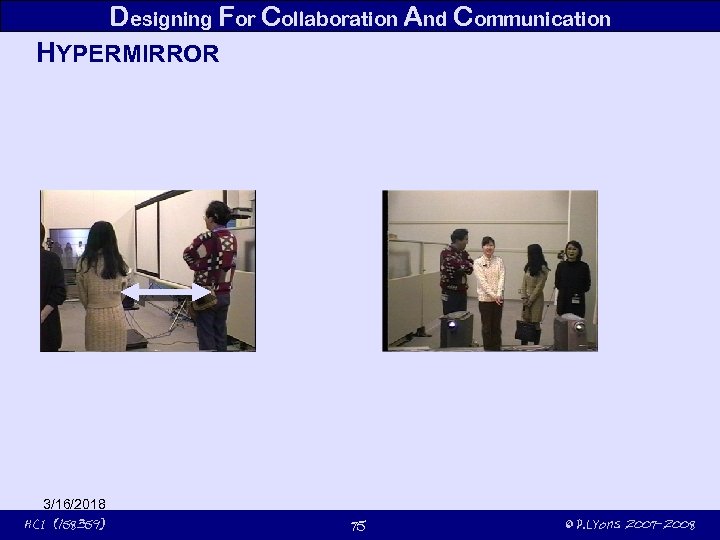 Designing For Collaboration And Communication HYPERMIRROR 3/16/2018 HCI (158359) 75 © P. Lyons 2007 -2008
 Designing For Collaboration And Communication COMPUTER-MEDIATED COORDINATION Project management systems for organisations offer Solely computer-mediated project management not completely successful specially with numerous users became desensitised to machine-generated reminders specially in companies that use allowed high-priority info to be displayed prominently outside of continuous stream of computer reminders "turned the technology inside out" 3/16/2018 HCI (158359) 76 © P. Lyons 2007 -2008
 Heath and Luff (1992) Designing For Collaboration And Communication TECHNOLOGIES TO SUPPORT AWARENESS Awareness strictly; the ability to focus on a single speaker amidst a babble of conversations at a party Inverse of Study of two London Underground controllers A responsible for B responsible for actions B would both while A was Diverse information sources available to humans 3/16/2018 HCI (158359) 77 © P. Lyons 2007 -2008
 Interaction Design A PRACTICAL SKILL Four basic activities Three characteristics Some practical issues 3/16/2018 HCI (158359) 78 © P. Lyons 2007 -2008
 Interaction Design CHARACTERISING INTERACTION DESIGN A process Constraints Focus 3/16/2018 HCI (158359) 79 © P. Lyons 2007 -2008
 Interaction Design DEVELOPING ALTERNATIVE DESIGNS Suggesting ideas for meeting requirements core activity conceptual design physical design 3/16/2018 HCI (158359) 80 © P. Lyons 2007 -2008
 Interaction Design BUILDING INTERACTIVE VERSIONS OF THE DESIGN How can an interactive design be tested? Building interactive testbeds is essential Paper-based prototypes 3/16/2018 HCI (158359) 81 © P. Lyons 2007 -2008
 Interaction Design EVALUATING DESIGNS How usable is the product? How acceptable is the product? 3/16/2018 HCI (158359) 82 © P. Lyons 2007 -2008
 Interaction Design COMMUNICATING THE DESIGN Interaction design and implementation rarely involves just one person some form of should allow is essential is neccesary Possible representations Users should be involved 3/16/2018 HCI (158359) 83 © P. Lyons 2007 -2008
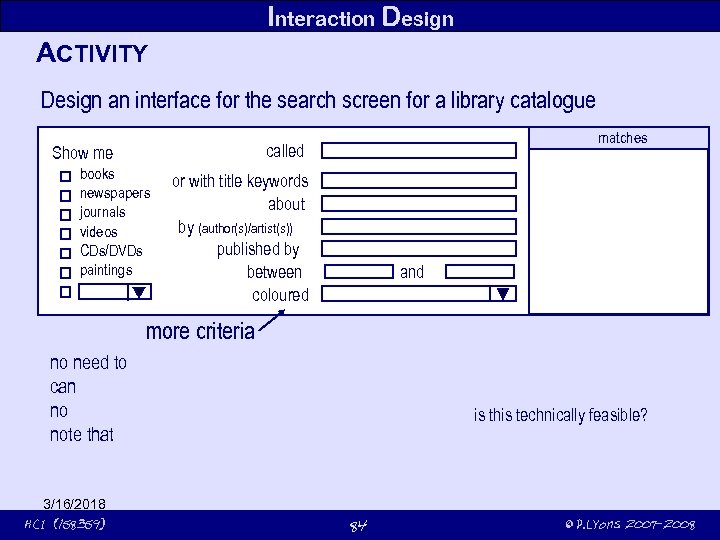 Interaction Design ACTIVITY Design an interface for the search screen for a library catalogue matches called Show me books newspapers journals videos CDs/DVDs paintings or with title keywords about by (author(s)/artist(s)) published by between coloured and more criteria no need to can no note that 3/16/2018 HCI (158359) is this technically feasible? 84 © P. Lyons 2007 -2008
 Interaction Design IDENTIFYING NEEDS & ESTABLISHING REQUIREMENTS Identify target users not as obvious as you might think: those who those who Three categories of user (Eason, 1987): primary: secondary: tertiary: Perhaps more usefully referred to as stakeholders? 3/16/2018 HCI (158359) 85 © P. Lyons 2007 -2008
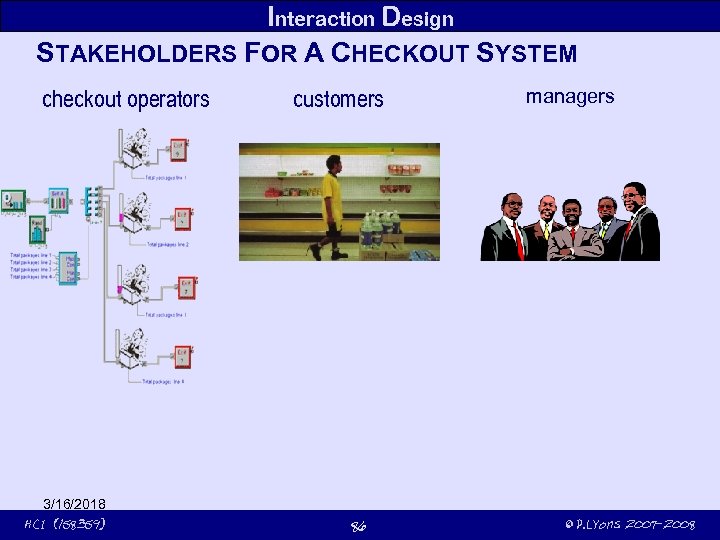 Interaction Design STAKEHOLDERS FOR A CHECKOUT SYSTEM checkout operators 3/16/2018 HCI (158359) customers 86 managers © P. Lyons 2007 -2008
 Interaction Design WHAT ARE "NEEDS"? Difficult question to answer for most of us, wireless modem? in 1950? who did the inventors of consult about requirements? Humans vary in many dimensions: hand size affects motor abilities can height strength and dexterity Netpliance (software to perform a task in the internet seamlessly) used avoided prompted developers to 3/16/2018 HCI (158359) 87 © P. Lyons 2007 -2008
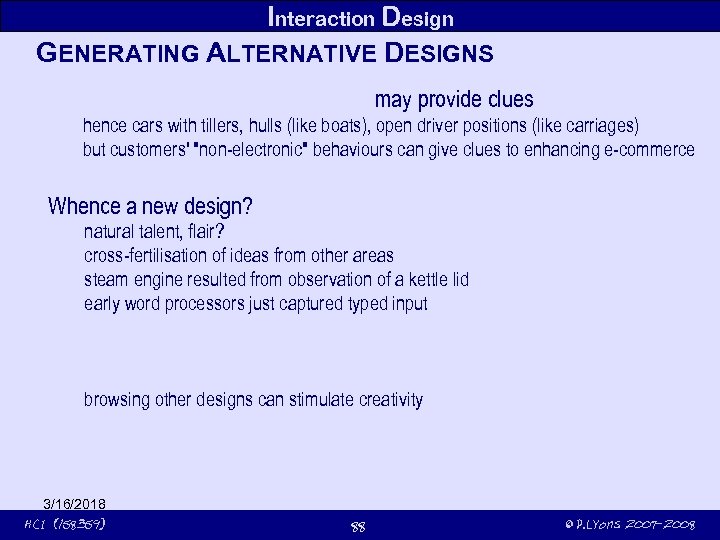 Interaction Design GENERATING ALTERNATIVE DESIGNS may provide clues hence cars with tillers, hulls (like boats), open driver positions (like carriages) but customers' "non-electronic" behaviours can give clues to enhancing e-commerce Whence a new design? natural talent, flair? cross-fertilisation of ideas from other areas steam engine resulted from observation of a kettle lid early word processors just captured typed input browsing other designs can stimulate creativity 3/16/2018 HCI (158359) 88 © P. Lyons 2007 -2008
 Interaction Design CHOOSING AMONGST ALTERNATIVE DESIGNS Two categories of decision those based on Usability is concerned with discuss with stakeholders about measure no of , time to evaluation specifying, recording and measuring 3/16/2018 HCI (158359) 89 , © P. Lyons 2007 -2008
 Interaction Design IDENTIFYING MEASUREABLE CHARACTERISTICS Measuring does the interface is it Measuring what is the Measuring how often does Measuring what proportion of what is the relationship between Measuring how long do Measuring at what rate do how long does it take to What about 3/16/2018 HCI (158359) 90 © P. Lyons 2007 -2008
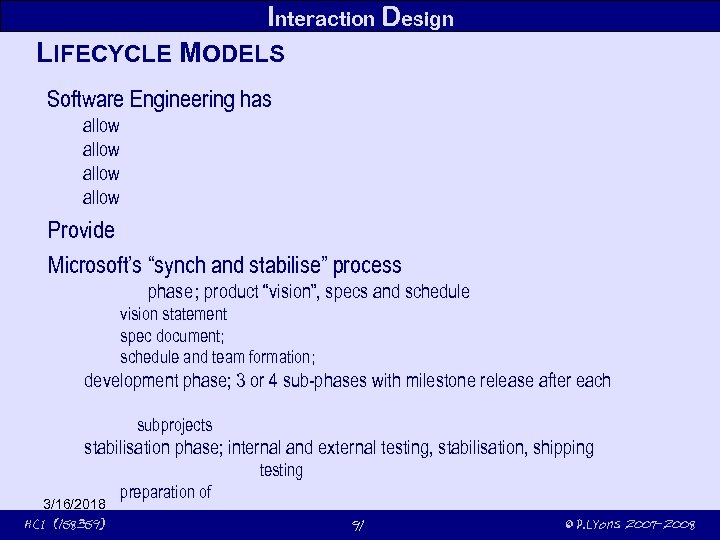 Interaction Design LIFECYCLE MODELS Software Engineering has allow Provide Microsoft’s “synch and stabilise” process planning phase product “vision”, specs and schedule phase; statement vision statement; identify and prioritise features with extensive customer input spec document; features, architecture, component interdependencies schedule and team formation; 1 manager, 3 -8 developers, 3 -8 testers phase development phase; 3 or 4 sub-phases with milestone release after each evolution of specification subprojects 3 subprojects; most critical 1/3 of features in #1, least in # 3 phase stabilisation phase; internal and external testing, stabilisation, shipping testing internal and external testing preparation of 3/16/2018 preparation of “golden master” release disks HCI (158359) 91 © P. Lyons 2007 -2008
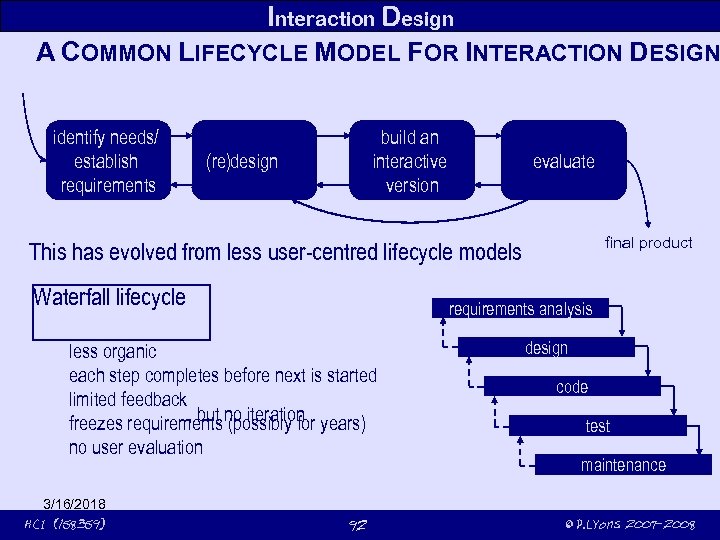 Interaction Design A COMMON LIFECYCLE MODEL FOR INTERACTION DESIGN identify needs/ establish requirements build an interactive version (re)design evaluate final product This has evolved from less user-centred lifecycle models Waterfall lifecycle requirements analysis less organic each step completes before next is started limited feedback , but (possibly for freezes requirements no iteration years) no user evaluation 3/16/2018 HCI (158359) 92 design code test maintenance © P. Lyons 2007 -2008
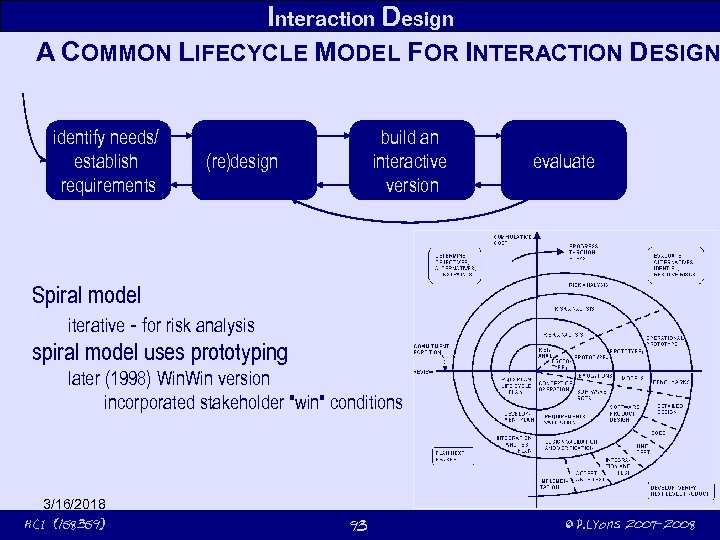 Interaction Design A COMMON LIFECYCLE MODEL FOR INTERACTION DESIGN identify needs/ establish requirements build an interactive version (re)design evaluate Spiral model iterative - for risk analysis spiral model uses prototyping later (1998) Win version incorporated stakeholder "win" conditions 3/16/2018 HCI (158359) 93 © P. Lyons 2007 -2008
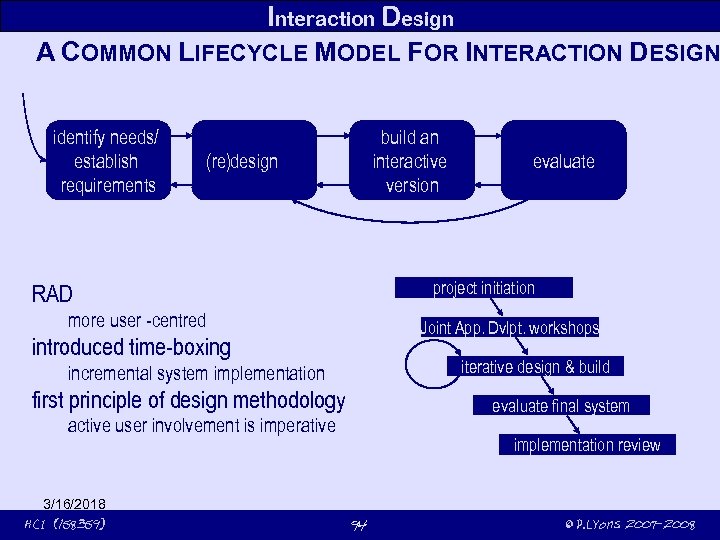 Interaction Design A COMMON LIFECYCLE MODEL FOR INTERACTION DESIGN identify needs/ establish requirements build an interactive version (re)design project initiation RAD more user -centred Joint App. Dvlpt. workshops introduced time-boxing iterative design & build incremental system implementation first principle of design methodology evaluate final system active user involvement is imperative 3/16/2018 HCI (158359) evaluate implementation review 94 © P. Lyons 2007 -2008
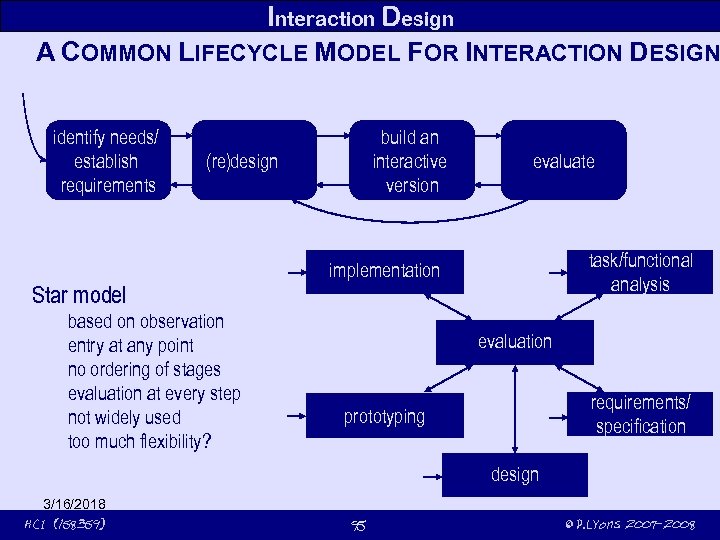 Interaction Design A COMMON LIFECYCLE MODEL FOR INTERACTION DESIGN identify needs/ establish requirements build an interactive version (re)design Star model based on observation entry at any point no ordering of stages evaluation at every step not widely used too much flexibility? evaluate task/functional analysis implementation evaluation requirements/ specification prototyping design 3/16/2018 HCI (158359) 95 © P. Lyons 2007 -2008
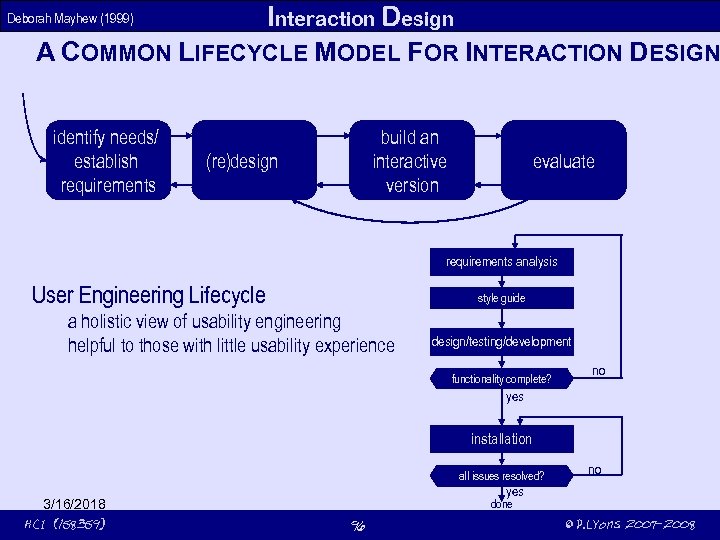 Interaction Design A COMMON LIFECYCLE MODEL FOR INTERACTION DESIGN Deborah Mayhew (1999) identify needs/ establish requirements build an interactive version (re)design evaluate requirements analysis User Engineering Lifecycle style guide a holistic view of usability engineering helpful to those with little usability experience design/testing/development functionality complete? no yes installation all issues resolved? 3/16/2018 HCI (158359) no yes done 96 © P. Lyons 2007 -2008
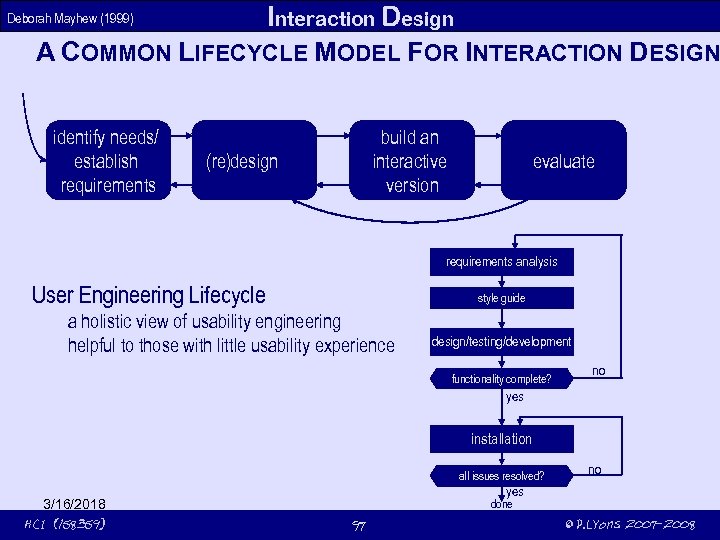 Interaction Design A COMMON LIFECYCLE MODEL FOR INTERACTION DESIGN Deborah Mayhew (1999) identify needs/ establish requirements build an interactive version (re)design evaluate requirements analysis User Engineering Lifecycle style guide a holistic view of usability engineering helpful to those with little usability experience design/testing/development functionality complete? no yes installation all issues resolved? 3/16/2018 HCI (158359) no yes done 97 © P. Lyons 2007 -2008
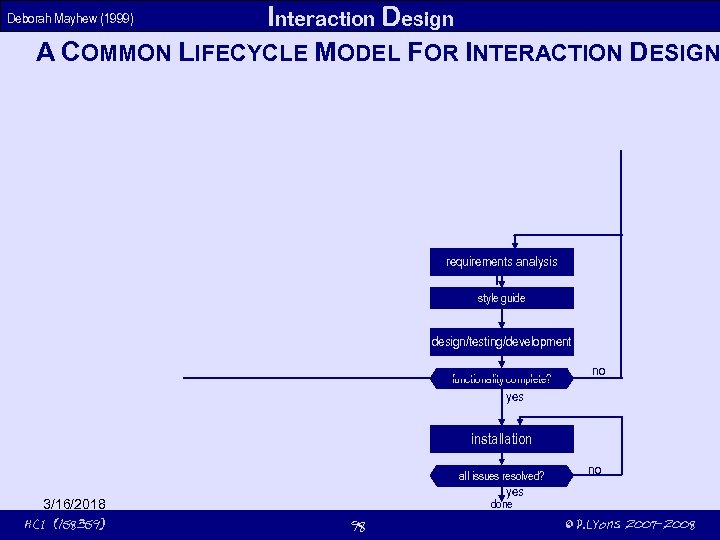 Interaction Design A COMMON LIFECYCLE MODEL FOR INTERACTION DESIGN Deborah Mayhew (1999) requirements analysis style guide design/testing/development functionality complete? no yes installation all issues resolved? 3/16/2018 HCI (158359) no yes done 98 © P. Lyons 2007 -2008
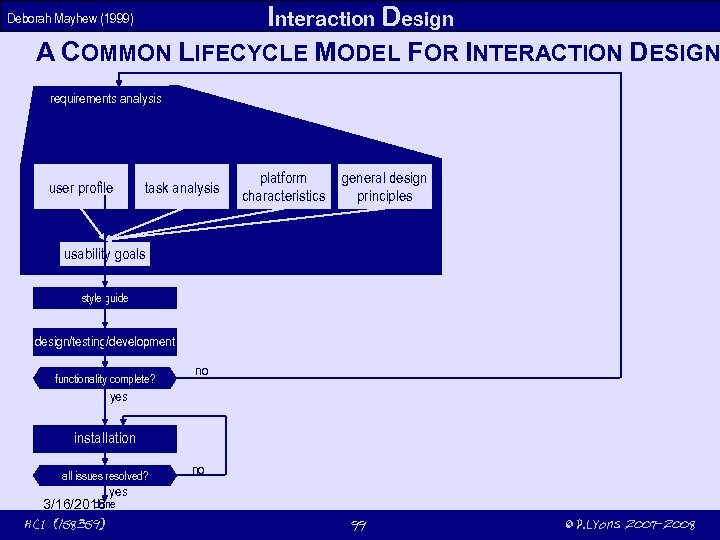 Interaction Design A COMMON LIFECYCLE MODEL FOR INTERACTION DESIGN Deborah Mayhew (1999) requirements analysis user profile task analysis platform characteristics general design principles usability goals style guide design/testing/development functionality complete? no yes installation all issues resolved? yes done 3/16/2018 HCI (158359) no 99 © P. Lyons 2007 -2008
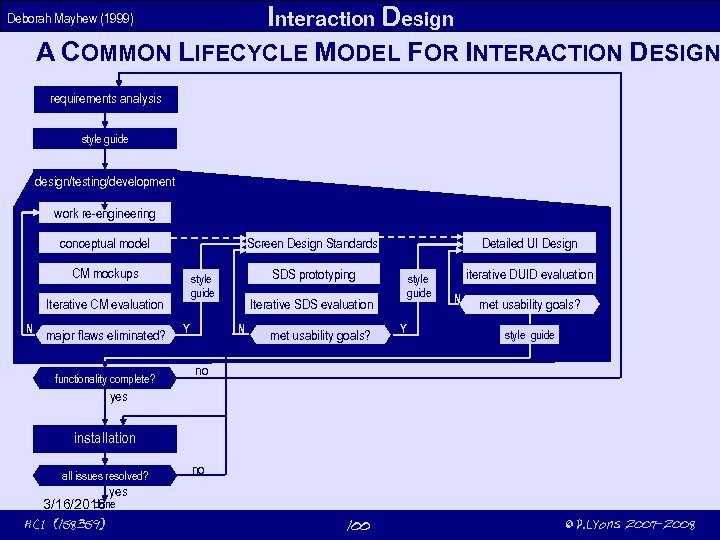 Interaction Design A COMMON LIFECYCLE MODEL FOR INTERACTION DESIGN Deborah Mayhew (1999) requirements analysis style guide design/testing/development work re-engineering CM mockups major flaws eliminated? functionality complete? SDS prototyping style guide Iterative CM evaluation N Detailed UI Design Screen Design Standards conceptual model Y style guide Iterative SDS evaluation N met usability goals? Y iterative DUID evaluation N met usability goals? style guide no yes installation all issues resolved? yes done 3/16/2018 HCI (158359) no 100 © P. Lyons 2007 -2008
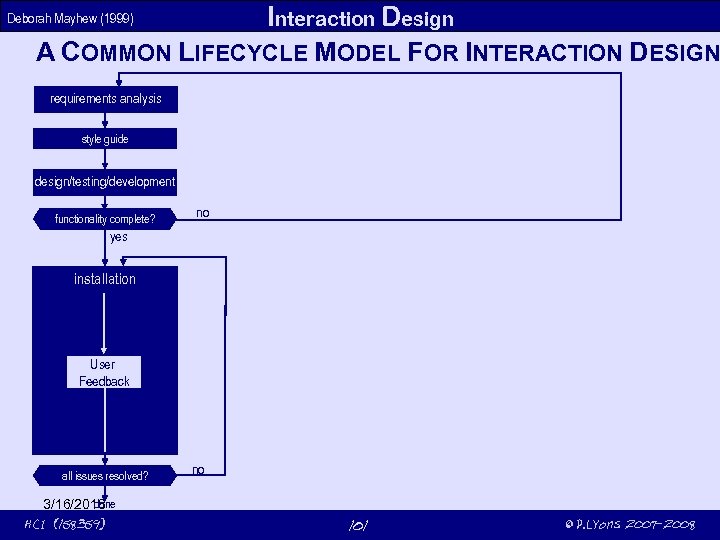 Interaction Design A COMMON LIFECYCLE MODEL FOR INTERACTION DESIGN Deborah Mayhew (1999) requirements analysis style guide design/testing/development functionality complete? no yes installation User Feedback all issues resolved? done 3/16/2018 HCI (158359) no 101 © P. Lyons 2007 -2008
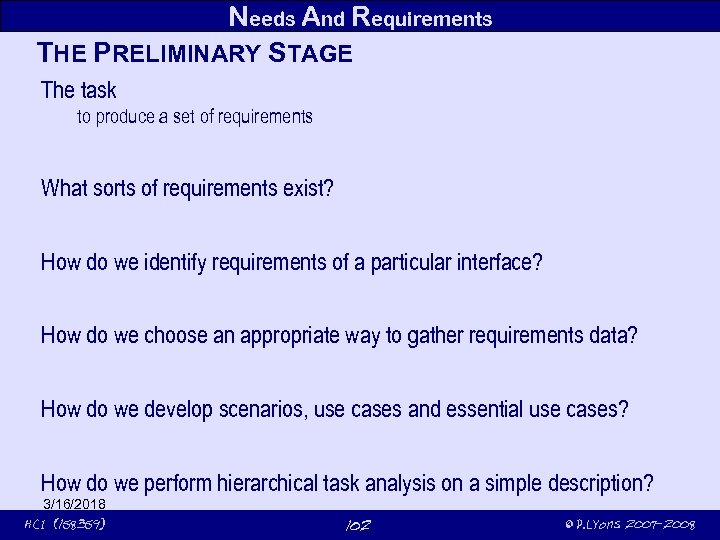 Needs And Requirements THE PRELIMINARY STAGE The task to produce a set of requirements What sorts of requirements exist? How do we identify requirements of a particular interface? How do we choose an appropriate way to gather requirements data? How do we develop scenarios, use cases and essential use cases? How do we perform hierarchical task analysis on a simple description? 3/16/2018 HCI (158359) 102 © P. Lyons 2007 -2008
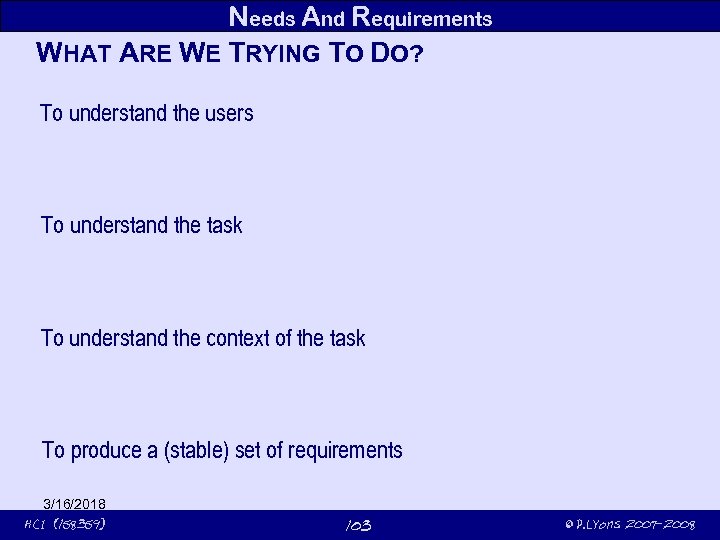 Needs And Requirements WHAT ARE WE TRYING TO DO? To understand the users To understand the task To understand the context of the task To produce a (stable) set of requirements 3/16/2018 HCI (158359) 103 © P. Lyons 2007 -2008
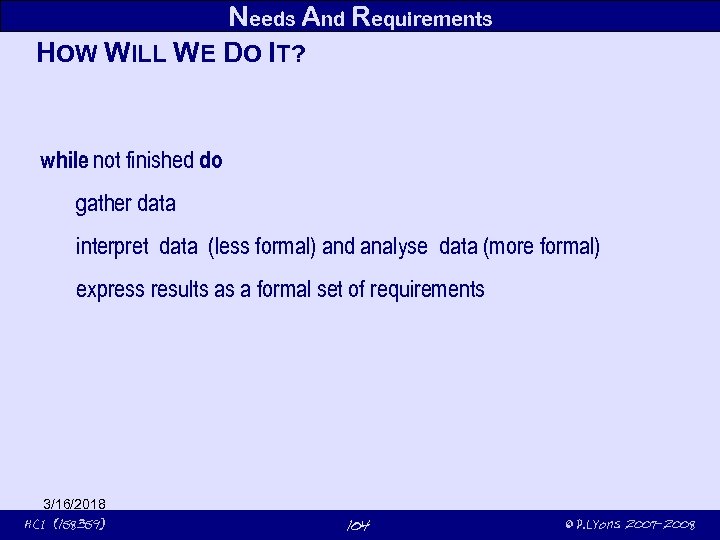 Needs And Requirements HOW WILL WE DO IT? while not finished do gather data interpret data (less formal) and analyse data (more formal) express results as a formal set of requirements 3/16/2018 HCI (158359) 104 © P. Lyons 2007 -2008
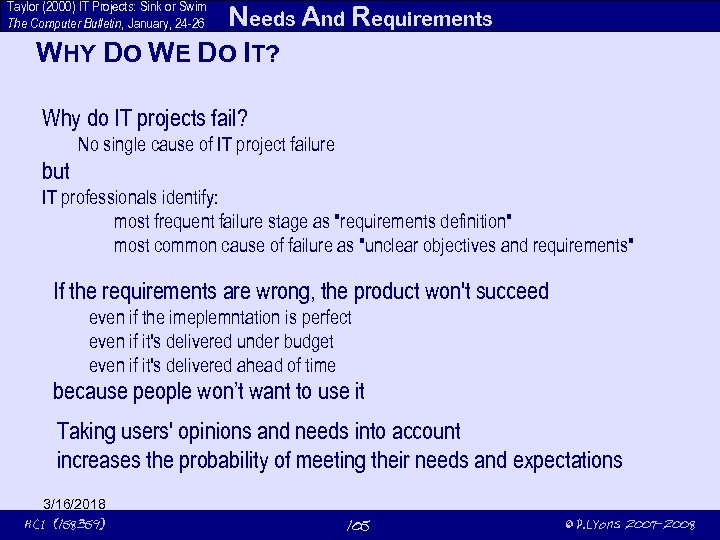 Taylor (2000) IT Projects: Sink or Swim The Computer Bulletin, January, 24 -26 Needs And Requirements WHY DO WE DO IT? Why do IT projects fail? No single cause of IT project failure but IT professionals identify: most frequent failure stage as "requirements definition" most common cause of failure as "unclear objectives and requirements" If the requirements are wrong, the product won't succeed even if the imeplemntation is perfect even if it's delivered under budget even if it's delivered ahead of time because people won’t want to use it Taking users' opinions and needs into account increases the probability of meeting their needs and expectations 3/16/2018 HCI (158359) 105 © P. Lyons 2007 -2008
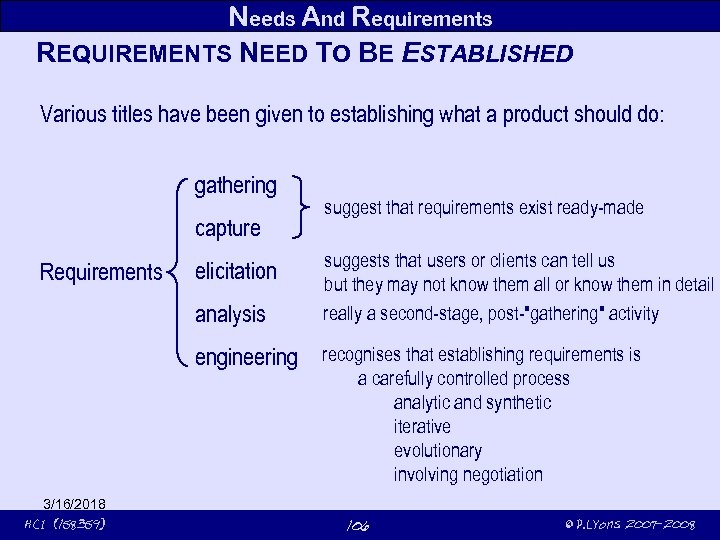 Needs And Requirements REQUIREMENTS NEED TO BE ESTABLISHED Various titles have been given to establishing what a product should do: gathering capture Requirements elicitation analysis engineering 3/16/2018 HCI (158359) suggest that requirements exist ready-made suggests that users or clients can tell us but they may not know them all or know them in detail really a second-stage, post-"gathering" activity recognises that establishing requirements is a carefully controlled process analytic and synthetic iterative evolutionary involving negotiation 106 © P. Lyons 2007 -2008
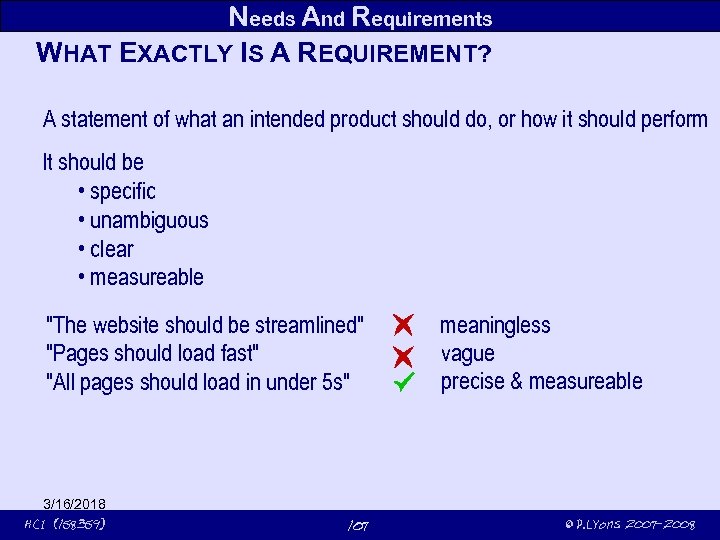 Needs And Requirements WHAT EXACTLY IS A REQUIREMENT? A statement of what an intended product should do, or how it should perform It should be • specific • unambiguous • clear • measureable "The website should be streamlined" "Pages should load fast" "All pages should load in under 5 s" 3/16/2018 HCI (158359) 107 meaningless vague precise & measureable © P. Lyons 2007 -2008
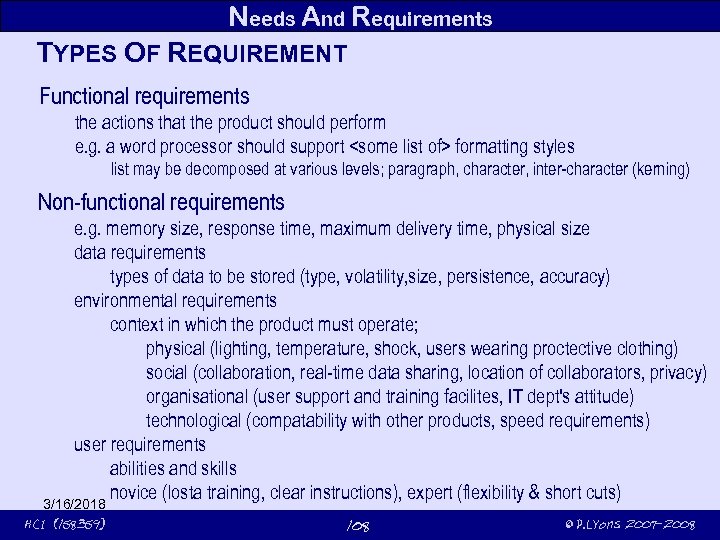 Needs And Requirements TYPES OF REQUIREMENT Functional requirements the actions that the product should perform e. g. a word processor should support
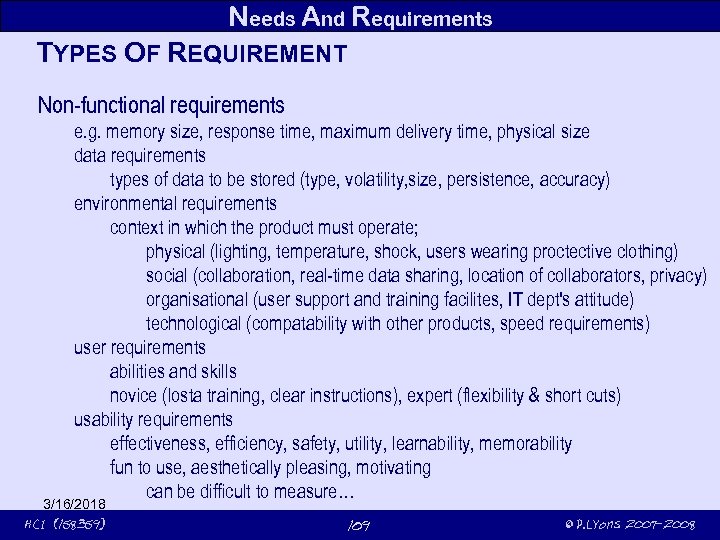 Needs And Requirements TYPES OF REQUIREMENT Non-functional requirements e. g. memory size, response time, maximum delivery time, physical size data requirements types of data to be stored (type, volatility, size, persistence, accuracy) environmental requirements context in which the product must operate; physical (lighting, temperature, shock, users wearing proctective clothing) social (collaboration, real-time data sharing, location of collaborators, privacy) organisational (user support and training facilites, IT dept's attitude) technological (compatability with other products, speed requirements) user requirements abilities and skills novice (losta training, clear instructions), expert (flexibility & short cuts) usability requirements effectiveness, efficiency, safety, utility, learnability, memorability fun to use, aesthetically pleasing, motivating can be difficult to measure… 3/16/2018 HCI (158359) 109 © P. Lyons 2007 -2008
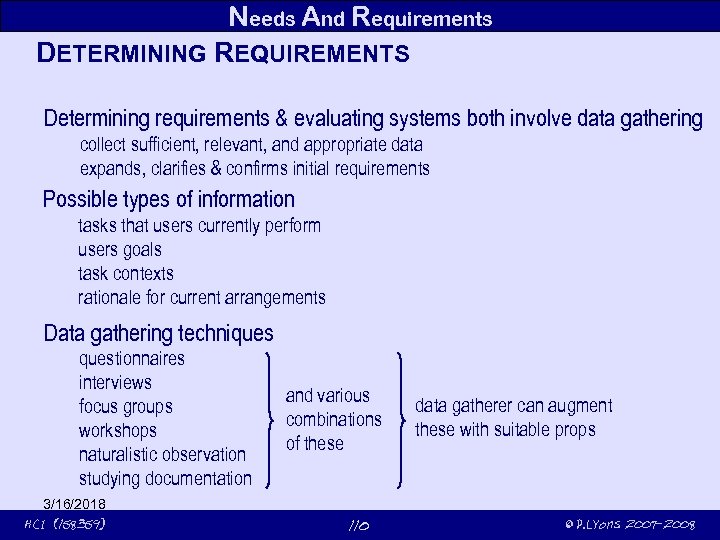 Needs And Requirements DETERMINING REQUIREMENTS Determining requirements & evaluating systems both involve data gathering collect sufficient, relevant, and appropriate data expands, clarifies & confirms initial requirements Possible types of information tasks that users currently perform users goals task contexts rationale for current arrangements Data gathering techniquestionnaires interviews focus groups workshops naturalistic observation studying documentation 3/16/2018 HCI (158359) and various combinations of these 110 data gatherer can augment these with suitable props © P. Lyons 2007 -2008
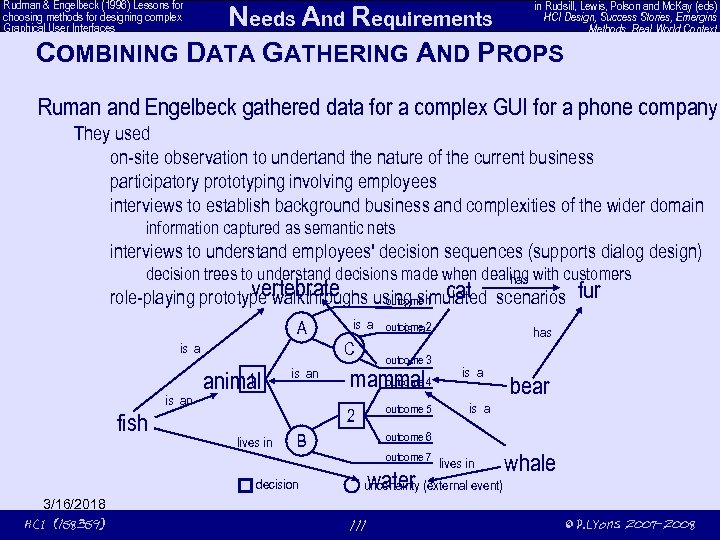 Rudman & Engelbeck (1996) Lessons for choosing methods for designing complex Graphical User Interfaces in Rudsill, Lewis, Polson and Mc. Kay (eds) HCI Design, Success Stories, Emergins Methods, Real World Context Needs And Requirements COMBINING DATA GATHERING AND PROPS Ruman and Engelbeck gathered data for a complex GUI for a phone company They used on-site observation to undertand the nature of the current business participatory prototyping involving employees interviews to establish background business and complexities of the wider domain information captured as semantic nets interviews to understand employees' decision sequences (supports dialog design) decision trees to understand decisions made when dealing with customers has vertebrate cat role-playing prototype walkthroughs using simulated scenarios outcome 1 A C is an fish 1 animal is an outcome 3 outcome mammal 4 outcome 5 2 lives in has is a bear is a outcome 6 B decision 3/16/2018 HCI (158359) is a outcome 2 is a fur outcome 7 water lives in whale uncertainty (external event) 111 © P. Lyons 2007 -2008
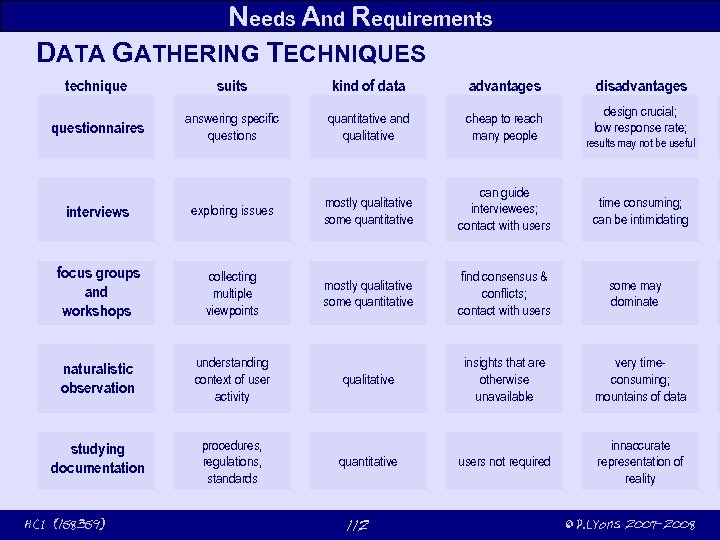 Needs And Requirements DATA GATHERING TECHNIQUES technique suits kind of data advantages questionnaires answering specific questions quantitative and qualitative cheap to reach many people interviews exploring issues mostly qualitative some quantitative can guide interviewees; contact with users focus groups and workshops collecting multiple viewpoints mostly qualitative some quantitative find consensus & conflicts; contact with users naturalistic observation understanding context of user activity qualitative insights that are otherwise unavailable very timeconsuming; mountains of data studying documentation procedures, regulations, standards users not required innaccurate representation of reality 3/16/2018 HCI (158359) quantitative 112 disadvantages design crucial; low response rate; results may not be useful time consuming; can be intimidating some may dominate © P. Lyons 2007 -2008
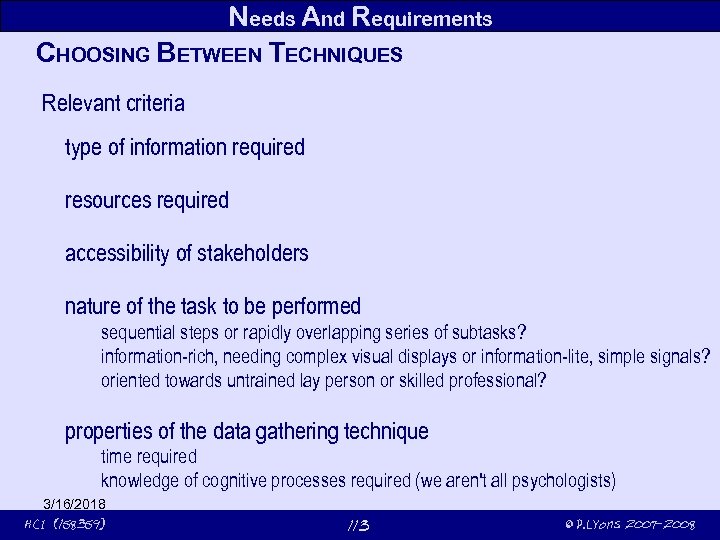 Needs And Requirements CHOOSING BETWEEN TECHNIQUES Relevant criteria type of information required resources required accessibility of stakeholders nature of the task to be performed sequential steps or rapidly overlapping series of subtasks? information-rich, needing complex visual displays or information-lite, simple signals? oriented towards untrained lay person or skilled professional? properties of the data gathering technique time required knowledge of cognitive processes required (we aren't all psychologists) 3/16/2018 HCI (158359) 113 © P. Lyons 2007 -2008
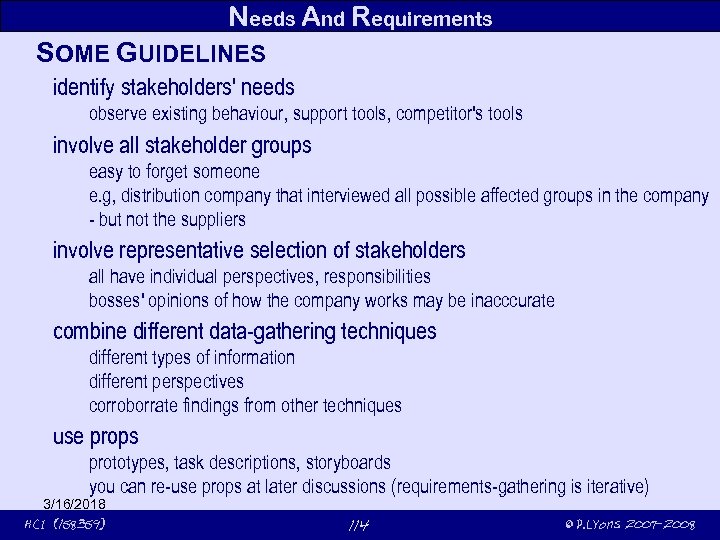 Needs And Requirements SOME GUIDELINES identify stakeholders' needs observe existing behaviour, support tools, competitor's tools involve all stakeholder groups easy to forget someone e. g, distribution company that interviewed all possible affected groups in the company - but not the suppliers involve representative selection of stakeholders all have individual perspectives, responsibilities bosses' opinions of how the company works may be inacccurate combine different data-gathering techniques different types of information different perspectives corroborrate findings from other techniques use props prototypes, task descriptions, storyboards you can re-use props at later discussions (requirements-gathering is iterative) 3/16/2018 HCI (158359) 114 © P. Lyons 2007 -2008
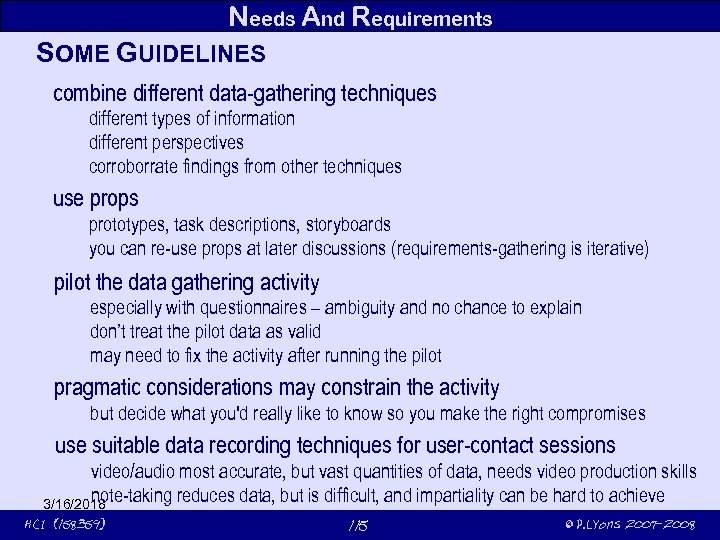 Needs And Requirements SOME GUIDELINES combine different data-gathering techniques different types of information different perspectives corroborrate findings from other techniques use props prototypes, task descriptions, storyboards you can re-use props at later discussions (requirements-gathering is iterative) pilot the data gathering activity especially with questionnaires – ambiguity and no chance to explain don’t treat the pilot data as valid may need to fix the activity after running the pilot pragmatic considerations may constrain the activity but decide what you'd really like to know so you make the right compromises use suitable data recording techniques for user-contact sessions video/audio most accurate, but vast quantities of data, needs video production skills note-taking reduces data, but is difficult, and impartiality can be hard to achieve 3/16/2018 HCI (158359) 115 © P. Lyons 2007 -2008
 Needs And Requirements ACTIVITY A mobile system for a roading company for recording status of roading projects potholes, deviations, new roads what requirements should be gathered? who are the stakeholders? managers? clerks of works? workers? union reps? others? ? ? what sort of information gathering techniques? interviews? questionnaires? focus groups? documentation (roading regulations)? naturalistic observation (do they follow the rules) ? 3/16/2018 HCI (158359) 116 © P. Lyons 2007 -2008
 Needs And Requirements DATA INTERPRETATION AND ANALYSIS Don't wait till the experience has gone stale Initial interpretation before deeper analysis Choose suitable tools for analysing different elements data flow diagrams, state charts, work-flow charts for functional requirements entity-relationship diagrams for data requirements class diagrams combine these for OO implementations 3/16/2018 HCI (158359) 117 © P. Lyons 2007 -2008
 Needs And Requirements EXAMPLE SYSTEMS Library catalogue allows patrons to search for books by author to search for books by title to search for books bysubject to determine location of a book to discover their own current status (loans/overdues, etc) Shared diary replaces central papers calendar for a cooperating group should prevent central calendar from getting out of step collaborative/social questions people don't like others setting their appointments needs to allow users to block times 3/16/2018 HCI (158359) 118 © P. Lyons 2007 -2008
 Needs And Requirements TASK DESCRIPTIONS Scenarios informal narrative story describing human activities or tasks contexts, needs and requirements; not technological support for the task user-oriented vocab. means scenarios are comprehensible (or produced) by stakeholders explores constraints, contexts, irritations, facilitators of human tasks identifies important tools, stakeholders testbook has several useful examples (pps 224 and 225) 3/16/2018 HCI (158359) 119 © P. Lyons 2007 -2008
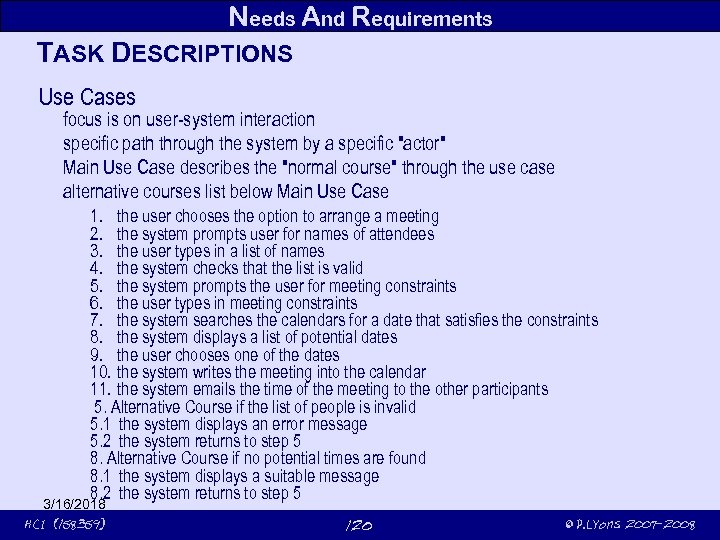 Needs And Requirements TASK DESCRIPTIONS Use Cases focus is on user-system interaction specific path through the system by a specific "actor" Main Use Case describes the "normal course" through the use case alternative courses list below Main Use Case 1. the user chooses the option to arrange a meeting 2. the system prompts user for names of attendees 3. the user types in a list of names 4. the system checks that the list is valid 5. the system prompts the user for meeting constraints 6. the user types in meeting constraints 7. the system searches the calendars for a date that satisfies the constraints 8. the system displays a list of potential dates 9. the user chooses one of the dates 10. the system writes the meeting into the calendar 11. the system emails the time of the meeting to the other participants 5. Alternative Course if the list of people is invalid 5. 1 the system displays an error message 5. 2 the system returns to step 5 8. Alternative Course if no potential times are found 8. 1 the system displays a suitable message 8. 2 the system returns to step 5 3/16/2018 HCI (158359) 120 © P. Lyons 2007 -2008
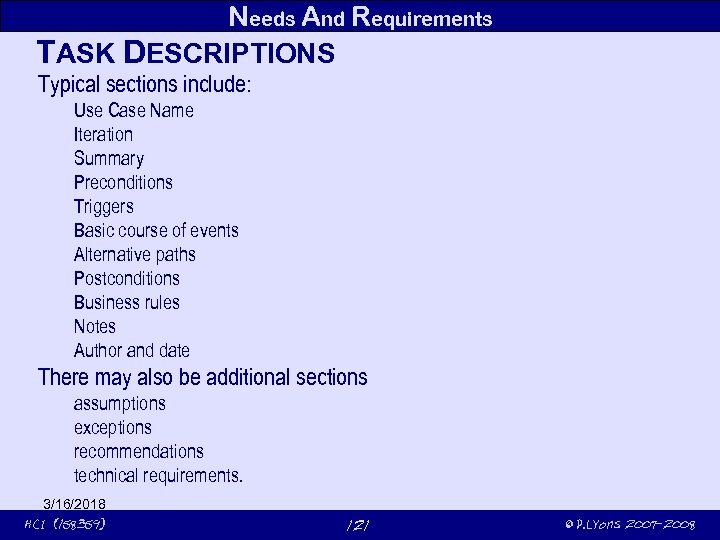 Needs And Requirements TASK DESCRIPTIONS Typical sections include: Use Case Name Iteration Summary Preconditions Triggers Basic course of events Alternative paths Postconditions Business rules Notes Author and date There may also be additional sections assumptions exceptions recommendations technical requirements. 3/16/2018 HCI (158359) 121 © P. Lyons 2007 -2008
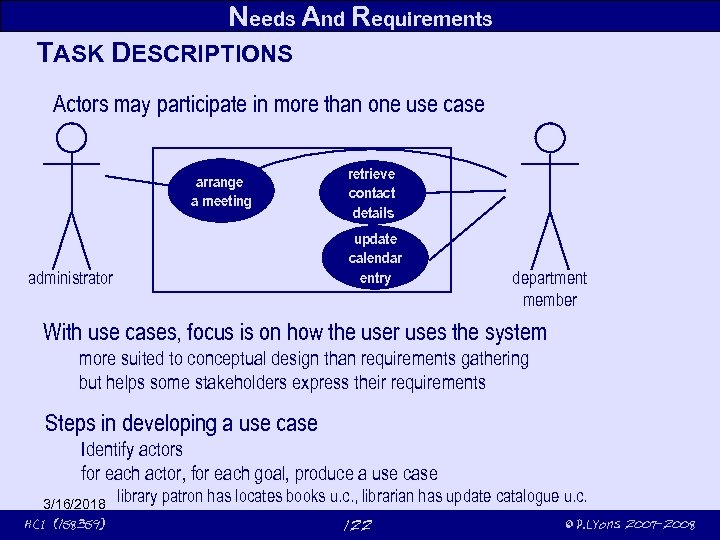 Needs And Requirements TASK DESCRIPTIONS Actors may participate in more than one use case arrange a meeting retrieve contact details update calendar entry administrator department member With use cases, focus is on how the user uses the system more suited to conceptual design than requirements gathering but helps some stakeholders express their requirements Steps in developing a use case Identify actors for each actor, for each goal, produce a use case 3/16/2018 HCI (158359) library patron has locates books u. c. , librarian has update catalogue u. c. 122 © P. Lyons 2007 -2008
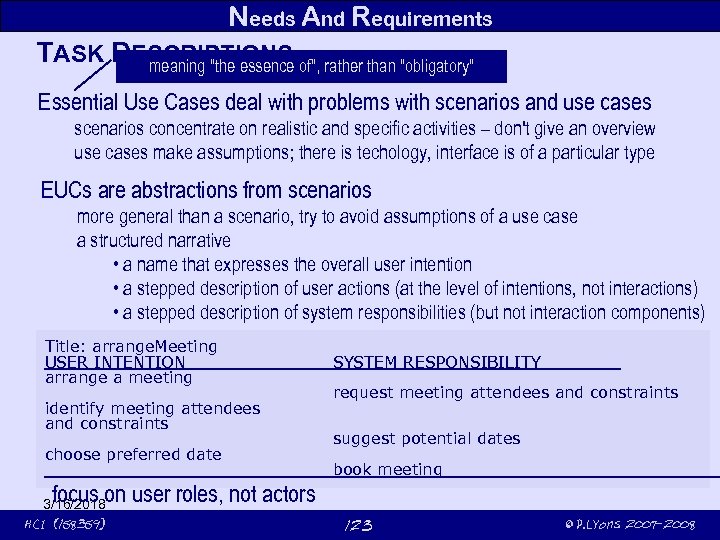 Needs And Requirements TASK DESCRIPTIONS of", rather than "obligatory" meaning "the essence Essential Use Cases deal with problems with scenarios and use cases scenarios concentrate on realistic and specific activities – don't give an overview use cases make assumptions; there is techology, interface is of a particular type EUCs are abstractions from scenarios more general than a scenario, try to avoid assumptions of a use case a structured narrative • a name that expresses the overall user intention • a stepped description of user actions (at the level of intentions, not interactions) • a stepped description of system responsibilities (but not interaction components) Title: arrange. Meeting USER INTENTION arrange a meeting identify meeting attendees and constraints choose preferred date SYSTEM RESPONSIBILITY request meeting attendees and constraints suggest potential dates book meeting focus on user roles, not actors 3/16/2018 HCI (158359) 123 © P. Lyons 2007 -2008
 3/16/2018 HCI (158359) 124 © P. Lyons 2007 -2008
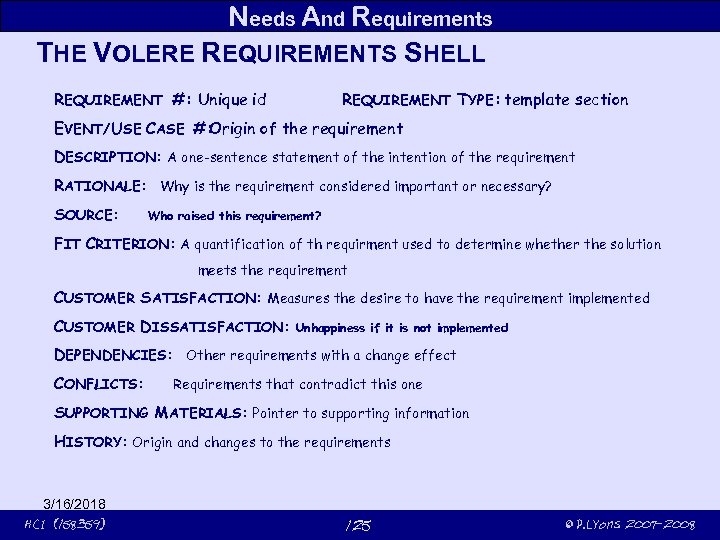 Needs And Requirements THE VOLERE REQUIREMENTS SHELL REQUIREMENT #: Unique id REQUIREMENT TYPE : template section EVENT/ USE CASE #: Origin of the requirement DESCRIPTION: A one-sentence statement of the intention of the requirement RATIONALE: Why is the requirement considered important or necessary? SOURCE: Who raised this requirement? FIT CRITERION: A quantification of th requirment used to determine whether the solution meets the requirement CUSTOMER SATISFACTION: Measures the desire to have the requirement implemented CUSTOMER DISSATISFACTION: Unhappiness if it is not implemented DEPENDENCIES: Other requirements with a change effect CONFLICTS: Requirements that contradict this one SUPPORTING MATERIALS: Pointer to supporting information HISTORY: Origin and changes to the requirements 3/16/2018 HCI (158359) 125 © P. Lyons 2007 -2008
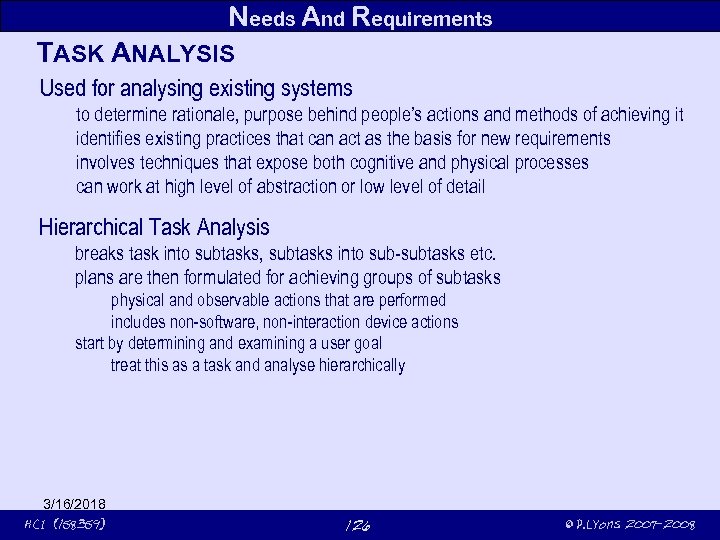 Needs And Requirements TASK ANALYSIS Used for analysing existing systems to determine rationale, purpose behind people’s actions and methods of achieving it identifies existing practices that can act as the basis for new requirements involves techniques that expose both cognitive and physical processes can work at high level of abstraction or low level of detail Hierarchical Task Analysis breaks task into subtasks, subtasks into sub-subtasks etc. plans are then formulated for achieving groups of subtasks physical and observable actions that are performed includes non-software, non-interaction device actions start by determining and examining a user goal treat this as a task and analyse hierarchically 3/16/2018 HCI (158359) 126 © P. Lyons 2007 -2008
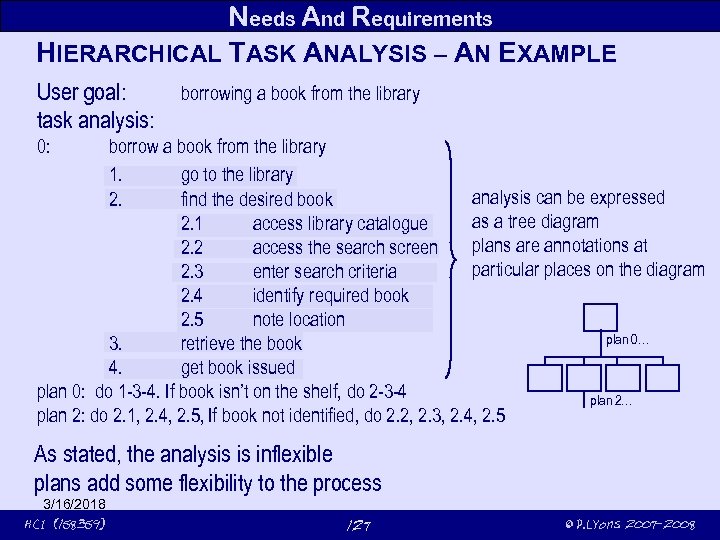 Needs And Requirements HIERARCHICAL TASK ANALYSIS – AN EXAMPLE User goal: task analysis: borrowing a book from the library 0: borrow a book from the library 1. go to the library analysis can be expressed 2. find the desired book as a tree diagram 2. 1 access library catalogue plans are annotations at 2. 2 access the search screen particular places on the diagram 2. 3 enter search criteria 2. 4 identify required book 2. 5 note location plan 0… 3. retrieve the book 4. get book issued plan 0: do 1 -3 -4. If book isn’t on the shelf, do 2 -3 -4 plan 2… plan 2: do 2. 1, 2. 4, 2. 5, If book not identified, do 2. 2, 2. 3, 2. 4, 2. 5 As stated, the analysis is inflexible plans add some flexibility to the process 3/16/2018 HCI (158359) 127 © P. Lyons 2007 -2008
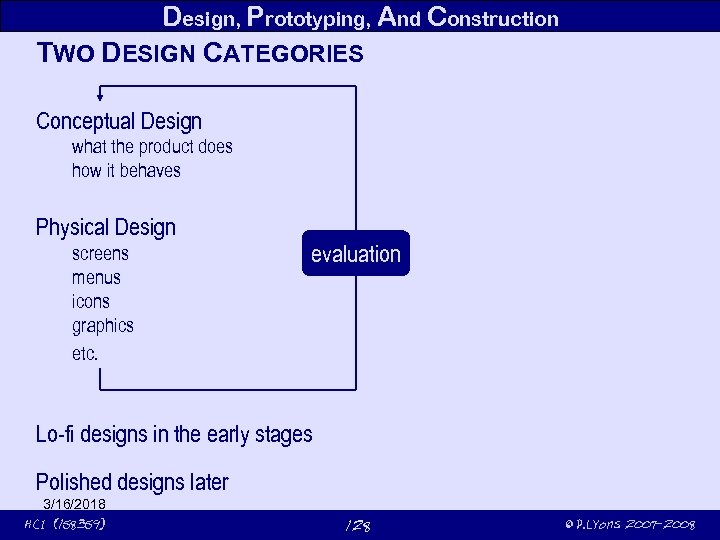 Design, Prototyping, And Construction TWO DESIGN CATEGORIES Conceptual Design what the product does how it behaves Physical Design screens menus icons graphics etc. evaluation Lo-fi designs in the early stages Polished designs later 3/16/2018 HCI (158359) 128 © P. Lyons 2007 -2008
 Design, Prototyping, And Construction TWO DESIGN CONTEXTS Designing from scratch investigation, prototyping, and evaluation essential Modifying an existing design investigation, prototyping, and evaluation essential 3/16/2018 HCI (158359) 129 © P. Lyons 2007 -2008
 Design, Prototyping, And Construction TOPICS Prototyping Conceptual models Physical design Scenarios and prototypes in conceptual design Standards, guidelines and rules Support tools 3/16/2018 HCI (158359) 130 © P. Lyons 2007 -2008
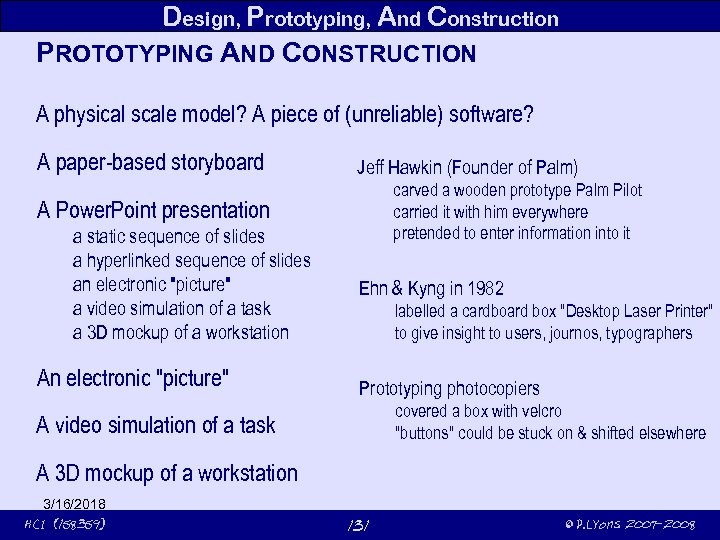 Design, Prototyping, And Construction PROTOTYPING AND CONSTRUCTION A physical scale model? A piece of (unreliable) software? A paper-based storyboard Jeff Hawkin (Founder of Palm) carved a wooden prototype Palm Pilot carried it with him everywhere pretended to enter information into it A Power. Point presentation a static sequence of slides a hyperlinked sequence of slides an electronic "picture" a video simulation of a task a 3 D mockup of a workstation An electronic "picture" Ehn & Kyng in 1982 labelled a cardboard box "Desktop Laser Printer" to give insight to users, journos, typographers Prototyping photocopiers covered a box with velcro "buttons" could be stuck on & shifted elsewhere A video simulation of a task A 3 D mockup of a workstation 3/16/2018 HCI (158359) 131 © P. Lyons 2007 -2008
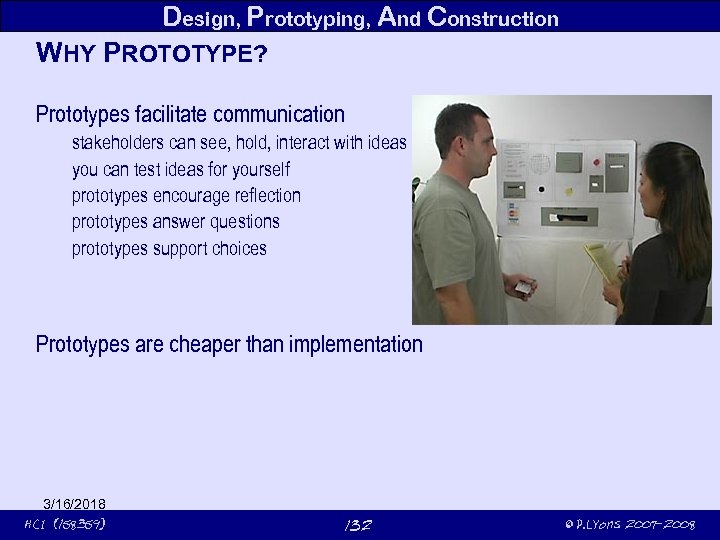 Design, Prototyping, And Construction WHY PROTOTYPE? Prototypes facilitate communication stakeholders can see, hold, interact with ideas you can test ideas for yourself prototypes encourage reflection prototypes answer questions prototypes support choices Prototypes are cheaper than implementation 3/16/2018 HCI (158359) 132 © P. Lyons 2007 -2008
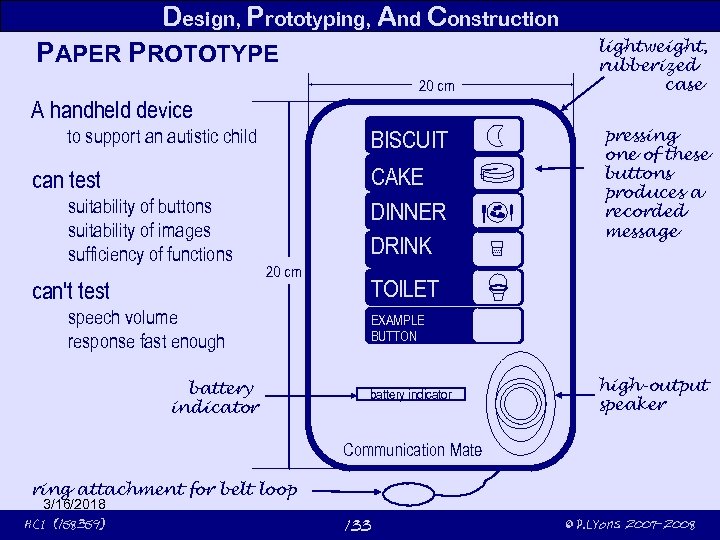 Design, Prototyping, And Construction PAPER PROTOTYPE 20 cm lightweight, rubberized case A handheld device to support an autistic child BISCUIT CAKE DINNER DRINK can test suitability of buttons suitability of images sufficiency of functions can't test 20 cm speech volume response fast enough battery indicator pressing one of these buttons produces a recorded message TOILET EXAMPLE BUTTON battery indicator high-output speaker Communication Mate ring attachment for belt loop 3/16/2018 HCI (158359) 133 © P. Lyons 2007 -2008
 Design, Prototyping, And Construction LO-FI PROTOTYPES intended to encourage iterative evolution support for throw-away, exploratory, fast turn-around brainstorming low financial investment low construction investment low aesthetic investment low emotional & ego investment not meant to look like a final product low cost materials easily formed materials restricted or no functionality makes it easy to say: "let's change this" quick to modify can go through more generations of evaluation & redesign before final prototype more likely to represent users' needs and requirements 3/16/2018 HCI (158359) 134 © P. Lyons 2007 -2008
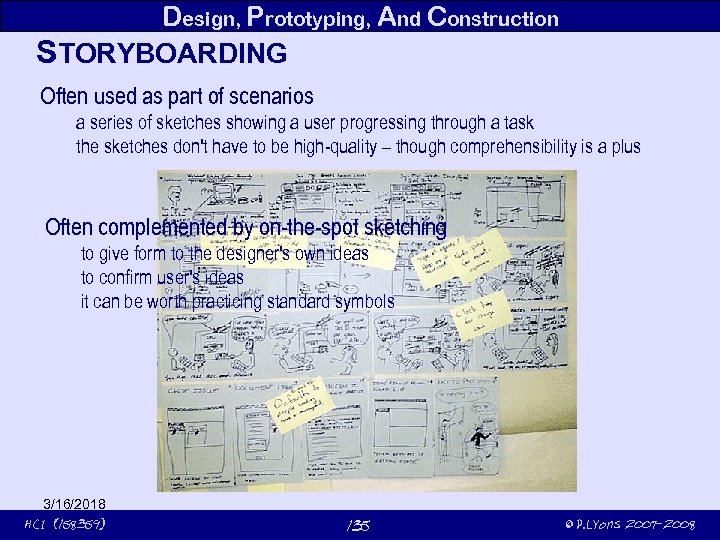 Design, Prototyping, And Construction STORYBOARDING Often used as part of scenarios a series of sketches showing a user progressing through a task the sketches don't have to be high-quality – though comprehensibility is a plus Often complemented by on-the-spot sketching to give form to the designer's own ideas to confirm user's ideas it can be worth practicing standard symbols 3/16/2018 HCI (158359) 135 © P. Lyons 2007 -2008
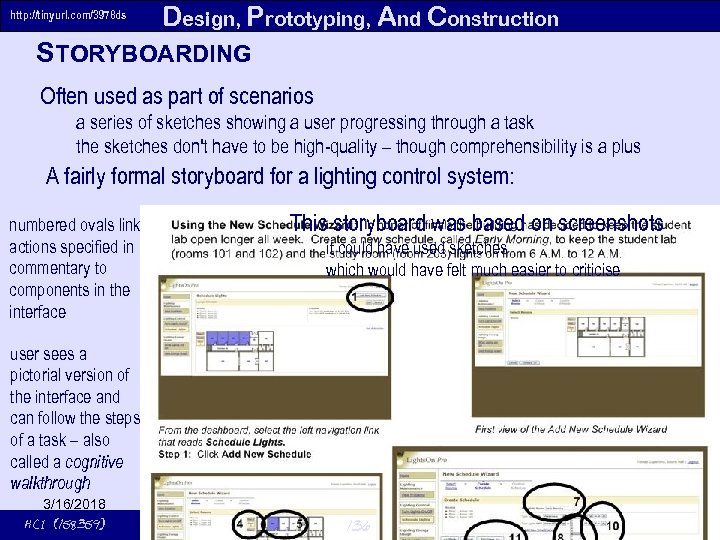 http: //tinyurl. com/3978 ds Design, Prototyping, And Construction STORYBOARDING Often used as part of scenarios a series of sketches showing a user progressing through a task the sketches don't have to be high-quality – though comprehensibility is a plus A fairly formal storyboard for a lighting control system: numbered ovals link actions specified in commentary to components in the interface This storyboard was based on screenshots it could have used sketches which would have felt much easier to criticise user sees a pictorial version of the interface and can follow the steps of a task – also called a cognitive walkthrough 3/16/2018 HCI (158359) 136 © P. Lyons 2007 -2008
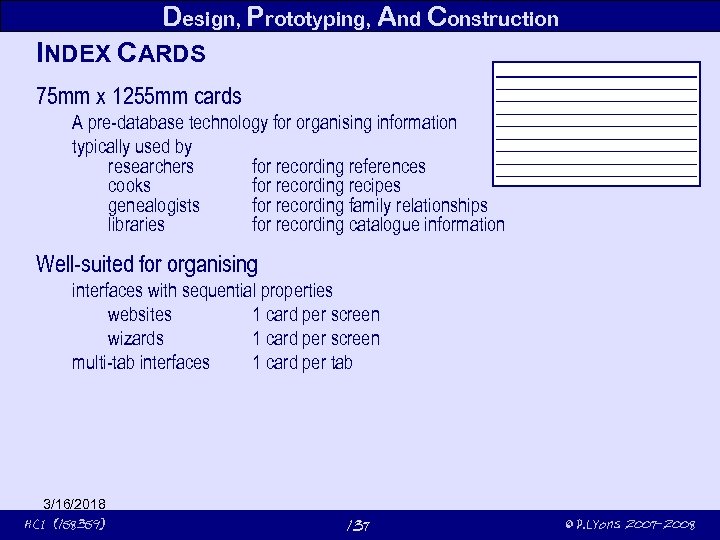 Design, Prototyping, And Construction INDEX CARDS 75 mm x 1255 mm cards A pre-database technology for organising information typically used by researchers for recording references cooks for recording recipes genealogists for recording family relationships libraries for recording catalogue information Well-suited for organising interfaces with sequential properties websites 1 card per screen wizards 1 card per screen multi-tab interfaces 1 card per tab 3/16/2018 HCI (158359) 137 © P. Lyons 2007 -2008
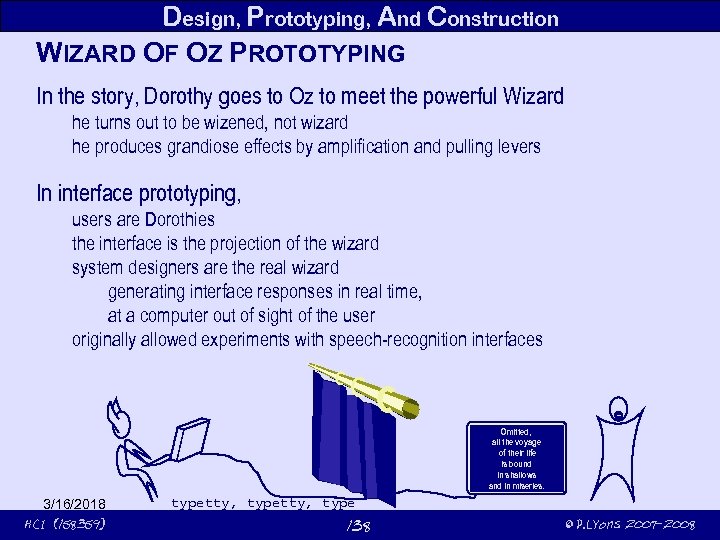 Design, Prototyping, And Construction WIZARD OF OZ PROTOTYPING In the story, Dorothy goes to Oz to meet the powerful Wizard he turns out to be wizened, not wizard he produces grandiose effects by amplification and pulling levers In interface prototyping, users are Dorothies the interface is the projection of the wizard system designers are the real wizard generating interface responses in real time, at a computer out of sight of the user originally allowed experiments with speech-recognition interfaces "There is a tide in Omitted, all the voyage of their life Is bound in shallows and in miseries. 3/16/2018 HCI (158359) typetty, type 138 © P. Lyons 2007 -2008
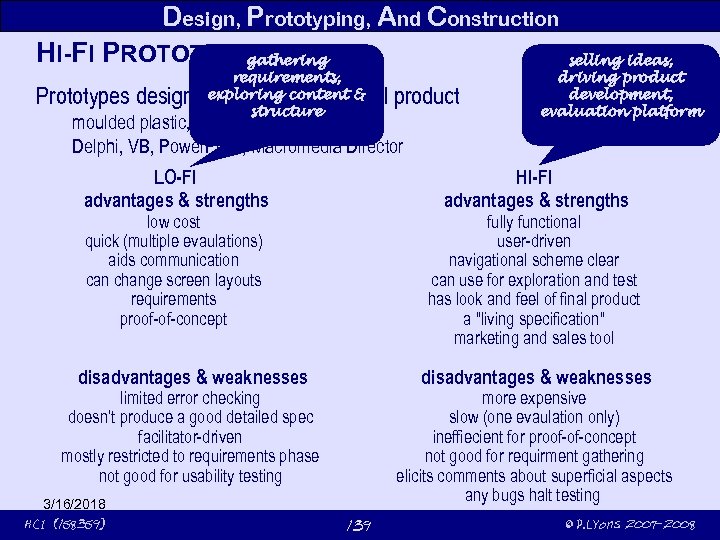 Design, Prototyping, And Construction HI-FI PROTOTYPING gathering requirements, exploring content & structure Prototypes designed to look like the final product moulded plastic, aluminuim, not wood Delphi, VB, Power. Point, Macromedia Director LO-FI advantages & strengths HI-FI advantages & strengths low cost quick (multiple evaulations) aids communication can change screen layouts requirements proof-of-concept fully functional user-driven navigational scheme clear can use for exploration and test has look and feel of final product a "living specification" marketing and sales tool disadvantages & weaknesses limited error checking doesn’t produce a good detailed spec facilitator-driven mostly restricted to requirements phase not good for usability testing 3/16/2018 HCI (158359) selling ideas, driving product development, evaluation platform more expensive slow (one evaulation only) ineffiecient for proof-of-concept not good for requirment gathering elicits comments about superficial aspects any bugs halt testing 139 © P. Lyons 2007 -2008
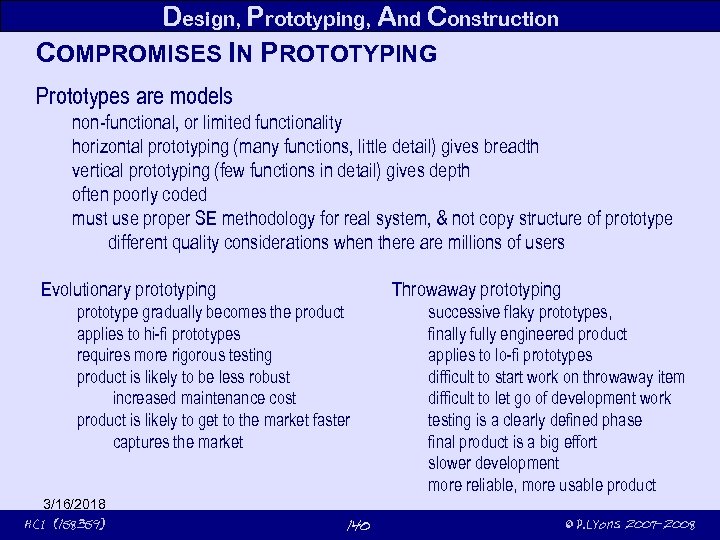 Design, Prototyping, And Construction COMPROMISES IN PROTOTYPING Prototypes are models non-functional, or limited functionality horizontal prototyping (many functions, little detail) gives breadth vertical prototyping (few functions in detail) gives depth often poorly coded must use proper SE methodology for real system, & not copy structure of prototype different quality considerations when there are millions of users Evolutionary prototyping Throwaway prototyping prototype gradually becomes the product applies to hi-fi prototypes requires more rigorous testing product is likely to be less robust increased maintenance cost product is likely to get to the market faster captures the market 3/16/2018 HCI (158359) 140 successive flaky prototypes, finally fully engineered product applies to lo-fi prototypes difficult to start work on throwaway item difficult to let go of development work testing is a clearly defined phase final product is a big effort slower development more reliable, more usable product © P. Lyons 2007 -2008
 Design, Prototyping, And Construction CONCEPTUAL DESIGN Transforming requirements to conceptual model Conceptual model description of the system integrated set of ideas and concepts defining behaviours , functions, look and feel that are comprehensible to users How to get a good conceptual model? analyse the requirements data rigorously meetings of the development team to review requirements reveals different perspectives ideas emerge from this process practice empathising with the users designers of an automatic defibrillator couldn’t be fitted with a defibrillator fitted with pagers that received Defibrillate Now messages at random arrived at difficult times (while holding a child, operating power tools) arrived in difficult situations (how to explain what was happening in a social situation) producers of systems for older people were fitted with a "Third Age Suit" 3/16/2018 HCI (158359) restricted movement to simulate the feeling of being old (in the Third Age) Oh, if only this feeling were nothing but a simulation! 141 © P. Lyons 2007 -2008
 Design, Prototyping, And Construction GUIDING PRINCIPLES • keep your mind open and focused on the users • discuss ideas with stakeholders at every opportunity • test ideas with lo-fi prototyping to get rapid feedback • iterate, iterate • to get a good idea, get lots of ideas 3/16/2018 HCI (158359) 142 © P. Lyons 2007 -2008
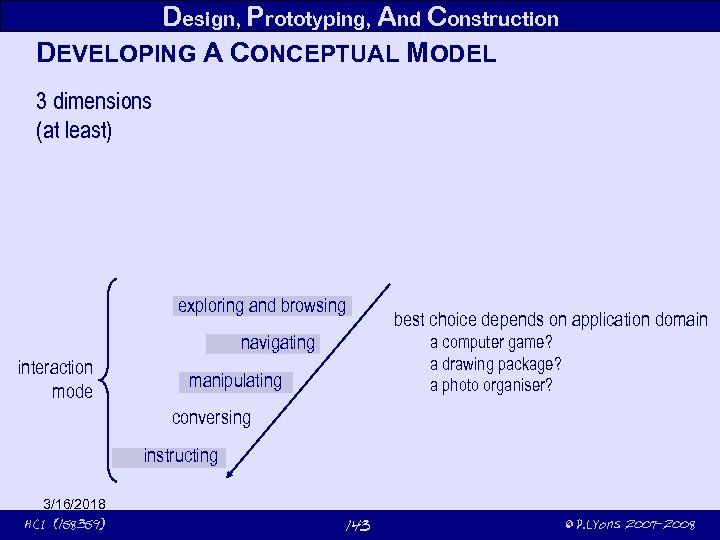 Design, Prototyping, And Construction DEVELOPING A CONCEPTUAL MODEL 3 dimensions (at least) exploring and browsing navigating interaction mode best choice depends on application domain a computer game? a drawing package? a photo organiser? manipulating conversing instructing 3/16/2018 HCI (158359) 143 © P. Lyons 2007 -2008
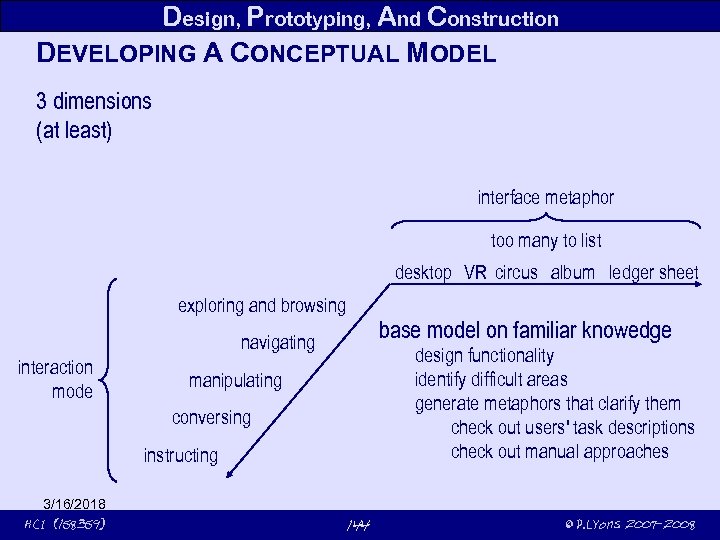 Design, Prototyping, And Construction DEVELOPING A CONCEPTUAL MODEL 3 dimensions (at least) interface metaphor too many to list desktop VR circus album ledger sheet exploring and browsing base model on familiar knowedge navigating interaction mode design functionality identify difficult areas generate metaphors that clarify them check out users' task descriptions check out manual approaches manipulating conversing instructing 3/16/2018 HCI (158359) 144 © P. Lyons 2007 -2008
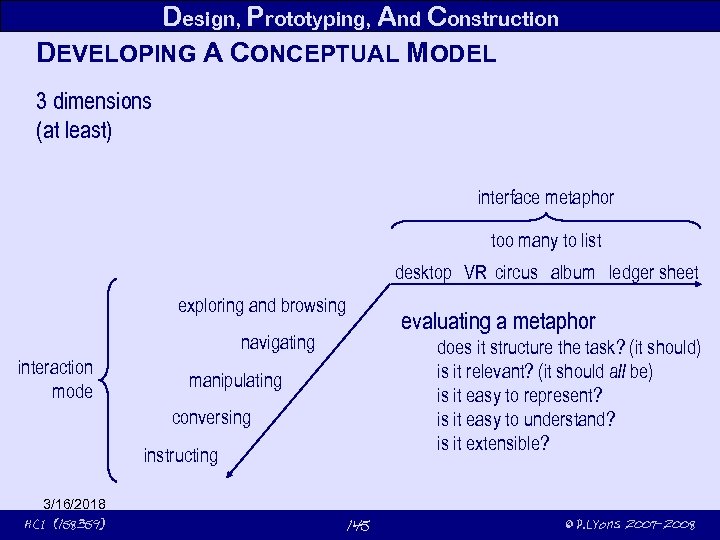 Design, Prototyping, And Construction DEVELOPING A CONCEPTUAL MODEL 3 dimensions (at least) interface metaphor too many to list desktop VR circus album ledger sheet exploring and browsing evaluating a metaphor navigating interaction mode does it structure the task? (it should) is it relevant? (it should all be) is it easy to represent? is it easy to understand? is it extensible? manipulating conversing instructing 3/16/2018 HCI (158359) 145 © P. Lyons 2007 -2008
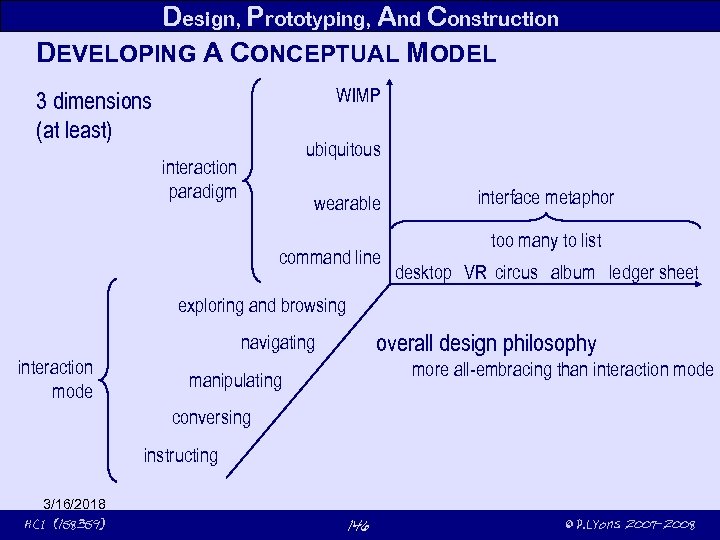 Design, Prototyping, And Construction DEVELOPING A CONCEPTUAL MODEL WIMP 3 dimensions (at least) ubiquitous interaction paradigm wearable command line interface metaphor too many to list desktop VR circus album ledger sheet exploring and browsing overall design philosophy navigating interaction mode more all-embracing than interaction mode manipulating conversing instructing 3/16/2018 HCI (158359) 146 © P. Lyons 2007 -2008
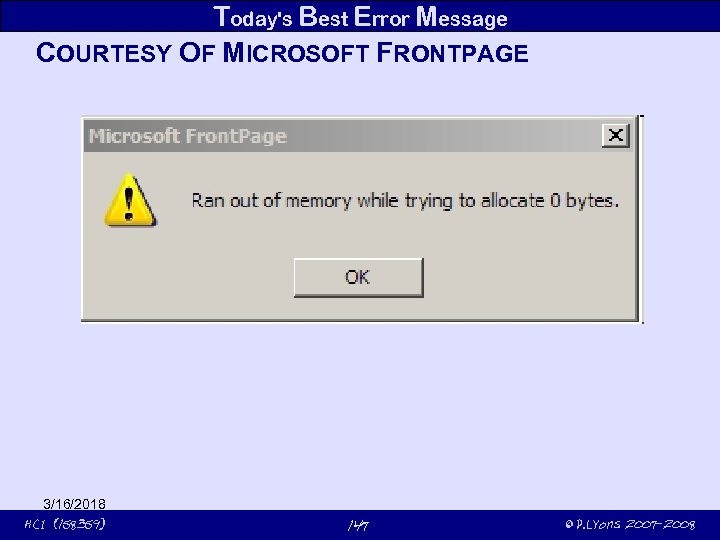 Today's Best Error Message COURTESY OF MICROSOFT FRONTPAGE 3/16/2018 HCI (158359) 147 © P. Lyons 2007 -2008
 3/16/2018 HCI (158359) 148 © P. Lyons 2007 -2008
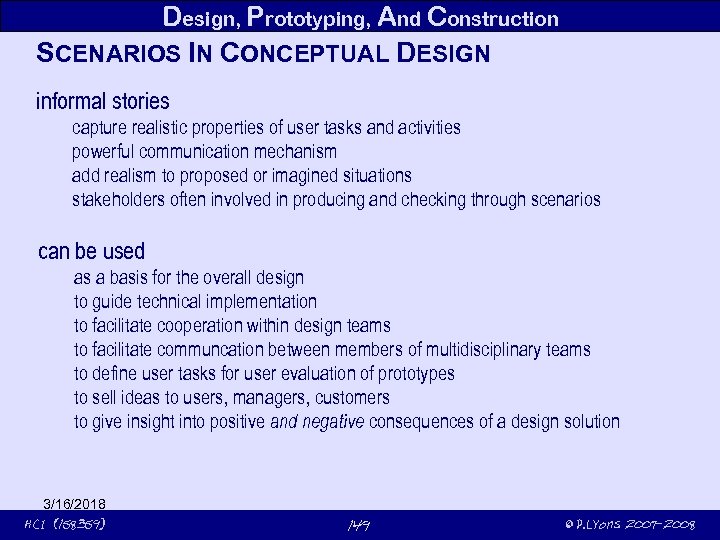 Design, Prototyping, And Construction SCENARIOS IN CONCEPTUAL DESIGN informal stories capture realistic properties of user tasks and activities powerful communication mechanism add realism to proposed or imagined situations stakeholders often involved in producing and checking through scenarios can be used as a basis for the overall design to guide technical implementation to facilitate cooperation within design teams to facilitate communcation between members of multidisciplinary teams to define user tasks for user evaluation of prototypes to sell ideas to users, managers, customers to give insight into positive and negative consequences of a design solution 3/16/2018 HCI (158359) 149 © P. Lyons 2007 -2008
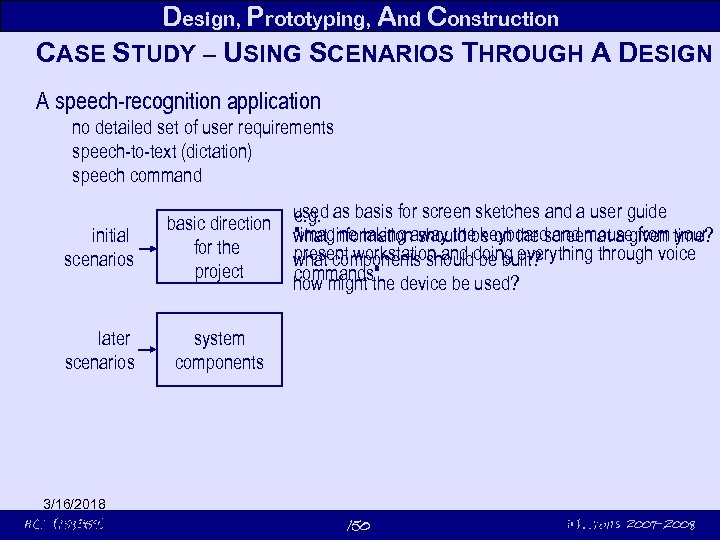 Design, Prototyping, And Construction CASE STUDY – USING SCENARIOS THROUGH A DESIGN A speech-recognition application no detailed set of user requirements speech-to-text (dictation) speech command initial scenarios basic direction for the project later scenarios used as basis for screen sketches and a user guide e. g. "imagine taking should be on the screen at a given your what informationaway the keyboard and mouse from time? present workstation and be built? what components shoulddoing everything through voice commands" how might the device be used? system components 3/16/2018 HCI (158359) © P. Lyons 150 Basic direction fixed, more scenarios to decide system components 2007 -2008
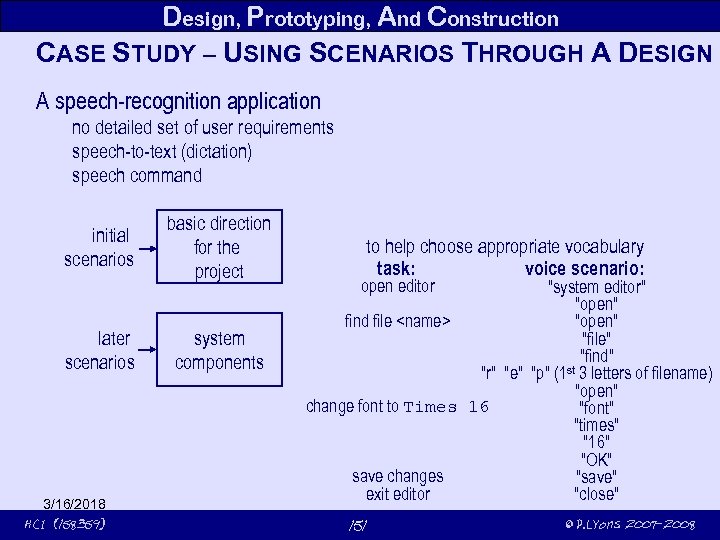 Design, Prototyping, And Construction CASE STUDY – USING SCENARIOS THROUGH A DESIGN A speech-recognition application no detailed set of user requirements speech-to-text (dictation) speech command initial scenarios later scenarios 3/16/2018 HCI (158359) basic direction for the project system components to help choose appropriate vocabulary task: voice scenario: open editor "system editor" "open" find file
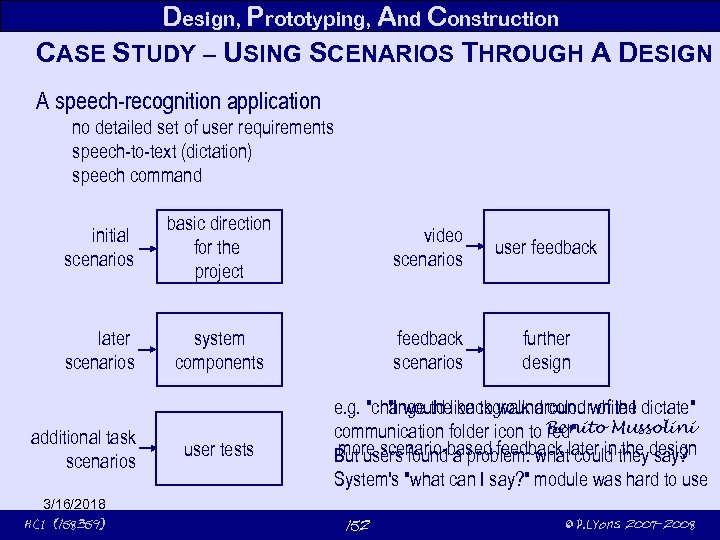 Design, Prototyping, And Construction CASE STUDY – USING SCENARIOS THROUGH A DESIGN A speech-recognition application no detailed set of user requirements speech-to-text (dictation) speech command initial scenarios basic direction for the project video scenarios user feedback later scenarios system components feedback scenarios further design additional task scenarios 3/16/2018 HCI (158359) user tests e. g. "change thelike to walk around while I dictate" "I would background colour of the communication folder icon to Benito Mussolini red" more scenario-based feedback could the say? But users found a problem: whatlater in theydesign System's "what can I say? " module was hard to use 152 © P. Lyons 2007 -2008
 Design, Prototyping, And Construction USING PROTOTYPES IN CONCEPTUAL DESIGN Prototypes are tools for evaluation different types of evaluator feedback from users about usability feedback from technical staff about feasibility tune prototypes to each stakeholder group different types of evaluation lo-fi for early tests to generate user feedback informal "quick and dirty" evaluation sessions paper-based prototypes get suggestions about a range of aspects hi-fi for people who make superficial judgements (managers!) a different sort of evaluation decisions about buying (external) or adopting (internal) more-or-less functional software 3/16/2018 HCI (158359) 153 © P. Lyons 2007 -2008
 Design, Prototyping, And Construction PHYSICAL DESIGN Concrete details screen layout choice of icons men structure Try to defer physical details till after conceptual design though inevitably there's some mixing, because design is iterative Physical constraints may limit conceptual design cell phones designers have to map much functionality onto small screens Physical design should support & not interfere with user's cognitive processes attention, perception, memory, problem-solving, planning, reasoning & decision-making 3/16/2018 HCI (158359) 154 © P. Lyons 2007 -2008
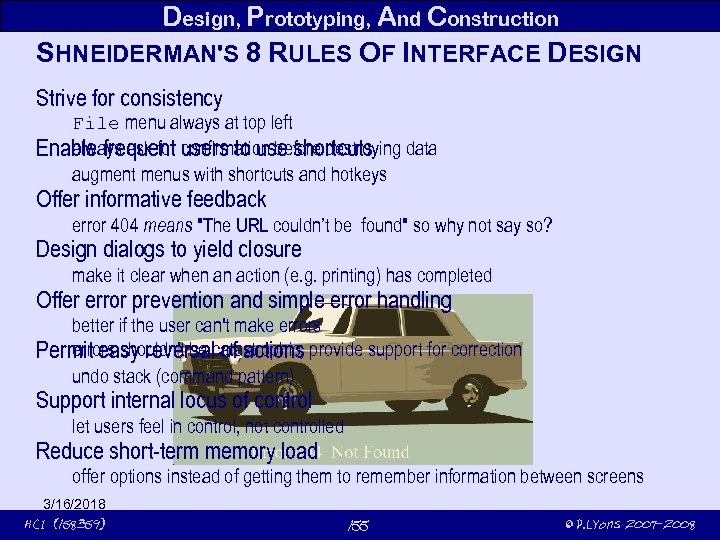 Design, Prototyping, And Construction SHNEIDERMAN'S 8 RULES OF INTERFACE DESIGN Strive for consistency File menu always at top left always ask for confirmation before destroying Enable frequent users to use shortcuts data augment menus with shortcuts and hotkeys Offer informative feedback error 404 means "The URL couldn’t be found" so why not say so? Design dialogs to yield closure make it clear when an action (e. g. printing) has completed Offer error prevention and simple error handling better if the user can't make errors shouldn't be of actions Permit easy reversalcatastrophic; provide support for correction undo stack (command pattern) Support internal locus of control let users feel in control, not controlled Reduce short-term memory load offer options instead of getting them to remember information between screens 3/16/2018 HCI (158359) 155 © P. Lyons 2007 -2008
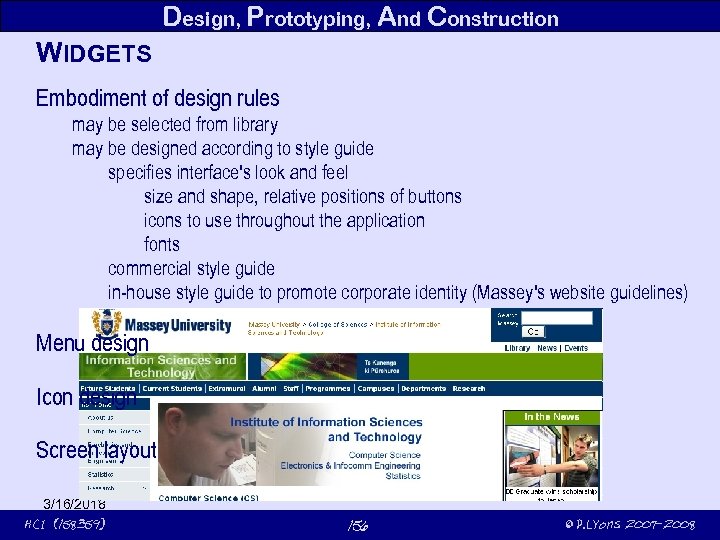 Design, Prototyping, And Construction WIDGETS Embodiment of design rules may be selected from library may be designed according to style guide specifies interface's look and feel size and shape, relative positions of buttons icons to use throughout the application fonts commercial style guide in-house style guide to promote corporate identity (Massey's website guidelines) Menu design Icon design Screen layout 3/16/2018 HCI (158359) 156 © P. Lyons 2007 -2008
 Design, Prototyping, And Construction MENU DESIGN Choice of actions related to the current task based on task structure drop-down, pop-up, single-dialog menus How long is the menu to be? In what order will the items appear? How is the menu to be structured, e. g. when to use sub-menus, dialog boxes? What categories will be used to group menu items? ISO 9241 style guide for menu items 5. 2 Group menu items to reflect user expectations and facilitate option search 5. 2. 1 if many (n>7) items if meaningfully groupable, group into categories – customise, edit, print else // not meaningfully groupable group into categories of √n members 3/16/2018 HCI (158359) 157 © P. Lyons 2007 -2008
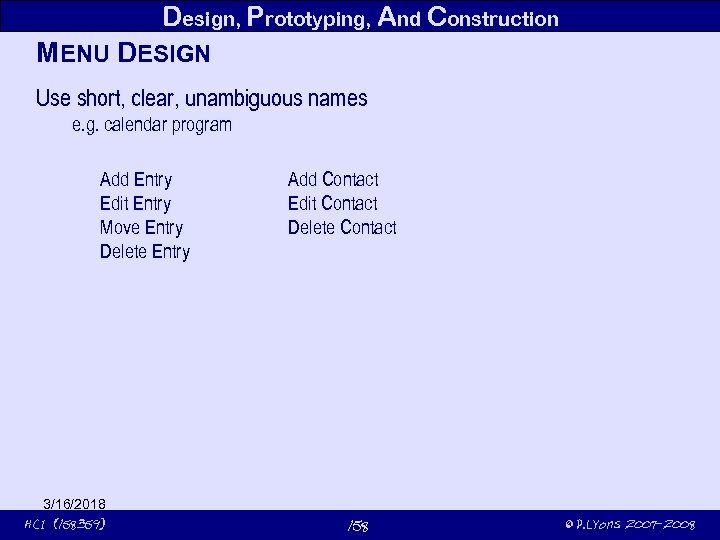 Design, Prototyping, And Construction MENU DESIGN Use short, clear, unambiguous names e. g. calendar program Add Entry Edit Entry Move Entry Delete Entry 3/16/2018 HCI (158359) Add Contact Edit Contact Delete Contact 158 © P. Lyons 2007 -2008
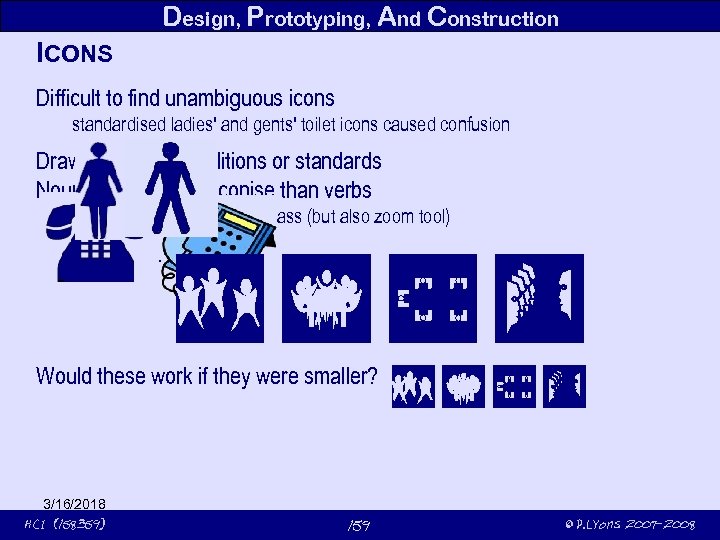 Design, Prototyping, And Construction ICONS Difficult to find unambiguous icons standardised ladies' and gents' toilet icons caused confusion Draw on existing traditions or standards Nouns are easier to iconise than verbs search icon: magnifying glass (but also zoom tool) binoculars meeting icon: Would these work if they were smaller? 3/16/2018 HCI (158359) 159 © P. Lyons 2007 -2008
 Design, Prototyping, And Construction DEVELOPMENT TOOLS Too many to catalogue guidelines instead • help design interface given a specification of end users tasks • help implement the interfaces given a specification of the design • create easy-to-use interfaces • allow the designer to investigate different designs rapidly • allow non-programmers to design and implement the user interface • automatically evaluate the interface and propose improvements • allow the end user to customise the interface • provide portability • be easy to use 3/16/2018 HCI (158359) 160 © P. Lyons 2007 -2008
 Design, Prototyping, And Construction SCREEN DESIGN Two aspects splitting task across multiple screens (or tabs) refer to task analysis – one screen per task 1 step per screen – can be too simplistic multiple simultaneously active screens main screen + taskbars design of individual screens draw user's attention to the main point use colour, motion, boxing and grouping to clarify relationships 3/16/2018 HCI (158359) 161 © P. Lyons 2007 -2008
 Design, Prototyping, And Construction WHICH TYPES OF TOOLS WORKED? Successful tools overlapping windows use screen space effectively map well onto mouse-based input make it easy to design visual layout reduce the programming, modular allow for fast prototyping good for representing buttons and other widgets window managers & toolkits event languages interactive interface builders (VB, Delphi) component systems scripting languages OO programming Less successful tools UIMS formal language tools (state machines etc) tools for maintaining constraints automatic interface generators 3/16/2018 HCI (158359) separate business rules and UI - too abstract suitable for sequential dialogs; unpopular paradigm unpredictable; which constraint will be obeyed? also unpredictable 162 © P. Lyons 2007 -2008
 Design, Prototyping, And Construction ACTIVITY Design a website as a noticeboard for upcoming presentations an adminstrator accepts offers of presentations, arranges rooms, confirms dates 3/16/2018 HCI (158359) 163 © P. Lyons 2007 -2008
 3/16/2018 HCI (158359) 164 © P. Lyons 2007 -2008
 Dealing With Disabilities TYPES OF DISABILITY Visual impairments: blindness blind people rely on hearing and touch to use computers. low vision people with low vision may be able to read text and distinguish forms, objects and pictures under specific conditions (e. g. , very large fonts, high contrast, particular lighting conditions) but usually also rely on other senses, such as hearing and touch. colour blindness people with colour blindness have inability to discriminate differences in colours, mainly between red and green. 3/16/2018 HCI (158359) 165 © P. Lyons 2007 -2008
 Dealing With Disabilities TYPES OF DISABILITY Motor or dexterity impairments: total absence of limbs or digits paralysis lack of fine control instability or pain in the use of fingers, hands, wrists, or arms. difficulties with standard input devices, (keyboard and mouse). 3/16/2018 HCI (158359) 166 © P. Lyons 2007 -2008
 Dealing With Disabilities TYPES OF DISABILITY Hearing disabilities: total deafness (inability to hear at all), slight loss of hearing ability to sense sounds and speech difficulty in identifying their content Deaf people communicate using sign and written language, while hard of hearing individuals may rely on lip-reading and hearing-aids. 3/16/2018 HCI (158359) 167 © P. Lyons 2007 -2008
 3/16/2018 HCI (158359) 168 © P. Lyons 2007 -2008
 Dealing With Disabilities TYPES OF DISABILITY Cognitive disabilities: a very broad category, which roughly includes difficulties in the performance of mental tasks. These can range from limited and focused problems affecting a very specific cognitive function (e. g. , the ability to understand math), to severe cases (e. g. , brain damage) where the individual is unable to take care of daily living activities. most common types mental retardation language and learning disabilities (e. g. , dyslexia) head injury and stroke Alzheimer's disease (i. e. , memory retention problems) dementia 3/16/2018 HCI (158359) 169 © P. Lyons 2007 -2008
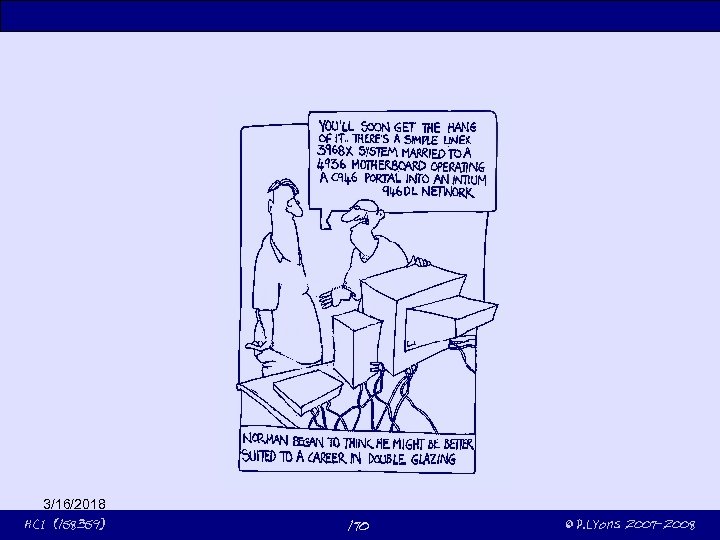 3/16/2018 HCI (158359) 170 © P. Lyons 2007 -2008
 Dealing With Disabilities TYPES OF DISABILITY Speech impairments quite rare and sometimes are combined with other disabilities but they do not indicate limited intelligence. articulation problems (e. g. , stuttering) inability to speak loudly or clearly, or even to speak at all problems in using speech recognition systems. Depending on the severity of their case, they may use communication aids, to substitute speech. 3/16/2018 HCI (158359) 171 © P. Lyons 2007 -2008
 Dealing With Disabilities TYPES OF DISABILITY Illiteracy is the lack of ability to read and write in any language. not a physical disability, but creates considerable barriers to computer accessibility is often treated in the overall context of computer accessibility. 3/16/2018 HCI (158359) 172 © P. Lyons 2007 -2008
 HCI (158359) © P. Lyons 2007 -2008
 CSCW conventions for yielding control of floor prevent multiple people from working on the same part of an image simultaneously 3/16/2018 HCI (158359) 174 © P. Lyons 2007 -2008
 3/16/2018 HCI (158359) 175 © P. Lyons 2007 -2008
 3/16/2018 HCI (158359) 176 © P. Lyons 2007 -2008
 Folksonomies user-generated taxonomies of photos, web pages, links, etc. 3/16/2018 HCI (158359) 177 © P. Lyons 2007 -2008