Скачать презентацию Hardware Implementations Of Media Center Upgrade Scenarios Ron
65215c3ca56211cc7a0f63b9107c61de.ppt
- Количество слайдов: 31
 Hardware Implementations Of Media Center Upgrade Scenarios Ron Farrell – Program Manager e. Home PC Platform Team Microsoft Corporation David Fleischman – Program Manager e. Home Core Platform Team Microsoft Corporation Chris Matichuk – Program Manager Windows TV Capture Microsoft Corporation
 Windows Media Center Hardware Requirements Ron Farrell Program Manager e. Home PC Platform Team Microsoft Corporation
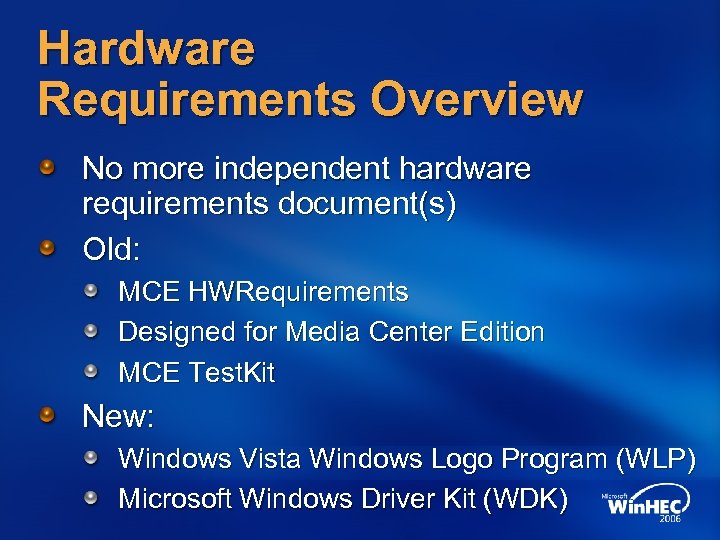 Hardware Requirements Overview No more independent hardware requirements document(s) Old: MCE HWRequirements Designed for Media Center Edition MCE Test. Kit New: Windows Vista Windows Logo Program (WLP) Microsoft Windows Driver Kit (WDK)
 Overview Windows Vista Media Center requirements align with the Premium level logo Hardware meet WLP + updated Media Center requirements Windows Vista Media Center Hardware Summary chart available in the FAQ on Microsoft Connect Tests found in the WDK
 Windows Vista Media Center Hardware Requirements Specifics CPU x 86/x 64 -instruction set No minimum CPU speed CPU utilization is key measurement Test using CPUStats. exe tool in WDK * Listed requirements are the minimum requirements. Using high definition TV tuner(s) may increase stated requirements
 Hardware Requirements Memory 512 MB minimum 1 GB or more recommended for Windows Vista Media Center 1 GB system memory for UMA systems Minimum of 64 MB video memory reserved for graphics Minimum of 128 MB video memory with a 128 -bit interface for High Definition TV
 Hardware Requirements Graphics Direct. X 9 or later GPU Pixel Shader 2. 0 support Windows Vista Display Driver Model (WDDM) -compliant driver supporting COPP and PVPOPM (Protected Video Path Output Protection Manager) Aero required for Premium level WLP logo; Recommended on Windows Vista computers running Media Center
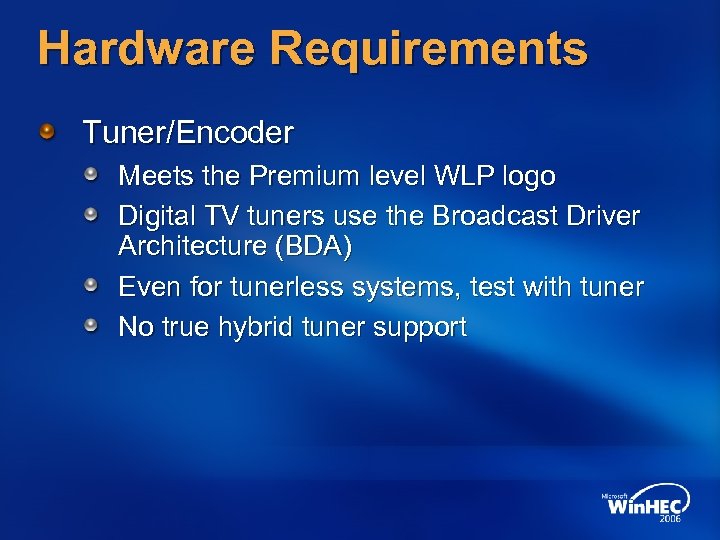 Hardware Requirements Tuner/Encoder Meets the Premium level WLP logo Digital TV tuners use the Broadcast Driver Architecture (BDA) Even for tunerless systems, test with tuner No true hybrid tuner support
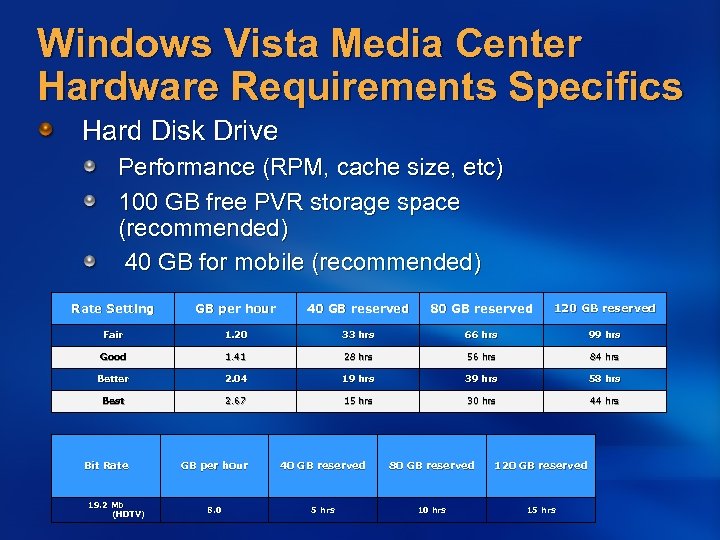 Windows Vista Media Center Hardware Requirements Specifics Hard Disk Drive Performance (RPM, cache size, etc) 100 GB free PVR storage space (recommended) 40 GB for mobile (recommended) Rate Setting GB per hour 40 GB reserved 80 GB reserved 120 GB reserved Fair 1. 20 33 hrs 66 hrs 99 hrs Good 1. 41 28 hrs 56 hrs 84 hrs Better 2. 04 19 hrs 39 hrs 58 hrs Best 2. 67 15 hrs 30 hrs 44 hrs Bit Rate 19. 2 Mb (HDTV) GB per hour 40 GB reserved 80 GB reserved 120 GB reserved 8. 0 5 hrs 10 hrs 15 hrs
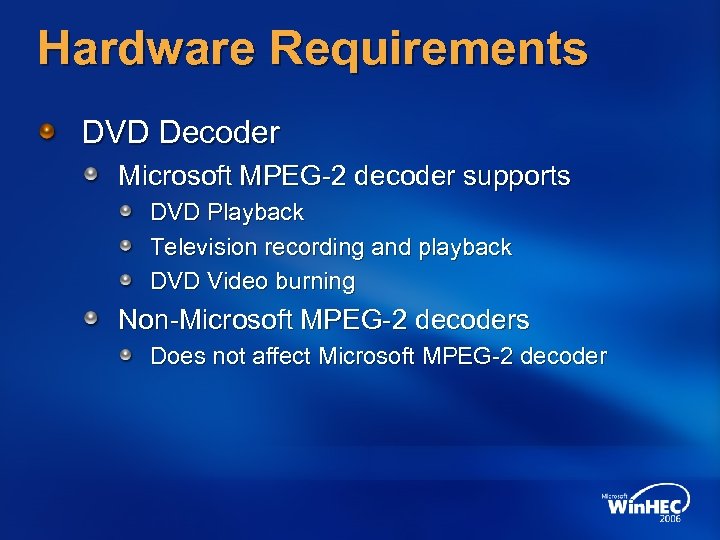 Hardware Requirements DVD Decoder Microsoft MPEG-2 decoder supports DVD Playback Television recording and playback DVD Video burning Non-Microsoft MPEG-2 decoders Does not affect Microsoft MPEG-2 decoder
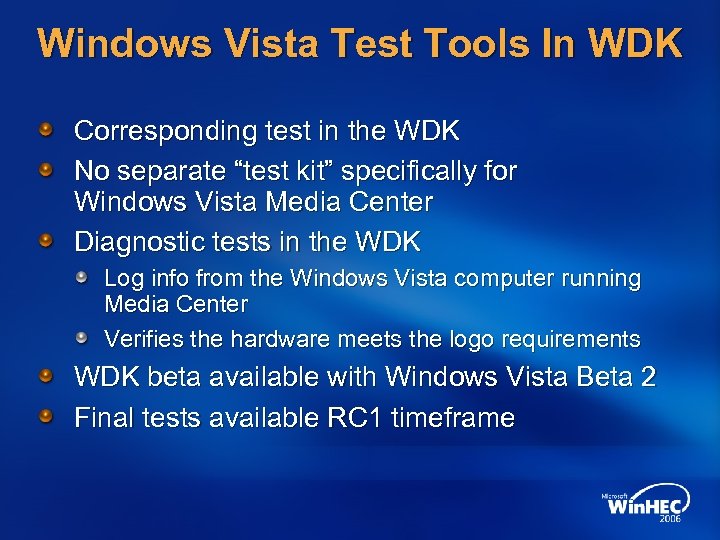 Windows Vista Test Tools In WDK Corresponding test in the WDK No separate “test kit” specifically for Windows Vista Media Center Diagnostic tests in the WDK Log info from the Windows Vista computer running Media Center Verifies the hardware meets the logo requirements WDK beta available with Windows Vista Beta 2 Final tests available RC 1 timeframe
 Call To Action Windows Media Center Hardware Requirements Participate in the Microsoft Connect program Read and understand new hardware requirements on the Windows Vista Logo Program Web site http: //www. microsoft. com/whdc/winlogo All current, and future, updates to Media Center hardware requirements will come through WLP
 References Windows Logo Program http: //www. microsoft. com/whdc/winlogo/LH_logo. mspx http: //www. microsoft. com/whdc/winlogo/hwrequirements. mspx Remotes and Receiver Questions Windows Vista IR Hardware Requirements Specification (on MS Connect now) Vista Remote Spec v. 05 (on MS Connect now…. name could change by RTM) Remote control questions: remotes @ microsoft. com Receiver questions: irrecvr @ microsoft. com MS Connect http: //connect. microsoft. com/ Contact your Microsoft representative to get on MS Connect Windows Media Center FAQ Located on the MS Connect site Answers common questions for all of Windows Media Center
 Upgrades For Windows Media Center In Windows Vista David Fleischman Program Manager e. Home Core Platform Team Microsoft Corporation
 Upgrading To Windows Vista upgrades are different then Windows XP A clean operating system is installed Application settings are migrated Only specified operating system settings are migrated
 Upgrading To Windows Media Center In Windows Vista Window Media Center is migrating ~ 100 files and settings Items such as scheduled recordings, recording history, installed applications, audio and video preferences are migrated Media Center “First Run” is reset
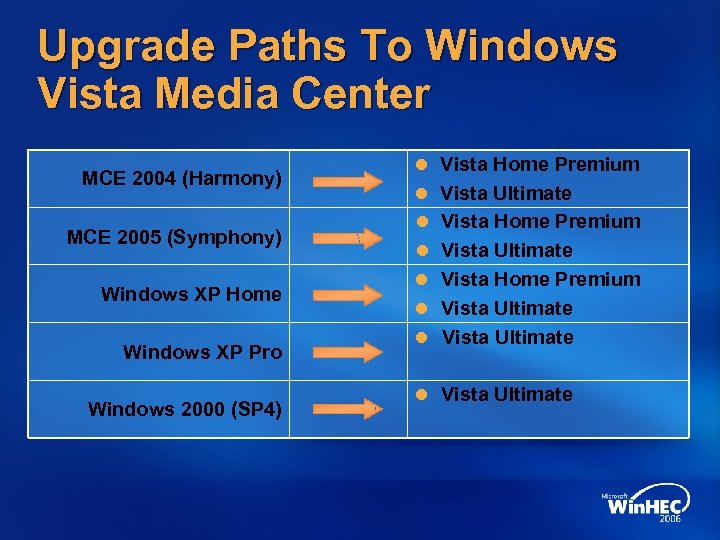 Upgrade Paths To Windows Vista Media Center MCE 2004 (Harmony) MCE 2005 (Symphony) Windows XP Home Windows XP Pro Windows 2000 (SP 4) l l l l Vista Home Premium Vista Ultimate l Vista Ultimate
 How Is Microsoft Helping? Providing the Windows Vista Upgrade Advisor Windows Vista setup checks Dynamic Windows Update Extensive driver posting and testing Application Compatibility Toolkit
 Windows Vista Upgrade Advisor A web-based tool that answers Can my PC be upgraded to Windows Vista? How can I fix any issues? What will my experience be like? What can I do to improve my experience? Assessment includes System capabilities (System memory, hard drive space, etc. ) Device compatibility (Windows Vista capable drivers available for devices) Application compatibility (How certain is the application to work with Windows Vista? )
 Where To Focus Testing Application Compatibility Applications should be tested with Windows Vista on both a fresh install and upgrade Drivers Hardware Requirements Windows Upgrade Advisor http: //www. microsoft. com/windowsvista/getready/upgradeadvisor/default. mspx
 Components For Media Center In Windows Vista Chris Matichuk Program Manager Windows e. Home Division Microsoft Corporation
 Graphics For Media Center HDCP Required for playback of Digital Cable, HD-DVD, and other premium media formats when using DVI and HDMI HDTV Display Support Component Video (YPb. Pr): Expose only valid HDTV display modes (see EIA 770. 3) HDMI and DVI: Expose valid HDTV display modes in default timings list (see EIA 861 -b) See Windows Logo Program requirements for required and suggested HDTV display modes for each connector type
 Audio For Media Center Paradigm shift for PC Audio in Windows Vista The Universal Audio Architecture (UAA) Initiative promotes Discoverability of hardware capabilities leading to better device support with Windows class drivers Transparent, flexible audio solution leading to better user experience Potential for audio fidelity CE parity Build UAA compliant audio solutions Review Microsoft UAA HW Design Guidelines, technology specific implementation documentation and the Windows Logo Program requirements
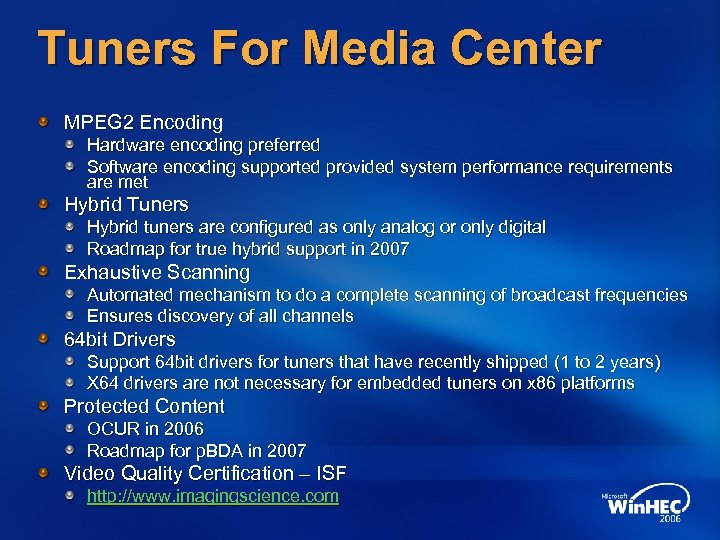 Tuners For Media Center MPEG 2 Encoding Hardware encoding preferred Software encoding supported provided system performance requirements are met Hybrid Tuners Hybrid tuners are configured as only analog or only digital Roadmap for true hybrid support in 2007 Exhaustive Scanning Automated mechanism to do a complete scanning of broadcast frequencies Ensures discovery of all channels 64 bit Drivers Support 64 bit drivers for tuners that have recently shipped (1 to 2 years) X 64 drivers are not necessary for embedded tuners on x 86 platforms Protected Content OCUR in 2006 Roadmap for p. BDA in 2007 Video Quality Certification – ISF http: //www. imagingscience. com
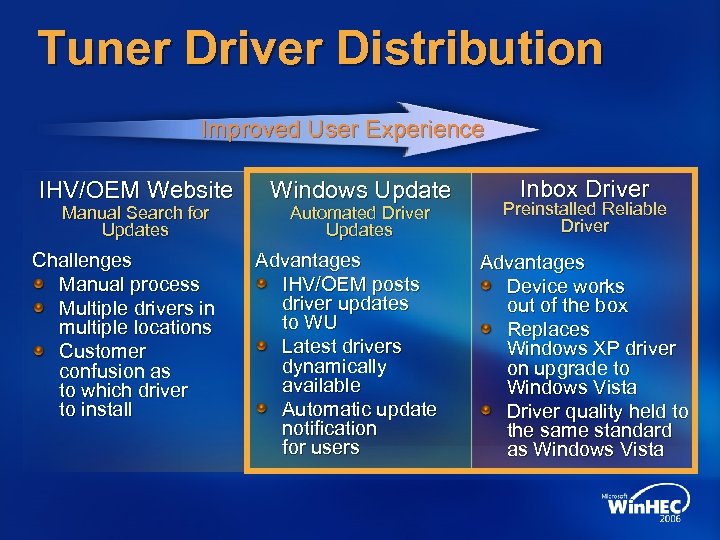 Tuner Driver Distribution Improved User Experience IHV/OEM Website Manual Search for Updates Challenges Manual process Multiple drivers in multiple locations Customer confusion as to which driver to install Windows Update Automated Driver Updates Advantages IHV/OEM posts driver updates to WU Latest drivers dynamically available Automatic update notification for users Inbox Driver Preinstalled Reliable Driver Advantages Device works out of the box Replaces Windows XP driver on upgrade to Windows Vista Driver quality held to the same standard as Windows Vista
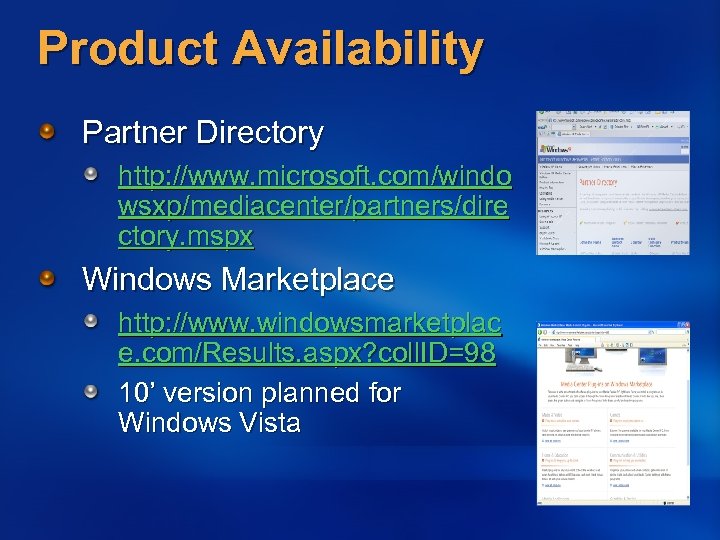 Product Availability Partner Directory http: //www. microsoft. com/windo wsxp/mediacenter/partners/dire ctory. mspx Windows Marketplace http: //www. windowsmarketplac e. com/Results. aspx? coll. ID=98 10’ version planned for Windows Vista
 Call To Action Windows Media Center Hardware Requirements Participate in the Microsoft Connect program Read and understand new hardware requirements on the Windows Vista Logo Program Web site http: //www. microsoft. com/whdc/winlogo All current, and future, updates to Media Center hardware requirements will come through WLP Upgrades Test past and currently shipping hardware and drivers with Windows Vista Test your applications and prepare any necessary updates Upgrade any existing machines and provide beta feedback
 Call To Action Components To support premium media playback, select Graphics cards with HDCP support Build UAA compliant audio solutions To support faster PAL/SECAM scanning, select Tuner cards that support the new Tuner Exhaustive Channel Scanning feature Use ISF to certify video quality Develop 64 bit driver support Promote the use of Windows Update and Inbox Drivers for driver distribution
 References Device Fundamentals http: //www. microsoft. com/whdc/device/default. mspx Audio device questions UAA @ microsoft. com Tuner device questions Wintvdev @ microsoft. com Product Availability http: //www. microsoft. com/windowsxp/mediacenter/partners http: //www. windowsmarketplace. com/Results. aspx? coll. ID=98 Component Testing and Certification http: //www. microsoft. com/whdc/devtools/tools http: //www. microsoft. com/whdc/winlogo/drvsign/dqs. mspx http: //www. imagingscience. com MS Connect Contact your Microsoft representative to get on MS Connect
 © 2006 Microsoft Corporation. All rights reserved. Microsoft, Windows Vista and other product names are or may be registered trademarks and/or trademarks in the U. S. and/or other countries. The information herein is for informational purposes only and represents the current view of Microsoft Corporation as of the date of this presentation. Because Microsoft must respond to changing market conditions, it should not be interpreted to be a commitment on the part of Microsoft, and Microsoft cannot guarantee the accuracy of any information provided after the date of this presentation. MICROSOFT MAKES NO WARRANTIES, EXPRESS, IMPLIED OR STATUTORY, AS TO THE INFORMATION IN THIS PRESENTATION.