 Скачать презентацию Hardware Basics Professor Pepper Major Objectives
f657ef36df5adca323e09b3efb9a831b.ppt
- Количество слайдов: 21



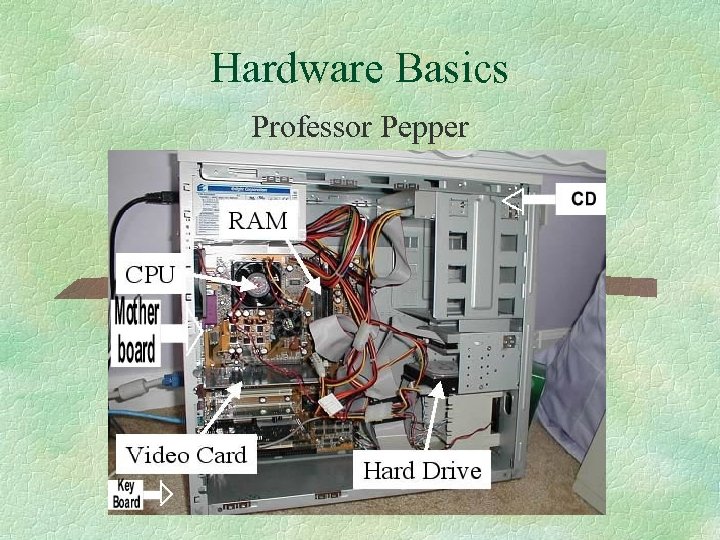
Hardware Basics Professor Pepper
Major Objectives § § § Microprocessor RAM ROM BIOS Motherboard Storage (CD, DVD, Hard Drive, Floppy, Zip, Jump, Tape) § Expansion slots and ports § Monitor

Computer Desktop Shopping § Dell website § Comp USA § Buy. com
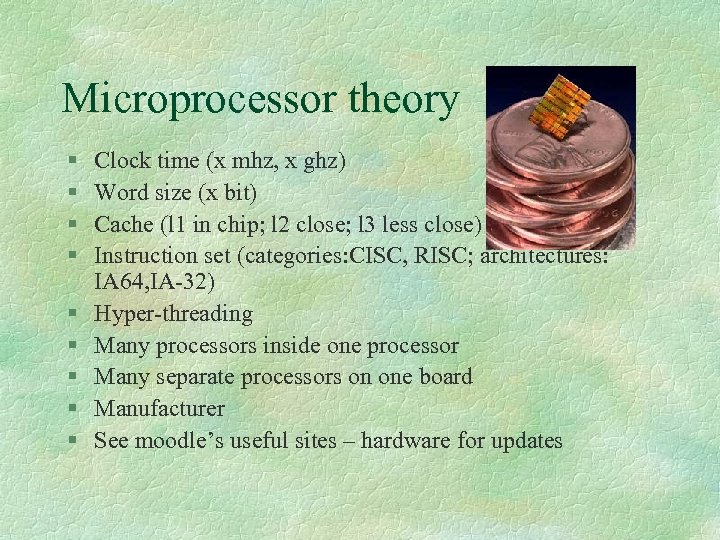
Microprocessor theory § § § § § Clock time (x mhz, x ghz) Word size (x bit) Cache (l 1 in chip; l 2 close; l 3 less close) Instruction set (categories: CISC, RISC; architectures: IA 64, IA-32) Hyper-threading Many processors inside one processor Many separate processors on one board Manufacturer See moodle’s useful sites – hardware for updates
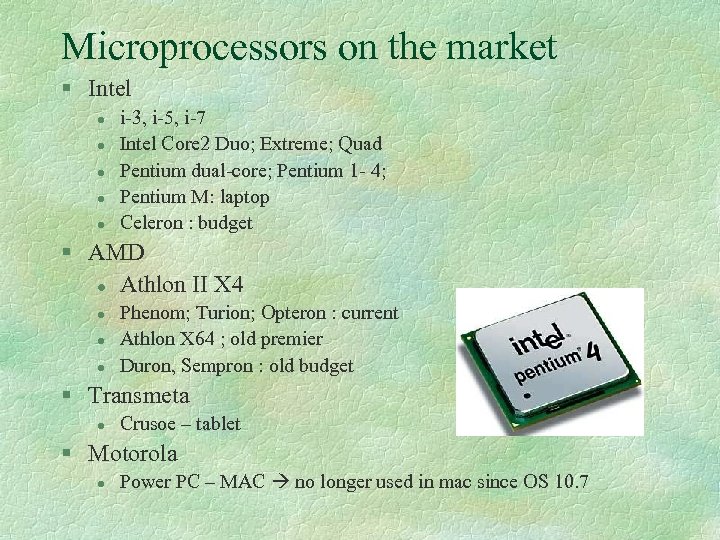
Microprocessors on the market § Intel l l i-3, i-5, i-7 Intel Core 2 Duo; Extreme; Quad Pentium dual-core; Pentium 1 - 4; Pentium M: laptop Celeron : budget § AMD l Athlon II X 4 l l l Phenom; Turion; Opteron : current Athlon X 64 ; old premier Duron, Sempron : old budget § Transmeta l Crusoe – tablet § Motorola l Power PC – MAC no longer used in mac since OS 10. 7
Microprocessor high needs § 3 -D animated computer games § Desktop publishing § Video editing § Upgrading later is usually not cost-effective
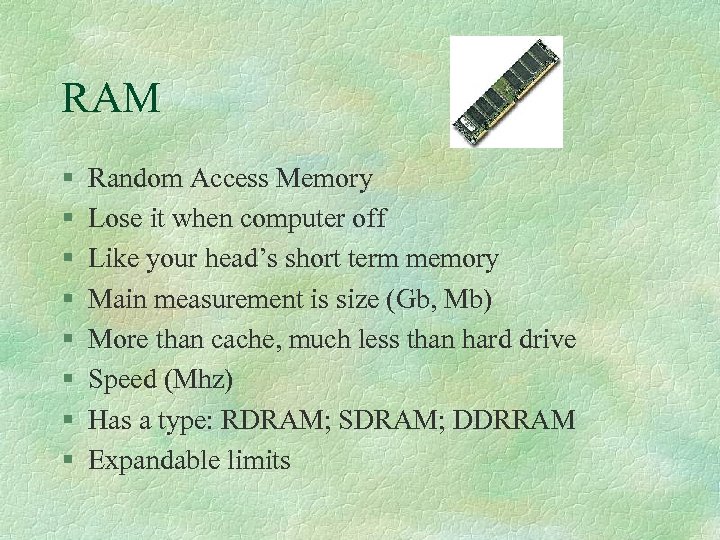
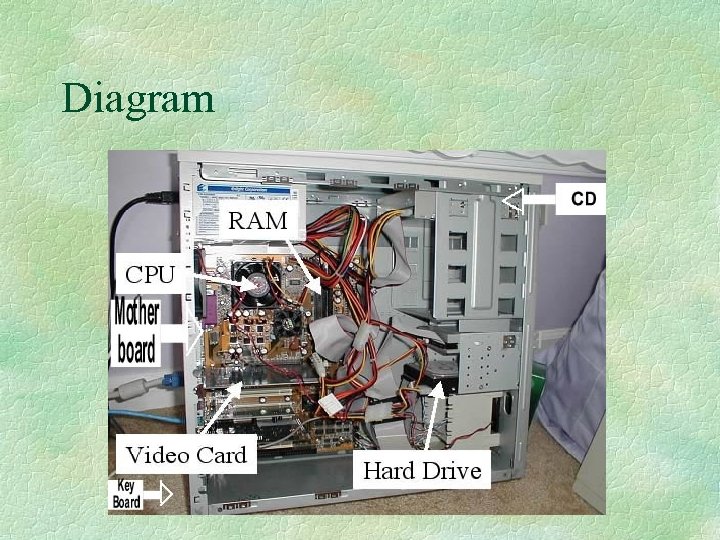
RAM § § § § Random Access Memory Lose it when computer off Like your head’s short term memory Main measurement is size (Gb, Mb) More than cache, much less than hard drive Speed (Mhz) Has a type: RDRAM; SDRAM; DDRRAM Expandable limits
ROM BIOS & CMOS § ROM BIOS l l Read only memory to start up your system No relation to CD-ROM § CMOS l l l Basic hardware path settings Programmable Very low battery needed § Neither usually effect your purchase
Motherboard § § § Traffic cop Everything connects to it Hard disk to RAM to CPU via bus Motherboard chipset moves data faster 800 MHZ bus last year to
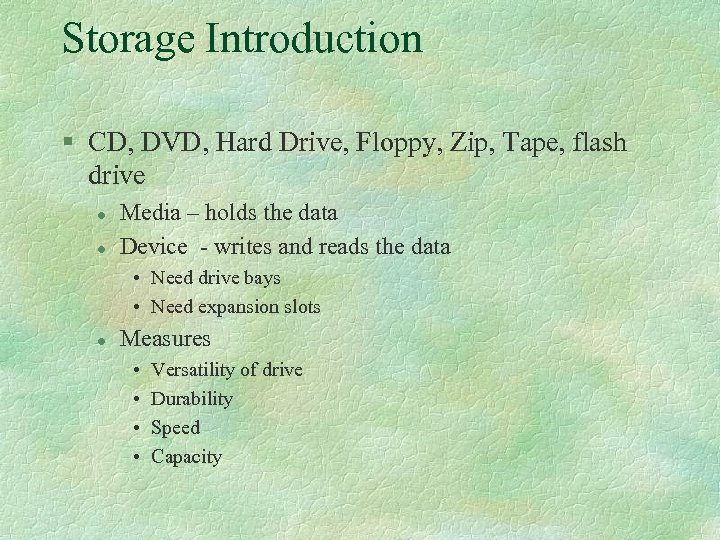
Storage Introduction § CD, DVD, Hard Drive, Floppy, Zip, Tape, flash drive l l Media – holds the data Device - writes and reads the data • Need drive bays • Need expansion slots l Measures • • Versatility of drive Durability Speed Capacity
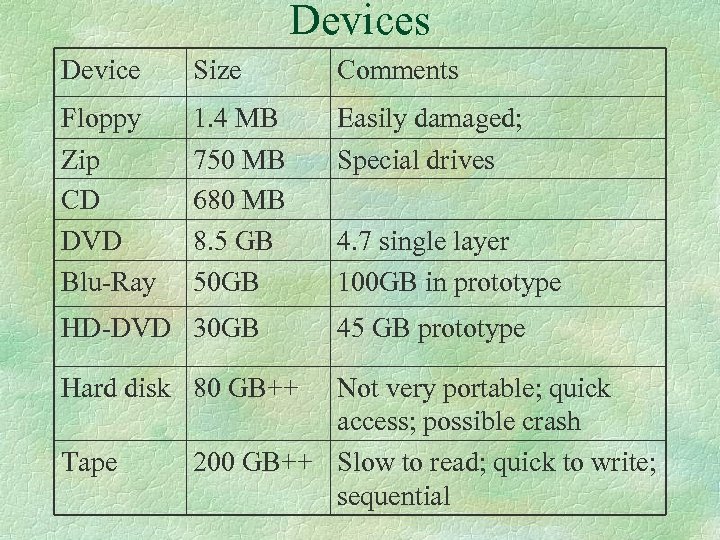
Devices Device Size Comments Floppy Zip CD DVD Blu-Ray 1. 4 MB 750 MB 680 MB 8. 5 GB 50 GB Easily damaged; Special drives HD-DVD 30 GB Hard disk 80 GB++ Tape 4. 7 single layer 100 GB in prototype 45 GB prototype Not very portable; quick access; possible crash 200 GB++ Slow to read; quick to write; sequential
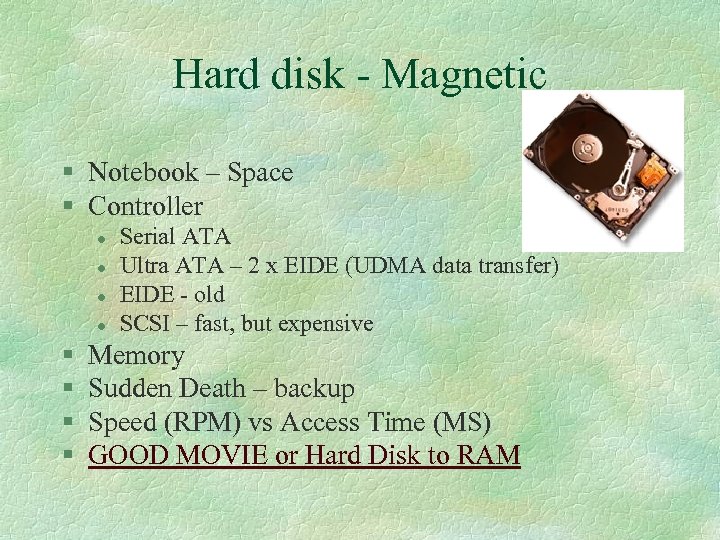
Hard disk - Magnetic § Notebook – Space § Controller l l § § Serial ATA Ultra ATA – 2 x EIDE (UDMA data transfer) EIDE - old SCSI – fast, but expensive Memory Sudden Death – backup Speed (RPM) vs Access Time (MS) GOOD MOVIE or Hard Disk to RAM
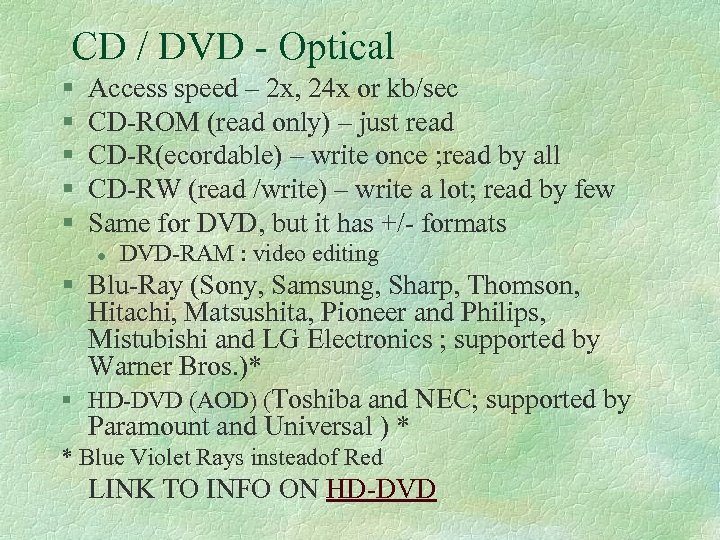
CD / DVD - Optical § § § Access speed – 2 x, 24 x or kb/sec CD-ROM (read only) – just read CD-R(ecordable) – write once ; read by all CD-RW (read /write) – write a lot; read by few Same for DVD, but it has +/- formats l DVD-RAM : video editing § Blu-Ray (Sony, Samsung, Sharp, Thomson, Hitachi, Matsushita, Pioneer and Philips, Mistubishi and LG Electronics ; supported by Warner Bros. )* § HD-DVD (AOD) (Toshiba and NEC; supported by Paramount and Universal ) * * Blue Violet Rays insteadof Red LINK TO INFO ON HD-DVD
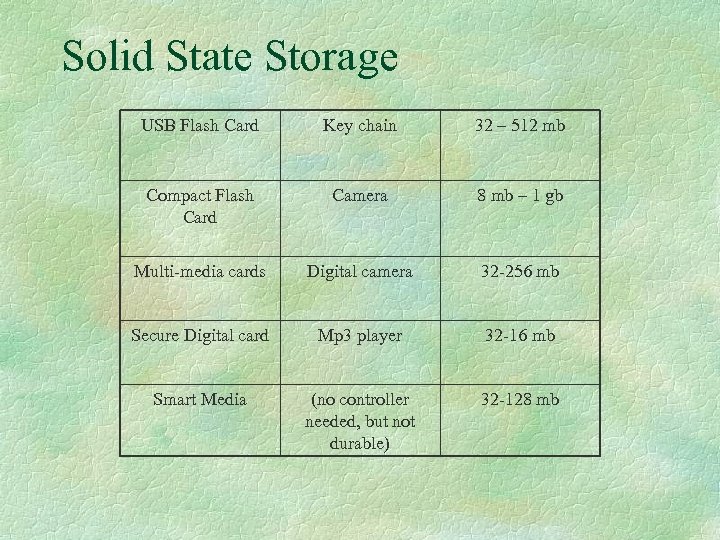
Solid State Storage USB Flash Card Key chain 32 – 512 mb Compact Flash Card Camera 8 mb – 1 gb Multi-media cards Digital camera 32 -256 mb Secure Digital card Mp 3 player 32 -16 mb Smart Media (no controller needed, but not durable) 32 -128 mb
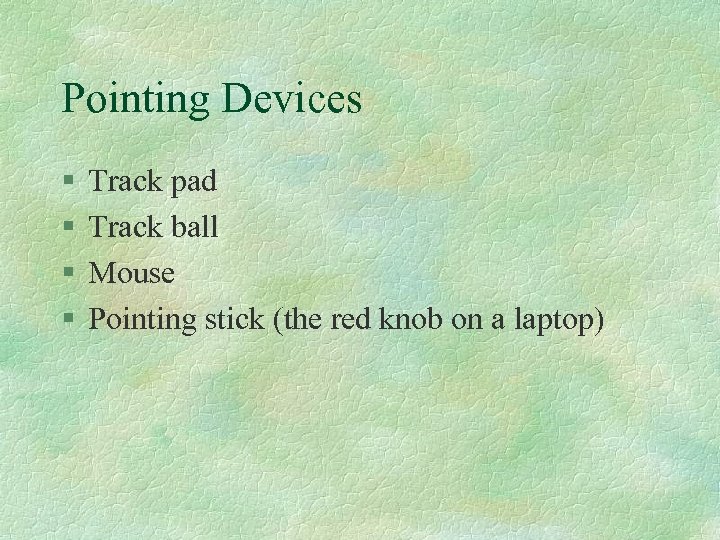
Pointing Devices § § Track pad Track ball Mouse Pointing stick (the red knob on a laptop)
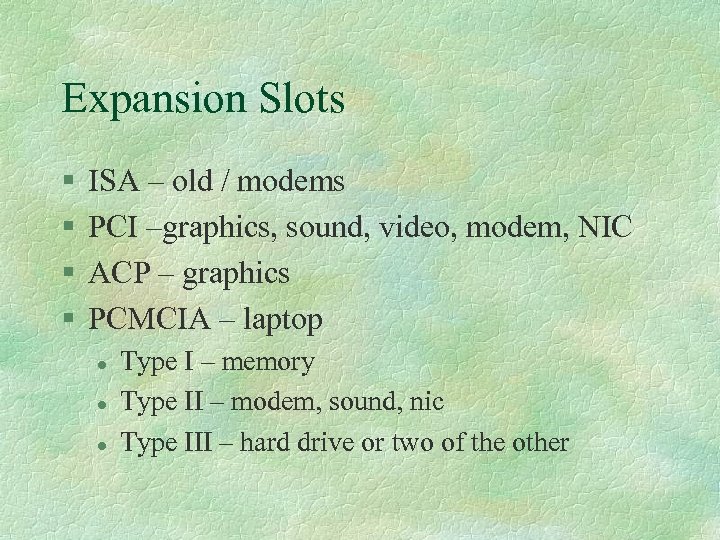
Expansion Slots § § ISA – old / modems PCI –graphics, sound, video, modem, NIC ACP – graphics PCMCIA – laptop l l l Type I – memory Type II – modem, sound, nic Type III – hard drive or two of the other
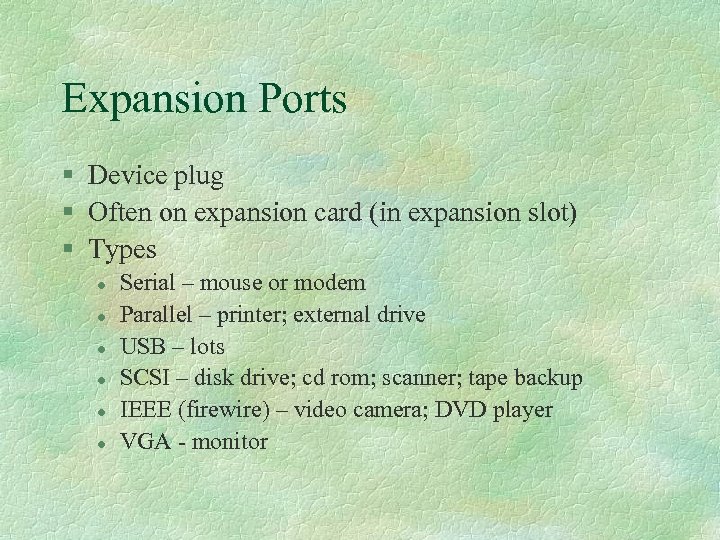
Expansion Ports § Device plug § Often on expansion card (in expansion slot) § Types l l l Serial – mouse or modem Parallel – printer; external drive USB – lots SCSI – disk drive; cd rom; scanner; tape backup IEEE (firewire) – video camera; DVD player VGA - monitor
Monitors § Graphics card to give a boost § CRT (large, all angles, smaller screen, cheaper) / LCD (small, full screen) / Plasma (expensive) § Resolution – dp (dot pitch –smaller is better) § Viewable image size § Color depth or bit depth (true color is 24) § Graphics card

Terminology § www. webopedia. com § www. hyperdictionary. com § Many others
Diagram
Computer Desktop Shopping § § § Dell website Comp USA Buy. com PC purchase exercise Textbook purchase exercise
Скачать презентацию Hardware Basics Professor Pepper Major Objectives
f657ef36df5adca323e09b3efb9a831b.ppt