


 Скачать презентацию Handheld Technology Hardware Applications and Practical Implementation in
972b302ee68bbd339630ff5352416d62.ppt
- Количество слайдов: 28
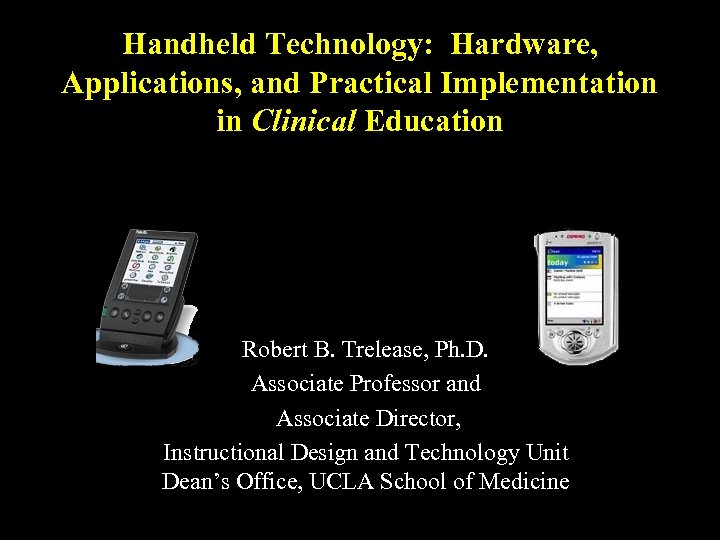 Handheld Technology: Hardware, Applications, and Practical Implementation in Clinical Education Robert B. Trelease, Ph. D. Associate Professor and Associate Director, Instructional Design and Technology Unit Dean’s Office, UCLA School of Medicine
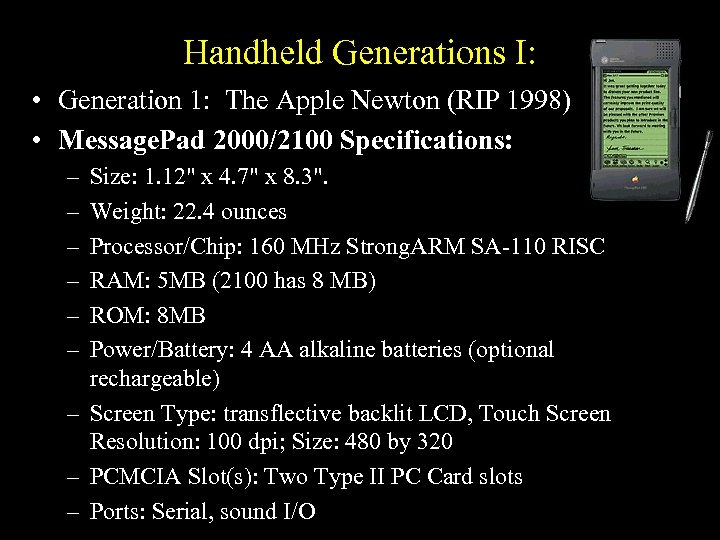 Handheld Generations I: • Generation 1: The Apple Newton (RIP 1998) • Message. Pad 2000/2100 Specifications: – – – Size: 1. 12" x 4. 7" x 8. 3". Weight: 22. 4 ounces Processor/Chip: 160 MHz Strong. ARM SA-110 RISC RAM: 5 MB (2100 has 8 MB) ROM: 8 MB Power/Battery: 4 AA alkaline batteries (optional rechargeable) – Screen Type: transflective backlit LCD, Touch Screen Resolution: 100 dpi; Size: 480 by 320 – PCMCIA Slot(s): Two Type II PC Card slots – Ports: Serial, sound I/O
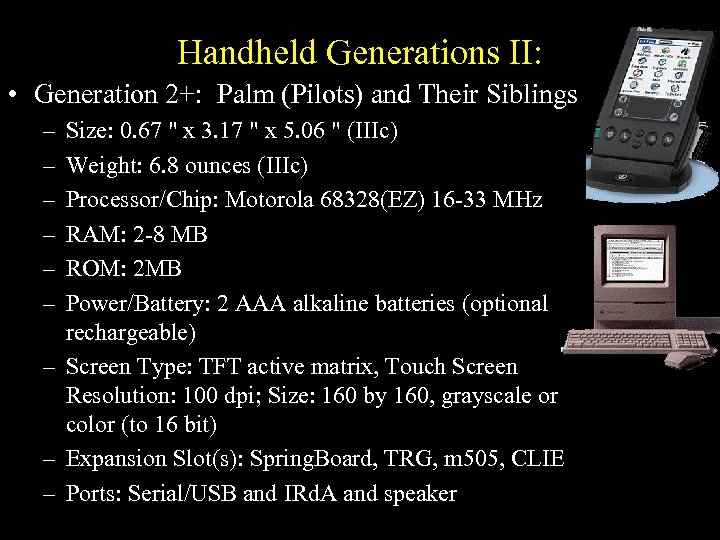 Handheld Generations II: • Generation 2+: Palm (Pilots) and Their Siblings – – – Size: 0. 67 " x 3. 17 " x 5. 06 " (IIIc) Weight: 6. 8 ounces (IIIc) Processor/Chip: Motorola 68328(EZ) 16 -33 MHz RAM: 2 -8 MB ROM: 2 MB Power/Battery: 2 AAA alkaline batteries (optional rechargeable) – Screen Type: TFT active matrix, Touch Screen Resolution: 100 dpi; Size: 160 by 160, grayscale or color (to 16 bit) – Expansion Slot(s): Spring. Board, TRG, m 505, CLIE – Ports: Serial/USB and IRd. A and speaker
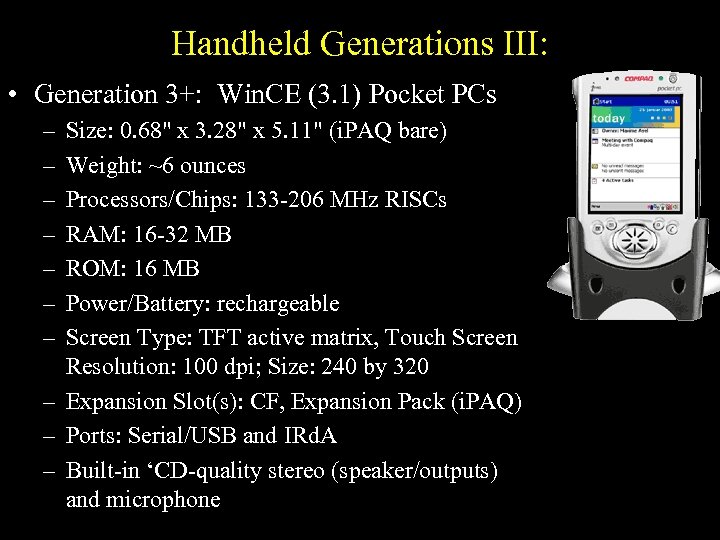 Handheld Generations III: • Generation 3+: Win. CE (3. 1) Pocket PCs – – – – Size: 0. 68" x 3. 28" x 5. 11" (i. PAQ bare) Weight: ~6 ounces Processors/Chips: 133 -206 MHz RISCs RAM: 16 -32 MB ROM: 16 MB Power/Battery: rechargeable Screen Type: TFT active matrix, Touch Screen Resolution: 100 dpi; Size: 240 by 320 – Expansion Slot(s): CF, Expansion Pack (i. PAQ) – Ports: Serial/USB and IRd. A – Built-in ‘CD-quality stereo (speaker/outputs) and microphone
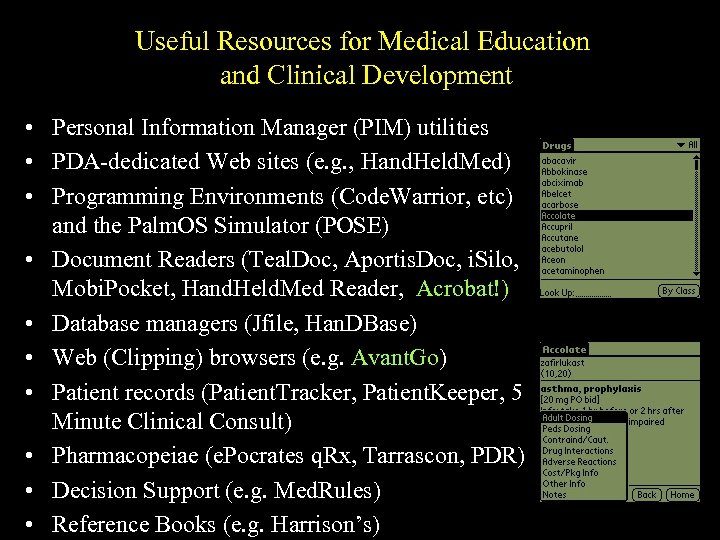 Useful Resources for Medical Education and Clinical Development • Personal Information Manager (PIM) utilities • PDA-dedicated Web sites (e. g. , Hand. Held. Med) • Programming Environments (Code. Warrior, etc) and the Palm. OS Simulator (POSE) • Document Readers (Teal. Doc, Aportis. Doc, i. Silo, Mobi. Pocket, Hand. Held. Med Reader, Acrobat!) • Database managers (Jfile, Han. DBase) • Web (Clipping) browsers (e. g. Avant. Go) • Patient records (Patient. Tracker, Patient. Keeper, 5 Minute Clinical Consult) • Pharmacopeiae (e. Pocrates q. Rx, Tarrascon, PDR) • Decision Support (e. g. Med. Rules) • Reference Books (e. g. Harrison’s)
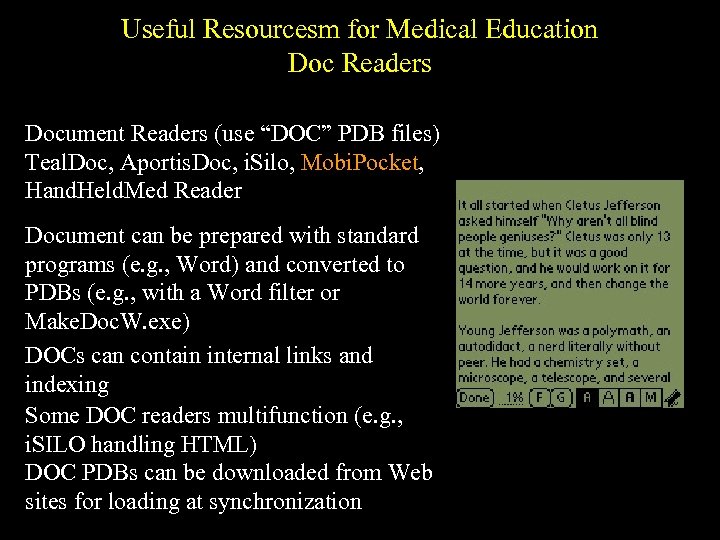 Useful Resourcesm for Medical Education Doc Readers Document Readers (use “DOC” PDB files) Teal. Doc, Aportis. Doc, i. Silo, Mobi. Pocket, Hand. Held. Med Reader Document can be prepared with standard programs (e. g. , Word) and converted to PDBs (e. g. , with a Word filter or Make. Doc. W. exe) DOCs can contain internal links and indexing Some DOC readers multifunction (e. g. , i. SILO handling HTML) DOC PDBs can be downloaded from Web sites for loading at synchronization
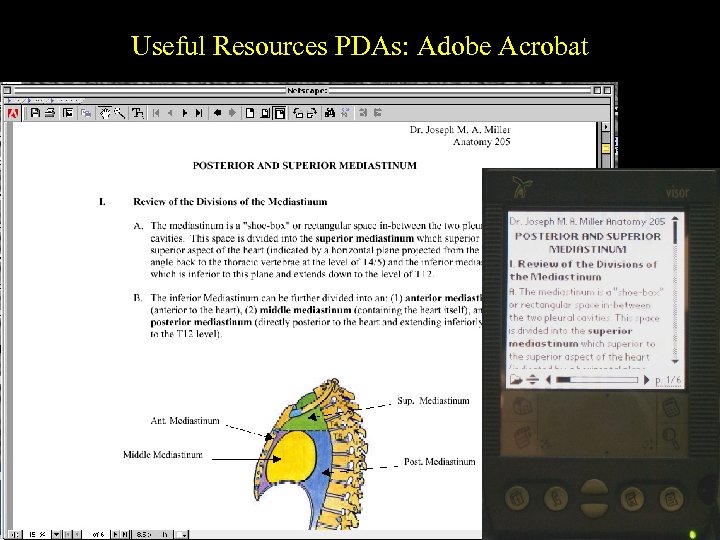 Useful Resources PDAs: Adobe Acrobat
 Did We Have to Program PDA Applications from Scratch? • Processor code crafting (e. g. , C with Code. Warrior) takes plenty of time AND it would tend to be fairly platform specific • Code crafting also takes considerable lead time, SO • Wasn’t there any way to take advantage of existing Web development expertise AND repurpose existing Web content for more portable use on PDAs? • Could essentially the same content be used for different types of PDAs (e. g. , Palm OS and Pocket PC)?
 Did We Have to Program PDA Applications from Scratch? NO! • Processor code crafting (e. g. , C with Code. Warrior) takes plenty of time AND it would tend to be fairly platform specific • Code crafting also takes considerable lead time, SO • Wasn’t there any way to take advantage of existing Web development expertise AND repurpose existing Web content for more portable use on PDAs? YES! • Could essentially the same content be used for different types of PDAs (e. g. , Palm OS and Pocket PC)? YES! • Avant. Go was an answer.
 Useful Resources for Medical Education - Avant. Go What is it? Client- and server-side software for downloading and “clipping” content from Web servers AND interacting with online databases through Web Uis. Avant. Go can be used with Palm. OS, Pocket PCs, and RIM Blackberry 2 -way wireless email ‘pager’ devices What’s on the Client side? A streamlined, graphics-capable PDA Web browser (offline AND online) and workstation sync software (“Channels Manager”) that downloads Web pages filtered by the Avant. Go Server What’s on the Server side? A modified Apache Web server that maintains a database of userselected URLs and delivers this selected content to Clients at synchronization
 Useful Resources for Medical Education - Avant. Go How do I get Avant. Go? The free (“public’) Client software is downloadable from www. avantgo. com. Some PDAs ship with it. Commercial (“Enterprise”) Server and Client software can be purchased from Avant. Go What’s kind of content can the public Avant. Go. Client deliver? Basic text and graphics Web pages, including tables and menus, but NO FRAMES; standard HTML, ASP, and Cold Fusion pages What else is included in the Enterprise Avant. Go client? ECMA 2 compatible Javascript capability (ECMA 3 coming), registered SSL key, ability to deliver PDB and PRC files, XML compatibility in next release
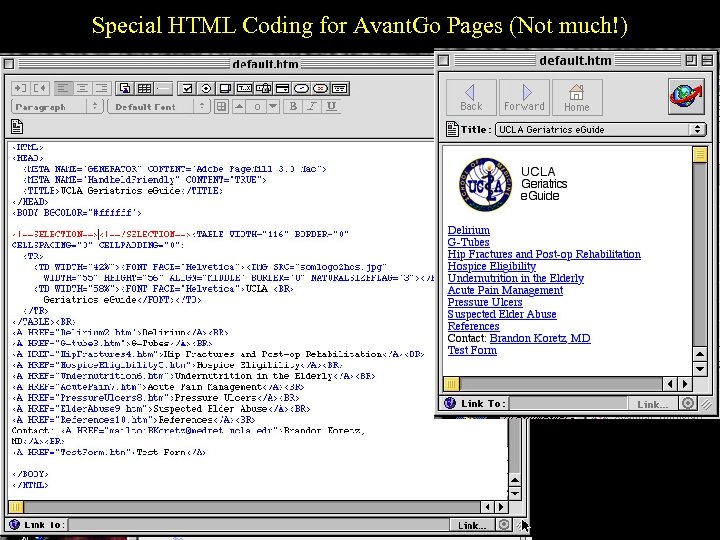 Special HTML Coding for Avant. Go Pages (Not much!)
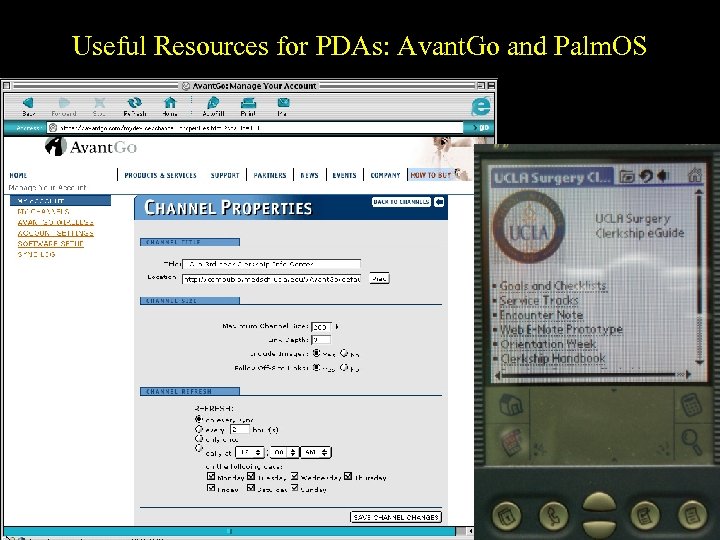 Useful Resources for PDAs: Avant. Go and Palm. OS
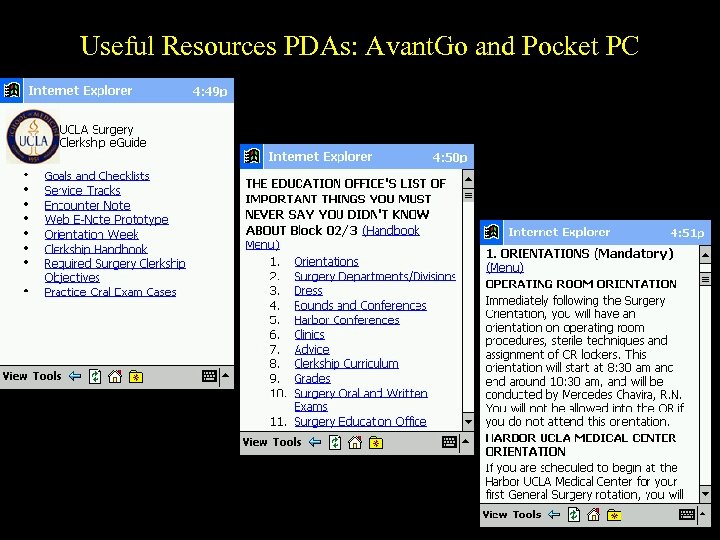 Useful Resources PDAs: Avant. Go and Pocket PC
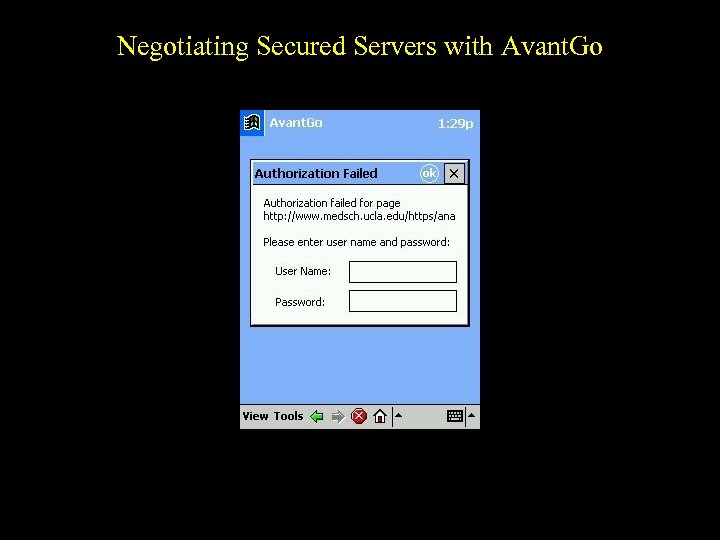 Negotiating Secured Servers with Avant. Go
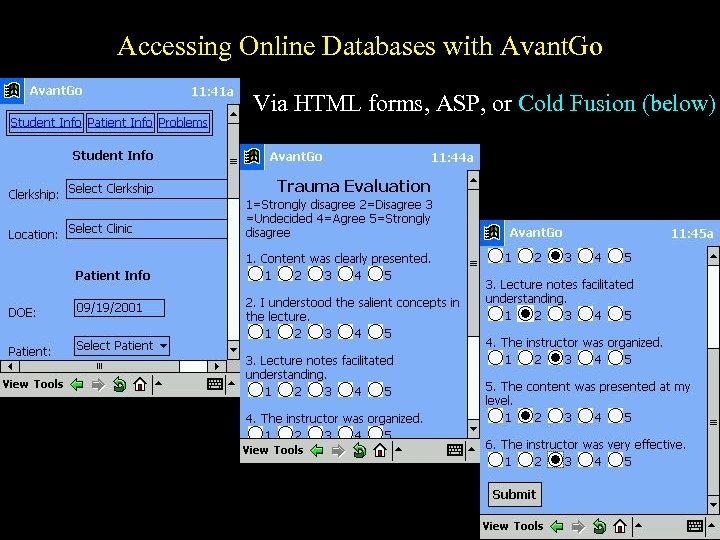 Accessing Online Databases with Avant. Go Via HTML forms, ASP, or Cold Fusion (below)
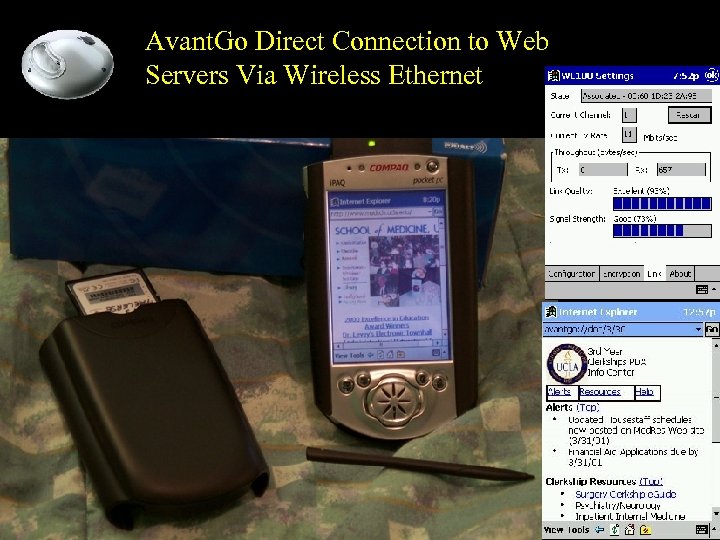 Avant. Go Direct Connection to Web Servers Via Wireless Ethernet
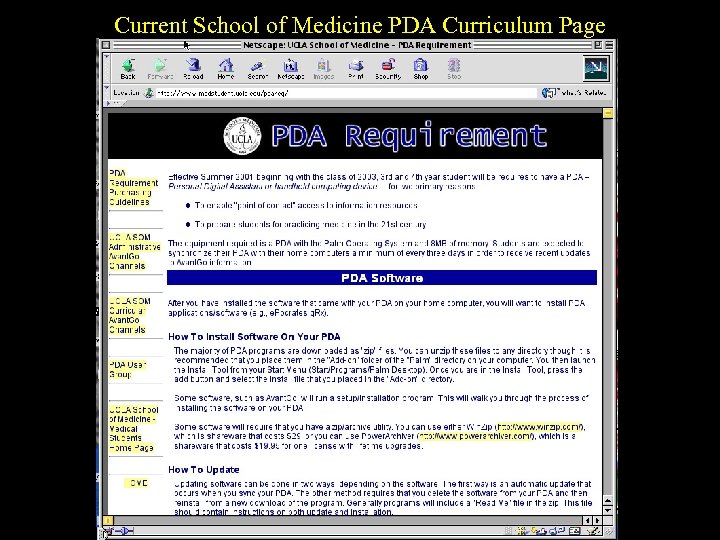 Current School of Medicine PDA Curriculum Page
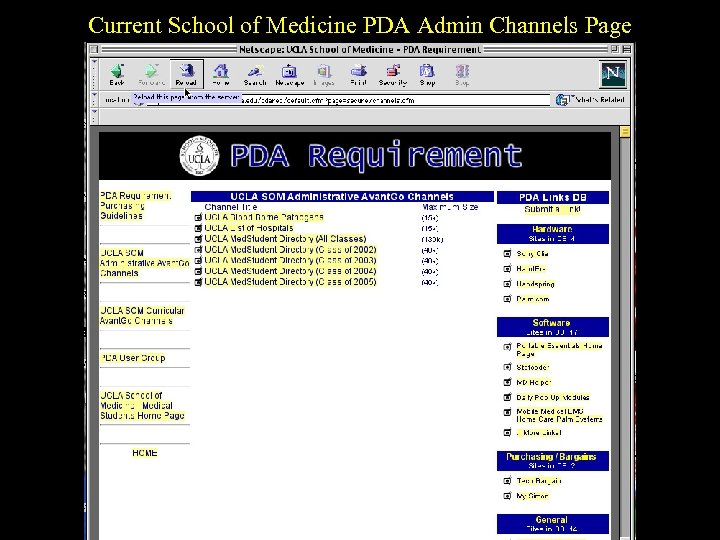 Current School of Medicine PDA Admin Channels Page
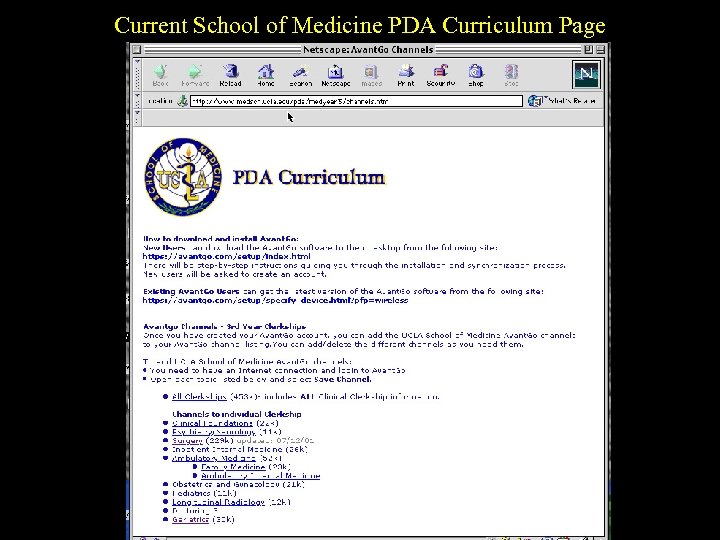 Current School of Medicine PDA Curriculum Page
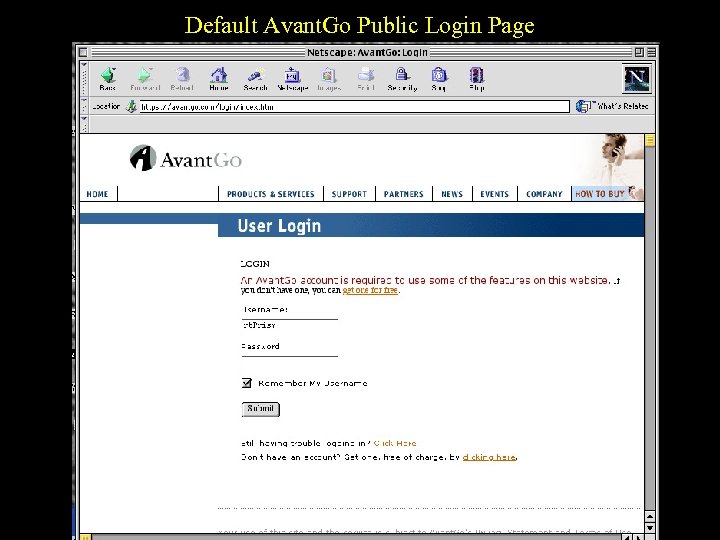 Default Avant. Go Public Login Page
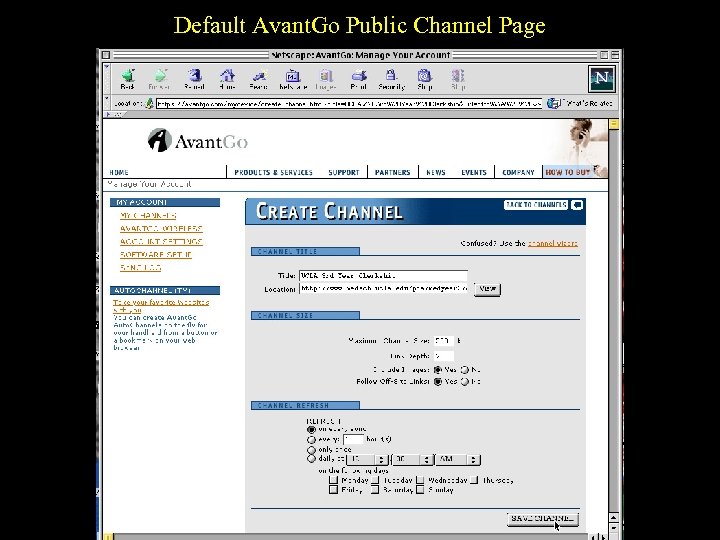 Default Avant. Go Public Channel Page
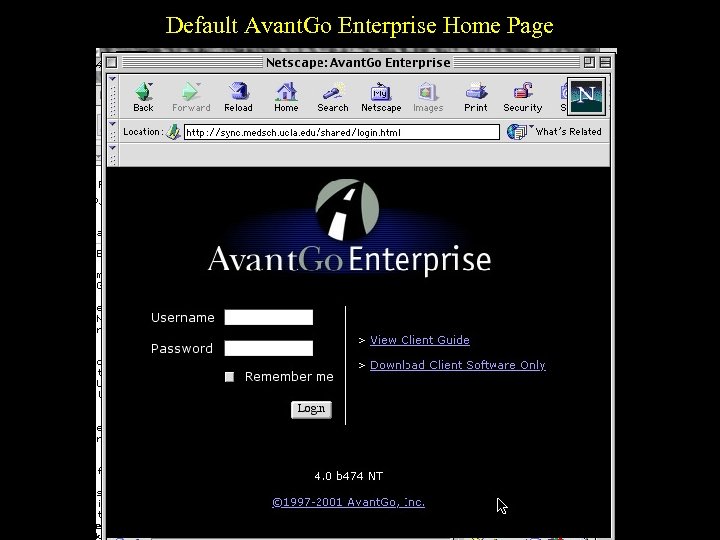 Default Avant. Go Enterprise Home Page
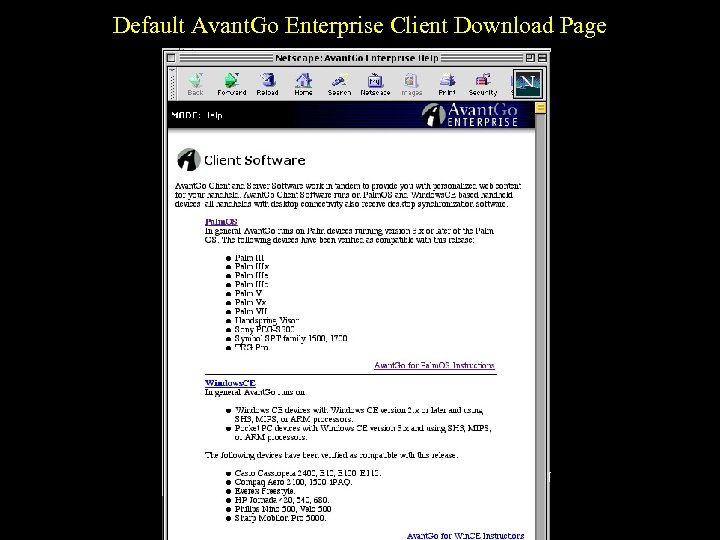 Default Avant. Go Enterprise Client Download Page
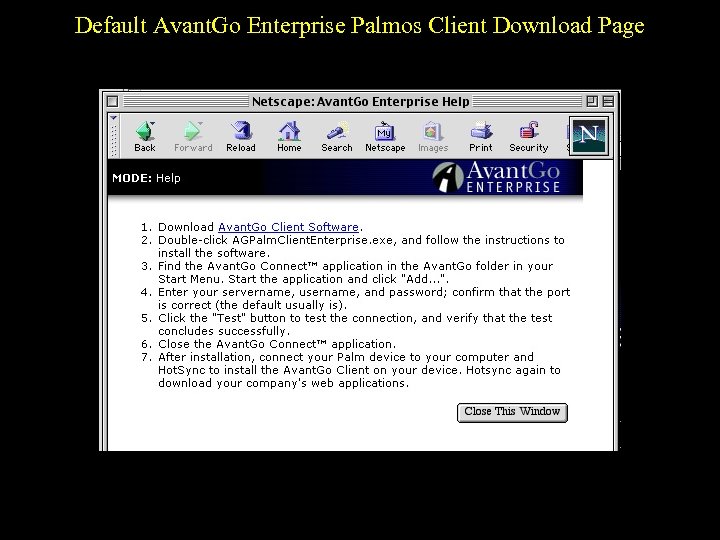 Default Avant. Go Enterprise Palmos Client Download Page
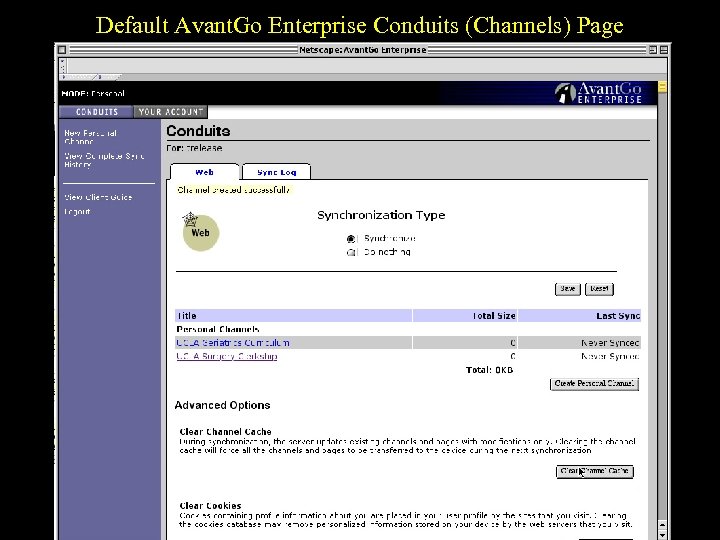 Default Avant. Go Enterprise Conduits (Channels) Page
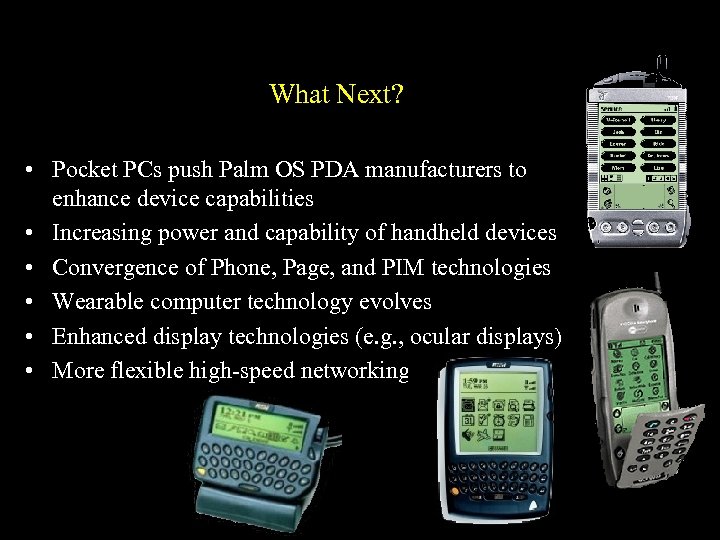 What Next? • Pocket PCs push Palm OS PDA manufacturers to enhance device capabilities • Increasing power and capability of handheld devices • Convergence of Phone, Page, and PIM technologies • Wearable computer technology evolves • Enhanced display technologies (e. g. , ocular displays) • More flexible high-speed networking
 The End (or the Beginning) Thanks for your interest!