 Скачать презентацию Guide to Buying on Ebay Don Ferguson Don donferguson
697b2275c0fc2bc83f38063b05c3f50c.ppt
- Количество слайдов: 19



Guide to Buying on Ebay Don Ferguson Don@donferguson. net
Our Objective Have Fun Finding things you want to buy For the best Price With the least risk
Before We Start, some questions How many are Registered on e. Bay Who has bought something on e. Bay
About e. Bay Worlds Largest Garage Sale From Antiques to Xylophones Shop Worldwide or stay in town Includes Retail Stores, Cars, and Real Estate
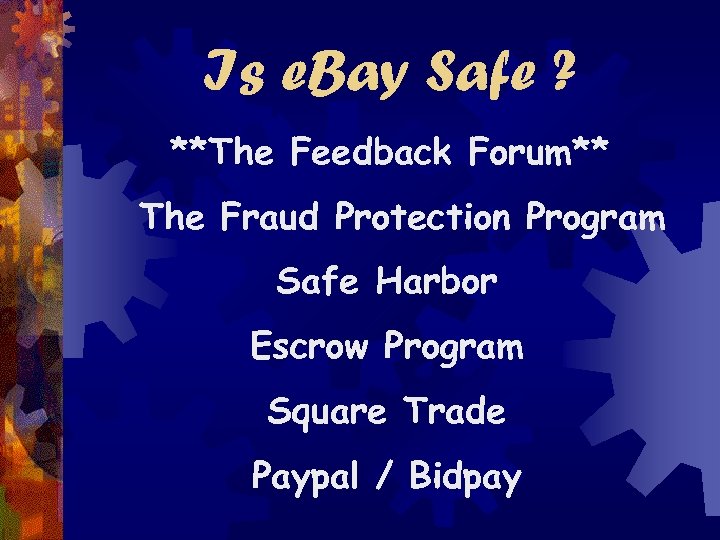
Is e. Bay Safe ? **The Feedback Forum** The Fraud Protection Program Safe Harbor Escrow Program Square Trade Paypal / Bidpay
Where is it www. ebay. com
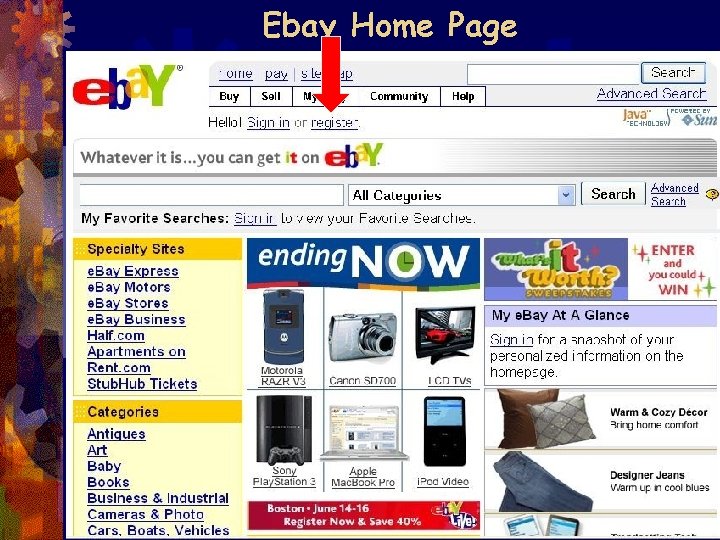
Ebay Home Page
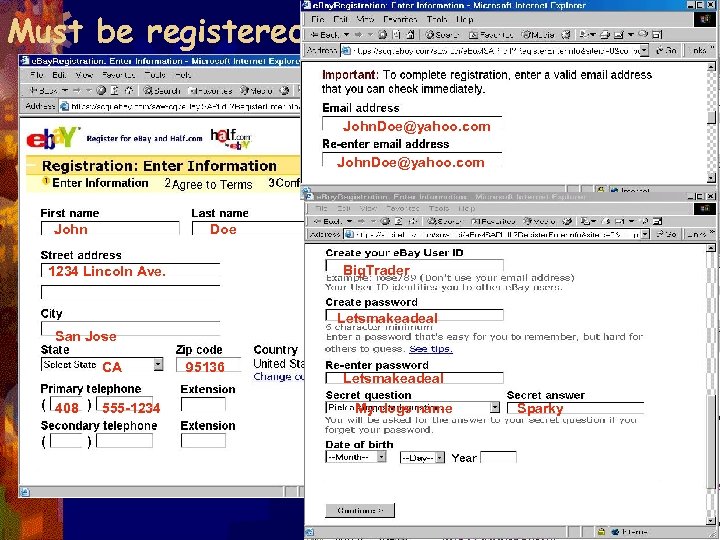
Must be registered John. Doe@yahoo. com John Doe Big. Trader 1234 Lincoln Ave. Letsmakeadeal San Jose CA 408 555 -1234 95136 Letsmakeadeal My dogs name Sparky
Browsing & Searching
How to Find things Browsing - is clicking through categories and lists of items until you find something you're interested in. When you're not sure exactly what you're looking for or when you just want to explore the astounding variety of items on e. Bay. Searching - is typing a few words into a search box and getting back a list of relevant items. But search also offers you sophisticated options and commands that let you narrow your search in a variety of ways when you know what you're looking for.
Browsing Browse listings when you're not sure exactly what you're looking for—or when you just want to explore the astounding variety of items on e. Bay. There a number of ways to browse e. Bay items. Browse by category. From Antiques & Art to Computers to Toys & Hobbies, e. Bay's items are organized into hundreds of categories and subcategories. Start by clicking on a category that interests you. Browse by region. Imagine what you'd buy on e. Bay if shipping were no issue: a sofa, a car, a piano? When you browse by region you'll find items for sale in your area, allowing for easier pick-up! Browse by theme. Theme pages are each a starting point for an idea or interest. From the Elvis theme page, for example, you can find Elvis music, movies, collectibles, and more. Browse featured items. Featured items are those that sellers chose to pay an additional fee to highlight. Browse big ticket items. Curious to see some of the highest-priced items on e. Bay today? Here's your chance. Browse charity items. Help support many non-profit organizations by purchasing benefit items for sale on e. Bay. Browse e. Bay Stores let you browse all the items for sale by an experienced, high-volume e. Bay seller. Browse Sothebys. com by e. Bay. Sothebys. com features works of art and collectibles from auction houses and dealers around the world. Browse e. Bay Motors. Get started trading cars, motorcycles, other vehicles, parts, and collectibles on e. Bay Motors
Searching Search commands are ways of narrowing your search to get more specific results. Note: e. Bay searches are not case-sensitive, so whether or not you use capital letters, your results will be the same. Your goal: You're looking for items where two or more keywords are all present. Command: Just enter the keywords with a space between them. Example search: Wedgwood cups blue Returns: Items with all three words in the title in any order Your goal: You're looking for items containing certain words in a particular order. Command: Place quotation marks around the group of words. Example search: "Gone With the Wind" Returns: Items with titles containing Gone With the Wind, but not those just containing wind, gone or Gone With Wind Your goal: You're looking for items that don't contain a certain word. Command: Place a minus sign immediately before the word to be excluded (no space). Example search: bib overalls -baby Returns: Items with titles containing the words bib and overalls but not containing the word baby
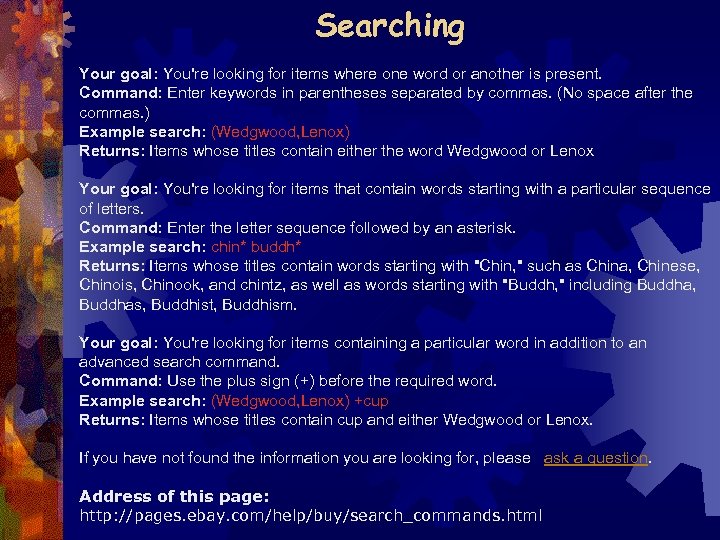
Searching Your goal: You're looking for items where one word or another is present. Command: Enter keywords in parentheses separated by commas. (No space after the commas. ) Example search: (Wedgwood, Lenox) Returns: Items whose titles contain either the word Wedgwood or Lenox Your goal: You're looking for items that contain words starting with a particular sequence of letters. Command: Enter the letter sequence followed by an asterisk. Example search: chin* buddh* Returns: Items whose titles contain words starting with "Chin, " such as China, Chinese, Chinois, Chinook, and chintz, as well as words starting with "Buddh, " including Buddha, Buddhas, Buddhist, Buddhism. Your goal: You're looking for items containing a particular word in addition to an advanced search command. Command: Use the plus sign (+) before the required word. Example search: (Wedgwood, Lenox) +cup Returns: Items whose titles contain cup and either Wedgwood or Lenox. If you have not found the information you are looking for, please ask a question. Address of this page: http: //pages. ebay. com/help/buy/search_commands. html
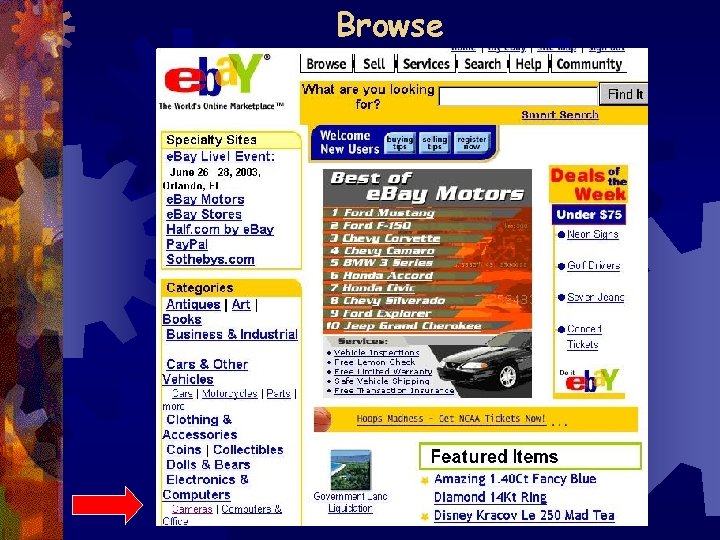
Browse
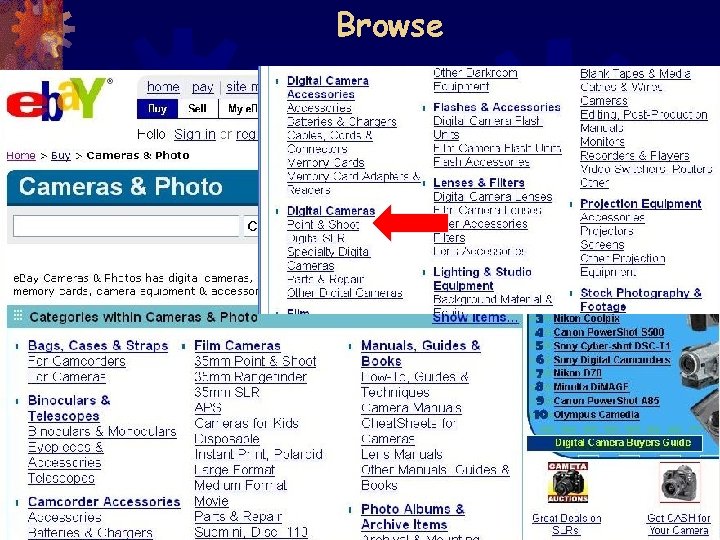
Browse
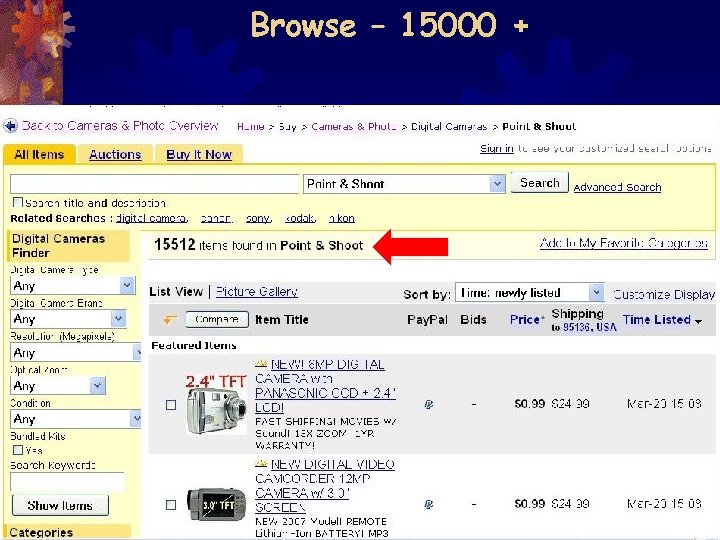
Browse – 15000 +
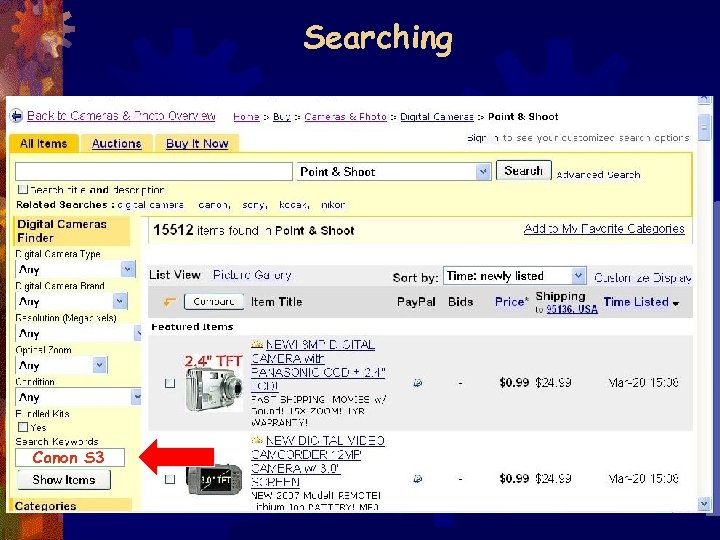
Searching Canon S 3
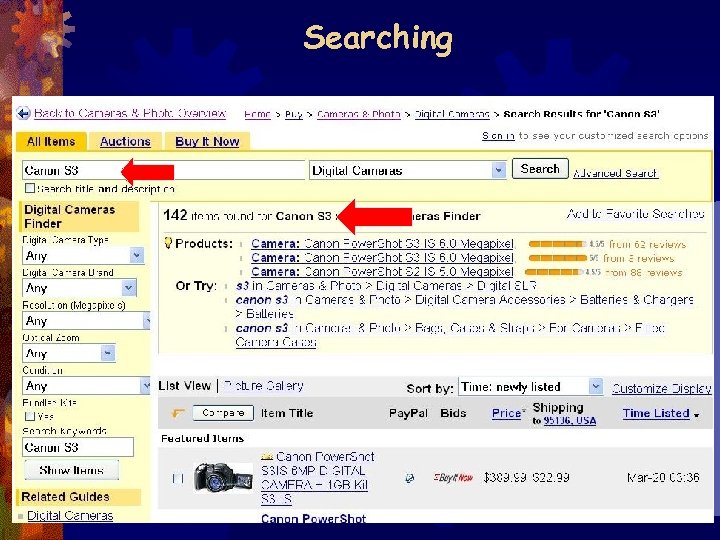
Searching
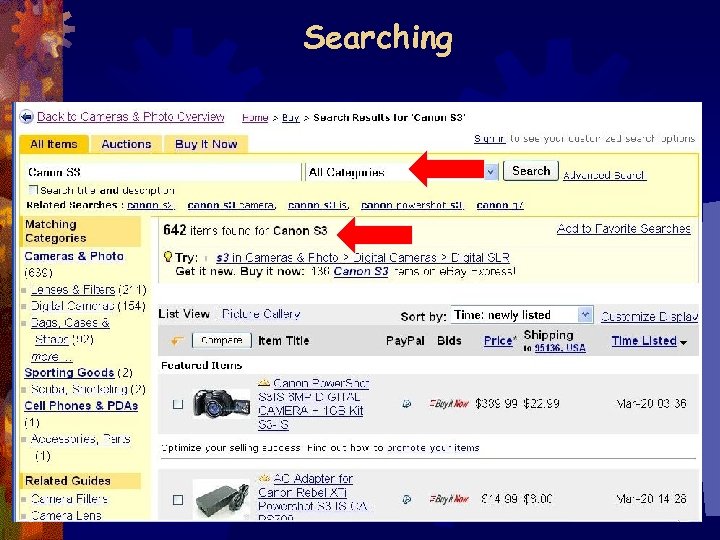
Searching
Скачать презентацию Guide to Buying on Ebay Don Ferguson Don donferguson
697b2275c0fc2bc83f38063b05c3f50c.ppt