 Скачать презентацию Good Secure Development Practices Module to be combined
c212af99930002c9b2629cd599f5e739.ppt
- Количество слайдов: 42



Good Secure Development Practices Module (to be combined) OWASP Education Project Copyright 2007 © The OWASP Foundation Permission is granted to copy, distribute and/or modify this document under the terms of the OWASP License. The OWASP Foundation http: //www. owasp. org
Introduction OWASP 2
The Guide < Complements OWASP Top 10 < 310 p Book < Free and open source 4 Gnu Free Doc License < Many contributors < Apps and web services < Most platforms 4 Examples are J 2 EE, ASP. NET, and PHP < Comprehensive < Project Leader and Editor 4 Andrew van der Stock, vanderaj@owasp. org OWASP 3
Uses of the Guide <Developers 4 Use for guidance on implementing security mechanisms and avoiding vulnerabilities <Project Managers 4 Use for identifying activities (threat modeling, code review, penetration testing) that need to occur <Security Teams 4 Use for structuring evaluations, learning about application security, remediation approaches OWASP 4
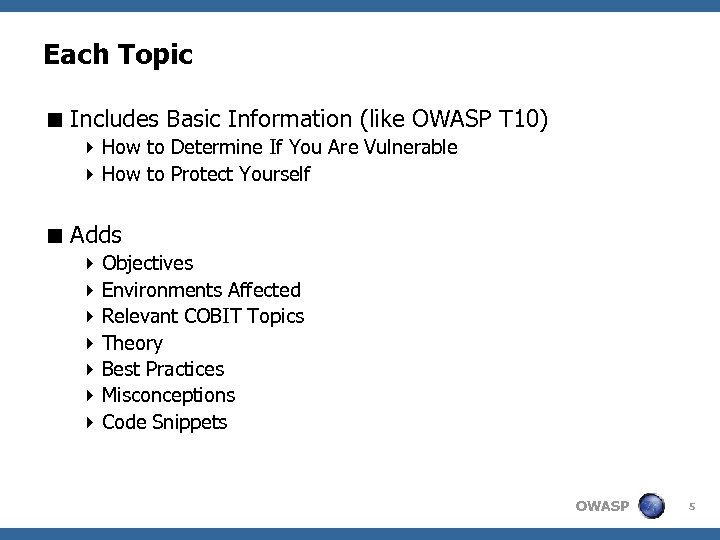
Each Topic < Includes Basic Information (like OWASP T 10) 4 How to Determine If You Are Vulnerable 4 How to Protect Yourself < Adds 4 Objectives 4 Environments Affected 4 Relevant COBIT Topics 4 Theory 4 Best Practices 4 Misconceptions 4 Code Snippets OWASP 5
Validating User Input OWASP 6
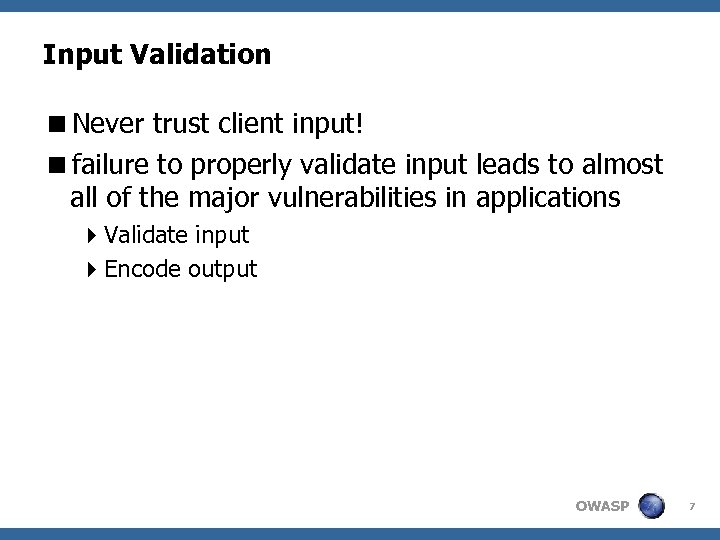
Input Validation <Never trust client input! <failure to properly validate input leads to almost all of the major vulnerabilities in applications 4 Validate input 4 Encode output OWASP 7
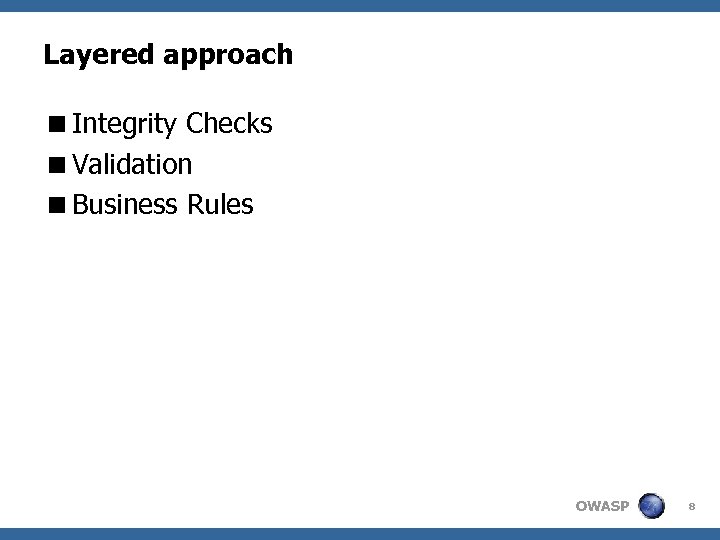
Layered approach <Integrity Checks <Validation <Business Rules OWASP 8
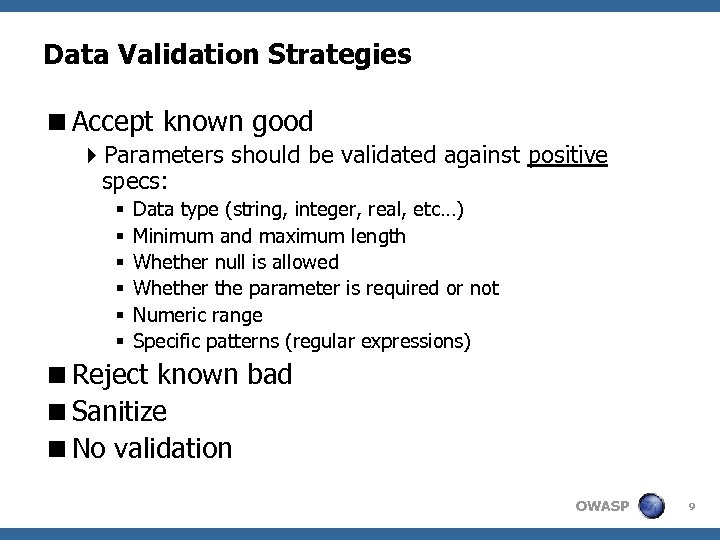
Data Validation Strategies <Accept known good 4 Parameters should be validated against positive specs: § § § Data type (string, integer, real, etc…) Minimum and maximum length Whether null is allowed Whether the parameter is required or not Numeric range Specific patterns (regular expressions) <Reject known bad <Sanitize <No validation OWASP 9
Authentication OWASP 10
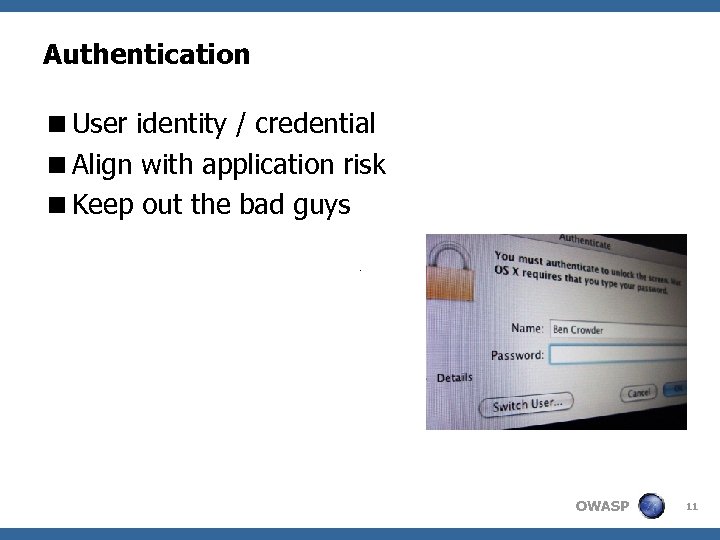
Authentication <User identity / credential <Align with application risk <Keep out the bad guys OWASP 11
Best practices <User management process! <Align credential with asset values 4 Passwords 4 SMS 4 Tokens <Re-authenticate on privilege boundaries <Protect transactions <Passwords are trivially broken! OWASP 12
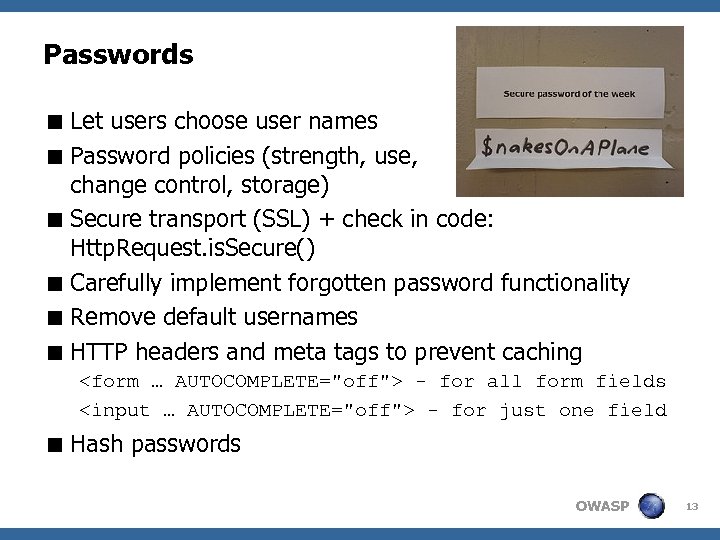
Passwords < Let users choose user names < Password policies (strength, use, change control, storage) < Secure transport (SSL) + check in code: Http. Request. is. Secure() < Carefully implement forgotten password functionality < Remove default usernames < HTTP headers and meta tags to prevent caching <form … AUTOCOMPLETE="off"> - for all form fields <input … AUTOCOMPLETE="off"> - for just one field < Hash passwords OWASP 13
Strong Authentication <something you know, something you hold (or something you are) <Relative strengths / uses 4 One-time passwords 4 Soft certificates 4 Connected hard certificates 4 Challenge Response 4 SMS Challenge Response 4 Transaction Signing OWASP 14
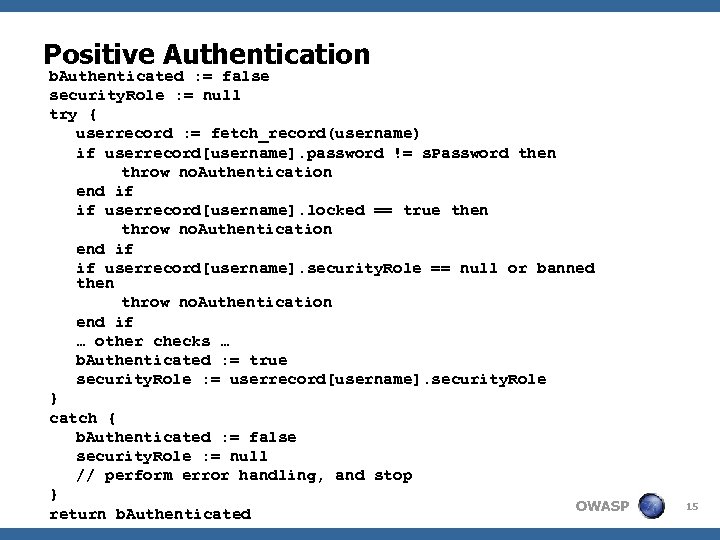
Positive Authentication b. Authenticated : = false security. Role : = null try { userrecord : = fetch_record(username) if userrecord[username]. password != s. Password then throw no. Authentication end if if userrecord[username]. locked == true then throw no. Authentication end if if userrecord[username]. security. Role == null or banned then throw no. Authentication end if … other checks … b. Authenticated : = true security. Role : = userrecord[username]. security. Role } catch { b. Authenticated : = false security. Role : = null // perform error handling, and stop } OWASP return b. Authenticated 15
Authorization OWASP 16
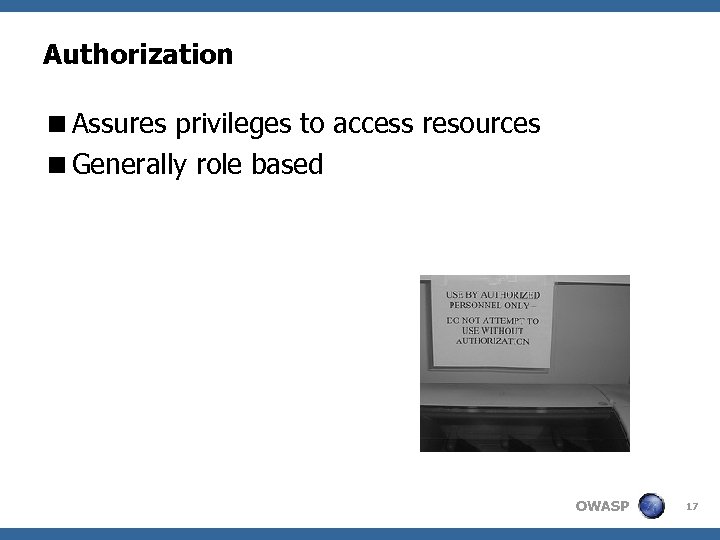
Authorization <Assures privileges to access resources <Generally role based OWASP 17
Best Practices <Principle of Least Privilege <Centralized authorization routines <Authorization matrix <Control access to protected resources (VCM) <Protect access to static resources <Be cautious of custom authorization controls <Never implement client-side authorization tokens <separate applications for administrator and user access OWASP 18
Session Management OWASP 19
Session Management <HTTP is stateless <Link user identity across requests <J 2 EE, PHP, ASP. NET Build in <Cookies ! OWASP 20
Best practices <Use frameworks <Store information in server-side sessions <Time out sessions <Provide Log-off facilities <Regenerate tokens 4 Upon log-on / log-off (fixation attacks) 4 After defined time frame <Detect, (temp) lock out, log brute force attacks <HTTPS! OWASP 21
Using Interpreters OWASP 22
Interpreter Injection Prevention <Web application eco-system: tap into external systems <Examples: 4 XSS (user agent) 4 SQLi 4 LDAPi 4 XMLi 4 OSi OWASP 23
Best Practics <General: API preferred instead of CMD <XSS: 4 Input validation 4 Output encoding 4 Anti-XSS libraries <SQLi: 4 Input validation 4 Strongly Type parameters 4 Prepared statements 4 Least Privilege principle OWASP 24
Crypto OWASP 25
Crypto <Complex <Difficult to get right! <Functions: 4 Authentication 4 Non-repudiation 4 Confidentiality 4 Integrity <Algorithms 4 Symmetric 4 Assymetric 4 Hashes OWASP 26
Best Practices <Don’t confuse with encoding! <Use known algorithms, don’t write your own <Carefully consider algorithm and key size <Design your application to cope with new hashes and algorithms <Protect keys <Key management OWASP 27
Catching Errors OWASP 28
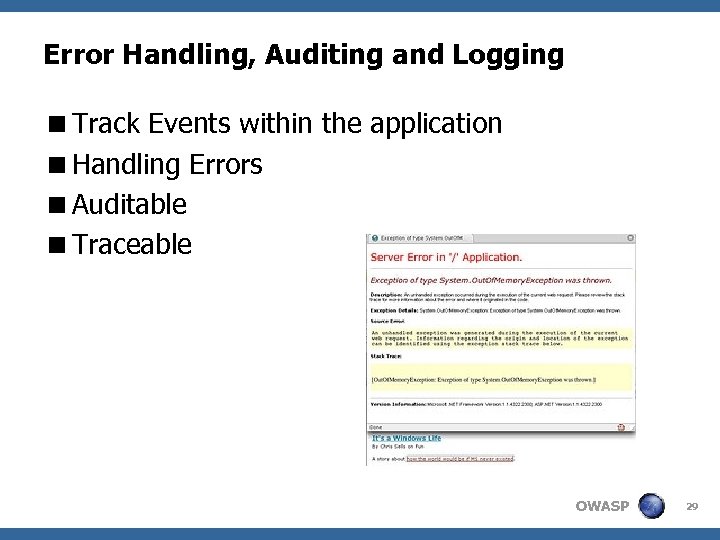
Error Handling, Auditing and Logging <Track Events within the application <Handling Errors <Auditable <Traceable OWASP 29
Best Pracices <Fail safe – do not fail open <Dual purpose logs <Audit logs are legally protected – protect them <Reports and search logs using a read-only copy or complete replica OWASP 30
Error Handling <Structured exception handling <Fail Safe <General error message for end-user <No Debug mode in production <No stack traces or leaking privacy related information <Keep logs safe and confidential even when backed up <Foresee generic levels and provide Security Incident & Event Management (SIEM) hooks OWASP 31
Audit Logs <Check legal requirements <Only audit truly important events <Log centrally <Review copies of the logs <Sent logs to trusted systems <Use write-once media or similar OWASP 32
File System OWASP 33
File System <Protect against creation, modification or protection <Devastating attacks: 4 Defacement 4 Remote file inclusion OWASP 34
Best Practices < “chroot” jails on Unix platforms < minimal file system permissions < RO file systems if practical < Do not take user supplied file names when saving or working on local files < Input validation < Ensure the user cannot supply all parts of the path – surround it with your path code < Use robots. txt – control search engines < Remove all unused files < Protect temporary files < Disable browsing OWASP 35
Configuration OWASP 36
Configuration <Security 4 Not only developer’s responability 4 Not only operator’s responsability <Shared responsability <Security settings must be pre-defined, documented and subject to Change Management! OWASP 37
Best Practices <Turn off all unnecessary features by default <No default accounts <No backdoors <No clear passwords in configurations <SSL / SSH <Keep OS / Software up to date OWASP 38
Web 2. 0 OWASP 39
Web 2. 0 <Ajax, Flex, Silver. Light. . . <exactly the same security issues as all other web applications <Complex, bidirectional, and asynchronous nature: increased attack surface area <Must also have adequate: 4 Secure Communications 4 Authentication and Session Management 4 Access Control 4 Input Validation 4 Error Handling and Logging OWASP 40
Resources OWASP 41
Resources <OWASP Guide <NIST Publications <CERT Secure Coding <Framework (J 2 EE, PHP, . NET) documentation OWASP 42
Скачать презентацию Good Secure Development Practices Module to be combined
c212af99930002c9b2629cd599f5e739.ppt