


 Скачать презентацию Going Large-Scale in P 2 P Experiments Using
f4b4865f084ed7ff81ee4258cb47d4dc.ppt
- Количество слайдов: 30
 Going Large-Scale in P 2 P Experiments Using the JXTA Distributed Framework Mathieu Jan & Sébastien Monnet Projet PARIS Paris, 13 February 2004
 Outline n n n How to test P 2 P systems at a large-scale? The JDF tool Experimenting with various network configurations Experimenting with various volatility conditions Ongoing and future work 2
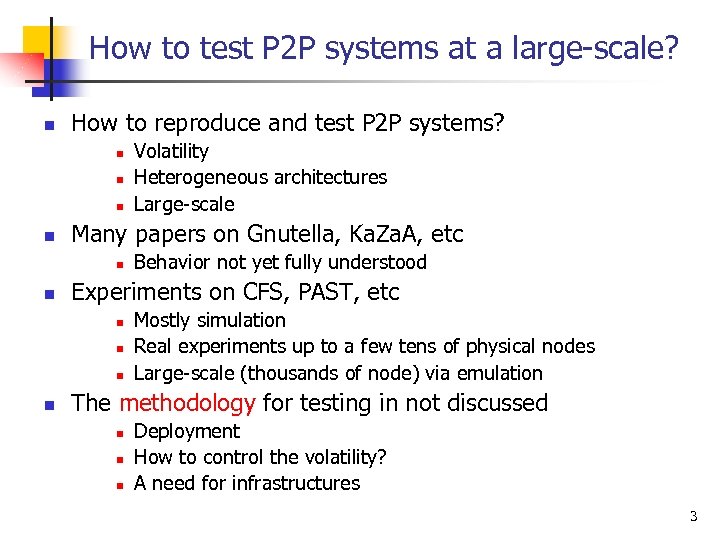 How to test P 2 P systems at a large-scale? n How to reproduce and test P 2 P systems? n n Many papers on Gnutella, Ka. Za. A, etc n n Behavior not yet fully understood Experiments on CFS, PAST, etc n n Volatility Heterogeneous architectures Large-scale Mostly simulation Real experiments up to a few tens of physical nodes Large-scale (thousands of node) via emulation The methodology for testing in not discussed n n n Deployment How to control the volatility? A need for infrastructures 3
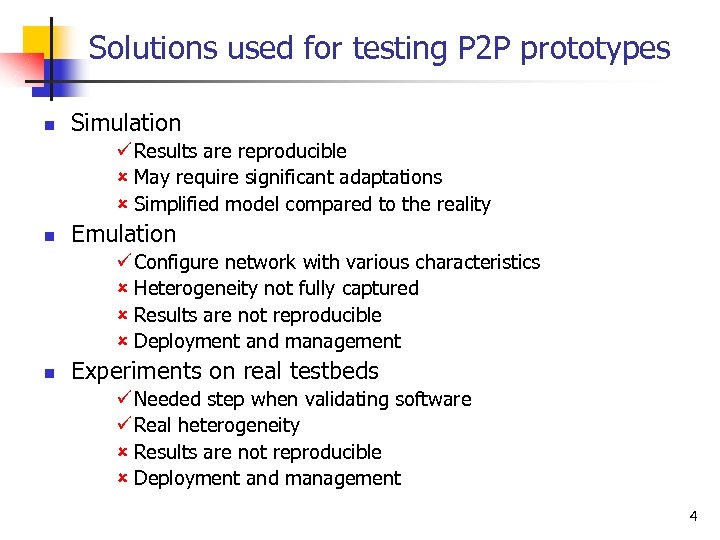 Solutions used for testing P 2 P prototypes n Simulation ü Results are reproducible û May require significant adaptations û Simplified model compared to the reality n Emulation ü Configure network with various characteristics û Heterogeneity not fully captured û Results are not reproducible û Deployment and management n Experiments on real testbeds ü Needed step when validating software ü Real heterogeneity û Results are not reproducible û Deployment and management 4
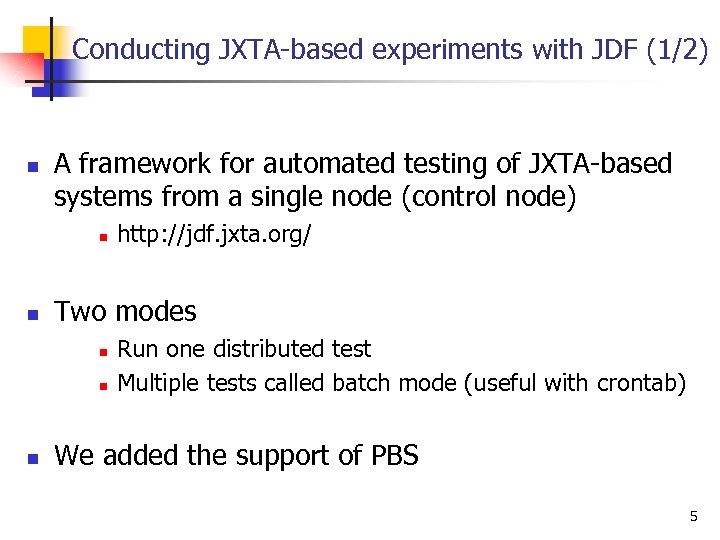 Conducting JXTA-based experiments with JDF (1/2) n A framework for automated testing of JXTA-based systems from a single node (control node) n n Two modes n n n http: //jdf. jxta. org/ Run one distributed test Multiple tests called batch mode (useful with crontab) We added the support of PBS 5
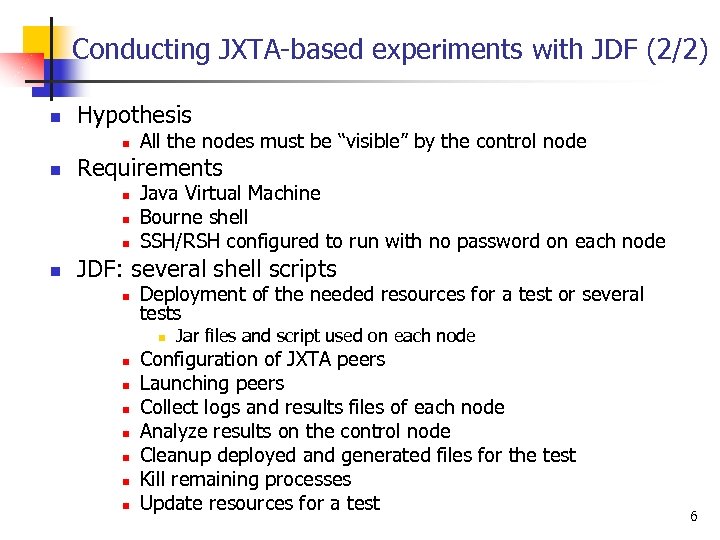 Conducting JXTA-based experiments with JDF (2/2) n Hypothesis n n Requirements n n All the nodes must be “visible” by the control node Java Virtual Machine Bourne shell SSH/RSH configured to run with no password on each node JDF: several shell scripts n Deployment of the needed resources for a test or several tests n n n n Jar files and script used on each node Configuration of JXTA peers Launching peers Collect logs and results files of each node Analyze results on the control node Cleanup deployed and generated files for the test Kill remaining processes Update resources for a test 6
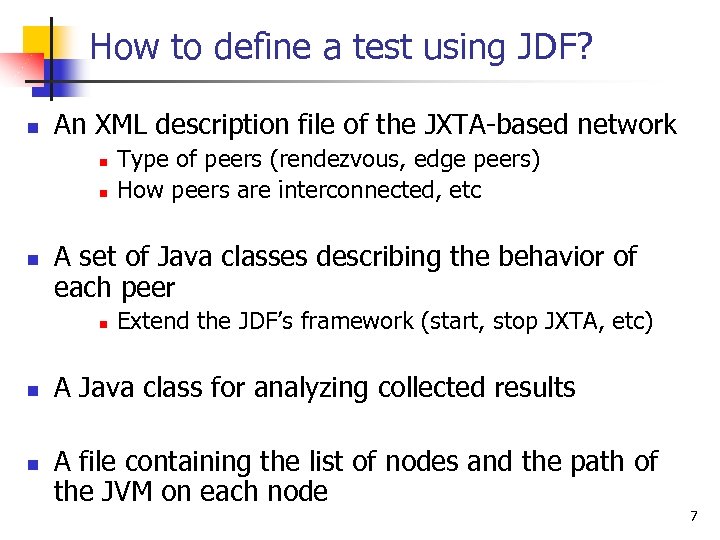 How to define a test using JDF? n An XML description file of the JXTA-based network n n n A set of Java classes describing the behavior of each peer n n n Type of peers (rendezvous, edge peers) How peers are interconnected, etc Extend the JDF’s framework (start, stop JXTA, etc) A Java class for analyzing collected results A file containing the list of nodes and the path of the JVM on each node 7
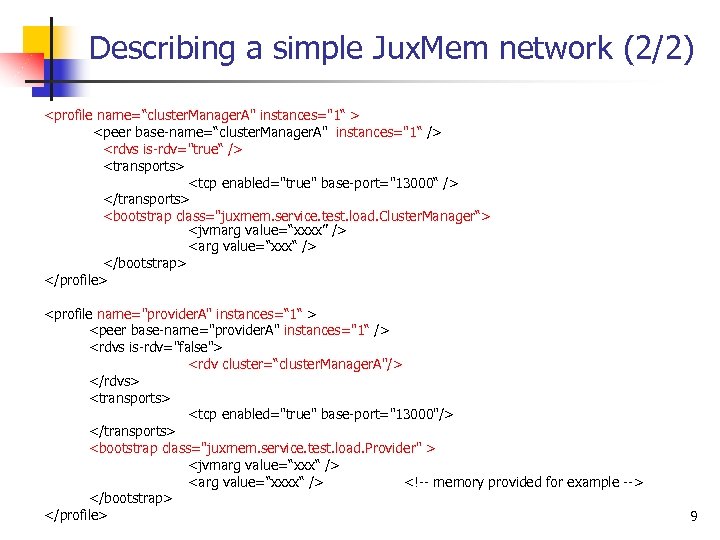
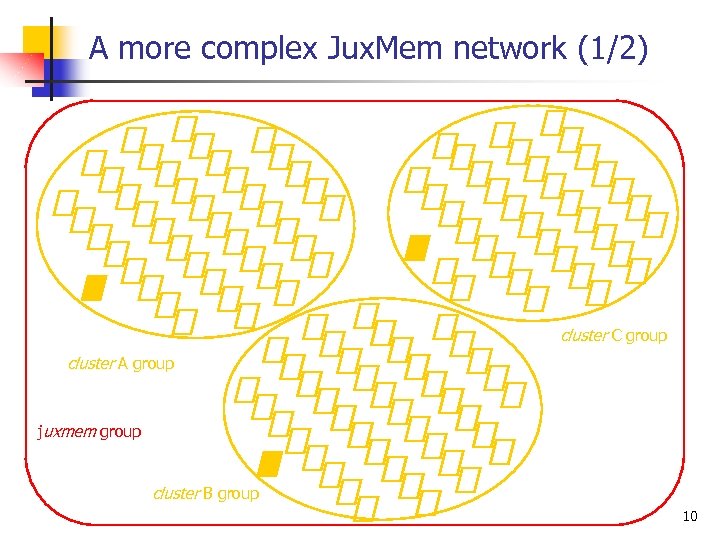
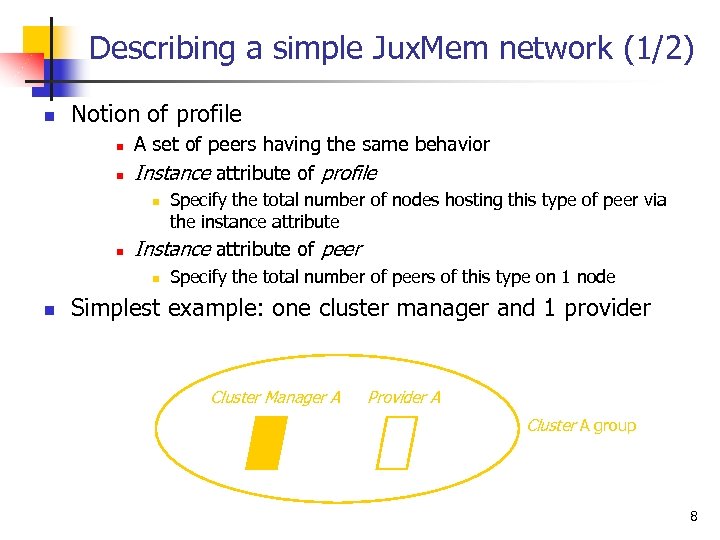 Describing a simple Jux. Mem network (1/2) n Notion of profile n n A set of peers having the same behavior Instance attribute of profile n n Instance attribute of peer n n Specify the total number of nodes hosting this type of peer via the instance attribute Specify the total number of peers of this type on 1 node Simplest example: one cluster manager and 1 provider Cluster Manager A Provider A Cluster A group 8
 Describing a simple Jux. Mem network (2/2)
 A more complex Jux. Mem network (1/2) cluster C group cluster A group juxmem group cluster B group 10
…
![Usage of JDF’s scripts n run. All. sh [<flags>] <list-of-hosts> <network-descriptor> n n n](https://present5.com/presentation/f4b4865f084ed7ff81ee4258cb47d4dc/image-12.jpg "Usage of JDF’s scripts n run. All. sh [<flags>] <list-of-hosts> <network-descriptor> n n n") Usage of JDF’s scripts n run. All. sh [
Usage of JDF’s scripts n run. All. sh [
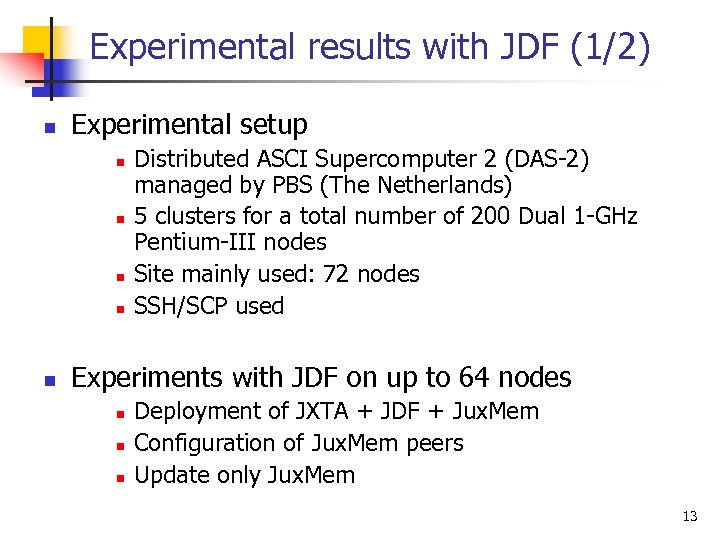 Experimental results with JDF (1/2) n Experimental setup n n n Distributed ASCI Supercomputer 2 (DAS-2) managed by PBS (The Netherlands) 5 clusters for a total number of 200 Dual 1 -GHz Pentium-III nodes Site mainly used: 72 nodes SSH/SCP used Experiments with JDF on up to 64 nodes n n n Deployment of JXTA + JDF + Jux. Mem Configuration of Jux. Mem peers Update only Jux. Mem 13
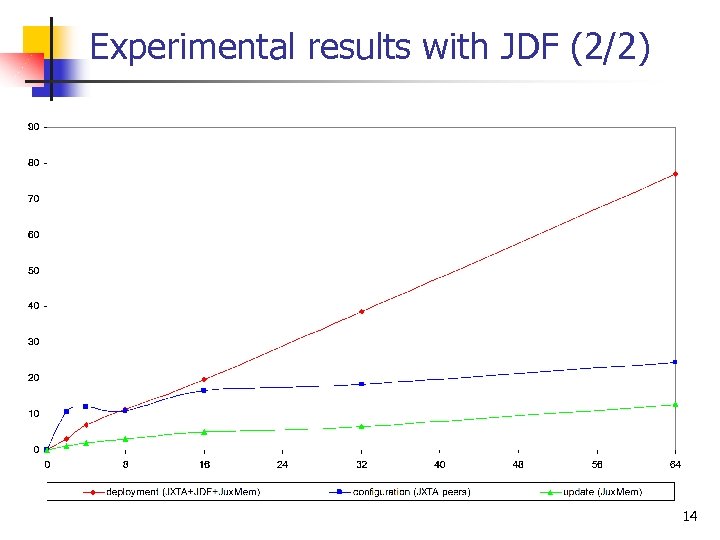 Experimental results with JDF (2/2) 14
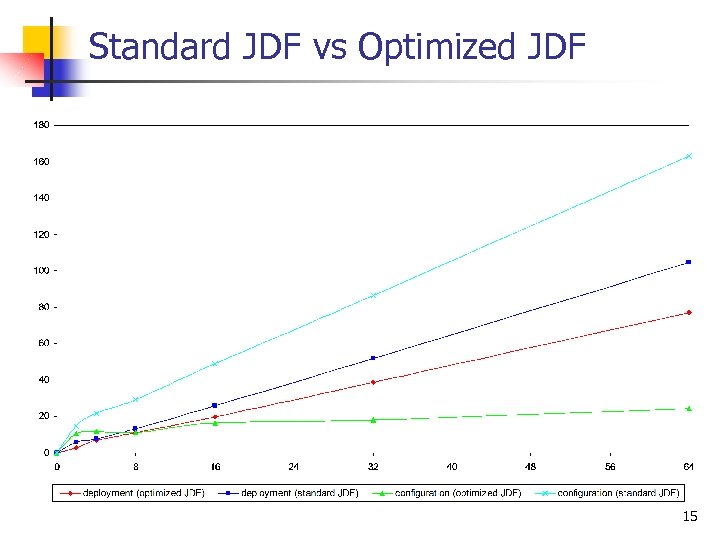 Standard JDF vs Optimized JDF 15
 Launching peers n For each peer a JVM is started n n Several JXTA can not share the same JVM How to deal with connections between edge and rendezvous peers? n n Rendezvous peers must be started before edge peers JDF uses the notion of delay n n Time to wait before launching peers Need a mechanism for distributed synchronization 16
 Getting the logs and the results n Framework of JDF n n n Retrieve log files generated on each node n n n Start and stop JXTA (net peergroup as well as custom groups as in Jux. Mem) Store the results in a property file Library used: Log 4 j Files starting with log. Retrieve result files on each node n n The specified analyze class is called Display results 17
 Experimenting with various volatility conditions n Goals n n n Provide multiple failure conditions Experiment various failure detection techniques Experiment various replication strategies Identify class of application and system states Adapt fault tolerance mechanisms 18
 Providing multiple failure conditions n Go large scale n n Precision n Control faults upon thousands of nodes Possibility to kill a node at a given time/state Some nodes may be “fail-safe” Easy to use n Changing the failure model should not affect the code being tested 19
 Failure injection: going large scale n Using statistical distributions n n Advantages n Ease of use : permit to generate multiple failure dates automatically n Suitable large scale Which statistical distributions ? n Exponential (to model life expectancy) n Uniform (to choose between numerous nodes) 20
 Failure injection: precision n Why ? n n n Play the role of the enemy n Kill a node that handles a lock n Kill multiple nodes during some data replication Model reality n Some nodes may be almost “fail-safe” n A particular node may have a very high MTBF How ? n Combine statistical flows and a more precise configuration file 21
 Failure injection in JDF: design n Add a unique configuration file n n n Generated by a set of tools n Using “The Probability/Statistics Object Library” (http: //www. math. uah. edu/psol) Deployed on each node by JDF Launch a new Java thread n n n Reads the configuration file Sleeps for a while Kills its node at a given time 22
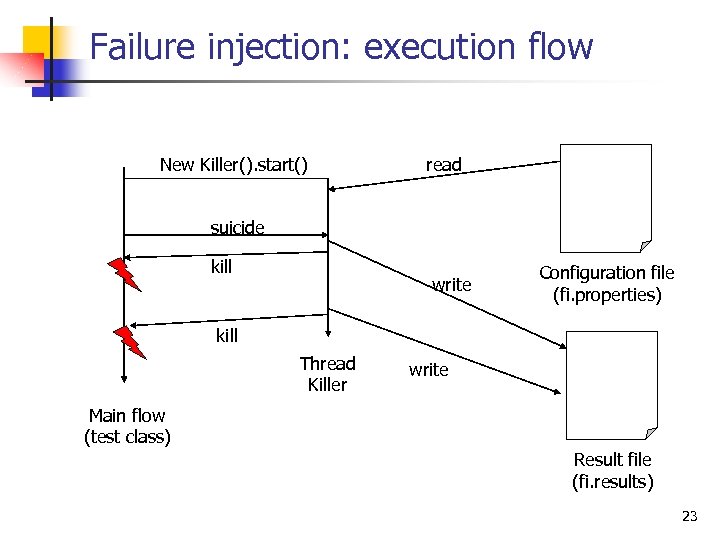 Failure injection: execution flow New Killer(). start() read suicide kill write Configuration file (fi. properties) kill Thread Killer write Main flow (test class) Result file (fi. results) 23
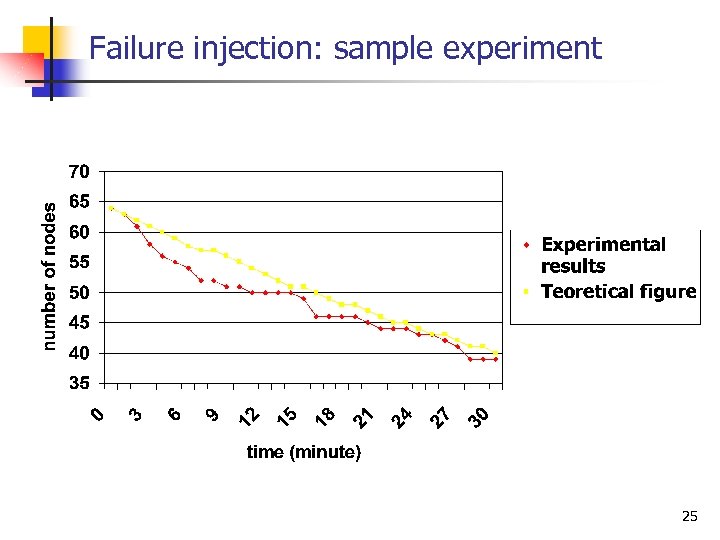
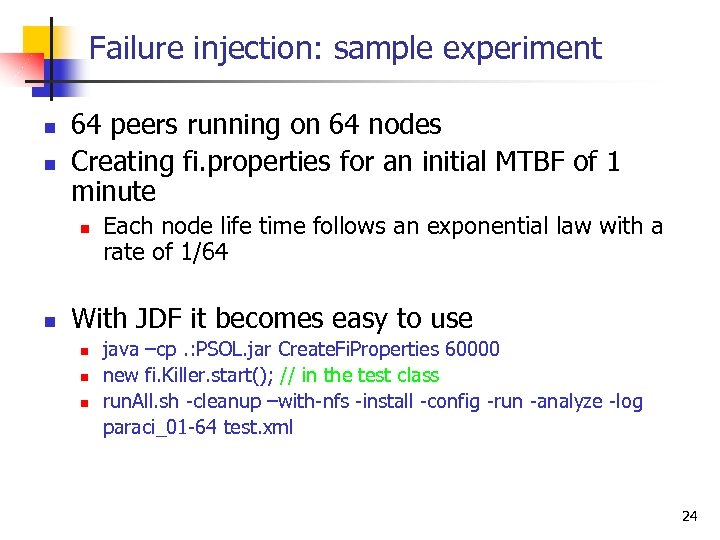 Failure injection: sample experiment n n 64 peers running on 64 nodes Creating fi. properties for an initial MTBF of 1 minute n n Each node life time follows an exponential law with a rate of 1/64 With JDF it becomes easy to use n n n java –cp. : PSOL. jar Create. Fi. Properties 60000 new fi. Killer. start(); // in the test class run. All. sh -cleanup –with-nfs -install -config -run -analyze -log paraci_01 -64 test. xml 24
 Failure injection: sample experiment 25
 Failure injection: ongoing work n Time deviation n n Initial time (t 0) Clocks drift n Tools to precisely specify fi. properties n Suicide interface (event handler) n More flexibility 26
 Failure detection and replication strategies n Running the same test multiple times n n Failure detection n Change the failure detection techniques n Tune the Δ (delay between heartbeats) n Which Δ for which MTBF Replication strategies n Adapt replication degree to “current” MTBF (level of risk) n Experiment multiple replication strategies in various conditions (failures/detection) 27
 Fault tolerance in Jux. Mem road map n n n Finalize failure injection tools Experiment Marin Bertier’s failure detectors with JXTA/JDF Integrate of the failure detectors in Jux. Mem Experiment with various replication strategies Automatic adaptation 28
 Ongoing work n Improving JDF n n Write more tests for Jux. Mem n n n Measuring the cost of elementary operations in Jux. Mem Various consistency protocols at large-scale Benchmarking other elementary steps of JDF n n n There is a lot to do Enable concurrent tests via PBS Submitting issues to bugzilla Launch peers Collect result and log files Use of emulation tools like Dummynet or NIST NET n Visit of Fabio Picconi at IRISA 29
 Future work n Hierarchical deployment n n Ka-run/Taktuk-like (ID IMAG) Distributed synchronization mechanism n Support more complex tests n Allow the use of JDF over Globus n Support other protocols than SSH/RSH n Especially when updating resources 30