


 Скачать презентацию GMS NET Overview Updates GMS Workshop Nov
ca648199ac27469b318d2cf8df381d6f.ppt
- Количество слайдов: 26
 GMS. NET Overview & Updates GMS Workshop Nov 17 th – 21 st, 2014 Kiev, Ukraine 1
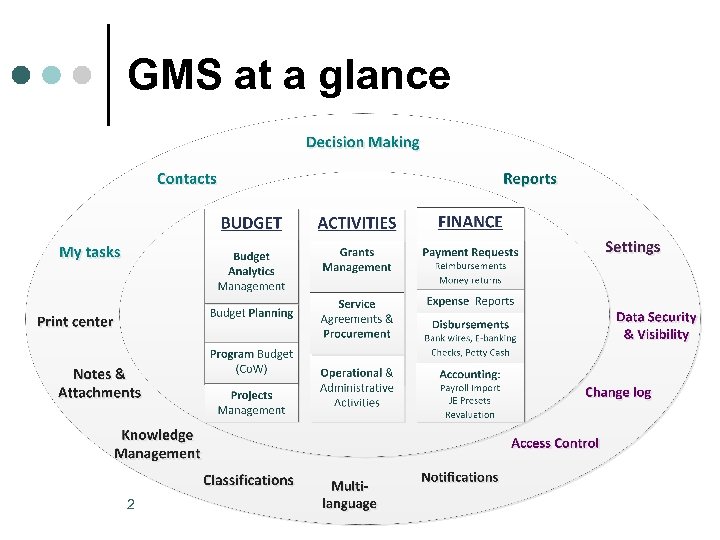 GMS at a glance 2
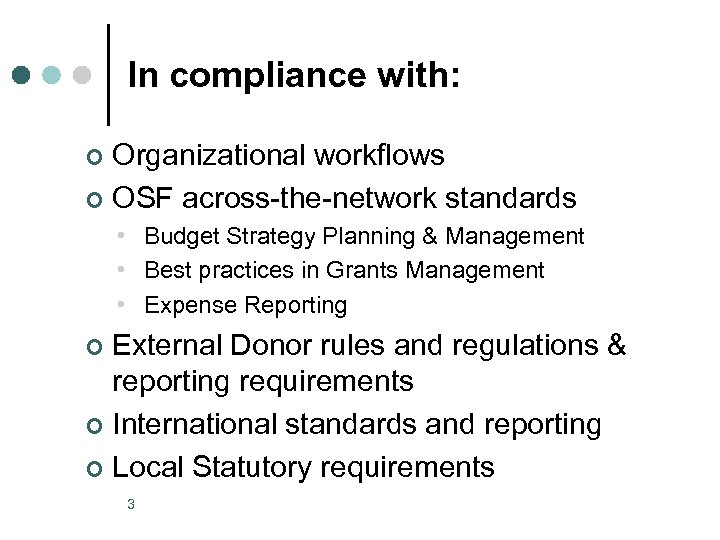 In compliance with: Organizational workflows ¢ OSF across-the-network standards ¢ • Budget Strategy Planning & Management • Best practices in Grants Management • Expense Reporting External Donor rules and regulations & reporting requirements ¢ International standards and reporting ¢ Local Statutory requirements ¢ 3
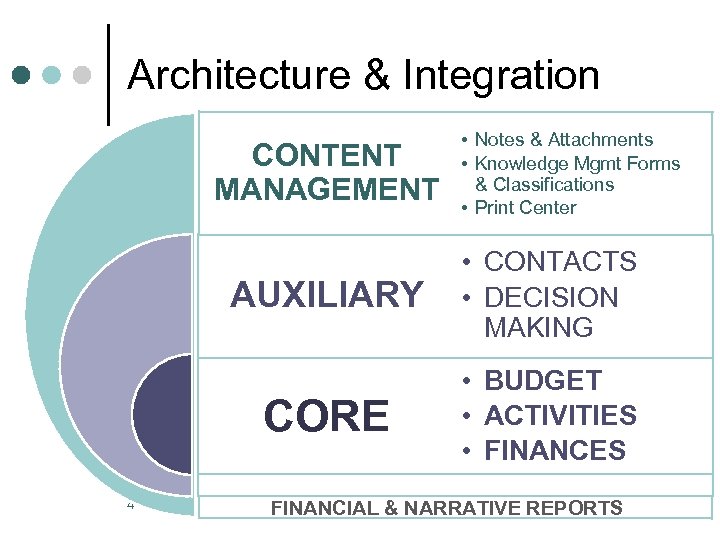 Architecture & Integration CONTENT MANAGEMENT • Notes & Attachments • Knowledge Mgmt Forms & Classifications • Print Center AUXILIARY CORE 4 • CONTACTS • DECISION MAKING • BUDGET • ACTIVITIES • FINANCES FINANCIAL & NARRATIVE REPORTS
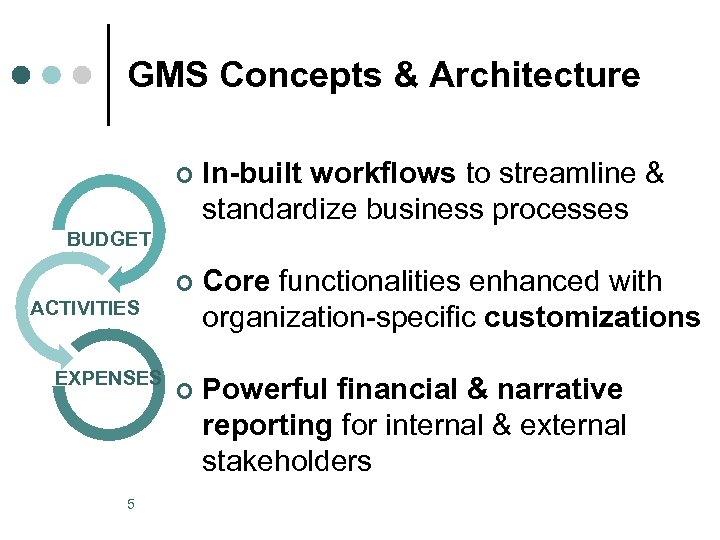 GMS Concepts & Architecture ¢ In-built workflows to streamline & standardize business processes ¢ Core functionalities enhanced with organization-specific customizations ¢ Powerful financial & narrative reporting for internal & external stakeholders BUDGET ACTIVITIES EXPENSES 5
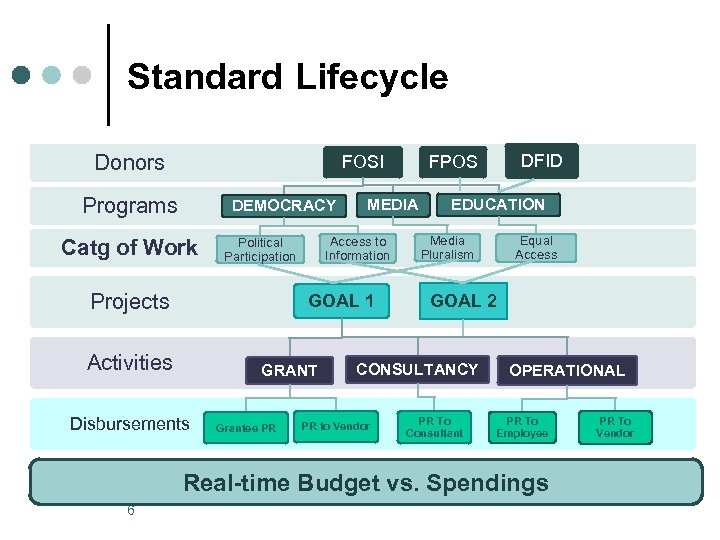 Standard Lifecycle Donors FOSI Programs DEMOCRACY Catg of Work Projects MEDIA Access to Information Political Participation GOAL 1 Activities GRANT Disbursements Grantee PR EDUCATION Media Pluralism Equal Access GOAL 2 CONSULTANCY PR to Vendor DFID FPOS PR To Consultant OPERATIONAL PR To Employee Real-time Budget vs. Spendings 6 PR To Vendor
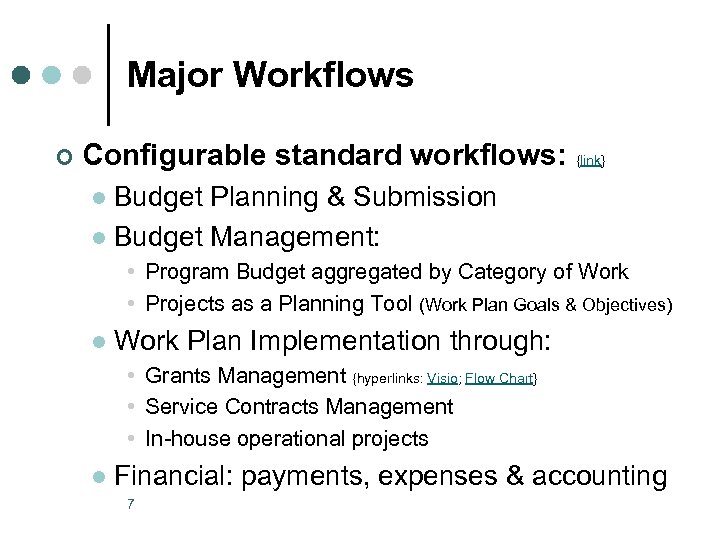 Major Workflows ¢ Configurable standard workflows: {link} Budget Planning & Submission l Budget Management: l • Program Budget aggregated by Category of Work • Projects as a Planning Tool (Work Plan Goals & Objectives) l Work Plan Implementation through: • Grants Management {hyperlinks: Visio; Flow Chart} • Service Contracts Management • In-house operational projects l Financial: payments, expenses & accounting 7
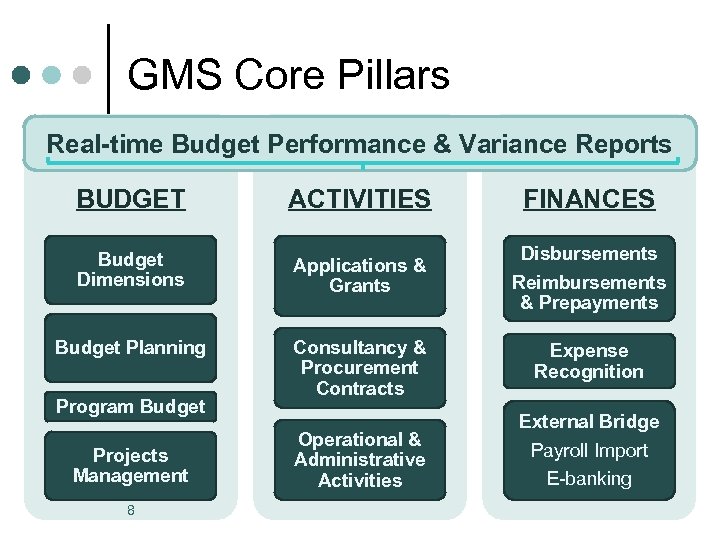 GMS Core Pillars Real-time Budget Performance & Variance Reports BUDGET ACTIVITIES Budget Dimensions Applications & Grants Budget Planning Consultancy & Procurement Contracts Program Budget Projects Management 8 Operational & Administrative Activities FINANCES Disbursements Reimbursements & Prepayments Expense Recognition External Bridge Payroll Import E-banking
 Navigation Simplified User Interface ¢ Intuitive & user-friendly: ¢ Breadcrumb l Contextual left menu l Drop-down menu from top l Unified status menu l Virtual screens add-ons l Files & Reports l Tools & Settings l 9
 Budgeting Integration of budget planning ¢ Management of Budget Analytical Dimensions ¢ l l ¢ Flexible & Meaningful – each organization designs its own analytical structures & coding (to best reflect its strategy & needs) In compliance with HO budget dimensions via mapping Organizational Budget Management l Decentralized budgeting on two levels: • Programs • Projects l l l Project planning & management (based on org. strategy & work plans) Across calendar years & multi-currency budgeting Aligning budgets with accounting (expenses)
 Applications & Grants ¢ In-built workflow: {hyperlinks: Visio; Flow Chart} l l l Registration Evaluation Decision Making stage Preparation of Grant Letter Disbursements, Reports, Monitoring & Evaluation Final Evaluation, Grant closure & archiving In line with best practices in GM ¢ Incorporates Program, Budget & Financial aspects of GM ¢ Supports Mn. E function at the organization ¢ Press-of-a-button Active Grant List {new Pivot) ¢ 11
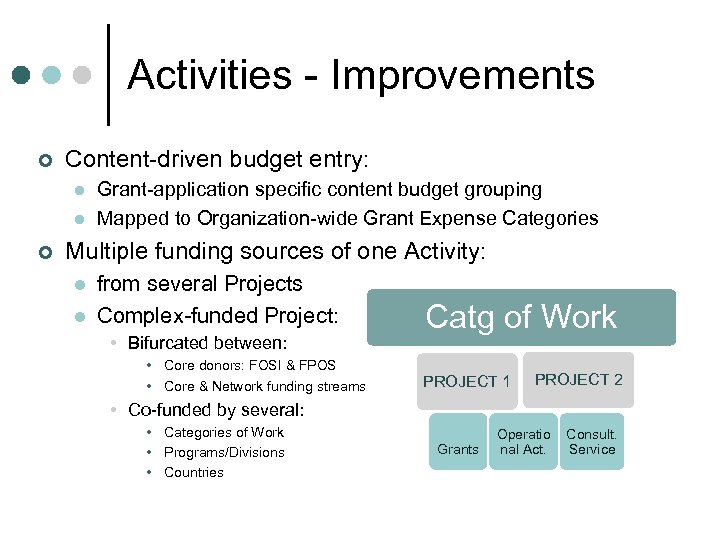 Activities - Improvements ¢ Content-driven budget entry: l l ¢ Grant-application specific content budget grouping Mapped to Organization-wide Grant Expense Categories Multiple funding sources of one Activity: l l from several Projects Complex-funded Project: • Bifurcated between: • Core donors: FOSI & FPOS • Core & Network funding streams Catg of Work PROJECT 1 PROJECT 2 • Co-funded by several: • Categories of Work • Programs/Divisions • Countries Grants Operatio nal Act. Consult. Service
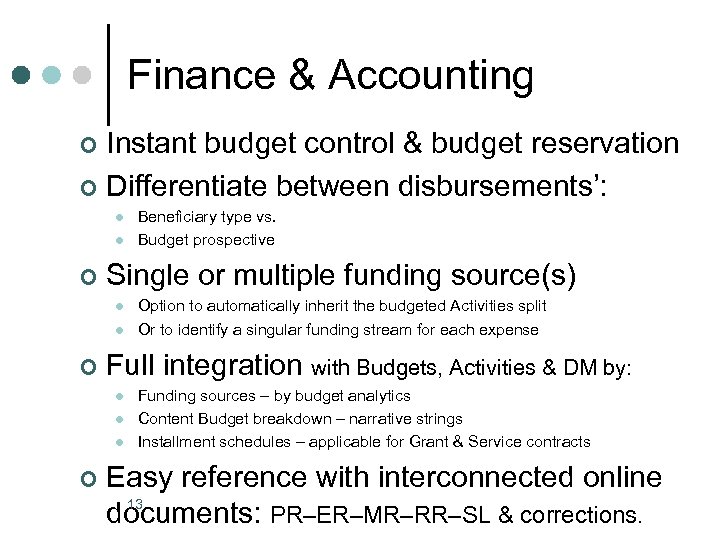 Finance & Accounting Instant budget control & budget reservation ¢ Differentiate between disbursements’: ¢ l l ¢ Single or multiple funding source(s) l l ¢ Option to automatically inherit the budgeted Activities split Or to identify a singular funding stream for each expense Full integration with Budgets, Activities & DM by: l l l ¢ Beneficiary type vs. Budget prospective Funding sources – by budget analytics Content Budget breakdown – narrative strings Installment schedules – applicable for Grant & Service contracts Easy reference with interconnected online 13 documents: PR–ER–MR–RR–SL & corrections.
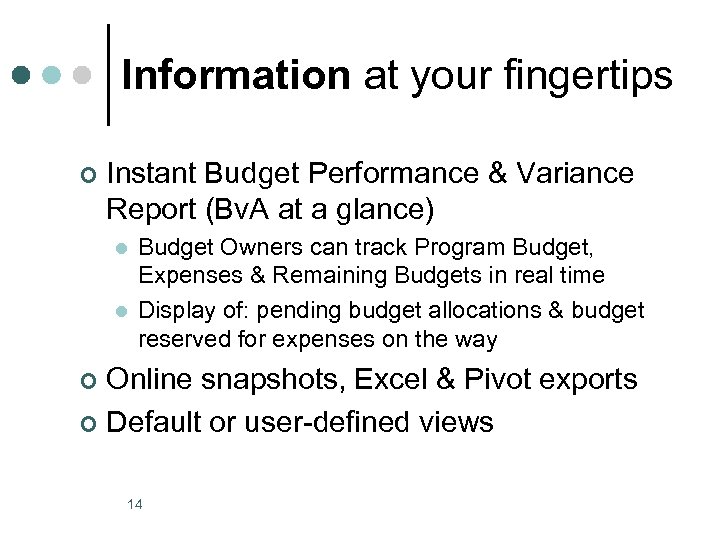 Information at your fingertips ¢ Instant Budget Performance & Variance Report (Bv. A at a glance) l l Budget Owners can track Program Budget, Expenses & Remaining Budgets in real time Display of: pending budget allocations & budget reserved for expenses on the way Online snapshots, Excel & Pivot exports ¢ Default or user-defined views ¢ 14
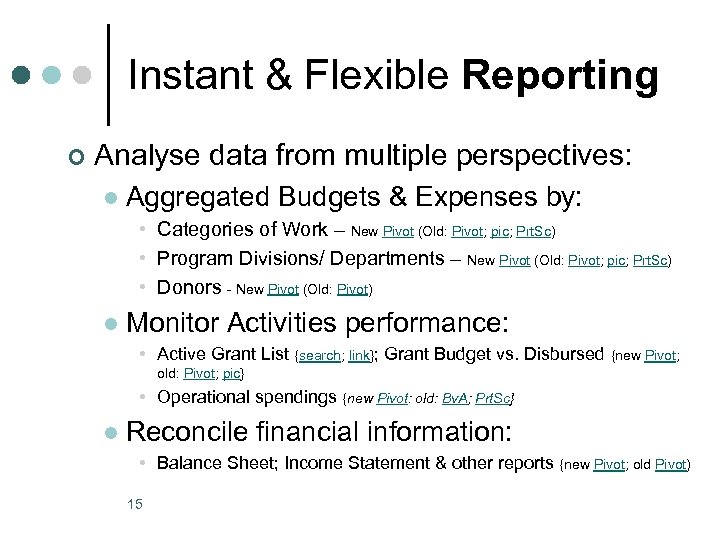 Instant & Flexible Reporting ¢ Analyse data from multiple perspectives: l Aggregated Budgets & Expenses by: • Categories of Work – New Pivot (Old: Pivot; pic; Prt. Sc) • Program Divisions/ Departments – New Pivot (Old: Pivot; pic; Prt. Sc) • Donors - New Pivot (Old: Pivot) l Monitor Activities performance: • Active Grant List {search; link}; Grant Budget vs. Disbursed {new Pivot; old: Pivot; pic} • Operational spendings {new Pivot: old: Bv. A; Prt. Sc} l Reconcile financial information: • Balance Sheet; Income Statement & other reports {new Pivot; old Pivot) 15
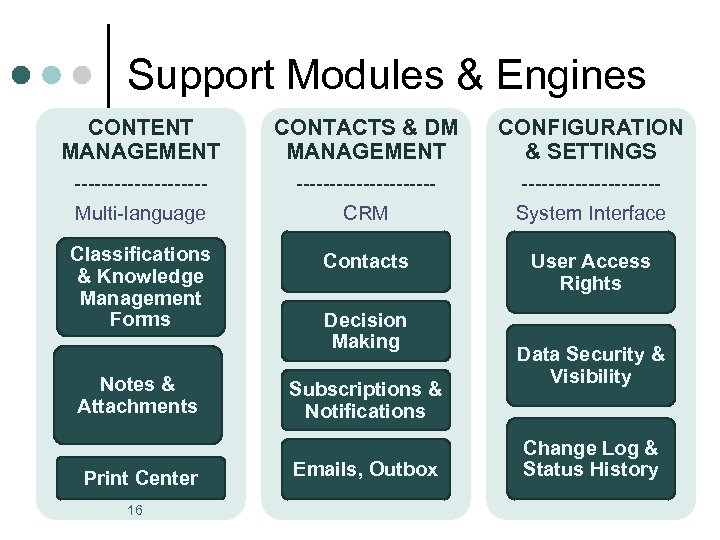 Support Modules & Engines CONTENT MANAGEMENT CONTACTS & DM MANAGEMENT CONFIGURATION & SETTINGS ----------Multi-language ----------CRM ----------System Interface Classifications & Knowledge Management Forms Contacts User Access Rights Notes & Attachments Print Center 16 Decision Making Subscriptions & Notifications Emails, Outbox Data Security & Visibility Change Log & Status History
 Programmatic Content Management ¢ ¢ Advanced usability & further customizations Configurable virtual screens for structured info: l Knowledge Management (KM) Forms • Hyperlinks: Input Screen; Print Center & Output – Word file l Classifications ¢ In multiple languages ¢ Standard Tools: l l l Securitized Attachment Centre with folders Document Print Centre 17
 Central data repository Paperless office with audit trail ¢ Increase data integrity & consistency both ¢ in terms of Budget & Expenses ¢ Build up institutional memory l l Authorized users access to confidential info Discourage shadow information databases ¢ Central records management ¢ Back office & digital archiving 18
 Interactivity Intuitive user interface ¢ Web access outside of the office ¢ Email correspondence from GMS, stored centrally in Outbox ¢ l l ¢ Within the Foundation staff Or to external parties Online and/or email notifications (based on event subscriptions): l 19 l Default subscriptions Customized for each user
 Configurations & Audit Trail ¢ Flexible security & user rights ¢ ¢ In line with organizational structure & hierarchy Approval process with multiple signatories Authorized access to information Audit Trail & Change Log ¢ 20 Data integrity with segregation of duties
 What’s Coming Next? 21
 Business Requirements q Management Reporting, effective 2015 ¢ ¢ Budget Amendments/Modifications Monthly spendings with more details (Projects/Activities & Grants Events) Consolidated management reports: ¢ ¢ q By geography & across OSF network Consolidated Grant List from NFs/RFs Annual YE Closing & Audit Preparations Feb’ 15 22
 Integration ¢ Regional/Thematic Network Programs ¢ ¢ Network Budget Allocations GMS integration with Central Office systems: ¢ ¢ Phase I: data exchange with export/import files Phase II: full-blown systems integration 23
 GMS Developments ¢ Optimizations of current functionalities: v v ¢ Ongoing enhancements to address business needs Simplification & streamlining workflows Functionalities in the pipeline: v v v v 24 Incorporate IFRS reporting as a standard GMS report Online application submission & grantee reporting (extranet) Conflict of Interest tracker Central Purchasing feature Fixed Assets module Human Resources Presets - configurable via UI Projects – “simple” vs. “complex” Reference: Phase II GMS Development
 QUESTIONS & ANSWERS PANEL DISCUSSION Additional Material: 25
 Demo Database http: //demo. fyrex. com/BS 2014/ • • 26 UKR – REAL GMS. NET DB (clean) UKT – testing & training purposes