


 Скачать презентацию GIT 335 Computer Systems Technology Lecture 7 Personal
748b26bd349a741f9a518e9693b7d58d.ppt
- Количество слайдов: 31
 GIT 335 Computer Systems Technology Lecture 7 Personal Technology Dr. Thomas Schildgen, Professor Arizona State University Department of Technology Management GIT 335 Lecture 7 1
 Lecture 7 Introduction to Information Technology Content taken from the Mc. Graw Hill Textbook Chapter 7 GIT 335 Lecture 7 2
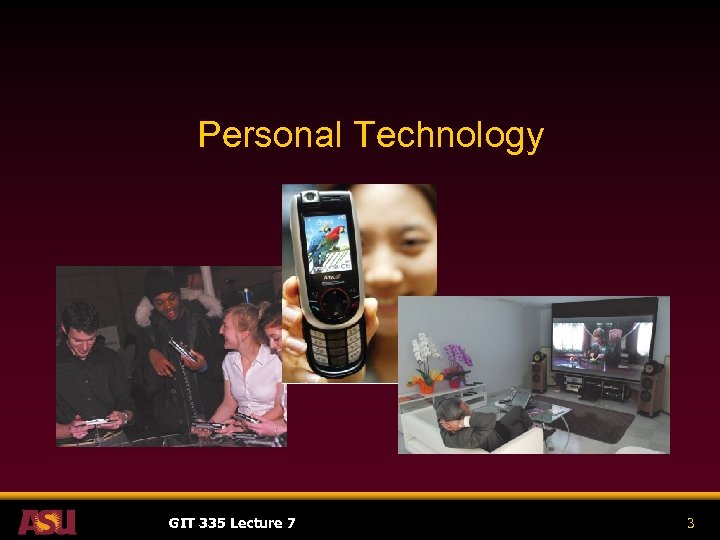 Personal Technology GIT 335 Lecture 7 3
 Convergence § Digital Convergence § Describes the combining of several industries – computers, communications, consumer electronics, entertainment, and mass media – through various devices that exchange data in digital form § Pros: § Multiple use machines such as Xbox that can play games, display DVD movies, and play music CDs § Cellphones with enhancing features such as address books and digital cameras that also shoot videos § Cons: § Multiple features that compromise the primary feature, such as an internet refrigerator GIT 335 Lecture 7 4
 Portability § Pros § Devices that enable phone and email access from anywhere, portable digital music, and convenient cheap digital photos allow people to remain connected even while on the move § Cons § Your boss may expect you to answer e-mail and voicemail evenings and weekends § People whom you never meet in person may misrepresent themselves, and/or misunderstand you, since they don’t see your body language GIT 335 Lecture 7 5
 Personalization § Tree-and-branch telecommunications model § A centralized information provider sends out messages through many channels to thousands of consumers § Used by AM/FM radio and by TV broadcasters § Hard to personalize § Switched-network communications model § A common carrier provides circuit switching that creates a temporary two-way connection between one public user and another § In a telephone network, the connection is made by dialing § Personalized by default GIT 335 Lecture 7 6
 Convergence, Portability, & Personalization § Choice Overload § Described by Barry Schwartz, author of The Paradox of Choice: Why More is Less § People are unhappy when they have too many choices § Regret: People are more likely to regret their decisions § Inaction: People can’t decide now because they might later regret their decisions § Excessive Expectations: Reality has a hard time meeting the expectations when there are so many choices § Self-blame: People blame themselves for making the wrong decision GIT 335 Lecture 7 7
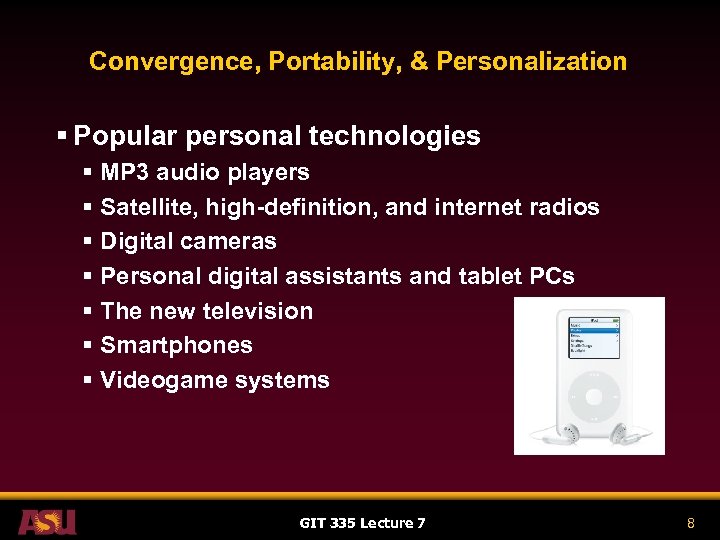 Convergence, Portability, & Personalization § Popular personal technologies § MP 3 audio players § Satellite, high-definition, and internet radios § Digital cameras § Personal digital assistants and tablet PCs § The new television § Smartphones § Videogame systems GIT 335 Lecture 7 8
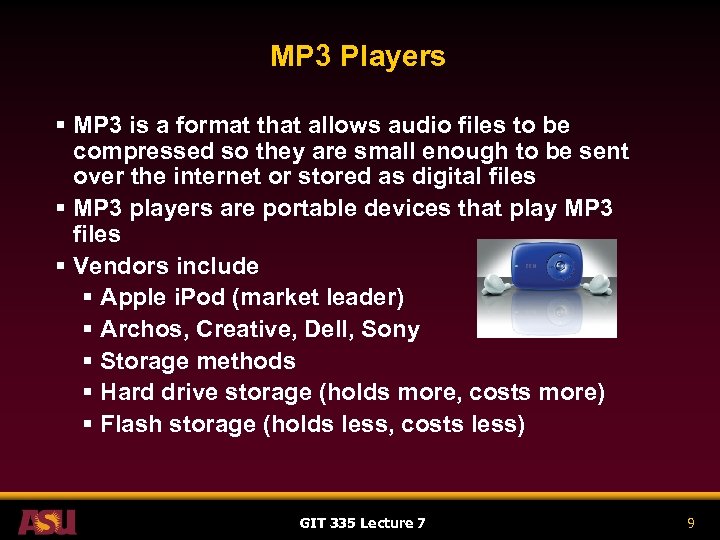 MP 3 Players § MP 3 is a format that allows audio files to be compressed so they are small enough to be sent over the internet or stored as digital files § MP 3 players are portable devices that play MP 3 files § Vendors include § Apple i. Pod (market leader) § Archos, Creative, Dell, Sony § Storage methods § Hard drive storage (holds more, costs more) § Flash storage (holds less, costs less) GIT 335 Lecture 7 9
 MP 3 Players § Technology Considerations § § § Storage capacity Sampling rate Transferring files Battery life Color screens and photo viewing Other features such as § FM radio reception § Music recording using extra microphone § Car stereo adapter to connect player to your car’s speakers GIT 335 Lecture 7 10
 MP 3 Players § Societal Effects § § One in five American adults owns an MP 3 player Offer convenience and portability to music listeners Warning! Over 85 decibels can cause hearing loss! 85 decibels is as loud as a vacuum cleaner or a crowded restaurant – not that loud! § For more information, see http: //www. lhh. org/noise/ § lhh stands for the “League for the Hard of Hearing” § So turn them DOWN! GIT 335 Lecture 7 11
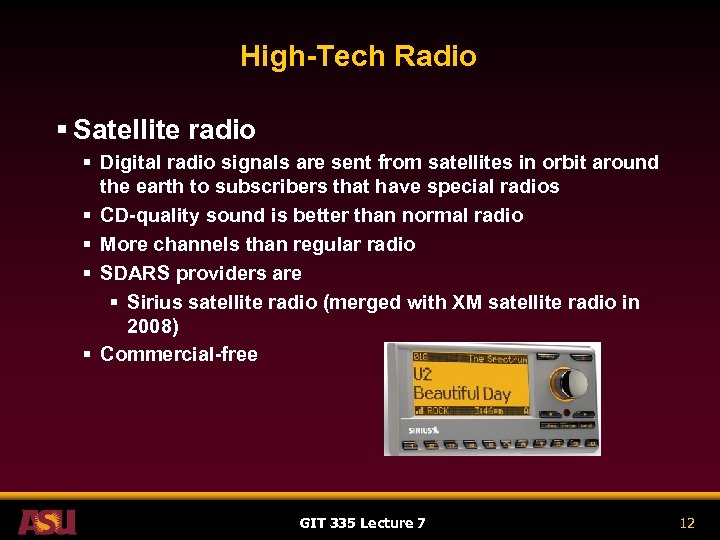 High-Tech Radio § Satellite radio § Digital radio signals are sent from satellites in orbit around the earth to subscribers that have special radios § CD-quality sound is better than normal radio § More channels than regular radio § SDARS providers are § Sirius satellite radio (merged with XM satellite radio in 2008) § Commercial-free GIT 335 Lecture 7 12
 High-Tech Radio § High-Definition Radio § Provides CD-quality sound § Standard allows two digital and one analog station on the same radio frequency § Analog main channel plus two digital sidebands § Broadcasting’s answer to competition from satellite radio § Requires an HD-compatible radio § L. A. and Chicago now have several highdefinition stations each GIT 335 Lecture 7 13
 High-Tech Radio § Internet users can listen to radio from their PCs § There are some services such as Yahoo’s Musicmath that require users to subscribe § Other internet radio may be free, such as WMNR, a Fine Arts radio station that also broadcasts from Monroe CT at 88. 1 FM www. wmnr. org § To see a list of free internet radio stations, visit www. live 365. com GIT 335 Lecture 7 14
 High-Tech Radio § Podcasting § Involves the recording of internet radio or similar internet programs § Requires no studio or broadcast tower and is not regulated by the FCC (Federal Communications Commission) § Allows amateur deejays and hobbyists to create their own radio shows GIT 335 Lecture 7 15
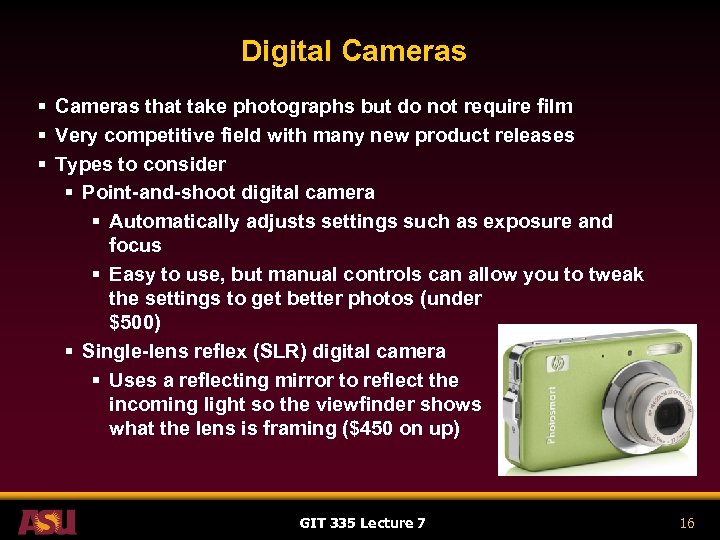 Digital Cameras § Cameras that take photographs but do not require film § Very competitive field with many new product releases § Types to consider § Point-and-shoot digital camera § Automatically adjusts settings such as exposure and focus § Easy to use, but manual controls can allow you to tweak the settings to get better photos (under $500) § Single-lens reflex (SLR) digital camera § Uses a reflecting mirror to reflect the incoming light so the viewfinder shows what the lens is framing ($450 on up) GIT 335 Lecture 7 16
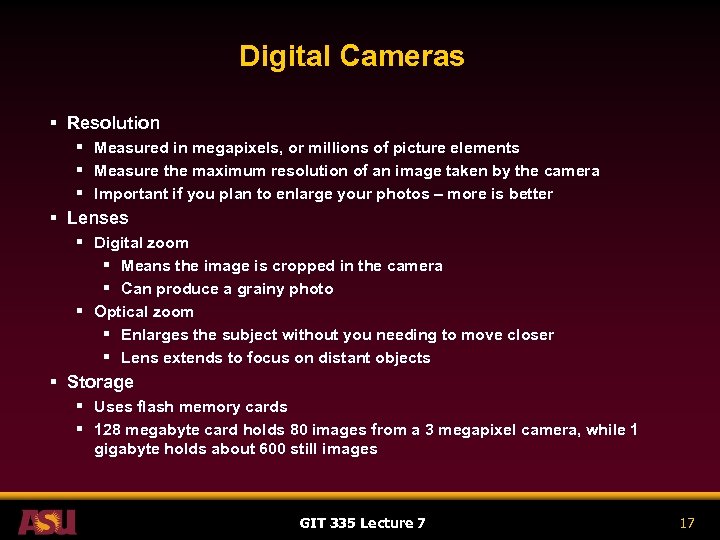 Digital Cameras § Resolution § Measured in megapixels, or millions of picture elements § Measure the maximum resolution of an image taken by the camera § Important if you plan to enlarge your photos – more is better § Lenses § Digital zoom § Means the image is cropped in the camera § Can produce a grainy photo § Optical zoom § Enlarges the subject without you needing to move closer § Lens extends to focus on distant objects § Storage § Uses flash memory cards § 128 megabyte card holds 80 images from a 3 megapixel camera, while 1 gigabyte holds about 600 still images GIT 335 Lecture 7 17
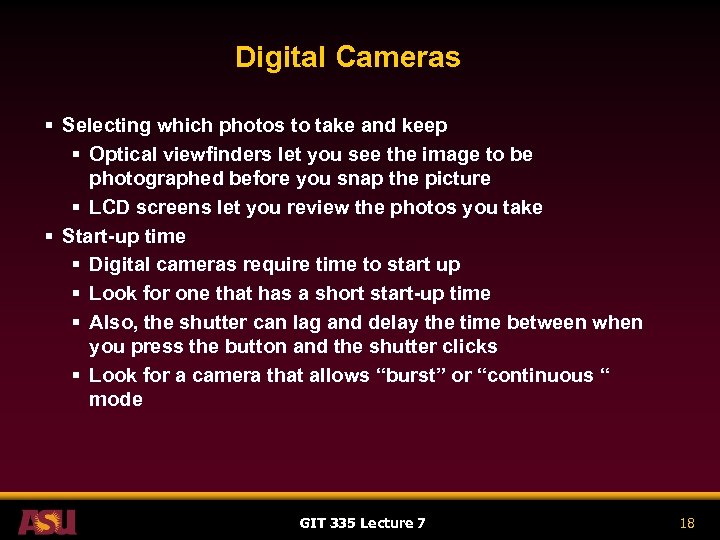 Digital Cameras § Selecting which photos to take and keep § Optical viewfinders let you see the image to be photographed before you snap the picture § LCD screens let you review the photos you take § Start-up time § Digital cameras require time to start up § Look for one that has a short start-up time § Also, the shutter can lag and delay the time between when you press the button and the shutter clicks § Look for a camera that allows “burst” or “continuous “ mode GIT 335 Lecture 7 18
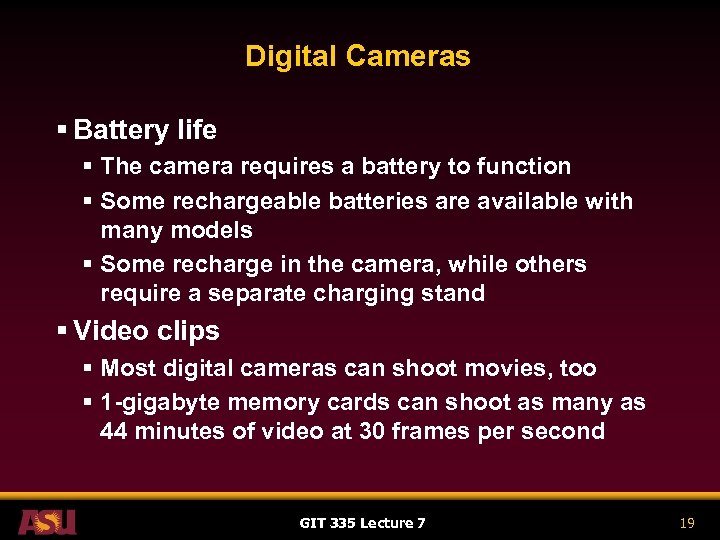 Digital Cameras § Battery life § The camera requires a battery to function § Some rechargeable batteries are available with many models § Some recharge in the camera, while others require a separate charging stand § Video clips § Most digital cameras can shoot movies, too § 1 -gigabyte memory cards can shoot as many as 44 minutes of video at 30 frames per second GIT 335 Lecture 7 19
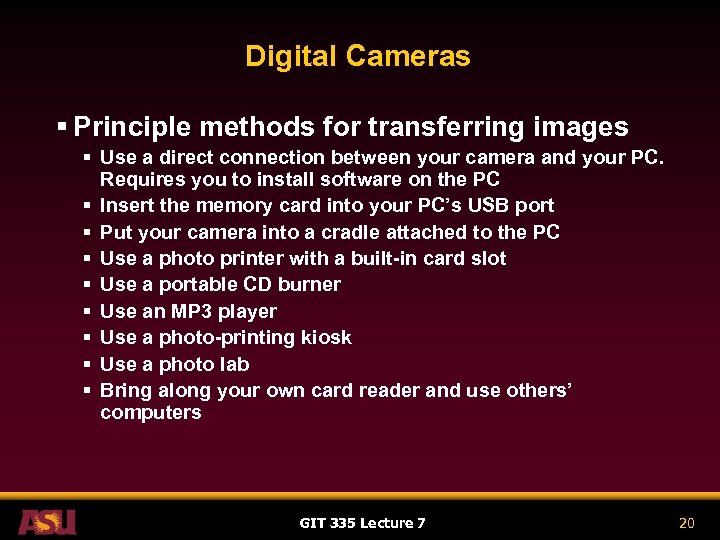 Digital Cameras § Principle methods for transferring images § Use a direct connection between your camera and your PC. Requires you to install software on the PC § Insert the memory card into your PC’s USB port § Put your camera into a cradle attached to the PC § Use a photo printer with a built-in card slot § Use a portable CD burner § Use an MP 3 player § Use a photo-printing kiosk § Use a photo lab § Bring along your own card reader and use others’ computers GIT 335 Lecture 7 20
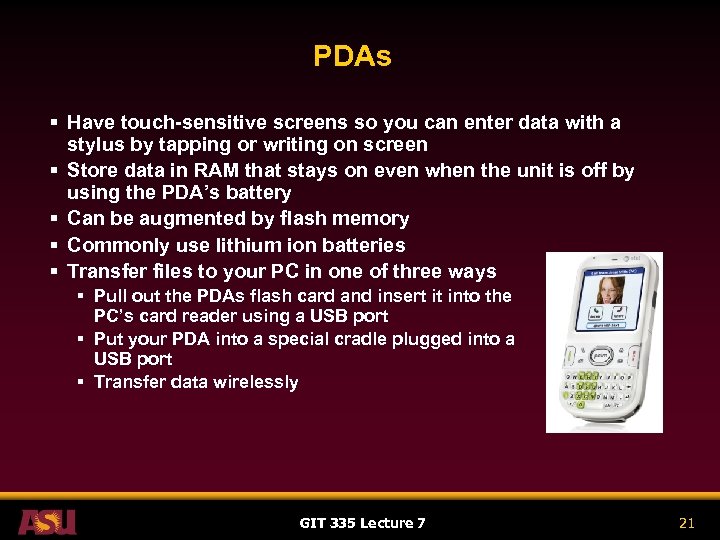 PDAs § Have touch-sensitive screens so you can enter data with a stylus by tapping or writing on screen § Store data in RAM that stays on even when the unit is off by using the PDA’s battery § Can be augmented by flash memory § Commonly use lithium ion batteries § Transfer files to your PC in one of three ways § Pull out the PDAs flash card and insert it into the PC’s card reader using a USB port § Put your PDA into a special cradle plugged into a USB port § Transfer data wirelessly GIT 335 Lecture 7 21
 PDAs § Many cellphones are usurping features from PDAs § To compete, PDAs must develop new features § Examples of possible PDA evolution § Display television and photos § Handheld weather meters § GPS locators GIT 335 Lecture 7 22
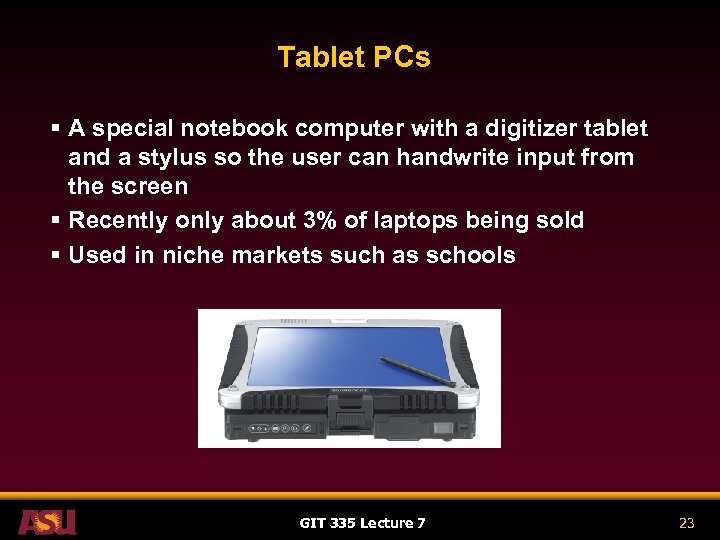 Tablet PCs § A special notebook computer with a digitizer tablet and a stylus so the user can handwrite input from the screen § Recently only about 3% of laptops being sold § Used in niche markets such as schools GIT 335 Lecture 7 23
 The New Television § New equipment available for TV § Interactive TV § Internet TV § Smart TV § Mobile TV GIT 335 Lecture 7 24
 The New Television § Three kinds of TV § Digital television § FCC has mandated that all TV stations be capable of digital broadcasting by 2009 § Currently most digital systems convert analog broadcast signals into digital with some loss of detail § High-Definition television (HDTV) § Works with digital broadcasting signals § Has broader screen and 10 times the pixels as standard TV § Has 16 to 9 aspect ratio (width to height) and 1, 080 lines on a screen; crisper details than SDTV § Standard-Definition television (SDTV) § Has aspect ratio of 4 to 3 and 480 vertical lines on a screen § Requires less bandwidth to transmit than HDTV GIT 335 Lecture 7 25
 The New Television § Societal Effects § Video on Demand § Technologies allow viewers to select videos or programs from a central server to watch when they wish § Ti. Vo § PC-like system that allows users to record and play back TV programs later § Users can program recording based on TV program title or subject matter without knowing specific stations or times § Ti. Vos are plugged in to phone lines when they are installed so they can automatically update their software § Ti. Vos also gather information on subscribers’ viewing habits that are used to rate popularity of TV shows GIT 335 Lecture 7 26
 Smartphones § Basic elements of a mobile phone § Storage § Data is stored in ROM § Data does not disappear when phone is turned off § Input § Have a keypad for storing numbers § Microphone for picking up your voice § May have a touch-sensitive screen that uses a stylus § Output § Speaker to hear voice calls § Display ranging from LCD to full-color high-resolution plasma § May also use Wi-Fi or Bluetooth GIT 335 Lecture 7 27
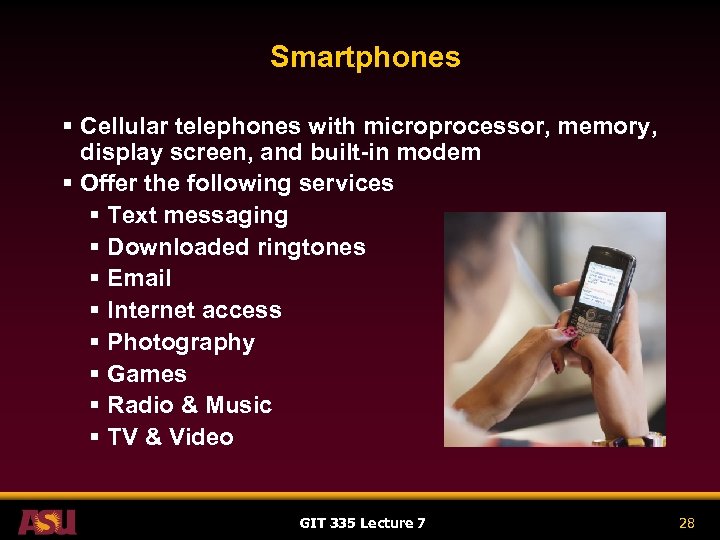 Smartphones § Cellular telephones with microprocessor, memory, display screen, and built-in modem § Offer the following services § Text messaging § Downloaded ringtones § Email § Internet access § Photography § Games § Radio & Music § TV & Video GIT 335 Lecture 7 28
 Smartphones § Services continued § Text messaging § Can send text to other phones and to email accounts § Creating messages is slower than traditional Morse Code used by Ham Radio operators as demonstrated on the Tonight Show with Jay Leno on May 13, 2005 http: //www. arrl. org/news/stories/2005/05/16/3/ § Downloaded ringtones § Ringtone: the audible sound a phone makes to announce an incoming call § May be free or cost $1. 25 to $4. 00 per tune GIT 335 Lecture 7 29
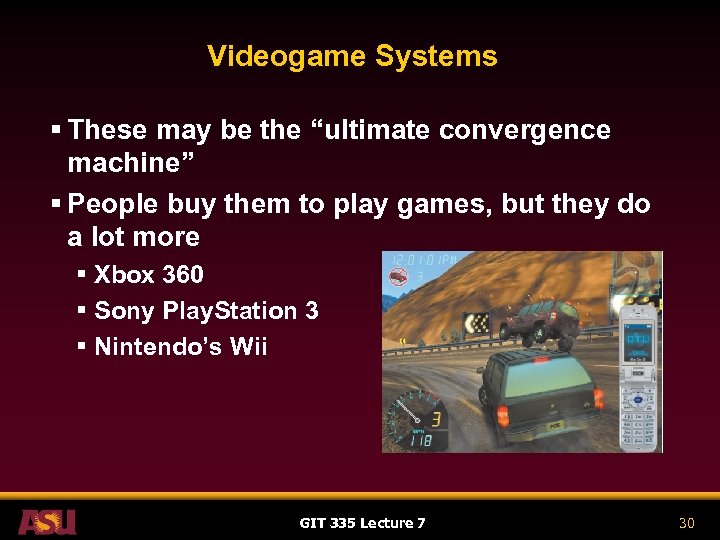 Videogame Systems § These may be the “ultimate convergence machine” § People buy them to play games, but they do a lot more § Xbox 360 § Sony Play. Station 3 § Nintendo’s Wii GIT 335 Lecture 7 30
 Videogame Systems § Different childhoods for generations in the US § G. I. Generation (World War II) § No computers, no TVs. Saw newsreels in the movies § Baby Boomers (post-World War II) § No computers, black and white TVs, TV news § Generation X (post-hippies, born post-1965) § Some computers, color TVs § Generation Y (born in late 1970 s to 1990 s) § Home computers, color TVs § Always On Generation § Computers everywhere, video games everywhere, always connected, internet news GIT 335 Lecture 7 31