


 Скачать презентацию Getting Started with Tera Grid Authentication Jeffrey P
4b7331c4c67d189eac41db549e274d9f.ppt
- Количество слайдов: 33
 Getting Started with Tera. Grid Authentication Jeffrey P. Gardner Pittsburgh Supercomputing Center gardnerj@psc. edu 1
 Approaches to Tera. Grid Use n Log in interactively to a login node at a Tera. Grid site and work from there n no client software to install/maintain yourself execute tasks from your interactive session Work from your local workstation and authenticate remotely to Tera. Grid resources n comfort and convenience of working "at home" n may have to install/maintain add'l TG software n (Eventually we will better support this mode) CIG MCW, Boulder, CO 2
![“Traditional” Password Authentication Without coordination of authentication between sites , ] Acct[x ord[x] passw](https://present5.com/presentation/4b7331c4c67d189eac41db549e274d9f/image-3.jpg "“Traditional” Password Authentication Without coordination of authentication between sites , ] Acct[x ord[x] passw") “Traditional” Password Authentication Without coordination of authentication between sites , ] Acct[x ord[x] passw Acct[z ], pas sword CIG MCW, Boulder, CO [z] Acct[y], password[y] Acct[x], password[x] n 3
“Traditional” Password Authentication Without coordination of authentication between sites , ] Acct[x ord[x] passw Acct[z ], pas sword CIG MCW, Boulder, CO [z] Acct[y], password[y] Acct[x], password[x] n 3
![Certificate-Based Authentication No Password swo No Password pas rd[k ] Certificate CIG MCW, Boulder,](https://present5.com/presentation/4b7331c4c67d189eac41db549e274d9f/image-4.jpg "Certificate-Based Authentication No Password swo No Password pas rd[k ] Certificate CIG MCW, Boulder,") Certificate-Based Authentication No Password swo No Password pas rd[k ] Certificate CIG MCW, Boulder, CO 4
Certificate-Based Authentication No Password swo No Password pas rd[k ] Certificate CIG MCW, Boulder, CO 4
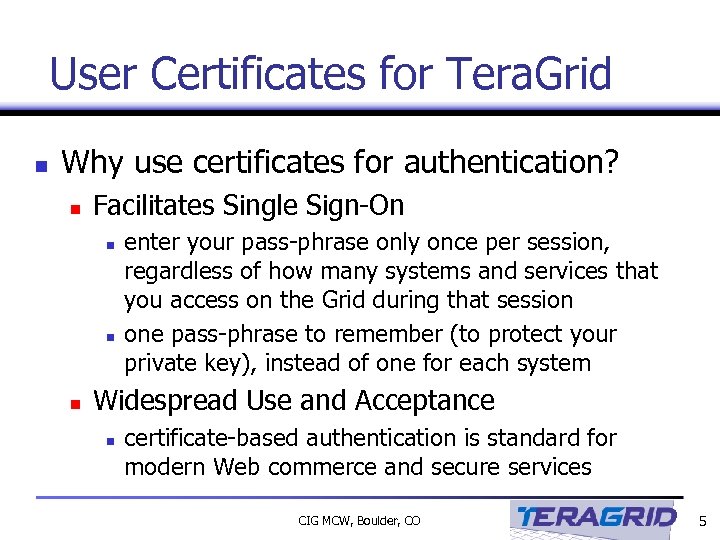 User Certificates for Tera. Grid n Why use certificates for authentication? n Facilitates Single Sign-On n enter your pass-phrase only once per session, regardless of how many systems and services that you access on the Grid during that session one pass-phrase to remember (to protect your private key), instead of one for each system Widespread Use and Acceptance n certificate-based authentication is standard for modern Web commerce and secure services CIG MCW, Boulder, CO 5
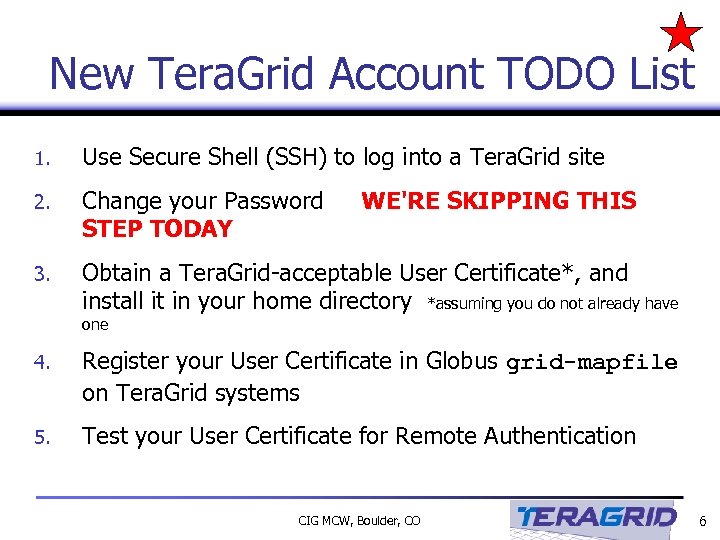 New Tera. Grid Account TODO List 1. Use Secure Shell (SSH) to log into a Tera. Grid site 2. Change your Password STEP TODAY 3. Obtain a Tera. Grid-acceptable User Certificate*, and install it in your home directory *assuming you do not already have WE'RE SKIPPING THIS one 4. Register your User Certificate in Globus grid-mapfile on Tera. Grid systems 5. Test your User Certificate for Remote Authentication CIG MCW, Boulder, CO 6
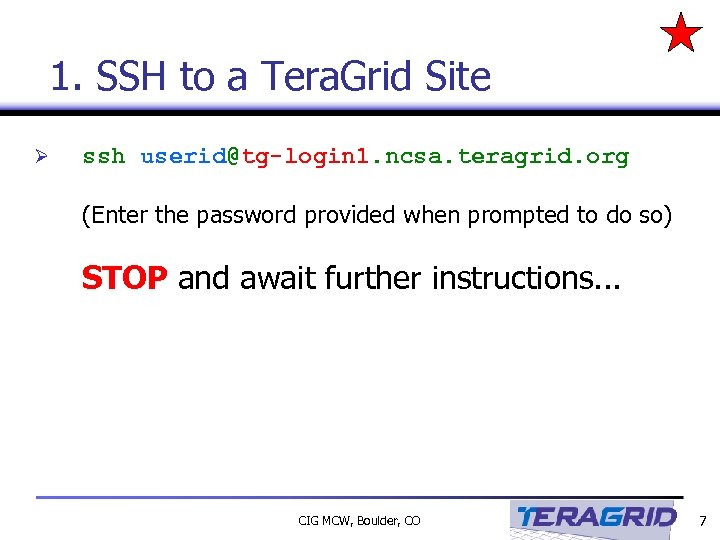 1. SSH to a Tera. Grid Site Ø ssh userid@tg-login 1. ncsa. teragrid. org (Enter the password provided when prompted to do so) STOP and await further instructions. . . CIG MCW, Boulder, CO 7
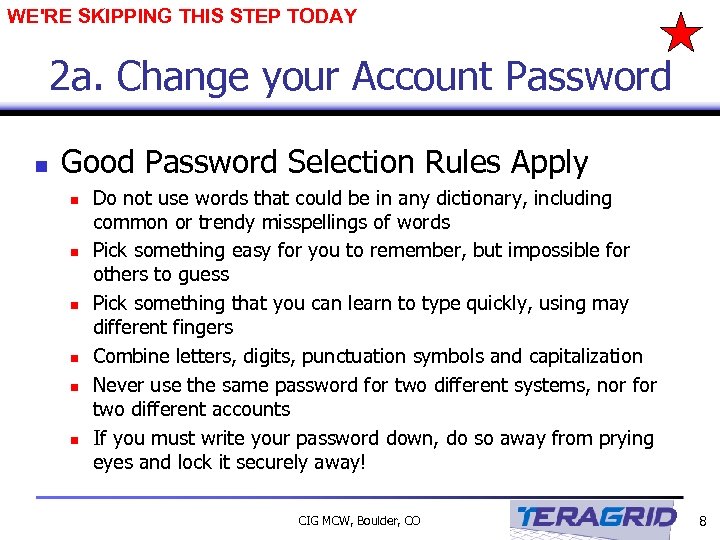 WE'RE SKIPPING THIS STEP TODAY 2 a. Change your Account Password n Good Password Selection Rules Apply n n n Do not use words that could be in any dictionary, including common or trendy misspellings of words Pick something easy for you to remember, but impossible for others to guess Pick something that you can learn to type quickly, using may different fingers Combine letters, digits, punctuation symbols and capitalization Never use the same password for two different systems, nor for two different accounts If you must write your password down, do so away from prying eyes and lock it securely away! CIG MCW, Boulder, CO 8
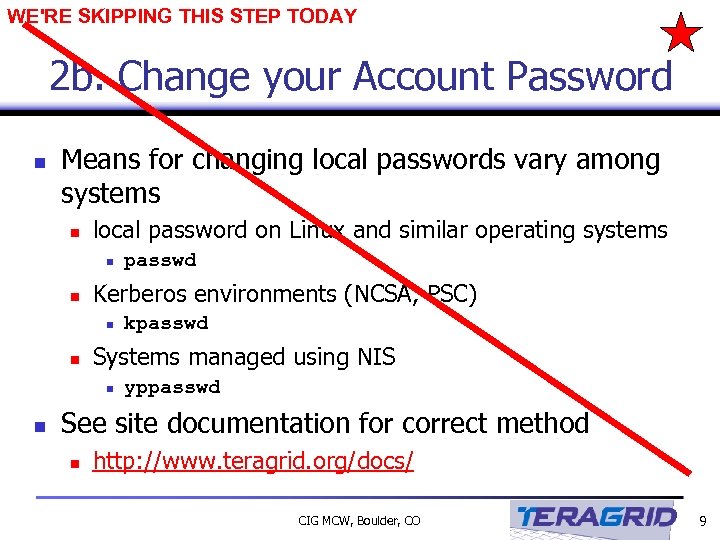 WE'RE SKIPPING THIS STEP TODAY 2 b. Change your Account Password n Means for changing local passwords vary among systems n local password on Linux and similar operating systems n n Kerberos environments (NCSA, PSC) n n kpasswd Systems managed using NIS n n passwd yppasswd See site documentation for correct method n http: //www. teragrid. org/docs/ CIG MCW, Boulder, CO 9
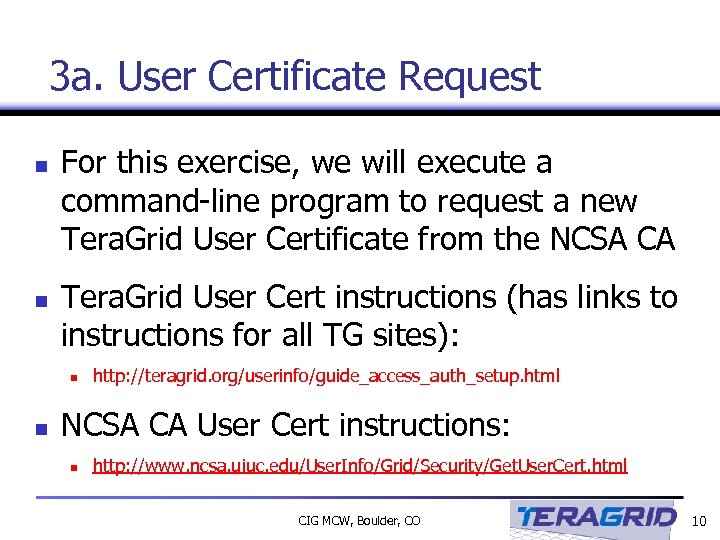 3 a. User Certificate Request n n For this exercise, we will execute a command-line program to request a new Tera. Grid User Certificate from the NCSA CA Tera. Grid User Cert instructions (has links to instructions for all TG sites): n n http: //teragrid. org/userinfo/guide_access_auth_setup. html NCSA CA User Cert instructions: n http: //www. ncsa. uiuc. edu/User. Info/Grid/Security/Get. User. Cert. html CIG MCW, Boulder, CO 10
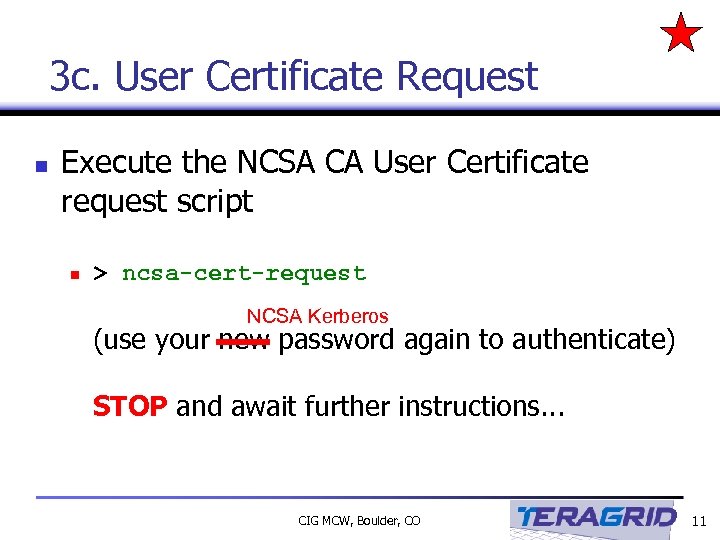 3 c. User Certificate Request n Execute the NCSA CA User Certificate request script n > ncsa-cert-request NCSA Kerberos (use your new password again to authenticate) STOP and await further instructions. . . CIG MCW, Boulder, CO 11
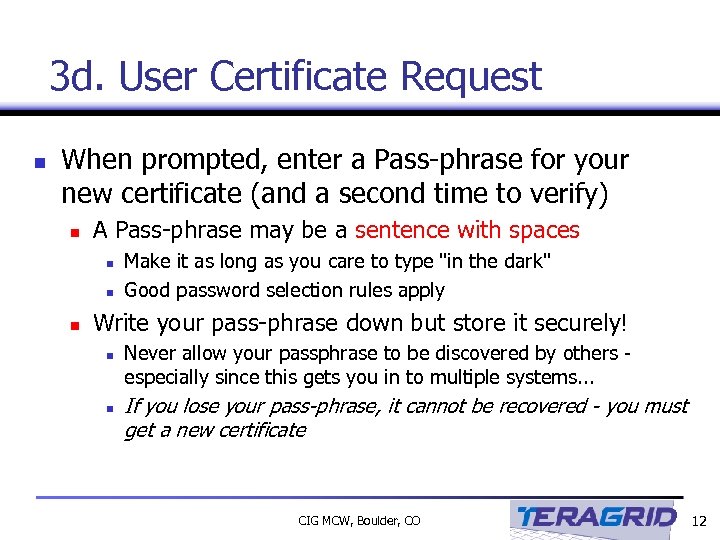 3 d. User Certificate Request n When prompted, enter a Pass-phrase for your new certificate (and a second time to verify) n A Pass-phrase may be a sentence with spaces n n n Make it as long as you care to type "in the dark" Good password selection rules apply Write your pass-phrase down but store it securely! n n Never allow your passphrase to be discovered by others especially since this gets you in to multiple systems. . . If you lose your pass-phrase, it cannot be recovered - you must get a new certificate CIG MCW, Boulder, CO 12
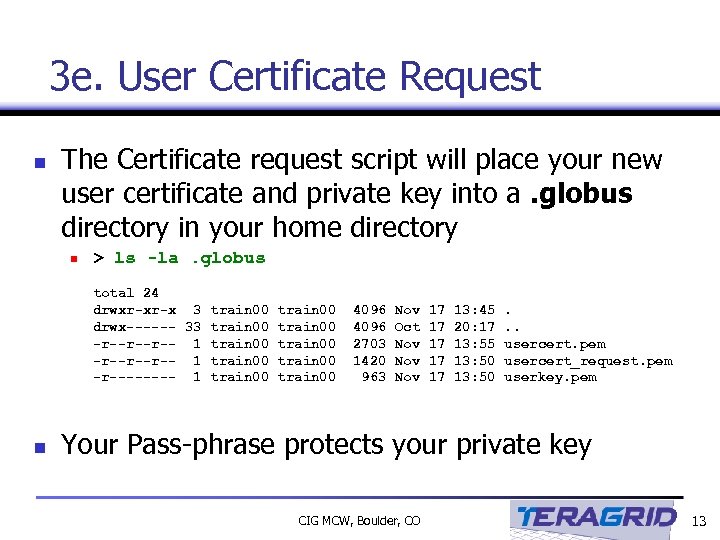 3 e. User Certificate Request n The Certificate request script will place your new user certificate and private key into a. globus directory in your home directory n > ls -la. globus total 24 drwxr-xr-x 3 train 00 drwx------ 33 train 00 -r--r--r-- 1 train 00 -r---- 1 train 00 n 4096 2703 1420 963 Nov Oct Nov Nov 17 17 17 13: 45 20: 17 13: 55 13: 50 . . . usercert. pem usercert_request. pem userkey. pem Your Pass-phrase protects your private key CIG MCW, Boulder, CO 13
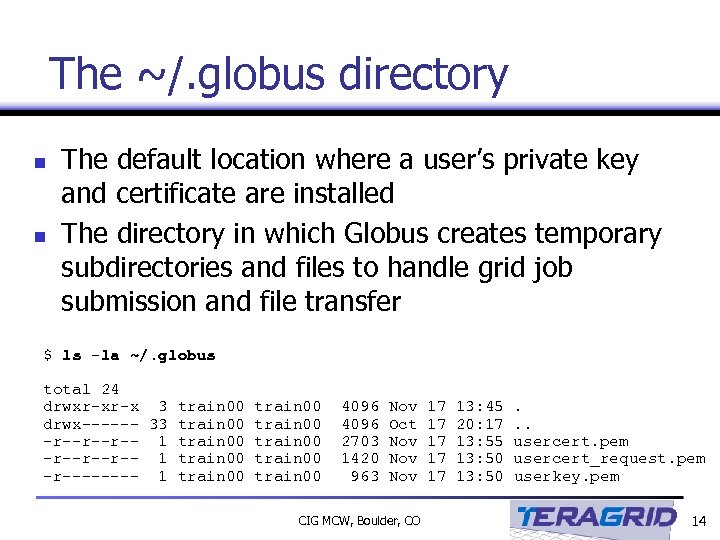 The ~/. globus directory n n The default location where a user’s private key and certificate are installed The directory in which Globus creates temporary subdirectories and files to handle grid job submission and file transfer $ ls -la ~/. globus total 24 drwxr-xr-x 3 train 00 drwx------ 33 train 00 -r--r--r-- 1 train 00 -r---- 1 train 00 4096 2703 1420 963 Nov Oct Nov Nov CIG MCW, Boulder, CO 17 17 17 13: 45 20: 17 13: 55 13: 50 . . . usercert. pem usercert_request. pem userkey. pem 14
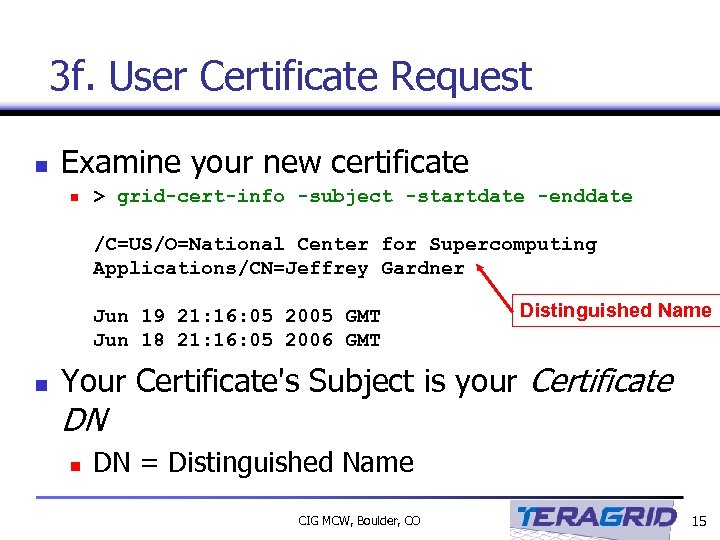 3 f. User Certificate Request n Examine your new certificate n > grid-cert-info -subject -startdate -enddate /C=US/O=National Center for Supercomputing Applications/CN=Jeffrey Gardner Jun 19 21: 16: 05 2005 GMT Jun 18 21: 16: 05 2006 GMT n Distinguished Name Your Certificate's Subject is your Certificate DN n DN = Distinguished Name CIG MCW, Boulder, CO 15
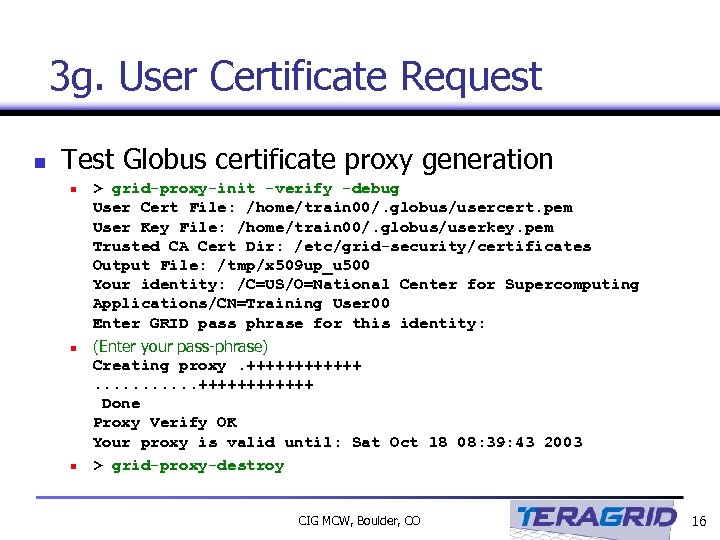 3 g. User Certificate Request n Test Globus certificate proxy generation n > grid-proxy-init -verify -debug User Cert File: /home/train 00/. globus/usercert. pem User Key File: /home/train 00/. globus/userkey. pem Trusted CA Cert Dir: /etc/grid-security/certificates Output File: /tmp/x 509 up_u 500 Your identity: /C=US/O=National Center for Supercomputing Applications/CN=Training User 00 Enter GRID pass phrase for this identity: (Enter your pass-phrase) Creating proxy. ++++++. . . ++++++ Done Proxy Verify OK Your proxy is valid until: Sat Oct 18 08: 39: 43 2003 > grid-proxy-destroy CIG MCW, Boulder, CO 16
 Congratulations! You are now “certified” to use the Tera. Grid n Your certificate is your encrypted “ID badge” that identifies you to Tera. Grid sites. n n Distinguished Name (your unique Tera. Grid identity) Start date and end date X. 509 encrypted key But before it will work, we need to tell Tera. Grid sites (including NCSA) to accept it. n Someday soon this will be done automatically CIG MCW, Boulder, CO 17
 4 a. Registering your Distinguished Name in a Tera. Grid system grid-mapfile n Every Tera. Grid system has /etc/grid-security/grid -mapfile n n This files maps your Tera. Grid Distinguished Name to your local userid on that machine By the end of the summer, generating a new certificate will automatically cause grid-mapfiles on all Tera. Grid machines to be updated with your Distinguished Name But at present, to use a new Tera. Grid site, you must place an entry in that site’s grid-mapfile Tera. Grid sites provide the gx-map command to simplify this registration process for users n gx-map must be executed once per Tera. Grid site accessed CIG MCW, Boulder, CO 18
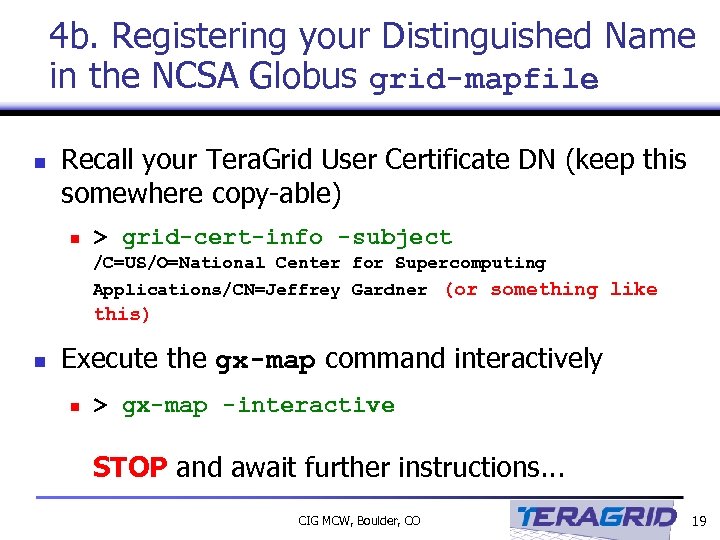 4 b. Registering your Distinguished Name in the NCSA Globus grid-mapfile n Recall your Tera. Grid User Certificate DN (keep this somewhere copy-able) n > grid-cert-info -subject /C=US/O=National Center for Supercomputing Applications/CN=Jeffrey Gardner (or something like this) n Execute the gx-map command interactively n > gx-map -interactive STOP and await further instructions. . . CIG MCW, Boulder, CO 19
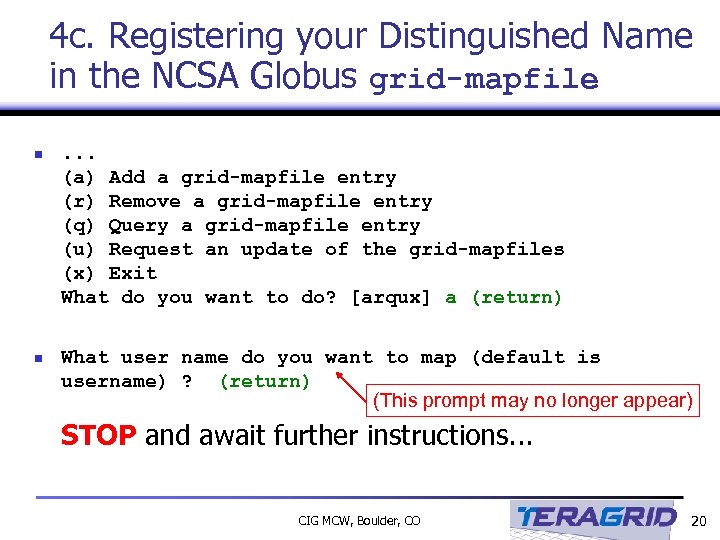 4 c. Registering your Distinguished Name in the NCSA Globus grid-mapfile n . . . (a) Add a grid-mapfile entry (r) Remove a grid-mapfile entry (q) Query a grid-mapfile entry (u) Request an update of the grid-mapfiles (x) Exit What do you want to do? [arqux] a (return) n What user name do you want to map (default is username) ? (return) (This prompt may no longer appear) STOP and await further instructions. . . CIG MCW, Boulder, CO 20
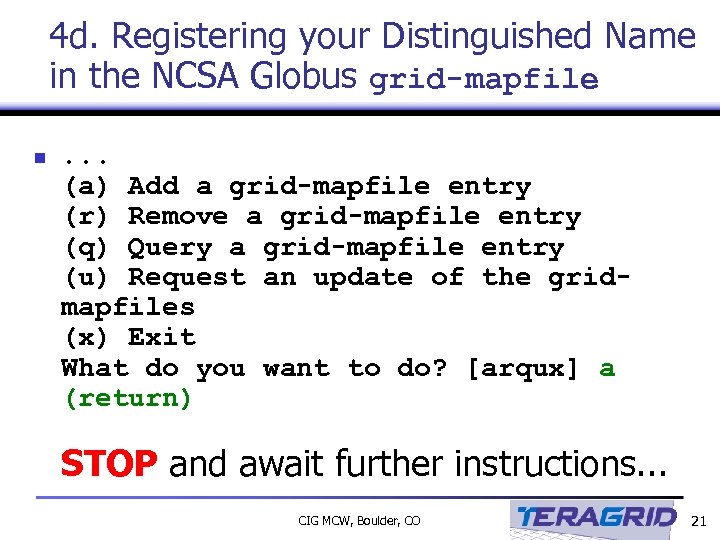 4 d. Registering your Distinguished Name in the NCSA Globus grid-mapfile n . . . (a) Add a grid-mapfile entry (r) Remove a grid-mapfile entry (q) Query a grid-mapfile entry (u) Request an update of the gridmapfiles (x) Exit What do you want to do? [arqux] a (return) STOP and await further instructions. . . CIG MCW, Boulder, CO 21
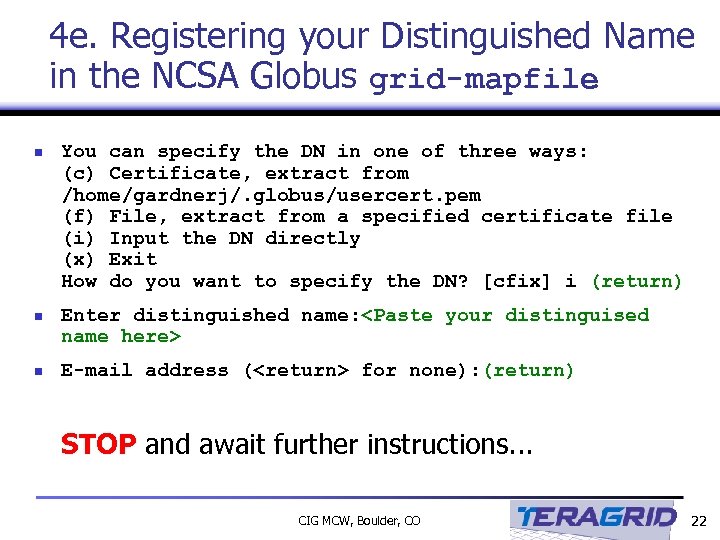 4 e. Registering your Distinguished Name in the NCSA Globus grid-mapfile n You can specify the DN in one of three ways: (c) Certificate, extract from /home/gardnerj/. globus/usercert. pem (f) File, extract from a specified certificate file (i) Input the DN directly (x) Exit How do you want to specify the DN? [cfix] i (return) n Enter distinguished name:
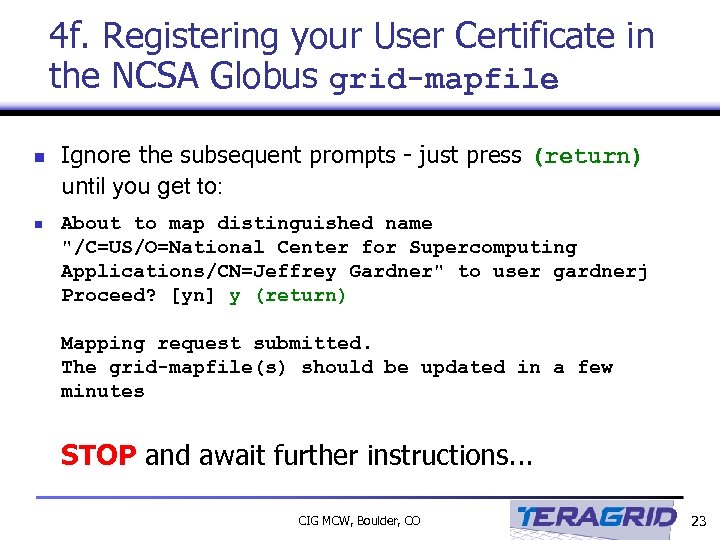 4 f. Registering your User Certificate in the NCSA Globus grid-mapfile n n Ignore the subsequent prompts - just press (return) until you get to: About to map distinguished name "/C=US/O=National Center for Supercomputing Applications/CN=Jeffrey Gardner" to user gardnerj Proceed? [yn] y (return) Mapping request submitted. The grid-mapfile(s) should be updated in a few minutes STOP and await further instructions. . . CIG MCW, Boulder, CO 23
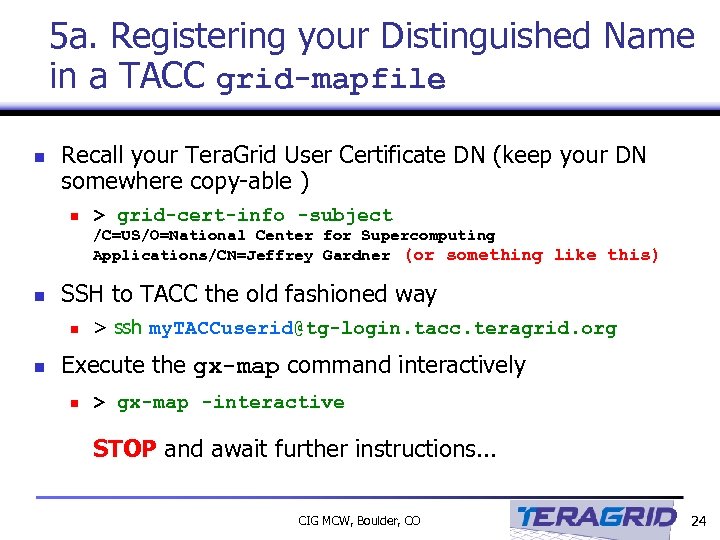 5 a. Registering your Distinguished Name in a TACC grid-mapfile n Recall your Tera. Grid User Certificate DN (keep your DN somewhere copy-able ) n > grid-cert-info -subject /C=US/O=National Center for Supercomputing Applications/CN=Jeffrey Gardner (or something like this) n SSH to TACC the old fashioned way n n > ssh my. TACCuserid@tg-login. tacc. teragrid. org Execute the gx-map command interactively n > gx-map -interactive STOP and await further instructions. . . CIG MCW, Boulder, CO 24
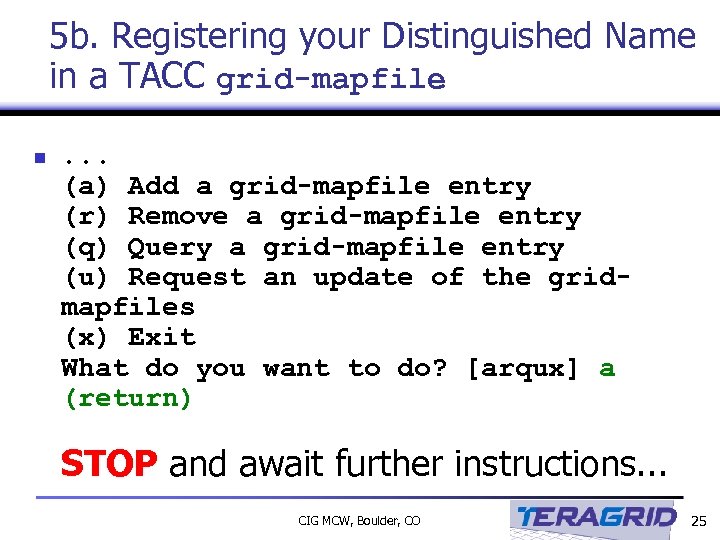 5 b. Registering your Distinguished Name in a TACC grid-mapfile n . . . (a) Add a grid-mapfile entry (r) Remove a grid-mapfile entry (q) Query a grid-mapfile entry (u) Request an update of the gridmapfiles (x) Exit What do you want to do? [arqux] a (return) STOP and await further instructions. . . CIG MCW, Boulder, CO 25
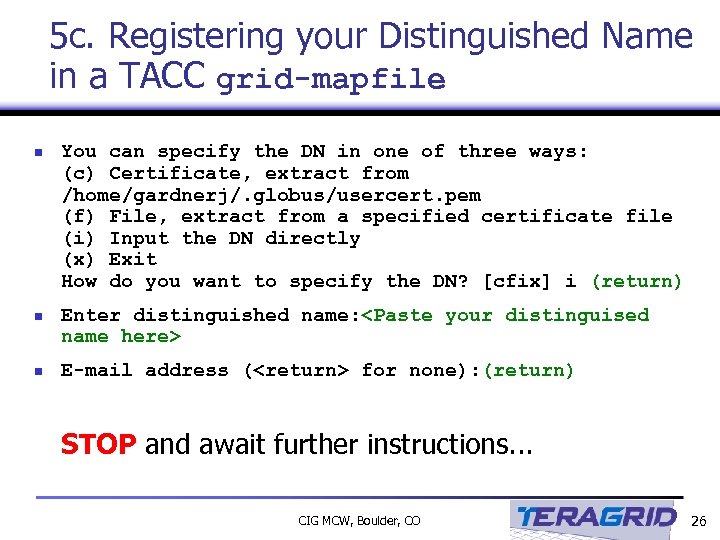 5 c. Registering your Distinguished Name in a TACC grid-mapfile n You can specify the DN in one of three ways: (c) Certificate, extract from /home/gardnerj/. globus/usercert. pem (f) File, extract from a specified certificate file (i) Input the DN directly (x) Exit How do you want to specify the DN? [cfix] i (return) n Enter distinguished name:
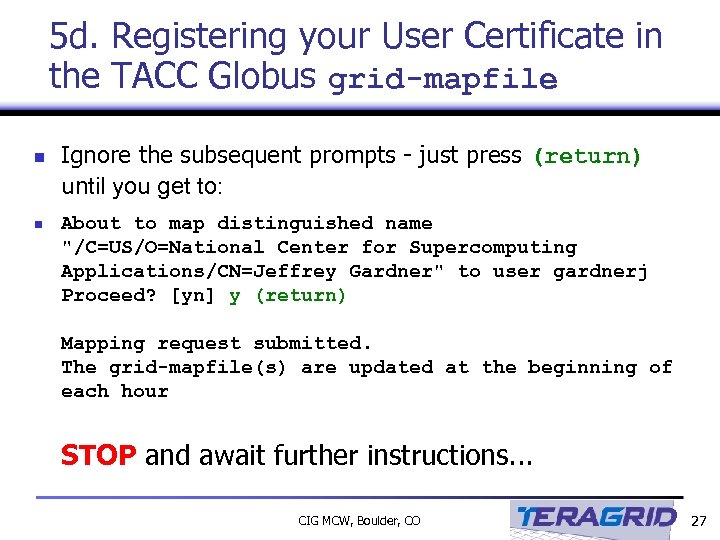 5 d. Registering your User Certificate in the TACC Globus grid-mapfile n n Ignore the subsequent prompts - just press (return) until you get to: About to map distinguished name "/C=US/O=National Center for Supercomputing Applications/CN=Jeffrey Gardner" to user gardnerj Proceed? [yn] y (return) Mapping request submitted. The grid-mapfile(s) are updated at the beginning of each hour STOP and await further instructions. . . CIG MCW, Boulder, CO 27
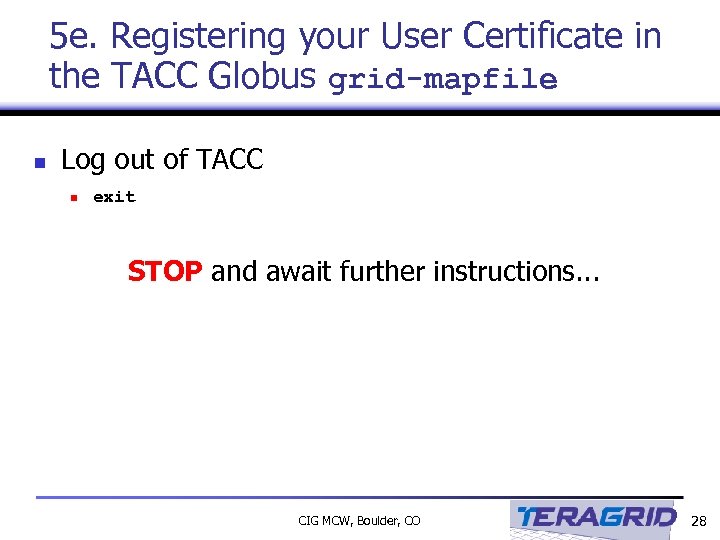 5 e. Registering your User Certificate in the TACC Globus grid-mapfile n Log out of TACC n exit STOP and await further instructions. . . CIG MCW, Boulder, CO 28
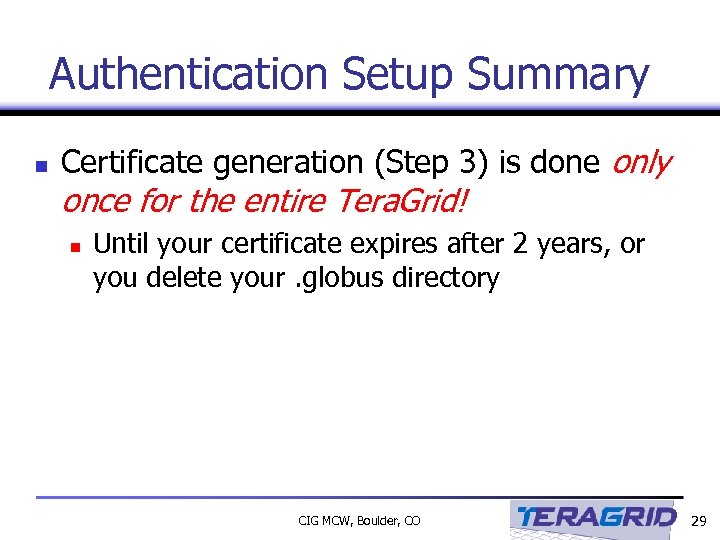 Authentication Setup Summary n Certificate generation (Step 3) is done only once for the entire Tera. Grid! n Until your certificate expires after 2 years, or you delete your. globus directory CIG MCW, Boulder, CO 29
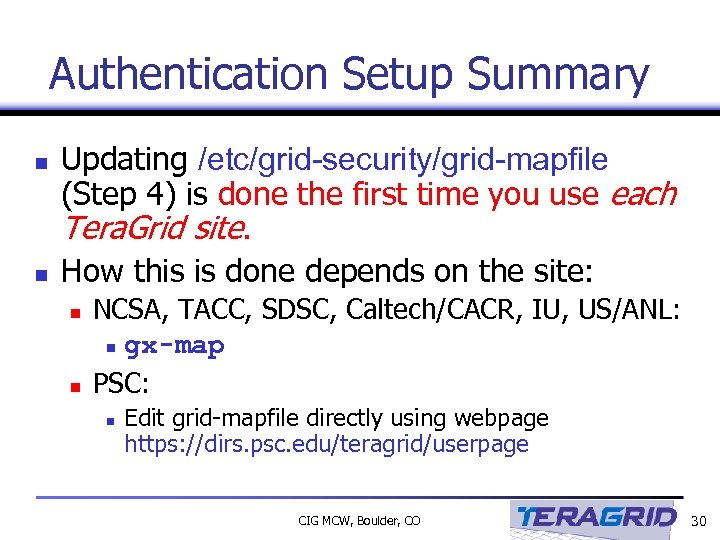 Authentication Setup Summary n n Updating /etc/grid-security/grid-mapfile (Step 4) is done the first time you use each Tera. Grid site. How this is done depends on the site: n n NCSA, TACC, SDSC, Caltech/CACR, IU, US/ANL: n gx-map PSC: n Edit grid-mapfile directly using webpage https: //dirs. psc. edu/teragrid/userpage CIG MCW, Boulder, CO 30
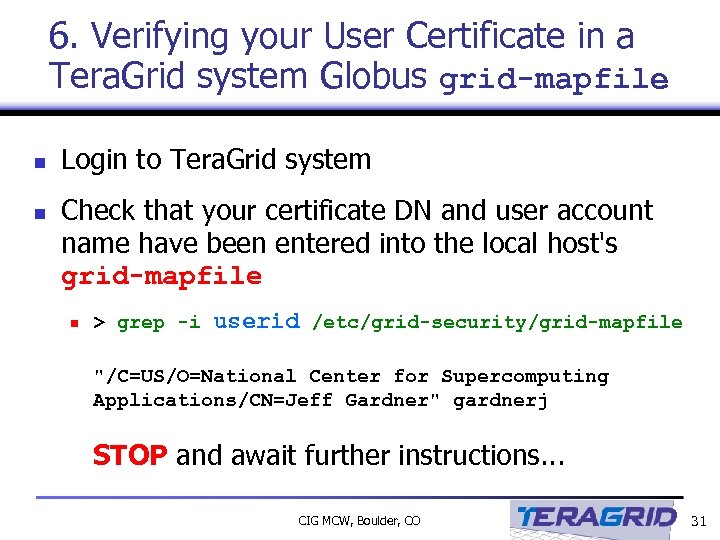 6. Verifying your User Certificate in a Tera. Grid system Globus grid-mapfile n n Login to Tera. Grid system Check that your certificate DN and user account name have been entered into the local host's grid-mapfile n > grep -i userid /etc/grid-security/grid-mapfile "/C=US/O=National Center for Supercomputing Applications/CN=Jeff Gardner" gardnerj STOP and await further instructions. . . CIG MCW, Boulder, CO 31
 Questions n n Phew! Any Questions regarding Tera. Grid User Certificates and Authentication? CIG MCW, Boulder, CO 32
 Links n Obtaining Tera. Grid User Certificates n n Tera. Grid Certificate and DN setup n n http: //www. teragrid. org/userinfo/guide_access_auth_setup. html Tera. Grid Proxy setup n n http: //www. ncsa. uiuc. edu/User. Info/Grid/Security/Get. User. Cert. html http: //www. teragrid. org/userinfo/guide_access_auth_proxy. html Tera. Grid User Guide n http: //teragrid. org/docs/user-guide. html CIG MCW, Boulder, CO 33