 Скачать презентацию Getting Started Essential Computing Concepts By Robert T
2a2b7a384d49d33d9f239a40854c79c2.ppt
- Количество слайдов: 19



Getting Started Essential Computing Concepts By Robert T. Grauer Maryann Barber Exploring Microsoft Office 2000 - Essential Computing Concepts 1
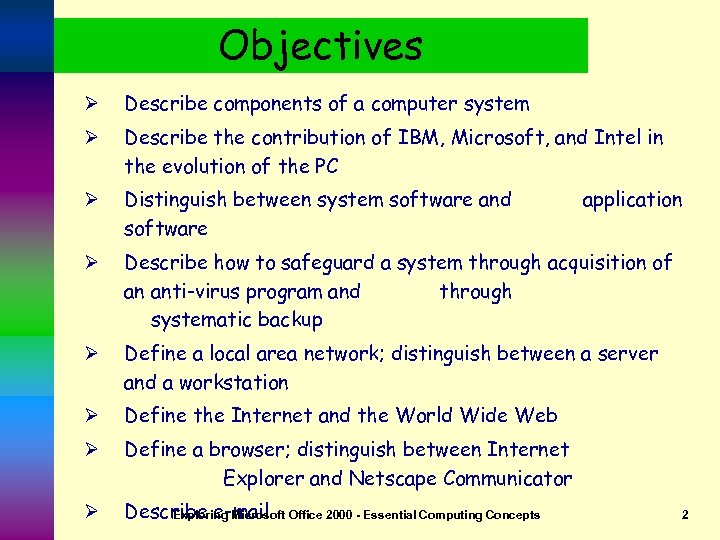
Objectives Ø Describe components of a computer system Ø Describe the contribution of IBM, Microsoft, and Intel in the evolution of the PC Ø Distinguish between system software and software Ø Describe how to safeguard a system through acquisition of an anti-virus program and through systematic backup Ø Define a local area network; distinguish between a server and a workstation Ø Define the Internet and the World Wide Web Ø Define a browser; distinguish between Internet Explorer and Netscape Communicator Ø Describe e-mail Office 2000 - Essential Computing Concepts Exploring Microsoft application 2
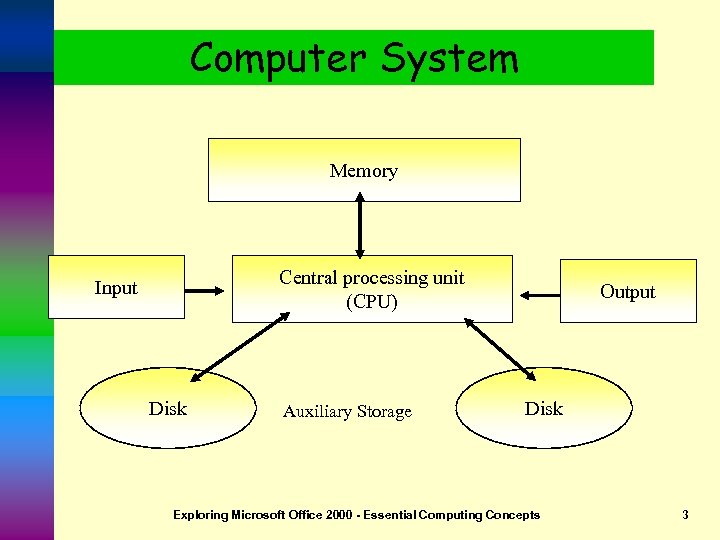
Computer System Memory Central processing unit (CPU) Input Disk Auxiliary Storage Output Disk Exploring Microsoft Office 2000 - Essential Computing Concepts 3
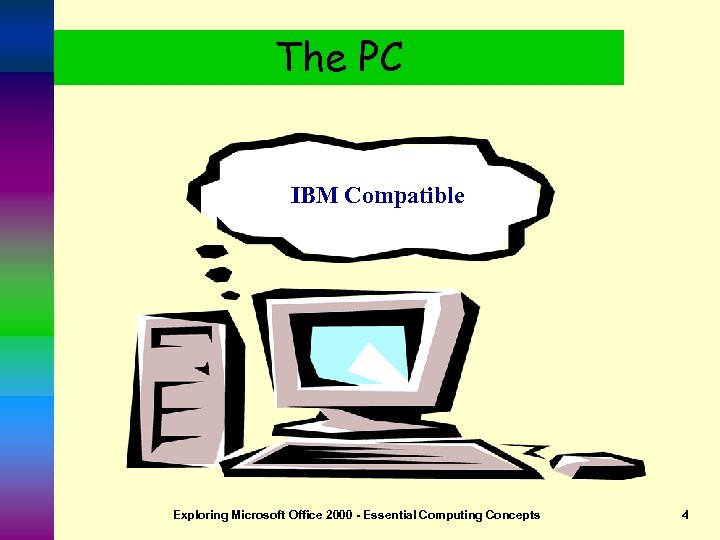
The PC IBM Compatible Exploring Microsoft Office 2000 - Essential Computing Concepts 4
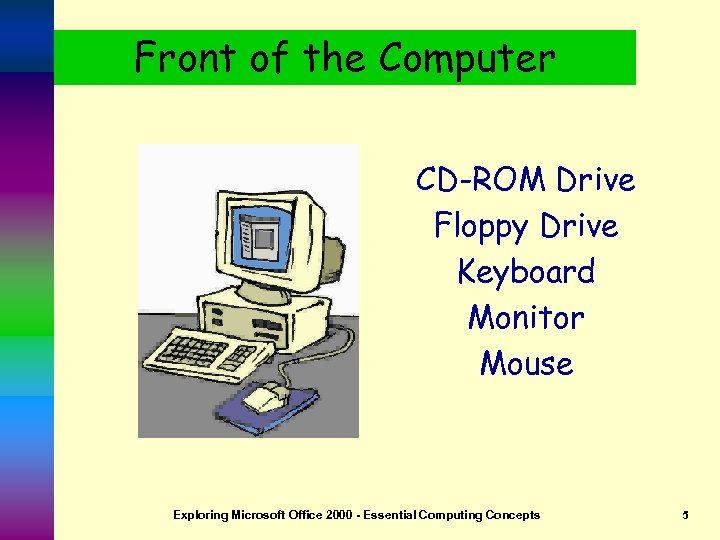
Front of the Computer CD-ROM Drive Floppy Drive Keyboard Monitor Mouse Exploring Microsoft Office 2000 - Essential Computing Concepts 5
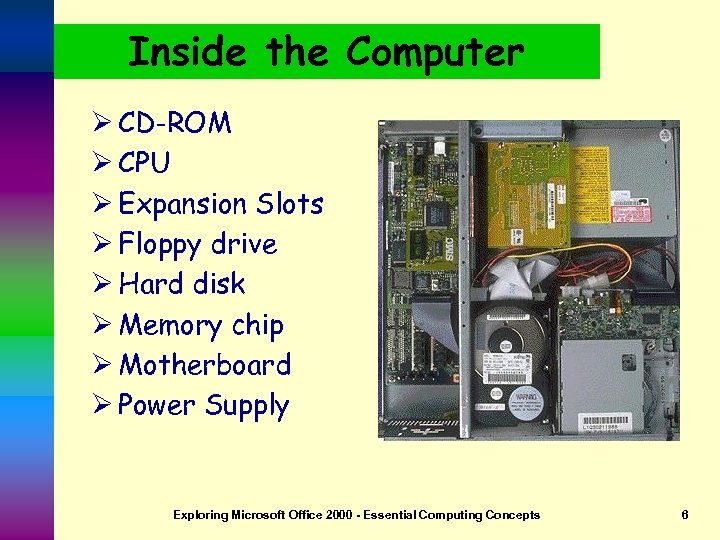
Inside the Computer Ø CD-ROM Ø CPU Ø Expansion Slots Ø Floppy drive Ø Hard disk Ø Memory chip Ø Motherboard Ø Power Supply Exploring Microsoft Office 2000 - Essential Computing Concepts 6
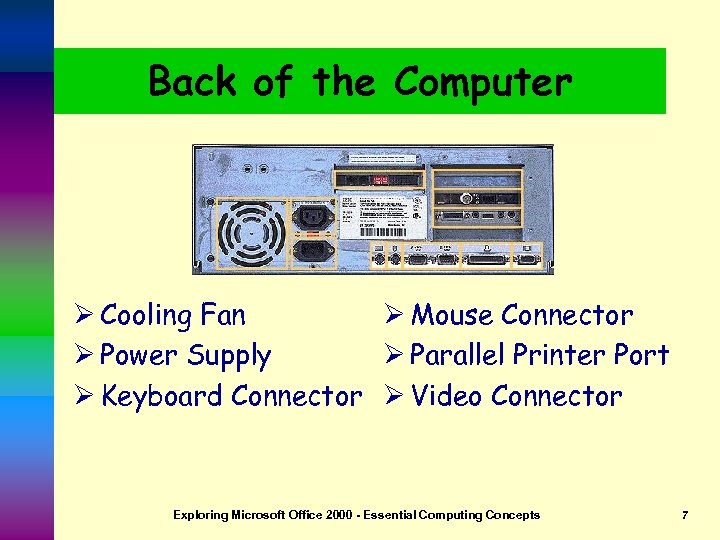
Back of the Computer Ø Cooling Fan Ø Mouse Connector Ø Power Supply Ø Parallel Printer Port Ø Keyboard Connector Ø Video Connector Exploring Microsoft Office 2000 - Essential Computing Concepts 7
The Processor Ø Chip Ø Clock Speed Ø Megahertz Ø Different Brands Logo by AMD Clipart http: //www. amd. com Logo by Cyrix http: //www. cyrix. com Logo by Intel http: //www. intel. com Exploring Microsoft Office 2000 - Essential Computing Concepts 8
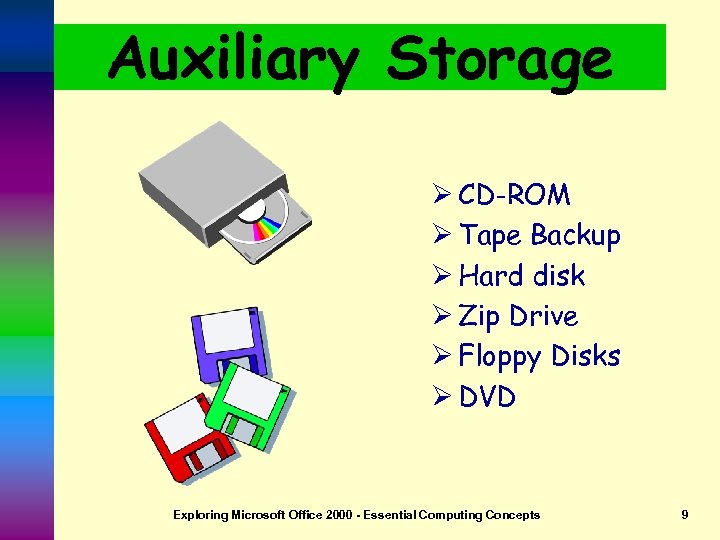
Auxiliary Storage Ø CD-ROM Ø Tape Backup Ø Hard disk Ø Zip Drive Ø Floppy Disks Ø DVD Exploring Microsoft Office 2000 - Essential Computing Concepts 9
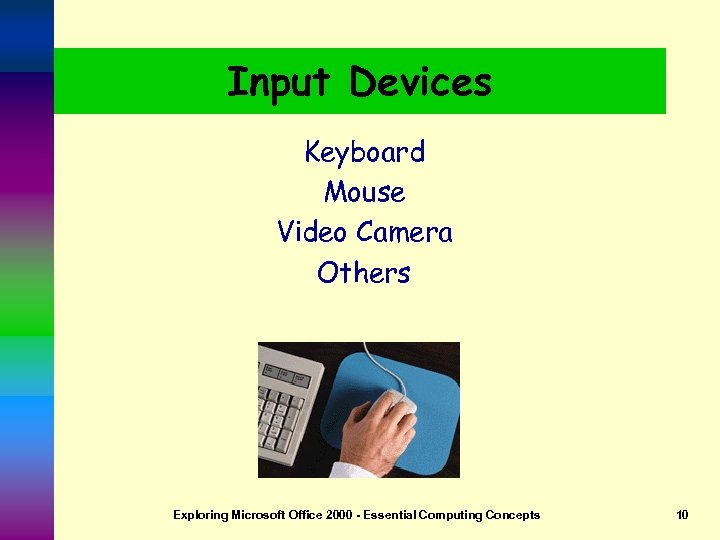
Input Devices Keyboard Mouse Video Camera Others Exploring Microsoft Office 2000 - Essential Computing Concepts 10
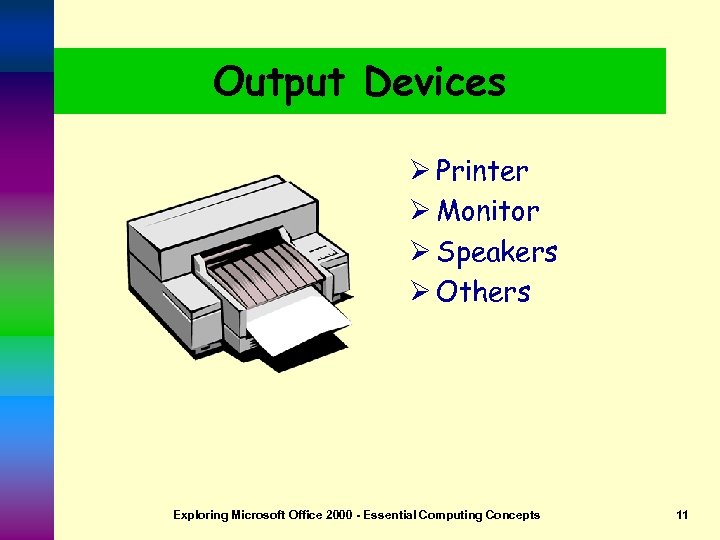
Output Devices Ø Printer Ø Monitor Ø Speakers Ø Others Exploring Microsoft Office 2000 - Essential Computing Concepts 11
Software Ø System MS-DOS n Windows n Ø Application n n n Word Processing Spreadsheets Presentation Games Antivirus Others Exploring Microsoft Office 2000 - Essential Computing Concepts 12
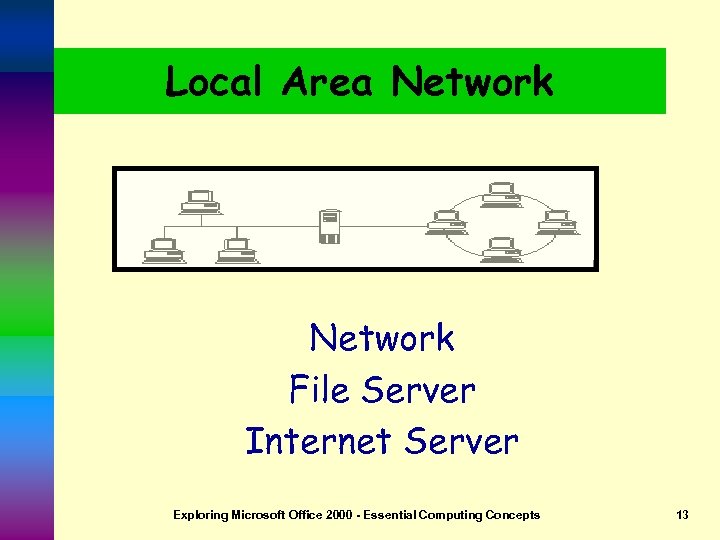
Local Area Network File Server Internet Server Exploring Microsoft Office 2000 - Essential Computing Concepts 13
The Internet ØExciting ØEasy ØWorldwide n. Communication n. Access to Info n. Access to People n. Access to Business Exploring Microsoft Office 2000 - Essential Computing Concepts 14
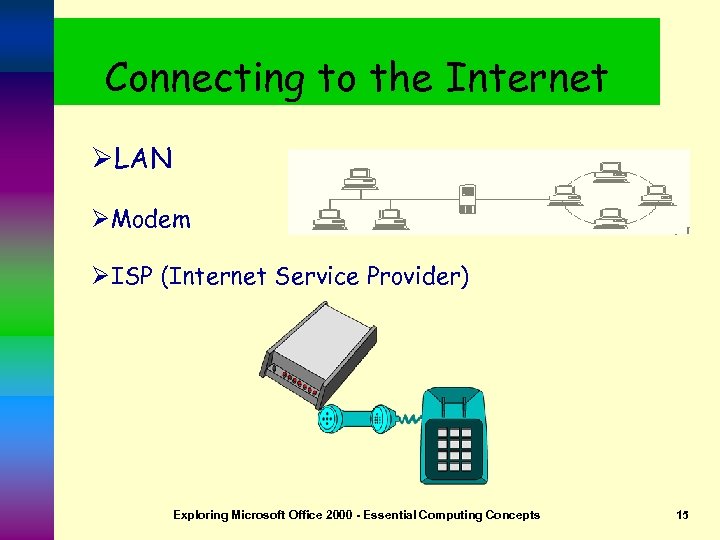
Connecting to the Internet ØLAN ØModem ØISP (Internet Service Provider) Exploring Microsoft Office 2000 - Essential Computing Concepts 15
Electronic Mail (E-mail) Ø E-mail is simply a means of sending messages via computer Ø Business is using more e-mail and fax Ø To access you must have a mail server and/or software Ø Each person has a username and pass-word Ø All mail programs allow you to Send, Compose, Reply and Forward Exploring Microsoft Office 2000 - Essential Computing Concepts 16
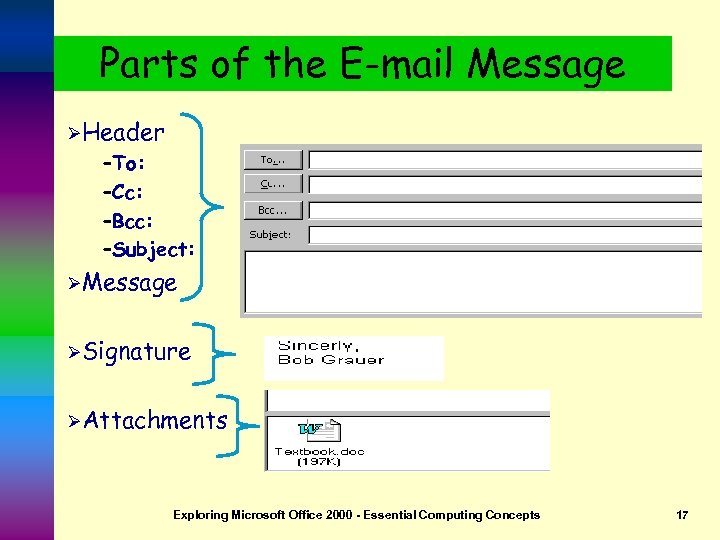
Parts of the E-mail Message ØHeader –To: –Cc: –Bcc: –Subject: ØMessage ØSignature ØAttachments Exploring Microsoft Office 2000 - Essential Computing Concepts 17
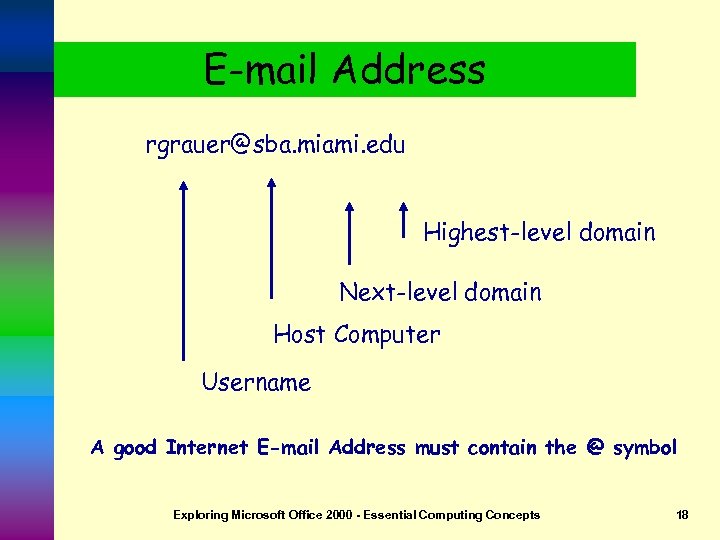
E-mail Address rgrauer@sba. miami. edu Highest-level domain Next-level domain Host Computer Username A good Internet E-mail Address must contain the @ symbol Exploring Microsoft Office 2000 - Essential Computing Concepts 18
E-mail Protocol POP Client --Post Office Protocol n. Mail is read, composed and stored locally n. Can work off-line SMTP --Simple Mail Transfer Protocol n The protocol required to send mail messages through the Internet Exploring Microsoft Office 2000 - Essential Computing Concepts 19
Скачать презентацию Getting Started Essential Computing Concepts By Robert T
2a2b7a384d49d33d9f239a40854c79c2.ppt