


 Скачать презентацию General HP Laser Jet Desk Jet Printer Maintenance Training
058f3f6cb8746e0d39eb41c103867097.ppt
- Количество слайдов: 31
 General HP Laser. Jet/Desk. Jet Printer Maintenance Training Provided by: Ed Quillian For: Harris PC-Technicians/EIT Dept.
 Printer Training Overview (Laser. Jet) n n n n Basic Printer Types u HP Laser. Jet u HP Laser Jet Color Basic Inside Look at Laser Printer Basic Laser Print Cycle Different Components/Functions of Laser Printer Switches and Safety Devices Possible Service Problems/Troubleshooting/Testing Cleaning and Maintenance Above areas that apply for the Desk. Jet Printer
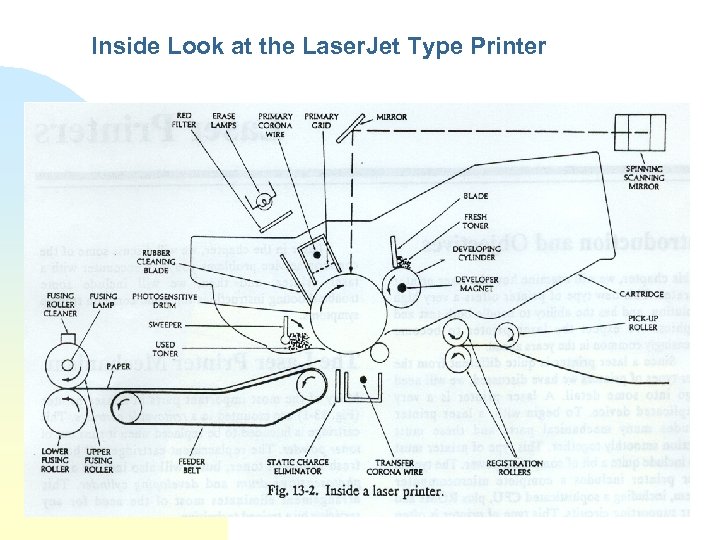 Inside Look at the Laser. Jet Type Printer
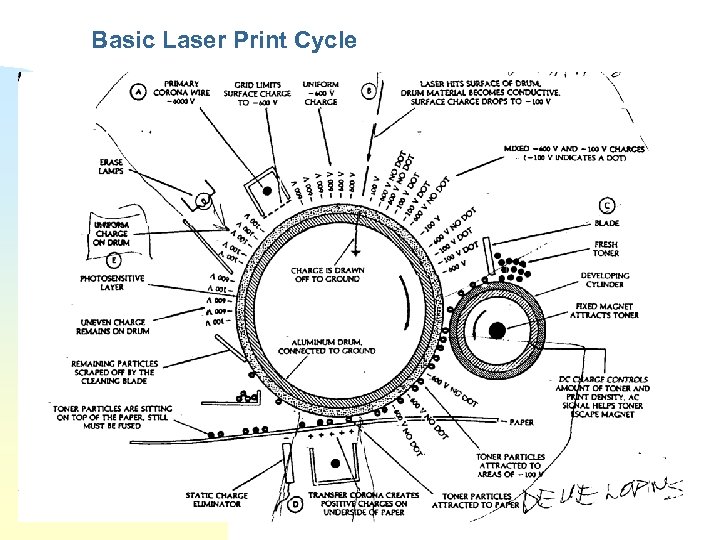 Basic Laser Print Cycle
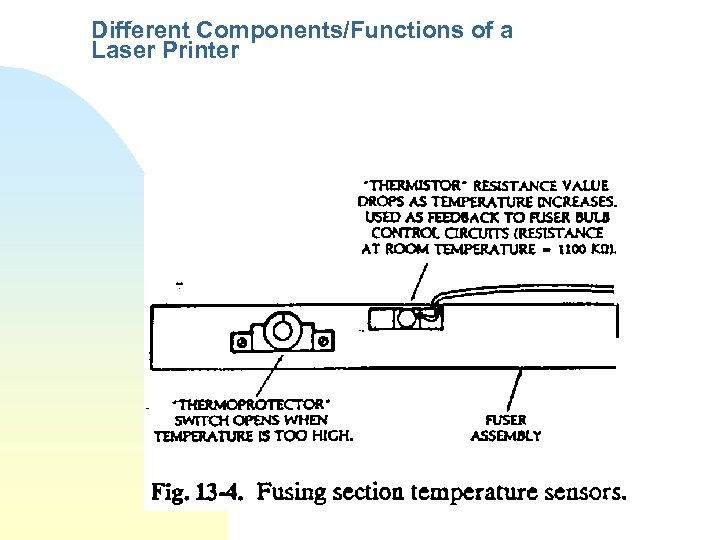 Different Components/Functions of a Laser Printer
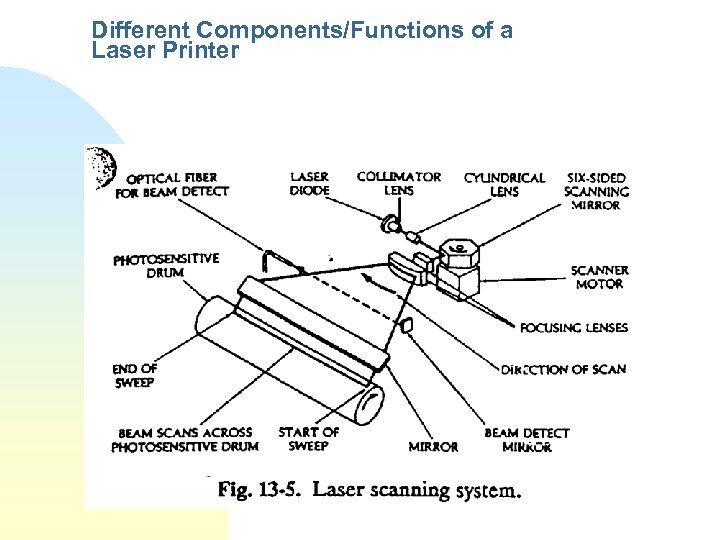 Different Components/Functions of a Laser Printer
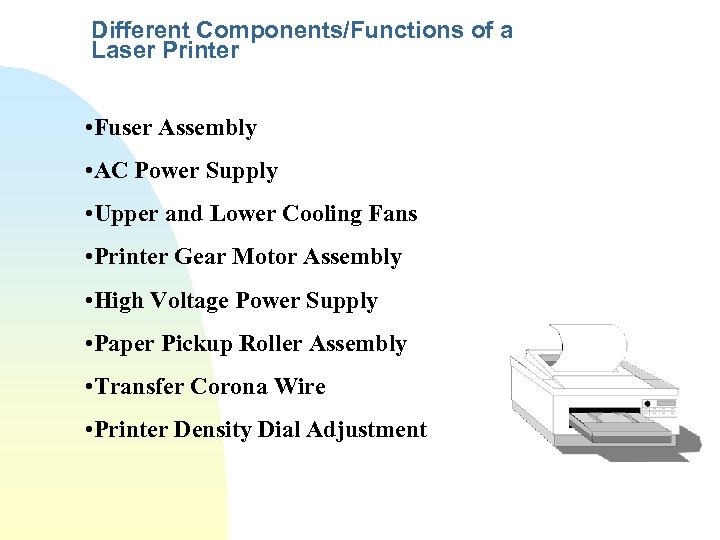 Different Components/Functions of a Laser Printer • Fuser Assembly • AC Power Supply • Upper and Lower Cooling Fans • Printer Gear Motor Assembly • High Voltage Power Supply • Paper Pickup Roller Assembly • Transfer Corona Wire • Printer Density Dial Adjustment
 Switches and Safety Devices • Power On/Off Switch • Safety Interlock Switch • Bottom Cover Interlock Switch • Thermo-protector Switch • NOTE: With the outside cover off, there is a possibility of Laser Light being reflected into your eyes, causing blindness. Do not look directly at that area during power-up with the cover off. Only powerup with the cover off for troubleshooting purposes only!!
 Possible Service Problems/Troubleshooting/Testing • Paper Feeding/Jam Problems • Print Quality Problems • Fuser Failure Problems • Stripped Plastic Gears Problem • Troubleshooting (see handout, and web site) • Perform Internal Printer System Print Test • Perform Internal Engine Print Test • Perform External Printer System/OS Print Test • Perform a Fusing Check
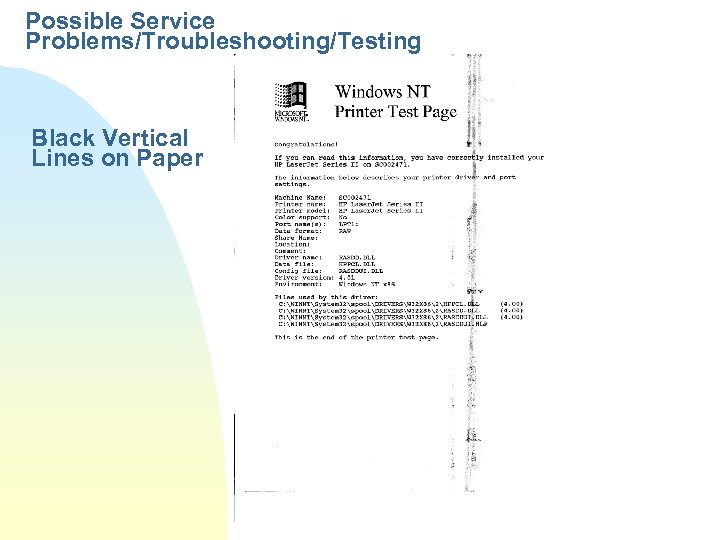 Possible Service Problems/Troubleshooting/Testing Black Vertical Lines on Paper
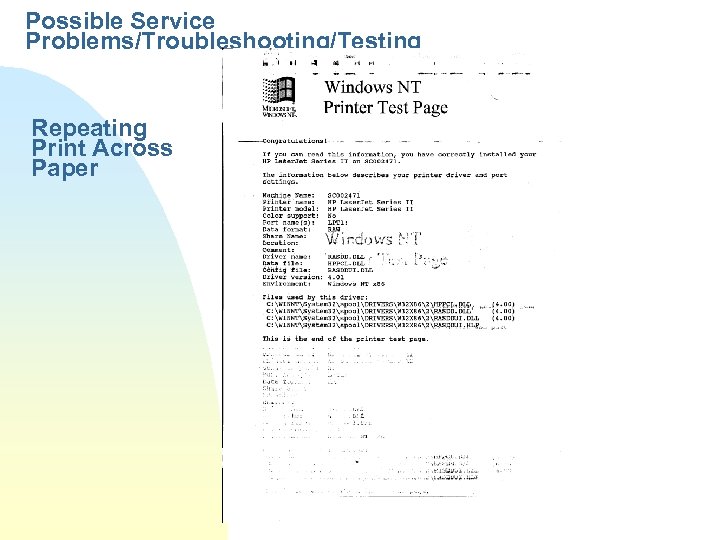 Possible Service Problems/Troubleshooting/Testing Repeating Print Across Paper
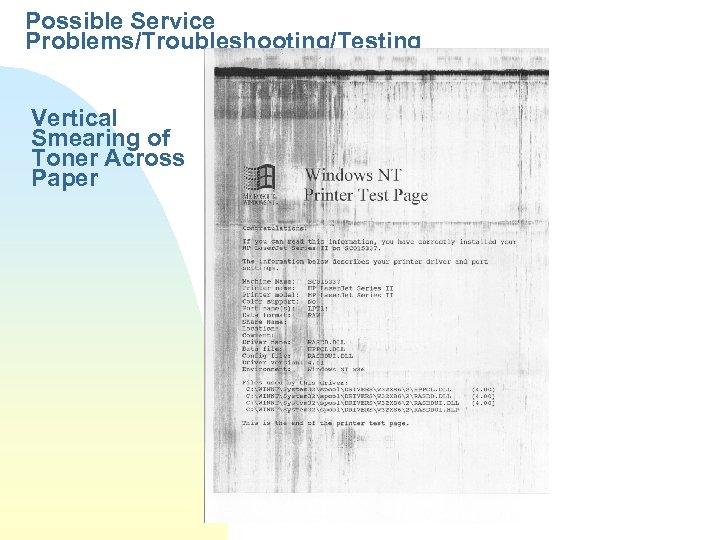 Possible Service Problems/Troubleshooting/Testing Vertical Smearing of Toner Across Paper
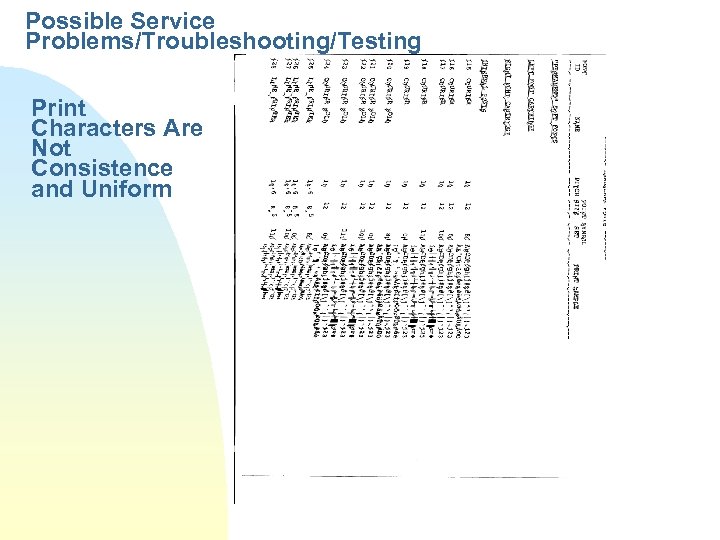 Possible Service Problems/Troubleshooting/Testing Print Characters Are Not Consistence and Uniform
 Cleaning and Maintenance • Use Only 90% Solution of Isopropyl Alcohol and Lint Free Wipes • Check/Clean All Paper Rollers • Check/Clean Primary Corona Wire in Toner Cartridge • Check/Clean Transfer Corona Wire • Check/Clean All Cooling Fans • Check/Clean Inside of Printer Area
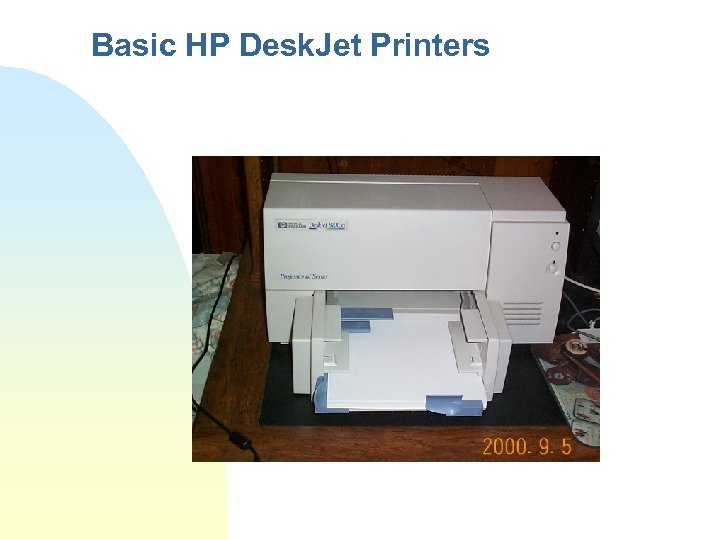 Basic HP Desk. Jet Printers
 Printer Training Overview (Desk. Jet) n n n Basic Look at Desk. Jet Printer Different Components/Functions of Desk. Jet Printer Disassemble, Switches and Safety Devices Possible Service Problems/Troubleshooting/Testing Cleaning and Maintenance
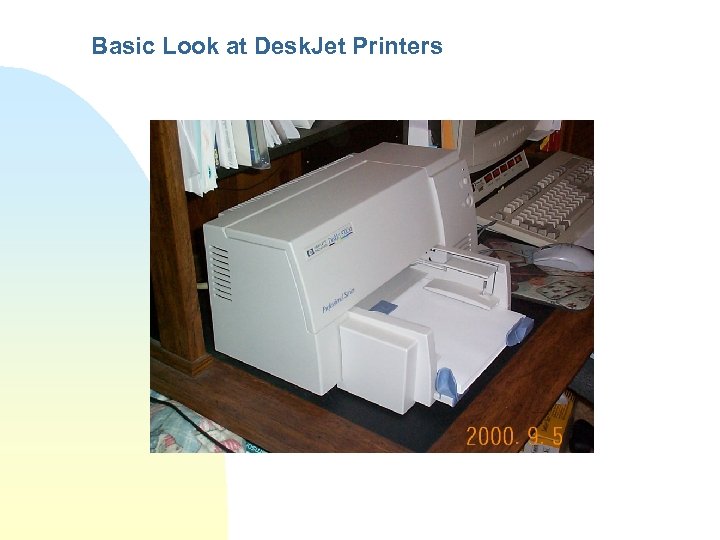 Basic Look at Desk. Jet Printers
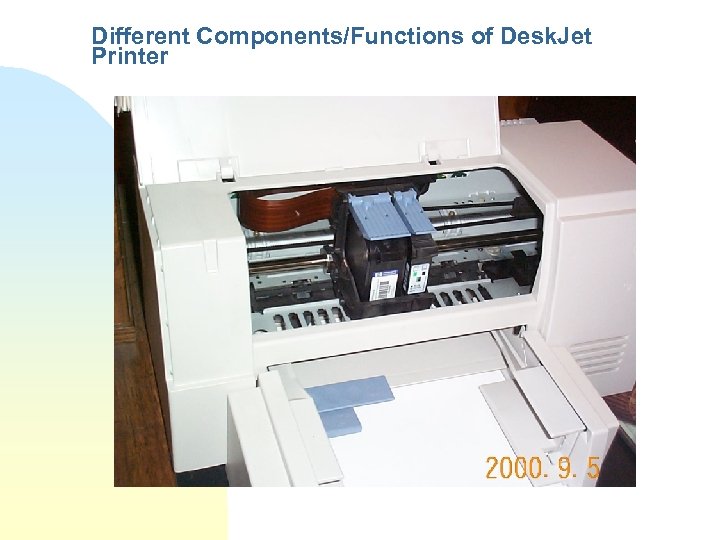 Different Components/Functions of Desk. Jet Printer
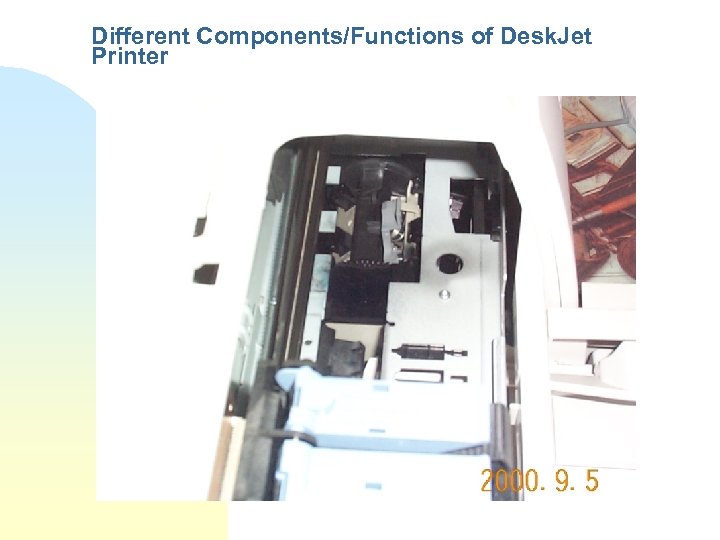 Different Components/Functions of Desk. Jet Printer
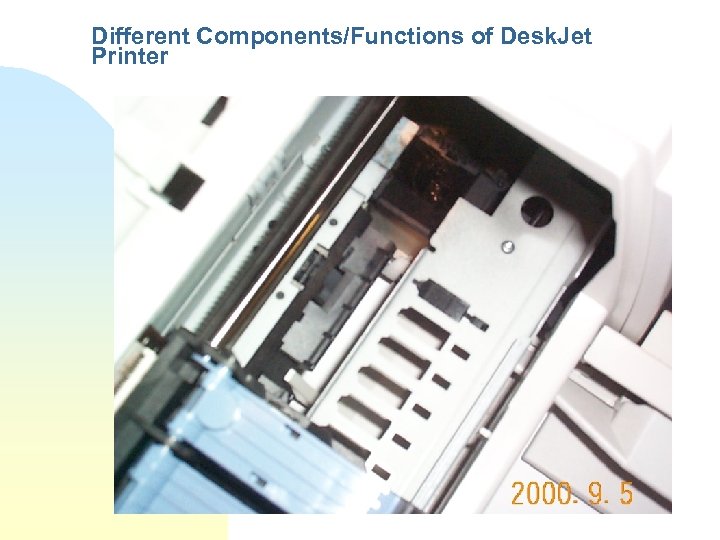 Different Components/Functions of Desk. Jet Printer
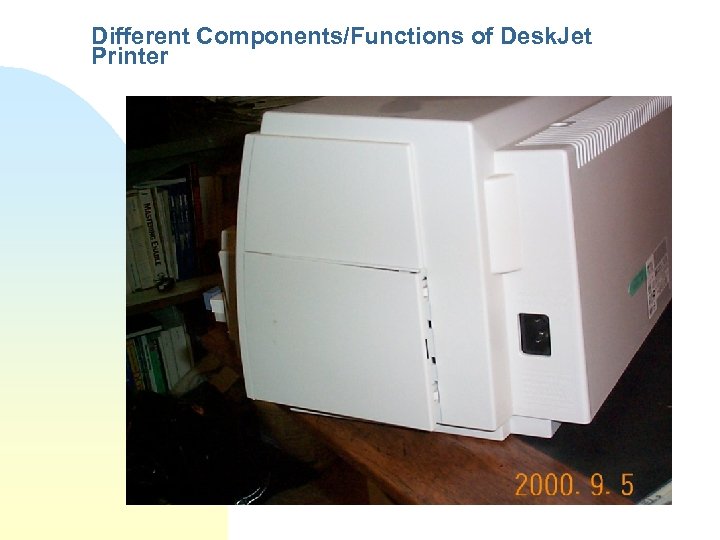 Different Components/Functions of Desk. Jet Printer
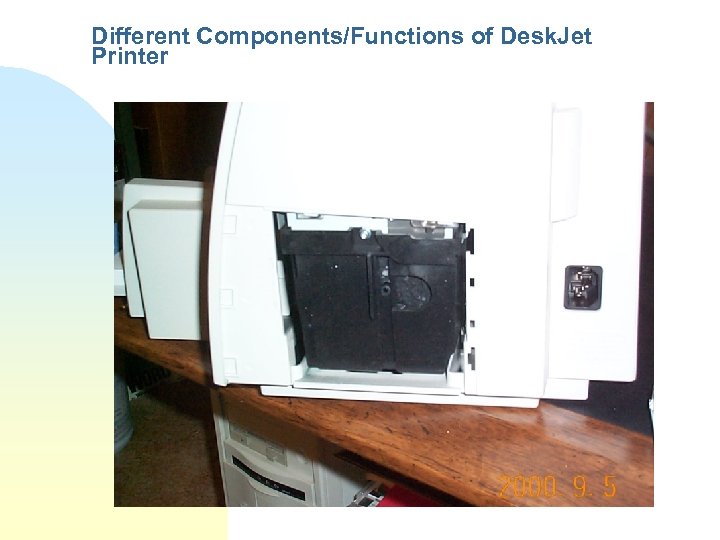 Different Components/Functions of Desk. Jet Printer
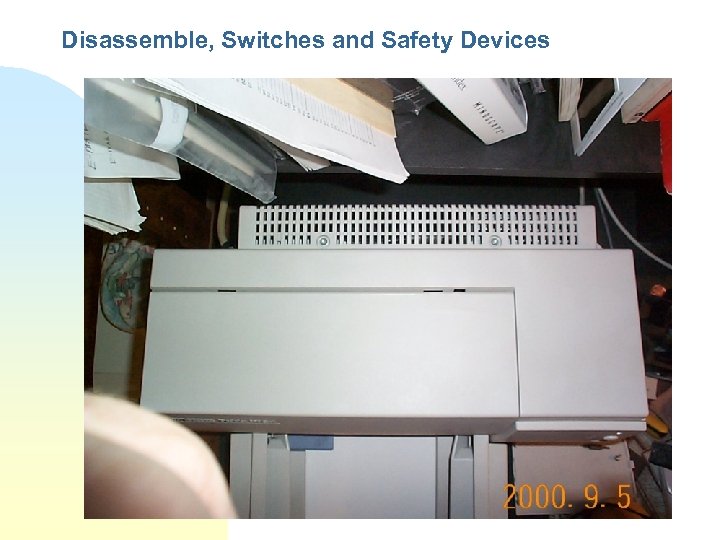 Disassemble, Switches and Safety Devices
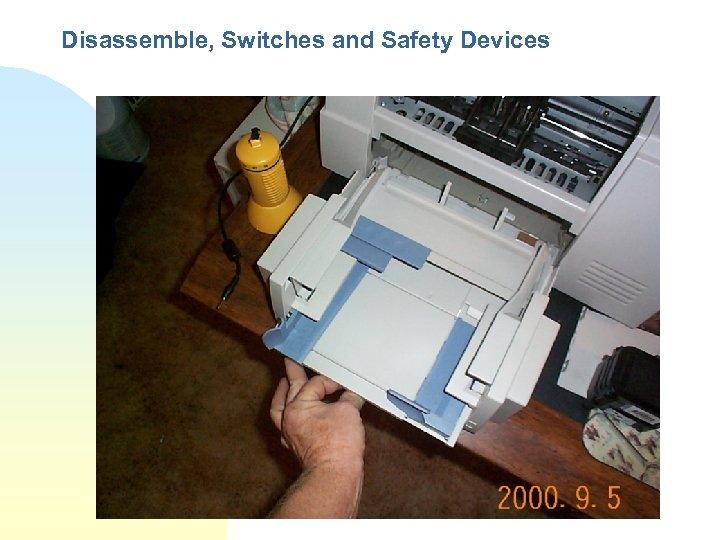 Disassemble, Switches and Safety Devices
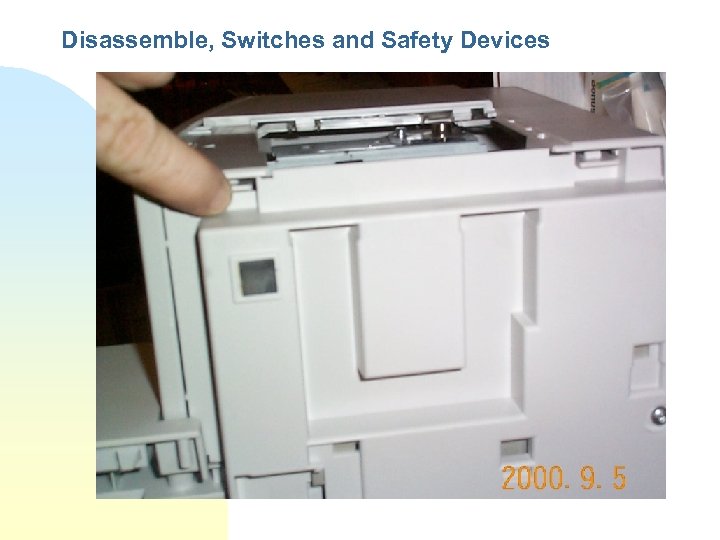 Disassemble, Switches and Safety Devices
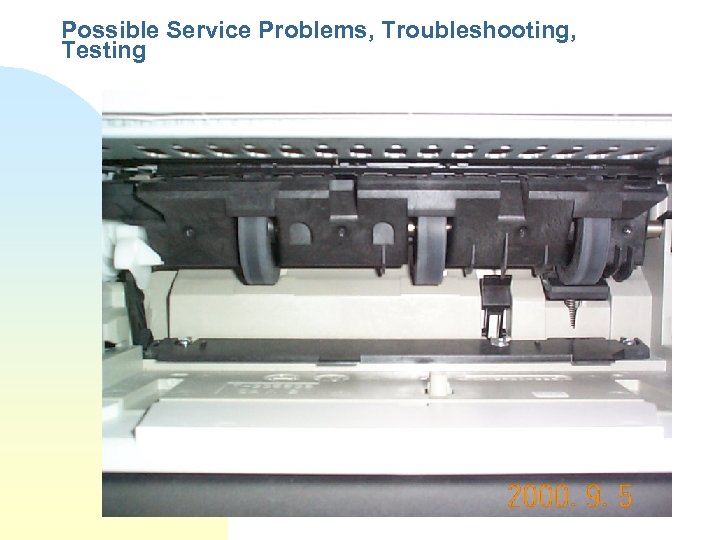 Possible Service Problems, Troubleshooting, Testing
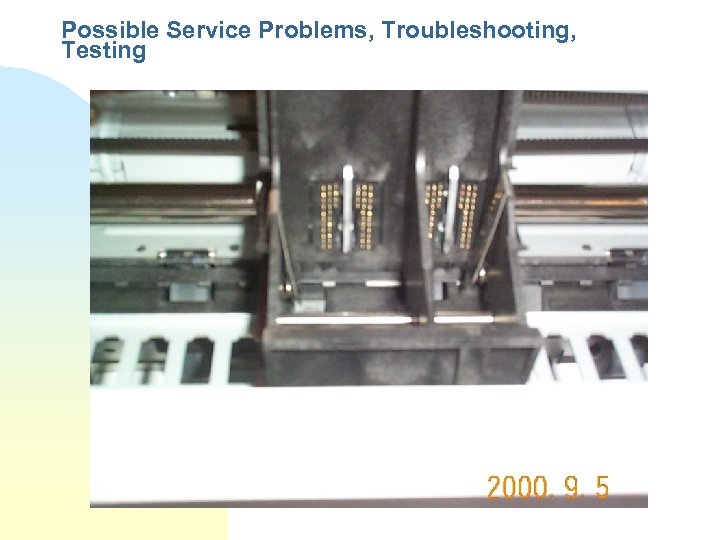 Possible Service Problems, Troubleshooting, Testing
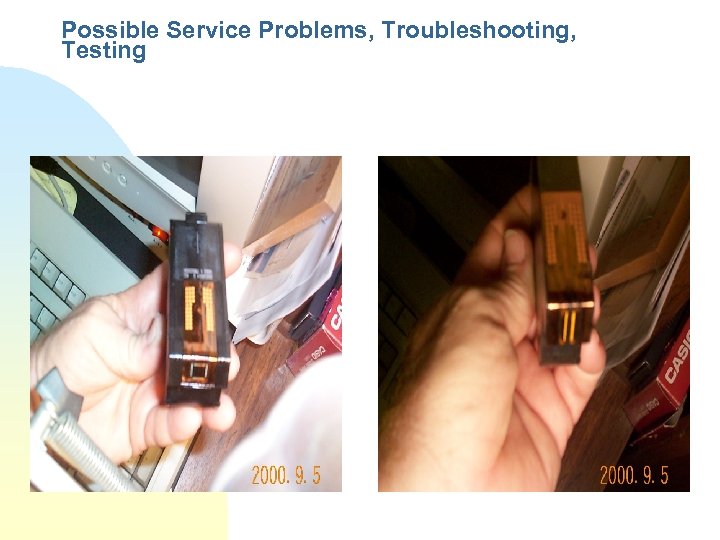 Possible Service Problems, Troubleshooting, Testing
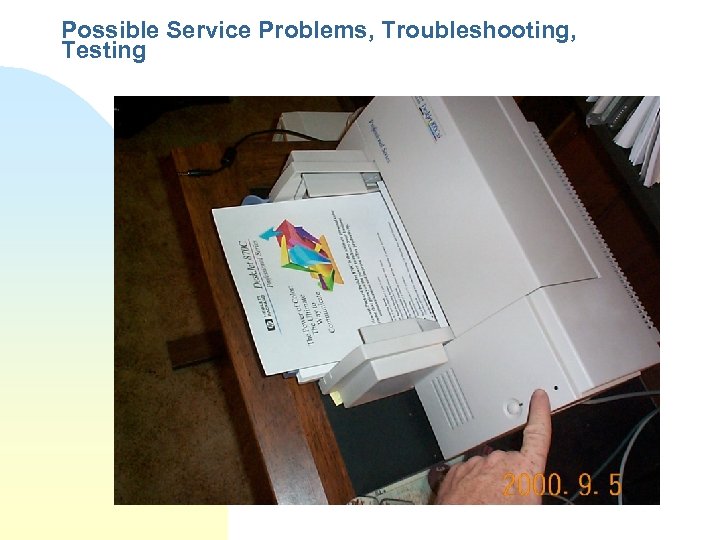 Possible Service Problems, Troubleshooting, Testing
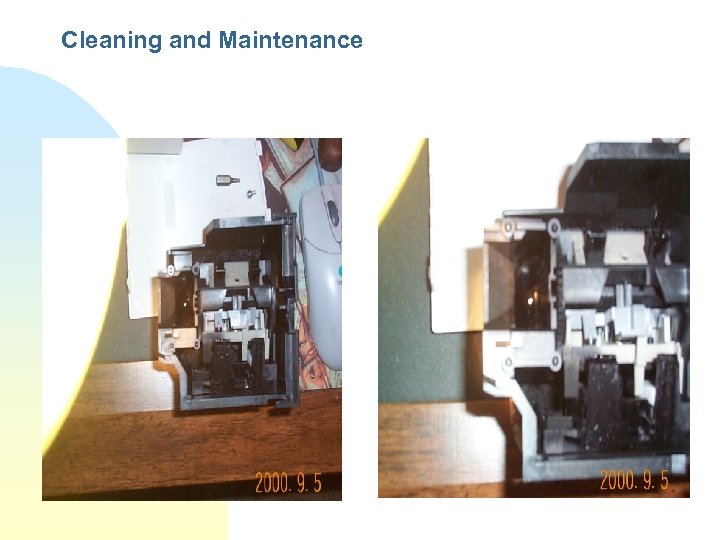 Cleaning and Maintenance
 Printing Web Site on the Intranet • EIT Dept. Web Site: (Link to the Ops Manual) http: //gcsd. harris. com/engineering/infotech/deskt op. html • Direct URL to PC-Technician’s Ops Manual: http: //gcsd. harris. com/engineering/infotech/nt/pro cedures/