


 Скачать презентацию где Как делать презентации О чем Effective Scientific
как делать презентации.ppt
- Количество слайдов: 26
 где? Как делать презентации! О чем? Effective Scientific Presentation Skills Кто?
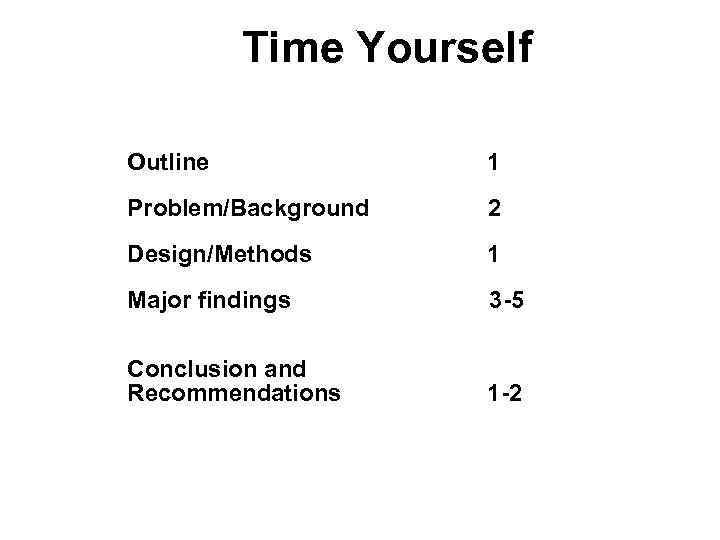 Time Yourself Outline 1 Problem/Background 2 Design/Methods 1 Major findings 3 -5 Conclusion and Recommendations 1 -2
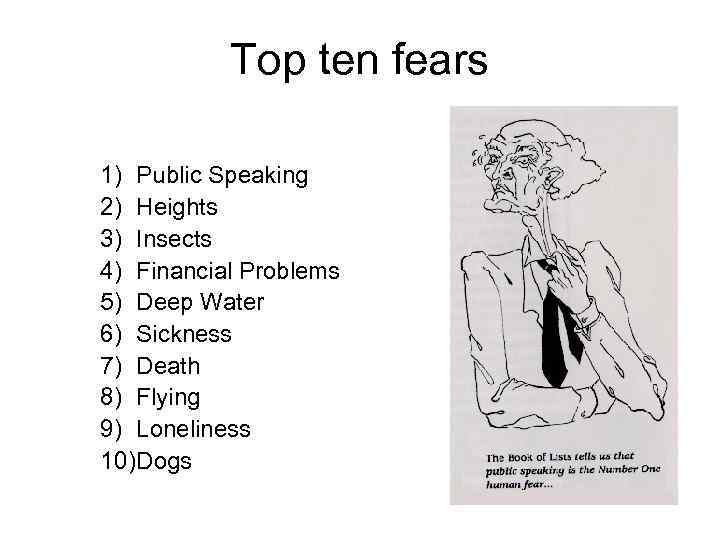 Top ten fears 1) Public Speaking 2) Heights 3) Insects 4) Financial Problems 5) Deep Water 6) Sickness 7) Death 8) Flying 9) Loneliness 10)Dogs
 Common Causes of Ineffective Presentations • • • Failure to motivate audience Confusing structure Gaps in logic Excessive details Poorly designed slides Poor delivery
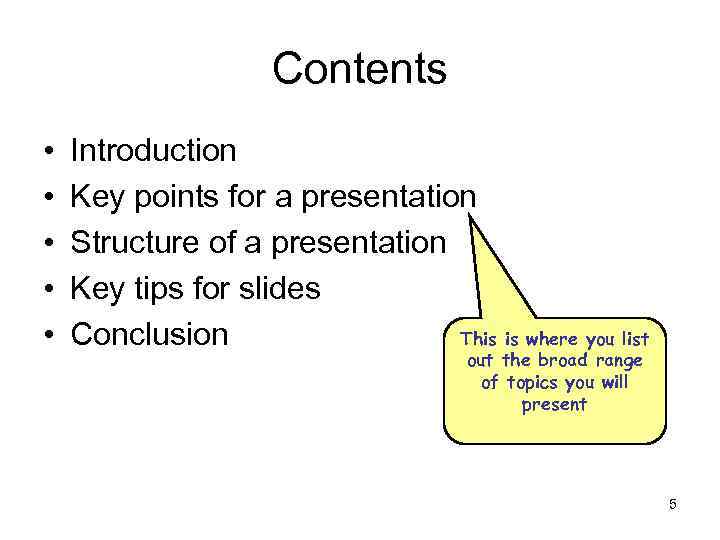 Contents • • • Introduction Key points for a presentation Structure of a presentation Key tips for slides This is where you list Conclusion out the broad range of topics you will present 5
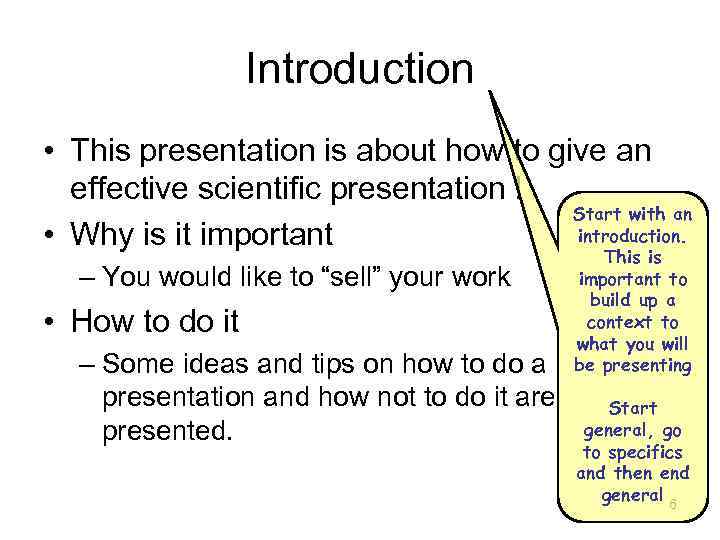 Introduction • This presentation is about how to give an effective scientific presentation ! Start with an introduction. • Why is it important – You would like to “sell” your work • How to do it – Some ideas and tips on how to do a presentation and how not to do it are presented. This is important to build up a context to what you will be presenting Start general, go to specifics and then end general 6
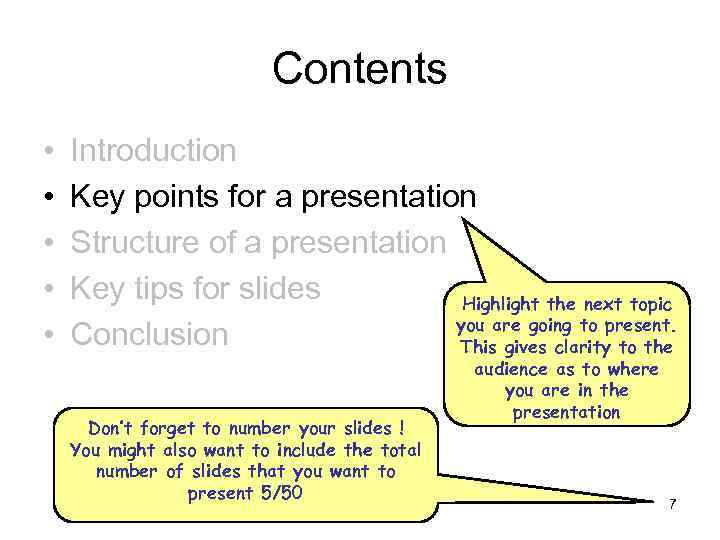 Contents • • • Introduction Key points for a presentation Structure of a presentation Key tips for slides Highlight the next topic you are going to present. Conclusion This gives clarity to the Don’t forget to number your slides ! You might also want to include the total number of slides that you want to present 5/50 audience as to where you are in the presentation 7
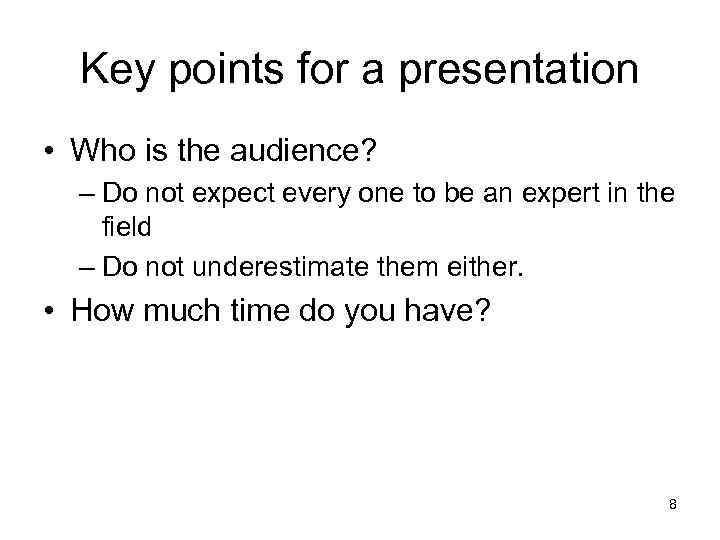 Key points for a presentation • Who is the audience? – Do not expect every one to be an expert in the field – Do not underestimate them either. • How much time do you have? 8
 Contents • • • Introduction Key points for a presentation Structure of a presentation Key tips for slides Conclusion 9
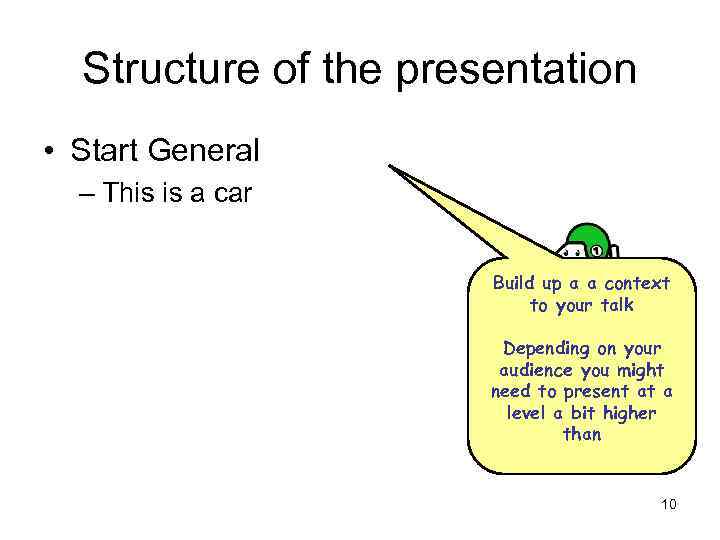 Structure of the presentation • Start General – This is a car Build up a a context to your talk Depending on your audience you might need to present at a level a bit higher than 10
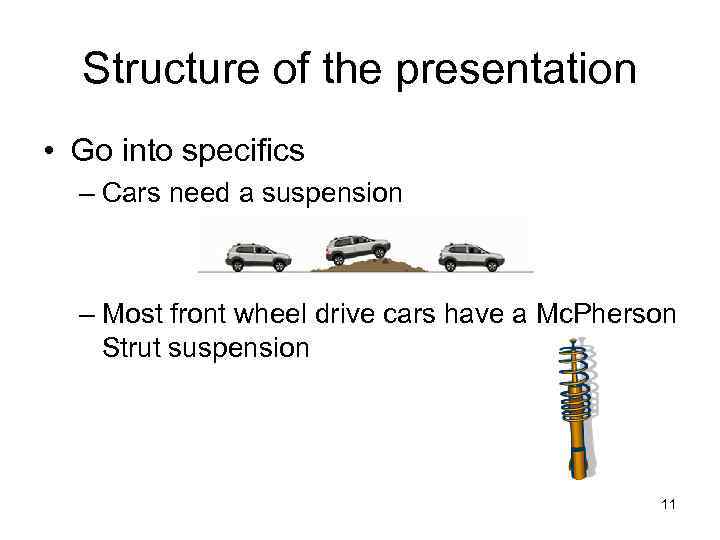 Structure of the presentation • Go into specifics – Cars need a suspension – Most front wheel drive cars have a Mc. Pherson Strut suspension 11
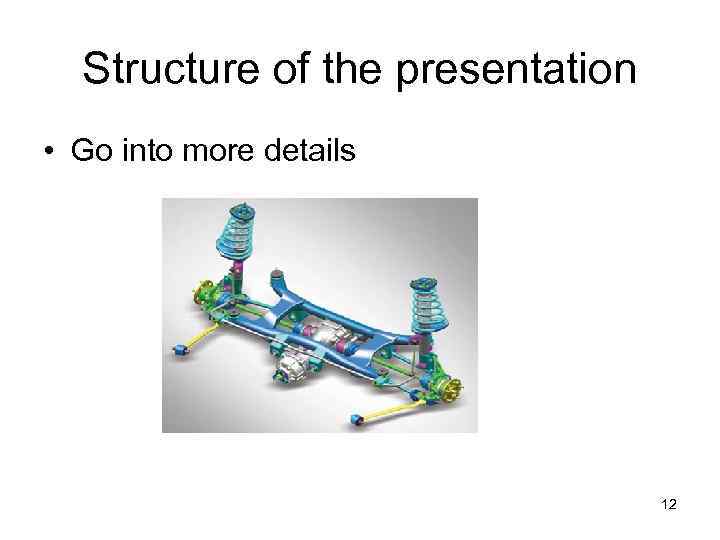 Structure of the presentation • Go into more details 12
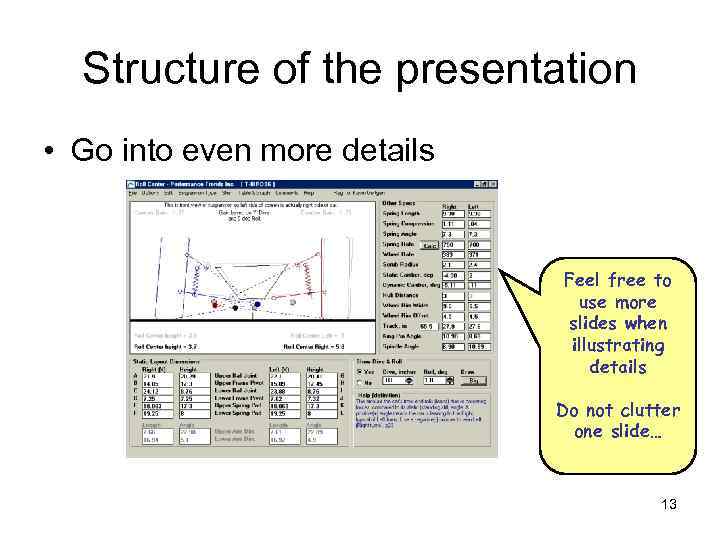 Structure of the presentation • Go into even more details Feel free to use more slides when illustrating details Do not clutter one slide… 13
 Structure of the presentation • What to do if you are starting with your work and do not have details? – Start with the general build up of context • What is your project about – Go to specifics… Ooops !!! There are no specifics • If you don’t have enough work done to present, then state your goals and objectives that you intend to achieve. Discuss with your peers and seniors. Try to be creative. The audience wants to know about what work you will be doing ……. . 14
 Contents • • • Introduction Key points for a presentation Structure of a presentation Key tips for slides Conclusion 15
 Visuals: How Does it Look? n Choose style that supports the tone n Apply the same style to each slide Be consistent! n. Make sure font size is legible. Can you read 16 point?
 Key tips for slides • To Bold or not to Bold – You can chose to use Bold letters to highlight words – If you want to typeset in Bold then keep in mind the Font and Font Size – This does not look that good – This looks okay 17
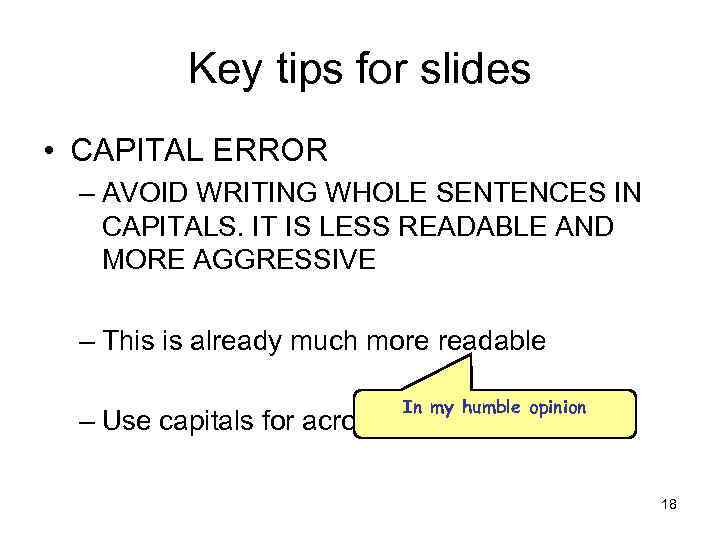 Key tips for slides • CAPITAL ERROR – AVOID WRITING WHOLE SENTENCES IN CAPITALS. IT IS LESS READABLE AND MORE AGGRESSIVE – This is already much more readable In my humble opinion – Use capitals for acronyms IMHO 18
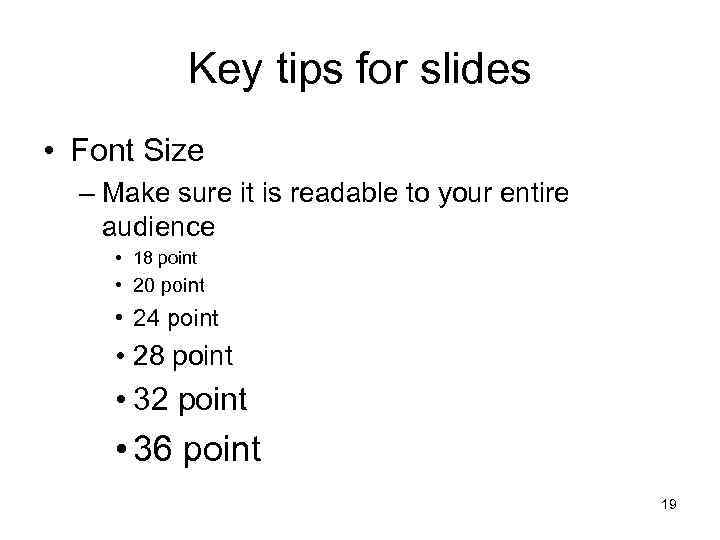 Key tips for slides • Font Size – Make sure it is readable to your entire audience • 18 point • 20 point • 24 point • 28 point • 32 point • 36 point 19
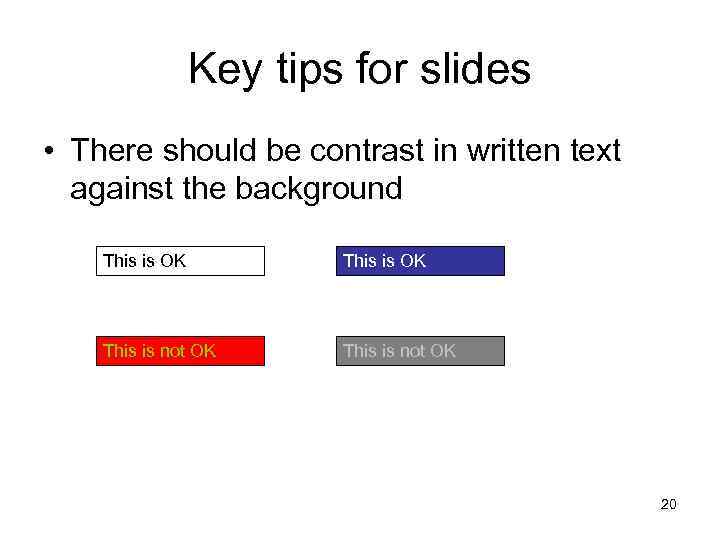 Key tips for slides • There should be contrast in written text against the background This is OK This is not OK 20
 Key tips for slides • Give space in your slides. • If you use any logos and picture ensure that they have a good resolution • For smaller audiences it might be a good idea to give handouts to make the talk more personal 21
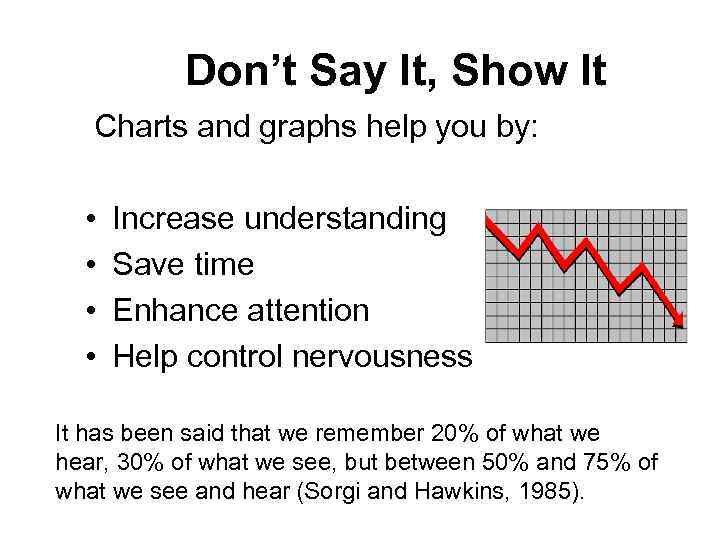 Don’t Say It, Show It Charts and graphs help you by: • • Increase understanding Save time Enhance attention Help control nervousness It has been said that we remember 20% of what we hear, 30% of what we see, but between 50% and 75% of what we see and hear (Sorgi and Hawkins, 1985).
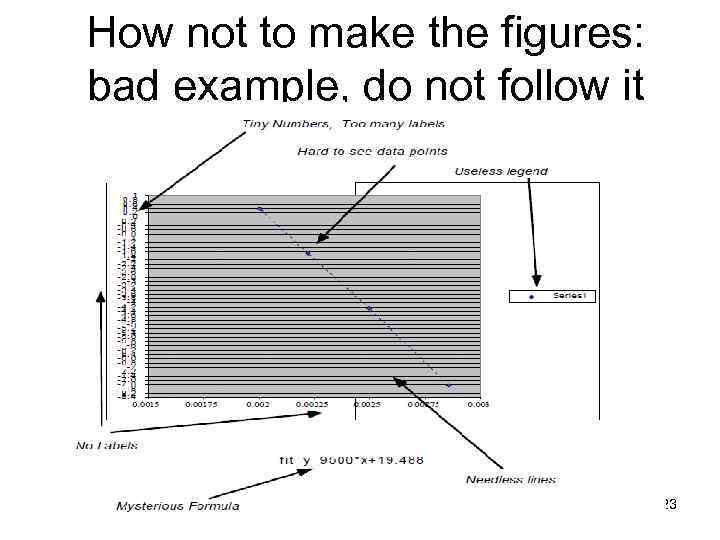 How not to make the figures: bad example, do not follow it 23
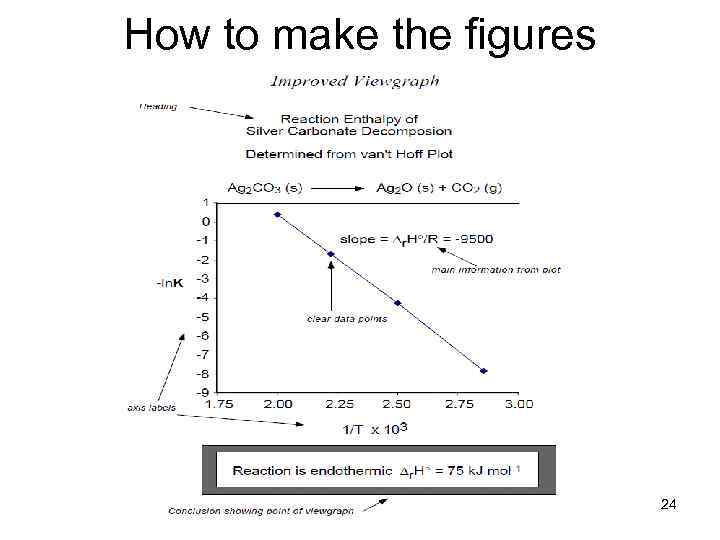 How to make the figures 24
 Contents • • • Introduction Key points for a presentation Structure of a presentation Key tips for slides Conclusion 25
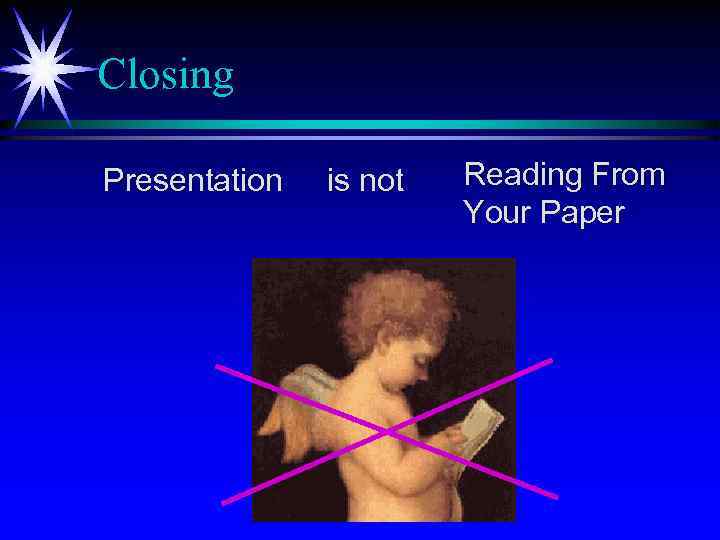 Closing Presentation is not Reading From Your Paper