Скачать презентацию G Pullaiah College of Engineering and Technology Department Скачать презентацию G Pullaiah College of Engineering and Technology Department

e24a0e4e5be155661b512fc91a965d83.ppt

  • Количество слайдов: 55

G. Pullaiah College of Engineering and Technology Department of Computer Science & Engineering G. Pullaiah College of Engineering and Technology Department of Computer Science & Engineering

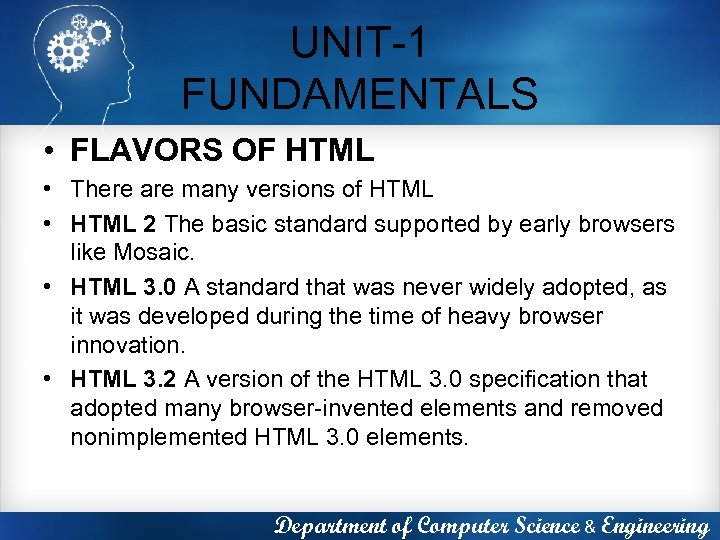
UNIT-1 FUNDAMENTALS • FLAVORS OF HTML • There are many versions of HTML • UNIT-1 FUNDAMENTALS • FLAVORS OF HTML • There are many versions of HTML • HTML 2 The basic standard supported by early browsers like Mosaic. • HTML 3. 0 A standard that was never widely adopted, as it was developed during the time of heavy browser innovation. • HTML 3. 2 A version of the HTML 3. 0 specification that adopted many browser-invented elements and removed nonimplemented HTML 3. 0 elements. Department of Computer Science & Engineering

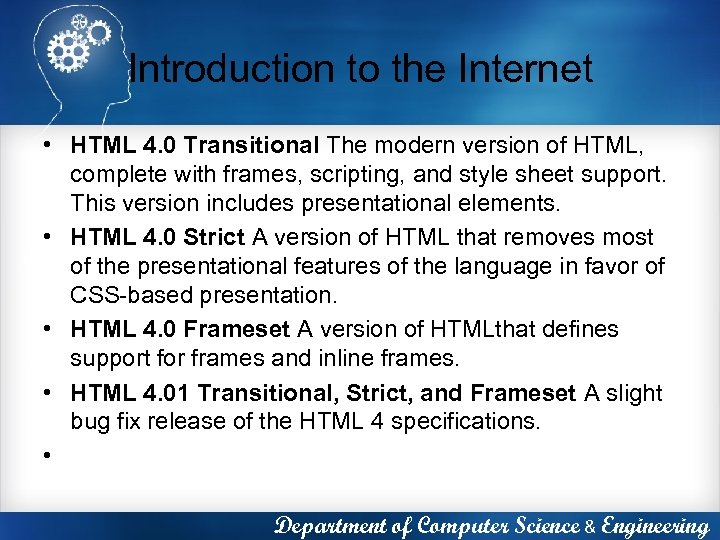
Introduction to the Internet • HTML 4. 0 Transitional The modern version of HTML, Introduction to the Internet • HTML 4. 0 Transitional The modern version of HTML, complete with frames, scripting, and style sheet support. This version includes presentational elements. • HTML 4. 0 Strict A version of HTML that removes most of the presentational features of the language in favor of CSS-based presentation. • HTML 4. 0 Frameset A version of HTMLthat defines support for frames and inline frames. • HTML 4. 01 Transitional, Strict, and Frameset A slight bug fix release of the HTML 4 specifications. • Department of Computer Science & Engineering

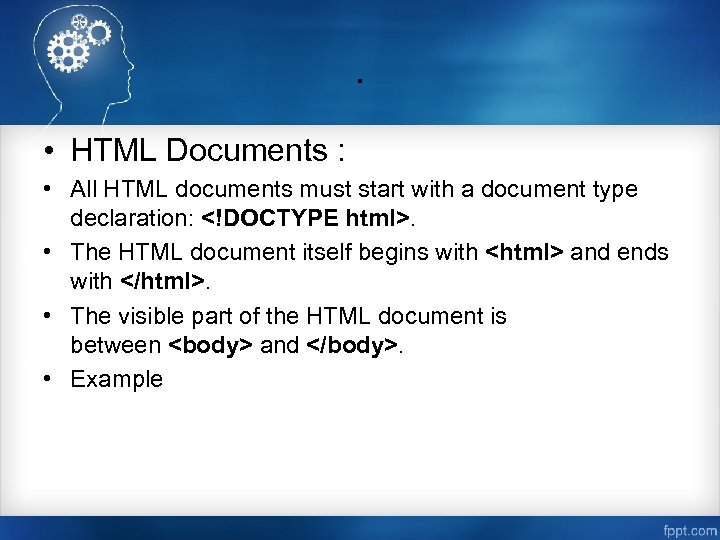
. • HTML Documents : • All HTML documents must start with a document . • HTML Documents : • All HTML documents must start with a document type declaration: . • The HTML document itself begins with and ends with . • The visible part of the HTML document is between and . • Example

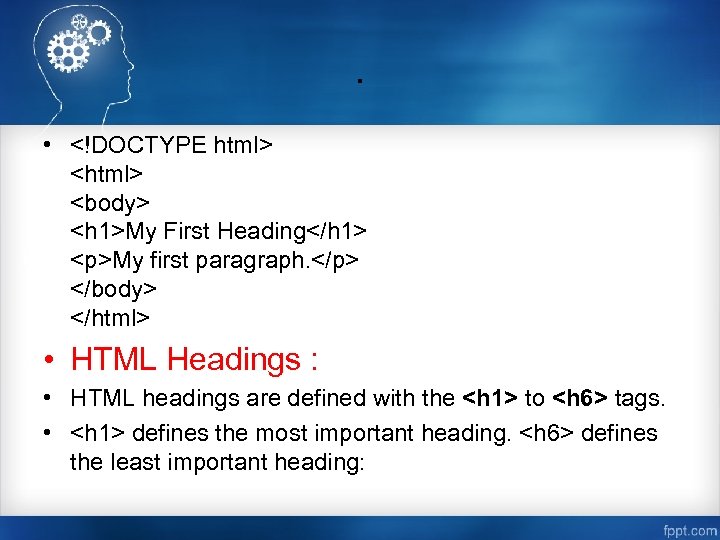
. • <!DOCTYPE html> <body> <h 1>My First Heading</h 1> <p>My first paragraph. </p> . • My First Heading

My first paragraph.

• HTML Headings : • HTML headings are defined with the to tags. • defines the most important heading. defines the least important heading:

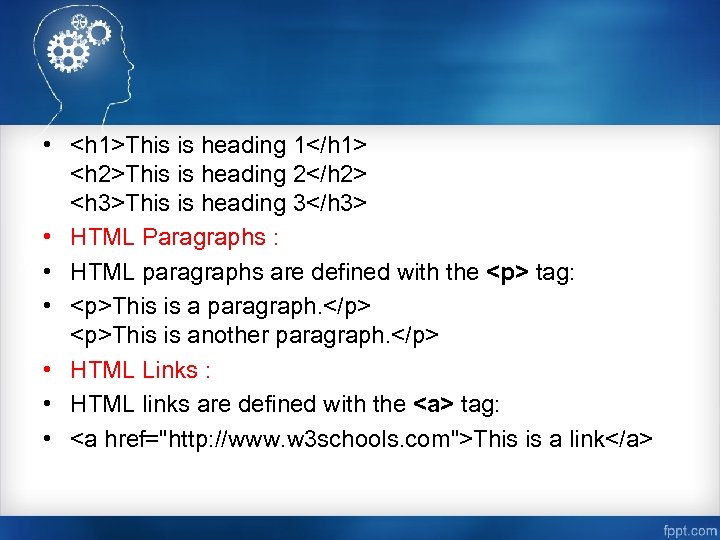
 • <h 1>This is heading 1</h 1> <h 2>This is heading 2</h 2>This is heading 1 This is heading 2 This is heading 3 • HTML Paragraphs : • HTML paragraphs are defined with the

tag: •

This is a paragraph.

This is another paragraph.

• HTML Links : • HTML links are defined with the tag: • This is a link

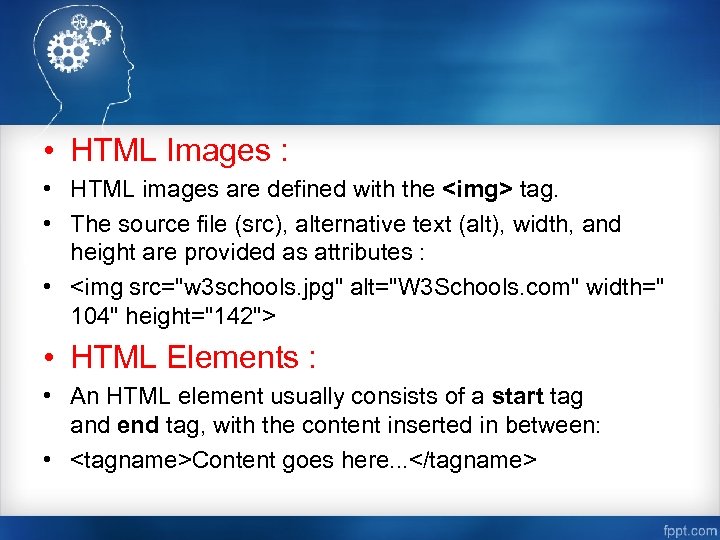
 • HTML Images : • HTML images are defined with the <img> tag. • HTML Images : • HTML images are defined with the tag. • The source file (src), alternative text (alt), width, and height are provided as attributes : • W 3 Schools. com • HTML Elements : • An HTML element usually consists of a start tag and end tag, with the content inserted in between: • Content goes here. . .

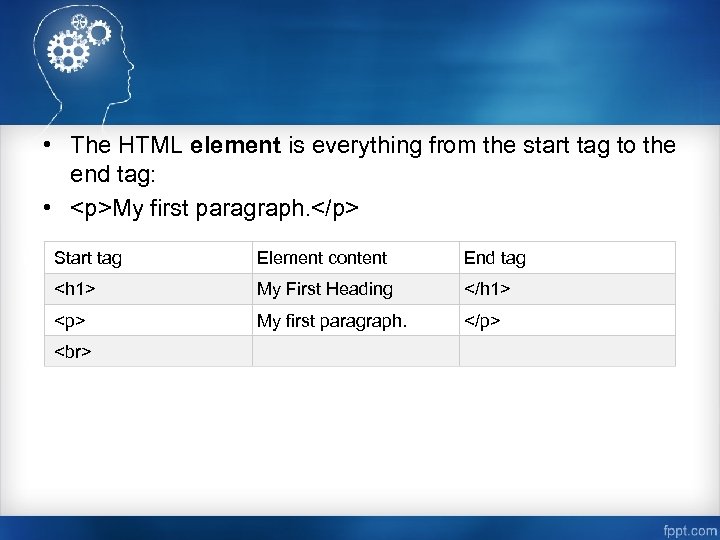
 • The HTML element is everything from the start tag to the end • The HTML element is everything from the start tag to the end tag: •

My first paragraph.

Start tag Element content End tag My First Heading

My first paragraph.

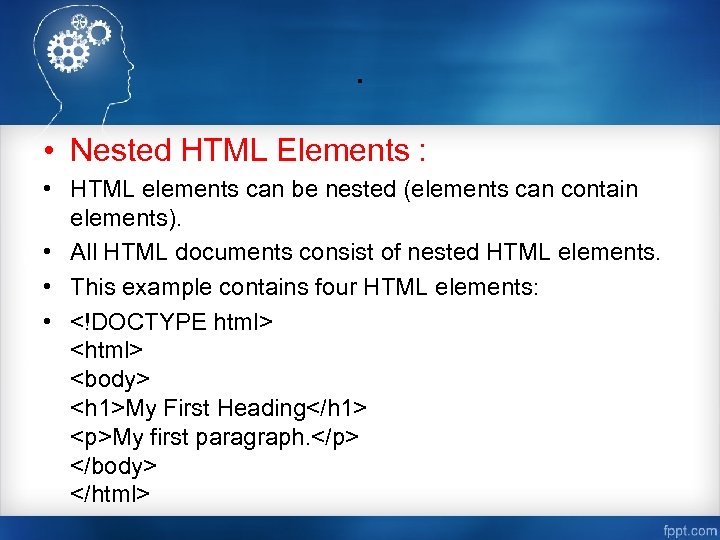
. • Nested HTML Elements : • HTML elements can be nested (elements can . • Nested HTML Elements : • HTML elements can be nested (elements can contain elements). • All HTML documents consist of nested HTML elements. • This example contains four HTML elements: • My First Heading

My first paragraph.

HTML Attributes • All HTML elements can have attributes • Attributes provide additional information HTML Attributes • All HTML elements can have attributes • Attributes provide additional information about an element • Attributes are always specified in the start tag • Attributes usually come in name/value pairs like: name="value" • The lang Attribute : • The language of the document can be declared in the tag. • The language is declared with the lang attribute.

………………. . • The first" src="https://present5.com/presentation/e24a0e4e5be155661b512fc91a965d83/image-11.jpg" alt=" • ………………. . • The first" /> • ………………. . • The first two letters specify the language (en). If there is a dialect, use two more letters (US). • The title Attribute : • Here, a title attribute is added to the

element. The value of the title attribute will be displayed as a tooltip when you mouse over the paragraph:

This is a paragraph.

•" src="https://present5.com/presentation/e24a0e4e5be155661b512fc91a965d83/image-12.jpg" alt=" • Example •

This is a paragraph.

•" /> • Example •

This is a paragraph.

• The href Attribute : • HTML links are defined with the tag. The link address is specified in the href attribute: • Example • This is a link

Size Attributes : • HTML images are defined with the <img> tag. • The Size Attributes : • HTML images are defined with the tag. • The filename of the source (src), and the size of the image (width and height) are all provided as attributes: • Example • • The image size is specified in pixels: width="104" means 104 screen pixels wide.

 • The alt Attribute : • The alt attribute specifies an alternative text • The alt Attribute : • The alt attribute specifies an alternative text to be used, when an image cannot be displayed. • The value of the attribute can be read by screen readers. This way, someone "listening" to the webpage, e. g. a blind person, can "hear" the element. • Example : • W 3 Schools. com

TAGS Tag Description <!--. . . --> Defines a comment <!DOCTYPE> Defines the document TAGS Tag Description Defines a comment Defines the document type Defines a hyperlink Defines an abbreviation or an acronym Not supported in HTML 5. Use instead. Defines an acronym

Defines contact information for the author/owner of a document Not supported in HTML 5. Use or instead. Defines an embedded applet Defines an area inside an image-map
Defines an article