


 Скачать презентацию g Lite WN Installation Giuseppe LA ROCCA INFN
b5e7297755ddd00b341945e145e1c620.ppt
- Количество слайдов: 21
 g. Lite WN Installation Giuseppe LA ROCCA INFN Catania giuseppe. larocca@ct. infn. it ACGRID-II School 2 -14 November 2009 Kuala Lumpur - Malaysia
 Outline Overview Pre-requisites Installation of a g. Lite WN Configuration Testing References 2
 Overview • The Worker Node is a service where the jobs run. • Its main functionally are: – execute the jobs – update to Computing Element the status of the jobs • It can run several kinds of client batch system: Torque LSF SGE Condor
 TORQUE client • The Torque client is composed by a: – pbs_mom which places the job into execution. – It is also responsible for returning the job’s output to the user
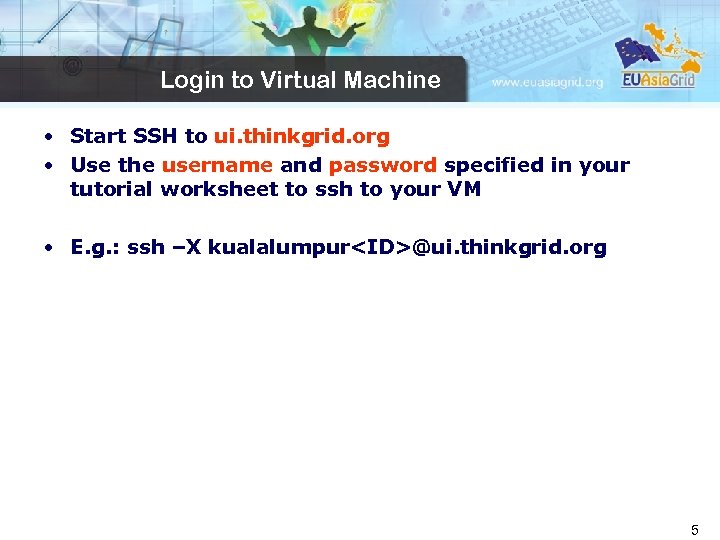 Login to Virtual Machine • Start SSH to ui. thinkgrid. org • Use the username and password specified in your tutorial worksheet to ssh to your VM • E. g. : ssh –X kualalumpur
 Pre-requisites Start from a base SL 4. 7 machine with the following rpm groups : – – – – X Window System Editors X Software Development Text-based Internet Server Configuration Tools Development Tools Administration Tools System Tools Legacy Software Development Please refer to Site_Pre-Installation to prepare and set up your machine for g. Lite middleware installation
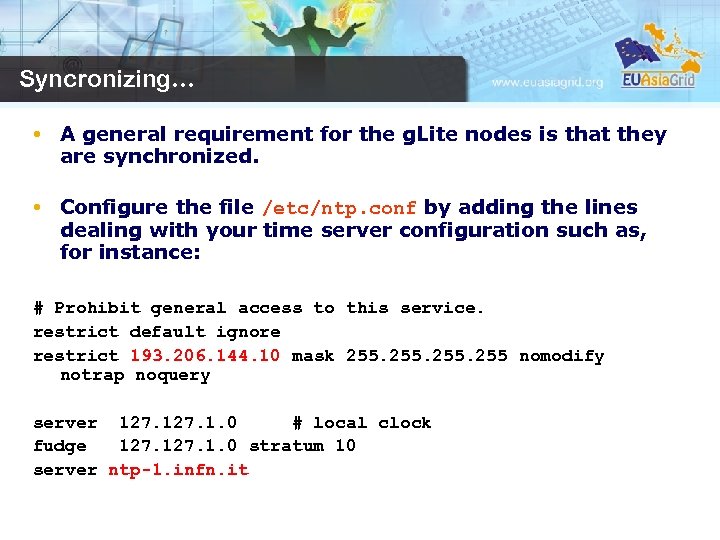 Syncronizing… • A general requirement for the g. Lite nodes is that they are synchronized. • Configure the file /etc/ntp. conf by adding the lines dealing with your time server configuration such as, for instance: # Prohibit general access to this service. restrict default ignore restrict 193. 206. 144. 10 mask 255 nomodify notrap noquery server 127. 1. 0 # local clock fudge 127. 1. 0 stratum 10 server ntp-1. infn. it
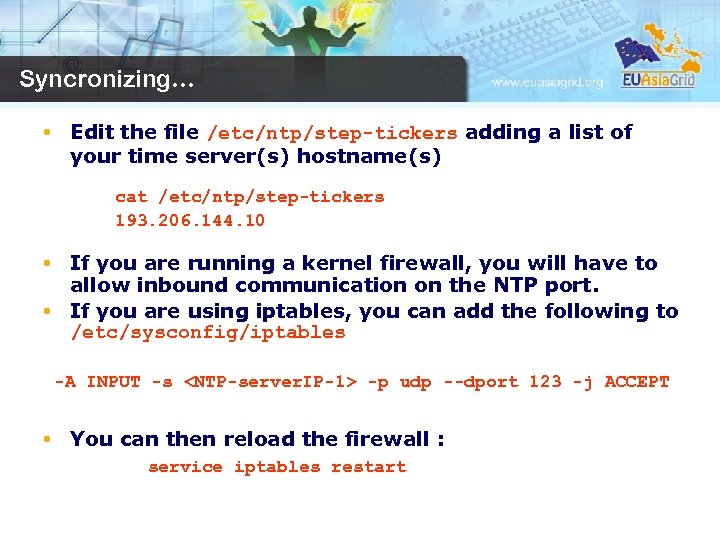 Syncronizing… • Edit the file /etc/ntp/step-tickers adding a list of your time server(s) hostname(s) cat /etc/ntp/step-tickers 193. 206. 144. 10 • If you are running a kernel firewall, you will have to allow inbound communication on the NTP port. • If you are using iptables, you can add the following to /etc/sysconfig/iptables -A INPUT -s
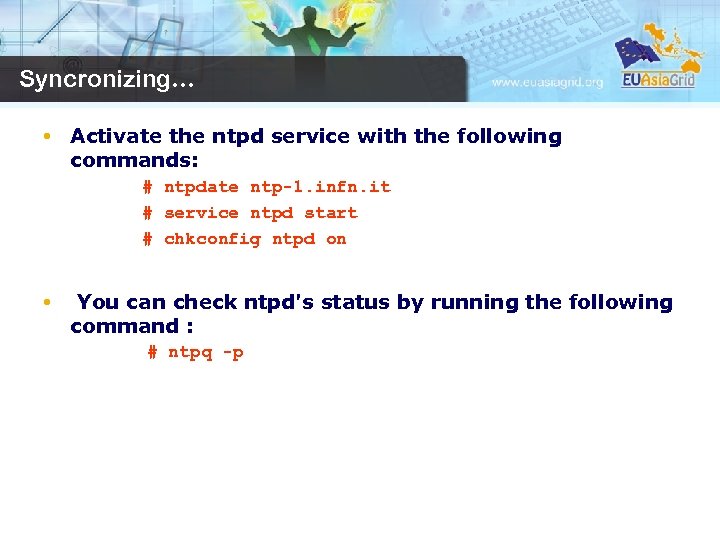 Syncronizing… • Activate the ntpd service with the following commands: # ntpdate ntp-1. infn. it # service ntpd start # chkconfig ntpd on • You can check ntpd's status by running the following command : # ntpq -p
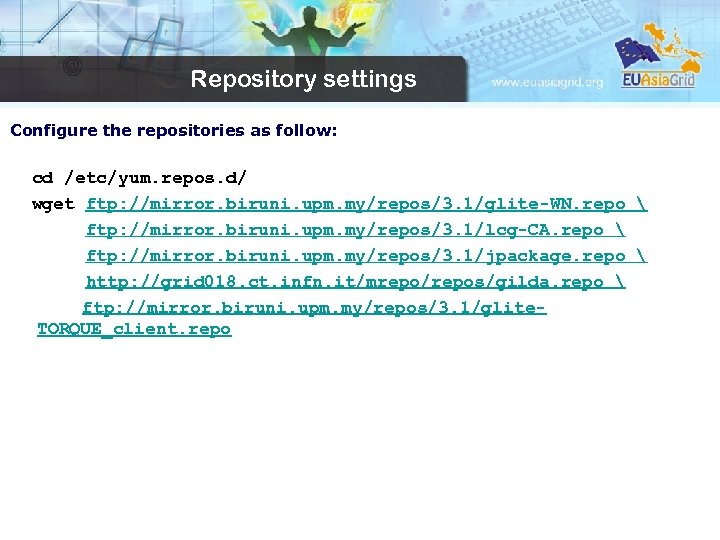 Repository settings Configure the repositories as follow: cd /etc/yum. repos. d/ wget ftp: //mirror. biruni. upm. my/repos/3. 1/glite-WN. repo ftp: //mirror. biruni. upm. my/repos/3. 1/lcg-CA. repo ftp: //mirror. biruni. upm. my/repos/3. 1/jpackage. repo http: //grid 018. ct. infn. it/mrepo/repos/gilda. repo ftp: //mirror. biruni. upm. my/repos/3. 1/glite. TORQUE_client. repo
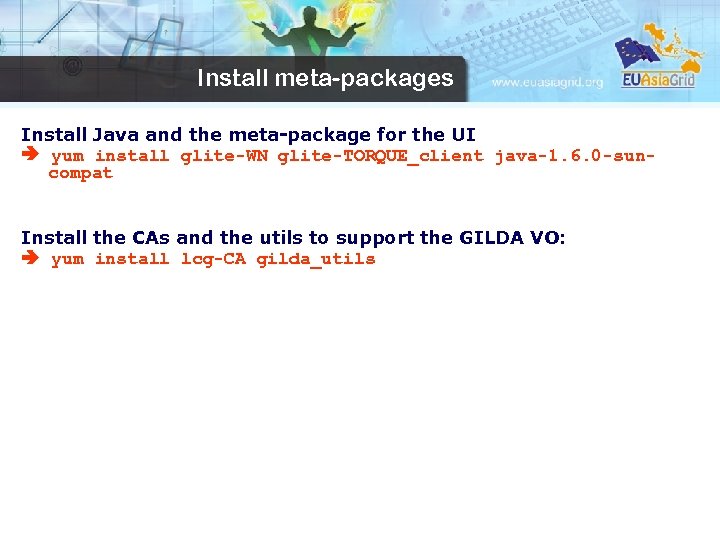 Install meta-packages Install Java and the meta-package for the UI yum install glite-WN glite-TORQUE_client java-1. 6. 0 -suncompat Install the CAs and the utils to support the GILDA VO: yum install lcg-CA gilda_utils
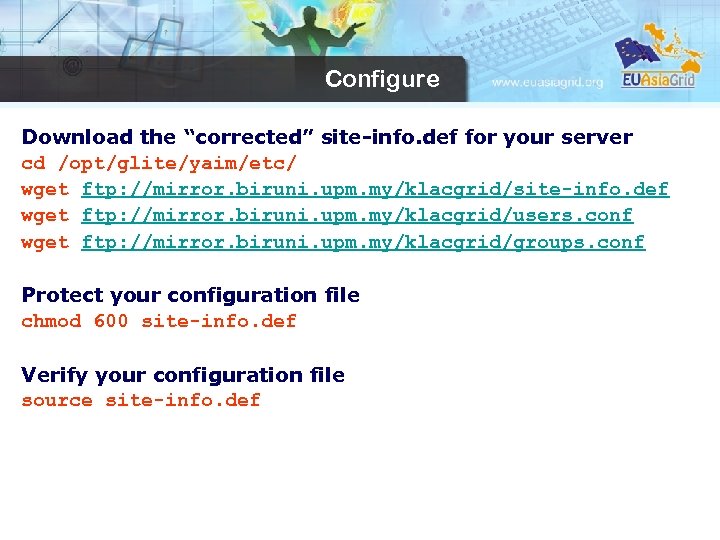 Configure Download the “corrected” site-info. def for your server cd /opt/glite/yaim/etc/ wget ftp: //mirror. biruni. upm. my/klacgrid/site-info. def wget ftp: //mirror. biruni. upm. my/klacgrid/users. conf wget ftp: //mirror. biruni. upm. my/klacgrid/groups. conf Protect your configuration file chmod 600 site-info. def Verify your configuration file source site-info. def
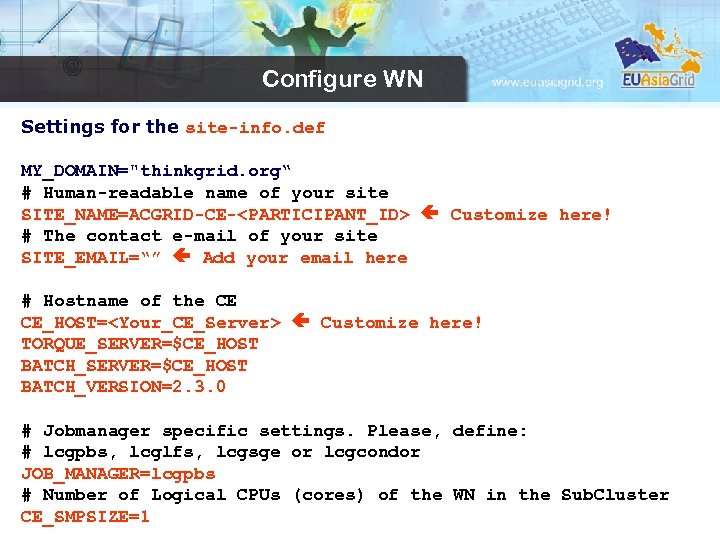 Configure WN Settings for the site-info. def MY_DOMAIN="thinkgrid. org“ # Human-readable name of your site SITE_NAME=ACGRID-CE-
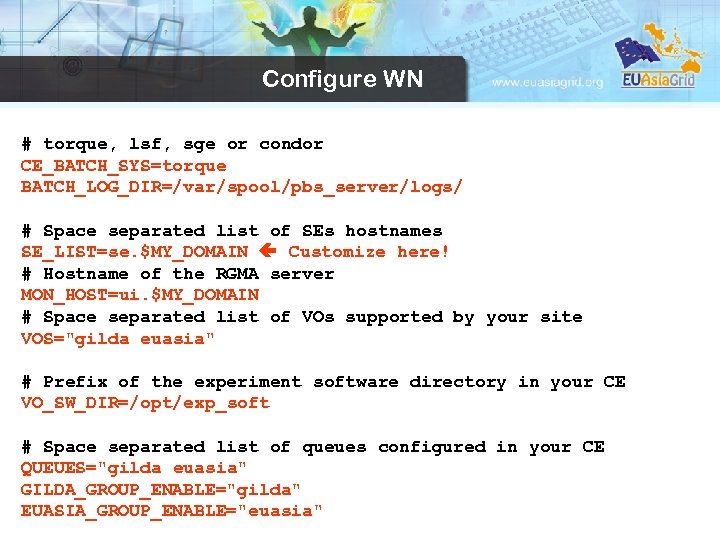 Configure WN # torque, lsf, sge or condor CE_BATCH_SYS=torque BATCH_LOG_DIR=/var/spool/pbs_server/logs/ # Space separated list of SEs hostnames SE_LIST=se. $MY_DOMAIN Customize here! # Hostname of the RGMA server MON_HOST=ui. $MY_DOMAIN # Space separated list of VOs supported by your site VOS="gilda euasia" # Prefix of the experiment software directory in your CE VO_SW_DIR=/opt/exp_soft # Space separated list of queues configured in your CE QUEUES="gilda euasia" GILDA_GROUP_ENABLE="gilda" EUASIA_GROUP_ENABLE="euasia"
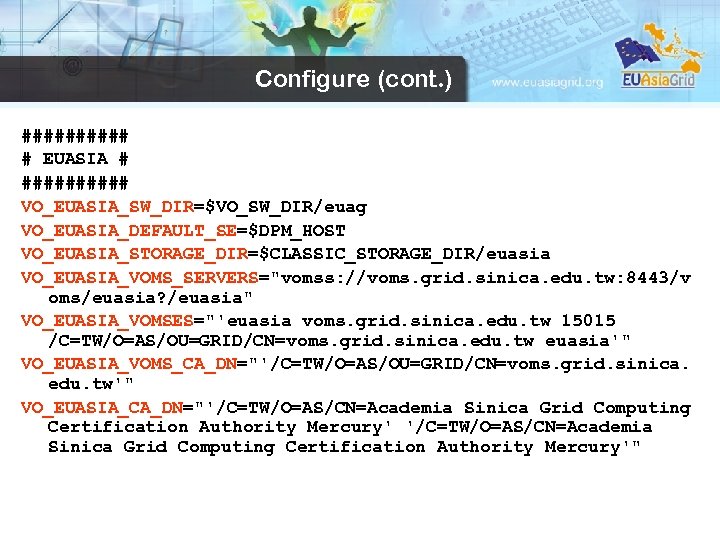 Configure (cont. ) ##### # EUASIA # ##### VO_EUASIA_SW_DIR=$VO_SW_DIR/euag VO_EUASIA_DEFAULT_SE=$DPM_HOST VO_EUASIA_STORAGE_DIR=$CLASSIC_STORAGE_DIR/euasia VO_EUASIA_VOMS_SERVERS="vomss: //voms. grid. sinica. edu. tw: 8443/v oms/euasia? /euasia" VO_EUASIA_VOMSES="'euasia voms. grid. sinica. edu. tw 15015 /C=TW/O=AS/OU=GRID/CN=voms. grid. sinica. edu. tw euasia'" VO_EUASIA_VOMS_CA_DN="'/C=TW/O=AS/OU=GRID/CN=voms. grid. sinica. edu. tw'" VO_EUASIA_CA_DN="'/C=TW/O=AS/CN=Academia Sinica Grid Computing Certification Authority Mercury'"
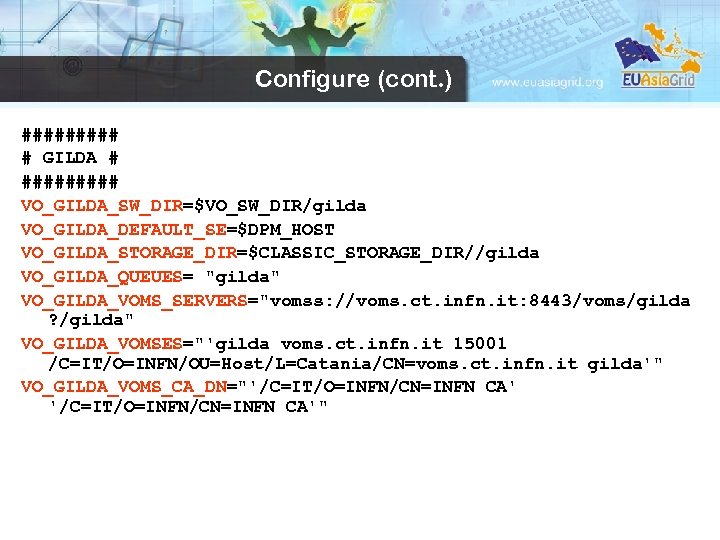 Configure (cont. ) ##### # GILDA # ##### VO_GILDA_SW_DIR=$VO_SW_DIR/gilda VO_GILDA_DEFAULT_SE=$DPM_HOST VO_GILDA_STORAGE_DIR=$CLASSIC_STORAGE_DIR//gilda VO_GILDA_QUEUES= "gilda" VO_GILDA_VOMS_SERVERS="vomss: //voms. ct. infn. it: 8443/voms/gilda ? /gilda" VO_GILDA_VOMSES="'gilda voms. ct. infn. it 15001 /C=IT/O=INFN/OU=Host/L=Catania/CN=voms. ct. infn. it gilda'" VO_GILDA_VOMS_CA_DN="'/C=IT/O=INFN/CN=INFN CA'"
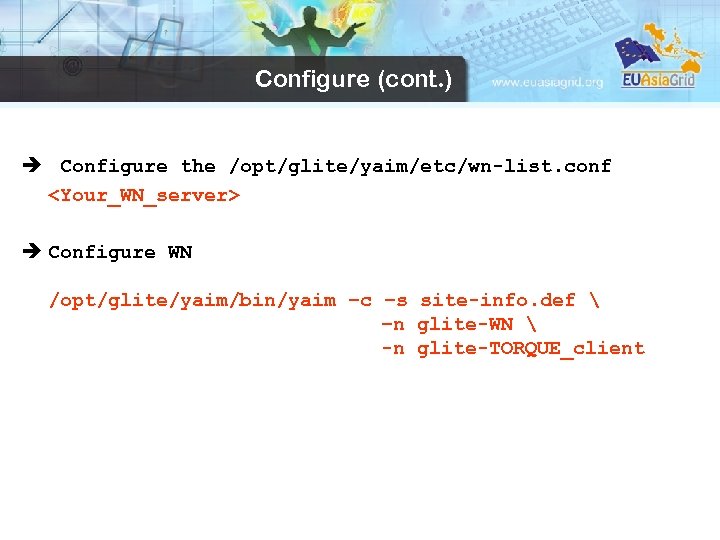 Configure (cont. ) è Configure the /opt/glite/yaim/etc/wn-list. conf
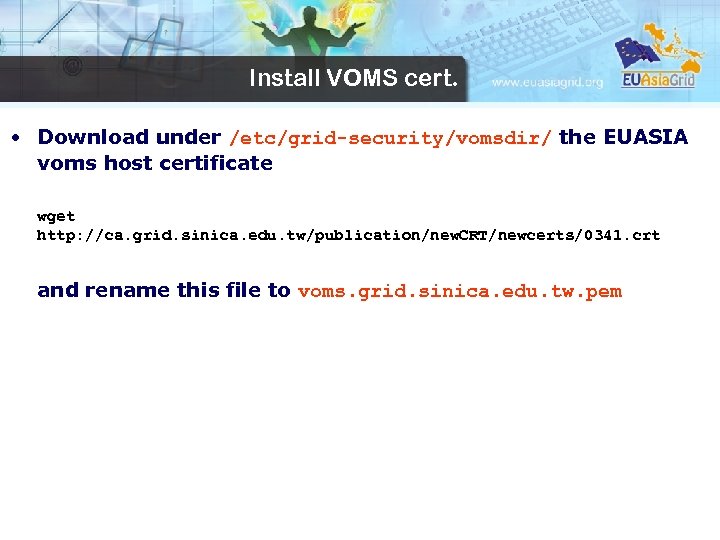 Install VOMS cert. • Download under /etc/grid-security/vomsdir/ the EUASIA voms host certificate wget http: //ca. grid. sinica. edu. tw/publication/new. CRT/newcerts/0341. crt and rename this file to voms. grid. sinica. edu. tw. pem
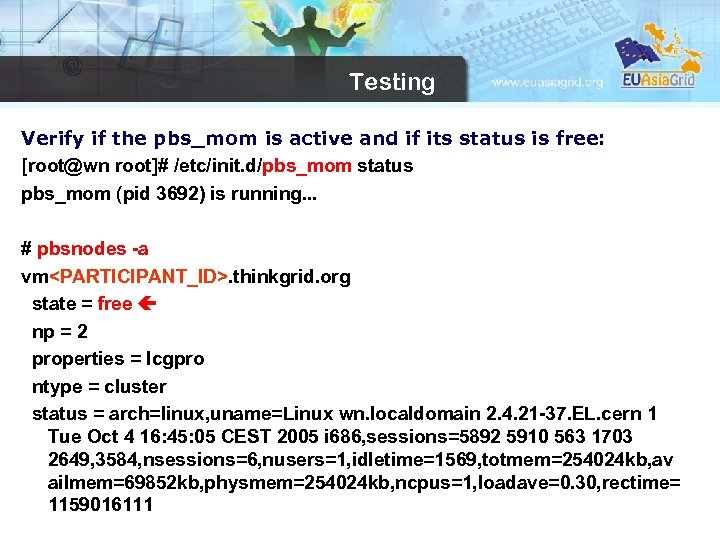 Testing Verify if the pbs_mom is active and if its status is free: [root@wn root]# /etc/init. d/pbs_mom status pbs_mom (pid 3692) is running. . . # pbsnodes -a vm
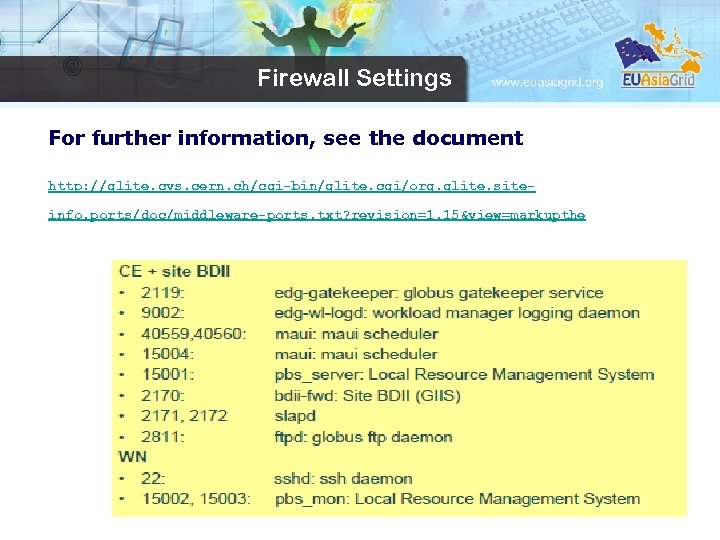 Firewall Settings For further information, see the document http: //glite. cvs. cern. ch/cgi-bin/glite. cgi/org. glite. siteinfo. ports/doc/middleware-ports. txt? revision=1. 15&view=markupthe
 References Refer to the following references for more details about required variables of the g. Lite WN: – https: //twiki. cern. ch/twiki/bin/view/LCG/Siteinfo_configuration_variables#WN