


 Скачать презентацию FUNDAMENTALS FOR FACULTY 10 Steps to Successful Funding
b5d123253925c8fa9dba95811857447e.ppt
- Количество слайдов: 138
 FUNDAMENTALS FOR FACULTY 10 Steps to Successful Funding
 WELCOME
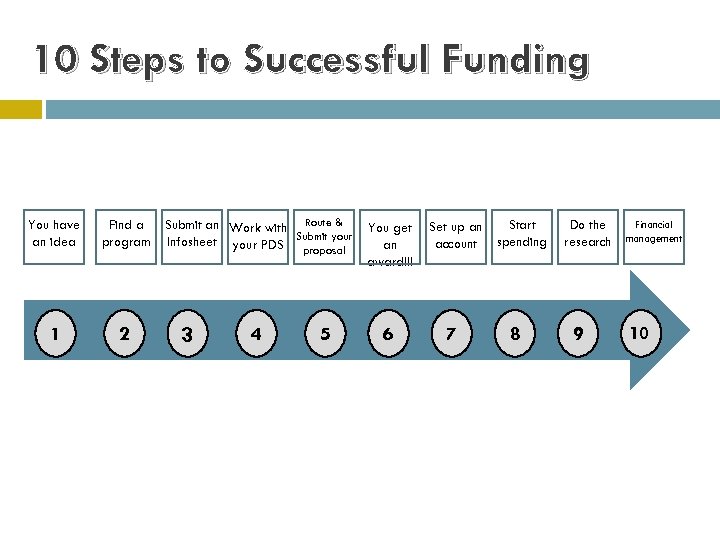 10 Steps to Successful Funding You have an idea Find a program 1 2 Submit an Work with Route & Infosheet your PDS Submit your proposal 3 4 5 You get an award!!! 6 Set up an account 7 Start spending 8 Do the research 9 Financial management 10
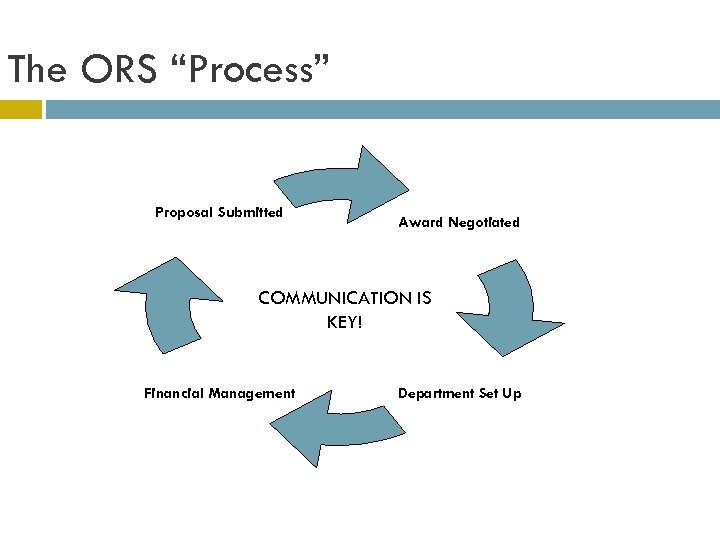 The ORS “Process” Proposal Submitted Award Negotiated COMMUNICATION IS KEY! Financial Management Department Set Up
 BREAK!
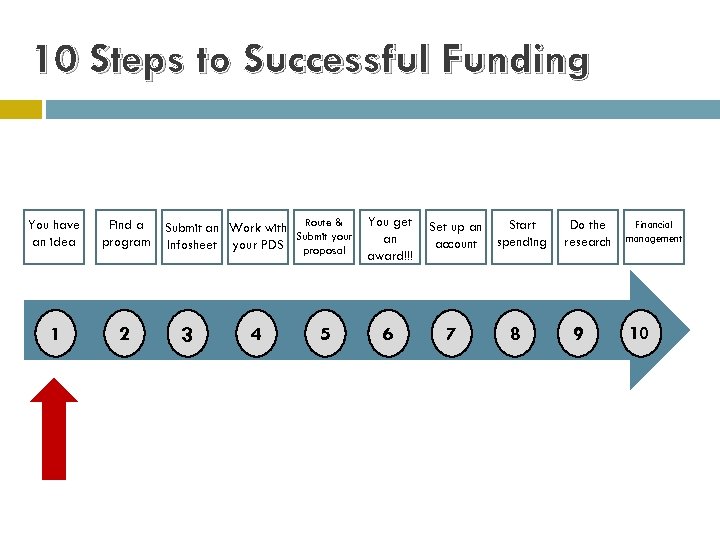 10 Steps to Successful Funding You have an idea Find a program 1 2 Submit an Work with Route & Submit your Infosheet your PDS proposal 3 4 5 You get an award!!! 6 Set up an account 7 Start spending 8 Do the research 9 Financial management 10
 Step 1: You have an idea
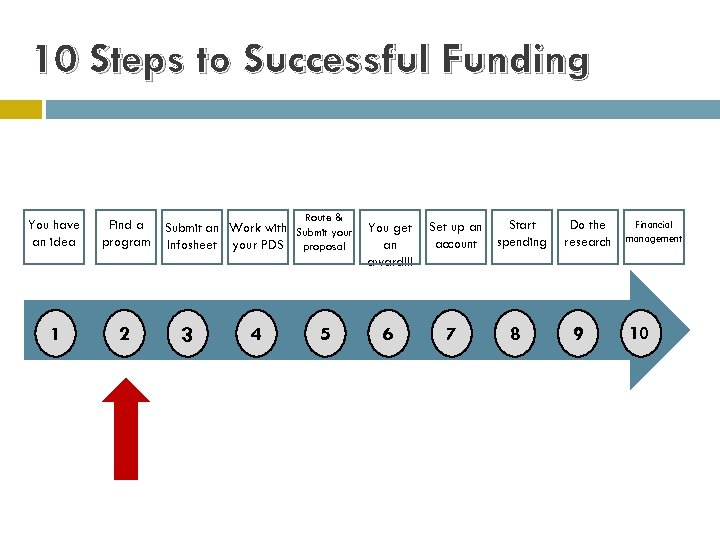 10 Steps to Successful Funding You have an idea Find a program 1 2 Route & Submit an Work with Submit your Infosheet your PDS proposal 3 4 5 You get an award!!! 6 Set up an account 7 Start spending 8 Do the research 9 Financial management 10
 Step 2: Find a Program
 Internal vs. External Internal Funding • Office of the Vice President for Research • Research Council External Funding Federal NSF NEH NIH State OCAST ODOT
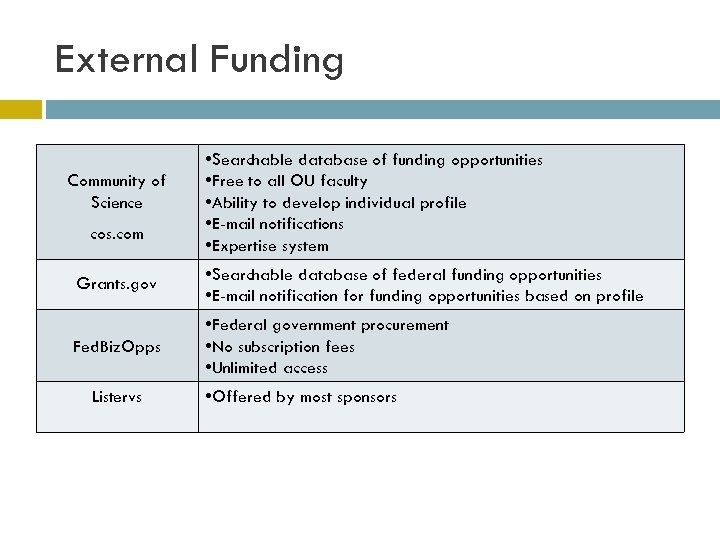 External Funding Community of Science cos. com • Searchable database of funding opportunities • Free to all OU faculty • Ability to develop individual profile • E-mail notifications • Expertise system Grants. gov • Searchable database of federal funding opportunities • E-mail notification for funding opportunities based on profile Fed. Biz. Opps • Federal government procurement • No subscription fees • Unlimited access Listervs • Offered by most sponsors
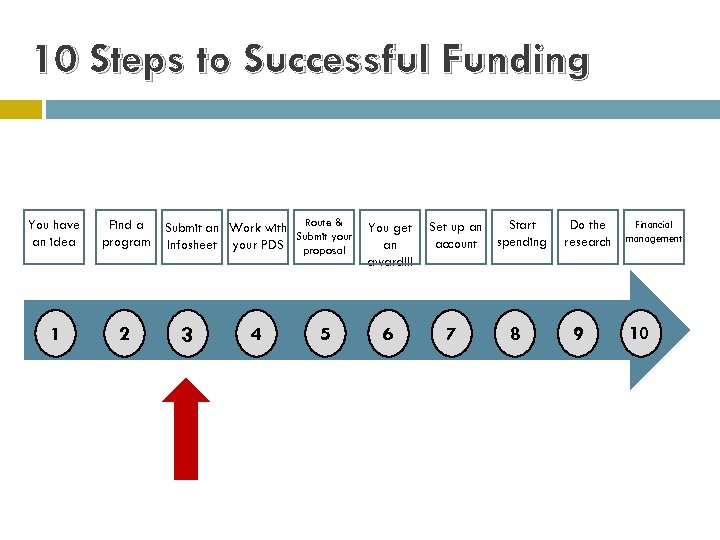 10 Steps to Successful Funding You have an idea Find a program 1 2 Submit an Work with Route & Submit your Infosheet your PDS proposal 3 4 5 You get an award!!! 6 Set up an account 7 Start spending 8 Do the research 9 Financial management 10
 Step 3: Submit an Infosheet
 Step 3: Submit an Infosheet Why do I have to fill one out? ? The proposal routing process makes the appropriate people (department chairs and college deans for PI and any Co-PIs) aware of the proposal and requires their signature. Once the internal signatures are secured, the ORS authority to submit proposals on behalf of the University is secured. Signature authority for this vests with those authorized by the Board of Regents of the University of Oklahoma.
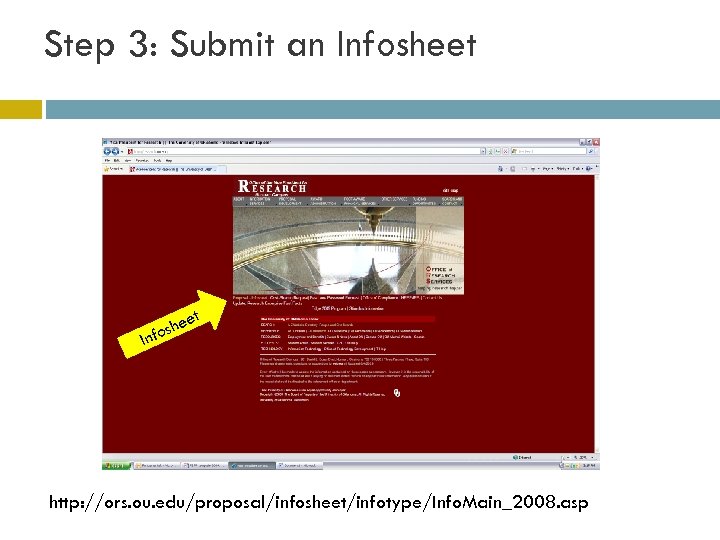 Step 3: Submit an Infosheet In et e fosh http: //ors. ou. edu/proposal/infosheet/infotype/Info. Main_2008. asp
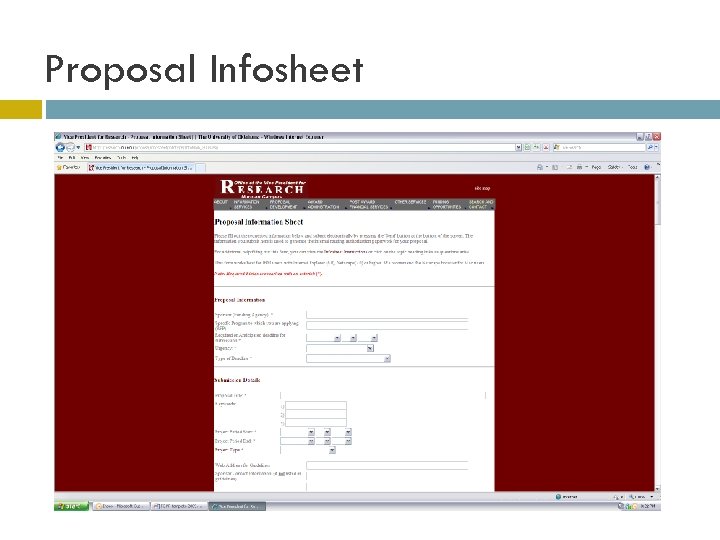 Proposal Infosheet
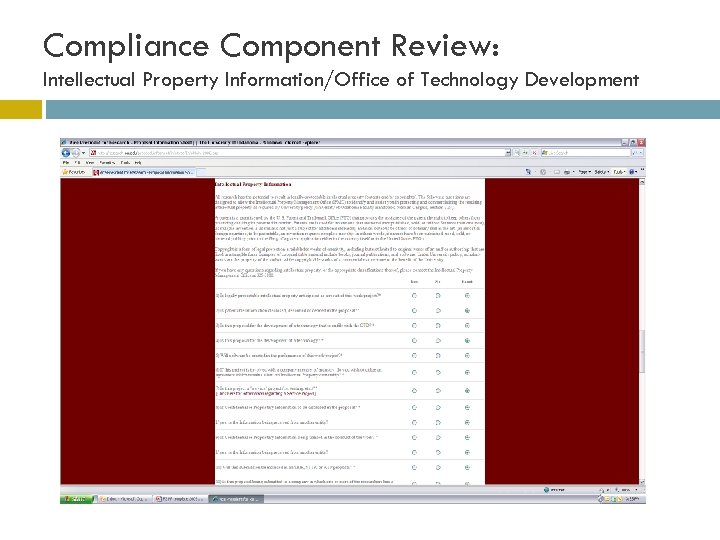 Compliance Component Review: Intellectual Property Information/Office of Technology Development
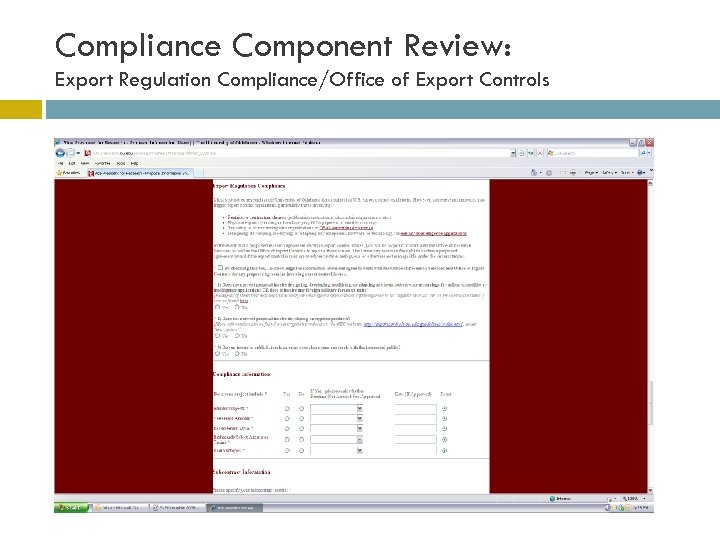 Compliance Component Review: Export Regulation Compliance/Office of Export Controls
 Friendly Reminders Don’t sign anything unless directed by the Office of Research Services. Fringe Benefits ALWAYS apply. Indirect Cost ALWAYS applies unless specifically disallowed or reduced.
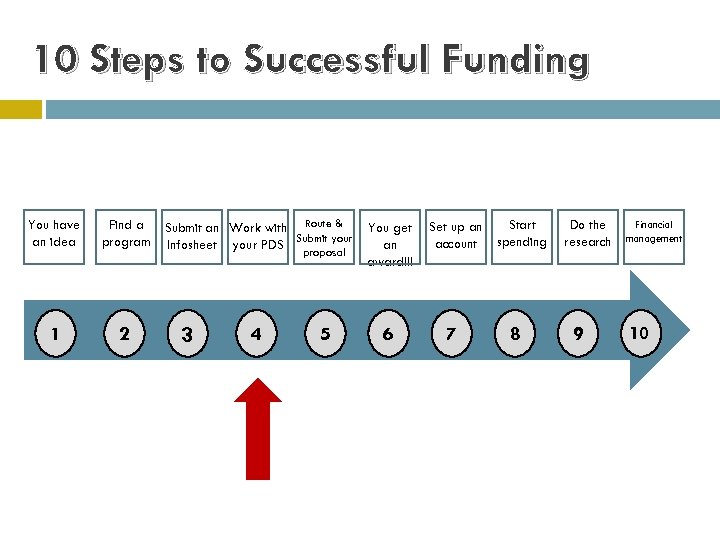 10 Steps to Successful Funding You have an idea Find a program 1 2 Submit an Work with Route & Submit your Infosheet your PDS proposal 3 4 5 You get an award!!! 6 Set up an account 7 Start spending 8 Do the research 9 Financial management 10
 Step 4: Work with Your Proposal Development Specialist (PDS)
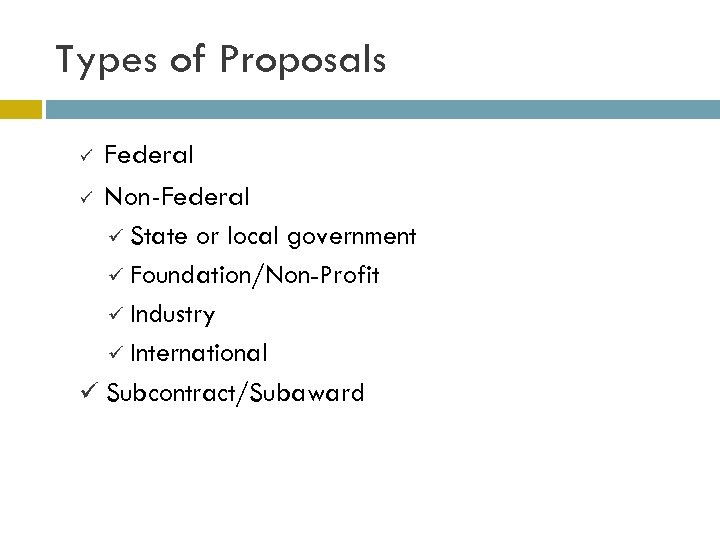 Types of Proposals Federal ü Non-Federal ü State or local government ü Foundation/Non-Profit ü Industry ü International ü Subcontract/Subaward ü
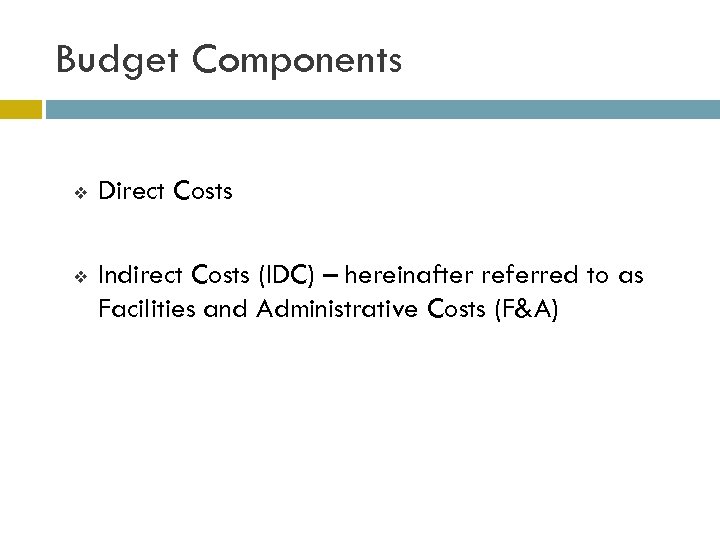 Budget Components v Direct Costs v Indirect Costs (IDC) – hereinafter referred to as Facilities and Administrative Costs (F&A)
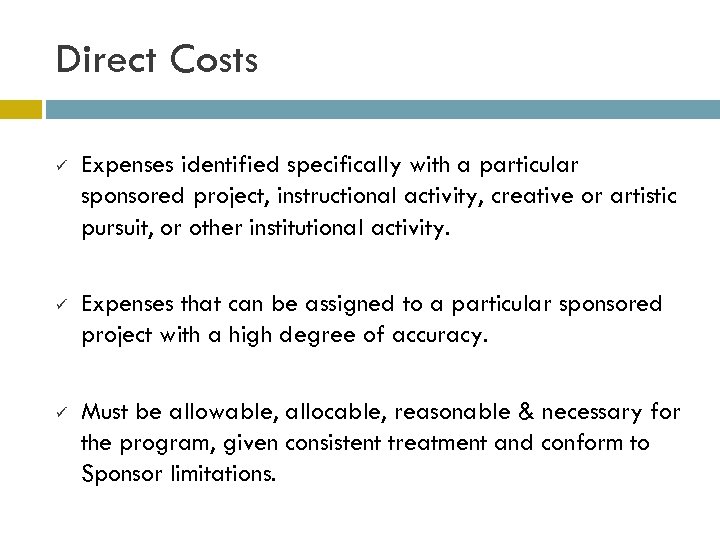 Direct Costs ü Expenses identified specifically with a particular sponsored project, instructional activity, creative or artistic pursuit, or other institutional activity. ü Expenses that can be assigned to a particular sponsored project with a high degree of accuracy. ü Must be allowable, allocable, reasonable & necessary for the program, given consistent treatment and conform to Sponsor limitations.
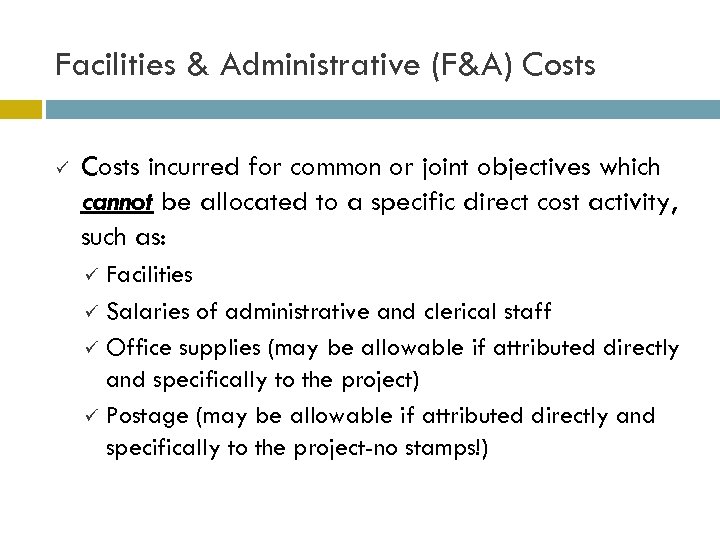 Facilities & Administrative (F&A) Costs ü Costs incurred for common or joint objectives which cannot be allocated to a specific direct cost activity, such as: Facilities ü Salaries of administrative and clerical staff ü Office supplies (may be allowable if attributed directly and specifically to the project) ü Postage (may be allowable if attributed directly and specifically to the project-no stamps!) ü
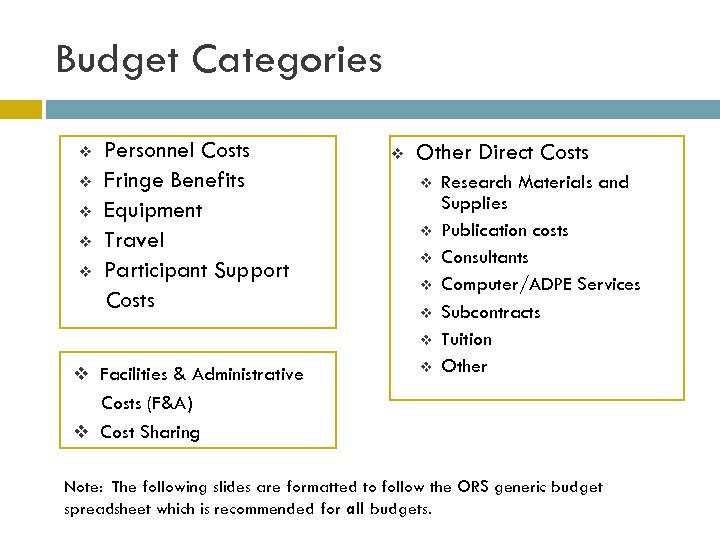 Budget Categories v v v Personnel Costs Fringe Benefits Equipment Travel Participant Support Costs v Other Direct Costs v v v v Facilities & Administrative v Research Materials and Supplies Publication costs Consultants Computer/ADPE Services Subcontracts Tuition Other Costs (F&A) v Cost Sharing Note: The following slides are formatted to follow the ORS generic budget spreadsheet which is recommended for all budgets.
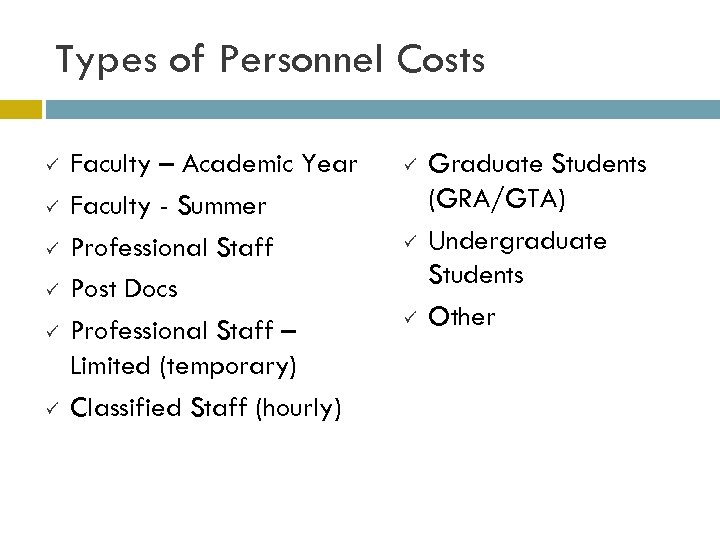 Types of Personnel Costs ü ü ü Faculty – Academic Year Faculty - Summer Professional Staff Post Docs Professional Staff – Limited (temporary) Classified Staff (hourly) ü ü ü Graduate Students (GRA/GTA) Undergraduate Students Other
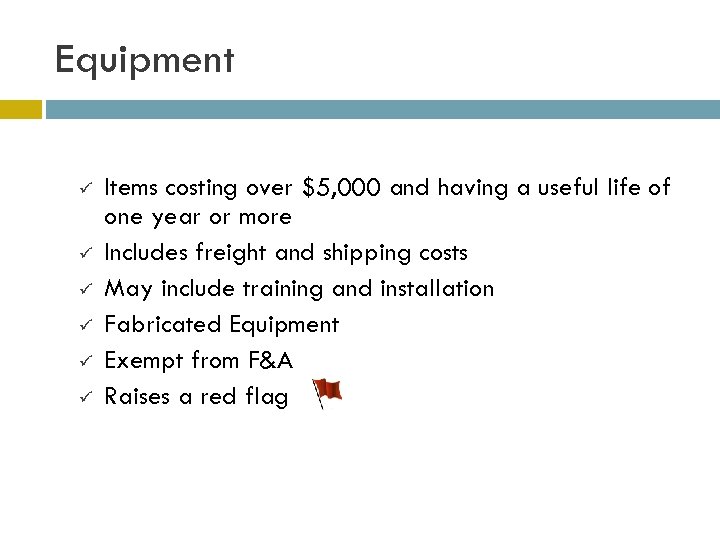 Equipment ü ü ü Items costing over $5, 000 and having a useful life of one year or more Includes freight and shipping costs May include training and installation Fabricated Equipment Exempt from F&A Raises a red flag
 Domestic Travel ü ü ü ü ü Airfare, Lodging Car Rental (not in Oklahoma) Per Diem, Mileage Parking Fees/Pike Pass Registration Fees Local Transportation (Taxi, Metro, Shuttle) Travel to Canada or Mexico is agency specific GSA Rates (http: //www. gsa. gov) OU Travel Policy link: ü http: //www. ou. edu/aa/travel. htm
 Foreign Travel ü ü ü ü ü Airfare Lodging/Apartment Rental Car Rental Local Transportation Per Diem Registration Fees Safety and security costs may also be included dependent on location Travel to Canada or Mexico is agency specific May raise a red flag
 Participant Support Costs ü ü ü ü Agency specific (only applicable in limited circumstances) Intended for conferences, meetings, symposia, training activities, and workshops Participants or trainees may not be employees Stipends Cost of transportation Subsistence Other related costs Raises a red flag
 Other Direct Costs (overview) v v v v Research Materials & Supplies Publication Costs Consultant Services Computer Services Subcontracts Tuition Other
 Other Direct Costs Research Materials & Supplies ü ü ü Chemicals Expendable Equipment Computer Software Computer Supplies Lab Supplies (Gases and Fuels) ü ü ü Cartridges for Copiers/Printers/Faxes Research Supplies (allocable to the project) Reference Materials
 Other Direct Costs ü ü Publication Costs Consultant Services ü Raises a red flag ü Letter of commitment Computer Services Subcontracts ü Raises a red flag ü Entire sub-proposal ü Institutional letter of commitment
 Other Direct Costs - Tuition ü ü ü Graduate Research Assistant (GRA) labor budgeted on sponsored programs determines the amount of tuition to be budgeted GRA labor budgeted is multiplied by a percentage to arrive at the tuition amounts requested from sponsor and provided by the Graduate College Tuition is excluded from F&A
 Other Direct Costs - Other Communication Costs: ü Express Mail Charges ü Fax Charges ü Mobile Phone Services/Pager Fees ü Postage (no stamps!) ü Telecommunication ü Long Distance phone calls ü All charges must be directly attributable to project
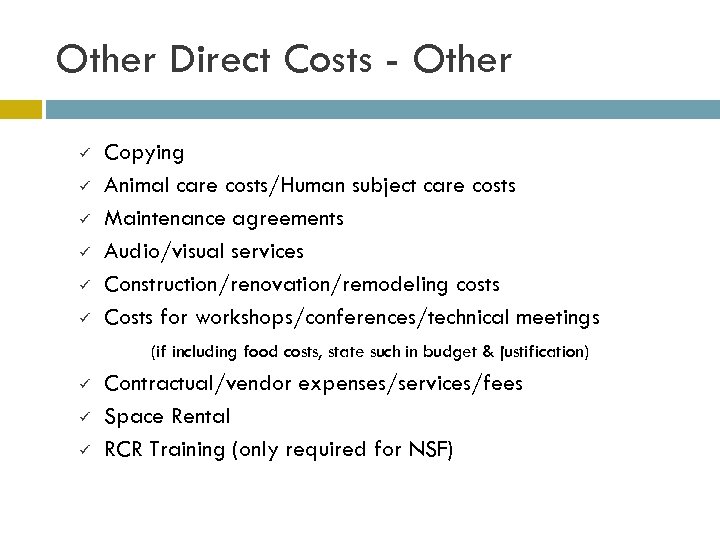 Other Direct Costs - Other ü ü ü Copying Animal care costs/Human subject care costs Maintenance agreements Audio/visual services Construction/renovation/remodeling costs Costs for workshops/conferences/technical meetings (if including food costs, state such in budget & justification) ü ü ü Contractual/vendor expenses/services/fees Space Rental RCR Training (only required for NSF)
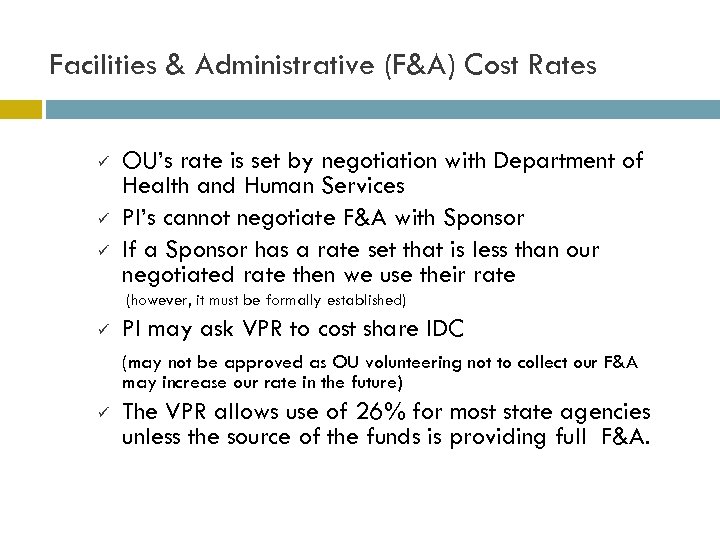 Facilities & Administrative (F&A) Cost Rates ü ü ü OU’s rate is set by negotiation with Department of Health and Human Services PI’s cannot negotiate F&A with Sponsor If a Sponsor has a rate set that is less than our negotiated rate then we use their rate (however, it must be formally established) ü PI may ask VPR to cost share IDC (may not be approved as OU volunteering not to collect our F&A may increase our rate in the future) ü The VPR allows use of 26% for most state agencies unless the source of the funds is providing full F&A.
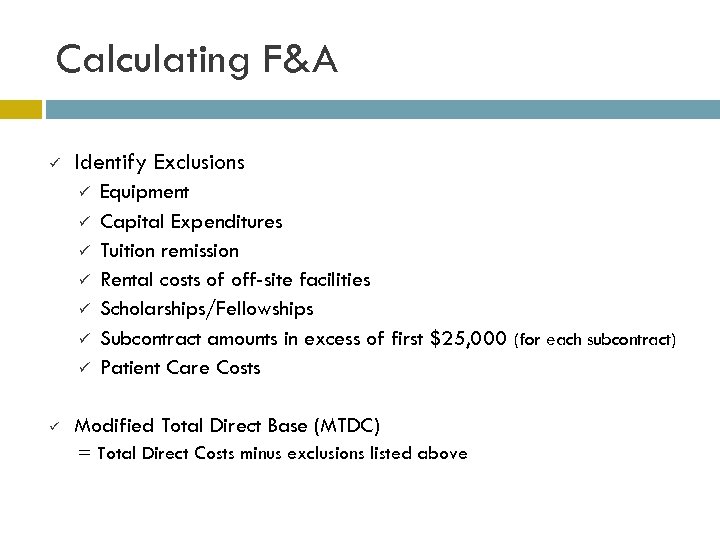 Calculating F&A ü Identify Exclusions ü ü ü ü Equipment Capital Expenditures Tuition remission Rental costs of off-site facilities Scholarships/Fellowships Subcontract amounts in excess of first $25, 000 (for each subcontract) Patient Care Costs Modified Total Direct Base (MTDC) = Total Direct Costs minus exclusions listed above
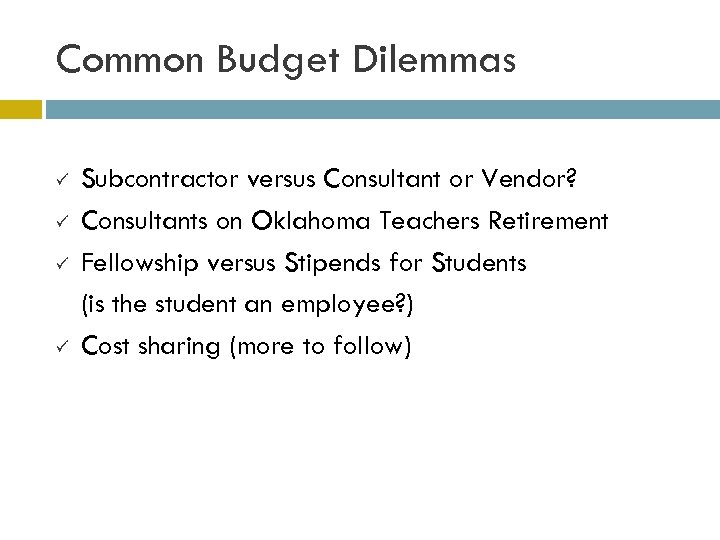 Common Budget Dilemmas ü ü Subcontractor versus Consultant or Vendor? Consultants on Oklahoma Teachers Retirement Fellowship versus Stipends for Students (is the student an employee? ) Cost sharing (more to follow)
 Cost Sharing - Issues ü ü May be tracked internally but not reported to Sponsor OU policy on 1% time commitment If in budget, budget justification, or body of proposal the Sponsor may require tracking and documentation to prove it occurred May be required or recommended in guidelines; if not mentioned in guidelines it is voluntary cost sharing and is discouraged.
 Cost Sharing - Sources ü ü ü ü PI Contributions Departmental Contributions University Contributions Vice President for Research Third Party Contributions (Subcontractors, Industry, etc. ) Oklahoma Regents for Higher Education Contributed and Unrecovered F&A
 Sponsor Required Cost Sharing ü Sponsor may have limits or requirements on the cost share such as: Equipment ü Contributed F&A ü Unrecovered F&A (i. e. , F&A not allowed or F&A associated with cost sharing; not in all cases - check guidelines) ü Regents Matching Funds ü
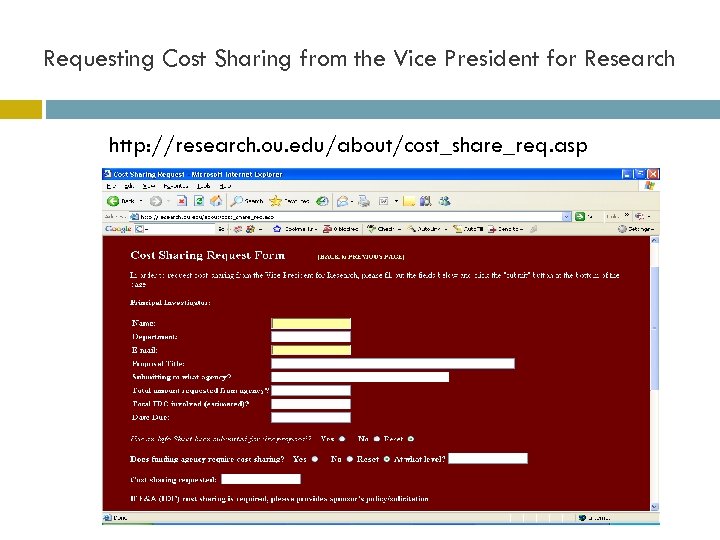 Requesting Cost Sharing from the Vice President for Research http: //research. ou. edu/about/cost_share_req. asp
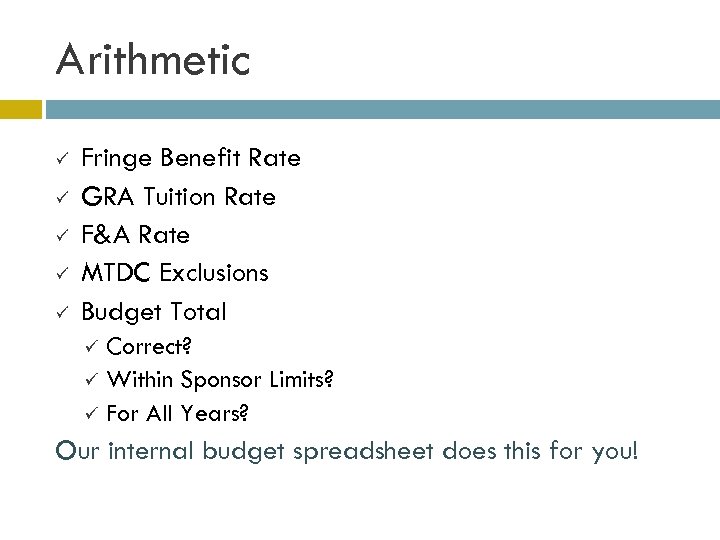 Arithmetic ü ü ü Fringe Benefit Rate GRA Tuition Rate F&A Rate MTDC Exclusions Budget Total Correct? ü Within Sponsor Limits? ü For All Years? ü Our internal budget spreadsheet does this for you!
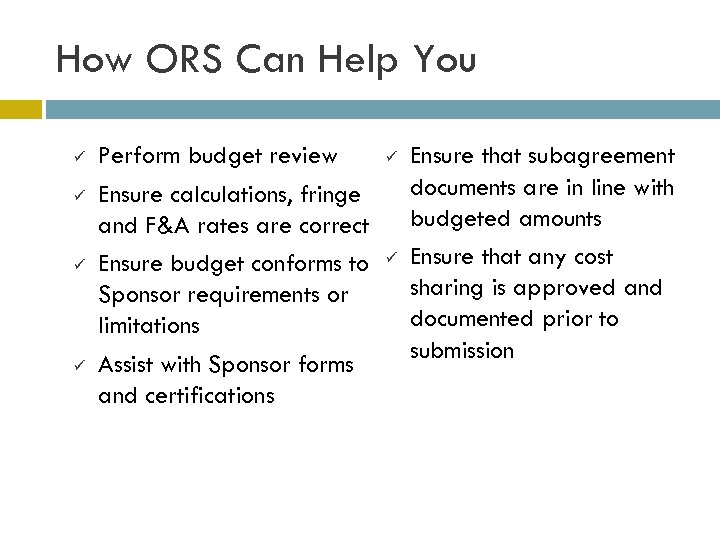 How ORS Can Help You ü ü Perform budget review Ensure calculations, fringe and F&A rates are correct Ensure budget conforms to Sponsor requirements or limitations Assist with Sponsor forms and certifications ü ü Ensure that subagreement documents are in line with budgeted amounts Ensure that any cost sharing is approved and documented prior to submission
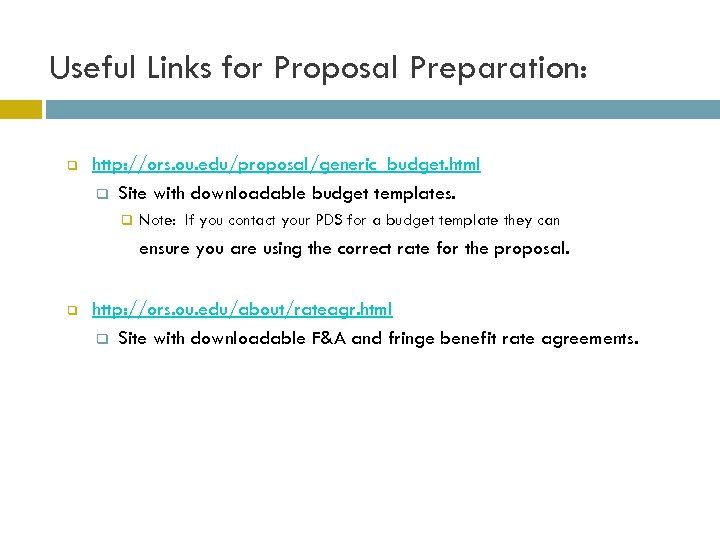 Useful Links for Proposal Preparation: q http: //ors. ou. edu/proposal/generic_budget. html q Site with downloadable budget templates. q Note: If you contact your PDS for a budget template they can ensure you are using the correct rate for the proposal. q http: //ors. ou. edu/about/rateagr. html q Site with downloadable F&A and fringe benefit rate agreements.
 Preparing Proposal Budgets Proposal Development Specialists Tena Smith (A – D, CAPS & CIMMS): tena@ou. edu or 405. 325. 6140 Tonya Easley (E – L): teasley@ou. edu or 405. 325. 3903 Fran Stephens (M – R): fran@ou. edu or 405. 325. 3904 Matt Berry (S – Z): mberry@ou. edu or 405. 325. 6131 Proposal Services Main Line 405. 325. 3901
 BREAK!
 “AS A MATTER OF FACT I AM THE BOSS OF YOU”: Some Employment Law and Policy Issues for New PI’s ORS “Fundamentals for Faculty” presentation Greg Heiser, Office of the Provost 2009
 Cautionary Tales PI hires experienced staff assistant from another OU department. After one month, staff assistant is hit by a bus and suffers grievous injuries. In order to maintain progress on grant, PI terminates staff assistant. Same as above, but bus misses staff assistant and hits staff assistant’s dog. Staff assistant announces she needs to take off work during dog’s convalescence and will begin accessing her 300 hours of previously-accrued paid leave. Foreign postdoc hired for fall on time-sensitive grant. Due to visa problems, postdoc shows up two months late. Informs PI she’s pregnant, baby due in three months. Grant ends in four months. Irritated with her lack of communication, PI terminates her so he can hire a replacement. Graduate Research Assistant does sloppy work that must often be redone by someone else. Grant is not getting value for the money. PI cuts GRA’s position from half-time to quarter-time, hopes that will send a message. When that doesn’t work, PI regretfully terminates GRA in mid-semester.
 Who’s your employee? Researchers: postdoctoral fellow postdoctoral research associate postdoctoral research fellow research assistant/assoc/full professor research associate senior research associate research fellow research scientist senior research scientist Staff Graduate Research Assistants affiliates – titled but unpaid collaborators
 The Contract of Employment: “At Will” Employees Definition: Where the employment relationship has no definite ending date, the employee is “at will” Examples: receptionists, administrative assistants, financial specialists, assistant provosts When can an at-will employee be terminated? “For a good reason, a bad reason, or no reason at all” (but not an illegal reason) How do you terminate an at-will employee? “You’re fired. ” (but see Staff Handbook on progressive discipline)
 The Contract of Employment: Contracts for a Definite Term Unlike at-will employees, “contract” employees have a job with a specified ending date Examples: professors, instructors, graduate research assistants How to terminate, demote, or suspend a contract employee? DUE PROCESS is required. For GRA’s, see GA Handbook; all others, contact Provost’s office. How is a contract formed? No “official” form or magic language needed – any letter or email promising employment for a definite term will suffice. BE AWARE of what you promise. General tip on discipline. To you: obvious failure to perform results in patient forbearance followed by termination as a last resort. To them: “I was doing fine, and then for no reason I got fired. ”
 Leave Issues I Kinds of leave: regular paid leave (paid), extended sick leave (paid), leave without pay (unpaid!) miscellaneous (jury duty, military, etc. ) Grant employees entitled to leave as required by law and by general OU policies (exception – employee new to your grant, but not to OU, may not access previously accrued annual leave)
 Leave Issues - FMLA Inability to do the work you assign may result in termination. But watch for: Illness – FMLA. Employees may usually take a certain period of time off for their own serious illness or a family member’s or to care for a newborn. This is a prohibition against termination, not a guarantee of paid leave or contract renewal. Documentation can be required. Contact Robbie Wahnee, Human Resources, 325 -1826.
 Leave Issues: Pregnancy Inability to do the work you assign may result in termination. But watch for: Pregnancy – FMLA. Pregnancy per se is not an independent basis for leave. FMLA covers medically required leave and newborn care. Federal law does prohibit discrimination on the basis of pregnancy. Contact Robbie Wahnee, Human Resources, 3251826 or Jerry Jensen 325 -3546.
 Leave Issues: Disability Inability to do the work you assign may result in termination. But watch for: Disability: Americans With Disabilities Act Any disabled employee must receive “reasonable accommodations” to do the job. Transient medical conditions are not a disability, and excessive leave is not a reasonable accommodation. DO NOT make accommodation decisions unless you’re an expert in disability law. Contact Suzette Dyer, 325 -3852.
 Immigration Issues Proof of legal status (“I-9”). All employees must show proof of legal status before starting to work. New federal rules make delay grounds for loss of paycheck (for employee) or civil fines (for employer). Contact: your departmental financial manager. “Export controls. ” International students and staff working in areas with so-called “military applications” (e. g. radar, nanotech, encryption, etc. ) may be subject to increased visa scrutiny when attempting to enter or re-enter the country from overseas. Contact: Gretta Rowold 325 -5052.
 Lunch Panel
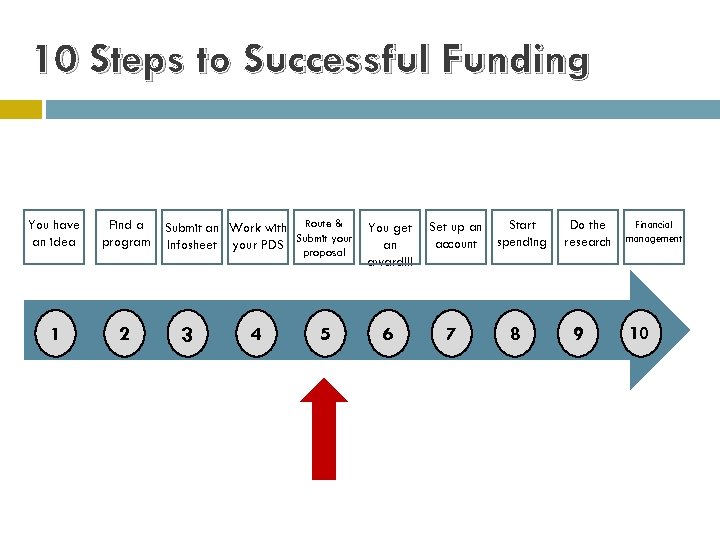 10 Steps to Successful Funding You have an idea Find a program 1 2 Submit an Work with Route & Submit your Infosheet your PDS proposal 3 4 5 You get an award!!! 6 Set up an account 7 Start spending 8 Do the research 9 Financial management 10
 Step 5: Submit your proposal
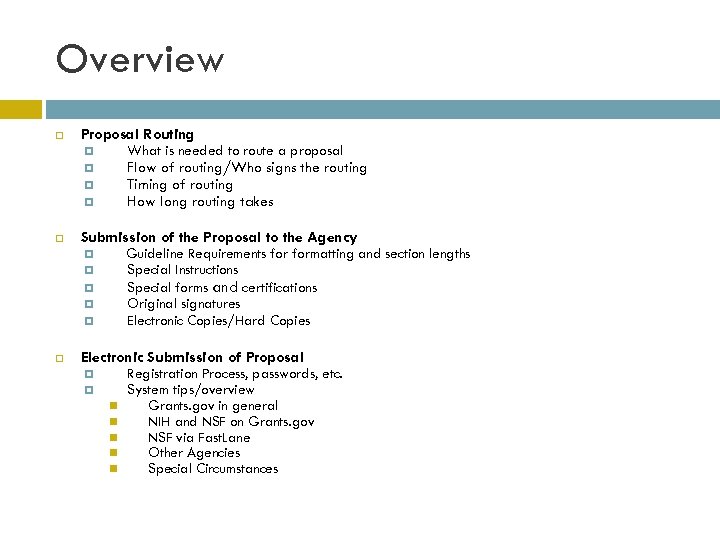 Overview Proposal Routing What is needed to route a proposal Flow of routing/Who signs the routing Timing of routing How long routing takes Submission of the Proposal to the Agency Guideline Requirements formatting and section lengths Special Instructions Special forms and certifications Original signatures Electronic Copies/Hard Copies Electronic Submission of Proposal Registration Process, passwords, etc. System tips/overview Grants. gov in general NIH and NSF on Grants. gov NSF via Fast. Lane Other Agencies Special Circumstances
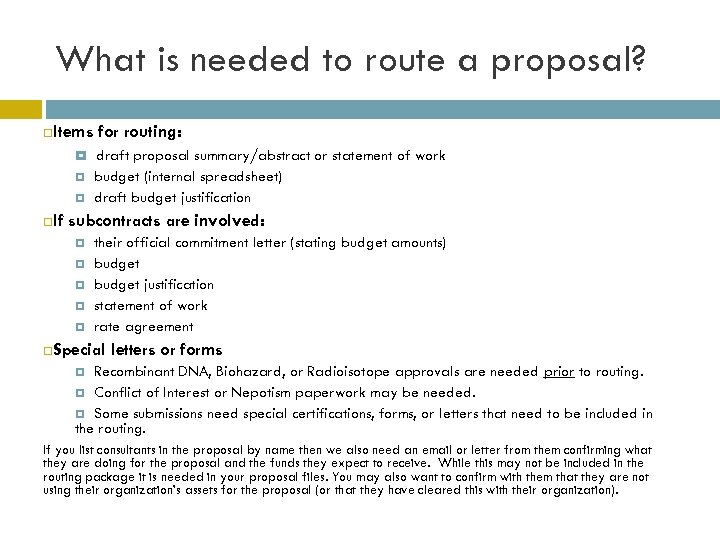 What is needed to route a proposal? Items If for routing: draft proposal summary/abstract or statement of work budget (internal spreadsheet) draft budget justification subcontracts are involved: their official commitment letter (stating budget amounts) budget justification statement of work rate agreement Special letters or forms Recombinant DNA, Biohazard, or Radioisotope approvals are needed prior to routing. Conflict of Interest or Nepotism paperwork may be needed. Some submissions need special certifications, forms, or letters that need to be included in the routing. If you list consultants in the proposal by name then we also need an email or letter from them confirming what they are doing for the proposal and the funds they expect to receive. While this may not be included in the routing package it is needed in your proposal files. You may also want to confirm with them that they are not using their organization’s assets for the proposal (or that they have cleared this with their organization).
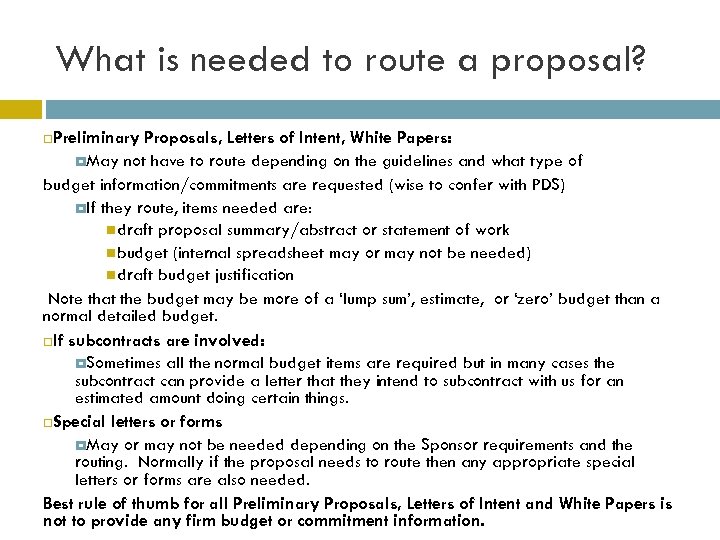 What is needed to route a proposal? Preliminary Proposals, Letters of Intent, White Papers: May not have to route depending on the guidelines and what type of budget information/commitments are requested (wise to confer with PDS) If they route, items needed are: draft proposal summary/abstract or statement of work budget (internal spreadsheet may or may not be needed) draft budget justification Note that the budget may be more of a ‘lump sum’, estimate, or ‘zero’ budget than a normal detailed budget. If subcontracts are involved: Sometimes all the normal budget items are required but in many cases the subcontract can provide a letter that they intend to subcontract with us for an estimated amount doing certain things. Special letters or forms May or may not be needed depending on the Sponsor requirements and the routing. Normally if the proposal needs to route then any appropriate special letters or forms are also needed. Best rule of thumb for all Preliminary Proposals, Letters of Intent and White Papers is not to provide any firm budget or commitment information.
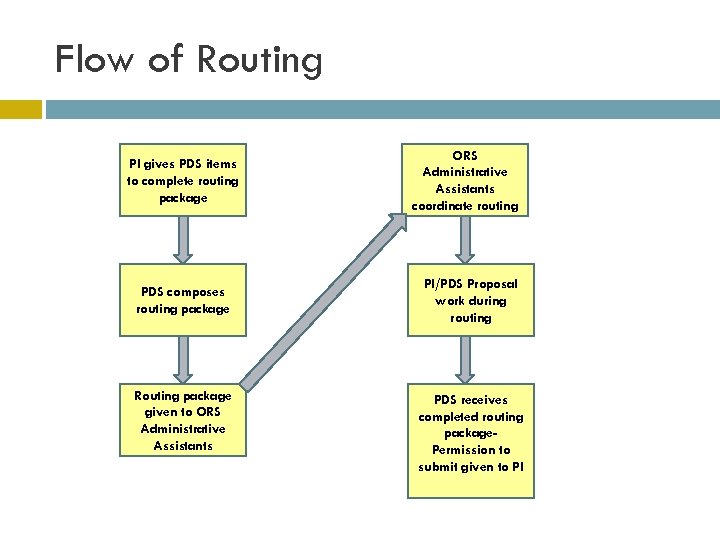 Flow of Routing PI gives PDS items to complete routing package PDS composes routing package Routing package given to ORS Administrative Assistants coordinate routing PI/PDS Proposal work during routing PDS receives completed routing package. Permission to submit given to PI
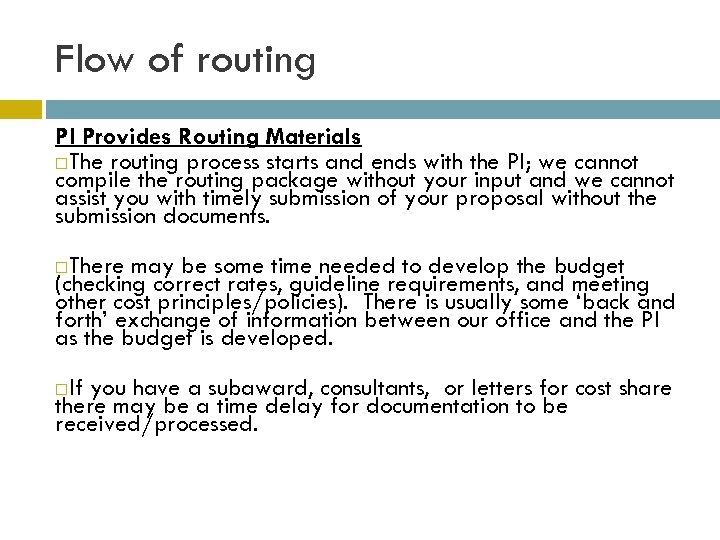 Flow of routing PI Provides Routing Materials The routing process starts and ends with the PI; we cannot compile the routing package without your input and we cannot assist you with timely submission of your proposal without the submission documents. There may be some time needed to develop the budget (checking correct rates, guideline requirements, and meeting other cost principles/policies). There is usually some ‘back and forth’ exchange of information between our office and the PI as the budget is developed. If you have a subaward, consultants, or letters for cost share there may be a time delay for documentation to be received/processed.
 Flow of Routing PDS Composes Routing Package The PDS loads the budget into the internal database, does a final check of the budget (especially rates), checks the credit divisions for the PIs/Co-PIs, loads any special commitments (support from OVPR, Graduate College, etc. ), ensures signature blocks are loaded, and prints the “pink sheet. ” If special certifications, assurances, forms, or commitments need signature the PDS also helps put them into the routing package (as needed). If you are a subcontract the PDS will provide the official subcontract letter. Once the routing package is assembled the PDS makes an office copy and turns the package over for the signature part of the routing process.
 Flow of Routing ORS Administrative Assistants Coordinate Routing The pink sheet is routed through all personnel at OU who will be involved in the submission: PI, Co-PIs, Chairs, Deans, and the Sponsored Programs Coordinator (SPC). Sometimes the VPR and Provost also need to sign the routing package. Anyone who is mentioned as providing something to the proposal, even if they aren’t receiving compensation or SRI credit, must sign the pink sheet. This is how we ensure they know they have been included in a proposal. If the proposal has a short turnaround time and original signatures are needed, the PI may need to provide someone to walk the pink sheet around the campus to obtain signatures.
 Flow of Routing PI/PDS Proposal Work During Routing Forms that were not included in the routing package should be finished. Some agencies such as DOE and EPA have extensive forms that must be completed by either the PI or PDS. While routing is taking place final writing and compiling of the package to submit occurs. If electronic databases such as Fast. Lane, NSPIRES, and Grants. gov are being used they can also be loaded while routing is taking place. If the PDS has access to the database we usually prefer to load the budget as soon as possible due to the time it may take. If you need to establish accounts or passwords with the Sponsors submission system don’t wait until the last day to do this; some systems recommend allowing up to two weeks to process the account set-up information.
 Flow of Routing PDS Receives Completed Routing Package The PI is notified that the routing is complete and there is clearance from that aspect to submit the proposal. Once the PI has permission to submit the proposal it can be submitted at anytime prior to the deadline that the Sponsor allows Note: Submissions made prior to a release from ORS are not officially approved and may be withdrawn by the University. The PI can also lose SRI credit from making unauthorized submissions. Also, acceptance of an award without going through ORS can incur legal and financial burdens on the PI.
 Who signs the routing package? The pink sheet is signed by: the PI any Co-PI (listed on the infosheet or budget; applies to OU only) the PI’s/Co-PI’s Chair the PI’s/Co-PI’s Dean the PI’s Sponsored Programs Coordinator Special signatures: anyone who needs to sign for a commitment, Conflict of Interest signatures, or other reason.
 Timing of routing Be aware of holidays or other special events that may result in offices being closed or people not being available to sign (Division/Department retreats, special meetings, weather issues, etc. ) If your proposal has special forms, certificates, or letters that need to route with it the routing package will take longer to prepare. A PDS may handle 6 – 20+ proposals over a week’s timeframe, some may have the same due date/time. Please take that into consideration as you turn in documents to meet your deadlines. We usually provide information to you regarding heavy deadlines or projected absences so you can plan appropriately. Some solicitations have special emails regarding timing sent out (OCAST, OTC, etc. ) be sure to read these emails as they normally have deadlines for when infosheets are due, copies can be made, and if our office is delivering the proposals.
 How long routing takes There is no firm answer to how long a proposal takes to route—it depends on how many people need to sign your routing, if they are all available, etc. You should project at least three days for routing a normal package that doesn’t have several Co-PI or different departments involved. Since routing can take place without the full proposal being ready to submit you can continue to work on the submission package while the routing is taking place. We recommend you route as soon as you have firm budget numbers.
 Submission of the Proposal to the Agency Guideline Requirements formatting and section lengths Special Instructions Special forms and certifications Original signatures Electronic Copies/Hard Copies
 Submission of the Proposal to the Agency Guideline Requirements formatting and section lengths The Sponsor may specify just an overall length for the submission (or the main narrative of the submission) or they may specific lengths for each section of a submission. Normally lengths are in page amounts but there are some submissions where character amounts are given. Most Sponsor’s specify certain font types and sizes that must be used (exception formulas and sometimes for graphs/charts). Sponsor may specify margin sizes and measurements of other areas such as lines per vertical inch.
 Submission of the Proposal to the Agency Special Instructions Guidelines instructions It may have special or non standard Page limit changes Non Standard Submission times (example 1145 EST) Reference letters (sometimes emailed, sometimes must be in sealed envelope gathered by PI, etc. ) Special instructions on who will submit the proposal (PI, ORS, Dean, Chair, Provost, etc. ) is also not uncommon to find that between 1 and 3 guidelines must be followed to make a submission or that the guidelines provided may have conflicting or missing information.
 Submission of the Proposal to the Agency Special forms and certifications Most submissions can be made with Human Subjects and Vertebrate Animal approvals marked as pending. Many agencies require special budget forms and/or budget justifications. Our office has many standard certifications available (drug free workplace, IRS letters, etc. ). If you need a non-standard certifications/letters we can usually either help you find it or refer you to the correct party.
 Submission of the Proposal to the Agency Original signatures Some agencies require original signatures—if they do then you can’t have someone sign for you (unless they sign as you). At submission time some agencies will accept electronic signatures or copies of signatures and others won’t— this is very important to find out if you have subcontract paperwork or letters required that are coming from non -local sources. Recommend you sign with blue ink so it is apparent that it is an original signature.
 Submission of the Proposal to the Agency Electronic Copies/Hard Copies Sponsor may require electronic copies be in certain versions of PDF or other files; they may also specify specific file names. Hard copies usually have the type of binding specified (or what they won’t allow) and will usually have directions on how they can be received. Post marking and/or the type of delivery can be very important with hard copies. Some agencies require both electronic copies and hard copies (and some require one or both versions plus an electronic submission).
 Submission of the Proposal to the Agency additional info The PI and PDS work together for the submission to be made on time. If the PDS is given a copy of the submission package in sufficient time before the due date they will review it formatting errors and general compliance with the guidelines. (Work load can impact our capacity to do this too. ) Your PDS may also provide assistance in interpreting the guidelines in regards to compiling the submission package, numbers of copies, and additional items that may be needed (such as electronic copies). Note: Be aware that proposals are not all due at the same time; some agencies use Eastern Time Zone, some local time, some Pacific Time Zone, etc. Be sure to check the guidelines. ORS hours are from 8 am-5 pm, Monday through Friday, with the exception of OU holidays and administrative closings; special permission is required before your PDS will be allowed to work beyond regular business hours.
 Submission of the Proposal to the Agency additional info While ORS may assist in making copies and compiling the submission packages, please be aware that if the PI is close to the deadline they may be asked to do their own copying and compiling. (We cannot make color copies, so if your proposal involves color copies you will need to bring those copies to our office so they can be merged into the final packages. ) Upon request, ORS can assist with the proposal packaging if the PI submits directly or ORS can handle the submission of a proposal if it is sent via a commercial courier such as Federal Express. (Associated fees are billed back to the PI’s department and handled per department policies).
 Electronic Submission of Proposal Registration Process, passwords, etc. System tips/overview Grants. gov in general NIH and NSF on Grants. gov NSF via Fast. Lane Other Agencies Special Circumstances ARRA Special solicitations
 Electronic Submission of Proposal Registration Process, passwords, etc. Be sure to allow sufficient time to obtain any needed passwords and account set ups for the Sponsor you are submitting to (most Sponsors say allow at least two weeks). Do not assume that you are the one who needs to set up the account—sometimes it is the University or the University must affiliate your registration (check with your PDS)—or the University may already have an account established. Be sure you load your profile on your account. If you have Co-PI or other people on the proposal check the guidelines to see if they also need to be registered in the submission system.
 Electronic Submission of Proposal System tips/overview Grants. gov in general University/organizational registration is first step (OU is registered; very few submissions are done by the PI directly). Main features on Grants. gov is ability to find grant solicitations and to pull application packages for submission. Setting up automatic e-mail notifications for solicitation changes can be very helpful.
 Electronic Submission of Proposal System tips/overview—Grants. gov in General • Three primary methods of completing Grants. gov package • • • PI downloads and fills application; sending it to Authorized Organizational Representative (AOR) to submit—your AOR is your PDS download and fill application and upload files sent to them by PI; then submit. Combination (common is PDS downloads application, fills in institutional information and sends to PI; PI finishes application entries and uploads pdfs; PI returns application to PDS for final check and submission).
 Electronic Submission of Proposal System tips/overview—Grants. gov in General • • 100% of packages on G. G. are in Adobe; however, some still don’t work all the time. Note when using Adobe that application files can be corrupted if different versions of Adobe are used in the course of completing an application file (G. G. approved versions should be ok). Subcontract file uploads can also cause submission errors. Adobe Reader is a free download-link on G. G. site; Must be an approved Reader version (8. 1. 3 prevents ‘broken pipe’ error) and the list periodically changes.
 Electronic Submission of Proposal System tips/overview—Grants. gov in General • When downloading Application files, Save the file (right-click; “save target as”) from the Grants. gov site instead of completing it directly on line. • File attachment names must be no longer than 50 characters, and have no special characters or extra periods (files all need extension too ie. pdf, doc—check submission guidelines—most ask for pdf files). • View all attachments before final submission (use the ‘view attachment’ option in the package). By doing this, you can avoid submitting the wrong version of an attachment or see if a figure displays poorly after the upload.
 Electronic Submission of Proposal System tips/overview—Grants. gov in General • Complete the SF 424 First--Some of the information from the SF 424 R&R flows over to other forms. You’ll need to complete the SF 424 first before you can complete the other forms. Also be aware that changes to this information don’t always flow-over after the initial entry. • Budget period on SF 424 may be for entire budget period or only the first budget period-check the solicitation. • Drill down questions, i. e. Human Subjects If you answer “yes” to Human Subjects, Vertebrate Animals, Environmental Impact or International Activities, a secondary set of questions will open up. These questions are also required. Additional files may also be needed in other areas depending on the agency.
 Electronic Submission of Proposal System tips/overview—Grants. gov in General • SF 424 Normally the Applicant is the organization not the PI (usually Block 5) ; Also the person to contact regarding the submission should be a research administration contact -otherwise ORS will not receive notification emails of any problems or delays in the submission and retrieval process. • Drop down boxes--anytime you are offered a drop down box for an entry you must use it. • Always make sure you are using the most current application –if an updated solicitation or change notice for the application comes out prior to submission download a new copy. • When completing the dates of the project on the SF 424, if the application allows it you should enter the information in the budget section first—if you enter the budget period on the SF 424 it carries to the budget section; if it is incorrect or changes sometimes it won’t let you update the budget section and you will have to download and fill out a new application file.
 Electronic Submission of Proposal System tips/overview NIH on Grants. gov Make sure e. RA Commons User ID is entered on the Key Personnel form for PIs (as a minimum)—this will not flag as a mandatory item but causes a submission error. Key Personnel and Performance Sites entries require all entries for one person/site before program allows you to proceed to next person/site (it will print in order loaded too). NIH requires all text attachments to be in PDF format (. pdf extension must exist). Make sure Key Personnel Commons profiles are updated. While very few things in a profile will prevent submission, there a myriad of things that will cause warnings, i. e. , names not matching, degrees not matching, titles not matching. The preferred employment address must be identified.
 Electronic Submission of Proposal System tips/overview-NIH on G. G. • Biographies are 4 pages and use newest format (has era commons id in heading, no header or footer). • No Current and Pending unless solicitation requests it. • No URLs are allowed in the documents unless requested in solicitation. • Federal Identifier on the SF 424 is required for resubmissions and renewals. • Facilities and Equipment files are both usually required even though both may not be highlighted as mandatory files.
 Electronic Submission of Proposal System tips/overview-NIH on G. G. • Develop the Research Plan as one file with headings for subsections; then break up into files to load (this ensures you meet the page number limitations). • The Organization field of the R&R Senior/Key Person Profile(s) component is required by NIH for all Senior/Key Persons listed. • If you are using a detailed budget form and have a subcontract you will need to ensure their correct DUNS number is used and they should provide us with their R&R budget form for upload into the application file • You will not use both a modular budget form and detailed budget form.
 Electronic Submission of Proposal System tips/overview-NIH on G. G. • When using a modular budget you will normally not load a subcontractor budget (a budget justification may be loaded) (Three justification files are possible). • Senior/Key Person effort on SF 424 R & R Budget Form Must be than zero. • Total cost does not equal direct and indirect costs--The Grants. gov budget forms do not do the math for you. The direct costs and the indirect costs (G+H) on Section F-K must equal the Total Direct and Indirect Costs (G+H) on the Cumulative Budget page. Plus the cumulative totals must match what is on the 424 form—recommend load the budget form first then the 424 budget section
 Electronic Submission of Proposal System tips/overview-NIH on G. G. • Headers and Footers -Use no headers and footers on any of the file attachments. Commons will add headers and footers. Do, however, use section titles if you want to make the Narrative easy to read. • No Table of Contents loaded unless specified in solicitation • Try to avoid scanning-Unless the document is coming from an outside source, requires signatures, or is unavailable in digital format, do not scan documents to convert them to. pdf. NIH wants to retain the ability to search the text of documents; they lose this ability with scanned documents
 Electronic Submission of Proposal System tips/overview-NIH on G. G. • Appendices –(if allowed) are supposed to enter Commons in the order they are uploaded in the application. This is not always true. Suggest that you: • Name the appendices in a manner that will reflect alphabetical order (i. e. Appendix 1, Appendix 2) • Put a header/title entry before every appendix, so that when they are printed out it is obvious which document is which. • Many Sponsors allow a table of contents page for appendixes if there are several types of entries.
 Electronic Submission of Proposal System tips/overview-NIH on G. G. Deadlines/Validation/Corrections Window • NIH deadline is for a correct submission • Currently there is a two day window after submission to validate the posting and correct errors/warnings that are listed by Commons—you are only to fix what is posted unless there is a problem with how a diagram or file appears (or if it didn’t transmit correctly). This doesn’t mean you can fix typos etc. if it is past the deadline. If you don’t feel something transmitted correctly then you are supposed to open a write up with the help desk to correct the problem while you are submitting the replacement. (This two day window is supposed to go away in the future. ) • Corrections done after the submission date may be treated as Late Submissions • It is strongly recommended that you submit several days before the deadline so if there are errors or problems in transmission you will have time to correct them before the deadline.
 Electronic Submission of Proposal System tips/overview-NSF on Grants. gov Check guidelines There are some solicitations coming out that require Grants. gov submission vs. Fast. Lane Currently no Updates, Revisions, or Collaborative proposals are processed in Grants. gov. Be sure to follow font and formatting requirements Summary is uploaded as a PDF file and retains the requirement to have the broader impacts and intellectual merit statements (and any other items mentioned in the solicitation)
 Electronic Submission of Proposal System tips/overview-NSF on Grants. gov NSF in Grants. gov has an Application Checklist Recommend print it off All items (even those not applicable) have to be checked off and each section of the checklist has to be checked off (any open items will result in an error preventing submission) Both a Facility file and an Equipment file are required even though they won’t flag as a mandatory file (with the yellow highlight)
 Electronic Submission of Proposal System tips/overview-NSF on Grants. gov Budget file • • Must be loaded in Grants. gov format for a detailed budget (ergo no copy from year to year of any data). Subcontracts normally need a Subcontract R&R budget form filled (you can extract the R&R form for the subcontract and send it to the organization involved to be filled out).
 Electronic Submission of Proposal System tips/overview-NSF via Fast. Lane PI and any Co-PI must be registered with Fast. Lane (all OU PI and Co-PI must be affiliated with OU). Special new instructions on Post Doctoral Mentoring plans (needed if a post doc is in the proposal). Requires Responsible Conduct for Research training for all students (budgeted item). Supporting documents—are many times not allowed or are restricted (an endorsement letter is usually never allowed). Sometimes Letters of Intent can be submitted by PI; other times they must be completed by the PI and submitted by PDS.
 Electronic Submission of Proposal System tips/overview-NSF via Fast. Lane You must give SRO access to our office in order for us to see the proposal. Fast. Lane will accept non-pdf attachments but we recommend using PDF as it is faster. (docx may not be acceptable) Be careful typing in text boxes provided, sometimes as ‘save’ is done special characters change aspects. Number section pages (ie Project Description, References, etc. ) If you are doing a true Collaborative Proposal one of the partners must be the prime and link the others to them prior to submission.
 Electronic Submission of Proposal System Tips and Overview---Other Agencies Other Agencies-in general Be prepared that the agency solicitation may not address mandatory Grants. gov entries and if you consult the point of contact they may not have any recommendation for you or may tell you to load numerous duplicate files. Some agencies may still require paper copies, letters, certifications, or electronic copies (CDs or emails of files) besides/separate from the Grants. gov submission. Some agencies may use Grants. gov forms but not have them submitted via Grants. gov (example --US Forestry Service, lately some DOE). Fed. Connect is also being used in tandem with some Grants. gov submissions (and has some interesting registration steps so don’t wait to the last minute to register).
 Electronic Submission of Proposal System Tips and Overview---Other Agencies NASA PI and Authorized Representative Supplemental Data Sheet The NSPIRES username for your organization’s AOR must be included on this form. This is not the PI’s NSPIRES username. Summary Form NASA programs require the summary be input on a NASA specific form. The file is included in a. zip file that is the “opportunity instructions” download from the Grants. gov Apply function. This form is then attached in Field 6 on the R&R Other Project Information form. Project Specific Data Form NASA programs require the summary be input on a NASA specific form. The file is included in a. zip file that is the “opportunity instructions” download from the Grants. gov Apply function. This form is then attached in Field 4 on the NASA Other Project Information form.
 Electronic Submission of Proposal System Tips and Overview---Other Agencies NASA Some NASA submissions require 3 budget justifications with slightly different requirements and names. Paper copies and/or electronic files--Some NASA solicitations ask for paper copies of all or part of the submission, certifications, and/or a CD of the proposal. NASA requires the university to affiliate the PI. All team members associated with the proposal must indicate an acceptance to being on the proposal. PI must submit/transfer the proposal at their level to give access to the PDS —this will not submit to NASA but will lock it where you cannot make entries (the PDS can unlock it for you) Letters of Intent may be submitted without PDS interaction in some instances.
 Electronic Submission of Proposal System Tips and Overview---Other Agencies National Endowment for Humanities (NEH) and National Endowment for Arts (NEA), Health Resources and Services Administration (HRSA) and some Department of Education (Do. ED) Supplemental Data Sheet with additional information on the PI or organization is often required. GEPA or other equal access or EOT survey/file may be required. Special instructions may be given for how files should be named and how they should be loaded (many files loaded together in one large file under Narrative; special attachment forms; special requirements for attachment files to the SF 424 or other pages of the application). Special Forms may need to be downloaded from other sites and uploaded into the Grants. gov file (such as NEH budget form). Do. Ed and IES budget forms are complicated and take some time to fill out.
 Electronic Submission of Proposal System tips/overview-Special Circumstances ARRA A special site is set up by the government ‘recovery. gov’ that has information on all the ARRA funding and transparency is a big issue (solicitation, award, reports, etc. all posted; reports not quarterly-may be weekly or monthly); NIH and NSF also have special ARRA related sites/information. Note-you may find that you get ARRA funds to award non ARRA submissions. G. G is marking all of the ARRA grants special so they are easier to search and they have a special section on their website for them. Many ARRA submissions have non-normal submission guidelines-be sure to read the solicitation closely (short turn times and heavy submission volume too). Special solicitations On occasion there are special end of budget period solicitations or Congressional appropriations that various agencies send out—these may have non standard deadlines, submission instructions, or special package requirements.
 QUESTIONS?
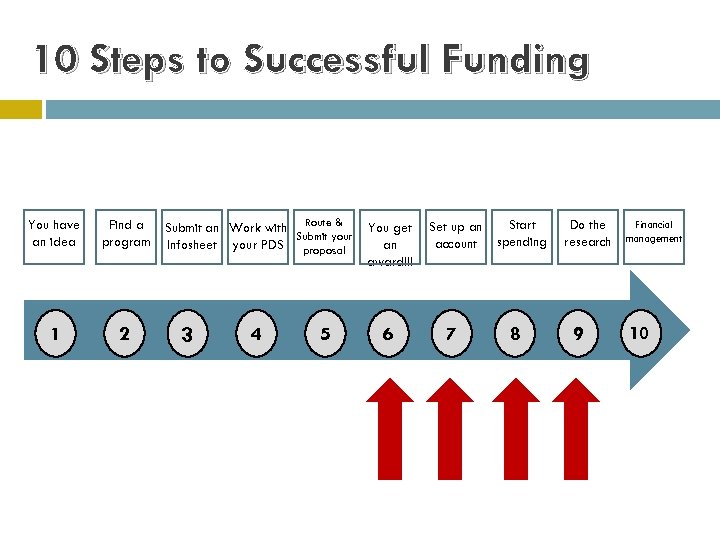 10 Steps to Successful Funding You have an idea Find a program 1 2 Submit an Work with Route & Submit your Infosheet your PDS proposal 3 4 5 You get an award!!! 6 Set up an account 7 Start spending 8 Do the research 9 Financial management 10
 Step 6: You get an AWARD!!
 Types of Agreements Standard Grants, Cooperative Agreements, and Fellowships from Sponsors like NSF, NIH, NEA, NEH, DOE, etc. Ø Significant Sponsor involvement in research to be conducted. Ø Have standard Terms and Conditions (T&C) that are more “university friendly” and require less or minimal negotiation in order to accept. Contracts Ø Very specific deliverables and dates. We will sometimes see these from the Federal government but they are more common from private industry who receive Federal funding. Ø Often “flow down” Prime Agreement (i. e. , Federal) regulations which can be problematic for universities. Sponsored Research Agreements Ø Initiated by the Sponsored Programs Coordinator (SPC) when working with a Sponsor who may not have their own document or when a starting place is needed for negotiations. Ø Includes the preferred language of the University.
 Standard Exceptions What we legally cannot accept: ý binding arbitration ý indemnification ý negligence ý waiver of legal rights ý governing law other than Oklahoma ý “warrants” ý “partners” or “partnerships” There are many issues that require the involvement of the Office of Technology Development (OTD), Legal Counsel, and the Office of Export Controls (OEC) for areas that fall outside of the ORS purview. However, ORS serves as the central point of contact between these and other university departments and the Sponsor for all necessary negotiations.
 Some Friendly Reminders. . . Proposals are a deadline business. The Infosheet is our vehicle for managing deadlines and workflow. Faculty members are integral part of our process. ORS review at the proposal stage ensures University compliance and authorization and helps avoid potential budgetary issues at the award stage. If you have any questions, please contact us!
 Step 7: Set up your account
 Award Steps Several steps must occur for a department (grant) number to be assigned. 105 xxxx 00 department numbers are used for all Norman Campus grant accounts. 405 xxxx 00 department numbers are used for all Tulsa Campus grant accounts. All official documents MUST be signed by an authorized institutional representative. The PI does NOT have the authority to bind the university. (http: //research. ou. edu/award. html) Reductions in awards amounts or significant changes (PI, university commitments, major equipment, etc. ) MAY require rerouting before the award can be set up. All University compliance approvals must be in place. If any Conflict of Interests (COI) exist, these forms must have appropriate University approval.
 Step 8: Start Spending
 Spending Your Project Funds Pre-Award Costs Rebudget Requests Internal OPAS Budget Realignment Form may be required. (http: //research. ou. edu/pafsform. html) Some rebudgeting requests may require prior Sponsor approval. Change of PI or Co-PI No Cost Extensions (NCE) Please contact your SPC to initiate any of these actions.
 Spending Your Project Funds Modifications must be processed for: incremental funding additional funding de-obligation of funding decrease in award amount or change in budget and/or project period. New account numbers are issued for: new award numbers lapse in project period or new Purchase Order (PO).
 Technical Reports Sponsor award determines frequency of reports. E-mail report reminder - generated by the ORS reporting database - sent to PI. Agency contacts ORS regarding past due report: If you have already submitted your report please let your SPC know so the reporting database can be updated. NOTE: Failure to submit reports may jeopardize current and future funding, and may result in repayment of funds received.
 Patent Reports Generally due to Federal Sponsor at project/award closeout. Action initiated by the SPC submits PI response to the Office of Technology Development (OTD) for concurrence. The final patent form is submitted to Sponsor by ORS.
 Step 9: Do the Research
 BREAK!
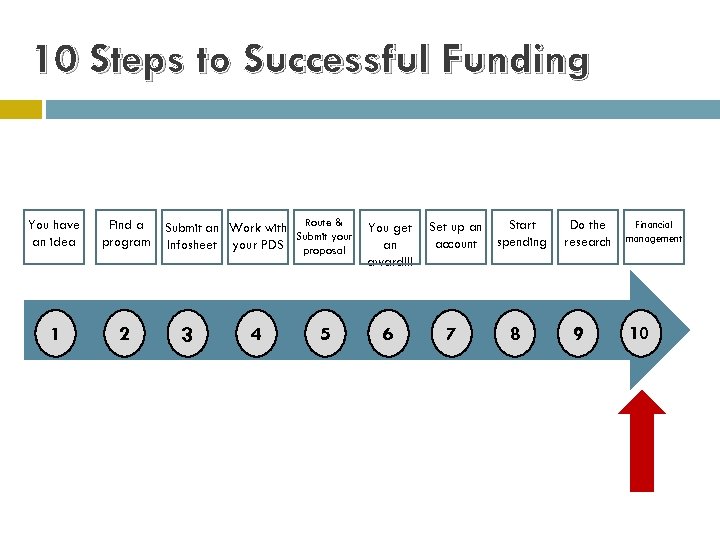 10 Steps to Successful Funding You have an idea Find a program 1 2 Submit an Work with Route & Submit your Infosheet your PDS proposal 3 4 5 You get an award!!! 6 Set up an account 7 Start spending 8 Do the research 9 Financial management 10
 Step 10: Financial Management & Close Out
 Post Award Financial Services Overview Account Opening: review and abstract awards for terms and conditions Financial Reporting: prepare monthly account status reports for principal investigators, document cost sharing, report expenditures to awarding agencies as required, prepare monthly management reports and administer subcontracts Cash Management: invoicing and collections Expenditure Monitoring and Reviewing: interact closely with Payroll, Financial Support Services, Purchasing, Budget Office, Provost Office, OU Foundation and other departments as required Compliance: follow guidelines of OMB Circulars A-21 Cost Principles, A 110 Administrative Requirements and A-133 Audits, adhere to University policies and comply with awarding agency rules and regulations
 Direct Costs A-21, Section D Direct costs are those costs that can be identified specifically with a particular sponsored project, an instructional activity, or any other institutional activity; or that can be directly assigned to such activities relatively easily with a high degree of accuracy.
 The Cost Must Be Reasonable A-21, Section C 3: “A cost may be considered reasonable if the nature of the goods or services acquired, and the amount involved, reflect the action that a prudent person would have taken under like circumstances. ”
 Cont. Reasonable “Prudent Person” Test: Necessary Consistent with established institutional policies and procedures
 The Cost Must Be Allocable A-21, Section C 4: “A cost is allocable to a sponsored agreement if (1) it is incurred solely to advance the work of the sponsored agreement; (2) it benefits the sponsored agreement; or (3) it is necessary to the overall operation of the sponsored agreement. ”
 Allocable Cont. “But For” Test: But for this project, this cost would not be incurred.
 The Cost Must Be Allowable Terms & Conditions A 21, Section J State Laws University Policy and Procedures
 PAFS Approval! ALL charges/expenses on a grant or contract must be sent through PAFS for approval. • Invoices • Travel Claims • Requisitions • Appointments • Journal Vouchers (JVs)
 Cost Transfer What is a Cost Transfer? After-the-fact transfer of a cost previously incurred Purpose Allow for reassignment of costs from one dept. number to another
 What is Effort Reporting? Effort Reporting is the after-the-fact confirmation of labor time spent on all activity and expressed as a percentage of total time.
 Why must I do effort reporting? Required by OMB Circular A-21, Section J. 10 Salaries represent single largest item of expenditure Provides Sponsors assurances that effort is devoted to the project
 Who must confirm effort? A-21 states that effort may be confirmed by a responsible person with suitable means of verification that work was performed. Principal Investigator Supervisor
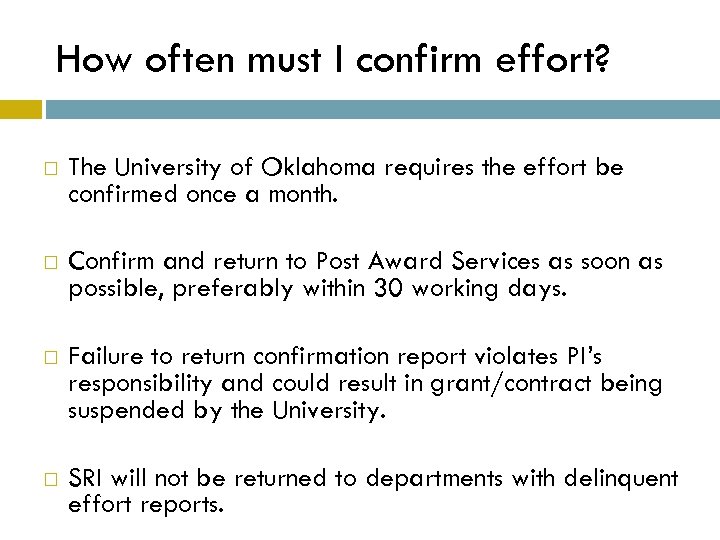 How often must I confirm effort? The University of Oklahoma requires the effort be confirmed once a month. Confirm and return to Post Award Services as soon as possible, preferably within 30 working days. Failure to return confirmation report violates PI’s responsibility and could result in grant/contract being suspended by the University. SRI will not be returned to departments with delinquent effort reports.
 QUESTIONS? PLEASE ASK US! PRE-AWARD QUESTIONS JENNIE PARKER (405) 325 -6054 JIPARKER@OU. EDU POST-AWARD QUESTIONS SUZANNE BURGESS (405) 325 -4979 SUZANNE@OU. EDU