


 Скачать презентацию Functions Arrays Functions Functions offer
0ab8084a691bbafc22f89607015b0ee3.ppt
- Количество слайдов: 21
 Functions & Arrays
 Functions • Functions offer the ability for programmers to group together program code that performs specific task or function into a single unit hat can be used repeatedly throughout a program. • A function is defined by name and is invoked by using its name. • Functions can accept data in the form of arguments and can return results. • PHP has several built-in functions. However, the flexibility of PHP lies in the ability of programmers to create their own functions.
 Basic PHP Functions • abs() Function: Returns the absolute value of a number. • sqrt( ) Function: Take the square root of a single numerical argument. • round( ) Function: Returns the number rounded up or down to the nearest integer. • is_number( ) Function: Testing whether a variable is a valid number or numeric string. It returns true or false.
 Basic PHP Functions • rand( ) Function. Generate a random number. • date( ) Function. Determine the current date and time.
 PHP Function Site http: //www. php. net/manual/en/funcref. php
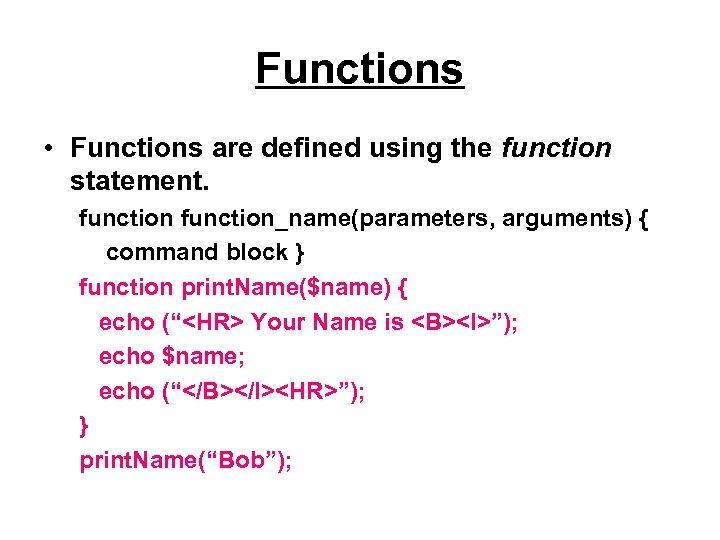 Functions • Functions are defined using the function statement. function_name(parameters, arguments) { command block } function print. Name($name) { echo (“
Your Name is ”); echo $name; echo (“
”); } print. Name(“Bob”);
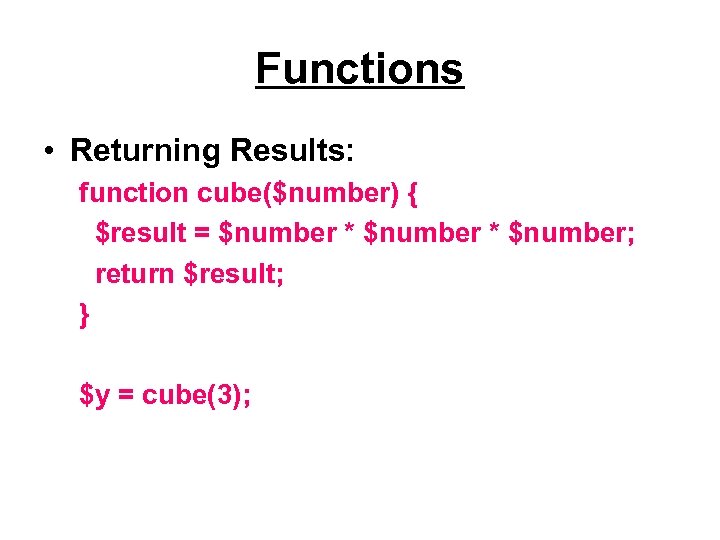 Functions • Returning Results: function cube($number) { $result = $number * $number; return $result; } $y = cube(3);
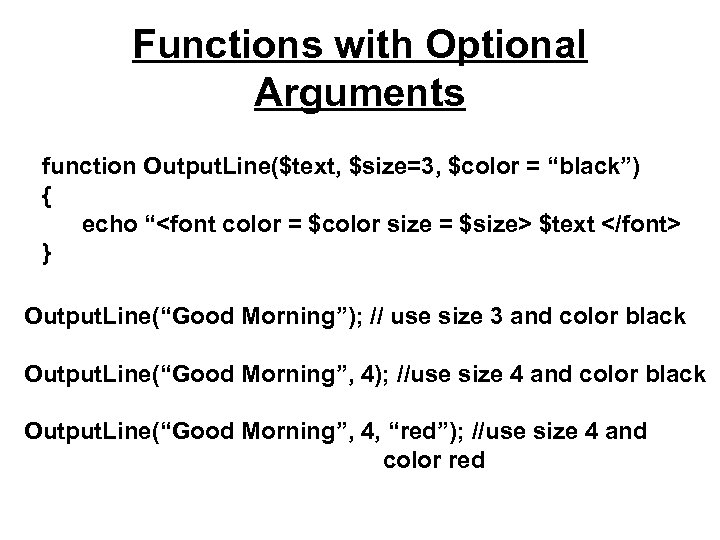 Functions with Optional Arguments function Output. Line($text, $size=3, $color = “black”) { echo “ $text } Output. Line(“Good Morning”); // use size 3 and color black Output. Line(“Good Morning”, 4); //use size 4 and color black Output. Line(“Good Morning”, 4, “red”); //use size 4 and color red
 Using External Script Files • PHP supports two different functions for including external script files in your scripts: – require( ) : produces a fatal error if the external script can’t be inserted. – include( ) : produces a warning if can’t insert the specified file.
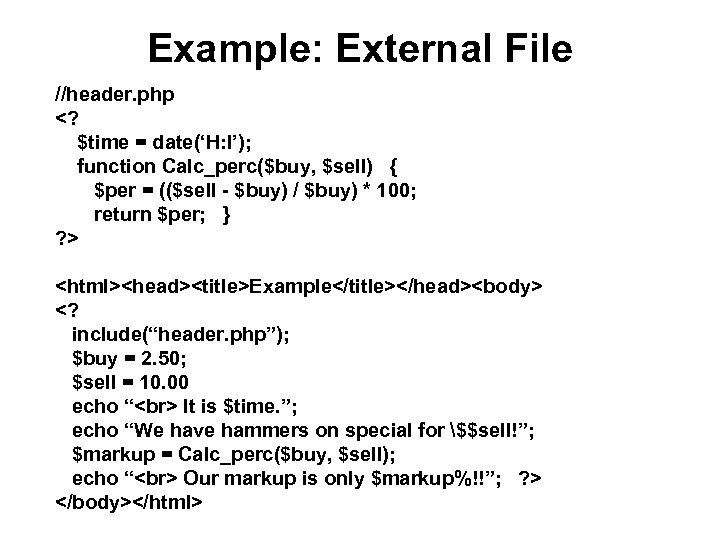 Example: External File //header. php
 Arrays • An array is a PHP variable that can hold multiple data values (like a list of numbers, names, or grocery items) • Sequential Array: Keeps track of these data items by using sequential numbers. • Associative Array: Keeps track of these data items by using character strings.
 Advantages of Arrays • Include a flexible number of list items. Can add and delete items on the fly. • Examine each item more concisely. You can use looping constructs in combination with arrays to look at and operate on each array item in a very concise manner. • Use special array operators and functions. Built-in array operators and functions to do things such as count the number of items, sum the items, and sort the array.
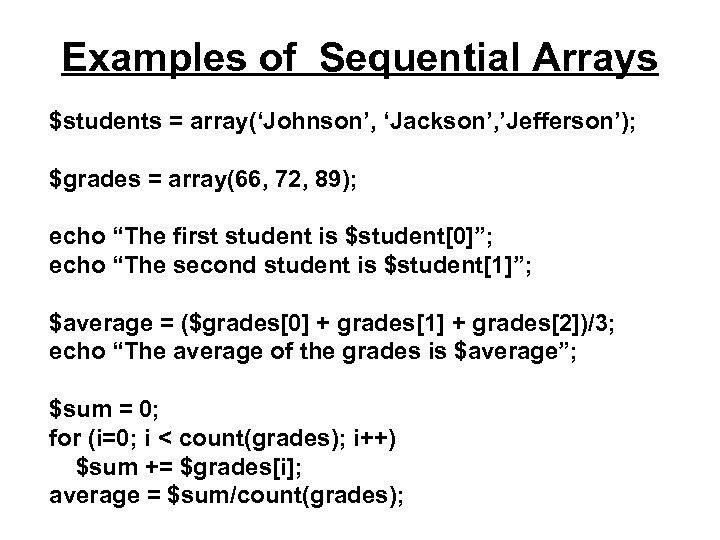 Examples of Sequential Arrays $students = array(‘Johnson’, ‘Jackson’, ’Jefferson’); $grades = array(66, 72, 89); echo “The first student is $student[0]”; echo “The second student is $student[1]”; $average = ($grades[0] + grades[1] + grades[2])/3; echo “The average of the grades is $average”; $sum = 0; for (i=0; i < count(grades); i++) $sum += $grades[i]; average = $sum/count(grades);
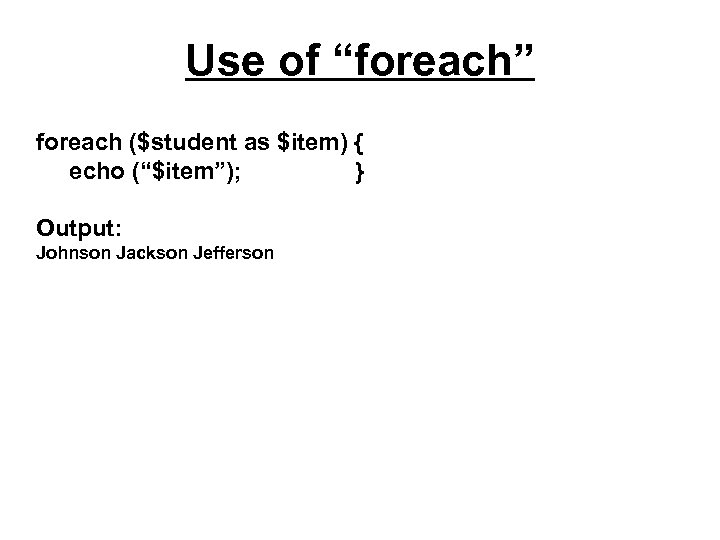 Use of “foreach” foreach ($student as $item) { echo (“$item”); } Output: Johnson Jackson Jefferson
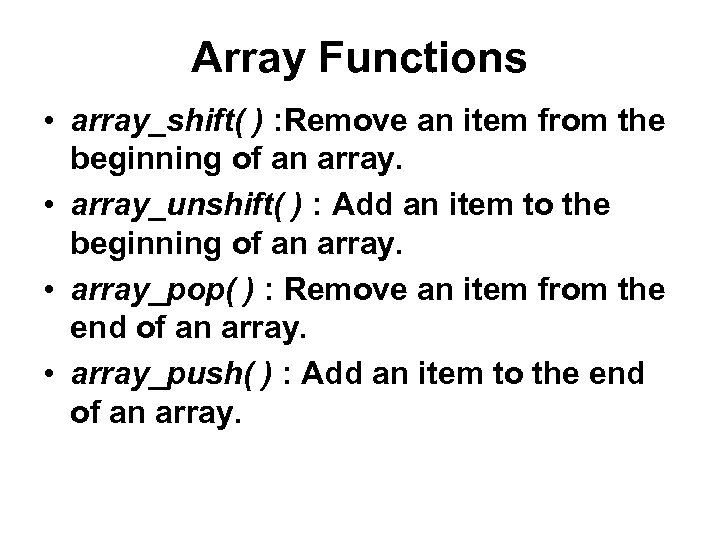 Array Functions • array_shift( ) : Remove an item from the beginning of an array. • array_unshift( ) : Add an item to the beginning of an array. • array_pop( ) : Remove an item from the end of an array. • array_push( ) : Add an item to the end of an array.
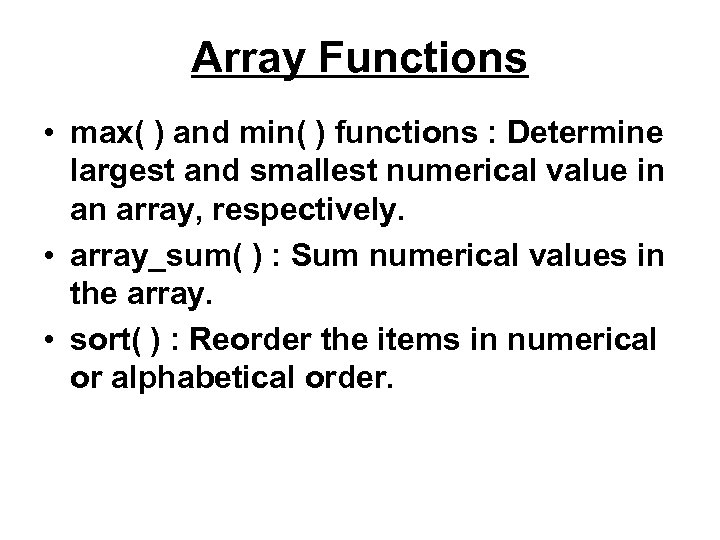 Array Functions • max( ) and min( ) functions : Determine largest and smallest numerical value in an array, respectively. • array_sum( ) : Sum numerical values in the array. • sort( ) : Reorder the items in numerical or alphabetical order.
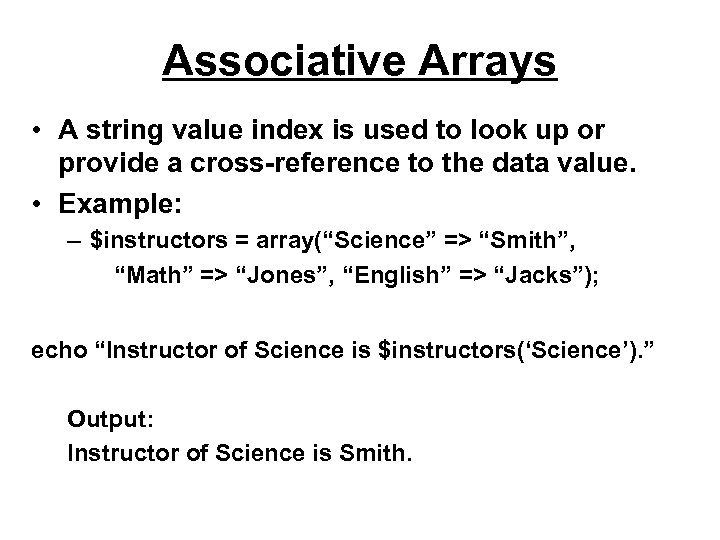 Associative Arrays • A string value index is used to look up or provide a cross-reference to the data value. • Example: – $instructors = array(“Science” => “Smith”, “Math” => “Jones”, “English” => “Jacks”); echo “Instructor of Science is $instructors(‘Science’). ” Output: Instructor of Science is Smith.
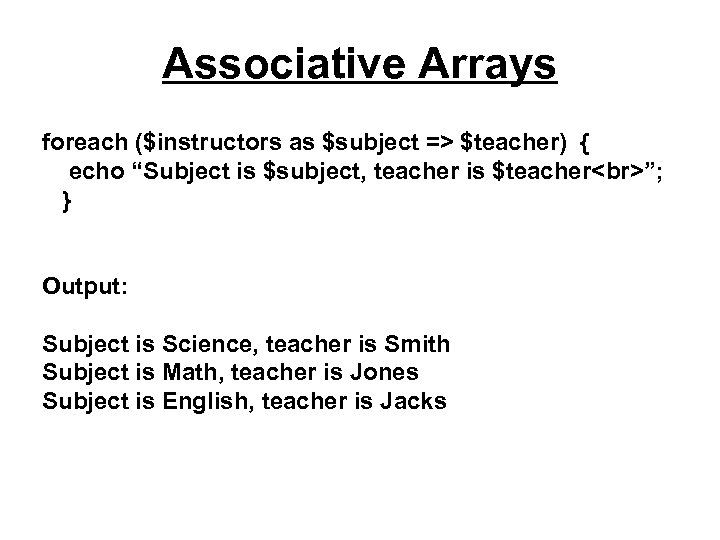 Associative Arrays foreach ($instructors as $subject => $teacher) { echo “Subject is $subject, teacher is $teacher ”; } Output: Subject is Science, teacher is Smith Subject is Math, teacher is Jones Subject is English, teacher is Jacks
![Associative Arrays • Adding an Associative Array Item: $instructors[“Language”] = “Pearson”; • Deleting an](https://present5.com/presentation/0ab8084a691bbafc22f89607015b0ee3/image-19.jpg "Associative Arrays • Adding an Associative Array Item: $instructors[“Language”] = “Pearson”; • Deleting an") Associative Arrays • Adding an Associative Array Item: $instructors[“Language”] = “Pearson”; • Deleting an Associative Array Item: unset($instructors[“Science”]); • Verifying an Item’s Existence: if (isset($instructors[“Science”])) { echo (“Science is in the list. ”); } else { echo (“Science is NOT in the list. ”); }
Associative Arrays • Adding an Associative Array Item: $instructors[“Language”] = “Pearson”; • Deleting an Associative Array Item: unset($instructors[“Science”]); • Verifying an Item’s Existence: if (isset($instructors[“Science”])) { echo (“Science is in the list. ”); } else { echo (“Science is NOT in the list. ”); }
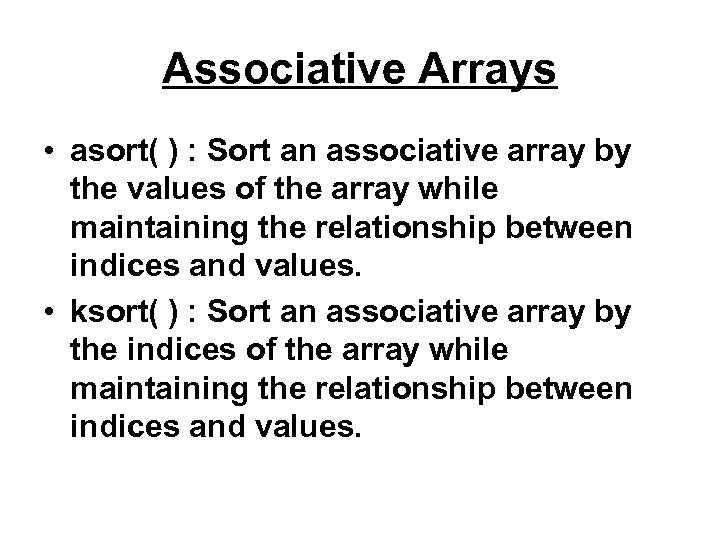 Associative Arrays • asort( ) : Sort an associative array by the values of the array while maintaining the relationship between indices and values. • ksort( ) : Sort an associative array by the indices of the array while maintaining the relationship between indices and values.
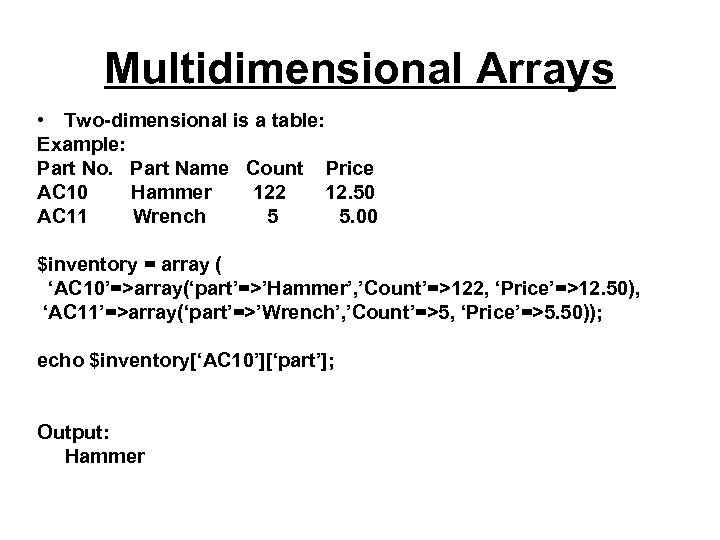 Multidimensional Arrays • Two-dimensional is a table: Example: Part No. Part Name Count Price AC 10 Hammer 122 12. 50 AC 11 Wrench 5 5. 00 $inventory = array ( ‘AC 10’=>array(‘part’=>’Hammer’, ’Count’=>122, ‘Price’=>12. 50), ‘AC 11’=>array(‘part’=>’Wrench’, ’Count’=>5, ‘Price’=>5. 50)); echo $inventory[‘AC 10’][‘part’]; Output: Hammer