 Скачать презентацию From My SQL to Si R via ODBC
f9e7966e8a0e072cbdfd4f29726efca6.ppt
- Количество слайдов: 28



From My. SQL to Si. R via ODBC John S. Lemon From My. SQL to Si. R via ODBC
How did it start ? Interdivisional ‘rivalry’ / ‘power complex’“Calls are being delayed longer this year in your division and this is reflecting on the service” Had to prove it in 24 hours before weekly division managers meeting. From My. SQL to Si. R via ODBC
Summary • Initial crude solution – ODBC & SPSS • ‘hoist by own petard’ - too successful • My. SQL extractions no help – bugs / features • Re-think • Need to ‘automate’ / ‘replicate’ • Use v. PQL + ODBC > Si. R > SPSS From My. SQL to Si. R via ODBC
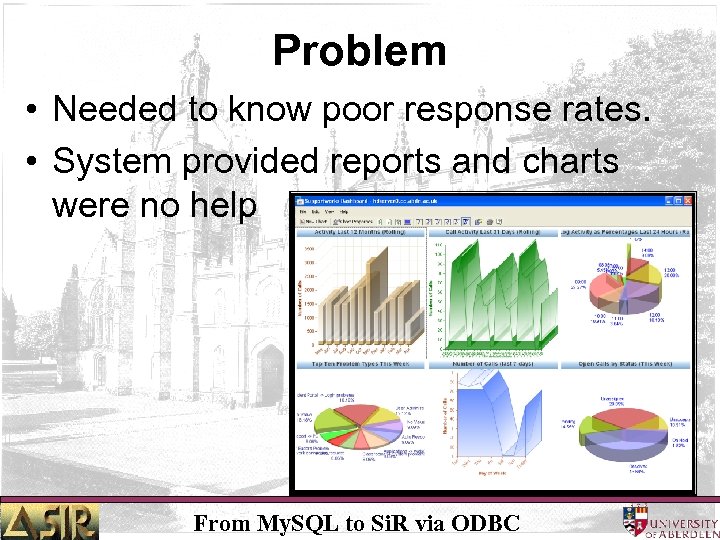
Problem • Needed to know poor response rates. • System provided reports and charts were no help From My. SQL to Si. R via ODBC
Problem • Charts and tables geared towards ‘management’ • Gave overall views but fail to answer detailed questions • Why ? From My. SQL to Si. R via ODBC
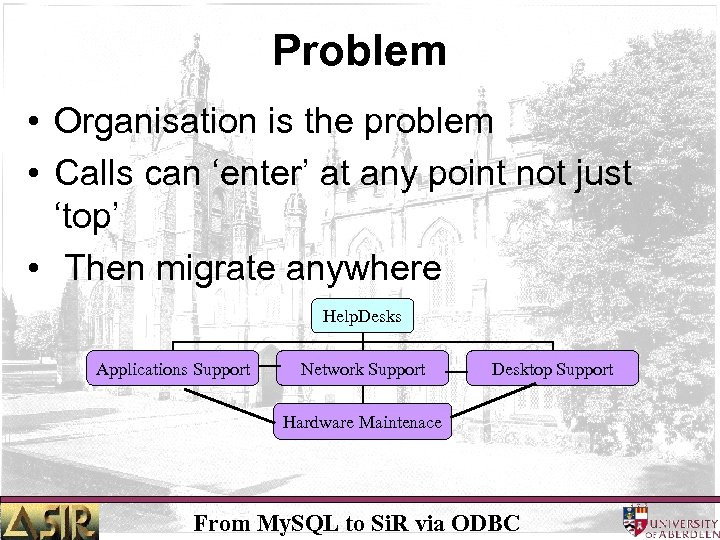
Problem • Organisation is the problem • Calls can ‘enter’ at any point not just ‘top’ • Then migrate anywhere Help. Desks Applications Support Network Support Desktop Support Hardware Maintenace From My. SQL to Si. R via ODBC
Problem • Charts and tables geared towards ‘management’ • Didn’t show movement between subgroups • Only times were ‘Open’ and ‘Close’ • So if call closed by subgroup ‘X’ then reports allocated total time to ‘X’ even if 90% was in ‘Y’ !!! From My. SQL to Si. R via ODBC
ODBC and SPSS • Use ODBC from SPSS to extract data • Create two files and manipulate within SPSS • Merge and Aggregate create data file • Still not good enough as limited ‘cross record functions’ From My. SQL to Si. R via ODBC
ODBC and SPSS • Use my SPSS 2 Si. R routines ? • No – ‘one-off’ and time constrained – hadn’t used for some years so …. . ? • ‘Save As’ fixed ASCII from SPSS • Create simple data base in Si. R • Allowed cross record functions From My. SQL to Si. R via ODBC
ODBC and SPSS • Crude but effective solution • Unfortunately not end of problem • ‘Hoist by my own petard’ – “A petard is an explosive device used to break down doors or walls with a ‘slow burning fuse’ “ – Sometimes the burn was not as slow as the bomb placer would like. From My. SQL to Si. R via ODBC
My ‘Petard’ • Met the deadline – but …. • Management requested more detail and complexity • Actually heard that the phrase was – “If it is not your …. ing division that needs a ‘kick up the a. . e’ ! Then whose does. ” From My. SQL to Si. R via ODBC
My ‘Petard’ • Also wanted weekly updates • Using SPSS route wasn’t practical – Cumbersome – Crude – Had tailored process for one division – So couldn’t be easily extended or ‘automated’ • Back to drawing board From My. SQL to Si. R via ODBC
Next Step – First thoughts • My. SQL data base - so obvious answer • Use My. SQL queries to generate data files – Even though updates were via Si. R v. PQL generated SQL code thought might work – Few more grey hairs later – no success – Dump data out and read into Si. R • ‘Feature’ – no last column !! From My. SQL to Si. R via ODBC
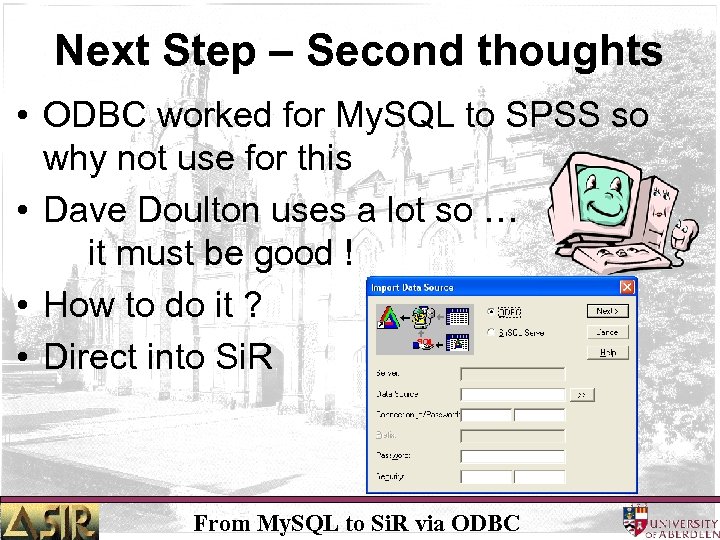
Next Step – Second thoughts • ODBC worked for My. SQL to SPSS so why not use for this • Dave Doulton uses a lot so … it must be good ! • How to do it ? • Direct into Si. R From My. SQL to Si. R via ODBC
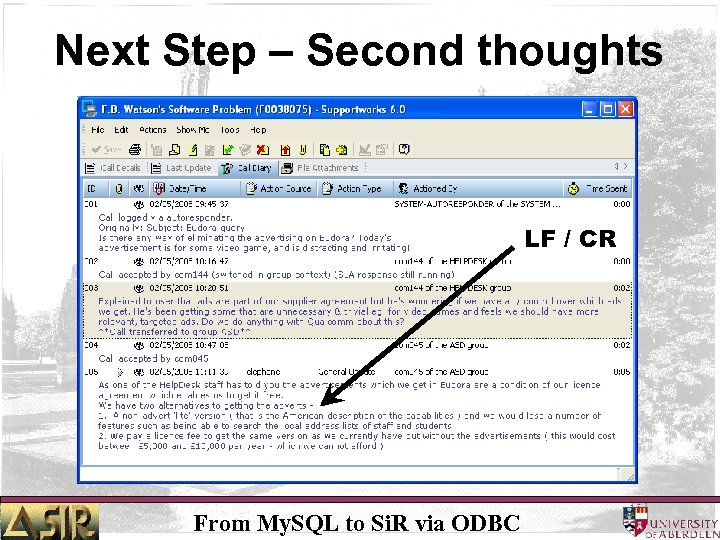
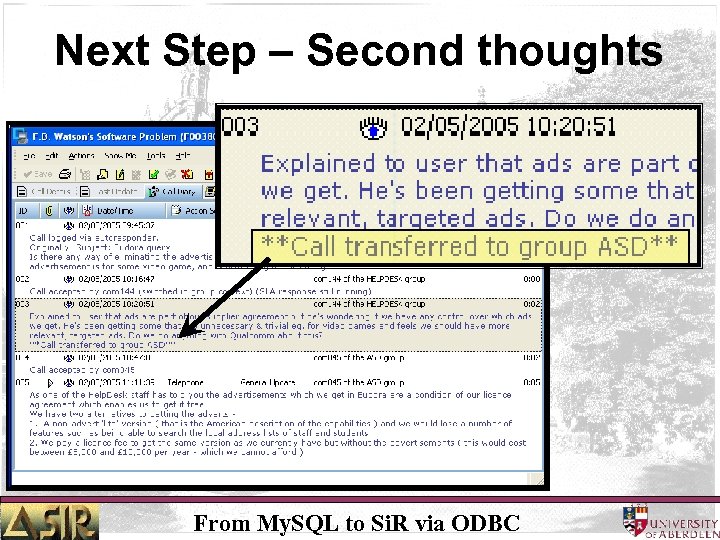
Next Step – Second thoughts • Appeared to work well • However – Many very short records for describing the action – Also many ‘actions’ missing • Why ? • Took some while to ‘crack’ the reason From My. SQL to Si. R via ODBC
Next Step – Second thoughts LF / CR From My. SQL to Si. R via ODBC
Next Step – Second thoughts • Why was this important ? • Whatever I was doing ( right or wrong ) Si. R treated it as ‘end of record’ • Truncated My. SQL records and so missed out the important bit !! From My. SQL to Si. R via ODBC
Next Step – Second thoughts From My. SQL to Si. R via ODBC
Next Step – Third thoughts • • Back to the ‘drawing board’ Have to write a v. PQL programme How ? Obvious thing RTFM Read The Fine Manual You thought I was going say Flipping ! Or something else !! From My. SQL to Si. R via ODBC
Next Step – Third thoughts • Actually not a manual – ( how many are nowadays ? ) • Help files – complete with sample program • RTFHF doesn’t flow as easily off the tongue as RTFM • Didn’t quite understand all the options • Now for a bit of ‘history’ From My. SQL to Si. R via ODBC
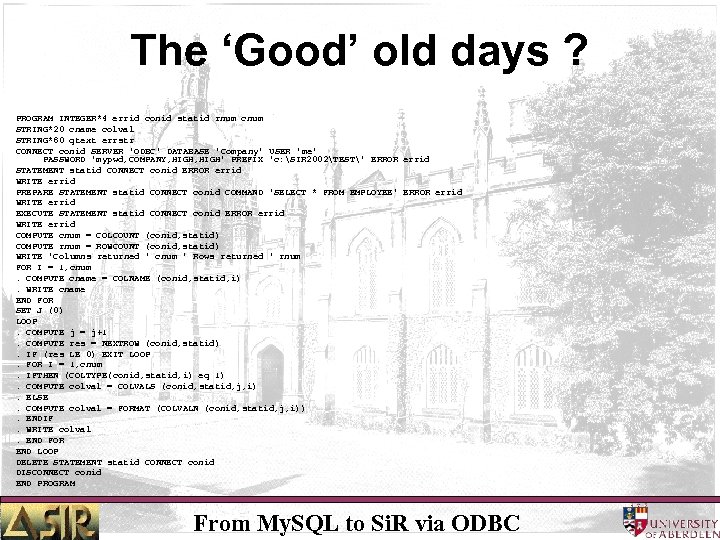
The ‘Good’ old days ? PROGRAM INTEGER*4 errid conid statid rnum cnum STRING*20 cname colval STRING*80 qtext errstr CONNECT conid SERVER 'ODBC' DATABASE 'Company' USER 'me' PASSWORD 'mypwd, COMPANY, HIGH' PREFIX 'c: SIR 2002TEST' ERROR errid STATEMENT statid CONNECT conid ERROR errid WRITE errid PREPARE STATEMENT statid CONNECT conid COMMAND 'SELECT * FROM EMPLOYEE' ERROR errid WRITE errid EXECUTE STATEMENT statid CONNECT conid ERROR errid WRITE errid COMPUTE cnum = COLCOUNT (conid, statid) COMPUTE rnum = ROWCOUNT (conid, statid) WRITE 'Columns returned ' cnum ' Rows returned ' rnum FOR I = 1, cnum. COMPUTE cname = COLNAME (conid, statid, i). WRITE cname END FOR SET J (0) LOOP. COMPUTE j = j+1. COMPUTE res = NEXTROW (conid, statid). IF (res LE 0) EXIT LOOP. FOR I = 1, cnum. IFTHEN (COLTYPE(conid, statid, i) eq 1). COMPUTE colval = COLVALS (conid, statid, j, i). ELSE. COMPUTE colval = FORMAT (COLVALN (conid, statid, j, i)). ENDIF. WRITE colval. END FOR END LOOP DELETE STATEMENT statid CONNECT conid DISCONNECT conid END PROGRAM From My. SQL to Si. R via ODBC
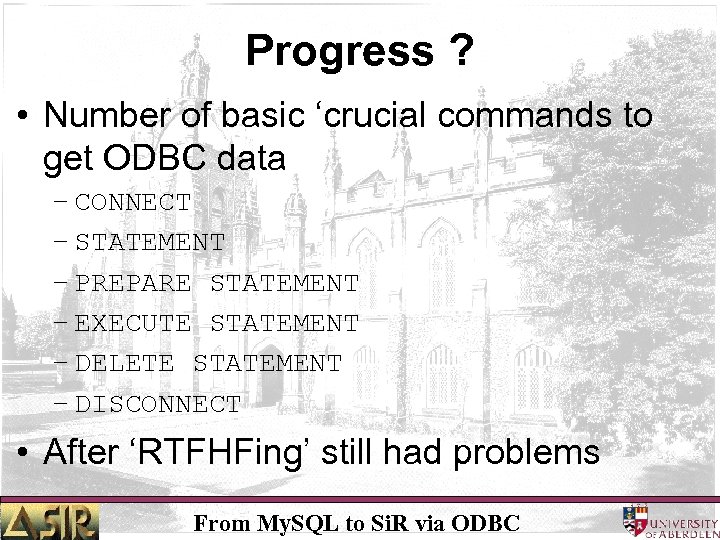
Progress ? • Number of basic ‘crucial commands to get ODBC data – CONNECT – STATEMENT – PREPARE STATEMENT – EXECUTE STATEMENT – DELETE STATEMENT – DISCONNECT • After ‘RTFHFing’ still had problems From My. SQL to Si. R via ODBC
Progress ? • Just couldn’t get a ‘connection’ or anything • Solution – E-mail David Baxter !!! • As usual came to rescue – problem solved • Still not sure why – just happy it does From My. SQL to Si. R via ODBC
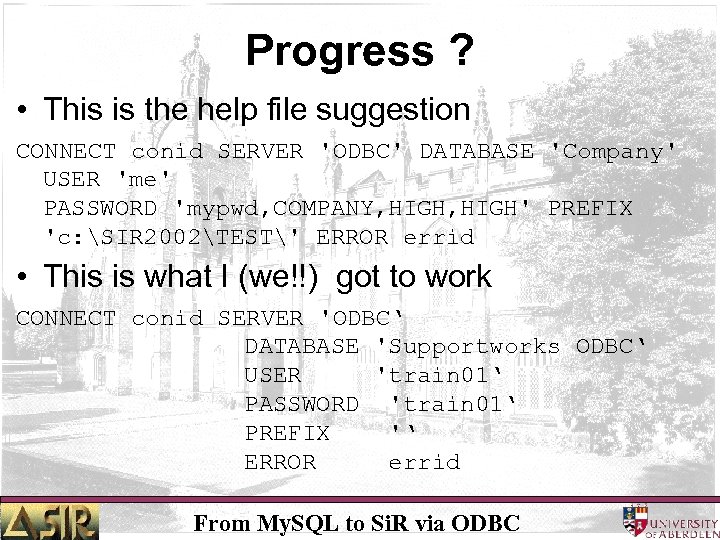
Progress ? • This is the help file suggestion CONNECT conid SERVER 'ODBC' DATABASE 'Company' USER 'me' PASSWORD 'mypwd, COMPANY, HIGH' PREFIX 'c: SIR 2002TEST' ERROR errid • This is what I (we!!) got to work CONNECT conid SERVER 'ODBC‘ DATABASE 'Supportworks ODBC‘ USER 'train 01‘ PASSWORD 'train 01‘ PREFIX '‘ ERROR errid From My. SQL to Si. R via ODBC
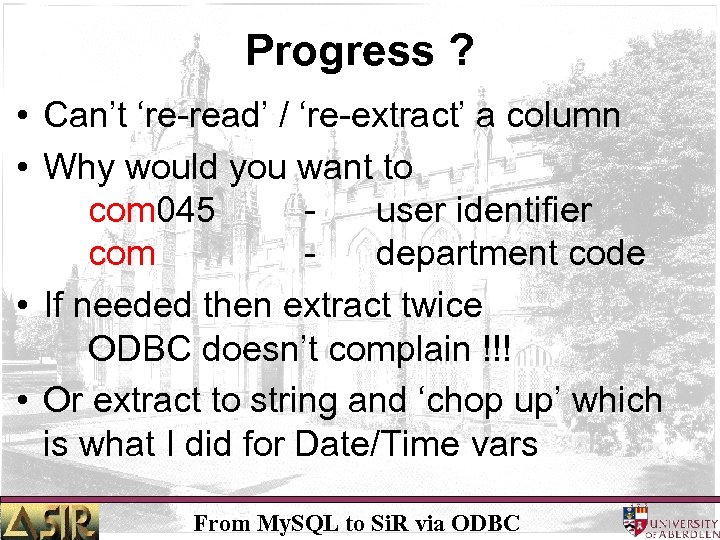
Progress ? • Can’t ‘re-read’ / ‘re-extract’ a column • Why would you want to com 045 user identifier com department code • If needed then extract twice ODBC doesn’t complain !!! • Or extract to string and ‘chop up’ which is what I did for Date/Time vars From My. SQL to Si. R via ODBC
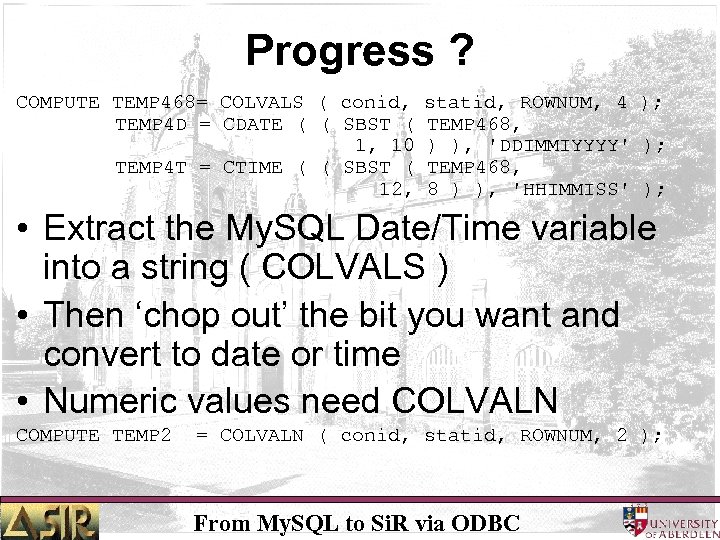
Progress ? COMPUTE TEMP 468= COLVALS ( conid, statid, ROWNUM, 4 ); TEMP 4 D = CDATE ( ( SBST ( TEMP 468, 1, 10 ) ), 'DDIMMIYYYY' ); TEMP 4 T = CTIME ( ( SBST ( TEMP 468, 12, 8 ) ), 'HHIMMISS' ); • Extract the My. SQL Date/Time variable into a string ( COLVALS ) • Then ‘chop out’ the bit you want and convert to date or time • Numeric values need COLVALN COMPUTE TEMP 2 = COLVALN ( conid, statid, ROWNUM, 2 ); From My. SQL to Si. R via ODBC
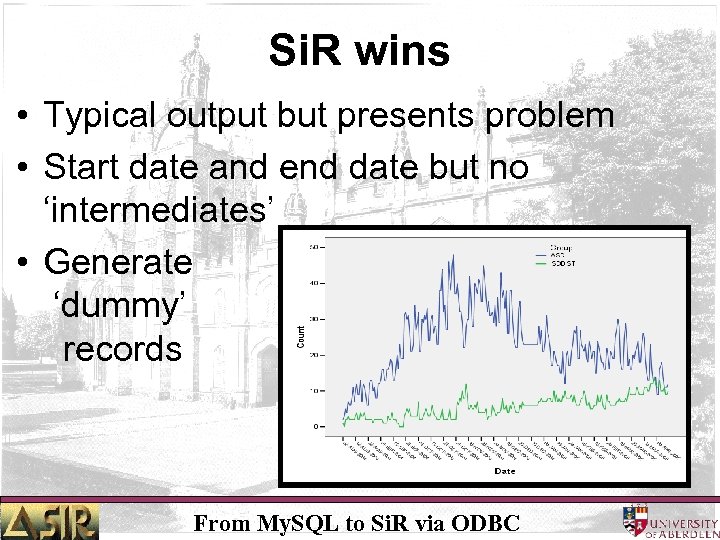
Si. R wins • Typical output but presents problem • Start date and end date but no ‘intermediates’ • Generate ‘dummy’ records From My. SQL to Si. R via ODBC
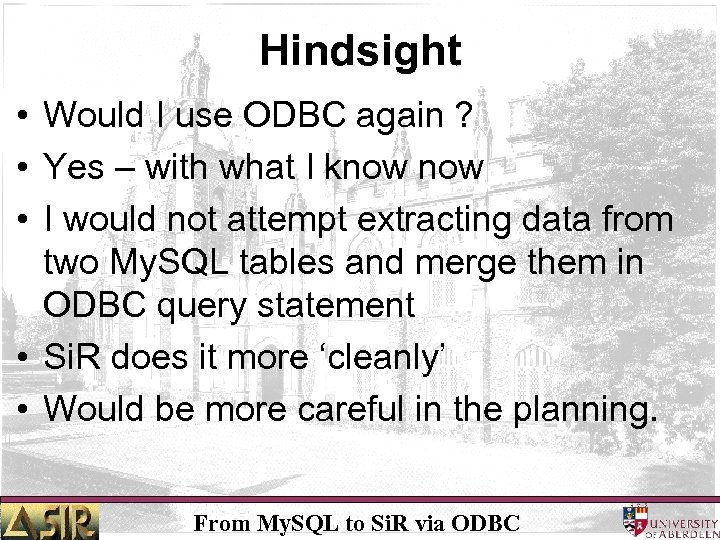
Hindsight • Would I use ODBC again ? • Yes – with what I know • I would not attempt extracting data from two My. SQL tables and merge them in ODBC query statement • Si. R does it more ‘cleanly’ • Would be more careful in the planning. From My. SQL to Si. R via ODBC
Скачать презентацию From My SQL to Si R via ODBC
f9e7966e8a0e072cbdfd4f29726efca6.ppt