 Скачать презентацию From Client Server to WEB Rizwan Akhtar Tangible
b16c07d533c74a03c859818ea74c88d3.ppt
- Количество слайдов: 19



From Client Server to WEB Rizwan Akhtar Tangible Technologies 703 -568 -3702 rakhtar@tangible-tech. com
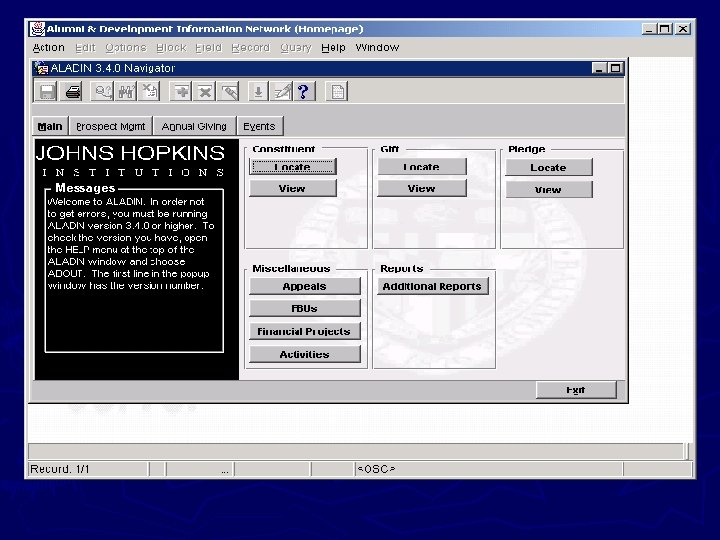
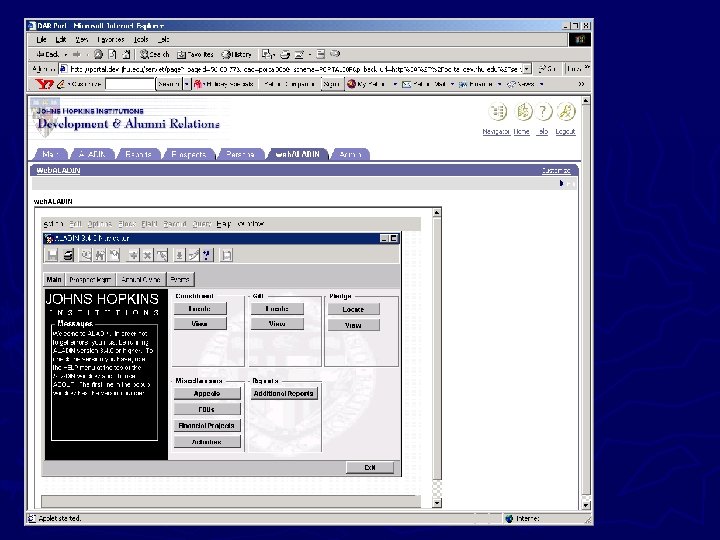
What we will discuss today ► Developer/2000 Client Server Components and their integration ► Migration from Client Server to Web. ► Integration of Developer/2000 components in Web environment.
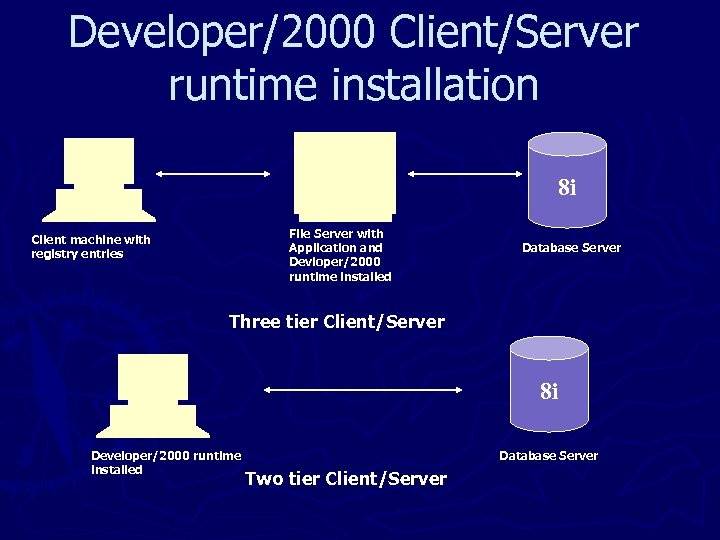
Developer/2000 Client/Server runtime installation 8 i File Server with Application and Devloper/2000 runtime installed Client machine with registry entries Database Server Three tier Client/Server 8 i Developer/2000 runtime installed Database Server Two tier Client/Server
Client Server Deployment Issues ► Not available from every where ► Individual Client machine installation and configuration required ► Updates have to be propagated to all Client machines. ► Memory requirement for Client Machines are generally higher to run Developer/2000 Application
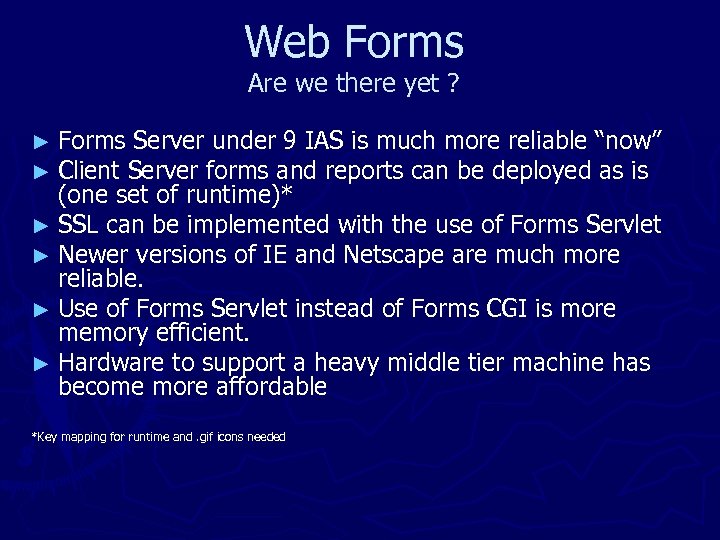
Web Forms Are we there yet ? ► Forms Server under 9 IAS is much more reliable “now” ► Client Server forms and reports can be deployed as is (one set of runtime)* ► SSL can be implemented with the use of Forms Servlet ► Newer versions of IE and Netscape are much more reliable. ► Use of Forms Servlet instead of Forms CGI is more memory efficient. ► Hardware to support a heavy middle tier machine has become more affordable *Key mapping for runtime and. gif icons needed
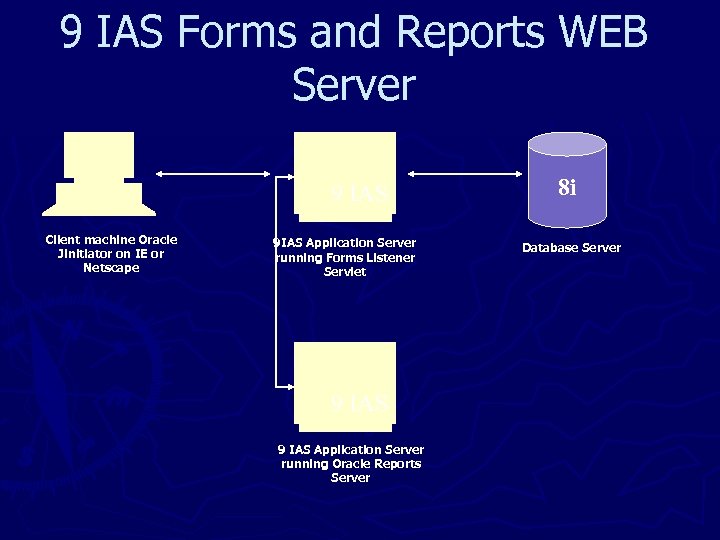
9 IAS Forms and Reports WEB Server 9 IAS Client machine Oracle Jinitiator on IE or Netscape 9 IAS Application Server running Forms Listener Servlet 9 IAS Application Server running Oracle Reports Server 8 i Database Server
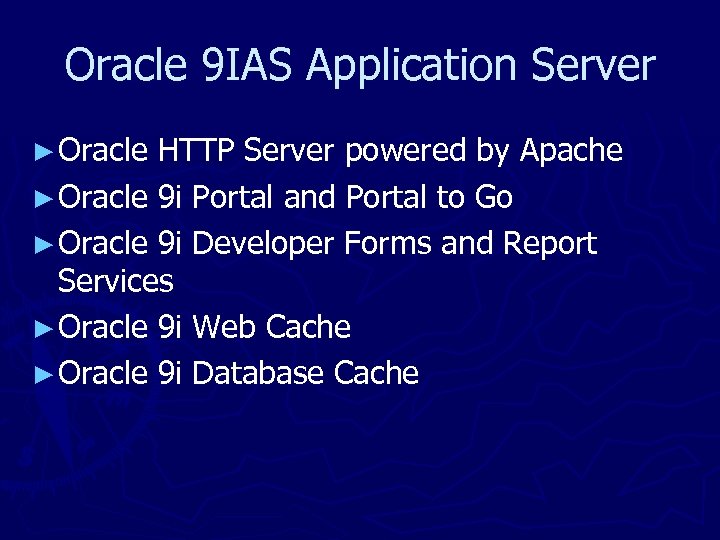
Oracle 9 IAS Application Server ► Oracle HTTP Server powered by Apache ► Oracle 9 i Portal and Portal to Go ► Oracle 9 i Developer Forms and Report Services ► Oracle 9 i Web Cache ► Oracle 9 i Database Cache
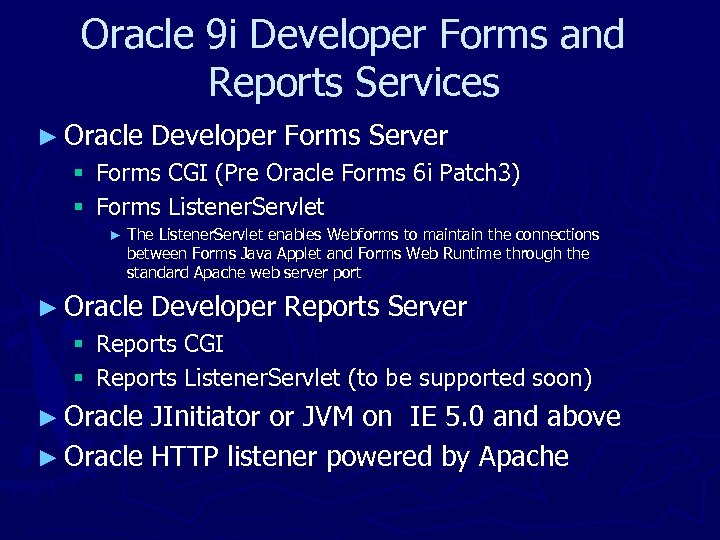
Oracle 9 i Developer Forms and Reports Services ► Oracle Developer Forms Server § Forms CGI (Pre Oracle Forms 6 i Patch 3) § Forms Listener. Servlet ► The Listener. Servlet enables Webforms to maintain the connections between Forms Java Applet and Forms Web Runtime through the standard Apache web server port ► Oracle Developer Reports Server § Reports CGI § Reports Listener. Servlet (to be supported soon) ► Oracle JInitiator or JVM on IE 5. 0 and above ► Oracle HTTP listener powered by Apache
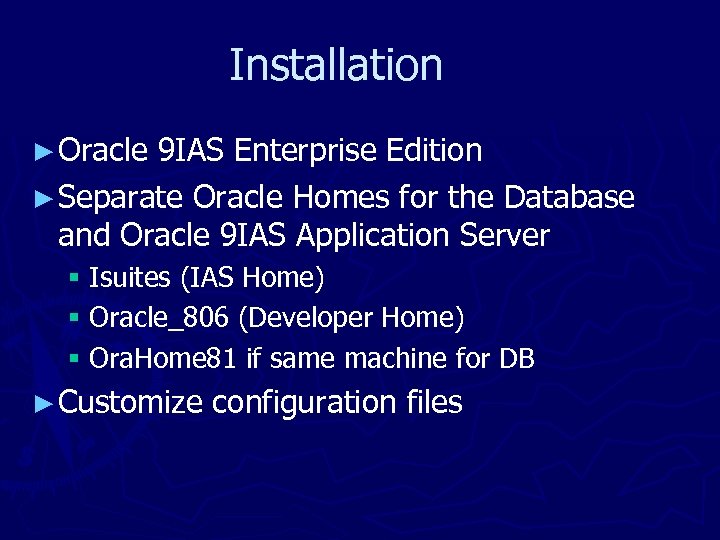
Installation ► Oracle 9 IAS Enterprise Edition ► Separate Oracle Homes for the Database and Oracle 9 IAS Application Server § Isuites (IAS Home) § Oracle_806 (Developer Home) § Ora. Home 81 if same machine for DB ► Customize configuration files
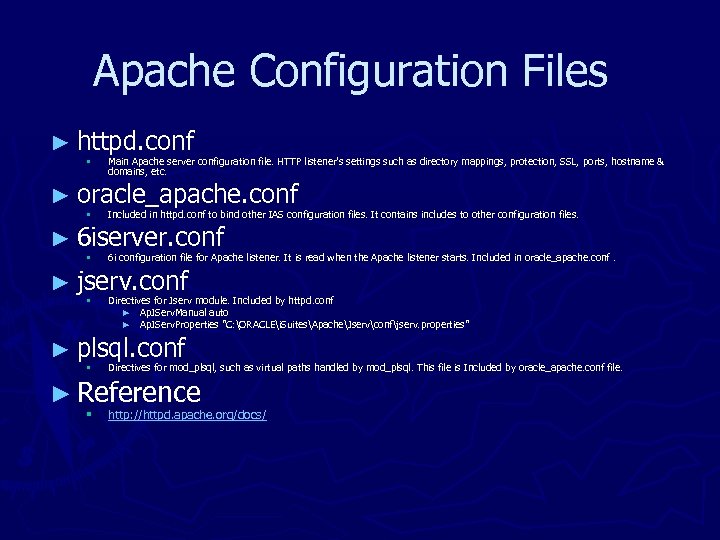
Apache Configuration Files ► httpd. conf § Main Apache server configuration file. HTTP listener's settings such as directory mappings, protection, SSL, ports, hostname & domains, etc. ► oracle_apache. conf § Included in httpd. conf to bind other IAS configuration files. It contains includes to other configuration files. § 6 i configuration file for Apache listener. It is read when the Apache listener starts. Included in oracle_apache. conf. § Directives for Jserv module. Included by httpd. conf ► Ap. JServ. Manual auto ► Ap. JServ. Properties "C: ORACLEi. SuitesApacheJservconfjserv. properties" ► 6 iserver. conf ► jserv. conf ► plsql. conf § Directives for mod_plsql, such as virtual paths handled by mod_plsql. This file is Included by oracle_apache. conf file. ► Reference § http: //httpd. apache. org/docs/
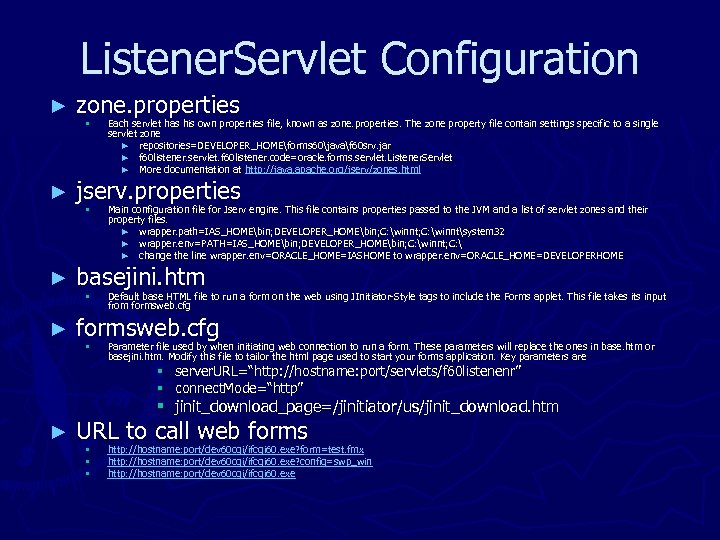
Listener. Servlet Configuration ► zone. properties ► jserv. properties ► basejini. htm ► formsweb. cfg § § Each servlet has his own properties file, known as zone. properties. The zone property file contain settings specific to a single servlet zone ► repositories=DEVELOPER_HOMEforms 60javaf 60 srv. jar ► f 60 listener. servlet. f 60 listener. code=oracle. forms. servlet. Listener. Servlet ► More documentation at http: //java. apache. org/jserv/zones. html Main configuration file for Jserv engine. This file contains properties passed to the JVM and a list of servlet zones and their property files. ► wrapper. path=IAS_HOMEbin; DEVELOPER_HOMEbin; C: winntsystem 32 ► wrapper. env=PATH=IAS_HOMEbin; DEVELOPER_HOMEbin; C: winnt; C: ► change the line wrapper. env=ORACLE_HOME=IASHOME to wrapper. env=ORACLE_HOME=DEVELOPERHOME Default base HTML file to run a form on the web using JInitiator-Style tags to include the Forms applet. This file takes its input from formsweb. cfg Parameter file used by when initiating web connection to run a form. These parameters will replace the ones in base. htm or basejini. htm. Modify this file to tailor the html page used to start your forms application. Key parameters are § server. URL=“http: //hostname: port/servlets/f 60 listenenr” § connect. Mode=“http” § jinit_download_page=/jinitiator/us/jinit_download. htm ► URL to call web forms § § § http: //hostname: port/dev 60 cgi/ifcgi 60. exe? form=test. fmx http: //hostname: port/dev 60 cgi/ifcgi 60. exe? config=swp_win http: //hostname: port/dev 60 cgi/ifcgi 60. exe
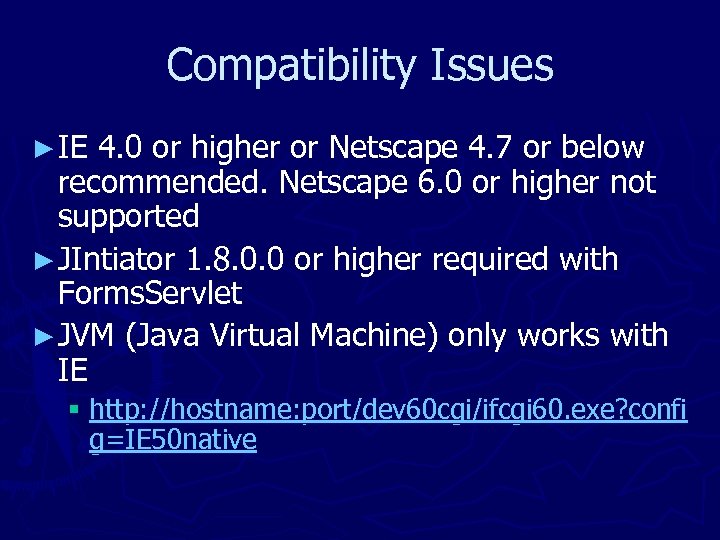
Compatibility Issues ► IE 4. 0 or higher or Netscape 4. 7 or below recommended. Netscape 6. 0 or higher not supported ► JIntiator 1. 8. 0. 0 or higher required with Forms. Servlet ► JVM (Java Virtual Machine) only works with IE § http: //hostname: port/dev 60 cgi/ifcgi 60. exe? confi g=IE 50 native
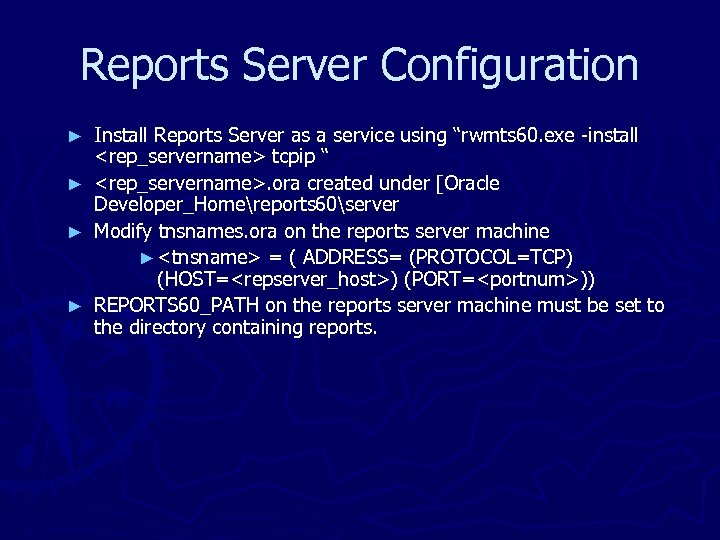
Reports Server Configuration ► ► Install Reports Server as a service using “rwmts 60. exe -install <rep_servername> tcpip “ <rep_servername>. ora created under [Oracle Developer_Homereports 60server Modify tnsnames. ora on the reports server machine ► <tnsname> = ( ADDRESS= (PROTOCOL=TCP) (HOST=<repserver_host>) (PORT=<portnum>)) REPORTS 60_PATH on the reports server machine must be set to the directory containing reports.
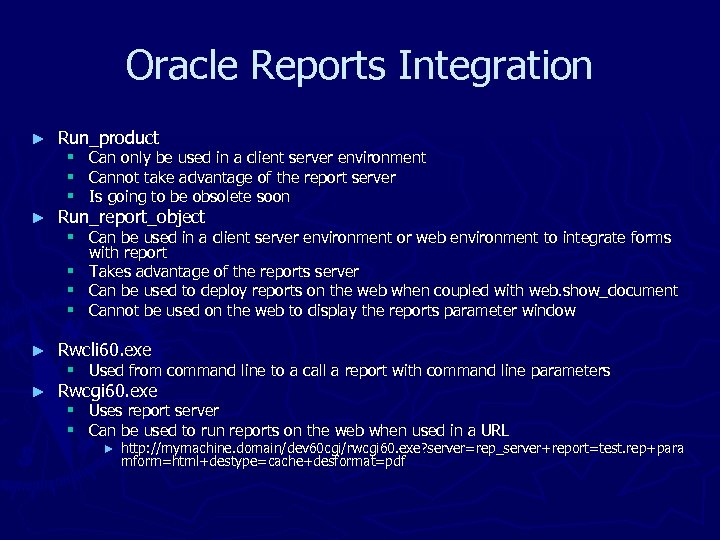
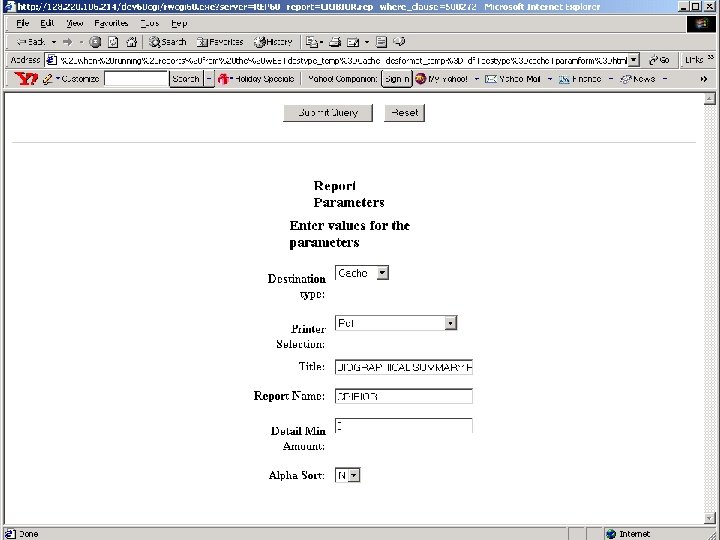
Oracle Reports Integration ► Run_product § § § Can only be used in a client server environment Cannot take advantage of the report server Is going to be obsolete soon ► Run_report_object ► Rwcli 60. exe ► Rwcgi 60. exe § Can be used in a client server environment or web environment to integrate forms with report § Takes advantage of the reports server § Can be used to deploy reports on the web when coupled with web. show_document § Cannot be used on the web to display the reports parameter window § Used from command line to a call a report with command line parameters § Uses report server § Can be used to run reports on the web when used in a URL ► http: //mymachine. domain/dev 60 cgi/rwcgi 60. exe? server=rep_server+report=test. rep+para mform=html+destype=cache+desformat=pdf
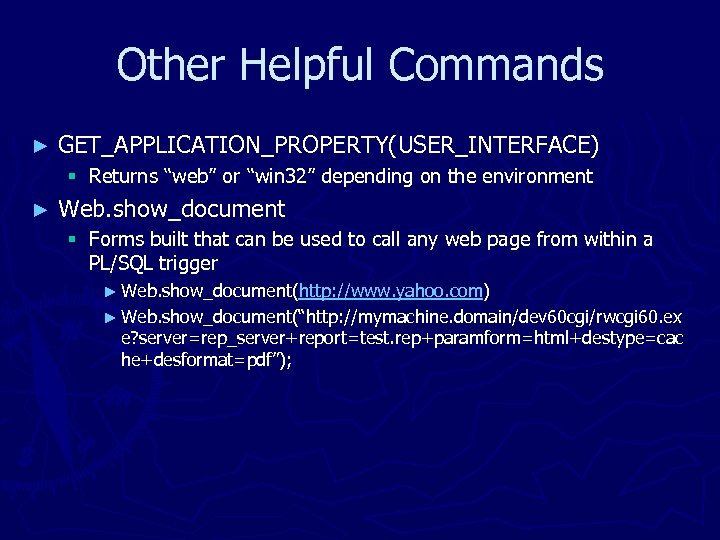
Other Helpful Commands ► GET_APPLICATION_PROPERTY(USER_INTERFACE) § Returns “web” or “win 32” depending on the environment ► Web. show_document § Forms built that can be used to call any web page from within a PL/SQL trigger ► Web. show_document(http: //www. yahoo. com) ► Web. show_document(“http: //mymachine. domain/dev 60 cgi/rwcgi 60. ex e? server=rep_server+report=test. rep+paramform=html+destype=cac he+desformat=pdf”);
Questions
Скачать презентацию From Client Server to WEB Rizwan Akhtar Tangible
b16c07d533c74a03c859818ea74c88d3.ppt