 Скачать презентацию From 3 D CAD to Web catalogs Dieter
788ef6659e5a6f3adac6d7a6c3816bd1.ppt
- Количество слайдов: 14



From 3 D CAD to Web catalogs Dieter Weidenbrück © ITEDO Software 2001
Content • • • Generating illustrations from 3 D CAD Creation of callouts Parts lists Processing the data Viewing environment © ITEDO Software 2001
Generating illustrations from 3 D CAD © ITEDO Software 2001
Requirements for illustrations • Graphic quality • Structural quality • File sizes © ITEDO Software 2001
Conversion to 2 D • Using the 2 D output of CAD systems • Requires additional work on the CAD side • Requires work in an illustration package after conversion • Sample 1: Low quality, IGES not better than HPGL • Sample 2: IGES with HLR, still substantial work required • Using the 3 D output of CAD systems • Less work on the engineering side • Requires illustration package that can manage the conversion • Sample: 3 D IGES Surface model © ITEDO Software 2001
Generating illustrations from 3 D CAD • Combination of 3 D CAD system and 2 D illustration package • Using 2 D output of CAD: • Additional workload on engineers • "Explode" functionality may be used • Leads to 2 D file that needs to be improved and finalized • Finishing and hotspotting in 2 D illustration system • Limited quality © ITEDO Software 2001
Generating illustrations from 3 D CAD • Using 3 D output of CAD: • Publishing department is more independent from engineering • Additional views can be generated as required • Higher graphical and structural quality • Smaller file sizes © ITEDO Software 2001
Creation of Callouts • Will be added in the illustration package • Hotspots are created on callouts or the object geometry • Sample: Hotspot variations © ITEDO Software 2001
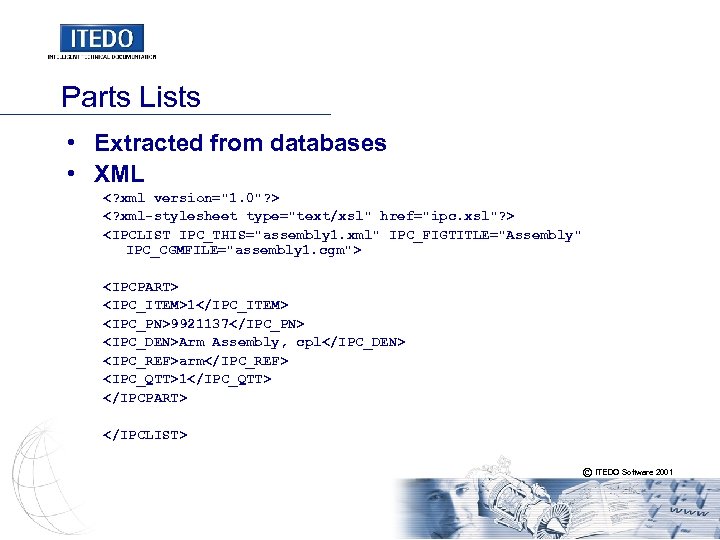
Parts Lists • Extracted from databases • XML <? xml version="1. 0"? > <? xml-stylesheet type="text/xsl" href="ipc. xsl"? > <IPCLIST IPC_THIS="assembly 1. xml" IPC_FIGTITLE="Assembly" IPC_CGMFILE="assembly 1. cgm"> <IPCPART> <IPC_ITEM>1</IPC_ITEM> <IPC_PN>9921137</IPC_PN> <IPC_DEN>Arm Assembly, cpl</IPC_DEN> <IPC_REF>arm</IPC_REF> <IPC_QTT>1</IPC_QTT> </IPCPART> </IPCLIST> © ITEDO Software 2001
Parts Lists • XSLT used to create parts list table • Web. CGM links are created during transformation © ITEDO Software 2001
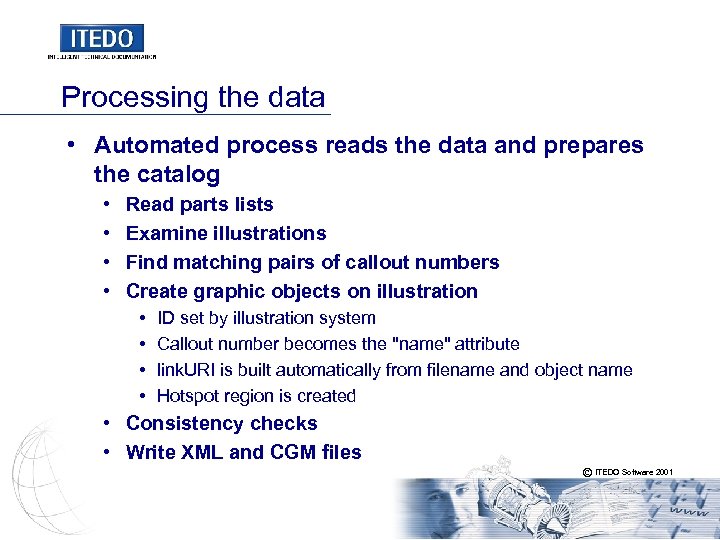
Processing the data • Automated process reads the data and prepares the catalog • • Read parts lists Examine illustrations Find matching pairs of callout numbers Create graphic objects on illustration • • ID set by illustration system Callout number becomes the "name" attribute link. URI is built automatically from filename and object name Hotspot region is created • Consistency checks • Write XML and CGM files © ITEDO Software 2001
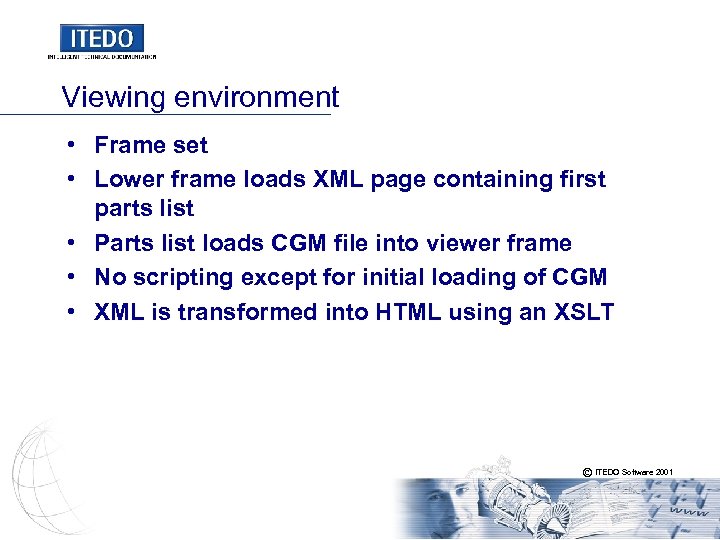
Viewing environment • Frame set • Lower frame loads XML page containing first parts list • Parts list loads CGM file into viewer frame • No scripting except for initial loading of CGM • XML is transformed into HTML using an XSLT © ITEDO Software 2001
Demo • • Data Conversion 3 D to 2 D Callout handling Files of catalog Functionality © ITEDO Software 2001
Conclusion • Today's standards allow for usage of 3 D CAD data in electronic parts catalogs • COTS tools are available to handle most of the process • Some glue is needed to automate the process • Web. CGM offers functionality for a simple webbased catalog • Additional functionality requires scripting – and more work © ITEDO Software 2001
Скачать презентацию From 3 D CAD to Web catalogs Dieter
788ef6659e5a6f3adac6d7a6c3816bd1.ppt