 Скачать презентацию Force HTTPS Protecting High-Security Web Sites from Network
5f025af772009e225cc1dfab7d242ec0.ppt
- Количество слайдов: 16




Force. HTTPS: Protecting High-Security Web Sites from Network Attacks Collin Jackson and Adam Barth
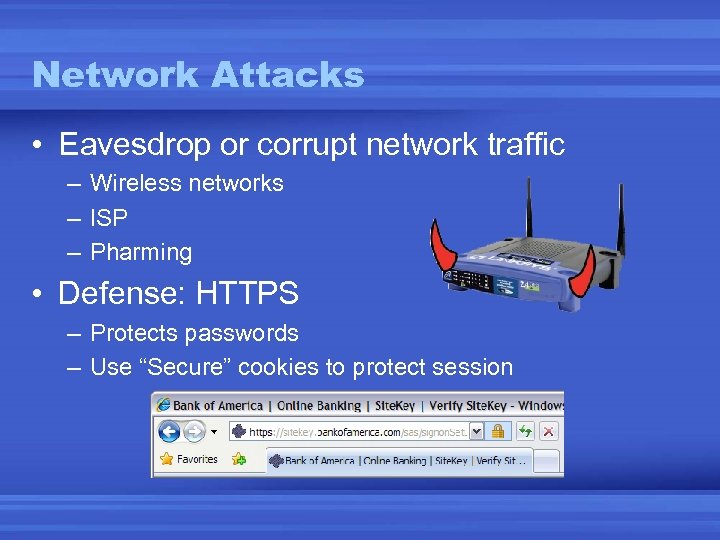
Network Attacks • Eavesdrop or corrupt network traffic – Wireless networks – ISP – Pharming • Defense: HTTPS – Protects passwords – Use “Secure” cookies to protect session
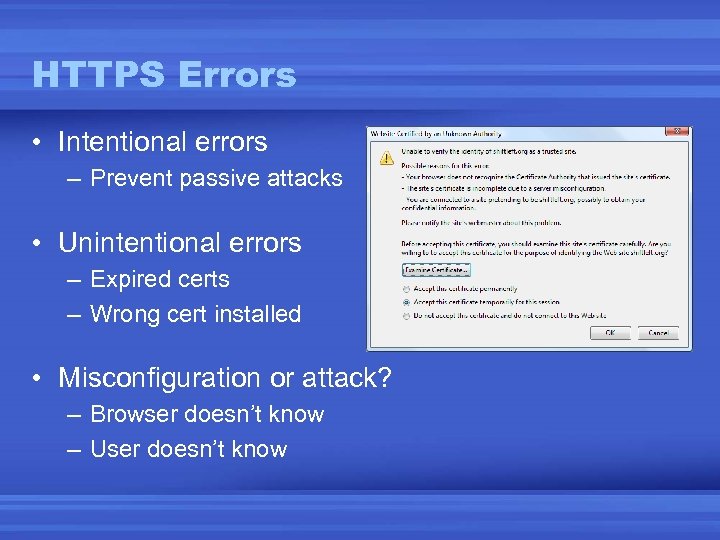
HTTPS Errors • Intentional errors – Prevent passive attacks • Unintentional errors – Expired certs – Wrong cert installed • Misconfiguration or attack? – Browser doesn’t know – User doesn’t know
Threat Model • Active network attacker – Controls the network – Has a valid CA certificate for attacker. com – Does not have a valid CA certificate for bank. com • User – Clicks through certificate errors – Only types bank password at www. bank. com – If applicable, uses 2 -factor auth (e. g. Site. Key) correctly
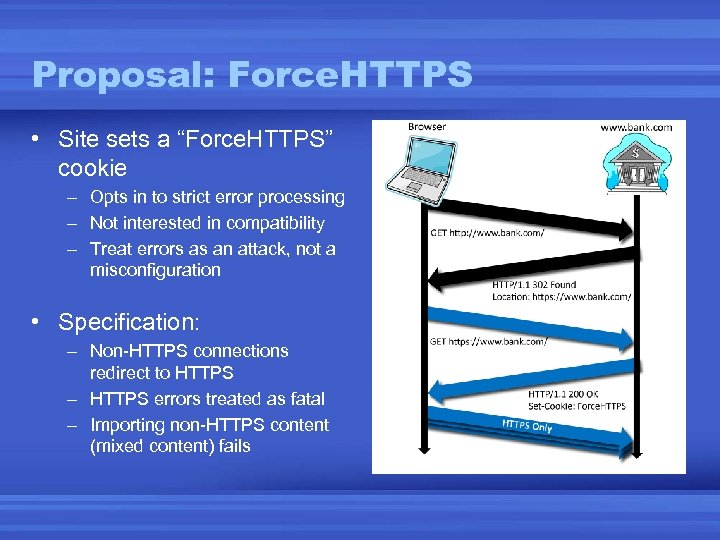
Proposal: Force. HTTPS • Site sets a “Force. HTTPS” cookie – Opts in to strict error processing – Not interested in compatibility – Treat errors as an attack, not a misconfiguration • Specification: – Non-HTTPS connections redirect to HTTPS – HTTPS errors treated as fatal – Importing non-HTTPS content (mixed content) fails
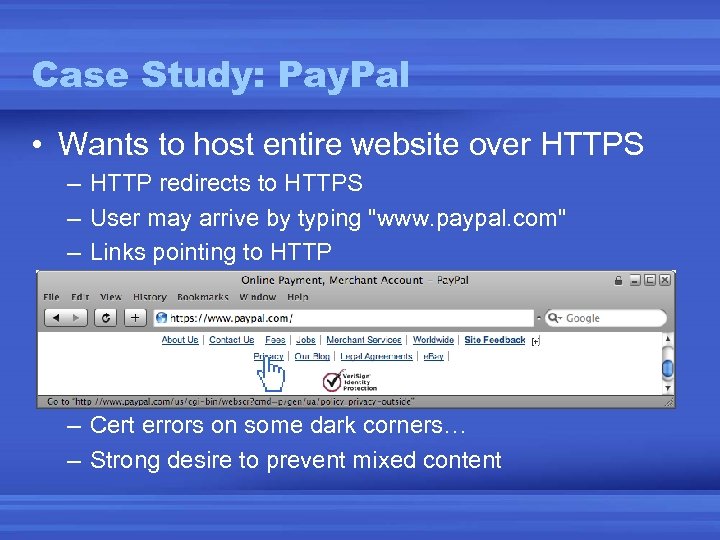
Case Study: Pay. Pal • Wants to host entire website over HTTPS – HTTP redirects to HTTPS – User may arrive by typing "www. paypal. com" – Links pointing to HTTP – Cert errors on some dark corners… – Strong desire to prevent mixed content
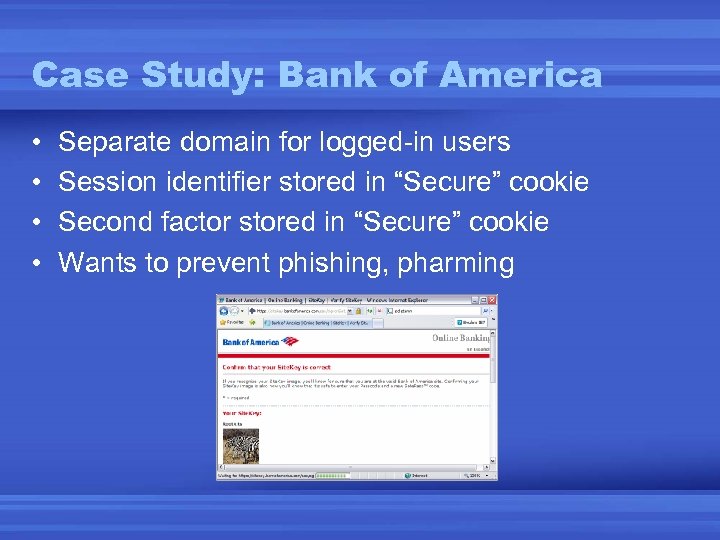
Case Study: Bank of America • • Separate domain for logged-in users Session identifier stored in “Secure” cookie Second factor stored in “Secure” cookie Wants to prevent phishing, pharming
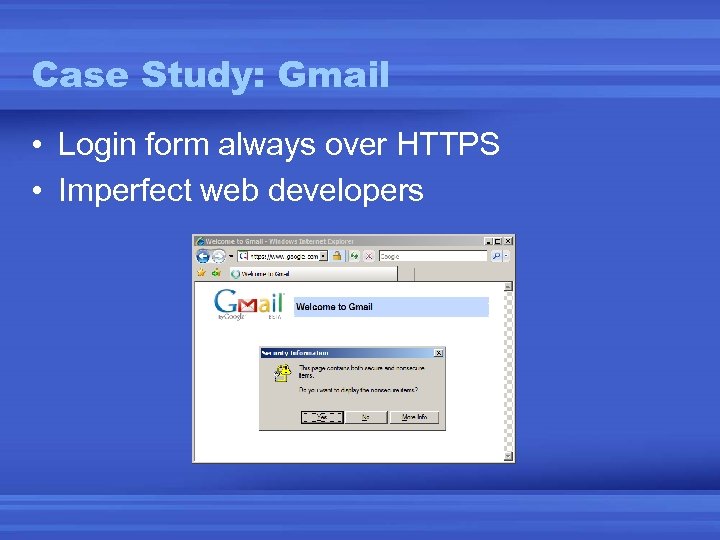
Case Study: Gmail • Login form always over HTTPS • Imperfect web developers
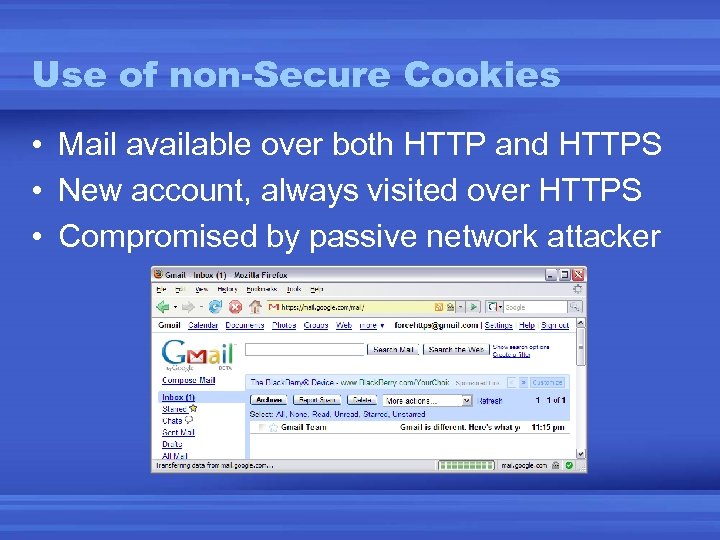
Use of non-Secure Cookies • Mail available over both HTTP and HTTPS • New account, always visited over HTTPS • Compromised by passive network attacker
Implementation • Firefox extension – – Available for download at forcehttps. com Monitors all network connections Blocks connections with cert errors for sites that opt-in Blocks mixed content for sites that opt-in • User-enabled protection – Force. HTTPS enabled for known-compatible sites – Safer Gmail at security conferences
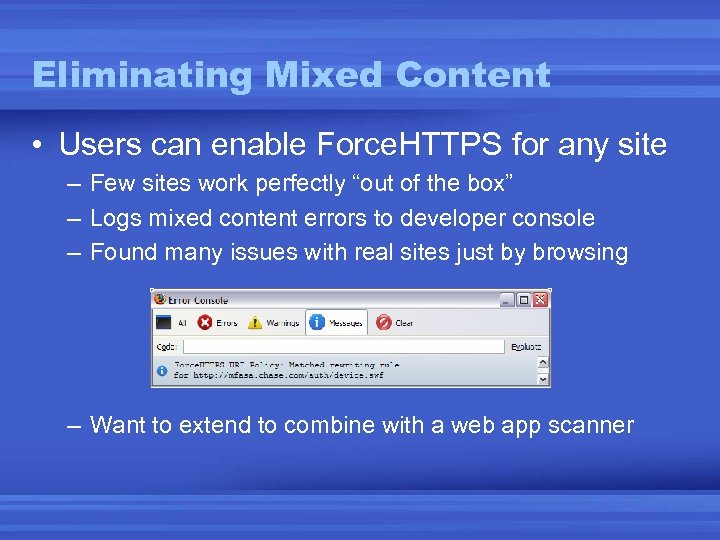
Eliminating Mixed Content • Users can enable Force. HTTPS for any site – Few sites work perfectly “out of the box” – Logs mixed content errors to developer console – Found many issues with real sites just by browsing – Want to extend to combine with a web app scanner
Trick: Scheme Relative URLs • Mixed content is hard to avoid – Often host same content over HTTP and HTTPS – Only want to pay for HTTPS when needed • Omit the scheme <script src="//slashdot. org/foo. js“> • Works in all browsers
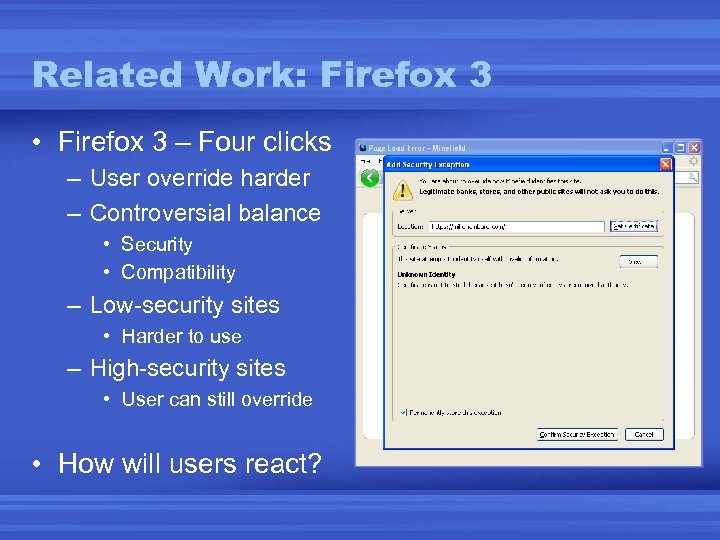
Related Work: Firefox 3 • Firefox 3 – Four clicks – User override harder – Controversial balance • Security • Compatibility – Low-security sites • Harder to use – High-security sites • User can still override • How will users react?
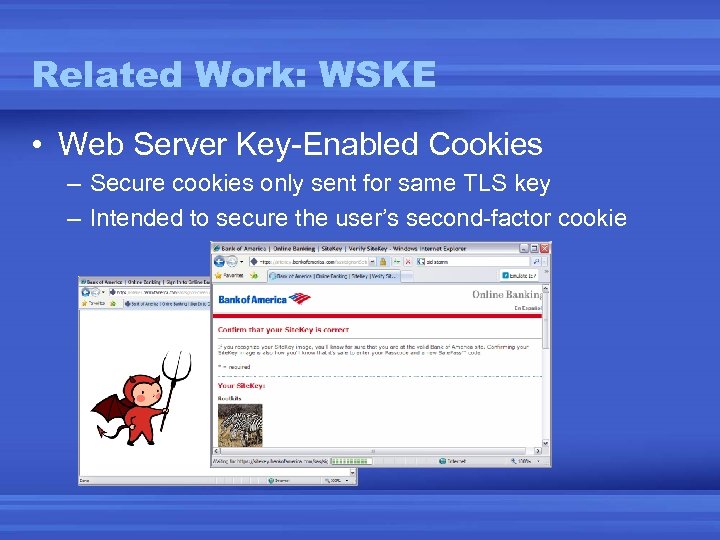
Related Work: WSKE • Web Server Key-Enabled Cookies – Secure cookies only sent for same TLS key – Intended to secure the user’s second-factor cookie
Related Work: Locked SOP • Augment same-origin policy with cert info – “Broken” HTTPS page can’t script valid HTTPS page • Importing libraries ignore scripting policy – – <script src=“https: //www. paypalobjects. com/. . . ”> User clicks through cert error for paypalobjects. com Real Pay. Pal imports script from paypalobjects. com Attacker runs script as “unbroken” Pay. Pal Sites cannot safely use <script src=“…”>, CSS, SWF, etc
Conclusions • Browsers trade off security for compatibility – High-security sites want more security – Browser can be stricter if sites opt-in – Simple kind of “content restriction” • Force. HTTPS – “Please enable strict HTTPS error processing” – Strong threat model, difficult to get mechanism right – More details in the paper • Denial of service, error recovery, cookie integrity, privacy, etc
Скачать презентацию Force HTTPS Protecting High-Security Web Sites from Network
5f025af772009e225cc1dfab7d242ec0.ppt