


 Скачать презентацию Focus on Security 2 Focus on Security
2cd97874c6dd9aea7330ceb5269ea398.ppt
- Количество слайдов: 81
 Focus on Security
 2 Focus on Security dr. Frank B. Brokken (f. b. brokken@rug. nl) Center of Information Technology University of Groningen 2013
 3 ICT Security Topics: Day 1: General principles. Day 2: System hardening and integrity. Day 3: Keeping the bad guys out. Day 4: Seeing the invisible; what's passing through the wires? Day 5: Summary and conclusions
 4 ICT Security General principles. Focusing on security Well-known security risks Defense mechanisms How can encryption help? Public Key Infrastructures PGP/GPG, SSL
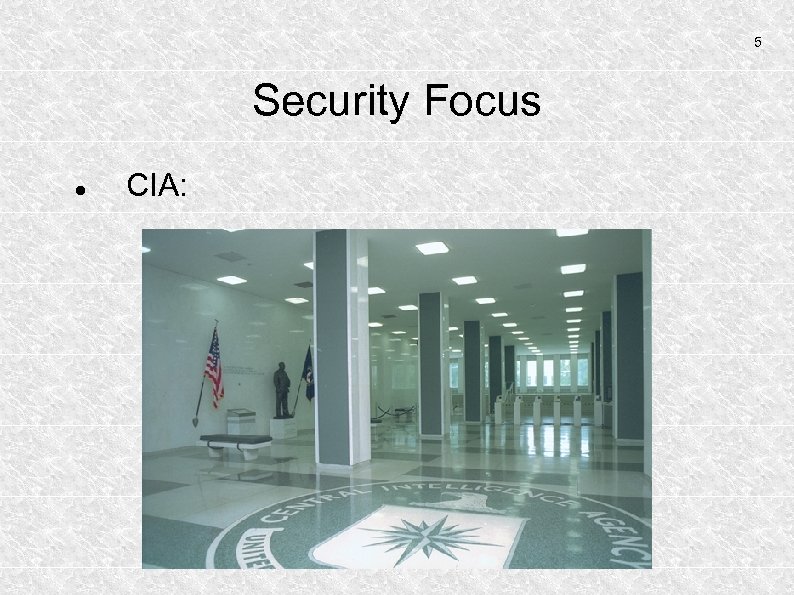 5 Security Focus CIA:
 6 Security Focus CIA: Confidentiality
 7 Security Focus CIA: Confidentiality Integrity
 8 Security Focus CIA: Confidentiality Integrity Availability
 9 Security Risks What are the risks when CIA is reduced ?
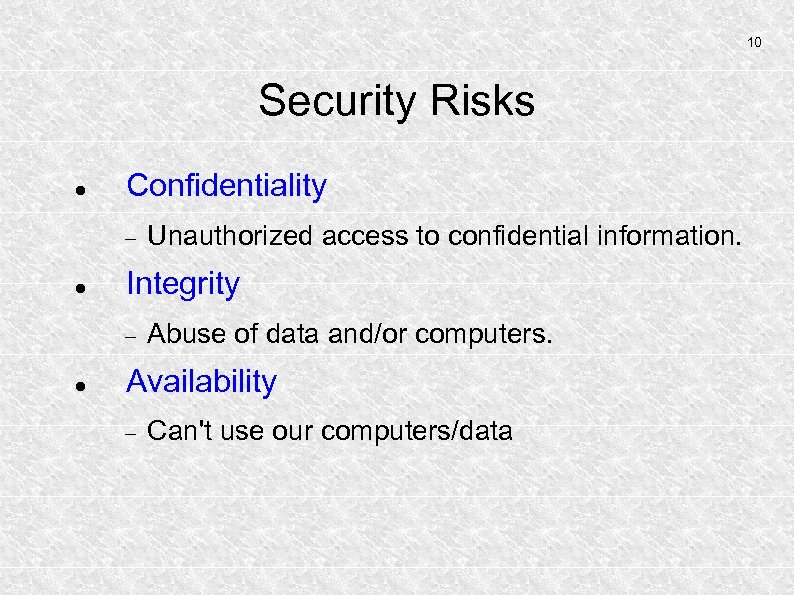 10 Security Risks Confidentiality Integrity Unauthorized access to confidential information. Abuse of data and/or computers. Availability Can't use our computers/data
 11 Defense Mechanisms We'll cover: Organization of prevention and recovery How has `security' been organized at, e. g. , my university
 12 Defense Mechanisms We'll cover: Organization of prevention and recovery Dangers of commonly used practices What's wrong with what we've learned to do in the past?
 13 Defense Mechanisms We'll cover: Organization of prevention and recovery Dangers of commonly used practices Improvements over these practices What can we do to prevent falling in traps?
 14 Defense Mechanisms We'll cover: Organization of prevention and recovery Dangers of commonly used practices Improvements over these practices Firewalls: philosophies and setup, DMZs What's the use of firewalls? How can they be deployed (and abused)?
 15 Defense Mechanisms We'll cover: Organization of prevention and recovery Dangers of commonly used practices Improvements over these practices Firewalls: philosophies and setup, DMZs Securing information using encryption How can encryption be used in real-life?
 16 Defense Mechanisms We'll cover: Organization of prevention and recovery Dangers of commonly used practices Improvements over these practices Firewalls: philosophies and setup, DMZs Securing information using encryption Various tools will be covered during this week. How can tools help to improve security?
 17 Prevention and Recovery ICT Security: embed activities in larger structures. primarily a question of the right mentality. rules and documents work to some extent; foundation to fall back upon.
 18 Embedding ICT Security Considerations: Role models: who's handling incidents? new developments The Communication Network Embedding ICT-Security Any activities Promoting ICT-Security?
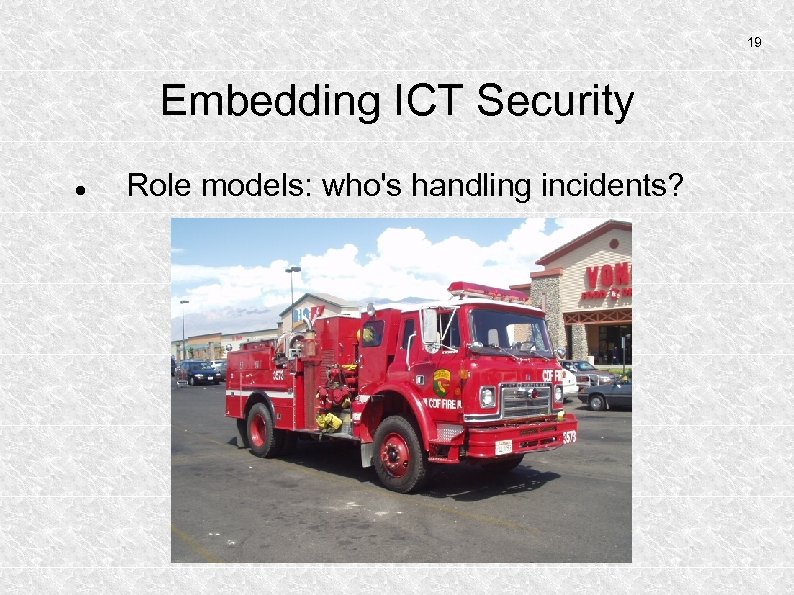 19 Embedding ICT Security Role models: who's handling incidents?
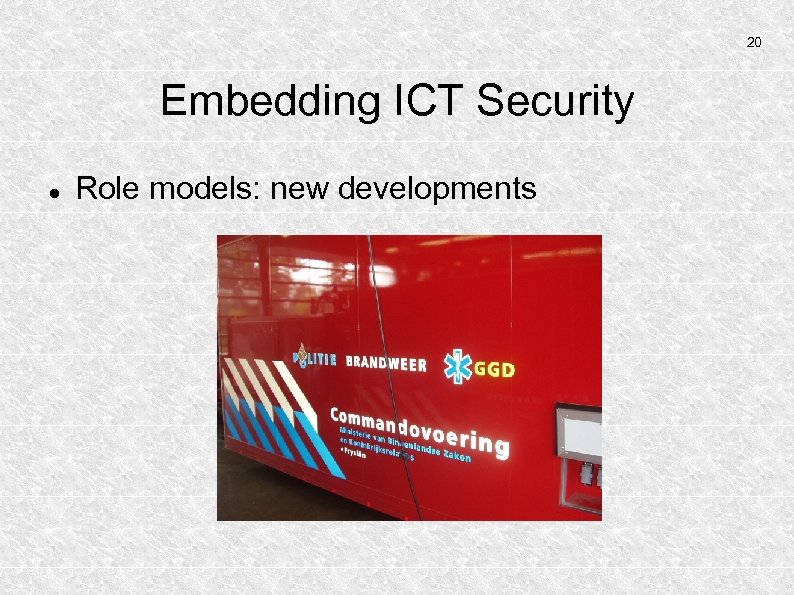 20 Embedding ICT Security Role models: new developments
 21 Embedding ICT Security The Communications Network University: an organization of faculties and services. Systems managers: more or less `trusted'. The `Outside world': how does information reach the University? what information reaches the University?
 22 Embedding ICT Security SEP: Communications Network University: organization of faculties and services. Systems managers: more or less `trusted'. `Outside world': how information reaches the University. October 2000: The University of Groningen introduced the function of ICT Security Manager.
 23 Embedding ICT Security Communications Network Aim: create a communication structure that is independent of the persons involved.
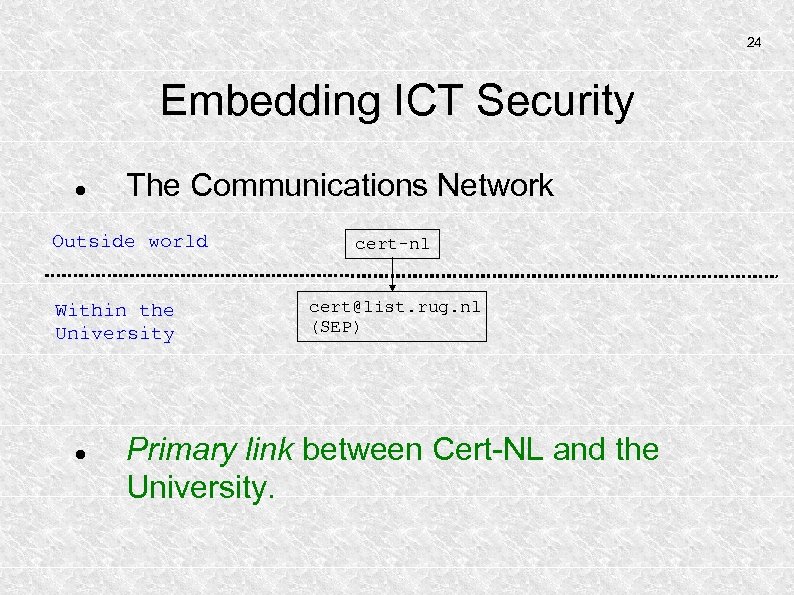 24 Embedding ICT Security The Communications Network Outside world Within the University cert-nl cert@list. rug. nl (SEP) Primary link between Cert-NL and the University.
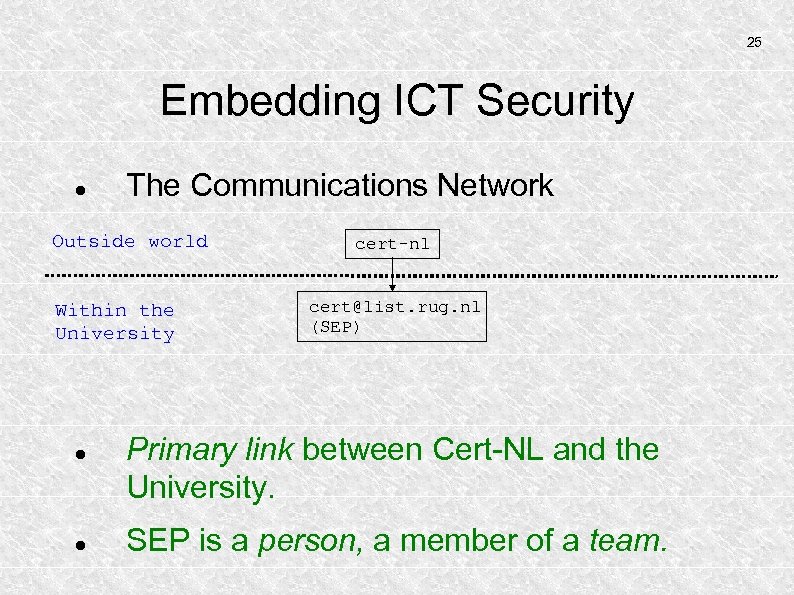 25 Embedding ICT Security The Communications Network Outside world Within the University cert-nl cert@list. rug. nl (SEP) Primary link between Cert-NL and the University. SEP is a person, a member of a team.
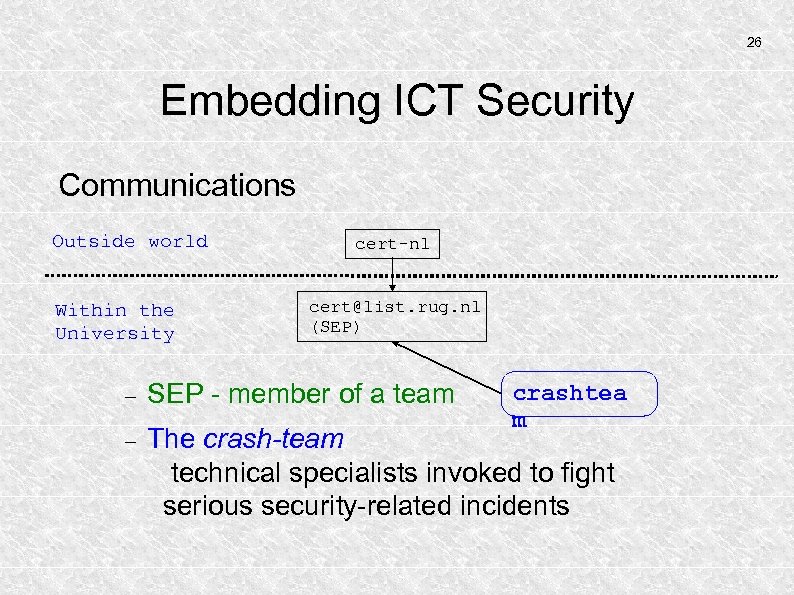 26 Embedding ICT Security Communications Outside world Within the University cert-nl cert@list. rug. nl (SEP) SEP - member of a team The crash-team technical specialists invoked to fight serious security-related incidents crashtea m
 27 Embedding ICT Security Embedding ICT-Security U of Groningen
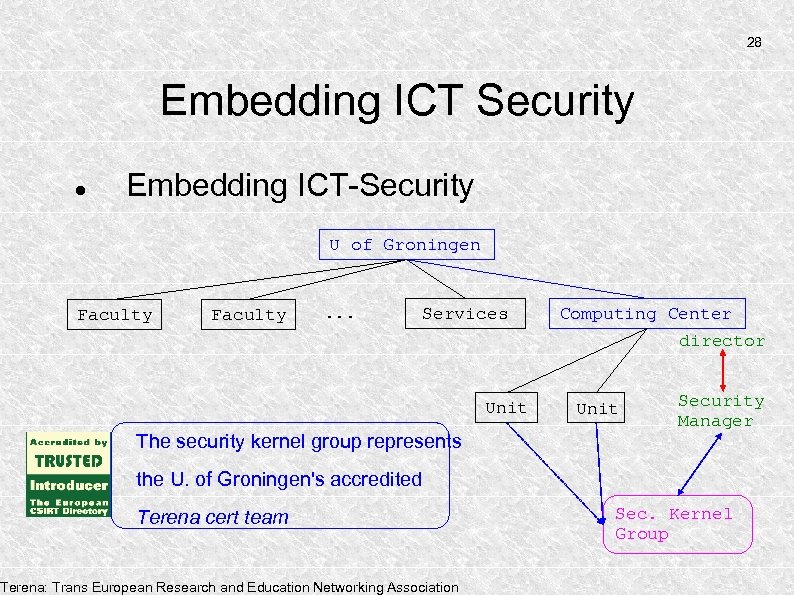 28 Embedding ICT Security Embedding ICT-Security U of Groningen Faculty . . . Services Unit The security kernel group represents Computing Center director Unit Security Manager the U. of Groningen's accredited Terena cert team Terena: Trans European Research and Education Networking Association Sec. Kernel Group
 29 Embedding ICT Security Activities Promoting ICT-Security Web. Site http: //www. rug. nl/cit/security In particular note (also in English): https: //www. rug. nl/cit/security/aup (the Acceptable Use Policy of the U. of Groningen)
 30 Embedding ICT Security Activities Promoting ICT-Security Web. Site: http: //www. rug. nl/cit/security `Column' in bimonthly Pictogram publication
 31 Embedding ICT Security Activities Promoting ICT-Security Web. Site: http: //www. rug. nl/cit/security `Column' in bimonthly Pictogram publication Security Courses (honeypots, GPG/PGP, forensics, security awareness, information security)
 32 Embedding ICT Security Activities Promoting ICT-Security Web. Site: http: //www. rug. nl/cit/security `Column' in bimonthly Pictogram publication Security Courses (honeypots, GPG/PGP, forensics, security awareness, information security) Advisories, not just those that are asked-for.
 33 Embedding ICT Security Activities Promoting ICT-Security Web. Site: http: //www. rug. nl/cit/security `Column' in bimonthly Pictogram publication Security Courses (honeypots, GPG/PGP, forensics, security awareness, information security) Advisories, not just those that are asked-for. Formal documents and procedures AUP, shutting down accounts, access to data
 34 Embedding ICT Security Activities Promoting ICT-Security Web. Site: http: //www. rug. nl/cit/security `Column' in bimonthly Pictogram publication Security Courses (honeypots, GPG/PGP, forensics, security awareness, information security) Advisories, not only asked-for. Formal documents (e. g. , the AUP) In general: be visible
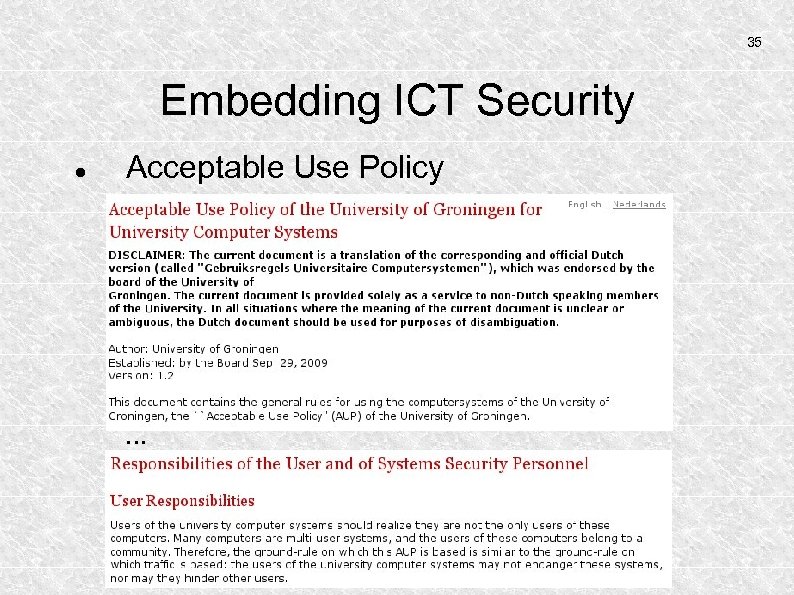 35 Embedding ICT Security Acceptable Use Policy . . .
 36 Embedding ICT Security Some Sections in an Acceptable Use Policy: User responsibilities Responsibilities of Systems Managers Topics: passwords, facilities, privileges Consequences of abuse Legal framework Framework for the AUP itself: BS 7799, ISO 27001.
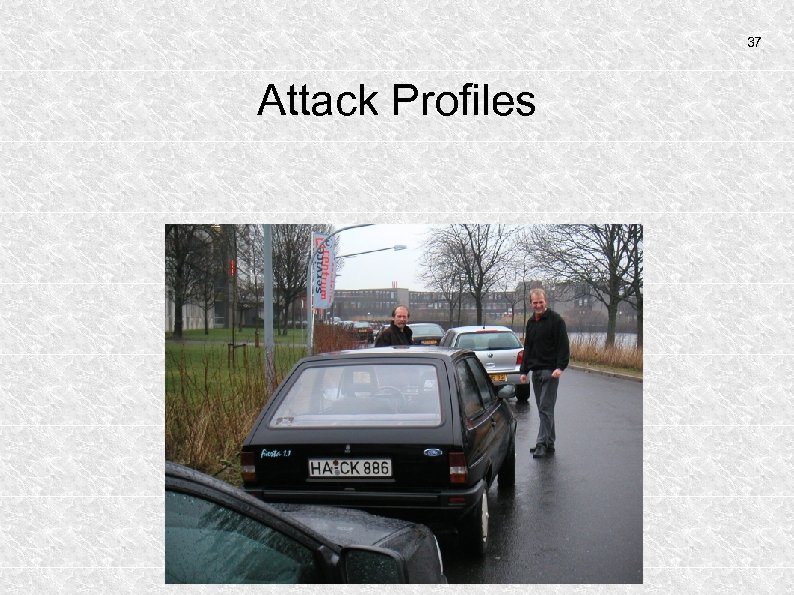 37 Attack Profiles
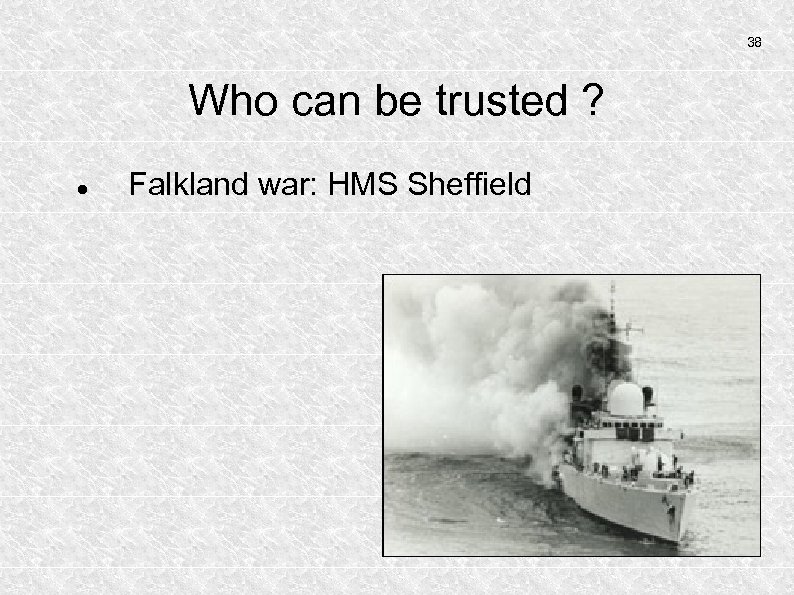 38 Who can be trusted ? Falkland war: HMS Sheffield
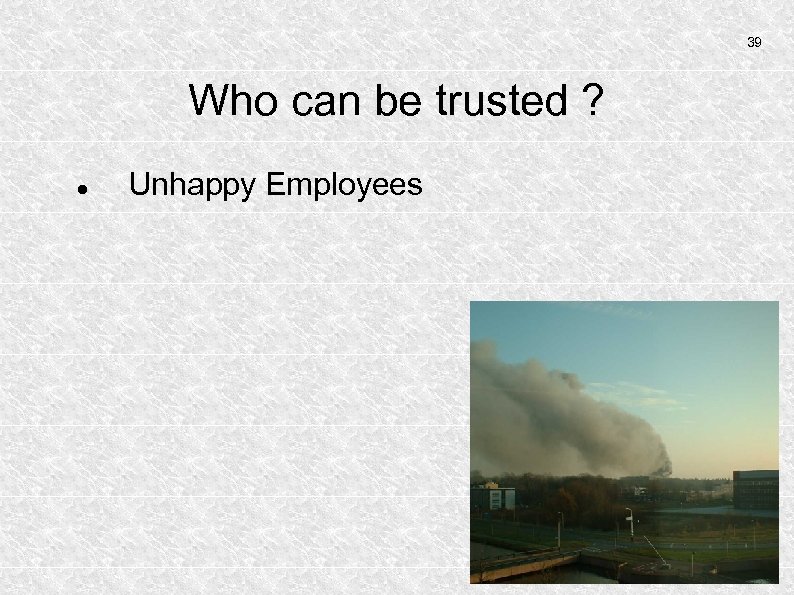 39 Who can be trusted ? Unhappy Employees
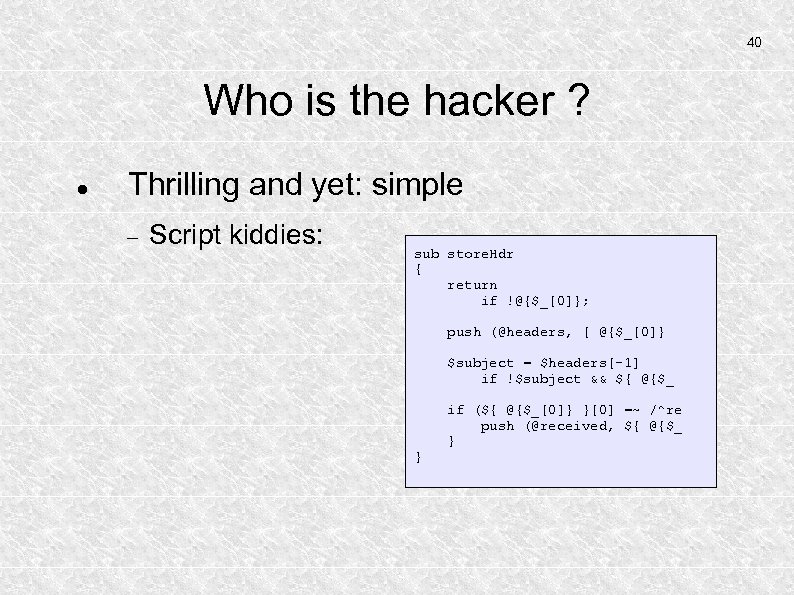 40 Who is the hacker ? Thrilling and yet: simple Script kiddies: sub store. Hdr { return if !@{$_[0]}; push (@headers, [ @{$_[0]} $subject = $headers[-1] if !$subject && ${ @{$_ } if (${ @{$_[0]} }[0] =~ /^re push (@received, ${ @{$_ }
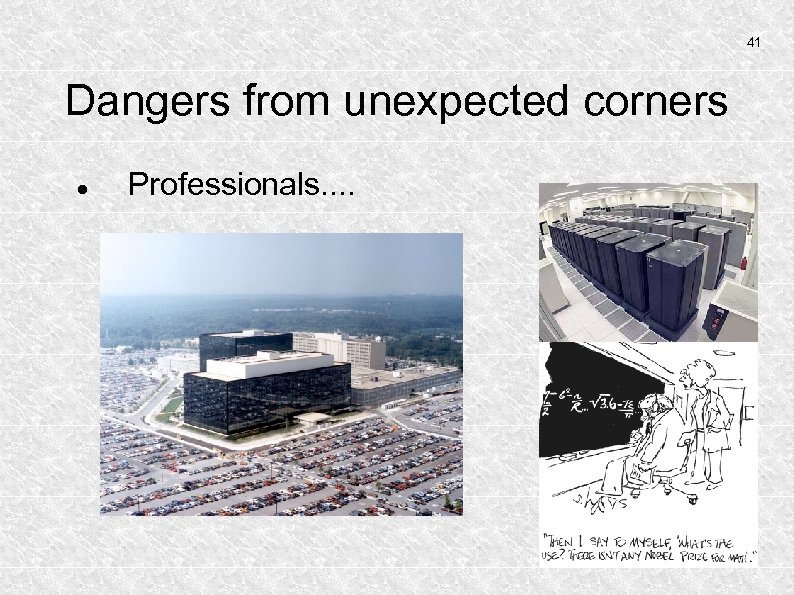 41 Dangers from unexpected corners Professionals. .
 42 Information Security But also. . If you spend more on coffee than on IT security, then you will be hacked. What's more, you deserve to be hacked. Richard Clarke Former Special Advisor to the US President on Cybersecurity
 43 What is the response ? Serious Incidents: Medical faculty, Space Research Center, Child Pornography, `February 2007' hack Communicate the incident to lawenforcement agencies
 44 Dangers of Common Practices Clear-text protocols Main danger: password sniffing
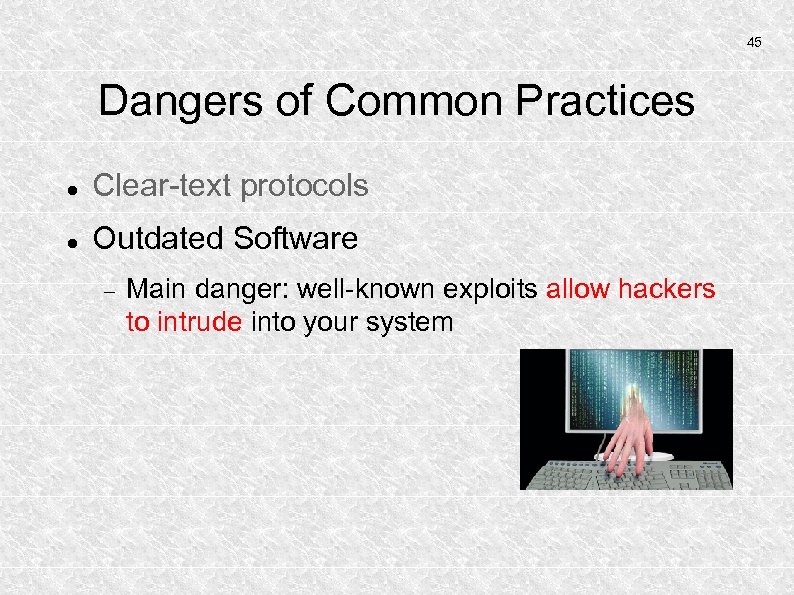 45 Dangers of Common Practices Clear-text protocols Outdated Software Main danger: well-known exploits allow hackers to intrude into your system
 46 Dangers of Common Practices Clear-text protocols Outdated Software Sleepy System Administrators Main danger: Intrusions are not detected when they have occurred
 47 Dangers of Common Practices Clear-text protocols Outdated Software Sleepy System Administrators Too liberally configured systems Main danger: Intruders may use many approach routes, serious system management becomes too time-consuming
 48 Dangers of Common Practices Clear-text protocols Outdated Software Sleepy System Administrators Too liberally configured systems Weak Passwords Main danger: intruders gain access through guessed or probed passwords.
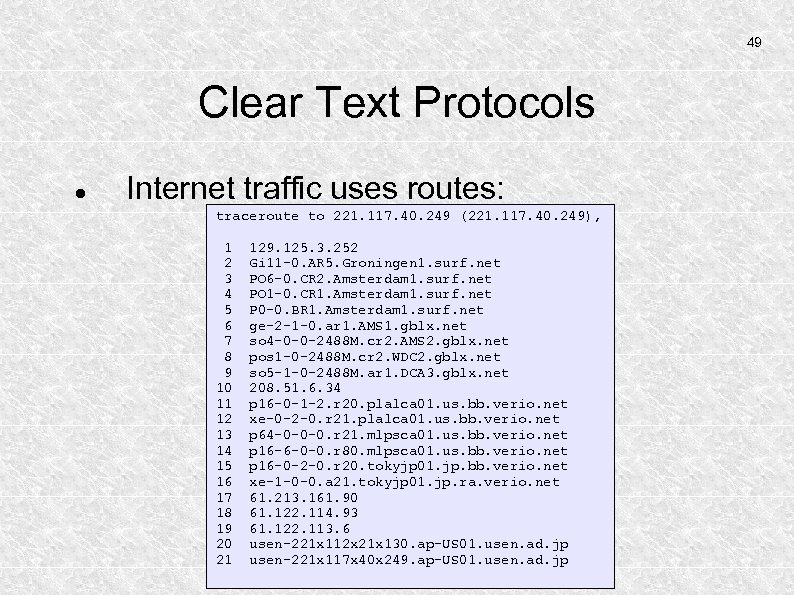 49 Clear Text Protocols Internet traffic uses routes: traceroute to 221. 117. 40. 249 (221. 117. 40. 249), 1 2 3 4 5 6 7 8 9 10 11 12 13 14 15 16 17 18 19 20 21 129. 125. 3. 252 Gi 11 -0. AR 5. Groningen 1. surf. net PO 6 -0. CR 2. Amsterdam 1. surf. net PO 1 -0. CR 1. Amsterdam 1. surf. net P 0 -0. BR 1. Amsterdam 1. surf. net ge-2 -1 -0. ar 1. AMS 1. gblx. net so 4 -0 -0 -2488 M. cr 2. AMS 2. gblx. net pos 1 -0 -2488 M. cr 2. WDC 2. gblx. net so 5 -1 -0 -2488 M. ar 1. DCA 3. gblx. net 208. 51. 6. 34 p 16 -0 -1 -2. r 20. plalca 01. us. bb. verio. net xe-0 -2 -0. r 21. plalca 01. us. bb. verio. net p 64 -0 -0 -0. r 21. mlpsca 01. us. bb. verio. net p 16 -6 -0 -0. r 80. mlpsca 01. us. bb. verio. net p 16 -0 -2 -0. r 20. tokyjp 01. jp. bb. verio. net xe-1 -0 -0. a 21. tokyjp 01. jp. ra. verio. net 61. 213. 161. 90 61. 122. 114. 93 61. 122. 113. 6 usen-221 x 112 x 21 x 130. ap-US 01. usen. ad. jp usen-221 x 117 x 40 x 249. ap-US 01. usen. ad. jp
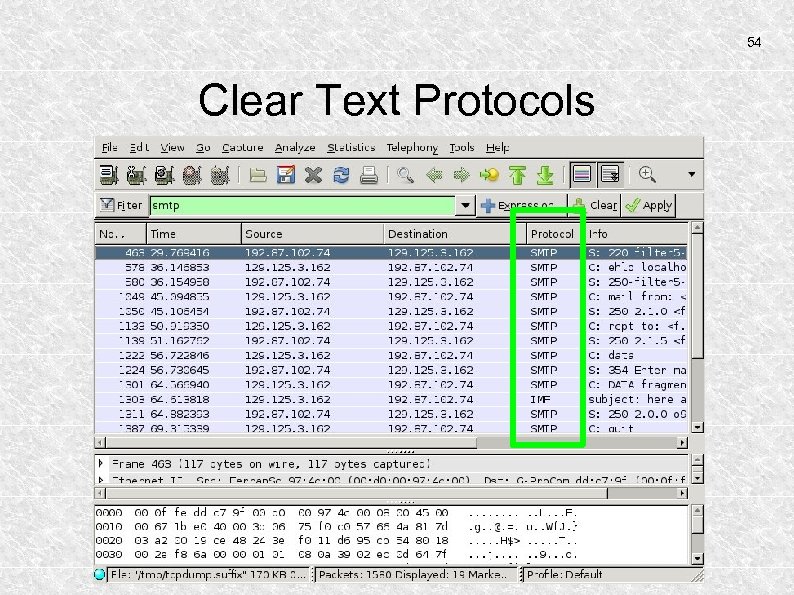
 50 Clear Text Protocols Information is often sent using clear text: WWW telnet File sharing (smb) e-mail RPC Hackers may intercept this information anywhere along the route using sniffers.
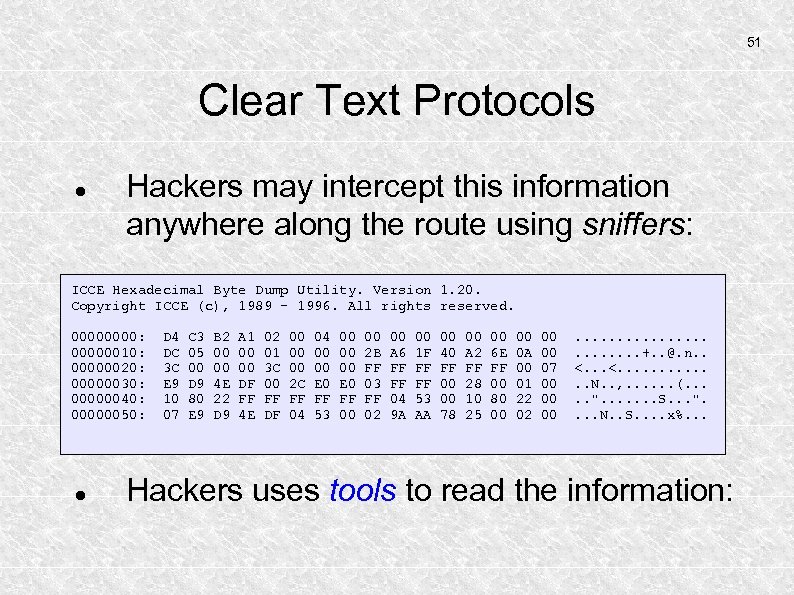 51 Clear Text Protocols Hackers may intercept this information anywhere along the route using sniffers: ICCE Hexadecimal Byte Dump Utility. Version 1. 20. Copyright ICCE (c), 1989 - 1996. All rights reserved. 0000: 00000010: 00000020: 00000030: 00000040: 00000050: D 4 DC 3 C E 9 10 07 C 3 05 00 D 9 80 E 9 B 2 00 00 4 E 22 D 9 A 1 00 00 DF FF 4 E 02 01 3 C 00 FF DF 00 00 00 2 C FF 04 04 00 00 E 0 FF 53 00 00 00 E 0 FF 00 00 2 B FF 03 FF 02 00 A 6 FF FF 04 9 A 00 1 F FF FF 53 AA 00 40 FF 00 00 78 00 A 2 FF 28 10 25 00 6 E FF 00 80 00 00 0 A 00 01 22 02 00 00 07 00 00 00 . . . +. . @. n. . <. . . N. . , . . . (. . . ". . . . S. . . ". . N. . S. . x%. . . Hackers uses tools to read the information:
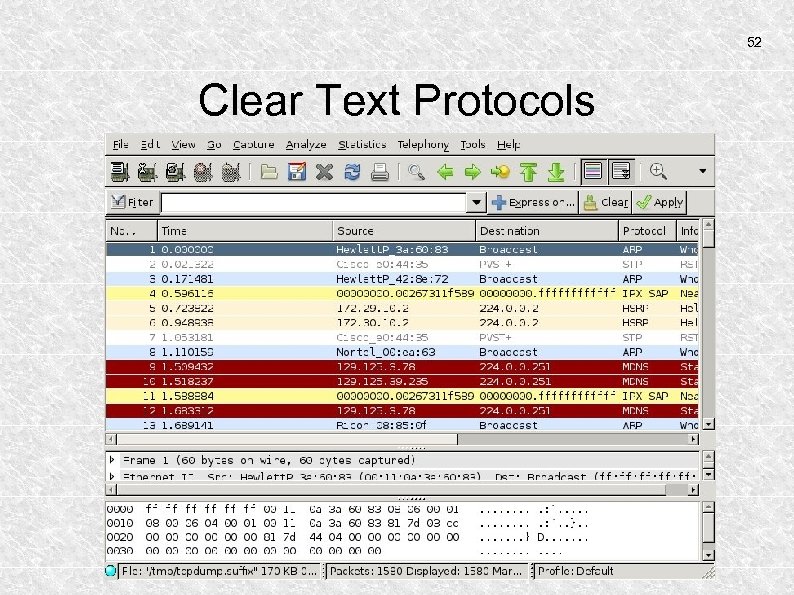 52 Clear Text Protocols
 53 Clear Text Protocols The hacker now looks for something promising, like e-mail. . .
 54 Clear Text Protocols
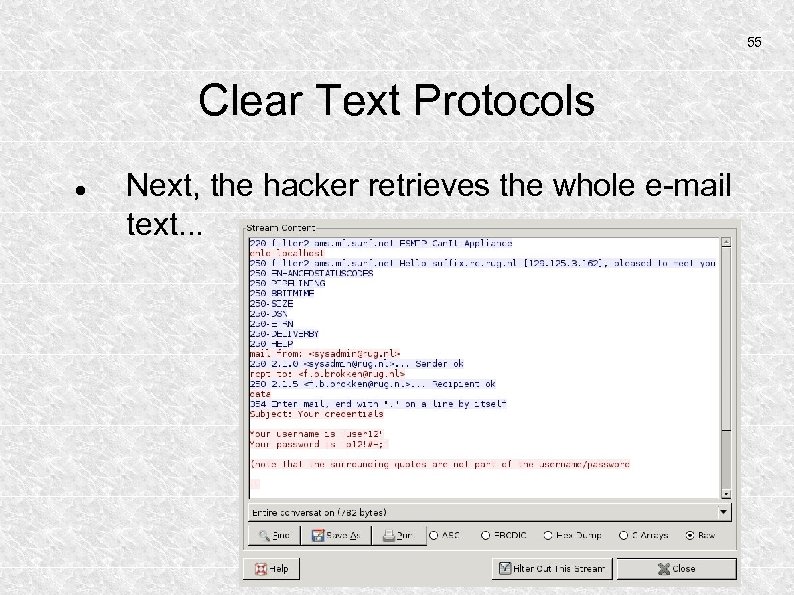 55 Clear Text Protocols Next, the hacker retrieves the whole e-mail text. . .
 56 Clear Text Protocols How clear-text is e-mail anyway? When encryption is used, the information is unreadable. Intercepting e-mail between MTA's using TLS results in illegible stream contents. Mail Transfer Agents (MTAs) often use TLS: Transport Layer Security.
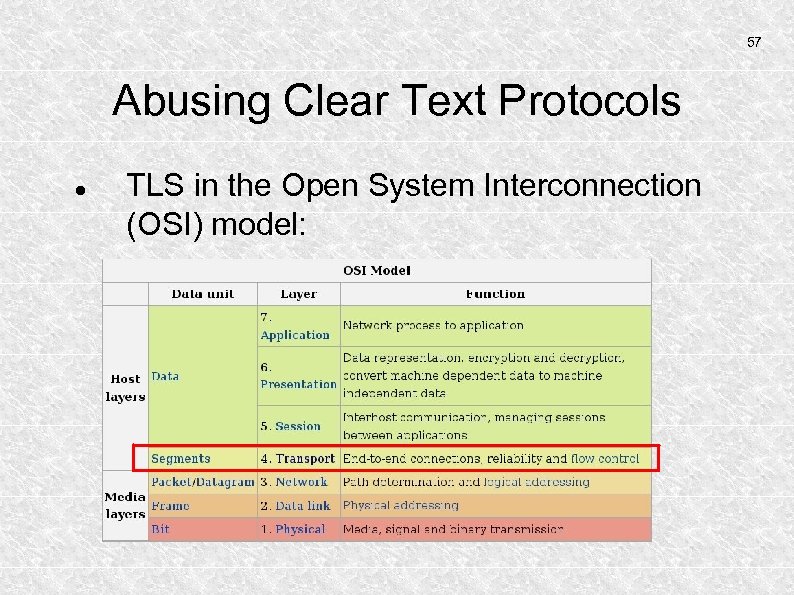 57 Abusing Clear Text Protocols TLS in the Open System Interconnection (OSI) model:
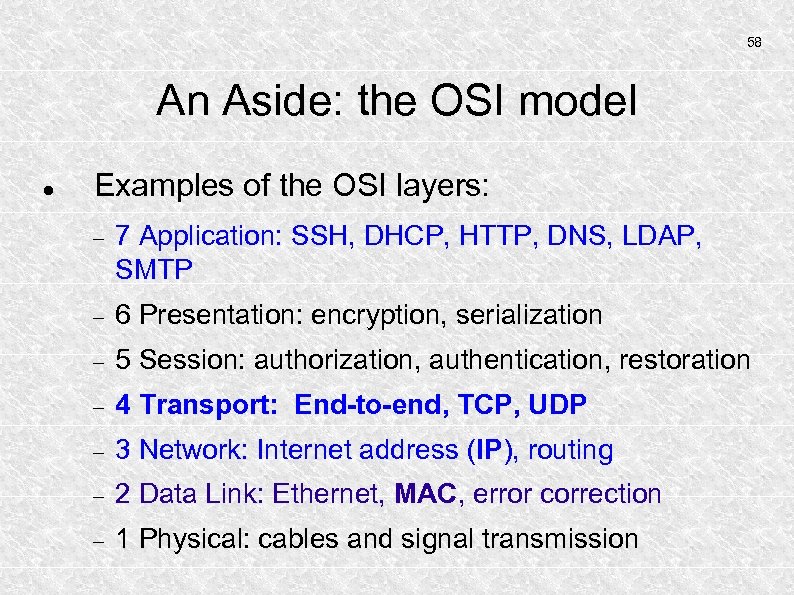 58 An Aside: the OSI model Examples of the OSI layers: 7 Application: SSH, DHCP, HTTP, DNS, LDAP, SMTP 6 Presentation: encryption, serialization 5 Session: authorization, authentication, restoration 4 Transport: End-to-end, TCP, UDP 3 Network: Internet address (IP), routing 2 Data Link: Ethernet, MAC, error correction 1 Physical: cables and signal transmission
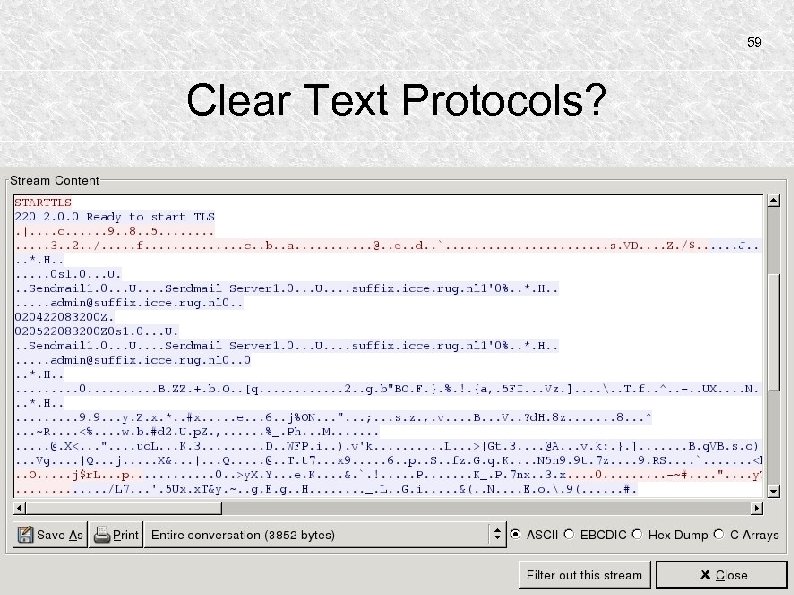 59 Clear Text Protocols?
 60 Countermeasures against clear-text communication: TLS is nice, but verifiability is better Cleartext storage of sensitive information is suboptimal GPG/PGP solves both verifiability and sensitivity problems. In general: clear text transport and storage of sensitive information should be avoided and/or prohibited.
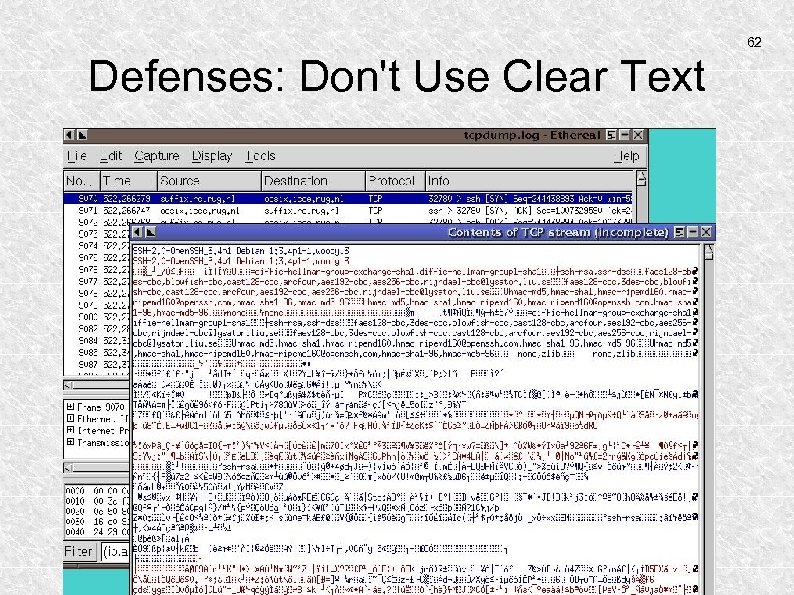
 61 Defenses: Don't Use Clear Text Unreadable for the man in the middle Example of intercepted SSH communication:
 62 Defenses: Don't Use Clear Text
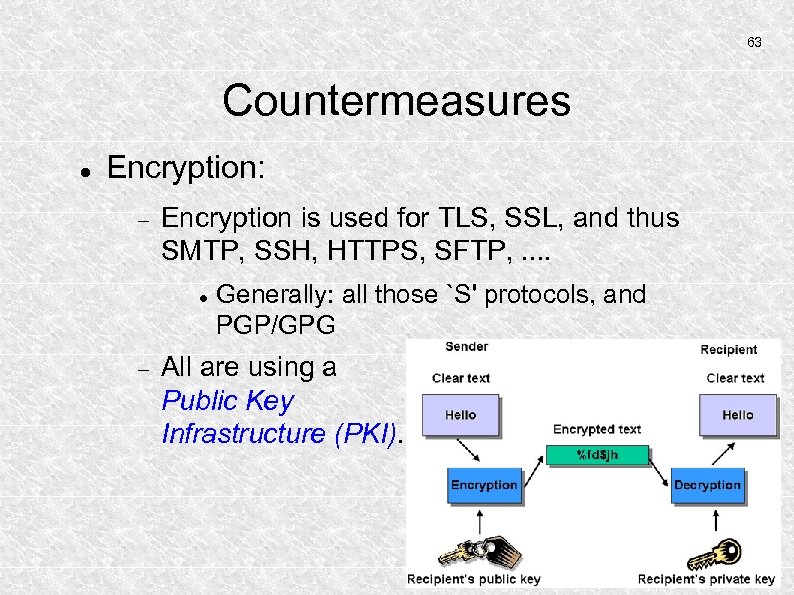 63 Countermeasures Encryption: Encryption is used for TLS, SSL, and thus SMTP, SSH, HTTPS, SFTP, . . Generally: all those `S' protocols, and PGP/GPG All are using a Public Key Infrastructure (PKI).
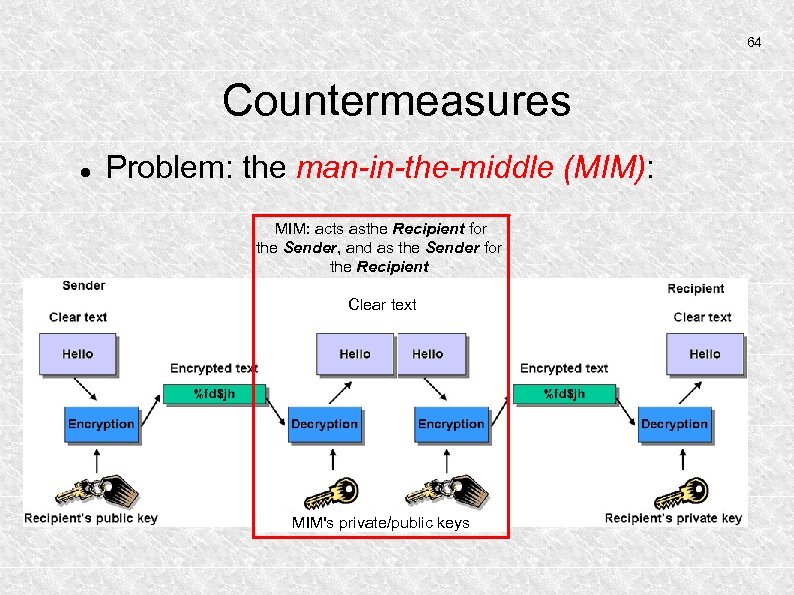 64 Countermeasures Problem: the man-in-the-middle (MIM): MIM: acts asthe Recipient for the Sender, and as the Sender for the Recipient Clear text MIM's private/public keys
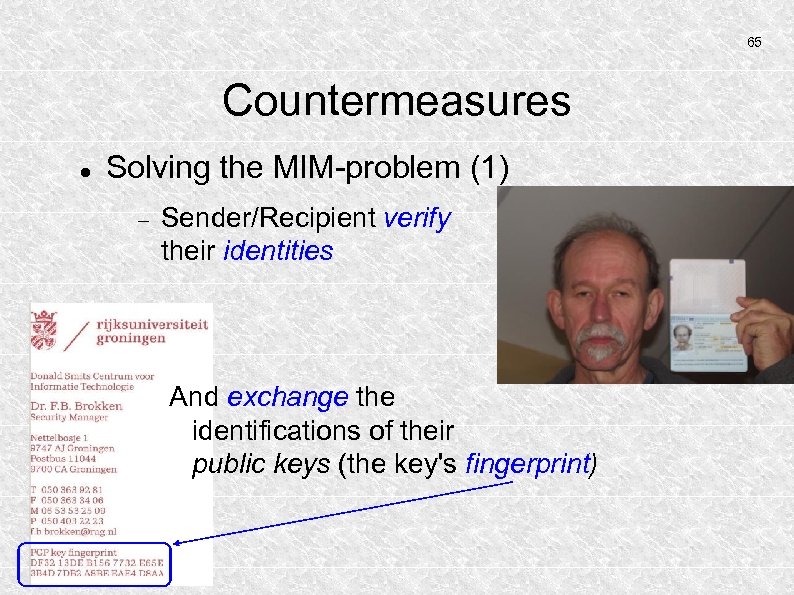 65 Countermeasures Solving the MIM-problem (1) Sender/Recipient verify their identities And exchange the identifications of their public keys (the key's fingerprint)
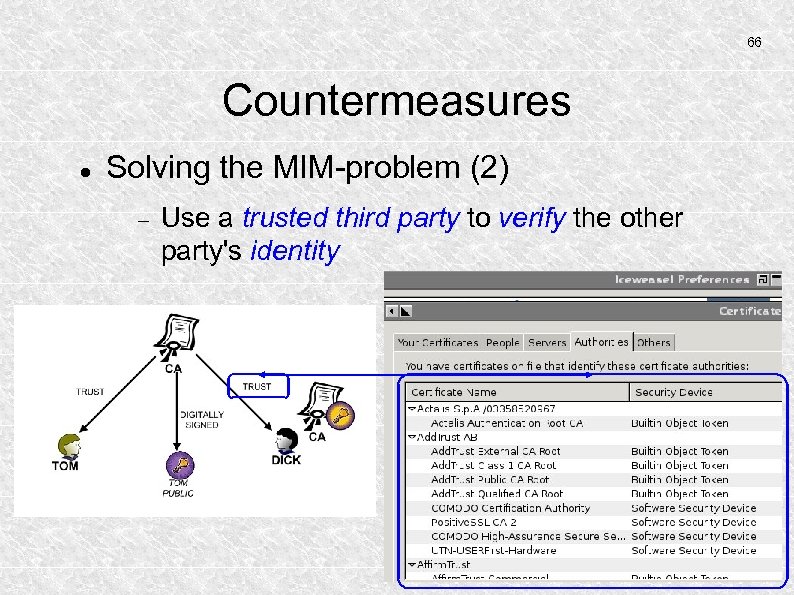 66 Countermeasures Solving the MIM-problem (2) Use a trusted third party to verify the other party's identity
 67 Countermeasures What is a fingerprint? A cryptographically strong hash-value of an electronic document (like a public key) How to verify an ssh-host's certificate? A host's ssh-key usually is found here: /etc/ssh_host_rsa_key. To compute its fingerprint: ssh-keygen -l -f /etc/ssh_host_rsa_key
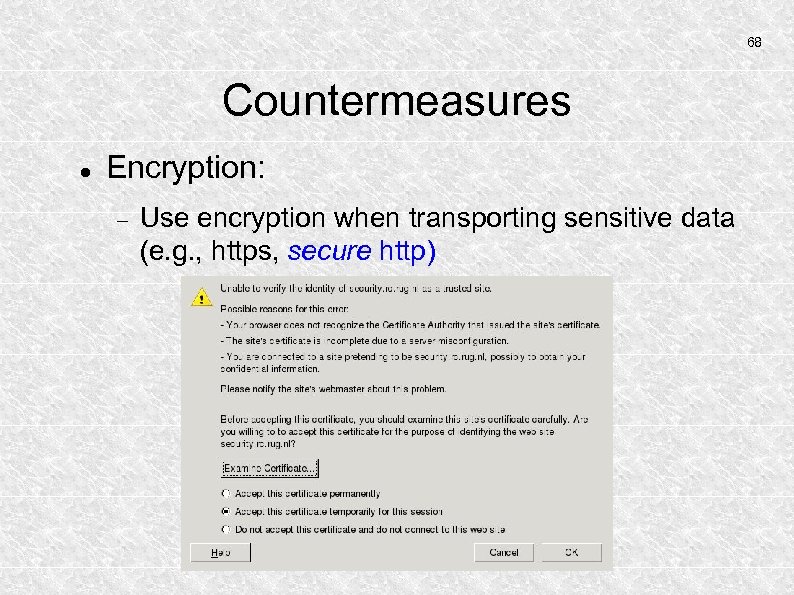 68 Countermeasures Encryption: Use encryption when transporting sensitive data (e. g. , https, secure http)
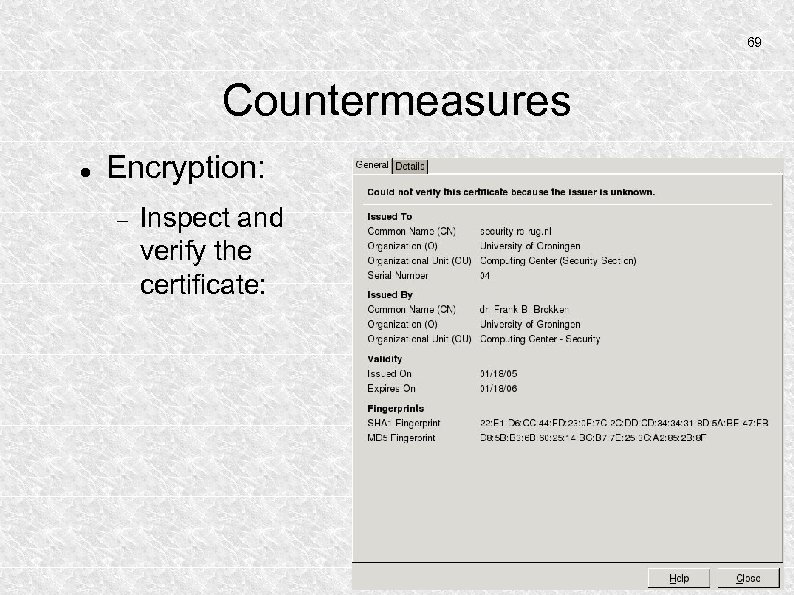 69 Countermeasures Encryption: Inspect and verify the certificate:
 70 PGP/GPG Encryption using Public Key Infrastructure (PKI) Widely known public key Privately kept private (or secret) key Passphrase to use private key Software is free No known practically feasible way to subvert
 71 PGP/GPG Facilities: Encrypt your own sensitive data Ensure the authenticity of a sender (maybe yourself to somebody else) Ensure that nobody but the intended sender is able to read confidential information
 72 GPG/PGP Pretty Good Privacy/Gnu's Privacy Guard
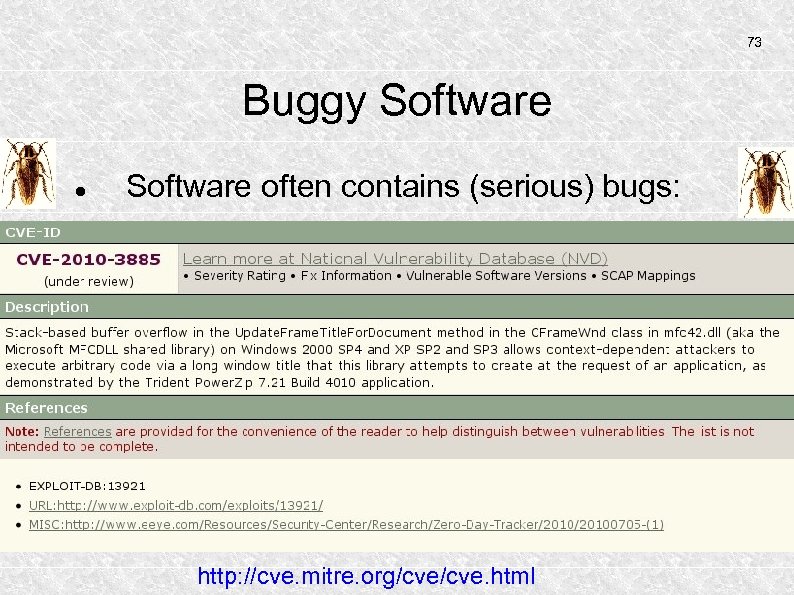 73 Buggy Software often contains (serious) bugs: http: //cve. mitre. org/cve. html
 74 Update Software Most problems are caused by a bad security mentality: indifference, lack of knowledge Irrespective of those serious psychological defects, hackers try to exploit (not so)wellknown weaknesses in software. But. . .
 75 Update Software Most problems are caused by a bad security mentality: indifference, lack of knowledge D 8 AA Irrespective of those serious psychological defects, hackers try to exploit (not so) wellknown weaknesses in software. How do you know the update itself is not distributed by the hacker? Use signatures! Frank B. Brokken Computing Center, University of Groningen (+31) 50 363 9281 Public PGP key: http: //pgp. surfnet. nl: 11371 Key Fingerprint: DF 32 13 DE B 156 7732 E 65 E 3 B 4 D 7 DB 2 A 8 BE EAE 4
 76 Weak Passwords Password files may often be grabbed By local users Using XSS and friends, e. g. , web-forms Using brute force password-cracking, dictionary attacks, or rainbow tables the hacker searches until a match is found. Various tools for password cracking exist (e. g. john)
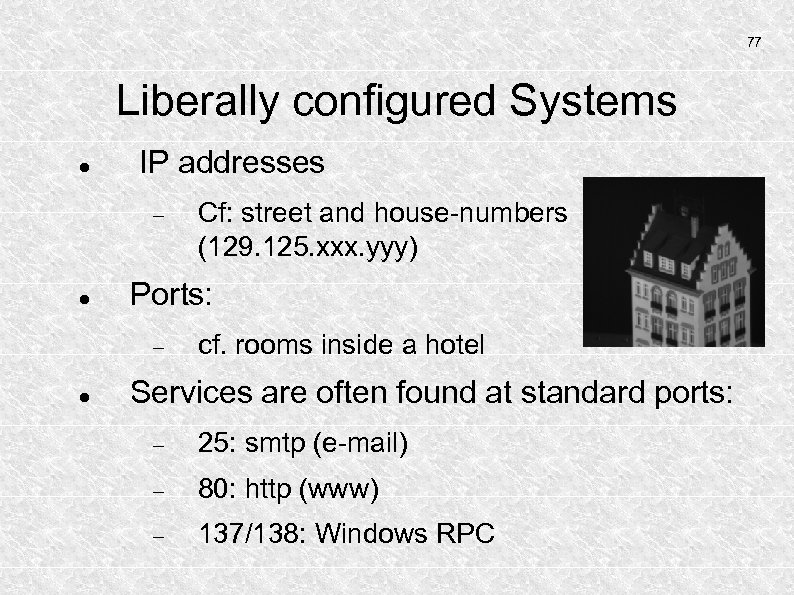 77 Liberally configured Systems IP addresses Ports: Cf: street and house-numbers (129. 125. xxx. yyy) cf. rooms inside a hotel Services are often found at standard ports: 25: smtp (e-mail) 80: http (www) 137/138: Windows RPC
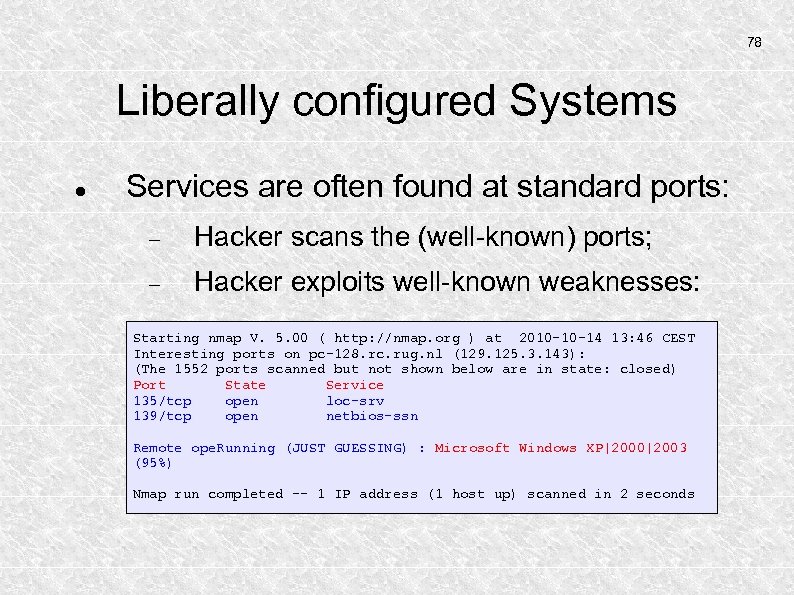 78 Liberally configured Systems Services are often found at standard ports: Hacker scans the (well-known) ports; Hacker exploits well-known weaknesses: Starting nmap V. 5. 00 ( http: //nmap. org ) at 2010 -10 -14 13: 46 CEST Interesting ports on pc-128. rc. rug. nl (129. 125. 3. 143): (The 1552 ports scanned but not shown below are in state: closed) Port State Service 135/tcp open loc-srv 139/tcp open netbios-ssn Remote ope. Running (JUST GUESSING) : Microsoft Windows XP|2000|2003 (95%) Nmap run completed -- 1 IP address (1 host up) scanned in 2 seconds
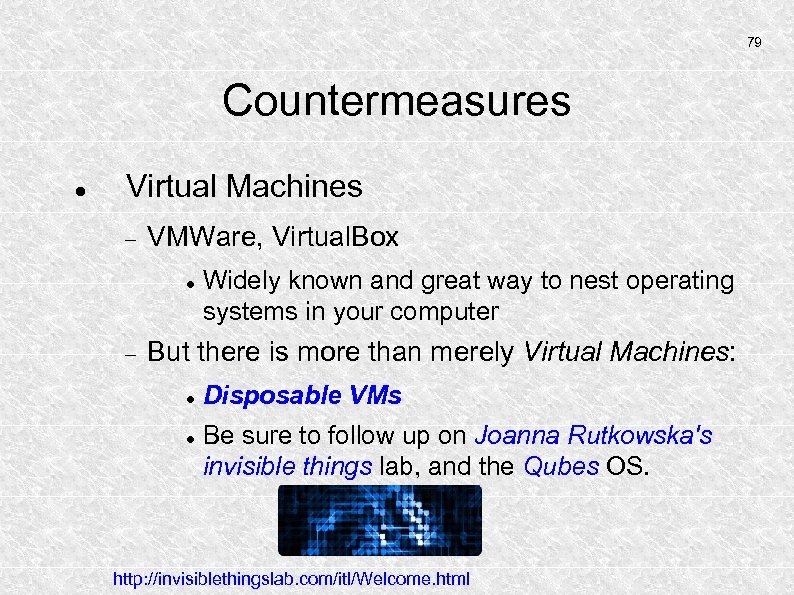 79 Countermeasures Virtual Machines VMWare, Virtual. Box Widely known and great way to nest operating systems in your computer But there is more than merely Virtual Machines: Disposable VMs Be sure to follow up on Joanna Rutkowska's invisible things lab, and the Qubes OS. http: //invisiblethingslab. com/itl/Welcome. html
 80 ICT Security Day 2: Hardening the local system Basic principles behind `System Hardening' Deploying a File Integrity Scanner (Stealth)
 81 Focus on Security General Principles dr. Frank B. Brokken Center of Information Technology University of Groningen 2013